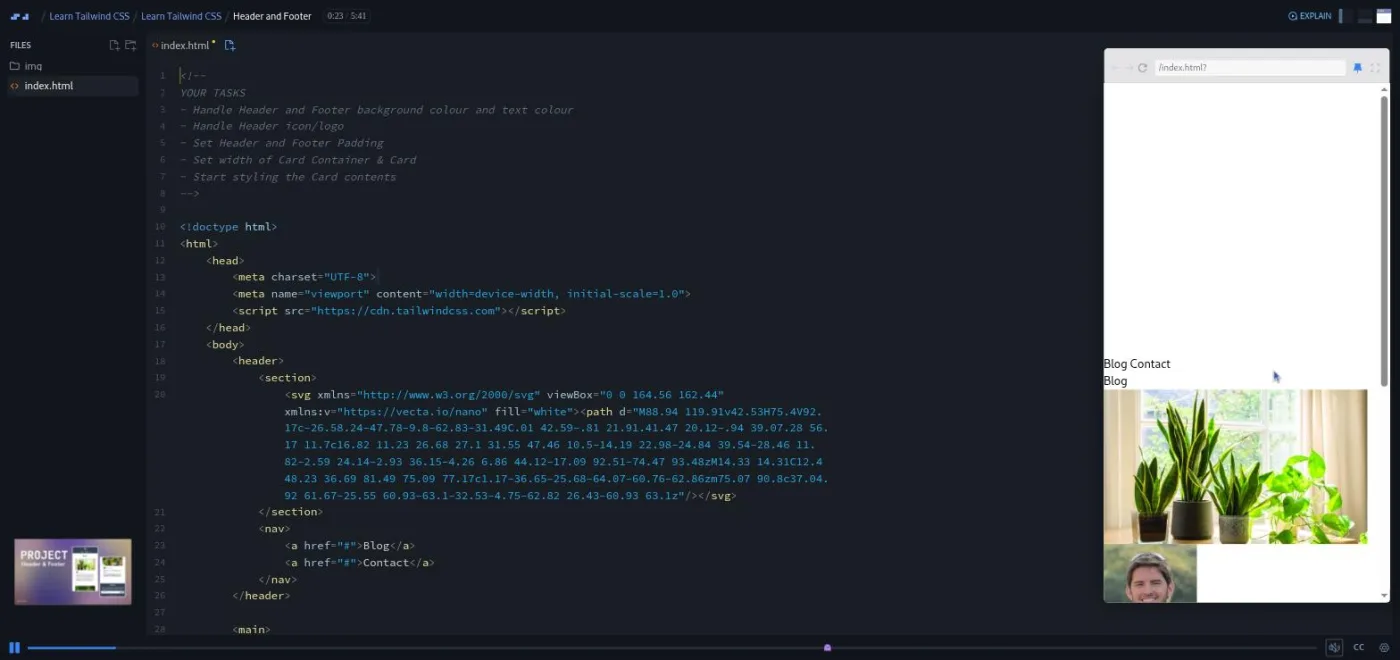
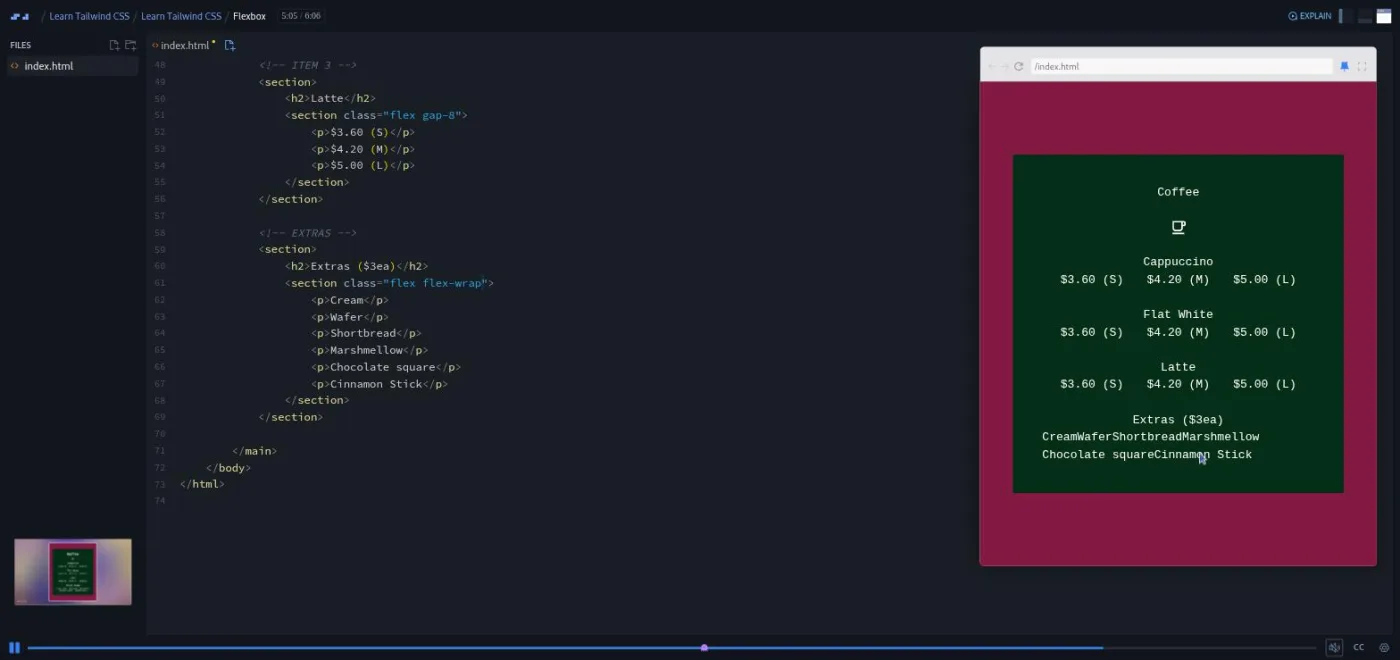
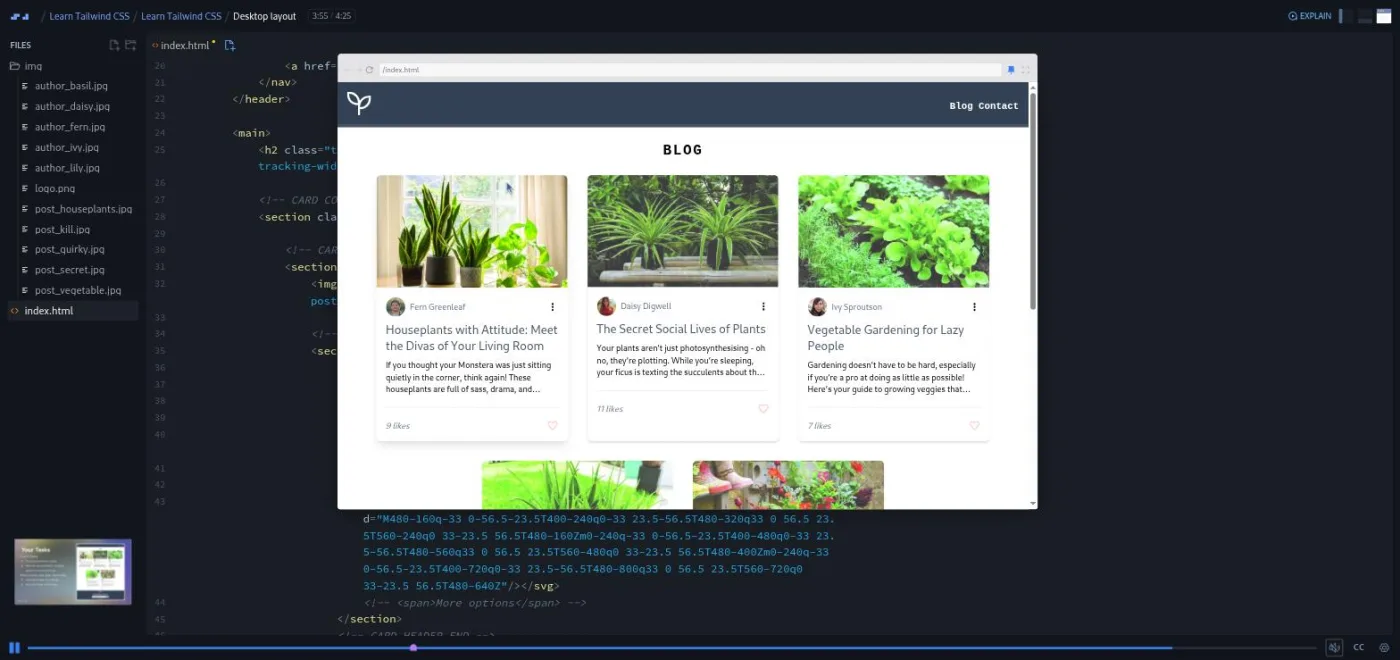
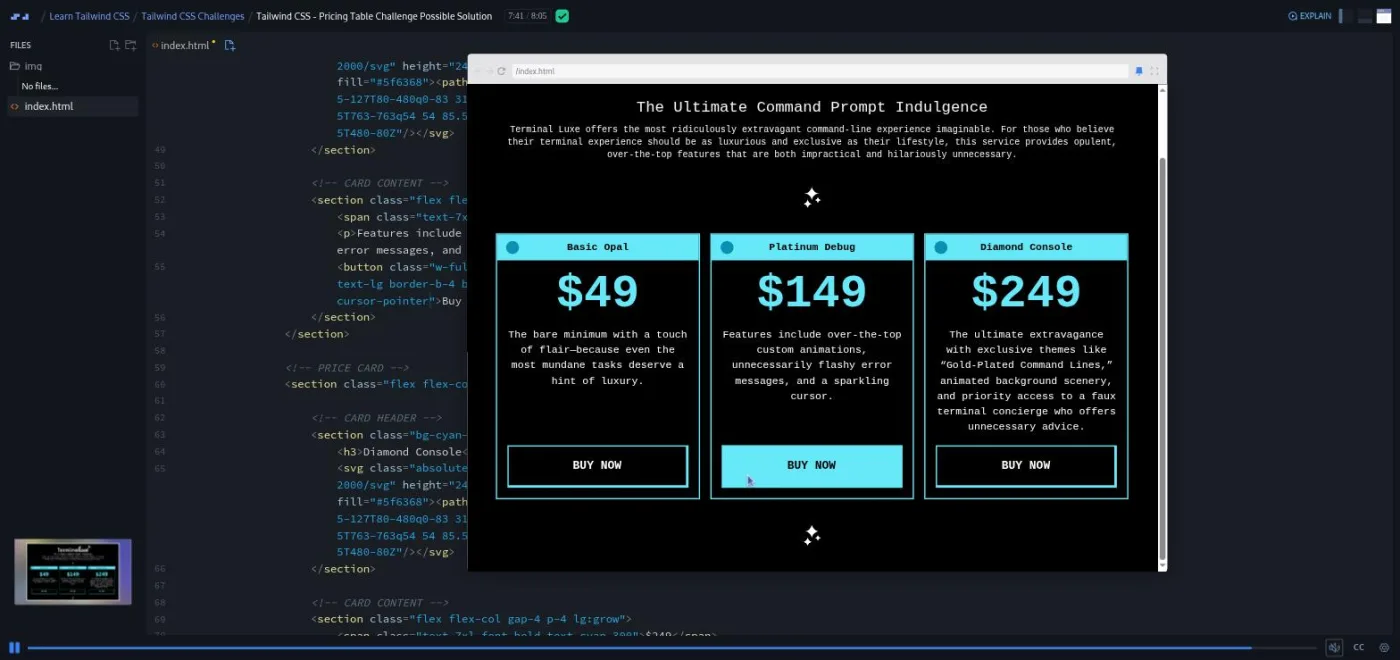
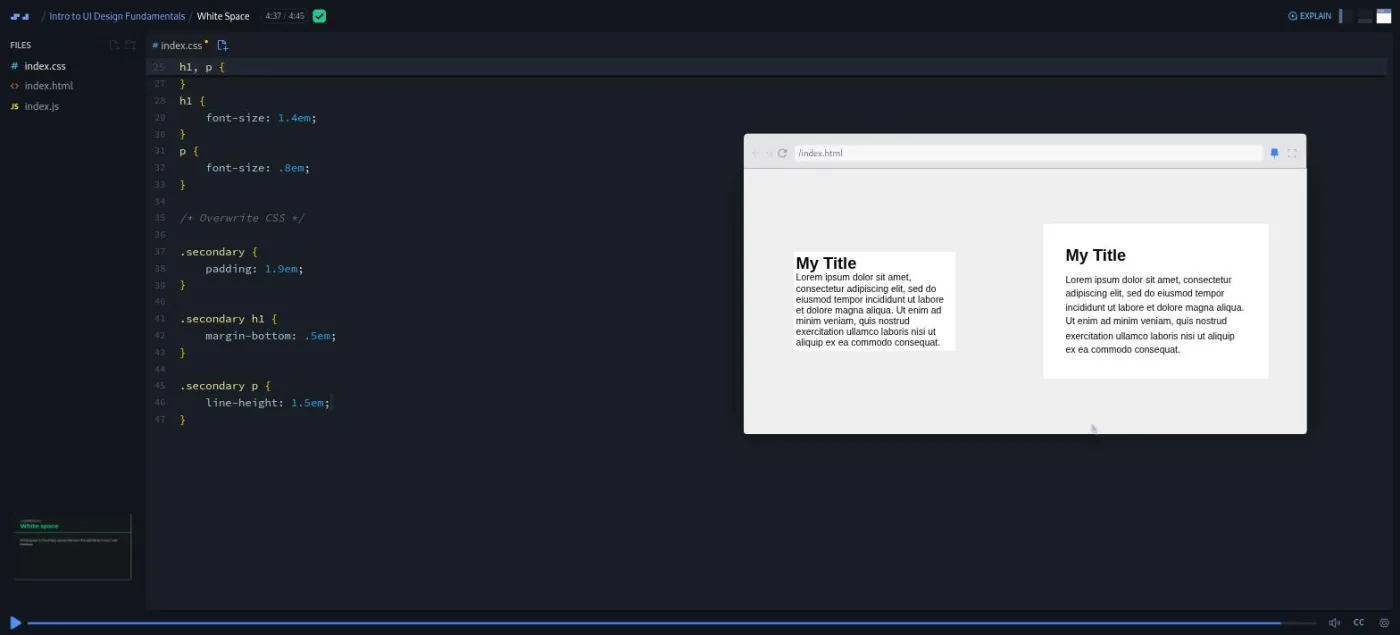
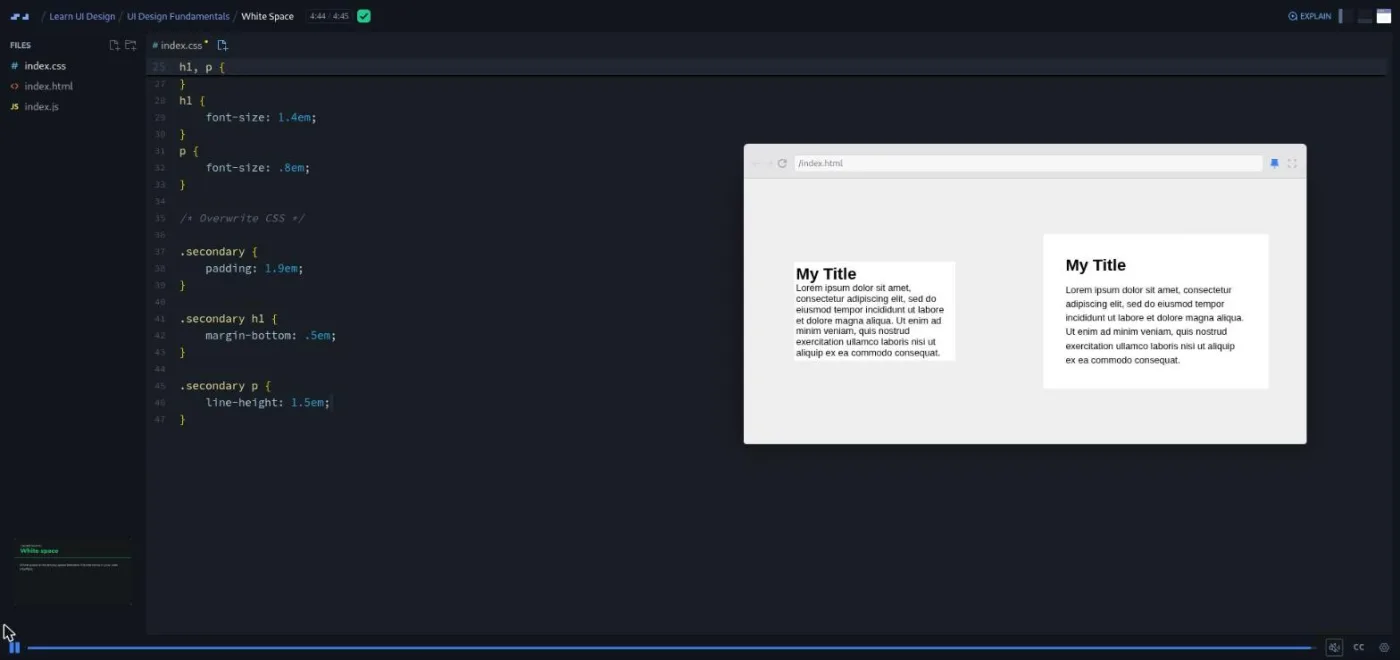
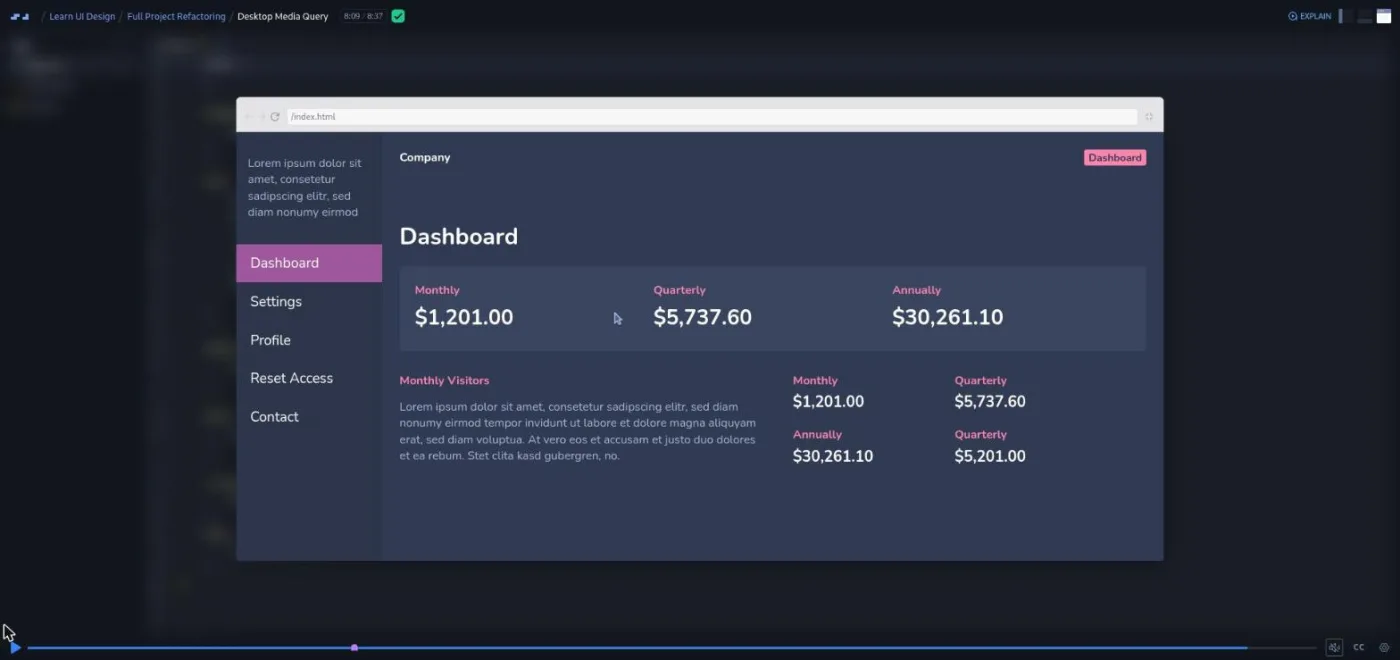
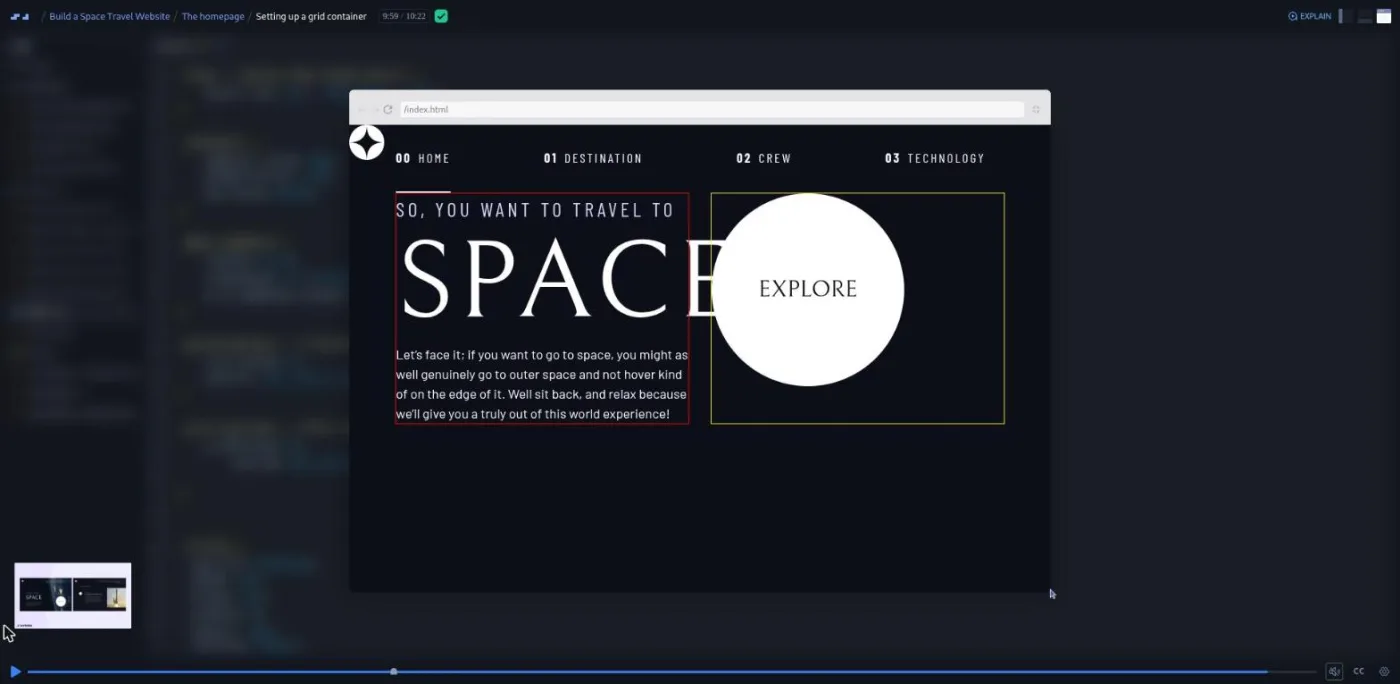
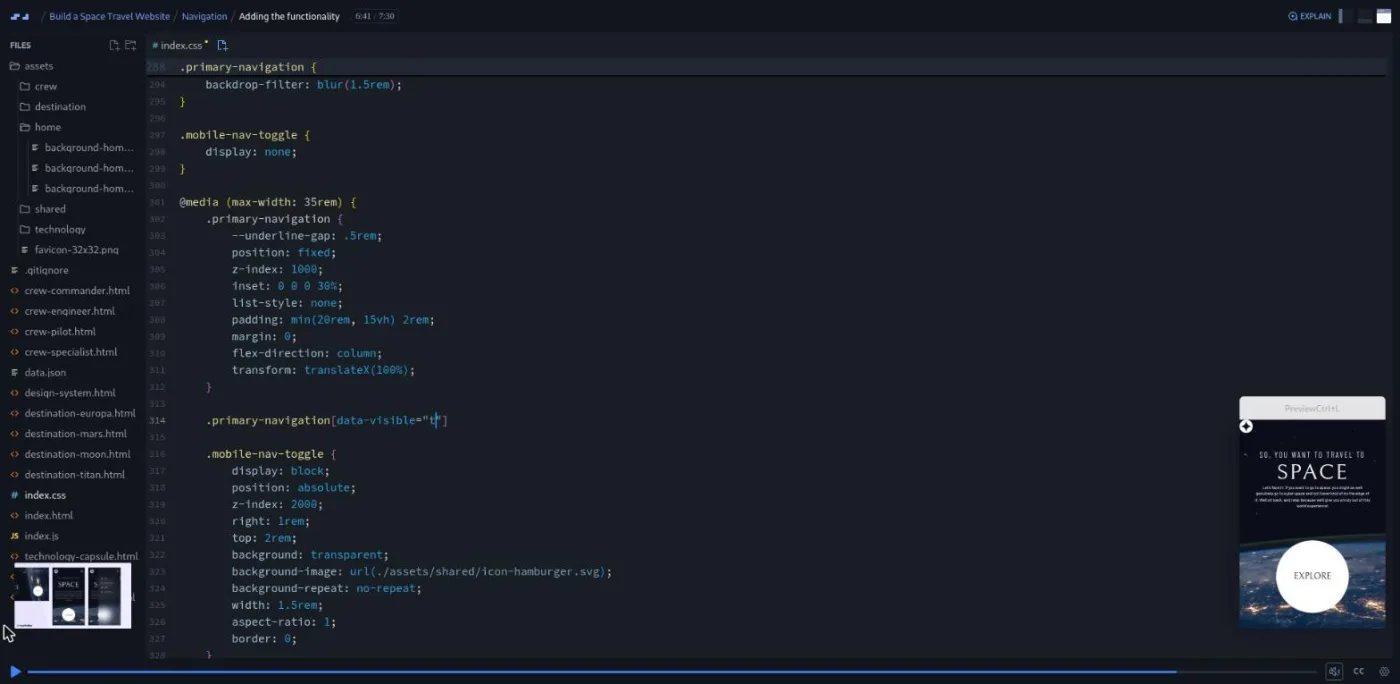
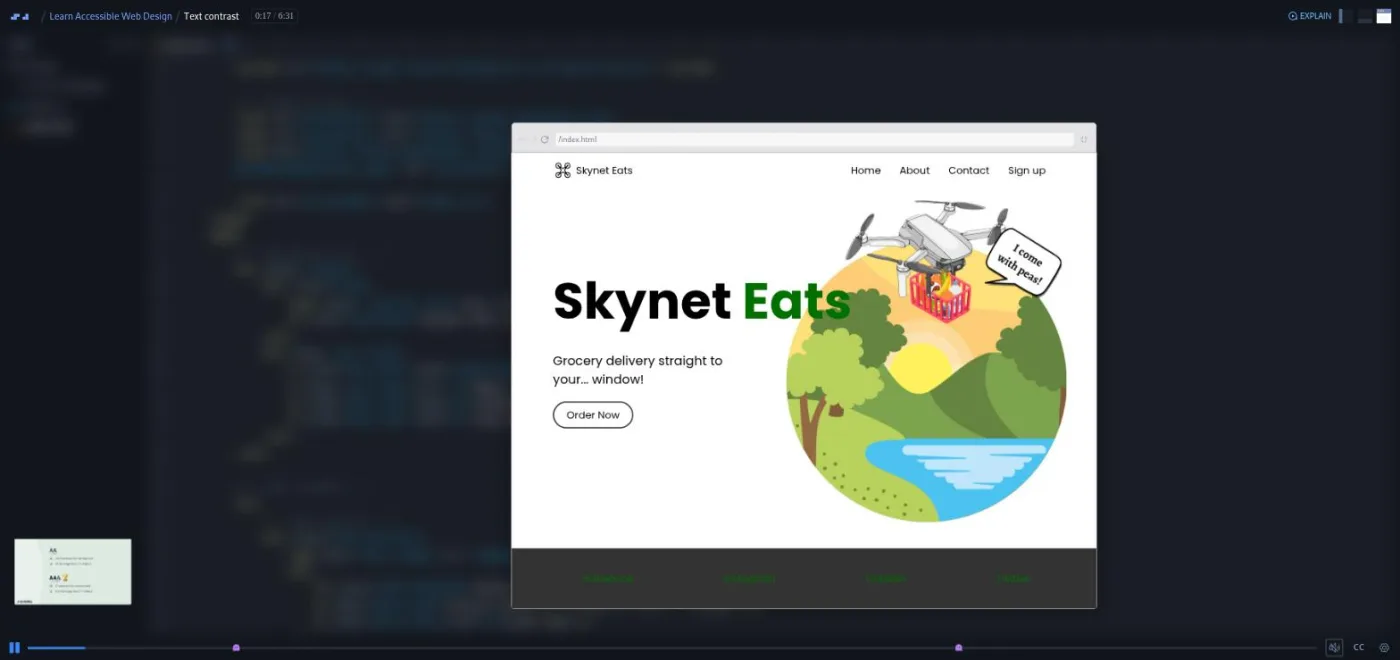
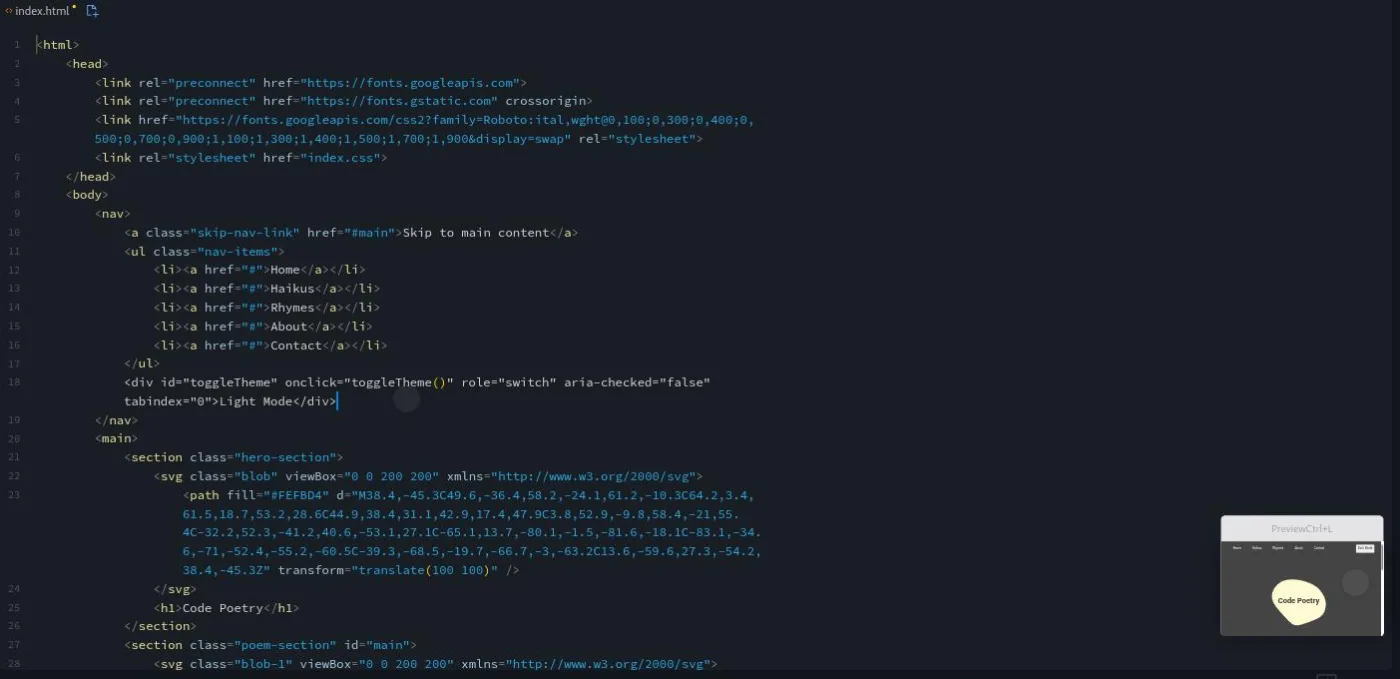
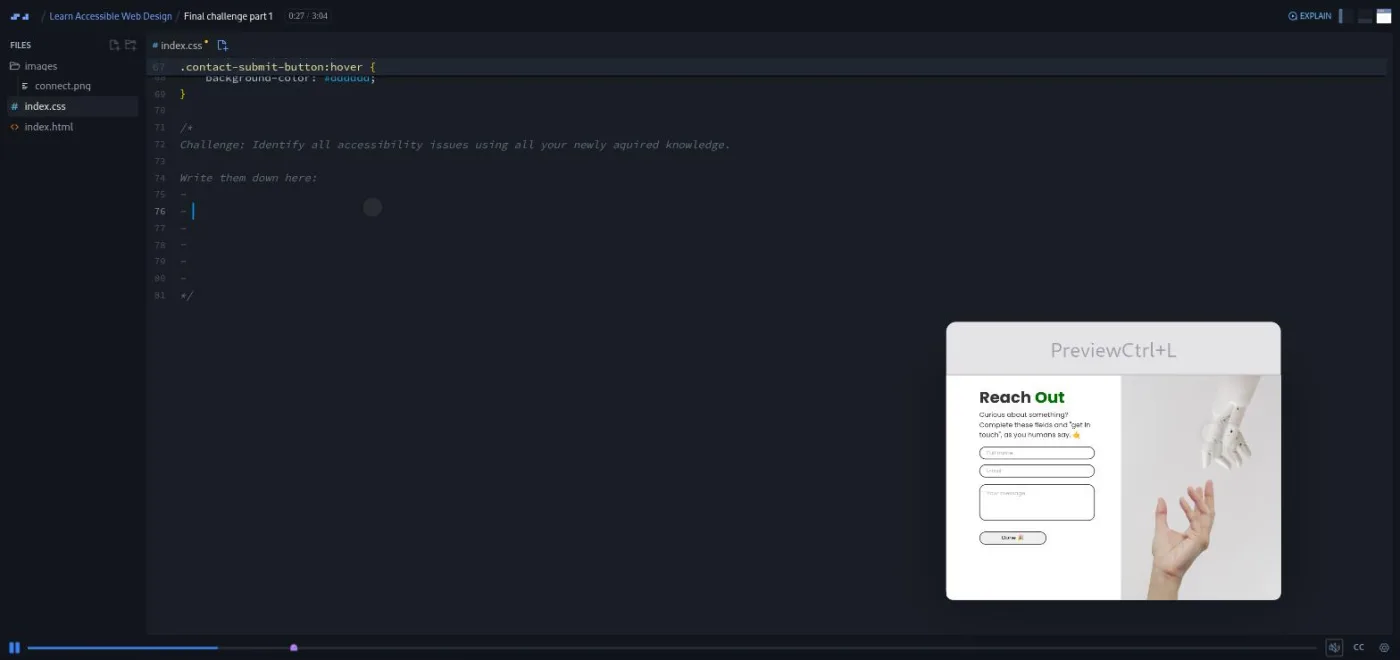
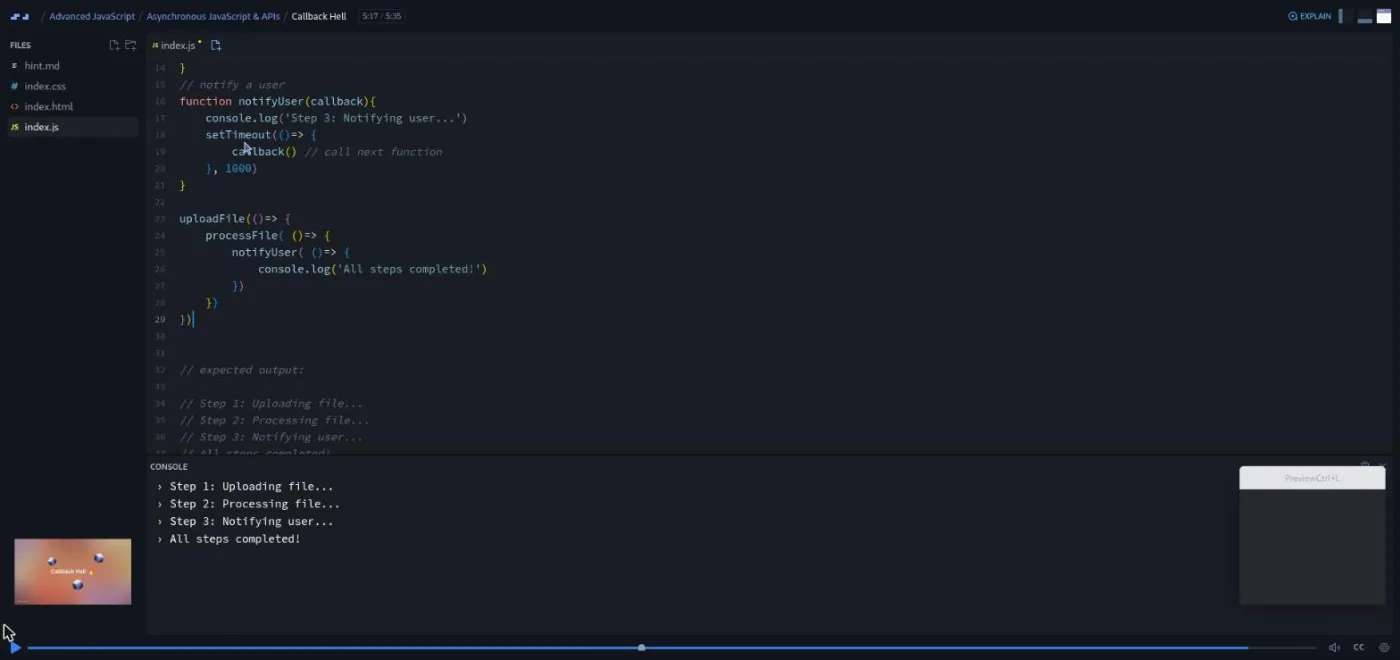
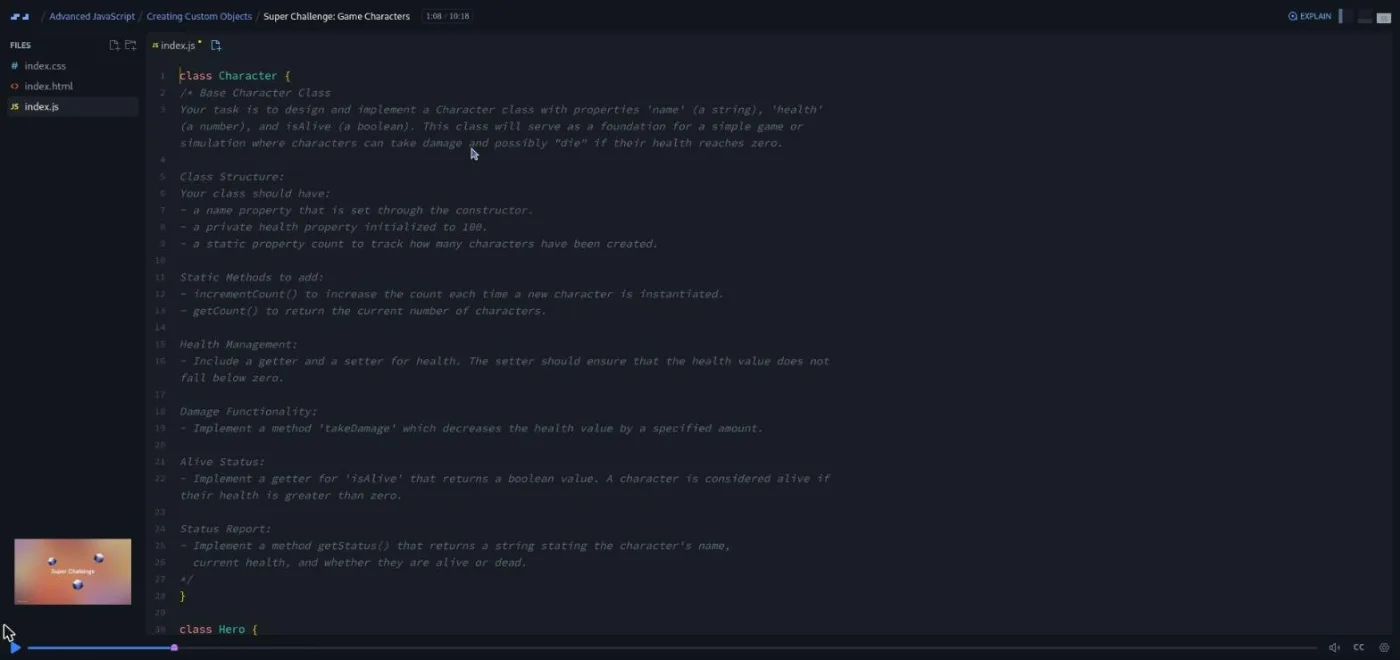
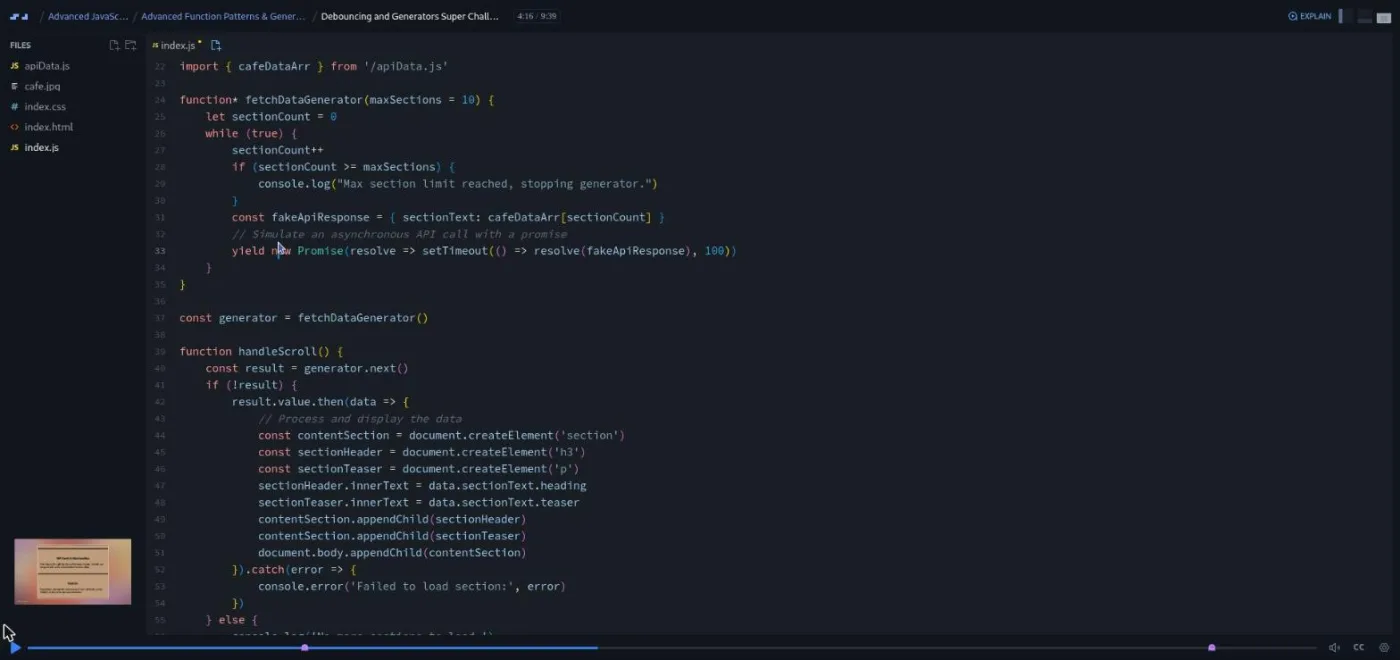
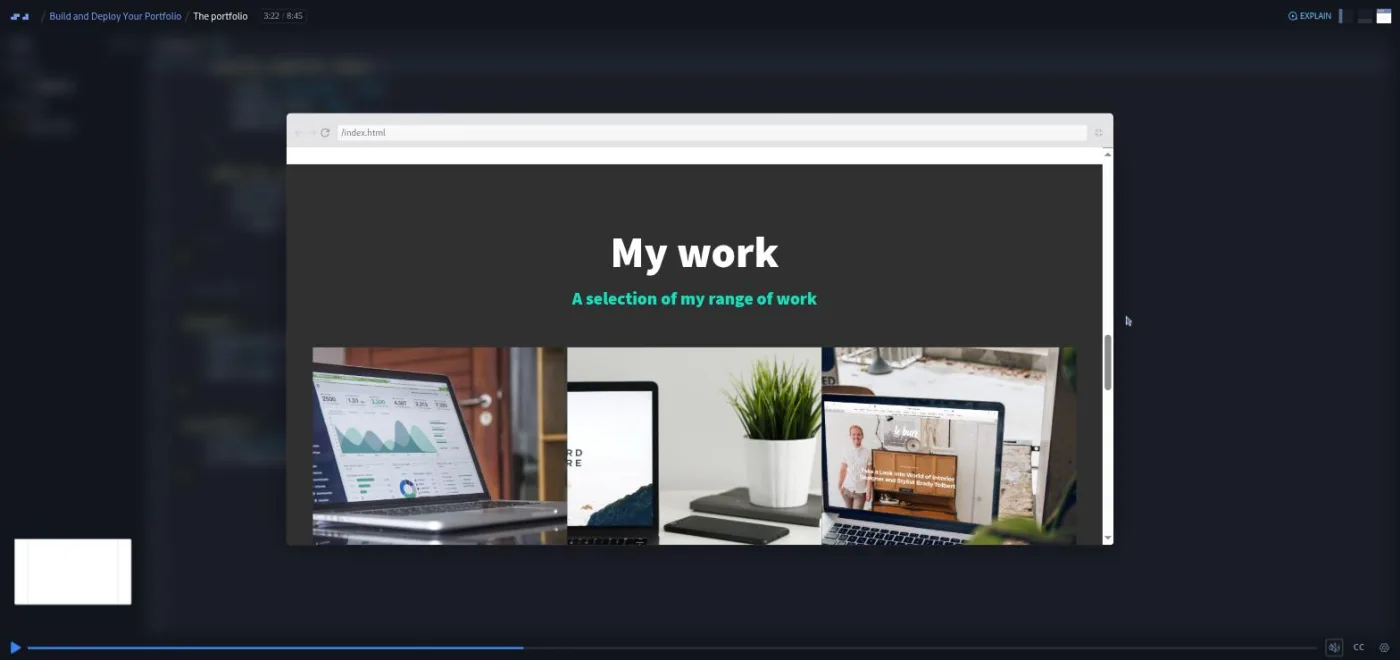
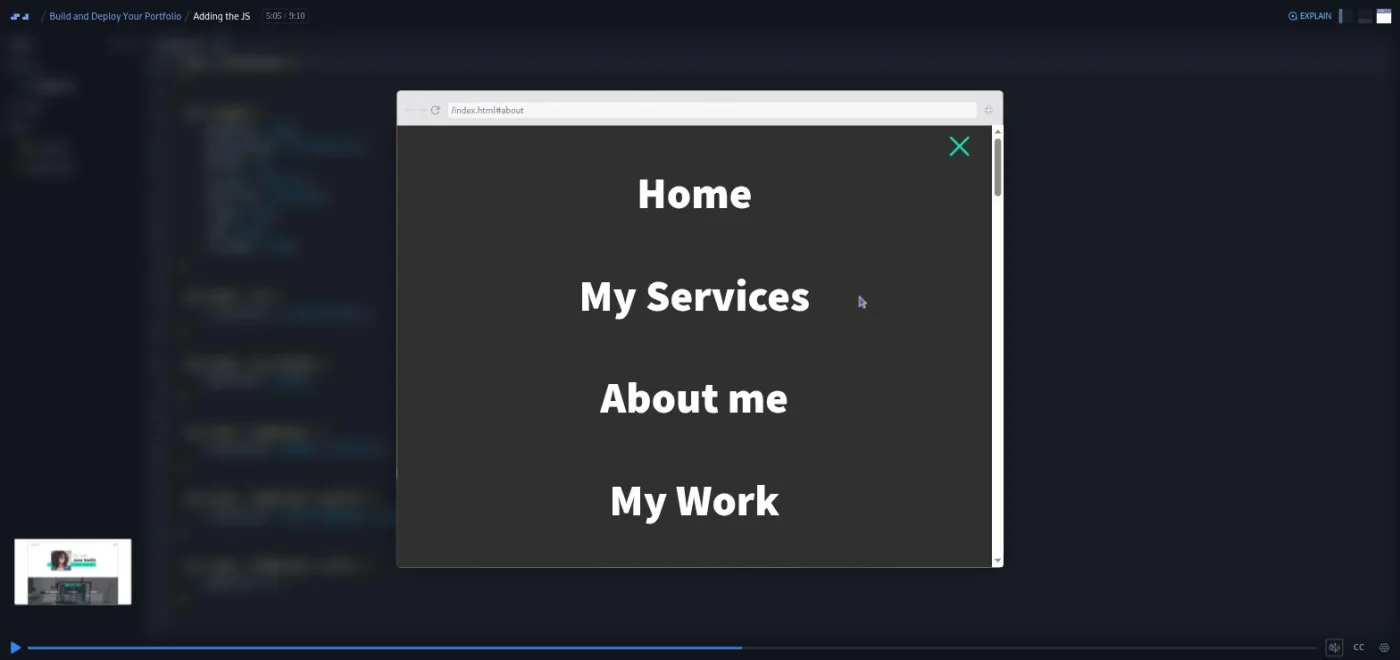
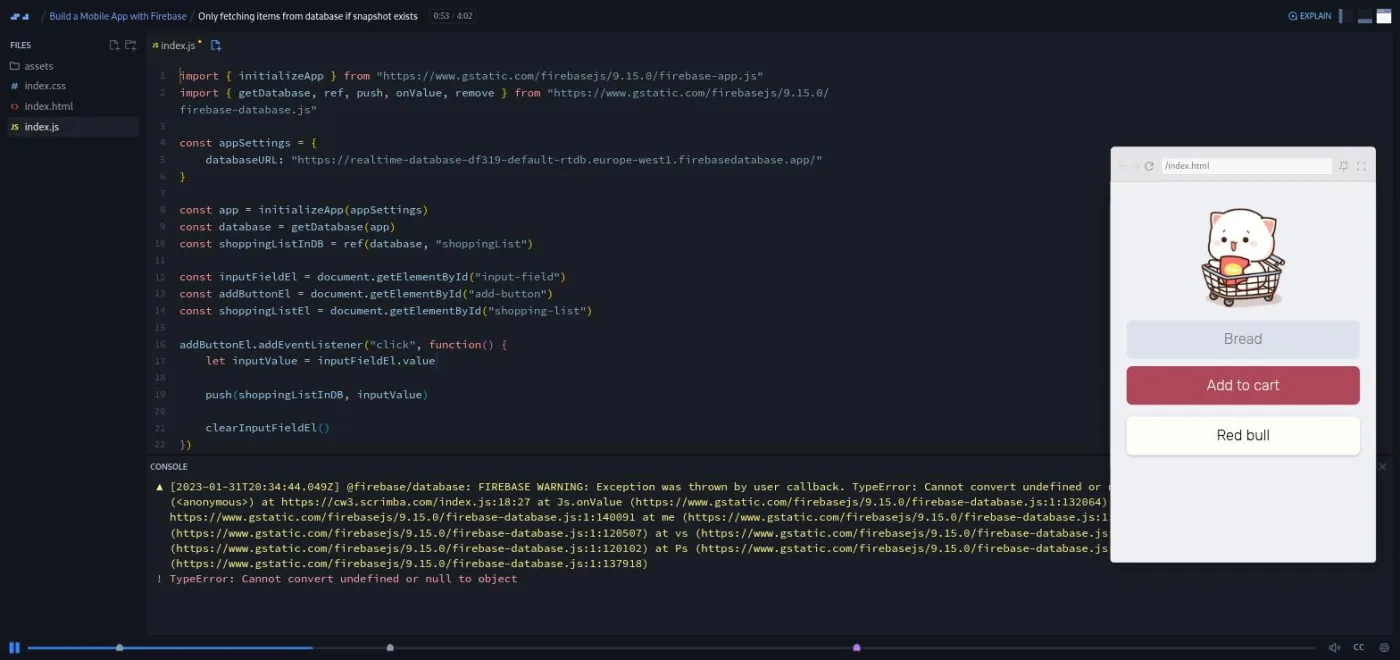
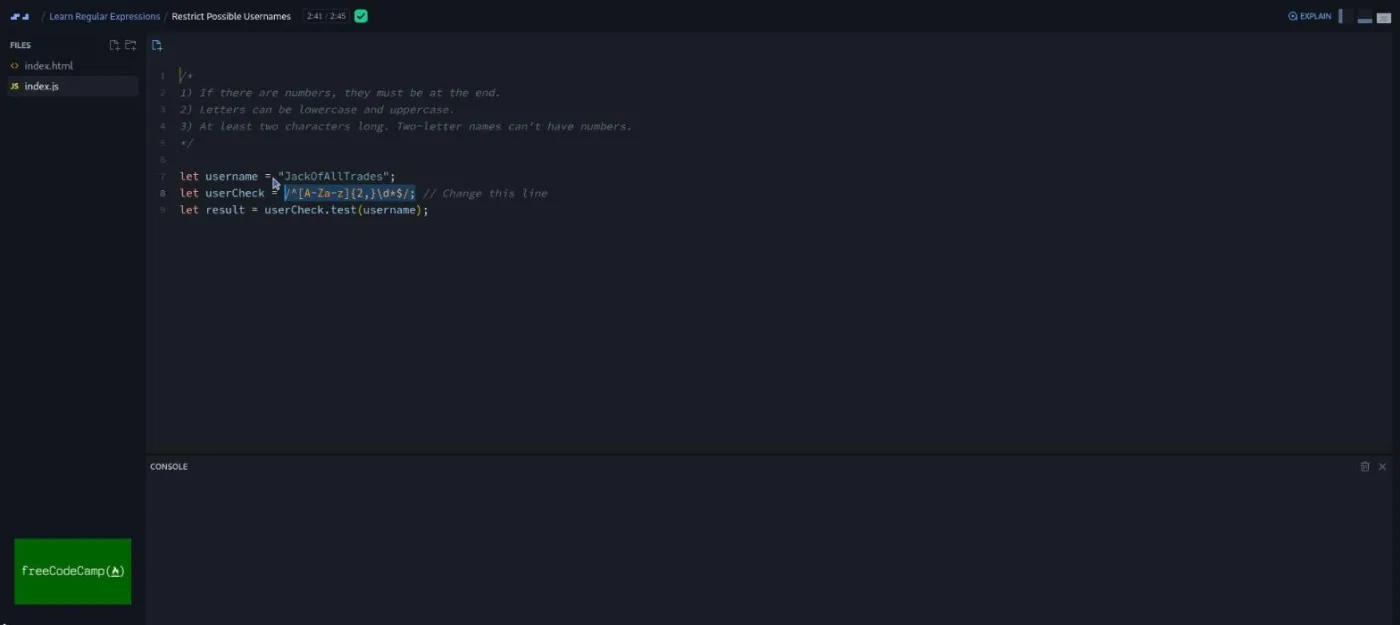
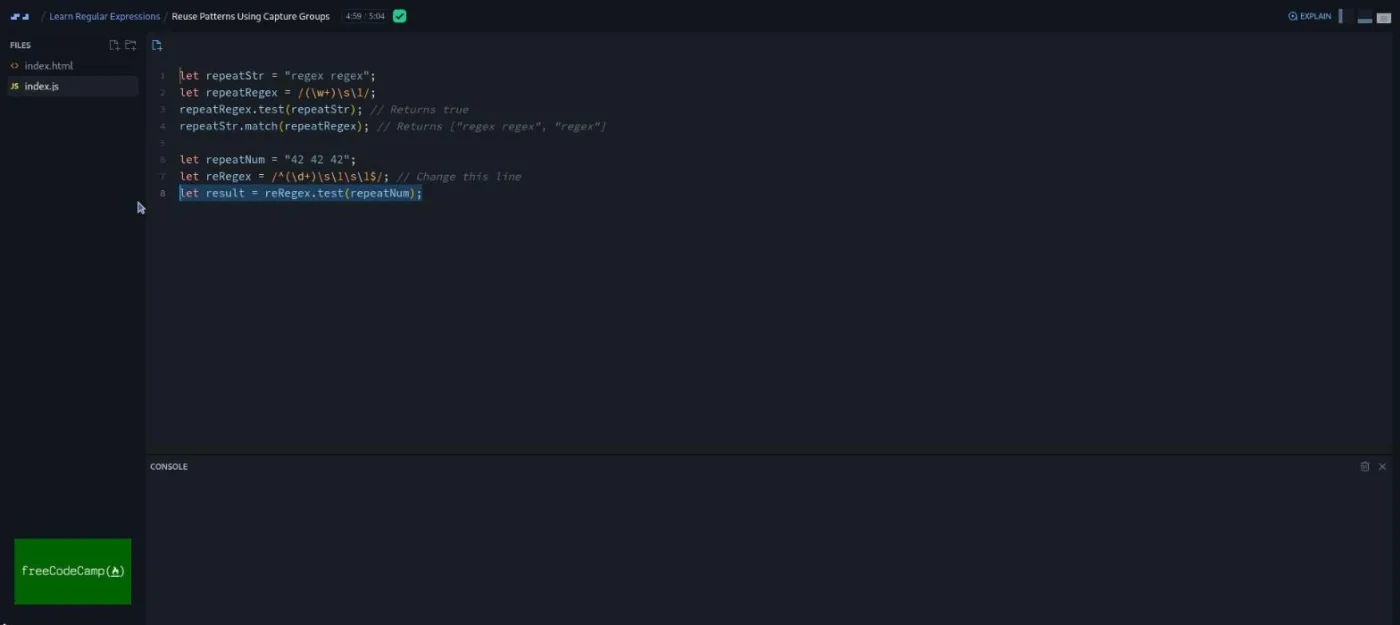
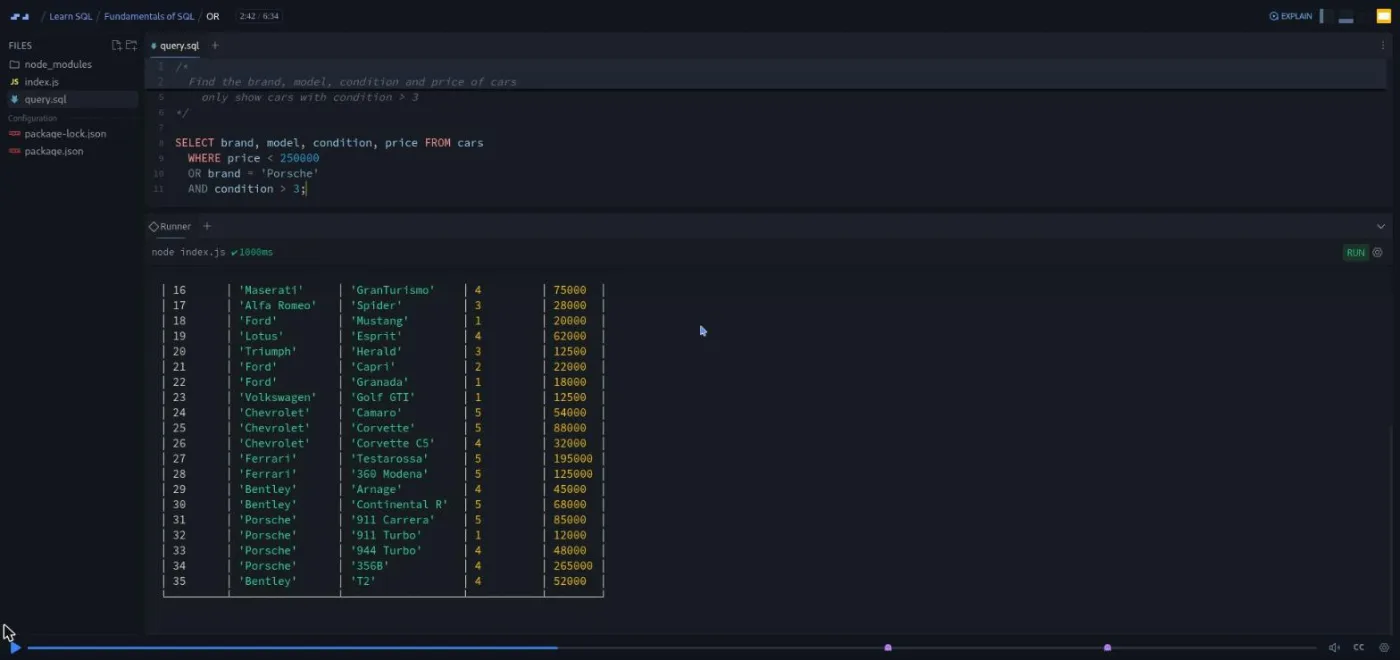
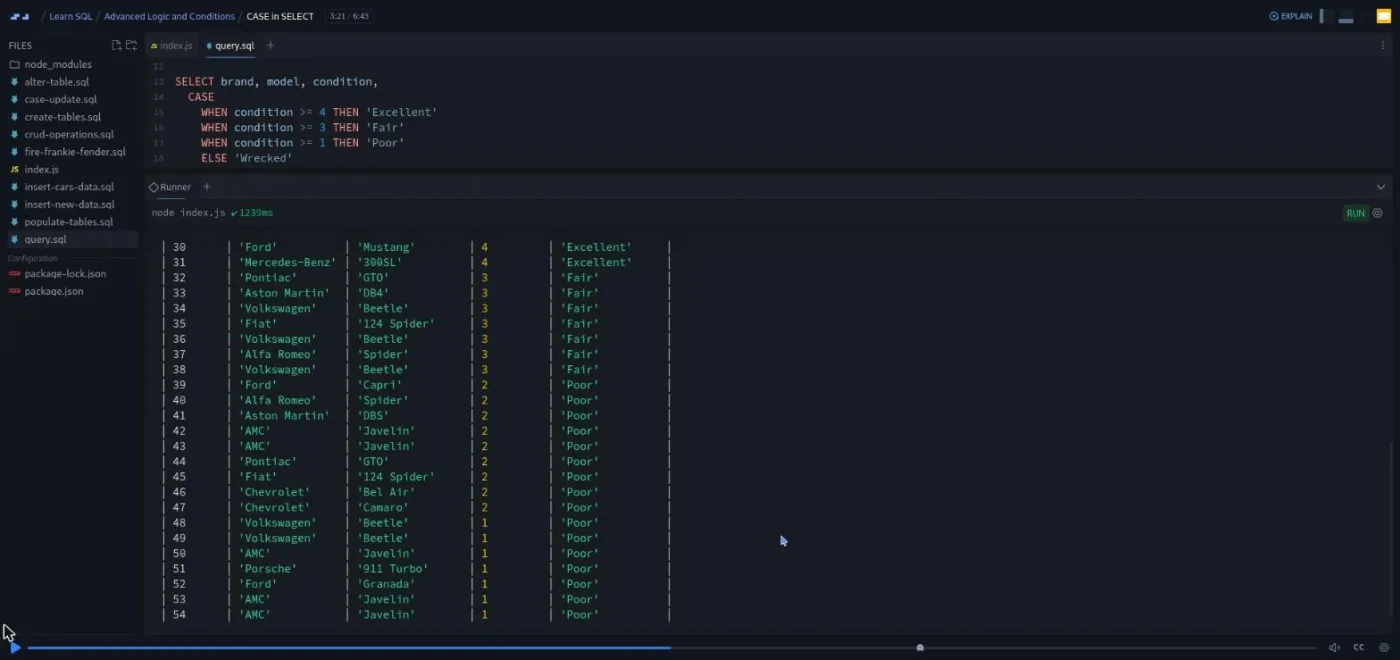
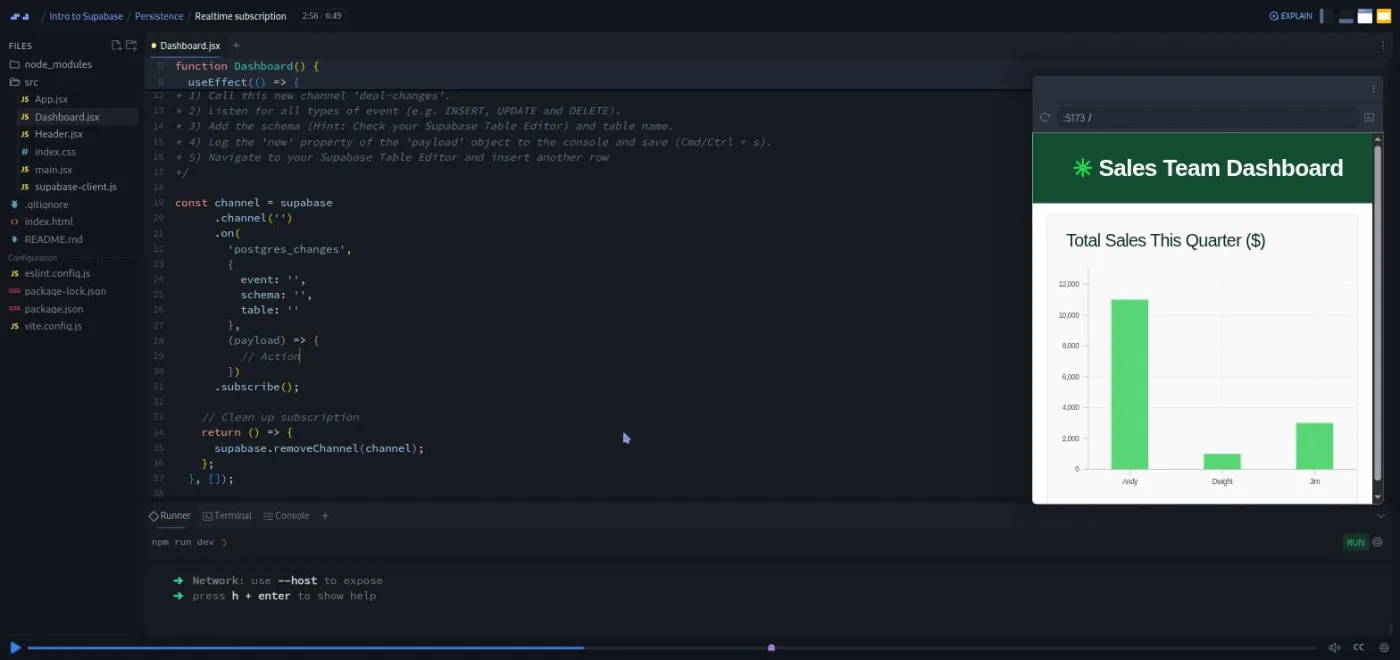
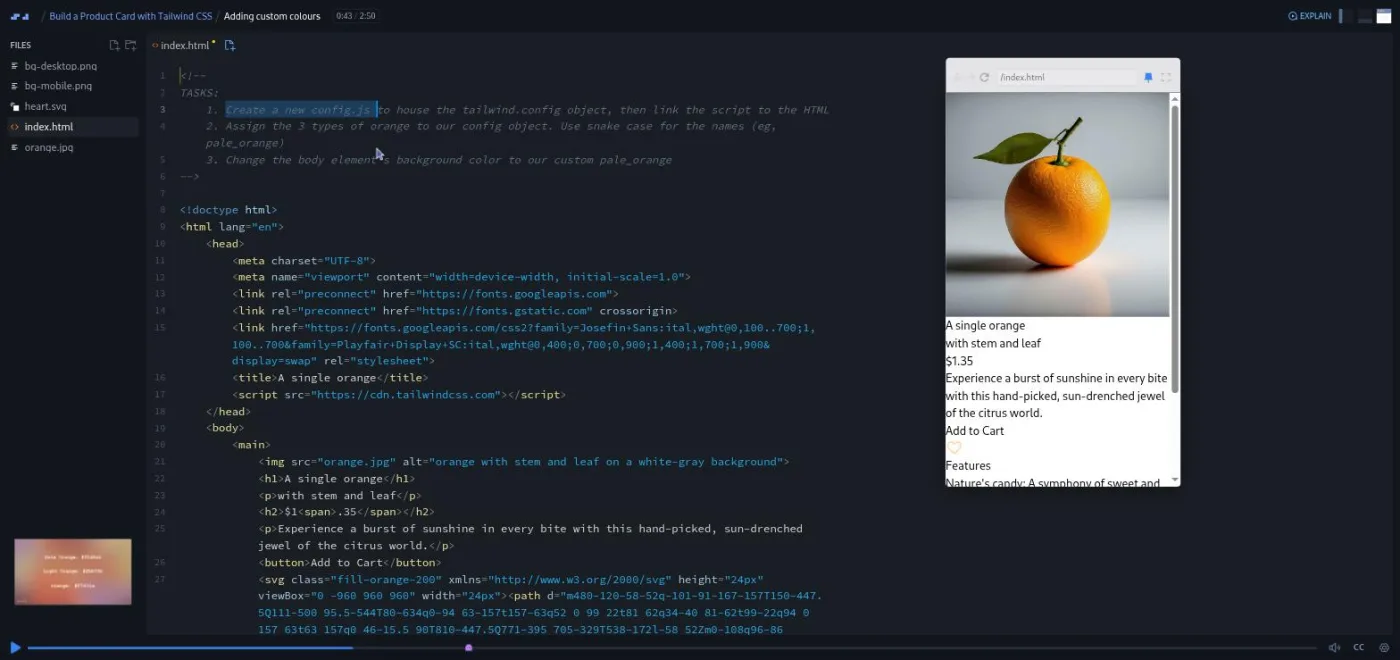
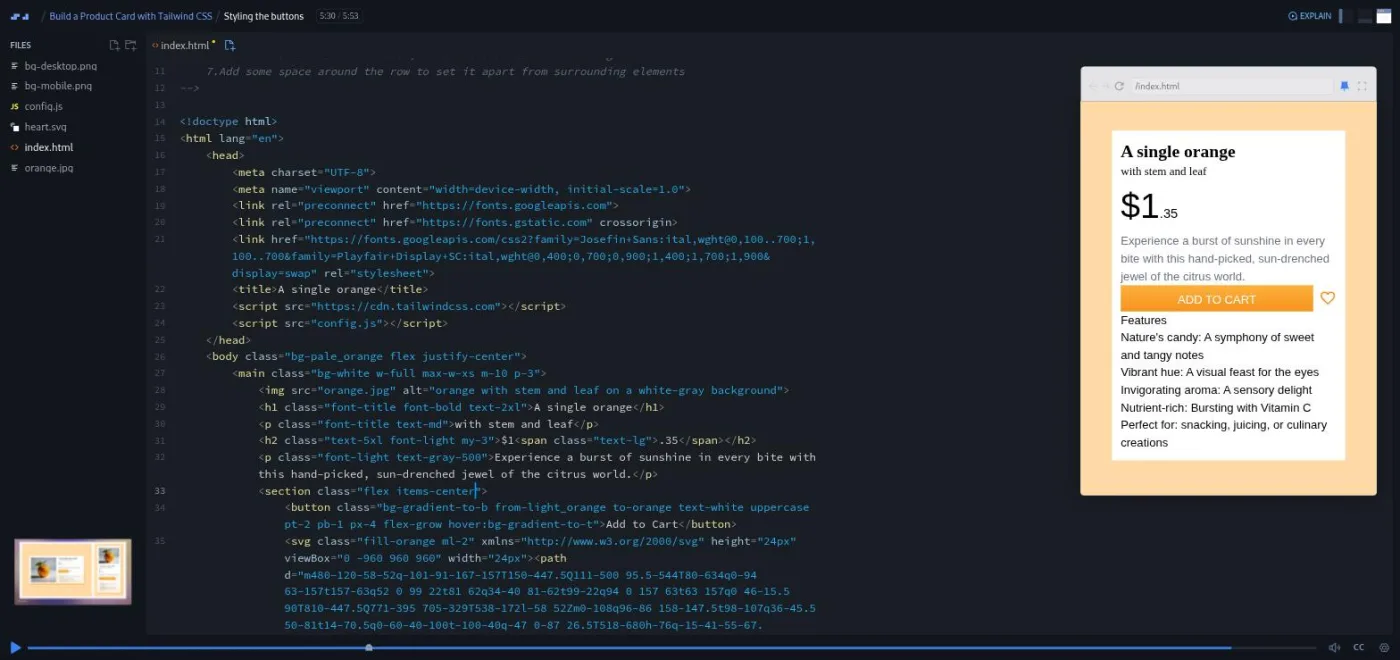
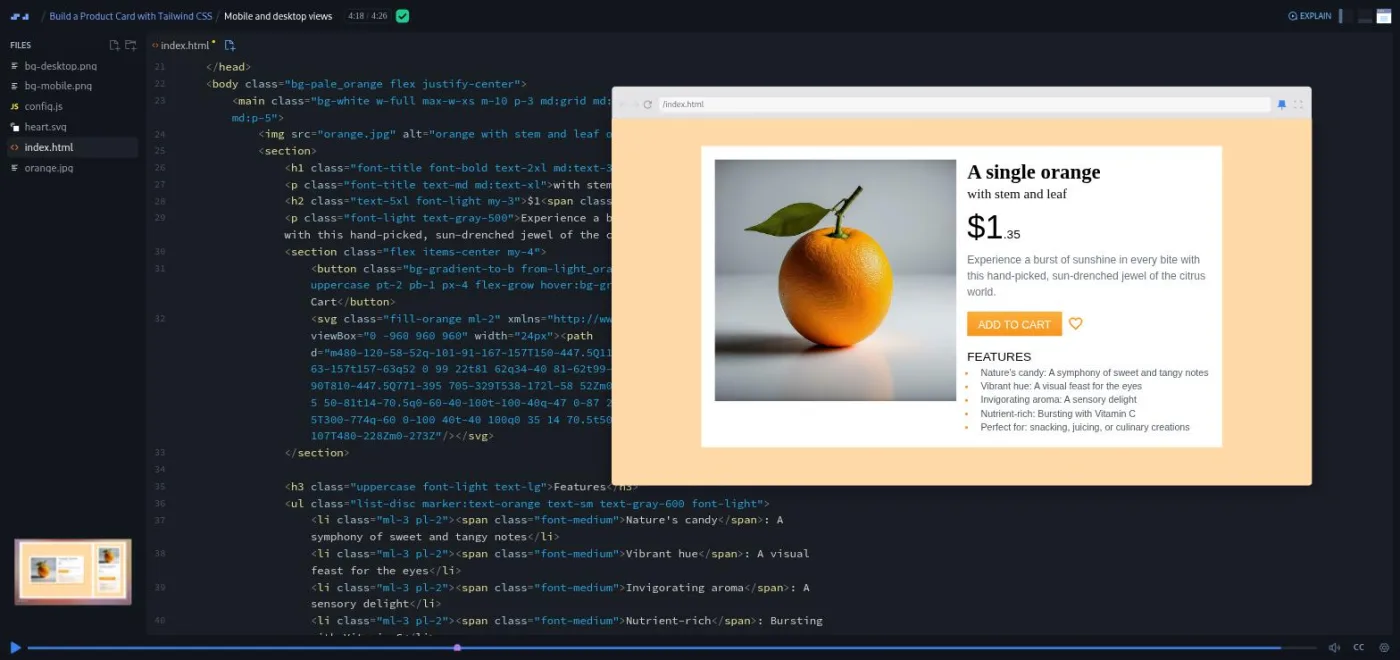
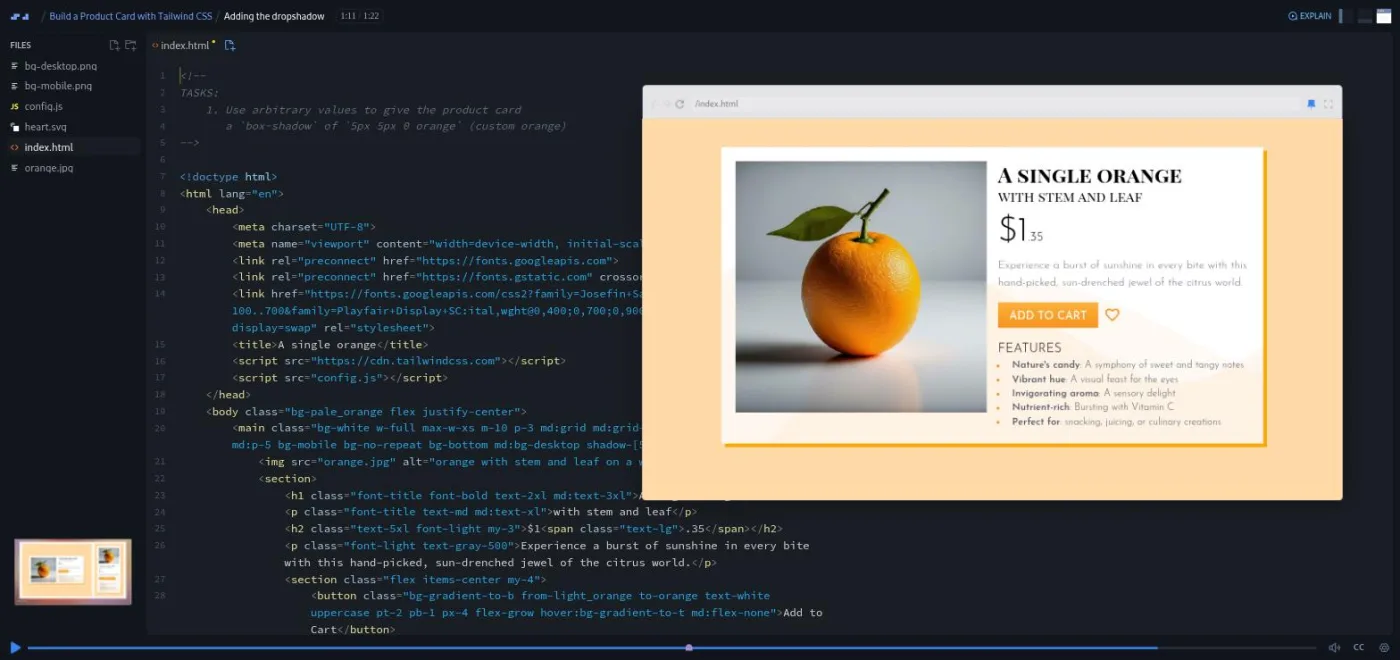
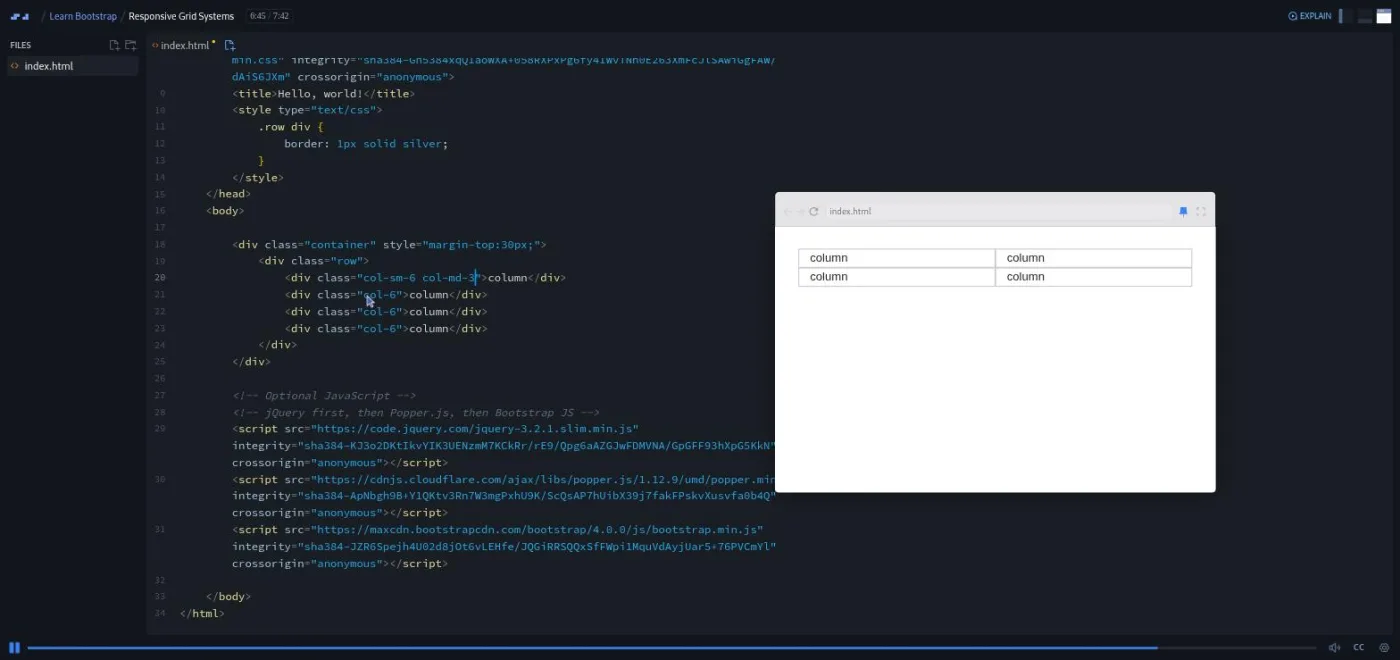
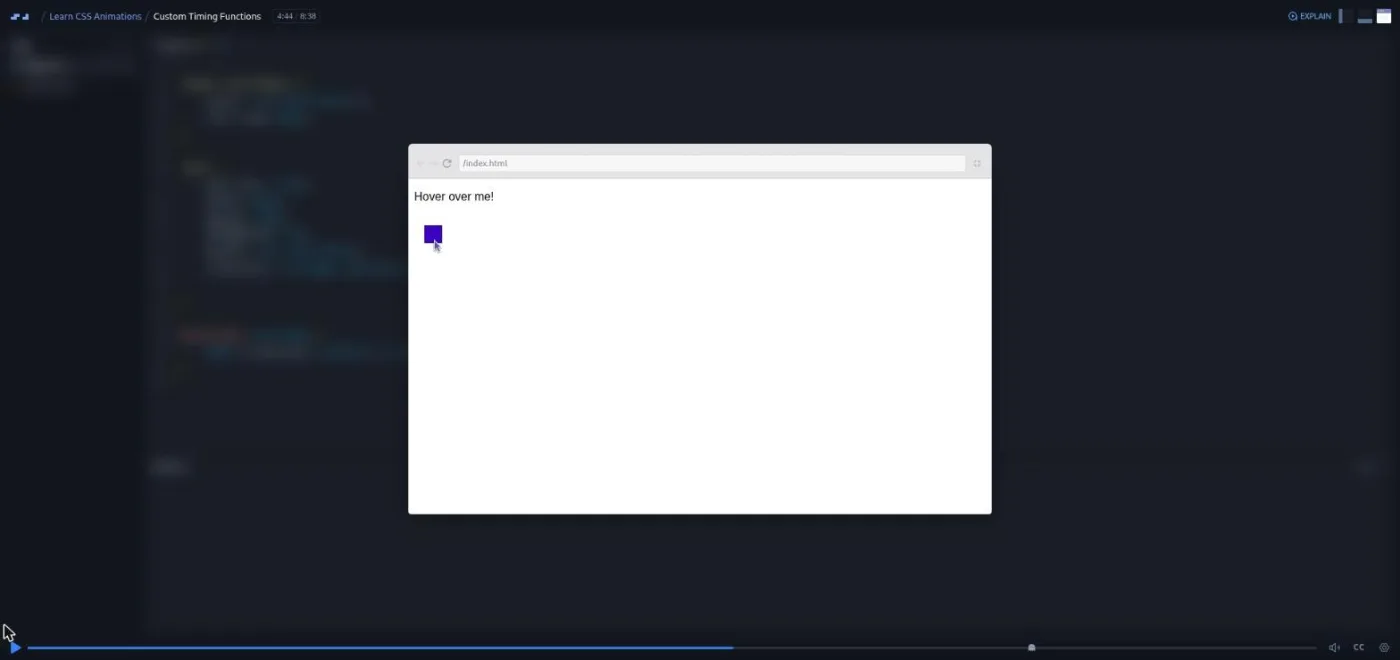
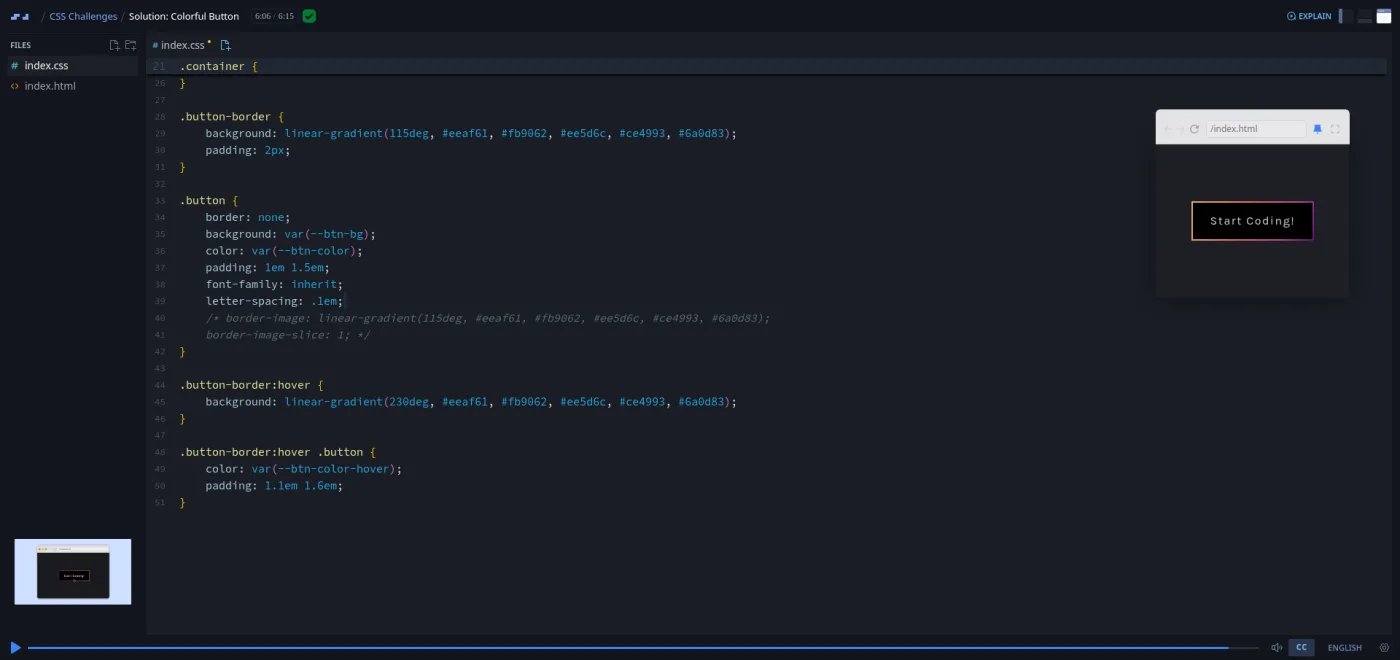
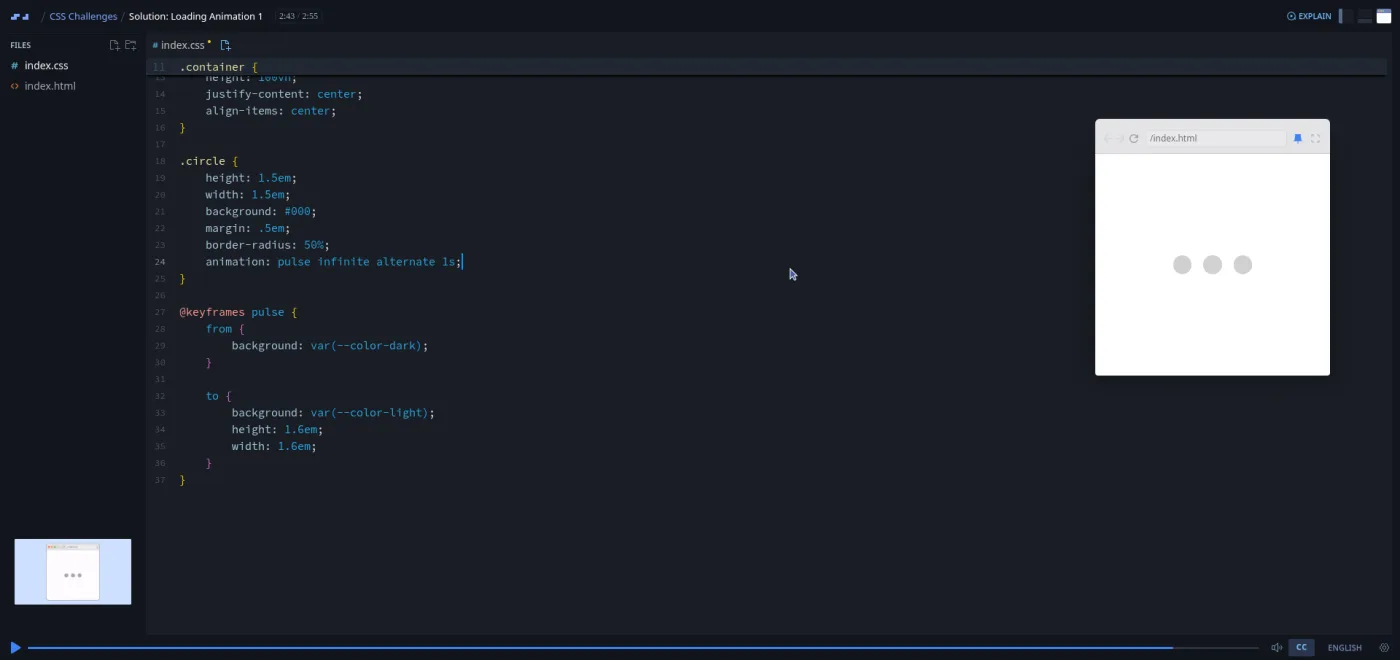
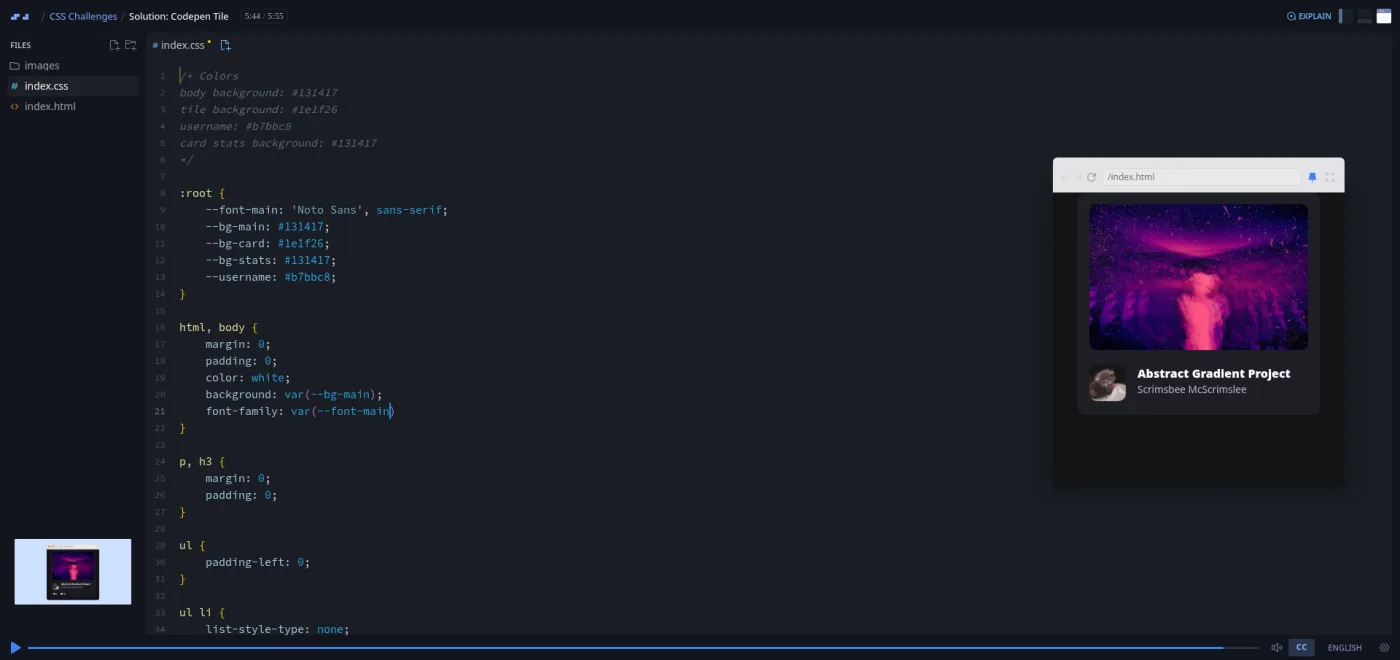
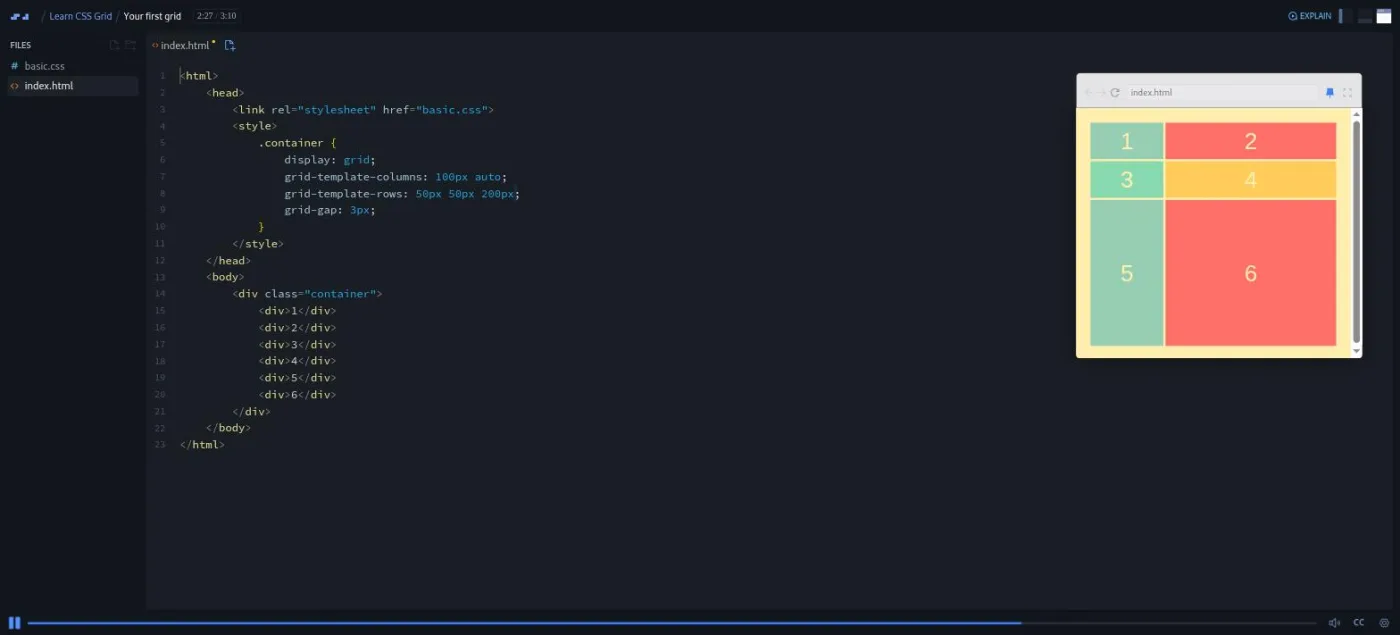
# Scrimba Guide (Full Content) > Full text of every canonical page on Scrimba Guide, an independent review site covering Scrimba's courses, career paths, pricing, and comparisons with Codecademy, Udemy, freeCodeCamp, Frontend Masters, and other platforms. Each section below is one page, inlined as markdown. --- # Try a real Scrimba lesson before you trust any review. Source: https://scrimbaguide.tech/ Independent Scrimba guide Start by editing a real lesson in your browser. Then use this guide to pick a path, see what Pro actually costs, and decide whether it is worth it for how you learn. This guide comes from reviewing 73+ Scrimba courses and all 4 paths with a Pro account. [Open a real lesson (2 min, no signup)](https://scrimba.com/s0v687325e?via=u42d4986)[Find my path (2 min quiz)](https://scrimbaguide.tech/docs/paths/#path-advisor) No signup, nothing to install. A real lesson opens in your browser in about 30 seconds. - 4.2/5 on [Trustpilot](https://www.trustpilot.com/review/www.scrimba.com) - MDN reviewed the Frontend path [Press play. A real lesson opens in your browser, no signup.](https://scrimba.com/s0v687325e?via=u42d4986)73+Courses tracked24+Free, no card4Career paths850+ hrsHours of content The format ## What a scrim is. Try it, don't read about it. A scrim is an interactive screencast: a recorded coding lesson you can pause at any point to edit and run the instructor's code directly in the browser. The player is the editor, so there is no local setup. No installing Node, no configuring an editor, no environment to break. You write and run real code from the first lesson. That one mechanic is why people pick Scrimba over passive video, and it is the thing the comparison pages on this site benchmark against. The editor on the right is real. Change the text, change the color, hit Run, and watch it update. It is closer to pair-programming with a recorded mentor than to watching a course. Liked that? It feels the same inside a full lesson. You can [open a real scrim in your browser](https://scrimba.com/s0v687325e?via=u42d4986) with no signup. For the full rundown of what's inside Scrimba and how it works, see our [platform overview](https://scrimbaguide.tech/docs/intro/). index.htmlediting

Edit me, then hit Run

Edit the code, then run it. Career paths ## Which path fits your goal, and your starting point? Four career tracks from beginner to job-ready. What you will build, how long it takes, and who each one is actually for. [### Frontend Developer Path 81.6 hrs · Beginner From zero to frontend. HTML, CSS, JavaScript, React, and the job-search module. MDN reviewed and recommends it. Best for: complete beginners with no coding experience](https://scrimbaguide.tech/docs/paths/frontend-developer-path/)[### Fullstack Developer Path 108.4 hrs · Beginner The widest track. Frontend plus backend, databases, TypeScript, Next.js, and AI engineering. Best for: frontend devs who want to add backend and AI skills](https://scrimbaguide.tech/docs/paths/fullstack-developer-path/)[### Backend Developer Path 36.2 hrs · Intermediate Node.js, Express, SQL, TypeScript, cybersecurity, DevOps. For developers adding server skills. Best for: developers already comfortable with frontend](https://scrimbaguide.tech/docs/paths/backend-developer-path/)[### AI Engineer Path 11.4 hrs · Intermediate Build AI-powered apps. Agents, retrieval-augmented generation (RAG), the Model Context Protocol (MCP), context engineering, and the Vercel AI SDK. Best for: developers who want to build AI-powered applications](https://scrimbaguide.tech/docs/paths/ai-engineer-path/)[Compare all four paths side by side →](https://scrimbaguide.tech/docs/paths/) Head to head ## Scrimba next to the platforms you are already considering Short comparisons aimed at one decision. Where Scrimba wins, where it does not, and who should pick which. [### ScrimbavsCodecademy Interactive scrims vs text-based lessons Pick Scrimba if you want to code inside the lesson from day one](https://scrimbaguide.tech/docs/comparisons/scrimba-vs-codecademy/)[### ScrimbavsUdemy Curated subscription vs open marketplace Pick Scrimba if you want one curated path, not 800 instructor styles](https://scrimbaguide.tech/docs/comparisons/scrimba-vs-udemy/)[### ScrimbavsfreeCodeCamp Premium interactive vs free text-based Pick Scrimba if you are willing to pay for guided in-lesson practice](https://scrimbaguide.tech/docs/comparisons/scrimba-vs-freecodecamp/)[Browse all 13 platform comparisons →](https://scrimbaguide.tech/docs/comparisons/) Browse by topic ## Pick a topic, see what is worth your time Each topic opens an index showing free vs Pro, instructor, duration, and which career path the course belongs to. [### JavaScript 30+ courses From ES6 basics to deep dives and interview challenges.](https://scrimbaguide.tech/docs/courses/javascript/)[### AI & ML 11+ courses Agents, retrieval-augmented generation (RAG), the Model Context Protocol (MCP), prompt engineering, and LLM integration.](https://scrimbaguide.tech/docs/courses/ai/)[### React 10+ courses Hooks, advanced patterns, testing, project-based courses.](https://scrimbaguide.tech/docs/courses/react/)[### CSS & Design 12+ courses Flexbox, Grid, Tailwind, animations, UI fundamentals.](https://scrimbaguide.tech/docs/courses/css/)[### Backend 4+ courses Node, SQL, Firebase, cybersecurity, API design.](https://scrimbaguide.tech/docs/courses/backend/)[### TypeScript 1 course Type-safe JavaScript for frontend and fullstack work.](https://scrimbaguide.tech/docs/courses/typescript/)[Open the full course index →](https://scrimbaguide.tech/docs/courses/) Pricing ## Free to try. Pro when you are ready for the full library. The free tier never expires and includes 24+ full courses with no credit card. Pro adds every paid course, all four paths, certificates, and the Discord community. Annual billing has the best per-month rate. Our partner link applies 20% off automatically at checkout. Always confirm the final price on Scrimba, regional pricing varies. Pro is covered by Scrimba's [7-day refund on first purchase](https://scrimbaguide.tech/docs/pricing/refund-policy/) if the format does not fit how you learn. [See what Pro actually includes](https://scrimbaguide.tech/docs/pricing/)[Open Scrimba with 20% off Pro](https://scrimba.com/our-pricing?via=u42d4986) FAQ ## The questions people usually ask before subscribing ### Is Scrimba free? Partially. The free tier includes 24+ full courses (Learn React, Learn JavaScript, Learn TypeScript among them) and up to ten interactive challenges. Career paths, unlimited challenges, Discord, and path certificates require Pro. ### Is Scrimba worth paying for? Usually yes for learners who want a structured career path, access to the full 73+ catalog, and a path certificate. Test the free courses first if you are unsure the format fits how you learn. ### Is Scrimba good for beginners? Yes, especially for complete beginners aiming at web development. The Frontend path starts from zero (HTML, CSS, JavaScript), and MDN reviewed and recommends it. The pause-and-edit format keeps you typing code instead of passively watching, which is where most beginners stall. It is a weaker fit if you want languages outside the JavaScript and Python world. ### How long does Scrimba take to complete? It depends on the path and your pace. The four career paths range from roughly 11 to 108 hours of content. At five hours a week, a shorter path takes a couple of months and the longest closer to half a year. It is self-paced, with no cohort or deadlines, so you set the schedule. ### How does Scrimba compare to a coding bootcamp? Scrimba Pro costs a fraction of a typical bootcamp. The interactive format works well for self-motivated learners. Bootcamps add structure, cohort accountability, and career services that you will not get from a subscription product. ### What does Scrimba actually teach? Web development (HTML, CSS, JavaScript, React, TypeScript, Next.js), AI engineering (agents, RAG, MCP, LangChain.js), backend (Node, SQL, Express, Firebase), Python basics, and CSS frameworks. Roughly 73+ courses across four career paths. ### Do you get a certificate? Yes. Completing a Scrimba career path earns a Certificate of Completion you can add to LinkedIn. Individual course certificates are also available. Hiring managers care about projects more than certificates, so think of it as a small bonus. ### Can Scrimba get you hired? It can sharpen your portfolio and interview readiness. Hiring still depends on execution, applications, networking, and market conditions. The career paths include job-search modules; the actual job-hunting work is yours. [Read all FAQs →](https://scrimbaguide.tech/docs/faq/) From the blog ## Read this before you pay for Pro Long-form reviews and picks, no fluff, updated for 2026. [12 min read ### Scrimba Review 2026 What works, what does not, and who Scrimba is actually for.](https://scrimbaguide.tech/blog/scrimba-review/)[Pricing guide ### Is Scrimba Free? Pro vs Free When Pro is worth it, and when free is enough for your goal.](https://scrimbaguide.tech/docs/pricing/pro-vs-free/)[5 min read ### Best Free Courses 24+ completely free courses you can take without a subscription.](https://scrimbaguide.tech/blog/best-free-scrimba-courses/)[Read all blog posts →](https://scrimbaguide.tech/blog/) ## One last thing. Open a scrim before you decide anything. Reading about an interactive format won't tell you if it fits you. Two minutes in the editor will. [Open a real scrim (2 min)](https://scrimba.com/s0v687325e?via=u42d4986)[Or compare the four paths](https://scrimbaguide.tech/docs/paths/) --- # About this site Source: https://scrimbaguide.tech/about/ Scrimba Guide is an independent reader's guide to [Scrimba](https://scrimba.com/?via=u42d4986), the interactive coding platform. It exists because Scrimba's catalog is sprawling (70-plus courses, four career paths, dozens of one-off projects, pricing that varies by region) and the official site is built to sell, not to help you decide. ## Who writes this Two developers write here. Neither took the CS-degree route, and that is the whole point of view on this site. [Yassine El Haddad](https://www.linkedin.com/in/yassine-el-haddad/) builds fullstack AI apps and started this site on the side. He learned to code at [42 Network](https://www.42network.org/), the peer-driven, project-based school. He reads Scrimba as an engineer who knows which skills hold up on the job, and as someone who still remembers what learning to code from scratch actually feels like. You can check who he is on [LinkedIn](https://www.linkedin.com/in/yassine-el-haddad/) and [GitHub](https://github.com/yel-hadd). [Ayoub El Haddad](https://www.linkedin.com/in/eaub/) is a fullstack developer who spent over two years learning through peer-to-peer projects at [01Talent](https://01talent.com/), and now studies low-level programming and AI at 42 Network while building web scrapers. He has used Scrimba himself. He covers the platform from the learner's side: what the format is actually like to sit with, and where it stops being enough. You can check who he is on [LinkedIn](https://www.linkedin.com/in/eaub/) and [GitHub](https://github.com/e-aub). Neither of us is a Scrimba graduate or employee, and neither is paid by Scrimba to write any of this. See the disclosure below. ## How the site stays honest - Pricing. This site never quotes a Scrimba price. They vary by country, change without notice, and the [official page](https://scrimba.com/our-pricing?via=u42d4986) has the live number. Every reference points there. - Affiliate disclosure. Some outbound links are affiliate links, currently to Scrimba and to Udemy. If you buy through one, this site earns a commission at no extra cost to you. That does not change which free resources get recommended or which competitors get the nod when they fit better. - No fabricated quotes. If a testimonial does not link to a real person, a real Reddit thread, or a real review site, it does not appear here. Earlier versions of these pages used synthesized quotes; those have been removed. - Not affiliated. Scrimba Guide is independent. It is not operated by, or endorsed by, Scrimba. ## Corrections If something here is wrong, outdated, or unclear, email [hello@scrimbaguide.tech](mailto:hello@scrimbaguide.tech). The policy: a response within 48 hours, and a dated correction note on the page ("Updated YYYY-MM-DD: ...") so you can see what changed and when. Silent edits are not corrections. Next: Read the [Scrimba review](https://scrimbaguide.tech/blog/scrimba-review/) or compare the [four career paths](https://scrimbaguide.tech/docs/paths/) before you spend money. --- # Scrimba Guide Blog, Reviews, Tips, and Career Advice for Developers Source: https://scrimbaguide.tech/blog/ Hacktoberfest 2026 no longer counts pull requests; organizers announced this on 2026-08-19. You can still make your first pull request in October: find a repo with a good-first-issue label, read its contributing guide, fork it, branch, commit, push, open the PR against the original repo, and answer review yourself. --- # AI Tools Every Developer Should Know in 2026 Source: https://scrimbaguide.tech/blog/ai-tools-every-developer-should-know-2026/ Copilot, Cursor and Claude cover daily coding: autocomplete, multi-file refactors, and explaining broken code. Building AI features into your own apps, RAG, agents, MCP, is a separate and rarer skill. Learn the first from any editor. Learn the second from a course that makes you ship something. ## What AI tools do developers actually use in 2026? Three tools cover most daily work, and they do different jobs. | Tool | What it's for | Context window | Price | | --- | --- | --- | --- | | GitHub Copilot | Line-by-line autocomplete inside your existing editor | Sees the current file | Free tier, Pro $10/mo | | Cursor | AI-native editor for multi-file refactors and codebase questions | Up to 200K tokens by default, more in Max Mode | Free (Hobby), Pro $20/mo | | Claude | Explaining code, debugging by conversation, planning before you write | Depends on plan | Free tier, Pro $20/mo | Copilot is the fastest way to kill boilerplate: it finishes the loop you're already typing. Cursor earns its higher price when the task spans files, it holds your whole project in view, so a rename or a refactor that touches ten files is one instruction instead of ten edits. Claude is the one to open when you don't understand why something broke. Paste the function, ask "walk me through this line by line," and you get an explanation instead of a patch. None of this requires a purchase to start. Copilot is free for verified students, Cursor's Hobby tier and Claude's free tier both cover real work, and the paid jump only pays for itself once you're doing it daily. ## How do you use AI tools without shipping worse code? The habit that separates a productivity boost from a mess is simple: read before you accept. - Understand before accepting. Every AI suggestion is a guess, not a fact. Read it, run it, and check the edge case before it ships. - Use AI for acceleration, not judgment. Boilerplate and repetitive patterns are its job. Architecture, security and user experience are still yours. - Give it real context. Type annotations, clear function names and a short comment describing intent all make the next suggestion better. - Learn the keyboard shortcuts. Accept, reject, and partial-accept each have a key in every one of these tools. Staying in flow is the whole point. ## What's the difference between using AI tools and AI engineering? Using AI tools means Copilot or Cursor speeds up code you're already writing. AI engineering means the AI is the feature: you call an LLM API, retrieve your own data for it, or hand it tools to act with. That's a build skill, not an autocomplete skill, and it's the one most junior developers still don't have. Four concepts carry the weight: - LLM API integration. Calling OpenAI, Claude or Mistral from your own code: sending prompts, streaming responses, forcing structured output, keeping the key off the client. - RAG (Retrieval-Augmented Generation). Fetching your own documents into a vector store so the model answers from your data instead of guessing. - AI agents. A loop that lets the model call tools, read the result, and decide the next step on its own, instead of answering once and stopping. - MCP (Model Context Protocol). The standard for wiring a model to external tools and data sources without a bespoke integration for each one. ## Where to learn AI engineering (reviewed course by course) I reviewed Scrimba's AI courses with a Pro account: every scrim opened, every transcript read. Here's what each one actually teaches, so you land on the right one first. Start with [Intro to AI Engineering](https://scrimbaguide.tech/docs/courses/ai/ai-engineering/): Arsala Khan's course, 2.5 hours across 36 scrims, building Gift Genie from a first API call to a streaming, tool-using, backend-secured app. It's the foundation course, and the one that teaches the failure modes tutorials skip: sanitizing model output, forcing JSON, getting the API key server-side. From there, [Learn AI Agents](https://scrimbaguide.tech/docs/courses/ai/ai-agents/) has you build the same weather agent twice, first a hand-written ReAct loop, then OpenAI function calling, in 31 scrims and just under two hours. The loop logic still holds; the SDK is frozen at late 2023, so pair it with [Build a Support Agent with Vercel AI SDK](https://scrimbaguide.tech/docs/courses/ai/a-support-agent-with-vercel-ai-sdk/) (114 minutes, 23 scrims) for a current stack, or the free [Build Serverless AI Agents with Langbase](https://scrimbaguide.tech/docs/courses/ai/serverless-ai-agents-with-langbase/) (49 minutes, 13 scrims) if you want a complete RAG-agent loop without setting up your own vector database first. For retrieval specifically, [Learn RAG](https://scrimbaguide.tech/docs/courses/ai/rag/) runs 94 minutes and 22 scrims, from embeddings to a movie-recommendation chatbot on Supabase, ending in a Pro solo project called PopChoice. For the newest piece, [Intro to Model Context Protocol (MCP)](https://scrimbaguide.tech/docs/courses/ai/model-context-protocol-mcp/) has you build a working weather MCP server in TypeScript in 17 scrims and about 37 minutes, though the MCP Inspector and Claude Desktop parts are shown on slides, not built live. Want it all sequenced into one track? The [AI Engineer Path](https://scrimbaguide.tech/docs/paths/ai-engineer-path/) strings nine modules and 162 scrims into 11.4 hours: agents, RAG, MCP, the Vercel AI SDK, and a Render deploy, JavaScript-first throughout. If you'd rather try the workflow for free first, [Intro to Mistral AI](https://scrimbaguide.tech/docs/courses/ai/mistral-ai/) is 84 minutes and 25 scrims building a RAG bot and a function-calling agent at no cost, taught by Per Borgen. ## Is the AI engineer job market actually growing? Yes, and the numbers back the hype for once. AI Engineer was the fastest-growing job title in the US through 2026, up 143.2% year over year, with average salaries climbing roughly $50,000 in a single year to around $206,000 ([Medium, June 2026](https://medium.com/@reactjsbd/ai-engineer-is-the-fastest-growing-job-in-america-9bdfaa6a328b)). PwC's 2026 AI Jobs Barometer found postings for AI specialists grew 68.9% in 2025, against 8.6% for the job market overall. But that growth mostly bypasses juniors. The same Medium analysis, of over 10,000 postings, found only 2.5% target candidates with 0-2 years of experience; the most common ask is 4-6 years, for a discipline that barely existed four years ago. A shipped project, a chatbot with real retrieval, an agent that calls a real API, won't land you the "AI Engineer" title straight out of a course. It does make you a stronger candidate for the frontend or full-stack roles you're already qualified for, the ones now expecting an AI feature or two. ## The practical first step Pick one lane and start this week: - Turn on GitHub Copilot (free for students) or try Cursor's free tier in your daily coding. - Take [Intro to AI Engineering](https://scrimbaguide.tech/docs/courses/ai/ai-engineering/) if you want to build features, not just use them faster. - Ship one project that calls a real LLM API, a chatbot or a summarizer counts. - Put it on your portfolio. One working AI feature outranks a resume line every time. ## Ready to start learning? Get full access to all Scrimba courses, paths, and community with Scrimba Pro. [Try Scrimba free](https://scrimba.com/?via=u42d4986) ## Frequently asked questions **Q: Do I need to pay for AI coding tools?** No. GitHub Copilot is free for verified students, Claude has a usable free tier, and Cursor's Hobby plan covers real work. Try the free option first and upgrade only once you feel the ceiling. **Q: What's the difference between using AI tools and AI engineering?** Using AI tools means Copilot or Cursor speeds up your own coding. AI engineering means building the AI into the product: LLM API calls, RAG, and agents. The second is the rarer, higher-paid skill, and the one growing fastest in job postings. **Q: Will AI coding assistants replace junior developers?** They change the job, not erase it. Assistants clear boilerplate; understanding, reviewing and architecting the result still needs a developer. Knowing how to work with these tools is now the baseline, not the edge. **Q: How do I start learning AI engineering?** Take Intro to AI Engineering to learn the API basics, then build one project that calls a real LLM, a chatbot or a summarizer. That single shipped project is what separates you from candidates who only used the tools. --- # Best AI Tools for Learning to Code in 2026 (Without Ruining Your Skills) Source: https://scrimbaguide.tech/blog/ai-tools-for-learning-to-code-2026/ Use ChatGPT for concepts, Copilot and Cursor only after you can write the code yourself, and a forced-typing platform like Scrimba for the fundamentals stage. Autocomplete before you understand a pattern skips the exact struggle that builds it, so the tool that helps most in week one is often the one that types the least for you. Curious how the same shift changes hiring? [Can AI Replace Junior Developers?](https://scrimbaguide.tech/blog/can-ai-replace-junior-developers-2026/) covers the other side of this question. ## Which AI tool should beginners use to learn programming? Prices move, so check each vendor's site before you buy. The figures below are typical 2026 consumer tiers, not quotes. | Tool | Best stage | Dependency risk | Explanation quality | Price (typical) | Best use case | | --- | --- | --- | --- | --- | --- | | GitHub Copilot | Mid → advanced | High if early | Good inline, weak without context | ~$10–19/mo (individual) | Boilerplate, tests, repetitive patterns once you read every suggestion | | Cursor | Mid → advanced | High if early | Strong chat + codebase context | ~$20/mo Pro common | Refactors and multi-file edits after you understand the codebase | | ChatGPT (Plus / similar) | Any (if disciplined) | Medium | Excellent for concepts and errors | ~$20/mo typical | Ask "why" and "what breaks if," avoid paste-the-homework mode | | Scrimba (interactive paths) | Early → advanced | Low (structure enforces typing) | Human instructors + MDN-style depth in courses | Pro subscription | Forced practice, solo projects, interview prep without autocompleting your thinking | | [Scrimba Explain](https://scrimbaguide.tech/docs/how-it-works/scrimba-explain/) | Any | Low (explains, never writes your code) | Narrated video with diagrams and a quiz, built from your question, a page or the lesson you are in | 10 explainers free for life, 100/mo on Pro | Press EXPLAIN in a lesson when a line makes no sense, or turn a dense doc into a short video | The dependency risk column is not a peer-reviewed finding. It is what learner communities and coding educators keep reporting through 2025 and into 2026: autocomplete used before the fundamentals stick tends to leave weaker debugging skills behind. ## Why autocomplete hurts more than it helps in week one Copilot is strong once you already know what file you are writing and why each line exists. In weeks one through four, it usually fills in code before you understand it. Your tests go green while your error-reading muscle stays weak. ChatGPT explains well but does not make you type. Used well, it is a tutor. Used badly, it answers homework for you. [Learn to code without getting dependent on AI tools](https://scrimbaguide.tech/blog/how-to-learn-coding-without-depending-on-ai/) has the full playbook for staying on the tutor side. Scrimba's forced-typing format works against the same failure mode: the video pauses, the editor waits for your keystrokes, and you cannot tab-complete your way through an exercise without engaging with it. None of this means never touch AI. It means sequence: what you use changes as your skill does. ## What should you use at each learning stage? ### Weeks 1 to 4: HTML, CSS, JavaScript fundamentals Skip Copilot and Cursor as your primary editor here. Use ChatGPT for explanations only: ask what `async` changes about a function, then re-type a small example yourself instead of pasting its answer. Platforms that force you to write beat autocomplete at this stage. Our review of the [Frontend Developer Path](https://scrimbaguide.tech/docs/paths/frontend-developer-path/) breaks down all 13 modules and 1,493 scrims (81.6 hours), the video pausing and waiting for your keystrokes instead of letting you tab past a line you do not understand. [Start the path on Scrimba](https://scrimba.com/frontend-path-c0j?via=u42d4986) if you want to try it. [Stack Overflow's 2025 Developer Survey](https://survey.stackoverflow.co/2025/) found AI adoption is now mainstream among working developers, but those developers already have years of error literacy. Beginners are not short on code snippets. They are short on the feedback loop that comes from typing something wrong and finding out why. ### Weeks 5 to 12: React, routing, APIs, TypeScript intro Ask ChatGPT the architecture questions: where should this state live, is this effect missing a dependency. Use Copilot only for boilerplate you could write but do not want to, repetitive prop types, test scaffolds, mundane handlers, and only after you have attempted the file yourself. Read every suggestion it gives you. If you cannot explain a Copilot line in plain English, delete it. ### After you have shipped portfolio projects Use Cursor and Copilot freely once you can evaluate what they generate against patterns you have already debugged yourself. AI buys speed here, not substitute thinking, and interview rooms still make you reason about code on a whiteboard or a shared editor. ## Does learning with AI tools still require knowing JavaScript? Yes. Our [Vibe Coding Guide](https://scrimbaguide.tech/blog/what-is-vibe-coding-2026/) covers what breaks when AI writes everything: async bugs, stale React state, code that reaches into an object that was never there. Those failures do not care how trendy your stack is. If you are picking a primary learning stack for 2026, pair AI assistants with a fundamentals track you cannot skip. The [Fullstack Developer Path](https://scrimbaguide.tech/docs/paths/fullstack-developer-path/) runs 108.4 hours across 20 modules and 2,055 lessons, taking HTML and CSS through React, Node, SQL, TypeScript, Next.js, and a short AI engineering block, so it adds backend context if frontend alone is not enough. ## Will using AI tools hurt you in coding interviews? Some bootcamps and courses already ban AI on assessments, and hiring processes increasingly ask you to code live or walk through legacy code without your usual plugins. Skipping practice now can inflate your confidence and deflate your interview performance later. If a syllabus bans generated code on week-three exercises, treat that as training for the NDA and IP-locked codebases you will work in later. Interviews still use whiteboards and shared editors where your favorite plugin is not installed, so practice producing code under the same constraint. Good prompts read like office questions: "here is the error and the three lines before it, what are two hypotheses?" Bad prompts read like exfiltration: "solve the whole assignment." The first builds diagnosis. The second builds dependency. ## Do AI coding tools ever give wrong answers? Chat models hallucinate APIs that do not exist, and Copilot suggests patterns a framework deprecated two versions ago. Keep the official docs open for React, MDN, and the TypeScript release notes. Treat AI as an accelerator, not a source of truth, especially the week after a framework ships a breaking change. ## When does Scrimba beat an AI tool for fundamentals? Scrimba is not anti-AI. It is pro-motor-skills: typing, failing, reading the console, fixing. That loop is what an interviewer is testing when they ask you to live-code a filter function or debug a broken effect. If your target job is not classic frontend, the same dependency rule applies on the [Backend Developer Path](https://scrimbaguide.tech/docs/paths/backend-developer-path/) (36.2 hours of Node, Express, SQL, and TypeScript taught by Tom Chant) and the [AI Engineer Path](https://scrimbaguide.tech/docs/paths/ai-engineer-path/) (11.4 hours across nine modules, where you build a ReAct agent by hand and deploy a Node app to Render). Do not let autocomplete write the concepts either path is trying to put in your head. ## Scrimba and AI tools work together, not against each other Use ChatGPT beside Scrimba for questions, and keep Scrimba as the place you prove you can implement the answer. Many learners already run it this way. Scrimba's own [Explain](https://scrimbaguide.tech/blog/scrimba-explain-review/) covers the question side from inside the lesson, and because it only explains and never writes your code, it cannot slide into paste-the-homework mode. ## Takeaways - Early fundamentals: minimize autocompletion, maximize typed practice and error reading. - Mid learning: ChatGPT for concepts, Copilot only for boring code you already understand. - Post-portfolio: Cursor and Copilot as accelerators, not crutches. ## Frequently Asked Questions **Q: What are AI tools for learning to code?** AI coding tools are software assistants that autocomplete, generate, or explain code. For learners, they can accelerate progress, or create dependency that prevents real skill development, depending on how they're used. **Q: Should beginners use GitHub Copilot?** In the first weeks of fundamentals, Copilot often hurts more than it helps: it completes code before you have typed enough to form mental models. After you can build small apps without full-file autocompletion, Copilot can speed up boilerplate if you still write and understand the core logic yourself. **Q: Is ChatGPT good for learning programming?** Yes for explanations, diagrams, and debugging hints when you paste errors, if you treat answers as tutoring, not copy-paste solutions. No if you paste generated code into exercises without tracing every line. **Q: How is Scrimba different from AI coding assistants?** Scrimba uses a forced-typing interactive video format: you pause and write code in the browser. That structure builds muscle memory and error literacy that pure autocompletion skips, it is a complementary antidote to early-stage dependency on generated code. **Q: When should I start using Cursor for learning?** After you have shipped portfolio projects you could mostly explain without AI. Then AI-first editors become accelerators because you can evaluate suggestions against a mental model. Before that, they risk the same dependency pattern as Copilot, often faster. ## Learn with structure, use AI with intent Build real typing habits on Scrimba, then let Copilot handle the repetitive parts you already understand. [Try Scrimba free](https://scrimba.com/?via=u42d4986) --- # Best AI Engineering Courses for Developers (2026) Source: https://scrimbaguide.tech/blog/best-ai-engineering-courses/ The best AI engineering course for developers is Scrimba's [AI Engineer Path](https://scrimbaguide.tech/docs/paths/ai-engineer-path/): 11.4 hours and 162 scrims that build a ReAct agent, a RAG search and a deployed app in JavaScript. Want a free start or one skill instead of the whole path? DeepLearning.AI, Hugging Face and Scrimba's own standalone courses cover that below. "AI engineering" means building apps on top of large language models: prompts, retrieval, agents, and shipping the result to production. It is a JavaScript-heavy skill for most web developer roles, with Python reserved for research and model training. Most "best AI course" roundups in 2026 mix in academic machine-learning theory or thin prompt-tip lists; developers need the applied middle, and this list sticks to courses that make you build something. We reviewed Scrimba's AI courses and the [AI Engineer Path](https://scrimbaguide.tech/docs/paths/ai-engineer-path/) from inside a Pro account (each course links to its own review below, and our [full Scrimba review](https://scrimbaguide.tech/blog/scrimba-review/) covers the whole catalog); the DeepLearning.AI, Hugging Face and LangChain facts were checked against their sites on September 26, 2026. | Pick | Format | Length | Cost | Best for | | --- | --- | --- | --- | --- | | [AI Engineer Path](https://scrimbaguide.tech/docs/paths/ai-engineer-path/) | Interactive scrims | 11.4 hrs | Pro | One sequenced JS track: API to agents to RAG to MCP | | [Scrimba's AI courses](https://scrimbaguide.tech/docs/courses/ai/) | Interactive scrims | 30 min to 4.5 hrs each | Free and Pro | Closing one specific gap | | [DeepLearning.AI short courses](https://www.deeplearning.ai/short-courses/) | Video plus notebooks | 30 min to 26 hrs | Free (platform beta) | Topic depth from the labs' own authors | | [Hugging Face Learn](https://huggingface.co/learn) and [LangChain Academy](https://academy.langchain.com/) | Written courses, notebooks | Self-paced | Free | Reference material under a hands-on course | ## How we filtered - Teaches building on LLM APIs, not training models from scratch - Covers the real stack: prompting, embeddings and RAG, agents, and deployment - Hands-on projects you can put in a portfolio - Maintained against current models and SDKs, since this field moves monthly ## 1. The AI Engineer Path (Scrimba) The [AI Engineer Path](https://scrimbaguide.tech/docs/paths/ai-engineer-path/) is the fastest structured route from "call an API" to "ship an AI app" for a JavaScript developer. It runs 11.4 hours across nine modules and 162 scrims, taught by Per Borgen, Arsala Khan, Bob Ziroll and Guil Hernandez. You build a ReAct agent by hand in the Agents module, a RAG search over your own data in Embeddings and Vector Databases, and deploy a Node app to Render in the Deployment module. Full breakdown: [our AI Engineer Path review](https://scrimbaguide.tech/docs/paths/ai-engineer-path/). [See the AI Engineer Path on Scrimba](https://scrimba.com/ai-engineer-path-c02v?via=u42d4986). The path is Pro, and you can browse the format before paying anything: every lesson stays open behind a one-time discount banner you can close. Sample the interactive format free first with Scrimba's [Learn to Code with AI](https://scrimba.com/learn-to-code-with-ai-c02m?via=u42d4986) or [Intro to Mistral AI](https://scrimba.com/intro-to-mistral-ai-c035?via=u42d4986) course, then decide. ## 2. Scrimba's standalone AI courses Want one skill instead of the full path? Scrimba sells three of the path's modules as separate courses, and one standalone course sits outside the path: - [Learn AI Agents](https://scrimbaguide.tech/docs/courses/ai/ai-agents/) by Bob Ziroll: 2.0 hrs, 31 scrims. You build the same weather-and-location agent twice, first with a hand-written ReAct loop, then with OpenAI function calling, so you see what the SDK saves you from. - [Learn RAG](https://scrimbaguide.tech/docs/courses/ai/rag/) by Guil Hernandez: 1.6 hrs, 22 scrims. Embeddings, a Supabase pgvector store and similarity search, ending in ReelRecs, a movie-recommendation chatbot. - [Prompt Engineering for Web Developers](https://scrimbaguide.tech/docs/courses/ai/prompt-engineering-for-web-developers/) by Treasure Porth: 3.1 hrs, 50 scrims, not part of the [AI Engineer Path](https://scrimbaguide.tech/docs/paths/ai-engineer-path/), no app to build, recorded against ChatGPT and Google Bard in 2023. - [Intro to AI Engineering](https://scrimbaguide.tech/docs/courses/ai/ai-engineering/) by Arsala Khan: 2.5 hrs, 36 scrims, the path's foundation course, building Gift Genie from a first API call to a streaming, backend-secured app. These are Pro except where noted, and they are the fastest way to close a single gap, say you can prompt but have never built retrieval. The [AI courses hub](https://scrimbaguide.tech/docs/courses/ai/) lists the full set, including three free options: [Learn to Code with AI](https://scrimbaguide.tech/docs/courses/ai/to-code-with-ai/), [Build Serverless AI Agents with Langbase](https://scrimbaguide.tech/docs/courses/ai/serverless-ai-agents-with-langbase/) and [Intro to Mistral AI](https://scrimbaguide.tech/docs/courses/ai/mistral-ai/). ## 3. DeepLearning.AI short courses DeepLearning.AI's short-course catalog runs directly on the AI engineering stack: [Retrieval Augmented Generation (RAG)](https://www.deeplearning.ai/short-courses/), Agentic AI, and [MCP: Build Rich-Context AI Apps with Anthropic](https://www.deeplearning.ai/short-courses/mcp-build-rich-context-ai-apps-with-anthropic/). Course access is free during the DeepLearning.AI learning platform's beta (a Pro membership is only required for graded assignments and certificates), and the labs' own researchers teach them. The trade-off is assembly. These are one-hour-to-a-few-hour modules, not a single sequenced path, so you pick the ones that match your gap and build your own order. ## 4. Hugging Face and LangChain official courses Hugging Face's [free Agents Course](https://huggingface.co/learn) and its NLP course (12 chapters, about 6 to 8 hours each) are free and maintained by the team behind the Transformers library. LangChain runs the same play with [LangChain Academy](https://academy.langchain.com/): free courses on LangGraph agent architectures and prompt engineering with observability, built by the framework's own team. Use them as the reference layer under whichever hands-on course you pick. Neither replaces a project-based course; both explain the concepts and APIs the project-based courses put to work. ## What gets you hired Prompting is the smallest slice of the job. The skills that show up in job postings are retrieval, agents, evaluation and deployment, so check that whatever course you pick covers those, not just chat completions. This field also changes monthly: a course older than a year is partly stale on model names and SDKs, and every option above still needs a portfolio piece behind it, a working AI app with a clear README, not a certificate. That portfolio piece matters more than usual right now: our [junior developer job market breakdown](https://scrimbaguide.tech/blog/junior-developer-job-market-2026/) shows the 2026 software hiring rebound going mostly to senior and AI-titled roles. ## Where to start Sample the free courses first: Scrimba's [Learn to Code with AI](https://scrimbaguide.tech/docs/courses/ai/to-code-with-ai/) or Hugging Face's Agents Course. Then follow the [AI Engineer Path](https://scrimbaguide.tech/docs/paths/ai-engineer-path/) for the structured build, sequenced after the [Frontend](https://scrimbaguide.tech/docs/paths/frontend-developer-path/) or [Fullstack](https://scrimbaguide.tech/docs/paths/fullstack-developer-path/) path if you are still filling in core web skills. ## References - [AI Engineer Path review](https://scrimbaguide.tech/docs/paths/ai-engineer-path/) - [Scrimba AI courses hub](https://scrimbaguide.tech/docs/courses/ai/) - [DeepLearning.AI short courses](https://www.deeplearning.ai/short-courses/) - [Hugging Face Learn](https://huggingface.co/learn) - [LangChain Academy](https://academy.langchain.com/) - [Scrimba AI Courses (hub)](https://scrimbaguide.tech/docs/courses/ai/) **Q: Do I need a machine learning background for AI engineering?** No. AI engineering means building apps on top of existing models through APIs. You need solid JavaScript or Python, HTTP and async basics, and a willingness to read model docs. Model training and research is a different, math-heavy track you do not need for app work. **Q: What is the best free AI course for developers?** For a sequenced, hands-on start, sample Scrimba's free Learn to Code with AI and Intro to Mistral AI courses. For topic depth, DeepLearning.AI's short courses (free during its platform beta) and Hugging Face Learn are excellent. Most people combine a hands-on course with these references. **Q: RAG or agents first?** RAG first. Retrieval, grounding a model in your own data, is the more common production need and the foundation many agents build on. Learn to prompt, then RAG, then agents, then deployment. **Q: Is the Scrimba AI Engineer Path worth Pro?** If you are a web developer who wants one structured path instead of assembling ten tutorials, yes. Try the interactive format free first with Learn to Code with AI or Intro to Mistral AI, and only upgrade if the format fits how you learn. **Q: Do these courses come with certificates?** Only with Pro. Scrimba gates the Certificate of Completion behind Pro on every course, free or paid, and on the AI Engineer Path too, so finishing a free course gets you the skill, not the certificate. DeepLearning.AI's short courses reserve certificates for its Pro membership tier; Hugging Face Learn does not currently certify its Agents or NLP courses. ## Ready for the free AI courses? Start with Scrimba's free Learn to Code with AI, then follow the AI Engineer Path for the structured build. [Try Scrimba free](https://scrimba.com/?via=u42d4986) --- # Best Coding Bootcamp Alternatives in 2026, Ranked Source: https://scrimbaguide.tech/blog/best-coding-bootcamp-alternatives-2026/ Six alternatives replace a bootcamp for most self-taught developers: Scrimba, The Odin Project, freeCodeCamp, Frontend Masters, Coursera, and CS50. The free three (Odin, freeCodeCamp, CS50) cost nothing and demand your own discipline. The paid three (Scrimba, Frontend Masters, Coursera) cost a few dollars a month and supply more structure. Pick based on budget and how much friction you can absorb before you quit. A bootcamp sells a cohort, a fixed schedule, and staff who follow up when you fall behind. The average full-time US bootcamp costs $14,214, with tuition ranging from $3,500 to $30,000 by format and specialization ([Course Report, 2026 bootcamp guide](https://www.coursereport.com/coding-bootcamp-ultimate-guide)). The six options below deliver the same core skills without that bill. I have reviewed Scrimba's paths and courses first-hand with a Pro account; the facts on the other five come from each provider's own published curriculum, checked today. ## What do bootcamps cost, and what do alternatives cost? | Path | Typical cost | Time shape | What you are buying | | --- | --- | --- | --- | | Coding bootcamp | $3,500 to $30,000, averaging $14,214 | 3 to 6 months, intensive | Cohort schedule, staff, sometimes career services | | Alternatives below | $0 to about $40/month, plus your time | Self-paced | Content and community; you supply the deadlines | Bootcamps still fit people who need a hard deadline and cannot generate one alone. They are not the only route to employable output, and solvency is a real risk: several big-name programs have shut down, covered in [which coding bootcamps have closed in 2026](https://scrimbaguide.tech/blog/coding-bootcamps-closing-2026/). ## Which platform fits which learner? | Platform | Price (typical) | Interactive typing | Career-oriented paths | Community | Best for | | --- | --- | --- | --- | --- | --- | | Scrimba | Free tier plus Pro subscription, [see current pricing](https://scrimbaguide.tech/docs/pricing/) | High, in-browser scrims | Strong, four paths | Discord and forums | Learners who need guardrails and typing friction | | The Odin Project | Free | Low, you use your own editor | Strong, project-graded | Discord | Self-directed builders who read well | | freeCodeCamp | Free | Mixed, exercises and projects | Broad, 11 certifications | Forum | Structured breadth on zero budget | | Frontend Masters | $39/month or $390/year at list | Low, video-first | Mid-to-senior depth | Chat and events | Developers leveling past basics | | Coursera / Google certs | Coursera Plus around $59/month or $399/year | Mixed | Credential track | Cohort-ish | People who need a named certificate | | CS50 | Free to audit | Low | Academic foundation | Ed communities | Learners who want rigorous CS roots | Watch the interactive column. Passive video is the hidden tax of a video-only diet; see [tutorial hell](https://scrimbaguide.tech/docs/how-it-works/tutorial-hell/) for what that costs you in retention. ## 1. Scrimba: the closest interactive analog to a bootcamp Scrimba's scrims force keystrokes inside a guided environment, which maps closer to bootcamp intensity than watching alone. The [Frontend Developer Path](https://scrimbaguide.tech/docs/paths/frontend-developer-path/) runs 81.6 hours across 13 modules and 1,493 scrims, an MDN-endorsed curriculum that ends with two solo portfolio projects and a 5.1-hour, 73-scrim getting-hired module. The [Fullstack Developer Path](https://scrimbaguide.tech/docs/paths/fullstack-developer-path/) runs 108.4 hours; the [AI Engineer Path](https://scrimbaguide.tech/docs/paths/ai-engineer-path/) is the shortest at 11.4 hours. If you want to try the format before paying for a path, Bob Ziroll's free [Learn React](https://scrimbaguide.tech/docs/courses/react/learn-react/) runs about 15 hours and has you build a Chef Claude recipe app on Anthropic's API plus two capstone games. It stays self-paced: nobody chases you if you go quiet for a week, and Pro only pays off if you show up anyway. Start here: [Scrimba Pro pricing](https://scrimba.com/our-pricing?via=u42d4986). ## 2. The Odin Project: the strongest free project spine [Odin](https://scrimbaguide.tech/docs/comparisons/scrimba-vs-odin-project/) is free forever, with no upsell and no Pro tier. Past its Foundations course it splits into two tracks, Full Stack JavaScript (7 courses) and Full Stack Ruby on Rails (8 courses), and every project is graded by your own judgment against a written brief, not an automated test. You set up Node, Git, and a real editor from day one, which is closer to the job than a browser sandbox. The tradeoff is feedback speed: no instructor voice, no in-browser editor, and it is easy to stall if you go silent instead of posting progress in the Discord. ## 3. freeCodeCamp: the strongest free breadth [freeCodeCamp](https://scrimbaguide.tech/docs/comparisons/scrimba-vs-freecodecamp/) runs 11 certifications, each gated on 5 required projects built from a blank editor and graded by automated tests. It is donation-funded and not going anywhere. Breadth can turn into zig-zagging fast. Pick one certification track and finish it before you start a second. ## 4. Frontend Masters: the right second subscription [Frontend Masters](https://scrimbaguide.tech/docs/comparisons/scrimba-vs-frontendmasters/) records senior engineers like Brian Holt, Will Sentance, and Sarah Drasner running six-to-eight-hour workshops, then you rebuild the project in your own editor afterward. At $39/month or $390/year at list, check [Scrimba Pro pricing](https://scrimba.com/our-pricing?via=u42d4986) for the comparison. It assumes you already know the syntax. Absolute beginners should start on Scrimba or Odin and add Frontend Masters once they are shipping apps and want senior-level depth on performance or React internals. ## 5. Coursera: the credential path [Coursera](https://scrimbaguide.tech/docs/comparisons/scrimba-vs-coursera/) sells Google, Meta, and IBM certificates, some with ACE-recommended college credit that roughly 2,000 US universities will consider. Coursera Plus runs about $59/month or $399/year. It fits regulated industries, visa paperwork, and HR filters that want a named credential on file. It fits worse if a startup or product team is your target: they weight a GitHub link and portfolio walkthrough over a certificate almost every time. ## 6. CS50: the academic foundation, free to audit Harvard's CS50 is free to audit and teaches C fundamentals before moving into web modules, rewarding precise thinking over quick output. Pacing feels like a university course. If you want to ship a React app in two weeks, bridge into your own project after CS50 rather than expecting the course to hand you one. ## Are there alternatives to Per Scholas? Per Scholas trains over 30,000 people through free programs like AWS re/Start, Cybersecurity Analyst, and AI-native software development, funded by employer partners rather than tuition ([Per Scholas](https://www.perscholas.org/)). It screens applicants and is not self-serve. If you cannot get a seat, or want to start today, [The Odin Project](https://scrimbaguide.tech/docs/comparisons/scrimba-vs-odin-project/) and [freeCodeCamp](https://scrimbaguide.tech/docs/comparisons/scrimba-vs-freecodecamp/) cover the same ground with zero admissions process, and [Scrimba](https://scrimbaguide.tech/docs/paths/) adds the guided practice Per Scholas otherwise provides through cohort staff. ## How do you choose? | If you… | Pick… | | --- | --- | | Procrastinate without deadlines | Scrimba or a bootcamp | | Love reading and building solo | Odin or freeCodeCamp | | Are already employed as a developer | Frontend Masters | | Need a certificate line on a resume | Coursera or a Google track | | Want CS theory before you build | CS50 | ## No alternative replaces a portfolio Three deployable projects with READMEs that explain tradeoffs matter more than any certificate on this list. Use ideas from [JavaScript projects for beginners in 2026](https://scrimbaguide.tech/blog/javascript-projects-for-beginners-2026/) and a schedule from the [how long it takes to learn web development](https://scrimbaguide.tech/blog/how-long-to-learn-web-development-2026/). ## Does the job market still reward this? The US Bureau of Labor Statistics still projects faster-than-average growth for software developers ([BLS Occupational Outlook Handbook](https://www.bls.gov/ooh/Computer-and-Information-Technology/Software-developers.htm)). That does not set your own timeline to a first offer, but it means the skill acquisition still pays off if you produce evidence of it. ## Bottom line A bootcamp is one funding model, not the only path in. Odin and freeCodeCamp get you to employable skill at $0 if you supply the discipline. Scrimba wins when you want interactive, bootcamp-adjacent practice at a fraction of the monthly cost, check [Scrimba Pro pricing](https://scrimba.com/our-pricing?via=u42d4986) and pair whichever platform you pick with real portfolio work, not more tutorials. ## Comparing subscriptions? If interactivity is your bottleneck, Scrimba's free tier is the lowest-friction way to test the format, still cheaper than a single bootcamp payment if you upgrade later. [Try Scrimba free](https://scrimba.com/?via=u42d4986) --- # Best CSS Courses (2026): The Ones That Actually Teach Modern CSS Source: https://scrimbaguide.tech/blog/best-css-courses-2026/ The best CSS course for you depends on your budget and level, but three cover nearly every case: [Scrimba's Learn HTML and CSS](https://scrimbaguide.tech/docs/courses/css/html-and-css/) is the free, interactive way to start; Josh Comeau's CSS for JavaScript Developers is the deepest paid course for anyone who already codes; Kevin Powell's free Conquering Responsive Layouts course fixes fixed-width thinking for nothing. Check any course against one filter before you commit: does it teach `:has()`, container queries, and native nesting, or does it still teach floats? Reviewed from inside Scrimba's CSS courses with a Pro account, September 2026; every claim about a course traces to its module list, scrim count, and transcripts. ## What changed: is the CSS most old courses teach still current in 2026? No. CSS got a real upgrade between 2023 and 2026, and most courses recorded before that window teach around it instead of with it. Selecting a parent element, responding to a component's own width, and scoping styles used to need JavaScript or a build step. Now they are native CSS, and a course that never says "container query" or "`:has()`" is teaching 2021 with a fresh coat of paint. The [State of CSS 2025 survey](https://2025.stateofcss.com/en-US/features/) backs this up with numbers. `:has()`, the long-requested parent selector, is both the most-used and the most-loved feature in the survey, at 80.4% usage. `aspect-ratio` (76.2%) and intrinsic sizing keywords (75%) come next, out of 50 features tracked. Container queries, cascade layers, `@property`, and logical properties now work across current browsers without fallbacks. Container queries alone replace a chunk of the media-query juggling that older courses spend hours on. ## How do you spot an outdated CSS course? Run the syllabus against five checks before you spend the hours: - Flexbox and Grid are the default layout tools, not floats. - The course mentions at least one of `:has()`, container queries, or native nesting. - It uses `clamp()`, `min()`, `max()`, and relative units instead of fixed pixels everywhere. - It has a visible, recent update date, or a curriculum that gets edited. - It makes you write CSS, not just watch someone else type it. A course that opens with `float` for page layout, teaches `clearfix` tricks, sticks to pixel-based media queries, or was last updated before 2024 fails the test. None of that makes the instructor bad. It means the material is roughly two years past its shelf life, which is how fast CSS ages out now. ## Are there free CSS courses? Scrimba's Learn HTML and CSS Yes, and it is where every true beginner should start. [Learn HTML and CSS](https://scrimbaguide.tech/docs/courses/css/html-and-css/), taught by Per Borgen, runs about 5.7 hours across six modules. You build and deploy five sites (a personal page, a Google clone, a digital business card, a space site, a birthday page) then build a sixth alone from a skeleton. The whole course is free, no card required. The format is why it works for beginners: Scrimba's scrims are interactive screencasts, so you pause anywhere, edit Per's code in the player, run it, and keep going. CSS clicks once you change a value and watch the box move, and you never leave the editor to do it. Start it directly at [Learn HTML and CSS on Scrimba](https://scrimba.com/learn-html-and-css-c0p?via=u42d4986). The limit is scope. Flexbox appears in every module from the Google clone onward, but there is no CSS Grid, no media queries, and no responsive layout. For that, step up to [Learn Responsive Web Design](https://scrimbaguide.tech/docs/courses/css/responsive-web-design/), Kevin Powell's 15.1-hour Pro course that builds four sites mobile-first and ends on a three-page company site with a slide-out menu. It is Intermediate and Pro-only past the free samples, and it is the natural second course once the fundamentals click. Our [best free Scrimba courses](https://scrimbaguide.tech/blog/best-free-scrimba-courses/) roundup covers what else is free beyond CSS. ## What is the best advanced CSS course? For depth, two paid courses stand out, and they solve different problems. Josh Comeau's CSS for JavaScript Developers is the pick for anyone who can already build a React app but never really learned CSS. It builds the mental model behind the cascade, stacking contexts, and the layout algorithms, so positioning stops feeling random. It is also the best-maintained CSS course around: its own FAQ documents a December 2025 update that added lessons on `subgrid` and reading-flow. It is a one-time purchase, with purchasing-power parity discounts, and the upkeep is what that price buys. Jonas Schmedtmann's Advanced CSS and Sass on Udemy is the other classic, strong on layout architecture, Sass, and animation. It lists near $120 and goes on sale for $10 to $15 most of the year, which is the better way to buy it. It is an older course at its core, so check the last-updated date before you buy and plan to top it up with material on `:has()` and container queries. As a foundation in architecture and Sass, it still holds. | Course | Price | Best for | Watch for | | --- | --- | --- | --- | | [Learn HTML and CSS](https://scrimbaguide.tech/docs/courses/css/html-and-css/) (Scrimba) | Free | True beginners | No Grid or responsive layout yet | | Kevin Powell, Conquering Responsive Layouts | Free | Fixed-width habits | Video only, no editor | | CSS for JavaScript Developers (Josh Comeau) | One-time purchase, PPP discounts | JS developers who skipped CSS | Price is the trade-off for upkeep | | Advanced CSS and Sass (Jonas Schmedtmann, Udemy) | ~$120, often $10-15 | Layout architecture and Sass | Check the update date first | ## Are there good free CSS courses besides Scrimba? Yes, three free resources cover most of the remaining ground, and together they can take you to a professional level without spending anything. Kevin Powell is one of the most-followed CSS teachers on YouTube, and his free 21-day Conquering Responsive Layouts course is the fastest fix for pixel-perfect thinking. It drills mobile-first layout and sizing with `clamp()`, `min()`, and `max()` instead of fixed widths, which is the habit shift most self-taught developers need most. freeCodeCamp's Responsive Web Design certification is free, project-based, and built around hands-on builds rather than passive reading. It is a solid, no-cost way to get real reps on layout and forms. Google's web.dev Learn CSS is a free, written course from the Chrome team, and the Chrome team updates it faster than most paid material covers newer features. It works well as a reference layer under whichever hands-on course you pick. ## Where does CSS fit in a 2026 frontend roadmap? Right after HTML, before any JavaScript framework. Do not skip it hoping Tailwind or a component library will cover for you: both still assume you understand the box model, Flexbox, Grid, and the cascade, and they get easier once you do. A sane order is HTML and CSS fundamentals, then responsive layout, then JavaScript, then a framework. Scrimba's [Frontend Developer Path](https://scrimbaguide.tech/docs/paths/frontend-developer-path/) sequences it exactly this way, and our [frontend roadmap for 2026](https://scrimbaguide.tech/roadmaps/frontend-roadmap-2026/) lays out the full progression if you would rather assemble free and paid pieces yourself. ## Caveats worth knowing No course finishes CSS for you. The language is still growing, so even the best course is a foundation you extend by building real layouts and reading the specs when something new ships. The 80.4% usage figure for `:has()` comes from developers who opted into the State of CSS survey and lean front-end. Treat it as a direction, not a census of every workplace. Interactive beats passive, but only if you do the work. Scrimba's format nudges you to type; it cannot make you. The learners who stall are the ones who watch on autopilot instead of editing the code. Free can genuinely be enough. Kevin Powell plus freeCodeCamp plus web.dev is a complete path if money is tight. Paid courses buy structure and depth, not a secret curriculum nobody else has. ## Which CSS course should you pick? Match the course to where you are. Total beginner: [Learn HTML and CSS](https://scrimbaguide.tech/docs/courses/css/html-and-css/), Scrimba's free interactive course. JavaScript developer who never learned CSS properly: Josh Comeau's CSS for JavaScript Developers. Broke and self-directed: Kevin Powell, then freeCodeCamp, then web.dev, in that order. Whatever you pick, confirm it teaches `:has()`, Grid, and container queries before you spend the hours. That one check separates a 2026 course from a 2020 one. ## References - [State of CSS 2025: Features](https://2025.stateofcss.com/en-US/features/) - source for `:has()` at 80.4% usage and the feature rankings - [CSS for JavaScript Developers (course FAQ)](https://css-for-js.dev/#faq) - the course's own page documenting the December 2025 update adding `subgrid` and reading-flow - [Conquering Responsive Layouts (Kevin Powell)](https://courses.kevinpowell.co/conquering-responsive-layouts) - the free 21-day responsive course **Q: What is the best CSS course in 2026?** For beginners, Scrimba's free Learn HTML and CSS, because you write real CSS inside the lesson instead of watching someone else type it. For JavaScript developers who never learned CSS properly, Josh Comeau's CSS for JavaScript Developers is the strongest paid deep-dive. For a free video track, Kevin Powell's Conquering Responsive Layouts is hard to beat. **Q: Are these CSS courses free?** Scrimba's Learn HTML and CSS is free with no card required. Kevin Powell's Conquering Responsive Layouts, freeCodeCamp's Responsive Web Design certification, and Google's web.dev Learn CSS are also free. Josh Comeau's CSS for JavaScript Developers and Jonas Schmedtmann's Advanced CSS and Sass on Udemy are paid. **Q: What is the best advanced CSS course?** Josh Comeau's CSS for JavaScript Developers, for developers who already write code but never learned CSS properly. It covers the cascade, stacking contexts, and layout algorithms in depth, and it stays current: a December 2025 update added subgrid and reading-flow lessons. **Q: How do I know if a CSS course is outdated?** Check the last update date and skim the syllabus. If it uses floats for page layout, only pixel-based media queries, and never mentions Grid, has(), or container queries, it predates modern CSS. A current course teaches Flexbox and Grid first and covers at least some 2024-era features. **Q: Do I still need to learn CSS if I use Tailwind or a UI library?** Yes. Tailwind and component libraries are shortcuts over CSS, not replacements for it. They still assume you understand the box model, Flexbox, Grid, specificity, and the cascade. Learn CSS first, then let a utility framework speed you up once the fundamentals are solid. **Q: How long does it take to learn CSS?** A few focused weeks to get productive. Scrimba's free beginner course runs about 5.7 hours, but fluency comes from building. Plan on a couple of months of regular practice on layouts, components, and responsive pages before CSS stops feeling like guesswork. ## Learn CSS the interactive way Start with Scrimba's free Learn HTML and CSS, then step up to Learn Responsive Web Design when you want the depth. [Try Scrimba free](https://scrimba.com/?via=u42d4986) --- # Best Free Scrimba Courses in 2026, Ranked Source: https://scrimbaguide.tech/blog/best-free-scrimba-courses/ Scrimba has 24 fully free courses, no credit card and no trial clock. Start with [Learn React](https://scrimbaguide.tech/docs/courses/react/learn-react/) if you already know JavaScript, or [Learn JavaScript](https://scrimbaguide.tech/docs/courses/javascript/learn-javascript/) if you don't. Both are current, both are free, and together they cover more ground than most paid beginner bootcamps. New to the platform? See [how Scrimba works](https://scrimbaguide.tech/docs/intro/) before you pick a course. Reviewed with a Pro account from inside Scrimba's catalog, September 2026, cross-checked against `data/courses.json`. The catalog moves, so a course listed free here can shift behind Pro later; this guide is updated when that happens, but check a course's own page above before you commit. ## Who this is for Anyone trying Scrimba without paying: budget-conscious learners, people validating the format before subscribing, students supplementing [freeCodeCamp](https://www.freecodecamp.org/) or [The Odin Project](https://www.theodinproject.com/). ## Which free Scrimba course should I take first? Take [Learn React](https://scrimbaguide.tech/docs/courses/react/learn-react/) if you already know basic JavaScript, and [Learn JavaScript](https://scrimbaguide.tech/docs/courses/javascript/learn-javascript/) if you don't. Those two cover more real building than anything else free on the platform, and neither has dated. ### 1. Learn React 15.1 hours, 358 lessons across six modules, taught by Bob Ziroll: [Learn React](https://scrimba.com/learn-react-c0e?via=u42d4986) is free and it's the platform's flagship course. Bob Ziroll builds from static pages to state to side effects across six modules, then closes with two capstones you actually ship: Tenzies and Assembly: Endgame. The same course is mirrored as a free video on [freeCodeCamp's YouTube channel](https://www.freecodecamp.org/news/learn-react-2024/). Six modules and two shipped projects is real depth for a free course. Most platforms hold their flagship framework course back for paying users; Scrimba doesn't. If you already write basic JavaScript, start here instead of repeating fundamentals you don't need. ### 2. Learn JavaScript [Learn JavaScript](https://scrimbaguide.tech/docs/courses/javascript/learn-javascript/) is free, 9.4 hours, 238 lessons across eight modules, taught by Per Borgen, Scrimba's CEO. The pace is friendlier than Ziroll's React course, which makes it the right pick if JavaScript itself is new to you. You build a passenger counter, a blackjack game, a Chrome extension, and a mobile app before the course ends, then move straight into [Learn React](https://scrimbaguide.tech/docs/courses/react/learn-react/) once it's done. ## Strong free courses to take after the first two Three more free courses are worth your time before you touch Pro. None needs its own card: pick the row that matches the gap you actually have. | Course | Hours | Lessons | Instructor | What you build | | --- | --- | --- | --- | --- | | [Learn HTML and CSS](https://scrimbaguide.tech/docs/courses/css/html-and-css/) | 5.7 hrs | 121 | Per Borgen | Five deployed sites (a Google clone, a digital business card, a space exploration page, a birthday site), then a sixth site you build alone | | [Learn TypeScript](https://scrimbaguide.tech/docs/courses/typescript/learn-typescript/) | 4.2 hrs | 79 | Bob Ziroll & Rachel Johnson | Fundamentals, then TypeScript inside React, then inside Express | | [Learn Node.js](https://scrimbaguide.tech/docs/courses/javascript/nodejs/) | 3.5 hrs | 53 | Tom Chant | A JSON REST API on Node's built-in `http` module, no Express, plus a small site with static files and server-sent events | Per Borgen has you deploy five real sites, then hands you a skeleton for a sixth and steps back. It's the strongest starting point on the platform for someone who has never written a line of code. Take TypeScript once you've used JavaScript on something real. Ziroll teaches the fundamentals, then Rachel Johnson moves into typed React and typed Express in under four and a half hours total, so you see the payoff in two frameworks, not just in isolation. Tom Chant teaches Node with no framework at all: you see what `http` gives you before anything hides it. Take [Learn Express.js](https://scrimbaguide.tech/docs/courses/javascript/expressjs/) right after, also free, for the framework built on the same ideas. The 24 free courses on Scrimba include the platform's flagship React course (Bob Ziroll) and its flagship JavaScript course (Per Borgen). That's rare: most paid platforms gate the headline product. Feel the format first with the [public demo scrim](https://scrimba.com/s0v687325e?via=u42d4986), no signup required. For the structural comparison to a bootcamp, see [Scrimba vs coding bootcamps](https://scrimbaguide.tech/docs/pricing/scrimba-vs-bootcamps/). ## Other free courses worth knowing about Scrimba's free tier now reaches past frontend. These are full courses, not previews, and each links to our from-inside review: | Course | Hours | Instructor | What you build | | --- | --- | --- | --- | | [Learn Python](https://scrimbaguide.tech/docs/courses/python/learn-python/) | 4.1 hrs | Treasure Porth | Three terminal apps: an expense splitter, a word-scramble game, a karaoke queue manager | | [Learn SQL](https://scrimbaguide.tech/docs/courses/backend/sql/) | 3.8 hrs | Gregor Thomson | 62 challenges querying a vintage car dealership's database | | [Learn Express.js](https://scrimbaguide.tech/docs/courses/javascript/expressjs/) | 4.0 hrs | Tom Chant | A REST API, then a SQLite-backed vinyl store with sessions and hashed passwords | | [Intro to Supabase](https://scrimbaguide.tech/docs/courses/backend/supabase/) | 4.8 hrs | Jonathan Hill | A React sales dashboard with a live Postgres query, realtime charts, and row-level security | | [Learn Next.js](https://scrimbaguide.tech/docs/courses/javascript/nextjs/) | 8.5 hrs | Bob Ziroll & Rachel Johnson | A 3D-model catalog site (PrintForge) with the App Router and a SQLite database | | [Learn Vue](https://scrimbaguide.tech/docs/courses/javascript/vue/) | 96 min | Rachel Johnson | A Vue Facts app built from single-file components | | [Intro to NestJS](https://scrimbaguide.tech/docs/courses/javascript/nestjs/) | 83 min | DonTheDeveloper | A DevMatch profile API on NestJS 11 | | [Learn to Code with AI](https://scrimbaguide.tech/docs/courses/ai/to-code-with-ai/) | 4.5 hrs | Guil Hernandez | Prompting and pairing with an AI coding assistant on real tasks | If you only want one of these, take [Learn Node.js](https://scrimbaguide.tech/docs/courses/javascript/nodejs/) or [Learn SQL](https://scrimbaguide.tech/docs/courses/backend/sql/) first: both are short, free, and give you a backend fact React and JavaScript alone won't. ## Small, useful free courses Under two hours each, good for a specific gap rather than a learning path: | Course | Duration | Why it's worth an hour | | --- | --- | --- | | [Command Line Basics](https://scrimbaguide.tech/docs/courses/javascript/command-line-basics/) | 1.7 hrs | Navigation, file operations, and git from a terminal, before you need any of it under pressure | | [Intro to UI Design Fundamentals](https://scrimbaguide.tech/docs/courses/css/ui-design-fundamentals/) | 1.2 hrs | Layout, color, and type principles for developers who never studied design | | [What's New in React 19](https://scrimbaguide.tech/docs/courses/react/whats-new-in-react-19/) | 1.2 hrs | The Actions API and the new hooks, for anyone who learned React before 19 | | [Intro to Mistral AI](https://scrimbaguide.tech/docs/courses/ai/mistral-ai/) | 1.4 hrs | A working sample of Scrimba's AI catalog through one model's API | | [Intro to Vite](https://scrimbaguide.tech/docs/courses/javascript/vite/) | 39 min | What the build tool under most modern React and Vue projects actually does | | [Learn Regular Expressions](https://scrimbaguide.tech/docs/courses/backend/regular-expressions/) | 46 min | Pattern matching taught by freeCodeCamp's own instructor | | [Deploying with Netlify](https://scrimbaguide.tech/docs/courses/javascript/deploying-with-netlify/) | 23 min | Push a static site live in one sitting | | [Build Serverless AI Agents with Langbase](https://scrimbaguide.tech/docs/courses/ai/serverless-ai-agents-with-langbase/) | 50 min | A serverless agent pattern, useful as a sample of the AI catalog | ## Free courses that are showing their age Be clear-eyed about these. They were solid when filmed. They aren't where current practice lives. - [Build a Space Travel Website](https://scrimbaguide.tech/docs/courses/javascript/a-space-travel-website/) (6.8 hrs, Kevin Powell). The 68-lesson runtime looks substantial, but it's an older project course. [Learn React](https://scrimbaguide.tech/docs/courses/react/learn-react/) and [Learn JavaScript](https://scrimbaguide.tech/docs/courses/javascript/learn-javascript/) teach the same skills with current tooling. - [Learn Imba](https://scrimbaguide.tech/docs/courses/javascript/imba/) (2.9 hrs, Nathan Manousos). Imba is a niche language built by Scrimba co-founder Sindre Aarsæther. Interesting on its own terms, not something to learn as your first language in 2026. Two courses moved the other way since we last checked: [Learn Bootstrap](https://scrimbaguide.tech/docs/courses/css/bootstrap/) and [Learn CSS Grid](https://scrimbaguide.tech/docs/courses/css/css-grid/) are both Pro now, not free. If you bookmarked them as free picks, that bookmark is stale. ## What requires Pro The sequenced products all sit behind the subscription: - All four career paths ([Frontend](https://scrimbaguide.tech/docs/paths/frontend-developer-path/), [Fullstack](https://scrimbaguide.tech/docs/paths/fullstack-developer-path/), [Backend](https://scrimbaguide.tech/docs/paths/backend-developer-path/), [AI Engineer](https://scrimbaguide.tech/docs/paths/ai-engineer-path/)) - [Advanced React](https://scrimbaguide.tech/docs/courses/react/advanced-react/), React Router, [React Challenges](https://scrimbaguide.tech/docs/courses/react/react-challenges/) - [Learn CSS Grid](https://scrimbaguide.tech/docs/courses/css/css-grid/) and [Learn Bootstrap](https://scrimbaguide.tech/docs/courses/css/bootstrap/), both moved from free to Pro - Interview prep courses - Most of the AI catalog beyond the intro courses listed above See [Pro vs free](https://scrimbaguide.tech/docs/pricing/pro-vs-free/) for the full breakdown. Check the [student discount](https://scrimbaguide.tech/docs/pricing/student-discount/) before paying full price for any of it. ## How to use the free tier well Pick one course. [Learn React](https://scrimbaguide.tech/docs/courses/react/learn-react/) if you already know JavaScript, [Learn JavaScript](https://scrimbaguide.tech/docs/courses/javascript/learn-javascript/) if you don't. Block 90 minutes a day for two weeks and don't open a second course until the first one is finished. Sampling five courses for twenty minutes each teaches you less than finishing one. After two weeks of consistent progress, you'll know whether the format works for you. That's the moment to decide on Pro, from evidence instead of a guess. If you make it through [Learn React](https://scrimbaguide.tech/docs/courses/react/learn-react/) and want the rest of the [Frontend Developer Path](https://scrimbaguide.tech/docs/paths/frontend-developer-path/), that's when Pro starts paying back. If two weeks of free lessons didn't stick, no subscription fixes that. See [Scrimba Review 2026](https://scrimbaguide.tech/blog/scrimba-review/) for the full case. ## Free alternatives outside Scrimba If even the free Scrimba courses don't click, the credible all-free alternatives are [freeCodeCamp](https://www.freecodecamp.org/) (text plus full YouTube courses, including Ziroll's own), [The Odin Project](https://www.theodinproject.com/) (an open-source curriculum with a strong community), [MDN Web Docs](https://developer.mozilla.org/) for HTML, CSS and JS reference, and [JavaScript.info](https://javascript.info/) for depth on the language itself. MDN [names Scrimba as its recommended course partner](https://developer.mozilla.org/en-US/blog/mdn-scrimba-partnership/) for the same reason: the Frontend path lines up with MDN's own curriculum. See [Scrimba vs freeCodeCamp](https://scrimbaguide.tech/docs/comparisons/scrimba-vs-freecodecamp/) and [Scrimba vs The Odin Project](https://scrimbaguide.tech/docs/comparisons/scrimba-vs-odin-project/) for the side-by-side. ## Enjoyed the free courses? Unlock career paths, advanced courses, and the Discord community with Pro. [Try Scrimba free](https://scrimba.com/?via=u42d4986) ## Frequently asked questions **Q: Which free Scrimba course should I start with?** Learn React if you already know basic JavaScript. Learn JavaScript first if you don't. Those are the two strongest free courses on the platform, and both are current. **Q: Are the free courses really free?** Yes, no credit card and no trial clock. But which courses are free changes: Learn Bootstrap and Learn CSS Grid were free in past versions of this guide and moved to Pro. Check Scrimba's all-courses page for the current list. **Q: Are the free courses up to date?** Learn React, Learn JavaScript, Learn HTML and CSS, and Learn TypeScript are current. Build a Space Travel Website and Learn Imba are older and shouldn't be your starting point. **Q: Do free courses give certificates?** No. A certificate, for a course or a path, is a Pro feature. Finish a free course on Free and you get the lessons, not the certificate; upgrade to Pro to unlock it. --- # The Best Interactive Coding Platforms in 2026 Source: https://scrimbaguide.tech/blog/best-interactive-coding-platforms-2026/ The best interactive coding platforms in 2026 are Scrimba, freeCodeCamp, Codecademy, Boot.dev, Exercism, and Codewars. Each one forces you to write and run real code instead of watching someone else do it, which is the whole game now that an AI can hand you a working answer on request. Pick by what stops you from copy-pasting, not by the brand name. Scrimba and Codecademy suit guided frontend or fullstack learning best. freeCodeCamp wins on price. Boot.dev owns backend. Exercism and Codewars sharpen skills you already have. The sections below break down who each one actually fits. ## Why hands-on practice is the whole point in 2026 Because the evidence that passive, AI-heavy learning quietly erodes real skill got hard to ignore this year, and the antidote is practice where you cannot outsource the thinking. If a tool writes the code and you only skim it, you feel like you learned something you did not. The clearest data point is Anthropic's January 2026 study, a controlled experiment with 52 mostly-junior engineers. The group that leaned on AI assistance averaged 50% on a later comprehension quiz, versus 67% for those who wrote the code by hand, a gap of nearly two letter grades, with the biggest shortfall on debugging. Reading a correct answer and being able to produce one are different skills, and only the second survives a job interview or a 2 a.m. outage. The behavior around the tools has hardened too. TechCrunch reported in May 2026 that the research group METR could not even repeat its own developer-productivity experiment, because too many developers now refuse to work without AI at all. The same piece cited one 2026 analysis from CodeRabbit finding AI-generated code produced roughly 1.7 times more problems than human-written code, so more output is not the same as less work. Gartner, meanwhile, predicts that critical-thinking atrophy will push about half of global organizations to require AI-free skills assessments through 2026, which tells you where hiring is heading. And in July 2026 The Register reported a developer released a free open-source tool (Atrophy) that promises to reverse vibe-coding skills decay, which is a strange sentence to write and a clear sign the concern has gone mainstream. Interactive platforms are the low-tech version of that fix: you build the muscle in the first place instead of paying to rebuild it. ## What actually makes a platform interactive (not just clickable) Interactive means you type and run real code and get feedback on it, ideally while building something you keep. A lot of sites call themselves interactive when they only ask you to fill a blank with the one token the lesson wants, which trains pattern-matching, not problem-solving. Hold each platform to a higher bar. Three things separate genuine practice from busywork. You write code in an editor rather than picking a multiple-choice answer. You run it and see it fail, then read your way back to working. And you finish with a project or a repository, not just a green checkmark. That last one matters because of what the Stack Overflow 2025 Developer Survey, released in July 2025, found: while 84% of developers now use or plan to use AI tools, their single biggest frustration, named by 66%, is code that is almost right, but not quite, and trust in AI accuracy is falling, not rising. Catching almost-right code is a reading-and-writing skill, and you only build it by doing both yourself. ## Scrimba: pause the video and edit the instructor's code Scrimba is the strongest pick for frontend and fullstack beginners who want structure, because its core format makes passivity nearly impossible. A scrim looks like a video, but you can pause it at any moment, click into the instructor's actual code, change it, and run it, then hit play again. You are editing, not spectating. Reviewed inside Scrimba's free [Learn JavaScript](https://scrimbaguide.tech/docs/courses/javascript/learn-javascript/) course and the [Frontend Developer Path](https://scrimbaguide.tech/docs/paths/frontend-developer-path/) with a Pro account, September 2026. It's free, runs about 9.4 hours across eight modules, and has you build a passenger counter, a blackjack game, a Chrome extension, and a mobile app, mostly stopping the recording so you write the next line yourself. Pass that test and the [Frontend Developer Path](https://scrimbaguide.tech/docs/paths/frontend-developer-path/) runs the same format for 81.6 hours across 13 modules, MDN-reviewed, with Bob Ziroll teaching the 28.5 hours of React content and a 5.1-hour Getting Hired module at the end. Scrimba Pro is a single monthly subscription (current [Scrimba pricing](https://scrimbaguide.tech/docs/pricing/)). A handful of older courses lag the newest framework versions, so lean on the actively maintained paths. See how it stacks up against specific rivals in the [comparisons hub](https://scrimbaguide.tech/docs/comparisons/). ## freeCodeCamp: free, project-based, and rebuilt around interactive workshops freeCodeCamp is the best free option, full stop, and its recent overhaul made it more interactive, not less. The relaunched Certified Full Stack Developer curriculum is rebuilt around 64 interactive, step-by-step workshops plus 513 short lectures, and it is all still free with no upsell. You build projects to earn each certification rather than watching to completion. The trade-off is the flip side of free: less hand-holding and a much bigger time commitment than a guided subscription, so it rewards people who can self-direct and keep showing up without a slick dashboard nudging them. If that is you, [freeCodeCamp](https://www.freecodecamp.org/) is genuinely hard to beat on value, and pairing it with a more structured platform for the parts you get stuck on is a completely reasonable move. ## Codecademy, Boot.dev, Exercism, and Codewars Beyond the two headline picks, four platforms cover the rest of the hands-on field, each with a clear best-use. Match them to what you actually need rather than treating them as interchangeable. [Codecademy](https://www.codecademy.com/) runs polished in-browser interactive lessons across a broad catalog, with the guided projects and career paths gated behind its paid Pro tier, so it is a comfortable structured on-ramp if you want breadth. [Boot.dev](https://www.boot.dev/) is the standout for backend, Python, and Go, with a gamified, heavily project-based path that keeps you writing real programs rather than snippets. [Exercism](https://exercism.org/) is free, covers dozens of languages through hands-on exercises with optional human mentorship, and works best as focused practice once you already know the basics rather than as a from-scratch curriculum. [Codewars](https://www.codewars.com/) is pure drilling: short kata challenges that sharpen a skill you have, not a place to start from zero. None of these will hold your hand the way Scrimba does, and that is the point of listing them by job. ## Interactive is not automatically better Interactivity is a means, not a guarantee, and it is easy to oversell. A platform can be technically interactive and still shallow if it only ever asks you to type the one word the lesson expects, which is closer to guessing the password than to solving a problem. Watch for that, because it produces the same false confidence as passive video. Two more limits are worth stating plainly. No platform replaces building your own projects from a blank folder, where nobody has pre-arranged the problem for you, and that gap between guided exercises and independent building is exactly where most learners stall. And completion is still on you: every one of these tools can be clicked through half-asleep. The research above describes a risk, not your destiny, so treat the platform as the environment that makes the right habit easy, then supply the habit yourself. ## Use AI as a tutor while you practice, not a ghostwriter Keep AI in the loop, but make it explain rather than produce. Scrimba built that default into the lesson itself: the EXPLAIN button hands your highlighted code to [Scrimba Explain](https://scrimbaguide.tech/blog/scrimba-explain-review/), which answers as a short narrated video and writes nothing for you. Used well, a chatbot is a patient tutor that reviews your code and answers your why questions; used to ghostwrite, it is the exact crutch the skill-atrophy research warns about. The difference is which default you set. This is a big enough topic that I gave it its own guide, [how to learn coding without depending on AI](https://scrimbaguide.tech/blog/how-to-learn-coding-without-depending-on-ai/), which lays out the rules and a 30-day plan. And if your real question is whether a paid platform is even worth it when ChatGPT is free, I argue that one directly in [Scrimba vs ChatGPT](https://scrimbaguide.tech/blog/scrimba-vs-chatgpt-learn-to-code/). The short version: a free chatbot answers whatever you ask, but it will not sequence your learning, refuse to hand you the answer, or make you type, and those are precisely the frictions that build durable skill. ## How to choose in 60 seconds, by goal and budget Pick on goal first, budget second. If you want frontend or fullstack with real structure and a format that forces typing, start with Scrimba. If you want the strongest free option and you can self-direct, start with freeCodeCamp. If you are aiming at backend, choose Boot.dev. If you already know some code and want to sharpen it, drill on Exercism or Codewars. And if you are weighing any of these against a paid program, [the best coding bootcamp alternatives for 2026](https://scrimbaguide.tech/blog/best-coding-bootcamp-alternatives-2026/) explains why a self-directed interactive platform often wins on both cost and outcome. The one wrong move is to keep researching platforms instead of writing code on one of them, because the best interactive platform is whichever one you will actually open tomorrow. If you are torn between Scrimba's paths, the [path finder tool](https://scrimbaguide.tech/tools/which-scrimba-path/) takes a minute and points you at a lane so you can stop deliberating and start building. ## References - [Anthropic: how AI assistance impacts the formation of coding skills](https://www.anthropic.com/research/AI-assistance-coding-skills) - the January 2026 study showing AI-assisted learners scored nearly two letter grades lower on comprehension. - [TechCrunch: coders are refusing to work without AI](https://techcrunch.com/2026/05/29/coders-are-refusing-to-work-without-ai-and-that-could-come-back-to-bite-them/) - METR's canceled re-run and the CodeRabbit code-quality analysis. - [The Next Web: never-skilling and critical-thinking research](https://thenextweb.com/news/ai-never-skilling-critical-thinking-research) - Gartner's forecast on AI-free skills assessments through 2026. - [The Register: a tool to reverse vibe coding skills decay](https://www.theregister.com/ai-and-ml/2026/07/07/avoid-ai-atrophy-new-tool-promises-to-reverse-vibe-coding-skills-decay/5267913) - July 2026 evidence the concern is mainstream. - [freeCodeCamp turns 10 and major curriculum updates](https://www.freecodecamp.org/news/freecodecamp-turns-10-major-curriculum-updates/) - the rebuild into 64 interactive workshops and 513 lectures. - [Stack Overflow 2025 Developer Survey](https://stackoverflow.co/company/press/archive/stack-overflow-2025-developer-survey/) - 84% AI adoption alongside falling trust and the almost-right-but-not-quite frustration. **Q: What are the best interactive coding platforms in 2026?** Scrimba, freeCodeCamp, Codecademy, Boot.dev, Exercism, and Codewars. Each makes you write and run real code instead of only watching. The right pick depends on your goal: Scrimba and Codecademy for guided frontend or fullstack, freeCodeCamp for the best free project-based path, Boot.dev for backend, and Exercism or Codewars for sharpening skills you already have. **Q: Is Scrimba or freeCodeCamp better for beginners?** Both are strong, but they suit different people. Scrimba gives you a guided, pause-and-edit format with clear structure and a low monthly cost, which helps if you stall without direction. freeCodeCamp is free and project-based with a huge curriculum, but it expects you to self-direct. Many learners use freeCodeCamp for breadth and a guided platform for the parts they get stuck on. **Q: Why does interactive learning matter more now that AI can write code?** Because passive, AI-heavy learning appears to erode real skill. Anthropic's January 2026 study found AI-assisted engineers scored 50% on a comprehension quiz versus 67% for those who coded by hand, nearly two letter grades lower. Platforms that force you to write and debug code yourself build the reading and reasoning muscle that catching almost-right AI output requires. **Q: Are free interactive coding platforms good enough to get a job?** Yes, if you finish and build real projects. freeCodeCamp, Exercism, and Codewars are free and genuinely hands-on, and freeCodeCamp's recent overhaul added 64 interactive workshops and 513 short lectures. The limit is not the material, it is completion and independent building, so pair any free platform with projects you design and ship yourself. **Q: Can I just use ChatGPT instead of a coding platform?** You can ask a chatbot anything, but it will not sequence your learning, refuse to hand you the answer, or make you type, which are the frictions that build durable skill. Used as a tutor that explains and reviews your own code, AI is excellent. Used to ghostwrite code you do not understand, it becomes the crutch the skill-atrophy research warns about. ## Practice on a platform that won't let you copy-paste Scrimba's scrims make you pause, edit, and run the code yourself, which is the whole point of learning by doing. [Try Scrimba free](https://scrimba.com/?via=u42d4986) --- # Best Next.js Courses (2026): Interactive and Video Picks Source: https://scrimbaguide.tech/blog/best-nextjs-courses/ Scrimba's free [Learn Next.js](https://scrimbaguide.tech/docs/courses/javascript/nextjs/) is the best Next.js course for most people: you write and run a real Next 15 app, PrintForge, instead of watching one get built, and it costs nothing. If you want a text-first reference or a longer video course, the official Next.js tutorial and a Udemy pick round out the list below. Reviewed Scrimba's [Learn Next.js](https://scrimbaguide.tech/docs/courses/javascript/nextjs/) from inside with a Pro account. The other courses on this page are compared against their own listings, checked in September 2026. Next.js is the default way to ship a production React app in 2026: routing, rendering strategies, and data fetching in one framework. Half the tutorials online still teach the old Pages Router, so a course only earns a spot here if it teaches the App Router, assumes you already know React, and ships a real, deployable app. ## Best Next.js course overall: Scrimba's Learn Next.js Scrimba's [Learn Next.js](https://scrimbaguide.tech/docs/courses/javascript/nextjs/) runs 8.5 hours across 123 scrims (Scrimba's own listing rounds this to 127), taught by Bob Ziroll for the first two modules and Rachel Johnson for the third. You build PrintForge, a 3D-model catalog, first with static pages and App Router routing, then with a SQLite data layer that adds search, sort, and pagination. Eighty of the 123 scrims are AI-checked challenges, and all three modules are free, though the certificate itself needs Scrimba Pro. Start here: [open Learn Next.js free](https://scrimba.com/learn-nextjs-c02moisq6a?via=u42d4986), no card or signup required. Six early scrims stopped running inside Scrimba after a third-party change, and the course tells you so with a Bug Alert before you hit them; do those six locally in your own editor and everything after scrim nine runs in the browser as normal. Our [full review of Learn Next.js](https://scrimbaguide.tech/docs/courses/javascript/nextjs/) covers both instructors, the version pins (Next 15.2.4, React 19), and what stays behind Scrimba Pro. ## Best free Next.js course: interactive or text-first? Scrimba and the official Next.js tutorial are both free, and they teach differently enough that most people benefit from both. | | Scrimba's [Learn Next.js](https://scrimbaguide.tech/docs/courses/javascript/nextjs/) | Next.js official Learn | | --- | --- | --- | | Format | Interactive scrims, you edit code in the browser | Written tutorial, 16 chapters | | What you build | PrintForge, a 3D-model catalog | A dashboard app (the "Acme" project) | | Teaches | App Router, rendering strategies, SQLite data layer | App Router, Server Components, Server Actions, streaming, auth | | Best for | Learning by typing, not just reading | A reference to keep open in a second tab | The official tutorial is maintained by the Next.js team, so it never lags a release, and its 16 chapters go further than Scrimba's course into authentication and metadata. It is text-first with quizzes rather than a coding sandbox, which is why pairing it with Scrimba's scrims, so you are typing as often as you are reading, is the combination that sticks. ## Best full video course: Next.js and React by Maximilian Schwarzmüller (Udemy) If you want one long, structured video course rather than an interactive one, Maximilian Schwarzmüller's Next.js and React course on Udemy runs about 40 hours and holds a 4.7 rating from more than 25,000 ratings. He covers the App Router, server and client components, server actions, and caching in the kind of depth a free course does not attempt. Check Udemy's own course page for the current price; it is discounted often enough that the sticker price is close to meaningless. ## Best Next.js course for a company Discord: Master.dev Frontend Masters rebranded to [Master.dev](https://master.dev/courses/) in 2026, and the catalog still carries its Next.js workshops: "Build a Fullstack Next.js App" with Brian Holt, "Next.js Fundamentals" with Scott Moss, and "Intermediate Next.js: Server Actions, Route Slots, and State Management," also with Scott Moss. These are dense, production-focused workshops. They make the most sense if your employer already pays for the subscription; buying one as a single-topic course is a harder case to make than Scrimba's free option or the Udemy course above. ## Do you need to know React before Next.js? Yes. Next.js is a React framework, and every course above assumes you can already write a component. If hooks, props, and state are still shaky, do [Learn React](https://scrimbaguide.tech/docs/courses/react/learn-react/) first: Bob Ziroll's free, 15.1-hour course that ends in two capstone projects, Tenzies and Assembly: Endgame. Trying to learn Next.js and React at the same time turns one subject into two. ## App Router or Pages Router in 2026? Learn the App Router. It is the default for new Next.js projects, and Scrimba's course, the official tutorial, and every Master.dev workshop above teach it exclusively. The Pages Router still runs in older codebases, so recognize it if you inherit one, but do not start a new project there and do not start a course that only covers it. ## Where Next.js fits in a learning path Next.js makes the most sense right after React and alongside real data work. Scrimba places [Learn Next.js](https://scrimbaguide.tech/docs/courses/javascript/nextjs/) after [Learn React](https://scrimbaguide.tech/docs/courses/react/learn-react/) in the [Fullstack Developer Path](https://scrimbaguide.tech/docs/paths/fullstack-developer-path/), so you come out of that path with a deployed app already in your portfolio rather than a course certificate alone. ## References - [Learn Next.js on Scrimba, reviewed from inside](https://scrimbaguide.tech/docs/courses/javascript/nextjs/) - [Next.js official Learn tutorial](https://nextjs.org/learn) - [Next.js and React: The Complete Guide (Udemy)](https://trk.udemy.com/qW6YMY) - [Master.dev Next.js workshops](https://master.dev/courses/) **Q: What is the best free Next.js course?** Scrimba's Learn Next.js. It is free, interactive, and 8.5 hours across 123 scrims, and you build a real app, PrintForge, from the first lesson. Pair it with the official nextjs.org tutorial as a reference. You can start Scrimba without a card or signup. **Q: Do I need to know React before Next.js?** Yes. Next.js is built on React, so you need components, props, state, and hooks first. Finish Learn React, then move to Next.js, so you are only learning one new thing at a time. **Q: App Router or Pages Router in 2026?** Learn the App Router. It is the default for new Next.js projects and the only router Scrimba, the official tutorial, and Master.dev's current workshops teach. The Pages Router still exists in older codebases, so recognize it, but do not start there. **Q: Is the official Next.js tutorial enough on its own?** It is an excellent, always-current reference with 16 chapters covering the App Router through authentication. It is text-first with quizzes rather than a live coding sandbox, so most people pair it with an interactive course like Scrimba's so they are typing, not just reading. **Q: Is Frontend Masters still around for Next.js courses?** The brand rebranded to Master.dev in 2026. The Next.js catalog stayed: Brian Holt's fullstack workshop and Scott Moss's fundamentals and intermediate workshops are all still there. ## Build a Next.js app, don't just watch one Start Scrimba's free interactive Next.js course, no card or signup required. [Try Scrimba free](https://scrimba.com/?via=u42d4986) --- # Best Scrimba Courses for Career Changers: 2026 Career Change to Coding Guide Source: https://scrimbaguide.tech/blog/best-scrimba-courses-career-changers/ Most career changers should start with the [Frontend Developer Path](https://scrimbaguide.tech/docs/paths/frontend-developer-path/) (81.6 hours, 13 modules): job posts keep asking for JavaScript, React, and CSS, and the path gets you interviewing in four to six months. Move up to the [Fullstack Developer Path](https://scrimbaguide.tech/docs/paths/fullstack-developer-path/) (108.4 hours, 20 modules) only if you can hold high weekly hours and want the widest possible project surface area before you start applying. Reviewed both paths and every course below with a Pro account, September 2026. You don't have four years for a CS degree or the budget for a bootcamp. Scrimba sits between the two: structured enough to keep you on schedule, flexible enough to fit around a full-time job. Here's the exact course order we'd run for a career change in 2026. ## Which Scrimba path should a career changer pick? | | [Fullstack Developer Path](https://scrimbaguide.tech/docs/paths/fullstack-developer-path/) | [Frontend Developer Path](https://scrimbaguide.tech/docs/paths/frontend-developer-path/) | | --- | --- | --- | | Length | 108.4 hrs, 20 modules, 2,055 lessons | 81.6 hrs, 13 modules, 1,493 scrims | | Covers | HTML/CSS, JS, React, Node, Express, SQL, TypeScript, Next.js | HTML/CSS, JS, React, portfolio, interview prep | | Job titles open | Frontend, backend, fullstack | Frontend only, at first | | Realistic pace | 6 to 10 weeks full-time, 3 to 4 months evenings and weekends, 6+ months weekend-only | 4 to 6 months at 10 to 15 hrs/week | | Pick it if | You want the widest hiring net and don't mind the extra months | You need to be interviewing in under 5 months | Backend skills widen your job pool even if you never write a database query on the job: knowing why a fetch call is slow or a form silently fails makes you a better frontend developer too. The trade-off is time. If a recruiter call in month 4 matters more than optionality, the Frontend path gets you there faster because it skips Node, Express, and SQL entirely. Both paths end with a hiring-focused block: Frontend's 5.1-hour, 73-scrim Getting Hired module (portfolio, GitHub, LinkedIn, and interview drills), or Fullstack's 5.3-hour Launching Your Career module, which shares the LinkedIn and hiring-manager scrims but adds fullstack-angle interview practice. ## How long does a career change actually take? Six months, if you hold 10 to 15 hours a week. That's the Steady pace in our [6-Month Study Plan](https://scrimbaguide.tech/docs/paths/study-plan/), and it's the number to plan around, not the "job-ready in six weeks" claims you'll see elsewhere. | Phase | Time at Steady pace (10-15 hrs/week) | What you're doing | | --- | --- | --- | | Foundations through React | About 5 months | HTML/CSS, JavaScript, DOM work, APIs, React basics and [Advanced React](https://scrimbaguide.tech/docs/courses/react/advanced-react/) | | Portfolio | Overlaps month 5 | Two to three shippable React projects | | Career prep and first applications | Month 6 | Getting Hired module: resume, LinkedIn, portfolio, first applications sent | Two paces to adjust by: 20 to 25 hours a week (Intensive) cuts the [Frontend Path](https://scrimbaguide.tech/docs/paths/frontend-developer-path/) to about 3.5 months; 5 to 8 hours a week (Relaxed) stretches it to about 10 months. Add roughly two more months for the [Fullstack Path](https://scrimbaguide.tech/docs/paths/fullstack-developer-path/)'s Node, Express, SQL, and TypeScript modules. The plan holds up against real timelines. [Fredrik](https://podcast.scrimba.com/46), a Scrimba student from Sweden, finished a path and landed a junior frontend job in 3 months, applying to more than 600 positions along the way. [Aldhair](https://podcast.scrimba.com/14) went from cruise ship worker to developer in 5 months. Both sit at the fast end of the Intensive pace; six months is the realistic planning number for someone with a full-time job. ## Which Scrimba courses actually build a job-ready portfolio? The paths bundle these free courses, but you can also take them standalone if you want to test the waters before paying for Pro. - Month 1: [Learn HTML and CSS](https://scrimbaguide.tech/docs/courses/css/html-and-css/) (free, 5.7 hrs, 115 scrims, Per Borgen). You deploy five live sites, then build a sixth from a blank skeleton. If this month is miserable, that's real signal, not a phase to push through. - Month 2: [Learn JavaScript](https://scrimbaguide.tech/docs/courses/javascript/learn-javascript/) (free, 9.4 hrs, about 200 scrims, Per Borgen). You build a passenger counter, a blackjack game, a Chrome extension, and a Firebase-backed app. This is where most beginners quit. It's supposed to be hard. - Month 3: [Learn React](https://scrimbaguide.tech/docs/courses/react/learn-react/) (free, 15.1 hrs, Bob Ziroll). Six projects, including a Chef Claude recipe app that calls Anthropic's Claude API and two capstones, Tenzies and Assembly: Endgame. - Month 4: Portfolio projects. Both paths route you through APIs, Git, and responsive design next. Build two things that aren't tutorial clones: one that draws on your previous career (a financial dashboard if you came from finance, a booking tool if you came from hospitality), and one extended solo project from the path itself with features you add on your own. A recruiter can ask about both in an interview; neither is a budgeting-app clone they've seen fifty times. - Month 5 to 6: Getting Hired plus interview courses. [JavaScript Interview Challenges](https://scrimbaguide.tech/docs/courses/javascript/javascript-interview-challenges/) (Pro, 2.3 hrs, 65 lessons, Treasure Porth) drills algorithm-style questions. [React Interview Questions](https://scrimbaguide.tech/docs/courses/react/react-interview-questions/) (Pro, 41 min, 13 lessons, Cassidy Williams) is short enough to run the night before a React-heavy interview. [Front-End Developer Interview Questions](https://scrimbaguide.tech/docs/courses/javascript/frontend-interview-tips/) (Pro, 1.7 hrs, 24 lessons, Dylan C. Israel) covers the behavioral side from someone who has sat on both sides of the table. Resume and LinkedIn work comes first, interview drills once applications go out. Want the same plan broken into weekly hours instead of monthly focus? The [6-Month Study Plan](https://scrimbaguide.tech/docs/paths/study-plan/) turns this into a week-by-week calendar built around the [Frontend Developer Path](https://scrimbaguide.tech/docs/paths/frontend-developer-path/). ## Common career change mistakes Three show up over and over in course forums and the Discord. Skip these and you skip months of wasted effort. - Buying a second course platform. One structured path is better than a path plus three Udemy courses. Switching catalogs mid-way resets your mental model of where things live. - Skipping straight to React. JavaScript fundamentals make every React concept easier. Rushing past them means re-learning them later, under deadline pressure, while also learning a framework. - Comparing your timeline to a CS graduate's. Your path is different, not worse. A portfolio and a clear interview story beat a degree line on a resume for the roles Scrimba's catalog targets. ## Frequently Asked Questions **Q: Am I too old to switch careers into tech?** Age isn't the filter; consistent hours are. Career changers land jobs at 30, 40, and 50+. Some startups skew young, but established companies and consultancies often value the work history a career changer brings. **Q: Do I need a computer science degree?** No, not for web development roles. Data science and AI research roles ask for one more often. Scrimba's catalog is web development, so a degree isn't the gate. **Q: Can I do this part-time around a full-time job?** Yes. Scrimba resumes at your exact line of code after a pause, which is built for 30-minute study sessions rather than long blocks. ## Related Pages - [Fullstack Developer Path Review](https://scrimbaguide.tech/docs/paths/fullstack-developer-path/) - [Frontend Developer Path Review](https://scrimbaguide.tech/docs/paths/frontend-developer-path/) - [6-Month Study Plan](https://scrimbaguide.tech/docs/paths/study-plan/), a weekly calendar for the same roadmap - [Scrimba Review 2026](https://scrimbaguide.tech/blog/scrimba-review/) ## Start your new career Pick a path above and start the first module free today. [Try Scrimba free](https://scrimba.com/?via=u42d4986) --- # Best TypeScript Courses (2026): Interactive and Video Picks Source: https://scrimbaguide.tech/blog/best-typescript-courses/ The best TypeScript course in 2026 is Scrimba's free, interactive [Learn TypeScript](https://scrimbaguide.tech/docs/courses/typescript/learn-typescript/): 4.2 hours, three modules, 79 lessons, no card required. Want more depth after it? Total TypeScript covers the advanced typing, Understanding TypeScript is the longest video tour, and Master.dev suits a subscription you already pay for. [Learn TypeScript](https://scrimbaguide.tech/docs/courses/typescript/learn-typescript/) reviewed inside Scrimba with a Pro account; the other three picks checked against their live course pages, September 2026. ## Which TypeScript course is right for you? Most frontend and backend roles expect TypeScript now, and the type system is not another language to learn from scratch. It is JavaScript with a checker bolted on, and the fastest way through it is to write typed code yourself and watch the compiler catch your mistakes. A course earns its place only if it gets you writing and breaking types in the first hour, not five modules in. ## How we picked - Teaches TypeScript 5.x syntax and modern config, not legacy `tsconfig` from 2019 - Practises types on real code (React props, API responses, Express handlers), not toy examples - Maintained: updated within the last year or written against a stable, current version - Clear on where TypeScript stops and JavaScript starts, so you are not memorising magic ## Ready for TypeScript? Learn it once you can build a small React app in plain JavaScript without a video paused every minute, not before. Types are annotations on JavaScript semantics, and shaky semantics make types read as a second confusing language instead of a safety net. Four signals settle it either way: | [Learn TypeScript](https://scrimbaguide.tech/docs/courses/typescript/learn-typescript/) now if... | Stay on JavaScript a little longer if... | | --- | --- | | You can build a small React feature without pausing a tutorial every minute | `async/await` and component state still trip you up weekly | | You read a compiler error and want the type to narrow the bug, not just silence it | You paste errors into an AI tool without reading the stack trace first | | Your target job listings name TypeScript directly | You have not finished a solo JavaScript project yet | | You already read `.tsx` files in a team repo | You do not have a Git workflow yet | The market backs up "learn it eventually." GitHub's 2025 State of the Octoverse names TypeScript the most-used language on GitHub in 2025 (confirmed on octoverse.github.com, September 2026). That is catalog-wide usage, not proof your specific job posting needs it, so check the listing itself before you decide. ## What to take first Take [Learn JavaScript](https://scrimbaguide.tech/docs/courses/javascript/learn-javascript/) (9.4 hrs, free) first, so there is JavaScript to annotate. Then [Learn React](https://scrimbaguide.tech/docs/courses/react/learn-react/) (15.1 hrs, free): two of [Learn TypeScript](https://scrimbaguide.tech/docs/courses/typescript/learn-typescript/)'s three modules assume you already know React, since module two converts a finished React game to typed props and state without re-teaching hooks or components along the way. Only then take Learn TypeScript itself, 4.2 hours across 79 lessons, reviewed below. After the course, convert one of your own finished React projects to `.tsx` file by file and fix every error the compiler raises. That step is where typing clicks, not a fourth course. ## 1. Learn TypeScript by Bob Ziroll and Rachel Johnson (Scrimba) - Format: interactive scrims, you code in the browser - Length: 4.2 hrs, 79 lessons across three modules - Cost: free, no card, no signup to start - Covers: TypeScript Fundamentals, TypeScript in React, TypeScript in Express - Best for: JavaScript developers who want typing to click through practice, not lectures This is the fastest way to find out whether types make sense to you, because you type them yourself from lesson one. [Learn TypeScript](https://scrimbaguide.tech/docs/courses/typescript/learn-typescript/) opens with Bob Ziroll's pizza-app project: you write it in plain JavaScript first, watch it crash with the same runtime error three times, then move the code to a `.ts` file and see those exact bugs turn into red squiggles you catch before running anything. Rachel Johnson takes over for modules two and three, converting a finished React hangman game to typed props and state, then building a read-only Express pet-shelter API with typed `Request` and `Response` generics. Start here: [Open Learn TypeScript free](https://scrimba.com/learn-typescript-c03c?via=u42d4986). One thing worth knowing before you click: a one-time "20% off Pro" banner appears when the lesson opens. Close it and the whole course stays open, free, no purchase required. The discount only matters later, and only through our partner link on [Scrimba's pricing page](https://scrimba.com/our-pricing?via=u42d4986). ### What it covers, and what it skips Employers commonly ask for primitives, object and nested types, optional properties, literal and union types, `typeof` narrowing, function return types, and the `Partial`, `Omit`, and generics layer on top. [Learn TypeScript](https://scrimbaguide.tech/docs/courses/typescript/learn-typescript/) teaches all of that, in close to that order, inside Bob's pizza app and Rachel's React and Express conversions. What it skips: interfaces, classes, and declaration files do not appear in any of the 41 scrims opened for our review of the course, and no scrim title mentions them either. Enums get one line. If your target role wants those, or conditional types and module augmentation beyond them, that is the gap picks 3 and 4 below exist to close. ## 2. Understanding TypeScript by Maximilian Schwarzmüller (Udemy) - Format: long-form video, lifetime access - Best for: learners who already know another language and want a thorough tour of the type system Maximilian goes deep on the parts that confuse people first: generics, unions and intersections, type guards, and how the compiler infers. Check the Udemy page for the current rating before buying. If you like to understand the "why" before you build, this is the most complete video treatment of the three. ## 3. Total TypeScript by Matt Pocock - Format: five exercise-driven workshops, close to 150 exercises, plus a free beginner tutorial - Best for: developers who already use TypeScript daily and want to master the hard parts Matt Pocock's material is the reference for advanced typing, five workshops in total. Type Transformations covers unions, template literals and conditional types; the generics workshop covers inference and function overloads; the fifth workshop covers typed React components and hooks. None of it is a first course. Use it once the basics feel comfortable and you keep hitting types you cannot express in [Learn TypeScript](https://scrimbaguide.tech/docs/courses/typescript/learn-typescript/). ## 4. TypeScript 5+ Fundamentals on Master.dev (Mike North) - Format: recorded workshop - Best for: learners who want a structured, instructor-led "TypeScript fundamentals to advanced" arc in one sitting Frontend Masters is now [Master.dev](https://master.dev/courses/typescript-v4/), same courses and instructors under a new name. Mike North, an engineer at Stripe, still teaches this track, and it is still dense and well sequenced. If your employer already pays for a subscription, it is a strong, no-fluff option. As a paid subscription it is harder to justify for a single topic if you are self-funding. ## Where these courses still fall short - A course cannot make types intuitive on its own. You get there by converting a small JavaScript project of your own to TypeScript and fixing every error the compiler raises. Do that once and it clicks. - Do not start with the advanced material. Total TypeScript is excellent and the wrong first step. Learn the fundamentals on real code first. - Video completion rates are low. A 15-hour video course you never finish teaches less than a 4-hour interactive one you complete. Match the format to how you learn. ## Or learn it inside a path TypeScript is most useful next to the things it types. Scrimba sequences [Learn TypeScript](https://scrimbaguide.tech/docs/courses/typescript/learn-typescript/) inside the [Fullstack Developer Path](https://scrimbaguide.tech/docs/paths/fullstack-developer-path/), placed after JavaScript and React so you finish with typed components and a typed API in one portfolio, and inside the [Backend Developer Path](https://scrimbaguide.tech/docs/paths/backend-developer-path/), placed before the Node and Express work that leans on it. It is not part of the [Frontend Developer Path](https://scrimbaguide.tech/docs/paths/frontend-developer-path/), which stays in plain JavaScript React. ## References - [Learn TypeScript on Scrimba](https://scrimbaguide.tech/docs/courses/typescript/learn-typescript/) - [Total TypeScript by Matt Pocock](https://www.totaltypescript.com/) - [Master.dev TypeScript courses](https://master.dev/courses/typescript-v4/) **Q: What is the best free TypeScript course?** Scrimba's Learn TypeScript is free and interactive, so you write typed code from the first lesson. It covers the fundamentals, typed React, and typed Express in 4.2 hours across 79 lessons. You can start without a card. **Q: Do I need to know JavaScript before TypeScript?** Yes. TypeScript is JavaScript with a type system on top. Get comfortable with variables, functions, arrays, objects, and async/await first, then add types. Skip this and the type errors read as noise instead of help. **Q: Is Total TypeScript worth it for beginners?** Not as a first course. It is the best resource for advanced typing once you already use TypeScript daily, across five workshops and close to 150 exercises. Start with the fundamentals on real code, then use Total TypeScript when you keep hitting types you cannot express. **Q: How long does it take to learn TypeScript?** If you already know JavaScript, the core takes a weekend of focused practice. Real fluency comes from converting one of your own projects and fixing every compiler error. Most people are productive within a week or two of daily use. **Q: What is a good learning pathway for a TypeScript beginner?** Start with a free interactive course so you write typed code instead of watching it: Scrimba's Learn TypeScript takes about 4.2 hours across TypeScript Fundamentals, TypeScript in React, and TypeScript in Express. Convert one of your own small projects next, then move to Total TypeScript once you keep hitting types you cannot express. ## Learn TypeScript by typing it Start Scrimba's free interactive TypeScript course, no card or signup required. [Try Scrimba free](https://scrimba.com/?via=u42d4986) --- # Best Udemy AI & Machine Learning Courses (2026): 3 Picks Source: https://scrimbaguide.tech/blog/best-udemy-ai-courses/ Three Udemy courses are worth paying for in 2026: Andrei Neagoie and Daniel Bourke's Data Science Bootcamp for the broadest beginner-to-TensorFlow path, Kirill Eremenko's Machine Learning A-Z for a full algorithm tour in Python and R, and Krish Naik's Generative AI course for Python-first LangChain and RAG work. JavaScript developers get more from Scrimba's [AI Engineer Path](https://scrimbaguide.tech/docs/paths/ai-engineer-path/). The AI category on Udemy is the messiest on the platform. "ChatGPT for productivity" listings outnumber serious technical courses ten to one. The three below are the maintained, technical, project-bearing exceptions. Hours, update dates, and course titles were checked against Udemy's own listings on September 26, 2026; where independent sources disagreed on rating counts, the figure is cut rather than guessed. ## How we filtered - Real code, not prompt-engineering slideshows - Python 3.10+, current scikit-learn or PyTorch versions - A last-updated date inside the past 12 months - A graded final project or capstone, not just notebooks to follow along - An instructor who still answers Q&A ## Best AI and machine learning courses on Udemy, ranked | Course | Instructor(s) | Who it's for | Verdict | | --- | --- | --- | --- | | Complete A.I. & Machine Learning, Data Science Bootcamp | Andrei Neagoie & Daniel Bourke | Beginners who want one course from pandas to TensorFlow | Buy first for breadth and a steady pace | | Machine Learning A-Z: AI, Python & R | Kirill Eremenko & Hadelin de Ponteves | Learners who want every classical algorithm demonstrated once | Buy for the catalog, not for depth | | Complete Generative AI Course With LangChain and Huggingface | Krish Naik | Python developers building LLM apps with LangChain | Buy if you're Python-first and want RAG and agents specifically | ## Best AI course on Udemy: Complete A.I. & Machine Learning, Data Science Bootcamp Andrei Neagoie and Daniel Bourke's bootcamp is the widest single AI course on Udemy: pandas and NumPy through scikit-learn, then TensorFlow at the end. Bourke teaches the deep learning sections himself, and his TensorFlow material holds up against anything free or paid on the web. - Projects: a heart-disease classifier with scikit-learn, a bulldozer-price regression model, a dog-breed image classifier in TensorFlow, a movie recommendation system, and the neural-network milestone projects - Length and updates: sold directly by Zero to Mastery, the same course runs about 45 hours of video and was last updated in September 2026, rated 4.9/5 on Trustpilot - Link: [Complete A.I. & Machine Learning, Data Science Bootcamp on Udemy](https://trk.udemy.com/n4vnzA) Take it if you want one instructor pair walking you from a blank pandas DataFrame to a trained TensorFlow model, with a project after every major topic. ## Best machine learning course on Udemy: Machine Learning A-Z Kirill Eremenko and Hadelin de Ponteves built the biggest catalog course on Udemy: 1.2 million+ students enrolled, 4.5 stars from 206,000+ ratings, 49 hours of video, last updated in June 2026. The listing now bundles an AWS deployment section alongside the original Python and R material, so the "A-Z" title has grown since this course's early releases. Every classical algorithm gets a working notebook: linear and logistic regression, KNN, SVM, decision trees, random forests, K-means, hierarchical clustering, association rules, reinforcement learning, NLP, and a deep learning section, in both Python and R. - Link: [Machine Learning A-Z on Udemy](https://trk.udemy.com/3ka73M) It's a survey, not a deep dive. You finish able to recognize every algorithm and run a template against your own data. You don't finish able to derive the math or debug a broken gradient. Pair it with Andrew Ng's Machine Learning Specialization on Coursera (free to audit) for the theory this course skips. ## Best Udemy course for generative AI: Complete Generative AI Course With LangChain and Huggingface Krish Naik's course is the Python-first pick for people who want to build with LangChain specifically: 54 hours of video, last updated in August 2026. (Independent sources disagree on the current rating and ratings count by a wide margin, so that figure is left off here rather than guessed.) You build RAG pipelines over PDFs and websites, a chatbot with conversation memory, fine-tune a Hugging Face model, and deploy with Streamlit. Krish is one of the most active YouTube and Udemy AI instructors, and his Q&A response time is unusually good. - Companion course: the [Complete Agentic AI Bootcamp With LangGraph and Langchain](https://trk.udemy.com/gR7oVA) adds multi-agent systems: 29 hours. Third-party sources disagree sharply on its current rating, so that figure is left out here - Link: [Complete Generative AI Course with LangChain on Udemy](https://trk.udemy.com/9VZeDe) It's a Python course. If you write JavaScript, the patterns translate but the code doesn't. Scrimba's [AI Engineer Path](https://scrimbaguide.tech/docs/paths/ai-engineer-path/) covers the same RAG and agent territory in JS/TS: 11.4 hours across nine modules, and the Agents module has you build a ReAct agent by hand over nine scrims before adding an OpenAI functions agent on top. That path's MCP module sits on a protocol that revised its spec on 2026-07-28; [MCP explained for JavaScript developers](https://scrimbaguide.tech/blog/mcp-for-javascript-developers/) covers what changed and why older tutorials still work. ## What about Andrew Ng? Andrew Ng's Machine Learning Specialization and Deep Learning Specialization live on [Coursera](https://www.coursera.org/specializations/machine-learning-introduction), not Udemy. Audit both for free and pay only for the certificate. They're the theory complement to anything on this list. ## Where each one falls short - "AI" splits into two markets that share little beyond Python. Classical ML and data science (Andrei, Kirill) is one market. LLM application building (Krish, LangChain, RAG) is the other. Buy by goal, not by category name. - Notebooks aren't products. All three courses teach in Jupyter. You still need FastAPI, Streamlit, or a JS frontend to put a model in front of a real user. - The field outpaces the courses. A LangChain course filmed in late 2025 already has one or two breaking API changes by mid-2026. Check syntax against the [LangChain docs](https://python.langchain.com/) before you assume the course's code is current. ## If you write JavaScript, skip Python notebooks entirely Scrimba's [AI Engineer Path](https://scrimbaguide.tech/docs/paths/ai-engineer-path/) is the direct route if your goal is shipping LLM apps in JavaScript or TypeScript rather than understanding gradient descent. It runs 11.4 hours across nine modules: the Embeddings and Vector Databases module stores real embeddings in Supabase for a retrieval project, and the Deployment module takes one Node app from `localhost` to a live Render URL. It sequences naturally next to the [Frontend](https://scrimbaguide.tech/docs/paths/frontend-developer-path/) and [Fullstack](https://scrimbaguide.tech/docs/paths/fullstack-developer-path/) paths if you also need the web app around the model. Scrimba's [Learn to Code with AI course](https://scrimba.com/learn-to-code-with-ai-c02m?via=u42d4986) is free with no card if you want to try the format first. ## Sources - [Complete A.I. & Machine Learning, Data Science Bootcamp on Udemy](https://trk.udemy.com/n4vnzA), verified September 26, 2026, cross-checked against [Zero to Mastery's course page](https://zerotomastery.io/courses/machine-learning-and-data-science-bootcamp/) and [Careers360](https://www.careers360.com/courses-certifications/udemy-complete-ai-machine-learning-data-science-bootcamp-course) for hours, update date, and Trustpilot rating - [Machine Learning A-Z on Udemy](https://trk.udemy.com/3ka73M), hours, update date and title checked September 26, 2026 - [Complete Generative AI Course With Langchain and Huggingface on Udemy](https://trk.udemy.com/9VZeDe), hours and update date checked September 26, 2026; rating count omitted after independent sources returned conflicting figures on the same day - [Complete Agentic AI Bootcamp With LangGraph and Langchain on Udemy](https://trk.udemy.com/gR7oVA), hours checked September 26, 2026; rating count omitted for the same reason - [Andrei Neagoie instructor profile on Udemy](https://trk.udemy.com/enZYzO) - [Kirill Eremenko instructor profile on Udemy](https://trk.udemy.com/aNG7MR) - [Krish Naik instructor profile on Udemy](https://trk.udemy.com/AgM7vo) - [Andrew Ng's Machine Learning Specialization on Coursera](https://www.coursera.org/specializations/machine-learning-introduction) - [Udemy AI topic hub](https://trk.udemy.com/dyvR0j) - [Udemy machine learning topic hub](https://trk.udemy.com/L01DqM) - [Scrimba vs Udemy comparison](https://scrimbaguide.tech/docs/comparisons/scrimba-vs-udemy/) **Q: Andrei Neagoie or Machine Learning A-Z for a first ML course?** Andrei for a tighter, more modern data science workflow with practical TensorFlow at the end. Machine Learning A-Z for a catalog of every classical algorithm, including R. Andrei is the safer first buy for most learners in 2026. **Q: Is Krish Naik's course enough to build production LLM apps?** It gets you a working prototype. Production adds observability, evals, prompt versioning, cost control, and safety, which the course only touches on. Treat it as the launchpad, not the runway. **Q: Are Udemy AI certificates meaningful?** The field hires on shipped projects: a deployed RAG demo, a fine-tuned model with a writeup, a working evals harness. The certificate is a souvenir. The repo is the credential. **Q: Why not Scrimba for AI?** Scrimba is the better fit for JavaScript-first AI engineering. This page is for Python-first learners or for people who specifically want lifetime ownership of a Udemy course. See the AI Engineer Path link above to compare. ## Building AI apps, not only notebooks? Scrimba's AI Engineer Path is built for JS/TS developers shipping agents, RAG, and MCP. Try the free modules first. [Try Scrimba free](https://scrimba.com/?via=u42d4986) --- # Best Udemy Coding Courses (2026): Expert Picks by Topic Source: https://scrimbaguide.tech/blog/best-udemy-coding-courses/ Five instructors still teach coding courses on Udemy worth paying for in 2026: Jonas Schmedtmann, Maximilian Schwarzmüller, Angela Yu, Colt Steele, and the Andrei Neagoie and Daniel Bourke team. Each tops its topic below, with the hours and the projects. Scrimba's free interactive courses cover the same ground if you would rather code than watch. Verified against each course's live Udemy listing and against our own coverage of Scrimba's courses, September 2026. ## The best Udemy coding course by topic | Course | Instructor | Best for | Verdict | | --- | --- | --- | --- | | [The Complete JavaScript Course](https://trk.udemy.com/k4vRGL) | Jonas Schmedtmann | JavaScript from zero | ~70 hours, six builds including the Forkify recipe app. Still the safest first pick. | | [React: The Complete Guide](https://trk.udemy.com/PzgaZe) | Maximilian Schwarzmüller | React plus Next.js and Redux | ~71 hours, refreshed for React 19, ends with a full-stack Next.js app using the App Router. | | [100 Days of Code](https://trk.udemy.com/VOK4WO) | Dr. Angela Yu | Python beginners who need a habit | ~60 hours across 100 daily projects. The commitment device does the work. | | [The Web Developer Bootcamp](https://trk.udemy.com/R0oRjN) | Colt Steele | A full-stack bundle in one purchase | ~73 hours, ends in YelpCamp, a database-backed app with auth and deploy. | | [Complete A.I. & Machine Learning, Data Science Bootcamp](https://trk.udemy.com/n4vnzA) | Andrei Neagoie & Daniel Bourke | Classical ML and data science in Python | ~45 hours, pandas through TensorFlow, four graded projects. | Each row is the single course we would buy in that topic. The topic pages below rank two more options per subject and explain when the runner-up fits better. ## How we picked these five We ran every candidate through the same filter: "Last updated" inside the past 12 months on the Udemy landing page, 4.5 stars or better across tens of thousands of ratings (not hundreds), a project-heavy syllabus instead of slideshow sections, and an instructor still answering Q&A. Courses that fail any one of those get dropped, no matter how high the enrollment number. Sales are constant on Udemy. If a course above shows full price, wait a few days; the platform runs near-permanent discounts on almost everything in its catalog. ## Udemy coding courses by topic Each topic page ranks the courses we would actually recommend and names the popular ones that are quietly outdated. - [Best Udemy JavaScript Courses](https://scrimbaguide.tech/blog/best-udemy-javascript-courses/): fundamentals through async and the DOM. - [Best Udemy React Courses](https://scrimbaguide.tech/blog/best-udemy-react-courses/): hooks, state, and routing, with notes on which courses still teach class components to skip. - [Best Udemy Python Courses](https://scrimbaguide.tech/blog/best-udemy-python-courses/): general-purpose Python plus the automation and data-science angles Udemy covers well. - [Best Udemy Web Development Courses](https://scrimbaguide.tech/blog/best-udemy-web-development-courses/): the full-stack bootcamp-style bundles, where Udemy's lifetime model pays off. - [Best Udemy AI & Machine Learning Courses](https://scrimbaguide.tech/blog/best-udemy-ai-courses/): from applied building to the math-heavy ML tracks that need a real instructor. Prefer to try before you buy? Scrimba's [free Learn JavaScript course](https://scrimba.com/learn-javascript-c0v?via=u42d4986) puts you in the editor instead of the video player. The rest of this page assumes you have already decided on Udemy's format. ## When does Udemy beat an interactive course? Udemy wins on a niche topic subscription platforms skip: Unity, Kotlin, an AWS or Azure cert crammer, advanced Excel, or a single deep dive you want to own forever. You buy it once and keep it. Udemy loses when the goal is sustained practice toward a web or AI job. Passive video trains recognition, not recall, and that gap is where [tutorial hell](https://scrimbaguide.tech/docs/how-it-works/tutorial-hell/) comes from. A format that forces you to type inside the lesson closes that gap faster than a 70-hour video watched at 1.5x. | Situation | Better fit | | --- | --- | | A guided web or AI path with in-lesson coding | Scrimba | | Java, Kotlin, Unity, Excel, or an AWS cert crammer | Udemy | | One inexpensive deep dive to own forever | Udemy | | A subscription plus Discord plus certificates | Scrimba Pro | | Active practice to break out of tutorial hell | Scrimba | ## Scrimba's free courses cover the fundamentals If the table above sold you on a niche Udemy pick, buy it. If you are still deciding how to learn JavaScript or React in the first place, Scrimba's free courses answer that without a purchase. [Learn JavaScript](https://scrimbaguide.tech/docs/courses/javascript/learn-javascript/), taught by Per Borgen, runs about 9.4 hours across eight modules and builds four things, including a blackjack game in 55 scrims. [Learn React](https://scrimbaguide.tech/docs/courses/react/learn-react/), taught by Bob Ziroll, runs about 15 hours across six projects, the biggest of which wires a form to the Claude API to build a recipe generator called Chef Claude. Both put you inside the code instead of watching someone else type. For a side-by-side on pricing models and learning style, see the [Scrimba vs Udemy comparison](https://scrimbaguide.tech/docs/comparisons/scrimba-vs-udemy/). Scrimba's pricing varies by region and changes over time, so check [Scrimba's pricing page](https://scrimba.com/our-pricing?via=u42d4986) for current numbers rather than a figure quoted in a blog post. ## Sources - [The Complete JavaScript Course, Udemy course page](https://trk.udemy.com/k4vRGL), checked September 2026 - [React: The Complete Guide, Udemy course page](https://trk.udemy.com/PzgaZe), checked September 2026 - [100 Days of Code, Udemy course page](https://trk.udemy.com/VOK4WO), checked September 2026 - [The Web Developer Bootcamp, Udemy course page](https://trk.udemy.com/R0oRjN), checked September 2026 - [Complete A.I. & Machine Learning, Data Science Bootcamp, Udemy course page](https://trk.udemy.com/n4vnzA), checked September 2026 **Q: What is the best coding course on Udemy right now?** For JavaScript from scratch, Jonas Schmedtmann's The Complete JavaScript Course. For React, Maximilian Schwarzmüller's React: The Complete Guide. For Python, Angela Yu's 100 Days of Code. Each cleared our 4.5-star, actively-maintained, project-heavy filter in September 2026. **Q: Is Udemy or Scrimba better for learning to code?** Scrimba if you want to type inside the lesson and finish a guided path with a community. Udemy if you want a specific niche topic Scrimba does not cover, or a one-off video course you own for life. **Q: How do I find the best deal on a Udemy course?** Wait for a sale. Udemy runs near-permanent promotions, so list price is rarely what people pay. **Q: Are Udemy certificates worth anything?** They prove you finished, not that you can code. Employers weigh shipped projects and how you talk through your code in an interview far more than a completion certificate. **Q: Can I combine Udemy and Scrimba?** Yes. Use Scrimba's interactive courses to build the core habit and fundamentals, then buy a Udemy course for a niche topic Scrimba's subscription does not cover. ## Want interactive practice first? Try Scrimba free, then compare it with any Udemy course on this page. [Try Scrimba free](https://scrimba.com/?via=u42d4986) --- # Best Udemy JavaScript Courses (2026): 3 Worth Buying Source: https://scrimbaguide.tech/blog/best-udemy-javascript-courses/ Jonas Schmedtmann's The Complete JavaScript Course is the best JavaScript course on Udemy in 2026: 4.7 stars and four real builds, Pig Game, Bankist, Mapty and Forkify. Maximilian Schwarzmüller's course goes deeper on language internals; Brad Traversy's finishes faster. Scrimba's free [Learn JavaScript](https://scrimbaguide.tech/docs/courses/javascript/learn-javascript/) course is the pick if you want to type the code instead of watching it. Udemy carries roughly 10,000 JavaScript listings, and most of them sit untouched since the instructor uploaded them. Three courses still get maintained, still teach modern syntax, and still ship real projects. Here they are, ranked. ## Best Udemy JavaScript courses in 2026, ranked | Course | Instructor | Best for | Verdict | | --- | --- | --- | --- | | [The Complete JavaScript Course: From Zero to Expert](https://trk.udemy.com/k4vRGL) | Jonas Schmedtmann | First-time programmers who want one course, start to finish | Deepest project arc on Udemy; buy this one first | | [JavaScript: The Complete Guide (Beginner + Advanced)](https://trk.udemy.com/OYZ1JW) | Maximilian Schwarzmüller | Developers who already code and want the language explained properly | Best on closures, prototypes and `this`, the parts other courses skip | | [Modern JavaScript From The Beginning 2.0](https://trk.udemy.com/vDv2rv) | Brad Traversy | People who learn by building, not by sitting through theory | Ten small projects, done in a fraction of Jonas's runtime | ## What we checked before shortlisting a course - Still maintained: the Udemy landing page shows recent updates, not a course frozen since 2018 - Modern syllabus: ES modules, `async`/`await`, `fetch`, no jQuery as the primary teaching crutch - Real projects a learner can put in a portfolio, not just slide decks - Instructor still answering questions in the course Q&A Three courses cleared all four. Prefer to try before you buy? Scrimba's [Learn JavaScript course](https://scrimba.com/learn-javascript-c0v?via=u42d4986) is free, no card required, and you code inside the lesson instead of watching someone else type. It runs about 9.4 hours across eight modules and 140+ challenges, and it builds a passenger counter, a blackjack game, a Chrome extension and a mobile app, all reviewed on our [Learn JavaScript page](https://scrimbaguide.tech/docs/courses/javascript/learn-javascript/). The rest of this list assumes you have already decided on Udemy's video format. ## 1. The Complete JavaScript Course: From Zero to Expert by Jonas Schmedtmann - Rating: 4.7 stars on Udemy - Projects: four full builds confirmed in the course's own GitHub repo: Pig Game (DOM manipulation), Bankist (a fake banking dashboard with arrays, dates and timers), Mapty (a workout tracker using the Geolocation API and OOP), and Forkify (a recipe app built with `async`/`await` and the Parcel bundler) - Best for: absolute beginners who want one canonical course from "what is a variable" to a working frontend app - Link: [The Complete JavaScript Course on Udemy](https://trk.udemy.com/k4vRGL) Jonas spends real time on how the engine works, the call stack, scope, the event loop, before he lets you touch a framework. Forkify, the final project, teaches more about structuring a real app than most short bootcamps manage in their whole runtime. It is also the longest course of the three, so budget weeks, not a weekend. ## 2. JavaScript: The Complete Guide (Beginner + Advanced) by Maximilian Schwarzmüller - Rating: 4.5 stars on Udemy, from 33,530 ratings ([course page](https://trk.udemy.com/OYZ1JW), checked September 2026) - Structure: 36 sections, 616 lectures, about 52.5 hours of video - Projects: smaller, focused builds (a dynamic to-do app, a project-planning tool, a numbers game): concept by concept, with a working example each time, rather than one continuous app - Best for: learners who already know another language and want a full tour of JavaScript-the-language: prototypes, closures, meta-programming, the async model, then a handoff into TypeScript - Link: [JavaScript: The Complete Guide on Udemy](https://trk.udemy.com/OYZ1JW) Max explains the weird parts, `this`, hoisting, generators, in more depth than Jonas does. If you have already finished a beginner course somewhere else and you want to actually understand the language rather than pattern-match your way through it, this is the better fit. ## 3. Modern JavaScript From The Beginning 2.0 by Brad Traversy - Rating: 4.7 stars on Udemy - Projects: ten small builds confirmed in the course's own GitHub repo: a task list, a loan calculator, a number guesser, a book list built with OOP, an HTTP/fetch demo, a GitHub-profile finder, a weather app, a generator-based profile scroller, a Tracalorie tracker built with the module pattern, and a Webpack-bundled microposts app - Best for: people who learn faster from "build something every couple of hours" than from long theory blocks - Link: [Modern JavaScript From The Beginning on Udemy](https://trk.udemy.com/vDv2rv) Brad skips the long lectures on call stacks and goes straight to building. Pair it with the MDN docs for the theory Jonas covers on video, and you have a hands-on path that respects your time. ## What to watch for before you buy Udemy's star rating rarely tells you when a course was last touched. Click "last updated" yourself; a course can carry a strong rating from years of reviews and still teach patterns nobody writes anymore. Udemy also runs near-constant discounts, so check the current price on the course page before you check out; the number on the card is rarely what you pay. And a long video course only pays off if you finish it. If you have already bought and abandoned one Udemy course, the fix is usually the format, not another course. Framework releases move fast too; see [what React's 19.3 update actually changes for learners](https://scrimbaguide.tech/blog/react-updates-for-learners/) before you assume a course is out of date. ## Or stay in Scrimba's curated path If the problem is that video courses do not stick, the fix is not a fourth Udemy purchase. Scrimba's [Learn JavaScript](https://scrimbaguide.tech/docs/courses/javascript/learn-javascript/) forces you to type the code because the recording pauses and waits for you, and the [Frontend Developer Path](https://scrimbaguide.tech/docs/paths/frontend-developer-path/) sequences that same interactive format across 81.6 hours, 13 modules and roughly 1,493 scrims: HTML, CSS, JavaScript and React, in order, ending in a portfolio instead of a certificate. ## Sources - [The Complete JavaScript Course, Udemy course page](https://trk.udemy.com/k4vRGL) (checked September 2026) - [Jonas Schmedtmann's course GitHub repository](https://github.com/jonasschmedtmann/complete-javascript-course), listing Pig Game, Bankist, Mapty and Forkify as course projects (checked September 2026) - [JavaScript: The Complete Guide, Udemy course page](https://trk.udemy.com/OYZ1JW) (checked September 2026) - [Modern JavaScript From The Beginning, Udemy course page](https://trk.udemy.com/vDv2rv) (checked September 2026) - [Brad Traversy's course project repository](https://github.com/bradtraversy/modern_js_udemy_projects), listing the ten course projects (checked September 2026) - [Scrimba vs Udemy comparison](https://scrimbaguide.tech/docs/comparisons/scrimba-vs-udemy/) **Q: Is one Udemy JavaScript course enough to get hired?** No. A course gives you the syntax and a few patterns. Recruiters hire on shipped projects, a clear README, and the ability to debug live in an interview. Finish the course, then build two original projects and write them up. **Q: Jonas or Maximilian for JavaScript?** Jonas if it is your first programming language. Maximilian if you already program in something else and want depth on the language itself. Both maintain their courses; both are safe bets. **Q: Are Udemy certificates worth anything?** They prove completion, not competence. Employers look at your GitHub, your projects, and how you talk through trade-offs in an interview. Treat the certificate as a souvenir, not a credential. **Q: Why not just use Scrimba?** Scrimba is our default recommendation; this page is for people who specifically want Udemy's video format. If you have not tried the interactive format yet, the free Learn JavaScript course will tell you in 30 minutes which one you prefer. ## Want interactive JavaScript first? Try Scrimba's free interactive JavaScript course before committing to a long Udemy video. [Try Scrimba free](https://scrimba.com/?via=u42d4986) --- # Best Udemy Python Courses (2026): Angela Yu vs Portilla Source: https://scrimbaguide.tech/blog/best-udemy-python-courses/ Angela Yu's [100 Days of Code](https://trk.udemy.com/VOK4WO) is the best Udemy Python course overall: 60-plus hours across 100 daily projects, built for someone who has never coded. Jose Portilla's [Complete Python Bootcamp](https://trk.udemy.com/bkK7ev) covers the same language in 22 hours if you already program. His [Data Science and Machine Learning Bootcamp](https://trk.udemy.com/DWmLr2) is the course to take once you know Python and want pandas, scikit-learn and a TensorFlow intro. We checked all three courses' current Udemy listings, instructor pages and third-party course trackers in September 2026 (sources at the bottom). All three are still live, still maintained, and still taught by the instructor who built them. Python is well served on Udemy: the risk here is picking the wrong course for your goal, not picking a bad one. ## Best Udemy Python courses, ranked | Course | Instructor | Best for | Verdict | | --- | --- | --- | --- | | 100 Days of Code: The Complete Python Pro Bootcamp | Angela Yu | Complete beginners who want a project every day | Best overall pick, and the safest single recommendation | | The Complete Python Bootcamp: Zero to Hero | Jose Portilla | Programmers switching to Python from another language | Fastest route to working Python without 100 days of pacing | | Python for Data Science and Machine Learning Bootcamp | Jose Portilla | Python coders whose goal is data work | The right follow-up once the basics are done | ## Best Udemy Python course overall: 100 Days of Code - Instructor: Dr. Angela Yu, London App Brewery - Length: 60-plus hours of video across 100 daily projects - Rating: course aggregators and Udemy put it between 4.7 and 4.8 stars, with well over a million students enrolled, Udemy's highest-rated Python course - Projects: 100, one per day. A few that show the range: a Hangman game (day 7), a Snake game in `turtle` (day 21), a Selenium Twitter bot (day 47), a Flask blog with authentication (day 69), and a machine learning capstone at the end - Link: [100 Days of Code on Udemy](https://trk.udemy.com/VOK4WO) The one-project-a-day structure is the reason this course works. It carries you from "what is a variable" through Flask, web scraping, automation and a first taste of machine learning without a dead stretch in the middle. Wait for a sale; Udemy discounts this course often and steeply. If a friend asks for one Python course, this is the safe answer. ## Best Udemy course for Python if you already code - Instructor: Jose Portilla, Pierian Training - Length: about 22 hours of video - Rating: 4.6 stars from roughly 500,000 ratings, with more than 1.9 million students enrolled - Projects: three portfolio projects (a Blackjack game, Tic-Tac-Toe, and a web-scraping project that pulls from PDFs, emails, Excel files and images) plus dozens of graded exercises - Link: [The Complete Python Bootcamp on Udemy](https://trk.udemy.com/bkK7ev) Portilla is the most prolific Python instructor on Udemy, and this Bootcamp is his entry point. It moves fast because it assumes you already think like a programmer. If his style suits you, the Data Science Bootcamp below is the direct sequel. ## Best Udemy course for Python data science - Instructor: Jose Portilla, Pierian Training - Length: about 25 hours of video - Rating: 4.6 stars from more than 150,000 ratings - Projects: notebook-based work across pandas, NumPy, Matplotlib, Seaborn and scikit-learn (linear regression, logistic regression, KNN, decision trees, SVM, K-means, PCA), plus a small NLP project and a TensorFlow and Keras deep learning intro - Link: [Python for Data Science and Machine Learning Bootcamp on Udemy](https://trk.udemy.com/DWmLr2) This course assumes the Bootcamp above or Angela Yu's first 30 days. Skip it if your Python goal is web apps, not data work; the projects are Jupyter notebooks, not deployable services. Dr. Charles Severance's "Python for Everybody" is not on this list because it is not on Udemy. It lives on Coursera and freeCodeCamp as a free, audit-able five-course sequence. If that name brought you here, you are one marketplace off. ## What makes a Udemy Python course worth buying in 2026 - Python 3.10 or newer in the syllabus, no Python 2 leftovers - Virtual environments (`venv`, `poetry` or `pipenv`) taught before you pip-install globally - At least one graded project that is not a toy - Updated within the last 12 months - An instructor who still answers questions in the Q&A tab ## What these courses don't do Angela Yu and Jose Portilla both sell well, but they point at different end-states: Angela toward general-purpose Python and a bit of web, Portilla toward data work. Buy the one whose final project matches your goal, not the one with more reviews. Portilla's data science course teaches Jupyter notebooks, which is right for the topic but not production code. You will still need to learn modules, packaging and `pyproject.toml` before you can deploy anything you build there. ## Try Python free before you buy a Udemy bootcamp Before paying for a 60-hour bootcamp, [Learn Python on Scrimba](https://scrimbaguide.tech/docs/courses/python/learn-python/) is free, no card required, and taught by Treasure Porth in about 4.1 hours across three modules. You build three terminal apps as you go: PayUp, an expense splitter; Jargon Jumble, a word-scramble game; and Sing Out, a karaoke queue manager that survives bad input. It stops well short of a 60-hour bootcamp (no dictionaries, file handling or classes yet), but it is enough to know whether you like writing Python before you spend money on Udemy. If your reason for learning Python is AI development in JavaScript apps, you may not need a Python bootcamp at all. Scrimba's [AI Engineer Path](https://scrimbaguide.tech/docs/paths/ai-engineer-path/) is JavaScript and TypeScript throughout, 11.4 hours covering agents, RAG, embeddings and deployment, and it does not require Python to finish. ## Sources - [100 Days of Code: The Complete Python Pro Bootcamp on Udemy](https://trk.udemy.com/VOK4WO), checked September 2026 - [The Complete Python Bootcamp From Zero to Hero on Udemy](https://trk.udemy.com/bkK7ev), checked September 2026 - [Python for Data Science and Machine Learning Bootcamp on Udemy](https://trk.udemy.com/DWmLr2), checked September 2026 - [Dr. Angela Yu instructor profile on Udemy](https://trk.udemy.com/DWd7o2) - [Jose Portilla instructor profile on Udemy](https://trk.udemy.com/QYd7Do) - [Udemy Python topic hub](https://trk.udemy.com/QYXKro) - [Python for Everybody on Coursera (Dr. Chuck)](https://www.coursera.org/specializations/python) - [Scrimba vs Udemy comparison](https://scrimbaguide.tech/docs/comparisons/scrimba-vs-udemy/) **Q: Best Udemy Python course: Angela Yu or Jose Portilla?** Angela Yu if this is your first programming language and you want a project every day. Jose Portilla if you already program in something else, or your end goal is data science. Both cover similar ground at very different paces. **Q: Do I need Python for Scrimba's AI Engineer Path?** No. The path is JavaScript and TypeScript throughout. Python shows up only in the free companion docs, not inside the path itself. **Q: Is Jose Portilla's Data Science Bootcamp harder than his regular Bootcamp?** Yes. It expects pandas comfort and basic statistics. Take the Complete Python Bootcamp first, or finish the first 30 days of Angela Yu's course. **Q: Where do I find Dr. Chuck's Python for Everybody?** On Coursera and freeCodeCamp, not Udemy. Audit it free on Coursera if you want video lectures without owning the course outright. ## Want to try Python before buying a Udemy bootcamp? Scrimba's free Learn Python course is 4.1 hours, three built terminal apps, no card needed. [Try Scrimba free](https://scrimba.com/?via=u42d4986) --- # Best React Courses on Udemy (2026): Top Picks Ranked Source: https://scrimbaguide.tech/blog/best-udemy-react-courses/ Maximilian Schwarzmüller's React: The Complete Guide is the best React course on Udemy in 2026: about 71 hours, rated 4.7 from over 900,000 students, and updated for the Next.js App Router in January 2026. Stephen Grider's Modern React with Redux wins on Redux depth. Scrimba's free [Learn React](https://scrimbaguide.tech/docs/courses/react/learn-react/) beats both if you want to code instead of watch a video. ## Which is the best React course on Udemy? | Course | Instructor | Who it's for | Verdict | | --- | --- | --- | --- | | React: The Complete Guide (incl. Next.js, Redux) | Maximilian Schwarzmüller | Anyone who wants one course to cover hooks, Redux Toolkit and Next.js | Best overall. 71 hours, 4.7 stars, updated January 2026 | | Modern React with Redux | Stephen Grider | Developers targeting Redux-heavy job listings | Deepest Redux coverage on Udemy. 75.5 hours, 4.7 stars | | Modern React From The Beginning | Brad Traversy | Beginners who want a shorter, project-based course | Newest of the three. 25.5 hours, React Router v7, TanStack Query | Every course here was checked against its live Udemy listing today. The React listings on Udemy are full of class-component relics; these three are current with hooks, React 18 or 19, modern data fetching and (where relevant) the latest React Router or Next.js. See [what React 19.3 actually changed](https://scrimbaguide.tech/blog/react-updates-for-learners/) if you want to confirm none of these courses have fallen behind the latest release. Prefer to try before you buy? Bob Ziroll's [Learn React course on Scrimba](https://scrimba.com/learn-react-c0e?via=u42d4986) is free, no card required, and you edit the instructor's code instead of watching it. Our notes are on the [Learn React review](https://scrimbaguide.tech/docs/courses/react/learn-react/) page. The rest of this list assumes you have already decided on Udemy's video format. ## What makes a Udemy React course worth buying in 2026? - React 18 or 19 in the syllabus, not a class-component-first course - Hooks taught early: `useState`, `useEffect`, `useContext`, custom hooks - A non-toy capstone: auth, data fetching, deploy - A "last updated" date inside the past 12 months - An instructor who still answers questions in the course Q&A ## 1. React: The Complete Guide (incl. Next.js, Redux) by Maximilian Schwarzmüller - Rating: 4.7 stars, over 900,000 students enrolled - Length: 71 hours 21 minutes across 40 sections and 727 lectures - Last updated: January 2026 - Projects: food order app, expense tracker, food-recipes app with React Router data loaders, a meals app with Redux Toolkit, a Next.js blog with the App Router - Link: [React: The Complete Guide on Udemy](https://trk.udemy.com/PzgaZe) The breadth is the sell. Max takes you from `useState` to Redux Toolkit, React Query, React Router v6 data APIs, the Next.js App Router, authentication and deployment, and he includes a 4-hour fast-track summary for people who already know React and just need the new APIs. This is the safest Udemy bet for React in 2026. ## 2. Modern React with Redux by Stephen Grider - Rating: 4.7 stars, 89,005 ratings - Length: 75 hours 33 minutes across 27 sections and 693 lectures, up from 37.5 hours in the 2023 edition - Last updated: February 3, 2026 - Projects: image search app, translation app (Google Translate clone), book list with full CRUD, a posts and comments app built with Redux Toolkit Query, a notes app with TypeScript - Link: [Modern React with Redux on Udemy](https://trk.udemy.com/rEygxv) Stephen Grider is the instructor people learn Redux from, and the February 2026 update roughly doubled the course. If your target job listings say "Redux Toolkit," or you are interviewing at a company that runs Redux at scale, this is the course. The TypeScript and forms sections are also stronger than Maximilian's. ## 3. Modern React From The Beginning by Brad Traversy - Rating: 4.7 stars, 935 ratings - Length: 25.5 hours across 227 lectures - Last updated: January 2026 - Projects: a beginner-friendly build sequence covering JSX, components, props, state and the core hooks, then React Router v7 and TanStack Query for data fetching - Link: [Modern React From The Beginning on Udemy](https://trk.udemy.com/L0d76M) This replaced Brad's older React Front To Back course in July 2025 after what he called "hundreds of requests for a re-make." It is shorter than the other two and skips Redux entirely in favor of the tools teams actually reach for now: React Router v7 and TanStack Query. Pick this one if 70 hours of video sounds like procrastination and you want the fastest route to a working app. ## What about Mosh Hamedani or Bob Ziroll for React? Mosh's React course on Udemy is still titled around React 16 and has not caught up to what he sells directly on codewithmosh.com. Buy from Mosh's own site if you want his current React material; the Udemy listing is behind. Bob Ziroll teaches React on Scrimba, not on Udemy. His free [Learn React](https://scrimbaguide.tech/docs/courses/react/learn-react/) course runs about 15 hours across six projects, two of them full capstones, including a Chef Claude app that calls Anthropic's Claude API from the front end. It is rated Intermediate and assumes working JavaScript. If Bob is the instructor you were looking for, you are already on the right page. ## Do Udemy React courses still teach outdated patterns? Some do. Redux chapters age fastest: anything still teaching `connect()` and class-based containers past 18 months old is teaching the wrong pattern, which is why Grider's February 2026 update matters more than his star rating. No Udemy course replaces the React docs either; [react.dev](https://react.dev) was rewritten in 2023 and stays the canonical reference for anything a video gets wrong. And most people do not finish a 71-hour course; treat the runtime as a schedule, not a weekend project. ## Or start with Scrimba's free Learn React If 70 hours of video is more commitment than you want before you know React clicks for you, Scrimba's [Learn React](https://scrimbaguide.tech/docs/courses/react/learn-react/) is shorter, interactive and free. The same skills go deeper inside the Pro [Frontend Developer Path](https://scrimbaguide.tech/docs/paths/frontend-developer-path/), which sits React basics next to a UI design module and an [Advanced React](https://scrimbaguide.tech/docs/courses/react/advanced-react/) module. ## Sources - [React: The Complete Guide on Udemy](https://trk.udemy.com/PzgaZe), checked September 2026 for rating, enrollment, length and update date - [Modern React with Redux on Udemy](https://trk.udemy.com/rEygxv), checked September 2026 for rating, length and update date - [Modern React From The Beginning on Udemy](https://trk.udemy.com/L0d76M), checked September 2026 for rating, length and update date - [Brad Traversy's course announcement](https://x.com/traversymedia/status/1944777720455672081), on replacing React Front To Back - [Maximilian Schwarzmüller on Udemy](https://trk.udemy.com/rENYMv) - [Stephen Grider on Udemy](https://trk.udemy.com/jR6YbP) - [Brad Traversy on Udemy](https://trk.udemy.com/Pzd7xe) - [React official documentation](https://react.dev) - [Scrimba vs Udemy comparison](https://scrimbaguide.tech/docs/comparisons/scrimba-vs-udemy/) **Q: Maximilian or Stephen Grider for React?** Maximilian for breadth: React, Next.js, Redux and everything between. Stephen Grider for Redux and TypeScript depth specifically. If you are job-hunting at a Redux-heavy shop, take both: Max for fundamentals, Grider for Redux. **Q: Is one Udemy React course enough to get a job?** No. You need at least two original projects, not the course capstone, hosted on Vercel or Netlify with a clean GitHub repo. The course teaches the patterns; the portfolio proves you can apply them. **Q: Do I still need to learn Redux in 2026?** Only if your target jobs list it. Zustand, Jotai or React Query cover most state needs in new codebases. Start without Redux and add it when an interview requires it. **Q: Why isn't Scrimba on this ranked list?** Scrimba is our default recommendation for learning React, not a Udemy course, so it is not ranked against them here. See the Learn React link above. This page is for readers who already decided they want Udemy. **Q: What happened to Brad Traversy's React Front To Back course?** He replaced it in July 2025 with Modern React From The Beginning, a 25.5-hour rebuild that drops Redux in favor of React Router v7 and TanStack Query. ## Try interactive React first Scrimba's Learn React course is free to try. If the format clicks, you may not need 70 hours of Udemy video. [Try Scrimba free](https://scrimba.com/?via=u42d4986) --- # Best Web Development Bootcamp on Udemy (2026): 3 Ranked Picks Source: https://scrimbaguide.tech/blog/best-udemy-web-development-courses/ Three Udemy bootcamps are worth buying in 2026: Colt Steele's [The Web Developer Bootcamp](https://trk.udemy.com/R0oRjN) for the strongest beginner capstone, Angela Yu's [Complete Full-Stack Web Development Bootcamp](https://trk.udemy.com/2ReKq7) for the widest single-course stack, and Jonas Schmedtmann's [Node.js, Express, MongoDB & More](https://trk.udemy.com/KBGxAN) for backend depth after you already know frontend basics. ## The three bootcamps, ranked | Bootcamp | Instructor | Best for | Verdict | | --- | --- | --- | --- | | [The Web Developer Bootcamp 2026](https://trk.udemy.com/R0oRjN) | Colt Steele | Absolute beginners who want one course, start to deployed app | The strongest capstone project on Udemy for a first bootcamp | | [Complete Full-Stack Web Development Bootcamp](https://trk.udemy.com/2ReKq7) | Angela Yu | Learners who want HTML through React, Node and a database in one purchase | The broadest stack coverage of the three, at the cost of going shallower on each piece | | [Node.js, Express, MongoDB & More](https://trk.udemy.com/KBGxAN) | Jonas Schmedtmann | Developers who already know frontend and want backend depth | The most production-like backend project on this list | ## How we filtered - "Last updated" within the last 12 months - Auth, a database and deployment in the curriculum, not just landing pages - A real backend (Node and Express with a database), not only static HTML - Instructor active in Q&A - We verified each listing exists, and confirmed the instructor, on Udemy today Prefer to try before you buy? If you want to start today without a 40-hour commitment, Scrimba's [Learn HTML and CSS course](https://scrimba.com/learn-html-and-css-c0p?via=u42d4986) is free with no card, and you code inside the lesson instead of watching. Per Borgen's version runs 5.7 hours across 121 lessons; our notes are on the [Learn HTML and CSS review](https://scrimbaguide.tech/docs/courses/css/html-and-css/) page. The rest of this list assumes you have decided on Udemy's video format. ## 1. The Web Developer Bootcamp 2026 by Colt Steele Colt is a former in-person bootcamp instructor, and the YelpCamp capstone shows it: it is still the most complete final project of any Udemy web dev course. - Length: about 73.5 hours of video - Projects: YelpCamp, a full-stack Yelp clone for campgrounds built with Express, MongoDB, EJS templating, Passport authentication, image uploads through Cloudinary, Mapbox and Heroku deployment. Smaller HTML, CSS Flexbox and Grid, and vanilla JS projects run throughout - Best for: absolute beginners who want one course that goes from "what is HTML" to a deployed, database-backed app with login - Link: [The Web Developer Bootcamp 2026 on Udemy](https://trk.udemy.com/R0oRjN) The React section is shorter than in Angela Yu's or Jonas's bootcamps below. Pair this with a dedicated React course if you want more (see [our React picks](https://scrimbaguide.tech/blog/best-udemy-react-courses/)). ## 2. The Complete Full-Stack Web Development Bootcamp by Angela Yu Angela Yu runs the London App Brewery, and this is her widest single-course bundle: it moves from HTML and CSS through JavaScript, Node, React and PostgreSQL, with a short Web3 module at the end. - Length: about 62 hours of video across 45 sections - Projects: 16 hands-on builds, spanning static frontend pages, a Node and Express backend with a database, and full-stack apps that combine both - Best for: learners who want the entire modern stack, frontend to backend, from one instructor in one purchase - Link: [The Complete Full-Stack Web Development Bootcamp on Udemy](https://trk.udemy.com/2ReKq7) The tradeoff of covering that much ground in one course is depth. Each topic gets less time than a dedicated course would give it, so treat this as a map of the stack, not a mastery track for any one piece of it. ## 3. Node.js, Express, MongoDB & More: The Complete Bootcamp by Jonas Schmedtmann This is the most thorough Node, Express and MongoDB course on Udemy. Take it after a frontend course, not as your first programming experience. - Length: about 42 hours of video - Projects: Natours, a tour-booking API and frontend built with Express, MongoDB and Mongoose, JWT authentication, role-based authorization, Stripe payments, server-side rendering with Pug, image processing with Sharp, and deployment - Best for: learners who already know frontend basics and want a focused, deep backend course - Link: [Node.js, Express, MongoDB & More on Udemy](https://trk.udemy.com/KBGxAN) The Natours capstone reads closer to production code than what most bootcamps ship. Skip it if you have not touched JavaScript yet. ## Is a $15 Udemy bootcamp the same as a $10k coding bootcamp? No. A Udemy bootcamp is a video library you own for life. A live-cohort bootcamp costs ten thousand dollars or more and adds mentorship, code review and career services on top of the videos. They solve different problems, and the price difference is the reason why. ## Will finishing one of these get you a junior job? Not on its own. YelpCamp and Natours are strong capstones, but recruiters have seen both hundreds of times. Plan to follow whichever bootcamp you pick with two projects the course did not assign, built and deployed on your own. ## Will you actually finish a 60-hour video course? Most people who buy a 60-plus-hour course do not finish it. If you have stalled on a Udemy course before, book a fixed daily slot and treat it like a real deadline, the way Angela Yu's own [100 Days of Code](https://trk.udemy.com/VOK4WO) is structured around one project a day. ## Or build inside the lesson instead of watching one The practical difference between Udemy and Scrimba is what happens at minute three of a lesson. On Udemy you watch. On Scrimba you type inside a scrim, pausing the instructor to edit their code yourself. The [Frontend Developer Path](https://scrimbaguide.tech/docs/paths/frontend-developer-path/) runs 81.6 hours across 13 modules and 1,493 lessons, is MDN-endorsed, and ends with a portfolio and an interview-prep module. The [Fullstack Developer Path](https://scrimbaguide.tech/docs/paths/fullstack-developer-path/) runs 108.4 hours across 20 modules, adding Node, Express, SQL, TypeScript and Next.js on top of the same frontend arc. Both are Discord-backed and include a certificate; see the [Scrimba vs Udemy comparison](https://scrimbaguide.tech/docs/comparisons/scrimba-vs-udemy/) for the full tradeoff. ## References - [The Web Developer Bootcamp 2026, course listing](https://trk.udemy.com/R0oRjN) - [Colt Steele instructor profile on Udemy](https://trk.udemy.com/5k0or2) - [The Complete Full-Stack Web Development Bootcamp, course listing](https://trk.udemy.com/2ReKq7) - [Angela Yu instructor profile on Udemy](https://trk.udemy.com/DWd7o2) - [Node.js, Express, MongoDB & More, course listing](https://trk.udemy.com/KBGxAN) - [Jonas Schmedtmann instructor profile on Udemy](https://trk.udemy.com/k42Y6L) - [Scrimba vs Udemy comparison](https://scrimbaguide.tech/docs/comparisons/scrimba-vs-udemy/) **Q: Colt Steele, Angela Yu or Jonas Schmedtmann for a first bootcamp?** Colt for a stronger single capstone (YelpCamp) and a former in-person instructor's pacing. Angela Yu for the widest stack coverage in one course. Both are safe lifetime-access buys for a true beginner; pick Jonas's backend course only once you already know frontend basics. **Q: Is one Udemy bootcamp enough to get a junior job?** No. You need the bootcamp plus at least two original projects, a clean GitHub, a deployed portfolio, and applied interview practice. The bootcamp is the scaffold, not the ceiling. **Q: Why not Scrimba?** Scrimba is our default. This page is for learners who specifically want a Udemy video library. The free Scrimba Learn HTML and CSS course will show you in under six hours whether the interactive format works for you before you commit 60-plus hours to video. ## Compare with Scrimba's paths Scrimba's Frontend and Fullstack paths are interactive end to end. Try the free modules before committing to 60-plus hours of Udemy video. [Try Scrimba free](https://scrimba.com/?via=u42d4986) --- # How to Build a Coding Habit That Actually Sticks (Using Scrimba) Source: https://scrimbaguide.tech/blog/build-coding-habit-scrimba/ Open your editor for one lesson a day, even a bad day, instead of chasing marathon sessions. Stanford researcher BJ Fogg's Tiny Habits framework works because it drops the daily bar low enough that motivation stops mattering. Pair a lesson-a-day habit with Scrimba's bite-sized scrims and Discord accountability, and a coding habit survives the week that breaks most beginners. ## Who this is for You have quit a coding habit before, at least once, and want a routine that survives a bad week instead of one more motivational push. ## Why do most people quit learning to code? They start too hard. A learner who does three hours on day one sets a bar they cannot sustain, and the first missed day turns into a skipped week. The pattern repeats: week one is three hours a day and excitement. Week two is still motivated, but life gets busy and a couple of days slip. Week three hits a hard concept, closures or CSS positioning, and one skipped day becomes two. By week four the editor has been closed for five days, guilt has replaced motivation, and the habit is gone. The fix isn't more willpower. It's a daily bar low enough to clear on the bad days too. ## What is the Tiny Habits framework? Behavior scientist BJ Fogg's formula is Behavior = Motivation x Ability x Prompt. Motivation swings day to day, so the framework builds the habit around Ability instead: make the action so small it barely needs motivation. Applied to learning to code, that means three things: - Make it tiny. The daily goal isn't "study for two hours." It's "open the editor and finish one lesson." A Scrimba scrim runs 3 to 15 minutes, so "one lesson" is a real, completable unit, not a euphemism for "however long I feel like." - Attach it to an existing habit. After the morning coffee, open the lesson. After lunch, open the lesson. An existing routine becomes the prompt, so you don't have to remember or decide. - Celebrate immediately. A fist pump, a "nice one," anything that creates a positive association right after the tiny session. It feels silly. Fogg's research found it is what makes the behavior stick. ## How does Scrimba's format make a daily habit easier? Three things about the format lower the Ability bar in Fogg's equation. There's no setup: no IDE to configure, no project scaffold, no environment to install. You open a browser, click a lesson, and you're editing code in seconds. Lessons are short by design. [Learn JavaScript](https://scrimbaguide.tech/docs/courses/javascript/learn-javascript/), Scrimba's free flagship course taught by Per Borgen, runs about 9.4 hours across 8 modules and roughly 200 scrims, so a single lesson averages under 3 minutes. Module 4 alone builds a blackjack game across 55 scrims at 2.7 hours, which is a whole evening's worth of "one lesson at a time" without ever feeling like a marathon. [Start it free](https://scrimba.com/learn-javascript-c0v?via=u42d4986) and the habit has something concrete to attach to on day one. The format also keeps you active. You pause the video and edit the instructor's code yourself instead of watching passively, so a short session still counts as real practice, not half-attention in the background. ## What do you do on a day with zero motivation? Use the 5-minute rule: commit to five minutes only. Open the lesson, watch one scrim, edit the code. In practice, starting is the hard part, and most days you keep going past the five minutes once you've started. If you genuinely stop at five minutes, that's fine. You coded today, and the streak survives. ## How does the Scrimba Discord help you stay accountable? [Scrimba's Discord](https://scrimbaguide.tech/docs/help/community-and-events/) runs over 55,000 members, and three habits inside it reinforce consistency: posting progress publicly, pairing with an accountability partner, and putting a recurring live event on the calendar. Share what you learned or built in #general. Public commitment increases follow-through, and when other people notice, you're less likely to quietly disappear. The #study-groups channel (a Pro perk, alongside code reviews and career support) is where to find 1-2 people at a similar stage and commit to a weekly check-in. Social accountability is one of the strongest habit reinforcers there is. The Town Hall runs every Tuesday at 5pm GMT / 12pm EST and is open to Pro subscribers. Put it on the calendar and it becomes a weekly rhythm around your learning, not one more thing you have to remember to do. ## What's a realistic weekly study schedule? Ten hours a week, split across most days, beats one long weekend session: | Day | Time | Activity | | --- | --- | --- | | Monday | 1.5 hrs | New lessons | | Tuesday | 1.5 hrs | New lessons, plus the Town Hall in the evening | | Wednesday | 1.5 hrs | Solo project work or challenges | | Thursday | 1.5 hrs | New lessons | | Friday | 1.5 hrs | Review this week's material | | Saturday | 2 hrs | Bigger project block or catch-up | | Sunday | Rest | No coding, so burnout doesn't creep in | At that pace, the [Frontend Developer Path](https://scrimbaguide.tech/docs/paths/frontend-developer-path/), 81.6 hours across 13 modules, takes about 4 to 6 months. Same time each day builds an automatic prompt, one rest day prevents burnout, and mixing lessons with projects keeps the material from going stale. ## How do you push through the hard parts? Every learner hits a concept that feels impossible: closures, the `this` keyword, React state management. Skip ahead one lesson and come back. The next lesson often supplies the context that makes the stuck one click. If it still doesn't, post in Discord's #help channel. When life gets in the way (deadlines, family, illness) the goal isn't perfection. Missing 3 days doesn't need a makeup session; it needs one lesson to restart the chain. Progress feels invisible for a stretch after the first webpage, once the JavaScript fundamentals stop looking like a finished thing. That stretch ends. The [6-month study plan](https://scrimbaguide.tech/docs/paths/study-plan/) breaks the [Frontend Developer Path](https://scrimbaguide.tech/docs/paths/frontend-developer-path/) into monthly deliverables (a styled interactive page in month 1, a React app with a component tree by month 4) so you can see the stretch you've covered instead of just the ground still ahead. ## Should you track your streak? Keep a simple log: a spreadsheet, a calendar with X marks, a habit app. Track days coded (five minutes counts), lessons finished this week, and solo projects shipped this month. The visual record of the chain is what keeps you extending it. ## Ready to start learning? Get full access to all Scrimba courses, paths, and community with Scrimba Pro. [Try Scrimba free](https://scrimba.com/?via=u42d4986) ## Frequently asked questions **Q: How long does it take to build a coding habit?** Habit-formation research points to anywhere from a few weeks to a couple of months of consistent repetition. The tiny-habits approach shortens the felt effort by keeping the daily action small enough to do even on low-motivation days. **Q: What if I miss several days in a row?** Don't try to make up the lost time. Open one short lesson to restart the chain. Getting back on track quickly matters far more than never missing a day. **Q: How many hours a day do I need to stay consistent?** Consistency beats volume. One 3 to 5 minute lesson a day keeps the habit alive, and 10 hours a week spread across most days is plenty for steady progress toward a path like Frontend Developer. **Q: Can the Scrimba Discord really help with accountability?** Yes. Posting progress publicly in #general and pairing with an accountability partner in the Pro #study-groups channel are two of the strongest reinforcers for follow-through. --- # Can AI Replace Junior Developers? What the Data Actually Says (2026) Source: https://scrimbaguide.tech/blog/can-ai-replace-junior-developers-2026/ No, not as a category. The US Bureau of Labor Statistics projects employment of software developers, quality assurance analysts, and testers to grow 10% from 2025 to 2035, much faster than average. The narrower computer programmer occupation is projected to shrink about 7% over the same period. Headlines merge the two into one chart; they are different job families moving in opposite directions. That split is the whole story compressed into two numbers, and the rest of this piece unpacks what each one is actually counting, why hiring still feels hard inside a growing occupation, and what a junior developer does about it. If you are choosing a learning plan around this, read our [junior developer job market breakdown](https://scrimbaguide.tech/blog/junior-developer-job-market-2026/) next. It documents the hiring friction that is real even while the occupation grows. ## Are computer programmer jobs projected to decline through 2035? Yes, computer programmer employment is projected to decline about 7% from 2025 to 2035, according to the BLS Occupational Outlook Handbook's Computer Programmers profile. Software developer employment, tracked with quality assurance analysts and testers in the same handbook, is projected to grow 10% over the identical period. The two occupations sit in the same industry and get conflated in headlines constantly, but they move in opposite directions. | Label in headlines | What people imagine | BLS distinction | | --- | --- | --- | | "Coder jobs" | Any role writing code | Blends developers, programmers, analysts, and automation into one bucket | | Software developers | Building apps, systems, features | Projected +10% employment 2025 to 2035 | | Computer programmers | Repetitive automation, maintenance scripting | Projected decline ~7%, same projection window | Source: [U.S. Bureau of Labor Statistics, Occupational Outlook Handbook](https://www.bls.gov/ooh/). Confirm which SOC category matches your target role before quoting either number; job titles at individual companies rarely match BLS categories one to one. The occupation growing is the one juniors are usually chasing. Our [junior developer job market 2026](https://scrimbaguide.tech/blog/junior-developer-job-market-2026/) piece documents why hiring still feels harder even with that growth: more applicants per opening, a higher bar at the interview, and companies trimming the bottom rung of headcount even as they add software developer roles elsewhere. ## What changes first when AI writes the boilerplate AI drafts code faster than a junior can type it. It still does not own the system in production. Someone has to answer for correctness under edge cases, security and privacy review, performance and cost tradeoffs, integration across services, and maintenance once the original prompt is long gone. That someone is a person, and companies are not shrinking that job description, they are raising the bar for who fills it. ### Why hiring feels worse even though the occupation is growing Macro projections describe a ten-year baseline. Your inbox describes this quarter, and that gap is where the anxiety lives. Hiring can feel worse for first roles even while developer employment grows in aggregate, because companies have raised the bar for entry-level candidates. AI tools have also removed some of the scaffolding tickets that used to train juniors on the job, which changes how onboarding is designed more than it eliminates the need for engineers. At the same time, cheaper feature development can expand a team's ambitions, so a company might add headcount even as every existing engineer uses an AI assistant daily. All three of those things happen at once inside the same company, which is why the data and the job search can disagree without either one being wrong. Our [AI tools every developer should know](https://scrimbaguide.tech/blog/ai-tools-every-developer-should-know-2026/) roundup covers the practical bridge: how to go from prompting ChatGPT to shipping AI features employers pay for. ## The Klarna warning: what happens when you cut humans too fast Klarna scaled AI in customer service through 2024 and 2025, and its CEO publicly claimed the assistant handled workload comparable to hundreds of human agents. Fortune, Entrepreneur, and Business Insider later reported a pivot back toward human support and internal staffing moves tied to quality and customer experience. Cutting humans for short-term efficiency broke something the company then had to rebuild. Developer work is not customer chat, but the operational lesson travels: automation without ownership creates brittle systems. Teams that try to replace judgment with tools usually relearn that someone still has to own the outcome. | Lesson from Klarna's rollback | What it means for junior developers | | --- | --- | | Quality and trust eroded when humans were removed too aggressively | Your job is ownership, not keystrokes | | Automation worked best with skilled operators still in the loop | Learn enough to audit what the AI produces | | Short-term cost savings got reversed by the fallout | Shipping and maintaining code beats demo code every time | Sources: [Fortune](https://fortune.com/), [Entrepreneur](https://www.entrepreneur.com/), [Business Insider](https://www.businessinsider.com/), 2025 coverage of Klarna's customer-support strategy shifts. ### How to read a viral "AI will take your job" chart Before a percentage changes your career plan, check which occupation code the chart is using, which country and year range the projection covers, and whether the claim is about actual headcount or a "workload equivalent" line from a CEO's keynote. Those three checks are usually enough to tell a real BLS-style projection from a support-chat headline dressed up as a labor trend. ## So will AI replace developers in 2026? It will keep automating tasks: boilerplate, tests, migrations, first drafts. It will not erase the software developer role category in BLS baseline projections, which still show growth through 2035. It will raise the skill bar, because the tasks left for humans are the ones that need judgment. That is what a path like Scrimba's [AI Engineer Path](https://scrimbaguide.tech/docs/paths/ai-engineer-path/) is built for. It runs 11.4 hours across nine modules and 162 scrims, and it's built around shipping AI features rather than talking about them: you write a ReAct agent by hand, build a RAG search over your own documents, and deploy a Node app to Render. That's the skill set the BLS growth number is actually describing, not autocomplete use, applied engineering with models inside it. For context on how Scrimba compares with passive video courses, see [Scrimba vs Udemy](https://scrimbaguide.tech/docs/comparisons/scrimba-vs-udemy/) and our [Scrimba review](https://scrimbaguide.tech/blog/scrimba-review/). ### What "safe" looks like for an early-career developer Safe is not hiding from AI. It's being the person who can read a diff and spot a security foot-gun, explain why a feature is slow, and turn a model into a product feature with logging, retries, and evaluation. Reading and verifying generated code is the skill that survives, which is why [learning to code still matters even when AI writes the first draft](https://scrimbaguide.tech/blog/do-you-need-to-learn-to-code-if-ai-writes-it/). Platforms that make you type code in a real environment still matter for that reason. Watching a video about debugging is not the same as debugging. Scrimba's [backend developer path](https://scrimbaguide.tech/docs/paths/backend-developer-path/) runs 36.2 hours across 965 lessons and sequences APIs, databases, and deployment, the exact maintenance-adjacent skills that keep a junior employable once AI has written the first draft. ## How to position yourself without panicking Treat AI as a compiler, not a manager: you still own architecture and bugs. Build proof instead of certificates, a handful of small shipped projects beats a long list of course completions on a resume. Add AI engineering literacy on top of the fundamentals, APIs, evaluation, guardrails, retrieval. And stay employable in maintenance, because the first vibe-coded repo a team ships is not where companies stop paying humans to keep software running. If you are comparing structured programs from scratch, Scrimba's [frontend developer path](https://scrimbaguide.tech/docs/paths/frontend-developer-path/) runs 81.6 hours across 13 modules and the [fullstack developer path](https://scrimbaguide.tech/docs/paths/fullstack-developer-path/) runs 108.4 hours across 20 modules and 2,055 lessons; both sequence fundamentals before the AI-adjacent electives. ## Does this apply outside the US? The BLS numbers are US-specific. Other countries classify jobs differently and hire on different norms, so the exact percentages do not travel. The underlying distinction does: separate software product engineering from commodity scripting, and expect tooling to change what a junior spends their day on faster than it erases who is accountable for the result. Wherever you learn, from Europe, Asia, or Africa, portfolio proof and a clear write-up of what you built are what employers check, not which country's labor statistics you can quote. ## Verdict Can AI replace junior developers? It replaces some tasks and some hiring profiles, especially juniors who only paste outputs without checking them. It does not erase the software developer occupation in BLS projections; it reshapes what "junior" means, from someone who writes syntax to someone who owns a system an AI helped draft. Fundamentals plus shipping plus AI-era skills is the combination that survives, and it's the same one Scrimba structures its [AI course catalog](https://scrimbaguide.tech/docs/courses/ai/) around. ## Frequently Asked Questions **Q: Can AI replace junior developers?** Not as a blanket outcome. U.S. Bureau of Labor Statistics projections show software developer employment growing 10% through 2035, while the narrower computer programmer occupation is projected to shrink 7% over the same decade. AI changes tasks and hiring bar, it does not uniformly erase junior software engineering roles. **Q: Will AI replace developers in 2026?** Some repetitive coding and support workflows are being automated or assisted by AI, but employer demand for people who can ship, review, and maintain software remains strong in official projections for software developers. The more accurate question is which skills juniors need when AI handles boilerplate. **Q: Why do headlines say coding jobs are collapsing?** Many viral charts combine different occupational categories or confuse 'programmer' titles with 'software developer' roles tracked separately by BLS. Software developers and related roles are projected to grow; computer programmers are a smaller, distinct category with projected declines. **Q: What skills should juniors prioritize if AI writes code?** Architecture, debugging, code review, testing, security basics, and shipping real features matter more when AI generates syntax. AI engineering, integrating models, RAG, and agents into apps, is a differentiator; Scrimba's AI Engineer Path focuses on building with AI rather than competing with autocomplete. **Q: Is learning to code still worth it?** If you want to build software products, yes, but treat fundamentals plus judgment as the goal, not memorizing syntax. Interactive practice still matters because employers pay for outcomes and maintenance, not chat transcripts. ## Build with AI, don't wait to be outpaced by it Scrimba's AI Engineer Path teaches developers to ship LLM features, agents, and RAG through interactive practice, not passive video. [Try Scrimba free](https://scrimba.com/?via=u42d4986) --- # The cheapest way to learn to build AI agents in 2026 (RAG and MCP) Source: https://scrimbaguide.tech/blog/cheapest-way-to-learn-ai-agents-2026/ Cheapest in dollars: the free Hugging Face Agents Course plus DeepLearning.AI's free MCP course, which together cost nothing. Cheapest in hours to a deployed agent: one low-cost monthly subscription that sequences the whole stack for you, because free material bills you in assembly time instead. Pick by which resource you are short on. For most working developers with a job and a JavaScript stack already, that resource is time. ## The short answer: cheapest in dollars is not cheapest in hours Cheapest in dollars and cheapest in hours are two different questions, and almost every "best AI agent course" list answers only the first one. The free routes win on price with nothing close behind them. The catch they never price is the time you spend deciding what to learn next, stitching four resources into one curriculum, and re-doing the parts that did not connect. That matters more in 2026 than it did a year ago, because the thing you are learning finally stopped moving. The Model Context Protocol, the standard way agents reach tools and data, went from an Anthropic proposal in November 2024 to cross-vendor support in under five months: OpenAI adopted it in March 2025 and Google confirmed Gemini support in April 2025. So the skill is no longer a moving target you might learn wrong. It is worth buying a coherent path to, instead of guessing the order yourself. ## How I compared these (cost per outcome, not sticker price) I compared routes by cost per outcome, where the outcome is a working agent you understand and can deploy, not a finished video or a PDF certificate. I learned to build through the 42 Network, which is project-first with no lectures, so I judge any course by what you can ship at the end and how much of the path it removes from your plate. This is a structural comparison, not a lesson-by-lesson grade: I weigh curriculum design, language, coverage, and how the monthly or one-off cost actually accrues over a real timeline, and I have reviewed Scrimba's own AI path from inside a Pro account (details below). The outcome that matters is a shipped agent that holds up in front of real users, a higher bar than reaching the end of a syllabus. In LangChain's State of AI Agents survey (2024), performance quality was the top concern about putting agents into production, more than twice as significant as cost or safety. That is the real cost of a cheap course that teaches you to wire an agent but not to make it reliable: the hours leak out later, when the thing works in the demo and falls over in front of a user. ## The genuinely free routes (and what they cost you in time) The free routes are real, complete, and good, and if you are disciplined they are the best deal on this page. The Hugging Face AI Agents Course is free and certified, runs about five chapters at three to four hours a week, and takes you from fundamentals to building and deploying your own agents. Pair it with DeepLearning.AI's short course "MCP: Build Rich-Context AI Apps with Anthropic," built in partnership with Anthropic and taught by Elie Schoppik, Anthropic's Head of Technical Education, which is free during the platform beta. Together they cover tool use, retrieval, and the protocol layer for nothing. Both are Python-based. Hugging Face leans on smolagents, LlamaIndex, and LangGraph, so a JavaScript developer who wants to skip the Python detour will feel the friction on day one. And free means you supply the structure yourself: the sequence, the pacing, and the motivation to keep going when nobody is checking your work. Six of the ten fastest-growing repositories on GitHub in 2025 were AI infrastructure projects, including RAG and agent tooling like RAGFlow (GitHub Octoverse 2025, published October 28, 2025), and more than 1.1 million public repos now use an LLM SDK, up 178% year over year. The tools you would learn are the right ones. Nobody is sequencing them for you. ## One-off paid courses: Udemy agentic bootcamps, cheap each, several needed Udemy is cheap per course and almost always on sale, but the math turns on you when you try to cover the whole job from one catalog. The platform lists plenty of agentic bootcamps refreshed for 2026, for example "Agentic AI: Build AI Agents with LangGraph, CrewAI & MCP," and any one of them is inexpensive on a discount day. The problem is that one course rarely takes you from tool calling through retrieval and the protocol layer to a deployed app. Covering that span usually means three or four separate purchases that were never designed to connect, so you re-learn the same setup four times and glue the seams yourself. If a single topic is all you want, a discounted Udemy course is a fine way to buy it. I went deeper on which agentic titles are worth the checkout in [the best Udemy AI courses guide](https://scrimbaguide.tech/blog/best-udemy-ai-courses/), and on how the catalog model compares with a structured path in [Scrimba vs Udemy](https://scrimbaguide.tech/docs/comparisons/scrimba-vs-udemy/). For a full curriculum, the per-course price stops being the number that matters. ## Certificate programs (IBM, Johns Hopkins): mind the subscription clock Certificate programs buy you depth and a credential, and their real price is set by the clock, not the sticker. IBM's RAG and Agentic AI Professional Certificate on Coursera is a recently launched, ten-course advanced program of about two to three months that covers retrieval, multi-agent systems, LangChain, LangGraph, CrewAI, and MCP, and it recommends prior Python experience. Coursera bills monthly, so a learner who finishes in two months pays less than one who drifts to five. Johns Hopkins now offers an Agentic AI Certificate, a 16-week professional program run with Great Learning, which is a university certificate rather than a degree. Here is the concession the rest of this page earns the right to make: IBM's certificate is the deepest low-cost option on this list, and it is Python-based. If you are on a Python data team, or you want academic-style coverage of RAG and multi-agent systems with a credential at the end, IBM is a serious choice and I am not going to wave you off it to sell you something lighter. The tradeoff is that you commit to Python and to a monthly clock that rewards finishing fast. ## Cohort bootcamps (Maven and similar): when four figures is the right call Cohort bootcamps are the most expensive route per outcome, and for the right person they are still worth it. Maven hosts several instructor-led AI agent buildcamps, for example Alexey Grigorev's "AI Engineering Buildcamp: From RAG to Agents," which run as multi-week cohorts at four-figure prices. That money buys a deadline, live feedback on your build, and a room of people going through it at the same time, none of which the free resources can give you. If you have tried free courses and quit three times, that accountability can be the cheapest thing you buy all year. For a beginner who has not yet shipped anything, though, four figures up front is a lot to spend before you know the format suits you. Cohorts reward people who already know they need external pressure. ## The subscription route: one monthly fee for the whole stack and the app around it A single low monthly subscription that pre-sequences the path is usually the cheapest route to a deployed agent when your scarce resource is time. You skip the assembly tax: no deciding what to learn next, no gluing four mismatched courses into one curriculum. [Scrimba's AI Engineer Path](https://scrimbaguide.tech/docs/paths/ai-engineer-path/) runs 11.4 hours across nine modules and 162 scrims, in JavaScript and TypeScript the whole way through. You build a ReAct agent by hand over nine parts in the Agents module, then an OpenAI functions agent, then a customer-support agent with retrieval and tool calling in the Vercel AI SDK module, and the Deployment module takes one Node app from `localhost` to a live Render URL. It ends in a deployed app, not a notebook, and it is the smallest, fastest-moving path Scrimba ships. It is not a complete academic AI curriculum: if you want Python depth, weigh IBM or Hugging Face instead. Scrimba has free courses you can start today, which is the right way to test whether the interactive, edit-the-instructor's-code format fits how you learn before you pay for anything. If it clicks and you want the sequenced path with projects and a deploy at the end, Scrimba Pro is a low monthly subscription (see current [Scrimba pricing](https://scrimbaguide.tech/docs/pricing/) for the exact figure). I point you there for one reason: the cheapest path to a working agent is the one that gets you to a deployed app with the fewest wasted hours, and a pre-sequenced JavaScript track does that without the Python detour or four separate Udemy checkouts. For exactly what is inside the modules, I broke it down in [the Scrimba AI Engineer Path guide](https://scrimbaguide.tech/blog/scrimba-ai-engineer-path-guide/), and for how a JS developer ends up doing applied AI work at all, [Scrimba's AI courses](https://scrimbaguide.tech/docs/courses/ai/) covers the why. If price is not your only filter, [the best AI engineering courses of 2026](https://scrimbaguide.tech/blog/best-ai-engineering-courses/) ranks the paid and free options by how well they teach the actual job. ## Side by side: the routes, priced by what you actually finish with The table below is the comparison nobody on the first page of Google will give you, because they are all selling one of these rows. | Route | Money cost | Language | What you finish with | | --- | --- | --- | --- | | Hugging Face Agents Course + DeepLearning.AI MCP | Free | Python | Your own deployed agents, self-sequenced | | Udemy agentic bootcamps | Cheap each, several needed | Mostly Python | A few course projects, not one connected build | | IBM RAG and Agentic AI cert (Coursera) | Monthly subscription, about 2 to 3 months | Python | A certificate and the deepest RAG and agent coverage here | | Johns Hopkins Agentic AI cert | Higher, 16 weeks | Python | A university certificate | | Maven buildcamps | Four figures | Mixed | A cohort project and a network | | [Scrimba AI Engineer Path](https://scrimbaguide.tech/docs/paths/ai-engineer-path/) | Low monthly subscription | JavaScript and TypeScript | A deployed app, about 11.4 interactive hours | Read it by column, not by row. Lowest money cost is the free route. Lowest time cost to a finished, deployed build is usually a subscription. Deepest Python coverage with a credential is IBM. There is no single winner because the routes are not even answering the same question. ## Do you even need to pay for a course? If you are disciplined, comfortable with Python, and good at finishing things nobody is checking, no. The free Hugging Face route plus the DeepLearning.AI MCP course is the best dollar value on this page. The work it hands you back is sequencing and persistence: figuring out what to learn in what order, and not quitting in week three. A paid course buys back exactly those two things. Ask yourself one question: do you reliably finish unstructured material on your own? If you have a graveyard of half-watched playlists, the cheapest course you can buy is the one that removes the decisions and keeps you moving. The most expensive course is the free one you never finish. ## What to learn first: tool calling, then retrieval, then a standard for tool access Learn in this order: tool calling, then retrieval, then a standard way to expose tools and data. Start by letting a model call your own functions, because an agent is just a model that can take actions, and tool calling is where actions begin. Add retrieval next, so the model can answer from your data instead of guessing, which is the R and the G in RAG. Only then reach for the Model Context Protocol, which standardizes how an agent connects to tools and data sources across vendors so you stop writing a bespoke integration for every one. Put MCP last in the sequence but not last in importance, because it is the part most likely to still be true in two years. It shipped a major spec update on its one-year anniversary (version 2025-11-25), adding an async Tasks API and stronger authorization, and in December 2025 Anthropic donated it to the newly formed Agentic AI Foundation, a Linux Foundation directed fund co-founded by Anthropic, Block, and OpenAI with backing from Google, Microsoft, AWS, Cloudflare, and Bloomberg (announced December 9, 2025). A standard that three rival labs jointly govern, with around 97 million monthly SDK downloads behind it, is one worth learning properly instead of guessing at. So pick your scarce resource this week. If it is money, open the Hugging Face Agents Course and build the first agent before you spend a cent. If it is time, choose one sequenced path and ship a deployed agent by the end of the month. Either way, the cheapest move you can make today is to start building one agent rather than bookmarking five more. ## Frequently asked questions What is the cheapest way to learn to build AI agents in 2026? In pure dollars, the cheapest route is free: the Hugging Face Agents Course plus the free DeepLearning.AI MCP short course built with Anthropic. In hours, the cheapest route to a deployed agent is usually one low monthly subscription that sequences the whole stack for you, because free material makes you assemble the curriculum yourself. Pick by whether your scarce resource is money or time. Are there free courses for building AI agents? Yes. The Hugging Face AI Agents Course is free and certified, taking you from fundamentals to building and deploying agents over about five chapters. DeepLearning.AI's short course MCP: Build Rich-Context AI Apps with Anthropic is free during the platform beta. Both are Python-based, so they suit Python-leaning learners more than JavaScript developers. Is the IBM RAG and Agentic AI certificate worth it? It is the deepest low-cost option if you already know some Python. IBM's RAG and Agentic AI Professional Certificate on Coursera is a ten-course, advanced program of about two to three months that covers RAG, multi-agent systems, LangChain, LangGraph, CrewAI, and MCP, and it recommends prior Python experience. Because Coursera bills monthly, your cost depends on how fast you finish. Do you need Python to build AI agents? No. Python has the deepest agent ecosystem, but JavaScript and TypeScript became a first-class agent stack in 2025, with the Model Context Protocol, the Vercel AI SDK, and official TypeScript clients. If you already ship web apps in JavaScript, you can build and deploy a working agent without a Python detour. Python still matters more for data and research roles. What should you learn first to build AI agents? Learn tool calling first, then retrieval, then standardized tool access. Start by letting a model call your functions, then give it your own data through retrieval (RAG), then expose tools and data through the Model Context Protocol so they work across vendors. MCP is worth the time now because it became a cross-vendor standard in 2025 and is governed by the Linux Foundation's Agentic AI Foundation. Free or paid: which AI agent course is the better deal? Free wins on dollars and paid wins on hours. If you are disciplined and comfortable with Python, the free Hugging Face route is the best value and you assemble the sequence yourself. If your time is scarce or you keep quitting unstructured courses, a low monthly subscription that pre-sequences the path to a deployed app is usually cheaper measured in hours. ## The lowest-cost coherent AI path Scrimba covers agents, RAG, and MCP end to end in JavaScript. Start free before you commit. [Try Scrimba free](https://scrimba.com/?via=u42d4986) --- # Which coding bootcamps have gone out of business in 2026 Source: https://scrimbaguide.tech/blog/coding-bootcamps-closing-2026/ Turing School and the Lighthouse Labs/Uvaro group closed in 2025, 2U wound down its university bootcamps in December 2024, and Codeup, Kenzie Academy, and Launch Academy folded across 2023 and 2024. Nothing new collapsed in 2026 itself: this is a multi-year shakeout in the full-time, in-person immersive tier, not the model dying. If you are weeks from wiring five figures to a program, the closure count is not the real risk. The real risk is that you pay upfront, and a school that goes bankrupt owes you nothing back. ## Which coding bootcamps have closed or downsized (tracker, last verified 2026-09-26) Here is the sourced list. Every closure below verifies to a dated news report or to Course Report's year-in-review records, so you can check each one yourself rather than trusting a roundup. | Program | What happened | When | Source | | --- | --- | --- | --- | | Turing School | Denver nonprofit told its 37 students and staff it would wind down and stop new enrollments | Announced April 2025; closed by June 2025 | BusinessDen (Apr 17, 2025); Course Report 2025 Year in Review | | Lighthouse Labs (Uvaro) | Filed for bankruptcy and ceased operations immediately, leaving students mid-program | Acquired by Uvaro Jan 2025; bankruptcy Aug 1, 2025 | Vancouver Tech Journal; BetaKit (Aug 2025) | | 2U bootcamps | Wound down its university-partnered bootcamps to pivot to microcredentials | Announced December 2024 | Higher Ed Dive; Inside Higher Ed (Dec 2024) | | Launch Academy | Paused its Boston immersive program, citing a saturated market | May 2024 | BestColleges; Course Report 2024 Year in Review | | Codeup | Shut down, citing tech-sector hiring freezes | Late December 2023 | BestColleges; Course Report | | Kenzie Academy | Closed by Southern New Hampshire University, which explicitly cited AI and competition | Announced August 2023 | Inside Higher Ed; Granite Geek (Aug 24, 2023) | | Dev Bootcamp (historical anchor) | Kaplan-owned school closed all six US campuses; the early template for this pattern | Announced July 2017 | GeekWire (July 2017) | A few of these deserve a sentence of their own. The 2U wind-down landed only five years after the company paid about $750 million for Trilogy Education Services in 2019 (Higher Ed Dive and Inside Higher Ed, December 2024), which tells you how fast the economics turned. Kenzie Academy's closure is the one to remember, because Southern New Hampshire University did not blame the usual hiring slump alone. It named the rise of AI and increased competition directly when it announced the shutdown of the roughly 1,090-student program in August 2023 (Inside Higher Ed and Granite Geek, August 24, 2023). And Dev Bootcamp belongs in a different column entirely: Kaplan closed all six of its US campuses back in 2017 (GeekWire, July 2017), which is the historical anchor for this whole pattern, not a 2026 headline. Not every well-known name closed. App Academy, Hack Reactor (now under Galvanize), and Tech Elevator are downsized but still operating. Hack Reactor shut its part-time program and refunded those students before going full-time only, Tech Elevator merged into Galvanize after layoffs, and App Academy cut staff but still enrolls (Class Central; Course Report). Keep those three in your mind as "smaller, still running," not as casualties. ## Why coding bootcamps are closing A demand shock hit an oversupplied premium tier, and the timing matches what the schools themselves said on the way out. When the easy junior-developer job dried up, programs built entirely on a fast-outcome promise lost the thing they were selling. The hiring numbers back that up directly. Software-development job postings on Indeed sat 27.5% below their pre-pandemic (February 2020) baseline as of June 2026, even after a partial recovery earlier in the year (Indeed Hiring Lab, July 8, 2026). A bootcamp that promised a developer job in six months had built its model on a market that never came back for entry-level roles. Codeup cited tech-sector hiring freezes on its way out in late 2023, and Launch Academy pointed to a saturated market and a weaker value proposition when it paused in May 2024. Federal funding arrives too late to have saved any of them. Workforce Pell was signed into law on July 4, 2025, but the Department of Education did not publish the final rule until May 19, 2026, and eligible programs only take effect July 20, 2026 (institutions can opt in from July 1). The eligibility window is narrow on purpose: a program has to run 150 to 599 clock hours and 8 to 15 weeks at a Title IV-eligible (generally accredited) institution and clear new completion and earnings thresholds. That excludes most full-time immersive bootcamps and helps no one enrolling today. ## Are coding bootcamps dying, or just consolidating? Consolidating. This is a shakeout, not a death spiral: the full-time, in-person immersive tier is shrinking while the broader category keeps growing, and those two facts only sound contradictory if you treat "bootcamp" as one thing. Course Report's directory lists more than 600 bootcamp-style programs as of 2026, and that number is still growing. Only about 100 of those 600-plus are full-time, in-person immersive coding bootcamps in the US and Canada, which is exactly the segment where the closures concentrated (Course Report, 2026). Online, university-affiliated, and international bootcamp-style programs are the part proliferating while the expensive full-time immersive format thins out. The schools that folded were mostly the weakest ones, selling a job guarantee they could not honor once the entry-level door narrowed. A shrinking premium tier inside a growing directory is what a correcting market looks like, not a collapsing one. ## The risk nobody prices in: paying upfront for a program that might close mid-cohort Here is the structural problem that no comparison chart of curricula will show you: with most bootcamps you pay a large sum upfront, or you sign an income-share agreement or loan, before the school has taught you anything. If that school becomes insolvent halfway through your cohort, you are an unsecured creditor of a failed business. You do not get to the front of the line, and you do not get your seat back. Lighthouse Labs is the example that makes this concrete. Uvaro acquired Lighthouse Labs in January 2025, and on August 1, 2025 both companies filed for bankruptcy and ceased operations immediately, halting classes and mentoring and leaving students mid-program (Vancouver Tech Journal and BetaKit, August 2025). Students who had paid upfront lost access overnight, about seven months after the acquisition. There was no warning that let them finish, and a refund from a company in bankruptcy is a claim, not a check. The guarantees that are supposed to protect you are weaker than they look even when the school is solvent. Springboard reports that of its Software Engineering Career Track students from 2020 to 2022, only about 1.2% received a job-guarantee tuition refund, which it attributes to roughly 95.8% reportedly finding work (Springboard outcomes, via Course Report). Those are Springboard's own self-reported figures, and the guarantee carries strict eligibility conditions, so read them as the company's account rather than an audited one. The point stands either way: a money-back guarantee rarely pays out when the school is healthy, and it pays out never when the school is gone. The easy version of this argument is dishonest, so I will say it plainly: bootcamps are not a scam. Plenty of people changed careers through one and would do it again, and the strong programs delivered real outcomes for years. What went wrong was never fraud. The upfront-payment model loads solvency risk onto the learner at the worst possible moment, usually right after they have quit a job to commit to the change. ## When a bootcamp still makes sense in 2026 A bootcamp can be the right call, and the destination job is still real. BLS projects employment of software developers, QA analysts, and testers to grow 10% from 2025 to 2035, much faster than average, with about 106,100 openings per year and a 2025 median wage of $135,980 for software developers specifically (BLS Occupational Outlook Handbook). The separate computer-programmers line is projected to decline 7% over the same decade, as AI automates more of that narrower task, but the developer track bootcamps aim at is still growing. The question is never "is the job worth having," it is "is this route's risk priced fairly for you." A bootcamp earns its premium when a few things are true at once. You need an external deadline and live cohort accountability to stay consistent, and you know that about yourself. The program defers payment until you are employed, or uses an income-based plan, so the solvency risk sits with the school instead of you. And the school is established, with a multi-year track record and outcomes you can actually verify rather than a freshly minted guarantee. When those line up, paying for structure is reasonable. When they do not, you are buying risk you could have avoided. ## The lower-risk way to learn the same skills The lower-risk route is simple: pay as you go for the same curriculum instead of committing five figures before your first lesson. The skills a frontend or full-stack bootcamp teaches, HTML and CSS, JavaScript, React, a backend, and a portfolio of shipped projects, are the same skills you can learn month to month, and the month-to-month structure is what removes the risk that sank the students at Lighthouse Labs. Start free, on purpose. Confirm the format works for you before money changes hands, and interactive courses you can begin today let you do that. From there, a low monthly subscription means the worst case is that you pause or change direction and stop paying. There is no lump sum to lose and no cohort to be stranded in if a school files for bankruptcy. That is the whole argument: the upfront commitment is what made bootcamps dangerous in 2025, and a subscription does not have one. I reviewed Scrimba's courses with a Pro account, and the free-to-Pro path maps onto the same skills a bootcamp sells. [Learn JavaScript](https://scrimbaguide.tech/docs/courses/javascript/learn-javascript/) is free and runs about 9.4 hours across eight modules, building a passenger counter, a blackjack game, a Chrome extension, and a mobile app, before you ever pay anything. If the format clicks, the [Frontend Developer Path](https://scrimbaguide.tech/docs/paths/frontend-developer-path/) is Pro-only, MDN-endorsed, and runs 81.6 hours across 13 modules and 1,493 scrims, ending in a portfolio and a 73-scrim job-search module, at a fraction of a bootcamp's tuition (see current [Scrimba pricing](https://scrimbaguide.tech/docs/pricing/)). For a side-by-side of that subscription against bootcamp tuition and income-share agreements, our [Scrimba vs bootcamps](https://scrimbaguide.tech/docs/pricing/scrimba-vs-bootcamps/) breakdown runs the comparison in detail. ## How to decide in 5 minutes Run one test before you sign anything: would you be paying upfront, and can you independently verify the outcomes? If a bootcamp defers payment until you are employed, has audited outcomes spanning several years, and you genuinely need the deadline to stay on track, the premium can be worth it. If you would be handing five figures to a school whose results you cannot check, and the only safety net is a guarantee from a company that could fold, start with a low-cost subscription and a portfolio instead. Do the arithmetic rather than guessing at it. Our [Scrimba vs bootcamps cost](https://scrimbaguide.tech/blog/scrimba-vs-coding-bootcamps-cost/) write-up and the [bootcamp cost calculator](https://scrimbaguide.tech/tools/bootcamp-cost-calculator/) let you plug in a real tuition figure and compare it against a year of a subscription plus the projects you would build anyway. If you want the wider set of options, I keep a list of [coding bootcamp alternatives](https://scrimbaguide.tech/blog/best-coding-bootcamp-alternatives-2026/), and [the junior developer job market in 2026](https://scrimbaguide.tech/blog/junior-developer-job-market-2026/) covers whether the entry door is even open. For the human side of the decision, [best Scrimba courses for career changers](https://scrimbaguide.tech/blog/best-scrimba-courses-career-changers/) and [how to get your first developer job](https://scrimbaguide.tech/blog/how-to-get-first-developer-job-2026/) cover what actually moves a hire, and [Scrimba Review 2026](https://scrimbaguide.tech/blog/scrimba-review/) is my answer on the tool I recommend here. So here is the concrete next step. Before you put down a deposit this week, open the cost calculator, enter the bootcamp's tuition, and compare it against twelve months of a low monthly subscription and a portfolio. If the bootcamp wins on structure and shifts the risk off you, pay for it with clear eyes. If it does not, you just saved yourself from being an unsecured creditor. ## Frequently asked questions Which coding bootcamps closed in 2025? Two notable closures happened in 2025. Turing School, the Denver nonprofit, told its 37 students and staff in April 2025 that it would wind down by June and stop new enrollments. Lighthouse Labs and its parent company Uvaro both filed for bankruptcy on August 1, 2025 and ceased operations immediately, leaving students mid-program. What happened to Turing School? Turing School, a Denver nonprofit bootcamp, announced in April 2025 that it would wind down between April and June 2025 and stop accepting new students, after a long period of financial struggle. This was reported by BusinessDen on April 17, 2025 and recorded in Course Report's 2025 Year in Review. Are coding bootcamps dying in 2026? No, they are consolidating rather than dying. The closures cluster in 2023 to 2025 and concentrate in the full-time, in-person immersive tier, where Course Report counts only about 100 programs in the US and Canada. Its wider directory of more than 600 bootcamp-style programs, including online and university-affiliated formats, is still growing. Is it safe to pay a coding bootcamp upfront? Paying a large sum upfront concentrates the risk on you. If the school becomes insolvent mid-cohort, as Lighthouse Labs did in August 2025, you are an unsecured creditor and a job guarantee from a bankrupt company is worth nothing. Prefer deferred payment, income-based plans, or low monthly options you can stop if the program stalls. Does Workforce Pell make bootcamps affordable in 2026? Not for current learners. Workforce Pell was signed on July 4, 2025, the final rule was published on May 19, 2026, and eligible programs take effect July 20, 2026 (some institutions opt in from July 1). Eligibility is narrow (150 to 599 clock hours and 8 to 15 weeks at a Title IV-eligible institution), which excludes most full-time immersive bootcamps. What is a lower-risk way to learn to code than a bootcamp? Pay as you go for the same curriculum instead of committing five figures before the first lesson. Free courses let you confirm the format works for you, and a low monthly subscription means you stop paying if you pause or change direction, so no school can strand you mid-cohort. ## A lower-risk way to learn No five-figure upfront tuition. Try Scrimba's free courses before you commit to anything. [Try Scrimba free](https://scrimba.com/?via=u42d4986) --- # Scrimba Certificates: What They Actually Do (and Don't) in 2026 Source: https://scrimbaguide.tech/blog/complete-guide-scrimba-certificates/ Scrimba awards a certificate when you finish 100% of a career path: Frontend, Fullstack, Backend, or AI Engineer. It's a public, verifiable link you can add to LinkedIn, not an accredited credential. It earns you one credible line on a profile. A portfolio and GitHub history do the actual hiring work. Reviewed all four paths' certificate mechanics and completion requirements with a Pro account, September 2026. ## How do you get a Scrimba certificate? Finish every lesson in a career path at 100% for a path certificate, the bigger credential. A single Pro course, like [Learn React](https://scrimbaguide.tech/docs/courses/react/) or [Learn JavaScript](https://scrimbaguide.tech/docs/courses/javascript/learn-javascript/), ends in its own certificate too; both kinds need Pro, and all four paths sit behind Pro: | Path | Duration | Best for | | --- | --- | --- | | [Frontend Developer Path](https://scrimbaguide.tech/docs/paths/frontend-developer-path/) | 81.6 hrs | First frontend job, UI focus | | [Fullstack Developer Path](https://scrimbaguide.tech/docs/paths/fullstack-developer-path/) | 108.4 hrs | Maximum breadth | | [Backend Developer Path](https://scrimbaguide.tech/docs/paths/backend-developer-path/) | 36.2 hrs | Adding server skills to existing JS | | [AI Engineer Path](https://scrimbaguide.tech/docs/paths/ai-engineer-path/) | 11.4 hrs | Building LLM-powered apps | The Frontend path is the one most people finish first: 13 modules and 1,493 scrims, reviewed by Mozilla's MDN team in 2024. Its last module, Getting Hired, is 5.1 hours across 73 scrims on portfolio, GitHub, LinkedIn and interview drills, on top of two path-only projects (Hometown Homepage and Learning Journal) you can point to in interviews. If the path certificate is the goal, [start the Frontend path](https://scrimba.com/frontend-path-c0j?via=u42d4986) or check current plans on [Scrimba's pricing page](https://scrimba.com/our-pricing?via=u42d4986); free courses don't count toward it. ## Is a Scrimba certificate worth it? Yes, as a supporting signal, not a hiring credential on its own. No certificate from any self-paced platform gets you an interview by itself. What it does: it proves you finished a real curriculum, and for the Frontend path, that curriculum passed a Mozilla review. MDN's July 2024 announcement of the partnership put it directly: Scrimba's [Frontend Developer Career Path](https://scrimbaguide.tech/docs/paths/frontend-developer-path/) went through "an extensive review" against MDN's own Curriculum Core, and "Scrimba implemented all of our feedback." That's a credibility signal most platform certificates don't have. Mozilla isn't co-issuing the certificate, though. Scrimba issues it; MDN's endorsement covers the curriculum underneath it. A 2U/Gallup survey found 72% of employers weight the reputation of the issuing provider when they evaluate a credential. Scrimba's format is built entirely around editing real code inside every lesson, which is the part of its certificate that actually maps to what employers say they check for. ## Does Scrimba give a certificate for a free course? Not on a free account. A certificate, for a single course or for a full path, is a Pro feature. Free courses, including [Learn React](https://scrimbaguide.tech/docs/courses/react/learn-react/) and [Learn JavaScript](https://scrimbaguide.tech/docs/courses/javascript/learn-javascript/), don't earn one on their own even though they're the same lessons that make up a path's early modules; upgrade to Pro and finish the course, or the whole path, to unlock its certificate. The [AI Engineer Path](https://scrimbaguide.tech/docs/paths/ai-engineer-path/) is the newest and smallest of the four, and it's still growing: new modules ship roughly quarterly. Start now and your certificate covers the curriculum at its current scope. Compare it against the other three in the [paths index](https://scrimbaguide.tech/docs/paths/). ## How to add your certificate to LinkedIn - On your Scrimba dashboard, open the certificate and copy the public verification URL. - On LinkedIn, go to your profile, scroll to Licenses & certifications, and click the plus button. - Fill in: - Name: "[Frontend Developer Career Path](https://scrimbaguide.tech/docs/paths/frontend-developer-path/)" (or whichever path you finished) - Issuing organization: search "Scrimba" and pick the verified company page - Issue date: the month and year you finished - Credential ID: leave blank, or use the ID from the certificate URL - Credential URL: paste the public verification link Recruiters who click the link see the real curriculum, module by module. That's the certificate's actual strength: it's checkable, not just a claim. ## Fixing common certificate problems Name is wrong on the certificate. It pulls from your Scrimba profile display name. Update your name in Settings and the certificate regenerates. If it doesn't, email [help@scrimba.com](mailto:help@scrimba.com) with "Certificate name change" in the subject. You finished the path but don't see a certificate. Open the path view and look for any lesson under 100%. A one-minute outro or end-of-module quiz is usually the culprit. Click into the path overview and complete whatever's unchecked. You want a PDF. The certificate page has a download option for a print-ready PDF. ## What actually gets juniors hired in 2026 The certificate ranks below all five of these, according to what hiring engineers and bootcamp career-services teams keep repeating: - A working portfolio with at least one project that isn't a tutorial follow-along. - A LinkedIn profile with specific tech and specific projects, not template language. - GitHub activity: real commits to your own projects, ideally one open-source contribution. - The ability to talk through your code in an interview. Tutorial graduates often stall here. - Hundreds of applications, not dozens. The 2026 junior market rewards volume. See our [how to get hired](https://scrimbaguide.tech/blog/how-to-get-first-developer-job-2026/) guide and the [junior developer job market](https://scrimbaguide.tech/blog/junior-developer-job-market-2026/) reality check for the rest of that picture. ## The bottom line Finish the path, add the certificate to LinkedIn, and move on to the work that actually gets interviews: portfolio, GitHub, applications. The certificate is the receipt. The path, and what you build inside it, is the value. If you haven't started a path yet, sample the [free courses](https://scrimbaguide.tech/blog/best-free-scrimba-courses/) first. Subscribe because you liked a free course and want the structured path behind it, not to chase a piece of paper. ## Sources - [MDN partners with Scrimba](https://developer.mozilla.org/en-US/blog/mdn-scrimba-partnership/) (July 2024) - Mozilla's official review of the Frontend path curriculum. - [DigitalDefynd: what employers think of online courses](https://digitaldefynd.com/IQ/employers-think-of-online-course/) - the 2U/Gallup employer-reputation figure cited above. - [Scrimba on Trustpilot](https://www.trustpilot.com/review/www.scrimba.com) - learner reviews for the lived experience. ## Frequently asked questions **Q: Can I get a Scrimba certificate for free?** No. Certificates only come from completing a Pro-tier career path, and paths require an active subscription. **Q: Do Scrimba certificates expire?** No. Once earned, the verification link stays live and your LinkedIn entry stays valid even if you [cancel Pro](https://scrimbaguide.tech/docs/pricing/refund-policy/). **Q: Will a Scrimba certificate get me a job by itself?** No certificate from any online platform does. It's a useful signal on a profile alongside a working portfolio, GitHub activity, and applications. **Q: Is the Mozilla MDN endorsement on the certificate itself?** No. The endorsement applies to the Frontend path's curriculum, not to the certificate as a co-branded credential. Scrimba issues the certificate; MDN's role is the curriculum review. **Q: Can I download my certificate as a PDF?** Yes, from the verified certificate page on your dashboard. ## Sample a free course before you chase the certificate The certificate is the receipt; the path is the value. [Try Scrimba free](https://scrimba.com/?via=u42d4986) --- # What It Really Costs to Become a Developer in 2026 Source: https://scrimbaguide.tech/blog/cost-to-become-a-developer-2026/ Becoming a developer in 2026 costs $0 to about $70 a month self-taught, roughly $14,000 for a full-time bootcamp, or $40,000 to $160,000-plus for a four-year CS degree. The sticker price does not decide which route is cheapest: forgone salary and completion risk usually cost more than tuition, and they flip the ranking. That gap between sticker price and real cost is what this piece maps, route by route, with every number sourced below. I reviewed Scrimba's own paths with a Pro account for the subscription comparison further down; the bootcamp, degree and completion figures trace to Course Report, Nucamp, Research.com, Skillademia and the other sources listed at the end. ## What "cost to become a developer" actually includes in 2026 The true cost is four things stacked on top of each other: the tuition or subscription you pay, the tools you buy while learning, the salary you forgo by studying instead of working, and the money you waste on a route you never finish. Most cost guides quote only the first one, which is why their totals are almost always too low. The junior market is still compressed by laid-off senior developers competing for entry-level roles, so time-to-hire stretched out and the salary you skip while you study got more expensive. A route that looks cheap on paper can quietly become the most expensive one if it takes you eighteen unpaid months to finish. ## Path 1: the self-taught route, from $0 to a real monthly bill The self-taught path is still the cheapest in dollars, but in 2026 it stopped being free. The learning material genuinely costs nothing: freeCodeCamp, MDN, the official framework docs, and thousands of hours of YouTube are all free and often excellent. What changed is everything around the material. Two costs crept in. First, most self-teachers now stack AI assistants. One 2026 analysis (BodegaOne) estimates a common learner setup of ChatGPT Plus, Claude Pro, Cursor, and GitHub Copilot runs about $70 a month, roughly $2,520 over three years, a bill that simply did not exist in older "learn to code for free" breakdowns. You can get by on one $20 tool instead of four, but "free" no longer describes the real bill. Second, and much larger, is the cost of designing your own curriculum: the weeks you lose deciding what to learn next and re-learning the parts that did not connect. That one never shows up on a receipt, which is exactly why people underprice it. ## Path 2: coding bootcamps and the $14k payback math A full-time coding bootcamp in 2026 costs about $14,000 on average, and the whole pitch is speed: a few months to job-ready instead of years. According to Course Report's 2026 guide, tuition runs from $3,500 to about $30,000, averaging around $14,000. Genuinely free options exist too, like Per Scholas and freeCodeCamp's own programs, which sit outside that paid range. That average tuition is also survivorship bias worth knowing about: [a wave of coding bootcamps has shut down](https://scrimbaguide.tech/blog/coding-bootcamps-closing-2026/) since 2023, so vet a program's staying power before you pay it. The reason people still pay it is outcomes. Course Report's alumni data has long shown around 79% of graduates reporting programming jobs, an average first salary near $70,000, and a median pay jump of roughly 56% for career changers. Nucamp's 2026 ROI analysis puts the typical break-even at about twelve to eighteen months of work. Those figures are self-reported and mostly predate the current junior crunch, so weigh them accordingly. Nucamp's own read for the 2026 market: completion and a real portfolio matter more than the credential, because employers have their pick of candidates. A bootcamp buys structure and a deadline, not a guaranteed job. If you want the direct Scrimba-versus-bootcamp price comparison, I broke that down separately in [Scrimba vs coding bootcamps](https://scrimbaguide.tech/docs/pricing/scrimba-vs-bootcamps/), with the deeper head-to-head on cost in [Scrimba vs coding bootcamp cost](https://scrimbaguide.tech/blog/scrimba-vs-coding-bootcamps-cost/), and the timeline question lives in [how long it takes to learn web development](https://scrimbaguide.tech/blog/how-long-to-learn-web-development-2026/). ## Path 3: a computer science degree, the $40k to $160k long game A computer science degree is the most expensive and slowest route by a wide margin. One 2026 analysis (Research.com) puts a four-year bachelor's at roughly $40,000 to $160,000 or more, taking three to five years of work to recoup versus a bootcamp's rough year-and-a-half break-even. On pure cost-per-outcome, it looks terrible. It buys things the other two paths cannot, though. A degree still opens new-grad hiring pipelines and internships that never appear on public job boards, it carries the deepest computer-science fundamentals, it tends to pay more at mid-career, and it clears visa and relocation bars that a certificate does not. For an 18-year-old with time and financial aid, the four-year math can pencil out. For a career changer who already holds a degree, a second bachelor's rarely does, and the biggest line item nobody counts is four years of forgone salary on top of the tuition. The demand is real enough to justify the investment: the US Bureau of Labor Statistics still projects about 15% growth in software-developer jobs from 2024 to 2034. What broke is the entry-level on-ramp, not the underlying need for developers. ## The hidden costs nobody budgets for: time, completion risk, and the AI-subscription tax Three costs decide the real winner, and none of them appear on a pricing page. Skip these and your budget is fiction. The first is forgone salary. If you leave a $45,000 job to study full time for a year, that missed pay is usually bigger than any tuition on this page; studying part-time around a job trades that cash cost for a longer timeline instead. The second is completion risk, and it is brutal. One 2026 roundup of completion data (Skillademia) finds that most self-paced online courses finish in the low single digits to mid-teens percent, while cohort-based and project-based formats reach 65 to 72%. That gap is the whole game. A $0 course you quit at 10% did not cost you nothing, it cost you the months. As one 2026 comparison (IT Support Group) frames it, eighteen months of self-study at a 30% completion rate can cost more in lost salary than a four-month bootcamp you actually finish. The third is the AI-subscription tax already covered above, roughly $70 a month for a full tool stack. These are US-centric averages, and every number swings hard by country, city, and discipline. Free routes like freeCodeCamp, Per Scholas, or community-college CS credits genuinely change the math for someone who finishes things alone. ## Side by side: total cost, time to hire, and ROI payback Read this table by column, not by row, because the four routes are not even answering the same question. | Route | Money cost | Typical time to job-ready | Payback and completion risk | | --- | --- | --- | --- | | Self-taught (free + tools) | $0 to about $70/month in tools | 8 to 18+ months, self-paced | Cheapest if you finish; highest quit rate | | Coding bootcamp | About $14,000 ($3,500 to ~$30,000) | 3 to 6 months full-time | Roughly 12 to 18 month break-even; outcomes self-reported | | CS degree | $40,000 to $160,000+ | 3 to 4 years | 3 to 5 year payback; strongest signaling and pipelines | | Structured subscription | Low monthly fee | 6 to 12 months part-time | Low sticker price, higher completion than free self-paced | Lowest money cost is the self-taught route. Fastest to job-ready is a full-time bootcamp, if you can afford not to work for a few months. Deepest long-term payoff is the degree. The cheapest route measured in hours you actually finish is usually the subscription, the row most cost articles skip entirely. ## The cheapest path that still actually works: structured subscription learning For most career changers, the cheapest route you will actually complete is a monthly subscription that sequences the whole path for you. It sits between the $0 self-taught route and the $14,000 bootcamp on sticker price, and well above free courses on the one metric that decides everything: whether you finish. The reason free so often loses is not price, it is that low completion rate. An interactive, project-based format that keeps you building sits much closer to the 65 to 72% cohort completion band than to the low self-paced band, and finishing is the entire point of spending money at all. Scrimba is the clearest example. The [Frontend Developer Path](https://scrimbaguide.tech/docs/paths/frontend-developer-path/) runs 81.6 hours across 13 modules and 1,493 scrims, ends in a portfolio and a "Getting Hired" module, and carries an MDN endorsement earned by a 2024 curriculum review. The [Fullstack Developer Path](https://scrimbaguide.tech/docs/paths/fullstack-developer-path/) adds Node, Express, SQL and Next.js on top of that same frontend base, across 108.4 hours and 2,055 lessons. Both put you in the code editor almost every scrim, which is the completion edge over an open YouTube playlist. Start on the free courses to test whether the format keeps you moving before paying: current [Scrimba pricing](https://scrimbaguide.tech/docs/pricing/) has the figure, and the [student discount](https://scrimbaguide.tech/docs/pricing/student-discount/) cuts it further with an academic email. The [study plan](https://scrimbaguide.tech/docs/paths/study-plan/) lays out the exact order of a full track. Free routes are not a lesser answer. If you are disciplined and comfortable teaching yourself, freeCodeCamp is genuinely free and genuinely good, and community-college CS credits remain the cheapest on-ramp to an actual degree. The subscription route wins for a specific person: someone with a graveyard of half-finished courses who needs the sequence and momentum bought for them. ## Build your own realistic budget before you commit a dollar Before you pay anyone, write down all four numbers for your own situation, not just tuition: fees, tools, forgone salary, and a completion-risk buffer. The route with the lowest sticker price is rarely the cheapest once you finish the sum, and the exercise takes an afternoon. Estimate your forgone salary as the months you will study times what you earn now, then be honest about completion odds by asking one question: have you ever finished a self-paced course with nobody checking on you? If not, weight the structured routes accordingly. Our [bootcamp cost calculator](https://scrimbaguide.tech/tools/bootcamp-cost-calculator/) models tuition against opportunity cost so you see the total, not just the price tag. The cheapest way to become a developer in 2026 is not the route with the smallest checkout number. It is the one that gets you hired with the fewest wasted months, and for most people that means paying a little to protect against quitting. ## References - [Coding Bootcamps in 2026: Your Complete Guide (Course Report)](https://www.coursereport.com/coding-bootcamp-ultimate-guide) - average bootcamp tuition and alumni outcome data. - [Is a Coding Bootcamp Worth It in 2026? ROI Analysis (Nucamp)](https://www.nucamp.co/blog/is-a-coding-bootcamp-worth-it-in-2026-roi-analysis-success-rates) - break-even timeline and the 2026 completion-over-credential read. - [Computer Science Degree vs Bootcamp vs Certificate (Research.com)](https://research.com/advice/computer-science-degree-vs-bootcamp-vs-certificate-which-path-leads-to-better-career-outcomes) - degree cost range and payback period. - [Online Course Completion Statistics 2026 (Skillademia)](https://www.skillademia.com/statistics/online-course-completion-statistics/) - median completion rates by course format. - [The Real Cost of AI Coding Subscriptions (BodegaOne)](https://www.bodegaone.ai/blog/real-cost-of-ai-subscriptions-3-year-analysis) - the monthly AI-tool stack estimate. - [IT Bootcamp vs Self-Taught: Which Path in 2026 (IT Support Group)](https://thisisanitsupportgroup.com/blog/it-bootcamp-vs-self-taught-which-path-2026/) - true cost as money plus time plus lost salary. - [Software Developers, Occupational Outlook Handbook (US Bureau of Labor Statistics)](https://www.bls.gov/ooh/computer-and-information-technology/software-developers.htm) - projected software-developer job growth from 2024 to 2034. **Q: How much does it cost to become a developer in 2026?** It ranges from almost nothing to more than $160,000. Self-taught learning is $0 to roughly $70 a month in AI tools, a full-time coding bootcamp averages about $14,000, and a four-year computer science degree runs $40,000 to $160,000 or more. Sticker price aside, forgone salary and completion risk usually cost more than tuition. **Q: Can you really become a developer for free?** Yes, but only in dollars, and only if you finish. Free resources like freeCodeCamp, MDN, and the official docs cover everything you need. The catch is completion: most self-paced online courses finish in the single digits to mid-teens percent, while cohort-based and project-based formats reach 65 to 72%, so the real cost of the free route is the months you lose if you quit partway through. **Q: Is a coding bootcamp worth the money in 2026?** It can be, mainly for people who need a deadline and structure. Course Report data shows around 79% of alumni report programming jobs at an average first salary near $70,000. But those numbers are self-reported and predate the current junior crunch, so a finished portfolio now matters more than the certificate itself. **Q: What is the cheapest way to become a developer?** In pure dollars, disciplined self-teaching with free resources. Measured in hours you actually finish, it is usually a monthly subscription that sequences the path for you, because it attacks the two biggest hidden costs: the weeks lost planning your own curriculum and the high odds of quitting an unstructured course. **Q: Does a computer science degree pay off compared to a bootcamp?** Over a long career, often yes, but slowly. One 2026 analysis puts a CS degree at three to five years to recoup versus a bootcamp's rough year-and-a-half break-even. A degree buys internships, hiring pipelines, and higher mid-career pay, so it fits people early in their careers more than career changers who already hold a degree. ## The cheapest route is the one you actually finish Scrimba sequences frontend, fullstack, and AI into interactive projects on a low monthly plan. Start on the free courses and test the format before you pay. [Try Scrimba free](https://scrimba.com/?via=u42d4986) --- # Developer Job Without a Degree in 2026: What Actually Works Source: https://scrimbaguide.tech/blog/developer-job-without-degree-2026/ Yes, you can get a developer job in 2026 without a degree. Only 16.6% of developers say school (university or college) was one of the ways they learned to code in the past year; most lean on technical documentation, online resources, and video instead ([Stack Overflow Developer Survey 2025](https://survey.stackoverflow.co/2025/)). Hiring managers who can pull up your GitHub before your resume weigh a working portfolio over a diploma for most junior roles. A degree still opens a few specific doors: certain big-tech recruiting pipelines, roles that expect algorithms fluency on day one, and some visa categories. Outside those, your projects and your interview performance decide the outcome, not your transcript. ## What the data says about how developers actually learn | Claim | Figure | Source | | --- | --- | --- | | Developers who used school (university, college, etc.) as a way they learned to code in the past year | 16.6% | [Stack Overflow Developer Survey 2025](https://survey.stackoverflow.co/2025/), "How did you learn to code" | | Developers who used technical documentation to learn or build skills in the past year | 67.8% | Same survey, same question | | Developers active on GitHub | 180M+ as of the 2025 Octoverse report | [GitHub blog](https://github.blog/) | Most working developers do hold a degree. Only about one in six say school was part of how they learned to code recently. Those two facts are not in conflict: there are multiple working paths in, not one gate. ## Portfolio vs degree: what hiring managers actually weigh | Candidate profile | What convinces a hiring manager | What worries them | | --- | --- | --- | | Strong portfolio, no degree | Deployed apps, readable Git history, tests or docs | Can they explain trade-offs, or just paste code? | | CS degree, thin portfolio | Internship history, coursework projects | Book knowledge without proof of shipping | | Bootcamp or self-taught, with certs | Non-tutorial projects, a stack match for the role | Depth beyond the bootcamp curriculum | No profile wins everywhere. Startups tend to overweight portfolio velocity because they need people shipping fast. Some enterprise teams still use a degree as a first-round filter, before a human reads further. Agencies mostly care whether you hit client deadlines with code someone else can maintain. ## When does a CS degree still matter? - Big-tech pipelines with standardized university recruiting. - Roles that expect algorithms theory from day one, with no ramp time. - Regulated or defense-adjacent employers with formal education checks. - Some visa categories, where a degree improves your odds. Immigration law varies by country; check with a licensed professional, not a blog. Outside those four cases, a degree is optional. Treat it as one route among several, not the only door. ## How to become a self-taught developer without wasting time - Pick one mainstream junior stack. Scrimba's [Frontend Developer Path](https://scrimbaguide.tech/docs/paths/frontend-developer-path/) runs 81.6 hours across 13 modules and 1,493 scrims, MDN-reviewed, ending in a portfolio and a 5.1-hour Getting Hired module. - Ship three non-tutorial projects. See [portfolio projects that get you hired](https://scrimbaguide.tech/blog/portfolio-projects-get-hired-2026/). - Document every project. A README with setup steps, an architecture note, and what you would change next time beats a bare repo. - Practice talking through code, not just writing it. [Frontend interview prep](https://scrimbaguide.tech/blog/frontend-interview-prep-scrimba/) covers the behavioral and live-coding side. - Apply with intent. Quality applications beat mass applying; our [first developer job guide](https://scrimbaguide.tech/blog/how-to-get-first-developer-job-2026/) covers ATS keywords and volume. ## Where Scrimba fits if you don't have a degree Scrimba is not a university. It is a project-based curriculum built around getting hired, not around a transcript. Inside the path, the last module is 5.1 hours and 73 scrims: portfolio, GitHub, LinkedIn, and interview drills, the same ground non-degree candidates have to cover on their own otherwise. You build two path-only projects along the way, a homepage and a learning journal, so the portfolio is not an afterthought tacked onto the end. If you are weighing the platform itself against the cost, read [Scrimba Review 2026](https://scrimbaguide.tech/blog/scrimba-review/) first. If you are already sold on the path and want the hiring playbook, go straight to [How to Get Hired Using Scrimba](https://scrimbaguide.tech/blog/how-to-get-first-developer-job-2026/). ## Is the 2026 junior market too competitive for non-degree developers? Junior hiring is tight in 2026: more remote applicants competing for the same roles, and companies asking for more proof before a first interview. Non-degree candidates still get hired every week, but rarely without a portfolio and real interview reps behind them. Read skepticism from a recruiter as a signal to add proof, not as a verdict on whether you belong in the field. ## Which signals do employers actually trust? | Signal | Why it works without a degree | | --- | --- | | Public GitHub with readable commits | Shows how you work, not just the finished file | | Live deployed apps | Proves you can ship past localhost | | Written case studies | Explains the decisions you made and why | | Referrals or warm intros | Skips some of the automated resume filter | Tutorial-only repos, an empty LinkedIn, and unexplained job gaps work against you for the opposite reason: they give a recruiter nothing to verify. Fix each with the thing it is missing: original projects, a filled-out profile, a two-line story for the gap. ## Do recruiters care if you don't have a degree? Recruiters are not gatekeeping your worth; they are moving fast through a stack of applications. A non-degree profile clears the first screen when it shows deployed work and the stack keywords the role asked for. Lead with outcomes ("shipped a React dashboard used by 200 beta testers"), not adjectives ("passionate, hard-working developer"). ## Can freelance or contract work replace a degree? Short contract gigs can give you invoiceable proof and a reference before you land a full-time role. That route has tax and legal details specific to your country, outside what this post covers, but it is a real bridge if full-time junior openings are slow where you live. ## Bottom line You can get a programming job without a degree in 2026. Stack Overflow's 2025 data backs it up: most developers learn through online resources and self-teaching, not a single degree pipeline. Your portfolio and your interview performance are the levers that work everywhere. Some employers will still filter on degrees for their own reasons, and no amount of project work changes that filter, so aim your applications at the employers who do not use it. ## Frequently Asked Questions **Q: Can you get a developer job without a degree in 2026?** Yes. Many companies hire junior developers based on portfolio, interviews, and culture fit. A CS degree still opens some doors (certain big tech pipelines, regulated industries, international visa routes), but it is not required for every role. **Q: How do most developers actually learn to code?** In Stack Overflow's 2025 Developer Survey, only 16.6% of developers used school as one of the ways they learned to code in the past year. Technical documentation and other online resources rank far higher. A majority still hold a degree, but self-directed learning is the dominant way people actually pick up the skills. **Q: Do employers care about degrees for entry-level developers?** It depends on the employer. Startups and agencies often prioritize shipped work and speed. Some enterprise and big-tech pipelines still filter on degrees or CS fundamentals. Check each company instead of assuming one rule applies everywhere. **Q: What matters more than a degree for juniors?** Proof you can build: GitHub history, deployed projects, clear README files, and the ability to explain trade-offs in interviews. Consistent job search execution and networking matter as much as raw skill. **Q: How does Scrimba help if you do not have a degree?** The Frontend Developer Path ends in a 5.1-hour Getting Hired module (73 scrims) on resumes, LinkedIn, and application strategy, the same ground non-degree candidates have to cover on their own otherwise. ## Build the proof employers scroll for Structured paths, solo projects, and a Getting Hired module, built for people earning the job in public, not on a diploma alone. [Try Scrimba free](https://scrimba.com/?via=u42d4986) --- # Which Developer Specialization Has the Best Job Market in 2026? Source: https://scrimbaguide.tech/blog/developer-specialization-job-market-2026/ No specialization wins outright in 2026. Fullstack has the most junior-friendly volume, backend pays best relative to how many people can do it, frontend is the fastest on-ramp but is shrinking, and AI engineering has the highest ceiling once you can already ship. The right pick depends on whether you can code yet and how much income risk you can carry. ## The short answer: which specialization wins in 2026 None of them wins outright, and that is the useful finding rather than a dodge. When you line up the mid-2026 data, each track wins a different contest, so the "best" one is whichever contest matches your constraints. Fullstack wins on sheer junior-friendly volume. Backend wins on pay relative to how crowded it is. Frontend wins on how quickly a beginner can get from zero to a thing that runs. AI engineering wins on long-term ceiling, with a catch big enough to rule it out as a first move. The mistake almost everyone makes is reading a salary chart, seeing AI on top, and pointing a complete beginner at it. The pay is real. The on-ramp is not. So the question worth answering is not which specialization is best in the abstract. It is which one is the best risk-adjusted bet for where you are standing right now, and the rest of this post scores each track on the four things that decide that. ## How I am scoring "best job market" (volume, hiring ease, pay, growth) I am rating each specialization on four axes: how many openings exist, how realistic those openings are for a junior, what they pay, and which way the trend is moving. A track can score high on pay and low on hiring ease at the same time, which is exactly what trips people up. Sourced from named, dated data: the SignalFire State of Talent Report covered by TechCrunch on June 24 2026, the US Bureau of Labor Statistics Occupational Outlook Handbook, the Stack Overflow 2025 Developer Survey, LinkedIn's Jobs on the Rise 2026, and the Levels.fyi 2025 End of Year Pay Report. Where a figure is the latest published rather than brand new, the section says so, and each path recommendation below is checked against our own reviews of the Scrimba paths. One framing point before the tracks. Across the big-tech "Tech Majors," total hiring is down 25% from 2019, but engineering hiring is down only 11% (SignalFire State of Talent Report 2026, via TechCrunch, June 24 2026). Engineers made up 55% of new hires at those companies in 2025, up from 46% in 2019. Engineering held up better than the rest of tech. The squeeze landed unevenly across specializations, which is why averaging them into one verdict hides the part you actually need. ## Frontend developer job market in 2026 Frontend is the easiest track to start and the one shrinking fastest, which is an uncomfortable combination for the people most likely to pick it. Dedicated front-end roles are down about 25%, a distinct SignalFire figure from the all-tech hiring number above and the steepest drop of any single engineering specialty (SignalFire 2026, via TechCrunch, June 24 2026), largely because AI tools generate interface code quickly and a lot of routine UI work now gets absorbed into broader roles. The longer-range picture is softer but flatter. Web developers are projected to grow 7% from 2024 to 2034, with a median $90,930 (May 2024, BLS). That 7% covers the combined web-developers-and-digital-designers category, and the $90,930 is web developers specifically, so read it as steady, not booming. None of this makes frontend a dead end. It is still where most beginners should get their first reps, because the feedback loop is visual: you change a line, the page changes, and you stay motivated long enough to learn the hard parts. Pure frontend has become a weak place to stop, but a strong place to start and build outward from, which is the whole argument for fullstack below. Scrimba's [Frontend Developer Path](https://scrimbaguide.tech/docs/paths/frontend-developer-path/) runs 81.6 hours across 13 modules, and roughly a third of that time (React basics plus [Advanced React](https://scrimbaguide.tech/docs/courses/react/advanced-react/)) is taught by Bob Ziroll, Scrimba's Head of Education. ## Backend developer job market in 2026 Backend rewards the difficulty it asks of you. It is harder to learn than frontend, fewer beginners stick with it, and AI assistants help less with the parts that matter (data modeling, concurrency, the decisions that do not show up as a visible bug until production). That scarcity is the job security. In the Stack Overflow 2025 Developer Survey, back-end developer was the role for 14.2% of respondents, the second most common after fullstack. Pay sits at the higher end of general software work: the BLS projects 15% growth for software developers, QA analysts, and testers from 2024 to 2034, with software developers earning a median $133,080 (May 2024), comfortably above the web-developer median. Treat $133,080 as the developers-only figure, since the same BLS group includes QA and testers at a lower median. Backend did not escape the broader slowdown, but it took less of the AI-specific hit that flattened frontend. If you are willing to grind through the steeper early weeks, you are competing against a smaller pool for work that pays for the difficulty. Scrimba's [Backend Developer Path](https://scrimbaguide.tech/docs/paths/backend-developer-path/) covers 36.2 hours of Node, Express, SQL and TypeScript with Tom Chant, built for a JS frontend developer adding the missing half rather than for a Python, Java, Go or Rust track. ## Fullstack developer job market in 2026 If raw job volume is your metric, fullstack takes it, and it is not close. Full-stack developer is the single most common role at 27% (Stack Overflow 2025 Developer Survey), which makes it the latest published snapshot, since the 2026 survey only opened on June 23 2026. Most small and mid-size teams want one person who can move across the stack rather than two specialists, so the postings skew this way by default. The deeper reason fullstack wins for a beginner is insurance. When frontend roles contract and backend roles ask for depth you do not have yet, the candidate who can credibly do both has the widest set of doors to knock on. You are not betting the next two years on a single specialization holding up. You start visual on the frontend, add the backend skills that are harder to fake, and apply to the largest pool of junior-friendly jobs in the market. The cost is real: fullstack means learning more before you are hireable, and it is easy to end up shallow on both ends. The fix is to go deep on one side first and treat the other as your range, not to half-learn both at once. Scrimba's [Fullstack Developer Path](https://scrimbaguide.tech/docs/paths/fullstack-developer-path/) runs 108.4 hours across 20 modules, from HTML through React, Node, Express, SQL, TypeScript and Next.js, the widest single track on the platform. I compared it against the split routes in [Scrimba's learning paths](https://scrimbaguide.tech/docs/paths/). ## AI engineer job market in 2026 AI engineering has the highest pay ceiling in the field and the smallest door at the entry level, and pretending otherwise does beginners real harm. AI Engineer is the number one fastest-growing US role on LinkedIn's Jobs on the Rise 2026 (January 2026), with four of the top five roles tied directly to AI. On pay, AI and machine learning is now one of the highest-paid software engineering tracks (Levels.fyi 2025 End of Year Pay Report), with AI specialists at the Staff level earning about 19% more than non-AI peers. Here is the catch the salary charts bury. Almost all of those openings assume you can already ship software. They are senior and mid-level roles for engineers adding an AI layer, not first jobs for people learning to code. The junior rung is thin, so AI engineering works far better as a second specialization than as a starting point. Learn to build and deploy a real application first, then add retrieval, agents, and the model plumbing on top. The good news for web developers is that the on-ramp got shorter. TypeScript is now GitHub's most-used language by contributors (Octoverse 2025), overtaking both JavaScript and Python, while Python had already passed JavaScript for the top spot in 2024 (Octoverse 2024) and remains the leader for AI and data work. In practice that means a JavaScript or TypeScript developer can move into applied AI work without a full Python detour first. Scrimba's [AI Engineer Path](https://scrimbaguide.tech/docs/paths/ai-engineer-path/) is built for exactly that developer: 11.4 hours across nine modules where you build a ReAct agent by hand, wire a RAG search over your own data, and deploy a Node app to Render. I go deeper on the entry-level squeeze in [can AI replace junior developers](https://scrimbaguide.tech/blog/can-ai-replace-junior-developers-2026/). ## Pay compared, without a spreadsheet AI engineering pays the most, backend-leaning software roles come next, and frontend-leaning web roles sit below them. Harder-to-automate work pays more, and these three numbers are the clearest evidence of that in the whole post. | Track | Pay signal | Source | | --- | --- | --- | | Software developer (general) | $133,080 median | BLS OEWS, May 2024 | | Web developer | $90,930 median | BLS OEWS, May 2024 | | AI / machine learning (Staff level) | About 19% above non-AI peers | Levels.fyi 2025 End of Year Pay Report | Two caveats keep that table honest. Job titles vary by employer, so a "software engineer" role at one company can mean, and pay, something entirely different than the same title somewhere else, and you only find that out by reading the job description. Cash salary is only one line on an offer too: stock options and bonuses can swing lifetime earnings up or down hard at growth-stage companies, in ways a median never shows. I am keeping this short on purpose, because pay is the axis people over-weight. A high median you cannot get hired into is worth less than a lower median with real junior openings. ## Hiring ease compared: where junior roles actually exist right now Hiring ease runs almost backwards from pay, and that inversion is the thing to internalize. The tracks that pay most (AI, deep backend) have the fewest true entry-level seats, and the track with the most junior openings (fullstack web) sits in the middle on pay. The market-wide context matters here. Engineering hiring held up better than the rest of tech, down only 11% versus 25% overall (SignalFire 2026, via TechCrunch), and 84% of developers now use or plan to use AI tools, up from 76% a year earlier (Stack Overflow 2025 Developer Survey). Engineers got more productive and stayed employable. The part that genuinely shrank is the entry ramp, and that hit the high-pay specializations hardest because they were never beginner-friendly to begin with. For the full picture of what entry-level looks like right now, I wrote it up in [the junior developer job market in 2026](https://scrimbaguide.tech/blog/junior-developer-job-market-2026/). ## So which should you pick? A decision by situation The right specialization is a function of three things about you, not three things about the market: whether you can already ship software, what kind of feedback keeps you going, and how much income risk you can carry while you learn. If you are a career changer starting from zero and you need to be hireable as soon as is realistic, pick fullstack and start on the frontend. You get the largest junior pool and the visual wins that keep you from quitting in month two. I wrote a longer version of that case in [best Scrimba courses for career changers](https://scrimbaguide.tech/blog/best-scrimba-courses-career-changers/). If you can already build small things and you care more about pay and durability than speed of first hire, lean backend. You trade a harder curve for less AI exposure and better pay against a thinner crowd. If frontend is the part that lights you up, learn it well, then deliberately broaden into fullstack rather than stopping. The skill is not going away, it is just a poor place to plant a flag and stay. And if you already work as an engineer, treat AI as your second specialization rather than your first. Layer it on what you can already ship and you are aiming at the highest-paying, fastest-growing roles in the field from a position that can actually reach them. ## How to start without guessing your path The fastest way to waste your first month is to pick a specialization from a blog post, including this one, instead of from your own starting point. So before you commit, answer the three questions above: can you ship anything yet, what keeps you motivated, and how long can you go without the income. To turn those answers into a route, I built a short [Path Advisor](https://scrimbaguide.tech/tools/which-scrimba-path/) that asks a few questions and points you at a frontend, fullstack, backend, or AI track, then sends you to the matching page under [the Scrimba paths](https://scrimbaguide.tech/docs/paths/). It exists so you stop guessing and start on the one track that fits your constraints. Whichever route you land on, how you learn it matters more than the label on it. The specializations that hold up best in 2026 reward people who can build and debug real software, and you build that by writing and fixing code, not by watching it. Scrimba teaches by having you edit and run real code in the browser from the first lesson, and it has free courses so you can test whether that hands-on format clicks before paying anything. If it does, Scrimba Pro is a low monthly subscription (see current [Scrimba pricing](https://scrimbaguide.tech/docs/pricing/)). So here is the concrete next move, and you can do it this week. Pick one track, build one small thing that actually runs, and put it online where someone could click it. That single shipped project will tell you more about whether the specialization fits you than any job-market chart, including the four above. If you would rather prove it on someone else's codebase, [Hacktoberfest 2026](https://scrimbaguide.tech/blog/hacktoberfest-2026-first-pull-request/) is a low-pressure month to open your first pull request. ## Frequently asked questions Which developer specialization has the best job market in 2026? There is no single best one. Fullstack has the most junior-friendly volume and was the most common developer role at 27% in the Stack Overflow 2025 survey, backend pays well relative to how many people can do it, frontend is the easiest entry point but is contracting fastest, and AI engineering has the highest ceiling with the thinnest junior rung. The right pick depends on your starting point and how much risk you can carry. Which developer specialization pays the most in 2026? AI and machine learning is one of the highest-paid software engineering tracks, with Staff-level AI specialists earning about 19% more than non-AI peers (Levels.fyi 2025 End of Year Pay Report). Among general roles, the BLS put software developers at a median $133,080 in May 2024, well above the $90,930 median for web developers. Pay tracks scarcity, so the harder a specialization is to fake, the more it tends to pay. Is frontend or backend better for getting hired in 2026? Frontend is easier to learn and gives faster visual feedback, which makes it the common first stop, but dedicated frontend roles fell about 25% from 2019, the steepest drop of any engineering specialty (SignalFire 2026, via TechCrunch). Backend is harder to start and faces less of that AI-driven squeeze, so it trades a steeper learning curve for more durable demand. For most people the practical answer is to learn enough of both and apply as a fullstack candidate. Is AI engineering a good first specialization for beginners? Usually not. AI engineer was the number one fastest-growing US role on LinkedIn's Jobs on the Rise 2026, but most of those openings want someone who can already ship software, so the entry-level rung is thin. It works better as a second specialization layered on top of fullstack or backend skills than as the thing you learn from zero. What is the best developer career path for a complete beginner in 2026? For someone starting from nothing, fullstack web development is the safest first bet, because it has the largest pool of junior-friendly roles and the versatility to pivot later. Start on the frontend so you get visible results early, then add backend skills so you can apply to the broadest set of jobs. You can add an AI specialization once you can build and deploy a working app on your own. Is frontend development a dead end because of AI? No, but it is the specialization changing fastest. AI tools generate interface code quickly, which is part of why dedicated frontend roles dropped about 25% from 2019 (SignalFire 2026, via TechCrunch). Frontend skills still matter, they just travel better when paired with backend or AI work rather than kept as your only specialty. ## Pick a path and start building Match yourself to a track with the Path Advisor, then go deep with Scrimba Pro. [Try Scrimba free](https://scrimba.com/?via=u42d4986) --- # Do you need to learn to code if AI writes it in 2026? Source: https://scrimbaguide.tech/blog/do-you-need-to-learn-to-code-if-ai-writes-it/ Yes, you still need to learn to code, even when AI writes most of it. The work just moved from typing code to reading it: catching the line that looks correct, compiles, passes a quick glance, and is quietly wrong. If you are a career changer worried you started too late, that shift is the good news. The skill that separates a hireable developer from someone pasting prompts is judgment about whether code is right, and judgment is something you can learn on purpose. ## Short answer: yes, and the part that matters changed Yes. You still need to learn to code, because someone has to know whether the generated code is correct, and right now that someone is a person. AI can produce a function that looks like it works in seconds. It cannot tell you, with any reliability, that the function handles the empty-array case, or that it does not log the API key where it should not. Those judgments come from understanding the code, and understanding is the thing you are actually building when you learn to program. The typing was never the hard part. What changed is the center of gravity. Two years ago, "learn to code" mostly meant "learn to produce code from a blank file." In 2026 it means "learn to read code, run it, and decide whether to trust it." If your real worry is whether the door has already closed, I answer that one separately in [the junior developer job market in 2026](https://scrimbaguide.tech/blog/junior-developer-job-market-2026/): the door is open, but it leads to a slightly different room than it used to. ## What the 2025 Stack Overflow survey actually found The most reliable recent numbers come from the Stack Overflow 2025 Developer Survey, and they describe heavy use paired with low trust. This is the latest published edition: Stack Overflow opened its 2026 survey on June 23, 2026, billed "for human developers only," so there are no 2026 results yet. Start with adoption. The 2025 survey found that 84% of developers are using or planning to use AI tools, and 51% of professional developers use them daily. That is not a niche habit. Most working developers are now using or planning to use these tools, up from 76% the prior year. Then look at trust, which is where it gets interesting. In that same 2025 survey, more developers distrust the accuracy of AI output (46%) than trust it (33%), and only about 3% say they highly trust it. The people using these tools the most are also the ones who believe them the least. When developers were asked why they turn to another person instead of AI, the most common reason, given by 75.3%, was that they do not trust the AI's answer. Adoption went up and faith went down at the same time, which only makes sense if you assume developers are reading the output and finding problems in it. ## The 66% problem: code that is almost right, but not quite The single biggest frustration developers reported in the 2025 survey was AI output that is "almost right, but not quite," named by 66% of them. That phrase is the whole argument for learning to code, compressed into five words. Here is the part nobody warns beginners about: almost-right code is more dangerous than broken code. Broken code fails loudly. It throws an error, the page goes white, the test turns red, and you know within seconds that something is wrong. Almost-right code does none of that. It compiles, it runs, it returns a plausible answer, and it passes the five-second glance most people give a suggestion before accepting it. The bug ships. You find it three weeks later when a customer's total is off by a cent, or when a loop quietly dropped the last item in a list and nobody noticed. The 2025 survey backs this up from the other side: 45% of developers said debugging AI-generated code is more time-consuming than writing it themselves. The time you saved generating the code gets handed back, with interest, when you have to find the subtle thing it got wrong. The only defense is being able to read the code well enough to catch the problem before it ships, and that defense is exactly what you build by learning to program. ## AI can make you slower if you cannot judge its output AI does not automatically make you faster, and there is a careful study showing it can do the opposite. A METR randomized controlled trial published in July 2025 (arXiv:2507.09089) found that 16 experienced open-source developers, working in large repositories they already knew well, took 19% longer to finish tasks when allowed to use early-2025 AI tools (Cursor Pro with Claude 3.5 and 3.7 Sonnet), even though they estimated the tools had made them about 20% faster. Read that gap twice. The developers felt 20% faster and were actually 19% slower. Their own sense of their speed was off by roughly 40 percentage points. That is what happens when you stop driving and start reviewing: it feels efficient because you are typing less, but the time leaks out through reading suggestions, correcting them, and re-checking work you did not do yourself. I want to be fair about the scope, because this result gets stretched online. It was 16 experienced developers, in mature repositories with years of their own context, using the frontier tools of early 2025. METR itself added a note in February 2026 that those historical results no longer reflect the current impact of AI models on open-source developer productivity, so treat it as a snapshot, not a permanent verdict. The snapshot still makes one point that does not expire: you cannot judge output you cannot read. The experts in the study at least had the skill to catch the bad suggestions. A beginner who accepts the same suggestions blind ends up with a codebase full of problems they cannot see. ## The skill that gets you hired is reading code, not writing it from scratch Employers are not paying you to produce characters. They are paying you to make sure the right thing ships, which in 2026 mostly means reviewing far more code than you write and catching what is wrong before it reaches a customer. Think about what a junior developer's day actually looks like now. You open a pull request, half of which was drafted by an AI tool. Your job is to find the spot where it assumed the wrong default, or used a library function that was deprecated, or wrote a test that passes without testing anything. That is reading. It is the same skill a code reviewer has always needed, except now there is far more machine-generated code flowing past, and far fewer people who can tell good from almost-good. I dug into how this reshapes entry-level hiring in [can AI replace junior developers](https://scrimbaguide.tech/blog/can-ai-replace-junior-developers-2026/), and the pattern there is consistent: the juniors who survive are the ones who can verify, not just generate. This is the line between a vibe coder and a developer. Prompting your way to a working demo is a real skill, but it stops at the point where something breaks and you have no idea why. I wrote about crossing that line in [how to learn coding without depending on AI](https://scrimbaguide.tech/blog/how-to-learn-coding-without-depending-on-ai/). The bridge is always the same: learning to read the code the machine wrote. ## What to actually learn in 2026, and in what order Learn the fundamentals by hand first, then learn to read and review, then bring in AI as a reviewer rather than an author. The order matters more than the tool list, because each stage makes the next one safe. A sequence I would give a beginner today: First, write small programs yourself without AI generating the logic. HTML, CSS, and the basics of JavaScript, typed by you, with errors you have to fix yourself. This is slow and it is supposed to be. You are building the internal model you will later use to judge generated code. Second, practice reading code you did not write. Take a working example, change one thing, and predict what will happen before you run it. Being wrong here is the whole point, because the gap between your prediction and reality is where understanding forms. Third, once you can read fluently, let AI explain and review your code instead of writing it. Ask it why something failed, then verify the answer yourself rather than trusting it. For a practical breakdown of which tools help at which stage, I keep [a guide to AI tools for learning to code](https://scrimbaguide.tech/blog/ai-tools-for-learning-to-code-2026/) that treats them as study aids, not substitutes. The trap is skipping straight to step three. It feels productive, you ship more, and you learn almost nothing, because you never built the model that lets you catch the almost-right answer. ## Why editing real code in the browser trains the reading skill better than watching video Reading code is a skill you build by reading and changing code, not by watching someone else do it. Video teaches you what correct code looks like at rest; it does not put you in the position of finding the bug yourself, which is the actual job. This is where the format of your practice matters more than the platform's marketing. Watching a four-hour tutorial feels like learning, but you are a passenger. The moment that builds judgment is when you are handed working code, it breaks, and you have to read your way back to correct. Interactive lessons where you edit the instructor's code in the browser and run it rehearse exactly that loop: read what is there, change it, see what happens, fix what you got wrong. I made the case for hands-on practice from the first lesson in [why no-setup practice beats setup-heavy tutorials](https://scrimbaguide.tech/blog/scrimba-instant-practice-no-setup/). Scrimba is built around that edit-the-code format. [Learn JavaScript](https://scrimbaguide.tech/docs/courses/javascript/learn-javascript/), Per Borgen's free intro course, runs about 9.4 hours across eight modules and has you build a passenger counter, a blackjack game, a Chrome extension, and a Firebase-backed mobile app. Every one of those builds starts from Per's code, not a blank file, so you are reading and fixing from lesson one instead of copying from scratch. It costs nothing to start, which is the sensible way to find out whether the interactive style clicks for you. If it does and you want the full path plus projects, Scrimba Pro is a low monthly subscription (see current [Scrimba pricing](https://scrimbaguide.tech/docs/pricing/)). Editing a real program in the browser drills the reading skill more directly than any video can. That is the whole argument for choosing this format. ## Do I need a CS degree or a bootcamp for this? No. You do not need a degree or a paid bootcamp to learn how to read and verify code; you need consistent practice with real programs and honest feedback about whether your changes work. I learned to code through the 42 Network, which is project-based with no lectures and no professors grading you, so I am biased toward proof over credentials. But the bias is earned: every employer I have dealt with cared whether I could build something and explain why it works, not which institution signed off. A degree can still help in specific markets and visa pipelines, and a bootcamp can give you structure if you need a deadline to stay consistent. Neither one is the thing that makes you hireable. The thing that makes you hireable is being the person who catches the bug. If you want a longer answer on whether the field is even worth entering, I argue it out in [is software engineering dead in 2026](https://scrimbaguide.tech/blog/is-software-engineering-dead-2026/). So here is the blunt action, and you can do it this week. Go find 50 lines of code you did not write, an open-source file, a snippet an AI gave a friend, anything real, and read it line by line until you find something wrong with it. When you can do that reliably, you are learning the right skill. Everything else is typing. ## Frequently asked questions Do I still need to learn to code if AI writes it? Yes. AI can generate code, but it cannot reliably tell you whether that code is correct for your situation. Someone has to read it, test it, and catch the version that compiles and still does the wrong thing, and that reviewer is the person who gets hired. Is it too late to learn to code in 2026? No. The barrier to writing your first function is lower than it has ever been, and demand for people who can judge whether code is correct is rising as more of it gets generated. Starting now means learning to read and verify from day one instead of unlearning bad habits later. Do developers actually trust AI-generated code? Mostly not. In the Stack Overflow 2025 Developer Survey, 46% of developers distrust the accuracy of AI output while only 33% trust it, and about 3% highly trust it. The top reason developers give for asking a person instead of AI, cited by 75.3%, is that they do not trust the AI's answer. What is the difference between reading code and writing code? Writing code is producing it from a blank file. Reading code is taking code you did not write, understanding what it actually does, and deciding whether it is correct. AI made writing cheap and reading valuable, because the bottleneck is now verifying output, not generating it. Do I need a computer science degree or a bootcamp to learn this? No. Plenty of working developers, including me, learned through self-directed practice rather than a degree or a paid bootcamp. Employers check whether you can build something and explain why it works, which you can prove with projects regardless of how you learned. How much should I let AI write while I am still learning? Early on, write it yourself and use AI to explain or review, not to generate. You cannot judge code you never learned to read, and accepting output you do not understand builds a false sense of progress. Once you can spot the almost-right answer, AI becomes a real accelerator. ## Build the skill AI can't do for you Reading and fixing real code is the part that gets you hired. Practice it interactively with Scrimba's free courses. [Try Scrimba free](https://scrimba.com/?via=u42d4986) --- # The Frontend Developer Skill Set You Need in 2026 Source: https://scrimbaguide.tech/blog/frontend-developer-skills-2026/ Frontend developers need JavaScript fundamentals, React (props, state, hooks), accessible HTML, Git and pull requests, working API calls, and TypeScript on the side. Scrimba's [Frontend Developer Path](https://scrimbaguide.tech/docs/paths/frontend-developer-path/) teaches all but TypeScript in one 81.6-hour track, module by module. Here is which module covers which skill, so you can tell what you already have and what to fill in. Reviewed inside the path with a Pro account, September 2026: all 13 modules expanded. ## Which skills does the Frontend Developer Path actually teach? Eight of them, across eight of its thirteen modules. The table below is pulled straight from our [Frontend Developer Path review](https://scrimbaguide.tech/docs/paths/frontend-developer-path/), which lists the hours and lesson counts for every module. | Skill | Path module | Hours | Lessons | | --- | --- | --- | --- | | JavaScript basics: variables, functions, the DOM | Making websites interactive | 9.6 hrs | 144 | | Closures, array methods, deeper JS patterns | Essential JavaScript concepts | 10.6 hrs | 121 | | Accessibility: ARIA, keyboard nav, screen readers | Accessible development | 95 min | 23 | | Git branching, pull requests, merge conflicts | Code reviews | 22 min | 4 (GitHub Desktop, seven scrims) | | Fetch, async/await, REST APIs | Working with APIs | 7.6 hrs | 96 | | React components, props, state | React basics (Bob Ziroll) | 15.3 hrs | 157 | | Hooks, context, routing | [Advanced React](https://scrimbaguide.tech/docs/courses/react/advanced-react/) (Bob Ziroll) | 13.2 hrs | 125 | | Portfolio, GitHub profile, LinkedIn, interview drills | Getting hired | 5.1 hrs | 73 | That is 63.4 of the path's 81.6 hours. The rest goes to HTML, CSS, responsive design and UI design, which the path also covers but which this guide treats as prerequisites rather than 2026-specific skills. ## Do you need JavaScript fundamentals before React? Yes, and skipping this step is the single most common reason people stall on React. "Making websites interactive" (9.6 hours, 144 lessons) gets you variables, functions and DOM manipulation. "Essential JavaScript concepts" (10.6 hours, 121 lessons) goes further: closures, array methods and the patterns React assumes you already know, like destructuring and spread. If you cannot explain a closure in an interview, more React tutorials will not fix that. Go back to this module first. ## Do frontend developers need TypeScript? Not from the path. It is not in there. Scrimba teaches TypeScript in one standalone course, [Learn TypeScript](https://scrimbaguide.tech/docs/courses/typescript/) with Bob Ziroll: 4.2 hours, 79 lessons, free, covering types, interfaces, generics basics, and TypeScript inside React and Express. It sits alongside the path, not inside it; the [Fullstack Developer Path](https://scrimbaguide.tech/docs/paths/fullstack-developer-path/) is the one that folds it in. Take it once you can write a React component from memory. See [Scrimba TypeScript Course](https://scrimbaguide.tech/docs/courses/typescript/) if you are still deciding whether to bother. ## How much accessibility do you actually need to know? Enough to pass a code review, not a WCAG audit. "Accessible development" is short, 95 minutes across 23 lessons, and covers ARIA attributes, keyboard navigation and screen reader basics. That is deliberately light. It will not make you an accessibility specialist, but it covers what shows up in ordinary frontend job specs and in ordinary code review comments. Pair it with real practice: run a screen reader against your own project once before you call a feature done. ## Do you need to know Git, or just React? Both, and most self-taught developers underrate Git until their first pull request gets rejected. The path's "Code reviews" module is misleadingly named. It is not code review, it is branching and pull requests with GitHub Desktop: seven scrims on issues, branches, merge conflicts and SSH keys. Twenty-two minutes, but the workflow it teaches is what every team actually uses day to day. ## Is React alone enough to get hired? No. Companies want components, props, state and hooks, and they want you to have shipped something with them, not just followed along. React basics (15.3 hours, 157 lessons) and [Advanced React](https://scrimbaguide.tech/docs/courses/react/advanced-react/) (13.2 hours, 125 lessons) are both taught by Bob Ziroll and together make up more than a third of the path's total hours. React basics covers components, props and state. The advanced module moves into hooks, context and routing, the level interviewers actually probe. Working with APIs (7.6 hours, 96 lessons) sits between the two skill sets: fetch, async/await and REST shapes are what turns a static React component into an app that talks to a real backend. ## What actually gets you hired after the skills are done? Portfolio depth and how you talk through your code, not a certificate. The path's "Getting hired" module (5.1 hours, 73 lessons) is built around this: portfolio review, GitHub profile, LinkedIn positioning and interview drills. Our [Frontend Developer Path review](https://scrimbaguide.tech/docs/paths/frontend-developer-path/#does-the-certificate-matter-for-hiring) goes through why the certificate itself is not the credential that moves hiring managers. Our [junior developer job market 2026](https://scrimbaguide.tech/blog/junior-developer-job-market-2026/) breakdown covers why that portfolio-first approach matters more with entry-level hiring down. ## Where to start if you are mapping this out Start with the [2026 Frontend Roadmap](https://scrimbaguide.tech/roadmaps/frontend-roadmap-2026/) if you want the step order laid out visually, then use the [Frontend Developer Path](https://scrimbaguide.tech/docs/paths/frontend-developer-path/) as the course track and this page's table as your checklist against it. ## Ready to start learning? Get full access to all Scrimba courses, paths, and community with Scrimba Pro. [Try Scrimba free](https://scrimba.com/?via=u42d4986) ## Frequently asked questions **Q: What frontend skills do employers actually test for in 2026?** JavaScript fundamentals, React (components, props, state, hooks), Git and pull requests, and basic accessibility. Scrimba's Frontend Developer Path teaches all four across its Making websites interactive, Essential JavaScript concepts, React basics, Advanced React, Accessible development and Code reviews modules. **Q: Is TypeScript part of the Scrimba Frontend Path?** No. TypeScript lives in its own free course, Learn TypeScript with Bob Ziroll (4.2 hours, 79 lessons). The Fullstack Developer Path includes it directly; the Frontend Path does not. **Q: How many hours does it take to learn React on Scrimba?** 28.5 hours across React basics (15.3 hours, 157 lessons) and Advanced React (13.2 hours, 125 lessons), both taught by Bob Ziroll inside the Frontend Developer Path. **Q: Does the Frontend Path teach Git?** Yes, in the Code reviews module: 22 minutes, seven scrims on branching, pull requests and merge conflicts using GitHub Desktop. --- # Frontend Interview Prep with Scrimba: A 4-Week Plan (2026) Source: https://scrimbaguide.tech/blog/frontend-interview-prep-scrimba/ Four weeks is enough to prep for a frontend interview if you spend them right: week 1 on JavaScript fundamentals, week 2 on React, week 3 on CSS and system design, week 4 on behavioral answers and mock interviews. Scrimba has three Pro courses built for exactly this, and we have reviewed each one from inside a Pro account. The course specifics below come from our own reviews of each one, reviewed inside with a Pro account, September 2026. ## What does a frontend interview process look like in 2026? Most frontend hiring runs through four stages, and each one can eliminate you on its own. | Stage | Format | Duration | What They're Testing | | --- | --- | --- | --- | | Recruiter screen | Phone/video call | 15-30 min | Communication, salary expectations, basic fit | | Coding assessment | Take-home or live | 1-4 hours | Practical coding ability, problem-solving | | Technical interviews | 1-2 live sessions | 45-60 min each | React, JavaScript, CSS, system design basics | | Behavioral round | Video/in-person | 30-45 min | Teamwork, problem-solving approach, culture fit | ## The 4-week prep plan ### Week 1: JavaScript fundamentals Most candidates fail here, not in React. Interviewers ask about closures, the event loop, `this` binding, and array methods precisely because self-taught developers skip them. Topics to study: - `var` vs `let` vs `const` (and hoisting behavior) - Closures and scope chains - The event loop and microtask queue - Promises, async/await, and error handling - `this` keyword and binding rules - Prototypal inheritance - Array methods (map, filter, reduce, find, some, every) - Destructuring, spread/rest operators Scrimba course: [JavaScript Interview Challenges](https://scrimbaguide.tech/docs/courses/javascript/javascript-interview-challenges/), Treasure Porth's Pro drill pack. It runs 2.3 hours across 62 scrims and 28 challenges, from a "Definitely Not FizzBuzz" warm-up to an emoji slot machine that fetches from a live API. Every challenge is a brief plus a worked solution covering strings, arrays, objects, and the full `map`/`filter`/`reduce`/`sort` set, so you drill the exact reps a whiteboard round asks for. It stops short of algorithms and Big O, so pair it with [Data Structures and Algorithms](https://scrimbaguide.tech/docs/courses/javascript/data-structures-and-algorithms/) if your rounds go that deep. Daily practice (Week 1): - 30 min: Work through 2-3 Scrimba interview challenges - 30 min: Review JavaScript concepts you got wrong - 15 min: Practice explaining one concept out loud (as if to an interviewer) ### Week 2: React deep dive React questions dominate the technical rounds. Interviewers want to hear you explain why something works, not just recite that it does. Topics to study: - Virtual DOM and reconciliation - Component lifecycle and hooks (useState, useEffect, useRef, useMemo, useCallback) - State management patterns (Context, reducers, external stores) - Performance optimization (React.memo, lazy loading, code splitting) - React Server Components (what they are, when to use them) - Custom hooks (when and how to create them) - Controlled vs uncontrolled components - Error boundaries Scrimba course: [React Interview Questions](https://scrimbaguide.tech/docs/courses/react/react-interview-questions/), Cassidy Williams' 41-minute Pro course. Nine question-and-answer scrims cover the virtual DOM, JSX, props, state and lifecycle, refs, and context, and the one coding task converts a class-based counter into a function component with `useState`. The project pins React 16.13.1, so update the "Facebook owns it" and `ReactDOM.render` answers to Meta and `createRoot` before you repeat them in a room. Daily practice (Week 2): - 30 min: Work through React interview questions on Scrimba - 30 min: Build a small React component from scratch (no copilot/AI) - 15 min: Explain a React concept out loud ### Week 3: CSS, accessibility, and system design These are the rounds that catch candidates who only drilled JavaScript and React. CSS and layout topics: - The box model (margin, border, padding, content) - Flexbox vs Grid (when to use which) - Specificity and cascade rules - Responsive design patterns (mobile-first, media queries, container queries) - CSS custom properties - Common layout challenges (centering, sticky headers, equal-height columns) Accessibility topics: - Semantic HTML elements and when to use them - ARIA attributes (roles, states, properties) - Keyboard navigation requirements - Color contrast standards (WCAG 2.2 AA) - Screen reader considerations System design basics: - Component architecture for a feature (e.g., "Design a search autocomplete") - State management trade-offs - API integration patterns - Performance budgets and Core Web Vitals Scrimba course: [Frontend Interview Tips](https://scrimbaguide.tech/docs/courses/javascript/frontend-interview-tips/), by Dylan C. Israel, who has sat on the hiring side. It runs 104 minutes across 24 scrims: 14 technical screen questions answered live in the editor (falsy values, const vs let vs var, promises, CSS selectors, Git, Agile), then three teardowns of a real GitHub profile, LinkedIn profile, and resume. His resume rule alone is worth the afternoon: "average recruiter, average hiring manager looks at your resume for about ten seconds." Daily practice (Week 3): - 30 min: CSS challenges (try rebuilding layouts from screenshots) - 30 min: System design practice (sketch component trees for common UIs) - 15 min: Review accessibility guidelines ### Week 4: Behavioral prep and mock interviews The behavioral round eliminates more candidates than the technical ones. Strong coders lose offers here because they cannot articulate a decision or a mistake out loud. The STAR method: Structure every behavioral answer using STAR: - Situation: Set the context (1-2 sentences) - Task: What was your responsibility? - Action: What did you specifically do? (This is the longest part) - Result: What was the measurable outcome? Common behavioral questions: - "Tell me about a time you had to debug a tricky production issue." - "Describe a project where you disagreed with a technical decision." - "How do you handle tight deadlines?" - "Tell me about a time you learned a new technology quickly." - "Describe your approach to code reviews." Prepare 5-6 STAR stories that cover different themes: debugging, teamwork, learning, leadership, and recovering from a failure. Reuse and adapt them across different questions. Daily practice (Week 4): - 30 min: Practice STAR answers out loud (record yourself) - 30 min: Mock interview with a friend or [Scrimba Discord](https://scrimbaguide.tech/docs/help/community-and-events/) peer - 15 min: Research the companies you're interviewing with ## Which performance metrics should I know for a frontend interview? Name the metric and the number. Vague statements like "I made the site faster" do not land the way a specific figure does. | Metric | What It Measures | Good Target | | --- | --- | --- | | Largest Contentful Paint (LCP) | Loading performance | Under 2.5 seconds | | Interaction to Next Paint (INP) | Responsiveness | Under 200 milliseconds | | Cumulative Layout Shift (CLS) | Visual stability | Under 0.1 | | Time to Interactive (TTI) | Full page interactivity | Under 3.8 seconds | Saying "I reduced LCP from 4.2s to 1.8s by lazy loading images" beats "I made the site faster" every time. ## What mistakes should I avoid in a frontend interview? - Only practicing on LeetCode. Frontend interviews are not general software engineering interviews. You need CSS, React, accessibility, and system design, not just algorithms. - Not practicing out loud. Knowing the answer in your head and explaining it clearly to another person are different skills. Practice verbal explanations daily. - Ignoring the behavioral round. Technical skills get you to the final round. Behavioral skills get you the offer. Prepare your STAR stories as seriously as your React knowledge. - Skipping accessibility. Many candidates have zero knowledge of ARIA or semantic HTML. Even basic awareness sets you apart. - Not asking questions back. Prepare 3-4 thoughtful questions for each interview, about team practices, tech stack decisions, or growth opportunities. "No questions" signals low interest. ## Which Scrimba courses cover frontend interview prep? Three Pro courses, one for each side of the process: - [JavaScript Interview Challenges](https://scrimbaguide.tech/docs/courses/javascript/javascript-interview-challenges/) (2.3 hrs, Treasure Porth), the coding-assessment drills - [React Interview Questions](https://scrimbaguide.tech/docs/courses/react/react-interview-questions/) (41 min, Cassidy Williams), the verbal React questions hiring managers ask - [Frontend Interview Tips](https://scrimbaguide.tech/docs/courses/javascript/frontend-interview-tips/) (104 min, Dylan C. Israel), the technical screen plus resume, LinkedIn, and GitHub teardowns Together they run under 5 hours and cover all four interview stages. All three are Pro; if you are still building the fundamentals they test, the [Frontend Developer Path](https://scrimbaguide.tech/docs/paths/frontend-developer-path/) sequences them after the React modules, and [Scrimba pricing](https://scrimba.com/our-pricing?via=u42d4986) explains what Pro costs relative to a bootcamp. **Q: How long should I spend preparing for frontend interviews?** Four weeks of focused preparation covers JavaScript, React, CSS, and behavioral questions. If your fundamentals are already strong, 2-3 weeks is enough. **Q: Do I need to know algorithms for frontend interviews?** Basic algorithm knowledge helps (sorting, searching, time complexity), but frontend interviews emphasize practical skills over LeetCode-style problems. Cover JavaScript fundamentals, React patterns, and CSS before algorithms. **Q: Should I prepare differently for startups vs big companies?** Yes. Big companies run more structured, multi-round processes with dedicated system design and algorithm rounds. Startups tend to give take-home projects and focus on practical React and JavaScript skills during technical conversations. **Q: How realistic is it to get hired as a junior in 2026?** The market is competitive: expect 100+ applications and 2-6 months of searching. Strong fundamentals, a solid portfolio, and AI skills help. See the [Junior Developer Job Market guide](https://scrimbaguide.tech/blog/junior-developer-job-market-2026/) for what to expect. **Q: What if I fail an interview?** It happens to most developers before their first offer. Ask for feedback after each interview, note the questions that tripped you up, and add them to your study plan. Each interview is practice for the next one. ## Ready to start learning? Get full access to all Scrimba courses, paths, and community with Scrimba Pro. [Try Scrimba free](https://scrimba.com/?via=u42d4986) --- # Hacktoberfest 2026: How to Make Your First Pull Request (Now That PRs Don't Count) Source: https://scrimbaguide.tech/blog/hacktoberfest-2026-first-pull-request/ Hacktoberfest 2026 no longer counts pull requests; organizers announced this on 2026-08-19. You can still make your first pull request in October: find a repo with a good-first-issue label, read its contributing guide, fork it, branch, commit, push, open the PR against the original repo, and answer review yourself. ## What changed on 2026-08-19 For most of its history, Hacktoberfest meant one thing: open four pull requests in October and get a T-shirt. On [2026-08-19, MLH and DEV announced a rewrite](https://blog.mlh.com/hacktoberfest-2026-ai-belongs-to-everyone-3jl8): "This year, we're not counting PRs. Hacktoberfest is focused on giving everyone the tools and knowledge to learn, experiment, and build with open artificial intelligence." DigitalOcean presents the event, and MLH and DEV run it with them. The [official FAQ](https://hacktoberfest.com/questions/) gives the reason in one sentence: "With the rise of AI tools making low-effort PRs trivial to generate, open-source maintainers faced unprecedented floods of noise, spam, and burnout." Counting PRs had become a target maintainers had to defend, not a signal of useful work. | | Recent years, through 2025 | Hacktoberfest 2026 | | --- | --- | --- | | What counts | Four merged/valid pull requests | Nothing is counted; no PR quota | | Reward | A limited-edition T-shirt for finishers | In-person Fest swag (organizer discretion); online Swag Envelope for milestones, "more details soon" | | Format | Any repo, any time in October, tracked online | 300+ in-person Fests (Hack Day or Meet Up, up to 12 hours) plus an online program | | Theme | General open source | "AI belongs to everyone," open source AI and open-weight models | As of 2026-09-28, the [Fests page](https://hacktoberfest.com/fests/) has not published specific Fest dates or the Swag Envelope's milestone list; both are searchable by city once organizers post them, and the event window is described only as "October 2026," not a fixed October 1 to 31 range. ## Does this change what you're learning? No. The Git and GitHub skills you'd practice for a Hacktoberfest PR (forking, branching, opening a pull request, responding to review) are the same skills whether or not anyone is counting them. The FAQ makes the same point from the other direction: "Open source runs 365 days a year, and you can get started anytime," and links a beginner's guide, [OpenSauced's Open Source 101](https://dev.to/opensauced/open-source-101-a-beginners-guide-to-getting-started-37fb), for exactly this reason. What changed is the incentive. When four PRs earned a T-shirt, volume was rational. With no quota and no shirt for it, the only reason left to open a pull request is that it actually helps the project and teaches you something. That makes one careful, disclosed, reviewed PR worth more than the ten you might have rushed out during Hacktoberfest 2025, not less. ## What to do 0. Install Git. Get it from [git-scm.com](https://git-scm.com/) (the latest stable release is 2.55.0 as of 2026-09-28). Set your identity once, from any terminal: ``` git config --global user.name "Your Name"git config --global user.email "you@example.com" ``` 1. Do a practice run first. [firstcontributions/first-contributions](https://github.com/firstcontributions/first-contributions) exists for exactly one reason: to take your first pull request. It has 56.1k stars as of 2026-09-28 and a script it walks you through, ending with your name added to a contributors file. Do this before touching a real project. There's nothing to break. 2. Find a real repo with beginner-friendly work. Browse [GitHub's good-first-issue topic](https://github.com/topics/good-first-issue): 2,860 public repositories carry it as of 2026-09-28, filterable by language (JavaScript 516, Python 501, TypeScript 363). Inside a repo, filter its Issues tab by the "good first issue" label, and check when the last pull request there was actually merged. A repo with no merges in months is a repo where your PR will sit unread. 3. Read before you write. Open the README and CONTRIBUTING.md. Comment on the issue saying you'd like to take it, and wait for a maintainer to assign or acknowledge it before you start. 4. Fork, branch, commit, push. [GitHub's own contributing guide](https://docs.github.com/en/get-started/exploring-projects-on-github/contributing-to-a-project) lays out the sequence: fork the repo from its page, then on your machine, ``` git clone https://github.com/YOUR-USERNAME/REPOcd REPOgit switch -c fix-typo-in-readme ``` (`git checkout -b fix-typo-in-readme` works the same way on an older Git install.) Make your change, then ``` git add git commit -m "Fix typo in README install step"git push -u origin fix-typo-in-readme ``` 5. Open the pull request. Back on your fork on GitHub, click Contribute, then Open a pull request. Write a title and a short reason the change helps, and link the issue it closes ("Fixes #123"). 6. Answer review yourself. A maintainer will likely ask for a change. Push a follow-up commit to the same branch; it appears on the same pull request automatically. ## Why first pull requests get closed There's no single error message here, just a short list of habits that get PRs closed without a merge: - No issue, no claim. Opening a PR for unassigned or unrequested work duplicates someone else's effort or misses what the maintainer actually wants. - Ignoring CONTRIBUTING.md. Every project that has one wrote it because contributors kept getting the basics wrong. - Drive-by cosmetic changes. Reformatting a file you didn't otherwise touch adds review noise for no benefit. - Huge diffs from a first-time contributor. Small is reviewable; 40 changed files from someone with no history on the repo is not. - Undisclosed AI output. [ESLint's AI contribution policy](https://eslint.org/docs/latest/contribute/ai-policy) is a useful example of where this is heading across open source: "If you use AI to generate an issue or a pull request, you must clearly disclose this in your submission." Undisclosed AI-generated issues or PRs "may be closed without review," AI-generated PRs are only considered for issues the maintainers have explicitly marked `accepted`, and the policy is blunt about review: "Please do not feed maintainer comments back into an AI to generate responses." Maintainers expect a human on the other end of the conversation. The fix for all five is the same: pick a real, acknowledged issue, keep the change small, disclose any AI assistance, and understand every line you're submitting well enough to defend it in review. ## If you want to learn Git properly first If forking, branching and resolving a merge conflict felt new to you, not just new in this repo, [Learn Git and GitHub](https://scrimbaguide.tech/docs/courses/javascript/git-and-github/) is Scrimba's course for exactly that gap. From our review of the course: its Collaboration section walks through a two-account pull request, code review and merge conflict workflow, the same review and conflict-resolution skills you just used, and the first four scrims (about 14 minutes) are free before the rest moves to Pro. [Watch the free sample lessons](https://scrimba.com/learn-git-and-github-c0eh4kd7df?via=u42d4986) to see if the format fits before you commit to Pro. If the terminal itself is new territory, [Command Line Basics](https://scrimbaguide.tech/docs/courses/javascript/command-line-basics/) is worth doing first. ## Bottom line Hacktoberfest 2026 will not reward your pull request with a T-shirt for showing up four times. That's a fair trade. A pull request you open because it helps a real project, that you can explain line by line, is worth more to your GitHub history and to the maintainer reading it than ten rushed ones ever were. Do a practice run on first-contributions today, then find a real good-first-issue repo once October opens. If you want the in-person version, check [hacktoberfest.com/fests/](https://hacktoberfest.com/fests/) for one near you. Next step: open first-contributions right now and make the practice PR. It takes about ten minutes and it's the same workflow you'll use for real. ## Ready to start learning? Get full access to all Scrimba courses, paths, and community with Scrimba Pro. [Try Scrimba free](https://scrimba.com/?via=u42d4986) **Q: Does Hacktoberfest 2026 still count pull requests?** No. MLH and DEV announced on 2026-08-19 that pull requests are no longer counted. The event now centers on in-person Fests and an online program built around open source AI. **Q: Do I still get a T-shirt for Hacktoberfest 2026?** Only at in-person Fests, at the local organizer's discretion and while supplies last. Online participants are not eligible for a T-shirt; a Swag Envelope for online milestones ships 30 to 60 days after the event, with details still to come as of 2026-09-28. **Q: Who can take part in Hacktoberfest 2026?** Anyone 13 or older worldwide, subject to U.S. export controls and embargo restrictions. **Q: Can I use AI to write my first pull request?** Check the repository's own policy first; more projects are adopting rules like ESLint's, which requires disclosing AI use and only reviews AI-generated PRs against issues a maintainer has explicitly marked accepted. **Q: Where do I find beginner-friendly repos to contribute to?** GitHub's good-first-issue topic page lists thousands of repos filterable by language, or start with firstcontributions/first-contributions, a repo built specifically to be your first pull request. --- # How Long Does It Take to Learn Web Development in 2026? (Realistic Timeline) Source: https://scrimbaguide.tech/blog/how-long-to-learn-web-development-2026/ Most beginners need 120 to 150 hours of coursework and projects to reach job-ready frontend skills. At 10 hours a week, that is roughly 4 to 5 months including a job search. The hours split three ways: structured lessons, 30 to 50 hours of your own non-clone projects, and interview prep. Skip any of the three and the calendar math below stops working. ### How Long Will It Take to Learn Web Development? Anchored to Scrimba’s actual path hours. Adjust inputs to your situation. Your current levelComplete beginner (no coding experience)Know some HTML/CSSKnow basic JavaScriptTarget career pathFrontend Developer PathFullstack Developer PathBackend Developer PathAI Engineer PathHours per week: 10h5h10h15h20h25h30h3 months(12 weeks) estimated time to job-ready 82hpath content (8 weeks)+4 weeksportfolio projects + job prep[Start the Frontend Developer Path free →](https://scrimba.com/our-pricing?via=u42d4986&utm_source=scrimbaguide&utm_medium=calculator&utm_campaign=learning-time-calculator&utm_content=frontend)[See full path breakdown](https://scrimbaguide.tech/docs/paths/frontend-developer-path/) Estimates based on Scrimba’s published path hours (Frontend: 81.6h, Fullstack: 108.4h) plus project time. Actual timeline depends on consistency, prior experience, and job-search effort. Individual results vary. Most people underestimate project time and job search time. Course hours are only half the story. ## How many hours does a frontend path actually take? I reviewed Scrimba's [Frontend Developer Path](https://scrimbaguide.tech/docs/paths/frontend-developer-path/) inside the platform: 81.6 hours across 13 modules and 1,493 lessons, ending in a Getting Hired module of 73 scrims on portfolio, GitHub and interview drills. Add 40 hours of your own projects and you land at 122 hours of focused work, the point where you can build a React app and explain your choices in an interview. At 10 hours a week, 122 hours is 12 weeks of learning. Add 4 to 6 weeks for applications and interview rounds and a consistent learner lands near 4 to 5 months calendar time. Want backend and databases in the same track? The [Fullstack Developer Path](https://scrimbaguide.tech/docs/paths/fullstack-developer-path/) runs 108.4 hours across 20 modules, including Node, Express, SQL and a short AI engineering block. Scale the table below up by roughly a third if that is your target. ## Hours per week × what “done” means This table maps weekly intensity to three milestones: finishing a complete structured path, adding serious portfolio work, and a rough range to job-ready (learning + projects + a modest job search window). Figures assume a frontend-shaped roadmap (~122 hours learn + projects as above). | Hours / week | Complete path (~82h content) | With ~40h projects (~122h) | To job-ready (incl. ~4–8wk search) | | --- | --- | --- | --- | | 5 | ~16 weeks | ~24 weeks | ~7–9 months | | 10 | ~8 weeks | ~12 weeks | ~4–5 months | | 15 | ~5–6 weeks | ~8 weeks | ~3–4 months | | 20 | ~4 weeks | ~6 weeks | ~2.5–3.5 months | These are averages, not promises. Life happens. The table is useful for calendar planning, not for comparing yourself to strangers on Reddit. ## Why “course finished” ≠ “hireable” Employers source from a global applicant pool. [LinkedIn’s 2025 Future of Recruiting report](https://business.linkedin.com/talent-solutions/resources/future-of-recruiting) notes persistent demand for digital and technical skills and heavy use of skills-based signals, portfolios and assessments show up alongside degrees. Your GitHub, deployed demos, and how you explain trade-offs matter as much as whether you finished a checkbox list. That is why this guide bakes in 40+ project hours and a job search phase instead of stopping at “I watched React videos.” ## A realistic 2026 stack for juniors Most junior frontend job posts still orbit JavaScript, React, Git and increasingly TypeScript. The [Frontend Developer Path](https://scrimbaguide.tech/docs/paths/frontend-developer-path/) matches that order: HTML and CSS basics, two JavaScript modules (9.6 and 10.6 hours) earlier in the 13-module path, then, several modules later, the 15.3-hour React basics module with Bob Ziroll and the 13.2-hour advanced React module. If you want backend exposure in the same subscription, compare [Scrimba Learning Paths](https://scrimbaguide.tech/docs/paths/). Here is that same stack as a stage budget, built from the path's own module durations, plus one course outside it: | Stage | Hours | Path module | Outcome | | --- | --- | --- | --- | | HTML + CSS | 6.3 hrs | Web dev basics | Static, responsive layouts without a framework | | JavaScript basics | 9.6 hrs | Making websites interactive | Variables, functions, DOM manipulation | | JavaScript patterns | 10.6 hrs | Essential JavaScript concepts | Closures and array methods React assumes you know | | React basics | 15.3 hrs | React basics | Components, props, state | | [Advanced React](https://scrimbaguide.tech/docs/courses/react/advanced-react/) | 13.2 hrs | [Advanced React](https://scrimbaguide.tech/docs/courses/react/advanced-react/) | Hooks, context, routing | | TypeScript | 4.2 hrs | [Learn TypeScript](https://scrimbaguide.tech/docs/courses/typescript/learn-typescript/) (separate course, not part of this path) | Interfaces, unions and generics at a beginner level | | Getting hired | 5.1 hrs | Getting hired | Portfolio, GitHub, LinkedIn, interview drills | That is 64.3 hours of guided lessons before your own projects (60.1 hours of it inside the [Frontend Developer Path](https://scrimbaguide.tech/docs/paths/frontend-developer-path/) itself, plus the separate 4.2-hour [Learn TypeScript](https://scrimbaguide.tech/docs/courses/typescript/learn-typescript/) course), lower than the 81.6-hour path total above because it skips modules outside this core stack (accessibility, CSS grid patterns, APIs, code reviews). Add those back if a job post you are targeting names them specifically. Git runs in parallel with all seven stages, not after them: - Branch-per-feature on your own repos, one branch per piece of work. - Commits with imperative subject lines, kept small enough to review in a minute. - Pull requests even when you work solo, so the habit is already there when a reviewer is watching. The [Git and GitHub course](https://scrimbaguide.tech/docs/courses/javascript/git-and-github/) covers this in 1.7 hours across 40 lessons, short enough to fit into a single weekend alongside the stage above it. Once the stack is built, hiring managers scan for a short, specific list before they read a line of code: - A live URL sitting next to the repo link. - A README that explains decisions, not just install steps. - Commit history spread across weeks, not one heroic weekend. - One feature that is not in the tutorial you followed. For a week-by-week version of this same stack, see the [Frontend Roadmap 2026](https://scrimbaguide.tech/roadmaps/frontend-roadmap-2026/). ## Speed mistakes that add months - Skipping fundamentals, jumping to React before you can read JavaScript errors wastes time. - Only tutorial clones, recruiters have seen the same demo app hundreds of times. - No schedule, [Stack Overflow’s 2025 Developer Survey](https://survey.stackoverflow.co/2025/) shows most developers learn continuously; sporadic cramming rarely sticks. - Ignoring interview practice, coding under time pressure is a different skill than following a course. ## Part-time learners: protect the streak If you can only do five hours per week, you still finish, you just need calendar patience and brutal scope control. Pick one primary path ([Frontend](https://scrimbaguide.tech/docs/paths/frontend-developer-path/) vs [Fullstack](https://scrimbaguide.tech/docs/paths/fullstack-developer-path/)) and avoid parallel “I will also learn Rust this month” energy unless you truly have spare capacity. Micro-habits help: 25 minutes daily beats zero on busy weeks. Log hours in a notebook; humans overestimate “I studied a lot Sunday” and underestimate Tuesday’s skip. ## How to know a module is “done” “Done” is not “I watched it.” Done means you can rebuild the exercise tomorrow with the docs tab closed for at least the core logic. If you cannot, redo the capstone before advancing, otherwise timelines in the table above are fantasy. ## Backend or AI paths: different clocks The [Backend Developer Path](https://scrimbaguide.tech/docs/paths/backend-developer-path/) and [AI Engineer Path](https://scrimbaguide.tech/docs/paths/ai-engineer-path/) target different job titles than classic frontend juniors. Hours and job-search windows still apply, but compare job posts in your city before you commit six months. ## Burnout and comparison Timelines from strangers skip childcare, night shifts and the weeks where nothing gets done. If your row in the table says eight weeks and your life says twenty, the table is an average and your week was not one of the averaged ones. ## Where Scrimba fits the timeline Scrimba's format has you typing code in the browser instead of watching it, which is closer to live coding under interview pressure than a video course is. The Frontend path publishes its hours module by module, so you can check your actual pace against the plan every week instead of guessing at month three. If you are ready to commit, one Pro subscription covers the path, the projects, and the interview-prep courses: [View Scrimba pricing and career paths](https://scrimba.com/our-pricing?via=u42d4986&utm_source=scrimbaguide&utm_medium=blog&utm_campaign=how-long-to-learn-web-development-2026&utm_content=inline) ## After you learn: getting hired Timeline articles stop early; hiring does not. When coursework and projects are in place, switch to execution mode: targeted applications, portfolio polish, and interview reps. Scrimba students should read [How to Get Hired Using Scrimba](https://scrimbaguide.tech/blog/how-to-get-first-developer-job-2026/). Anyone wanting a general playbook can follow [How to Get Your First Developer Job (2026)](https://scrimbaguide.tech/blog/how-to-get-first-developer-job-2026/). ## Bottom line How long does it take to learn web development? For many people, ~120–150 hours of focused learning and projects gets you to “can build and explain a React app.” Calendar months depend on weekly hours; 10 hours/week often means roughly 4–5 months including search. ## Frequently Asked Questions **Q: How long does it take to learn web development?** If you mean job-ready frontend skills, a structured path is roughly 80–120 hours of coursework plus 30–50 hours of portfolio projects. At 10 hours per week that is about 12–17 weeks of learning, plus typically 4–8 weeks of focused job search, often 4–6 months total for motivated beginners using a full-time-pace part-time schedule. **Q: How long to become a web developer in 2026?** In 2026, employers still expect HTML, CSS, JavaScript, a modern framework (usually React), Git, and 2–3 portfolio projects. With Scrimba’s Frontend Developer Path (~81.6 hours) plus ~40 hours of projects (~122 hours), 10 hours per week lands near three months of study before interviews. **Q: Can I learn web development while working full time?** Yes. Progress scales with weekly hours: 5 hours per week roughly doubles calendar time versus 10 hours per week. Consistency beats bursts, five focused hours weekly for a year beats quitting after an intense month. **Q: Do I need a bootcamp or degree to hit these timelines?** No. Self-paced platforms with structured paths can match bootcamp breadth if you complete solo projects and practice explaining your code. Degrees help for some employers; many junior roles prioritize GitHub and interview performance. **Q: What counts as job-ready?** Job-ready means you can build a small full frontend app from a written spec (routing, state, API calls, forms), debug without copying every line from a tutorial, and discuss your trade-offs in an interview, not that you have memorized every API. ## Plan your months, not just your weekends Structured paths, solo projects, and interview prep, learn at the hours-per-week you can sustain. [Try Scrimba free](https://scrimba.com/?via=u42d4986) --- # Become an AI Engineer as a JavaScript Developer (2026) Source: https://scrimbaguide.tech/blog/how-to-become-ai-engineer-javascript-developer/ You can become an AI engineer as a JavaScript developer without learning Python first, as long as you are aiming at applied and integration roles rather than research or model training. The work that pays well in 2026, wiring language models, agents, retrieval, and the Model Context Protocol into real apps, runs on the JavaScript and TypeScript stack you already use. If you ship React or Node and you are tired of being told you need a year of Python and linear algebra before you can touch AI, that gate is mostly fictional for the jobs you would actually apply to. ## Can a JavaScript developer become an AI engineer without Python? Yes, if you are aiming at applied and integration roles. The AI engineering work that web companies hire for in 2026 is building features on top of models that already exist, and that work lives on the JavaScript and TypeScript stack. Python is the language of model research and training. It is not a prerequisite for putting a language model inside a product. Here is the opinion I will defend for the rest of this post: most "how to become an AI engineer" advice is Python-gatekeeping written by people who have never shipped an LLM feature. They tell you to spend a year on Python, NumPy, and the math behind backpropagation before you are allowed to begin. For a research-engineer role, that is fair. For the applied jobs that make up most of the openings, it is the wrong order, and it talks capable web developers out of a field they are already most of the way into. The line that matters runs between two kinds of work. Research and training roles build and improve the models. Applied and integration roles use them. If you can deploy a React app and authenticate against a REST API, you are closer to the second kind of job than to a junior frontend one. Python still matters on one side of that line, and the section below draws it exactly. ## What an AI engineer actually does (and why JavaScript covers most of it) An applied AI engineer builds product features on top of models they did not train. Day to day that means chat interfaces with streaming responses, retrieval over a company's own documents so the model answers from real data, agents that call external tools, and integrations that hand data to models in a standard way. It is integration and product work, much closer to full-stack web development than to data science. Look at what is missing from that list: training a model from scratch, designing a new architecture, tuning a loss function. Those are real jobs, and they are Python jobs, but they are a minority of what gets posted under the AI engineer title. The common case is a web product that needs an LLM feature shipped by someone who understands both the model API and the app it lives in. If you are worried AI is quietly eating the junior rung, I dug into [whether AI can replace junior developers](https://scrimbaguide.tech/blog/can-ai-replace-junior-developers-2026/), and the applied AI seat is one of the few entry points that is growing rather than thinning out. The skill is not exotic. It is web development with a model in the loop. ## Why 2026 is the year the JavaScript AI stack caught up The short reason is that the tools a JS developer needs to build with models now exist as first-class JavaScript libraries, not Python ports. Two years ago, building AI features in JavaScript meant fighting missing SDKs and half-finished ports at every step. That friction is gone as of 2025. Three things closed the gap. Anthropic open-sourced the Model Context Protocol in November 2024, and it became a cross-vendor standard through 2025 (OpenAI adopted it in March, Google in April), so there is now one way to connect tools and data to models instead of a different adapter per vendor. Vercel shipped AI SDK 5, its TypeScript AI toolkit, on July 31, 2025, and the Vercel AI SDK is now the standard way to stream model output into a React, Next, or Node interface. And OpenAI and Anthropic both ship official TypeScript SDKs, so calling a frontier model from JavaScript is a documented, supported path rather than a community workaround. The language data points the same direction. By GitHub's Octoverse 2025 (October 28, 2025), TypeScript is the most-used language on GitHub by contributor count, with Python second and JavaScript third (Python had overtaken JavaScript back in 2024). On Stack Overflow's separate 2025 survey, JavaScript was still the most-used language at 66% of all respondents, with Python at 57.9% of all respondents (54.8% of professional developers). Read together, those say one thing: the stack most web products ship in is JavaScript and TypeScript, and that is where AI features get built and deployed. If you have been weighing whether to commit to TypeScript, the AI tooling is one more reason it pays off, and I make the fuller case in [best TypeScript courses in 2026](https://scrimbaguide.tech/blog/best-typescript-courses/). ## The 2026 AI engineer job market, in real numbers Demand is real and the pay is high: LinkedIn ranked AI engineer the number one fastest-growing job in the US on its Jobs on the Rise list two years running, in both 2025 and 2026 (LinkedIn Jobs on the Rise, January 2026). The salary numbers below lean on self-reported data, which skews upward, so read them as a band rather than a floor. The demand is not confined to dedicated AI titles either: AI skills now show up in ordinary software job descriptions, leaking into roles that are not branded as AI jobs at all, a pattern our [junior developer job market 2026](https://scrimbaguide.tech/blog/junior-developer-job-market-2026/) breakdown tracks in Indeed's posting data. On compensation, Levels.fyi puts the median AI engineer total compensation near $154,000 as of mid-2026, with the broader ML/AI software-engineer category around $243,000, and frontier labs far above that. Their data is self-reported and leans toward higher-paying employers, so treat it as a band, not a floor. PwC's 2026 Global AI Jobs Barometer found a 62% wage premium for workers with AI skills, up from 57% a year earlier. For how those numbers sit against general developer pay, I keep [the developer specialization job market guide](https://scrimbaguide.tech/blog/developer-specialization-job-market-2026/) with the wider bands. The figure to internalize is the premium rather than any single salary. The same web developer skills, plus the ability to ship AI features, command measurably more, and the gap is widening year over year. ## What you already know that transfers, and the three gaps to close Most of an applied AI engineer's toolkit is web development you already do. Async code and promises, calling and authenticating against APIs, parsing JSON, building interfaces, and deploying to a real host all carry over unchanged. An LLM endpoint is, mechanically, just another API that returns text. What you probably have not done falls into three gaps. The first is treating a model as a reliable function: prompting it so it returns structured, parseable output every time, not prose you have to scrape. The second is retrieval: embedding your own data, storing the vectors, and querying them at request time so the model answers from your documents instead of guessing. The third is agency: giving a model a set of tools, running the loop that lets it choose which to call, and handling the failures that loop produces. Close those three and you have the core of the job. The rest is ordinary web work. ## Your JavaScript-first AI engineer roadmap, skill by skill Build one small thing at each stage instead of collecting tutorials. The order matters, because each skill assumes the one before it. - Call a model and get structured output. Use the official OpenAI or Anthropic TypeScript SDK to send a prompt and get back JSON your code can trust. Until the output is parseable every time, nothing downstream is reliable, so this is where to spend your first week. - Stream the response into a UI. Wire the model into a React or Node interface with the Vercel AI SDK so tokens appear as they generate. This is ordinary client and server work pointed at a model endpoint, and it is the part you will find easiest. - Add retrieval, also called RAG. Embed your own documents, store the vectors in a database, and query them per request so the model answers from your data. It is data plumbing with one new concept, embeddings. Scrimba's [Learn RAG](https://scrimbaguide.tech/docs/courses/ai/rag/) course builds exactly this in 22 scrims, ending in a similarity-search project against Supabase. - Build a tool-using agent. Give the model functions it can call, run the loop where it picks one, and handle the retries and dead ends. This is the moment an LLM stops generating text and starts taking actions. Scrimba's [Learn AI Agents](https://scrimbaguide.tech/docs/courses/ai/ai-agents/) course builds a ReAct agent by hand across nine parts and 31 scrims before adding an OpenAI functions agent on top. - Standardize tool access with MCP. Expose your tools and data through the Model Context Protocol so any compatible model can reach them without custom glue per integration. Scrimba's [Intro to MCP](https://scrimbaguide.tech/docs/courses/ai/model-context-protocol-mcp/) course covers servers, tools, resources, transports, and trust boundaries in 17 scrims. - Deploy and manage context. Ship to a live URL, control what you send the model each step to keep cost and reliability sane, and add simple checks so you catch wrong output before a user does. Keeping it dependable once real traffic hits it is what actually pays, and that work outlasts any single model. Assembling this yourself works, and plenty of disciplined developers do it. It costs hours of sequencing instead of money. The pre-ordered version of this exact list is at the end of this post. ## When you actually need Python You need Python when the job is to build or change models, not use them. Research-engineer roles at frontier labs, fine-tuning and training pipelines, novel architecture work, and most ML-heavy data teams assume Python, the math under it, and tools like PyTorch. Interviews at those companies test things a short applied course never covers, and no amount of JavaScript substitutes for that. There is also a softer version. Even in applied work you will occasionally hit a task, a data-processing script, a notebook a colleague shares, an evaluation harness, where Python is the path of least resistance. That is fine. Picking up enough Python to read and run a script is a weekend, and it is a different thing from "learn Python first before you are allowed to start." Defer it until a real task asks for it. So the rule is short. Applied and integration roles: JavaScript is enough to get hired and to do the work. Research and training roles: learn Python properly and budget months. Pick your target before you pick your reading list. ## The portfolio that gets a JavaScript AI engineer hired What gets you the interview is a small set of working projects, not a certificate. Employers on the applied side want to see you ship the three gaps as real apps, so a good starter portfolio is three projects, each deployed to a live URL. Build a retrieval app over documents you actually have, your notes, a codebase, a product manual, anything where the model answering from your data clearly beats it guessing. Build a tool-using agent that calls at least one real external API and handles that call failing without crashing. Build something that exposes a tool through MCP, so you can speak to the standard now reshaping how models reach data. Then write a paragraph on each project about where it broke and what you fixed. That failure write-up is what separates someone who followed a tutorial from someone who understands the system. For the broader principle that shipped projects beat credentials, see [the portfolio projects that get you hired](https://scrimbaguide.tech/blog/portfolio-projects-get-hired-2026/). ## Self-assemble vs the structured version of what you just built by hand You can assemble all of this for free, and plenty of disciplined people do. The official SDK docs, Vercel's AI SDK guides, the MCP specification, and the free intro material from the model vendors cover every skill on the roadmap. The cost is paid in hours rather than money: the time you spend sequencing it yourself, hitting dead ends, and never quite knowing whether the order you chose is the order that matters. A structured path trades a low monthly subscription for that sequencing. Scrimba's [AI Engineer Path](https://scrimbaguide.tech/docs/paths/ai-engineer-path/) runs 11.4 hours across nine modules, JavaScript and TypeScript throughout, no PyTorch. Per Borgen leads the path, Tom Chant teaches the [Intro to AI Engineering](https://scrimbaguide.tech/docs/courses/ai/ai-engineering/) module, and Arsala Khan teaches Open-Source Models and Context Engineering. It wires LLMs, agents, RAG, and MCP into apps you already ship, in roughly the order this roadmap lists, which is the order a real project gets built in. The free intro lessons let you test the edit-the-instructor's-code format before paying anything (current [Scrimba pricing](https://scrimbaguide.tech/docs/pricing/), and what is free, are spelled out there). For the module-by-module breakdown, including what it skips, I keep a full review of the [AI Engineer Path](https://scrimbaguide.tech/docs/paths/ai-engineer-path/). If you want the exact course order to follow, [Scrimba's AI courses](https://scrimbaguide.tech/docs/courses/ai/) and the [complete AI Engineer Path guide](https://scrimbaguide.tech/blog/scrimba-ai-engineer-path-guide/) go course by course. This post is the why and the roadmap. Those two are the what and the how. If you are still weighing that path against other options, [the best AI engineering courses of 2026](https://scrimbaguide.tech/blog/best-ai-engineering-courses/) lines it up against the alternatives. Either way, the action this week is the same. Pick one project from the list above, the retrieval app is the easiest place to start, and get it answering from your own documents by Sunday. You will learn more from one shipped feature than from another month of deciding whether you are allowed to begin. ## Frequently asked questions Can a JavaScript developer become an AI engineer without learning Python first? Yes, for applied and integration roles. The jobs that involve wiring LLMs, agents, retrieval, and the Model Context Protocol into real products run on the JavaScript and TypeScript stack, and the official OpenAI and Anthropic SDKs plus the Vercel AI SDK cover that work without Python. Research and model-training roles are the exception and still expect Python. When do AI engineers actually need Python? When the job involves training, fine-tuning, or interpreting models rather than calling them. Research-engineer roles at frontier labs, ML-heavy data teams, and most academic work assume Python, the math behind it, and tools like PyTorch. If your target is shipping AI features in web apps, you can defer Python until a specific task asks for it. What does an applied AI engineer build day to day? Features on top of existing models: chat interfaces with streaming responses, retrieval over a company's own documents, agents that call external tools, and integrations that expose data to models through MCP. It is integration and product work, closer to full-stack web development than to data science. How much do AI engineers make in 2026? Levels.fyi puts the median AI engineer total compensation near $154,000 as of mid-2026, with the broader ML/AI software-engineer category around $243,000 and frontier labs far above that. Those self-reported numbers lean toward higher-paying employers, so treat them as a band, not a floor. PwC's 2026 Global AI Jobs Barometer also found a 62% wage premium for workers with AI skills, up from 57% a year earlier. What is the fastest JavaScript-first route into AI engineering? Learn to call an LLM API and get structured output, stream it into a UI, add retrieval with embeddings and a vector store, build a tool-using agent, then standardize tool access with MCP. Build one small project at each stage instead of collecting tutorials. That sequence maps to applied AI work and skips the model-training material you would not use. Is AI engineer just a rebranded web developer role? Not quite, but the overlap is large for applied roles. You reuse your knowledge of async code, APIs, JSON, and deployment, then add three things you probably have not done: prompting models for reliable structured output, retrieval, and agent loops with tool calling. A web developer who closes those gaps is closer to an applied AI job than to a fresh frontend hire. ## A JavaScript-first AI path No Python detour. Learn agents, RAG, and MCP in JavaScript on Scrimba's AI Engineer path. [Try Scrimba free](https://scrimba.com/?via=u42d4986) --- # How to build your first AI agent in 2026 (no Python) Source: https://scrimbaguide.tech/blog/how-to-build-ai-agent-beginners-2026/ To build your first AI agent, you hand a language model one tool it can call and a loop that lets it decide when to call it. That is the whole idea, and you can do it in JavaScript in an afternoon without touching Python. If you are a web developer who keeps landing on "AI agent" tutorials that open with a Python virtual environment and a model-training detour, this is the shorter route: one keyless API, about forty lines of code, and a plain explanation of the two terms the rest of the internet is being strange about, MCP and context engineering. ## The short version: an agent is an LLM that can take actions An AI agent is a language model that can take actions between your question and its answer, instead of only producing text. That is the entire distinction, and it is worth getting it from a primary source rather than a vendor landing page. Anthropic's definition is the clean one: agents are "systems where LLMs dynamically direct their own processes and tool usage, maintaining control over how they accomplish tasks" (Building effective agents, December 2024), as opposed to workflows, where the code path is fixed in advance. In practice the difference comes down to a loop. A single prompt is one input and one reply. An agent gets a request, decides whether it needs a tool, calls that tool, reads what came back, and then decides what to do next, possibly calling another tool before it answers you. You wrote the tools and the stop condition. The model chose the order. That choosing is the part people mean when they say "agentic." This is not a fringe interest anymore. Gartner named multiagent systems, collections of interacting AI agents, one of its top strategic technology trends for 2026 when it published the list in October 2025. On the hiring side, LinkedIn's Jobs on the Rise 2026 (January 2026) ranked AI Engineer the number one fastest-growing job in the US, and levels.fyi puts applied AI engineer total compensation in roughly the $134k to $193k band at mainstream employers as of mid-2026, with frontier labs pulling the top of the range far above that. The skill is real and it pays. The barrier to a first version is much lower than the job titles suggest. ## What is MCP (Model Context Protocol), in plain terms MCP is a shared standard for telling a model what tools and data it can use, so you write an integration once instead of rewriting it for every model. The closest familiar comparison is HTTP: every browser speaks it, so any browser can load any website without a custom integration per site. MCP aims to be that for tools, so an agent built against one model can reach the same tools when you swap to another. The timeline is what makes it worth your attention rather than a passing acronym. Anthropic introduced the Model Context Protocol and open-sourced it on November 25, 2024, as an open standard for connecting models to tools and data. In March 2025 OpenAI adopted MCP, with Sam Altman saying support would roll out across OpenAI's products. Google followed in April 2025, with DeepMind CEO Demis Hassabis confirming Gemini would support MCP. Within about five months of launch, MCP had backing from all three major model vendors, which almost never happens that fast with a new standard. You do not need MCP for your first agent. The build below uses one inline tool, defined right in your own code, and that is the right place to start. MCP earns its keep later, when you want the same tool reused across different models or exposed to other people's agents without rewriting the glue each time. I reviewed Scrimba's [Intro to Model Context Protocol course](https://scrimbaguide.tech/docs/courses/ai/model-context-protocol-mcp/) scrim by scrim with a Pro account: Maham Codes teaches it in 17 scrims over about 37 minutes, and you build a weather MCP server in Node.js and TypeScript with one tool, one resource, and a STDIO transport, the exact step past the inline tool below. ## What context engineering actually means Context engineering is deciding what information and tools to put in front of the model at each step of a task. I will say the slightly cynical thing first: as a named discipline it is partly a rebrand of something developers were already doing, which is choosing what goes in the context window and when. The term got popular in 2025. The underlying problem is older than the label. That said, the problem it points at is real, and two of the companies pushing the term define it usefully. LangChain's working definition is "building dynamic systems to provide the right information and tools in the right format such that the LLM can plausibly accomplish the task" (The rise of context engineering, June 2025). Anthropic frames it as "the set of strategies for curating and maintaining the optimal set of tokens (information) during LLM inference" (Effective context engineering for AI agents, September 2025), which is a fancier name for the old question of what you put in the context window and when. The reason it matters more for agents than for plain prompts is the loop. A prompt is one input you write once and tune by hand. An agent accumulates context as it runs: your question, the tool calls, every result those calls returned, and its own intermediate reasoning. By the tenth step the window can be full of stale tool output that crowds out the thing the model needs to answer well. Scrimba's [Learn Context Engineering course](https://scrimbaguide.tech/docs/courses/ai/context-engineering/), reviewed here in full, is built around exactly that token-budget problem: Arsala Khan's one-hour course over 15 scrims has you add a system prompt to one chat app, then trim old messages by token count, then replace them with an AI-written summary once the app starts forgetting. ## What you need before you build your first agent You need three things: Node 20 or newer, an API key from one model provider, and the ability to call a fetch. That is genuinely the whole list. For the toolkit, I used the Vercel AI SDK, which Vercel describes as "the leading TypeScript toolkit for building AI applications" and reported at over 20 million monthly downloads in its AI SDK 6 announcement (December 2025). It handles the loop, tool calling, and streaming so you are not hand-rolling the request format. The example here was tested with the `ai` package on its current major version (v7) on Node 20, in late June 2026. Version 6, released December 22, 2025, is where MCP support became stable if you go that route later; the plain-tool code below works the same on either. The data source is the part where I can keep the "no API key friction" promise honestly. Open-Meteo needs no API key and no sign-up for non-commercial use, so the worked example is a plain fetch with nothing to configure. You still need one key for the model itself (OpenAI or Anthropic, your call), but the tool the agent calls has nothing to register, no billing dashboard, and no rate-limit page to read first. That is usually the step where beginners stall, and here it is gone. ## Build your first AI agent: a worked example Here is a working weather agent in about forty lines. It answers a question like "should I bring an umbrella in Berlin tomorrow?" by calling a real forecast API and reasoning over the result, instead of guessing from training data. Install the dependencies first: ``` npm init -ynpm install ai @ai-sdk/openai zod ``` Set `"type": "module"` in your `package.json`, export your `OPENAI_API_KEY`, then create `agent.js`: ``` import { generateText, tool, stepCountIs } from 'ai';import { openai } from '@ai-sdk/openai';import { z } from 'zod';const getWeather = tool({ description: 'Get the chance of rain tomorrow for a city', inputSchema: z.object({ city: z.string() }), execute: async ({ city }) => { const geo = await fetch( 'https://geocoding-api.open-meteo.com/v1/search?count=1&name=' + encodeURIComponent(city), ).then((r) => r.json()); const { latitude, longitude } = geo.results[0]; const data = await fetch( 'https://api.open-meteo.com/v1/forecast?forecast_days=2' + '&daily=precipitation_probability_max' + '&latitude=' + latitude + '&longitude=' + longitude, ).then((r) => r.json()); return { city, rainChanceTomorrow: data.daily.precipitation_probability_max[1] }; },});const result = await generateText({ model: openai('gpt-4o-mini'), tools: { getWeather }, stopWhen: stepCountIs(5), prompt: 'Should I bring an umbrella in Berlin tomorrow?',});console.log(result.text); ``` Run it with `node agent.js`. The model reads your question, sees it has a `getWeather` tool, calls it with `city: "Berlin"`, the function hits Open-Meteo and returns a rain percentage, and the model writes an answer grounded in that number. The one line that makes this an agent rather than a single call is `stopWhen: stepCountIs(5)`. Without it, the model answers once from whatever it already knows. With it, the SDK runs the loop: call the tool, feed the result back, let the model decide whether it is done or needs to act again, up to five steps. That loop is Anthropic's "dynamically direct their own processes" definition, written out in code you can read. Swap the weather function for any API you already call at work, and the shape does not change. ## Context engineering for agents that don't fall over A toy agent works on the first question and starts to wobble on the tenth, and context engineering is the set of fixes for that wobble. The failure modes are predictable once you have built one. The model forgets something it was told early because newer tool output pushed it out of the window. It calls the same tool twice because it lost track of the first result. On a bad day it loops, burning tokens and your API budget, because nothing told it when to stop. The fixes map directly onto the definitions above. Cap the steps, which the example already does with `stepCountIs`. Trim or summarize old turns before they crowd out the current task, instead of replaying the entire history every step. Pass the model only the tools a given step needs, not all twenty you eventually build, because a long tool list is its own kind of noise. None of this is exotic. It is bookkeeping about what the model sees at each step, which is the whole job that the "context engineering" label points at. The agents that stay reliable in production are the ones where someone did this bookkeeping deliberately. ## From toy agent to a structured build Once you have felt where the toy version strains, the forgetting, the runaway loops, the pain of wiring each new tool by hand, the next move is to learn the upgrades in the order a real project needs them: retrieval so the agent can pull from your own documents, MCP so tools are reusable instead of hard-wired, and a deploy so it runs somewhere other than your terminal. That is the gap a guided sequence closes. Scrimba's [AI Engineer Path](https://scrimbaguide.tech/docs/paths/ai-engineer-path/) runs about 11.4 hours across nine modules, taught entirely in JavaScript and TypeScript (no PyTorch): you build a ReAct agent by hand, run retrieval over your own data, and deploy a Node app to Render, with MCP and Context Engineering added as their own modules recently. I broke down the full module list and who it suits in the [AI Engineer Path review](https://scrimbaguide.tech/blog/scrimba-ai-engineer-path-guide/), and there is a free intro scrim with Tom Chant so you can test the edit-the-code format before paying anything. If it clicks, Pro is a low monthly subscription (see current [Scrimba pricing](https://scrimbaguide.tech/docs/pricing/)). I point you there for one reason: the path teaches MCP and context engineering as the named answers to the exact failures your forty-line agent just hit, in roughly the sequence a real build follows. For the deeper why-JavaScript argument, [Scrimba's AI courses](https://scrimbaguide.tech/docs/courses/ai/) covers the same ground from the curriculum side. ## Common beginner mistakes when building AI agents The mistakes are predictable, and most cost you a day each if you do not see them coming. The first is reaching for MCP or a heavyweight framework before a single inline tool works. Get one `fetch`-backed tool returning real data first; standardize and reuse it later. The second is shipping without a step cap, which is how a loop quietly runs your API bill up while you watch the terminal. The third is trusting tool output and model reasoning without reading either, the same almost-right trap that bites people pasting AI-written code: an agent that calls the wrong endpoint and confidently summarizes the wrong number looks exactly like one that worked. The fourth is starting in Python because a tutorial told you that is where AI lives. It is true that 84% of developers now use or plan to use AI tools (Stack Overflow 2025 Developer Survey, the freshest published numbers), and plenty of them are JavaScript developers wiring agents into apps they already ship. If you can call an API, you are closer to this than the Python-first framing suggests. For a sense of which assistants actually help while you build, I keep [a rundown of AI tools every developer should know](https://scrimbaguide.tech/blog/ai-tools-every-developer-should-know-2026/). So here is the concrete next step, and you can finish it today. Build the weather agent above, confirm it actually calls Open-Meteo, then change one thing: swap the weather function for an API you already use in your own work, a database lookup, an internal endpoint, anything that returns data the model cannot guess. When the model calls your tool and answers from the result, you have built an agent. Everything after that is making it reliable. ## Frequently asked questions How do I build my first AI agent in 2026? Give a language model one tool it can call, such as a function that fetches data, and a loop that lets it decide when to call that tool. The model reads your request, calls the tool, reads the result, and answers. In JavaScript with the Vercel AI SDK this is about forty lines of code, and you can finish a working agent in an afternoon. What is MCP, the Model Context Protocol, in plain terms? MCP is a shared standard for telling a model what tools and data it is allowed to use, so you write an integration once instead of once per model. Anthropic introduced it on November 25, 2024, and within about five months OpenAI and Google had both adopted it, which is why it is worth learning once your agent needs more than one tool. Do I need to learn Python to build an AI agent? No. If you can call an API with fetch in JavaScript, you can build a real agent. Python dominates model training and research, but the agents shipped inside web apps are mostly JavaScript and TypeScript, supported by the Vercel AI SDK and the official OpenAI and Anthropic JS clients. You only need Python if you move into training or research roles. What does context engineering actually mean? Context engineering is deciding what information and tools to put in front of the model at each step of a multi-step task. A prompt is one input you write once. Context engineering manages the whole evolving context across the loop: what stays, what gets trimmed, and what the model still sees on the tenth turn rather than only the first. What is the difference between an AI agent and a single prompt? A single prompt sends one input and gets one answer back. An agent can take actions between the question and the answer. Anthropic defines agents as systems where the model directs its own steps and tool use, as opposed to workflows where the code path is fixed in advance. The loop that lets the model decide its next step is what makes it an agent. How long does it take to learn to build AI agents? A first working agent takes an afternoon. Getting reliable agents that handle retrieval, multiple tools, and deployment takes longer. Scrimba's [AI Engineer Path](https://scrimbaguide.tech/docs/paths/ai-engineer-path/) covers that ground in 11.4 hours of interactive lessons, taught in JavaScript and TypeScript, which is a realistic estimate for the full on-ramp rather than the toy version. ## Go past the toy agent Scrimba's AI Engineer path sequences agents, RAG, and MCP so your second agent holds up. Start free. [Try Scrimba free](https://scrimba.com/?via=u42d4986) --- # Reading Code: The Skill AI Coders Skip in 2026 Source: https://scrimbaguide.tech/blog/how-to-get-better-at-reading-code-2026/ The fastest way to get better at reading code is to read more of it on purpose: small pieces, out loud, predicting what each line does before you run it. AI writes the first draft now, so your job is verifying it, which makes reading the highest-leverage skill a self-taught developer can build in 2026. Most beginners still drill the half of the job the machine already does and skip the half interviewers now test. I learned to code through 42 Network, a project-based school with no lectures, so this is written from the same seat as the readers who skip roadmaps and build. ## The skill nobody put on their 2026 roadmap Reading code is the skill that jumped from "nice to have" to "the actual job" and almost nobody added it to their learning plan. Every beginner roadmap still optimizes for writing syntax from a blank file. But when a tool drafts that syntax for you, the bottleneck moves to understanding, checking, and correcting what it produced. The industry noticed before the roadmaps did. A 2026 daily.dev analysis of how junior developers should adapt argues the junior skill set has shifted from writing syntax to reading code, debugging steadily, and weighing trade-offs, which is precisely the work AI tends to skip. If you have been grinding "build a to-do app" tutorials and wondering why you still freeze in front of unfamiliar code, this is why. You practiced production. The market rewards comprehension. ## Why reading code got harder the moment AI started writing it Reading got harder because AI-generated code looks confident and correct even when it is subtly wrong, which is the most expensive kind of wrong to catch. Human-written bugs often look like mistakes. AI bugs look like finished work. The Stack Overflow 2025 Developer Survey, released in July 2025, puts numbers on the strain. AI adoption climbed to 84% of developers, yet trust in accuracy fell: 46% now distrust AI output, up from 31% the year before, and experienced developers are the most skeptical of all. The single biggest frustration, named by 66%, is code that is almost right but not quite. Another 45% say debugging AI-generated code takes them longer than writing it themselves. Almost-right is the trap. It compiles, it runs, it survives a five-second glance, and the defect surfaces weeks later. There is also a quieter cost to leaning on the tool while you are still learning. Anthropic's January 2026 study, a randomized trial of 52 junior engineers learning the Python `trio` library, found the group with AI access scored 50% on a follow-up comprehension quiz versus 67% for those who wrote the code by hand, a gap of nearly two letter grades. Debugging skills declined the most. The nuance worth keeping: developers who used AI to passively generate code scored below 40%, while those who used it to ask questions and probe trade-offs scored 65% or higher. The tool is not the problem. Reading nothing and shipping everything is. ## Reading code is really three skills, not one Reading code well means doing three separate things, and beginners usually only attempt the first. Naming them lets you practice the ones you are weakest at instead of rereading the same file and hoping. The first is tracing execution: following control flow line by line and holding each variable's state in your head, so you can say what the code actually does. The second is reconstructing intent: inferring what the author or the model was trying to accomplish, which lets you tell a deliberate choice from an accident. The third is spotting the gap: comparing what the code does against what it should do, where bugs, missing edge cases, and security holes live. Writing exercises all three at once and hides which is weak. Reading isolates them, so when you get stuck, notice which of the three failed. That is your training target. ## How to practice reading code as a beginner without a giant codebase You do not need a huge repository to practice reading; you need short, unfamiliar snippets and a habit of predicting before you run. The goal is reps on comprehension, not exposure to scale. A few methods that work with almost no setup. Take any small function you did not write, cover the body, and predict the output from the signature and a sample input before you reveal it. Read one open-source pull request a day on GitHub and try to explain, in a sentence, what each changed file is for before reading the description. Retype a snippet by hand instead of pasting it, which forces your eyes across every token. And use the tool you already have: paste code into ChatGPT and ask it to quiz you on what a specific line does rather than to explain the whole thing, so you answer first and check second. This is the same discipline I argue for in [learning to code with AI without depending on it](https://scrimbaguide.tech/blog/how-to-learn-coding-without-depending-on-ai/), applied to reading instead of writing. The rule underneath all of it: never let your eyes slide past a line you could not explain to someone else. ## A line-by-line checklist for reviewing AI-generated code When AI hands you code, read it against a fixed checklist rather than trusting that it ran. Reviewing is now a core skill precisely because generation is cheap and verification is not: a 2026 VentureBeat report on one industry survey found 43% of AI-generated code changes still needed manual debugging in production, even after passing QA and staging. Run each block through these questions, in order: - What is this supposed to do? State the intent in one sentence before you judge the code. If you cannot, you are reviewing syntax, not behavior. - Does the control flow actually reach every branch? Trace the paths. AI loves to write handling for a case that the logic above it makes unreachable. - What are the edge cases? Empty arrays, null, zero, the very large input, the concurrent call. Almost-right code usually handles the happy path and nothing else. - Where does the data come from, and is it trusted? Unvalidated input, missing auth checks, and secrets in the wrong place are the errors that survive a quick read. - Does it invent an API? Confirm that every method and import exists. Models hallucinate plausible function names that do not. - Can I delete anything? Extra abstraction you cannot justify is a smell, not sophistication. This is not busywork; it is the exact task some 2026 hiring screens now use. One widely shared screening guide for hiring engineers who use AI recommends handing candidates a roughly 50-line AI-generated snippet and asking them to explain it line by line, testing reading over recall. If you can run that checklist out loud, you can pass that interview. ## Interactive lessons make you read code instead of watch it The format you learn in decides whether you build the reading muscle or the watching one. Passive video trains recognition, which feels like understanding and collapses the moment you face code you did not just watch someone type. This is where an interactive format has a structural edge. When you learn by editing the instructor's code directly in the browser and running it, you cannot skim; you have to read the existing lines well enough to change them and see what breaks. That is reading practice disguised as a lesson, which is why I keep pointing beginners toward hands-on platforms over long lecture playlists (I compare the trade-offs in [best interactive coding platforms for 2026](https://scrimbaguide.tech/blog/best-interactive-coding-platforms-2026/) and in [Scrimba versus learning to code with ChatGPT](https://scrimbaguide.tech/blog/scrimba-vs-chatgpt-learn-to-code/)). Scrimba is built on exactly this loop, and [Learn JavaScript](https://scrimbaguide.tech/docs/courses/javascript/learn-javascript/) is the clearest example: module 4 alone is 2.7 hours and 55 scrims building a blackjack game, and nearly every one of those scrims stops mid-recording and hands you the editor before it shows the solution. You cannot pass that module by watching. It is free, so testing whether editing-in-place suits how you read costs nothing. If it clicks, the [frontend developer path](https://scrimbaguide.tech/docs/paths/frontend-developer-path/) runs the same loop across 1,493 scrims and 13 modules, MDN-endorsed, ending in a portfolio and a 73-scrim interview-prep module. Not sure where you'd fit? Try the [path finder](https://scrimbaguide.tech/tools/which-scrimba-path/) first. Current [pricing is here](https://scrimbaguide.tech/docs/pricing/) if you want to compare the subscription against a bootcamp. ## Where reading practice falls short Reading fluency does not replace writing fluency. You still have to build things from scratch to internalize how the pieces connect, and a reader who never ships is just a slower critic. If you have already slid into pasting AI output you cannot explain, this article is prevention, and the repair is a different job I walk through in [how to learn coding without depending on AI](https://scrimbaguide.tech/blog/how-to-learn-coding-without-depending-on-ai/). Reading small snippets also will not teach you to navigate a large unfamiliar codebase; that is its own skill, built only on real projects. And the research behind this piece is early: Anthropic's January 2026 trial covered 52 people learning one library, and the Stack Overflow figures are self-reported. Read them as a strong signal, not settled proof. The direction is consistent across every source anyway: generation keeps getting cheaper, and verification keeps getting more valuable. ## Your 30-day plan to build the reading muscle Spend 30 days making reading a daily rep, and by the end you will trace unfamiliar code without panic. Keep it small and consistent; ten focused minutes beats a weekend binge you never repeat. Week 1: predict before you run. Take one short function a day you did not write, guess its output from the signature, then run it and diff your guess against reality. Week 2: add the review checklist. Have AI generate one small function daily and review it against the six questions above before you accept a line. Week 3: read one open-source pull request a day and write a one-sentence summary of each changed file before reading the author's description. Week 4: reverse the interview. Grab a 50-line snippet you have never seen and explain it out loud, line by line, as if a hiring manager were listening, because soon one will be. [JavaScript Interview Challenges](https://scrimbaguide.tech/docs/courses/javascript/javascript-interview-challenges/) is built for exactly this rep: Treasure Porth hands you 28 short problems and stops before every solution, so you talk through your reasoning first the same way you would in a real interview. ## Why reading code is your edge in an AI-saturated job market Reading code is your edge because it is the skill the AI-first beginner is quietly skipping, which makes it scarce exactly as it becomes essential. When most candidates can generate a working function and few can vet one, the person who reads well is the safer hire. The signals line up. Screens test comprehension over recall. Experienced developers, per the Stack Overflow 2025 survey, trust AI output least, so judgment is now the senior skill. And the failure mode everyone is fighting, code that is almost right, is only ever caught by a human who read closely enough. Writing got commoditized; reading did not. Build the muscle nobody else is training and you stop competing with the tool and start being the reason it can be trusted. ## References - [How AI assistance impacts the formation of coding skills](https://www.anthropic.com/research/AI-assistance-coding-skills) - Anthropic's January 2026 randomized trial on comprehension and debugging when learning with AI. - [Stack Overflow's 2025 Developer Survey results](https://stackoverflow.co/company/press/archive/stack-overflow-2025-developer-survey/) - 84% AI adoption alongside distrust rising to 46% from 31%. - [AI section, 2025 Stack Overflow Developer Survey](https://survey.stackoverflow.co/2025/ai/) - 66% frustrated by almost-right code, 45% find debugging AI code slower than writing. - [43% of AI-generated code changes need debugging in production](https://venturebeat.com/technology/43-of-ai-generated-code-changes-need-debugging-in-production-survey-finds) - verification burden persists past QA and staging. - [How to hire engineers who use AI in 2026](https://www.kore1.com/hire-engineers-who-use-ai/) - screening that asks candidates to explain an AI-generated snippet line by line. - [How junior developers should adapt to AI in 2026](https://daily.dev/blog/how-junior-developers-adapt-to-ai/) - the junior skill set shifting from writing to reading and reviewing. **Q: How do I get better at reading code as a beginner?** Read short, unfamiliar snippets every day and predict what each line does before you run it. Cover a function's body, guess its output from the signature and a sample input, then check. Reading one open-source pull request a day and summarizing each changed file builds the same muscle without needing a large codebase. **Q: Why is reading code suddenly so important in 2026?** Because AI writes the first draft now, so your job shifts from producing code to verifying it. The Stack Overflow 2025 Developer Survey found 84% of developers use AI while 66% get burned by output that is almost right but not quite. Catching that requires reading closely, which is why hiring screens increasingly test comprehension over recall. **Q: How do I review AI-generated code line by line?** State what the code is supposed to do in one sentence, then trace the control flow, hunt the edge cases, check that inputs are validated, and confirm every API it calls actually exists. A 2026 VentureBeat report found 43% of AI code changes still needed manual debugging in production, so treat generated code as a draft to verify, never a finished answer. **Q: Does using AI to code make you worse at reading it?** It can, if you passively accept output you never study. Anthropic's January 2026 trial found developers who used AI to just generate code scored below 40% on a comprehension quiz, while those who asked questions and probed trade-offs scored 65% or higher. How you use the tool decides whether your reading skill grows or atrophies. **Q: What is the best way to practice reading code?** Practice where you cannot skim. Editing real code in an interactive lesson forces you to read existing lines well enough to change them, unlike watching a video. Pair that with a daily habit: predict outputs before running, retype snippets by hand instead of pasting, and refuse to keep any line you cannot explain out loud. ## Practice reading code, not just watching it Scrimba makes you edit the instructor's code in the browser, so you have to read every line before you can change it. [Try Scrimba free](https://scrimba.com/?via=u42d4986) --- # How to Get Coding Experience Without a Job (2026) Source: https://scrimbaguide.tech/blog/how-to-get-coding-experience-without-a-job-2026/ You build coding experience without a job by manufacturing the proof a job would have given you: shipped projects real people use, open source contributions with your name on the merge, small freelance or volunteer work, and public build logs that show how you think. In 2026 that is not a clever workaround. It is the main road, because the entry-level rung that used to hand beginners their first experience has largely collapsed. I learned to code through the 42 Network rather than a CS degree or a bootcamp, so I built every hour of my early experience without an employer, and the tactics below are the ones that actually move a resume from ignored to interview. ## The experience paradox: why 'entry-level' now wants 3+ years "Entry-level" has quietly stopped meaning "no experience required." In an August 2025 analysis of more than 2,000 job posts labeled entry-level, The Interview Guys found that across all sectors only about 65% were truly open to zero experience, with the rest wanting prior experience. In software and IT the squeeze is worse: over 60% of those entry-level roles actually demand 3+ years. Some asked for up to five years while still calling the role a starting job. That is the catch-22 in one sentence: you need experience to get the job that would have given you experience. The gap between "I can code" and "I have been paid to code" becomes the whole obstacle. The good news is that the obstacle is made of evidence, and evidence is something you can produce on your own. ## What the 2026 hiring data actually shows The data shows a broken on-ramp, not broken demand. The Stanford ADP-payroll study (Brynjolfsson et al., "Canaries in the Coal Mine") found that software-developer employment for workers aged 22 to 25 has fallen nearly 20% since late 2022, while developers 30 and older at the same firms saw employment grow by roughly 6 to 12%. The squeeze is landing on the youngest, least-experienced tier. The same study, reported by CNBC in August 2025, found entry-level employment in AI-exposed occupations (software among them) dropped about 13% since 2022. But zoom out and the demand is intact: the US Bureau of Labor Statistics still projects about 15% growth for software developers from 2024 to 2034, and one 2026 market analysis (Final Round AI) describes a market that is splitting rather than shrinking, with senior demand persisting while junior postings sit below their 2022 peak. The floor fell out of the first job, not the career. I wrote up the fuller picture in [the junior developer job market in 2026](https://scrimbaguide.tech/blog/junior-developer-job-market-2026/). ## Why AI deleted the tasks juniors used to learn on Juniors used to earn experience by doing the small, well-defined work nobody senior wanted: bug fixes, boilerplate, unit tests, glue code. AI now does most of that in seconds, which quietly removed the training wheels the old ladder ran on. The first rung got automated before you could stand on it. This does not mean coding skill matters less. It means the skill that counts has shifted. The Stack Overflow 2025 Developer Survey, released in July 2025, found 84% of developers now use or plan to use AI tools, yet the single biggest frustration, cited by 66%, is AI output that is "almost right, but not quite," and trust in AI accuracy is falling. Anthropic's January 2026 study, "How AI assistance impacts the formation of coding skills," points the same way: AI-assisted learners scored markedly lower on a comprehension quiz, and the durable edge is being able to read and reason about code, catching the plausible-but-wrong answer, rather than typing code from scratch. So the experience worth building is judgment: shipping software that works and knowing when the machine is confidently wrong. I go deeper on that in [how to learn coding without depending on AI](https://scrimbaguide.tech/blog/how-to-learn-coding-without-depending-on-ai/). ## Reframe: experience is proof you can ship, not a job title Reframe experience as evidence, not employment. A hiring manager does not literally need you to have held a job; they need confidence that you can ship working software, read a codebase you did not write, and not take down production. Anything that produces that confidence reads as experience, payroll or not. A deployed app with real users, a merged pull request in a tool a team depends on, a paying freelance client with a testimonial: each answers the only question the employer is really asking. A 2026 DEV.to writeup by practitioner Charlie Morrison makes the tactical version of this point: drop the "junior" label, route around AI-filtered job boards through communities, and lead your resume with production-level work instead of tutorial clones. You are not lying about a title. You are showing the thing the title was supposed to guarantee. ## Seven ways to build real coding experience without a job Here are seven ways to build legitimate experience, ordered roughly from lowest to highest barrier. The goal of each is the same: produce something a stranger could verify. Do two or three well rather than all seven shallowly. - Ship real, deployed projects that solve a real problem. Not another tutorial to-do app. Solve something you or someone you know actually has, put it online, and write the README a reviewer would read. See [portfolio projects that get you hired](https://scrimbaguide.tech/blog/portfolio-projects-get-hired-2026/) for what "real" looks like. - Contribute to open source. Start with documentation fixes and small bug fixes on a tool you already use. A merged PR in a real repository is experience with your name permanently attached. - Freelance small gigs. A landing page for a local business, a bug fix on Upwork, a scraper for someone in a niche community. Small, paid, and real beats big and imaginary. - Do pro bono work for nonprofits. Charities and community groups need websites and small tools and will happily give you a reference and a live URL in exchange. - Build in public. Post weekly build logs on LinkedIn or a blog: what you built, what broke, how you fixed it. This turns invisible practice into a visible track record. - Reproduce production-grade engineering. Add tests, continuous integration, deployment, and error monitoring to a project. Doing the unglamorous parts is exactly the experience employers doubt you have, and [how to learn DevOps](https://scrimbaguide.tech/blog/how-to-learn-devops-2026/) covers that layer in order. - Reverse-engineer a real product. Rebuild a feature from an app you admire and document the trade-offs. It shows you can read and reason about non-trivial systems. Most of these pair naturally with a structured curriculum. If you are still filling core gaps, the [Frontend Developer Path](https://scrimbaguide.tech/docs/paths/frontend-developer-path/) gives you something concrete to build against: 13 modules and 1,493 scrims that end in a Getting hired module covering portfolio, GitHub, LinkedIn and interview drills, so the projects you ship for this list and the path's own capstones can be the same projects. ## Open source, freelance, and apprenticeships: the back doors that still open Three of those channels convert to actual offers more often than the rest, because each hands you something a solo project cannot: a reference, income proof, or a formal foot in the door. Open source is the highest-trust signal you can earn for free. Skip the "good first issue" gold rush on famous repos and go deep on a smaller library you use. Fix its docs, then its tests, then a real bug. Maintainers remember people who show up twice, and a maintainer's recommendation outweighs any certificate. Freelance and contract work gives you the one thing portfolios lack: someone who paid you and will say so. Nonprofits, local businesses, and small creators are the realistic starting market. The catch is that solo work has no code review, so treat every gig as a chance to practice the professional wrapper (version control, a clean handoff, a written scope), not just the code. Apprenticeships and contract-to-hire are the formal back doors, and they still open. Programs that hire on aptitude and a short project rather than years of history exist specifically to solve the paradox in this post. They pay less up front, but they convert a stranger's doubt into a start date, which is the whole game. ## What self-built experience can't do It won't match a real job title on paper, and it won't happen in a weekend. Self-built experience competes at a disadvantage against candidates who held actual jobs, it takes months of consistent output, and a minority of employers (regulated industries, some large firms) still filter hard on titles and degrees you cannot manufacture. There are failure modes to name. Open source can burn you out chasing merges that never land. Freelance work without code review can cement habits a real team would have corrected. Portfolio projects tend to converge on the same ideas, so a tenth weather app impresses no one. And the 2026 market is genuinely tough at the bottom, so treat everything here as raising your odds, not removing the wait. Build the experience and apply broadly at the same time; the application mechanics (resume, ATS keywords, interviews) I covered in [how to get your first developer job](https://scrimbaguide.tech/blog/how-to-get-first-developer-job-2026/). ## Your 90-day plan to look experienced enough to get hired Ninety days is enough to go from "no experience" to "demonstrably employable" if you spend it producing evidence instead of consuming tutorials. - Days 1 to 30: Pick one stack and build one real, deployed project end to end. Not a clone. Solve a small genuine problem and write a README a hiring manager would actually read. - Days 31 to 60: Ship a second, different project and land one real-world commitment: a merged open source PR, a pro bono site for a nonprofit, or one tiny paid gig. - Days 61 to 90: Add production polish (tests, CI, deployment, one bug you debugged in public), publish two build logs, and start applying with your production-level work leading the resume. The one variable that decides whether this works is consistency, and consistency is mostly about how you learn. I built my early experience by writing and breaking real code, not by watching it, which is why I rate project-based learning over passive video. Scrimba's format has you editing and running real code from the first minute, and its free courses let you build shippable projects without paying anything to see if the style fits. The [6-month study plan](https://scrimbaguide.tech/docs/paths/study-plan/) breaks that path into 10 to 15 hrs/week milestones, and the [Path Advisor](https://scrimbaguide.tech/tools/which-scrimba-path/) picks your lane in about a minute; if the format clicks, Scrimba Pro is a monthly subscription (see current [pricing](https://scrimbaguide.tech/docs/pricing/)). Either way, the plan is the same: pick one track, ship one real thing this week, and put it somewhere a stranger can click it. ## References - [The Interview Guys: We Analyzed 2,000 'Entry-Level' Job Posts](https://blog.theinterviewguys.com/we-analyzed-2000-entry-level-job-posts/) - over 60% of entry-level software roles demand 3+ years - [CNBC on Stanford's ADP-payroll study](https://www.cnbc.com/2025/08/28/generative-ai-reshapes-us-job-market-stanford-study-shows-entry-level-young-workers.html) - entry-level AI-exposed employment down 13% since 2022 - [Stanford ADP-payroll study, additional coverage (TechJack Solutions)](https://techjacksolutions.com/ai-brief/stanford-ai-index-2026-developer-employment-for-workers-unde/) - the same research: developer employment for workers under 25 down nearly 20%, developers 30+ up 6 to 12% - [Final Round AI: Software Engineering Job Market 2026](https://www.finalroundai.com/blog/software-engineering-job-market-2026) - ~15% growth from 2024 to 2034 and a splitting, not shrinking, market - [US Bureau of Labor Statistics: Software Developers, Occupational Outlook Handbook](https://www.bls.gov/ooh/computer-and-information-technology/software-developers.htm) - about 15% growth from 2024 to 2034 - [DEV.to: How to Actually Get Hired as a Junior Dev in 2026](https://dev.to/charliemorrison/how-to-actually-get-hired-as-a-junior-dev-in-2026-when-nobody-is-hiring-juniors-1ehh) - lead with production-level work, drop the junior label - [Stack Overflow 2025 Developer Survey](https://survey.stackoverflow.co/2025/) - 84% AI adoption, top frustration is code that is almost right - [Anthropic: How AI assistance impacts the formation of coding skills](https://www.anthropic.com/news/AI-assistance-coding-skills) - AI-assisted learners scored markedly lower on a comprehension quiz **Q: Can you get a coding job with no experience in 2026?** Yes, but not by applying blind. Because most 'entry-level' postings now expect 3+ years, you have to arrive with substitute experience: deployed projects, merged open source work, or a paid gig. Those convince a hiring manager you can ship, which is the thing the missing job title was supposed to prove. **Q: How do I get coding experience without a job?** Produce verifiable proof of work. Ship two or three real, deployed projects, contribute small fixes to open source tools you use, take on a tiny freelance or pro bono gig, and post build logs publicly. Each item is something a stranger can click and check, which reads as genuine experience on a resume. **Q: Do open source contributions count as real experience?** Yes, and they carry unusual weight. A merged pull request in a real repository shows you can read an unfamiliar codebase, follow a team's conventions, and get code reviewed and accepted. Start with documentation and small bug fixes on a smaller library you already use rather than chasing famous projects. **Q: Is freelancing a good way to build developer experience?** It is one of the strongest, because it gives you a paying client and a reference, which portfolios cannot. The risk is that solo work has no code review, so bad habits can set in. Treat each gig as practice for the professional wrapper too: version control, clean scope, and a tidy handoff. **Q: How long does it take to build enough experience to get hired?** Plan on several months of consistent output, not a single weekend. A focused 90-day sprint can produce two deployed projects plus one real-world commitment like a merged PR or a small gig, which is usually enough to start applying with production-level work leading your resume. Keep applying while you build. ## Build experience by building real projects Scrimba's free courses let you ship real, hands-on projects and test the interactive format before you pay anything. [Try Scrimba free](https://scrimba.com/?via=u42d4986) --- # How to Get Your First Developer Job in 2026 (General Guide) Source: https://scrimbaguide.tech/blog/how-to-get-first-developer-job-2026/ Getting your first developer job is the process of turning learn-to-code effort into hireable proof: shipped projects, a resume machines can parse, interview skills under time pressure, and a network that knows you exist. It is not one heroic weekend, it is repeated small bets over weeks and months until a team says yes. This guide is general, useful no matter which courses you used. Pair it with role-specific reading at the end. ## ATS: your resume is parsed before it is read Most applications hit an Applicant Tracking System first. Recruiters routinely manage hundreds of applicants per role; software filters on keywords, titles, and sometimes formatting before a human scrolls your GitHub. That is not cynicism, it is logistics. Your job is to pass the parser without lying. ### Job title keywords must match exactly If the posting says “React Developer” and your resume only says “Frontend Engineer”, you may still pass, but if the req lists React, TypeScript, JavaScript, and Git, mirror those exact tokens in a Skills line and in project bullets where true. | Keyword gap | What goes wrong | | --- | --- | | You write “JS” only | Some parsers do not synonym-map to JavaScript | | You omit TypeScript | You look like a JavaScript-only candidate for a typed codebase | | You say “APIs” but not REST | You miss a common filter phrase | | No GitHub URL above the fold | Humans never reach your best evidence | ### Honest mirroring beats keyword stuffing Copy-paste the requirements section into a private doc. Highlight phrases you genuinely satisfy. weave them into impact bullets: “Built a React dashboard with TypeScript that consumes REST endpoints, GitHub: …” ## Table: employer archetypes (what they optimize for) | Employer type | Skills emphasis | Degree often required? | Portfolio weight | Interview style | | --- | --- | --- | --- | --- | | Startups | Ship fast, tolerate ambiguity, sometimes design sense | Less often | Very high | Practical conversation, small take-homes | | Agencies | Deadlines, maintainable code, CMS or component libraries | Rarely for juniors | High | Portfolio walkthrough, client-style questions | | Mid-size product | Team rituals, code review, incremental delivery | Sometimes | High | Structured panels, live coding | | Big tech / FAANG-style | Algorithms, scale, sometimes deep frontend systems | More often | Medium-high with a high bar | Multiple rounds, bar raisers | Use this as a compass, not a law. Always read the exact team’s post and glassdoor-ish signals. ## Step mindset: projects are the universal currency Three non-tutorial projects beat thirty forks of the same bootcamp assignment. Project A, depth: extend something you understand; add auth, tests, or accessibility. Project B, breadth: new domain (dashboard, widget, small SaaS) with a different data model. Project C, polish: README with architecture sketch, trade-offs, and “if I had two more weeks.” For more ideas. See [portfolio projects that get you hired](https://scrimbaguide.tech/blog/portfolio-projects-get-hired-2026/). ## GitHub: curate, do not hoard - Pin two or three repos. - README: problem, stack, setup, screenshots, live link. - Commits: readable messages; squash only if you understand rebasing. - Issues/PRs if you pair, signals collaboration. If you have experiments, move them to a second account or an `archive/` org, first impressions matter. ## LinkedIn: SEO for humans and bots - Headline: role + stack + proof (“React · TypeScript · shipped analytics UI”). - Featured: live demos and one repo deep-link. - About: short paragraphs, background, stack, two shipped outcomes, what you want next. - Open to work: realistic locations and remote stance. Recruiters search “React AND TypeScript AND junior”. Give them the string. ## Applications: sustainable pipeline 5–10 tailored applications weekly beats 200 identical clicks. Track a spreadsheet: | Field | Purpose | | --- | --- | | Company + role URL | Avoid duplicates | | Stack tags | Reuse tailored bullets | | Referral | Warm intros change odds | | Stage + date | Psychology and follow-ups | Quality means: one paragraph why this product, one project hyperlink that matches their stack, and a headline that echoes their title language. ## Technical interview prep (junior-realistic) - JavaScript: closures, promises, array methods, truthiness, still the spine of most web screens ([Stack Overflow Developer Survey 2025](https://survey.stackoverflow.co/2025/) shows JS ubiquity). - React: hooks rules, derived state mistakes, effect cleanup. - Take-homes: time-box, README, and do not deploy secrets. Practice out loud. Record yourself explaining a repo for ninety seconds, painful and useful. ## Networking without the cringe - Comment with specifics on posts in your stack. - Ship in public weekly, screenshots beat manifestos. - Informational chats, ask how their team interviews juniors, not “please hire me” as the opener. ## Market context Entry-level hiring has friction in 2026. See [Junior Developer Job Market 2026](https://scrimbaguide.tech/blog/junior-developer-job-market-2026/) for the macro picture. Friction does not mean stop; it means differentiate harder with README depth and interview reps. ## Optional: structured learning while you search A subscription will not get you hired, but it keeps the reps consistent, and Scrimba's career paths end with a job-search module instead of just a certificate. The [Frontend Developer Path](https://scrimbaguide.tech/docs/paths/frontend-developer-path/) closes its 13 modules with a 5.1-hour Getting Hired block, 73 scrims where Bob Ziroll covers portfolio building, LinkedIn, resume keywords, and salary talk. The [Fullstack Developer Path](https://scrimbaguide.tech/docs/paths/fullstack-developer-path/) runs the same closing act as Launching Your Career, 5.3 hours that add JavaScript, React, and frontend interview-challenge drills on top of the LinkedIn and resume work. Both sit behind the same Pro plan; the [pricing page](https://scrimbaguide.tech/docs/pricing/) covers what it costs: [Browse Scrimba career paths](https://scrimba.com/our-pricing?via=u42d4986&utm_source=scrimbaguide&utm_medium=blog&utm_campaign=how-to-get-first-developer-job-2026&utm_content=inline) ## Timeline cross-link Learning hours and calendar months interact. See [how long to learn web development](https://scrimbaguide.tech/blog/how-long-to-learn-web-development-2026/) for a calculator-backed plan. ## Closing How to get hired as a developer in 2026 is portfolio + keywords + reps + network, repeated until one team converts. There is no secret handshake, only visible proof and consistent volume with feedback loops. ## Frequently Asked Questions **Q: How do you get your first developer job in 2026?** Build three non-tutorial portfolio projects, polish GitHub and LinkedIn, tailor resumes with ATS-friendly keywords, apply to 5–10 well-researched roles per week, practice technical and behavioral interviews, and network consistently. Execution over months beats one perfect weekend. **Q: How many jobs should a junior developer apply to per week?** Aim for roughly 5–10 quality applications weekly, customized resumes or cover notes, correct titles, and links to relevant projects. Mass applying with identical resumes often yields worse conversion than fewer targeted applications. **Q: What is ATS and why does it matter?** Applicant Tracking Systems parse resumes before humans see them. If your headline and skills section omit exact phrases from the job post (for example React and TypeScript), you can be filtered out even with strong projects. **Q: Do I need a degree to get hired?** Not for every employer. Many teams hire on portfolio and interviews. Some large companies or regulated industries still prefer degrees. See our [developer job without degree guide](https://scrimbaguide.tech/blog/developer-job-without-degree-2026/) for data and nuance. **Q: Is this guide only for Scrimba students?** No, this playbook works regardless of which courses you used. Scrimba students get a built-in shortcut: the Frontend and Fullstack paths both close with a dedicated hiring module (5.1 and 5.3 hours) instead of ending at the last lesson, but every step here applies to self-taught and bootcamp learners too. ## Stack proof, then stack offers Use structured learning if it keeps you consistent, then let your GitHub do the talking. [Try Scrimba free](https://scrimba.com/?via=u42d4986) --- # How to learn to code with AI without getting dependent on it Source: https://scrimbaguide.tech/blog/how-to-learn-coding-without-depending-on-ai/ The way to learn coding without becoming dependent on AI is to make the tool explain, never letting it produce. Set that as your default and dependency never gets a foothold, because the skill you would otherwise hand to the tool stays in your own hands. This is a prevention guide for the beginner who can already ship something with ChatGPT or Copilot and quietly suspects the tool is doing the learning. If you are already past that point and cannot debug anything you did not prompt, that is a repair job, not prevention, and the rest of this guide still gives you the drills to close the gap. ## The short version: use AI as a tutor, never as autocomplete Use AI to explain code, review your code, and quiz you. Never use it to write code you then paste and run. That is the whole method, and everything below is how to hold the line on it when you are tired and the deadline is close. Here is the part most advice skips: dependency is not a willpower problem. Nobody decides to stop learning. It happens by default, one small paste at a time, because pasting is faster than thinking and the result usually works. If your default action is "ask the AI for the code," you will become dependent no matter how disciplined you feel, the same way you finish the snacks that happen to be sitting on your desk. The only thing that reliably changes the outcome is changing the default, which is why the rest of this is a set of rules you decide once, not a motivation you summon daily. The vast majority of developers are already using or planning to use these tools (Stack Overflow's 2025 Developer Survey), so coding alongside AI is a given. Staying able to code without it is the part you have to defend. ## Why AI dependency happens (the cognitive-offloading trap) Dependency happens because your brain offloads any work it is allowed to skip, and AI lets it skip the hardest part: reasoning through the problem. Cognitive offloading is the habit of pushing mental work onto an external tool, and it is mostly automatic. Two 2025 studies make the pattern hard to ignore, with the caveat that neither is the final word. A 2025 MIT Media Lab study (Kosmyna et al., "Your Brain on ChatGPT," June 2025) had 54 people write essays with ChatGPT, with a search engine, or with no tools while wearing EEG headsets. The ChatGPT group showed the weakest brain connectivity, reported the lowest sense of ownership over what they wrote, and struggled to quote back essays they had just produced. It is a small, not-yet-peer-reviewed preprint about essay writing rather than coding, so read it as suggestive, not settled. Separately, in a 2025 study of 666 people (Gerlich, Societies, vol. 15, 2025), frequent AI-tool use was negatively correlated with critical-thinking scores, with younger and heavier users scoring lowest. That one is a correlation from self-reported surveys, not proof AI caused the drop. (A September 10, 2025 correction left its conclusions unaffected.) Put the two together and the mechanism is plain enough. When the tool does the reasoning, your brain treats that reasoning as handled and quietly stops encoding it. You feel like you learned something because you read a working answer. You did not, because reading an answer and being able to produce it are different skills, and only one of them gets tested in a job interview or a 2 a.m. outage. ## How dependent learners already are in 2026 (the data) Very, and the trend shows up in both the surveys and the code itself. Heavy use sits right next to low trust. Stack Overflow's 2025 Developer Survey, still the most recent published edition because the 2026 survey only opened on June 23, 2026, found that 84% of developers use or plan to use AI tools and 51% of professionals use them daily. Yet in that same survey more developers distrust the accuracy of AI output (46%) than trust it (33%), and only about 3% say they highly trust it. People lean on the tool constantly and believe it rarely. That gap is the dependency in miniature: the habit has outrun the judgment. The behavior shows up in the code too. GitClear's analysis of 211 million changed lines of code (January 2020 to December 2024) found copy-pasted ("cloned") lines rose from 8.3% in 2021 to 12.3% in 2024, while refactored ("moved") lines fell from 25% to under 10%, so in 2024 copy-pasted code outnumbered refactored code for the first time the firm has recorded. GitClear is a code-analytics vendor, and it associates the shift with AI-assistant adoption rather than proving AI caused it, so treat it as a direction, not a verdict. The direction is more pasting and less reshaping. And it has reached the point of refusal. When METR tried to re-run a developer-productivity experiment in early 2026, it hit a telling wall: 30% to 50% of developers declined to submit tasks because they did not want to do them without AI (METR, February 24, 2026). TechCrunch flagged the same trend under the headline "Coders are refusing to work without AI, and that could come back to bite them" (Julie Bort, May 29, 2026). These are working professionals, not beginners. If experienced developers will not give up the tool for a single task, a learner who started on it has further to fall. The junior market is already harder than it was (I cover that in [the junior developer job market in 2026](https://scrimbaguide.tech/blog/junior-developer-job-market-2026/)), and "can ship with AI, helpless without it" is not the profile that survives it. ## The method: six rules for learning with AI without the crutch The fix is six default changes, decided once. Before the rules, a 30-second self-test: open your last project and try to rewrite one function you supposedly wrote last week from a blank file, no AI, no peeking. If you cannot, the AI wrote it, not you, and you have your answer. The rules below are the defaults that prevent that result. - Type every line, even when the idea came from AI. Pasting and retyping produce the same file and completely different memories. If the tool shows you code, close it and rewrite it from understanding, not from the clipboard. - Default the prompt to "why," not "write." Ask the tool to explain a concept, walk through an error, or compare two approaches. The moment a prompt starts with "write a function that," you have switched from learning to ordering. - Write first, ask AI to review second. Produce your own broken version, then let the AI critique it. A reviewer makes you better; a ghostwriter makes you redundant. - Make it quiz you. Ask the AI to question you about the code you just wrote, or to hand you a bug to find. Reverse the arrow so you are the one answering. - Never keep code you cannot explain out loud. If you cannot say what a line does and why it is there, you do not get to keep it. This single rule catches most almost-right answers before they reach your project. - Schedule no-AI work. One project, or one weekday, built start to finish with the tool closed. This is the only rule that proves the other five are working. Five of these change what you ask for. The sixth checks that the change took. None of them ask for willpower in the moment, which is the point: a default you set on a calm Sunday beats a resolution you have to renew every time the tool is one tab away. For which tools actually help at each stage, I keep [a guide to AI tools for learning to code](https://scrimbaguide.tech/blog/ai-tools-for-learning-to-code-2026/) that treats them as study aids. ## Good prompts vs crutch prompts (copy-paste examples) The difference between a tutor prompt and a crutch prompt is whether you still have to think after you read the reply. Crutch prompt: "Write a React component that fetches users and shows a loading spinner." You get working code, paste it, and learn nothing, because the component made every decision you were supposed to make. Tutor prompt: "I wrote this component to fetch users and show a spinner. Here is my code. The spinner never goes away. Do not fix it. Ask me three questions that will help me find the bug myself." Now the reply hands the thinking back to you. A few more pairs, same logic. Instead of "Give me the regex for an email," try "Here is my regex attempt and what I think each part does. Where is my mental model wrong?" Instead of "Explain closures and write an example," try "Here is a closure I wrote. Predict what it logs, then tell me whether my prediction below is right and why." Instead of "Fix this error," try "Here is the error and the two things I have already checked. What category of bug is this, so I know where to look next?" The pattern repeats in every pair: you bring code or a guess, the AI sharpens your thinking instead of replacing it, and you finish the exchange able to do the thing again unassisted. The day you notice yourself pasting the AI's code in place of your own attempt is the day you slipped back to the crutch. That is the only signal you need to watch for. ## When it is actually fine to let AI drive It is fine once you can read and verify the output faster than you could have written it, and only on work whose correctness you can check at a glance. Whether AI writes the code was never the problem. The problem is whether you can read and check what it wrote. The 2025 Stack Overflow survey found the top developer frustration, named by 66%, is AI output that is "almost right, but not quite." Separately, 45% said debugging AI-generated code is more time-consuming than writing it themselves. Almost-right is the worst failure mode there is, because it compiles, it runs, it passes a five-second glance, and the bug surfaces three weeks later in production. The only defense is reading the code well enough to catch it, which is exactly the skill the crutch erodes. Even experts misjudge this. A METR randomized controlled trial published in July 2025 (arXiv:2507.09089) found that 16 experienced open-source developers, working in large repositories they already knew well, took 19% longer to finish tasks when allowed to use early-2025 AI tools (Cursor Pro with Claude 3.5 and 3.7 Sonnet), even though they estimated the tools had made them about 20% faster. It was a narrow study, experienced people in code they knew, and the tooling has moved since. The lasting point is not "AI is slow." It is that the people best equipped to judge AI output were still off by roughly 40 points about their own speed, so a beginner who cannot read the output at all is flying blind. Let AI drive boilerplate you have hand-written many times and can verify instantly. Keep it away from the concept you are still trying to learn. There is one ban worth keeping outside the six rules: close AI entirely, not just for writing, while you fix a race condition, decide which piece of code owns a value it shares with others, or touch a language feature for the first time. Those are the three moments a fluent-sounding wrong answer costs you the most, because you do not yet have the judgment to catch it. ## Practice where you literally cannot copy-paste The fastest way to enforce all six rules at once is to practice somewhere copy-paste does not help you. The format does the discipline so you do not have to. Reading and changing code in an environment where the answer is not one paste away forces the exact loop the method is built on: you type, you run, you get it wrong, you read your way back to right. A blank editor with ChatGPT open in the next tab is the opposite, because it makes the crutch the path of least resistance. This is also why passive video falls short. Watching someone else type builds recognition, and recognition collapses the moment you face a blank file (more on that gap in [why interactive practice beats coding videos](https://scrimbaguide.tech/docs/comparisons/scrimba-vs-youtube/) and [why no-setup practice beats heavy tutorials](https://scrimbaguide.tech/blog/scrimba-instant-practice-no-setup/)). Scrimba is built around editing the instructor's code directly in the browser and running it, which is the method turned into a product: you cannot watch your way through it, you have to write. Its own AI feature respects the same rule: the EXPLAIN button in a lesson hands your highlighted code to [Scrimba Explain](https://scrimbaguide.tech/blog/scrimba-explain-review/), which explains it as a narrated video and never writes the answer for you. [Learn JavaScript](https://scrimbaguide.tech/docs/courses/javascript/learn-javascript/) is free and shows the mechanism at full scale: Per Borgen's 9.4-hour course stops the recording well over a hundred times and makes you write the fix yourself before it shows its own, across builds that include a blackjack game and a Chrome extension. Find out there whether forced-typing practice suits you before paying anything. If it clicks and you want the full sequence, the [frontend developer path](https://scrimbaguide.tech/docs/paths/frontend-developer-path/) runs on that format for all 81.6 hours, 13 modules and 1,493 lessons, and Scrimba Pro is a low monthly subscription (see current [Scrimba pricing](https://scrimbaguide.tech/docs/pricing/)). I point there because the argument of this whole piece is that you keep the skill by doing the work yourself, and a format where you physically edit and run the code is that rule enforced by design instead of by willpower. (More on what sets the format apart in [what makes Scrimba different](https://scrimbaguide.tech/blog/what-makes-scrimba-different/).) ## Can you explain these without AI? Run this check first Run this before the 30-day plan below, because it tells you which day one project to build. Six spots are where the crutch hides best, and each one has its own tell in production. | Topic | Ask yourself | If you can't, you'll see it as | | --- | --- | --- | | async/await + Promises | What is the code waiting on, and what runs before it finishes? | Random UI order, double submits, flaky tests | | Closures | Which variable does this inner function still remember after the outer one returns? | Stale counters, wrong callback values, small memory leaks | | undefined vs null + optional chaining | Why is this property missing instead of set to something? | White screens, "cannot read property of undefined" | | Array mutation vs new arrays | Did I change the array in place, or build a new one? | React skips the re-render and devtools show nothing wrong | | React state + batching | Where does this value actually live? | State fights, effect loops, a form that behaves differently on every load | | TypeScript errors | What is this error stopping me from shipping? | `any` everywhere, and type-checked bugs you shipped anyway | If you hesitate on more than two rows, do not start the 30-day plan yet. Fix the matching gap first with the courses below, then run the plan to prove it stuck. ## Map each gap to a Scrimba course One free course, one Pro supplement, and one more free course cover five of the six gaps above; the closures gap needs a course this guide has not linked yet, because the obvious pick skips it. | Gap | Course | Module that fixes it | | --- | --- | --- | | async/await + Promises | [The Tricky Parts of JavaScript](https://scrimbaguide.tech/docs/courses/javascript/tricky-parts-of-javascript/) | Its "Promises, fetch, Promise.all, async/await" module: 22 minutes of Zack Wilson rewriting the same fetch call three ways and making you predict what `Promise.all` logs before he runs it | | Closures | [Advanced JavaScript](https://scrimbaguide.tech/docs/courses/javascript/advanced-javascript/), not the two above | [Learn JavaScript](https://scrimbaguide.tech/docs/courses/javascript/learn-javascript/) never reaches closures, and Zack Wilson's own outro in Tricky Parts names closures as "what to learn next," not what his course teaches. Advanced JavaScript is the one on this site that does | | undefined vs null + TypeScript errors | [Learn TypeScript](https://scrimbaguide.tech/docs/courses/typescript/learn-typescript/) | Its "TypeScript Fundamentals" module: Bob Ziroll fixes "object is possibly undefined" with an `if` guard before he teaches the syntax for it, then makes you write the guard yourself | | Array mutation + React state | [Learn React](https://scrimbaguide.tech/docs/courses/react/learn-react/) | Its "React State" module, 5.2 hours across 57 lessons: you change one piece of state and watch the preview re-render beside your code, so the mutation bug that a static tutorial hides becomes visible the moment you cause it | [The Tricky Parts of JavaScript](https://scrimbaguide.tech/docs/courses/javascript/tricky-parts-of-javascript/) runs 59 minutes across 20 lessons on Scrimba's own count and needs Pro. [Learn JavaScript](https://scrimbaguide.tech/docs/courses/javascript/learn-javascript/), [Learn React](https://scrimbaguide.tech/docs/courses/react/learn-react/) and [Learn TypeScript](https://scrimbaguide.tech/docs/courses/typescript/learn-typescript/) are all free. ## A 30-day plan to keep your raw coding skill while you use AI Spend 30 days proving you can still build without the tool, then fold AI back in as a tutor. Treat it as a month of running the defaults until they feel normal, not a one-time detox you do and forget. By the end, the tool is safe to use because your habits changed. Week 1: AI off for writing, on for explaining only. Build one tiny thing a day (a button, a small form, one function) typed entirely by you. When stuck, ask the AI to explain the concept, never to write the code. Week 2: add the review loop. Keep writing everything yourself, then paste your finished code into the AI and ask only "what is wrong with this and why," and fix it yourself. Week 3: add the quiz loop and a no-AI day. Have the AI generate bugs for you to find and questions to answer, and pick one weekday where the tool stays closed from morning to night. Week 4: ship one project start to finish with AI closed, then write a short post-mortem and ask the AI to critique the finished result. If you can build it without the tool, you own the skill. If you cannot, you have found exactly which concept you offloaded, and that is your next week. The trap throughout is the comfortable feeling of progress that comes from reading working code, the same feeling that keeps people stuck in [tutorial hell](https://scrimbaguide.tech/docs/how-it-works/tutorial-hell/). Real progress feels worse, because it is the friction of producing something yourself and getting it wrong. So here is the concrete first move, and you can make it in the next ten minutes. Open your most recent project, pick one function you supposedly wrote this month, delete it, and rewrite it from a blank file with every AI tool closed. Whether that feels easy or impossible is the only honest measure of how much you have been learning, and either answer tells you what to do next. ## Frequently asked questions How do I learn to code without becoming dependent on AI? Make AI explain instead of produce. Write every line yourself, ask the tool why your code is wrong rather than asking it for working code, and refuse to keep anything you cannot explain out loud. Dependency comes from default habits, not weak willpower, so the fix is changing the defaults, not trying harder each time. I forgot how to code without AI. Is that normal, and can I fix it? It is common, and a 2026 METR update found 30% to 50% of developers declined tasks they did not want to do without AI. This guide is about preventing that slide while you learn. If you already cannot debug anything you did not prompt, that is a repair job, and the going from vibe coder to real developer guide covers it directly. Will using AI to learn to code make me a worse programmer? It can, if you let it write code you do not understand. A 2025 MIT Media Lab study found people who wrote with ChatGPT showed weaker brain connectivity and struggled to quote essays they had just produced, and a 2025 study by Gerlich found frequent AI use correlated with lower critical-thinking scores. Used as a tutor that explains, AI helps; used as autocomplete, it hollows out the skill. How do I use ChatGPT to learn programming without copy-pasting code? Ask it to explain concepts, review code you wrote, or quiz you, and never ask it to hand you a finished function. When it does show code, retype it by hand instead of pasting so your memory stays involved. The test is simple: if you could not rewrite it from scratch tomorrow, you did not learn it. Is it ever fine to let AI write the code for me? Yes, once you can read and verify its output faster than you could write it yourself. The 2025 Stack Overflow survey found 66% of developers name code that is almost right but not quite as their top frustration, so the value of AI depends entirely on your ability to catch that. Let it drive on boilerplate you have written by hand many times, not on concepts you have never learned. How is using AI as a tutor different from using it as a crutch? A tutor makes you do the thinking and checks your work; a crutch does the thinking for you. With AI, that means prompting for explanations and reviews rather than solutions, and proving you understand each answer before you move on. The difference is not the tool, it is which default you set for how you use it. ## Practice where you can't paste The scrim format makes you type and fix code yourself, which is how recall actually forms. [Try Scrimba free](https://scrimba.com/?via=u42d4986) --- # How to Learn DevOps in 2026: The Path, the Resources, and What to Pay For Source: https://scrimbaguide.tech/blog/how-to-learn-devops-2026/ Learn DevOps in this order: Linux, Git, Docker, a real deployment, environment variables and secrets, then continuous integration. Kubernetes comes last, and only if you want the DevOps job title rather than the ability to ship your own work. Before you start, spend ten minutes with the free roadmap at [roadmap.sh/devops](https://roadmap.sh/devops) so you can see how those pieces depend on each other. Every stage below has a good free resource and a good paid one: the free route costs you time and assembly, the paid route costs money and buys both back. Below is the path, the best resource for each step in both directions, and when paying is genuinely the better call. ## First, decide which of two goals you have DevOps as a job title covers Kubernetes clusters, infrastructure as code, on-call rotations, and platform teams. That is a multi-year career. Most people who say "I want to learn DevOps" want something much smaller: the layer between "it works on my machine" and "it is running where other people can use it." Those two goals share the first six steps and diverge hard after that. If you write software and want to ship it, you can stop after continuous integration and you are done. If you want DevOps on your business card, that is where the real curriculum starts. Deciding which one you are chasing is the single highest-leverage thing you can do, because chasing the full title when you wanted the deployment layer is the most common way people quit in week two. Two reasons the timing is good either way. Docker reached 71.1% adoption in the Stack Overflow 2025 Developer Survey after what the survey calls "a +17 point jump in usage from 2024 to 2025, the largest single-year increase of any technology surveyed." And when the same survey asked which tasks developers refuse to hand to AI, deployment and monitoring topped the list at 76%. The skill is becoming standard and staying human at the same time. ## DevOps is not a set of tools, and the name is half the problem Everything below this section is tools. I want to stop first, because the tools are the least interesting part, and learning them without the idea behind them is how people end up doing all the work and getting none of the benefit. The history explains the confusion better than any definition does. In 2006, Amazon's CTO Werner Vogels described the company's operating rule in an ACM Queue interview with a line that has outlived the interview: you build it, you run it. The team that writes the service carries the pager for it. In 2008, at the Agile conference in Toronto, Andrew Clay Shafer ran a session on "agile infrastructure", and Patrick Debois turned up because he was frustrated that operations work could not move the way development had learned to move. In June 2009, John Allspaw and Paul Hammond gave a talk at Velocity called [10+ Deploys Per Day: Dev and Ops Cooperation at Flickr](https://www.youtube.com/watch?v=LdOe18KhtT4), which proved the thing worked at scale. Then in October 2009 Debois organised [a conference in Ghent](https://devopsdays.org/about/) to keep the argument going. He needed a Twitter hashtag for it. He shortened "development and operations" to #DevOps, and the label stuck to a movement that already existed without it. Notice what is absent from that story: a single tool. Docker did not exist until 2013. Kubernetes and Terraform arrived in 2014. The idea is older than every tool you will use to implement it, which tells you the tools are an answer, not the question. The question was organisational. Developers were paid to ship change and operations were paid to prevent instability, so the two groups were structurally set against each other, and the work piled up at the wall between them. DevOps was an argument that the wall itself was the defect. When [Damon Edwards and John Willis summarised it in 2010](https://itrevolution.com/articles/devops-culture-part-1/) they used the acronym CAMS: culture, automation, measurement, sharing. Automation is one of four, and it is the only one you can buy. ### What the word means depends entirely on where you are standing This is the part that confuses beginners, and it is not their fault. The word genuinely means different things in different places. At a small company or on your own projects, DevOps is not a job, it is a hat you wear on Thursday. You wrote it, so you deploy it, and when it breaks at midnight there is no one else. This is where most self-taught developers actually live, and it is why the deployment layer in this article matters more to you than any org chart. At a mid-sized company, it usually is a role. Someone owns the pipelines, the environments, and the deployment tooling that everyone else uses. TechWorld with Nana makes this point well in [her explainer on what DevOps really is](https://youtu.be/0yWAtQ6wYNM): the original definition was "too broad and too high level" to act on, so companies each implemented it differently, and out of that a concrete job title emerged. She is blunt that the people who coined the term did not intend a "DevOps engineer" role, and equally blunt that the reality diverged from the theory anyway. I think she is right on both counts. At a large company, the work has mostly been renamed again, into platform engineering or SRE. Google's version, site reliability engineering, is best understood as one specific implementation of these ideas with error budgets and hard numbers attached. So when a job advert says DevOps, it can mean any of: write the pipelines, run the clusters, be on call, or be the person who unblocks forty developers. Read the responsibilities, never the title. ### What I actually think The tools list in this article is a snapshot of how the industry solves this problem in 2026, and it will date. The problem will not. Every tool here exists to shorten the distance between someone changing code and that change safely reaching a user, and to make sure the person who wrote it is the person who finds out when it breaks. I came up through peer-to-peer project work at 01Talent rather than a company with an operations department, and I build scrapers, which are the kind of software that runs unattended and fails quietly at three in the morning. Nobody hands you a runbook for that. You learn very fast that "it works on my machine" is not a technical statement about a machine, it is a statement about how little you know about where your code actually lives. That is the real reason to learn this material, and it is not on any roadmap. Not because Docker is popular. Because owning your software end to end changes how you write it in the first place. ## Before you start: get the map Start at [roadmap.sh/devops](https://roadmap.sh/devops). It is a free visual roadmap showing how Linux, Git, Docker, CI/CD, Terraform, Ansible, cloud platforms and monitoring connect, and roadmap.sh is one of the most starred projects on GitHub. Use it as a map, not a checklist. Here is a slice of the middle of it, and the sprawl is the point: That is one screen of several, and you will never touch most of those boxes. Its value is not the list. It is that it shows what depends on what, which is exactly the knowledge that stops you spending a fortnight on Kubernetes before you understand Linux file permissions. ## The path, step by step Each step names the best free resource and, where one meaningfully beats it, the paid option worth the money. 1. Linux and the prerequisites. freeCodeCamp's [DevOps Prerequisites Course](https://www.freecodecamp.org/news/devops-prerequisites-course/) runs about three hours and was produced with KodeKloud. It covers Linux basics, building a lab environment with VirtualBox and Vagrant, and reading YAML and JSON. Every tool later in this list assumes all three, and skipping it is why people find Kubernetes manifests incomprehensible. 2. Git. Branching, pull requests, and reading a diff. You need this before CI, because CI is just "run these commands when the repository changes." If you are already using Git for your own projects you can move on. 3. Docker. [TechWorld with Nana's Docker Tutorial for Beginners](https://www.youtube.com/c/TechWorldwithNana) is a free three-hour YouTube course and is the single most recommended free Docker resource for good reason. Nana explains the mental model rather than reciting commands. Pair it with KodeKloud's free "Docker Training Course for the Absolute Beginner," which adds browser-based labs so you type rather than watch, and keep [Docker's own getting-started guide](https://docs.docker.com/get-started/) open as the reference you check when a command does not behave. The step nobody tells you: as soon as the tutorial ends, containerise an application you already wrote. Tutorial containers always work. Yours will not, and the debugging is the actual learning. 4. A real deployment. Take the container and put it on a managed host. [Render](https://render.com/), [Railway](https://railway.com/) and [Fly.io](https://fly.io/) all have free or cheap tiers, and none of them require you to understand cloud networking on day one. The goal is a URL you can send someone, not an optimal architecture. 5. Secrets and environment variables. Get configuration out of your code and out of your repository. This is a short topic with an expensive failure mode: leaked API keys in public Git history are one of the most common beginner mistakes and one of the hardest to fully undo. 6. Continuous integration. The [GitHub Actions documentation](https://docs.github.com/en/actions) is free, current, and better than most paid courses on the subject. Write one workflow file that installs dependencies and runs your tests on every push. That is CI. Everything else is elaboration. Where paying beats the free route on this path: steps 1, 3 and 7 are the ones where a paid platform genuinely pulls ahead, because all three want hands-on environments rather than more video. KodeKloud's paid tier turns each into guided labs with a terminal, which is a different activity from watching Nana and then staring at an empty editor. Steps 2, 4, 5 and 6 are well enough covered free that paying adds little. 7. Kubernetes, only if you want the title. [Nana's Kubernetes Tutorial for Beginners](https://www.youtube.com/c/TechWorldwithNana) is a free four-hour course, and there is a shorter 1 hour 12 minute crash course if you want the concepts first. KodeKloud's free "Crash Course: Kubernetes For Absolute Beginners" covers similar ground with labs. If you are a web developer who wanted to ship your side project, you can stop at step 6 with a clear conscience. Kubernetes solves problems you do not have yet. ## Should you pay? It is time versus money, not discipline The free route is not the smart route and the paid route is not the lazy one. They trade different things, and pretending otherwise has probably cost more people more time than any bad course ever did. Free costs you assembly. You decide the order, stitch resources from five sources, discover the gaps yourself, and lose hours to setup that a browser lab would have skipped. If you have more time than money, that is a fine trade and the path above is genuinely complete. Paying buys back time and removes decisions. A good platform sequences the material, hands you a pre-built environment, and tells you what comes next, which matters most if you are studying around a job, changing careers against a deadline, or preparing for a certification with a date on it. At roughly the price of a couple of coffees a month, the arithmetic gets easy: if a paid platform saves you five hours in a month, it has paid for itself against almost any hourly value you put on your own time. Here is what the three main options actually give you. | | [KodeKloud](https://kodekloud.com/pricing) | [TechWorld with Nana Bootcamp](https://www.techworld-with-nana.com/devops-bootcamp) | [Scrimba Intro to DevOps](https://scrimba.com/intro-to-devops-c0tjgdu6ks?via=u42d4986) | | --- | --- | --- | --- | | Shape | 130+ courses, 1,280+ hands-on labs | Structured bootcamp, 4 to 6 months | One 5.5-hour course inside a wider subscription | | Scope | Docker, Kubernetes, Terraform, Linux, cloud, certification prep | Docker, Kubernetes, Jenkins, Terraform, Ansible, Helm, monitoring | Containers and Docker, deployment with Render, CI | | Level | Beginner through certification | Beginner to job-ready | Intermediate, assumes you can build an app | | Free tier | 25+ free courses and labs, account required | Free crash courses on YouTube | Other Scrimba courses are free, this one is not | | Best for | Certification prep and deep hands-on labs | People targeting a DevOps job title | Web developers who want to ship what they build | Bottom line: if you want the DevOps job title and a deadline, KodeKloud is the strongest value for hands-on practice and certification prep, and Nana's bootcamp is the most structured route to job-ready. If you are a web developer who mainly needs to ship what you build, Scrimba's course is the tighter fit, which I come to below. And if money is the binding constraint, the free path above still gets you there, just slower. ## Where Scrimba fits, and who should ignore it I reviewed [Intro to DevOps](https://scrimbaguide.tech/docs/courses/javascript/devops/) inside a Pro account, and I check every claim below against the free options above rather than taking the course's own marketing at its word. Scrimba shipped [Intro to DevOps](https://scrimba.com/intro-to-devops-c0tjgdu6ks?via=u42d4986) on 10 August 2026, taught by DonTheDeveloper. It runs 84 lessons across about five and a half hours, is marked Intermediate, requires Pro, and has picked up 4,000-plus students with captions in ten languages. There is a free 2:10 sample lesson, so you can see the format before deciding anything. It is a better course than its own marketing suggests. Here is the shape of it: | Module | Lessons | Time | What it actually covers | | --- | --- | --- | --- | | Containers and Docker | 14 | 64 min | Images, Docker Hub, bind mounts, named volumes, Docker Compose | | Deployment | 11 | 75 min | Render build commands, smoke tests, domains, staging, health endpoints, signal handling | | Continuous Integration | 22 | 75 min | GitHub Actions YAML, Prettier, ESLint, Docker Hub auth via secrets, PR status checks, branch rulesets | | Continuous Delivery | 14 | 92 min | Neon database, automated migrations, feature flags, rollbacks, deploying to production | | CDNs | - | 23 min | Origin server problems, caching, DDoS protection, edge functions, gotchas | Look at the Continuous Delivery module in particular. It teaches backward-compatible database migrations through the full expand, backfill, prepare, switch and contract sequence, then feature flags and rollbacks. That is a professional operational pattern rather than beginner filler, and an unusual thing to find in a course called "Intro to". The CI module is similarly concrete: you write a real GitHub Actions YAML file, watch it fail, then add Prettier, ESLint and a Docker Hub push job to it, with credentials handled through GitHub secrets rather than pasted in. The format is the other half of the case, and it matters more here than in most subjects: That is a real project, not a slide: a Node microblog with a Dockerfile, a live preview running on port 3000, and a terminal. When you click into the code, the player switches to your copy of it and offers a "back to teacher" button to return to the instructor's version: That button is the whole pedagogical argument in one control. You can stop the lesson at any line, edit the instructor's Dockerfile, and jump back to their version when you want to. The stated prerequisite is more welcoming than the Intermediate badge suggests: it is "designed for developers who already understand the basics of building applications", and "you don't need any previous DevOps, Docker, deployment, or CI/CD experience". Intermediate here means you can build an app, not that you have done ops before. Consider it if you are a web developer who can already build applications and your real problem is that your projects live on localhost. The course maps almost exactly onto steps 3 to 6 of the path above, in order, with the sequencing decided for you. If you are already paying for Pro to follow a Scrimba path, it costs nothing extra and is the obvious next thing to do. Ignore it if you want the DevOps job title. It teaches you to ship one application well; it does not touch Kubernetes, Terraform, Ansible or infrastructure at scale, and KodeKloud goes far deeper for less. Ignore it too if you cannot yet build an application on your own, since that is the one prerequisite Scrimba actually states. And ignore it if you are not otherwise interested in Scrimba, because Pro is a subscription decision rather than a course decision. Prices vary by region, so see our [pricing breakdown](https://scrimbaguide.tech/docs/pricing/) or [Scrimba's own pricing page](https://scrimba.com/our-pricing?via=u42d4986). Two limits beyond scope. Deployment is taught on Render, so the concepts transfer but the buttons do not, and a job asking for AWS needs a second learning curve. The course also has almost no public footprint: no trailer, no reviews, nothing from either instructor. That says nothing about quality, but it does mean you are buying largely unseen. Watch the free sample lesson first. ## Where to practise Reading about containers teaches you nothing. You need a terminal, and you have three options. [Killercoda](https://killercoda.com/) gives you browser-based Linux and Kubernetes environments with guided scenarios and a genuinely perpetual free tier, not a trial. It is actively maintained and has scenarios aimed at the current CKA exam. [KodeKloud's free tier](https://kodekloud.com/free-courses) is the other strong browser option, and it is the one I would pick if you want labs attached to a course rather than standalone scenarios. Its paid plans carry 1,280+ hands-on labs across Git, Docker, Kubernetes and Terraform, and the free courses include real lab environments too. The third is your own machine. Install Docker locally and use it, because the friction of a real setup is itself part of the skill, and it is the setup you will have at work. This is the part I think beginners undervalue most, so I want to be specific about it. The hard problem in learning infrastructure is not understanding what a pod is. It is that you cannot practise infrastructure on nothing. A video can explain a cluster; it cannot give you one. And the systems you most need to practise on are precisely the ones you cannot conjure on a laptop: a multi-node cluster, a broken deployment somebody else wrote, a service that fails only under load, a pipeline with a real repository behind it. What platforms like KodeKloud and Killercoda actually sell is that missing environment. You get a disposable world with a terminal attached, organised by the tool you are trying to learn: Note what that catalogue is counting. Not videos: labs. Twenty-six separate Terraform environments, twenty Linux ones, fifteen for Git. Here is what one of them looks like from the inside, which is the part the marketing pages never show you: That is the whole argument in one screen. The question on the left cannot be answered from memory or from the video; you have to go into the shell on the right, run `docker version` against a machine that actually exists, and read the answer out of the output. The host is real, you are root on it, and there is a timer because it is a live container that costs somebody money to run. The Kubernetes labs give you an actual cluster rather than a single host, and this is where the value gets hard to replicate on a laptop: Read what the second command returns. That is not a diagram of a cluster, it is a cluster: CoreDNS resolving service names, a local-path provisioner handing out volumes, Traefik installed by a Helm job and fronted by a service load balancer, and a metrics server feeding resource data. Standing that up on your own machine is an afternoon of yak-shaving before you have learned anything about Kubernetes. Here it existed before you arrived, and you get root on the control plane. The question on the left is "how many nodes are part of the cluster", and the answer comes out of the terminal on the right. You cannot guess it, and watching a video will not tell you. [Killercoda](https://killercoda.com/) does the same thing in a different shape, handing you an empty two-node Kubeadm cluster in the browser with the control-plane taint already removed so you can schedule work on it. ### The version that looks like an actual job There is a step beyond single-topic labs, and it is the closest thing to real work a browser can give you. [KodeKloud Engineer](https://engineer.kodekloud.com/) drops you into a fictional company, xFusionCorp Industries, as a system administrator on Project Nautilus, and then gives you tickets. The company has documentation, and the documentation is the point: Yes, that is a full credential table sitting in public documentation, and yes, I am publishing it. Before you file a CVE: the users are the Avengers, `thor` guards the jump host with `mjolnir123`, and the Jenkins box logs in as `j@rv!s`. Every one of those machines is destroyed and rebuilt per session. If a password table ever gives you that little anxiety at work, something has gone very right. Read past the joke and look at the estate. Ten servers with hostnames and owners: three application servers behind an Nginx load balancer, a MariaDB database, network-attached storage, a backup host, a mail server, a Jenkins box for CI/CD, and a jump host that is the only way in. That is an ordinary three-tier architecture, documented the way a real one would be, down to which colleague owns which machine. The tasks then arrive as tickets against that estate rather than as exercises. Fix the failed service on stapp02. Set up the cron job on stbkp01. Give a new starter access through the jump host. You have to read the architecture before you can act, because nothing tells you which box to log into, and reaching `stdb01` means going through `jump-host` first, exactly as it would at work. This is the closest a browser gets to the thing that is genuinely hard to practise alone: not a tool, but an estate you did not design, with conventions you have to learn and a topology you have to navigate. If you want to know whether infrastructure work suits you, an afternoon here tells you more than a month of tutorials. The task design matters as much as the sandbox. A good lab does not ask you to type commands from a transcript. It hands you a cluster where something is already wrong and asks you to find it, which is the actual job. That is why lab platforms are worth paying for in a way that video courses often are not: you can get explanation free from Nana all day, but you cannot get a broken cluster free, and the broken cluster is where the learning happens. The limits: these environments are disposable and reset, so you never feel the weight of a system you have to live with, and a curated failure is easier than a real one because somebody chose it to be instructive. Neither is a reason to skip them. Both are reasons to move to your own project afterwards. ## Which certifications are worth it, and what they cost Certifications help most when you are trying to get past HR filters for infrastructure roles without matching job history, because this is one of the few corners of software where hiring managers genuinely recognise them. They help least if you are a web developer adding deployment skills, since nobody has ever asked a frontend candidate for a CKA. Prices below are the standard exam fees as of September 2026 and exclude local tax. | Certification | Cost | Format | Notes | | --- | --- | --- | --- | | KCNA (Kubernetes and Cloud Native Associate) | $250 | Multiple choice, 90 min, 75% to pass | One free retake included. The best first one. | | CKA (Certified Kubernetes Administrator) | $395 | Hands-on, live cluster | Two attempts included. The one employers name. | | CKAD / CKS | $395 each | Hands-on | Developer and security specialisations. Later. | | HashiCorp Terraform Associate | $70.50 | Multiple choice | Cheapest credible option. Valid two years, no free retake. | | AWS Certified Cloud Practitioner | $100 | Multiple choice | Entry-level cloud vocabulary, not a DevOps credential on its own. | | GitHub Foundations (GH-900) | $99 | 75 questions, 120 min, 70% to pass | Valid three years. Useful early if Git is still shaky. | | GitHub Actions (GH-200) | $99 | Multiple choice, 100 min | Intermediate. The most directly useful one for CI. | Bottom line: if you want the DevOps job title, the sequence that gets the most return per dollar is Terraform Associate or GitHub Actions first as a cheap confidence check, then KCNA, then CKA when you can actually drive a cluster. If you are a web developer, skip all of them and put the money toward a platform subscription instead. No certification substitutes for having deployed something and broken it. The exam proves you can pass the exam, nothing more. ## Where Udemy fits: exam prep, not credentials One thing first, because it decides how you should use the platform. A Udemy certificate of completion is worth nothing to an employer. It certifies that video finished playing. Nobody screens for it, nobody asks about it, and it belongs nowhere near the certifications section of your CV. If you are buying a Udemy course for the certificate, do not buy it. What Udemy is genuinely good at is being cheap, one-time-purchase preparation for the exams in the table above, the ones that do carry weight. You buy a course, you keep it, and on sale these typically land in the $10 to $20 range, which is a rounding error against a $395 exam fee. Used that way it is one of the best-value things on this page. So pair them deliberately. Each course below prepares you for a specific credential, and the credential is the thing that goes on your CV. | Credential you are chasing | Exam fee | Udemy course that prepares you | | --- | --- | --- | | CKA (Certified Kubernetes Administrator) | $395 | [Certified Kubernetes Administrator (CKA) with Practice Tests](https://trk.udemy.com/3ka77A), Mumshad Mannambeth | | HashiCorp Terraform Associate | $70.50 | [HashiCorp Certified: Terraform Associate 2026](https://trk.udemy.com/vDv22N), Zeal Vora | | AWS Certified Cloud Practitioner | $100 | [Ultimate AWS Certified Cloud Practitioner CLF-C02](https://trk.udemy.com/4aAddG), Stephane Maarek | The CKA course is the standard recommendation for that exam, and its practice tests are the reason: they are the closest thing to the real hands-on format outside the exam itself. Worth knowing that Mannambeth founded KodeKloud, so the course previews that teaching style if you are also weighing the subscription. Zeal Vora's Terraform course is built around the current certification blueprint and ends in practice tests. Maarek has taught AWS certifications to millions of students and keeps the course current with the CLF-C02 revision, which matters because AWS changes exam versions regularly. One gap worth naming: for KCNA, the Udemy listings are dominated by practice-question packs of uneven quality with no clear standout, so use the official CNCF curriculum and a labs platform instead. Docker is not on the list above because the credentials that matter for containers are the Kubernetes ones, and Docker itself is well covered by the free resources earlier in this post. Whatever you buy, check the last-updated date before paying. Udemy will happily keep selling a course built for a retired exam version, and a certification prep course that is out of date is worse than none. If you want a wider view of the platform, we keep a set of [Udemy course guides](https://scrimbaguide.tech/blog/best-udemy-coding-courses/), and our guide to [what course certificates actually do](https://scrimbaguide.tech/blog/complete-guide-scrimba-certificates/) covers the completion-certificate question in more depth. ## Where this sits next to everything else you are learning Deployment is one skill in a stack, and it pays off differently depending on the rest of it. On the [Frontend Developer path](https://scrimbaguide.tech/docs/paths/frontend-developer-path/) this is what turns a repository into a link you can send someone, which is the single biggest upgrade a portfolio can get. On the [Fullstack](https://scrimbaguide.tech/docs/paths/fullstack-developer-path/) and [Backend](https://scrimbaguide.tech/docs/paths/backend-developer-path/) paths it sits closer to the core, since running services other people depend on is a larger share of the job. Both paths stop short of this material by design: our [Backend path review](https://scrimbaguide.tech/blog/scrimba-backend-path-review/) notes that Docker and CI/CD are the gap employers ask about, and the [Fullstack path review](https://scrimbaguide.tech/blog/scrimba-fullstack-path-reviews/) says the same about deeper DevOps work. Two neighbours are worth sequencing around it. [Git and GitHub](https://scrimbaguide.tech/docs/courses/javascript/git-and-github/) come first, for the reason in step 2. Databases usually come next, and the free [Learn SQL course](https://scrimbaguide.tech/docs/courses/backend/sql/) is the cheapest way to find out whether backend work suits you at all, and the wider [backend catalog](https://scrimbaguide.tech/docs/courses/backend/) shows what follows. Continuous integration in step 6 also has a natural partner: the tests it runs. If your pipeline has nothing to execute, CI is just a green checkmark, and Scrimba's [Introduction to Unit Testing](https://scrimbaguide.tech/docs/courses/javascript/unit-testing/) covers the habit that gives it something to check. And if you are still choosing a direction rather than a tool, [which coding path to learn in 2026](https://scrimbaguide.tech/blog/which-coding-path-to-learn-2026/) compares the four tracks on job-market grounds, while the [Path Advisor](https://scrimbaguide.tech/tools/which-scrimba-path/) does it in about a minute. ## What no course gives you Every option on this page, free or paid, is a rehearsal. The tooling is chosen for you, the application is known to work, and the failures are the instructive ones. Real deployment is mostly debugging things nobody warned you about, like a build that passes locally and dies in CI over a case-sensitive filename. One specific limit applies to all the beginner material above: deploying to Render or Railway is not the same as deploying on AWS, Google Cloud, or a self-managed server, and job postings name those directly. The concepts transfer well. The button locations do not. So convert whichever route you pick into your own project immediately. Containerise something you built, deploy it, break it on purpose, and fix it. That debugging is what becomes an interview answer, and it is the only part none of these resources can hand you. Deployed projects are also among the few things that substitute for job history, which is the wider argument in [how to get coding experience without a job](https://scrimbaguide.tech/blog/how-to-get-coding-experience-without-a-job-2026/). If you want deeper reading once the practical work is underway, all three of Google's [Site Reliability Engineering books](https://sre.google/books/) are free online and are the best writing available on what running systems actually involves. ## References - [Stack Overflow 2025 Developer Survey, Technology](https://survey.stackoverflow.co/2025/technology) - Docker at 71.1% adoption and the +17 point jump described as the largest single-year increase of any technology surveyed. - [Stack Overflow 2025 Developer Survey, AI](https://survey.stackoverflow.co/2025/ai) - 76% of developers declining to use AI for deployment and monitoring, the highest of any task surveyed. - [roadmap.sh DevOps roadmap](https://roadmap.sh/devops) - the free step-by-step map of tools and their dependencies. - [freeCodeCamp DevOps Prerequisites Course](https://www.freecodecamp.org/news/devops-prerequisites-course/) - the free three-hour Linux, YAML and lab-environment primer produced with KodeKloud. - [TechWorld with Nana](https://www.youtube.com/c/TechWorldwithNana) - free Docker (about 3 hours) and Kubernetes (about 4 hours) tutorials, plus a 1 hour 12 minute Kubernetes crash course. - [KodeKloud free courses](https://kodekloud.com/free-courses) - 25+ free courses including Docker and Kubernetes for absolute beginners, with browser labs. - [Killercoda](https://killercoda.com/) - free browser-based Linux and Kubernetes environments, with a perpetual free tier. - [KodeKloud Engineer, Project Nautilus documentation](https://kodekloudhub.github.io/kodekloud-engineer/docs/projects/nautilus) - the xFusionCorp three-tier architecture, shared services, and the ten-server infrastructure table. - [CNCF KCNA certification](https://www.cncf.io/training/certification/kcna/) - exam format and the $250 price including a free retake. - [HashiCorp Terraform Associate certification](https://developer.hashicorp.com/certifications/infrastructure-automation) - the $70.50 exam fee and two-year validity. - [AWS Certified Cloud Practitioner](https://aws.amazon.com/certification/certified-cloud-practitioner/) - the $100 exam fee. - [GitHub certifications](https://resources.github.com/learn/certifications/) - the $99 fee, GH-900 format, and three-year validity. - [devopsdays: about](https://devopsdays.org/about/) - the first DevOpsDays in Ghent, October 2009, and Patrick Debois's role in organising it. - [10+ Deploys Per Day: Dev and Ops Cooperation at Flickr](https://www.youtube.com/watch?v=LdOe18KhtT4) - Allspaw and Hammond at Velocity, June 2009, the talk that showed it working in production. - [IT Revolution on DevOps culture](https://itrevolution.com/articles/devops-culture-part-1/) - the CAMS framing (culture, automation, measurement, sharing) from Damon Edwards and John Willis. - [TechWorld with Nana: What is DevOps? REALLY understand it](https://youtu.be/0yWAtQ6wYNM) - the argument that the original definition was too broad to act on, so each company implemented it differently and a job title emerged from that. - [Google SRE books](https://sre.google/books/) - all three titles free to read online. - [Scrimba, Intro to DevOps](https://scrimba.com/intro-to-devops-c0tjgdu6ks?via=u42d4986) - course scope, publication date of 10 August 2026, lesson count, runtime, and instructors. **Q: Where did the term DevOps come from?** Patrick Debois organised the first DevOpsDays conference in Ghent in October 2009 and needed a Twitter hashtag, so he shortened development and operations to #DevOps. The ideas predate the label: Werner Vogels described Amazon's you-build-it-you-run-it rule in 2006, Andrew Clay Shafer ran an agile infrastructure session at Agile 2008, and Allspaw and Hammond's 10+ Deploys Per Day talk at Velocity in June 2009 showed it working at Flickr. No tool appears in that story. Docker arrived in 2013, Kubernetes and Terraform in 2014. **Q: Is DevOps a role, a culture, or a set of tools?** It depends where you are standing, which is why the word confuses people. On your own projects it is a hat you wear rather than a job: you wrote it, so you deploy it. At mid-sized companies it is usually a real role owning pipelines and environments, even though the people who coined the term did not intend that. At large companies the work is often renamed platform engineering or SRE. When you read a job advert, read the responsibilities and ignore the title. **Q: How do I learn DevOps for free in 2026?** The full path is available free. Use roadmap.sh/devops for the map, freeCodeCamp's three-hour DevOps Prerequisites Course for Linux and YAML, TechWorld with Nana's free Docker and Kubernetes tutorials on YouTube, KodeKloud's 25+ free courses for browser labs, the GitHub Actions documentation for CI, and Killercoda for free hands-on environments. The cost is your own time: you assemble the order, find the gaps, and handle setup yourself. **Q: Is it worth paying to learn DevOps?** It depends on whether time or money is your binding constraint, not on discipline. Paying buys sequencing, pre-built lab environments, and someone deciding what comes next, which matters most if you are studying around a job, changing careers against a deadline, or sitting a certification. If a paid platform saves you five hours in a month it has already paid for itself. If you have more time than money, the free path is genuinely complete. **Q: What order should I learn DevOps in?** The roadmap first, then Linux and YAML, then Git, then Docker, then a real deployment to a managed host, then secrets and environment variables, then continuous integration. Kubernetes comes last and only if you want a DevOps job title. Most web developers can stop after CI, because Kubernetes solves problems they do not have yet. **Q: Is KodeKloud or TechWorld with Nana better for learning DevOps?** They serve different needs. Nana's free YouTube tutorials are the best free explanations of Docker and Kubernetes and her paid bootcamp is a structured 4 to 6 month route to job-ready. KodeKloud is stronger on hands-on labs, with 1,280+ browser lab environments and the most established certification prep for CKA, CKAD and CKS. Many people use Nana to understand and KodeKloud to practise. **Q: Which DevOps certification should I get first in 2026?** Start cheap. The HashiCorp Terraform Associate is $70.50 and GitHub Actions (GH-200) is $99, and either works as a low-cost check on whether you enjoy the material. Then KCNA at $250, which includes a free retake and is multiple choice. Leave the CKA at $395 until you can actually drive a live cluster, since it is a hands-on exam. **Q: Is a Udemy certificate worth anything for a DevOps job?** No. A Udemy certificate of completion certifies that a video finished playing, and no employer screens for it. Keep it off the certifications section of your CV. Udemy is worth using as cheap exam preparation for credentials that do carry weight, such as the CKA, the HashiCorp Terraform Associate, and the AWS Cloud Practitioner, where a course on sale for $10 to $20 is a rounding error against the exam fee. **Q: Which Udemy course should I buy for DevOps certification prep?** Match the course to the credential rather than buying broadly. For the CKA, Mumshad Mannambeth's Certified Kubernetes Administrator with Practice Tests is the standard pick and its practice tests mirror the hands-on exam format. For the Terraform Associate, Zeal Vora's course is built on the current blueprint. For the AWS Cloud Practitioner, Stephane Maarek's CLF-C02 course is kept current. Always check the last-updated date, since exam versions change. **Q: Should I take Scrimba's Intro to DevOps course?** Only if you are a web developer who can already build applications and whose real problem is that projects stay on localhost. It covers containers, Docker, Render deployment and CI in 84 lessons over about five and a half hours, is marked Intermediate, and requires Pro. If you want the DevOps job title, KodeKloud and Nana go far deeper for less or nothing. What Scrimba adds is sequencing and a browser editor with no local Docker setup. See our [full review](https://scrimbaguide.tech/docs/courses/javascript/devops/) for the module-by-module breakdown. ## If sequencing is what stops you finishing Try Scrimba free to see the format, then Intro to DevOps and the Frontend, Fullstack, and Backend paths are there when you're ready to go Pro. The free routes above work too. [Try Scrimba free](https://scrimba.com/?via=u42d4986) --- # How to Prompt Scrimba Explain: Teaching Styles, Audience, Attachments Source: https://scrimbaguide.tech/blog/how-to-use-scrimba-explain-prompts-and-teaching-styles/ A good Scrimba Explain prompt names the topic, the audience, and the slides you want. I ran the same RAG prompt through three teaching styles, attached a Markdown file, and built a three-lesson playlist, seven explainers in total. Professor was not noticeably deeper than Standard, which suggests the prompt text, not the picker, sets the depth. If you do not know what Explain is yet, the [reference page](https://scrimbaguide.tech/docs/how-it-works/scrimba-explain/) covers entry points and quotas, and the [full review](https://scrimbaguide.tech/blog/scrimba-explain-review/) covers whether the output is any good. This post is only about the web composer at [scrimba.com/explain](https://scrimba.com/explain?via=u42d4986): what to type, which style to pick, and which clicks cost you an explainer. ## The three ingredients of a prompt Scrimba's prompting guide says a prompt needs a topic, an audience, and the slide types you want ([docs.scrimba.com/explain/prompting](https://docs.scrimba.com/explain/prompting?via=u42d4986)). Explain decides the structure and layout itself. You can also name an art style for all the images, such as hand-drawn or blueprint, and you can push the depth past whatever the teaching style implies. The docs call the audience line "the sentence most people leave out". I did not test a prompt without one, so I cannot show you what "Explain RAG" alone produces. Every explainer I ran with an audience line stayed on that audience. "For a JavaScript developer who has called an LLM API once" got JavaScript instead of Python and a pipeline that ends in a prompt string. The style comparison below suggests the picker moves the output less than the prompt text does. ![Scrimba Explain, prompt anatomy diagram: topic, audience and format feed into the slide types.](https://scrimbaguide.tech/img/blog/how-to-use-scrimba-explain-prompts-and-teaching-styles/prompt-anatomy.webp) *Topic, audience and format go in together. The teaching style is a separate picker, and the slide types you ask for are the ones you get.* ## The same RAG prompt in three teaching styles Teaching styles are a web-only picker that changes both the writing and the voice ([docs.scrimba.com/explain/teaching-styles](https://docs.scrimba.com/explain/teaching-styles?via=u42d4986)). To see how much they change, I submitted this prompt three times, word for word, and only moved the picker. ``` Explain how retrieval-augmented generation (RAG) works, for a JavaScript developer who has called an LLM API once and wants to build a chatbot that answers questions from their own docs. Cover why you cannot paste every doc into the prompt, chunking, embeddings, similarity search, and how the retrieved chunks end up in the prompt. Include one pipeline diagram slide with the ingest path and the query path, one JavaScript code slide that embeds a query and runs a cosine-similarity search over an in-memory array (JavaScript, not Python), and finish with a quiz. ``` RAG (retrieval-augmented generation) is the pattern where you search your own documents for relevant chunks and paste only those into the prompt. Guil Hernandez teaches it in [Learn RAG](https://scrimbaguide.tech/docs/courses/ai/rag/), 22 scrims and 94 minutes that end in a movie-recommendation chatbot on a Supabase vector store. I picked this topic because I had already read that curriculum and could check Explain's output against it. ![Scrimba Explain composer: the teaching style dropdown open with seven style options listed.](https://scrimbaguide.tech/img/blog/how-to-use-scrimba-explain-prompts-and-teaching-styles/explain-composer-teaching-style-menu.webp) *The style menu opens from the chevron on the Explain button. The choice persists across page loads, so check it before every submit.* | Style | Explainer | Length | Transcript headings | | --- | --- | --- | --- | | Explain (default) | [Retrieval-Augmented Generation (RAG)](https://scrimba.com/explain/guide0niu04ksn) | 1:22 | The context window problem, Chunking your data, The RAG Pipeline, Finding the right chunks, The final prompt, Test your knowledge | | Standard | [How RAG Works](https://scrimba.com/explain/guide0sp3ljm85) | 1:28 | The context window problem, The RAG pipeline, Chunking and Embeddings, Similarity search, Finding similar chunks, The final prompt, Test your knowledge | | Professor | [How RAG Works](https://scrimba.com/explain/guide050741s62) | 1:32 | The context window limit, The RAG pipeline, What is an embedding?, Similarity search in JS, The augmented prompt, Your turn | All three delivered the requested slides: an animation, a pipeline diagram, a `search.js` code slide, a second code slide that builds the prompt, and a quiz. All three stayed in JavaScript. The differences were smaller than the taglines suggest. The Explain version leaned on an analogy (an exam desk with too many books) and used shorter sentences. It also had the one slip of the batch: the code comment calls a plain dot product "cosine similarity", which is only true when the vectors are normalised. The concept explanation around it was fine, but if you copied that snippet you would ship a subtle bug. The Professor version had two of its own: a vector written as `[0.1, 0.9, ...]`, which is a SyntaxError, and a prompt template that used a `userQuery` it never defined. I fixed all three the next day with Redo slide (right-click the slide, one sentence of instruction, about 20 seconds each, free), so the links below now play the corrected slides; the durations in the table are after the fix. The lesson stands: without code you give it, Explain will write plausible code that does not run. The Standard version fixed that. Its `cosineSimilarity(vecA, vecB)` divides by both magnitudes, and its ingest and query paths were the clearest of the three. It is embedded below, so you can watch the one I would keep without leaving the page. The Standard version, 1:28. The cosineSimilarity code slide is the one of the three that divides by both magnitudes.[Open on scrimba.com](https://scrimba.com/explain/guide0sp3ljm85) ![Scrimba Explain, Professor style RAG explainer: the finished player with its transcript headings below.](https://scrimbaguide.tech/img/blog/how-to-use-scrimba-explain-prompts-and-teaching-styles/explain-professor-style-rag-explainer-transcript.webp) *Professor matched Standard's slide types and ran four seconds longer, its one addition a worked example of embedding vectors.* Professor promises "Maximum depth, down to the bytes". At this prompt length it did not deliver that. It added a `docs` array with example vectors and a nice intuition (JavaScript and Python embed close together, baking bread lands far away), but no wire formats, no memory layout, nothing Standard lacked. My reading: the prompt already pinned the depth, and the style could not push past it. The docs say depth comes mainly from the teacher you pick and that the prompt can amplify it. In my run the prompt did most of the work, so I would put the detail in the prompt and treat the style as a bonus. ## Attaching a document The composer accepts code files, Markdown, READMEs, logs, PDFs, images and Jupyter notebooks. Drag a file onto the box, use the paperclip, or paste a large block of text and Explain converts it into an attachment ([docs.scrimba.com/explain/attaching-documents](https://docs.scrimba.com/explain/attaching-documents?via=u42d4986)). The docs state no size or file count limit, and they say nothing about how uploads are stored. I attached a 98-line Markdown file I had written about the MCP lifecycle and transports. MCP (Model Context Protocol) is the standard that lets an AI agent call tools on a server. Maham Codes teaches it in [Intro to Model Context Protocol (MCP)](https://scrimbaguide.tech/docs/courses/ai/model-context-protocol-mcp/), 17 scrims where you build a weather MCP server in Node.js and TypeScript over a STDIO transport, the same transport my attachment covered. The prompt: ``` Explain this document for a Node.js developer who wants to build their first MCP server. Focus on what a server offers (tools, resources, prompts), the stdio transport, and the initialize handshake. Include one sequence-diagram slide of the three-message handshake between client and server, one short TypeScript slide showing a minimal tool registered with the MCP SDK, and finish with a quiz. ``` ![Scrimba Explain composer: a Markdown file attached as a chip below the prompt box.](https://scrimbaguide.tech/img/blog/how-to-use-scrimba-explain-prompts-and-teaching-styles/explain-composer-markdown-attachment-chip.webp) *The attached file shows as a chip under the prompt. Dropping a file onto the box works; the paperclip opens your system file picker.* The result, [Building Your First MCP Server](https://scrimba.com/explain/guide02qftck7g) (1:17), tracked the file closely. The sequence diagram labelled the three messages `initialize`, `result` and `notifications/initialized`, as my document did. The `server.ts` slide used the real `@modelcontextprotocol/sdk` and `zod` imports, and the narration repeated my note that a stdio server must log to `console.error`, never `console.log`. It skipped the section on Streamable HTTP, which the prompt had not asked about. So an attachment does two things. It grounds the explainer in your text instead of the model's general knowledge, and it lets you point the prompt at parts of the document. Attach your own notes before an exam, or a README you have to onboard onto, and ask for the three things you keep forgetting. ## Playlists as a mini curriculum Toggle the playlist icon next to the visibility picker and Explain plans a series of explainers on one topic, then builds them lesson by lesson ([docs.scrimba.com/explain/playlists](https://docs.scrimba.com/explain/playlists?via=u42d4986)). Each lesson gets its own URL, and the playlist inherits whatever style and visibility you chose. I asked for three lessons on context engineering, the subject of Arsala Khan's [Learn Context Engineering](https://scrimbaguide.tech/docs/courses/ai/context-engineering/), a one-hour, 15-scrim course that trims and summarises a chat app's message history on the Vercel AI SDK. ``` Context engineering for AI agents, for a developer who has built one chatbot and is now adding tools and memory. Three lessons, each under 2 minutes. Lesson 1: what actually goes into the context window on every call (system prompt, message history, tool schemas, tool results) and why it fills up faster than you expect; include one diagram slide. Lesson 2: retrieval versus long context, when to fetch a few relevant chunks and when to send everything. Lesson 3: managing memory and tool results, summarising old history, truncating large tool output, and keeping state outside the window. Use short JavaScript examples where code helps, and end lesson 3 with a quiz. ``` ![Scrimba Explain playlist: the lesson player beside a panel listing the three lesson titles.](https://scrimbaguide.tech/img/blog/how-to-use-scrimba-explain-prompts-and-teaching-styles/explain-playlist-context-engineering-three-lessons.webp) *The playlist panel sits beside the first lesson. The three lengths add up to the 3 min label, and each lesson opens at its own URL.* The three lessons came out at 1:15, 1:14 and 0:51 ([lesson 1](https://scrimba.com/explain/guide0j3tt3irh), [lesson 2](https://scrimba.com/explain/guide0ih5ernr6), [lesson 3](https://scrimba.com/explain/guide0bnbt17e2)), and the whole set finished building in under 40 seconds. Each lesson stayed on its assigned sub-topic and referred back to the previous one. Lesson 1's `payload.json` slide shows the system prompt, tool schemas and message history competing for the same token budget, which is the point of the course. Two things did not follow the prompt. Every lesson ended with a quiz, although I asked for one on lesson 3 only. And lesson 2's example hard-coded `model: "gpt-4o"`, which nobody asked for. Neither is wrong, but a playlist follows its own plan more than a single explainer does, so keep per-lesson instructions short. ## Go deeper and follow-ups cost one explainer each Two buttons keep the conversation going after an explainer ends. Go deeper sits in the player's top corner (or the right-click menu). It pauses playback and opens a card for the current slide, then spawns a standalone explainer that uses the lesson and that slide as context ([docs.scrimba.com/explain/going-deeper](https://docs.scrimba.com/explain/going-deeper?via=u42d4986)). Follow-ups are the suggested questions on the end card, plus a free-text box. Both create a new explainer, and both count against your allowance ([docs.scrimba.com/explain/limits-and-plans](https://docs.scrimba.com/explain/limits-and-plans?via=u42d4986)). A free account gets 10 explainers for the life of the account; Pro gets 100 a month. So a single question, two follow-ups and one Go deeper is four of a free account's ten. Redo slide and Regenerate narration, both in the player's cog menu, are free. ## The seven styles, as the menu describes them The chevron next to the Explain button lists seven styles with a tagline each. Quoting the menu: - Explain: "Simple words, small steps" (the default) - Standard: "Clear, well-rounded teaching" - Per: "Plain language, concrete examples" - Tom: "Tom Chant, in his own voice" - LOL: "Funny and sarcastic, still accurate" - Professor: "Maximum depth, down to the bytes" - TLDR: "A few slides, straight to the point" Per and Tom are Scrimba's founder and one of its teachers. Among the styles, TLDR is the only one that never ends with a quiz (overviews, own-code tasks and Chrome extension page explainers skip it too). Styles apply on the web only; explainers made from ChatGPT or an MCP agent are written by that model, so the picker does not exist there. ## Portrait output and the mobile toggle The cog menu on your own explainer has a Vertical view toggle, next to Show captions and Show watermark, for reformatting slides to portrait. Scrimba's mobile app is not released; there is a waitlist, and the docs say your web explainers will appear in it at launch ([docs.scrimba.com/explain/mobile-app](https://docs.scrimba.com/explain/mobile-app?via=u42d4986)). Until then a phone gets the web player. ## Prompts that waste your quota With 10 explainers on a free account, the expensive mistakes are the ones that make you regenerate. - A prompt with no audience sentence. Scrimba's docs say this is the line most people skip; I did not test the omission myself, but a second explainer to fix the pitch is the likely cost. - Running the same prompt across styles to compare them. I have done that for you above; the differences are small. - Asking for "everything about X". My seven explainers ran between 0:51 and 1:28, so a broad topic gets a shallow pass. Narrow it or use a playlist. - Chaining follow-ups instead of writing the follow-up question into the original prompt. - Regenerating to fix one slide or a mispronounced word. Redo slide and Regenerate narration are free. If you are working through Scrimba's [AI Engineer path](https://scrimbaguide.tech/docs/paths/ai-engineer-path/), this is where these prompts pay off: get stuck in Arsala Khan's 36-scrim [Intro to AI Engineering](https://scrimbaguide.tech/docs/courses/ai/ai-engineering/) (the Gift Genie build) or Bob Ziroll's 31-scrim [Learn AI Agents](https://scrimbaguide.tech/docs/courses/ai/ai-agents/) (the hand-written ReAct loop), and run an explainer on the one lesson you failed to follow, with the course's own variable names in the audience sentence. ## Ten free explainers is enough to learn the prompt shape A free Scrimba account gets 10 explainers for life. Write the audience sentence first, and one of them is usually enough. [Try Scrimba free](https://scrimba.com/?via=u42d4986) ## References - [Scrimba Docs, Writing a good prompt](https://docs.scrimba.com/explain/prompting?via=u42d4986): topic, audience and slide types, art styles, pushing depth past the style. - [Scrimba Docs, Teaching styles](https://docs.scrimba.com/explain/teaching-styles?via=u42d4986): the seven styles and that they are web-only. - [Scrimba Docs, Attaching documents](https://docs.scrimba.com/explain/attaching-documents?via=u42d4986): accepted file types and the paste-to-attachment behaviour. - [Scrimba Docs, Playlists](https://docs.scrimba.com/explain/playlists?via=u42d4986): one URL per lesson, inherited style and visibility. - [Scrimba Docs, Going deeper](https://docs.scrimba.com/explain/going-deeper?via=u42d4986): what the button does and that it consumes allowance. - [Scrimba Docs, Limits and plans](https://docs.scrimba.com/explain/limits-and-plans?via=u42d4986): 10 explainers on Free, 100 a month on Pro, what counts. - [Scrimba Docs, Mobile app](https://docs.scrimba.com/explain/mobile-app?via=u42d4986): waitlist only at the time of writing. - The seven explainers generated for this post, all Public: [A1](https://scrimba.com/explain/guide0niu04ksn), [A2](https://scrimba.com/explain/guide0sp3ljm85), [A3](https://scrimba.com/explain/guide050741s62), [B](https://scrimba.com/explain/guide02qftck7g), the playlist ([1](https://scrimba.com/explain/guide0j3tt3irh), [2](https://scrimba.com/explain/guide0ih5ernr6), [3](https://scrimba.com/explain/guide0bnbt17e2)). **Q: What should a Scrimba Explain prompt contain?** Three things: the topic, the audience (who it is for and what they already know), and the slides you want, such as one diagram, one code slide and a quiz. Scrimba's docs call the audience line the sentence most people leave out. I did not test a prompt without one. On the same RAG prompt, though, switching teaching styles changed less than I expected, so the prompt text is where the depth gets set. Source: [Scrimba Help Centre](https://docs.scrimba.com/explain/prompting?via=u42d4986) **Q: Which Scrimba Explain teaching style should I use?** Start with Standard. It produced the most accurate code of the three I compared on the same RAG prompt, and it was the same length as Professor. Use Explain when you want an analogy and shorter sentences, and TLDR when you want the core idea in a few slides without a quiz. **Q: Is the Professor style deeper?** Not noticeably, at least for a detailed prompt. On the same RAG prompt, Professor ran 1:26 against Standard's 1:28 with the same slide types and overlapping headings. It added one worked example of embedding vectors and nothing else Standard lacked. If you want depth, ask for it in the prompt. **Q: Can I upload a PDF or a Markdown file to Scrimba Explain?** Yes. The composer accepts code files, text and Markdown, PDFs, images and Jupyter notebooks, by drag and drop or the paperclip button. Pasting a large block of text also turns it into an attachment. The docs state no size limit and say nothing about how uploads are stored, so do not attach anything confidential. Source: [Scrimba Help Centre](https://docs.scrimba.com/explain/attaching-documents?via=u42d4986) **Q: Do follow-ups and Go deeper use up my explainers?** Yes. Each follow-up question and each Go deeper click creates a new explainer and counts against your allowance: 10 for life on a free account, 100 a month on Pro. Redo slide and Regenerate narration are free. Source: [Scrimba Help Centre](https://docs.scrimba.com/explain/limits-and-plans?via=u42d4986) **Q: How do playlists work in Scrimba Explain?** Toggle the playlist icon in the composer and describe the lessons you want. Explain plans the series and builds each lesson as its own explainer with its own URL. My three-lesson context engineering playlist finished in under 40 seconds, but every lesson got a quiz even though I asked for one on the last lesson only. Source: [Scrimba Help Centre](https://docs.scrimba.com/explain/playlists?via=u42d4986) **Q: Can I watch explainers in portrait on my phone?** The cog menu on your own explainer has a Vertical view toggle. Scrimba's mobile app is waitlist-only at the time of writing, and the docs say your web explainers will appear in it once it launches. Source: [Scrimba Help Centre](https://docs.scrimba.com/explain/mobile-app?via=u42d4986) --- # Is React still worth learning in 2026? What the data says Source: https://scrimbaguide.tech/blog/is-react-still-worth-learning-2026/ Yes, React is still worth learning in 2026, and the jobs data is not close. The qualifier that matters is which React: the version worth your months is React 19 with hooks and the App Router, not the class-component React most older free tutorials still teach. Pick the wrong tutorial and you learn 2021 React. Pick the right one and you learn the React that gets interviews. ## Is React still worth learning in 2026? Yes. React is still the safest single thing a frontend beginner can learn in 2026: it has more open roles and more learning material than any other UI library, and its hiring demand has held flat while newer frameworks trade small slices of attention. The React that gets you hired is not the React a three-year-old playlist teaches, and that gap is the real subject of this article. As of June 2026, the most recent Stack Overflow survey, the 2025 edition, puts React at 44.7% usage, behind only Node.js at 48.7%. Node.js is a runtime, not a UI framework, so it sits on top of a combined list of web technologies. Among the UI frameworks, React leads by a wide margin, ahead of Angular at 18.2% and Vue at 17.6%. That is the latest published data: Stack Overflow only opened its 2026 survey on June 23, 2026, so there are no 2026 numbers yet. Whether a junior can still get hired in this market at all is a separate question, and I answer it in [the 2026 junior developer job market](https://scrimbaguide.tech/blog/junior-developer-job-market-2026/). The door is open. This piece is about what to walk through it with. ## What the 2026 jobs data actually shows React still produces more job listings and stronger pay than any directly comparable frontend skill, and none of the trend lines have turned down. As of June 2026, US job boards list React and Next.js roles in the thousands. Indeed shows several thousand React-developer openings, and Glassdoor lists around 5,800. Those counts drift daily, so treat the shape, thousands of live roles, as the signal rather than any single number. Pay holds up too. As of June 2026, ZipRecruiter puts the average US React developer salary at about $129,000 a year, with most salaries falling between $106,000 at the 25th percentile and $157,000 at the 75th. The longer arc agrees: as of June 2026, the US Bureau of Labor Statistics projects employment of web developers and digital designers to grow 7% from 2024 to 2034, much faster than the average for all occupations, with about 14,500 openings a year. A framework that is supposedly dying does not sit on top of the usage charts, the salary bands, and a positive ten-year projection at the same time. ## Why the React-is-dead takes keep recycling React is not dying. The "React is dead" takes recur because React's public API changes often enough that, every couple of years, a large batch of tutorials goes stale all at once, and a stale tutorial feels like a stale framework. It happened with hooks. When function components and hooks arrived in 2019, a wall of class-component tutorials became the wrong way to start, and "React is too confusing now" takes followed. It is happening again with Server Components and the App Router, which make parts of the hooks-era, client-only tutorial canon look incomplete. So "React is dead" is almost always "the React I learned got old," restated as a prediction. The library underneath is the same one leading the usage charts. What expired is a generation of teaching material, and that is a content problem you solve by choosing a current course, not by abandoning React. ## The modern React stack: React 19 and the App Router The stack worth learning in 2026 is React 19, function components with hooks, and increasingly Next.js with the App Router. React 19 shipped as stable on December 5, 2024, bringing Actions, the useActionState and useOptimistic hooks, the use() API, and stable Server Components, according to the official react.dev release post. These are not fringe features. As of June 2026, about 48% of daily React users in the State of React 2025 survey are already on React 19, with another 41% or so still on React 18, so the version you should learn is the one most working React developers have already moved to. On the framework side, as of June 2026 the App Router, which renders Server Components by default, is the way new Next.js apps are built, while the older Pages Router is no longer the path Next.js recommends for new projects. That guidance is Next.js's own, not a survey headline. One practical note before you buy a Next.js course: the App Router builds on React you should already know, so it is the last layer, not the first. Most of the 2026 stack is also written in TypeScript, so learn [TypeScript alongside JavaScript](https://scrimbaguide.tech/blog/best-typescript-courses/) rather than saving it for later. ## Do I need to learn React Server Components in 2026? Server Components are the most divisive part of modern React, and that split is the single best reason not to start there. As of June 2026, Server Components and Server Functions land as the third and fourth most-disliked new features in the State of React 2025 survey. Not the single most disliked, but high enough that two of the marquee additions to modern React are openly unpopular with the developers using them. The friction is real and specific. As of June 2026, the most-cited pain point developers raise about Server Components is Context API incompatibility, the top issue in that survey at 59 mentions, because patterns that worked fine in client-side React break or need rethinking on the server. And adoption is still early: as of June 2026, fewer than half of developers have tried React Server Components in new projects, roughly 45% by one reading of the survey. The State of React 2025 numbers come from a Devographics survey of 3,760 respondents collected between November 2025 and January 2026, with a sample that skews toward more plugged-in developers, so the real-world tried-it rate across all developers is probably lower than what the survey shows. My take: Server Components are the right long-term direction for React and the wrong starting point for a beginner. They solve problems you only feel once you have shipped a client-side app and watched it get slow. Start with them and you are learning the cure for a pain you have never had, on the least-loved, least-stable corner of the API. Learn client-side React 19 first. Add Server Components when you reach Next.js and they have a problem to solve. ## Who should still learn React in 2026 (and who shouldn't) [Learn React](https://scrimbaguide.tech/docs/courses/react/learn-react/) if you want a frontend or fullstack web job, want to fish in the largest hiring pool, or know you will end up in Next.js. That covers most people reading a "should I learn React" post, and for them the answer is a clean yes. React is one skill inside a broader frontend toolkit, so once it clicks, widen out using the rest of the [frontend developer skills for 2026](https://scrimbaguide.tech/blog/frontend-developer-skills-2026/) rather than collecting React APIs in isolation. Some readers should skip React for now. If you have not learned JavaScript yet, React will feel like memorizing magic words, because React is JavaScript and assumes you can already write it: learn the language first, then the library. If you are aiming at pure backend or data work, React is optional. And if all you need is a small static marketing site, React is more machinery than the job calls for. For everyone whose target job description has the word React in it, which is most frontend and fullstack postings, the [React course catalog](https://scrimbaguide.tech/docs/courses/react/) is the thing to point yourself at. ## How to learn modern React in 2026 without drowning Learn it in order: solid JavaScript first, then client-side React 19 with hooks, then a real project, then Next.js and the App Router last. The order is the difference between modern React feeling learnable and feeling like drowning, because each layer assumes the one before it. The drowning usually comes from the source, not the subject. A random YouTube playlist from 2021 teaches class components, lifecycle methods, and patterns React itself now steers you away from, and a beginner cannot tell which parts have expired. You end up learning two Reacts at once, the dated one in the video and the current one in the docs, and blame yourself for the confusion. [Scrimba versus YouTube for learning to code](https://scrimbaguide.tech/docs/comparisons/scrimba-vs-youtube/) covers why unsequenced video fails at exactly this. The fix is a path where someone has already removed the 2021 detours and put the lessons in an order that builds. I reviewed [Scrimba's Learn React course](https://scrimbaguide.tech/docs/courses/react/learn-react/) with a Pro account this year. Bob Ziroll teaches it hooks-first across about 15 hours and six projects, and two of the six are worth a portfolio slot on their own: Chef Claude, a recipe app that calls Anthropic's Claude API, and Assembly: Endgame, a hangman game with two accessibility passes. You edit his code directly in the browser and watch the component re-render next to it, the same loop you use on the job: read a component, change it, see what breaks, fix it. Every section and both capstones are free, so the interactive format costs you nothing to test. If it clicks, [the Frontend Developer Path](https://scrimba.com/frontend-path-c0j?via=u42d4986) sequences that same React course into an 81.6-hour, MDN-endorsed track through HTML, CSS, JavaScript, TypeScript, and React (see current [Scrimba pricing](https://scrimbaguide.tech/docs/pricing/) for the path). The exact module order to follow, from JavaScript fundamentals through React 19, is laid out in [the Scrimba React learning path](https://scrimbaguide.tech/blog/scrimba-react-learning-path/), so you are not guessing what comes next. ## React vs Vue, Svelte, and Angular in 2026 React wins on jobs, Vue and Svelte win on developer happiness, and Angular holds the enterprise. If your goal is the widest range of employment, React is the pragmatic pick. If your goal is one specific company, follow that company's job posting instead of the chart. The usage gap is large. As of June 2026, the Stack Overflow 2025 survey has React at 44.7%, Angular at 18.2%, and Vue at 17.6%, with Svelte smaller still but consistently near the top on satisfaction. None of the alternatives are bad technology, and a developer who knows Vue or Svelte well is employable. There are just fewer doors, and for a beginner optimizing for a first job, door count matters more than elegance. React is also one of the frameworks MDN teaches in its own client-side frameworks tutorials, alongside Vue, Angular, and Svelte, though MDN is explicit that it does not endorse any single one. That neutral, documented teaching track is a quiet point in React's favor: the reference site the whole industry trusts treats it as worth knowing. ## Does AI make learning React pointless? No. AI makes reading React a more valuable skill, not a redundant one, because it generates a blend of current and outdated React and cannot tell you which is which. Ask a coding assistant for a component and you will get a mix: sometimes clean React 19, sometimes a class component, sometimes a Server Component pattern dropped into a spot where a client component belongs. As of June 2026, the API is changing fast enough that the training data behind these tools is part new, part stale, and the model has no reliable sense of which. That puts the judgment back on you. The developer who knows modern React reads the generated component, spots the deprecated hook or the wrong rendering boundary, and fixes it in seconds. The one who never learned it ships whatever compiled. AI has not removed the reason to learn React. It has moved the reward from typing the component to being the person who can tell whether the component is right. So here is the concrete next step, and you can do it today. Open the React docs at react.dev, build one small component that fetches and displays data with the use() API, then pull up any 2021 React tutorial and count how little of it still applies. That gap between the two is the exact version of React worth spending your 2026 on. ## Frequently asked questions Is React still worth learning in 2026? Yes. As of June 2026, React is the most-used UI framework in the Stack Overflow 2025 Developer Survey, and US job boards list React and Next.js roles in the thousands. The catch is that the React worth learning now is React 19 with hooks and the App Router, not the class-component code most older free tutorials still teach. Is React dead in 2026? No. As of June 2026, React leads every other UI framework in usage in the Stack Overflow 2025 survey, ZipRecruiter puts the average US React developer salary at $129,348 a year, and the BLS projects web developer and digital designer jobs to grow 7% through 2034. The is-React-dead posts recycle every year because the API keeps shifting, not because demand is dropping. Should I learn React or Next.js in 2026? Learn plain React first, then Next.js. React teaches you components, state, and hooks, which Next.js assumes you already know. Once you can build a small React app without a framework, move to Next.js and its App Router, which as of June 2026 is the default way new Next.js projects are built. Do I need to learn React Server Components in 2026? Eventually yes, but not on day one. As of June 2026, fewer than half of developers have tried React Server Components in new projects, and they rank among the most-disliked new features in the State of React 2025 survey. Server Components are the right long-term direction and the wrong starting point for a beginner. Learn client-side React 19 first, then add Server Components when you reach Next.js. Which React should a beginner learn in 2026? Learn function components, hooks like useState and useEffect, and React 19 features such as Actions and the use() API. Skip class components except to recognize them in old code. As of June 2026, about 48% of daily React users in the State of React 2025 survey are already on React 19, so learning the older patterns first means relearning later. Does AI make learning React pointless? No. AI can generate React components, but it produces a mix of modern and outdated patterns and cannot tell you which one fits your app. As of June 2026 you still need to read React well enough to catch the deprecated hook or the Server Component dropped where a client component belongs. AI makes reading React a more valuable skill, because someone has to judge whether the generated code is correct. ## Learn modern React in order Skip the 2021 tutorials. Scrimba teaches current React through real projects. Start free. [Try Scrimba free](https://scrimba.com/?via=u42d4986) --- # Is software engineering dead in 2026? What hiring data says Source: https://scrimbaguide.tech/blog/is-software-engineering-dead-2026/ No, software engineering is not dead in 2026. The hiring data published this month says the field held up better than almost any other job function, with one real catch: the entry-level door shrank by roughly two thirds, and people keep mistaking that smaller door for a dying field. If you are deciding whether to start coding right now and the doom headlines rattled you, that distinction is the whole story, because it changes where you aim, not whether you begin. ## Is software engineering dead in 2026? Short answer: no No. The clearest signal is hiring, not headlines, and the freshest hiring numbers came out six days ago. SignalFire's State of Talent Report, covered by TechCrunch on June 24, 2026, found that while total hiring across the largest tech companies is running about 25% below its 2019 level, engineering hiring is down just 11%. Engineers also take a bigger slice of who gets hired than they did before the AI wave: 55% of all new hires in 2025, up from 46% in 2019. Hold those two facts next to the "AI killed coding" narrative and they do not fit it. If software engineering were being automated away, engineering would be the function shrinking fastest. Instead it is holding up best. The doom story is real about one group of people, which I get to below. It is wrong about the field. ## What SignalFire's June 2026 talent report actually measured It measured a specific, US-skewed slice of the market, not the whole economy. SignalFire's numbers come from 12 of the largest tech companies (Alphabet, Meta, Apple, Amazon, Microsoft, Netflix, Nvidia, Tesla, Uber, Airbnb, Block, and Stripe) plus a separate look at early-stage startups, so they are big-tech-weighted and US-skewed. SignalFire is a venture firm that tracks employment moves across its dataset, and it benchmarks 2025 hiring against a 2019 baseline, before both the pandemic boom and the AI wave. That scope cuts two ways. It covers the part of the market that hires the most engineers and sets the tone for everyone else, so it is a fair read on the center of gravity. It also leaves a lot out: small agencies, government work, and most non-US markets, where the picture can run warmer or colder. Treat it as the best available read on big tech and venture-backed startups, not a global census. ## The number that breaks the doom narrative The single figure that does the most damage to the "engineering is over" story is the 11%. Total hiring at those 12 companies fell about 25% from 2019, but engineering hiring fell only 11%, less than half as much as the average function. Engineering was the most resilient role in the dataset, not the most exposed. Two more numbers point the same way. Engineers made up 55% of all new hires at those companies in 2025, up from 46% in 2019, so as overall hiring cooled the cuts fell harder on non-engineering roles. And at early-stage startups, engineering hiring actually rose: they brought on 7% more engineers in 2025 than in 2019. The youngest, most AI-native companies, the ones with every reason to swap engineers for tools if it were possible, hired more of them. ## Why AI made engineers harder to cut The reason engineering held up is the opposite of the one the headlines assume. AI did not make engineers redundant; it made each one more productive, which created more engineering work, not less. As SignalFire's head of research, Asher Bantock, put it to TechCrunch in June 2026, engineers are "suddenly a lot more productive, and there's endless work for them to do." That is an old economic pattern. When a tool makes a kind of work cheaper, demand for that work often goes up, because more of it becomes worth doing. Faster, cheaper engineering means more features, more products, and more small companies that can afford to ship software at all, and every bit of that still needs engineers to steer it. Bantock was blunt about the gap between the story and the data, noting that the stated reason for many layoffs "is consistently AI," while "what we're seeing on the ground is a little inconsistent with that." "Resilient" gets oversold online, and down 11% is still down. Big-tech engineering hiring did not grow; it shrank less than everything around it. The strong version of the good news lives at early-stage startups, where engineering hiring genuinely rose. At the giants, engineers were the last people companies wanted to cut, not the group they went on a hiring spree for. ## Are entry-level developer jobs gone in 2026? Entry-level hiring is where the real damage shows up, and it is severe. The overall numbers hide a sharp split by experience: SignalFire's 2026 report shows entry-level hiring down roughly 65% at the big tech companies and about 76% at early-stage startups, both compared with 2019. CIO Dive, summarizing the same report, framed the big-tech figure the same way: hiring of workers with under one year of experience "shrunk by 65% from its 2019 baseline." The field is healthy and the front door is about two thirds narrower than it was. Both things are true, and conflating them is where most of the panic comes from. AI made experienced engineers more productive, which is exactly why companies feel less need to hire juniors for the work that AI now speeds up. The squeeze is not "no jobs." It is "fewer of the first jobs, and more people competing for each one." I dug into how that reshapes the junior market in [the junior developer job market in 2026](https://scrimbaguide.tech/blog/junior-developer-job-market-2026/), and into whether AI is actually taking those roles in [can AI replace junior developers](https://scrimbaguide.tech/blog/can-ai-replace-junior-developers-2026/). The short version: the entry rung is thinner, not gone, and how you approach it matters more than it used to. ## Is the job market growing or shrinking long term? It is growing. The U.S. Bureau of Labor Statistics projects employment of software developers, QA analysts, and testers to grow 10% from 2025 to 2035, much faster than the average for all occupations. About 106,100 openings for that group are projected each year on average over the decade, counting both new roles and people leaving the field. Pay stays high: the median for software developers specifically was $135,980 a year in May 2025 (QA analysts and testers earn less, a median of $104,300). Government projections are not promises, and that 10% is a ten-year average that smooths over a rough 2024 to 2026 stretch. It is still a useful counterweight to a single year of hiring data. The cyclical story (a cold 2025, a brutal entry-level squeeze) sits inside a structural story (a decade of above-average growth). If you are choosing a field to spend years on, the decade matters more than the quarter. ## What AI actually changed about the job AI did not delete the job; it moved the center of it from writing code to checking it. Most working developers now use these tools and trust them only so far. In the Stack Overflow 2025 Developer Survey, published in July 2025 and still the latest edition since the 2026 survey only opened on June 23, 2026, 84% of developers said they use or plan to use AI tools, and 51% of professionals use them daily. Yet more developers distrust the accuracy of that output (46%) than trust it (33%), and only about 3% highly trust it. That gap is the job now. Someone has to read the generated code and decide whether it is correct, and that someone is a person who understands the code. The skill that pays is judgment, and judgment is exactly what runs short when juniors are scarce. It is also why "just let AI write it" is not a free pass: a METR randomized trial published in July 2025 (arXiv:2507.09089) found 16 experienced open-source developers working in repositories they already knew well took 19% longer on tasks when using early-2025 AI tools, even though they felt about 20% faster. You cannot judge output you cannot read. For a beginner, the takeaway is specific. The version of the job that is hiring rewards people who can build something real and explain why it works, which is the spine of a route like Scrimba's [frontend developer path](https://scrimbaguide.tech/docs/paths/frontend-developer-path/): 81.6 hours across 13 modules, and you write and run code in nearly every one of the 1,493 scrims instead of watching someone else type. Write the code, run it, fix what breaks, repeat until you can defend it. ## So is it still worth starting to code, or building for the web, in 2026? Yes, for most people asking, and here is who it fits best. | Your situation | Worth it if... | Watch out for | | --- | --- | --- | | Career switcher | You can put in real weekly hours for months, not weeks | Certificates with no deploys behind them | | Student | You want paid freelance work while you are still in school | Trivia instead of projects | | Already employed | You want to move into a product team from where you sit now | Studying with nothing to demo internally | | Bootcamp-curious | You need a hard deadline to actually finish | A loan-sized bet with no runway if the timeline slips | The official outlook backs this up, checked again today. BLS still projects employment of software developers, QA analysts, and testers to grow 10% from 2025 to 2035, with about 106,100 openings a year and a median $135,980 (May 2025), the same figures cited above. Web development sits on a flatter curve: a median $90,930 for web developers alone (May 2024, the same figure I use in [developer specialization and the 2026 job market](https://scrimbaguide.tech/blog/developer-specialization-job-market-2026/)), because the web-facing slice of the field pays less than backend-leaning software roles even as both keep hiring. On "AI will take web dev": copilots cut the time spent on boilerplate and searching for syntax, not the need to make architecture calls and reason about edge cases, accessibility, and security. That is the same judgment gap this piece already traced to the entry-level squeeze above; the tool moved the job from typing to reviewing, it did not remove it. Whether you have started too late, or which path fits a career change, are their own debates, and I work through them in [best Scrimba courses for career changers](https://scrimbaguide.tech/blog/best-scrimba-courses-career-changers/); I am not going to relitigate them here. The point that belongs in this piece is narrower: the field, web-facing corner included, is hiring, it pays well, and the part that got harder is the first job, not the career. So the real question is not "should I start," it is "how do I start so I land on the open side of that smaller door." The answer the data keeps pointing at is proof of work. When there are more applicants than junior seats, a screening manager filters on who can show working code, not on who finished the longest list of tutorials. You do not need a degree to produce that proof; I learned to code through the project-based 42 Network, and I make the no-degree case in [getting a developer job without a degree](https://scrimbaguide.tech/blog/developer-job-without-degree-2026/). What you need is things you built. ## Where to start if you're deciding right now Start by building a couple of small projects you can put in front of a hiring manager, and learn whatever each project forces you to learn. Project first, curriculum second, is the order that survives a tight entry market, because it produces the exact artifact that gets you past the filter. I broke down which projects actually move a hiring decision in [portfolio projects that get you hired](https://scrimbaguide.tech/blog/portfolio-projects-get-hired-2026/), and the broader job-hunt mechanics in [how to get your first developer job in 2026](https://scrimbaguide.tech/blog/how-to-get-first-developer-job-2026/). For the learning itself, pick a format that has you writing and running code from the first lesson instead of watching someone else type. That is the same read-it-and-fix-it loop the modern job is built on, so practicing the format is practicing the work. Scrimba's courses run in the browser and make you edit and run the instructor's code as you go, and several of them are free to start, which is the low-risk way to find out whether that style clicks before you pay for anything. The [frontend developer path](https://scrimbaguide.tech/docs/paths/frontend-developer-path/) closes with a 5.1-hour, 73-scrim Getting Hired module on the exact proof-of-work problem this piece is about: building a portfolio, cleaning up GitHub and LinkedIn, and drilling interview questions. Scrimba Pro is a low monthly subscription if you want that full path (see current [Scrimba pricing](https://scrimbaguide.tech/docs/pricing/)). I point there and not at a video playlist because a tight entry market rewards people who can build, and you only learn to build by building. So here is the concrete next step, and you can take it this week: pick one small project (a weather page, a habit tracker, a tip calculator), build it end to end, and push the code somewhere a stranger can read it. That single artifact does more for a 2026 job hunt than another certificate. The door is smaller. It is not closed. ## Frequently asked questions Is software engineering dead in 2026? No. SignalFire's State of Talent Report 2026, covered by TechCrunch on June 24, 2026, found engineering hiring at the largest tech companies down only 11% from 2019 while total hiring fell about 25%, and engineers rose to 55% of 2025 new hires. The field is not dying. What shrank is the entry-level door. Will AI replace software engineers in 2026? Not so far. The same report shows engineering hiring held up better than every other function, and SignalFire's head of research told TechCrunch the on-the-ground data is inconsistent with the AI-layoff story. AI made each engineer more productive, which raised demand for engineering work rather than removing it. Are entry-level developer jobs gone in 2026? No, but they got much harder to land. SignalFire's 2026 report shows entry-level hiring (workers with under one year of experience) down roughly 65% at the big tech companies and about 76% at early-stage startups versus 2019. Entry-level roles still exist; there are just fewer of them and more applicants per opening. Is the software engineering job market growing or shrinking in 2026? Long term it is growing. The U.S. Bureau of Labor Statistics projects employment of software developers, QA analysts, and testers to grow 10% from 2025 to 2035, much faster than average, with about 106,100 openings a year. The 2026 squeeze is concentrated at the entry level, not across the whole field. Is it still worth learning to code in 2026? Yes, if you aim at proof of work rather than a credential. The field is hiring and pays well, with median pay for software developers at $135,980 in May 2025 per the BLS, but the entry door now rewards people who can show shipped projects. Start by building, not by collecting certificates. How do you get hired as an entry-level developer when the door is smaller? Build real projects and make them easy to verify. With roughly two thirds fewer junior openings, the people who get through are the ones who can point to working code they wrote and explain why it works. A projects-first path beats a lecture-first one for getting to that point. ## Prove you can ship The entry bar is higher now, so build real projects. Start with Scrimba's free courses. [Try Scrimba free](https://scrimba.com/?via=u42d4986) --- # JavaScript Projects for Beginners (2026): 20 Ranked Ideas Source: https://scrimbaguide.tech/blog/javascript-projects-for-beginners-2026/ Beginner JavaScript projects, todo lists, timers, quiz flows, API readers, teach more than tutorials because you type the logic, hit the edge cases, and deploy something real. The 20 below are ranked by what they train, state, fetch, deploy discipline, so a portfolio site outranks a calculator even though the calculator is simpler to build. The Scrimba specifics below (module names, scrim counts, instructors) come from our own course reviews, each written after going through the course inside a Pro account. Full sourcing is in `data/courses.json` and the linked review pages. Use it alongside [/docs/courses/javascript/](https://scrimbaguide.tech/docs/courses/javascript/) and [/docs/courses/react/](https://scrimbaguide.tech/docs/courses/react/) on this site, and our [escape tutorial hell](https://scrimbaguide.tech/docs/how-it-works/tutorial-hell/) playbook when projects stall. ## How we ranked "learning value" Higher rank means more transfer to job tasks: persistence, async UX, security instincts, deploy discipline. "Beginner" and "intermediate" describe complexity, not quality. A narrow, well-scoped intermediate build still counts. ## Master table (all 20 projects) | Rank | Project | What it teaches | Difficulty | Scrimba-aligned starting point | | --- | --- | --- | --- | --- | | 1 | Portfolio site | Deploy pipeline, content hierarchy, performance basics | Beginner | [Frontend Developer Path](https://scrimbaguide.tech/docs/paths/frontend-developer-path/) capstones + [Deploying with Netlify](https://scrimbaguide.tech/docs/courses/javascript/deploying-with-netlify/) | | 2 | Expense tracker | CRUD, validation, totals, persistence | Intermediate | [Learn JavaScript](https://scrimbaguide.tech/docs/courses/javascript/learn-javascript/) projects lane | | 3 | Weather app | `fetch`, loading/error UI, env vars | Beginner | Vanilla fetch drills in [Learn JavaScript](https://scrimbaguide.tech/docs/courses/javascript/learn-javascript/) | | 4 | To-do list | State, filters, localStorage | Beginner | Classic path milestone | | 5 | Flashcard app | Data modeling, study flows | Intermediate | [Learn React](https://scrimbaguide.tech/docs/courses/react/learn-react/) after JS core | | 6 | Pomodoro timer | Timers, pause/resume, edge cases | Beginner | DOM + interval practice | | 7 | Quiz app | Routing or steps, scoring | Beginner | Component/state patterns | | 8 | Markdown previewer | Parsing, sanitization mindset | Intermediate | [Markdown course](https://scrimbaguide.tech/docs/courses/javascript/markdown/) | | 9 | GitHub profile viewer | REST JSON, empty states | Intermediate | API shaping | | 10 | Image search (Unsplash) | Keys, quotas, query UX | Intermediate | API + images | | 11 | Recipe finder | Nested data, filters | Intermediate | JSON transforms | | 12 | URL shortener | IDs, collisions, optional serverless | Intermediate | Backend-light variant OK | | 13 | Mini social feed | Lists, optimistic UI | Intermediate | [React Challenges](https://scrimbaguide.tech/docs/courses/react/react-challenges/) | | 14 | Typing speed test | Keyboard events, timing | Beginner | Input handling | | 15 | Budgeting tool | Forms, categories, exports | Intermediate | Data entry UX | | 16 | Password generator | Randomness, clipboard | Beginner | Crypto `getRandomValues` | | 17 | Color palette generator | Color spaces, contrast | Beginner | [Color tool in vanilla JS](https://scrimbaguide.tech/docs/courses/javascript/) | | 18 | Calculator | Parsing, keyboard UX | Beginner | State machine lite | | 19 | Random quote generator | `fetch`, retries | Beginner | Smallest useful API app | | 20 | Drum machine | Audio timing | Intermediate | Media APIs | ## Group A, pure JavaScript (no framework) Build these first if you still pause on events, DOM updates, and `async/await`. - Calculator: forces you to handle bad input and reset state without React masking the data flow. [Learn JavaScript](https://scrimbaguide.tech/docs/courses/javascript/learn-javascript/)'s blackjack game module runs the same muscle for 2.7 hours across 55 scrims, holding card state and betting logic by hand before you ever meet `useState`. - Random quote generator: minimal surface area, good for fetch-and-render repetition. - Typing speed test: timer literacy and focus edge cases. - Password generator: a practical Web Crypto or `getRandomValues` introduction. - Color palette generator: HSL and RGB intuition and contrast thinking for real UIs. - Drum machine: makes timing bugs obvious, and it is fun if you like tactile feedback loops. Anchor your reading with [Learn JavaScript](https://scrimbaguide.tech/docs/courses/javascript/learn-javascript/), Per Borgen's free 9.4-hour course, and keep [how to escape tutorial hell](https://scrimbaguide.tech/docs/how-it-works/tutorial-hell/) open when you want to peek at a solution without copying it. ## Group B, React projects (after JS clicks) Move here once you can scaffold `createRoot`, `useState`, and `useEffect` on purpose, not from muscle memory left over from a video. - To-do list (React version): still the best state-lifting teaching tool. - Flashcard app: good for component boundaries (card, deck, session summary). [Learn React](https://scrimbaguide.tech/docs/courses/react/learn-react/)'s Tenzies capstone builds a similar boundary problem, a `Die` component feeding a parent's win check, in 19 scrims. - Quiz app: practice controlled flows and derived state. The same course's Assembly: Endgame capstone (28 scrims) is a hangman clone that tracks guessed letters, disables the keyboard on game over, and picks a new word on reset, the closest Scrimba analog to a quiz engine. - Mini social feed: list rendering, keys, and empty states that feel social. - Markdown previewer: pairs React with sanitized-HTML habits. [Dylan C. Israel's Markdown course](https://scrimbaguide.tech/docs/courses/javascript/markdown/) covers the syntax itself in 26 scrims if you need the reference before wiring up a renderer. Deep links: [Learn React](https://scrimbaguide.tech/docs/courses/react/learn-react/), taught by Bob Ziroll across six projects and about 15 hours, [React Router](https://scrimbaguide.tech/docs/courses/react/react-router/), and the [Movie Search App](https://scrimbaguide.tech/docs/courses/react/a-react-project-movie-search-app/) project write-up. ## Group C, API and integration projects These still need vanilla `fetch` clarity even when the UI is React. Debugging a network request is a career-long skill. - Weather app: the classic loading, success, failure triad. - GitHub profile viewer: pagination and schema drift (API fields change on you). - Image search: rate limits and lazy loading stress your layout skills. - Recipe finder: nested attributes train defensive rendering with `?.` patterns. [Learn React](https://scrimbaguide.tech/docs/courses/react/learn-react/)'s own recipe app, the Chef Claude project inside the React State module, does exactly this: 58 scrims that end by wiring a form to the Claude API and rendering whatever comes back. - URL shortener: even a mock-persistence version teaches ID design, and a small serverless function is a bonus. James Q Quick's [Movie Search App](https://scrimbaguide.tech/docs/courses/react/a-react-project-movie-search-app/) project is the closest single Scrimba build to this whole group: 13 scrims fetching from The Movie Database API, handling loading and empty states, and rendering a results grid. ## Making Scrimba course projects "yours" Scrimba's courses already include working versions of a movie search app, a recipe finder, dice and word games, and several React builds. Submitting one of them unchanged is the hiring mistake: a reviewer who has seen the course recognizes the layout in ten seconds. Fork the idea, not the file. Re-theme it, add one real data source of your own, add one feature the course never asked for (an analytics event, a keyboard shortcut, a contrast fix), and rewrite the README as if you were handing the repo to a teammate who has never seen the course. Scrimba's paths bundle these projects with the surrounding curriculum; see [current plans](https://scrimba.com/our-pricing?via=u42d4986) for what that costs where you live. ## Suggested 4-week rotation (10–12 hours/week) | Week | Focus | Deliverable | | --- | --- | --- | | 1 | Vanilla DOM + fetch | Quote generator + weather skeleton | | 2 | State + persistence | Todo or expense MVP | | 3 | React port | Rebuild week 2 app with components | | 4 | Polish + deploy | README, Lighthouse pass, mobile check | ## Comparison: practice project vs portfolio project | Dimension | Practice project | Portfolio project | | --- | --- | --- | | Goal | Reps and recall | Proof for employers | | Scope | Small, disposable | Narrow but polished | | README | Bullet notes | Setup, decisions, tradeoffs | | Deploy | Optional | Expected | ## Tie-ins across this site - Roadmap timing: [How long it takes to learn web development](https://scrimbaguide.tech/blog/how-long-to-learn-web-development-2026/) - Career context: [Is software engineering dead in 2026?](https://scrimbaguide.tech/blog/is-software-engineering-dead-2026/) - Format comparison: [Scrimba vs freeCodeCamp](https://scrimbaguide.tech/docs/comparisons/scrimba-vs-freecodecamp/) ## Bottom line Pick one project from the master table, finish it in a single vertical slice per sitting, and deploy it before you move on. Twenty small builds are training. Three customized ones, with a README and a live URL, are the signal a hiring manager actually reads. ## Want guided versions of these builds? Scrimba's courses include projects like these with a written brief and a recorded solution. Customize them so your GitHub tells your story, not the instructor's. [Try Scrimba free](https://scrimba.com/?via=u42d4986) --- # Junior Developer Job Market in 2026: Brutal Truths Source: https://scrimbaguide.tech/blog/junior-developer-job-market-2026/ Junior developer hiring is down sharply since the 2021 peak, and a typical US tech job search now runs five to six months across 200-plus applications. Developers still get hired: the ones who add AI skills, ship real projects, and target startups and agencies over frozen enterprise pipelines, where junior hiring hasn't stalled the way it has at large companies. ## Who this is for You are entering the market as a junior developer and want a realistic read on 2026 hiring, the skills that still differentiate candidates, and how long the timeline actually takes. ## Current state as of 2026-09-28 | Signal | Latest reading | Source, dated | | --- | --- | --- | | US software development postings on Indeed | Index 77.32 on 2026-09-18 (2020-02-01 = 100), about 23% below pre-pandemic | [FRED series IHLIDXUSTPSOFTDEVE](https://fred.stlouisfed.org/series/IHLIDXUSTPSOFTDEVE), Indeed Hiring Lab data | | All US job postings on Indeed | Index 103.5 on 2026-09-18, about 3% above pre-pandemic, +0.7% year over year, the first positive annual reading in almost four years | [Indeed Hiring Lab snapshot](https://hiringlab.indeed.com/2026/09/24/us-labor-market-snapshot-september-2026/), 2026-09-24 | | Who the software rebound is for | 71% of the rise in software development postings from May 2025 to May 2026 came from senior roles, and 37% came from postings with AI in the title | [Indeed Hiring Lab](https://hiringlab.indeed.com/2026/07/08/ai-and-job-postings-from-destruction-to-creation/), 2026-07-08 | | Tech layoffs | 2026 had already passed all of 2025 (122,606 people at 278 companies) by 2026-08-06; AI was cited in 33% of 2026 layoff events, up from 1% in 2024 | [Futurism](https://futurism.com/future-society/2026-tech-layoffs-surpass-2025), 2026-08-14; [Crunchbase News](https://news.crunchbase.com/layoffs/2026-layoff-numbers-rise-ai-shift-orcl-meta-amzn/), 2026-09-25 | | UK entry-level hiring intent | 19% of 1,500 UK business leaders are reducing entry-level recruitment, and 42% of those cite wider AI use | [Open University Business Barometer 2026](https://business.open.ac.uk/business-barometer), via [CNBC](https://www.cnbc.com/2026/09/23/ai-workplace-graduate-entry-level-junior-hiring.html), 2026-09-23 | Indeed's Hiring Lab puts it bluntly: tech postings "remain depressed despite improving from last year's lows." ## Update log ### 2026-09-24: Indeed says overall postings turned positive, but software is still about 23% below 2020 Indeed's Job Postings Index for all US roles hit 103.5 on 2026-09-18, about 3% above the February 2020 baseline and up 0.7% year over year, the first positive annual reading in almost four years ([Indeed Hiring Lab](https://hiringlab.indeed.com/2026/09/24/us-labor-market-snapshot-september-2026/), 2026-09-24). Software development did not share the recovery: the same-day software index sat at 77.32, about 23% below baseline ([FRED IHLIDXUSTPSOFTDEVE](https://fred.stlouisfed.org/series/IHLIDXUSTPSOFTDEVE)). And the gains that exist skew toward people who already have a job: Hiring Lab found that 71% of the rise in software postings between May 2025 and May 2026 came from senior roles, and 37% came from postings that name AI in the title ([Indeed Hiring Lab](https://hiringlab.indeed.com/2026/07/08/ai-and-job-postings-from-destruction-to-creation/), 2026-07-08). The recovery is real, but it is going to candidates with experience and AI skills first, which is exactly why learning AI skills and building projects that solve real problems still matter more than a clean React resume. ### 2026-09-23: UK employers say AI is shrinking entry-level intake The Open University's Business Barometer 2026, a survey of 1,500 UK business leaders, found 51% saying AI is changing how they hire, 19% reducing entry-level recruitment, and 42% of that group blaming AI adoption specifically ([Open University](https://business.open.ac.uk/business-barometer), reported by [CNBC](https://www.cnbc.com/2026/09/23/ai-workplace-graduate-entry-level-junior-hiring.html), 2026-09-23). SHL's Lucy Beaumont described the shift to CNBC as a move from a hiring "pyramid" to a "diamond," with more headcount concentrated at mid-level and fewer training-ground seats at the bottom. This is UK data, but the pattern matches the US postings above: fewer "trainee" openings, so a [portfolio that proves you can already ship](https://scrimbaguide.tech/blog/portfolio-projects-get-hired-2026/) matters more than a certificate. ### 2026-09-25: 2026 tech layoffs have already passed the 2025 total Tech layoffs in 2026 had already exceeded all of 2025 (122,606 people across 278 companies) by 2026-08-06, and the total kept climbing to 126,305 by mid-August ([Futurism](https://futurism.com/future-society/2026-tech-layoffs-surpass-2025), 2026-08-14). Layoffs.fyi founder Roger Lee told Crunchbase News that AI was cited in 33% of 2026 layoff events, up from just 1% in 2024, but added there has been "little evidence that AI is actually replacing the work of the human employees let go" ([Crunchbase News](https://news.crunchbase.com/layoffs/2026-layoff-numbers-rise-ai-shift-orcl-meta-amzn/), 2026-09-25). For a junior, this matters because you are now competing with laid-off mid-level engineers for the same postings, which is why targeting startups, agencies and non-tech companies over frozen enterprise pipelines still beats a generic job-board search. ## How bad is the 2026 junior job market, really? Entry-level hiring has dropped in many regions compared to pre-pandemic levels, and a smaller share of tech hires now go to new graduates than a few years ago. The average job search for a US tech role runs 5-6 months and takes 200+ applications. Time-to-hire has stretched too: candidates report drawn-out, multi-stage processes that used to close in weeks. Those numbers are real. For the mid-2026 picture, [software engineering itself held up while the entry-level door narrowed](https://scrimbaguide.tech/blog/is-software-engineering-dead-2026/). ## Why is junior hiring down in 2026? ### AI automation of junior tasks Many of the tasks traditionally assigned to junior developers, writing boilerplate, basic CRUD operations, simple bug fixes, can now be handled by AI coding assistants. This has reduced some employers' perceived need for junior hires. ### Post-pandemic market correction The 2020-2022 hiring boom led to over-hiring. Companies corrected in 2023-2025 with layoffs and tighter budgets, and many haven't returned to previous hiring volumes for entry-level roles. ### Senior shortage creates an ironic problem Here's the paradox: many employers report a persistent shortage of experienced senior developers. But instead of hiring juniors to train, many companies are offering higher salaries to poach seniors from competitors. This creates a market where experienced developers are in extreme demand while juniors struggle. ## Is it still worth learning to code in 2026? Yes. Four reasons hold up even in a slow market: - The developer shortage is real. The market needs more developers; the problem is companies want experienced ones first. Every senior developer was once a junior, so companies will have to start hiring and training juniors again. - AI skills are a differentiator. Most bootcamp graduates can build a React app. Few can build one that calls an LLM API, retrieves your own data, or hands a task to an agent. Scrimba's [AI Engineer Path](https://scrimbaguide.tech/docs/paths/ai-engineer-path/) runs 11.4 hours across nine modules and has you build a ReAct agent by hand, wire up a RAG search over your own data, and deploy a Node app to Render, the kind of portfolio piece that separates you from the React-app crowd. - The salary upside is significant. Even in a competitive market, developer salaries remain strong. Entry-level roles start around $65,000-$80,000 in most US markets. - Remote work expands your options. You're not limited to your local market. Remote-first companies hire globally, multiplying your opportunities. ## How do junior developers stand out in 2026? ### 1. Learn AI skills (most juniors don't) This is the single biggest differentiator available to you right now. Adding AI engineering skills to your frontend toolkit sets you apart from most junior candidates, who stop at React. What to learn: - How to call LLM APIs (OpenAI, Claude, Mistral) - Building AI-powered features (chatbots, search, content generation) - RAG (Retrieval-Augmented Generation) for context-aware AI apps - AI agents that can use tools and take actions Scrimba's [AI courses](https://scrimbaguide.tech/docs/courses/ai/) cover all of this. The [AI Engineer Path](https://scrimbaguide.tech/docs/paths/ai-engineer-path/) is specifically designed for web developers adding AI skills. ### 2. Build projects that solve real problems Generic portfolio projects (todo apps, weather widgets, calculator clones) blend into the crowd. Instead, build projects that: - Solve a real problem for yourself or someone you know - Use a public API to fetch and display real data - Include AI features (even simple ones like summarization or chat) - Look production-ready with responsive design and error handling See our [portfolio project ideas for 2026](https://scrimbaguide.tech/blog/portfolio-projects-get-hired-2026/) for specific examples. ### 3. Target the right companies Not all companies have frozen junior hiring. Focus on: - Startups (20-100 employees): Often more willing to invest in juniors. They can't afford $250K seniors. - Agencies and consultancies: High turnover means constant need for new talent. - Companies with "AI initiatives": If a company is building AI features, they need developers who can implement them. - Non-tech companies with tech teams: Banks, retailers, healthcare companies, less glamorous but steady demand. ### 4. Network strategically In 2026, networking beats job boards. Many positions are filled before they're ever posted publicly. - Join the [Scrimba Discord](https://scrimbaguide.tech/docs/help/community-and-events/): 55,000+ members, many of whom are working developers who share opportunities. - Contribute to open source: Even small contributions put your name in front of engineering teams. - Attend local meetups and conferences: Face-to-face connections convert to referrals. - Use LinkedIn actively: Post about your learning journey. Comment on developer posts. Engage with hiring managers' content. ### 5. Prepare obsessively for interviews When you do get an interview, you need to be ready. The typical 2026 frontend interview includes: - Recruiter screen - Coding assessment (often take-home) - 1-2 technical conversations (React, JavaScript, system design basics) - Behavioral round Scrimba has specific courses for this. Treasure Porth's [JavaScript Interview Challenges](https://scrimbaguide.tech/docs/courses/javascript/javascript-interview-challenges/) drills 28 coding challenges across 2.3 hours, each followed by a worked solution, from FizzBuzz to an emoji slot machine built with `fetch`. Cassidy Williams' [React Interview Questions](https://scrimbaguide.tech/docs/courses/react/react-interview-questions/) turns 41 minutes of question-and-answer scrims into a mock interview, including one live exercise converting a class component to hooks. Dylan Israel's [Frontend Interview Tips](https://scrimbaguide.tech/docs/courses/javascript/frontend-interview-tips/) pairs 14 technical-screen answers with a resume, LinkedIn, and GitHub teardown. See our complete [interview prep guide](https://scrimbaguide.tech/blog/frontend-interview-prep-scrimba/) for a 4-week study plan. ## How long does it take to land a junior developer job? Plan for 8 to 12 months from zero to employed: | Phase | Duration | What You're Doing | | --- | --- | --- | | Learning | 4-6 months | Complete a [Scrimba career path](https://scrimbaguide.tech/docs/paths/) | | Portfolio building | 1-2 months | Build 3 strong projects (overlap with learning) | | Job search | 3-6 months | Apply, network, interview, iterate | | Total | 8-12 months | From zero to employed | This is longer than the "learn to code in 3 months" promises you see online. But it's realistic. Some people do it faster (see the [Scrimba success stories](https://scrimbaguide.tech/blog/scrimba-success-stories/) of 3-6 month timelines), but plan for the longer end. ## The bottom line The 2026 junior market is tough but not impossible. Developers who combine strong fundamentals, AI skills, impressive projects, and strategic networking are still getting hired. The key is going in with realistic expectations and a solid plan. Start with a structured learning path, build real projects, and don't give up when the job search gets hard. The developers who persist are the ones who land the job. If you are starting from zero, our [Frontend Developer Path review](https://scrimbaguide.tech/docs/paths/frontend-developer-path/) shows what a structured route to a first junior role covers. ## Frequently asked questions **Q: Is it still worth learning to code in 2026?** Yes. The junior market is competitive but developers are still getting hired. AI skills, strong portfolios, and networking differentiate candidates. Entry-level salaries in many US markets remain competitive. The key is realistic expectations and persistence. **Q: How long does it take to get a first developer job?** Plan for 8-12 months total: 4-6 months of learning, 1-2 months building a portfolio, and 3-6 months of job search. Some people land roles faster; plan for the longer end to avoid frustration. **Q: What skills make junior candidates stand out?** AI integration (LLM APIs, RAG, agents), projects that solve real problems, and networking. Most juniors have React and JavaScript, adding AI and demonstrating initiative through projects sets you apart. ## Ready to start learning? Get full access to all Scrimba courses, paths, and community with Scrimba Pro. [Try Scrimba free](https://scrimba.com/?via=u42d4986) --- # What to learn to code this summer 2026: a 9-week plan Source: https://scrimbaguide.tech/blog/learn-to-code-summer-2026/ What to learn to code this summer 2026: learn one track, not five, and build toward two small projects you can deploy by the end of August. For a beginner starting from zero this summer, that means HTML and CSS, then JavaScript, then a little React, in that order, with a real calendar attached. This plan runs from Monday, June 29 to Sunday, August 30, 2026, and the goal is to leave you project-capable, not job-ready: able to build and ship a small app and explain how it works. ## What to learn to code this summer 2026 (the short answer) Learn front-end web development, in one straight line: HTML and CSS, then JavaScript, then enough React to ship a small app. That sequence gives a beginner the fastest path to seeing real results, because the browser shows you what your code does the moment you save the file. The mistake I see every June is treating "learn to code" as a shopping trip. People spend week one on Python, week two on a JavaScript playlist, week three watching a Rust intro because someone said it was the future, and by August they have touched four languages and built nothing. One language, one track, two projects. That is the strategy, and the dated weeks below are how you execute it. ## Why summer is the best window a beginner gets Summer hands you the one thing learning to code actually needs and the rest of the year keeps stealing: a block of uninterrupted daily time. School is out, work often slows, and a couple of hours after breakfast or before dinner is realistic in a way it never is in October. That matters because most developers did not learn in a classroom. In the 2025 Stack Overflow Developer Survey, the latest published edition, online and self-directed resources dominate how people learn to code: technical documentation at 67.8%, other online resources at 58.7%, and video at 50%, while only 16.6% point to school or university and 5.2% to a coding bootcamp. Teaching yourself is not the disadvantage it sounds like; it is what most working developers actually did. The effort is worth pointing somewhere real, and the demand side holds up. The BLS projects 7% growth for web developers and digital designers from 2024 to 2034, faster than the average for all jobs (BLS Occupational Outlook Handbook). The entry door looked grim a year ago, but it is opening back up: NACE's Spring 2026 update revised projected hiring for the college Class of 2026 up to plus 5.6%, after an earlier projection of just 1.6% growth (NACE Job Outlook 2026 Spring Update, April 2026). None of that gets you hired by September. It does mean a summer spent learning is a bet on a field that is still growing. ## Pick one track, not five Pick JavaScript, and ignore every other language until at least September. For a from-zero learner who wants to watch their code do something visible this summer, JavaScript wins on feedback speed: it runs in the browser with zero setup, so the gap between writing a line and seeing it work is seconds, not an install guide. It also happens to be the language most developers actually use. JavaScript was still the most-used language among all developers in 2025, at 66% in the Stack Overflow survey. That figure is about survey respondents across the whole field. If you look at GitHub instead, the picture shifts: TypeScript became the most-used language there in 2025, edging past Python and JavaScript by monthly contributors (GitHub Octoverse 2025). TypeScript is just JavaScript with types bolted on, so learning JavaScript first is the on-ramp to both. Python is GitHub's data and AI leader, and it is a fine first language if your goal is specifically data or machine learning. It is the wrong starting point if you want to build something you can click on by August. So here is the opinion I will defend: do not start with AI or machine learning this summer unless you can already build a small app. The math and the tooling will bury a beginner before they ship anything, and shipping is the whole point. If you want to test the interactive, edit-the-code style before committing your summer to it, the [best free Scrimba courses](https://scrimbaguide.tech/blog/best-free-scrimba-courses/) are a no-cost way to start this week and find out whether front-end clicks for you. ## The nine-week plan, week by week (June 29 to August 30) Nine weeks, two projects, with a tenth week held back as a buffer. The plan runs Monday, June 29 to Sunday, August 30, 2026, which is 63 days, nine weeks exactly. The week of August 31 to September 6 is deliberately empty: it is your buffer and catch-up week, so even if a vacation or a bad week throws you off, you still finish before Labor Day on Monday, September 7. | Week (2026) | Focus | Milestone by Sunday | | --- | --- | --- | | Week 1 (Jun 29 to Jul 5) | HTML structure and semantic tags | A static page with real content, unstyled | | Week 2 (Jul 6 to Jul 12) | CSS layout: Flexbox, Grid, responsive design | The same page, styled and mobile-friendly | | Week 3 (Jul 13 to Jul 19) | JavaScript basics: variables, functions, arrays, objects | Small scripts that transform and log data | | Week 4 (Jul 20 to Jul 26) | The DOM: events, selecting elements, updating the page | A page that reacts to clicks and typing | | Week 5 (Jul 27 to Aug 2) | fetch, async/await, and reading an API | A page that loads and shows live data | | Week 6 (Aug 3 to Aug 9) | Project one: a vanilla JavaScript app | Deployed project one with a README | | Week 7 (Aug 10 to Aug 16) | React: components, props, state | UI pieces rebuilt as components | | Week 8 (Aug 17 to Aug 23) | React: hooks, lists, forms, routing | A multi-view React app running locally | | Week 9 (Aug 24 to Aug 30) | Project two: a React app, deployed | Two projects live on the internet | | Buffer (Aug 31 to Sep 6) | Catch up, polish, write READMEs | Both projects clean before Labor Day | Read the milestone column as the contract, not the focus column. Watching three hours of React content is not week seven done. A component rebuilt from memory and rendering on the screen is. If you want this same shape stretched across a longer runway than one summer, I lay out the year version in [how long it takes to learn web development](https://scrimbaguide.tech/blog/how-long-to-learn-web-development-2026/). ## How many hours a day do you actually need? Plan on roughly 1.75 to 2 hours a day, most days. Across the full nine weeks, 63 days, that works out to about 110 to 126 hours total, which is enough to learn the basics and ship two small projects, and not enough to pretend you are suddenly senior. That estimate comes from the calendar, not a study, so treat it as a planning number. The shape of those hours matters more than the total. A short daily session beats one long weekend cram, which is the principle behind behavior scientist BJ Fogg's Tiny Habits method: consistency beats intensity, because a small thing you do every day actually sticks. Three two-hour sessions on a Saturday feel productive and teach you less than thirty minutes a day for six days, because coding is recall, and recall fades fast between Saturdays. If holding a daily streak is the part you struggle with, I wrote a practical version of this in [building a coding habit](https://scrimbaguide.tech/blog/build-coding-habit-scrimba/). Miss a day, do not miss two. That is the only rule that protects the whole plan. ## The summer traps: vacations, motivation dips, and tutorial hell Three things kill summer coding plans, and all three are predictable: the vacation, the week-five motivation dip, and tutorial hell. Each has a built-in answer in this schedule. Vacations are why the buffer week exists. If you are away the week of August 10, that is fine: do what you can, then use August 31 to September 6 to reclaim the React week you lost. The buffer is not slack to burn early, it is insurance you draw on once. The motivation dip almost always lands around week five, when the novelty is gone and the syntax errors are not. The fix is the project in week six. Knowing you are about to build something real, not watch more lessons, is what pulls most people through the slump. The third trap is the worst because it disguises itself as progress: tutorial hell, where you finish course after course and still cannot open a blank file and start. The cure is the milestone column above, which forces you to build with the editor open and the video closed. I go deeper on the escape in [how to escape tutorial hell](https://scrimbaguide.tech/docs/how-it-works/tutorial-hell/). ## Only have August? The compressed four-week version If you are reading this in late July and only have August, run a shorter plan and ship one project instead of two. Four weeks at the same daily pace gets you a real, if narrower, result. Spend week one on HTML and CSS, weeks two and three on JavaScript and the DOM, and week four building and deploying one small vanilla JavaScript project. Drop React entirely; it is the part that needs the most runway, and a beginner who half-learns it in three days learns it wrong. A single finished, deployed project beats two abandoned half-projects every time. Less calendar means fewer projects, not lower-quality ones. For a realistic read on what different time budgets actually produce, see [how long it takes to learn web development](https://scrimbaguide.tech/blog/how-long-to-learn-web-development-2026/). ## What to build, and why a shipped project beats a certificate Build two small things that are yours and live on a public URL, not a copy of the instructor's demo. A shipped project is the only artifact from this summer that a future employer, or you in September, can actually click on and judge. Good first projects are small and finishable: a personal site with real content, a weather or quote app that pulls from a free API, a to-do or budget tracker that saves data. The bar is not clever, it is finished and deployed, with a README that explains what it does and one feature you can talk through. A certificate says you watched the material. A deployed project says you can build, and that gap is the whole reason to spend a summer this way. When you are ready to think about which projects carry weight with hiring managers, [portfolio projects that get you hired](https://scrimbaguide.tech/blog/portfolio-projects-get-hired-2026/) is the next read. ## Where Scrimba fits this summer plan If you would rather have this sequence handed to you in order than assemble it from scattered tutorials, that is the gap a structured platform fills. The plan above mirrors the structure of the Scrimba study plan: HTML and CSS, then JavaScript, then React, with small projects threaded through the weeks instead of saved for the end. You can see how that path is laid out in the [Scrimba study plan](https://scrimbaguide.tech/docs/paths/study-plan/), and if you are torn between the front-end and full-stack routes, [frontend vs fullstack paths](https://scrimbaguide.tech/docs/paths/) compares them before you commit a summer to one. Scrimba is built around editing real code in the browser, not just watching it, and the two courses that map onto parts of this plan are both free. Per Borgen's [Learn JavaScript](https://scrimbaguide.tech/docs/courses/javascript/learn-javascript/) runs 9.4 hours across eight modules and has you build a passenger counter, a blackjack game, a Chrome extension, and a mobile app, which lines up with weeks three, four, and six: JavaScript basics, DOM events, and a vanilla-JS project. It does not cover weeks one and two (HTML and CSS) or week five (fetch and async/await); the course stays with synchronous JavaScript and never reaches promises or async code. Bob Ziroll's [Learn React](https://scrimbaguide.tech/docs/courses/react/learn-react/) picks up at 15.1 hours across six projects, including a Chef Claude recipe app and two capstone games, and lines up with weeks seven and eight. Run either one for free and find out whether the interactive format works for you before you commit a summer to it. If it does and you want the full sequenced path plus projects, Scrimba Pro is a low monthly subscription (see current [Scrimba pricing](https://scrimbaguide.tech/docs/pricing/)). The hard part of this plan is the sequence. A structured path removes the "what do I learn next" decision, so your two hours go into writing code instead of planning to write code. Now do the one thing that makes any of this real. Open a calendar, block two hours for your next free morning, and write "HTML" in that first slot. A plan with a start date is a plan. A plan without one is a bookmark. ## Frequently asked questions What should I learn to code this summer 2026? Start with one track and one language. For a beginner who wants visible results fast, that means HTML and CSS, then JavaScript, then a little React, building toward two small projects you actually deploy. JavaScript was the most-used language among all developers in 2025 at 66% in the Stack Overflow survey, and it runs in the browser, so you see what your code does immediately. Skip the urge to sample five languages. Can you learn to code in one summer? You can become project-capable, not job-ready, in one focused summer. Nine weeks at roughly two hours a day is about 110 to 126 hours, which is enough to build and ship two small projects from scratch. It is not enough to walk into a senior interview, and anyone promising that is selling something. Treat the summer as the on-ramp, not the finish line. Should I learn JavaScript or Python first in 2026? For a from-zero beginner who wants to see results this summer, learn JavaScript first. It runs in the browser with no setup, so the feedback loop is immediate, and it was still the most-used language among all developers at 66% in the 2025 Stack Overflow survey. Python is the better first language if your goal is data or AI work specifically, but do not start there expecting to build AI tools in one summer. How many hours a day do I need to learn to code this summer? Plan on about 1.75 to 2 hours a day, most days. A short daily session beats a long weekend cram, which is the core idea behind BJ Fogg's Tiny Habits method: consistency beats intensity. Two hours a day for nine weeks lands around 110 to 126 hours total, enough to finish the plan with a buffer week before Labor Day. Is it too late to start coding in July or August 2026? No. If you start in late June you get the full nine-week plan, finishing the week of August 30, with the week of August 31 to September 6 as a buffer before Labor Day on September 7. If you only have August, run the compressed four-week version: HTML and CSS plus JavaScript, and ship one project instead of two. Less calendar means fewer projects, not lower-quality ones. Will one summer of coding make me job-ready? No. One summer makes you project-capable: you can build and deploy a small app and explain how it works. Getting hired takes more practice past the summer, though the entry market is improving; NACE revised projected Class of 2026 hiring up to plus 5.6% in its Spring 2026 update. Treat the two shipped projects as the start of a portfolio, not proof you are done. ## Follow a structured plan A guided path keeps a summer of learning from drifting into tutorial hell. Start with Scrimba's free courses. [Try Scrimba free](https://scrimba.com/?via=u42d4986) --- # MCP explained for JavaScript developers (after the 2026-07-28 spec) Source: https://scrimbaguide.tech/blog/mcp-for-javascript-developers/ MCP is a JSON-RPC 2.0 standard that lets an AI app (the host) call your code through a server exposing tools, resources and prompts, a typed API the model discovers at runtime. The [2026-07-28 revision](https://modelcontextprotocol.io/specification/2026-07-28/changelog) made it stateless: no `initialize` handshake, no sessions. If you know APIs, the model and a STDIO server still hold; new code uses SDK v2. ## What changed on 2026-07-28 If you have not met MCP at all yet, [How to build your first AI agent](https://scrimbaguide.tech/blog/how-to-build-ai-agent-beginners-2026/) already covers the plain-English version and the November 2024 launch history; this post assumes that part and goes straight to building a server and to what changed on 2026-07-28. On [2026-07-28](https://blog.modelcontextprotocol.io/posts/2026-07-28/), the MCP maintainers shipped a new [specification revision](https://modelcontextprotocol.io/specification/2026-07-28/changelog), the first since 2025-11-25. Their own framing: MCP moved from "a bidirectional stateful protocol into a request/response stateless protocol," something they call one of the most requested changes from developers chasing better reliability and scale. | Before (2025-11-25) | After (2026-07-28) | Does a beginner notice? | | --- | --- | --- | | `initialize` / `initialized` handshake opens every connection | Removed. Every request carries `protocolVersion` and `clientCapabilities` in `_meta`; servers must implement `server/discover` | No, if you use an SDK. The SDK builds the `_meta` block for you | | Streamable HTTP sessions tracked by an `Mcp-Session-Id` header | Removed. Cross-call state uses server-minted handles passed back as ordinary tool arguments | Only if you wrote your own session logic by hand | | Server-initiated requests (elicitation, sampling, roots) block on an open stream | Multi Round-Trip Requests: a result comes back as `resultType: "input_required"`, and the client retries with the answer | No, unless your tool needs mid-call user input | | `GET` endpoint plus `resources/subscribe` for change notifications | A single `subscriptions/listen` stream, opt-in per notification type | Only if you subscribe to live updates | | Streamable HTTP POSTs were unlabeled JSON bodies | POSTs require `Mcp-Method` and `Mcp-Name` headers; list results carry `ttlMs` and `cacheScope` | No, this is plumbing for gateways and caches | | Roots, Sampling, Logging, the legacy HTTP+SSE transport, and Dynamic Client Registration were active | All deprecated, with at least a twelve-month support window; log to `stderr` on stdio instead of using the Logging feature | Only if your server used one of these | | Resource-not-found returned error `-32002` | Now `-32602` (Invalid Params), matching plain JSON-RPC | No | One line on auth, since it is easy to over-read: the spec also tightens OAuth issuer validation (RFC 9207) and nudges Dynamic Client Registration toward Client ID Metadata Documents. That is a server-operator concern, not something a learner writing a local STDIO server needs to touch. ## Does this change what you're learning? Verdict: no. Map MCP onto the client-server API you already know instead of learning it from zero. An MCP host is the AI app doing the talking (Claude Code, Claude Desktop, VS Code), and it spins up one MCP client per server it connects to. Your server is the program that answers. The data layer is [JSON-RPC 2.0](https://www.jsonrpc.org/) over a transport: STDIO for a local process, Streamable HTTP for a remote one. A tool is an action, close to a POST. A resource is read-only data, close to a GET. A prompt is a reusable template. The client discovers what a server offers by calling `tools/list`, then invokes one with `tools/call`, per [MCP's architecture docs](https://modelcontextprotocol.io/docs/learn/architecture). That mental model is exactly the same before and after 2026-07-28. What changed is the wiring underneath a couple of those pieces, and an SDK handles almost all of it for you. So, does a course or tutorial built before the new spec still apply? Yes, for the concepts and for a local STDIO server. What differs is the SDK version. The [TypeScript SDK v2](https://ts.sdk.modelcontextprotocol.io/v2/migration/upgrade-to-v2.html) shipped alongside the spec, published as `@modelcontextprotocol/server` 2.0.0 on 2026-07-27 (2.1.0 followed on 2026-09-23, the latest release as of 2026-09-28 per the npm registry). It replaced the monolithic `@modelcontextprotocol/sdk` package, whose v1 line is still getting patches too, most recently on 2026-09-23. The SDK's own [roadmap](https://raw.githubusercontent.com/modelcontextprotocol/typescript-sdk/main/ROADMAP.md) says plainly that "the v1.x branch continues to receive bug fixes and security updates for at least six months after the v2 release," so a v1 tutorial is not stale, just on an older package. v2 needs Node.js 20+ and `zod ^4.2.0`, and it drops the old variadic call in favour of a config object: `server.tool(name, description, schema, handler)` becomes `server.registerTool(name, { description, inputSchema }, handler)`. That is the one line that actually changes in most tutorials. And here is the detail that resolves the "is my old tutorial dead" worry completely. The SDK's own page on [supporting the 2026-07-28 revision](https://ts.sdk.modelcontextprotocol.io/v2/migration/support-2026-07-28) says "nothing in v2 puts a 2026-07-28 byte on the wire by default: a hand-constructed `Client` / `Server` / `McpServer` keeps speaking the 2025-era protocol it was written for." Plain `server.connect(new StdioServerTransport())` keeps talking the older wire format unless you opt into the new one with `serveStdio()` on stdio or `createMcpHandler()` over HTTP. So a server written the "old" way still works with today's hosts. The stateless wire format is something you choose, not something that broke under you. ## What to do: build a minimal MCP server in Node.js - `mkdir mcp-server && cd mcp-server && npm init -y`, then set `"type": "module"` in `package.json`. - `npm install @modelcontextprotocol/server zod` (v2 requires `zod ^4.2.0`). - Write `server.ts`: ``` import { McpServer } from '@modelcontextprotocol/server';import { StdioServerTransport } from '@modelcontextprotocol/server/stdio';import * as z from 'zod/v4';const server = new McpServer({ name: 'greeting-server', version: '1.0.0' });server.registerTool( 'greet', { description: 'Greet someone by name', inputSchema: z.object({ name: z.string() }), }, async ({ name }) => ({ content: [{ type: 'text', text: `Hello, ${name}!` }], }));async function main() { const transport = new StdioServerTransport(); await server.connect(transport);}main(); ``` This is the SDK's own minimal example, kept exactly as published. It speaks the 2025-era wire format by default; opting into the 2026-07-28 format on stdio means swapping the last two lines for the SDK's `serveStdio(() => buildServer())` helper, whose exact import path you should copy from the [migration docs](https://ts.sdk.modelcontextprotocol.io/v2/migration/support-2026-07-28) rather than guess, since the SDK's package layout changed with the 2026-07-28 spec update. - Log with `console.error`, never `console.log`, once your server does real work over stdio. Standard output is the protocol channel; anything you write to it corrupts the JSON-RPC stream. - Run it with `npx tsx server.ts`, then test it with `npx @modelcontextprotocol/inspector@latest`, pointing it at your server command. - Moving an existing v1 project: run `npx @modelcontextprotocol/codemod@latest v1-to-v2 .` at the package root. The codemod rewrites the SDK surface (imports, `tool()` to `registerTool()`) for you; it does not adopt the 2026-07-28 wire format, which stays a manual, opt-in step per the migration guide above. ## How do I learn MCP hands-on? I reviewed all 17 scrims of Scrimba's [Intro to Model Context Protocol (MCP)](https://scrimbaguide.tech/docs/courses/ai/model-context-protocol-mcp/) course with a Pro account: Maham Codes builds a weather MCP server in Node.js and TypeScript with one tool, one resource, a STDIO transport and three coding challenges. It pins `@modelcontextprotocol/sdk` 1.15 and the v1 `server.tool()` call, so the only line you would change for v2 is that call becoming `registerTool()`. Everything else, including the "log to stderr, not stdout" lesson, carries over. Start with the [free sample lessons](https://scrimba.com/intro-to-model-context-protocol-mcp-c0sake4uir?via=u42d4986) for a guided version of the build above. ## Bottom line Learn the model once, host, client, server, tools, resources, prompts, JSON-RPC over STDIO or HTTP. That does not change. Write new servers on SDK v2 with `registerTool()` and `zod ^4.2`. An older STDIO tutorial, including one pinned to SDK v1, is still a perfectly good place to start; it keeps working with today's hosts because the new wire format is opt-in, not automatic. Next step: build the six-step server above, then run it through the Inspector before you wire it into a host. **Q: Is MCP stateless now?** Yes, as of the 2026-07-28 specification revision. The initialize handshake and Streamable HTTP sessions are gone; every request carries its own protocol version and capabilities, so a server needs no shared connection state to answer it. **Q: Do I need TypeScript for MCP?** No. Plain JavaScript works fine; you just lose the compile-time checks. The official SDK is written in TypeScript and documented in TypeScript, which is why most examples, including the one above, use it, but nothing in the protocol requires it. ## Build your first MCP server with a guided course Scrimba's free intro scrims let you try the edit-the-code format before you pay for anything. [Try Scrimba free](https://scrimba.com/?via=u42d4986) --- # 5 Portfolio Projects That Actually Get You Hired in 2026 Source: https://scrimbaguide.tech/blog/portfolio-projects-get-hired-2026/ Recruiters have seen a thousand todo apps. The five projects below get noticed because each one pairs a real API or AI feature with production polish: auth, error states, a live deploy. Start from a Scrimba solo project, then extend it past the original scope. I reviewed every course and project named here from inside Scrimba with a Pro account. ## What portfolio projects actually get you hired in 2026? Recruiters do not expect perfect code from a junior developer. They look for proof you can think like one: - Take a vague requirement and build something that works - Handle edge cases and error states, not just the happy path - Write code someone else could read - Ship a UI a real user would want to touch A tutorial clone fails all four tests. It proves you can follow instructions, not that you can solve a problem. The fix: take a Scrimba solo project as your starting point and extend it far beyond the original scope. | Project | Core tech | Time to build | Starting point | | --- | --- | --- | --- | | AI-powered content tool | React + LLM API | A weekend | [Intro to AI Engineering](https://scrimbaguide.tech/docs/courses/ai/ai-engineering/) | | Extended solo project | React + auth + state | A weekend | [Movie Search App](https://scrimbaguide.tech/docs/courses/react/a-react-project-movie-search-app/) | | Real-time dashboard | React + public API + charts | A weekend | [CSS Grid](https://scrimbaguide.tech/docs/courses/css/css-grid/) | | Finance or productivity tool | React + Supabase | A weekend | [Supabase course](https://scrimbaguide.tech/docs/courses/backend/supabase/) | | Full-stack app with auth | Next.js + TypeScript + SQL | 1-2 weekends | [Fullstack Developer Path](https://scrimbaguide.tech/docs/paths/fullstack-developer-path/) | ## The 5 projects ### Project 1: AI-powered content tool What to build: A web app that uses an LLM API to transform, summarize, or generate content. A blog post outline generator, a code documentation writer, or a meeting notes summarizer all work. Tech stack: React + OpenAI/Claude API + Tailwind CSS Why it works: AI integration is the biggest differentiator for junior portfolios in 2026. Most candidates skip it. This project proves you can call an API, handle async state, and ship something people would actually use. Scrimba courses that help: [Intro to AI Engineering](https://scrimbaguide.tech/docs/courses/ai/ai-engineering/) is Arsala Khan's 2.5-hour, 36-scrim course, and it builds the exact skill this project needs: it takes you from a first API call to a Node backend while building Gift Genie. Pair it with [Prompt Engineering for Web Developers](https://scrimbaguide.tech/docs/courses/ai/prompt-engineering-for-web-developers/) (Treasure Porth, 3.1 hours, 50 scrims, 11 ChatGPT challenges) to tighten the prompts, and build the UI in [Learn React](https://scrimbaguide.tech/docs/courses/react/learn-react/), Bob Ziroll's free 15-hour course with six projects including Chef Claude on the Claude API. Make it stand out: Add conversation history, export to Markdown, and a "refine" button that improves the output iteratively. ### Project 2: Extended Scrimba solo project What to build: Take one of Scrimba's built-in solo projects, like the [Movie Search App](https://scrimbaguide.tech/docs/courses/react/a-react-project-movie-search-app/), and add three to five significant features. Example additions to the Movie Search App: user authentication with saved favorites, "Watched" versus "Want to Watch" lists with drag-and-drop sorting, genre-based recommendations, a dark/light theme toggle that respects system preference, and a layout that actually works on mobile. Why it works: Extending an existing codebase is what you do on a real job. Adding auth, state management, and responsive design in one project shows breadth a from-scratch clone cannot. Scrimba courses that help: the Movie Search App itself is James Q Quick's 56-minute, 13-scrim Pro project on React 16, with three challenges built in, a solid weekend base. Learn the hooks and routing patterns to extend it in [Advanced React](https://scrimbaguide.tech/docs/courses/react/advanced-react/) (18.8 hours across three teachers, builds VanLife and a Supabase dashboard), make it responsive with [Responsive Web Design](https://scrimbaguide.tech/docs/courses/css/responsive-web-design/) (Kevin Powell, 15 hours, 175 scrims, four sites built mobile-first), and add auth with [Firebase](https://scrimbaguide.tech/docs/courses/javascript/firebase/) (Rafid Hoda, 3.4 hours, 39 scrims, a mood journal with Google login, Firestore, and security rules). ### Project 3: Real-time dashboard What to build: A dashboard that displays live data from one or more public APIs. A cryptocurrency tracker, a GitHub activity dashboard, or a social media analytics view all work. Tech stack: React + REST APIs + a chart library (Recharts) + CSS Grid Why it works: A dashboard proves data fetching, state management, data visualization, and responsive layout in one project, and it looks good in a screenshot. Scrimba courses that help: [Advanced JavaScript](https://scrimbaguide.tech/docs/courses/javascript/advanced-javascript/) is Tom Chant's 9.8-hour, 156-scrim course with 94 challenges, and it covers the async patterns a live dashboard needs, from callback hell to generators. Lay the grid out with [CSS Grid](https://scrimbaguide.tech/docs/courses/css/css-grid/), Per Borgen's 63-minute, 17-scrim course that gets you to a 12-column layout by lesson four and includes a BBC News clone as its solo project. Make it stand out: Add auto-refresh, loading skeletons, error boundaries, and a filter/search system. ### Project 4: Personal finance or productivity tool What to build: A tool that solves a real problem in your own life. A budget tracker, an expense splitter, a workout logger, a meal planner, or a habit tracker all work. Why it works: Build something you actually use and it shows. The design decisions make sense, the features are practical, and you can talk about it honestly in an interview: "I built this because I needed it, and here's what I learned." Tech stack: React + Supabase (database and auth) + Tailwind CSS Scrimba courses that help: [the Supabase course](https://scrimbaguide.tech/docs/courses/backend/supabase/) is Jonathan Hill's free 4.8-hour, 49-scrim course and builds a React sales dashboard with auth, realtime updates, and row-level security, the exact backend this project needs. Learn the design principles in [UI Design Fundamentals](https://scrimbaguide.tech/docs/courses/css/ui-design-fundamentals/) (Gary Simon, free, 70 minutes, five CSS-only design challenges), then style it fast with [Tailwind CSS](https://scrimbaguide.tech/docs/courses/css/tailwind-css/) (Rachel Johnson, 2.2 hours, 33 scrims, a plant blog build and five challenges). Make it stand out: Add data export (CSV or PDF), charts showing trends over time, and deploy it to a real domain. Bonus points if you share it and get actual users. ### Project 5: Full-stack application with auth What to build: A complete web application with user registration, login, data storage, and CRUD operations. A job application tracker, a recipe sharing platform, or a team task board all work. Tech stack: Next.js + TypeScript + Supabase/PostgreSQL + Tailwind Why it works: A full-stack project demonstrates the broadest skill set. Building auth, database operations, and API routes end to end proves you understand how a web application actually works, not just its CSS. Scrimba courses that help: this is what the [Fullstack Developer Path](https://scrimbaguide.tech/docs/paths/fullstack-developer-path/) trains for across its 108.4 hours. Inside it, [Learn Next.js](https://scrimbaguide.tech/docs/courses/javascript/nextjs/) (8.5 hours, 123 scrims, two teachers) builds a PrintForge app on Next.js 15 and SQLite, [the TypeScript course](https://scrimbaguide.tech/docs/courses/typescript/) (Bob Ziroll, 4.2 hours, 79 lessons) covers TS in both React and Express, and [Learn SQL](https://scrimbaguide.tech/docs/courses/backend/sql/) (Gregor Thomson, free, 3.8 hours, 49 scrims, 62 challenges) teaches the database work on a vintage car dataset. Make it stand out: Deploy it live (Vercel is free), add proper error handling, loading states, and a polished UI. Write a clear README explaining the project's purpose and how to run it locally. ## How do you present these projects so recruiters notice? Building great projects is half the battle. Presenting them well is the other half. - Deploy everything. Every project belongs on a real URL. Vercel, Netlify, and Cloudflare Pages are all free. - Write a strong README. Cover what the project does, why you built it, the tech stack, how to run it locally, and what you'd improve next. - Record a demo. A 60-second screen recording of the app in action beats a wall of text every time. - Highlight the hard parts. In an interview, name the specific problem and the fix: "I struggled with X and solved it by researching Y" is exactly what a hiring manager wants to hear. A merged pull request on someone else's repo is the same signal from a different angle: proof you can read a real codebase and ship a change a maintainer accepted. [Hacktoberfest 2026](https://scrimbaguide.tech/blog/hacktoberfest-2026-first-pull-request/) is a low-pressure way to make your first one. ## How do Scrimba's own projects fit into this? Scrimba's career paths build multiple solo projects designed for a portfolio. The [Frontend Developer Path](https://scrimbaguide.tech/docs/paths/frontend-developer-path/), 81.6 hours and MDN-endorsed, and the [Fullstack Developer Path](https://scrimbaguide.tech/docs/paths/fullstack-developer-path/), 108.4 hours, each stack projects at every stage so your skills compound. Do not submit the minimum. Take each solo project and add your own features, your own design choices, your own polish. That is what turns a course assignment into a genuine portfolio piece. ## Related reading - [How to Get Hired with Scrimba](https://scrimbaguide.tech/blog/how-to-get-first-developer-job-2026/), the complete job search blueprint - [Projects You'll Build on Scrimba](https://scrimbaguide.tech/blog/projects-youll-build-on-scrimba/), what's in the career paths - [Junior Developer Job Market 2026](https://scrimbaguide.tech/blog/junior-developer-job-market-2026/), why your portfolio matters more than ever - [Frontend Developer Skills 2026](https://scrimbaguide.tech/blog/frontend-developer-skills-2026/), what skills to showcase ## Ready to start learning? Get full access to all Scrimba courses, paths, and community with Scrimba Pro. [Try Scrimba free](https://scrimba.com/?via=u42d4986) --- # 10 Projects You'll Build on Scrimba (2026) Source: https://scrimbaguide.tech/blog/projects-youll-build-on-scrimba/ Scrimba's Career Paths and Pro courses have you ship 10 portfolio-ready builds: a React Router rental site, two React capstone games, an AI support agent and a translation app, three vanilla-JS API projects, and two CSS layout builds. Below is what each one actually is, which course or path module it closes, and how long it takes. Most tutorials have you watch someone else type. Scrimba stops you every few minutes and makes you write the code yourself, so the project at the end of a module is code you wrote, not code you copied. Facts below come from the reviews on this site, each one written after going through the course inside a Pro account, plus module hours and lesson counts from Scrimba's own course pages. ## The "big three" capstones These are the flagship builds. Each one takes several hours and holds up as a portfolio piece on its own. ### 1. VanLife (React Router capstone) [Advanced React](https://scrimbaguide.tech/docs/courses/react/advanced-react/) closes its Routing module with VanLife, an Airbnb-style rental site for camper vans: ten-plus routes, three levels of nested navigation, search params, protected routes, and a mock API you later swap for Firestore. Bob Ziroll calls it "the most involved project that I have created for any React course." The module runs 6.4 hours across 86 scrims, and the later Supabase module goes further into the backend, with row-level security policies and a Postgres trigger you write yourself. ### 2. Quizzical (trivia app) [Learn React](https://scrimbaguide.tech/docs/courses/react/learn-react/) gates Quizzical, a trivia quiz app, behind Pro: it's the second Solo Project, sitting right after the Assembly: Endgame capstone. Like the course's other solo project, the Digital Business Card, it ships with a design file and a written spec and no walkthrough, so it works like a take-home test of what you just learned rather than another guided build. ### 3. Tenzies (dice game) [Learn React](https://scrimbaguide.tech/docs/courses/react/learn-react/) ends its first capstone section with Tenzies: roll ten dice, hold the ones you want, keep rolling until all ten match. You build a `Die` component, generate ten random dice, hold and reset state, then add lazy state initialization and two accessibility passes, including moving focus to the winning button with a ref. It's 86 minutes across 19 scrims, and confetti drops from `react-confetti` when you win. ## The AI projects (new for 2026) ### 4. AI support agent [Build a Support Agent with Vercel AI SDK](https://scrimbaguide.tech/docs/courses/ai/a-support-agent-with-vercel-ai-sdk/) is Mayo Oshin's Pro project course: 114 minutes across 23 scrims, ending in a Supabase-backed agent that classifies each question and routes it to retrieval, web search, or a direct answer. The Vercel AI SDK swaps in for a raw OpenAI client so you can change model providers without rewriting the app, and the longest scrim, Agentic Retrieval Routing, is where the classifier and the fallback logic come together. ### 5. Translator app [Intro to AI Engineering](https://scrimbaguide.tech/docs/courses/ai/ai-engineering/) closes with PollyGlot, a translation app briefed by Per Borgen: type English text, pick a language, guess the translation yourself, then check it. Arsala Khan hands you a blank CSS file, a blank JavaScript file, and a near-empty HTML file, so you write the API call and the UI from scratch. The course itself is 2.5 hours across 36 scrims building Gift Genie, the gift-suggestion app that teaches streaming, tool calling, and a Node backend before PollyGlot. ## The "pure JavaScript" classics ### 6. Movie search app A vanilla-JS search form that calls an API and renders the results (posters, plots, no framework) is the kind of build the [Frontend Developer Path](https://scrimbaguide.tech/docs/paths/frontend-developer-path/)'s Working with APIs module trains: 7.6 hours across 96 lessons on `async`/`await`, `fetch`, and REST shapes. If you want the React version of the same idea instead, [Build a React Project: Movie Search App](https://scrimbaguide.tech/docs/courses/react/a-react-project-movie-search-app/) builds it in 56 minutes across 13 scrims against The Movie Database API. ### 7. Color scheme generator A palette tool that fetches colors from a public API and copies a hex code to your clipboard is another vanilla-JS rep from that same [Working with APIs module](https://scrimbaguide.tech/docs/paths/frontend-developer-path/): fetch, render JSON, and this time the Clipboard API too. ### 8. Mobile restaurant ordering app An UberEats-style menu, add items to a cart, calculate a total with event listeners and data attributes, sits in the range of what the path's [Essential JavaScript module](https://scrimbaguide.tech/docs/paths/frontend-developer-path/) covers: 10.6 hours across 121 lessons on closures, array methods, and the patterns React assumes you already know. ## Design and layout projects ### 9. Learning Journal The [Frontend Developer Path](https://scrimbaguide.tech/docs/paths/frontend-developer-path/)'s Responsive Design module closes with "Solo Project: Learning Journal," a multi-page blog layout you deploy yourself, the kind of mobile-first, breakpoint-driven build the module trains. It's a path-only project: the standalone [Learn Responsive Web Design](https://scrimbaguide.tech/docs/courses/css/responsive-web-design/) course, taught by Kevin Powell across 15 hours, ends in a different build, a three-page company site with a slide-out mobile menu. ### 10. Digital Business Card [Learn React](https://scrimbaguide.tech/docs/courses/react/learn-react/) opens with this one: your first React component, styled from a design file, closing the Static Pages section (2.4 hours, 29 scrims) before the course moves on to data-driven props and state. ## Frequently Asked Questions **Q: Are these projects unique?** No, thousands of students build them. You MUST customize them to make them stand out. Change the colors, add a new feature (e.g., add a 'Dark Mode' to VanLife), or use a different API (e.g., make a 'Dog Search' instead of 'Movie Search'). **Q: Can I use these for commercial work?** The code is yours, but the design assets usually belong to Scrimba. It's best to use the *code logic* but swap out the images/branding for your own portfolio. ## Related Pages - [Frontend Developer Path](https://scrimbaguide.tech/docs/paths/frontend-developer-path/) - [How to Get Hired](https://scrimbaguide.tech/blog/how-to-get-first-developer-job-2026/) - [Portfolio Projects That Get You Hired](https://scrimbaguide.tech/blog/portfolio-projects-get-hired-2026/), additional project ideas beyond the path - [Junior Developer Job Market 2026](https://scrimbaguide.tech/blog/junior-developer-job-market-2026/), why projects matter more than ever ## Start building now Stop watching. Start coding. Build these 10 projects and fill up your GitHub. [Try Scrimba free](https://scrimba.com/?via=u42d4986) --- # React Updates in 2026: Does React 19.3 Change What You're Learning? Source: https://scrimbaguide.tech/blog/react-updates-for-learners/ React 19.3.0 shipped 2026-09-09 and npm has tagged it `latest` since. It is a minor release that adds features and removes nothing, so a React 19 course still teaches current React. Install whatever `npm create vite@latest` gives you, which resolves to 19.3.0, and keep `react` and `react-dom` on the exact same version. ## Current state as of 2026-09-28 | | Status | Source | | --- | --- | --- | | Latest stable | `react` 19.3.0 and `react-dom` 19.3.0, released 2026-09-09. Earlier backport patches for older lines (19.2.8, 19.1.9, 19.0.8) shipped on 2026-07-21. | [react.dev/blog: React 19.3](https://react.dev/blog/2026/09/09/react-19-3), [GitHub releases](https://github.com/facebook/react/releases) (marked Latest), npm `dist-tags.latest` = 19.3.0 | | What a beginner should install | Whatever a scaffold gives you. The `create-vite` 9.2.1 React template pins `react` and `react-dom` to `^19.2.8`, which resolves to 19.3.0 on install. react.dev's own app-creation guide leads with a framework: Next.js (`npx create-next-app@latest`), React Router v7 (`npx create-react-router@latest`) or Expo, and lists Vite, Parcel and Rsbuild for starting from scratch. Create React App does not appear on that page. | [create-vite@9.2.1 template package.json](https://cdn.jsdelivr.net/npm/create-vite@9.2.1/template-react/package.json), [react.dev/learn/creating-a-react-app](https://react.dev/learn/creating-a-react-app) | | Does a typical React 19 course still match | Yes. 19.3 is additive. Hooks, components, props, state, effects, forms and actions all work the same way a React 19 course recorded them. What a course taped before 2026-09-09 won't show you: the now-stable ``, `addTransitionType`, Fragment refs, `use(browser())` and Trusted Types support. | [react.dev/blog: React 19.3](https://react.dev/blog/2026/09/09/react-19-3) | Verdict: nothing here forces a course swap. Treat 19.3 as a chapter you add on top of what you already have, not a reason to start over. ## Does React 19.3 change what you're learning? No, not the fundamentals. Everything new in 19.3 sits on top of the React you already know, according to the official release post: - `` animates elements through the browser's View Transition API: entering, exiting, updating in place, or sharing a named element between two spots. It only animates updates you mark as Transitions, through `startTransition`, a Suspense reveal, or `useDeferredValue`. - `addTransitionType` lets you tag a state update so the same Transition can trigger a different animation, called from inside `startTransition`. - Fragment refs let you put a `ref` on a `` and get back a `FragmentInstance` with methods to manage focus, listen for events across its children, and connect an `IntersectionObserver` or `ResizeObserver` to the whole group. - `use(browser())` opts a component out of server rendering, so it only ever runs in the browser. - Trusted Types support lets React pass Trusted Types objects straight through instead of coercing them, which matters for apps running the Trusted Types browser API. - Server Components can now render Context imported straight from a `'use client'` module, no separate Provider wrapper needed. Verdict: all six belong after the basics. None of them replaces a lesson a beginner course teaches; they extend what you can do once hooks, state and effects are already comfortable. One behavior change you can actually run into: in Strict Mode, React now double-invokes Effects during hydration too, matching what it already did on the client, and it warns when you call `use` inside a conditional. ## What to do - Check what you have. Run `npm ls react react-dom` in any project and read the two version numbers. - Starting a new project? Run `npm create vite@latest my-app -- --template react` (or a framework command from react.dev, such as `npx create-next-app@latest`), then `npm install`. You'll land on 19.3.0 or later. - Upgrading an existing 19.x project? Run `npm install react@19.3.0 react-dom@19.3.0`. Always bump both together, to the same version. - Mid-course on a pinned version? If your course project pins React 18.3 or a React 19 release candidate, finish the course on that pinned version first. Don't upgrade in the middle of a lesson; a version change can shift behavior the instructor's recording doesn't show. - Leave canary and experimental builds alone. npm currently tags `canary` at `19.3.0-canary-d083ec1d-20260922` and there's a separate `experimental` tag. Both are pre-release builds for testing, not a newer stable release, and course code won't expect them. ### Fix: "Incompatible React versions: The react and react-dom packages must have the exact same version" The exact string, from the shipped `react-dom` 19.3.0 build: `Incompatible React versions: The "react" and "react-dom" packages must have the exact same version. Instead got:` followed by the two versions it found. Cause: your `react` and `react-dom` packages resolved to two different builds. This isn't limited to stable releases: a react.dev tracking issue opened 2025-11-19 hit this exact error when its ViewTransition sandbox examples loaded `react` at `19.3.0-canary-0972e239-20251118` against `react-dom` at `19.3.0-canary-fb2177c1-20251114`, the same base version but different canary build IDs. Fix: - Pin both packages to one exact version: `npm install react@19.3.0 react-dom@19.3.0`. - Check for duplicates: `npm ls react react-dom`. If it shows two copies, delete `node_modules` and your lockfile and reinstall. - In a browser sandbox like CodeSandbox or StackBlitz, set both dependency versions by hand to the same value; sandboxes don't always resolve semver ranges the way a local install does. This is a version mismatch, not a bug in your code. ## Refreshing your React after 19.3 If you want a refresher rather than a rebuild, [Learn React](https://scrimbaguide.tech/docs/courses/react/learn-react/) is Scrimba's free, hooks-first course: Bob Ziroll teaches 358 lessons across six modules that end in two capstones, Tenzies and Assembly: Endgame. I reviewed it with a Pro account in September 2026 and confirmed those numbers against the live course page the same day. If it clicks, [start Learn React free](https://scrimba.com/learn-react-c0e?via=u42d4986). ## Update log ### 2026-09-09: React 19.3.0 released React 19.3.0 shipped as the new `latest` on npm, per the [official release post](https://react.dev/blog/2026/09/09/react-19-3) and the [GitHub release](https://github.com/facebook/react/releases). It stabilizes `` and Fragment refs, adds `addTransitionType`, `use(browser())`, and Trusted Types support, and lets Server Components render Context from `'use client'` modules. The post lists no breaking changes. Learner verdict: safe to install, nothing to unlearn. ## Bottom line Keep learning with your React 19 course. Install whatever version a scaffold like Vite or Next.js gives you, which is 19.3.0 or newer as of 2026-09-28. Keep `react` and `react-dom` pinned to the same exact version, always. Add `` once the fundamentals, components, hooks, state and effects, are solid, not before. If React demand is still on your mind at a career level rather than a version level, [Is React still worth learning in 2026?](https://scrimbaguide.tech/blog/is-react-still-worth-learning-2026/) covers the jobs data. This page gets a new dated entry every time React ships a release worth knowing about. ## Ready to start learning? Get full access to all Scrimba courses, paths, and community with Scrimba Pro. [Try Scrimba free](https://scrimba.com/?via=u42d4986) --- # Scrimba AI Engineer Path: Complete Guide (2026) Source: https://scrimbaguide.tech/blog/scrimba-ai-engineer-path-guide/ Scrimba's [AI Engineer Path](https://scrimbaguide.tech/docs/paths/ai-engineer-path/) runs 11.4 hours across nine modules and takes a working JavaScript developer to a deployed AI app: a hand-built ReAct agent, a RAG search over your own data, and a Node backend live on Render. It is Scrimba's smallest path, JavaScript-first, and built for developers adding AI skills, not for a Python-first machine learning track. Reviewed with a Pro account inside the path and its component courses, September 2026. ## What is an AI engineer? An AI engineer wires large language models into working software. You do not train models. You call APIs from OpenAI, Anthropic, or Mistral and build the prompt handling, retrieval, and tool-calling logic around them. The five skills the path teaches, in the order it teaches them: the messages array and streaming (prompt engineering), grounding answers in your own data (RAG), building systems that call tools and make decisions (agents), managing what stays in context as a conversation grows (context engineering), and MCP, the open protocol for connecting a model to external tools. ## What's inside the AI Engineer Path Nine modules, 162 scrims. Tom Chant opens the path with [Intro to AI Engineering](https://scrimbaguide.tech/docs/courses/ai/ai-engineering/), its largest module; Arsala Khan teaches Open-source Models and Context Engineering; Bob Ziroll and Guil Hernandez cover the rest. Per Borgen, who runs Scrimba, described the path's structure on the Scrimba Podcast rather than teaching most of it himself. The [path page](https://scrimba.com/ai-engineer-path-c02v?via=u42d4986) heads it "11.4 hrs," though the module list on our [full path review](https://scrimbaguide.tech/docs/paths/ai-engineer-path/) adds to about 12.5. | Module | Length | What you build | | --- | --- | --- | | [Intro to AI Engineering](https://scrimbaguide.tech/docs/courses/ai/ai-engineering/) (free sample) | 2.5 hrs | Gift Genie: a first API call through streaming, structured output, and a secured Node backend | | Deployment | 71 min | One Node app taken from localhost to Render, with staging and a health endpoint | | Open-source Models | 40 min | Hugging Face Inference, Transformers.js, running models locally with Ollama | | [Embeddings and RAG](https://scrimbaguide.tech/docs/courses/ai/rag/) | 95 min | Chunking, embeddings in Supabase, similarity search, the PopChoice project | | [AI Agents](https://scrimbaguide.tech/docs/courses/ai/ai-agents/) | 117 min | A ReAct agent built by hand in nine parts, then an OpenAI functions agent | | [Context Engineering](https://scrimbaguide.tech/docs/courses/ai/context-engineering/) | 58 min | Managing and summarizing the context window | | [Vercel AI SDK](https://scrimbaguide.tech/docs/courses/ai/a-support-agent-with-vercel-ai-sdk/) | 113 min | A customer-support agent with retrieval, tool calling, and web search | | [Model Context Protocol](https://scrimbaguide.tech/docs/courses/ai/model-context-protocol-mcp/) | 43 min | An MCP server with tools, resources, and transports | | [DALL-E and GPT Vision](https://scrimbaguide.tech/docs/courses/ai/dall-e-and-gpt-vision/) | 62 min | Image generation and prompting GPT-4 with Vision | The order matters more than the topic list. You learn the API surface first, deploy something early, then build the data layer, then add tool-calling, then learn to manage context across all of it. That is the sequence a real project follows, and most intro AI courses skip straight to agents without the deploy step. If you want a smaller first build before committing to the path, our [beginner's guide to building your first AI agent in JavaScript](https://scrimbaguide.tech/blog/how-to-build-ai-agent-beginners-2026/) walks through a minimal ReAct loop on its own. ## Who should take this path? Take it if you already ship JavaScript or TypeScript and want the shortest route to agentic, retrieval-backed features in apps you build. Skip it if your goal is model research or a Python-first ML track (Python remains the dominant AI language, and this path does not pretend otherwise); skip it too if you do not yet know React, since the path assumes basic web app structure and no [Frontend](https://scrimbaguide.tech/docs/paths/frontend-developer-path/) or [Fullstack](https://scrimbaguide.tech/docs/paths/fullstack-developer-path/) background. Prerequisites: JavaScript fundamentals (functions, async/await, calling an API with fetch) and a working knowledge of HTTP requests. No machine learning background is required or taught. For the full transition story, see how a [JavaScript developer can become an AI engineer without learning Python](https://scrimbaguide.tech/blog/how-to-become-ai-engineer-javascript-developer/). ## Is the AI engineer job market real in 2026? Yes, and it pays a premium. PwC's 2026 Global AI Jobs Barometer found a 62% wage premium for AI skills, up from 57% the year before. levels.fyi's AI Engineer title page puts mainstream-employer comp in the $134k-$193k range, with frontier labs pulling the top far higher (OpenAI's L2-L6 band runs roughly $251k to $1.28M). The New Stack's Tech Hiring in 2026 piece found AI skills now appear in 42% of software job descriptions, up from 8% in 2022. What employers want from an applied AI hire, the kind this path targets, is a small portfolio: a retrieval app over real documents, a tool-using agent that calls at least one external API, and a deployment that handles streaming responses. The path is sized to give you exactly those pieces. It is not sized to give you a research portfolio, and it will not by itself get you an interview at a frontier lab. ## Beyond the path: next steps Once you finish the path, these standalone courses deepen specific pieces of it: - [Build Serverless AI Agents with Langbase](https://scrimbaguide.tech/docs/courses/ai/serverless-ai-agents-with-langbase/), agents as deployable serverless pipes - [Intro to Mistral AI](https://scrimbaguide.tech/docs/courses/ai/mistral-ai/), the same RAG and function-calling ideas on a second model provider - [Prompt Engineering for Web Developers](https://scrimbaguide.tech/docs/courses/ai/prompt-engineering-for-web-developers/), the prompt side the path only touches in passing - [OpenAI Assistants API](https://scrimbaguide.tech/docs/courses/ai/openaiassistants/), build with OpenAI's APIs (note: OpenAI is transitioning developers from the Assistants API to the newer Responses API, so treat this as a stepping stone to the current tooling) The path's own Deployment module (updated in 2026) takes a Node app to Render with a staging environment and a health endpoint; the older Cloudflare and LangChain.js courses that used to sit next to it are no longer in the catalog. If you have not committed to Scrimba yet and want to see how this path stacks up against courses on other platforms, [the best AI engineering courses of 2026](https://scrimbaguide.tech/blog/best-ai-engineering-courses/) compares them side by side. ## Is the AI Engineer Path worth it? Yes, for the developer it targets: 11.4 hours is focused, not padded, and you write real AI code from the first scrim instead of watching slides. Pair it with the standalone AI courses above and you cover close to a dozen courses across the full stack, agents, RAG, MCP, and multimodal. Rating: 4.7/5. The half-point deduction is the Python gap: most production AI tooling ships Python SDKs first, and this path never touches Python. ## Related pages - [AI Engineer Path](https://scrimbaguide.tech/docs/paths/ai-engineer-path/) | [All AI Courses](https://scrimbaguide.tech/docs/courses/ai/) - [Scrimba AI Courses](https://scrimbaguide.tech/docs/courses/ai/) - [Practice AI Engineering](https://scrimbaguide.tech/docs/practice/practice-ai-engineering/) - [Scrimba Pricing](https://scrimbaguide.tech/docs/pricing/) | [Scrimba Review 2026](https://scrimbaguide.tech/blog/scrimba-review/) **Q: Do I need a math or ML background?** No. AI engineering is about using language models through APIs, not building them. JavaScript knowledge is the main prerequisite. **Q: Is 11.4 hours enough to learn AI engineering?** It's enough to build real AI applications. Like all Scrimba content, actual learning time is 2-3x the content hours. For production mastery, also take the standalone AI courses after the path. **Q: Can I get an AI engineering job after this path?** The path gives you the foundational skills. To be competitive, combine it with portfolio projects (a RAG system, an AI agent, or an MCP server) and contribute to open-source AI projects. **Q: How competitive is the AI engineer job market?** AI roles are in high demand but competition is growing. Employers look for practical projects and API experience, not theory. Adding AI skills to existing web dev experience differentiates you from many junior candidates. ## Try the free Intro to AI Engineering lesson Build Gift Genie's first few scrims free, then Pro unlocks the rest of the AI Engineer Path. [Try Scrimba free](https://scrimba.com/?via=u42d4986) --- # Scrimba Backend Developer Path Review (2026): Is It Worth It? Source: https://scrimbaguide.tech/blog/scrimba-backend-path-review/ Scrimba's [Backend Developer Path](https://scrimbaguide.tech/docs/paths/backend-developer-path/) is 36.2 hours of Node, Express, SQL, TypeScript, and security, built for a JavaScript developer who already ships a frontend and wants the server half. It skips Python, Java, and Go entirely. Verdict: strong if you already know JS; skip it if you want a non-JS backend or have never written code. Reviewed the [Backend Developer Path](https://scrimbaguide.tech/docs/paths/backend-developer-path/) with a Pro account, September 2026: all twelve modules expanded, plus the standalone [Learn Node.js](https://scrimbaguide.tech/docs/courses/javascript/nodejs/), [Learn Express.js](https://scrimbaguide.tech/docs/courses/javascript/expressjs/), and [Learn SQL](https://scrimbaguide.tech/docs/courses/backend/sql/) courses it draws from. ## What's inside the Scrimba backend path Twelve modules and 965 lessons add up to 36.2 hours; expand every nested group and it's 598 individual scrim rows, per the path's own [module breakdown](https://scrimbaguide.tech/docs/paths/backend-developer-path/). - Node (3.6 hrs). Tom Chant's REST API build, Wild Horizons (19 scrims), plus Routes & Paths (26 scrims). The standalone [Learn Node.js](https://scrimbaguide.tech/docs/courses/javascript/nodejs/) course covers the same ground in about 3.5 hours if you want it on its own, no framework, just Node's built-in `http` module. - Databases (3.7 hrs). SQL vs NoSQL, then Fundamentals of SQL (25 scrims), Creating and Joining Tables (11), and Advanced Logic and Conditions (nine). Gregor Thomson runs the same curriculum in the free [Learn SQL](https://scrimbaguide.tech/docs/courses/backend/sql/) course, all of it practiced on a vintage-car dealership's database. - Frameworks (6.7 hrs), the heaviest module. Express (Build an Express API, then a fullstack app with a 25-scrim authentication block and a 24-scrim Express-plus-TypeScript block) and a 21-scrim NestJS preview. The standalone [Learn Express.js](https://scrimbaguide.tech/docs/courses/javascript/expressjs/) course builds the same session-and-bcrypt vinyl store, Spiral Sounds, in about four hours. - Cybersecurity (5 hrs). STRIDE threat modeling, input safety, authentication patterns, and rate limiting, taught by Rachel Johnson and Jonathan Hill. - DevOps (5.6 hrs). Containers and Docker, deployment, GitHub Actions CI, continuous delivery, and CDNs, the module missing from the [Fullstack Developer Path](https://scrimbaguide.tech/docs/paths/fullstack-developer-path/). - TypeScript, Git and GitHub, and Launching Your Career round it out, the last one built from data structures and algorithm practice rather than interview prep. Twelve modules, one language. Want the same skills in Python or Go? This isn't the path. ## Is the Scrimba backend path worth it? Yes, if you already write comfortable JavaScript and want routes, SQL, and deploys without redoing the whole frontend arc. The scrim format is why it works for backend material specifically: you edit Express route handlers and watch the response change, run SQL queries against a live database inline, and break a middleware chain to see the error handling fire. Tom Chant makes the case for going server-side in the Node course itself: "you're pretty unlikely to be building a full stack project with a vanilla node back end in the real world," which is exactly why the path spends only 3.6 hours on vanilla Node before moving you into Express and NestJS. Budget 8 to 10 weeks at 6 to 8 hours a week, 3 to 5 weeks at 12 to 15 hours a week, or 2 to 3 weeks full-time, per the [path's own time estimate](https://scrimbaguide.tech/docs/paths/backend-developer-path/). That's lesson time; real project builds push the calendar further. Start here: [the Backend Developer Path](https://scrimba.com/backend-path-c0tbi0l98f?via=u42d4986). ## Who is the Scrimba backend path for? The path is labeled Intermediate on purpose. It assumes JavaScript fundamentals (functions, async/await, arrays), basic HTTP and API knowledge, and comfort in a terminal. If any of that is new, start with the [Frontend Developer Path](https://scrimbaguide.tech/docs/paths/frontend-developer-path/) first; it teaches the JavaScript this path builds on. It's the right call if you can already ship a UI and want APIs, a database, and a deploy pipeline without sitting through frontend material again. It's the wrong call if your job search targets a non-JS backend, or if you want one subscription that teaches everything from zero; that's the [Fullstack Developer Path](https://scrimbaguide.tech/docs/paths/fullstack-developer-path/) instead. ## Scrimba backend path vs other backend courses | Feature | [Scrimba Backend Path](https://scrimbaguide.tech/docs/paths/backend-developer-path/) | The Odin Project | Udemy Node.js courses | | --- | --- | --- | --- | | Format | Interactive editor, code runs as you edit | Text lessons plus your own local setup | Passive video | | Cost | Scrimba Pro | Free | $10 to $15 on sale, $110+ list | | Structure | One 36.2-hour path, 12 modules | Self-paced JavaScript path, no published total hours | Individual courses, roughly 35 to 42+ hours each | | Projects | Built into the lessons: Wild Horizons, Spiral Sounds, DevMatch | Self-directed | Follow-along | | Community | Discord | Discord | Course Q&A only | The Odin Project's [Full Stack JavaScript path](https://www.theodinproject.com/paths/full-stack-javascript) is free and includes an Express-based NodeJS course, but it publishes no total-hours estimate for the curriculum. Udemy's catalog runs 35 to 42+ hours per course at list prices over $110, though sales regularly drop them to $10 to $15. Scrimba's edge is the format, not the price: you never just watch, you edit and run the code inline. If cost is the deciding factor and you have the discipline to work through text lessons alone, The Odin Project covers similar ground for free. If you want a broader, language-agnostic backend curriculum, [Scrimba vs Boot.dev](https://scrimbaguide.tech/docs/comparisons/scrimba-vs-boot-dev/) is the comparison to read next. Live Scrimba Pro pricing, including the current discount, is at [scrimba.com/our-pricing](https://scrimba.com/our-pricing?via=u42d4986). ## Strengths and limits Where it delivers: 36.2 hours with no filler, an interactive format that has you writing backend code from lesson one, and a stack (Node, Express, SQL) that lines up with the roughly $120k average U.S. back end developer salary ZipRecruiter reports. It also folds naturally into Scrimba's frontend and fullstack paths if you started there. Where it stops: no Python or Go, so a non-JS backend job search needs another platform. DevOps coverage is real (Docker, GitHub Actions CI, continuous delivery) but not deep enough to replace a dedicated DevOps course. And at 36.2 hours it covers a fraction of what a from-scratch curriculum like The Odin Project's does, by design: it assumes you already have the frontend fundamentals that path teaches from scratch. ## Related pages - [Backend Developer Path](https://scrimbaguide.tech/docs/paths/backend-developer-path/) | [Fullstack Developer Path](https://scrimbaguide.tech/docs/paths/fullstack-developer-path/) - [Scrimba Learning Paths](https://scrimbaguide.tech/docs/paths/) | [Intro to NestJS](https://scrimbaguide.tech/docs/courses/javascript/nestjs/) - [Backend & Database Courses](https://scrimbaguide.tech/docs/courses/backend/) | [All Paths](https://scrimbaguide.tech/docs/paths/) - [Scrimba Pricing](https://scrimbaguide.tech/docs/pricing/) | [Scrimba Review 2026](https://scrimbaguide.tech/blog/scrimba-review/) **Q: Does the Backend Path teach Docker and deployment?** Yes. The DevOps module covers containers and Docker, deployment, GitHub Actions CI, and continuous delivery in about 5.6 hours. What it doesn't cover in depth is automated testing or the LinkedIn and interview-prep block that the Frontend and Fullstack paths include. **Q: Should I do the Frontend or Backend Path first?** Frontend first, unless you already know JavaScript. The Backend Path is labeled Intermediate and assumes the fundamentals the Frontend Path teaches from zero. **Q: Does the Backend Path cover TypeScript?** Yes. TypeScript is its own module, and the Frameworks section includes a dedicated 24-scrim Express-plus-TypeScript block. Take the standalone Learn TypeScript course first if you want the fundamentals on their own. **Q: How long does the Backend Path take?** 36.2 hours of lessons across 12 modules. Most learners finish in 3 to 5 weeks at 12 to 15 hours a week, or 8 to 10 weeks at 6 to 8 hours. ## Try Scrimba free before you commit to the Backend Path See the editor and the Node module for yourself, then upgrade to Pro when you're ready for the full path. [Try Scrimba free](https://scrimba.com/?via=u42d4986) --- # Scrimba Discount Codes 2026: No Public Codes Work Source: https://scrimbaguide.tech/blog/scrimba-discount-codes-2026/ No public Scrimba coupon code works in 2026, and none ever has. Scrimba prices by eligibility, not promo code: annual billing, our 20%-off affiliate link, a verified academic email, the GitHub Student Developer Pack, and automatic regional pricing. Stack whichever ones you qualify for and skip the SAVE50 sites. Checked against Scrimba's official pricing page and help center, September 2026. You're comparing Scrimba Pro's price against a coupon site that promised SAVE50 or WELCOME20. Those codes don't exist and never have; here's what actually cuts the price. ## Why don't Scrimba coupon codes work? Coupon aggregator sites publish "Scrimba coupon code" pages regardless of whether a real code exists, because the search volume is there either way. What they list is expired affiliate links the affiliate has since rotated, screenshots staged to inflate a "verified today" count, or codes that were never real. Scrimba discounts by eligibility (student, region, GitHub Student Pack) and by commitment (annual billing). No promo-code field sits at checkout, so no SAVE25 or BLACKFRIDAY26 string will ever do anything there. ## Is annual billing cheaper than monthly? Yes, and it's the discount everyone qualifies for. On the [official pricing page](https://scrimba.com/our-pricing?via=u42d4986), toggle to annual and the per-month rate drops. Scrimba doesn't publish a fixed percentage and the exact savings shift by region, but annual beats monthly the moment you commit to more than about three months of study. Take it. ## How do I get 20% off Scrimba Pro? Go through a partner link. We're a Scrimba affiliate, and [our link to Scrimba's pricing page](https://scrimba.com/our-pricing?via=u42d4986) applies a 20% discount on Pro at checkout. We earn a small commission, you pay less, and the discount is active as of September 2026. It's the same partner-link mechanic most independent SaaS reviewers run, nothing exclusive to us. If you're signing up anyway, this is the simplest lever to pull. Before you spend anything: the cheapest discount is still the free tier. Scrimba gives away 24 full courses, no card, no trial, including three that carry you from zero to shipping projects. [Learn JavaScript](https://scrimbaguide.tech/docs/courses/javascript/learn-javascript/) runs Per Borgen through 238 lessons in about 9.4 hours and has you build a passenger counter, a blackjack game, a Chrome extension and a mobile app. [Learn React](https://scrimbaguide.tech/docs/courses/react/learn-react/) is Bob Ziroll teaching 358 lessons across 15.1 hours, ending in two capstones: a Tenzies dice game and an Assembly: Endgame word game. [Learn TypeScript](https://scrimbaguide.tech/docs/courses/typescript/learn-typescript/) is a faster 4.2-hour, 79-lesson add-on, also with Ziroll, that layers types onto a React game you already built and a new typed Express API. Sample the format first via the [public demo scrim](https://scrimba.com/s0v687325e?via=u42d4986); a one-time "20% off Pro" banner pops up on landing, and closing it leaves the lesson open, free, no signup. Then decide whether the affiliate discount is worth pulling. The full [pricing breakdown](https://scrimbaguide.tech/docs/pricing/) covers regional pricing too. ## Is there a Scrimba student discount? Yes, and it's bigger than the affiliate link, but Scrimba doesn't put it at checkout. Email [help@scrimba.com](mailto:help@scrimba.com) from your `.edu`, `.ac.uk`, or equivalent academic address with the subject "Student discount request," and support verifies and applies it manually, usually within a few business days. Our [student discount page](https://scrimbaguide.tech/docs/pricing/student-discount/) has the full request script and how it compares against the GitHub Student Pack and regional pricing side by side. Terms vary and Scrimba can change them without notice, so confirm the current number by email rather than trusting a percentage from an old blog post. ## Does the GitHub Student Pack include Scrimba? Yes. If you're already verified through [GitHub Education](https://education.github.com/pack), Scrimba is a Pack partner and the redemption gives one free month of Pro. - Open the [GitHub Student Developer Pack offers page](https://education.github.com/pack). - Search for Scrimba and follow the redemption link. - After the free month, billing rolls over to the standard rate. Cancel before renewal if you don't want to continue. This stacks with annual billing if you switch to annual once the free month ends, but confirm current stacking rules with Scrimba support before counting on it. ## Does Scrimba have regional or PPP pricing? Yes, and it applies automatically, no code needed. Visit the pricing page from your real connection and Scrimba adjusts the displayed Pro price down for countries with lower average purchasing power, including India, Brazil, Nigeria and Indonesia. Don't use a VPN to fake your location. Scrimba's billing system checks the location tied to your payment method, and a mismatch triggers an account ban. Public Trustpilot reviews and Scrimba's own support posts back this up; it's a hard rule, not a rumor. ## What discount methods don't work? - Public coupon codes like SAVE50, SCRIMBA25, etc. They don't exist. - Code generators. There is no algorithm; codes aren't random strings tied to a server-side validator. - Reusing someone else's affiliate or student link if it's tied to a specific account. - Account sharing. Against the terms of service and breaks your progress tracking anyway. - Multiple new-account discounts. One per person. ## What's the cheapest way to pay for Scrimba Pro in 2026? Stack what stacks. Regional pricing applies automatically with no action from you. On top of that, go through the affiliate link for 20% off, or get the student discount by email if you qualify (one discount per checkout, not both). Then choose annual billing. That combination is the floor on what you can legitimately pay. Students should claim the GitHub Student Pack free month first, decide whether to keep going, then switch to annual through the student channel once verified. ## What's Scrimba's refund policy? Scrimba backs your first purchase with a 7-day money-back guarantee, one refund per account, as its [pricing page](https://scrimba.com/our-pricing?via=u42d4986) states. If the format doesn't click within your first week, request a refund via [help@scrimba.com](mailto:help@scrimba.com). Our [refund policy breakdown](https://scrimbaguide.tech/docs/pricing/refund-policy/) covers the full process, including what happens to your progress after you cancel. ## Sources - [Scrimba's official pricing page](https://scrimba.com/our-pricing?via=u42d4986) - the live source of truth. - [Scrimba help center](https://scrimba.helpscoutdocs.com/) - refund window, student discount policy, account terms. - [GitHub Student Developer Pack](https://education.github.com/pack) - Scrimba as a partner offer. - [Scrimba on Trustpilot](https://www.trustpilot.com/review/www.scrimba.com) - real reviews, including VPN-ban warnings and renewal complaints. ## Frequently asked questions **Q: Is there a free trial?** Not a credit-card trial. Scrimba's 24 free courses, including the 15.1-hour Learn React, work as the trial instead. Source: [Scrimba Help Centre](https://scrimba.helpscoutdocs.com/article/73-whats-the-difference-between-pro-and-free) **Q: What's the refund policy?** Full refund within 7 days of your initial purchase, one refund per account. Request via help@scrimba.com. Source: [Scrimba Help Centre](https://scrimba.com/our-pricing) **Q: Does the student discount apply at renewal?** Verify with Scrimba support directly. Terms vary and you may need to re-verify enrollment each term. Source: [Scrimba Help Centre](https://scrimba.helpscoutdocs.com/article/19-do-you-offer-student-discounts) **Q: Can I stack the affiliate discount with the student discount?** No, checkout applies one discount at a time. Email help@scrimba.com if you qualify for both and want the larger one applied. **Q: Will a Black Friday or Cyber Monday sale ever happen?** Scrimba runs occasional limited promotions, but they aren't reliable enough to wait for. Annual billing and the levers above are the consistent ways to save. ## Try Scrimba before you pay anything Start with 24 free courses, no card. When you're ready for Pro, our link still applies the 20% discount. [Start free on Scrimba](https://scrimba.com/?via=u42d4986) --- # Scrimba Explain From Claude Code: MCP Setup, PR Explainers and the CI Endpoint Source: https://scrimbaguide.tech/blog/scrimba-explain-claude-code-pr-explainers/ Scrimba Explain exposes two MCP endpoints: one for your own agent session, one for pull requests. Claude Code connects to either with one command or one JSON file, reads your repository or diff, and streams a narrated video lesson into Scrimba. Drafts cost nothing until someone opens and claims the link. I ran both endpoints against a public Anthropic repo and a merged pull request, and this post is what came back, including the parts that went wrong. If you have not met the tool yet, the [Scrimba Explain review](https://scrimbaguide.tech/blog/scrimba-explain-review/) covers what an explainer is and whether the output is any good. The [Scrimba Explain reference page](https://scrimbaguide.tech/docs/how-it-works/scrimba-explain/) has the quotas and visibility rules in tables. What follows is the developer side only: the agent endpoints, the setup, and two real runs. ## Two endpoints, one difference MCP is the Model Context Protocol, the open standard coding agents use to call outside tools. Scrimba runs two remote MCP servers for Explain, and they differ in who can watch the result by default. | | `https://scrimba.com/explain/mcp` | `https://scrimba.com/explain/pr/mcp` | | --- | --- | --- | | Meant for | Your own agent session: a branch, a subsystem, a bug you just fixed | CI jobs and pull requests | | Tools | `start_explainer_stream`, `append_explainer_chunk`, `finish_explainer_stream`, `create_playlist` | The three stream tools only, no playlists | | Default visibility | Private draft until claimed (you can ask for unlisted) | Unlisted, so a reviewer can watch without an account | | Authentication | None. No token, no login step before creation | None | Both are streamable HTTP servers, so they also work in Cursor, Windsurf, Zed and any agent that speaks MCP ([docs.scrimba.com/explain/mcp](https://docs.scrimba.com/explain/mcp?via=u42d4986)). Playlists on the standard endpoint hold 2 to 12 lessons behind one claim link. ## Adding it to Claude Code Scrimba's docs give one command ([docs.scrimba.com/explain/claude-code](https://docs.scrimba.com/explain/claude-code?via=u42d4986)): ``` claude mcp add --transport http scrimba-explain https://scrimba.com/explain/mcp ``` That writes the server into your Claude Code config for good. I did not want that on a shared machine, so I used the per-run form instead. It takes a JSON file and a flag, and nothing persists: ``` { "mcpServers": { "scrimba": { "type": "http", "url": "https://scrimba.com/explain/mcp" } }} ``` ``` claude -p "your prompt here" \ --mcp-config scrimba.mcp.json --strict-mcp-config \ --allowedTools "mcp__scrimba__*,Read,Glob,Grep" < /dev/null ``` `--strict-mcp-config` tells Claude Code to ignore every other MCP server on the machine for this run. The `< /dev/null` matters too: without it, headless Claude waits three seconds for piped input and prints a warning. The PR variant is the same file with `pr/mcp` in the URL. Note the shape of the `--allowedTools` glob. My first attempt used `mcp__scrimba*` and Claude Code ignored the rule with a warning: a wildcard is only allowed after the full `mcp____` prefix. Scrimba's docs sidestep this by listing the three tool names in full, which also works. ## What the tool list looks like Asked to list its tools without calling them, Claude Code reported four on the standard endpoint. `start_explainer_stream` takes a title (under about 45 characters), an optional description, a frame mode (square, portrait or landscape) and a visibility of private or unlisted. It returns the draft URL, a stream token and the authoring contract. That contract is the interesting part. It is about 67 KB of rules for the OPML slide format: code, diff, diagram (Mermaid), math, animation, image and infographic items, plus `` blocks that link narration to slide anchors. Your agent writes the whole lesson in that format. Scrimba only supplies the voice and the pictures. `append_explainer_chunk` pushes OPML and returns what is left of a 512,000 byte budget and ten minutes of narration. `finish_explainer_stream` closes the draft. `create_playlist` opens one claim link and a token per lesson. ![Scrimba Explain, MCP flow diagram: an agent writes the lesson, Scrimba only renders it after you claim the link.](https://scrimbaguide.tech/img/blog/scrimba-explain-claude-code-pr-explainers/mcp-stream-flow.webp) *The agent does the reading and writing. Scrimba's servers only render after you open and claim the link.* Diagram by scrimbaguide.tech. ## The explainer Claude Code made from a real repo I cloned Anthropic's public `anthropic-quickstarts` repository and ran this from the `agents/` folder, one attempt, no edits: Read agent.py (the `Agent._agent_loop` method) and utils/tool_util.py. Then, using the Scrimba MCP tools, create ONE explainer that explains how this agent decides to call a tool and feeds the result back into the model, for a JavaScript developer who has called an LLM API once, with a diagram slide and a quiz. Make it unlisted. When done, reply with the explainer URL and a short summary of the slides you wrote. Claude Code read both files, opened the stream with the title "Agent tool loop: how Claude calls tools" and visibility unlisted, then sent two chunks of OPML (6.6 KB and 7.3 KB). The run took 160 seconds and 13 turns. Claude Code reported about USD 1.20 of API usage for it, which is the real cost of an agent-authored explainer, since the draft itself is free. The result is at [scrimba.com/explain/guide049ig84ai](https://scrimba.com/explain/guide049ig84ai) and embedded below, so you can step through it while reading. It plays for 5 minutes 12 seconds across 14 narrated slides. The transcript headings, as rendered on the page: Agent tool loop, One call vs. a loop, One turn of the agent loop, What every API call carries, Ask the model then look for tool_use, Record the model's turn first, Run tools or return, Executing one tool call, Several tool calls in one reply, The conversation grows each pass, The loop in six steps, Quiz 1, Quiz 2, Answers. ![Scrimba Explain, fullscreen player on a diagram slide: a sequence chart of an agent calling a tool and getting a result back.](https://scrimbaguide.tech/img/blog/scrimba-explain-claude-code-pr-explainers/agent-loop-diagram-slide.webp) *The diagram slide at 0:40, written by Claude Code as Mermaid and rendered by Scrimba. The Publish to community button marks this as the owner's view.* Screenshot of scrimba.com, taken by scrimbaguide.tech. The agent-loop explainer, 5:12, 14 slides, written by Claude Code over the MCP endpoint and rendered by Scrimba.[Open on scrimba.com](https://scrimba.com/explain/guide049ig84ai) I checked the content against the source. Both quiz answers are right: with no `tool_use` block the loop returns, and a tool that throws becomes a `tool_result` with `is_error` set. The narration's claim that the assistant turn is appended before any tool runs matches the code. One wrinkle: the code is Python and the audience was a JavaScript developer, and Claude flagged that in the narration rather than translating it, with `asyncio.gather` explained as `Promise.all`. The quiz is two card slides plus an answers slide. The MCP contract has no interactive quiz item, so there is no answer checking, unlike some web explainers. ## Drafts are free until you claim them The quota applies when a signed-in Scrimba user opens the link and claims the draft ([docs.scrimba.com/explain/limits-and-plans](https://docs.scrimba.com/explain/limits-and-plans?via=u42d4986)). Your agent can make twenty drafts and you pay for none of them until one is claimed. Images generate on first open and narration on claim plus first view, so an unclaimed draft is only text sitting on Scrimba's servers. For me the link opened on a "Claim this explainer to watch it" screen, and within about ten seconds it moved on to the playing explainer without a click. Being signed in is enough. A free account gets 10 claims for life and Pro gets 100 a month, so the agent route is where the Pro quota starts to matter. Details are on [Scrimba's pricing page](https://scrimba.com/our-pricing?via=u42d4986). ## Explaining a real pull request For the second run I used the PR endpoint on a merged pull request from the same repo: anthropics/anthropic-quickstarts #485, "Slack quickstart: sign the reply route so forged session metadata is ignored", 4 files, +124/-6. I saved the description and the diff with `gh` and gave both as files: Make a Scrimba explainer of this pull request. The PR description is in pr-485.md and the full diff is in pr-485.diff (read both with the Read tool). Audience: a JavaScript developer who has shipped one webhook. Use a diff slide for the key change. When done, reply with the explainer URL. This run took 135 seconds and 14 turns, one 18 KB chunk, 12 narrations, about 7 minutes of audio. Claude Code chose landscape mode and the title "Signing webhook routes with HMAC (PR 485)". It is at [scrimba.com/explain/guide04mover9n](https://scrimba.com/explain/guide04mover9n). The slide order tells you how the agent read the change: a sequence diagram of the Slack bridge, cards on why the old agent-ID check was forgeable, an animation of the forged route, the diff slide on the `verifyRoute` guard, three code slides (key derivation, kickoff ordering, constant-time compare), a lifecycle diagram, and a closing slide on consequences like secret rotation. Claude added one caveat in its reply: the "after" pane of the diff omits a long `console.warn` line so both panes fit the frame. That is the format doing what a PR description cannot. A description says what changed. The explainer spends its first two minutes on why the old check failed, which is the part a reviewer who did not write the code needs. ## The GitHub Action, per Scrimba's docs I did not run this part, so treat it as Scrimba's description rather than my test. The docs say `npx pr-explainer` generates a `.github/workflows/scrimba-pr-explainer.yml` file that produces an explainer for each pull request and skips draft and fork PRs unless you explicitly allow them ([docs.scrimba.com/explain/agent-plugins-and-ci](https://docs.scrimba.com/explain/agent-plugins-and-ci?via=u42d4986)). The headless recipe on the same page is the `claude -p` form shown above, with the three PR tools listed in `--allowedTools`. Going by my two runs, a team wiring this into every PR should expect roughly a dollar of Claude usage per explainer. Scrimba's side stays free until someone claims it. ## Limits, rate limits, and what actually broke The documented limits: 10 minutes of narration per explainer, idle streams are auto-completed after 30 minutes, and rate limits are shared across every Scrimba MCP endpoint, answered with a `429` and a `Retry-After` header. The contract adds upload limits of 8 MB per file and 12 pictures. I hit none of these across two creations, and no auth or quota error appeared. What did break was on the Claude Code side. On every `start_explainer_stream` call the 67 KB contract exceeded Claude Code's tool result window, so it was saved to a file and Claude spent six or seven extra tool calls reading it back with `jq` and `sed`. That is about half the wall time of each run. In auto permission mode those shell calls ran without asking; on a default install they would prompt, so allow `Bash` too or expect to approve a few reads. ## Privacy defaults for code explainers Standard endpoint drafts are private until claimed, and stay private unless you asked for unlisted, as I did. PR endpoint drafts are unlisted from the start ([docs.scrimba.com/explain/privacy-and-sharing](https://docs.scrimba.com/explain/privacy-and-sharing?via=u42d4986)). Unlisted means anyone with the link can watch, so an unlisted explainer of a private repo is only as private as the link. Two things I could not find stated anywhere: how long an unclaimed draft is kept, and what Scrimba does with the code your agent streams into it. If your repository is confidential, that is the question to ask before the first run. ## When a video beats a PR description A PR description is enough when the diff is small and the reviewer already knows the subsystem. The explainer earned its seven minutes on PR 485 because the change only makes sense once you understand how the Slack bridge trusts session metadata, and the diff does not say that. The same applies to onboarding: the agent loop explainer above is a file a new hire would otherwise read cold. Scrimba's [Learn AI Agents](https://scrimbaguide.tech/docs/courses/ai/ai-agents/) has Bob Ziroll walk you through building that same decide-call-observe loop by hand, 31 scrims before OpenAI function calling replaces the regex you just wrote. [Intro to Model Context Protocol](https://scrimbaguide.tech/docs/courses/ai/model-context-protocol-mcp/) has Maham Codes build the kind of tool-and-resource server these two endpoints extend, one weather tool, one resource, in 17 scrims. After this post you can add the server, make one draft of a branch you understand, check it against the code, and decide whether a claim is worth one of your ten. ## Claim your first explainer on a free account A free Scrimba account is enough to claim your first explainers and test the format on your own code before the quota matters. [Try Scrimba free](https://scrimba.com/?via=u42d4986) ## References - [Scrimba Docs, Claude Code](https://docs.scrimba.com/explain/claude-code?via=u42d4986): the `claude mcp add` command, the four tools, and the "images on first open, narration on claim" rule. - [Scrimba Docs, MCP](https://docs.scrimba.com/explain/mcp?via=u42d4986): the endpoint, streamable HTTP, playlists of 2 to 12 lessons, asking for unlisted. - [Scrimba Docs, Agent plugins and CI](https://docs.scrimba.com/explain/agent-plugins-and-ci?via=u42d4986): the `/explain/pr/mcp` endpoint, the headless recipe, `npx pr-explainer`, and the narration, idle and 429 limits. - [Scrimba Docs, Limits and plans](https://docs.scrimba.com/explain/limits-and-plans?via=u42d4986): 10 explainers for life on Free, 100 a month on Pro, drafts free until claimed. - [Scrimba Docs, Privacy and sharing](https://docs.scrimba.com/explain/privacy-and-sharing?via=u42d4986): private default over MCP, unlisted for the PR endpoint. - [anthropics/anthropic-quickstarts](https://github.com/anthropics/anthropic-quickstarts): the `agents/agent.py` and `utils/tool_util.py` files, and pull request #485, used for the two runs. - Two runs on 2026-09-20 with Claude Code CLI 2.1.278: explainers [guide049ig84ai](https://scrimba.com/explain/guide049ig84ai) and [guide04mover9n](https://scrimba.com/explain/guide04mover9n). **Q: Do I need a Scrimba account or token to connect Claude Code to Explain?** Not to create a draft. Both endpoints accepted the stream with no token, header or login step. You need a signed-in Scrimba account to open the link and claim the explainer, which is when it starts to play and when it counts against your quota. Source: [Scrimba Help Centre](https://docs.scrimba.com/explain/claude-code?via=u42d4986) **Q: What is the difference between /explain/mcp and /explain/pr/mcp?** The PR endpoint has the three stream tools and no playlists, and its drafts are unlisted by default so a reviewer can watch without an account. The standard endpoint adds create_playlist and keeps drafts private until claimed unless you ask for unlisted. Source: [Scrimba Help Centre](https://docs.scrimba.com/explain/agent-plugins-and-ci?via=u42d4986) **Q: Does an explainer made by Claude Code count against my free quota?** Only when you claim it. Drafts are free however many the agent makes. Claiming one takes one of the 10 lifetime explainers on a free account or one of the 100 a month on Pro. Source: [Scrimba Help Centre](https://docs.scrimba.com/explain/limits-and-plans?via=u42d4986) **Q: How long does it take Claude Code to make an explainer?** My two runs took 160 and 135 seconds, 13 and 14 turns each. About half of that was Claude Code reading the roughly 67 KB authoring contract back from a file because it exceeded the tool result window. Claude Code reported about USD 1.1 to 1.2 of API usage per run. **Q: Why did Claude Code ignore my --allowedTools rule for the Scrimba server?** A wildcard is only allowed after the full server prefix. Use mcp__scrimba__* rather than mcp__scrimba*, or list the three tool names in full as Scrimba's docs do. **Q: Can I run this in CI on every pull request?** Scrimba's docs say npx pr-explainer generates a GitHub Actions workflow that makes an explainer per PR and skips draft and fork PRs unless you explicitly allow them. I have not run the Action myself; the headless claude -p form it wraps is the one I tested. Source: [Scrimba Help Centre](https://docs.scrimba.com/explain/agent-plugins-and-ci?via=u42d4986) **Q: Is the code I stream into Scrimba Explain private?** Drafts from the standard endpoint are private until claimed; PR endpoint drafts are unlisted, so anyone with the link can watch. Scrimba's docs do not state how long unclaimed drafts are kept or how the streamed code is handled, so ask before pointing it at a confidential repository. Source: [Scrimba Help Centre](https://docs.scrimba.com/explain/privacy-and-sharing?via=u42d4986) **Q: What are the limits per explainer?** Ten minutes of narration, a 512,000 byte OPML budget, uploads of 8 MB per file and 12 pictures, idle streams that are auto-completed after 30 minutes, and shared rate limits that return a 429 with a Retry-After header. I did not hit any of them in two runs. Source: [Scrimba Help Centre](https://docs.scrimba.com/explain/agent-plugins-and-ci?via=u42d4986) --- # The Explain Button Inside Scrimba Lessons: How It Works and When to Press It Source: https://scrimbaguide.tech/blog/scrimba-explain-inside-courses/ Every Scrimba lesson has an EXPLAIN button in its header. Pause, type a question, and Scrimba builds a short narrated video from that lesson: its files, your highlighted code, and the teacher's narration to that point. It costs one explainer from your allowance, 10 for life on Free or 100 a month on Pro, and stays attached to the lesson. Tested with a Pro account on the "Chunking text from documents" lesson in [Learn RAG](https://scrimbaguide.tech/docs/courses/ai/rag/), Guil Hernandez's 94-minute course on retrieval-augmented generation, September 2026. I pressed the button once, with a deliberately picky prompt, to see what it sends and what it builds. Here is what got sent, what came back, and the three moments in a course where it earns its cost. The [Scrimba Explain reference page](https://scrimbaguide.tech/docs/how-it-works/scrimba-explain/) covers all five entry points and the quota table, and the [tested review](https://scrimbaguide.tech/blog/scrimba-explain-review/) covers the web, Chrome and Claude Code routes. This post only covers the button inside a scrim. ## Where the button is A scrim is Scrimba's lesson format: a recorded screencast you can pause at any moment and edit the code the teacher is working on (see [how scrims work](https://scrimbaguide.tech/docs/how-it-works/how-scrims-work/)). The EXPLAIN button sits at the top right of the scrim header, next to the volume and layout controls. Hover it and the tooltip reads "Explain this to me". Clicking it pauses the scrim and opens a small dialog with the same title. It has one text input, placeholder "What would you like explained more?", and a single blue button, CREATE EXPLAINER. ![Scrimba Learn RAG, Chunking text from documents lesson: a full-screen slide with the Explain button visible top right.](https://scrimbaguide.tech/img/blog/scrimba-explain-inside-courses/rag-chunking-lesson-explain-button.webp) *The button is easy to miss. It sits in the header at the top right, past the lesson timer.* Screenshot of scrimba.com, taken by scrimbaguide.tech. You need to be signed in, and the button is hidden on scrims locked for your plan, according to Scrimba's [Explain in scrims page](https://docs.scrimba.com/explain/scrims?via=u42d4986). [Learn RAG](https://scrimbaguide.tech/docs/courses/ai/rag/) is a Pro course, so on a free account you would test this on a free lesson instead. ## What gets sent The dialog's description says Scrimba "creates an explainer video using this scrim as context, with emphasis on any code you've highlighted". The docs spell out what "this scrim as context" means. Five things go in: - the scrim's title and the course it belongs to - every file open in the editor - any code you highlighted - the teacher's narration up to the point where you paused - the paused moment itself ![Diagram showing how Scrimba Explain turns lesson context and your question into an explainer video.](https://scrimbaguide.tech/img/blog/scrimba-explain-inside-courses/what-explain-sends.webp) *The four boxes in the group are collected automatically. The question below them is the only thing you type.* Diagram by scrimbaguide.tech, based on docs.scrimba.com/explain/scrims and one test. Two of those five change how you should use it. Narration stops at your pause point, so pausing at minute two gives Explain two minutes of lecture. And the highlighted code becomes the anchor of the explainer, which is why the first step is to select the lines, not to type. ## The worked example: the Learn RAG chunking lesson [Learn RAG](https://scrimbaguide.tech/docs/courses/ai/rag/) runs one flat list of 22 scrims that end in a solo project called PopChoice, which embeds three quiz answers and searches a Supabase vector store for the closest-matching movie. The "Chunking text from documents" lesson sits well into the course, at 9:36 long, the longest scrim in the course. It splits a `podcasts.txt` file with LangChain's `RecursiveCharacterTextSplitter`, using `chunkSize: 150` and `chunkOverlap: 15`, and gets 78 chunks. I paused at 9:29, so the whole narration was in context, and highlighted the four lines that build the splitter. Then I typed a long prompt on purpose. I wanted to see whether the button treats the question as a hint or as a spec: Explain why this lesson splits podcasts.txt into chunks before it creates embeddings. Anchor on the highlighted code: `new RecursiveCharacterTextSplitter({ chunkSize: 150, chunkOverlap: 15 })`. Audience: a JavaScript developer who has called an LLM API once and just watched this scrim. Cover three things. 1) What goes wrong when chunks are too large: one vector averages several topics, you can hit the embedding model's token limit, and the retrieved chunk bloats the chat completion prompt. 2) What goes wrong when chunks are too small: sentences lose their surrounding context, fragments make no sense on their own, and you store and search more vectors for weaker matches. 3) How chunk size relates to the similarity search that comes next: the user's short question is embedded and compared with every chunk vector, so chunks should be about as specific as the questions people will ask; explain why chunkOverlap: 15 helps at the boundaries. Use JavaScript code, not Python. Include one short diagram slide: document -> chunks -> embeddings -> vector store -> query match. Finish with a quiz. ![Scrimba Explain dialog over a Learn RAG lesson: a text input with a typed prompt and a Create Explainer button.](https://scrimbaguide.tech/img/blog/scrimba-explain-inside-courses/explain-modal-prompt-typed.webp) *The input is one line, so a long prompt scrolls. It still accepted all of it.* Screenshot of scrimba.com, taken by scrimbaguide.tech. The explainer was playing about five seconds later. It did not open a new tab. It appeared as an overlay player on top of the scrim, and the URL gained an `;explain/` segment. The lesson sidebar picked up a new Explainers section with one entry, "Why Chunking Matters for RAG at 9:30", the timestamp being where I pressed the button. ![Scrimba Explain overlay on a Learn RAG lesson: a video title card playing over the paused course screen.](https://scrimbaguide.tech/img/blog/scrimba-explain-inside-courses/explainer-overlay-in-lesson.webp) *The overlay covers the scrim rather than replacing it. Close it and you are back at 9:29.* Screenshot of scrimba.com, taken by scrimbaguide.tech. The result is embedded below, so you can watch it here before reading the breakdown. The explainer the EXPLAIN button produced from the highlighted splitter code, 1:31, seven slides.[Open on scrimba.com](https://scrimba.com/explain/guide0ab07v8g9) It has seven transcript sections: - Why Chunking Matters - The splitting logic, a code slide showing `index.js` - The RAG pipeline, a diagram from Document to Chunks to Embeddings to Vector Store to Similarity Match - Risks of large chunks - Risks of small chunks - The power of overlap - Testing your knowledge The quiz asks why chunk size should be similar to the expected user questions. Of the three options, the intended answer is obviously the similarity one. The explainer stayed in JavaScript and reused the exact splitter config from the lesson. ![Standalone Scrimba Explain page for a Learn RAG lesson: a video player, a full transcript, and a Back to lesson link.](https://scrimbaguide.tech/img/blog/scrimba-explain-inside-courses/explainer-page-transcript-back-to-lesson.webp) *The standalone page adds a Back to lesson chip and the full transcript. The transcript is what makes it worth keeping.* Screenshot of scrimba.com, taken by scrimbaguide.tech. On accuracy: diluted vectors, token limits, prompt noise, lost context and overlap as a bridge all match what the teacher says. One line, that thousands of tiny vectors make the search space "too noisy", is a simplification I would not repeat in an interview. The disclaimer under every explainer, "Explain is AI and can make mistakes", is there for a reason. ## Three moments to press it One explainer answered one question, so this is not a study. It does show what the button is good at, and each moment below maps onto something it did in the test. ### You are confused by a line The teacher wrote `chunkOverlap: 15` and moved on. Highlight that line, ask "why does this exist and what breaks at zero", and the explainer's anchor is that line, with the lesson's own variable names. In my test it opened on the highlighted block and gave overlap its own animated section. A generic "chunking explained" search would give you a Python tutorial with different names. ### You want the why behind a config value The lesson tells you 150 characters works for this file. It does not spend long on what goes wrong at 1,500 or at 15. My prompt asked for both failure modes and got a card slide for each. A screencast cannot answer this kind of question because it was recorded in advance. ### You want to check a rule of thumb The teacher's rule is to optimize for the smallest chunk that still makes sense without surrounding context. I asked how that relates to the similarity search. The explainer's answer: chunks should be about as specific as the questions people will ask. That is a better version of the rule than the one I had in my head. If you are heading toward the [AI Engineer Path](https://scrimbaguide.tech/docs/paths/ai-engineer-path/), this is the sort of thing that comes up again in [context engineering](https://scrimbaguide.tech/docs/courses/ai/context-engineering/) and [AI agents](https://scrimbaguide.tech/docs/courses/ai/ai-agents/). All three worked because I had already tried to answer the question myself before pressing the button. It cannot tell you what you do not know. It answers the question you bring. ## What it costs you Each press spends one explainer from the same allowance as the web tool. A free Scrimba account gets 10 explainers for the life of the account, and they do not renew. Pro gets 100 a month ([limits and plans](https://docs.scrimba.com/explain/limits-and-plans?via=u42d4986); plan prices are on [Scrimba's pricing page](https://scrimba.com/our-pricing?via=u42d4986)). Ten lifetime explainers across a 20-lesson course is not enough to press the button whenever you slow down. It is enough for the three moments above, maybe twice each. Follow-up questions and the Go deeper button each spend another one, so a curious evening on one lesson can cost four. Watching an explainer you already made is free. ## Explain versus asking the Discord Scrimba's Discord is free on the basic plan, and Pro adds the Pro-only channels where instructors and code reviewers hang out ([Pro vs Free](https://scrimbaguide.tech/docs/pricing/pro-vs-free/)). So for a stuck learner the comparison is a free explainer against a free question in a channel. Discord wins when the question is about your own code or setup, because a human can ask you what you tried. It also wins when you do not know what to ask, which the button cannot help with either. Explain wins on the questions in this post: the why behind a line the teacher glossed over, at 11pm, in ninety seconds. It has no idea whether your own project is broken. ## Limits I ran into The in-lesson dialog is a stripped-down version of the web composer. There is no teaching style menu, so you cannot ask for TLDR or Professor here. There is no attach button, so you cannot add your own file. And there is no visibility picker in the dialog. My explainer came out Unlisted, with a PUBLISH TO COMMUNITY button on its page if I wanted to opt in. The privacy setting was changeable afterwards from the cog menu. The lesson itself also fought me a little. This scrim keeps a full-screen slide up for most of its runtime, so I could not get a screenshot of the editor with the highlighted lines. The explainer's opening code slide is the only proof the selection went through. And seeking to 9:29 marked the lesson as completed, which is harmless but worth knowing if you track your progress. ## References - [Scrimba Docs, Explain in scrims](https://docs.scrimba.com/explain/scrims?via=u42d4986) - the five pieces of context sent from a lesson and the locked-scrim rule. - [Scrimba Docs, Limits and plans](https://docs.scrimba.com/explain/limits-and-plans?via=u42d4986) - 10 explainers for life on Free, 100 a month on Pro, what counts. - [Scrimba Docs, What is Scrimba Explain?](https://docs.scrimba.com/explain/introduction?via=u42d4986) - the slide-plus-narration format. - [Scrimba Docs, Going deeper](https://docs.scrimba.com/explain/going-deeper?via=u42d4986) - Go deeper and follow-ups each spend one explainer. - [Learn RAG, Chunking text from documents](https://scrimba.com/learn-rag-c033/~0b?via=u42d4986) - the lesson used for the test (Pro). - [Why Chunking Matters for RAG](https://scrimba.com/explain/guide0ab07v8g9) - the explainer the button produced, 1:31. - [Scrimba Explain: the reference page](https://scrimbaguide.tech/docs/how-it-works/scrimba-explain/) and the [tested review](https://scrimbaguide.tech/blog/scrimba-explain-review/) on this site. **Q: Where is the Explain button in a Scrimba lesson?** At the top right of the scrim header, next to the volume and layout controls, labelled EXPLAIN. Its tooltip reads Explain this to me. Clicking it pauses the scrim and opens a dialog with one text input and a CREATE EXPLAINER button. Source: [Scrimba Help Centre](https://docs.scrimba.com/explain/scrims?via=u42d4986) **Q: What does the Explain button send to the AI?** The scrim title and course, every file in the editor, any code you highlighted, the teacher's narration up to the point where you paused, and the paused moment. You only type the question. Highlighted code becomes the focus of the explainer. Source: [Scrimba Help Centre](https://docs.scrimba.com/explain/scrims?via=u42d4986) **Q: Does pressing Explain in a lesson use up an explainer?** Yes. Each press counts against the same allowance as the web tool: 10 explainers for the life of a free account, 100 a month on Pro. Follow-ups and Go deeper each spend one more. Watching an explainer you already created is free. Source: [Scrimba Help Centre](https://docs.scrimba.com/explain/limits-and-plans?via=u42d4986) **Q: Where does the explainer appear?** In my test it played as an overlay on top of the paused scrim in the same tab, and the URL gained an explain segment. The lesson sidebar gained an Explainers entry with the timestamp where I pressed the button, and the explainer also has its own standalone page with a Back to lesson link. **Q: Can I pick a teaching style or attach a file from inside a lesson?** No. The in-lesson dialog has a single text input and no style menu, attach button or visibility picker. Those options exist in the web composer at scrimba.com/explain. Write the audience and format you want into the question instead. Source: [Scrimba Help Centre](https://docs.scrimba.com/explain/teaching-styles?via=u42d4986) **Q: Is an explainer made from a lesson public?** Mine came out Unlisted, meaning anyone with the link can watch it but it is not listed in the community feed. The page offered a Publish to community button to opt in, and the privacy setting can be changed later from the cog menu in the player. Source: [Scrimba Help Centre](https://docs.scrimba.com/explain/visibility-when-creating?via=u42d4986) **Q: Does the Explain button work on free courses?** It works on any scrim you can open while signed in. It is hidden on scrims locked for your plan, so on a free account you can use it on the free courses but not on Pro-only ones like Learn RAG. Source: [Scrimba Help Centre](https://docs.scrimba.com/explain/scrims?via=u42d4986) **Q: Should I press Explain or ask in the Scrimba Discord?** Ask the Discord when the problem is your own code, error or setup, or when you do not know what to ask. Basic Discord access is free and Pro adds the Pro-only channels. Press Explain for the why behind a specific line or config value in the lesson, where the answer is in the transcript and the files. ## Try the button on a free lesson first A free Scrimba account includes 10 explainers and the free courses, so you can test the in-lesson button before deciding whether the Pro quota matters to you. [Try Scrimba free](https://scrimba.com/?via=u42d4986) --- # What Is Scrimba Explain? The AI Explainer, Tested (2026) Source: https://scrimbaguide.tech/blog/scrimba-explain-review/ Scrimba Explain turns a question into a short narrated video explainer, complete with diagrams, code walkthroughs and, most of the time, a quiz at the end. A free Scrimba account gets 10 explainers for life, Pro gets 100 a month, and it works in the browser, inside Scrimba lessons, in ChatGPT, and inside coding agents like Claude Code through MCP. Most AI coding tools compete to write your code faster. This one explains it. There is a kind of stuck that no course fixes. You have read the syntax three times. You can reproduce the example. You still could not say out loud why it works, and you know that asking the question properly would take longer than pretending you understood. Scrimba's own documentation uses that exact reader as its example prompt: "I understand the syntax, it's the 'why' I'm missing." Another one: "why does a closure still see a variable after the function returned? I know Python but not JS, show me a diagram." Neither of those is a beginner. Both are people mid-way through learning something, which is where most of us spend most of our time. That is who this tool is for first. Everything else it does is downstream of that. Tested on the web, in the Chrome extension and in Claude Code through MCP with a free Scrimba account, September 2026. The screen recordings below are mine. ## How Scrimba Explain works You type a question and get back a short video that explains it, narrated, with visuals built for the answer rather than stock footage. The docs put it in one line: "Ask a question, and get a narrated video lesson back, built while you watch." Here it is answering "What happens when you type a URL into the browser?". A few seconds after pressing Explain, a narrated explainer called "How a URL becomes a website" starts playing. Your browser cannot play this video. It shows a prompt being typed into Scrimba Explain and the generated video explainer playing back. [Download the recording (MP4)](https://scrimbaguide.tech/video/scrimba-explain-demo.mp4). The first 30 seconds of a 57-second explainer. Captions are available in the player. Transcript and on-screen description On screen: The Scrimba Explain home page. The question "What happens when you type a URL into the browser?" is typed into the prompt box and Explain is pressed. A generating screen appears, then a narrated explainer titled "How a URL becomes a website" starts playing. It moves to a slide titled "The internet's address book", where an animated diagram connects a browser, a DNS address book and a website server, and then to a slide titled "The request and response". Narration: What happens when you type a URL into your browser? Think of the internet like a massive phone system. Your browser knows the name you typed, like example.com, but it needs a phone number, called an IP address, to actually call the server. It asks a DNS server, which acts like an address book, to swap that name for a number. Once the browser has the address, it reaches out to the server. They start with a TCP handshake, which is just a way of saying "Are you there?" and "Yes, I'm ready." Only then does the browser send a GET… The explainer is built slide by slide for that question: a title card, an animated diagram of the browser asking DNS for an address, a request-and-response walkthrough, a numbered breakdown of how the browser builds the page, and a multiple-choice question at the end. The docs are firm about the distinction: "An explainer is not a screen recording. Each slide is real, typed content." There are five ways in: | Entry point | What it does | | --- | --- | | Web | Type a question at `scrimba.com/explain`, get a video back | | Inside a lesson | Press EXPLAIN in a scrim's header and ask about the code in front of you; the lesson, your highlighted lines and the teacher's transcript go in as context | | ChatGPT | Mention `@Explain` in a conversation and the answer arrives as a video | | Chrome extension | Turn any article or page you are reading into an explainer | | Claude Code / Codex (MCP) | Connect it to your coding agent through MCP, the standard way agents plug into outside tools, and get a walkthrough of your actual code | ## If you are learning: it answers the question you cannot phrase A chat window drifts. You ask for the simple version, and three replies later you are reading about edge cases. Explain lets you pick the level up front, and the whole video stays at it. Scrimba ships several teaching styles: | Style | What it does | | --- | --- | | Explain | The default. "Simple words, small steps", built on concrete examples | | Standard | Clear, well-rounded teaching | | TLDR | A few slides. The core insight instead of a full lesson | | Professor | "Maximum depth, down to the bytes": real memory, wire formats, engine behaviour | | LOL | "Funny and sarcastic, still accurate" | | Per and Tom | Scrimba's founder and Tom Chant, in their own teaching voices | `Professor` is the one that tells you who else they are building for, but `Explain` and `TLDR` are the two a learner will live in. TLDR is for the moments you do not want a lesson, just the one sentence that makes the rest click. The other thing worth knowing if you are not learning in English: explainers are narrated in 33 languages, with a native voice for each. I learned to code in my second language and I underrate how much friction that adds until something removes it. My rule: let it explain something you have already tried to understand and failed. Not the first thing that meets a new topic. The order decides whether it builds the muscle or replaces it, and nothing in the tool enforces that for you. This is the same argument I make about AI generally in [how to learn coding without depending on it](https://scrimbaguide.tech/blog/how-to-learn-coding-without-depending-on-ai/). ## If you are a junior: it is for the code you did not write The second audience is the one starting a first job, and the problem there is different. The concepts are usually fine. What is not fine is forty thousand lines of someone else's code and three days to find your way around it. I do not think you can read an entire codebase as a solo developer or on a team of three. Nobody can. You cannot read every pull request line by line either, and neither can anyone else on the team, which is why code quietly gets merged that nobody has really read. Scrimba reached the same conclusion. They attach an Explain video to every pull request in their own codebase. Per describes it as starting with a high-level overview and then digging into the details, so the team can stay on top of what is changing. Through MCP, the prompts their docs suggest are exactly the ones a new hire needs: - "Walk me through how authentication works in this codebase" - "Explain what this branch changes and why" - "Explain the bug we just fixed and how" The output is grounded in your actual files, because your agent does the research and Explain renders it. That is what separates it from a generic illustration of the concept. Here is that flow on the Express source code. Asked for a short explainer of what `res.send` does in `lib/response.js`, Claude Code reads the file, calls Explain, and hands back a link that renders while it works. Your browser cannot play this video. It shows Claude Code reading lib/response.js from the Express repository, calling Scrimba Explain through MCP, and the resulting explainer opening. [Download the recording (MP4)](https://scrimbaguide.tech/video/scrimba-explain-claude-code.mp4). Claude Code connected to Explain through MCP, sped up while it builds the explainer. Captions are available in the player. Transcript and on-screen description On screen: A terminal running Claude Code in the Express repository. The prompt "Make a short explainer video of what res.send does in lib/response.js. Keep it brief." is typed and submitted. Claude Code reads lib/response.js, calls scrimba-explain and replies with a link to the explainer, which renders while it builds. This part plays sped up six times. The browser then opens the finished explainer, titled "Express res.send() Internals", which moves to a flowchart titled "What send() does" and a code slide titled "Branching on body type". Narration: …turns whatever you hand it into a finished HTTP response. The flow branches on the type of the body. A string just gets a charset, while a plain object is handed off to res.json instead of being sent directly. Everything else moves on to compute Content-Length and an ETag, before the final status check decides whether the body actually gets sent. This switch is the entry point. A string falls back to Content-Type HTML, unless one is already set, in which case Express only adds a UTF-8 charset. A null body becomes an empty string, a Buffer-like value gets Content-Type bin… One detail explains a lot: explainers made through MCP are private by default. ChatGPT ones are unlisted. So the entire developer half of this product is invisible to everyone outside the team using it, which is why the public side of Explain looks like a general learning tool and the developer side looks like a rumour. If you are heading into a first role, this pairs with [reading code, the skill AI coders skip](https://scrimbaguide.tech/blog/how-to-get-better-at-reading-code-2026/), and with the general reality of [the junior job market in 2026](https://scrimbaguide.tech/blog/junior-developer-job-market-2026/): writing code is the cheap part now, and being able to explain it is what gets noticed. ## The Chrome extension: explain the page you are reading You hit the extension icon on a dense technical article. There is no popup: the extension reads the page, opens the explainer in a new tab, and it starts building while you watch. Here it is on MDN's guide to using promises, a page plenty of JavaScript learners bounce off the first time. Your browser cannot play this video. It shows the Explain extension turning MDN's Using promises guide into a narrated video explainer. [Download the recording (MP4)](https://scrimbaguide.tech/video/scrimba-explain-extension.mp4). The extension is available for Chrome. The clip shows the click, the explainer generating and its first half minute. Captions are available in the player. Transcript and on-screen description On screen: MDN's "Using promises" guide is scrolled briefly, then the Explain extension icon in the browser toolbar is clicked. A new tab opens and a narrated explainer titled "Using JavaScript Promises" starts playing. It moves to a slide titled "What is a Promise?" and then to a side-by-side code comparison titled "From Callbacks to Promises". Narration: Promises are the standard way to handle asynchronous tasks in JavaScript, moving us away from messy callback functions. A promise is an object that stands in for a future result. The fundamental shift is that functions now return this object immediately, and you attach your success or failure logic to it later. The difference is striking. Callback hell forces deep nesting and repetitive error handling. The promise chain flattens the logic, allowing you to catch all errors in one place at the end. A long reference page became a one-minute walkthrough: what a promise is, a diff that turns nested callbacks into a promise chain, the async/await version with the code view highlighting each line as it is narrated, running several promises at once, and wrapping an old callback API. The on-screen pointer does the talking-through. Scrimba's own demo of the extension also draws mermaid diagrams. Per pitches this for articles you "kind of don't have the patience or the energy to go through" right now, rather than ones you cannot understand. Most evenings, that is the actual problem. Many explainers end with a quiz. Summaries, tasks on your own code and the TLDR style skip it. Scrimba's docs say page explainers from the extension skip it too, though the closing quiz in their own extension demo suggests that rule is not firm. When it is there, it is a small detail doing heavy lifting. The failure mode of every explanation tool is that watching feels like learning. A question at the end is the cheapest possible defence against that. ## What people use Scrimba Explain for besides code The docs list eleven use-case domains, and only two of them are software. The others include healthcare ("Cardiac Prescription Logic"), finance, real estate, automotive, philosophy, and care and admin ("Navigating Elder Care in the UK"). Per's own launch demo generates a driving test briefing for a driving instructor's students. The public community feed said the same thing louder at launch, with entries like Algebra Basics, The Sky in Norwegian and Why We Get Hiccups. By 20 September 2026 it had tilted technical and multilingual: AWS EBS Explained, Mastering Array.reduce, a five-part Getting Started with RAG playlist, C# Design Patterns, plus French entries next to the puppy training and grammar explainers. The Featured tab Scrimba curates still leans general (The Offside Rule, Newton's First Law, The Magic of Nursing). So Scrimba built a general learning tool, and the coding integration is the specialised half. For you, that means a free tool you will end up using outside programming too, which is worth more than a narrow one you open twice. ## How to get Scrimba Explain, and is it free? Two steps: create a free Scrimba account, then install the plugin in your coding agent if you want the repository side. The [Explain hub](https://scrimba.com/explain?via=u42d4986) links out to the ChatGPT app, the Chrome Web Store listing and Scrimba's Claude Code docs. Codex has no card of its own there. It uses the same @Explain Video Generator plugin as ChatGPT, either from Codex inside the ChatGPT desktop app or from the Codex CLI plugin browser. Only the Codex IDE extension needs the MCP endpoint at `scrimba.com/explain/mcp`, the same one any other MCP-capable agent uses. The Chrome extension is a separate install and needs no agent at all. The "free during open beta" line from the launch is gone. The [limits page](https://docs.scrimba.com/explain/limits-and-plans?via=u42d4986) now gives a free account 10 explainers for life (they do not renew) and a Pro account 100 a month. Follow-up questions and Go deeper each spend one. Drafts made from ChatGPT or a coding agent are free until you open the link and claim them, and redoing, regenerating or exporting an existing explainer costs nothing. The launch numbers were 20,000 explainers on 13 August; by 20 September the hub listed 150 Featured, 516 Community and 191 Playlist entries in its public tabs. The free tier is an acquisition funnel, and Per says so himself at the end of the Chrome extension video: it is free but you need an account on scrimba.com, "which is a learning platform that we are building". Ten lifetime explainers is enough to find out whether the format works for you and not enough to study with. Whether the 100 a month tips you into Pro depends on everything else Pro includes, which our [Pro vs Free breakdown](https://scrimbaguide.tech/docs/pricing/pro-vs-free/) covers, and the [reference page on Explain](https://scrimbaguide.tech/docs/how-it-works/scrimba-explain/) has the full limits table. ## The EXPLAIN button inside Scrimba lessons There is a fifth entry point the launch coverage skipped and I nearly missed: an EXPLAIN button in the header of every scrim, next to the timeline. Click it, type what you want explained, and Scrimba builds an explainer using the lesson as context. What gets sent is the lesson title, the files in the editor, any code you have highlighted, the teacher's transcript, and the point where you paused. The result opens in the scrim sidebar, counts toward your 10 or 100, and needs a signed-in account, so it does not work on locked scrims. [Scrimba's page on Explain in scrims](https://docs.scrimba.com/explain/scrims?via=u42d4986) has the details. ![Scrimba Explain open inside a Learn JavaScript lesson: a dialog asks what to explain, beside the scrim editor and its EXPLAIN button.](https://scrimbaguide.tech/img/guides/scrimba-explain-lesson-modal.webp) *The EXPLAIN button sits in the scrim header. Highlight a line first and the explainer focuses on it.* Screenshot of scrimba.com, taken by scrimbaguide.tech. One naming quirk will save you a confused search. In ChatGPT's plugin directory the same product is listed as Explain Video Generator, not Scrimba Explain. I stepped through exactly what one of these lesson explainers produces, slide by slide, on a [Learn RAG](https://scrimbaguide.tech/docs/courses/ai/rag/) lesson, in [a full walkthrough of the EXPLAIN button](https://scrimbaguide.tech/blog/scrimba-explain-inside-courses/). ## The limits of Scrimba Explain ### The output is only as good as the research behind it With MCP, that research is your agent's work rather than Scrimba's. A vague question against a repository your agent has not properly explored produces a confident, well-narrated, shallow video. The production values do not drop when the substance does, and in a learning tool that is a real risk. ### The free quota does not renew Ten explainers for life, on the free account, is a trial rather than an allowance. Each follow-up and each Go deeper spends one, so a single curious evening can use half of it. Treat the free tier as a way to test the format, and plan any regular use around the Pro quota or around the agent drafts, which stay free until you claim them. ### It answers questions but does not plan your learning Scrimba never pitches Explain as a course. The limit is subtler than that: it answers questions you already know to ask. It cannot tell you what you do not know, and it never makes you write anything. Those are the jobs the 81.6-hour, 13-module [Frontend path](https://scrimbaguide.tech/docs/paths/frontend-developer-path/) and the 108.4-hour, 20-module [Fullstack path](https://scrimbaguide.tech/docs/paths/fullstack-developer-path/) do instead, building toward a portfolio project rather than a quiz. Explain does not overlap with either. ## The bottom line If you are learning, this is the closest thing I have used to a tutor you can interrupt. Point it at the concept you have already failed to understand once, pick TLDR when you want the insight and Explain when you want the lesson, and take the quiz seriously. If you are junior and drowning in a codebase, the MCP integration is the strongest thing here, and few people ever see it because those explainers are private by default. Whether it helps depends on a habit the tool cannot enforce. Use it on something you have already wrestled with and it works like a tutor. Use it to skip the wrestling and you start leaning on it, the kind of reliance behind the 20% of developers in the Stack Overflow 2025 survey who report less confidence in their own problem-solving. I use it. I just use it second. If you already lean on NotebookLM for narrated video summaries of your own documents, see [how Explain compares to NotebookLM Video Overviews for learning code](https://scrimbaguide.tech/blog/scrimba-explain-vs-notebooklm-video-overviews/). ## References - [Scrimba Docs, What is Scrimba Explain?](https://docs.scrimba.com/explain/introduction?via=u42d4986) - the one-line definition, the "not a screen recording" distinction, and 33-language narration. - [Scrimba Docs, Writing a good prompt](https://docs.scrimba.com/explain/prompting?via=u42d4986) - the "I understand the syntax, it's the 'why' I'm missing" and closure example prompts. - [Scrimba Docs, Teaching styles](https://docs.scrimba.com/explain/teaching-styles?via=u42d4986) - Explain, Standard, TLDR, Professor, LOL, Per and Tom, with their exact descriptions. - [Scrimba Docs, Use cases](https://docs.scrimba.com/explain/use-cases?via=u42d4986) - the eleven domains, including healthcare, finance, real estate and elder care. - [Scrimba Docs, Privacy and sharing](https://docs.scrimba.com/explain/privacy-and-sharing?via=u42d4986) - MCP explainers private by default, ChatGPT explainers unlisted. - [Scrimba Docs, Claude Code](https://docs.scrimba.com/explain/claude-code?via=u42d4986) - the install command and the suggested repository prompts quoted above. - [Scrimba Docs, ChatGPT and Codex](https://docs.scrimba.com/explain/chatgpt-codex?via=u42d4986) - the @Explain Video Generator plugin route for ChatGPT and Codex, and the MCP fallback for the Codex IDE extension. - [Introducing Explain by Scrimba](https://www.youtube.com/watch?v=k6rbHmBxSEs) - the pull request practice, the driving instructor example, and 20,000 explainers as of 13 August 2026. - [Turn Complex Articles into Videos with Explain in Chrome](https://www.youtube.com/watch?v=JW6trsvl7HA) - the extension walkthrough, the mermaid diagrams and closing quiz, and the free account framing. - [Scrimba on Product Hunt](https://www.producthunt.com/posts/scrimba-explain) - the 13 August 2026 launch. - [Scrimba Docs, Limits and plans](https://docs.scrimba.com/explain/limits-and-plans?via=u42d4986) - 10 explainers for life on Free, 100 a month on Pro, what counts and what is free. - [Scrimba Docs, Explain in scrims](https://docs.scrimba.com/explain/scrims?via=u42d4986) - the in-lesson EXPLAIN button and what it sends as context. - [Stack Overflow 2025 Developer Survey, AI](https://survey.stackoverflow.co/2025/ai) - 20% reporting decreased confidence in their own problem-solving. **Q: What is Scrimba Explain?** It turns a question, article, document or codebase into a short narrated video explainer with diagrams, code walkthroughs and, in most cases, a closing quiz. You can use it on the web, from the EXPLAIN button inside a Scrimba lesson, through the Chrome extension, by mentioning @Explain in ChatGPT, or from a coding agent like Claude Code via MCP. Unlike most AI coding tools it does not write code, it explains things that already exist. **Q: Is Scrimba Explain free?** Partly. A free Scrimba account gets 10 explainers for life, and they do not renew. Pro accounts get 100 a month. Follow-ups and Go deeper each count as one, while explainers drafted from ChatGPT or a coding agent are free until you open and claim them, and redoing or exporting an existing one is free. Ten is enough to test the format, so try it before deciding whether the Pro quota matters to you. **Q: Is Scrimba Explain only for programmers?** No. Scrimba's own documentation lists eleven use-case domains and only two are software, with the rest covering healthcare, finance, real estate, philosophy and elder care among others. The public community feed launched heavy on non-coding topics like algebra, languages and biology, and by September 2026 had shifted toward technical entries, with the curated Featured tab still leaning general. The developer features are one half of the product, not the whole of it. **Q: How is Explain different from asking ChatGPT?** The output format and the grounding. You get a narrated video with diagrams, a code view and usually a quiz rather than a wall of text, and you can pick a teaching style so the explanation stays at your level. With MCP, your coding agent researches your actual files first. It is not a text-to-video model and uses no avatars or stock footage. In ChatGPT's plugin directory it is listed as Explain Video Generator. **Q: Can Scrimba Explain explain my own codebase?** Yes, through MCP. Connect it to Claude Code, Codex or any MCP-capable agent and it builds the walkthrough around code in your repository rather than a generic example. Those explainers are private by default, which is why this side of the product is largely invisible. Scrimba attaches one to every pull request in their own codebase. **Q: How do I use Scrimba Explain with Claude Code?** Add it as an MCP server with claude mcp add --transport http scrimba-explain https://scrimba.com/explain/mcp, then ask for an explainer in plain words, such as 'make an explainer of what this branch changes'. Claude Code reads your files, calls Explain and returns a link that renders while it builds. The explainer is private by default, and opening the link claims it to your free Scrimba account. **Q: Should I use Explain instead of reading the code myself?** No, and that order matters more than anything else in this review. Use it on something you have already tried to understand and failed, where it works like a tutor. Use it as the first thing that meets a new topic and it replaces the struggle that builds skill, since a polished narrated explanation produces a strong feeling of understanding whether or not the understanding is there. ## Try the format before you weigh a subscription Explain needs only a free Scrimba account, and the free courses are a better test of whether interactive learning suits you than any feature list. [Try Scrimba free](https://scrimba.com/?via=u42d4986) --- # Scrimba Explain vs NotebookLM Video Overviews for Learning Code (2026) Source: https://scrimbaguide.tech/blog/scrimba-explain-vs-notebooklm-video-overviews/ Scrimba Explain turns a typed question into a narrated video with code, diagram and quiz slides in about ten seconds. NotebookLM Video Overviews turn documents already sitting in a notebook into a narrated slideshow that can take over 30 minutes. Pick Explain for a coding concept or a piece of code, NotebookLM for a video summary of your own PDFs or notes. I generated every Explain result in this comparison myself, on a Pro account: the explainers, the transcripts, the quizzes. NotebookLM sat behind a corporate sign-in on the machine I had, so its side of the table comes from Google's own help pages and blog posts, linked where it appears, and anything Google does not document is marked unverified. ## What each tool is Scrimba Explain is the AI explainer feature on [scrimba.com/explain](https://scrimba.com/explain?via=u42d4986). You type a question, optionally paste code or attach a file, and it builds a short narrated lesson from typed slides while you watch. The [Scrimba Explain review](https://scrimbaguide.tech/blog/scrimba-explain-review/) covers what it is like to use; the [reference page](https://scrimbaguide.tech/docs/how-it-works/scrimba-explain/) has the full quota and entry point tables. I will not repeat either here. NotebookLM is Google's research notebook. You add sources (PDFs, Docs, slides, web pages, YouTube links, audio) and ask questions grounded in them. A Video Overview is one of its Studio outputs: Google describes it as narrated slides that pull "images, diagrams, quotes and numbers from your documents", launched in July 2025 as the visual sibling of Audio Overviews ([Google blog](https://blog.google/innovation-and-ai/models-and-research/google-labs/notebooklm-video-overviews-studio-upgrades/)). Google's help centre now calls the product Gemini Notebook on some pages, though the app still lives at notebooklm.google.com. Explain starts from a question. NotebookLM starts from a pile of sources. Most of the table below follows from that. ![Scrimba Explain, comparison diagram: two flowcharts contrasting the Explain and NotebookLM Video Overview build steps.](https://scrimbaguide.tech/img/blog/scrimba-explain-vs-notebooklm-video-overviews/input-to-video.webp) *Explain is prompt first; NotebookLM is source first. Build time is the other gap: seconds on one side, potentially half an hour on the other.* Diagram by scrimbaguide.tech. NotebookLM timings from Google's help page. ## Comparison table Every NotebookLM cell below is taken from Google's documentation. Where Google is silent, the cell says so. | Feature | Scrimba Explain | NotebookLM Video Overviews | | --- | --- | --- | | Input types | Typed question; pasted code; attached code files, Markdown, PDFs, images, Jupyter notebooks; a web page (Chrome extension); a repository (MCP) | Notebook sources: Docs, Word, PDF, text, Markdown, Slides, Sheets, audio, images, YouTube URLs, web URLs, ePub, CSV, pasted text (help page) | | Code slides | Yes, a first class slide type. My context window explainer (below) got a chatUtils.js slide with a working trimHistory function | Not documented. Google lists images, diagrams, quotes and numbers from your sources; code is not mentioned (unverified) | | Diagram slides | Yes, on request. The same explainer drew a User / App State / LLM sequence diagram | Yes, diagrams pulled from your sources; Google does not document drawing new ones (unverified) | | Quiz | When you ask for one in the prompt. One multiple choice question at the end (TLDR style and extension explainers skip it) | Not inside the video as documented. Quizzes and flashcards are a separate Studio output | | Languages | 33 narration languages | 80 plus (80 listed for Explainer format, 73 for Short, as of September 2026); Cinematic is English only | | Length and build time | Most run 40 seconds to 2 minutes; mine was playable about 10 seconds after submit | Short format (called Brief at launch) is about 60 seconds; Explainer length not published; generation can take over 30 minutes (help page) | | Export format | MP4 at 2560x1440 and 60 fps plus a .vtt captions file; Public or Unlisted only | Download as a local video file; Play Books sources can block it; resolution not published | | Free quota | 10 explainers for the life of a free account; 100 a month on Pro | 3 Video Overviews a day on the free plan; 20 a day on Pro; 200 a day on Ultra | | Sharing defaults | Public by default on the web hub (picker in the composer); Unlisted from ChatGPT; private draft from MCP | Share a link after confirming notebook sharing, or share the whole notebook; default state of a fresh overview not documented (unverified) | | Agent and MCP integration | Yes: MCP endpoint for Claude Code, Codex and other agents, plus a ChatGPT plugin and a CI endpoint for pull requests | None documented for Video Overviews (unverified) | [Visit NotebookLM Video Overviews](https://support.google.com/notebooklm/answer/16454555) Sources for the NotebookLM column: the [Video Overviews help page](https://support.google.com/notebooklm/answer/16454555), the [source types page](https://support.google.com/gemininotebook/answer/16215270), the [plan limits page](https://support.google.com/notebooklm/answer/16213268) and Google's [languages announcement](https://blog.google/technology/google-labs/notebook-lm-audio-video-overviews-more-languages-longer-content/). Sources for the Scrimba column: my own explainers plus [limits and plans](https://docs.scrimba.com/explain/limits-and-plans?via=u42d4986), [languages](https://docs.scrimba.com/explain/languages?via=u42d4986) and [exporting](https://docs.scrimba.com/explain/exporting?via=u42d4986) in Scrimba's docs. ## Where NotebookLM wins Your own corpus. If the thing you want explained is a 90 page PDF, six lecture recordings and a Google Doc of notes, NotebookLM is built for that. A free notebook takes up to 50 sources, each up to 500,000 words or 200 MB ([source limits](https://support.google.com/gemininotebook/answer/16215270)). Explain accepts attachments too, but Scrimba pitches it as a question answering tool, and I would not hand it a semester of material. Languages. Google's help page lists 80 languages for the Explainer format against Scrimba's 33. If you learn in Tamil or Ukrainian both are covered; if you learn in Swahili, only NotebookLM is. Daily renewal. The free plan gives 3 Video Overviews a day, reset every 24 hours ([plan limits](https://support.google.com/notebooklm/answer/16213268)). Scrimba's free 10 never renew. Over a month of light use, the NotebookLM free plan gives you more videos. Visual variety. Google offers eight illustration styles (Classic, Whiteboard, Watercolor, Retro Print, Heritage, Paper-craft, Kawaii, Anime) and a Cinematic format built with Veo 3 for Ultra subscribers ([styles](https://blog.google/innovation-and-ai/models-and-research/google-labs/video-overviews-nano-banana/), [Cinematic](https://blog.google/innovation-and-ai/products/notebooklm/generate-your-own-cinematic-video-overviews-in-notebooklm/)). Explain lets you name an art style for its images, but the product is not about looking good. ## Where Scrimba Explain wins Code on screen. This is the one that decides it for programmers. When I asked for "one short JavaScript snippet that trims the history to a token budget", the result was a `chatUtils.js` slide with a `trimHistory(messages, tokenLimit)` function that the narration walked through line by line. Google's own description of Video Overviews never mentions code, and nothing in the help pages suggests a syntax highlighted code slide exists. I could not check, so treat that as unverified, but the absence in the docs is telling. Speed. The context window explainer was playable about ten seconds after I pressed the button. Google warns that a Video Overview "may take a while" and "sometimes, more than 30 minutes" ([help page](https://support.google.com/notebooklm/answer/16454555)). If you are stuck mid lesson, ten seconds keeps you in the lesson; thirty minutes does not. The quiz. Every one of my explainers ended with a quiz slide, usually headed "Test your knowledge" (one Professor run called it "Your turn", and one playlist lesson "Test your strategy"): one question, three or four answers, gold for a first try. NotebookLM has quizzes, but as a separate Studio item, not inside the video. For retention that matters, because the question arrives while the explanation is still in your head. Your repository. Explain has an MCP endpoint (MCP is the open protocol coding agents use to call outside tools) that lets Claude Code or Codex write a lesson about the branch you are reading. Google documents nothing like this for Video Overviews. Scrimba also teaches the protocol itself: Maham Codes's [Intro to MCP](https://scrimbaguide.tech/docs/courses/ai/model-context-protocol-mcp/) is 17 scrims in which you build a weather MCP server in Node.js and TypeScript, the same connective tissue Explain's endpoint runs on. Embedding and Public sharing. Explain gives you an iframe embed and a Public community feed. That default cuts both ways, which the sharing row in the table shows, but it means a good explainer can be dropped into a README or a blog post. ## The same prompt, both tools This is the section I most wanted to write with two screenshots side by side, and could not. Here is what I can offer: the full Explain result, and what Google's documentation says would happen if you fed the same brief to NotebookLM. The prompt I used, Standard teaching style, on the web hub: What is a context window, why do LLMs seem to forget the start of a long conversation, and what can a developer do about it? For a web developer building a chat app in JavaScript who sends the whole message history on every request. Cover tokens versus characters, what happens when the history exceeds the limit, and the two common fixes: a sliding window and summarising older turns. Show one short JavaScript snippet that trims the history to a token budget before the API call. Include one diagram slide showing the window filling up turn by turn, and finish with a quiz. ### What Scrimba Explain produced The explainer is at [scrimba.com/explain/guide0jc32sm3l](https://scrimba.com/explain/guide0jc32sm3l), titled "Managing the LLM Context Window", 1 minute 22 seconds, and it is embedded here so you can watch it before reading my notes on it. Its transcript has six sections: Managing the LLM Context Window, Tokens vs. Characters, The window filling up, Handling the limit, Implementing a sliding window, and Test your knowledge. The Explain side of the comparison, 1:22, Standard style: sequence diagram, trimHistory code slide and a quiz.[Open on scrimba.com](https://scrimba.com/explain/guide0jc32sm3l) Three slides matter. The diagram slide shows a User, App State and LLM sequence with the window filling turn by turn, exactly what I asked for. The code slide, `chatUtils.js`, holds a `trimHistory(messages, tokenLimit)` function that drops the oldest messages until the estimate fits, using the rough four characters per token heuristic. The quiz asks what happens when the history exceeds the limit; the correct answer is that the API returns an error, which is right. What it skipped: the prompt asked why models "seem to forget" the start of a conversation, and the explainer only covered truncation and overflow. It said nothing about attention degrading in the middle of long contexts. Fair for 82 seconds, but a Professor style run might have gone there. The screenshot below is a different explainer from the same batch, on RAG in Professor style, because it shows the transcript layout more clearly than the context window one. ![Scrimba Explain, finished explainer page: a video player above a headed transcript about how RAG works.](https://scrimbaguide.tech/img/blog/scrimba-explain-vs-notebooklm-video-overviews/explain-professor-style-rag-explainer-transcript.webp) *Every Explain result page has the transcript as headed prose under the player, so you can check what the narration claimed before you trust it.* ### What NotebookLM's docs say you would get You cannot type that prompt into an empty notebook. Video Overviews need at least one source, so step one is adding something: a blog post on context windows, an API reference page, or your own notes. Then, in Studio, you choose Video Overview, pick a format (Cinematic, Explainer or Short, which Google's launch post called Brief), a language and a visual style, and pick a suggested topic or type a custom one ([help page](https://support.google.com/notebooklm/answer/16454555)). The output would be a narrated slideshow drawing on the sources you added. Whether it would contain a JavaScript slide is the open question, and Google does not answer it. A diagram is plausible if one of your sources contains one. A quiz inside the video is not something Google documents; you would generate the quiz separately in Studio. And you would wait: minutes at best, more than thirty at worst. "Same prompt, both tools" only works for one of them. NotebookLM's steering prompt shapes a summary of what you already gave it. Explain's prompt is the whole input. ![Scrimba Explain, composer screen: a typed prompt with the teaching style menu open showing several voice options.](https://scrimbaguide.tech/img/blog/scrimba-explain-vs-notebooklm-video-overviews/explain-composer-teaching-style-menu.webp) *The style menu behind the Explain button. NotebookLM's equivalent is a visual style picker plus a steering prompt; it has no teaching voice options.* ## Who should use which Pick Scrimba Explain if you are learning to code and the thing you are stuck on is a concept, a function or a diff. Code slides and a ten second turnaround are built for that moment, and the quiz catches you before you move on. It also fits anyone using Claude Code or Codex who wants a walkthrough of a branch without writing it. Ten free explainers is enough to find out whether it helps; after that you are on the Pro quota or the free agent drafts. Pick NotebookLM Video Overviews if your material already exists as documents and you want a video summary of it. Students with a folder of lecture PDFs are the obvious case, along with anyone learning in a language Scrimba does not cover. The free plan's three a day is generous for that use. Use both if you are working through Scrimba's AI courses. Guil Hernandez's [Learn RAG](https://scrimbaguide.tech/docs/courses/ai/rag/), 22 scrims that build a Supabase-backed movie chatbot, is the retrieval idea NotebookLM runs on every time it answers from your notebook. Arsala Khan's [Learn Context Engineering](https://scrimbaguide.tech/docs/courses/ai/context-engineering/), 15 scrims spent trimming a chat app's message history by token count, is the same problem Explain's own context window explainer (above) walks through. Bob Ziroll's [Learn AI Agents](https://scrimbaguide.tech/docs/courses/ai/ai-agents/) and Arsala Khan's [Intro to AI Engineering](https://scrimbaguide.tech/docs/courses/ai/ai-engineering/) cover the calling side, and the 11.4-hour [AI Engineer Path](https://scrimbaguide.tech/docs/paths/ai-engineer-path/) strings all of it together. Whichever you choose, both vendors say the same thing about accuracy. Scrimba prints "Explain is AI and can make mistakes" under every player. Google says Video Overviews "may contain inaccuracies or audio glitches" ([help page](https://support.google.com/notebooklm/answer/16454555)). My context window explainer was correct but incomplete, which is the usual shape of the problem. ## Try Explain on a free Scrimba account Ten explainers, the free course modules and the Discord come with a free account. Enough to see whether narrated code slides help you before any subscription question comes up. [Try Scrimba free](https://scrimba.com/?via=u42d4986) ## References - [Scrimba Docs, What is Scrimba Explain?](https://docs.scrimba.com/explain/introduction?via=u42d4986) - definition and slide types. - [Scrimba Docs, Limits and plans](https://docs.scrimba.com/explain/limits-and-plans?via=u42d4986) - 10 explainers for life on Free, 100 a month on Pro. - [Scrimba Docs, Languages](https://docs.scrimba.com/explain/languages?via=u42d4986) - the 33 narration languages. - [Scrimba Docs, Exporting](https://docs.scrimba.com/explain/exporting?via=u42d4986) - MP4 at 2560x1440, 60 fps, .vtt captions. - [Scrimba Docs, Visibility when creating](https://docs.scrimba.com/explain/visibility-when-creating?via=u42d4986) - Public default on the web hub. - [Scrimba Docs, MCP](https://docs.scrimba.com/explain/mcp?via=u42d4986) - the agent endpoint. - [Managing the LLM Context Window](https://scrimba.com/explain/guide0jc32sm3l) - the explainer generated for this article, 1:22, Standard style. - [Google, Video Overviews help page](https://support.google.com/notebooklm/answer/16454555) - formats, styles, generation time, sharing and download, accuracy notice. - [Google, Source types and limits](https://support.google.com/gemininotebook/answer/16215270) - accepted sources, 500,000 words or 200 MB per source. - [Google, Plan limits](https://support.google.com/notebooklm/answer/16213268) - 3 Video Overviews a day on the free plan, 20 on Pro, 200 on Ultra. - [Google blog, Video Overviews launch](https://blog.google/innovation-and-ai/models-and-research/google-labs/notebooklm-video-overviews-studio-upgrades/) - July 2025 launch and the "images, diagrams, quotes and numbers" description. - [Google blog, More languages](https://blog.google/technology/google-labs/notebook-lm-audio-video-overviews-more-languages-longer-content/) - 80 languages for Video Overviews. - [Google blog, Nano Banana styles](https://blog.google/innovation-and-ai/models-and-research/google-labs/video-overviews-nano-banana/) - six of the visual styles; the [help page](https://support.google.com/notebooklm/answer/16454555) lists all eight. - [Google blog, Cinematic Video Overviews](https://blog.google/innovation-and-ai/products/notebooklm/generate-your-own-cinematic-video-overviews-in-notebooklm/) - Cinematic format, English only, Ultra plan. **Q: Is Scrimba Explain or NotebookLM better for learning to code?** Scrimba Explain, for most coding questions. It renders code and diagram slides from a typed prompt, builds in about ten seconds and can end with a quiz when you ask for one. NotebookLM Video Overviews summarise documents you have already added to a notebook, and Google does not document code slides for them. Source: [Scrimba Help Centre](https://docs.scrimba.com/explain/introduction?via=u42d4986) **Q: Can NotebookLM make a video from a question alone?** Not as documented. A Video Overview is generated from the sources in a notebook, so you add at least one source first and then use a steering prompt to focus it. Scrimba Explain works from the prompt itself, with attachments optional. Source: [Scrimba Help Centre](https://support.google.com/notebooklm/answer/16454555) **Q: How many free videos do you get on each?** A free Scrimba account gets 10 explainers for the life of the account; Pro gets 100 a month. NotebookLM's free plan allows 3 Video Overviews a day, reset every 24 hours, with 20 a day on Pro and 200 on Ultra. Source: [Scrimba Help Centre](https://support.google.com/notebooklm/answer/16213268) **Q: Which one supports more languages?** NotebookLM. Google's help page lists 80 languages for the Explainer format and 73 for Short; the Cinematic format is English only. Scrimba Explain narrates in 33 languages and keeps code and file names unchanged. Source: [Scrimba Help Centre](https://docs.scrimba.com/explain/languages?via=u42d4986) **Q: Can I download the video from both tools?** Yes. Scrimba exports an MP4 at 2560x1440 and 60 fps with a .vtt captions file, for Public or Unlisted explainers. NotebookLM has a Download option on the Video Overview, though some sources such as Play Books can block it and the resolution is not published. Source: [Scrimba Help Centre](https://docs.scrimba.com/explain/exporting?via=u42d4986) **Q: Does either tool work with Claude Code or Codex?** Scrimba Explain does, through an MCP endpoint that lets a coding agent write a lesson about your repository, plus a ChatGPT plugin. Google documents no agent or MCP integration for Video Overviews. Source: [Scrimba Help Centre](https://docs.scrimba.com/explain/mcp?via=u42d4986) **Q: Was the NotebookLM side of this comparison tested first-hand?** No. NotebookLM was behind a corporate sign-in on the machine used for this article, so every NotebookLM claim comes from Google's help centre and blog, linked in the References. The Scrimba side is first-hand, including the context window explainer linked above. Source: [Scrimba Help Centre](https://support.google.com/notebooklm/answer/16454555) **Q: Does the Explain quiz count as a separate explainer?** No. The quiz is the last slide of the explainer you already created. Follow-up questions and the Go deeper button do create new explainers and draw on the same allowance. Source: [Scrimba Help Centre](https://docs.scrimba.com/explain/limits-and-plans?via=u42d4986) --- # Scrimba for Teams: Enterprise Review (2026) Source: https://scrimbaguide.tech/blog/scrimba-for-teams/ Scrimba for Teams is Pro access plus a manager dashboard: seat assignment, per-member progress, one invoice instead of ten expense reports. It fits an engineering team that wants developers coding inside real lessons, not watching video playlists. It's a poor fit if you need LMS integration or a fixed price before you call sales. Verified against Scrimba's Teams page and this site's own path reviews, September 2026. ## Who this is for You are evaluating company-wide access, billing, and learning admin here, not a solo Pro checkout. If you're the one buying the seat for yourself, read [Scrimba Review 2026](https://scrimbaguide.tech/blog/scrimba-review/) instead. ## What the manager dashboard actually adds A personal Pro account gives you the courses. A Teams account adds visibility a manager needs and an individual account can't provide: - Seat assignment. Add or remove members as headcount changes. When an intern leaves, you reassign their seat to the next hire instead of buying a new one. - Progress tracking. See who finished which module, so a 1:1 starts with "how's the React module going" instead of "are you doing this at all." - Consolidated billing. One invoice for the team, not ten separate card charges routed through expense reports. ## The 3 use cases that justify the budget Onboarding new hires without burning senior time. Assign new frontend hires the [Frontend Developer Path](https://scrimbaguide.tech/docs/paths/frontend-developer-path/), the same 81.6-hour, 13-module track MDN reviewed and endorsed in 2024. Bob Ziroll teaches the React basics and [Advanced React](https://scrimbaguide.tech/docs/courses/react/advanced-react/) modules, 28.5 of those hours combined, and the path ends with a 5.1-hour Getting Hired module built around portfolio and interview drills, not just code. Your senior devs spend less time re-explaining `useEffect` and more time reviewing pull requests against your actual codebase. Getting existing developers building with AI, not just talking about it. The [AI Engineer Path](https://scrimbaguide.tech/docs/paths/ai-engineer-path/) runs 11.4 hours across nine modules and has a JavaScript developer building a ReAct agent by hand, a RAG search over real data, and a deploy to Render, taught mainly by Tom Chant and Arsala Khan, with Bob Ziroll, Guil Hernandez, and Per Borgen covering the remaining modules. A senior dev clears it in a weekend. That kind of applied AI fluency is not cosmetic: PwC's 2026 Global AI Jobs Barometer found a [62% wage premium for AI skills](https://www.pwc.com/gx/en/issues/artificial-intelligence/ai-jobs-barometer.html), up from 57% the year before, and levels.fyi's [AI Engineer title page](https://www.levels.fyi/t/software-engineer/title/ai-engineer) shows mainstream-employer comp clustering in the $134,000-$193,000 range. A team that skips AI upskilling is competing for that comp band with fewer qualified internal candidates. Spending "use it or lose it" L&D stipends on something developers will actually open. Most learning budgets go unspent because the content is boring. Scrimba's scrim format forces the learner to type the next line, which is a lower-friction ask than "finish this 40-hour playlist." ## Team plans and seat pricing Scrimba doesn't publish fixed Teams pricing. Plans are quote-based, and management, bulk billing, and admin controls sit on top of the same Pro subscription, so the per-seat number depends on your headcount. Live prices, including any current discount, are only accurate on Scrimba's own page: get your quote at the [Teams page](https://scrimba.com/teams?via=u42d4986). Two things worth knowing before you ask for that quote: - Bulk discounts exist for larger teams, but the threshold isn't published. - Seats float. You buy "5 seats," not 5 named people, so reassigning a seat after someone leaves doesn't require a new contract. ## Is Scrimba free or paid for teams? Paid. A handful of courses are free to sample (the [Learn React](https://scrimbaguide.tech/docs/courses/react/) and [Learn JavaScript](https://scrimbaguide.tech/docs/courses/javascript/learn-javascript/) basics, for instance), but the Teams product wraps Pro access, and Pro is what unlocks full paths, projects, and the Discord code-review channels your developers will actually use. There's no free tier of Teams itself. ## Frequently Asked Questions **Q: Can we integrate with our LMS?** Scrimba supports some embedding, but the interactive scrim experience runs on Scrimba's own platform. Contact Scrimba's sales team for SSO or LMS integration specifics; it isn't documented publicly. **Q: Is there a minimum seat count?** Scrimba doesn't publish a fixed minimum. Team plans are quote-based, so check the Teams page or ask sales for the current threshold. **Q: Can managers view code?** Managers see percentage-complete progress, not every line a developer writes in their sandbox, unless that developer shares the link directly. **Q: Which path should we assign first?** The Frontend Developer Path for new hires who need HTML, CSS, JavaScript, and React from zero. The AI Engineer Path for developers who already ship JavaScript and need agents, RAG, and MCP fast. ## Related Pages - [All Learning Paths](https://scrimbaguide.tech/docs/paths/) - [Scrimba Pricing](https://scrimbaguide.tech/docs/pricing/) - [Review: Is Scrimba Worth It?](https://scrimbaguide.tech/blog/scrimba-review/) ## Upskill your team Give your developers the only tool that lets them code inside the video. [Try Scrimba free](https://scrimba.com/?via=u42d4986) --- # Scrimba's Fullstack Path: What Reviewers Actually Say (2026) Source: https://scrimbaguide.tech/blog/scrimba-fullstack-path-reviews/ Scrimba's [Fullstack Developer Path](https://scrimbaguide.tech/docs/paths/fullstack-developer-path/) holds a 4.9-star average across 78 Product Hunt reviews, and the ones that name it specifically call it "the way to go" for learners moving past frontend-only work. The path itself runs 108.4 hours across 20 modules, HTML through Node, Express, SQL, TypeScript, and Next.js. Reviewers praise the interactive format and the project pace; the one real gap is algorithm prep for technical interviews. ## Is Scrimba's Fullstack Developer Path good? Yes, based on both the review record and what is inside the path. Product Hunt reviewers who mention the fullstack track describe the jump from frontend as smooth, and none of the 78 reviews we checked call it a poor use of time. We went further and opened the [path itself](https://scrimbaguide.tech/docs/paths/fullstack-developer-path/) with a Pro account: 20 modules, 2,055 lessons, and builds that go beyond toy apps, a Node API, a full Express app with password hashing and sessions, and a 5.3-hour career-prep module at the end. If that scope matches what you're after, you can [start the Fullstack Developer Path](https://scrimba.com/fullstack-path-c0fullstack?via=u42d4986) and keep the same Pro subscription for every module below. ## What reviewers love ### The move from frontend feels natural Most fullstack learners came from the [Frontend Developer Path](https://scrimbaguide.tech/docs/paths/frontend-developer-path/) first, and reviewers say the transition holds together: "Scrimba has been a game-changer in my web development learning journey. I started with frontend development, and now I'm excited to use it for fullstack too." "If you want to learn fullstack development I genuinely believe Scrimba is the way to go." ### The projects go past copy-paste tutorials Reviewers keep citing the volume of small, real builds: "I've been on the platform for continued learning over the past couple of months and have already learned and practiced a dozen small and useful apps." That matches what is inside the path: a Hometown Homepage solo project, a Blackjack build, a Chrome extension, then a Node API and a full Express app with authentication in the backend modules. ### The interactive format holds up for backend code Some learners doubted that pause-and-edit scrims, built for frontend, would work for server code. Reviewers say it does: "Being able to pause a video and edit the code right there has made everything click faster. The instructors explain things clearly, and the hands-on challenges really help solidify what you learn." ## What the path covers The [Fullstack Developer Path page](https://scrimbaguide.tech/docs/paths/fullstack-developer-path/) has the full 20-module breakdown with hours for each. The shape: HTML, CSS and JavaScript fundamentals first, then a short AI Engineering block, then Node.js, Databases, and a 3.9-hour Express.js module that ends in a 24-scrim authentication build, users table, bcryptjs hashing, sessions, login. React, Testing, TypeScript, and Next.js close out the technical modules, followed by the 5.3-hour Launching Your Career module. ## The one real gap Not every review is glowing. The sharpest criticism in the batch we checked, a 3-star review of the earlier [Frontend Path](https://scrimbaguide.tech/docs/paths/frontend-developer-path/), still applies to the shared foundation: "These days the FE Path is polished and much much better but it is still far from mastery and getting there given the focus is on projects (and projects do not guarantee hiring)." Projects build practical skill, not algorithm fluency. If a job you want screens with LeetCode-style rounds, pair the path with [JavaScript Interview Challenges](https://scrimbaguide.tech/docs/courses/javascript/javascript-interview-challenges/) or outside practice. The path's own interview-prep content, inside Launching Your Career, covers portfolio and behavioral rounds, not algorithms. ## Who the Fullstack Path fits - [Frontend Path](https://scrimbaguide.tech/docs/paths/frontend-developer-path/) graduates expanding into backend without leaving the platform. - Career changers who want the wider hiring pool that fullstack titles open. - Beginners who want one subscription instead of stitching five courses together. - Freelancers who need to ship a complete app solo. Skip it if you only want backend (the path is still frontend-heavy in its first half), you need dedicated DevOps or cloud training (see our [DevOps learning path](https://scrimbaguide.tech/blog/how-to-learn-devops-2026/)), or you are cramming for algorithm-heavy interviews. ## Frontend vs Fullstack: which should you choose? | Factor | [Frontend Path](https://scrimbaguide.tech/docs/paths/frontend-developer-path/) | [Fullstack Path](https://scrimbaguide.tech/docs/paths/fullstack-developer-path/) | | --- | --- | --- | | Duration | 81.6 hours | 108.4 hours | | Modules | 13 | 20 | | Backend content | None | Node, Express, SQL | | Typical pace | ~4-6 months at 10-15 hrs/wk | ~3-4 months at 12-15 hrs/wk | | Best for | Fastest route to a frontend role | Broadest single-subscription track | The [Scrimba Learning Paths](https://scrimbaguide.tech/docs/paths/) post walks through the decision in more depth. The reviews and the path agree: this is a strong pick if you want frontend and backend under one Pro subscription and you are willing to supplement algorithm prep yourself. ## Start the Fullstack Developer Path 108 hours of interactive lessons from HTML to backend deployment. Included with Scrimba Pro. [Try Scrimba free](https://scrimba.com/?via=u42d4986) ## Frequently asked questions **Q: Is Scrimba's Fullstack Developer Path worth it?** The Product Hunt reviews that name it are positive, and the path itself backs that up: 108.4 hours across 20 modules, ending in a full Express app with authentication and a 5.3-hour career-prep module. The one consistent caveat, in reviews and in the curriculum, is that project-based learning does not cover algorithm interview prep, so plan to supplement. **Q: What does the Scrimba Fullstack Developer Path cover?** 108.4 hours across 20 modules: HTML, CSS, and JavaScript fundamentals, then a short AI Engineering block, Node.js, Databases (SQL), Express.js with a full authentication build, React, TypeScript, Next.js, and a 5.3-hour Launching Your Career module. Every lesson is a scrim, pause the video and edit the code directly. **Q: How long does the Fullstack Path take to complete?** 108.4 hours of lessons. At 12 to 15 hours a week, most learners finish in 3 to 4 months; full-time learners in 6 to 10 weeks. That is about 27 hours more than the Frontend Path's 81.6 hours, the difference is the backend, database, and deployment modules. **Q: Who is the Fullstack Path best for?** Frontend Path graduates expanding into backend, career changers who want fullstack-role versatility, beginners who want one comprehensive subscription, and freelancers who build complete apps solo. Look elsewhere if you only want backend, need dedicated DevOps or cloud training, or are prepping for algorithm-heavy technical interviews. --- # Scrimba's Most Underrated Feature: Instant Practice Without Setup Source: https://scrimbaguide.tech/blog/scrimba-instant-practice-no-setup/ Open a Scrimba lesson and you are writing code in about 10 seconds: no terminal, no IDE, no `npm install`. The files, dependencies and a live mini-browser are already there. That is the platform's quietest advantage over a YouTube or Udemy tutorial. ## Who needs a zero-setup coding tool? Anyone who has ever sat down to "watch a tutorial" and lost 15 minutes to a terminal. If you want to practice inside a lesson the moment you open it, this is what that looks like on Scrimba and what it changes. ## What following a normal coding tutorial actually costs you Here is "following along" on most platforms: - Watch the instructor create a new project - Open your terminal - Run `npm create vite@latest my-project` - Wait for installation - `cd my-project && npm install` - Open VS Code - Navigate to the right file - Realize the tutorial uses an older version of React - Debug the version mismatch - Finally start coding, 15 minutes later Experienced developers shrug this off. For someone still building the habit, those 15 minutes are where motivation dies. You sit down to learn and spend a third of your session on configuration before you write a line of the code you came for. ## How does Scrimba's no-setup practice actually work? Scrimba's version: - Open browser - Click the next lesson - Start coding The environment ships pre-configured for every scrim: the files exist, the dependencies are installed, and a mini-browser renders your output as you type. Inside a lesson, purple ghosts on the timeline mark where a challenge pauses the recording for you, and the moment you start typing a scribble (a yellow dot) saves your version of the code separately from the instructor's, so you can rewind and compare. The [full mechanics of a scrim](https://scrimbaguide.tech/docs/how-it-works/how-scrims-work/) are worth reading if you want the technical picture. ### It adds up across a week Study 5 days a week and save 10 minutes of setup each time: that is 50 minutes back, close to a full extra lesson, moved from configuration into practice. ### It changes whether you start at all The setup tax is where most learners quit before the lesson begins. Your brain runs the math: "I have 30 minutes, 10 go to setup, so 20 of real learning, is that worth opening the laptop?" Often the answer is "tomorrow." Cut the setup and the answer flips to "yes" more often, because the cost of starting drops to almost nothing. ### It builds consistency, not willpower When starting a session takes 10 seconds instead of 10 minutes, you study on the days you would otherwise skip. [Learn React](https://scrimbaguide.tech/docs/courses/react/learn-react/), for one example, runs lessons from under a minute to nine, short enough that "I only have 12 minutes" is still a real study session, not an excuse to wait. ## The dead-time this unlocks Zero setup turns dead time into study time: - Between meetings, a 10-minute gap becomes a finished lesson - Lunch break, 25 minutes of coding instead of 10 of setup plus 15 of coding - Waiting rooms, a laptop and a scrim replace scrolling - Early morning, 20 minutes before work becomes real progress None of that works if you first have to remember where you left the project folder. Scrimba autosaves scribbles inside the lesson, so you close the tab mid-scrim and pick up exactly where you stopped. ## What each scrim includes behind the scenes - Pre-configured files: HTML, CSS, JS, and anything else the lesson needs - Installed dependencies: React, libraries and tools ready to run - A mini-browser that renders your HTML/CSS/JS output live - Console output for JavaScript debugging - Scribbles: your edits, saved automatically, that survive closing the browser You never touch any of it directly. You open the lesson and code. ## How does Scrimba's setup compare to YouTube, Udemy and other platforms? | Platform | Setup required | Time to first keystroke | | --- | --- | --- | | Scrimba | None | ~10 seconds | | YouTube tutorial | Install IDE, create project, install deps | 10-15 minutes | | Udemy course | Install IDE, clone repo, install deps | 10-15 minutes | | freeCodeCamp | None (browser-based) | ~30 seconds | | Codecademy | None (browser-based) | ~30 seconds | | The Odin Project | Full local dev environment | 15-30 minutes | freeCodeCamp and Codecademy also run in the browser, but they teach with text, not video. Scrimba is the only one pairing video instruction with a zero-setup editor you can pause and take over. ## Who benefits most from skipping setup Complete beginners. If you have never opened a terminal or configured an IDE, Scrimba lets you skip that and start on the actual programming concept. You can learn the tooling later, once you know why it matters. Busy professionals. Every minute of a 30-minute lunch break counts double when none of it goes to configuration. Our [guide for busy professionals](https://scrimbaguide.tech/docs/for/busy-professionals/) has the realistic weekly hours for fitting a path around full-time work. Neurodivergent learners. Setup tasks lean on executive function: planning, organizing, troubleshooting. For learners with ADHD or similar, skipping that step [removes a real barrier](https://scrimbaguide.tech/blog/scrimba-neurodivergent-learners/), not a minor one. Mobile and lightweight device users. Because everything runs in the browser, a Chromebook, an older laptop or a tablet with a keyboard runs Scrimba exactly like a full workstation. No local IDE, no minimum specs. ## Why it compounds over months The 81.6-hour [Frontend Developer Path](https://scrimbaguide.tech/docs/paths/frontend-developer-path/) is 1,493 scrims. A learner who saves 10 minutes per session, 5 sessions a week, reclaims about 21 hours over 6 months, roughly a quarter of that entire path's hours, without changing how hard they study. The saving is not any one session. It is more sessions started, more of each one spent coding instead of configuring, and fewer skipped weeks. ## Related reading - [How Scrimba's Interactive Scrims Work](https://scrimbaguide.tech/docs/how-it-works/how-scrims-work/), the ghosts, scribbles and full pause-and-code mechanics - [What Makes Scrimba Different](https://scrimbaguide.tech/blog/what-makes-scrimba-different/), the interactive IDE in context - [Building a Coding Habit](https://scrimbaguide.tech/blog/build-coding-habit-scrimba/), why low friction enables consistency - [Scrimba for Busy Professionals](https://scrimbaguide.tech/docs/for/busy-professionals/), realistic weekly hours for limited time - [Best Free Scrimba Courses](https://scrimbaguide.tech/blog/best-free-scrimba-courses/), try the zero-setup format free - [Scrimba vs YouTube](https://scrimbaguide.tech/docs/comparisons/scrimba-vs-youtube/) and [Scrimba vs Codecademy](https://scrimbaguide.tech/docs/comparisons/scrimba-vs-codecademy/), how the no-setup format compares to the alternatives - [Is Scrimba free? Pro vs Free](https://scrimbaguide.tech/docs/pricing/pro-vs-free/), what the zero-setup free tier includes ## Start coding in seconds No installs, no configuration, no wasted time. Try Scrimba's free courses in your browser. [Try Scrimba free](https://scrimba.com/?via=u42d4986) ## Frequently asked questions **Q: Do I need to install anything to practice coding on Scrimba?** No. The environment is pre-configured, the files already exist, and the dependencies are installed, so you open the browser, click the next lesson, and start coding. There is no terminal, IDE, or local install to set up first. **Q: How does Scrimba's no-setup practice compare to following a YouTube or Udemy tutorial?** On YouTube or Udemy you typically install an IDE, create the project, and install dependencies before writing any code, which runs roughly 10 to 15 minutes. On Scrimba the time to your first keystroke is about 10 seconds because the scrim environment is already prepared for you. **Q: What does each Scrimba scrim include behind the scenes?** Each scrim ships with pre-configured HTML, CSS, and JS files, installed dependencies such as React and other libraries, a mini-browser that renders output in real time, console output for JavaScript debugging, and scribbles, your saved edits, that survive closing the browser. **Q: Can I use Scrimba on a Chromebook, older laptop, or tablet?** Yes. Because everything runs in the browser, you do not need a powerful development machine. A Chromebook, an older laptop, or a tablet with a keyboard can run Scrimba, with no local IDE installation required. --- # Scrimba for Neurodivergent Learners: Why Hands-On Coding Works Source: https://scrimbaguide.tech/blog/scrimba-neurodivergent-learners/ Scrimba's scrims force you to code every few minutes instead of watching a 45-minute lecture, run in 3 to 15-minute chunks, and let you set your own pace with no cohort to keep up with. That combination removes the three biggest barriers ADHD, autistic, and dyslexic learners hit in a normal coding course, and it does it by how the lesson works, not through any accommodation you have to request. Reviewed inside Scrimba's lessons and course catalog with a Pro account, September 2026. ## Who this is for You learn better in hands-on, short loops, or you need format choices that cut passive-lecture fatigue instead of workarounds bolted onto one. ## Why most coding courses fail neurodivergent learners A typical coding course assumes you can sit through a 45-minute lecture, take notes, then go practice somewhere else. That single design choice creates most of the friction neurodivergent learners run into. ### ADHD-specific challenges - Long videos invite attention drift: ten minutes pass with nothing absorbed - Switching tabs between the tutorial and the editor breaks focus - Watching for 30 minutes before you get to practice does not match how ADHD attention engages - Installing an editor and configuring a project spends executive function before the lesson even starts ### Autism-specific considerations - Uneven pacing in a live lecture or bootcamp session causes sensory overload or under-stimulation - Instructions like "just follow along" skip the structure many autistic learners need - Cohort pressure in a group program adds stress that has nothing to do with the material ### Dyslexia considerations - Text-heavy platforms load large blocks of written instruction onto the same channel you use to read code - Reading code is already hard; dense written explanation on top of it compounds the difficulty ## Is Scrimba good for ADHD? Yes: the format is built around short loops, not long lectures. A scrim pauses itself the moment it hits a challenge, marked by a small purple ghost on the timeline, and hands you the editor. In [Learn JavaScript](https://scrimbaguide.tech/docs/courses/javascript/learn-javascript/), Per Borgen's free course, most explanations run two to four minutes before a challenge stops the recording and tells you to "give this one a shot" before you see his solution. That loop repeats well over a hundred times across the course. You are never more than a few minutes from typing, which is closer to how ADHD attention actually works: engagement rises when you are doing, not when you are observing. Every edit you make drops a yellow marker (Scrimba calls it a scribble) on the timeline, saved separately from the instructor's code, so breaking something costs you nothing. Full mechanics are in [how scrims work](https://scrimbaguide.tech/docs/how-it-works/how-scrims-work/). Lessons across the catalog stay short: [Learn JavaScript](https://scrimbaguide.tech/docs/courses/javascript/learn-javascript/)'s scrims mostly run two to four minutes, and [Learn React](https://scrimbaguide.tech/docs/courses/react/learn-react/)'s run from under a minute to nine. Each one has a natural stopping point, so you get the payoff of finishing something every few minutes instead of waiting 30. Zero setup helps the same problem from a different angle. Opening a lesson and starting to code takes seconds; there is no editor to install, no project to configure, no terminal to open. For an ADHD brain, that is executive function you get to spend on the lesson instead of on getting to the lesson. ## Is Scrimba good for autistic learners? Yes, if ambiguity about what to do next is the problem. Scrimba's career paths remove that ambiguity by sequencing every course in order. The [Frontend Developer Path](https://scrimbaguide.tech/docs/paths/frontend-developer-path/) runs about 81.6 hours across 13 modules, and the [6-Month Study Plan](https://scrimbaguide.tech/docs/paths/study-plan/) breaks that into a week-by-week schedule with a fixed milestone at the end of every month, so there is never a question of what comes next. A consistent routine compounds that structure: same time, same number of lessons, same place. Headphones cut environmental noise, since scrim audio is consistent from lesson to lesson. And the solo projects built into every path (a defined spec, no live instructor, no group check-in) suit independent work with clear requirements better than a cohort assignment does. ## Is Scrimba good for dyslexic learners? Yes, because the format gives you three channels instead of one, and none of them requires reading dense paragraphs. You can lean on the audio explanation instead of parsing written instructions, use the mini-browser's visual output to see whether your code works without reading an error message, and pause whenever you need to read code at your own pace. Captions are on by default, and course lessons carry subtitles in ten languages; if a specific line still does not make sense, highlighting it and pressing the built-in EXPLAIN button gets a narrated walkthrough of that exact code, detailed in [how scrims work](https://scrimbaguide.tech/docs/how-it-works/how-scrims-work/). Increasing your browser's zoom also increases the editor's font size, since Scrimba's editor respects browser zoom settings. ## Accommodations you don't have to ask for Scrimba builds these in rather than making you request them: - Extended time: every lesson is self-paced already - Recorded lectures: every lesson is recorded and repeatable by default - Explaining your needs to an instructor: you learn independently, so there is no one to ask - Coordinating with a disability office: there is nothing to coordinate That removes the social and administrative friction that wears out a lot of neurodivergent learners before the coding even starts. ## Related reading - [How Scrimba's Interactive Scrims Work](https://scrimbaguide.tech/docs/how-it-works/how-scrims-work/), the pause-and-code mechanics in detail - [Building a Coding Habit](https://scrimbaguide.tech/blog/build-coding-habit-scrimba/), the Tiny Habits approach to staying consistent - [Scrimba for Busy Professionals](https://scrimbaguide.tech/docs/for/busy-professionals/), self-paced strategies that overlap heavily with this one - [6-Month Study Plan](https://scrimbaguide.tech/docs/paths/study-plan/), a structured, predictable schedule - [Best Free Scrimba Courses](https://scrimbaguide.tech/blog/best-free-scrimba-courses/), try the format before committing ## Learn at your own pace, your own way Scrimba's interactive, self-paced format works with your brain, not against it. Try free courses today. [Try Scrimba free](https://scrimba.com/?via=u42d4986) ## Frequently asked questions **Q: Does Scrimba work well for people with ADHD?** Many ADHD learners find it does. Lessons run 3-15 minutes and the format has you coding within seconds of watching, so the tight watch-then-do loop works with short attention spans instead of against them. **Q: Is Scrimba a good fit for dyslexic learners?** It can help. You can lean on the audio explanation and the visual output rather than dense written instructions, pause to read code at your own pace, and increase browser font size since the editor respects zoom. **Q: Do I need to request accommodations to learn this way?** No. The accommodations are built into the platform: everything is self-paced and recorded, so there's no extended-time request, no cohort to keep up with, and no disability office to coordinate with. **Q: Can I try Scrimba before committing?** Yes. Start with the free interactive courses to check whether the hands-on format fits how you learn before upgrading to a paid path. --- # Scrimba React Learning Path: Week-by-Week Study Guide (2026) Source: https://scrimbaguide.tech/blog/scrimba-react-learning-path/ Start with [Learn React](https://scrimbaguide.tech/docs/courses/react/learn-react/) free, about 15 hours with Bob Ziroll. Next, pick one routing course, not both: [Advanced React](https://scrimbaguide.tech/docs/courses/react/advanced-react/)'s Routing module covers the same ground as the standalone [React Router](https://scrimbaguide.tech/docs/courses/react/react-router/) course. Add [React Challenges](https://scrimbaguide.tech/docs/courses/react/react-challenges/) to drill it, then close with interview prep or the React 19 update. Total: roughly 35 hours. Every hour, module and project below comes from our own reviews, each written after going through the course with a Pro account. ## Who this path is for You already write JavaScript, you have not touched React yet, and you want one order to follow instead of guessing at Scrimba's ~10 React courses. If you are still shaky on `map`, `filter`, object destructuring or promises, take [Learn JavaScript](https://scrimbaguide.tech/docs/courses/javascript/learn-javascript/) first. React's state hooks lean on all four. ## What order should you take Scrimba's React courses in? Four courses, in this order, cover a working React developer's basics: - [Learn React](https://scrimbaguide.tech/docs/courses/react/learn-react/) (free, 15.1 hours) for hooks fundamentals. - [Advanced React](https://scrimbaguide.tech/docs/courses/react/advanced-react/) (Pro, 18.8 hours) for reusability patterns, routing, performance, Supabase persistence, auth, and a TypeScript conversion. - [React Challenges](https://scrimbaguide.tech/docs/courses/react/react-challenges/) (Pro, 9.8 hours) to practice without a walkthrough running. - [React Interview Questions](https://scrimbaguide.tech/docs/courses/react/react-interview-questions/) (Pro, 41 minutes) or [What's New in React 19?](https://scrimbaguide.tech/docs/courses/react/whats-new-in-react-19/) (free, 69 minutes), depending on whether an interview or the latest APIs come first. ### Weeks 1 to 2: Learn React Bob Ziroll's free course runs 15.1 hours across six modules and three real builds: a Chef Claude recipe app that calls Anthropic's Claude API, then two capstones, Tenzies (a dice game) and Assembly: Endgame (a hangman variant where each wrong guess wipes a programming language off the board). Section three, React State, is the long one at 5.2 hours and 58 scrims; that's where props and JSX turn into forms, `useState`, and the Chef Claude fetch call. It's labeled Intermediate and means it: expect the pace to bite there if hooks are new to you. [Start Learn React (Free)](https://scrimba.com/learn-react-c0e?via=u42d4986) ### Weeks 3 to 5: Advanced React, not both routing courses [Advanced React](https://scrimbaguide.tech/docs/courses/react/advanced-react/) runs 18.8 hours across six modules: Reusability (5 hours, building a menu component three different ways until it lands on custom hooks), Routing (6.4 hours, the VanLife camper-van rental app), Performance, Persistence with Supabase, Authentication, and a TypeScript conversion. Its own review page says it straight: the Routing module is "the career-path version of Scrimba's standalone React Router course, so if you already took that, you will be repeating about six hours." Take this course for the full six-module spread and skip the standalone Router course. Take Router on its own only if you want routing in isolation and do not plan to buy the bigger course. ### Week 6: React Challenges Daniel Rose's 9.8-hour course hands you 40 broken or half-built apps, from a synth keyboard to a Game Boy game to a spaceship blaster, each with a written brief and his recorded solution. Only 2.7 of the 9.8 hours are the briefs themselves; the rest is Daniel solving each one, which he tells you to skim if you weren't stuck. The value is the minutes you spend stuck before you press play, not the walkthrough. ### Week 7: interview prep or the React 19 update Pick based on your immediate goal. Cassidy Williams' [React Interview Questions](https://scrimbaguide.tech/docs/courses/react/react-interview-questions/) is 41 minutes: nine scrims of questions with her model answers plus one coding exercise, converting a class-based counter into a function component with `useState`. It drills talking through concepts, not live coding, so pair it with [React Challenges](https://scrimbaguide.tech/docs/courses/react/react-challenges/) if your interviews include a coding round. [What's New in React 19?](https://scrimbaguide.tech/docs/courses/react/whats-new-in-react-19/) is free and 69 minutes: Bob rebuilds one username form four times with the `action` prop, `useActionState`, `useOptimistic`, and `useFormStatus`. Take it if you already write hooks-based React and want the React 19 changes in working code. ## How long does the whole path take? | Course | Hours | Access | Instructor | | --- | --- | --- | --- | | [Learn React](https://scrimbaguide.tech/docs/courses/react/learn-react/) | 15.1 | Free | Bob Ziroll | | [Advanced React](https://scrimbaguide.tech/docs/courses/react/advanced-react/) | 18.8 | Pro | Bob Ziroll (mostly) | | [React Challenges](https://scrimbaguide.tech/docs/courses/react/react-challenges/) | 9.8 | Pro | Daniel Rose | | [React Interview Questions](https://scrimbaguide.tech/docs/courses/react/react-interview-questions/) | 0.7 | Pro | Cassidy Williams | [Learn React](https://scrimbaguide.tech/docs/courses/react/learn-react/), [Advanced React](https://scrimbaguide.tech/docs/courses/react/advanced-react/), and Challenges alone run about 44 hours. At an hour a day, that's six to seven weeks; at two hours, half that. ## Frequently Asked Questions **Q: Is the free Learn React course enough to get a job?** It gets you hooks, state, and one API-driven build, not enough on its own for most mid-level roles. Routing and a state-management pattern beyond useState, both in Advanced React, are what most job listings expect next. **Q: Do I need both Advanced React and React Router?** No. Advanced React's Routing module teaches React Router 6 in the same VanLife app the standalone course uses, about six hours of overlap. Take the standalone course only if you want routing alone and skip Advanced React entirely. **Q: Does Scrimba teach Redux?** No. Advanced React teaches the Context API and custom hooks instead, which cover most of what Redux solved. The patterns transfer if you need Redux or Zustand later. **Q: What about Next.js?** Scrimba has a separate Learn Next.js course. Finish this React path first; Next.js assumes React fundamentals it does not re-teach. See our [Next.js courses roundup](https://scrimbaguide.tech/blog/best-nextjs-courses/) for how it compares to alternatives. **Q: How much does Scrimba Pro cost?** Check [Scrimba Pricing](https://scrimbaguide.tech/docs/pricing/) for current rates; plans vary by billing cycle and region. ## Related resources - [Frontend Developer Path](https://scrimbaguide.tech/docs/paths/frontend-developer-path/) - [Best Scrimba React Courses](https://scrimbaguide.tech/docs/courses/react/) - [Scrimba Review 2026](https://scrimbaguide.tech/blog/scrimba-review/) ## Ready to start the React path? Learn React is free, no credit card required. [Try Scrimba free](https://scrimba.com/?via=u42d4986) --- # Scrimba Review 2026: Is It Worth It? Yes, If You Pass This Free Test Source: https://scrimbaguide.tech/blog/scrimba-review/ Direct answer: Yes, for JavaScript, React and AI engineering, if two free sessions keep you typing inside the editor instead of just watching. Scrimba's scrim format puts a live code editor inside every video, so a lesson only works if you pause and edit. It's rated 4.2/5 on Trustpilot, and the Frontend path is [MDN-endorsed](https://scrimbaguide.tech/docs/paths/frontend-developer-path/). Skip it if you need Python-heavy data science, mobile native, or a language outside JS/TS. Run the two-session test below before you pay anything. Reviewed with a Pro account across every course category and all four paths, September 2026. ## The Verdict 4.4/5 For web development and AI engineering in 2026, Scrimba is the strongest interactive platform I've reviewed. The Frontend path carries a real MDN endorsement; the AI catalog is unusually current. Skip it if you need C++, Java, Go, mobile dev, or you mainly study on a phone. ### Pros - Scrim format keeps you coding inside lessons (real engagement, not passive video) - Frontend path is MDN-endorsed and curriculum-aligned - AI catalog is current (agents, RAG, MCP) where most platforms lag - Generous free tier (~24 full courses, including the 15.1-hour Learn React) ### Cons - Narrow language scope (JS/TS, Python, web stack) - Some older courses (Bootstrap 4, Imba, Space Travel) feel dated - Desktop-focused, no real mobile/offline experience - Subscription only, no per-course purchase [Try a scrim in your browser (no signup)](https://scrimba.com/s0v687325e?via=u42d4986) ## Is Scrimba worth it? Run this free test first Yes, if you'll study at least five hours a week for three months on web development, JavaScript, or AI engineering. Not if you haven't tried the free tier first, you need a language outside JS/TS/Python, or you're buying the subscription hoping it will force you to show up. The real comparison isn't "is Scrimba good," it's whether the structure and the Discord are worth more to you than the same hours spent on [freeCodeCamp](https://scrimbaguide.tech/docs/comparisons/scrimba-vs-freecodecamp/), [The Odin Project](https://scrimbaguide.tech/docs/comparisons/scrimba-vs-odin-project/), or plain YouTube. Run this test before you pay anything: - Start the free [Learn React](https://scrimbaguide.tech/docs/courses/react/learn-react/) course (15.1 hours, Bob Ziroll) or [Learn JavaScript](https://scrimbaguide.tech/docs/courses/javascript/learn-javascript/) (9.4 hours, Per Borgen) if you don't know JS yet. - Block 90 minutes tomorrow and 90 minutes the day after. - Show up both times and pause-and-edit inside the scrim at least three times per session. Two sessions without checking your phone means the format is doing its job and Pro is worth it. Drift after twenty minutes both times and no subscription fixes that. Try a text-based curriculum instead. ## What does a Scrimba lesson actually feel like? Pick any free course, the [Learn React](https://scrimbaguide.tech/docs/courses/react/learn-react/) intro is the clearest example, and click into a lesson. Bob Ziroll talks through a concept with code on screen. Pause anywhere, click into the editor inside the video frame, change the code, run it, and resume: the recording continues from where you paused, with your edits intact. You never toggle between a YouTube tab and VS Code. The teaching pane and the editor are the same surface, so the gap between watching and doing mostly disappears. Working through scrims across several categories, from [Learn JavaScript](https://scrimbaguide.tech/docs/courses/javascript/learn-javascript/) to the [AI Engineer path](https://scrimbaguide.tech/docs/paths/ai-engineer-path/), feels closer to pair-programming with a recorded mentor than to watching a course. It's not magic. Let a scrim play without touching the editor and you learn as little as you would from any video. But the format nudges you toward typing the next thing, and that nudge is what most "video course" platforms don't have. See [what Scrimba is](https://scrimbaguide.tech/docs/intro/) for the full platform rundown if this is your first time hearing about it. ## What's in the Scrimba catalog? Scrimba publishes around 73+ courses. Here's where the depth sits and where it thins out: - React: the deepest topic on the platform. [Learn React](https://scrimbaguide.tech/docs/courses/react/learn-react/) is free, runs 15.1 hours with Bob Ziroll, and ends in two capstones, Tenzies and Assembly: Endgame, plus a Chef Claude project that calls the Claude API. [Advanced React](https://scrimbaguide.tech/docs/courses/react/advanced-react/), [React Router](https://scrimbaguide.tech/docs/courses/react/react-router/), and [React Challenges](https://scrimbaguide.tech/docs/courses/react/react-challenges/) sit above it. - JavaScript and TypeScript: a full beginner course, advanced JavaScript, regex, interview prep. - AI: around 12 courses covering LLMs, agents, RAG, prompt engineering, the Vercel AI SDK, MCP, the OpenAI API, Claude, and Mistral. This is the category that has grown the most through 2025 and 2026. - CSS and design: Flexbox, Grid, Tailwind, animations, UI design. - Backend: Node, Express, SQL, Supabase, NestJS, cybersecurity. Smaller than the frontend side. - Python: present but not the focus. One free beginner course, rebuilt in August 2026 into a shorter, project-led 4.1 hours, with the longer version it replaced still online. Go, Rust, Java, Kotlin, Swift, C++, mobile native, game dev, and data science beyond a couple of Python pieces are missing. If your goal runs through those languages, Scrimba is the wrong primary platform. See the [full catalog](https://scrimbaguide.tech/docs/courses/) for the current list. The depth is real for JS, React and AI; it thins out fast everywhere else. ## Which Scrimba path should you take? | Path | Hours | Level | Instructor | What you build | | --- | --- | --- | --- | --- | | [Frontend](https://scrimbaguide.tech/docs/paths/frontend-developer-path/) | 81.6 | Beginner | Per Borgen | Hometown Homepage and Learning Journal solo projects, then a portfolio in the 5.1-hour Getting Hired module | | [Fullstack](https://scrimbaguide.tech/docs/paths/fullstack-developer-path/) | 108.4 | Beginner | Per Borgen | Frontend builds plus a Node API and a full Node app, closing with a 5.3-hour Launching Your Career module | | [Backend](https://scrimbaguide.tech/docs/paths/backend-developer-path/) | 36.2 | Intermediate | Tom Chant | A live stock-ticker Super Challenge, then routes, SQL, and a deploy | | [AI Engineer](https://scrimbaguide.tech/docs/paths/ai-engineer-path/) | 11.4 | Intermediate | Per Borgen | A hand-built ReAct agent, a RAG search over your own data, a Node app deployed to Render | The [Frontend path](https://scrimbaguide.tech/docs/paths/frontend-developer-path/) is the headline product: 13 modules, 1,493 lessons, and the only one carrying Mozilla's endorsement. MDN [reviewed the curriculum](https://developer.mozilla.org/en-US/blog/mdn-scrimba-partnership/) against its own [Curriculum Core](https://developer.mozilla.org/en-US/curriculum/), Scrimba implemented the feedback, and MDN now lists the path as a recommended resource. Our [full path review](https://scrimbaguide.tech/docs/paths/frontend-developer-path/) breaks down all 13 modules with real durations. The [Fullstack path](https://scrimbaguide.tech/docs/paths/fullstack-developer-path/) is the longest track at 108.4 hours: the Frontend arc plus Node, Express with authentication, SQL, TypeScript, testing and Next.js in one subscription. Take it if you want the complete stack in one sequence. The [AI Engineer path](https://scrimbaguide.tech/docs/paths/ai-engineer-path/) reads as a focused specialization, not a bootcamp: nine modules, a weekend clears the lesson runtime, and it assumes you already write JavaScript. The [Backend path](https://scrimbaguide.tech/docs/paths/backend-developer-path/) sits between the two at 36.2 hours. ## Is Scrimba legit? What Trustpilot and Reddit say Scrimba is a real company with a public Trustpilot page and an active paying user base, not a scam or a dropshipped course pack. Its [Trustpilot rating](https://www.trustpilot.com/review/www.scrimba.com) sits at 4.2 out of 5 from 77 reviews as of September 2026. The recurring praise is the format ("I actually code along instead of zoning out") and the [Discord community](https://scrimbaguide.tech/docs/help/community-and-events/). The recurring criticisms hold up: - Older courses occasionally need refreshes (the [Learn Bootstrap](https://scrimbaguide.tech/docs/courses/css/bootstrap/) course, for example, is years behind current CSS practice; it's Pro-gated, with four free preview lessons). - Some advanced project walkthroughs feel thinner than a learner expects after a beginner-friendly intro. - UI glitches inside the editor pane happen, particularly on slower machines. - Subscription renewal complaints (no automatic warning before renewal). Check your renewal date, and read our [refund policy](https://scrimbaguide.tech/docs/pricing/refund-policy/) before you subscribe so you know the cancellation window. On [Reddit's r/learnprogramming](https://www.reddit.com/r/learnprogramming/) and r/webdev, the recurring take is that Scrimba is strong for React and the early phases of becoming a frontend developer, and that learners often supplement with [The Odin Project](https://scrimbaguide.tech/docs/comparisons/scrimba-vs-odin-project/), [freeCodeCamp](https://scrimbaguide.tech/docs/comparisons/scrimba-vs-freecodecamp/), or YouTube for specific topics. That's a healthy study pattern, not a red flag. ## Is the Scrimba certificate worth it? Not for hiring on its own. Employers hire on your portfolio and your interview, not a certificate line. What the [Frontend path](https://scrimbaguide.tech/docs/paths/frontend-developer-path/) actually gives you to show off is the Hometown Homepage and Learning Journal solo projects plus the 5.1-hour Getting Hired module on GitHub, LinkedIn, and interview drills. Our [full certificate guide](https://scrimbaguide.tech/blog/complete-guide-scrimba-certificates/) covers what the certificate looks like, where you can add it, and why it still helps as a resume signal even though it isn't the reason to enroll. ## What does Scrimba Pro cost? Scrimba runs one subscription, billed monthly or annually. Annual costs less per month and pays off past three months of study. A verified [student discount](https://scrimbaguide.tech/docs/pricing/student-discount/) exists, the GitHub Student Developer Pack adds a free month, and Scrimba applies regional purchasing-power pricing automatically in lower-income countries (a VPN to fake your region gets you banned, not a discount). Regional pricing and promotions shift, so we never quote a number here. Here's the realistic field of options instead: | Option | What you get | What you don't | | --- | --- | --- | | YouTube + docs | Infinite free content | Zero structure, you design your own curriculum | | [freeCodeCamp](https://scrimbaguide.tech/docs/comparisons/scrimba-vs-freecodecamp/) + [The Odin Project](https://scrimbaguide.tech/docs/comparisons/scrimba-vs-odin-project/) | Real structured free curriculum | Text-heavy, no instructor voice | | Scrimba Pro | Paths, scrims, Discord, MDN-aligned Frontend path | Narrow language scope, no live number here, check our [pricing page](https://scrimbaguide.tech/docs/pricing/) | | [Coding bootcamp](https://scrimbaguide.tech/docs/pricing/scrimba-vs-bootcamps/) | Cohort, mentors, deadlines, job services | An industry average around $14,000 in the US, per [Course Report](https://www.coursereport.com/coding-bootcamp-ultimate-guide) | Even without a Scrimba number, the bootcamp math is the easy comparison: a subscription that costs a fraction of that $14,000 average buys you years of Pro before you'd spend what a single bootcamp costs, which is part of why [so many coding bootcamps have shut down](https://scrimbaguide.tech/blog/coding-bootcamps-closing-2026/) since 2023. The harder call is Scrimba Pro against free curriculum, where the honest answer is that structure and the Discord are what you're paying for, not content you can't get elsewhere. Full breakdown, including the student discount and refund window, on our [pricing page](https://scrimbaguide.tech/docs/pricing/). ## Who should pay for Pro, and who shouldn't Pros, ranked by what actually sold me: - Scrim format. The single best argument for paying. - MDN-aligned Frontend path. Real partnership, not a marketing badge. - AI catalog is genuinely current. Most platforms still ship 2023-era prompt-engineering courses. - Free tier is unusually generous. About 24 full courses, including the 15.1-hour [Learn React](https://scrimbaguide.tech/docs/courses/react/learn-react/). - Discord is active. Pro subscribers get real human help. Cons, in the same order of weight: - Narrow scope. If your stack lives outside JS/TS/Python/web, look elsewhere. - Some older courses are dated and shouldn't be your starting point: the [Bootstrap](https://scrimbaguide.tech/docs/courses/css/bootstrap/) course (Pro-gated) and the free Imba and Space Travel courses. - Desktop-only experience. No real mobile app, no offline. - Backend and AI paths are short relative to Frontend. - No per-course purchase. You're paying for the bundle or nothing. You'll get your money's worth if: - You're aiming at frontend, fullstack, or AI engineering roles. - You'll actually study at least 5 hours a week for 3+ months. - You learn by typing, not by passively watching. - You'll use the Discord rather than treating it as wallpaper. You'll waste money if: - You haven't tried a free course first. - You're between languages and not sure yet whether you want JS or something else. - You like learning on a phone during commutes. - You're paying as motivation, hoping the subscription will force you to study. If you do buy, get the most out of it: - Pick annual billing. Monthly costs more per month and tempts you to cancel before you've used it. - Commit to one path, not three. Frontend, fullstack, backend, or AI Engineer. - Use the Discord. It's the part you can't get from free curricula. - Check the [student discount](https://scrimbaguide.tech/docs/pricing/student-discount/): an academic email or the GitHub Student Pack both work. - Set a renewal calendar reminder. Trustpilot's recurring complaint is a silent renewal, not a scam. ## How Scrimba compares - [Scrimba vs Codecademy](https://scrimbaguide.tech/docs/comparisons/scrimba-vs-codecademy/): scrims vs text drills, similar price tier. - [Scrimba vs Udemy](https://scrimbaguide.tech/docs/comparisons/scrimba-vs-udemy/): curated vs marketplace. - [Scrimba vs freeCodeCamp](https://scrimbaguide.tech/docs/comparisons/scrimba-vs-freecodecamp/): paid interactive vs free text-heavy. - [Scrimba vs Frontend Masters](https://scrimbaguide.tech/docs/comparisons/scrimba-vs-frontendmasters/): beginner-friendly vs senior-engineer workshops. - [Scrimba vs The Odin Project](https://scrimbaguide.tech/docs/comparisons/scrimba-vs-odin-project/): structured paid path vs open-source curriculum. - [Scrimba vs coding bootcamps](https://scrimbaguide.tech/docs/pricing/scrimba-vs-bootcamps/): roughly two orders of magnitude cheaper. - [Scrimba vs YouTube coding tutorials](https://scrimbaguide.tech/docs/comparisons/scrimba-vs-youtube/): scrim format vs free video, if you're still deciding between paid structure and DIY. Since mid-2026 Scrimba also ships [Scrimba Explain](https://scrimbaguide.tech/blog/scrimba-explain-review/), which turns a question, an article or your own codebase into a narrated video explainer. It's a small part of the Pro math (free accounts get 10 for life, Pro gets 100 a month), not a reason to subscribe on its own. On "Scrimba got me a job" claims: you'll see these stories in Scrimba's own marketing, and some are real. The honest version is that the Frontend path teaches job-ready skills, but getting hired still needs a working portfolio, a real LinkedIn presence, and dozens to hundreds of applications in a market that's cooled since 2021. The platform covers the curriculum half. The applications half is yours; see our [job market reality](https://scrimbaguide.tech/blog/junior-developer-job-market-2026/) and [how to get hired](https://scrimbaguide.tech/blog/how-to-get-first-developer-job-2026/) guides for the unvarnished version. ## Is Scrimba worth it? The verdict 4.4/5. Scrimba is the strongest interactive platform I've reviewed for the JS/TS/AI/web slice of programming. The [Frontend path](https://scrimbaguide.tech/docs/paths/frontend-developer-path/) is the strongest single product on the platform, and the MDN endorsement is real, not a marketing badge. The limits are real too: narrow scope, no mobile experience, a handful of dated free courses. Try the free tier first. If you do two sessions of a free course and find yourself opening the editor unprompted, Pro earns its keep. If you don't, no subscription will fix that. Start with the free [Learn React](https://scrimbaguide.tech/docs/courses/react/learn-react/) course if you already know JavaScript, or the [Frontend path](https://scrimba.com/frontend-path-c0j?via=u42d4986) if you're starting from zero. ## Ready to start with Scrimba? Try 24 courses free, or go Pro for full access to all 73+ courses and 4 career paths. Use our partner link to get 20% off the Pro plan. [Claim 20% off Scrimba Pro](https://scrimba.com/our-pricing?via=u42d4986) 7-day refund, cancel anytime. ## Frequently asked questions **Q: Is Scrimba worth it in 2026?** For web development and AI, yes, if you'll study consistently. Try at least one free course first. Pro pays back when you'll use the structured paths and Discord for several months. **Q: Is Scrimba better than Udemy?** For the topics it covers (JS, React, AI, CSS), the interactive format makes Scrimba stronger for retention. Udemy wins on breadth and per-course purchases. **Q: Can Scrimba get me a developer job?** The Frontend path teaches job-ready skills and is MDN-endorsed. Getting hired still requires a real portfolio, applications, and a competitive market. Plan months, not weeks. **Q: What's the catch with Scrimba?** Narrow language scope, desktop-only experience, a handful of older free courses that are dated, and subscription renewal that doesn't warn you. Read the cons section before paying. **Q: Is Scrimba legit?** Yes. It's a real company with a public 4.2/5 Trustpilot rating from 77 reviews, an MDN-endorsed Frontend path, and an active Discord community. The recurring complaints are dated free courses and no renewal warning, not a scam pattern. **Q: Is Scrimba cheaper than a bootcamp?** By roughly one to two orders of magnitude. US coding bootcamps average around $14,000, per Course Report's industry data. A Scrimba subscription costs a fraction of that, though a bootcamp also bundles cohort deadlines and career services you'd have to provide yourself with Scrimba. **Q: Should I pay before finishing a free course?** No. Start Learn React or Learn JavaScript first. If you don't show up for two sessions of a free course, paying for Pro won't fix that; the format has to hook you before the subscription is worth anything. ## Sources - [MDN partners with Scrimba](https://developer.mozilla.org/en-US/blog/mdn-scrimba-partnership/) - Mozilla announcement of the curriculum alignment. - [MDN Curriculum](https://developer.mozilla.org/en-US/curriculum/) - the curriculum Scrimba's Frontend path aligns with. - [Scrimba on Trustpilot](https://www.trustpilot.com/review/www.scrimba.com) - aggregated learner reviews. - [r/learnprogramming](https://www.reddit.com/r/learnprogramming/) - the community thread of record for these conversations. - [Course Report's bootcamp cost data](https://www.coursereport.com/coding-bootcamp-ultimate-guide) - the ~$14,000 US bootcamp average, verified 2026-09-28. - [Our Scrimba pricing breakdown](https://scrimbaguide.tech/docs/pricing/) - what free and Pro include, and where to check the live rate. --- # Scrimba Roadmap 2026: What's Coming Next Source: https://scrimbaguide.tech/blog/scrimba-roadmap-whats-coming/ Learn DevOps and Advanced TypeScript are the two confirmed courses still on Scrimba's 2026 roadmap. Next.js Section 3, Unit Testing, and Build AI Agents already shipped, and [Advanced React](https://scrimbaguide.tech/docs/courses/react/advanced-react/) quietly doubled from three modules to six. The platform is moving fast from a frontend school to a full-stack and AI one. Reviewed inside Scrimba's courses and paths with a Pro account, updated September 2026. ## What is Scrimba shipping next? Two courses are officially in production, per Scrimba's own roadmap page: Learn DevOps. Not live yet. Scrimba has said it will cover CI/CD pipelines and Docker, likely with AWS or DigitalOcean basics. If you cannot wait, the [Backend Developer Path](https://scrimbaguide.tech/docs/paths/backend-developer-path/) already has a dedicated DevOps module: 4 hours and 42 lessons inside Tom Chant's 36.2-hour path. Advanced TypeScript. Also not live. Expect generics and utility types (`Pick`, `Omit`, `Partial`) beyond what the Fullstack and Backend paths already teach. Neither course exists in the catalog yet. Treat "coming soon" as Scrimba's own label, not a date: their release windows have historically run one to three months once a course enters production. ## What has Scrimba already shipped in 2026? If you have not checked the catalog in a while, here is what changed: - [Advanced React](https://scrimbaguide.tech/docs/courses/react/advanced-react/): grew from three modules to six, adding Persistence, Authentication, and TypeScript in React. Bob Ziroll's course went from about 13 hours to 18.8 across 240 lessons, the biggest single content addition on the platform this year. - [Learn Next.js](https://scrimbaguide.tech/docs/courses/javascript/nextjs/): Section 3, "Making Data Flow," shipped at 3.9 hours and 64 lessons, the largest of its three modules. The course now runs 8.5 hours and has you build PrintForge, a 3D-model catalog, first with static pages and then a SQLite database with search and pagination. - [Learn Python](https://scrimbaguide.tech/docs/courses/python/learn-python/): rebuilt in August 2026 by Treasure Porth. The new version runs 4.1 hours across three modules and three projects, an expense-splitting app, a word-scramble game, and a karaoke queue manager. It is shorter than the course it replaced and stops before dictionaries, file handling, and classes. - [Learn Cybersecurity](https://scrimbaguide.tech/docs/courses/javascript/cybersecurity/): Rachel Johnson and Jonathan Hill's 5-hour Pro course has you plant a SQL injection payload and watch the runner terminal print "Disaster dropping users table," then build Express rate limiters. - [Build AI Agents](https://scrimbaguide.tech/docs/courses/ai/ai-agents/): Bob Ziroll's course on autonomous agents that take actions, use tools, and loop until a goal is done. - [Unit Testing](https://scrimbaguide.tech/docs/courses/javascript/unit-testing/): a focused course on Vitest/Jest-style patterns, written as you code. - [Intro to AI Engineering](https://scrimbaguide.tech/docs/courses/ai/ai-engineering/): Arsala Khan's 2.5-hour crash course on LLM-powered web apps, updated for 2026's models. - [The Backend Developer Path](https://scrimbaguide.tech/docs/paths/backend-developer-path/): Tom Chant's 36.2-hour path across 12 modules, Node, Express, SQL, TypeScript, security, and deployment. - [Learn Context Engineering](https://scrimbaguide.tech/docs/courses/ai/context-engineering/): a 60-minute crash course on optimizing what you feed an LLM's context window. - [Intro to Model Context Protocol (MCP)](https://scrimbaguide.tech/docs/courses/ai/model-context-protocol-mcp/): Maham Codes' 37-minute course on connecting AI to your local files and data. ## Is Scrimba becoming a full-stack and AI platform? Yes. Three moves back it up. Backend is no longer an afterthought: the [Backend Developer Path](https://scrimbaguide.tech/docs/paths/backend-developer-path/), [Learn Cybersecurity](https://scrimbaguide.tech/docs/courses/javascript/cybersecurity/), and the upcoming Learn DevOps cover the entire stack, not just the browser. AI is not a novelty add-on either; [Intro to AI Engineering](https://scrimbaguide.tech/docs/courses/ai/ai-engineering/), [Learn Context Engineering](https://scrimbaguide.tech/docs/courses/ai/context-engineering/), and [Intro to MCP](https://scrimbaguide.tech/docs/courses/ai/model-context-protocol-mcp/) treat it as its own engineering discipline, with three separate short courses stacking depth rather than one overview. And the newer releases skew toward job-readiness: Unit Testing and the coming Advanced TypeScript are about writing production code, not just finishing a project. ## Frequently Asked Questions **Q: Do new courses cost extra?** No. If you have an active Scrimba Pro subscription, all new Pro courses are included automatically. You don't need to pay for them separately. **Q: When exactly will these courses be released?** Scrimba rarely gives hard release dates. 'Coming Soon' usually means within 1-3 months, but it can vary depending on production complexity. **Q: Will there be a Python path?** There is no official Python Career Path on the roadmap yet, and Scrimba remains heavily focused on the JavaScript/TypeScript ecosystem. The one signal worth noting: in August 2026 Scrimba rebuilt its free Learn Python course from scratch, handing it to Treasure Porth (a Frontend and Fullstack path contributor) and restructuring it into modules with three projects. That is path-team treatment applied to a standalone course. It is also shorter than the version it replaced, so read it as maintenance rather than the start of a Python track. ## Related pages - [All courses](https://scrimbaguide.tech/docs/courses/) - [Scrimba pricing](https://scrimbaguide.tech/docs/pricing/) - [Review: Scrimba Review 2026](https://scrimbaguide.tech/blog/scrimba-review/) ## See what's new for yourself Every course and path on this list, from Next.js to the Backend Developer Path, starts free to try. [Try Scrimba free](https://scrimba.com/?via=u42d4986) --- # Scrimba Success Stories: What Real Reviews Actually Say in 2026 Source: https://scrimbaguide.tech/blog/scrimba-success-stories/ Scrimba's Trustpilot page sits at about 4.3 out of 5, and the reviews that back it up follow one pattern: people who finish a free course first and pay for Pro second are the ones who credit Scrimba with a job. Nobody gets hired in a week. The realistic timeline is months of study plus dozens of applications. Sourced from [Trustpilot's Scrimba page](https://www.trustpilot.com/review/www.scrimba.com) and recurring [r/learnprogramming](https://www.reddit.com/r/learnprogramming/) threads, read in full in September 2026, plus our own course reviews for the specifics reviewers gloss over. ## Who this is for You want the patterns behind public reviews, not curated testimonials, before you spend real hours. ## Do Scrimba success stories hold up? Read enough of them and five patterns repeat across Trustpilot and Reddit. None describe getting hired in a week; all of them describe months. ### Pattern 1: free tier first, Pro second The most credible positive reviews start the same way: someone finishes [Learn React](https://scrimbaguide.tech/docs/courses/react/learn-react/) or [Learn JavaScript](https://scrimbaguide.tech/docs/courses/javascript/learn-javascript/) for free, then pays for Pro. Bob Ziroll's free course runs about 15 hours and ends in two capstones, Tenzies and Assembly: Endgame; Per Borgen's free course runs about 9.4 hours across eight modules and ends in a Chrome extension and a Firebase-backed mobile app. Reviewers finish one of those, then upgrade. Rarely the reverse. If you haven't finished a free course, Pro buys motivation, and motivation isn't for sale. Start with the [free course list](https://scrimbaguide.tech/blog/best-free-scrimba-courses/). ### Pattern 2: the tutorial-hell escape Reviewers who abandoned Udemy, YouTube, or Codecademy before Scrimba credit the in-browser editor, not the content. [Learn JavaScript](https://scrimbaguide.tech/docs/courses/javascript/learn-javascript/)'s own instructions show why: every challenge stops the recording and says "go ahead and give this one a shot, and then of course return back to the screencast when you want to see my solution," a loop that repeats well over a hundred times in the course. Passive video never forces that. Editing the instructor's code does. If that's the pattern you recognize in yourself, the [tutorial hell guide](https://scrimbaguide.tech/docs/how-it-works/tutorial-hell/) covers the loop in detail. ### Pattern 3: career changers who layered Scrimba with other resources "Scrimba got me a frontend internship" reviews almost always mention a second resource: [The Odin Project](https://scrimbaguide.tech/docs/comparisons/scrimba-vs-odin-project/) for a free, real-environment Foundations track, or [freeCodeCamp](https://scrimbaguide.tech/docs/comparisons/scrimba-vs-freecodecamp/) for its 11 certifications and blank-editor projects, plus months of applications. Scrimba is rarely the only input; the credible reviews say so themselves. Scrimba teaches the curriculum half. Applications and a portfolio are the other half, covered in [how to get hired with Scrimba](https://scrimbaguide.tech/blog/how-to-get-first-developer-job-2026/). Want to test the loop before reading more stories? [Learn JavaScript](https://scrimba.com/learn-javascript-c0v?via=u42d4986) is free and needs no signup to start. Click pause, edit the code, run it. That's the entire mechanism the review patterns above describe. ### Pattern 4: working developers upskilling A share of the positive [Trustpilot reviews](https://www.trustpilot.com/review/www.scrimba.com) come from people already employed as developers, using Scrimba to pick up React 19, TypeScript, or AI engineering fast. The [AI Engineer Path](https://scrimbaguide.tech/docs/paths/ai-engineer-path/) is the clearest case: 11.4 hours across nine modules, and you build a ReAct agent by hand, a RAG search over your own data, and deploy a Node app to Render. New modules (MCP, Context Engineering) shipped recently, so working developers renew for the additions rather than rebuying the basics. ### Pattern 5: the negative reviews These recur too, and they're worth surfacing: silent subscription renewals (set a calendar reminder), older free courses showing their age (Bootstrap 4, Imba, Space Travel), and editor glitches on slower machines. Read the full [Scrimba review](https://scrimbaguide.tech/blog/scrimba-review/) for the unvarnished version. ## What the patterns add up to The people who get the most out of Scrimba share three habits: they finish the free tier before paying, they use the Discord instead of ignoring it, and they layer Scrimba with The Odin Project or freeCodeCamp for breadth, then apply to dozens of jobs instead of waiting for the certificate to do the work. None of that is unique to Scrimba; it's how self-paced learning works everywhere. The format is what's unique. The interactive scrim is what review after review credits for finishing a course for the first time. If you've abandoned three platforms already, that's the variable worth testing. ## How to evaluate the stories yourself - Read the negative reviews too. [Trustpilot's full Scrimba page](https://www.trustpilot.com/review/www.scrimba.com) sorts by lowest rating; read at least ten before paying. - Search Reddit for yourself. "Scrimba review" on [r/learnprogramming](https://www.reddit.com/r/learnprogramming/) and r/webdev turns up long-form threads with both sides. - Try a free course. This is the only review that matters for your situation specifically. - Talk to the Discord. Pro subscribers get a community where you can ask current learners directly. If the free-tier test holds up for you, read [Scrimba Review 2026](https://scrimbaguide.tech/blog/scrimba-review/) next for the cost-benefit breakdown. ## Sources - [Scrimba on Trustpilot](https://www.trustpilot.com/review/www.scrimba.com), aggregated long-form learner reviews. - [r/learnprogramming](https://www.reddit.com/r/learnprogramming/), recurring discussion threads about Scrimba. - [MDN partners with Scrimba](https://developer.mozilla.org/en-US/blog/mdn-scrimba-partnership/), the credibility signal most reviews mention. ## Test the format before trusting any review The free tier covers Learn React and Learn JavaScript end-to-end. No card required. [Try Scrimba free](https://scrimba.com/?via=u42d4986) ## Frequently asked questions **Q: Are Scrimba success stories real?** The public reviews on Trustpilot and Reddit are real and verifiable. Marketing testimonials curated on company pages should always be read with the same skepticism you'd apply to any vendor. Read the negative reviews too. **Q: How long does it take to get hired through Scrimba?** Months, not weeks. The realistic timeline across credible reviews is several months of consistent study plus dozens to hundreds of applications. Anyone promising faster has something to sell. **Q: Can I start with free resources before paying?** Yes, and you should. The most positive long-form reviews start with the free tier (Learn React or Learn JavaScript), then upgrade once the format has proven it works for them personally. **Q: What's the most common pattern in successful Scrimba stories?** Layering. Scrimba for the structured interactive curriculum, The Odin Project or freeCodeCamp for breadth, real portfolio projects, and consistent applications over months. --- # Scrimba vs ChatGPT: Is a Paid Coding Course Worth It in 2026? Source: https://scrimbaguide.tech/blog/scrimba-vs-chatgpt-learn-to-code/ ChatGPT teaches for free; Scrimba makes you write the code yourself. Pay for Scrimba if you have stalled on courses before or cannot yet spot a wrong-but-plausible AI answer. Skip it if you already code and just need an instant explainer. Most beginners need the forced typing more than they think. I reviewed Scrimba's [Frontend Developer Path](https://scrimbaguide.tech/docs/paths/frontend-developer-path/) and its courses with a Pro account, and checked every study and stat below against its own source. ## Why pay for a course when ChatGPT is free? You pay for what a chatbot cannot give you: a fixed order to learn in, and enforcement that makes you write the code instead of reading someone else's. ChatGPT explains better than most human tutors. It teaches worse, because teaching is mostly about what it makes you do, not what it tells you. Passive video tutorials are losing viewers as learners build alongside an AI in the next tab instead, part of why "tutorial hell is dead" pieces spread early in 2026. Everyone now has a free, patient tutor open around the clock, and a chatbot replaces a chunk of what a beginner used to pay for. The rest of this post is about which chunk it replaces, and which chunk it does not. ## What can ChatGPT actually teach you for free? Free AI answers your exact question, at any hour, in your own words, tuned to your level. It does not give you a reason to write anything yourself, a sequence to follow, or a check that you understood the answer instead of nodding at it. Those strengths are real. Stuck on why your fetch returns undefined? Paste it, get an answer in thirty seconds. Never heard of a debounce? Ask, and you get a clear explanation with an analogy. No course matches that speed, though Scrimba built its own version: [Scrimba Explain](https://scrimbaguide.tech/blog/scrimba-explain-review/) answers a question, or the line you highlighted in a lesson, as a short narrated video with a quiz, 10 free for life and 100 a month on Pro. The gap shows up later, when AI hands you code that looks right, runs, and is subtly wrong. That is the failure mode that hurts, not the bug that crashes the page. The Stack Overflow 2025 Developer Survey, released July 2025, found the single biggest developer frustration, named by 66% of respondents, is AI output that is "almost right, but not quite." A senior engineer spots that in a glance. A beginner cannot, because spotting it is the exact skill they are still building. Adoption keeps climbing (84% of developers use or plan to use these tools) while trust in the output keeps falling. ## What happens to your skills when AI writes the code for you Comprehension drops when AI writes the code, and Anthropic measured it. In a randomized controlled trial published January 29, 2026, 52 mostly-junior engineers split into an AI-assisted group and a group that coded by hand. The AI-assisted group averaged 50% on a comprehension quiz afterward versus 67% for the manual coders, roughly two letter grades (Cohen's d of 0.738, p-value 0.01), with the widest gap on debugging questions. The penalty was not universal. Developers who used AI strategically, asking it to explain concepts and walk through errors rather than generate the code, retained far more. AI is not the problem; letting it ghostwrite is. That distinction decides everything else in this post, and I cover the skill it points to in [how to get better at reading code in 2026](https://scrimbaguide.tech/blog/how-to-get-better-at-reading-code-2026/). ## What does a Scrimba subscription actually buy you? Structure, sequence, and forced typing. Scrimba's lessons are interactive "scrims": the video pauses and you edit the instructor's own code in the browser, then run it. You cannot watch your way through, and that is the Anthropic study's manual group turned into a product. The sequence is the other half. A chatbot answers whatever you ask, so your curriculum is only as good as the questions a beginner already knows to ask, and beginners do not know what they do not know. A path closes the gaps you would not have thought to fill. Scrimba's [Frontend Developer Path](https://scrimbaguide.tech/docs/paths/frontend-developer-path/) packs 1,493 scrims into 13 modules; the React basics module alone runs 15.3 hours over 157 lessons with Bob Ziroll walking you from components to state before the path moves on to hooks and routing. There is a Discord community for the 11pm question nobody at home can answer. You can start Scrimba's JavaScript and frontend courses free before paying anything, so try the forced-typing format first and see if it fits how your brain works. If it does, Pro is a monthly subscription (current [Scrimba pricing](https://scrimbaguide.tech/docs/pricing/)). For the wider field of hands-on platforms, [the best interactive coding platforms for 2026](https://scrimbaguide.tech/blog/best-interactive-coding-platforms-2026/) compares several. ## Where does ChatGPT still beat a paid course? On breadth, speed, and price, no course competes. ChatGPT explains a concept your course never covered, debugs the specific error in front of you, and answers at 2am for free. A pre-recorded course does none of that. If you are an experienced developer picking up a new language, a chatbot plus the official docs may be all you need. You already have the judgment to spot the almost-right answer, so the main risk of AI is off the table for you. Same if your question is niche: some obscure webpack config, a regex edge case, a library with three GitHub stars. No course has a lesson on that; AI does, sort of, and it is instant. A course is a fixed body of content that ages, while a chatbot pulls from far more and does not care that your stack is unusual. For "I just need to understand this one thing right now," free AI wins outright. ## Who should skip Scrimba and just use AI? Skip the subscription if you are a disciplined self-starter, already know one language, and will enforce your own practice. Free AI plus a free interactive platform gets you there. Pay for structure if you have started and stalled before, or if you cannot yet tell good code from almost-right code: those are the exact two problems a chatbot makes worse and a sequenced, hands-on course makes better. Scrimba falls short in specific ways. Its Trustpilot rating sits in the mid-4s out of 5. Reviewers praise the scrim format and the Discord community, and just as often flag two things: some older courses need refreshing, and no warning email arrives before the subscription renews. Set a calendar reminder for the renewal date so you decide on purpose. No course fixes the underlying trap if you let AI ghostwrite your homework alongside it. The format pushes you to type; it cannot stop you from pasting. ## How do you combine Scrimba and AI without losing the skill? Use the course as the spine and AI as the tutor, never the ghostwriter. Let Scrimba set the sequence and force the typing. Let ChatGPT explain what confused you, review code you already wrote, and quiz you on it. Inside a scrim, the EXPLAIN button does that first job without leaving the lesson, since Scrimba Explain builds the answer from the code in front of you. Mimo's teardown of AI-assisted learning lands on the same split: learners who write first and ask AI to explain keep the skill, while those who let it write the code cannot debug their way out later. Anthropic's data backs the same habit, since the strategic users in that trial retained far more. In practice it comes down to small defaults. When the AI shows you code, retype it instead of pasting, so your memory stays involved. Never keep a line you could not rewrite from scratch tomorrow. Ask "why is mine wrong" more than "write me a working one." I laid out the full method, with prompt examples and a 30-day plan, in [how to learn coding without depending on AI](https://scrimbaguide.tech/blog/how-to-learn-coding-without-depending-on-ai/). If you are not sure whether a structured path is even the right move for your goals, the [path finder](https://scrimbaguide.tech/tools/which-scrimba-path/) takes about a minute and is free. ## References - [Anthropic: how AI assistance impacts the formation of coding skills](https://www.anthropic.com/news/AI-assistance-coding-skills) - the January 2026 randomized trial on comprehension (50% vs 67%) and strategic use. - [Stack Overflow 2025 Developer Survey: AI section](https://survey.stackoverflow.co/2025/ai/) - 84% adoption, falling trust, and the 66% "almost right, but not quite" frustration. - [Should you use AI to learn to code? (Mimo)](https://mimo.org/blog/should-you-use-ai-to-learn-to-code) - the mentor-versus-ghostwriter framing. - [Scrimba reviews on Trustpilot](https://www.trustpilot.com/review/www.scrimba.com) - the mid-4s rating, plus the recurring praise and complaints. **Q: Is Scrimba worth paying for if I already use ChatGPT every day?** It depends on your discipline. If you have started courses and stalled before, or you cannot yet tell good code from almost-right code, paying for a sequenced, hands-on course fixes the two things a chatbot makes worse. If you are a disciplined self-starter who already knows a language, free AI plus a free interactive platform can be enough. **Q: Can you really learn to code with just ChatGPT for free in 2026?** You can, but the risk is real. Anthropic's January 2026 trial found AI-assisted learners scored about two letter grades lower on a comprehension quiz than people who coded by hand. It works only if you write the code yourself and use AI to explain concepts, not to generate finished answers you paste and forget. **Q: Does ChatGPT teach coding better than a paid course?** ChatGPT explains better; a course teaches better. The chatbot answers your exact question instantly and for free, which no recording can match. A structured course makes you write and run code in a deliberate order, which is what builds skill. The strongest results come from using both, in the right roles. **Q: Why does AI-generated code hurt beginners the most?** Because the top developer frustration in the Stack Overflow 2025 survey, named by 66% of respondents, is AI output that is almost right but not quite. A senior engineer catches that at a glance. A beginner is the person least able to catch it, since spotting it is the exact skill they are still trying to build. **Q: How should I use AI while taking a Scrimba course?** Treat AI as a tutor, not a ghostwriter. Write every line yourself inside the scrim, then ask the AI to explain errors, review your code, or quiz you on what you just built. Scrimba's own Explain button in the lesson header does the explaining as a narrated video built from that scrim. When it shows you code, retype it instead of pasting, and never keep a line you could not rewrite from scratch tomorrow. ## Pay for the part ChatGPT skips Scrimba makes you write and run the code yourself, so the skill sticks instead of scrolling past. [Try Scrimba free](https://scrimba.com/?via=u42d4986) --- # Scrimba vs Coding Bootcamps: Full Cost Analysis (2026) Source: https://scrimbaguide.tech/blog/scrimba-vs-coding-bootcamps-cost/ Bootcamps cost $10k–$20k in tuition alone; total cost with lost income can exceed $30k. Scrimba Pro costs a subscription (check current pricing) with no lost income since you study part-time. Scrimba is better if you can't afford tuition or quit your job; bootcamps are better if you need maximum structure, employer networks, or a job guarantee. ## Who This Is For Career changers weighing Scrimba vs bootcamps, anyone who must keep working while learning, or learners evaluating total cost including opportunity cost. ## How Much Does a Coding Bootcamp Cost in 2026? Average coding bootcamp costs in 2026: | Cost Category | Range | | --- | --- | | Tuition | $10,000 - $20,000 | | Living expenses (if full-time, 3-6 months) | $6,000 - $15,000 | | Lost income (if you quit your job) | $15,000 - $40,000 | | Equipment and materials | $500 - $2,000 | | Total real cost | $31,500 - $77,000 | The tuition alone averages $13,500, but the true cost includes opportunity cost, the income you forgo while studying full-time. Some bootcamps offer Income Share Agreements (ISAs) where you pay a percentage of your salary after landing a job. These can cost more in total than upfront tuition. That tuition risk is real in a different way too: [several coding bootcamps have closed](https://scrimbaguide.tech/blog/coding-bootcamps-closing-2026/) since 2023, leaving mid-program students stranded. ## How Much Does Scrimba Cost? Is It Free? Scrimba isn't fully free. About two dozen courses, [enough to learn the fundamentals](https://scrimbaguide.tech/blog/best-free-scrimba-courses/), cost nothing forever. The paths that make this comparison meaningful, Fullstack, Frontend, Backend and AI Engineer, sit behind Pro. | Cost Category | Amount | | --- | --- | | Scrimba Pro subscription (6-8 months) | Check current pricing | | Equipment (you probably already have a laptop) | $0 | | Lost income | $0 (study part-time while working) | | Total real cost | Scrimba subscription only | The key financial advantage: you keep your job. Scrimba's self-paced format means you study 10-15 hours per week alongside your current employment. Students can trim the subscription cost further with the [student discount](https://scrimbaguide.tech/docs/pricing/student-discount/). ## What You Get: Curriculum Comparison | Feature | Scrimba Pro | Typical Bootcamp | | --- | --- | --- | | Content hours | 108.4 hrs ([Fullstack Path](https://scrimbaguide.tech/docs/paths/fullstack-developer-path/)) | 400-600 hrs | | Learning format | Interactive video (self-paced) | Live instruction + projects | | Career support | Career module + Discord | Career coaching, resume reviews | | Duration | 4-8 months (part-time) | 12-24 weeks (full-time) | | Accountability | Self-motivated | Structured schedule with cohort | | Job guarantee | No | Some offer guarantees | | Networking | Discord community | Cohort-based networking | | Technologies | JS, React, Node, AI, CSS | Varies by bootcamp | Seven instructors teach the Fullstack path's 20 modules, and its last one, Launching Your Career, runs 5.3 hours on portfolio, resume, GitHub, LinkedIn and interview drills, the same ground a bootcamp's career-services team charges extra for. The path also nests a 56-minute Testing module and a 24-scrim authentication build inside Express.js, so "108 hours" is dense, not padded. ## The Accountability Factor This is where bootcamps have a genuine advantage. When you're paying $15,000 and attending class 40 hours a week with a cohort, you're highly motivated to finish. Scrimba requires self-discipline. Scrimba's answer to this: - The [Discord community](https://discord.gg/scrimba) provides accountability partners - Career paths have clear milestones and certificates - The interactive format reduces the temptation to passively watch But if you know you struggle with self-motivation, a bootcamp's structure may be worth the premium. ## Job Outcomes Bootcamps report 70-90% job placement rates within 6 months. Take these numbers with skepticism: they often exclude dropouts and count part-time or unrelated positions as placements. Scrimba doesn't publish placement rates, but its Discord is full of success stories from career changers who landed web development roles after finishing the career paths. See [what Fullstack path learners actually say](https://scrimbaguide.tech/blog/scrimba-fullstack-path-reviews/) for the specifics. Neither platform controls the number that matters most: what the job pays once you land it. ZipRecruiter puts average U.S. back end developer pay around $120k, and the BLS lists national medians above $80k for Software Developers and Web Developers ([BLS Software Developers](https://www.bls.gov/ooh/computer-and-information-technology/software-developers.htm), [BLS Web Developers](https://www.bls.gov/ooh/computer-and-information-technology/web-developers.htm)). That salary is the same whether you got there through a $15,000 bootcamp or a Scrimba subscription. Your portfolio, networking and interview skills decide the outcome, not the platform. ## Choose Scrimba vs Bootcamp Choose Scrimba if: - You can't afford $15,000+ in tuition (or don't want ISA debt) - You can't quit your job to study full-time - You're disciplined enough to study independently - You want web development or AI specifically (Scrimba's focus) - You learn well from interactive video and hands-on practice Choose a bootcamp if: - You need external structure and accountability to finish - You can invest the time and money for a full-time program - You value in-person networking with a cohort - You want career services (resume reviews, mock interviews, job placement) - You learn better in a classroom setting with live instructors ## The Hybrid Approach Many successful developers use both: - Start with Scrimba, build fundamentals and a small portfolio - Evaluate if you need more, if you're landing interviews, keep going - Consider a bootcamp only if you need the structure, networking, or career services that self-study can't provide This approach lets you test your commitment before making a $15,000+ investment. ## Related Pages - [Scrimba Pricing](https://scrimbaguide.tech/docs/pricing/) | [Frontend Developer Path](https://scrimbaguide.tech/docs/paths/frontend-developer-path/) - [How to Get Hired with Scrimba](https://scrimbaguide.tech/blog/how-to-get-first-developer-job-2026/) - [Scrimba Certificates](https://scrimbaguide.tech/docs/how-it-works/accreditation/) | [Learning Speed Guide](https://scrimbaguide.tech/docs/how-it-works/learning-speed/) - [Best Free Scrimba Courses](https://scrimbaguide.tech/blog/best-free-scrimba-courses/) | [Scrimba Review 2026](https://scrimbaguide.tech/blog/scrimba-review/) **Q: Can Scrimba replace a coding bootcamp?** For many people, yes. The Fullstack Developer Path covers similar content (108.4 hours) at a fraction of the cost. The main trade-off is losing the structured environment and career services that bootcamps provide. **Q: Is a bootcamp worth $15,000?** It depends on your situation. If you need structure, can afford the cost, and want career services, a quality bootcamp can be a good investment. If you're self-motivated and budget-conscious, Scrimba delivers equivalent education for much less. **Q: How long does it take to get hired after Scrimba?** Typical timelines are 6-12 months from starting to landing a first web development job, assuming 10-15 hours of study per week. This is similar to bootcamp timelines when you include the job search period. ## Start learning for a fraction of bootcamp cost Around 24 free courses to try. Career paths from beginner to job-ready at a fraction of bootcamp prices. [Try Scrimba free](https://scrimba.com/?via=u42d4986) --- # What Is Context Engineering? (2026 Developer Guide) Source: https://scrimbaguide.tech/blog/what-is-context-engineering/ Context engineering is deciding what an AI model sees before it answers: which files, docs, examples, rules, and tools go into its context window. It replaced prompt engineering as the load-bearing skill of 2026 because today's models already parse plain requests well; what most fail on is missing information, not bad wording. I use these tools daily as an engineer who learned to code the self-taught route through 42 Network, and here's the verdict: the name is new and a little buzzy, but the job underneath it is real. It's good news for self-taught developers too, since it rewards understanding a codebase over memorizing clever phrasing. ## What context engineering actually means (in plain English) Context engineering means managing everything a model reads before it answers. A large language model has no memory of your project between sessions. It only knows what fits in its context window right now: your request, the files you attached, the rules in a config file, and whatever tools it is allowed to call. Curating that window is the whole game. Think of it like briefing a freelancer who is brilliant but has amnesia. Hand them the wrong three files and a vague ask, and they confidently build the wrong thing. Hand them the right files, your naming conventions, one working example, and a clear spec, and they get remarkably close on the first try. The difference in output has less to do with how you word the request and more to do with what you put in front of the model. In practice this shows up as project context files (the `CLAUDE.md`, `AGENTS.md`, or editor rules files that agents read automatically), the specific files you pull into a chat, and the data sources you connect. ## Where prompt engineering fits inside context engineering Prompt engineering did not die. It shrank. Wording a request well still matters, but it is now one input among several rather than the main lever. As models got better at parsing plain requests, the failure mode stopped being awkward phrasing and started being missing information. A widely shared 2026 write-up on DEV, "Context Engineering: The Skill Replacing Prompt Engineering in 2026," draws the distinction cleanly: prompt engineering is about what you say to the model, while context engineering is about what you provide it. Context engineering is the broader discipline of managing everything the model sees (its instructions, tools, memory, and retrieved data), and prompting is one technique within it. That matches what I see in daily use. When an agent gets something wrong today, rewording the prompt rarely fixes it. Giving it the file it was missing usually does. ## What the 2026 data says: the numbers behind the shift The framing is not just blog chatter. Anthropic's 2026 Agentic Coding Trends Report named context engineering "the load-bearing skill of 2026." The same report says teams that keep well-maintained context files see roughly 40% fewer errors and about 55% faster task completion. It also puts hard limits on the hype: around 60% of developer work now involves AI assistance, yet only 0 to 20% of tasks are fully delegated to agents. A human still frames the problem and curates the context. The independent numbers point the same way. The Stack Overflow 2025 Developer Survey, released in July 2025, found that about 84% of developers use or plan to use AI tools, but the single most common frustration, cited by roughly 66%, was AI solutions that are "almost right, but not quite." Trust in the accuracy of AI output fell year over year. That gap between "almost right" and right is usually a context gap: the model did not know a constraint, a convention, or a file that only lived in your head. Treat the exact percentages as directional rather than precise, since one comes from a tooling vendor and surveys move around, but the direction is consistent across sources. ## The five things a context engineer actually does Strip away the buzzword and the job breaks into five concrete tasks. - Curate the context window. Pick the right files, docs, and examples to load, and just as importantly, leave out the noise that pulls the model off track. - Write and maintain context files. A good `CLAUDE.md` or `AGENTS.md` tells the agent your conventions, your stack, and your constraints once, so you do not repeat them every session. - Wire up tools and data. The Model Context Protocol (MCP) is how agents reach your files, databases, and APIs in a standard way. Per a 2026 SitePoint guide, thousands of MCP servers now exist and the protocol was adopted by Anthropic, OpenAI, Google DeepMind, and Microsoft, which makes basic context wiring a baseline skill rather than an experiment. - Frame the problem and write specs. The adjacent 2026 workflow, spec-driven development, answers context "drift" by writing an executable spec before the code. A DEV guide on the practice shows teams treating the spec, not the prompt, as the source of truth. - Evaluate and correct the output. Because only a small share of tasks are fully delegated, reviewing what the model produced and feeding back corrections is still a human job, and the one that keeps quality up. ## Fundamentals still come first: why beginners shouldn't skip the basics Here is the part the buzzword crowd skips: you cannot curate context for code you cannot read. Context engineering is a multiplier on top of fundamentals, not a substitute for them. If you can't tell whether an agent's output is "almost right" or actually wrong, you can't do the job, and you certainly can't decide which files it needed in the first place. Anthropic's own January 2026 research on code comprehension made the same point from the other direction: developers who can read and reason about code steer these tools far better than those who only prompt. So if you are starting from zero, resist the urge to jump straight to agent orchestration. The people getting the most out of context engineering are the ones who understand HTML, CSS, JavaScript, and how a codebase fits together, then apply that judgment to what the model sees. If leaning on AI is already becoming a crutch for you, my colleague's piece on [how to learn coding without depending on AI](https://scrimbaguide.tech/blog/how-to-learn-coding-without-depending-on-ai/) is worth a read before you go further. ## How a self-taught developer can start learning context engineering You do not need a CS degree or an enterprise course to learn this. A sensible order looks like this: - Get the web fundamentals solid. Build a few things by hand first. Scrimba's MDN-endorsed [frontend developer path](https://scrimbaguide.tech/docs/paths/frontend-developer-path/) runs 81.6 hours across 13 modules, and you write the code in the lesson instead of watching someone else. - Build one small AI app end to end. Call a model from JavaScript, ground it with your own data, ship it. That single project teaches you what a context window is by making you hit its limits. Scrimba's [AI Engineer Path](https://scrimbaguide.tech/docs/paths/ai-engineer-path/) runs 11.4 hours across nine modules and already folds context engineering and MCP into the sequence. - Practice writing context files on a real project. Add a `CLAUDE.md`, watch how the agent behaves with and without it, and iterate. This is the cheapest, fastest way to build the instinct. - Take a focused course when you hit the wall. Once an app starts forgetting things, Arsala Khan's hour-long [Learn Context Engineering](https://scrimbaguide.tech/docs/courses/ai/context-engineering/) course (15 scrims) builds one chat app on the Vercel AI SDK and OpenRouter: add a system prompt, trim old messages by token count, then replace them with an AI summary so the app stops forgetting. It assumes you already build AI apps, so come to it after step two, not before. If you are a JavaScript developer weighing whether to specialize here, the guide on [becoming an AI engineer as a JS developer](https://scrimbaguide.tech/blog/how-to-become-ai-engineer-javascript-developer/) walks through the wider transition. Not sure where you fit, use the free [path finder](https://scrimbaguide.tech/tools/which-scrimba-path/) to get a starting point. ## Is it just a buzzword, or a skill worth building your 2026 around? Both. The term is partly marketing. The core practices, a clear README, a good spec, choosing the right files to share, predate the label by years, and plenty of experienced developers were "context engineering" long before anyone called it that. The specific tools will also drift, since this field changes monthly, so do not tie your identity to any one config format or MCP server. But the underlying job is real and it is not going away. When 84% of developers use or plan to use AI tools and their number one complaint is output that is "almost right," the skill that closes that gap is worth having. My advice for a self-taught developer in 2026: don't chase the buzzword, build the foundation. Learn to code well, ship one AI app, get fluent at telling a model what it needs to know. Do that and you are a context engineer, whether or not you put the phrase on your resume. ## References - [Anthropic's 2026 Agentic Coding Trends Report](https://resources.anthropic.com/2026-agentic-coding-trends-report) - the primary report behind the "load-bearing skill" framing. - [Anthropic's 2026 Agentic Coding Report coverage](https://www.claudeainews.com/news/anthropic-2026-agentic-coding-report) - the "load-bearing skill" framing, the 40%/55% context-file figures, and the 0 to 20% delegation ceiling. - [Anthropic's 2026 Agentic Coding Trends Report analysis](https://rits.shanghai.nyu.edu/ai/anthropics-2026-agentic-coding-trends-report-from-assistants-to-agent-teams/) - the shift from single assistants to agent teams and the human role of framing and evaluation. - [Context Engineering: The Skill Replacing Prompt Engineering in 2026 (DEV)](https://dev.to/gabrielhca/context-engineering-the-skill-replacing-prompt-engineering-in-2026-3lgd) - draws the distinction between what you say to the model (prompting) and what you provide it (context). - [Model Context Protocol: Complete 2026 Guide (SitePoint)](https://www.sitepoint.com/model-context-protocol-mcp/) - MCP adoption across thousands of servers. - [Spec-Driven Development in 2026 (DEV)](https://dev.to/krlz/spec-driven-development-in-2026-what-it-is-the-tooling-and-how-teams-actually-use-it-2fk2) - the adjacent spec-first workflow. - [How AI assistance impacts the formation of coding skills (Anthropic)](https://www.anthropic.com/news/AI-assistance-coding-skills) - developers who can read and reason about code steer AI tools better than those who only prompt. - [Stack Overflow 2025 Developer Survey](https://survey.stackoverflow.co/2025/) - 84% AI adoption, the 66% "almost right" frustration, and falling trust in accuracy. **Q: What is context engineering in simple terms?** It is the practice of managing what an AI model sees before it responds: the files, examples, rules, and tools you load into its context window. The model has no memory of your project, so the quality of its output depends more on the information you give it than on how cleverly you word the request. **Q: Is prompt engineering dead in 2026?** No, but it shrank. Wording a request well still helps, yet it is now one input among many. As models got better at parsing plain requests, the common failure became missing context rather than bad phrasing. Context engineering is the broader discipline of managing everything the model sees, its instructions, tools, memory, and retrieved data, and prompting is one technique within it. **Q: Do I need to know how to code to do context engineering?** Yes. You cannot decide what a model needs, or judge whether its output is correct, if you cannot read code. Context engineering multiplies your existing skill rather than replacing it. Learn web fundamentals first, then apply that judgment to what you feed the model. **Q: What is the Model Context Protocol (MCP)?** MCP is a standard way for AI agents to reach your files, databases, and APIs. A 2026 SitePoint guide reports thousands of MCP servers now exist and that it was adopted by Anthropic, OpenAI, Google DeepMind, and Microsoft, which makes connecting tools and data a baseline context-engineering skill. **Q: How long does it take to learn context engineering?** If you already build web apps, the core ideas click after one small AI project and a week of practicing context files. If you are starting from zero, budget several months for the fundamentals first. The instinct for what to include comes from shipping real projects, not from reading about it. ## Learn the skills behind context engineering Scrimba's free AI courses teach the fundamentals; the AI Engineer Path builds on them with context engineering and MCP in the curriculum. [Try Scrimba free](https://scrimba.com/?via=u42d4986) --- # What Is Vibe Coding in 2026? Agents, Review Bots and Where It Breaks Source: https://scrimbaguide.tech/blog/what-is-vibe-coding-2026/ Vibe coding means describing what you want and letting AI write the code (Andrej Karpathy, X, 2025; Collins Word of the Year 2025). By September 2026 the tools run whole projects (Cursor Projects, September 10) and review their own pull requests (Cursor Security Review, September 23), but a human still checks the result. Reading code is still the skill. ## Who coined vibe coding, and why is it the 2025 word of the year? Andrej Karpathy, formerly of OpenAI and Tesla, posted on [X on February 2, 2025](https://x.com/karpathy/status/1886192184808149383): "There's a new kind of coding I call 'vibe coding', where you fully give in to the vibes, embrace exponentials, and forget that the code even exists." He described his own workflow as seeing stuff, saying stuff, running stuff, and copy-pasting stuff, and later called the tweet "a shower of thoughts throwaway." Nine months later, [Collins named "vibe coding" its Word of the Year 2025](https://blog.collinsdictionary.com/language-lovers/collins-word-of-the-year-2025-ai-meets-authenticity-as-society-shifts/), defining it as "the use of artificial intelligence prompted by natural language to write computer code." That is dictionary language for what Karpathy tweeted: talk to the model, run what it gives you, keep going. ## What changed in 2026: from chat prompts to agents that run projects Vibe coding in 2025 meant one chat window and one file at a time. By September 2026 the tools coordinate entire projects and grade their own output before you see it: | Date | Feature | What it does | Who gets it | | --- | --- | --- | --- | | 2026-08-27 | [Start from Scratch](https://cursor.com/changelog/start-from-scratch) | Cloud agents work without a connected repo, with a live in-browser preview and one-click publish to Vercel | Paid plans, early beta (enterprise can opt out) | | 2026-09-10 | [Cursor Projects](https://cursor.com/changelog/projects) | A coordinator agent that "doesn't write code itself; it plans the work, delegates it to agents that implement it, and brings the finished work back to you to check," running for months on one project | Beta, rolling out to all users | | 2026-09-23 | [Rollouts and Security Review](https://cursor.com/changelog/rollouts-and-security-reviewer) | Security Review scans every pull request for injection bugs, auth bypasses, and leaked credentials; Rollouts watches a deploy and "can also open a revert PR for review" | Teams and Enterprise plans only | ## Do these tools mean you don't need to learn to code? No. The job moved from typing code to judging it, and the vendors say so themselves. Cursor Projects hands you finished work "to check." Security Review lets you "dismiss one with a reason," which only works if you can tell a real finding from a false positive. Rollouts opens a revert PR "for review" and waits for a person to approve it. Each step assumes someone who can read the diff and judge it. You cannot approve what you cannot read. That is a narrower question than "will AI replace developers," which our [longer post on AI and junior developer jobs](https://scrimbaguide.tech/blog/do-you-need-to-learn-to-code-if-ai-writes-it/) answers with survey data. This page's answer is about vibe coding specifically: the tools got bigger and faster, and the reading skill they assume matters more than it did. ## When does vibe coding break? ("vibe coding hell") Vibe coding hell is the 2 a.m. moment your users hit an error, Sentry lights up, and your own repo reads like a foreign language, because you never wrote it line by line. The AI did not understand your business rules. It pattern-matched them. The triggers repeat across vibe-coded apps: - Async bugs that look like random UI flicker - `undefined` access that only fires on a slow network - Stale closures in React that make state lie to you - Type coercion that breaks for one customer's locale and nobody else's An agent that runs a multi-week project the way Cursor Projects does does not remove those bugs. It multiplies the amount of code you never personally wrote, so there is more of it to misread when something breaks. None of that is a prompting problem. A better prompt regenerates the same class of bug in a new shape. The fix is knowing enough JavaScript and React to read the stack trace yourself. ## How do you fix vibe coding hell? You backfill the fundamentals the agent skipped. Four steps, in order: - Read every diff before you accept it. Treat an AI pull request the way Security Review treats one: something to check, not a black box to merge. - Predict what the code does before you run it. If you cannot guess the output, you cannot debug it when the output is wrong. - Learn to read a stack trace. Our [guide to getting better at reading code](https://scrimbaguide.tech/blog/how-to-get-better-at-reading-code-2026/) is the drill for turning `Cannot read properties of undefined` into a fix instead of a re-prompt. - Keep using AI, but practise without it too. [How to keep learning to code without depending on AI](https://scrimbaguide.tech/blog/how-to-learn-coding-without-depending-on-ai/) has the method. If step 3 is the gap, the free [Learn to Code with AI](https://scrimbaguide.tech/docs/courses/ai/to-code-with-ai/) course on Scrimba is built around that same loop: paste the AI's code, run it, find what it got wrong. In its debugging lesson, Guil Hernandez hands you a broken promo-code page with three bugs and leaves the last one for you to fix. This is not about dropping AI tools. Developers who understand state and effects prompt better, review AI output faster, and stop the debugging loop instead of restarting it. ## Vibe coding vs. tutorial hell: what's the difference? Tutorial hell is passive consumption: you watch someone else type. Vibe coding hell is passive generation: you watch an AI type. Both skip the part where you struggle in short loops and build a prediction for what the code should do. The exit is the same for both: smaller exercises, hand-written predictions, reading error messages without autocomplete open. If you recognize the watching version of this loop, [how to escape tutorial hell](https://scrimbaguide.tech/docs/how-it-works/tutorial-hell/) covers the recall drills that work for vibe coders too. ## Who is vibe coding actually for? It fits prototyping, internal tools, personal projects, and experienced engineers who can audit AI output fast. It does not hold up alone in regulated systems, performance-critical paths you cannot profile, or teams without a review culture, and the 2026 team features assume that culture already exists: Security Review and Rollouts are built for a team that reviews pull requests, not a solo builder skipping that step. If you are career-switching, do not mistake a shipped demo for a passed technical screen. A demo gets you noticed; you still need to explain the tradeoffs, the tests, and the error handling behind it in an interview. Our [portfolio projects that get hired](https://scrimbaguide.tech/blog/portfolio-projects-get-hired-2026/) post is a concrete checklist for that gap, and [how to learn React in 2026](https://scrimbaguide.tech/docs/courses/react/) covers the layer where vibe-coded apps break loudest. ## Frequently Asked Questions **Q: What is vibe coding?** Vibe coding is describing what you want to an AI assistant, Claude, ChatGPT, Cursor, GitHub Copilot, and letting it generate the implementation. You steer by intent, not syntax. Collins Dictionary named it Word of the Year for 2025; the term traces to Andrej Karpathy's February 2025 post on X. **Q: Who coined vibe coding?** Andrej Karpathy, on X on February 2, 2025. He wrote that he 'fully gives in to the vibes' and later called the post a throwaway tweet. Collins Dictionary named 'vibe coding' its Word of the Year for 2025 nine months later. **Q: What is vibe coding hell?** Vibe coding hell is the moment an AI-generated codebase breaks in production and you cannot debug it because you never built a mental model of the logic. Common triggers: async bugs, undefined access, stale React state, and type coercion that only breaks for one locale. **Q: Is vibe coding bad for learning to code?** Not by itself. It speeds up prototyping and lowers the barrier to shipping a first project. It becomes a problem when it replaces understanding, especially for debugging, security, and performance. Pair it with practice that forces you to type and predict code, not just accept completions. **Q: Do I still need to learn to code if Cursor can run a whole project?** Yes. Cursor Projects (September 10, 2026) delegates the writing to agents but still 'brings the finished work back to you to check.' Someone has to be able to read that work. The tools changed what you type; they did not change what you need to understand. ## Learn to read the code your AI writes Start free and build the debugging skill that agents and review bots still assume you have. [Start free](https://scrimba.com/?via=u42d4986) ## Sources and notes - Andrej Karpathy, ["vibe coding" post](https://x.com/karpathy/status/1886192184808149383), X, February 2, 2025. - Collins Dictionary, ["Collins' Word of the Year 2025: AI meets authenticity as society shifts"](https://blog.collinsdictionary.com/language-lovers/collins-word-of-the-year-2025-ai-meets-authenticity-as-society-shifts/), announced November 6, 2025. - Cursor, ["Start from Scratch, Without a Repo"](https://cursor.com/changelog/start-from-scratch), changelog, August 27, 2026. - Cursor, ["Projects"](https://cursor.com/changelog/projects), changelog, September 10, 2026. - Cursor, ["Rollouts and Security Review"](https://cursor.com/changelog/rollouts-and-security-reviewer), changelog, September 23, 2026. - Scrimba's [Learn to Code with AI](https://scrimbaguide.tech/docs/courses/ai/to-code-with-ai/), reviewed on this site: 42 scrims opened, curriculum and lesson quotes verified against the course, September 2026. If you want the next article in the series: [how to learn coding without depending on AI](https://scrimbaguide.tech/blog/how-to-learn-coding-without-depending-on-ai/). --- # What Makes Scrimba Different: The Interactive IDE Explained Source: https://scrimbaguide.tech/blog/what-makes-scrimba-different/ The Scrimba IDE is what makes Scrimba different: instructor code is live, editable text, not a video you can only watch. Pause anywhere, take over the editor, run your change, then resume. In our analysis of 78 Product Hunt reviews, 88% of reviewers name that one feature as the reason they recommend Scrimba over Udemy, Codecademy or YouTube. Based on our analysis of 78 Product Hunt reviews for Scrimba, checked against courses reviewed inside the platform with a Pro account, September 2026. ## What Is Scrimba? Scrimba is a coding school built around one format: a lesson you pause and edit like an app instead of watching like a video. It teaches JavaScript, React, CSS, backend and AI engineering skills through that format, from single free courses up to structured [career paths](https://scrimbaguide.tech/docs/paths/), with a Pro plan gating most of the catalog. For the full picture, our [Scrimba review](https://scrimbaguide.tech/blog/scrimba-review/) covers pricing, instructors and who it fits; [what Scrimba is](https://scrimbaguide.tech/docs/intro/) covers the basics in two minutes. This page is about the one feature that makes the rest of it work. ## Who This Is For You have tried passive video courses and want to know what the interactive scrim format changes in practice. ## The Feature That 88% of Reviewers Mention One reviewer expressed the sentiment that runs through nearly every review: "I still wonder how they built it. There's no other interactive platform like Scrimba." Another: "Scrimba has revolutionized my coding journey with its ingenious platform that merges video tutorials with a live IDE." ## How Does Scrimba Work? Inside a Scrim A "scrim" is Scrimba's proprietary lesson format. It looks like a video, but the code underneath is nothing like one; see [how scrims work](https://scrimbaguide.tech/docs/how-it-works/how-scrims-work/) for the full mechanics. ### What You See An instructor talks and writes code on screen, just like a YouTube tutorial. The difference is invisible until you interact with it. ### What's Actually Happening Instead of recording pixels (like a regular video), Scrimba records: - Keystrokes, every character the instructor types - Cursor movements, where they click, select, navigate - Audio, their voice explanation - File state, the complete state of all files at every moment Because the code is stored as text (not as a video frame), it remains live and editable. ### What You Can Do At any point during a lesson, you can: - Pause the timeline - Click into the code, it becomes a fully functional editor - Edit anything, change variables, add functions, delete lines - Run your version, see the output in the built-in mini-browser - Resume, the instructor continues from their version; your edits are saved separately No other coding platform builds a lesson this way. Two courses show what that looks like in practice. Bob Ziroll's free [Learn React](https://scrimbaguide.tech/docs/courses/react/learn-react/) runs about 15 hours across six modules, including a Chef Claude project that calls Anthropic's Claude API live in the editor, and ends with two capstone games, Tenzies and Assembly: Endgame, you edit as you build them. Kevin Powell's Pro [Learn Responsive Web Design](https://scrimbaguide.tech/docs/courses/css/responsive-web-design/) uses the same loop for CSS: he hits a broken layout on screen across 175 scrims, then pauses to fix it, and you fix it with him. ## Why This Matters for Learning ### Active vs Passive Learning Active learning, doing, experimenting, making mistakes, beats passive watching for retention. Scrimba's format makes passive consumption hard: the code sits right there, asking you to touch it. ### Zero-Friction Practice The most common barrier to coding practice is setup time. On YouTube, "following along" requires opening an editor, creating files, installing dependencies. Scrimba eliminates all of this. The editor IS the lesson. "No setup, no switching tabs, no wasting time. This small feature made a huge difference for me, I finally started practicing consistently." ### The Experimentation Loop When you can modify the instructor's code with zero risk, you naturally start experimenting: - "What happens if I change this value?" - "Can I solve this a different way?" - "What if I add an extra feature?" This experimentation builds deeper understanding than following instructions ever could. ## What Other Platforms Offer Instead | Platform | Format | Can You Edit Instructor's Code? | | --- | --- | --- | | Scrimba | Interactive video + live editor | Yes, pause and edit at any point | | YouTube | Passive video | No | | Udemy | Passive video + downloadable files | No (separate editor) | | Codecademy | Text instructions + guided editor | Partially (predefined exercises only) | | freeCodeCamp | Text instructions + test-based editor | Partially (automated test format) | | Frontend Masters | Passive video + code repos | No (clone separately) | | The Odin Project | Text-based curriculum | No (use your own tools) | Scrimba is the only platform where the video and the code editor are the same interface. ## Beyond the IDE: What Else Sets Scrimba Apart While the interactive scrim is the headline feature, reviewers also highlight: ### Engaging Instructors (15% of reviews) "The teachers are awesome... the content is abundant and of excellent quality." Scrimba's instructors include specialists like Kevin Powell (CSS), Bob Ziroll (React), and others known for clear, engaging teaching styles. ### Built-In Challenges (37% mention hands-on practice) After each section, challenges test your understanding without showing the solution first. This is the mechanism that converts watching into doing. ### Community (6.4% mention Discord) The Discord community (55k+ members) offers code reviews, study groups, and direct access to the Scrimba team, which helps on the days you would otherwise quit. ### Career Paths (25-27% mention frontend/fullstack) Rather than individual courses, Scrimba organizes content into structured career paths that take you from zero to job-ready. This removes the "what should I learn next?" anxiety. ### Scrimba Explain (new in 2026) Scrimba's newest tool sits outside the course catalog: [Scrimba Explain](https://scrimbaguide.tech/blog/scrimba-explain-review/) turns a question, a web page or your own repository into a short narrated video explainer. A free account gets 10 explainers for life and Pro gets 100 a month (details on the [Scrimba Explain reference page](https://scrimbaguide.tech/docs/how-it-works/scrimba-explain/)), and it is the clearest sign of where the platform is heading: teaching formats generated on demand, not just recorded in advance. ## The Proof Is in the Reviews Scrimba averages 4.94/5 across the 78 Product Hunt reviews in our analysis, and the number matters less than the pattern behind it: reviewers with different backgrounds keep pointing at the same feature, the interactive IDE, unprompted. Calling it "a nice feature" undersells it. It is a different way to learn, one that makes passive video feel broken once you have tried the editable kind. ## Related Reading - [How Scrimba's Interactive Scrims Work](https://scrimbaguide.tech/docs/how-it-works/how-scrims-work/), technical deep dive - [How Scrimba Helps You Escape Tutorial Hell](https://scrimbaguide.tech/docs/how-it-works/tutorial-hell/), the problem this format solves - [Scrimba vs YouTube](https://scrimbaguide.tech/docs/comparisons/scrimba-vs-youtube/), the passive vs interactive comparison - [Scrimba Review](https://scrimbaguide.tech/blog/scrimba-review/), our comprehensive platform review - [7 Real Scrimba Success Stories](https://scrimbaguide.tech/blog/scrimba-success-stories/), what users achieve with this format - [What Is Scrimba Explain?](https://scrimbaguide.tech/blog/scrimba-explain-review/), the AI explainer tested on the web, in Chrome and in Claude Code ## Try the interactive format yourself Start with a free Scrimba course and pause, edit, and run the instructor's code in your first lesson. [Try Scrimba free](https://scrimba.com/?via=u42d4986) ## Frequently asked questions **Q: What is a scrim, and how is it different from a regular video?** A scrim is Scrimba's proprietary lesson format. It looks like a video, but instead of recording pixels it records the instructor's keystrokes, cursor movements, audio, and the full state of every file at each moment. Because the code is stored as text rather than a video frame, it stays live and editable. **Q: Can I edit the instructor's code while watching a lesson?** Yes. At any point you can pause the timeline, click into the code so it becomes a fully functional editor, change variables or add functions, run your version in the built-in mini-browser, then resume. The instructor continues from their version and your edits are saved separately. **Q: Why does the interactive scrim format help you learn more than passive video?** The article points to two reasons. Active learning (doing and experimenting) retains better than watching, and Scrimba's format makes passive consumption almost impossible because the editable code is right in front of you. It also removes the setup friction of following along on YouTube, since the editor is the lesson. **Q: Besides the interactive IDE, what else sets Scrimba apart?** Reviewers in our analysis also highlight the instructors (specialists like Kevin Powell and Bob Ziroll), built-in challenges that hide the solution first, the 55k+ member Discord community, and structured career paths that replace the guesswork of choosing individual courses. --- # Frontend, Fullstack, Backend, or AI: Which Path in 2026? Source: https://scrimbaguide.tech/blog/which-coding-path-to-learn-2026/ Pick fullstack if you're a career changer who needs the widest set of doors. Pick frontend if you need visible wins fast to stay motivated. Pick backend if you can already build small things and want durable pay. Pick AI engineering only once you can already ship software on your own. There is no single best path, just the one that fits your starting point, your timeline, and how much income risk you can carry while you learn. Reviewed all four of Scrimba's paths with a Pro account, September 2026, and checked the picks against July 2026 hiring data. ## The 2026 job market changed what "which path" even means The market split into a barbell this year. Entry-level hiring collapsed while senior and AI-heavy roles boomed, so picking a path is less about which technology you like and more about which one still has a junior door you can walk through. The entry ramp narrowed hard. A 2026 developer-hiring-crisis analysis puts actual junior hiring down roughly 73% year over year even as junior job postings rose about 47%, because companies advertise junior roles and then fill them with seniors. Big Tech's junior hires fell from about 32% of new hires in 2019 to around 7% today. Those figures come from third-party trackers, not official labor stats, so read them as direction, not decimal-point precision. The counterweight matters just as much. The US Bureau of Labor Statistics still projects 15% software-developer job growth from 2024 to 2034, well above the average for all occupations. The field isn't shrinking. The first rung is. And 84% of developers now use or plan to use AI tools, per the Stack Overflow 2025 Developer Survey (released July 2025), so every path you pick now expects you to work alongside AI rather than compete with a copy of it. ## The four Scrimba paths at a glance (and what each one leads to) Scrimba organizes its catalog into four job-focused tracks, and each one maps to a distinct role and a distinct slice of the market above. The [Frontend Developer Path](https://scrimbaguide.tech/docs/paths/frontend-developer-path/) builds interfaces with HTML, CSS, JavaScript, and React across 81.6 hours and 13 modules. The [Fullstack Developer Path](https://scrimbaguide.tech/docs/paths/fullstack-developer-path/) adds servers, databases, and APIs across 108.4 hours and 20 modules, the longest track on Scrimba. The [Backend Developer Path](https://scrimbaguide.tech/docs/paths/backend-developer-path/) goes deep on the server side in 36.2 hours across twelve modules. The [AI Engineer Path](https://scrimbaguide.tech/docs/paths/ai-engineer-path/) is the smallest at 11.4 hours across nine modules, and it layers retrieval, agents, and model integration onto working software. Across all four, you write and run real code in the browser from the first lesson, not watch someone else type. ## Frontend: still the best on-ramp, if you go deeper than tutorials Frontend is the friendliest entry point, and it still has the most junior-friendly openings of any discipline. One June 2026 analysis of 6,138 frontend postings found that 20.7% were entry-level, the highest share of any tracked discipline, against roughly 3% for data engineers. If your first goal is getting hired, that number is the most encouraging one in this post. The catch is the word "if." AI tools generate passable interface code fast, and the top frustration developers reported in the Stack Overflow 2025 survey (66% of them) was AI output that is "almost right, but not quite." That gap is where a real frontend developer earns their keep, and what cloned tutorials never teach. Scrimba's [Frontend Developer Path](https://scrimbaguide.tech/docs/paths/frontend-developer-path/) runs 81.6 hours across 13 modules and 1,493 scrims, and Mozilla's MDN reviewed the curriculum in 2024 and now recommends it, so it's built to close that exact gap rather than leave you at a finished demo. My [frontend roadmap for 2026](https://scrimbaguide.tech/roadmaps/frontend-roadmap-2026/) lays out the deeper route, and I wrote separately about [learning to code without leaning on AI](https://scrimbaguide.tech/blog/how-to-learn-coding-without-depending-on-ai/). ## Fullstack: the pragmatic hedge for most career changers Fullstack is the pragmatic default for most career changers because it gives you the widest set of doors to knock on when any single specialization contracts. When frontend roles get absorbed into broader jobs and backend roles ask for depth you don't have yet, the person who can credibly do both stays employable. The trade: fullstack means learning more before you're hireable, and it's easy to end up shallow on both ends. Fix that by going deep on one side first, usually the frontend, then treating the other as your range instead of half-learning both at once. Scrimba's [Fullstack Developer Path](https://scrimbaguide.tech/docs/paths/fullstack-developer-path/) is built around that order: 108.4 hours across 20 modules, starting with the Hometown Homepage and Blackjack builds on the frontend side before it hands you Build a Node API and Build a Fullstack Node App, then closes with 5.3 hours of Launching Your Career. I compared the two routes directly in [Scrimba's learning paths](https://scrimbaguide.tech/docs/paths/), and if you're switching careers, [best Scrimba courses for career changers](https://scrimbaguide.tech/blog/best-scrimba-courses-career-changers/) makes the fuller case for this hedge. ## Backend and the TypeScript pay premium hiding in the data Backend trades a steeper learning curve for more durable demand and better pay, and there's a specific, learnable lever inside the numbers: TypeScript. That same June 2026 frontend analysis found roles listing TypeScript paid a median of $147,200 versus $120,000 for JavaScript-only roles, a premium of roughly $27,200. Typed, testable code is harder to fake and harder to automate away, which is why the premium exists. TypeScript isn't a niche bet either. It became the most-used language on GitHub in 2025, per GitHub's Octoverse 2025 report, overtaking both JavaScript and Python. Pair that with the BLS projection of about 15% software-developer growth from 2024 to 2034, and backend work rewards the difficulty it asks of you. AI assistants help least with the parts that matter here, data modeling and concurrency, so that scarcity is the job security. Scrimba's [Backend Developer Path](https://scrimbaguide.tech/docs/paths/backend-developer-path/) runs 36.2 hours across twelve modules on Node, Express, SQL, and TypeScript, taught by Tom Chant, and it opens with a Super Challenge that has you wire up a live stock ticker from a fake API before you get any hand-holding. If this is your lean, add a [TypeScript course](https://scrimbaguide.tech/docs/courses/typescript/) early, and read my [Scrimba backend path review](https://scrimbaguide.tech/blog/scrimba-backend-path-review/) for how the track is structured. ## AI engineer: the fastest-growing path, and who it's for AI engineering is the fastest-growing path in the field and the wrong first path for most beginners. LinkedIn's Jobs on the Rise 2026 ranked AI Engineer the number one fastest-growing US role in 2026. One 2026 analysis estimates postings up about 143% year over year and a demand-to-supply gap around 3.2 to 1, roughly 1.6 million open roles against about 518,000 qualified candidates. Pay runs high too: the national median for the role is around $145,000 (US BLS), rising to roughly $207,000 in the highest-paying metros such as San Jose. Here's the part the salary charts bury. Almost all of those openings assume you can already ship software. They're senior and mid-level roles for engineers adding an AI layer, not first jobs for people learning to code, and the junior rung is the thinnest of the four paths. AI engineering works far better as a second path than a starting point: learn to build and deploy a real application first, then add retrieval, agents, and model plumbing on top. Scrimba's [AI Engineer Path](https://scrimbaguide.tech/docs/paths/ai-engineer-path/) is built for exactly that sequence: 11.4 hours across nine modules and 162 scrims, taught by a rotating cast of Scrimba instructors, where you build a ReAct agent by hand, run RAG search over your own data, and deploy a Node app to Render. A JavaScript or TypeScript foundation carries you a long way into that work without a full Python detour first. I mapped the route in the [Scrimba AI engineer path guide](https://scrimbaguide.tech/blog/scrimba-ai-engineer-path-guide/). ## A decision framework: match the path to your goal, timeline, and risk tolerance The right path depends on three things about you, not the market: whether you can already ship software, what kind of feedback keeps you going, and how long you can go without income while you learn. Answer those and the choice mostly makes itself. | Your situation | Pick | Why | | --- | --- | --- | | Starting from zero, need to be hireable soon | Fullstack, beginning on the frontend | Widest set of doors when one specialization contracts | | Need visible progress to avoid quitting in month two | Frontend | Fastest visual feedback, highest entry-level share of postings | | Can already build small things, want pay and durability | Backend, with TypeScript early | Steeper curve but harder for AI to automate | | Already work as an engineer | AI, as a second specialization | Highest-paying, fastest-growing roles, but almost none are entry-level | If you want a faster read on your own situation, my [Path Advisor](https://scrimbaguide.tech/tools/which-scrimba-path/) asks a few questions and points you at one of the four tracks. This post is the path-decision guide; for the deeper job-market data on its own, my companion post on [which developer specialization has the best job market](https://scrimbaguide.tech/blog/developer-specialization-job-market-2026/) breaks it down by volume, hiring ease, and pay. ## What order to learn in, and how to schedule it once you've chosen Whatever path you land on, the first block is the same: HTML, CSS, and JavaScript fundamentals, because all four tracks stand on them. Get comfortable building and debugging small pages before you branch. From there, frontend adds React, fullstack adds a backend and a database, backend goes deep on data and TypeScript, and AI engineering layers models onto an app you can already deploy. Skipping the fundamentals to chase the shiny end of a path is the most common way people stall. Scheduling beats intensity. An hour a day you keep outruns a heroic weekend you abandon by week three, especially in a market where the differentiator is a portfolio of things you built and understand. Scrimba's [study plan](https://scrimbaguide.tech/docs/paths/study-plan/) turns a chosen path into a week-by-week cadence that removes the daily "what do I do next" decision. Pick the path, then let the schedule carry it. ## Two things the salary charts don't tell you The sharpest figures here, the 73% hiring drop, the 143% AI growth, and the salary splits, come from third-party analyses, not official statistics, and different trackers report different values for the same trend. Treat them as direction. The primary-sourced numbers are narrower and hold up: BLS still projects 15% growth, TypeScript is GitHub's most-used language, LinkedIn ranks AI Engineer number one, and 84% of developers now use AI tools. A learning path is not a job. In a market this tight at the entry level, finishing a track is the price of admission, not the finish line. What converts is shipped projects you can explain, plus the work of applying and networking. Scrimba is one good on-ramp, not the only one: if lectures suit you better than interactive coding, freeCodeCamp and The Odin Project are strong free routes, and learning well anywhere beats paying for a format that doesn't click. The vibe-coding trap is real too, which is why I wrote up going from [how to learn coding without depending on AI](https://scrimbaguide.tech/blog/how-to-learn-coding-without-depending-on-ai/), and the entry ramp gets its own look in [the junior developer job market in 2026](https://scrimbaguide.tech/blog/junior-developer-job-market-2026/). ## References - [US Bureau of Labor Statistics, Software Developers](https://www.bls.gov/ooh/computer-and-information-technology/software-developers.htm) - the 15% projected job growth from 2024 to 2034. - [Stack Overflow 2025 Developer Survey](https://survey.stackoverflow.co/2025/) - 84% AI adoption and the 66% "almost right, but not quite" frustration. - [Frontend developer skills in 2026 (June 2026 analysis)](https://medium.com/@interviewstack.io.2026/frontend-developer-skills-in-2026-1-in-5-openings-is-entry-level-0efa09c2c17d) - the 20.7% entry-level share and the TypeScript pay premium. - [AI Engineer demand 2026](https://www.futureproofing.dev/resources/ai-talent-gap/ai-engineer-demand-2026) - the 143% growth, 3.2:1 gap, and average-salary estimates. - [Fastest-growing AI roles in 2026](https://www.herohunt.ai/blog/fastest-growing-ai-roles-in-2026-data-and-rankings/) - LinkedIn's Jobs on the Rise ranking of AI Engineer as number one. - [Developer hiring crisis 2026](https://byteiota.com/developer-hiring-crisis-2026-40-worse-junior-drops-73/) - the junior-hiring drop against rising junior postings. - [GitHub Octoverse 2025](https://github.blog/news-insights/octoverse/octoverse-a-new-developer-joins-github-every-second-as-ai-leads-typescript-to-1/) - TypeScript overtaking JavaScript and Python as the most-used language on GitHub. **Q: Which coding path should I learn first in 2026?** For most beginners, start with the frontend path, then branch into fullstack. Frontend has the most junior-friendly openings, with one June 2026 analysis putting its entry-level share at 20.7%, the highest of any discipline, and it gives fast visual feedback. Add backend once you can build small apps, and treat AI engineering as a second path. **Q: Is AI engineering a good first coding path for beginners?** Usually not. AI Engineer topped LinkedIn's Jobs on the Rise 2026 as the fastest-growing US role, but most of those openings want people who can already ship software. The junior rung is the thinnest of the four paths, so AI engineering works better layered on top of fullstack or backend skills than learned from zero. **Q: Which coding path pays the most in 2026?** AI engineering has the highest ceiling, with a national median around $145,000 (US BLS) that rises to roughly $207,000 in the highest-paying metros such as San Jose. Inside web roles, TypeScript is the lever: one June 2026 analysis found TypeScript frontend roles paid a median of $147,200 versus $120,000 for JavaScript-only, a premium of roughly $27,200. Harder-to-fake work pays more. **Q: Is it still worth learning to code in 2026 given AI?** Yes, with a caveat. The US Bureau of Labor Statistics still projects about 15% software-developer growth from 2024 to 2034, and 84% of developers use or plan to use AI tools per the Stack Overflow 2025 survey. What changed is that employers now want people who understand and can debug code, not just prompt it. **Q: How do I choose between frontend, fullstack, backend, and AI paths?** Match the path to your goal, timeline, and income risk. A career changer who needs a job soon should pick fullstack. Someone who needs visible wins should start frontend. Someone who can already build and wants durable pay should lean backend. An engineer who already ships should add AI. The Path Advisor turns a few questions into a recommendation. ## Pick a path and start building this week Match yourself to a track with the Path Advisor, then start free on Scrimba with hands-on projects instead of passive tutorials. [Try Scrimba free](https://scrimba.com/?via=u42d4986) --- # Scrimba Pro Subscription: Why Users Keep Renewing (2026) Source: https://scrimbaguide.tech/blog/why-i-keep-renewing-scrimba-pro/ Scrimba Pro subscribers renew past year one because Scrimba keeps shipping career-relevant courses, the [AI Engineer Path](https://scrimbaguide.tech/docs/paths/ai-engineer-path/) and [Backend Developer Path](https://scrimbaguide.tech/docs/paths/backend-developer-path/) among them, and because the pause-and-edit lesson format stays useful for picking up new tools at work. Trustpilot and r/learnprogramming both back this up. Course and path specifics below come from our own Pro-account reviews of each one; retention patterns come from Trustpilot and r/learnprogramming. ## Long-Term Value Verdict 4.5/5 Scrimba Pro holds its value after year one because new career-relevant courses keep shipping, the AI Engineer Path and Backend Path among them. It stops being a bootcamp replacement and turns into ongoing professional development. ### Pros - New courses added regularly (AI, Backend, React 19) - Excellent for learning new frameworks quickly - Community access for ongoing networking ### Cons - Subscription model required to keep access [Try a scrim in your browser (no signup)](https://scrimba.com/s0v687325e?via=u42d4986) [Trustpilot](https://www.trustpilot.com/review/www.scrimba.com) sits around 4.3 out of 5, and r/learnprogramming threads say the same thing in plainer words: the people who renew aren't paying for the first-year curriculum anymore. They're paying for the format, plus whatever shipped since they signed up. ## What does Scrimba Pro include? Pro unlocks every career path, Frontend (81.6 hrs), Fullstack (108.4 hrs), the [AI Engineer Path](https://scrimbaguide.tech/docs/paths/ai-engineer-path/) (11.4 hrs), and the [Backend Developer Path](https://scrimbaguide.tech/docs/paths/backend-developer-path/) (36.2 hrs), plus 73+ standalone courses across React, JavaScript, TypeScript, Python, CSS, AI, and backend work. Solo projects come with design specs for a portfolio, Discord gives you code reviews and a weekly Town Hall, and finished paths earn a certificate. New courses land on a regular cadence. See the [Pro vs Free comparison](https://scrimbaguide.tech/docs/pricing/pro-vs-free/) for the full breakdown. ## Is Scrimba Pro worth it after year one? Year one goes to a career path. Frontend or Fullstack takes 10 to 15 hours a week and most of that first year, and it's the reason people sign up in the first place. Year two is where the subscription earns a second look, and where the paths above matter most. Our review of the [AI Engineer Path](https://scrimbaguide.tech/docs/paths/ai-engineer-path/) found it runs 11.4 hours across nine modules and 162 scrims, opened by Tom Chant, with Arsala Khan teaching the open-source-models and context-engineering modules and Bob Ziroll, Guil Hernandez, and Per Borgen covering the rest. React 18 knowledge ages into React 19 patterns, TypeScript becomes worth knowing as projects grow, and the [Backend Developer Path](https://scrimbaguide.tech/docs/paths/backend-developer-path/), 36.2 hours of Node, Express, SQL, and security led by Tom Chant, turns a frontend-only subscriber into a fullstack one without re-doing anything they already learned. Working engineers on Trustpilot make the same point about the format itself: Scrimba doesn't graduate you. The pause-and-edit loop that taught you your first framework is the same loop you use to pick up the next one, faster than documentation or a YouTube tutorial, because the code in front of you is yours to run. If you're weighing Pro specifically for year-two learning, [start the AI Engineer Path](https://scrimba.com/ai-engineer-path-c02v?via=u42d4986) and judge it on that alone. New modules ship roughly quarterly, so it's the track that changes the most between renewals. ## How much does Scrimba Pro cost long-term? Annual billing lands in the low hundreds per year, close to Codecademy Pro and well under Frontend Masters. A US bootcamp runs two orders of magnitude higher, so the renewal decision isn't "is Pro expensive." It's "am I using the format enough to justify the line item." Scrimba also applies regional purchasing-power pricing automatically, a reason readers in lower-income regions cite often for staying subscribed. Check [the official pricing page](https://scrimba.com/our-pricing?via=u42d4986) for your regional rate; we don't quote a figure here because it moves by region and promotion. See the [Scrimba vs Bootcamps cost analysis](https://scrimbaguide.tech/docs/pricing/scrimba-vs-bootcamps/) and the broader [pricing breakdown](https://scrimbaguide.tech/docs/pricing/) for the numbers behind that comparison. ## When is Scrimba Pro not worth renewing? - You only need one course. Check the [free tier](https://scrimbaguide.tech/blog/best-free-scrimba-courses/) first; it may already cover it. - You study less than an hour a week. The value comes from consistent use, and the free tier suffices at that pace. - You're a senior developer. Scrimba's content targets beginners through mid-level. Advanced system design or architecture work is better served elsewhere. ## Why do long-term subscribers keep renewing? Four reasons show up again and again in Trustpilot and Reddit threads: - The interactive format has no real substitute. Once you've coded inside a lesson instead of watching one, passive video feels like a downgrade. - New content keeps appearing. The [AI Engineer Path](https://scrimbaguide.tech/docs/paths/ai-engineer-path/), the [Backend Path](https://scrimbaguide.tech/docs/paths/backend-developer-path/), and an updated React curriculum all shipped after most subscribers' first year. - The community is active, not decorative. Code reviews, study groups, and direct instructor access happen in the Discord every week. - The cost holds up against alternatives. Billed annually, it often lands below common streaming services per month while delivering a structured curriculum instead of entertainment. ## See what Pro subscribers get Try Scrimba Pro and access 73+ interactive courses, career paths, and the Discord community. [Try Scrimba free](https://scrimba.com/?via=u42d4986) ## Frequently asked questions **Q: Is Scrimba Pro worth renewing after the first year?** Yes, for most long-term subscribers. Trustpilot and r/learnprogramming both show people renewing not for the first-year curriculum but for the steady cadence of new career-relevant courses, the AI Engineer Path, the Backend Developer Path, and updated React 19 material among them. Pro turns from a bootcamp replacement into ongoing professional development. **Q: What keeps long-term subscribers paying for Scrimba Pro?** Four reasons come up repeatedly: the interactive coding-inside-the-lesson format that no other platform matches, a regular stream of new courses, an active Discord with code reviews and study groups, and a cost that often lands below common streaming services on the regional pricing page. **Q: Is Scrimba Pro worth it long-term for experienced developers?** Working engineers on Trustpilot say the platform doesn't graduate them; they keep returning to pick up new frameworks fast, using the same pause-and-edit loop that worked for them as beginners. The content still targets beginners through mid-level, though, so senior developers wanting advanced system design or architecture work are better served elsewhere. **Q: Do you keep access to Scrimba courses if you cancel Pro?** No. Pro is a subscription, so full access to every path, course, and the Discord community depends on an active plan. If you only need one course, or you study an hour or two a week, check the free tier first. See the [refund policy breakdown](https://scrimbaguide.tech/docs/pricing/refund-policy/) for what happens right after you cancel. Scrimba also applies regional purchasing-power pricing automatically, a common reason readers in lower-income regions cite for staying subscribed. --- # Contact Us Source: https://scrimbaguide.tech/contact/ Have a question about a Scrimba course? Found a bug on our site? Just want to say hi? We'd love to hear from you. ## Email You can reach us directly at: [hello@scrimbaguide.tech](mailto:hello@scrimbaguide.tech) We try to respond to all inquiries within 48 hours. ## Around the web Scrimba Guide is run by Yassine El Haddad. You can find him here: - [LinkedIn](https://www.linkedin.com/in/yassine-el-haddad/) - [GitHub](https://github.com/yel-hadd) Looking for Scrimba's own community? [Join the Scrimba Discord](https://scrimba.com/discord). - Email - Around the web --- # What's new on Scrimba? Source: https://scrimbaguide.tech/docs/changelog/ Scrimba shipped a run of changes through 2026: Scrimba Explain moved from open beta to fixed monthly quotas, [Learn Python](https://scrimbaguide.tech/docs/courses/python/learn-python/) was rebuilt with a new teacher, and the [Backend Developer Path](https://scrimbaguide.tech/docs/paths/backend-developer-path/) left beta. AI Instant Feedback landed on challenges, React 19 coverage arrived in its own course, and Bootcamp projects now run on real Git and GitHub workflows. For what's still confirmed but not yet shipped, see [the 2026 roadmap](https://scrimbaguide.tech/blog/scrimba-roadmap-whats-coming/). Sourced from Scrimba's public roadmap, blog and docs, checked against the courses we've reviewed. ## Seen by 21 September 2026 - Plans: Scrimba's launch articles in August described [Scrimba Explain](https://scrimbaguide.tech/docs/how-it-works/scrimba-explain/) as "free during open beta". By 20 September the docs limits page instead sets fixed quotas: a free account gets 10 explainers for life, Pro gets 100 a month. Follow-ups and Go deeper each count as one; drafts from ChatGPT or a coding agent stay free until claimed. Scrimba has not published a date for the change. - Feature: An EXPLAIN button in the header of every scrim sends the lesson, your highlighted code and the teacher's transcript to Explain, so you can ask about the code in front of you without leaving the lesson. Scrimba's docs describe the button but do not say when it shipped. - Catalog: [Intro to Model Context Protocol](https://scrimbaguide.tech/docs/courses/ai/model-context-protocol-mcp/) gained four AI-generated explainer scrims in September 2026, each 75 to 90 seconds with a quiz and the line "Explain is AI and can make mistakes". - Integrations: The "Explain by Scrimba" Chrome extension turns the page you are reading into an explainer; the @Explain app inside ChatGPT returns answers as video; Claude Code, Codex and any MCP agent can build explainers from a repository through Scrimba's MCP endpoint. Scrimba's docs describe all three but do not date them. ## August 2026 - Course relaunch: [Learn Python](https://scrimbaguide.tech/docs/courses/python/learn-python/) was replaced at the same URL by a 4.1 hour course from Treasure Porth built around three terminal apps. It covers less than Olof Paulson's 5.6 hour course it replaced, which stays online at a separate URL as "the old course". - Launch: Scrimba Explain went public on Product Hunt on 13 August 2026. Type a question, attach a document, or point it at your code and it builds a narrated video with diagrams and a quiz. Our [tested review](https://scrimbaguide.tech/blog/scrimba-explain-review/) covers what it is good at. ## Early 2026 - Course update: [What's New in React 19](https://scrimbaguide.tech/docs/courses/react/whats-new-in-react-19/) covers the newest React 19 patterns (Server Components, Actions, the `use` hook). These live in that dedicated course rather than in the foundational [Learn React](https://scrimbaguide.tech/docs/courses/react/learn-react/). - Feature: Bootcamp group projects use Git and GitHub (branching, pull requests, code review), so you practice a real team workflow. ## Late 2025 - Launch: [Backend Developer Path](https://scrimbaguide.tech/docs/paths/backend-developer-path/) officially launched out of beta. - New Courses: - [Learn Context Engineering](https://scrimbaguide.tech/docs/courses/ai/context-engineering/) - [Build a Support Agent with Vercel AI SDK](https://scrimbaguide.tech/docs/courses/ai/a-support-agent-with-vercel-ai-sdk/) - [Learn SQL](https://scrimbaguide.tech/docs/courses/backend/sql/) ## Early 2025 - New Feature: AI-powered Instant Feedback on challenges launched in February 2025, giving you hints when you're stuck. In a course these scrims carry a "Challenge with Instant Feedback" icon; [Learn Next.js](https://scrimbaguide.tech/docs/courses/javascript/nextjs/) now has 80 of them. ## 2024 - Feature: The Scrimba 2.0 editor shipped in July 2024, with major performance improvements over the original platform. ## Ongoing - Weekly Town Halls in Discord. - Regular "Code Review of the Week" videos. ## Where to check for official details For support and the latest platform details straight from Scrimba, visit the [Scrimba Help Centre](https://scrimba.helpscoutdocs.com). ## Jump in while the platform is moving Try free scrims today; upgrade to Pro when you want every new course and all four paths. [Try Scrimba free](https://scrimba.com/?via=u42d4986) ### Related Guides - [Scrimba Roadmap: What's Coming](https://scrimbaguide.tech/blog/scrimba-roadmap-whats-coming/) - [Scrimba Pricing](https://scrimbaguide.tech/docs/pricing/) - [Scrimba FAQ](https://scrimbaguide.tech/docs/faq/) --- # Scrimba vs Alternatives Source: https://scrimbaguide.tech/docs/comparisons/ Scrimba beats most course platforms for learners who want to type real code inside every lesson, not just watch one: each scrim pauses at a live-editor challenge and plays the solution only after you answer. It covers frontend, fullstack, backend and AI paths, a large free tier, and Discord support. It skips Java, C#, Go and university credentials. Most platforms optimize for watching or reading. You finish the lessons and still freeze at a blank editor. Scrimba forces the opposite: the challenge lands as numbered comments inside the file, the video pauses, and you type the answer into that same editor before it plays back the solution. ## When Scrimba is the better primary choice Choose Scrimba if you want to: - Ship code inside every lesson. [Learn JavaScript](https://scrimbaguide.tech/docs/courses/javascript/learn-javascript/) alone stops for 140+ challenges, and its newer drills carry a "Challenge with Instant Feedback" marker: an AI checks your solution against the spec so you do not have to watch Per's answer first. - Follow structured paths toward frontend, fullstack, backend, or AI engineering roles. - Go deep on React, JavaScript, and modern AI topics in one curated catalog. - Lean on an active Discord (basic access free, Pro-only channels for code review) while you build portfolio projects. Choose a different primary resource if you: - Must learn languages Scrimba does not cover (Java, C#, Ruby, Go, Rust as a main goal). - Want purely text-and-links curricula (documentation-style self-direction). - Need a university-branded credential for HR checkboxes (Coursera-style programs). - Will not pay anything ever, freeCodeCamp and The Odin Project are the usual starting points (Scrimba still offers substantial free courses; see [Is Scrimba free?](https://scrimbaguide.tech/docs/pricing/pro-vs-free/)). ## Deep-dive comparisons | Competitor | Best when you need… | Main tradeoff vs Scrimba | Guide | | --- | --- | --- | --- | | Udemy | Niche one-off topics | Marketplace quality varies vs curated interactive paths | [Scrimba vs Udemy](https://scrimbaguide.tech/docs/comparisons/scrimba-vs-udemy/) | | Codecademy | Syntax drills, many languages | Text-first drills vs pause-and-code video scrims | [Scrimba vs Codecademy](https://scrimbaguide.tech/docs/comparisons/scrimba-vs-codecademy/) | | YouTube | Free breadth, quick clips | Passive watch risk vs forced in-lesson coding | [Scrimba vs YouTube](https://scrimbaguide.tech/docs/comparisons/scrimba-vs-youtube/) | | freeCodeCamp | $0 budget, text certifications | Text + tests vs instructor-led interactive video | [Scrimba vs freeCodeCamp](https://scrimbaguide.tech/docs/comparisons/scrimba-vs-freecodecamp/) | | The Odin Project | Free, project-heavy self-direction | Curated free links vs guided in-browser scrims | [Scrimba vs The Odin Project](https://scrimbaguide.tech/docs/comparisons/scrimba-vs-odin-project/) | | Boot.dev | Backend CS fundamentals (Python, Go) | Gamified backend theory vs interactive frontend-focused scrims | [Scrimba vs Boot.dev](https://scrimbaguide.tech/docs/comparisons/scrimba-vs-boot-dev/) | | Zero to Mastery | Cohort-style bootcamp with one lead instructor | Cohort scaffolding vs truly self-paced scrims | [Scrimba vs ZTM](https://scrimbaguide.tech/docs/comparisons/scrimba-vs-zerotomastery/) | | Frontend Masters | Expert workshop depth | Passive workshop video vs structured beginner-to-job paths | [Scrimba vs Frontend Masters](https://scrimbaguide.tech/docs/comparisons/scrimba-vs-frontendmasters/) | | Treehouse | Video + quiz style | Separate practice vs code inside the lesson | [Scrimba vs Treehouse](https://scrimbaguide.tech/docs/comparisons/scrimba-vs-treehouse/) | | Coursera | Formal credentials, broad subjects | Academic pacing vs daily typing practice for web roles | [Scrimba vs Coursera](https://scrimbaguide.tech/docs/comparisons/scrimba-vs-coursera/) | | Pluralsight | Company-paid team learning, cert prep | Enterprise L&D scale vs individual web + AI paths | [Scrimba vs Pluralsight](https://scrimbaguide.tech/docs/comparisons/scrimba-vs-pluralsight/) | | Educative | Interview / system design text tracks | Text + embedded playgrounds vs guided video scrims | [Scrimba vs Educative](https://scrimbaguide.tech/docs/comparisons/scrimba-vs-educative/) | | Fireship | One charismatic instructor over a curated platform | Short-form Jeff Delaney brand vs long-form multi-instructor paths | [Scrimba vs Fireship](https://scrimbaguide.tech/docs/comparisons/scrimba-vs-fireship/) | | ChatGPT / free AI | Instant answers to any question | Instant text answers with no sequence vs paths that make you type (and [Scrimba Explain](https://scrimbaguide.tech/docs/how-it-works/scrimba-explain/) for video answers inside lessons) | [Scrimba vs ChatGPT](https://scrimbaguide.tech/blog/scrimba-vs-chatgpt-learn-to-code/) | ## Decide in three questions - Budget - $0: [freeCodeCamp](https://scrimbaguide.tech/docs/comparisons/scrimba-vs-freecodecamp/) or [The Odin Project](https://scrimbaguide.tech/docs/comparisons/scrimba-vs-odin-project/), plus Scrimba's [free courses](https://scrimbaguide.tech/docs/courses/) to feel the scrim format. - Subscription: [Scrimba Pro](https://scrimbaguide.tech/docs/pricing/) or Codecademy Pro, compare format in the guides above. - Premium depth: Frontend Masters or similar once you already ship apps. - How you learn - Watch-only: Udemy or Frontend Masters can work, pair with building, or you risk tutorial sprawl. - Read and grind: freeCodeCamp, Odin, or docs-heavy tracks. - Type inside the lesson: Scrimba. See [How Scrims Work](https://scrimbaguide.tech/docs/how-it-works/how-scrims-work/), or the [Learn JavaScript review](https://scrimbaguide.tech/docs/courses/javascript/learn-javascript/) for what a lesson looks like from inside. - End goal - First dev job (web): Scrimba [Career Paths](https://scrimbaguide.tech/docs/paths/) or Odin-style portfolios, often both over time. - One specific tool: Udemy's marketplace breadth. - Degree or university certificate: Coursera / formal programs. ## Frequently asked questions **Q: Is Scrimba better than Udemy?** For web development and staying out of passive-watch mode, we give Scrimba the edge: you code inside lessons, and paths bundle projects employers care about. Udemy wins when you need a niche Scrimba does not cover (games, mobile, marketing tech) or a one-off lifetime purchase. **Q: Can I use Scrimba for free?** Yes. Learn JavaScript, Learn React and Learn HTML and CSS are free in full, every module and every challenge. What Pro gates inside them is the Solo Projects (built from a design file and a written spec, no walkthrough), the certificates, the career paths and the Pro-only Discord channels. That is enough to judge whether scrims fit you before paying. **Q: Does Scrimba replace a bootcamp?** For many people, yes on skills: career paths cover much of what expensive bootcamps teach. You still supply the discipline and job-search hustle; no cohort tracks your attendance. **Q: Can I just learn with ChatGPT instead?** You can get answers from ChatGPT, but it will not sequence a curriculum or make you type. Scrimba covers the answers side too: press EXPLAIN in any lesson and Scrimba Explain builds a narrated video from that scrim (10 for life on Free, 100 a month on Pro). See [Scrimba vs ChatGPT](https://scrimbaguide.tech/blog/scrimba-vs-chatgpt-learn-to-code/). ## Try Scrimba free before you commit Open a free course, pause the video, edit the code, and see if this is your learning style, no card required. Use our partner link to get 20% off the Pro plan. [Claim 20% off Scrimba Pro](https://scrimba.com/our-pricing?via=u42d4986) ### Related Guides - [Scrimba Review](https://scrimbaguide.tech/blog/scrimba-review/) - [Scrimba Pricing](https://scrimbaguide.tech/docs/pricing/) --- # Scrimba vs Boot.dev Source: https://scrimbaguide.tech/docs/comparisons/scrimba-vs-boot-dev/ Scrimba and Boot.dev barely compete. Scrimba teaches frontend, fullstack, and AI engineering through interactive video lessons you pause and edit. Boot.dev teaches backend fundamentals, Python, Go, and computer science basics, through gamified quests. Boot.dev runs about $49 per month or $349 per year [(Boot.dev Pricing)](https://www.boot.dev/pricing); Scrimba Pro annual lands in a similar bracket and adds a real free tier. ## Decide in one minute Pick the track you want, not the platform that looks more polished on Twitter. If you cannot answer "do I want to write UI code or backend code" yet, start on Scrimba's free tier because the cost is zero. ## The Verdict Depends on your target role Scrimba wins for frontend, fullstack, and AI engineering jobs. Boot.dev wins for backend-with-CS-fundamentals jobs (Python or Go shops). If you genuinely want both, run Scrimba's Fullstack Path first and add Boot.dev once you know JavaScript is not enough for the roles you are interviewing for. ### Pros - Scrimba: Pause and edit code inside the video lesson - Scrimba: Around 24 free courses, no credit card - Scrimba: Strong 2026 AI engineering track (agents, RAG, MCP, Vercel AI SDK) - Boot.dev: Genuine CS fundamentals (Big-O, data structures, algorithms) - Boot.dev: Gamified XP keeps daily streaks alive for learners it suits ### Cons - Scrimba: Backend path is JavaScript-only, no Go or deep algorithms - Boot.dev: No meaningful free tier; you are committing on third-party reviews - Boot.dev: Frontend coverage is minimal; not a JS/React resource - Boot.dev: RPG framing is polarizing; some adult learners find it infantilizing [Try Scrimba free](https://scrimba.com/s0v687325e?via=u42d4986) ## The three decisions that matter ### 1. Frontend-first vs backend-CS-first The market in 2026 has two distinct entry-level lanes. Frontend and fullstack roles are dominated by React, Next.js, TypeScript, and increasingly AI integration via the Vercel AI SDK and similar tools. Backend roles in Python or Go shops expect HTTP fluency, SQL, Docker, and at least a working understanding of data structures. Scrimba's curriculum is built for the first lane. 10+ React courses, 30+ JavaScript courses, 12 AI engineering courses, and a [Frontend Developer Path](https://scrimbaguide.tech/docs/paths/frontend-developer-path/) that runs 81 hours. The [Backend Developer Path](https://scrimbaguide.tech/docs/paths/backend-developer-path/) exists (Node.js, Express, SQL, TypeScript) but it is short at around 39 hours and stays inside the JavaScript ecosystem. Boot.dev is built for the second lane. The official Backend Developer Path teaches Python, Go, SQL, HTTP, Docker, and CS fundamentals across roughly 23 courses and 8 projects, with most beginners taking around 12 months end to end [(Boot.dev Pricing)](https://www.boot.dev/pricing). It is structured more like a self-paced CS minor than a course library. If your target job posting says "React, TypeScript, Next.js," Scrimba. If it says "Go, Python, Postgres, Docker," Boot.dev. If you have not picked, do not pay either subscription yet. ### 2. Gamified XP vs structured path Boot.dev wraps its curriculum in an RPG layer: XP for finishing exercises, streaks for showing up daily, levels, achievements, a fantasy framing on top of computer science. Reviewers split sharply on this. Some describe it as "exactly the daily nudge I needed" and credit the streak system with finishing a path they had abandoned three times elsewhere. Others find the XP-to-effort ratio off (a six-hour lesson awarding the same XP as a 15-minute one), or find the RPG framing infantilizing for an adult learning a professional skill [(Trustpilot reviews)](https://www.trustpilot.com/review/www.boot.dev). Both reactions are common; neither is wrong. The gamification is not a universal good and pretending otherwise gets people six months into a subscription they resent. Scrimba's structure is conventional in shape: courses grouped into career paths, a checklist of modules, a certificate at the end. The motivation lever is the format itself, not gamification. You hit play, the instructor starts typing, you pause and write code, you keep going because the loop is short. The test is whether streaks and XP get you to open the tab on a Tuesday night. If yes, Boot.dev's gamification is a real feature. If you would resent being asked to "level up" while studying HTTP, a conventional curriculum like Scrimba's is the calmer choice. ## Who should pick Boot.dev specifically The five learners who get the most from Boot.dev: - You bounced off Codecademy or freeCodeCamp because you stopped opening the tab. If gamified streaks have worked for you in other apps (Duolingo, fitness apps), the same mechanic will likely work here. - You want a backend role at a Python or Go shop. Stripe, HashiCorp, Twitch infra, Uber, Cloudflare, plus thousands of smaller companies pay well for Go. Boot.dev is one of the few non-bootcamp resources that takes Go seriously end to end. - You want to interview at companies that ask algorithm questions. Boot.dev's CS fundamentals (data structures, Big-O, recursion, trees, graphs) directly map to LeetCode-style screens. Scrimba has one 2.5-hour [Data Structures and Algorithms](https://scrimbaguide.tech/docs/courses/javascript/data-structures-and-algorithms/) course (Big O, linked lists, trees, graphs, eleven challenges with Vitest test files, Pro after the first four scrims). It is a primer, not a track. If interview prep specifically is the goal, [Scrimba vs Educative](https://scrimbaguide.tech/docs/comparisons/scrimba-vs-educative/) covers Educative's Grokking series, built for exactly that. - You learn well from one opinionated linear path and dislike browsing a catalog. Boot.dev tells you what to do next; you do it. If decision fatigue is the thing that derails you, a single track helps. - You are okay paying for the full year up front. Boot.dev's free tier will not get you far enough to evaluate the curriculum properly. You are effectively committing on faith based on third-party reviews. If none of those five fit, you are probably better off with a different platform. If three or more fit, Boot.dev is genuinely a strong choice and Scrimba is not its replacement. ### 3. Python and Go focus vs JS and TS focus The language stack is the cleanest split between these platforms. Boot.dev's primary languages are Python and Go, with SQL throughout. JavaScript is minimal. Scrimba is primarily JavaScript and TypeScript. Python is one course, Treasure Porth's 4.1-hour [Learn Python](https://scrimbaguide.tech/docs/courses/python/learn-python/) (free, three small terminal apps: an expense splitter, a word game and a karaoke queue, with a Runner pane rather than a browser preview). The AI engineering track is JavaScript: [Intro to AI Engineering](https://scrimbaguide.tech/docs/courses/ai/ai-engineering/) uses the OpenAI JavaScript library against Groq, OpenRouter or OpenAI. This is not a small detail. The job market in 2026 still pays well for both stacks, but the day-to-day work is genuinely different. Go backends use different patterns than Node backends. Python data work uses different libraries than JS data work. Pick the language stack you want to spend the next two to five years writing. ## Where Boot.dev clearly wins - CS fundamentals. Algorithms, data structures, Big-O, recursion, trees, graphs, linked lists. Scrimba's single DSA course is a 2.5-hour primer. - Go. If you want to write Go backends, Boot.dev is one of the few non-bootcamp resources that teaches it well end to end. - Curriculum depth in one path. Boot.dev's Backend Path is roughly 12 months of structured study, longer than any single Scrimba path. The opinionated single-track design is a feature if you want to be told what to study next. - Linux, Docker, CI/CD basics. Real backend operational concerns rather than a quick mention. - Gamification for low-motivation learners. If streaks and XP help you, that is genuine value. Sources: [Boot.dev Pricing](https://www.boot.dev/pricing), [Boot.dev Curriculum (GitHub)](https://github.com/bootdotdev/curriculum), [CourseFacts Boot.dev Review 2026](https://www.coursefacts.com/guides/boot-dev-review-2026). ## When Scrimba clearly wins - You want a React, Next.js, or fullstack JavaScript role. - You want to build AI-powered apps in 2026 (agents, RAG, MCP, LLM integration). Boot.dev has almost no coverage here. - You learn better when you can pause a video and edit the instructor's code without leaving the player. - You want to try the platform before paying. Scrimba's free tier (around 24 full courses) is real. Boot.dev's is not. - You are still deciding between frontend and backend and want the cheapest path to find out which one you like. | Feature | Scrimba | Boot.dev | | --- | --- | --- | | Primary focus | Frontend, fullstack, AI engineering | Backend, CS fundamentals | | Languages | JS, TypeScript, Python, HTML/CSS | Python, Go, SQL, C (for CS fundamentals) | | Teaching format | Video scrims that pause at each challenge; you type in the same editor | Gamified browser exercises with XP and quests | | Monthly price | Check current pricing | ~$49/mo or ~$349/yr | | Free tier | ~24 full courses, no card | Very limited; most content paywalled | | Catalog shape | 73+ courses, 4 paths | One opinionated linear backend path (~23 courses, 8 projects) | | Time to complete primary path | 11-108 hrs depending on path | ~12 months for most beginners | | AI engineering | 12 courses (agents, RAG, MCP, Vercel AI SDK) | Minimal | | Algorithms / CS theory | One 2.5-hr DSA course (Pro) | Strong (Big-O, trees, graphs, linked lists) | | Gamification | None | XP, streaks, achievements, RPG framing | | Community | Discord (basic free, Pro-only channels) | Discord | [Visit Boot.dev](https://www.boot.dev/) ## Curriculum comparison: backend Scrimba [Backend Developer Path](https://scrimbaguide.tech/docs/paths/backend-developer-path/) (~39 hours): Node.js, Express, SQL, TypeScript, basic cybersecurity, DevOps fundamentals. Assumes JavaScript going in. The Node, Express and SQL courses inside it are free in full (Tom Chant's Node course builds a REST API with no framework; the SQL course is three modules and 62 challenges on a classic-car dealership's database, with a Runner pane in place of a browser preview), so you can sample the backend half before paying. Optimized for someone who already did the [Frontend Path](https://scrimbaguide.tech/docs/paths/frontend-developer-path/) and now wants Node APIs to ship fullstack work. Boot.dev Backend Developer Path (~12 months at typical pace): Python and C for fundamentals, then Go for production backends, SQL, HTTP, Docker, plus a real CS fundamentals layer (algorithms, data structures, recursion). Closer in scope to the practical half of a CS degree [(Boot.dev Curriculum)](https://github.com/bootdotdev/curriculum). For a JavaScript fullstack role, Scrimba's combined Frontend plus Backend paths get you to a deployable portfolio faster. For a backend-only role at a Python or Go shop, Boot.dev is the stronger primary resource by a wide margin. ## Curriculum comparison: frontend and AI Scrimba has the deepest frontend catalog of any subscription platform: React, Vue, Next.js, TypeScript, CSS, animations, and a 12-course AI engineering track that covers the 2026 LLM tooling layer (agents, RAG, MCP, Vercel AI SDK). Boot.dev has effectively nothing here. If your goal is frontend or AI app work, Boot.dev is the wrong primary subscription. ## Choose Scrimba vs Boot.dev Choose Scrimba if you want frontend, fullstack, or AI engineering, you want to try before you pay, and you learn better by editing the teacher's code inside the video. Start with the [free interactive demo scrim](https://scrimba.com/s0v687325e?via=u42d4986), then move to [Scrimba Pro](https://scrimba.com/our-pricing?via=u42d4986) when you commit to the Frontend, Fullstack, or AI Engineer path. Choose Boot.dev if you want backend-with-CS-fundamentals using Python and Go, you respond well to gamified daily practice, and you want one opinionated linear path rather than a course library. Use both if you are gunning for a fullstack role at a Python-or-Go shop. Run Scrimba's [Fullstack Path](https://scrimbaguide.tech/docs/paths/fullstack-developer-path/) for the frontend half and Boot.dev for the backend and algorithms layer. ## Bottom line These platforms are not direct competitors. They sell different careers. Pick the role you want first, then pick the platform. If you do not know which role you want, Scrimba's free tier is the cheapest way to find out, because Boot.dev's free tier will not get you far enough to know if you like backend work. ## Start with Scrimba's free tier Around 24 free courses including React and JavaScript, no credit card needed. Upgrade to Pro when you are ready for career paths. [Try Scrimba free](https://scrimba.com/?via=u42d4986) ## Related Pages - [Scrimba Backend Developer Path](https://scrimbaguide.tech/docs/paths/backend-developer-path/), what Scrimba's own backend track covers - [Scrimba vs freeCodeCamp](https://scrimbaguide.tech/docs/comparisons/scrimba-vs-freecodecamp/), the free backend-capable alternative - [Scrimba vs The Odin Project](https://scrimbaguide.tech/docs/comparisons/scrimba-vs-odin-project/), another free fullstack-capable resource - [Scrimba vs Codecademy](https://scrimbaguide.tech/docs/comparisons/scrimba-vs-codecademy/), broader language coverage - [Scrimba Pricing](https://scrimbaguide.tech/docs/pricing/) | [How Scrims Work](https://scrimbaguide.tech/docs/how-it-works/how-scrims-work/) **Q: Is Scrimba better than Boot.dev?** It depends on your target role. Scrimba is better for frontend, fullstack, and AI engineering. Boot.dev is better for backend with CS fundamentals. **Q: Does Scrimba have a free tier unlike Boot.dev?** Yes. Scrimba offers around 24 full free courses, no card needed. Boot.dev's free tier is minimal. **Q: How much does Boot.dev cost in 2026?** Around $49 per month or $349 per year. **Q: Can I use Scrimba for backend development?** Yes, the Backend Path covers Node.js, Express, SQL, and TypeScript. For Python or Go backends with algorithms, Boot.dev goes deeper. **Q: Does Boot.dev cover frontend or AI?** Frontend coverage is minimal and AI engineering is not a primary focus. If those are your goals, Boot.dev is not the right primary subscription in 2026. ### Related Guides - [All Comparisons](https://scrimbaguide.tech/docs/comparisons/) - [Fullstack Path](https://scrimbaguide.tech/docs/paths/fullstack-developer-path/) - [Scrimba Pricing](https://scrimbaguide.tech/docs/pricing/) - [Scrimba vs Codecademy](https://scrimbaguide.tech/docs/comparisons/scrimba-vs-codecademy/) --- # Scrimba vs Codecademy Source: https://scrimbaguide.tech/docs/comparisons/scrimba-vs-codecademy/ Scrimba is built around one feature, the scrim: pause the instructor's screencast and edit their code in the same window. Codecademy is built around a three-panel browser IDE (instructions, code, output) and a much wider language catalog. Learning web development or AI engineering and you prefer being shown things? Scrimba's format does something Codecademy's does not. Learning Java, C++, Go, or anything else Scrimba doesn't cover? Scrimba isn't on the shortlist. ## Which one fits how you learn? ### 1. Are you learning web/AI, or one of the other 14 languages Codecademy covers? This decides everything else. Scrimba's catalog is JavaScript and TypeScript with Python as a second-tier option. Their four career paths assume web development and AI engineering. [Codecademy covers 14+ languages](https://www.bitdegree.org/online-learning-platforms/codecademy-review) including Java, C++, Go, Ruby, R, SQL, and a substantial data-science track. If your goal is anything not on Scrimba, this article ends here for you and Codecademy is the correct platform. ### 2. Do you learn by watching, or by reading? Scrimba's lessons are video first. Bob Ziroll, Per Borgen, Kevin Powell, and Tom Chant talk you through concepts, type code in front of you, and break things on purpose so you watch them fix them. When a challenge comes, the brief is written as numbered comments in the file, the recording pauses, and you type into the same editor before pressing play to see their solution. Every scrim also has a timestamped transcript panel, so you can skim ahead the way you would in a text lesson. Codecademy lessons are text first. Instructions sit in a left-hand panel, your editor in the middle, the output on the right. You read, you type, you submit. The exercises are interactive but text-driven, [without video instruction by default](https://hackr.io/blog/codecademy-review). This is the largest preference difference and the one most learners get wrong. If you spend twenty minutes on a passive YouTube tutorial and forget half of it, Scrimba's format probably suits you better because the pause-and-edit loop forces engagement. If you find video tutorials slow and want to skim ahead, Codecademy lets you do that and Scrimba's player will feel sluggish in comparison. ### 3. How structured do you need your path to be? Scrimba sells four pre-built career paths: Frontend (about 82 hours), Fullstack (about 108 hours), Backend (about 39 hours), and AI Engineer (about 11 hours). Each path is curated by the platform and ends with portfolio projects and a job-search module. Codecademy publishes more career paths but they are broader in topic (Data Scientist, Back-End Engineer, Front-End Engineer, Cybersecurity, Game Development). Coverage is wider, depth is lower per topic. If you want one ordered track that ends with a hireable portfolio in web dev or AI, Scrimba is set up for that. If you are sampling several careers before committing, Codecademy's catalog gives you more to sample. ## The Verdict Scrimba for web/AI. Codecademy for everything else. Scrimba wins decisively for web development and AI engineering because the in-video coding loop builds the muscle memory text exercises cannot, and the four career paths are well-curated. Codecademy wins for anything outside Scrimba's narrow stack, and for learners who prefer reading to watching. Both have generous free tiers; test the format on the free side before paying either company. ### Pros - Scrimba: Pause-and-edit format keeps you actively coding throughout the lesson - Scrimba: Strong web/AI curriculum with named, identifiable instructors - Codecademy: 14+ languages including Java, C++, Go, R - Codecademy: Mobile app is genuinely usable for review ### Cons - Scrimba: JavaScript-centric, no help if you need Java/C++/Go/mobile - Codecademy: Trustpilot 2.7/5 over ~1,500 reviews, common complaints around aggressive billing and unwanted renewals - Codecademy: Free tier locks more advanced material than Scrimba's does - Both: Neither replaces the experience of building projects from scratch [Try a scrim in your browser](https://scrimba.com/s0v687325e?via=u42d4986) ## Catalog and format, side by side | Feature | Scrimba | Codecademy | | --- | --- | --- | | Teaching format | Video scrims that pause at each challenge; you type in the same editor, with a transcript panel for skimming | Text instructions plus inline editor | | Languages covered | JS, TypeScript, Python, plus HTML and CSS | 14+ including Java, C++, Go, R, SQL | | Catalog size | 73+ focused courses | 300+ shorter modules | | Free-tier scope | ~24 full courses including Learn React (15.1 hrs; only its two Solo Projects are Pro) | Limited intros, most advanced content gated | | Career paths | 4 paths (11 to 108 hrs) | 10+ paths across many fields | | Web/AI depth | Deep, primary focus | Moderate, one track among many | | Mobile experience | Desktop-focused | Mobile app available | | Community | Discord (basic free, Pro-only channels with mentor presence) | Forums plus paid Pro features | | Trustpilot average | ~4.2/5 (77 reviews, September 2026) | 2.7/5 across ~1,500 reviews | [Visit Codecademy](https://www.codecademy.com/) Codecademy sits at 2.7/5 on Trustpilot across roughly 1,500 reviews. Scrimba sits around 4.2/5, from 77 reviews as of September 2026. Third-party reviews name two recurring complaints on Codecademy: aggressive billing and unwanted auto-renewals, plus course material that feels outdated in the more popular tracks. Mitigation: the moment your trial or first month begins, set a calendar reminder 48 hours before the auto-renewal date and cancel from billing settings if the format is not working for you. That single step neutralises the most common refund dispute on the platform. ## React specifically: Bob Ziroll vs Codecademy's text format React is the topic learners most often switch platforms over. Scrimba's flagship React course is [Learn React by Bob Ziroll](https://scrimbaguide.tech/docs/courses/react/learn-react/): 358 lessons, 15.1 hours, free in full apart from two Solo Projects, built with input from Mozilla MDN. It runs six projects: a ReactFacts page, a Travel Journal, Chef Claude (a recipe app that calls the Claude API), a Meme Generator, and two capstones, Tenzies and Assembly: Endgame. One caveat from inside the course: the Chef Claude project pins a July 2024 React 19 release candidate (the capstones run 18.3), and that section needs your own API key plus, per Bob's own update scrim, an SDK upgrade. A representative third-party review of Ziroll's [Advanced React](https://scrimbaguide.tech/docs/courses/react/advanced-react/) course on Medium describes the pacing as "just right" and the explanations as "easy to understand" ([Hassan Tanveer on Medium](https://medium.com/@hassan.tanveer0097/review-advanced-react-by-bob-ziroll-c86e09e20614)). The same review highlights what is genuinely different about Scrimba: "almost as if you and the instructor are pair programming together." Codecademy's React course is text-with-editor in their three-panel IDE, roughly 13 hours on the catalogue, with the early lessons free and the rest gated behind Plus or Pro. The exercises are fill-in-the-blank or write-this-component style. There is no instructor voice. For learners who want to understand why a hook works the way it does, Scrimba's narrated approach (15.1 hours, 358 lessons, Bob Ziroll, free in full) lands better, and when Bob's explanation does not land, the EXPLAIN button in the scrim header builds a narrated video from the code in front of you ([Scrimba Explain](https://scrimbaguide.tech/docs/how-it-works/scrimba-explain/), 10 free for life). For learners who already know JavaScript well and just want syntax reps, Codecademy's format is faster. ## A low-risk sequence if you want to use both If you cannot commit to one, run them in this order and spend nothing until the format proves itself: - Start on Scrimba Free for one week. Open [Learn React](https://scrimbaguide.tech/docs/courses/react/learn-react/) with Bob Ziroll or [Learn JavaScript](https://scrimbaguide.tech/docs/courses/javascript/learn-javascript/) with Per Borgen. Both are free in full; only the Solo Projects carry a PRO label. No card needed. - If the pause-and-edit loop clicks, upgrade to Pro and take the [Frontend Developer Path](https://scrimbaguide.tech/docs/paths/frontend-developer-path/) as your spine. - If you also need a language Scrimba does not cover (Java, C++, Go, R, SQL deep dives), add Codecademy Plus for that one track only, and set a 48-hour pre-renewal calendar reminder the day you subscribe. This sequence keeps your worst case at zero dollars and one cancellation reminder. ## Pricing, briefly Scrimba publishes free, Pro monthly, and Pro annual tiers. Annual is the better per-month rate. Live pricing is [on Scrimba's pricing page](https://scrimba.com/our-pricing?via=u42d4986); regional discounts apply automatically based on country. The [Scrimba pricing breakdown](https://scrimbaguide.tech/docs/pricing/) on this site walks through the structure without quoting numbers that drift. Codecademy publishes Free, Plus (formerly Basic), and Pro tiers. Pricing is in a similar ballpark to Scrimba month-on-month. The [Codecademy 2026 review at BitDegree](https://www.bitdegree.org/online-learning-platforms/codecademy-review) has a current breakdown. Both are subscriptions, not bootcamps. Compare them against other subscriptions, not five-figure career programs. ## Where Codecademy clearly wins Three scenarios where Codecademy is the right answer: - You want to learn a language Scrimba does not cover. Java, C++, Go, Ruby, R, the SQL deep dives, the data-science track. Scrimba does not have these and Pro does not get you closer to them. - You strongly prefer reading to watching. Some learners find video tutorials slow regardless of pause controls. If that is you, Scrimba's format is a tax, not a feature. - You want a mobile app for spaced review. Codecademy's mobile app is decent. Scrimba is desktop-only in practice. ## Where Scrimba clearly wins Four scenarios where Scrimba is the right answer: - You are learning React, JavaScript, TypeScript, or modern AI engineering. The instructors are good, the curriculum is current, the scrim format suits these topics. - You learn best by watching someone code and immediately trying to reproduce it. This is what the pause-and-edit loop is for. - You want one curated path from beginner to portfolio. The [Frontend Path](https://scrimbaguide.tech/docs/paths/frontend-developer-path/) is the strongest career track Scrimba ships; the [AI Engineer Path](https://scrimbaguide.tech/docs/paths/ai-engineer-path/) is the smallest but most current. - You have been getting through Codecademy lessons without retaining anything. Several Reddit and forum threads converge on the same observation: the text-then-type loop on Codecademy is easy to skim past without learning. Scrimba's format makes that harder. ## Bottom line Pick on two things: what you're learning and how you learn. Web development or AI plus watch-and-edit means Scrimba, and the free tier is wide enough to verify that before spending. Anything else, or you prefer reading, means Codecademy. The single best thing you can do before deciding is open a real scrim and a Codecademy lesson side-by-side for ten minutes each. The format difference is felt, not described. ## Related on this site - [Scrimba vs Udemy](https://scrimbaguide.tech/docs/comparisons/scrimba-vs-udemy/) - [Scrimba vs freeCodeCamp](https://scrimbaguide.tech/docs/comparisons/scrimba-vs-freecodecamp/) - [Scrimba vs The Odin Project](https://scrimbaguide.tech/docs/comparisons/scrimba-vs-odin-project/) - [Scrimba pricing](https://scrimbaguide.tech/docs/pricing/) and [learning paths](https://scrimbaguide.tech/docs/paths/) - [How scrims work](https://scrimbaguide.tech/docs/how-it-works/how-scrims-work/) **Q: Is Scrimba better than Codecademy?** For web development and AI engineering, Scrimba's interactive video format and curated career paths make it the stronger choice. Codecademy is better if you need to learn a language Scrimba does not cover (Java, C++, Go, R) or if you strongly prefer reading to watching. **Q: Which is cheaper?** Both publish similar pricing tiers. Scrimba's free tier includes about 24 full courses; Codecademy's free content is mostly intros. **Q: Can I use both?** Yes. Scrimba for web/AI, Codecademy for language-specific topics Scrimba does not cover. **Q: Why does Codecademy have a low Trustpilot rating?** Third-party reviews flag two recurring complaints: aggressive billing including unwanted auto-renewals, and some course material that feels outdated in the more popular tracks. The platform itself works; the practical advice is to cancel before auto-renewal if you do not want to continue. ## Try the pause-and-edit format before paying either platform Open a real scrim in your browser. If the loop clicks, Scrimba Pro unlocks the four career paths with our partner link. [Claim 20% off Scrimba Pro](https://scrimba.com/our-pricing?via=u42d4986) ### Related Guides - [Scrimba Review](https://scrimbaguide.tech/blog/scrimba-review/) - [Best Free Courses](https://scrimbaguide.tech/blog/best-free-scrimba-courses/) - [Frontend Path](https://scrimbaguide.tech/docs/paths/frontend-developer-path/) --- # Scrimba vs Coursera Source: https://scrimbaguide.tech/docs/comparisons/scrimba-vs-coursera/ Coursera sells credentials: Google, Meta and IBM certificates, plus accredited degrees from real universities. Scrimba sells reps: you edit the instructor's code inside every lesson and ship a portfolio. Startups and product teams weight the portfolio more. Regulated industries, visa paperwork and HR filters still want the credential. Pick based on which one you need next. Coursera Plus runs around $59 per month or $399 per year [(Coursera Plus page)](https://www.coursera.org/courseraplus). Scrimba Pro sits in the same range annually, with a much larger free tier on top. ## Decide in one minute This guide assumes a web dev or AI engineering goal. Want a data science master's or a business analytics degree instead? Coursera wins by default and you can stop here. ## The Verdict Depends on what you are buying Coursera gives you a credential that names a university or Big Tech sponsor. Scrimba gives you a portfolio that names projects. Hiring managers at tech companies in 2026 weight the second more than the first; in regulated industries (healthcare, finance, government) or visa-track roles where a formal credential is part of the paperwork, the first matters more. If you are buying a credential to clear an HR filter, sponsor a visa, or stack ACE-recommended college credit, Coursera wins. If you are buying daily coding reps to ship a portfolio in 90 days, Scrimba's scrim format wins. Most self-taught web developers do better starting with Scrimba and adding a targeted Coursera professional certificate only when a specific job posting demands it. ### Pros - Scrimba: You type inside the lesson, not after the lecture - Scrimba: Around 24 full free courses, no card needed - Scrimba: Focused on web dev and AI engineering, no filler - Coursera: University and Big Tech branding on certificates - Coursera: Accredited bachelor's and master's degrees ### Cons - Coursera: Coding assignments often feel like quizzes rather than projects - Coursera: Catalog is overwhelming if you only want web dev - Scrimba: Certificates do not carry university branding [Try Scrimba free](https://scrimba.com/s0v687325e?via=u42d4986) ## The three decisions that matter ### 1. Accredited credential vs skills you can demo on a call Coursera's flagship offering in 2026 is the Google Career Certificates suite, which has an Employer Consortium of 150+ U.S. companies including Deloitte, Target, Verizon, and Google itself [(Coursera Blog, Google certificates)](https://blog.coursera.org/connecting-google-certificates-and-university-specializations/). ACE recommends up to 15 college credits for the Google certificates, and roughly 2,000 U.S. universities will at least consider that recommendation. Scrimba certificates do not have that institutional weight. What they show is sequence completion: the Frontend, Fullstack, Backend, or AI Engineer path with the projects attached. For most junior web dev roles in 2026, hiring managers still ask for a GitHub link and a portfolio walkthrough. The certificate is a tiebreaker, not the offer. Coursera signals "this person finished a structured program a recognized institution put their name on." Scrimba signals "this person built and shipped these specific projects." At a venture-backed startup or product team, the second signal wins almost every time. At a bank, hospital network, government contractor, or a visa application that asks for documented training, the first signal carries weight the second cannot. If you are pivoting from a non-tech role and need something formal on a CV before you have a portfolio, Coursera helps. If you already have a portfolio in progress, Scrimba's reps are worth more than another credential. ### 2. University-led video vs platform-led scrims Coursera's courses are produced by university faculty and Big Tech teams. The format is recorded lecture, reading, auto-graded quiz, occasional Jupyter notebook or peer-reviewed project. It reads academic because most of the instructors are academics. Scrimba is platform-led: full-time instructors (Bob Ziroll on React, Per Borgen on the frontend basics, Tom Chant on backend) build courses inside the scrim player. You pause the video, edit the instructor's code, see the result, and resume. Challenges arrive as comments in the file with the recording paused. There is no separate IDE to launch, and the quizzes that exist ([Learn React](https://scrimbaguide.tech/docs/courses/react/learn-react/)'s "Pop quiz" and "useEffect quiz!") are short retrieval checks, not graded gates. If you have ever finished a Coursera course and realized you never wrote any code without the instructions visible, the scrim format is the fix. If you learn better from a lecture-then-test loop, Coursera's structure feels more like school, which some learners need. ### 3. Breadth (data science, ML, business) vs web-and-AI focus Coursera Plus claims 10,000+ courses spanning data science, machine learning research, business analytics, social sciences, healthcare, and design [(Coursera Plus page)](https://www.coursera.org/courseraplus). If your interests are broad or you are not sure whether you want to be a frontend dev, a data analyst, or a product manager, the breadth is genuine value. Scrimba's catalog is roughly 73+ courses, all coding, almost all web dev and AI engineering. There is no marketing course, no Excel course, no introduction to philosophy. Every hour you spend on Scrimba goes into the JavaScript and Python stack, not optional sidetracks. If you have already chosen "I want to be a frontend developer," Coursera's breadth becomes noise. If you are still mapping the field, Coursera helps you sample. ## Where Coursera clearly wins - Accredited online degrees. Bachelor's and master's programs from accredited universities, with proper transcripts and credit transfer. Scrimba has none of this. - DeepLearning.AI specializations. Andrew Ng's ML and deep learning content remains the standard reference for theoretical ML, and it lives on Coursera. - Non-coding professional certificates. Google Data Analytics, Google UX Design, IBM Cybersecurity Analyst, Meta Marketing Analytics, and similar tracks are credible and have employer consortium support [(Coursera Blog, Google certificates)](https://blog.coursera.org/connecting-google-certificates-and-university-specializations/). - Audit mode. You can audit most individual Coursera courses for free without the certificate, useful for sampling before paying. - Corporate L&D recognition. Big employers know what Coursera is. Many smaller bootcamp-grade platforms are still unknown to non-technical HR teams, though Scrimba does sell its own [team plan for company upskilling](https://scrimbaguide.tech/blog/scrimba-for-teams/) if that is what you are evaluating. ## When Scrimba clearly wins - You want to build and ship a React or Next.js portfolio in the next 90 days. - You are targeting AI engineering work specifically (agents, RAG, MCP, Vercel AI SDK). Coursera has solid theoretical AI content but limited applied stack practice for the 2026 LLM tooling layer. Scrimba's [Intro to AI Engineering](https://scrimbaguide.tech/docs/courses/ai/ai-engineering/) has you store `AI_URL`, `AI_KEY` and `AI_MODEL` as environment variables in the editor and make live calls to a real provider from the first request scrim, on your own key. - You learn better when you can pause the teacher mid-sentence and rewrite their code. - You are juggling a day job and need short, focused sessions rather than university-paced courses with weekly deadlines. - You want a meaningful free tier (around 24 full courses) before committing any money. | Feature | Scrimba | Coursera | | --- | --- | --- | | Teaching format | Interactive scrims (pause and edit code in the player) | Video lectures, readings, auto-graded quizzes, Jupyter notebooks | | Monthly price | Check current pricing | ~$59/mo or ~$399/yr (Coursera Plus) | | Free tier | ~24 full courses, no card | Audit most courses for free (no certificate) | | Certificates | Course and path certificates (Pro) | Google, Meta, IBM, university professional certificates | | Degree programs | No | Yes, accredited bachelor's and master's | | Catalog focus | 73+, all coding (web + AI) | 10,000+ courses across all subjects | | Coding interactivity | Recording pauses at each challenge; you type in the same editor, with a transcript panel per scrim | Separate environments (Jupyter, in-browser IDE) | | AI engineering | 12 courses (agents, RAG, MCP, Vercel AI SDK) | DeepLearning.AI, Google, IBM (theory-heavy) | | College credit | No | ACE-recommended on Google certificates | | Community | Discord (basic free, Pro-only channels) | Course-specific forums | [Visit Coursera](https://www.coursera.org/) ## Scrimba is also on Coursera Scrimba publishes around 11 specializations on Coursera's platform, so you can reach some Scrimba content through a Coursera Plus subscription. The catch: the full interactive scrim, where you edit the instructor's code in the player, only runs on Scrimba's own platform. The Coursera versions are closer to standard video courses. If you already have Coursera Plus for other reasons, sample Scrimba's content there first, then move to scrimba.com if the format clicks. ## Choose Scrimba vs Coursera Choose Scrimba if your goal is a web dev or AI engineering job, you want to code inside lessons, and you would rather build a portfolio than pass quizzes. The free tier alone gives you enough to know whether the format works for you. Start with the [free interactive demo scrim](https://scrimba.com/s0v687325e?via=u42d4986), then upgrade to [Scrimba Pro](https://scrimba.com/our-pricing?via=u42d4986) when you want the four career paths and the certificate. Choose Coursera if you need an accredited degree, want a Google or Meta brand name on your LinkedIn, are exploring non-coding fields, or want ACE college credit. The audit option also lets you sample most courses without paying [(Coursera Plus page)](https://www.coursera.org/courseraplus). ## Bottom line Neither platform is universally better. They sell different things. Coursera sells credentials and breadth; Scrimba sells reps and focus. Know which one you need over the next three months and the choice is straightforward. Most self-taught web developers get further faster on Scrimba, then add Coursera selectively when a specific job or credit goal demands it. ## Related Pages - [Scrimba vs Codecademy](https://scrimbaguide.tech/docs/comparisons/scrimba-vs-codecademy/) | [Scrimba vs Udemy](https://scrimbaguide.tech/docs/comparisons/scrimba-vs-udemy/) - [Scrimba vs Boot.dev](https://scrimbaguide.tech/docs/comparisons/scrimba-vs-boot-dev/) | [Scrimba vs Treehouse](https://scrimbaguide.tech/docs/comparisons/scrimba-vs-treehouse/) - [Scrimba Pricing](https://scrimbaguide.tech/docs/pricing/) | [Scrimba Review 2026](https://scrimbaguide.tech/blog/scrimba-review/) - [How Scrims Work](https://scrimbaguide.tech/docs/how-it-works/how-scrims-work/) - [How Scrimba Helps You Escape Tutorial Hell](https://scrimbaguide.tech/docs/how-it-works/tutorial-hell/) **Q: Is Scrimba on Coursera?** Yes. Scrimba publishes around 11 specializations on Coursera. The full interactive scrim experience is only available on Scrimba's own platform. **Q: Is a Coursera certificate worth more than a Scrimba certificate?** For HR filters at large corporations, yes. For developer hiring, your portfolio matters more than either certificate. **Q: How much does Coursera Plus cost in 2026?** Around $59 per month or $399 per year. Audit option is free for most individual courses. **Q: Can I learn React on Coursera?** Yes, through Meta's Front-End Developer Professional Certificate. Scrimba offers more interactive React practice. **Q: Which platform is better for AI in 2026?** Coursera wins for ML theory (Andrew Ng's DeepLearning.AI specializations). Scrimba wins for applied AI engineering on the 2026 LLM tooling stack (agents, RAG, MCP, Vercel AI SDK). ## Practice in scrims, audit on Coursera Try Scrimba's ~24 free courses to see if the format clicks. Use Coursera when you specifically need the credential. [Try Scrimba free](https://scrimba.com/?via=u42d4986) ### Related Guides - [Scrimba for CS Students](https://scrimbaguide.tech/docs/for/cs-students/) - [Certificates Guide](https://scrimbaguide.tech/blog/complete-guide-scrimba-certificates/) - [Scrimba Student Discount](https://scrimbaguide.tech/docs/pricing/student-discount/) --- # Scrimba vs Educative Source: https://scrimbaguide.tech/docs/comparisons/scrimba-vs-educative/ Educative teaches through text with an embedded code playground; Scrimba teaches through video with an editable code panel inside it. Educative wins for coding-interview and system-design prep, led by its Grokking series. Scrimba wins for building a web or AI portfolio from scratch, with about 24 courses free, no card required. Pick by the format you retain. Reviewed inside Scrimba with a Pro account, September 2026. ## Video with an editor vs text with a playground Scrimba is video with an editor inside it. Educative is text with a playground next to it. Neither is the inferior format. Pick by which one feels less exhausting at the end of a working day, and by which one you remember the next morning. ## The Verdict Pick by medium: video learners go Scrimba, text learners go Educative Scrimba wins for learners who retain more from a guiding voice and a screencast they can pause and edit. The paths produce a real project portfolio for web and AI roles. Educative wins for learners who read faster than they watch, and for anyone grinding interview prep. The Grokking series for coding interviews and system design is the industry default, and the text-plus-embedded-playground format is a genuine alternative to video, not a downgrade from it. ### Pros - Scrimba: code inside the instructor's video (active practice) - Scrimba: project portfolio output from career paths - Scrimba: about 24 full courses free, no card required - Educative: 1,600+ courses, text-first with embedded playgrounds - Educative: Grokking the Coding Interview and Grokking System Design - Educative: faster to skim once you're past beginner stage ### Cons - Scrimba: one 2.5-hour DSA course; no system design - Scrimba: no LeetCode-pattern style interview prep - Educative: text-heavy can feel dry; no instructor voice - Educative: higher annual pricing than most video subscriptions [Try a scrim in your browser](https://scrimba.com/s0v687325e?via=u42d4986) | Feature | Scrimba | Educative | | --- | --- | --- | | Teaching format | Interactive video scrims (pause & edit code) | Text articles with embedded code playgrounds | | Pricing model | Monthly or annual | $200/yr list, often discounted to ~$80-$100/yr | | Free tier | ~24 full courses, no card | 7-day trial plus some free lessons | | Catalog size | 73+ focused courses | 1,600+ courses and learning paths | | Interview prep | JavaScript Interview Challenges (Pro, 28 challenges, 2.3 hrs) plus a 2.5-hr DSA course | Industry-leading Grokking series | | System design | Not covered | Grokking System Design (204 lessons, 13+ designs) | | AI/ML coverage | 12 engineering courses (agents, RAG, MCP) | ML interview and applied ML courses | | In-browser coding | Yes, inside the video | Yes, embedded playgrounds | | Community | Discord (basic free, Pro-only channels) | Large developer audience, lighter community features | | Learning speed | Video paced | Read at your own pace (faster) | | Best for | Building web and AI apps from scratch | Interview prep, system design, applied CS | | Output | Project portfolio (React apps, AI agents) | Pattern fluency and design vocabulary | [Visit Educative](https://www.educative.io/) ## Text-with-runnable-code vs video-with-editable-code This is the only format difference that matters. Both platforms let you run code in the browser. The question is what wraps that code. Scrimba wraps it in video. You hear Bob Ziroll or another instructor explain a concept, you see their cursor, you pause and edit the same code they were just typing. That voice and that pause-and-try beat are what makes the scrim format effective for someone who's never built a component before. Readers are not shut out either: every scrim has a timestamped transcript panel under the settings menu, and on [Learn SQL](https://scrimbaguide.tech/docs/courses/backend/sql/) it was accurate enough to follow the whole course from it. And when the instructor's explanation is not enough, the EXPLAIN button in the lesson header hands the same code to [Scrimba Explain](https://scrimbaguide.tech/docs/how-it-works/scrimba-explain/) for a second, narrated take. Educative wraps it in text. You read an article-style explanation, look at the diagram, then run the playground next to it. Once you're past the absolute-beginner phase, this is faster: you can skim, jump to the bit you need, and skip the ums and pauses of a video. For dense topics like distributed systems or hash-table internals, text plus a diagram beats a 20-minute talking head. ## Interview prep vs career path Educative built its reputation on the Grokking series. Grokking the Coding Interview Patterns teaches the dozen-or-so problem patterns (sliding window, two pointers, modified binary search) that cover most LeetCode questions. Grokking the System Design Interview includes 204 lessons and 13+ real-world designs, updated through 2026. Grokking the Machine Learning Interview is the same model for ML roles. If your bottleneck is passing a FAANG-style interview, these are the industry default. Scrimba's output is different. The [Frontend Developer Path](https://scrimbaguide.tech/docs/paths/frontend-developer-path/) (81.6 hours) ends with a portfolio of React apps. The [AI Engineer Path](https://scrimbaguide.tech/docs/paths/ai-engineer-path/) ends with working agents and RAG systems. The artifact is a GitHub portfolio plus a path certificate, not a pattern fluency. Its interview material is a Pro drill pack, [JavaScript Interview Challenges](https://scrimbaguide.tech/docs/courses/javascript/javascript-interview-challenges/) (28 problems from FizzBuzz to an emoji slot machine, Treasure Porth), and a 2.5-hour [Data Structures and Algorithms](https://scrimbaguide.tech/docs/courses/javascript/data-structures-and-algorithms/) course with Vitest test files per challenge. Neither is a patterns curriculum. For breaking into junior frontend or AI engineering roles where a take-home project matters more than a whiteboard, this is the right output. ## Depth of specific topics vs breadth Educative's 1,600+ courses cover more topics than Scrimba's catalog. If you want a deep dive into Kubernetes internals, a Rust beginner course, or an applied NLP track, Educative probably has it. Scrimba is deliberately narrow: JavaScript, React, TypeScript, HTML/CSS, Python, SQL, plus the AI engineering track. The depth on those topics is high (around 10 React courses and 30 JavaScript courses), but if you want a course on Rust or Erlang, you're on the wrong site. ## Where Educative wins outright - Coding interview prep: Grokking the Coding Interview Patterns is the highest-leverage purchase for someone with a FAANG loop coming up. - System design: Grokking the System Design Interview is the default starting point for mid-to-senior backend interview prep. - ML interview prep: Grokking the Machine Learning Interview fills a gap most video platforms don't touch. - Reading speed: Once you're not a beginner, you'll finish topics faster in text than in video. ## Where Scrimba wins outright - Zero-to-hireable on web/AI: Scrim format is gentler for someone who's never written a function before. - Project portfolio: The paths ship with capstone projects that go straight to a GitHub README. - AI engineering depth: 12 courses on agents, RAG, MCP, and the Vercel AI SDK. Educative covers ML interview prep, not modern AI app shipping. - Free tier: About 24 full courses, including [Learn React](https://scrimbaguide.tech/docs/courses/react/learn-react/) and [Learn JavaScript](https://scrimbaguide.tech/docs/courses/javascript/learn-javascript/), no card required. - Day-to-day cost for individuals: Scrimba's personal pricing is typically lighter than Educative's list price. ## Use both if You're a self-taught dev who finished Scrimba's [Frontend Developer Path](https://scrimbaguide.tech/docs/paths/frontend-developer-path/), built a portfolio, landed a junior role, and now you have a senior interview loop in six months. Use Scrimba for the day-job skills, switch to Educative's Grokking series for the interview cycle. The two platforms are complementary across a career, not competitors in a given month. ## Bottom line Choose by the next ninety days of your life. If those days are "I've never written a React component and I want a junior role," Scrimba. If those days are "I have a system design interview at a Series B startup," Educative. Both platforms are good at what they do; neither is good at the other's job. ## Related Pages - [Scrimba Pricing](https://scrimbaguide.tech/docs/pricing/) | [Scrimba vs Codecademy](https://scrimbaguide.tech/docs/comparisons/scrimba-vs-codecademy/) - [Scrimba vs Frontend Masters](https://scrimbaguide.tech/docs/comparisons/scrimba-vs-frontendmasters/) | [Scrimba vs Coursera](https://scrimbaguide.tech/docs/comparisons/scrimba-vs-coursera/) - [JavaScript Interview Challenges](https://scrimbaguide.tech/docs/courses/javascript/javascript-interview-challenges/) | [All Comparisons](https://scrimbaguide.tech/docs/comparisons/) - [All Scrimba Courses](https://scrimbaguide.tech/docs/courses/) | [Scrimba Review 2026](https://scrimbaguide.tech/blog/scrimba-review/) ## Sources - [Grokking the Coding Interview Patterns (Educative)](https://www.educative.io/courses/grokking-coding-interview) - [Grokking the System Design Interview (Educative)](https://www.educative.io/courses/grokking-the-system-design-interview) - [Grokking the Machine Learning Interview (Educative)](https://www.educative.io/courses/grokking-the-machine-learning-interview) - [Educative.io review (CourseFacts, 2026)](https://www.coursefacts.com/guides/educative-io-review-2026) - [Educative Unlimited Plan review (Javarevisited, 2026)](https://javarevisited.wordpress.com/2026/03/17/review-is-educative-unlimited-plan-really-worth-it-in-2026/) **Q: Is Scrimba better than Educative for beginners?** Yes. Scrimba's video-with-editable-code format is easier for a first-time learner to follow. Educative's text-with-playground approach is faster once you already type comfortably. **Q: Which is better for coding interview prep?** Educative. The Grokking the Coding Interview Patterns and Grokking the System Design Interview courses are industry defaults. **Q: Which has better interactive coding?** Both let you code in the browser. Scrimba embeds the editor inside the instructor's video; Educative embeds playgrounds inside text articles. Scrimba feels more guided; Educative more self-directed. **Q: Is Educative worth the annual price?** If interview prep is your primary use case, yes. For learning web or AI from scratch, Scrimba is the better-value primary platform. ## Scrimba Pro for the day-job skills; Educative when interviews loom Pro covers React, JavaScript, TypeScript, and the AI engineering catalog. Add Educative's Grokking series when the interview loop is on the calendar. Use our partner link to get 20% off the Pro plan. [Claim 20% off Scrimba Pro](https://scrimba.com/our-pricing?via=u42d4986) ### Related Guides - [All Comparisons](https://scrimbaguide.tech/docs/comparisons/) - [Fullstack Path](https://scrimbaguide.tech/docs/paths/fullstack-developer-path/) - [Scrimba Pricing](https://scrimbaguide.tech/docs/pricing/) - [Scrimba vs Codecademy](https://scrimbaguide.tech/docs/comparisons/scrimba-vs-codecademy/) --- # Scrimba vs Fireship Source: https://scrimbaguide.tech/docs/comparisons/scrimba-vs-fireship/ Quick answer: Fireship is one instructor, Jeff Delaney, making ultra-fast YouTube explainers ("X in 100 seconds") plus a smaller catalog of paid Pro courses. Scrimba is a curated platform with multiple specialist instructors, an editor built into every lesson, and full career paths. Pick Fireship for a mental model in two minutes. Pick Scrimba to build a skill over weeks. Most working developers end up using both. ## Different time horizons Scrimba builds skill over weeks. Fireship gives you a mental model in 100 seconds. They aren't competing for the same five minutes of your day. ## The Verdict Curated platform vs charismatic instructor Scrimba is the better learning platform if you want structured paths, multiple specialist instructors, and the editor inside every lesson. The format takes a beginner from zero to a portfolio of projects. Fireship is the better pick if you'd rather have one charismatic instructor than a curated catalog. Jeff Delaney's short-form videos and Pro courses are excellent for working developers who need to size up a new tool in 10 minutes, not 10 hours. ### Pros - Scrimba: structured paths from beginner to hireable - Scrimba: code inside the lesson, no IDE setup - Scrimba: multiple specialist instructors per topic - Fireship: signature humor and pacing make complex topics stick - Fireship: huge free YouTube catalog (millions of subscribers) - Fireship: lifetime Pro plan available ### Cons - Scrimba: not a lookup tool for 'what is X in 60 seconds' (Scrimba Explain comes closest, 10 explainers free for life) - Fireship: assumes you already code; bad for absolute beginners - Fireship: one-person catalog limits topic breadth and pace - Fireship: no embedded code editor; you code along locally [Try a scrim in your browser](https://scrimba.com/s0v687325e?via=u42d4986) | Feature | Scrimba | Fireship | | --- | --- | --- | | Teaching format | Video scrims that pause at each challenge; you type in the same editor | Fast-paced video courses; code along locally | | Free content | ~24 full courses, no card | Huge YouTube catalog (millions of subscribers) | | Pricing model | Monthly or annual subscription | Quarterly subscription or lifetime plan | | Catalog size | 73+ focused courses | ~20 paid Pro courses + free YouTube library | | Career paths | 4 structured paths (up to 108 hrs) | No structured paths | | Instructors | Multiple specialists per topic | Jeff Delaney (single-creator brand) | | Content depth | Multi-hour, project-driven | Concise overviews and project Pro courses | | Voice/style | Patient, instructor-led | Dense, fast, opinionated, signature humor | | AI engineering | 12 courses (agents, RAG, MCP) | Frequent AI-related YouTube coverage | | Best for | Going from zero to hireable | Quick tech awareness for working devs | | Certificates | Course and path certificates (Pro) | Not offered | | Community | Discord (basic free, Pro-only channels) | Private Discord (Pro) | [Visit Fireship](https://fireship.io/) ## Short-burst lookups vs structured learning A Fireship video is engineered for 30 to 120 seconds of insight. "React in 100 Seconds." "Next.js in 100 seconds." "What is MCP?" You finish the video with a vocabulary and a mental model, not a working app. That's the point. When you're already a working dev and a new framework appears in your team's Slack, Fireship gets you to "I know what people are talking about" faster than anything else. Scrimba is engineered for the opposite problem: going from no skill to a real one. The [Learn React course](https://scrimbaguide.tech/docs/courses/react/learn-react/) is 15.1 hours and 358 lessons across six projects (a ReactFacts page, a Travel Journal, Chef Claude, a Meme Generator, Tenzies, Assembly: Endgame), with 170+ challenges where the recording stops until you type. The [AI Engineer Path](https://scrimbaguide.tech/docs/paths/ai-engineer-path/) takes weeks. Nobody hires a developer because they watched a 100-second video. If you're brand new, Fireship will leave you with a head full of names and no ability to build. If you're already mid-level, Scrimba's pace may feel slow when you just need the gist. ## Signature humor vs straight teaching Jeff Delaney's voice is the product. The cuts, the deadpan jokes, the opinionated takes ("this framework will solve all your problems… for about six months") are why Fireship outdraws platforms 100x its size on YouTube. The downside: if the style doesn't click for you, no other instructor steps in. It's one creator. Scrimba splits topics across multiple specialists. Bob Ziroll teaches React, other instructors teach AI engineering, Python, TypeScript. The voices are different, the pace is patient, and the format leaves room for you to type, not just to laugh. Less personality, more practice. ## One-instructor brand vs multi-instructor catalog Fireship.io is a tightly curated catalog around what Jeff wants to teach. Roughly 20 Pro courses, frequently on bleeding-edge topics (Next.js full-stack apps, Astro, Supabase, modern AI tooling). The strength is taste and timeliness; the weakness is breadth and depth on any single topic. Scrimba runs more like a learning platform: dozens of courses across React, JavaScript, TypeScript, Python, SQL, HTML/CSS, plus a 12-course AI engineering track. If you want three different teachers' takes on hooks, you can find them. ## Where Fireship wins outright - Free YouTube catalog: Hundreds of free videos, no signup. For "what is X?" questions, nothing is faster. The nearest Scrimba equivalent is [Scrimba Explain](https://scrimbaguide.tech/docs/how-it-works/scrimba-explain/), a narrated slide video built from a typed question, capped at 10 on a free account. - Pacing for working devs: A Fireship Pro course gets to the build faster than most platforms get past the intro. - Lifetime plan: A one-time payment option exists for Pro, which appeals to people who hate recurring subscriptions. - Voice and taste: Jeff's editorial sense surfaces tools you might not have noticed. The platform has cultural relevance most learning platforms don't. ## Where Scrimba wins outright - Beginner pathway: A non-coder can start the [Frontend Developer Path](https://scrimbaguide.tech/docs/paths/frontend-developer-path/) on Monday and feel productive by Wednesday. - Code in the lesson: Fireship expects you to code along in your local editor. Scrimba removes that friction, and each scrim has a "Download as Zip" for when you do want the project locally. - Project portfolio: Career paths end with capstone apps. Fireship's Pro courses include projects but no portfolio framing. - Free tier with full courses: About 24 complete courses are free, including [Learn React](https://scrimbaguide.tech/docs/courses/react/learn-react/) and [Learn JavaScript](https://scrimbaguide.tech/docs/courses/javascript/learn-javascript/). Fireship's free tier is YouTube videos, not full Pro courses. - Certificates and structured progression: Useful for LinkedIn and for self-pacing across a quarter. ## Use both, almost always Watch the Fireship YouTube video before you start a Scrimba course on the same topic. The 100-second version gives you the map; the Scrimba course gives you the legs. Once you're employed, keep Fireship in your feed for trend awareness. Keep Scrimba (or move on) for skill deepening. ## Bottom line Scrimba and Fireship serve different brains on different days. If you're learning to code, Scrimba is the platform; Fireship is the YouTube channel you put on at lunch. If you're already shipping code, Fireship may give you more bang per minute than any subscription you have, and you can stop paying for the structured platforms entirely. ## Related Pages - [Scrimba Pricing](https://scrimbaguide.tech/docs/pricing/) | [Scrimba vs YouTube](https://scrimbaguide.tech/docs/comparisons/scrimba-vs-youtube/) - [Scrimba vs Udemy](https://scrimbaguide.tech/docs/comparisons/scrimba-vs-udemy/) | [Scrimba vs Frontend Masters](https://scrimbaguide.tech/docs/comparisons/scrimba-vs-frontendmasters/) - [Frontend Developer Path Review](https://scrimbaguide.tech/docs/paths/frontend-developer-path/) | [All Comparisons](https://scrimbaguide.tech/docs/comparisons/) - [How Scrims Work](https://scrimbaguide.tech/docs/how-it-works/how-scrims-work/) - [All Scrimba Courses](https://scrimbaguide.tech/docs/courses/) | [Scrimba Review 2026](https://scrimbaguide.tech/blog/scrimba-review/) ## Sources - [Fireship YouTube channel](https://www.youtube.com/c/Fireship) - [Fireship.dev site](https://fireship.dev/) - [Jeff Delaney podcast interview (CodingCat.dev)](https://codingcat.dev/podcast/0-9-jeff-delaney-of-fireship-io) - [Fireship customer reviews (Trustpilot)](https://www.trustpilot.com/review/fireship.io) - [Fireship channel profile (Wikitubia)](https://youtube.fandom.com/wiki/Fireship) **Q: Is Scrimba better than Fireship for learning to code?** For beginners, yes. Scrimba offers structured paths and interactive practice. Fireship assumes you already code and moves much faster. **Q: Can I use both Scrimba and Fireship?** Yes. Watch Fireship's YouTube for quick mental models and trend awareness. Use Scrimba for structured skill-building. They complement each other. **Q: Is Fireship Pro lifetime worth it?** Good value if you like Jeff Delaney's pacing and want to avoid recurring subscriptions. Not a substitute for a structured beginner platform like Scrimba. **Q: Who is Jeff Delaney?** The creator behind Fireship. He runs the YouTube channel and produces the Pro courses on fireship.dev. It's a one-creator brand. ## Scrimba Pro for the long-form path; Fireship YouTube for the gist Pro covers the structured React, JavaScript, and AI engineering paths. Keep Fireship in your feed for the 100-second versions when a new tool ships. Use our partner link to get 20% off the Pro plan. [Claim 20% off Scrimba Pro](https://scrimba.com/our-pricing?via=u42d4986) ### Related Guides - [All Comparisons](https://scrimbaguide.tech/docs/comparisons/) - [Frontend Path](https://scrimbaguide.tech/docs/paths/frontend-developer-path/) - [Scrimba Pricing](https://scrimbaguide.tech/docs/pricing/) - [Scrimba vs YouTube](https://scrimbaguide.tech/docs/comparisons/scrimba-vs-youtube/) --- # Scrimba vs freeCodeCamp Source: https://scrimbaguide.tech/docs/comparisons/scrimba-vs-freecodecamp/ freeCodeCamp is a free, project-gated nonprofit curriculum with 11 certifications; Scrimba is a Norwegian startup selling a paid interactive-video platform where you pause the instructor mid-sentence and edit the code they just typed. Pick freeCodeCamp if budget is the constraint or you want blank-editor practice graded by automated tests. Pick Scrimba if a narrated walkthrough teaches you faster than reading a spec, especially for React and AI. It comes down to three decisions about how you study. ## The three decisions that matter 1. Paid-but-interactive, or entirely free. Scrimba Pro is a real subscription (see [scrimba.com/our-pricing](https://scrimba.com/our-pricing?via=u42d4986) for the current rate). freeCodeCamp is donation-funded. If budget is the gate, start with freeCodeCamp. 2. Project-driven, or lesson-driven. Each freeCodeCamp certification ends with 5 required projects you build from a blank editor, gated on passing automated tests ([certifications overview](https://www.freecodecamp.org/news/freecodecamp-certifications/)). Scrimba builds projects inside lessons (Learn React's Tenzies and Assembly: Endgame are walked through scrim by scrim), which is gentler. Its blank-canvas test is the Solo Projects: a design file and a written spec with no walkthrough, and those are Pro. 3. How much weight you put on the certificate. That is the argument learners have most often, covered below. ## The Verdict It depends on budget and study style freeCodeCamp wins on cost (truly $0), breadth (11 certifications including data analysis, info security, and ML), and project-by-doing rigor. Scrimba wins when reading text drills exhausts you faster than the lessons teach you, and when you want a human voice walking through React, AI, or modern JS while you type. ### Pros - freeCodeCamp: 100% free, 11 certifications, project-gated - freeCodeCamp: huge community (forum, Discord, study groups) - Scrimba: pause-and-edit video makes React click for visual learners - Scrimba: focused web dev and AI curriculum, less to wade through ### Cons - freeCodeCamp: no live instructor voice on most tracks - freeCodeCamp: certifications carry limited weight with employers (see below) - Scrimba: Pro subscription required to unlock career paths [Try a Scrimba scrim (no signup)](https://scrimba.com/s0v687325e?via=u42d4986) | Feature | Scrimba | freeCodeCamp | | --- | --- | --- | | Cost | Free tier + Pro subscription | 100% free, donation-funded nonprofit | | Teaching format | Interactive video scrims (pause and edit) | Text lessons + browser test runner | | Instructor voice | Yes (Bob Ziroll, Per Borgen, others) | Text-first; separate YouTube channel for video | | Certifications | 4 career path certificates | 11 certifications, ~300 hrs each, 5 projects each | | Project rigor | Guided builds in lessons; Solo Projects (spec plus design file, no walkthrough) are Pro | Build from blank editor; tests must pass | | Topics | React, JS, TS, Python, AI, cybersecurity | Web, Python, data analysis, info security, ML | | Community | Discord (basic free, Pro-only channels) | Forum, Discord, local study groups, 10M+ YouTube subs | | Best for | Visual learners on React and AI | Self-starters comfortable reading specs | [Visit freeCodeCamp](https://www.freecodecamp.org/learn) ## What freeCodeCamp covers freeCodeCamp is a 501(c)(3) nonprofit Quincy Larson founded in 2014, and the entire curriculum runs on donations ([Wikipedia](https://en.wikipedia.org/wiki/FreeCodeCamp)). The curriculum is 11 certifications, each roughly 300 hours, each requiring 5 projects ([freeCodeCamp certifications](https://www.freecodecamp.org/news/freecodecamp-certifications/)): Responsive Web Design, JavaScript Algorithms and Data Structures (a new v9 launched December 2025 with a sit-down exam, [news post](https://www.freecodecamp.org/news/freecodecamps-new-javascript-certification-is-now-live/)), Front End Development Libraries (React, Redux, Sass), Data Visualization (D3), Relational Databases, Back End and APIs (Node, Express, MongoDB), Quality Assurance, Scientific Computing with Python, Data Analysis with Python, Information Security, and Machine Learning with Python. Scrimba does not cover this surface area. No D3, no info security cert, no ML certification. If those are what you need, freeCodeCamp is the only one of the two in the conversation. ## The certification debate This is the recurring argument on Reddit, HN, and the freeCodeCamp forum. Do hiring managers care about a freeCodeCamp certificate? Short answer: not much, but they care about what you built to earn it. A 2025 hackr.io review puts it plainly: "the certificate will not likely get you a job or impress an employer ... the portfolio projects will be more valuable than its certificates" ([hackr.io review](https://hackr.io/blog/freecodecamp-review)). The DEV.to thread "Is a freeCodeCamp Certificate Worth It?" lands in roughly the same place: the certification proves you sat through the work; the 5 finished projects prove you can ship ([DEV.to](https://dev.to/stack_overflowed/is-a-freecodecamp-certificate-worth-it-3l6b)). The freeCodeCamp forum's own advice on resume listings is pragmatic: lead with the projects and treat the cert as a footnote ([freeCodeCamp forum](https://forum.freecodecamp.org/t/listing-freecodecamp-certifications-in-resume/249984)). The newer Full Stack Developer path drew the same mixed reception on Hacker News in late 2024 ([HN discussion](https://news.ycombinator.com/item?id=42541541)). What carries freeCodeCamp graduates into jobs is the project portfolio and public GitHub history, not the cert. Scrimba's career path certificates sit in the same spot. Neither is a credential the way a degree or AWS exam is. The "no instructor voice on most tracks" point is the trade you are making with freeCodeCamp: you give up hand-holding and a narrated debugging walkthrough in exchange for cost-free credentialing and the kind of blank-editor practice employers notice. Whether that trade is worth it depends on whether you stall when you cannot see someone else stuck on the same bug. If you do, the Scrimba free tier covers the same React surface area with a human voice at zero cost. ## Curriculum comparison: React This is the one place where format makes a sharp difference. freeCodeCamp's React track lives inside Front End Development Libraries. Read instructions, write code, pass tests. The 5 capstones (Random Quote Machine, Markdown Previewer, Drum Machine, Calculator, Pomodoro Clock) are blank-editor builds with no instructor. If you finish, you have shipped 5 React apps from scratch. Scrimba's [Learn React](https://scrimbaguide.tech/docs/courses/react/learn-react/) (15.1 hours, free) is Bob Ziroll on video, built with Mozilla MDN. The recording pauses 170+ times for a challenge written as comments in the file, and you type into the same editor. Gentler on first-timers because the abstractions (state, effects) get a human voice while you type. The projects are a ReactFacts page, a Travel Journal, Chef Claude, a Meme Generator, and two capstones, Tenzies and Assembly: Endgame. Bob's line on those last two: "Do not under any circumstances skip these capstone projects." If "ship 5 React apps with nothing but tests guiding you" sounds energizing, freeCodeCamp. If "I need someone to explain why useEffect ran twice" sounds like you, Scrimba, and that question can also go to the EXPLAIN button in the lesson, where [Scrimba Explain](https://scrimbaguide.tech/docs/how-it-works/scrimba-explain/) answers it as a short video. ## Two different theories of learning Quincy Larson runs the freeCodeCamp Podcast, which restarted in 2023 and now publishes weekly ([podcast playlist](https://www.youtube.com/playlist?list=PLWKjhJtqVAbm04DK8TSUCRheRjW2P9TR7)). The recurring theme across his interviews is consistency over cleverness: show up, build the project, publish it, repeat for a year. The platform does not try to make you feel fast; it tries to make you finish. Scrimba optimizes for the opposite: reducing friction between "I see the concept" and "I have typed the concept." Both legitimate, different shapes. ## Using both, low-risk sequence Most learners run them in parallel. This order keeps your spend at zero until the paid format has proved itself: - Start freeCodeCamp Responsive Web Design. Free, project-gated, no decisions to make. - When you hit JavaScript Algorithms and Data Structures and want a human voice, open Scrimba's free [Learn JavaScript](https://scrimbaguide.tech/docs/courses/javascript/learn-javascript/) with Per Borgen alongside it (9.4 hours, 140+ challenges, free in full). Still no card needed. - Try Scrimba's free [Learn React](https://scrimbaguide.tech/docs/courses/react/learn-react/) (15.1 hours, 358 lessons, free in full; only the two Solo Projects carry a PRO label) before deciding whether to pay for anything. - Only upgrade to Scrimba Pro if step 3 clicks and you want the Frontend or AI Engineer career path on top. ## Bottom line freeCodeCamp wins on cost and breadth: it's free, and 11 certifications cover ground Scrimba never touches, from data visualization to machine learning. Scrimba wins on format: pause-and-edit video with a real instructor teaches React and AI faster than reading a spec, and the free tier (Learn JavaScript, Learn React) costs nothing to try first. If you stall without someone narrating the bug you're stuck on, start with Scrimba's free courses. If you want project-gated credentials and don't need the hand-holding, freeCodeCamp is the only one of the two built for that. ## Related pages - [Scrimba pricing](https://scrimbaguide.tech/docs/pricing/) | [Best free Scrimba courses](https://scrimbaguide.tech/blog/best-free-scrimba-courses/) - [Scrimba vs The Odin Project](https://scrimbaguide.tech/docs/comparisons/scrimba-vs-odin-project/) (the other free option worth weighing) - [Scrimba vs Codecademy](https://scrimbaguide.tech/docs/comparisons/scrimba-vs-codecademy/) | [Scrimba vs Udemy](https://scrimbaguide.tech/docs/comparisons/scrimba-vs-udemy/) - [Scrimba vs YouTube](https://scrimbaguide.tech/docs/comparisons/scrimba-vs-youtube/) - [How scrims work](https://scrimbaguide.tech/docs/how-it-works/how-scrims-work/) **Q: Is Scrimba better than freeCodeCamp?** Neither is universally better. freeCodeCamp wins on cost and breadth. Scrimba wins when text drills exhaust you and you want a human voice walking through React or AI while you type. **Q: Do employers take freeCodeCamp certifications seriously?** Mostly the projects, not the certificate. The 5 required projects per certification and your public portfolio do the persuading; the certification is supporting evidence. **Q: Does Scrimba have free courses like freeCodeCamp?** Yes, about 24 free courses including Learn React, Learn JavaScript, and Learn TypeScript. Pro unlocks career paths and the rest of the 49+ course catalog. **Q: Which has better React content?** Different shape. freeCodeCamp makes you ship 5 React projects from a blank editor with no instructor. Scrimba's Learn React (15.1 hrs, free) is video-led with Bob Ziroll where you pause and edit inline. Pick the one that matches how you study. **Q: Can I use both Scrimba and freeCodeCamp?** Yes, and most learners we hear from do. A common pattern is freeCodeCamp for structured certifications and Scrimba's free courses for any topic where the text-first format is slowing you down. ## Once Scrimba Free has clicked, Pro unlocks the career paths Use our partner link for 20% off the Pro plan. Cancel from billing settings at any time. [Claim 20% off Scrimba Pro](https://scrimba.com/our-pricing?via=u42d4986) ### Related Guides - [Best Free Courses](https://scrimbaguide.tech/blog/best-free-scrimba-courses/) - [Is Scrimba Free? Pro vs Free](https://scrimbaguide.tech/docs/pricing/pro-vs-free/) - [Scrimba for Beginners](https://scrimbaguide.tech/docs/for/beginners/) --- # Scrimba vs Frontend Masters Source: https://scrimbaguide.tech/docs/comparisons/scrimba-vs-frontendmasters/ Frontend Masters is a premium workshop library: senior engineers like Brian Holt, Will Sentance, and Sarah Drasner record six-to-eight-hour deep dives for a live class, and you rebuild the project afterward in your own editor. Scrimba puts you inside the lesson instead: pause, edit the instructor's code, run it, resume. Beginners start on Scrimba; working developers add Frontend Masters for senior depth. ## Decide in one minute Three questions cover most of it. - Beginner-friendly format vs intermediate-to-expert workshops. Scrimba paths walk a beginner from "what is a variable" to a deployable React app. Frontend Masters assumes you already know the syntax and teaches you how the framework works under the hood. - In-lesson coding vs watch-and-rebuild. Scrimba lets you pause a scrim and edit the instructor's file in place. Frontend Masters records live workshops; you watch the instructor type, then rebuild it in your own editor. - Structured paths vs deep workshops. Scrimba ships four career paths (Frontend, Fullstack, Backend, AI Engineer) with a fixed order. Frontend Masters offers curated learning paths, but the unit of value is the standalone workshop, not the path. ## The Verdict Different stages, different price tiers Scrimba is the better starting point for beginners and early intermediates: in-lesson coding, four ordered career paths, named React and AI instructors. Frontend Masters is the better second subscription once you ship apps and want senior-level depth on TypeScript, performance, system design, or React internals. On price, Frontend Masters lists $39/month or $390/year (their published rates); in most regions that puts FM at roughly 2x Scrimba's annual rate per month at list. Confirm Scrimba's current number on scrimba.com/our-pricing. Many developers run Scrimba first, then add Frontend Masters. ### Pros - Scrimba: Code inside the lesson (pause, edit, run, resume) - Scrimba: Structured career paths and dedicated AI engineering track - Scrimba: Trustpilot 4.2/5 (77 reviews); named instructors Bob Ziroll, Per Borgen, Kevin Powell, Tom Chant - Frontend Masters: Senior instructors with industry name recognition (Holt, Sentance, Drasner, Kinney, Firtman) - Frontend Masters: Deep 6-to-8-hour workshops on advanced topics, live workshop attendance ### Cons - Frontend Masters: Watch-only video; assumes you can rebuild in your IDE - Frontend Masters: $39/month or $390/year at list, roughly 2x Scrimba's annual rate per month in most regions - Frontend Masters: Assumes prior JavaScript knowledge; not built for absolute beginners - Scrimba: Lighter on expert-level content (Advanced React's performance module is 109 minutes; no system design) - Scrimba: No live workshops [Try a Scrimba scrim, no signup](https://scrimba.com/s0v687325e?via=u42d4986) | Feature | Scrimba | Frontend Masters | | --- | --- | --- | | Teaching format | Scrims: recording pauses at each challenge, you type in the same editor | Recorded live workshops, ~6-8 hours each | | Target audience | Beginner to intermediate | Intermediate to senior developers | | Interactivity | Pause and edit inside the lesson | Watch the workshop, code along in your own IDE | | Career paths | 4 structured paths (Frontend, Fullstack, Backend, AI) | Curated learning paths (workshop lists) | | Instructor pool | Small specialist team (Bob Ziroll, Per Borgen, others) | Brian Holt, Will Sentance, Steve Kinney, Sarah Drasner, Maximiliano Firtman | | Topics | Web dev, AI engineering, Python, cybersecurity | Advanced JS, TypeScript, React internals, performance, system design, DevOps | | Monthly price | See our pricing page | $39/month | | Annual price | See our pricing page | $390/year | | Free tier | ~24 full courses | Preview lessons only | | AI courses | 12 dedicated AI courses (agents, RAG, MCP) | Some AI workshops, not the focus | | Community | Discord (basic free), Pro-only channels with instructor presence | Limited community features | | Reputation signal | Trustpilot 4.2/5 (77 reviews); freeCodeCamp mirrors the Bob Ziroll React course | Industry name recognition through instructors (Holt, Sentance, Drasner, Kinney) | [Visit Frontend Masters](https://frontendmasters.com/) ## What does a Frontend Masters course look like? A Frontend Masters course is a recording of a live workshop. The instructor stands in front of a room of paying attendees, teaches for two days, and the camera captures the whole thing, including the in-room questions. There is no in-video editing in the Scrimba sense; you watch the screen share, take notes, and rebuild the project in your own editor afterward. The catalog is built around senior names. Brian Holt runs the "Complete Intro to React" track and a product management workshop; Will Sentance teaches the JavaScript hard parts series rooted in Codesmith's classroom approach; Steve Kinney covers state, performance, and now AWS for front-end engineers; Sarah Drasner has the SVG and animation deep dives; Maximiliano Firtman handles mobile web and PWA territory. That format is the whole pitch: you pay $39 a month to watch a workshop you would otherwise need to fly to and pay four figures to attend in person. ## Where Frontend Masters clearly wins - Expert depth. If you want a six-hour TypeScript workshop or a deep dive on React rendering internals, Frontend Masters has more of that than Scrimba does. - Recognized instructors. Brian Holt, Sarah Drasner, and Will Sentance carry real industry brand. Hiring managers know the names. - Breadth of senior content. Performance, accessibility, web security, system design, Node internals, browser APIs. The catalog leans toward the kind of topics a mid-level engineer studies for a staff interview. - Live workshops. Subscribers can attend new workshops live and ask questions, which Scrimba does not currently offer. ## Where Scrimba wins - Beginner pacing. Scrimba assumes nothing. [Learn HTML and CSS](https://scrimbaguide.tech/docs/courses/css/html-and-css/) opens with tags and a "Write a news article!" challenge, has you editing BBC headlines in DevTools in its first module, and deploys a one-page personal site inside the first 75 minutes. [Learn React](https://scrimbaguide.tech/docs/courses/react/learn-react/) ends with Tenzies and Assembly: Endgame. Frontend Masters' "Complete Intro" courses are explicitly intermediate; the platform itself recommends prior JavaScript experience. - In-lesson coding. This is the single biggest format difference. On Scrimba you pause Bob Ziroll mid-sentence, edit his file, run the result, then resume. Challenges arrive as numbered comments in the file with the recording paused, and every scrim carries a timestamped transcript. Frontend Masters cannot do that, because the source is a live workshop recording. - Structured career paths. Scrimba's Frontend, Fullstack, Backend, and AI Engineer paths give you a fixed order with checkpoints and certificates. Frontend Masters offers curated lists, but the work of sequencing still falls on you. - A free tier that teaches, not just previews. About 24 Scrimba courses are free in full, including [Learn React](https://scrimbaguide.tech/docs/courses/react/learn-react/). Frontend Masters preview clips do not get you to a working project. - AI engineering coverage. Scrimba has 12 dedicated AI courses covering agents, RAG, MCP, and prompt engineering. Frontend Masters has a handful of AI workshops, but that is not the platform's center of gravity. ## What do Scrimba and Frontend Masters cost? Frontend Masters lists $39 per month or $390 per year for individual access on [their join page](https://frontendmasters.com/join/), with team plans at $24.50 per seat per month for groups of ten or more. The annual plan saves about 17%. GitHub Student Developer Pack members get six months free. Scrimba prices vary by region and run promotions year-round, so I link to [scrimba.com/our-pricing](https://scrimba.com/our-pricing?via=u42d4986) instead of quoting a number that will be wrong by the time you read this. Here is the anchor: Frontend Masters' $39/month list price is roughly 2x what Scrimba's annual plan works out to per month in most regions, and FM's $390/year sits well above Scrimba's annual at list. Scrimba's free tier is also larger: about 24 full courses (including the 15-hour [Learn React](https://scrimbaguide.tech/docs/courses/react/learn-react/) with Bob Ziroll) versus preview clips on Frontend Masters. Frontend Masters is priced like a senior workshop library. Scrimba is priced like a structured beginner-to-intermediate platform, and that gap shows up in the per-month math. ## When to choose Scrimba - You are a beginner or early-intermediate developer who has not yet shipped a real app - You learn better when you type along inside the lesson instead of switching to a separate editor - You want a fixed sequence (paths) instead of picking workshops off a menu - You are aiming at AI engineering ([AI Engineer path](https://scrimbaguide.tech/docs/paths/ai-engineer-path/)) or cybersecurity ([Learn Cybersecurity](https://scrimbaguide.tech/docs/courses/javascript/cybersecurity/)) - You want a Discord community of other learners ## When to choose Frontend Masters - You already ship apps for a living and want to level up to senior or staff - You want deep dives on TypeScript, performance, React internals, system design, or accessibility - You learn fine from a workshop recording and prefer rebuilding the project in your own editor - You value named instructors (Brian Holt, Will Sentance, Sarah Drasner) and live workshop attendance - $39 a month is a small line item against your salary ## Bottom line These are not competitors so much as stages. Scrimba walks a beginner to "I can build and deploy a React app." Frontend Masters takes a working developer and pushes them toward "I understand how this framework works under the hood." Starting out, go with Scrimba first. Already have a job and want to grow into a harder one? Frontend Masters is worth $39 a month. Plenty of developers end up subscribing to both, just at different points in their career. ## Related Pages - [Scrimba Pricing](https://scrimbaguide.tech/docs/pricing/) | [Scrimba vs Codecademy](https://scrimbaguide.tech/docs/comparisons/scrimba-vs-codecademy/) - [Scrimba vs The Odin Project](https://scrimbaguide.tech/docs/comparisons/scrimba-vs-odin-project/) | [Scrimba vs Coursera](https://scrimbaguide.tech/docs/comparisons/scrimba-vs-coursera/) - [Scrimba vs YouTube](https://scrimbaguide.tech/docs/comparisons/scrimba-vs-youtube/) interactive coding vs passive video - [How Scrims Work](https://scrimbaguide.tech/docs/how-it-works/how-scrims-work/) the technology that sets Scrimba apart - [All Scrimba Courses](https://scrimbaguide.tech/docs/courses/) | [Learning Paths](https://scrimbaguide.tech/docs/paths/) ## Sources - [Frontend Masters pricing (Join page)](https://frontendmasters.com/join/) - [Frontend Masters Brian Holt teacher page](https://frontendmasters.com/teachers/brian-holt/) - [Frontend Masters live workshops](https://frontendmasters.com/workshops/) - [Frontend Masters course catalog](https://frontendmasters.com/courses/) - [Scrimba official pricing](https://scrimba.com/our-pricing?via=u42d4986) **Q: Is Scrimba better than Frontend Masters for beginners?** Yes. Scrimba is built for beginners and early intermediates with in-lesson coding and structured paths. Frontend Masters targets developers who already ship apps. **Q: How much does Frontend Masters cost in 2026?** $39 per month or $390 per year for individual access, per the official join page. Team plans start at $24.50 per seat per month. **Q: Can I use both Scrimba and Frontend Masters?** Yes. Scrimba for structured beginner-to-intermediate paths, then Frontend Masters for senior-level workshops once you are shipping apps. **Q: Does Frontend Masters have interactive coding?** No. It is workshop-recording video. Scrimba is the platform with in-lesson code editing. **Q: Who teaches on Frontend Masters?** Senior engineers and authors including Brian Holt (Microsoft), Will Sentance (Codesmith), Steve Kinney (Temporal), Sarah Drasner, and Maximiliano Firtman, among others. ## Start on Scrimba, add Frontend Masters when you are ready About 24 Scrimba courses are free in full, and Pro runs at roughly half FM's $39 monthly rate in most regions. Confirm at scrimba.com/our-pricing. Use our partner link to get 20% off the Pro plan. [Claim 20% off Scrimba Pro](https://scrimba.com/our-pricing?via=u42d4986) ### Related Guides - [All Comparisons](https://scrimbaguide.tech/docs/comparisons/) - [Frontend Path](https://scrimbaguide.tech/docs/paths/frontend-developer-path/) - [Scrimba Pricing](https://scrimbaguide.tech/docs/pricing/) - [Scrimba vs Udemy](https://scrimbaguide.tech/docs/comparisons/scrimba-vs-udemy/) --- # Scrimba vs The Odin Project Source: https://scrimbaguide.tech/docs/comparisons/scrimba-vs-odin-project/ The Odin Project is a free, open-source curriculum: reading, links, and a project brief, then you set up a real dev environment and build it yourself. Scrimba is a paid platform, with a wide free tier, built around the scrim, a video you pause and edit the instructor's code in. Odin wins on cost and real-environment practice; Scrimba wins on speed and instructor guidance. ## Three decisions that settle it ### 1. Paid-interactive or free-open-source? Odin is free forever, with no Pro tier and no upsell. The whole [Foundations course plus the Full Stack JavaScript or Ruby on Rails track](https://www.theodinproject.com/paths) costs nothing. Scrimba publishes a free tier (about 24 full courses, including Bob Ziroll's fifteen-hour [Learn React](https://scrimbaguide.tech/docs/courses/react/learn-react/)) and a Pro subscription that unlocks the four career paths, the Solo Projects, certificates, unlimited challenges, and the Pro-only Discord channels. Live numbers are on [scrimba.com/our-pricing](https://scrimba.com/our-pricing?via=u42d4986); the pricing breakdown on this site walks through the structure in [Scrimba pricing](https://scrimbaguide.tech/docs/pricing/). If budget is the binding constraint and you have the discipline to self-pace, Odin wins on this axis cleanly. If you have a few dollars a month and want the format to do some of the discipline work for you, Scrimba's pause-and-edit loop is what you are paying for. ### 2. Video-led, or text-and-build-it-yourself? This is the format question and it decides most of the rest. Scrimba's lessons are screencasts where named instructors (Bob Ziroll, Per Borgen, Kevin Powell, Tom Chant) narrate their thinking, type code in front of you, then hand the editor over so you can change it and run it. When something breaks, you watch them debug it in real time; Per writes bugs on purpose in [Learn JavaScript](https://scrimbaguide.tech/docs/courses/javascript/learn-javascript/) and reads the error aloud before fixing it. Odin's lessons are reading. Each step is a curated set of MDN pages, freeCodeCamp articles, blog posts, and sometimes a YouTube link, followed by an assignment that says, in effect, "now go build this on your own." There is no instructor narration. There is no in-browser editor. You install Node, set up Git, configure your terminal, and write code in VS Code like a working developer would. That difference is not cosmetic. Odin teaches you to read documentation, which is the actual job. Scrimba teaches you the concepts faster but lets you stay in a sandboxed browser longer than is good for you. It does point the way out: [Learn JavaScript](https://scrimbaguide.tech/docs/courses/javascript/learn-javascript/) has a four-scrim local-setup module (GitHub Desktop, VS Code, a push to GitHub) and deploys the first project to Netlify, and [Learn HTML and CSS](https://scrimbaguide.tech/docs/courses/css/html-and-css/) sends you into DevTools on the BBC site and publishes with GitHub Desktop. It just never makes you do it. ### 3. Curated path, or full autonomy? Scrimba sells four pre-built career paths: Frontend (about 82 hours), Fullstack (about 108 hours), Backend (about 39 hours), AI Engineer (about 11 hours). Each one is ordered, ends with portfolio projects, and includes a getting-hired module. You do not decide what comes next; the platform decided. Odin has [two tracks past Foundations](https://www.theodinproject.com/paths), Full Stack JavaScript (7 courses) and Full Stack Ruby on Rails (8 courses). The order is fixed but the autonomy inside each lesson is total. You pick which linked article to read first, you decide when a project is "done," and you debug your own environment problems because nobody is going to do it for you. For self-starters, that autonomy is the whole point. For learners who freeze when given an open-ended brief, it is the failure mode. ## The Verdict Odin is free but high-friction. Scrimba is paid but low-friction. The Odin Project's price tag is $0, but the real cost is friction: installing Node, configuring Git, debugging your own environment, and pushing through reading-heavy lessons with no instructor voice. For self-directed learners that friction is the feature (it is what working developers do all day). For learners who freeze when an npm install fails at 11pm with no one to ask, the same friction is the failure mode. Scrimba pays the friction tax for you with an in-browser editor and named instructors, and charges money for the career paths and AI track. Many learners use both: Odin for project rigor, Scrimba for React or AI depth. ### Pros - Odin: Truly free, no upsell, full curriculum unlocked from day one - Odin: Forces real-environment setup (Node, Git, VS Code) which is what employers expect - Odin: Portfolio projects are large enough to show in interviews - Scrimba: Pause-and-edit format removes the day-one setup wall - Scrimba: Named instructors narrating tricky concepts (React hooks, async, AI engineering) ### Cons - Odin: Free price, high friction. Steep curve, sink-or-swim, environment problems are yours to solve - Odin: No video instruction (links to external videos, but no original screencasts) - Odin: No mentors. Help is peer-to-peer on an open Discord; survivors answer survivors - Scrimba: Costs money for the career paths and AI engineer track - Scrimba: In-browser editor can delay the real-environment skills Odin forces on day one [Try a Scrimba scrim, no signup](https://scrimba.com/s0v687325e?via=u42d4986) ## Catalog and format, side by side | Feature | Scrimba | The Odin Project | | --- | --- | --- | | Teaching format | Interactive video scrims (pause, edit, run) | Curated reading + projects from scratch | | Price | Free tier + Pro subscription | 100% free, no paid tier | | Free courses | ~24 full courses including Learn React (15 hrs) | Entire curriculum is free | | Tracks | 4 career paths (11 to 108 hrs) | Foundations + Full Stack JS (7 courses) or Ruby on Rails (8 courses) | | Video instruction | Yes, instructor-led interactive scrims | No original video, occasional external links | | Dev environment | In-browser editor; optional local-setup module and Netlify deploys in the beginner courses | Local setup from the start (Node, Git, VS Code) | | Projects | Guided builds (Blackjack, a Chrome extension, Tenzies) plus Pro Solo Projects from a design file and spec | Large from-scratch projects throughout | | Languages | JS, TypeScript, Python, HTML/CSS, SQL | JS, Ruby, HTML/CSS, SQL | | AI engineering | 12 courses (agents, RAG, MCP, LangChain) | None | | Community | Discord (basic free), Pro-only channels with instructor presence | Open Discord (~90,000+ members), peer-to-peer | | Certificates | Path certificates (LinkedIn-shareable) | None | | Trustpilot | 4.2/5 (77 reviews) | 3.7/5 | [Visit The Odin Project](https://www.theodinproject.com/) The Trustpilot numbers favor Scrimba here: Scrimba sits at 4.2/5 (77 reviews, September 2026), while Odin's public average is around 3.7/5 ([Trustpilot](https://www.trustpilot.com/review/www.theodinproject.com), as of 2026). Treat both as rough signals, not verdicts: a free, self-directed curriculum draws a different mix of reviewers than a paid platform, and Trustpilot skews toward people motivated enough to post. Both remain widely recommended in their category. ## Where Odin clearly wins Three places where The Odin Project is the right answer: - Cost is binding. Odin is genuinely free, with no Pro tier waiting to upsell you and no "premium content" gated behind a button. If you cannot or will not pay for learning, this is the strongest free curriculum on the web. - You need real-environment skills now, not later. Installing Node, configuring Git, debugging a broken `npm install`, navigating a project in VS Code; Odin makes you do these from week one. Scrimba's in-browser editor is friendlier but it delays this skill, and you will need it for any real job. - You want portfolio projects an employer will look at. Odin's project briefs are large, opinionated, and reviewed by peers. A finished Odin etch-a-sketch, library app, or full-stack capstone is yours, not a guided walkthrough you can show. The official [Odin success stories page](https://www.theodinproject.com/success_stories) collects testimonials from people who got hired off the back of the curriculum. The pattern is consistent: roughly a year of focused work, a handful of solid portfolio projects, a job offer. ## Where Scrimba clearly wins Four places where Scrimba is the right answer: - You learn faster watching someone code. The pause-and-edit loop is the whole point. If you have bounced off text-heavy curricula before, Scrimba's format does something Odin's cannot. - The early curve is breaking you. Odin is famously sink-or-swim in the first few weeks. Scrimba's instructor narration smooths the slope; you can come back to Odin later when the fundamentals are solid. - You want AI engineering content. Scrimba ships 12 AI courses covering agents, RAG, MCP, LangChain, Claude, and the Vercel AI SDK. Odin has none. If your near-term goal is shipping AI features, this is decisive. - You want a curated path that ends in a hireable portfolio. Scrimba's Frontend and Fullstack paths include portfolio modules and a getting-hired module. Odin's projects are stronger individually; Scrimba's container around them is tighter. ## Communities, briefly Both platforms have Discord servers and both matter, but they do different jobs. Odin's Discord is open to anyone, around 90,000 members, and the help is peer-to-peer. There are no formal mentors. You post your code, someone a few steps ahead of you replies. This works because the curriculum is shared and people in the same project can recognise what you are stuck on. The [ComputerScience.org Odin review](https://www.computerscience.org/bootcamps/reviews/odin-project/) notes the same point: no one-on-one mentorship, but a strong learner community. Scrimba's Discord is open to free accounts; the Pro-only channels are the ones that matter. They are smaller, gated to Pro subscribers, and instructors plus Scrimba staff are present in them. If you want a higher signal-to-noise channel and you are paying for Pro anyway, this is meaningfully different from Odin's open server. ## Using both Most learners converge on the same pattern: Odin for foundations and project rigor, Scrimba (free tier) for the React course and any AI engineering you want to add. Scrimba's free tier is wide enough that you can pull the React course alongside Odin's Full Stack JavaScript path at no cost. Upgrading to Pro is worth it once you want the curated path or the AI engineer track. The reverse also works. Some learners start on Scrimba to get past the first-month wall, then switch to Odin for the project-heavy middle of the curriculum where the autonomy is the lesson. Either order is defensible. ## Bottom line Both platforms are good. Pick on budget, discipline, and learning channel. Choose The Odin Project if you have the self-discipline to read documentation and build from scratch, want to learn the way working developers work, and value free over fast. Choose Scrimba if the early curve is breaking you, you want video instruction and modern AI courses, or you want one curated path that ends with a portfolio and a getting-hired module. If you can stomach Odin's pacing, the price is right and the projects are real. If you cannot, Scrimba's free tier alone is enough to learn React without paying anything. The single best thing you can do before committing is open the Odin Foundations first lesson and a Scrimba scrim side-by-side for fifteen minutes each. The format gap is felt, not described. ## Related on this site - [Scrimba vs freeCodeCamp](https://scrimbaguide.tech/docs/comparisons/scrimba-vs-freecodecamp/) - [Scrimba vs Codecademy](https://scrimbaguide.tech/docs/comparisons/scrimba-vs-codecademy/) - [Scrimba vs YouTube](https://scrimbaguide.tech/docs/comparisons/scrimba-vs-youtube/) - [Scrimba pricing](https://scrimbaguide.tech/docs/pricing/) and [Pro vs Free](https://scrimbaguide.tech/docs/pricing/pro-vs-free/) - [All comparisons](https://scrimbaguide.tech/docs/comparisons/) - [How scrims work](https://scrimbaguide.tech/docs/how-it-works/how-scrims-work/) - [Frontend Developer Path](https://scrimbaguide.tech/docs/paths/frontend-developer-path/) **Q: Is Scrimba better than The Odin Project?** It depends on learning style and budget. Scrimba is video-interactive and paid; Odin is reading-and-projects and free. Many learners use both. **Q: Is The Odin Project really free?** Yes, the entire curriculum is free with no paid tier. **Q: Can I learn React on The Odin Project?** Yes. Odin's Full Stack JS track covers React. Scrimba's free Learn React course is a common supplement. **Q: Does The Odin Project give certificates?** No. Scrimba does, for completed career paths. **Q: Can I use both?** Yes. Common pattern: Odin for foundations and project rigor, Scrimba free tier for React and AI. **Q: Which platform is better for getting hired?** Both can lead to jobs. Odin's project requirements produce strong portfolios; Scrimba's career paths include a dedicated getting-hired module. Odin's official success stories page collects job-offer testimonials from learners who completed the curriculum. ## Stack Odin's grit with Scrimba's interactive React If Odin's reading-heavy lessons stall you on React, the curated Frontend and AI Engineer paths are the friction-light alternative. Live pricing is at scrimba.com/our-pricing. Use our partner link to get 20% off the Pro plan. [Claim 20% off Scrimba Pro](https://scrimba.com/our-pricing?via=u42d4986) ### Related Guides - [Scrimba for CS Students](https://scrimbaguide.tech/docs/for/cs-students/) - [Fullstack Path](https://scrimbaguide.tech/docs/paths/fullstack-developer-path/) - [Scrimba Review](https://scrimbaguide.tech/blog/scrimba-review/) --- # Scrimba vs Pluralsight Source: https://scrimbaguide.tech/docs/comparisons/scrimba-vs-pluralsight/ Pluralsight is built for company-paid team training: Skill IQ assessments, manager dashboards, and a 6,500+ course catalog across AWS, Azure, and CompTIA. Scrimba is built for one learner on the path to a first web or AI engineering job: scrims you code inside, four focused career paths, and a free tier to try before you pay. Pick Scrimba if you're paying yourself for web or AI skills. Pick Pluralsight if your employer is paying, or you need certification prep. ## The one-sentence framing Scrimba teaches you to build in the browser. Pluralsight measures you, then assigns courses to close gaps across a broad enterprise topic map. ## The Verdict Depends on who's paying and what you're optimizing for Scrimba wins for the individual learning web development or AI engineering from scratch. The scrim format and focused paths beat passive video for retention. Pluralsight wins when your employer is paying, when you need certification prep (AWS, Azure, CompTIA), or when you need to benchmark and close gaps across a broad IT topic map using Skill IQ. ### Pros - Scrimba: code inside the instructor's video (active practice) - Scrimba: focused paths for Frontend, Fullstack, Backend, and AI Engineer - Scrimba: generous free tier, no card required to start - Pluralsight: 6,500+ courses spanning DevOps, security, cloud, and data - Pluralsight: Skill IQ assessments (200+ topics, 0-300 score) - Pluralsight: hands-on labs and sandboxes for AWS, Azure, GCP ### Cons - Scrimba: narrower catalog, light on DevOps, cloud, and cert prep - Scrimba: no skill assessment scoring or org dashboards - Pluralsight: per-seat enterprise pricing, expensive without an employer - Pluralsight: video is mostly passive; labs are separate from lessons [Try a scrim in your browser](https://scrimba.com/s0v687325e?via=u42d4986) | Feature | Scrimba | Pluralsight | | --- | --- | --- | | Teaching format | Interactive video scrims (pause & edit code) | Traditional video + separate labs/sandboxes | | Pricing model | Personal monthly / annual | Per-seat; team plans ~$399-$779/yr; enterprise custom | | Free tier | ~24 full courses, no card | 10-day free trial | | Catalog size | 73+ focused courses | 6,500+ courses across IT | | Skill assessments | Not available | Skill IQ across 200+ topics, 0-300 scoring | | Certification prep | Not available | AWS, Azure, GCP, CompTIA, and others | | Hands-on labs | Every scrim is an editor; challenges pause the recording until you type | Multi-cloud sandboxes (AWS, Azure, GCP) | | AI engineering | 12 courses (agents, RAG, MCP) | AI+ specialty plan | | Career paths | 4 paths (up to 108 hrs) | Role IQ + topic paths | | Community | Discord (basic free, Pro-only channels) | Limited community features | | Target audience | Individual web/AI learners | Enterprise teams, IT pros, cert candidates | | Org analytics | None | Manager dashboards, skill gap reporting | [Visit Pluralsight](https://www.pluralsight.com/) ## Individual learner vs team training If you're paying out of pocket and the goal is a frontend, fullstack, or AI engineering role, Scrimba is the closer match. The scrim format keeps you typing from minute one. The four [career paths](https://scrimbaguide.tech/docs/paths/) (Frontend, Fullstack, Backend, AI Engineer) are short enough to finish in a focused quarter, and the free tier means you can prove the format works for you before paying. Pluralsight is built around a different buyer: a manager who needs to upskill a team of developers, sysadmins, or security engineers across a topic map their org cares about. The per-seat pricing makes sense when work pays. As a personal subscription, it's harder to justify against narrower, hands-on platforms. ## Skill IQ scoring vs project portfolio Pluralsight's Skill IQ is the feature most people associate with the platform. It uses adaptive testing with Bayesian modeling to measure proficiency in any of 200+ technologies. A 10-15 minute assessment gives you a 0-300 score across five proficiency levels (Novice, Beginner, Proficient, Advanced, Expert), and Pluralsight then recommends courses to lift weak spots. For an org, the same data rolls up into manager dashboards showing skill gaps by department. Scrimba has no equivalent. Its currency is the project portfolio. You finish [Learn React](https://scrimbaguide.tech/docs/courses/react/learn-react/) with Tenzies and Assembly: Endgame built scrim by scrim, each with a "Download as Zip" to get the files into your GitHub, and the two Pro Solo Projects (a Digital Business Card and Quizzical) built from a spec with no walkthrough. You finish the [AI Engineer path](https://scrimbaguide.tech/docs/paths/ai-engineer-path/) with working agents and RAG systems. This is the right artifact for a hiring manager looking at a junior or career-changer. It's the wrong artifact for an L&D lead trying to certify that 200 employees can pass an AWS exam. ## Web/AI focus vs broad IT stack Scrimba's catalog is deliberately narrow: JavaScript, React, TypeScript, HTML/CSS, Python, SQL, plus a strong 12-course AI engineering track covering agents, RAG, MCP, and the Vercel AI SDK. There is no SCCM, no Active Directory, no Kubernetes Operator pattern course. Pluralsight covers the rest of the IT stack: cloud architecture, security, networking, data engineering, DevOps tooling, mobile, game dev, and IT ops. If your week involves a Terraform pull request and an Azure incident, Pluralsight has the courses; Scrimba doesn't pretend to. ## Where Pluralsight wins outright - Certification prep: AWS Solutions Architect, Azure Administrator, CompTIA Security+, and dozens more have dedicated learning paths with exam-aligned objectives. - Cloud sandboxes: Hands-on labs in real AWS, Azure, and GCP accounts without burning your own bill. - Org analytics: Skill IQ data feeds dashboards that show which teams are weakest on which topics. Useful when reporting up to a VP. - Breadth: 6,500+ courses across far more than web. If you're a working sysadmin who wants to dabble in Go, then Kubernetes, then incident response, the catalog covers it. ## Where Scrimba wins outright - Beginner-to-hireable on web/AI: The interactive format produces results faster than passive video for someone who's never built anything ([Frontend Developer Path](https://scrimbaguide.tech/docs/paths/frontend-developer-path/)). - AI engineering depth: 12 courses on agents, RAG, MCP, and modern AI tooling. Pluralsight's AI+ track is broader but less hands-on for shipping AI features. - Price for individuals: A personal Scrimba subscription is dramatically cheaper than a personal Pluralsight Premium plan. Verify [current pricing](https://scrimbaguide.tech/docs/pricing/) on each site. - Free tier: About 24 full courses, including [Learn React](https://scrimbaguide.tech/docs/courses/react/learn-react/) and [Learn JavaScript](https://scrimbaguide.tech/docs/courses/javascript/learn-javascript/), no card required. ## Use both if You're an employed developer whose company pays for Pluralsight, but your weekend goal is shipping a side project with React and a RAG agent. Use Pluralsight for the work-mandated cert prep, use Scrimba for the side project. The two platforms don't conflict; they target different hours of your week. ## Bottom line Pick by who's paying and what you're optimizing for. Individual learner targeting a web or AI role: start with Scrimba's free tier and decide in a weekend. Employed developer needing cert prep or org-wide upskilling: Pluralsight is built for exactly that. Don't pay personally for Pluralsight to learn React when Scrimba does it better. Don't try to learn AWS Solutions Architect on Scrimba when Pluralsight has the sandbox. ## Related Pages - [Scrimba Pricing](https://scrimbaguide.tech/docs/pricing/) | [Scrimba vs Frontend Masters](https://scrimbaguide.tech/docs/comparisons/scrimba-vs-frontendmasters/) - [Scrimba vs Udemy](https://scrimbaguide.tech/docs/comparisons/scrimba-vs-udemy/) | [Scrimba vs Coursera](https://scrimbaguide.tech/docs/comparisons/scrimba-vs-coursera/) - [Frontend Developer Path Review](https://scrimbaguide.tech/docs/paths/frontend-developer-path/) | [All Comparisons](https://scrimbaguide.tech/docs/comparisons/) - [How Scrims Work](https://scrimbaguide.tech/docs/how-it-works/how-scrims-work/) - [All Scrimba Courses](https://scrimbaguide.tech/docs/courses/) | [Scrimba Review 2026](https://scrimbaguide.tech/blog/scrimba-review/) ## Sources - [Pluralsight Skill IQ assessments](https://www.pluralsight.com/product/skills-assessment) - [Pluralsight individual pricing](https://www.pluralsight.com/individuals/pricing) - [Pluralsight team and business pricing](https://www.pluralsight.com/businesses/pricing) - [Pluralsight Skills review (SaaSWorthy, 2026)](https://www.saasworthy.com/product/pluralsight-skills) - [Pluralsight pricing breakdown (FindBetter, 2026)](https://findbetter.net/education/pluralsight-pricing/) **Q: Is Scrimba better than Pluralsight for web development?** For an individual learning from scratch, yes. Scrimba's scrim format embeds the editor in the lesson and its paths are tuned for hireable web and AI skills. Pluralsight is built for enterprise IT training and certification prep across a much broader stack. **Q: Does Pluralsight have interactive coding like Scrimba?** Premium includes labs and sandboxes, but they're separate from the video. Scrimba embeds the code editor inside the lesson itself. **Q: What is Pluralsight Skill IQ?** An adaptive 10-15 minute assessment that scores you on a 0-300 scale across five proficiency levels in 200+ technologies, then recommends courses to close gaps. Scrimba has no equivalent. **Q: Is Pluralsight worth it without an employer paying?** Usually not for web or AI learners. The per-seat pricing is built for organizations. If you're paying personally for web/AI skills, Scrimba is the better value. ## Scrimba Pro is what an individual web/AI learner actually buys If work pays for Pluralsight, stack Scrimba Pro on top for the web and AI side projects. If nobody's paying for Pluralsight, Scrimba Pro is the better personal subscription. Use our partner link to get 20% off the Pro plan. [Claim 20% off Scrimba Pro](https://scrimba.com/our-pricing?via=u42d4986) ### Related Guides - [All Comparisons](https://scrimbaguide.tech/docs/comparisons/) - [Fullstack Path](https://scrimbaguide.tech/docs/paths/fullstack-developer-path/) - [Scrimba Pricing](https://scrimbaguide.tech/docs/pricing/) - [Scrimba vs Udemy](https://scrimbaguide.tech/docs/comparisons/scrimba-vs-udemy/) --- # Scrimba vs Treehouse Source: https://scrimbaguide.tech/docs/comparisons/scrimba-vs-treehouse/ Treehouse is an established video library dating to 2011, plus the Techdegree program, which pairs its courses with human-reviewed capstone projects. Scrimba is newer and narrower: scrims are interactive lessons where you edit the instructor's code inside the video itself. For current web development and AI engineering, Scrimba's in-lesson practice and free tier win. Treehouse still wins for Techdegree-style coached review. ## Decide in one minute Treehouse keeps showing up in older "best place to learn to code" lists. For web dev and AI, Scrimba is the more current platform. For Techdegree-style coached projects, Treehouse still has a niche. ## The Verdict Winner: Scrimba for most 2026 learners Scrimba's scrim format is a generation ahead of Treehouse's video-plus-quiz flow, the free tier is meaningful, and the catalog is current. Treehouse remains a real option only if you want the Techdegree's human project reviews or need older topic coverage Scrimba does not have. ### Pros - Scrimba: You type inside the video, not in a separate workspace - Scrimba: Around 24 free full courses; Treehouse offers only a trial - Scrimba: 2026-current curriculum (React 19, Next.js, MCP, AI engineering) - Treehouse: Polished video production with strong studio quality - Treehouse: Techdegree program includes human-reviewed capstone projects ### Cons - Treehouse: Older platform (launched 2011), curriculum updates slower than peers - Treehouse: Catalog has visibly outdated material outside the Techdegree programs - Treehouse: Techdegree at $199/mo is steep for self-taught learners - Treehouse: Minimal AI engineering coverage in 2026 [Try Scrimba free](https://scrimba.com/s0v687325e?via=u42d4986) ## The three decisions that matter ### 1. Established library vs current curriculum Treehouse launched in 2011 and that history shows on both ends. The polish on the older videos is high; reviewers rate the production quality strongly [(BitDegree Treehouse Review)](https://www.bitdegree.org/online-learning-platforms/treehouse-review). What the marketing pages do not surface is that the platform updates its curriculum more slowly than the rest of the field. Reviews flag inconsistent content currency, courses that still reference older framework versions, and gaps in newer tooling [(BitDegree comparison)](https://www.bitdegree.org/tutorials/codecademy-vs-treehouse). The Techdegree programs (Front End, Full Stack JavaScript, Python, Data Analysis, UX) are the most actively maintained tier; the rest of the library skews older. Scrimba's catalog is smaller (around 73+ courses) but it is current in the corners that matter for 2026 web dev. [Learn React](https://scrimbaguide.tech/docs/courses/react/learn-react/) covers React 19 in a free 69-minute course on the new hooks (its Chef Claude project still pins a July 2024 React 19 release candidate while the capstones run 18.3, so "current" is relative), plus Next.js, TypeScript, modern CSS, and a 12-course AI engineering track covering agents, RAG, MCP, and the Vercel AI SDK. If your goal is "learn what people are hired to write in 2026," current matters more than catalog depth. Treehouse is the stable, slower-moving platform, built for a learner who values structure and production quality over leading-edge stack coverage. ### 2. Video-first vs interactive video Treehouse's format is traditional in shape: a polished instructor video, then a quiz, then a code challenge in a separate workspace. It is interactive in the loose sense that you eventually type code, but the typing is between videos, not during them. Scrimba's scrims put the editor inside the video. The instructor types, you pause, you edit the same code, you resume and watch what they do next. Context switching drops to near zero. This is not a small UI difference; it is a different learning loop. Research on retention, from the testing effect (Roediger and Karpicke, 2006) to the active-learning literature, points the same direction: typing while you watch beats watching and then typing. If you prefer a watch-then-practice rhythm because that matches how you study, Treehouse's format is fine. If you have ever finished a video course and realized you cannot reproduce anything without the tutorial open, the scrim format is the fix. ### 3. Tracks vs paths (and the Techdegree question) Treehouse organizes content into Tracks (themed bundles of courses) and the Techdegree, which is a higher-priced project-based program with human-reviewed capstones. The Techdegree at $199 per month is the headline product for serious career changers [(Treehouse Techdegree)](https://teamtreehouse.com/techdegree). Each Techdegree includes 9-12 units that culminate in projects reviewed by Treehouse staff and other students. Scrimba organizes content into four career paths (Frontend, Fullstack, Backend, AI Engineer). There is no equivalent of the Techdegree's staff code review. Community feedback happens in the Discord (basic access is free, code-review channels are Pro-only) and through community projects, not through a graded rubric. The closest thing to a capstone is the Pro Solo Projects: in [Learn JavaScript](https://scrimbaguide.tech/docs/courses/javascript/learn-javascript/) each one (a basketball scoreboard, a password generator, a unit converter) comes with a Figma design file, a written spec and stretch goals, but no walkthrough and nobody marks it. Some newer challenges carry a "Challenge with Instant Feedback" marker, where an AI checks your code against the spec. That is automated feedback, not a human review. If you specifically want a human grading your capstone project before you put it on a portfolio, Treehouse's Techdegree is a real differentiator. If you can self-evaluate or get feedback from a Discord community, Scrimba's paths cover the same ground for a fraction of the price. ## Where Treehouse clearly wins - Techdegree project reviews. Human-graded capstones are rare on subscription platforms. If accountability through review matters to you, this is genuine value [(Treehouse Techdegree)](https://teamtreehouse.com/techdegree). - Video production polish. The studio quality is consistently rated higher than most learning platforms [(BitDegree Treehouse Review)](https://www.bitdegree.org/online-learning-platforms/treehouse-review). - Java and C# coverage. Scrimba does not teach these languages at all. If you specifically want Java for an enterprise role or C# for game dev or .NET work, Treehouse has more. - Lower entry-level monthly cost. The Courses plan starts around $25 per month, below Scrimba Pro's monthly rate [(Treehouse Techdegree)](https://teamtreehouse.com/techdegree). The catch is the lack of in-lesson interactivity at that tier. - Established brand recognition. Treehouse has been around since 2011 and is still a recognized name in older bootcamp-prep circles. ## When Scrimba clearly wins - You want React, Next.js, TypeScript, or modern fullstack JavaScript work. - You want AI engineering content that reflects the 2026 LLM tooling stack, not a vague intro to ML from three years ago. - You learn better when the editor is inside the video. - You want a real free tier before paying. Around 24 full free courses vs Treehouse's 7-day trial is not close. - You want current frontend curriculum without sifting through older material. | Feature | Scrimba | Treehouse | | --- | --- | --- | | Teaching format | Interactive scrims (edit code in the video) | Video + quizzes + separate code challenges | | Interactivity | Recording pauses at each challenge; you type in the same editor | Separate practice workspaces between videos | | Career paths | 4 paths (up to 108 hrs) | Tracks plus Techdegree programs | | Topics covered | Web dev, fullstack JS, Python (AI), AI engineering | Web dev, Python, Java, C#, design | | AI engineering | 12 courses (agents, RAG, MCP, Vercel AI SDK) | Minimal | | Free tier | ~24 full courses, no card | 7-day free trial only | | Entry-level monthly price | Check current pricing | ~$25/mo (Courses) after 7-day trial | | Top tier monthly price | Pro (annual is best value) | ~$199/mo (Techdegree) | | Platform age and update cadence | Launched 2017, current with 2026 stack | Launched 2011, slower curriculum refresh | | Project review | Self-assessed Solo Projects; AI-checked challenges in newer courses; Discord (Pro-only code-review channels) | Techdegree includes staff and peer review | | Content currency | Regularly updated (2026 refresh) | Mixed; some courses visibly dated | | Community | Discord (basic free, Pro-only channels) | Slack community | [Visit Treehouse](https://teamtreehouse.com/) ## Pricing reality check Treehouse's entry tier starts around $25 per month after a 7-day trial [(Treehouse pricing)](https://teamtreehouse.com/pricing), and the Techdegree program runs at $199 per month [(Treehouse Techdegree)](https://teamtreehouse.com/techdegree). Treehouse has simplified its plan structure over the years, so the higher-priced "Courses Plus" middle tier from earlier coverage may or may not be listed at the moment; the live pricing page is the only place to verify. The Courses tier is cheap but lacks much of the interactive challenge content; the Techdegree is a different product entirely. Scrimba Pro's annual plan typically lands close to Coursera Plus and below the Techdegree by a wide margin. The free tier of around 24 full courses is the cleanest "try before you buy" option in this comparison. If you want a single-tier price comparison, the Treehouse Courses subscription vs Scrimba Pro is the fair one. The Techdegree is a different product (coached program) and should be compared against entry-level bootcamps, not against a self-paced subscription. ## Choose Scrimba vs Treehouse Choose Scrimba if you want modern web dev or AI engineering, you learn better with the editor inside the video, and you want a real free tier before committing. Start with the [free interactive demo scrim](https://scrimba.com/s0v687325e?via=u42d4986), then move to [Scrimba Pro](https://scrimba.com/our-pricing?via=u42d4986) when you want the four career paths and the path certificate. Choose Treehouse if you want the Techdegree's human-reviewed capstones, you need Java or C# coverage, or you prefer a watch-then-practice rhythm with high-production-quality videos. ## Bottom line Treehouse is not a bad platform; it has just been overtaken on the specific axis (in-lesson interactivity, current frontend and AI curriculum) that matters most for self-taught web developers in 2026. The Techdegree remains a real differentiator for learners who want coached project reviews. For everyone else, Scrimba is the more current choice and the free tier means you do not have to take that on faith. ## Related Pages - [Scrimba Pricing](https://scrimbaguide.tech/docs/pricing/) | [Scrimba vs Codecademy](https://scrimbaguide.tech/docs/comparisons/scrimba-vs-codecademy/) - [Scrimba vs The Odin Project](https://scrimbaguide.tech/docs/comparisons/scrimba-vs-odin-project/) | [Scrimba vs Coursera](https://scrimbaguide.tech/docs/comparisons/scrimba-vs-coursera/) - [Scrimba vs Boot.dev](https://scrimbaguide.tech/docs/comparisons/scrimba-vs-boot-dev/), backend-focused alternative - [Scrimba vs YouTube](https://scrimbaguide.tech/docs/comparisons/scrimba-vs-youtube/), interactive coding vs passive video - [How Scrims Work](https://scrimbaguide.tech/docs/how-it-works/how-scrims-work/) **Q: Is Treehouse better than Scrimba in 2026?** For modern web development and AI engineering, no. Scrimba's scrim format and current curriculum are stronger. Treehouse is still a real option for the Techdegree or for Java and C# coverage. **Q: Does Treehouse have a free tier?** No, only a 7-day trial. Scrimba offers around 24 full courses for free. **Q: How much does Treehouse cost in 2026?** Courses subscription around $25/mo after a 7-day trial, Techdegree around $199/mo. Verify any middle tier on the live pricing page. **Q: What is the Techdegree?** A coached, project-based program with human-reviewed capstones. Worth it if you specifically need that review; otherwise a self-paced subscription is more cost-effective. **Q: Are Scrimba or Treehouse certificates accredited?** Neither platform offers accredited university credentials. Both offer certificates of completion you can list on LinkedIn. ## Try Scrimba's free courses first Around 24 full courses, no card. Compare the in-player editor to Treehouse's watch-then-practice flow. [Try Scrimba free](https://scrimba.com/?via=u42d4986) ### Related Guides - [All Comparisons](https://scrimbaguide.tech/docs/comparisons/) - [Frontend Path](https://scrimbaguide.tech/docs/paths/frontend-developer-path/) - [Scrimba Pricing](https://scrimbaguide.tech/docs/pricing/) - [Scrimba vs Codecademy](https://scrimbaguide.tech/docs/comparisons/scrimba-vs-codecademy/) --- # Scrimba vs Udemy Source: https://scrimbaguide.tech/docs/comparisons/scrimba-vs-udemy/ Scrimba wins if you are studying web development or AI for months and want a curated subscription that cuts out course-picking friction. Udemy wins for a one-off course you want to own forever, or a specific niche or instructor Scrimba does not cover. Pick on study horizon and topic, not brand loyalty. ## What decides it: cost, curation, or coverage? Lifetime buy vs subscription. Udemy charges per course (sale prices around $10 to $15) and you keep it forever. Scrimba is a single fee covering the full catalogue while you stay subscribed. For one niche course, Udemy wins on raw cost. For 6+ months across React, JavaScript, AI, and backend, the subscription usually beats buying three or four Udemy bestsellers. Marketplace vs curated. Udemy is open enrolment, which is how the catalogue passed 250,000 courses in 2024 ([electroIQ stats](https://electroiq.com/stats/udemy-statistics/)). Quality varies wildly: Udemy's Trustpilot sits at roughly [1.7 / 5](https://www.trustpilot.com/review/udemy.com), with a one-star-dominated distribution (around 27% five-star against 52% one-star as of 2026). Scrimba commissions and reviews courses internally, so the floor is higher and the ceiling is lower. What each platform covers. Scrimba focuses on web and AI engineering: React, JavaScript, TypeScript, Node, Python, plus an [AI Engineer path](https://scrimbaguide.tech/docs/paths/ai-engineer-path/) covering agents, RAG, and MCP. Udemy covers all of that plus Unreal Engine, AWS certs, Excel, Photoshop, marketing, and more. If your goal sits outside web and AI, Scrimba is not in the conversation. ## The Verdict Different products, both valid Scrimba wins for the typical web dev or AI learner who will study for months, because interactive scrims and four structured paths reduce the time spent picking courses and the chance of stalling in passive video. Udemy wins for one-off niche courses, learners who want to own content forever, and anyone shopping by specific instructor. ### Pros - Scrimba: code inside the lesson (less tutorial hell) - Scrimba: one fee covers paths plus every course - Scrimba: curated quality floor; Udemy varies per instructor ### Cons - Udemy: lifetime ownership and one-off purchases - Udemy: 250,000 courses cover niches Scrimba ignores - Udemy: top instructors (Schwarzmüller, Grider, Neagoie) often deeper than Scrimba on the same topic [Try the interactive scrim demo](https://scrimba.com/s0v687325e?via=u42d4986) | Feature | Scrimba | Udemy | | --- | --- | --- | | Teaching format | Scrims: the recording pauses at each challenge and you type in the same editor (170+ challenges in Learn React alone) | Passive video lectures | | Pricing model | Monthly or annual subscription | Per-course purchase, often $10 to $15 on sale | | Catalogue size | 73+ curated courses | ~250,000 courses across all topics | | Free content | ~24 full courses | Some free courses; quality varies | | Quality control | Commissioned and reviewed in-house | Open marketplace; quality varies per instructor | | Trustpilot rating | ~4.2/5 (77 reviews) | ~1.7/5 (one-star-dominated) | | Structured paths | 4 career paths up to 108 hours | None native; some instructors bundle their own | | Ownership | Access while subscribed | Lifetime access per course you buy | | Refund policy | 7 days | 30 days, with limits on heavy consumption | | Community | Active Discord (basic free, Pro-only channels) | Per-course Q&A; no central community | [Visit Udemy](https://trk.udemy.com/xJ6YM1) ## Where Udemy clearly wins Top instructors go deeper than the equivalent Scrimba course. Maximilian Schwarzmüller's React: The Complete Guide runs over 70 hours and covers Redux, routing, auth, and testing in more depth than Scrimba's [Learn React](https://scrimbaguide.tech/docs/courses/react/learn-react/) (15.1 hrs) plus [Advanced React](https://scrimbaguide.tech/docs/courses/react/advanced-react/) (18.8 hrs) combined. Stephen Grider's React and Node courses have over 230,000 students at a 4.6 average ([catalogue](https://trk.udemy.com/9Vd0k5)). Andrei Neagoie's Complete React Developer and Brad Traversy's Modern JavaScript From The Beginning are go-to picks for project-based depth; Neagoie also runs his own cohort-style platform, compared in [Scrimba vs Zero to Mastery](https://scrimbaguide.tech/docs/comparisons/scrimba-vs-zerotomastery/). If you already know you want one specific instructor's full course, just buy it. Lifetime ownership. Cancel Scrimba and access ends at the billing period. Buy a Udemy course on sale, let the refund window pass, and it is yours to revisit during a job switch four years later. Niche topics Scrimba does not cover. Unreal Engine, Unity, AWS Solutions Architect prep (see [Scrimba vs Pluralsight](https://scrimbaguide.tech/docs/comparisons/scrimba-vs-pluralsight/) if certification prep is the goal), advanced Excel, Photoshop, Blender, marketing, finance. Scrimba's scope is web and AI; Udemy's is everything. ## Where Scrimba wins The interactive format. Scrim videos let you pause the instructor mid-sentence and edit code in the same player. In [Learn React](https://scrimbaguide.tech/docs/courses/react/learn-react/) the challenges arrive as numbered comments in the file with the recording paused, and every scrim has a timestamped transcript you can search instead of scrubbing. Active-learning research ([Freeman et al., 2014, PNAS](https://www.pnas.org/doi/10.1073/pnas.1319030111)) found students retain and perform better when they practise actively rather than watch passively. On Udemy you watch, then switch to your IDE, which is the gap where tutorial hell starts. Curated floor. When Udemy's distribution is around 27% five-star and 52% one-star, picking the right course is itself a research project. Scrimba's catalogue is commissioned, so Bob Ziroll's React, the AI Engineer path, and the newer MCP and Langbase agent courses share a consistent floor. Structured paths. Udemy has no native path concept; you stitch courses yourself. Scrimba sequences four paths automatically (Frontend 81.6 hrs, Fullstack 108.4 hrs, Backend 36.2 hrs, AI Engineer 11.4 hrs). Current AI engineering coverage. Scrimba now includes AI Agents with Bob Ziroll, [Intro to MCP](https://scrimbaguide.tech/docs/courses/ai/model-context-protocol-mcp/), Vercel AI SDK, [Build Serverless AI Agents with Langbase](https://scrimbaguide.tech/docs/courses/ai/serverless-ai-agents-with-langbase/), and a course built with Mistral. Finding equally current AI courses inside Udemy's 250,000-course catalogue takes real effort. ## What do Udemy buyers complain about? Three complaints show up repeatedly on Trustpilot and ConsumerAffairs. None are dealbreakers if you mitigate them at purchase time. - Billing and refund disputes. Multiple [ConsumerAffairs](https://www.consumeraffairs.com/education/online-courses/udemy.html) threads document refund denials when "a notable amount of the course has been consumed," which matches [Udemy's policy](https://support.udemy.com/hc/en-us/articles/360050856093-Udemy-s-Refund-Policy). Mitigation: preview at most one section before deciding, then either commit or refund within 30 days. If you bought a Personal Plan subscription instead of a single course, set a calendar reminder 48 hours before auto-renewal to cancel from billing settings. - Outdated content. Marketplace courses age with their instructors; a 2019 Node course can still be a bestseller in 2026. Mitigation: filter by "Last updated" in the URL query and skip anything not refreshed in the last 18 months. - Hard-to-reach support. The AI chatbot routing is widely criticised on Trustpilot. Mitigation: for refund requests, go straight to the [refund form](https://support.udemy.com/hc/en-us/articles/360050856093-Udemy-s-Refund-Policy) rather than chat. These are a tax on the marketplace model itself, not on top instructors actively maintaining their work. The three mitigations above are how marketplace veterans avoid paying it. Scrimba's courses age too. The Chef Claude project in [Learn React](https://scrimbaguide.tech/docs/courses/react/learn-react/) pins a July 2024 React 19 release candidate (the capstones run 18.3), and the course's "Quick AI Update" scrim tells you to upgrade the Anthropic SDK if the Chef Claude challenge errors. The difference is that the course flags it from inside. ## How to combine them, low-risk sequence Many web learners benefit from both. Run them in this order so you commit cash only after the format proves itself: - Start Scrimba Free for one week. Open [Learn React](https://scrimbaguide.tech/docs/courses/react/learn-react/) with Bob Ziroll (all six sections and both capstones are free; only the two Solo Projects need Pro) or [Learn JavaScript](https://scrimbaguide.tech/docs/courses/javascript/learn-javascript/) with Per Borgen. No card required. - If the pause-and-edit format clicks, upgrade to Scrimba Pro and commit to the first three modules of the Frontend or [AI Engineer Path](https://scrimbaguide.tech/docs/paths/ai-engineer-path/). - After those three modules, buy exactly one focused Udemy course on sale (filter for 4.5+ stars, 4,000+ recent ratings, "Last updated" within 18 months) for depth on one specific topic Scrimba covered too quickly, or a niche it does not touch at all. - Set a Udemy auto-renewal reminder if you bought a Personal Plan rather than a single course. The rating-plus-recency filter cuts most of Udemy's variance. The sequence above keeps your worst case at one cheap Udemy purchase rather than a sprawling cart. ## Bottom line If your study horizon is months and your goal is web or AI work, Scrimba's subscription plus interactive format is the lower-friction default. If you need lifetime ownership, a one-off niche course, or a specific top-tier instructor like Schwarzmüller or Neagoie, Udemy is the right tool for that job. They aren't competing for the same purchase. ## Related Pages - [Scrimba Pricing](https://scrimbaguide.tech/docs/pricing/) | [Scrimba vs Codecademy](https://scrimbaguide.tech/docs/comparisons/scrimba-vs-codecademy/) - [Scrimba vs The Odin Project](https://scrimbaguide.tech/docs/comparisons/scrimba-vs-odin-project/) | [Scrimba vs Coursera](https://scrimbaguide.tech/docs/comparisons/scrimba-vs-coursera/) - [Scrimba vs YouTube](https://scrimbaguide.tech/docs/comparisons/scrimba-vs-youtube/) - [How Scrims Work](https://scrimbaguide.tech/docs/how-it-works/how-scrims-work/) | [How Scrimba Helps You Escape Tutorial Hell](https://scrimbaguide.tech/docs/how-it-works/tutorial-hell/) - [Best Udemy JavaScript courses](https://scrimbaguide.tech/blog/best-udemy-javascript-courses/) | [Best Udemy React courses](https://scrimbaguide.tech/blog/best-udemy-react-courses/) | [Best Udemy Python courses](https://scrimbaguide.tech/blog/best-udemy-python-courses/) - [All Scrimba Courses](https://scrimbaguide.tech/docs/courses/) | [Learning Paths](https://scrimbaguide.tech/docs/paths/) **Q: Is Scrimba better than Udemy for web development?** For most learners studying React, JavaScript, or AI for more than a couple of months, Scrimba's interactive format and structured paths make it the stronger default. Udemy can match it if you carefully pick a top instructor and build projects yourself, which is the harder path. **Q: Is Scrimba more expensive than Udemy?** Per course, sale-priced Udemy courses (around $10 to $15) are cheaper. Across many topics, Scrimba's single subscription covers 73+ courses plus four career paths, which usually beats buying three or four Udemy bestsellers. **Q: Do I keep Scrimba courses if I cancel?** No. Scrimba is subscription-based, so access ends at your billing period. Udemy purchases are lifetime, which is a real advantage if you want to revisit content years later. **Q: Which top Udemy instructors are worth it?** Maximilian Schwarzmüller (React, Angular, Next.js), Stephen Grider (React, Node, AWS), Andrei Neagoie (full-stack, career-focused), and Brad Traversy (project-based fundamentals) are the names that come up consistently in 4.6+ rated programming courses. ## See what Scrimba Pro covers before you buy individual Udemy courses One subscription, four paths, and the AI engineering catalogue. Compare against the Udemy cart you would otherwise build. Use our partner link to get 20% off the Pro plan. [Claim 20% off Scrimba Pro](https://scrimba.com/our-pricing?via=u42d4986) ### Related Guides - [Scrimba Review](https://scrimbaguide.tech/blog/scrimba-review/) - [Is Scrimba Free? Pro vs Free](https://scrimbaguide.tech/docs/pricing/pro-vs-free/) - [Scrimba Pricing](https://scrimbaguide.tech/docs/pricing/) --- # Scrimba vs YouTube Source: https://scrimbaguide.tech/docs/comparisons/scrimba-vs-youtube/ YouTube is free and covers more code than any other platform, but it rewards watching, not doing. Scrimba puts the same skills inside an editor that pauses until you type. Bob Ziroll teaches React on both: freeCodeCamp mirrors his course as one 16-hour YouTube video, while Scrimba splits it into 170+ interactive challenges and six projects. You have watched Fireship, Net Ninja, Web Dev Simplified, Traversy, and JavaScript Mastery. You can talk about React. You still cannot open a blank editor and ship a small app. YouTube wins on price, breadth, and the 5-minute "how do I X?" lookup. It is weak at one job: getting you to stop watching and start typing. Scrimba's format exists for that job. Use each for what it does well, instead of picking one as your religion. Reviewed inside Scrimba with a Pro account, September 2026: compared against the YouTube channels named below. ## The three decisions you are making This is not "free vs paid." It is three smaller calls in a trench coat. - Free-and-fragmented vs paid-and-curated. YouTube gives you 50 React intros from 50 channels in 50 styles. Some teach hooks first, some start with class components from 2019 that no team uses today. Scrimba gives you one sequence per topic, kept current. Fragmentation is free; curation costs money. - Watch-and-forget vs pause-and-edit. On YouTube, the editor is in another tab. The default action is "keep watching." On Scrimba, the editor is the lesson. The default action is "pause and try it." Defaults are everything for tired learners. - Channel hopping vs sequenced path. "Should I do Net Ninja's React playlist or Web Dev Simplified's? Or wait, Kyle just posted a new one." That decision burns hours every week. A path replaces that with "do the next lesson." ## Tutorial hell, named The pattern has a name because it is universal: tutorial hell. You watch 30 React tutorials, follow along (sometimes), feel like you understand, and still cannot build a todo app from a blank file. The reason is not laziness. It is that watching activates recognition memory ("I have seen this before") while typing activates recall ("I can do this now"). Free video gives you the first kind of memory cheaply and the second kind almost never. If you have switched between Fireship for the dopamine hit, Net Ninja (Shaun Pelling) for long playlists, Web Dev Simplified (Kyle Cobb) for a single topic deep dive, Traversy Media (Brad Traversy) for a project tutorial, and JavaScript Mastery for a portfolio piece, and you still feel stuck, you are not unusual. You have done what the channels reward: more watching. The format rewards completionism, not building. If you have already spent 30+ hours on Net Ninja, Web Dev Simplified, or Fireship without shipping a portfolio project, the diagnostic is not more content; it is a structure mismatch. The next tutorial will not fix it. A format that puts the editor inside the lesson might. See [How Scrimba helps you escape tutorial hell](https://scrimbaguide.tech/docs/how-it-works/tutorial-hell/) for the longer write-up. ## The Verdict Scrimba for structure, YouTube for breadth. Use both. YouTube wins on price (free) and breadth (Fireship, Net Ninja, Web Dev Simplified, Kevin Powell, Traversy, JavaScript Mastery all in one feed). Scrimba wins on the one thing that decides whether beginners ship: forcing you to stop watching and start typing inside the lesson. Bob Ziroll teaches Learn React on both platforms; freeCodeCamp mirrors the 16-hour video version, Scrimba ships the same content as 170+ interactive challenges and 6 projects. If 30+ YouTube hours have not produced a portfolio piece, the issue is structure, not content. Use Scrimba as your spine, YouTube as supplements. ### Pros - Scrimba: editor is the lesson (pause and type, no tab switching) - Scrimba: one sequenced career path replaces channel hopping - Scrimba: same Bob Ziroll React content as freeCodeCamp's YouTube mirror, but interactive; Trustpilot 4.2/5 (77 reviews, September 2026) - YouTube: free forever, every niche topic covered, best in class for 5-minute lookups ### Cons - YouTube: passive default leads to tutorial hell (recognition memory without recall) - YouTube: outdated tutorials never get taken down; you have to filter by date yourself - YouTube: no Discord mentor, no code review channel, comments cannot debug your useEffect [Try a free Scrimba scrim, no signup](https://scrimba.com/s0v687325e?via=u42d4986) ## Format head-to-head: Net Ninja React vs Bob Ziroll React Two of the most-watched React courses are free. Both are taught by experienced instructors. They are not the same product. ### Net Ninja's Full Modern React Tutorial Hosted on YouTube as a 27-video playlist. The intro video ([Full React Tutorial #1 - Introduction](https://www.youtube.com/watch?v=j942wKiXFu8)) frames React as "the most popular JavaScript framework for building web applications" and promises a course that teaches "modern features such as hooks and functional components." The full series is organized into four sections per the official course page: React Basics (13 lessons), useEffect and Fetching Data (7 lessons), React Router (6 lessons), and Forms and POST Requests (6 lessons) ([netninja.dev](https://netninja.dev/p/modern-react-tutorial)). What the format does well: short videos, clear voice, you can scrub or skip. What it does not do: it does not stop you from watching all 27 episodes back-to-back without ever opening VS Code. The friction to start coding is entirely on you. Set up Node, install Vite, copy the file structure, alt-tab between tabs, pause and rewind to match Shaun keystroke-for-keystroke. ### Bob Ziroll's Learn React on Scrimba Same instructor exists on YouTube too. Bob Ziroll's [Learn React full course](https://www.youtube.com/watch?v=bMknfKXIFA8) is mirrored to the [freeCodeCamp YouTube channel](https://www.freecodecamp.org/news/learn-react-2024/) as a 16-hour video. On YouTube, it is one long playthrough. On [Scrimba](https://scrimba.com/learn-react-c0e?via=u42d4986), the same teacher and the same lessons become an interactive course "packed with over 170 coding challenges and six exciting projects" ([freeCodeCamp.org, 2024](https://www.freecodecamp.org/news/learn-react-2024/)). Same teacher. Same React. Different shell. The Scrimba version pauses every few minutes and hands you the editor: the challenge is written as numbered comments in the file, and the recording waits until you press play. Every scrim also carries a timestamped transcript and a "Download as Zip" for the project files. The YouTube version keeps autoplaying. The [Learn React review](https://scrimbaguide.tech/docs/courses/react/learn-react/) walks through all six sections and what each project builds. That is the entire comparison. Format, not content, is what makes one stick and the other slide off. ### What this looks like in practice Watch Bob's freeCodeCamp version for 30 minutes. Notice how many times you nodded along without touching a keyboard. Then open the same content on Scrimba. Notice how the course physically stops and refuses to advance until you finish a challenge in the embedded editor. You are not smarter on Scrimba. The defaults are different. | Feature | Scrimba | YouTube Tutorials | | --- | --- | --- | | Price | Free tier + Pro (see scrimba.com/our-pricing) | Free, ad-supported | | Default action while watching | Pause and type in the lesson | Keep watching | | Editor location | Embedded in every lesson | Separate tab, your IDE | | Setup before lesson 1 | None, runs in browser | Install Node, IDE, project scaffold | | Sequence | 4 career paths, 73+ courses | Playlists per creator, you decide order | | Quality control | Curated, updated for new framework versions | Anyone uploads, outdated tutorials stay live | | Practice built in | 170+ coding challenges in the React course alone, plus short quizzes inside the sections | Optional, find or build your own | | Named instructors | Bob Ziroll, Kevin Powell, Per Borgen, others | Fireship, Net Ninja, Web Dev Simplified, Traversy, JS Mastery | | Community | Discord (basic free), Pro channels for code review and mentors | Comments section per video | | Short-form lookup | Less useful for 'how do I X' one-offs | Best in class for 5-minute answers | | Certificates | Course and path certificates (Pro) | None | [Visit YouTube Tutorials](https://www.youtube.com/) ## The setup tax YouTube adds On YouTube, learning happens in two tabs. You watch a few minutes, pause, switch to your editor, try to copy what you saw, get confused, switch back, and rewind to find the timestamp. Most of those steps are logistics. After enough rounds you stop typing and just watch. Every new tutorial can also mean a new project folder, different dependencies and environment variables that do not match your machine. A beginner can lose the first 30 minutes to "npm not found" before writing a line of the lesson. Scrimba skips that step because every lesson already runs in the browser. Per Borgen's free [Learn JavaScript](https://scrimbaguide.tech/docs/courses/javascript/learn-javascript/) course runs about 9.4 hours across eight modules, and you build a passenger counter, a blackjack game and a Chrome extension without installing anything. Verdict: if setup is where your YouTube sessions die, the in-browser editor removes the excuse. ## Where YouTube clearly wins - Price. Zero. No regional pricing, no annual decision, no card. - Short-form lookup. "How do I center a div with flexbox in 2026" gets a 4-minute answer from Kevin Powell faster than any structured course can deliver. YouTube is the developer's reference manual. The gap has narrowed since [Scrimba Explain](https://scrimbaguide.tech/docs/how-it-works/scrimba-explain/) arrived: a question typed into it comes back as a short narrated video, and the EXPLAIN button inside a lesson answers about the code in front of you, but the free account gets only 10 of those for life. - Sampling a new topic. Not sure whether you want Rust, Go or Svelte? A few 10-minute overviews cost nothing and tell you whether to go deeper. - Breadth of niche topics. Vintage frameworks, exotic stacks, conference talks, library deep dives, build-your-own-database streams. Scrimba's catalog is focused on web and AI. YouTube covers everything. - Choosing your teacher. If [Fireship](https://scrimbaguide.tech/docs/comparisons/scrimba-vs-fireship/)'s pace works for your brain and Web Dev Simplified does not, YouTube lets you optimize for voice in a way curated platforms cannot. If you are already employed and you need to upskill on one specific topic, YouTube is often the right answer. ## Where Scrimba clearly wins - Sequence. A path tells you what to do next. "Next lesson" beats "browse playlists" for anyone who studies after a full day of work. - Format that forces engagement. The interactive scrim is the whole product. [Learn React](https://scrimbaguide.tech/docs/courses/react/learn-react/) stops 170+ times for a challenge, and Bob says in the intro that the quizzes follow the retrieval-practice formula from Make It Stick. You are not asked to be disciplined. The lesson is disciplined for you. - No tutorial hopping. One teacher, one set of conventions, one app per project. You stop spending energy on "is this creator's style right for me" and put that energy into shipping. - Named Discord support. Basic Discord access is free; Pro adds the Pro-only channels with mentors and code review. YouTube comments cannot answer "why is my useEffect firing twice." - An answer without leaving the lesson. Press EXPLAIN in the scrim header and [Scrimba Explain](https://scrimbaguide.tech/docs/how-it-works/scrimba-explain/) builds a narrated video from that lesson's files, transcript and the line you highlighted. On YouTube the equivalent is a new search and a new tab. ## Combine them properly Most learners who escape tutorial hell end up doing the same thing. - Scrimba is the spine. [Frontend path](https://scrimbaguide.tech/docs/paths/frontend-developer-path/), [Fullstack](https://scrimbaguide.tech/docs/paths/fullstack-developer-path/), or [AI Engineer](https://scrimbaguide.tech/docs/paths/ai-engineer-path/), depending on goal. This is the calendar you keep. If you only want to test the format, [Learn React](https://scrimbaguide.tech/docs/courses/react/learn-react/) is free: about 15 hours across six modules, ending in two capstones, Tenzies and Assembly: Endgame. - YouTube is the spice. Fireship for the weekly news hit. Kevin Powell when CSS confuses you. Theo or Primeagen if you like opinions. A specific Web Dev Simplified video when you hit a wall on one concept. - Build outside both. The point of either is to leave both. Ship something in a blank repo, with no tutorial open in another tab. If your YouTube tab count is climbing and your GitHub commit count is not, that is the signal to flip the ratio. ## The cost question The case for YouTube is that it costs nothing. The hidden cost is time. Without a sequence or an editor in the lesson, you spend hours choosing the next video, setting up projects and rewatching sections you only recognized. Scrimba also runs about 24 free interactive courses, so you can test whether the format sticks for you before paying anything. The [free course list](https://scrimbaguide.tech/blog/best-free-scrimba-courses/) shows what is included, and [Scrimba pricing](https://scrimbaguide.tech/docs/pricing/) covers what Pro adds. Verdict: start free on both, and pay only once the free Scrimba courses have shown you the format works. ## Bottom line Choose Scrimba if: you have already done the YouTube thing and it did not stick. You need defaults that pull you toward typing. You want one sequence instead of forty playlists. Choose YouTube if: you are looking up a specific thing, you cannot pay anything, or you are an experienced dev needing breadth over depth. Use both if: you are a beginner who wants to graduate from beginner. ## Related pages - [How scrims work](https://scrimbaguide.tech/docs/how-it-works/how-scrims-work/) - [How Scrimba helps you escape tutorial hell](https://scrimbaguide.tech/docs/how-it-works/tutorial-hell/) - [Scrimba vs Fireship](https://scrimbaguide.tech/docs/comparisons/scrimba-vs-fireship/) - [Scrimba vs Udemy](https://scrimbaguide.tech/docs/comparisons/scrimba-vs-udemy/) - [Scrimba vs freeCodeCamp](https://scrimbaguide.tech/docs/comparisons/scrimba-vs-freecodecamp/) - [Best free Scrimba courses](https://scrimbaguide.tech/blog/best-free-scrimba-courses/) - [Scrimba Review 2026](https://scrimbaguide.tech/blog/scrimba-review/) ## Sources cited - Net Ninja, [Full React Tutorial #1 - Introduction](https://www.youtube.com/watch?v=j942wKiXFu8), YouTube - Net Ninja, [Modern React Tutorial course outline](https://netninja.dev/p/modern-react-tutorial) - Bob Ziroll / freeCodeCamp, [Learn React full course on YouTube](https://www.youtube.com/watch?v=bMknfKXIFA8) - Beau Carnes, [Learn React from Bob Ziroll (freeCodeCamp.org, 2024)](https://www.freecodecamp.org/news/learn-react-2024/) - Scrimba, [Learn React with Bob Ziroll](https://scrimba.com/learn-react-c0e?via=u42d4986) - Scrimba, [official pricing page](https://scrimba.com/our-pricing?via=u42d4986) **Q: Why pay for Scrimba when YouTube is free?** YouTube wins on price and breadth, but its passive default leads most beginners into tutorial hell. Scrimba puts the editor inside the lesson so the default action becomes typing instead of watching. For beginners, that format change usually matters more than the price difference. **Q: Is YouTube enough to learn to code?** For disciplined learners who set up their own projects and force themselves to build alongside videos, yes. Most beginners get stuck with strong recognition memory and weak recall, which is the textbook tutorial hell pattern. **Q: Can I learn to code entirely for free on YouTube?** You can cover a lot, but you assemble your own curriculum and handle every project setup yourself. Scrimba also runs about 24 free interactive courses if you want structure without paying. **Q: Net Ninja vs Scrimba for React?** Same modern React, two formats. Net Ninja's YouTube playlist is free and self-directed. Bob Ziroll's Scrimba course is interactive with 170+ challenges and 6 projects built inside the lesson. **Q: Which YouTubers pair well with Scrimba?** Fireship for weekly awareness, Kevin Powell for CSS, Web Dev Simplified for single-topic deep dives, Traversy Media for project tutorials, Net Ninja for long playlists, JavaScript Mastery for portfolio builds. **Q: Can I just watch Bob Ziroll's React course on freeCodeCamp YouTube instead of paying Scrimba?** Yes, the same content is there as a 16-hour video. You lose the interactive editor, the 170+ challenges and quizzes, and the per-scrim transcript. The free Scrimba version also comes with basic Discord access; only the two Solo Projects, the certificate and the Pro-only Discord channels need Pro. If you can stay disciplined through 16 hours of YouTube and code along in your own editor, you do not need to pay. Most learners benefit from the format change. **Q: Does Scrimba have anything like searching YouTube when I am stuck?** Yes, Scrimba Explain. Press EXPLAIN inside any lesson, or type a question into the Explain tool directly, and you get a narrated video answer with diagrams and a quiz instead of a search results page. Free accounts get 10 explainers for life, Pro gets 100 a month. See the [Scrimba Explain reference](https://scrimbaguide.tech/docs/how-it-works/scrimba-explain/). ## Trade tutorial hopping for one sequenced path If 30+ YouTube hours have not produced a shipped project, Pro unlocks the Frontend, Fullstack, Backend, and AI Engineer paths with the interactive editor built in. Live pricing at scrimba.com/our-pricing. Use our partner link to get 20% off the Pro plan. [Claim 20% off Scrimba Pro](https://scrimba.com/our-pricing?via=u42d4986) ### Related Guides - [How Scrims Work](https://scrimbaguide.tech/docs/how-it-works/how-scrims-work/) - [Best Free Courses](https://scrimbaguide.tech/blog/best-free-scrimba-courses/) - [Is Scrimba Free? Pro vs Free](https://scrimbaguide.tech/docs/pricing/pro-vs-free/) --- # Scrimba vs Zero to Mastery Source: https://scrimbaguide.tech/docs/comparisons/scrimba-vs-zerotomastery/ ZTM Academy is Andrei Neagoie's cohort-style platform: long video courses, a lead-instructor brand, and an alumni Discord. Scrimba is the self-paced alternative: shorter courses, scrims where the editor sits inside the video, and multiple specialist instructors instead of one. Both produce a working developer. Pick ZTM for cohort scaffolding and one voice throughout; pick Scrimba to set your own week and switch teachers per topic. Reviewed inside Scrimba with a Pro account, September 2026. ## The one-sentence framing ZTM is a cohort-style bootcamp on the internet anchored by Andrei Neagoie. Scrimba is the truly self-paced alternative anchored by the scrim format. Same outcome possible; very different study habit required. ## The Verdict Self-paced scrims vs cohort-style bootcamp Scrimba wins as the truly self-paced alternative. Code inside the video, no cohort, no fixed weekly pace, switch instructors per topic. ZTM wins on cohort-style structure with Andrei Neagoie as the lead voice, broader language coverage (Python, Java, Rust), and a lifetime plan. Pick by whether you finish more when peers are doing the same modules with you, or whether you finish more when nobody is setting your week. ### Pros - Scrimba: code inside the instructor's video - Scrimba: multiple specialist instructors per topic - Scrimba: stronger AI engineering coverage (agents, RAG, MCP) - Scrimba: about 24 full courses free, no card - ZTM: large catalog with strong Python, Java, and Rust coverage - ZTM: lifetime plan available (one-time payment) - ZTM: established alumni community and bootcamp roadmaps ### Cons - Scrimba: narrower language coverage; light on Java, Rust, Go - Scrimba: not bootcamp-cohort style; self-paced only - ZTM: mostly traditional video; passive without active code-along - ZTM: limited free tier; previews only - ZTM: heavy reliance on one lead instructor's pace and style [Try a scrim in your browser](https://scrimba.com/s0v687325e?via=u42d4986) | Feature | Scrimba | Zero to Mastery | | --- | --- | --- | | Teaching format | Video scrims that pause at each challenge; you type in the same editor | Traditional video lectures + exercises | | Pricing model | Monthly or annual | Monthly $39-$49; annual $299-$399; lifetime ~$1,299 | | Free tier | ~24 full courses, no card | Free previews only | | Catalog size | 73+ focused courses | 170+ courses across many stacks | | Career paths | 4 paths (up to 108 hrs) | Career roadmaps anchored by bootcamps | | Languages | JS, TypeScript, Python, HTML/CSS, SQL | JS, Python, Java, Rust, Go, and more | | AI engineering | 12 courses (agents, RAG, MCP) | ML & AI bootcamp; lighter on modern AI tooling | | Instructor model | Multiple specialists per topic | Andrei Neagoie as lead, plus invited co-instructors | | Community | Active Discord (basic free, Pro-only channels) | ZTM Academy Discord (alumni + students) | | Certificates | Course and path certificates (Pro) | Course certificates | | Lifetime plan | Not offered | Yes (~$1,299 one-time) | | Money-back guarantee | Refund window per terms | 30-day money-back guarantee | [Visit Zero to Mastery](https://zerotomastery.io/) ## Bootcamp-style cohorts vs self-paced paths ZTM is structured like an internet bootcamp. The flagship "Complete Web Developer in 2026" course is around 40 hours of traditional video; the "Complete Python Developer" course is 32 hours; the "Complete A.I. Machine Learning and Data Science Bootcamp" is 45 hours. The platform is built around bootcamp-length commitments, and the [ZTM Academy](https://zerotomastery.io/about/instructor/andrei-neagoie/) Discord runs like an alumni network where students discuss exercises and roadmap progress together. Since 2018, over a million students have moved through this model. Scrimba is self-paced and interactive. Courses are shorter; scrims are the unit; the editor is always one keystroke away. The [Frontend Developer Path](https://scrimbaguide.tech/docs/paths/frontend-developer-path/) is 81.6 hours but split into many small interactive segments. There's no cohort, no fixed pace, no Friday lecture. Some learners need the bootcamp scaffolding to finish. Others stall inside it and prefer to set their own week. ## Andrei's specific style vs multiple Scrimba instructors This is the defining choice. ZTM is Andrei Neagoie's brand. He's the lead instructor and the platform's voice. You either click with his pacing, opinions, and teaching style or you don't. He's been one of the top-rated instructors in his category for years, so a lot of people do click. Other ZTM instructors join for specific topics, but the through-line is his. Scrimba is multi-instructor by design. Bob Ziroll teaches React (and opens the TypeScript course, which Rachel Johnson carries), Per Borgen the JavaScript and HTML/CSS basics, Treasure Porth Python, Tom Chant Node and Express, and others lead AI engineering and cybersecurity. The voice shifts by topic. The upside: you get the specialist's depth on each subject. The downside: less narrative continuity across your whole journey. If you tried Andrei's courses on Udemy years ago and they worked, ZTM is a direct continuation. If you didn't get on with his pace or you want different teachers for different topics, Scrimba is the better fit. ## Alumni community vs Scrimba Discord ZTM's Discord is built around the bootcamp roadmaps. Students and alumni discuss the same long courses, share project critiques, and circulate job referrals. The community has tenure; some members have been there for years. Scrimba's Discord runs more like a working learning forum. Basic access is free; Pro adds the Pro-only channels where instructors drop in and code reviews happen, plus project channels per path. Less of an alumni feel, more of a working learner's room. Both are useful. ZTM's may feel deeper if you want to spend years with the same cohort. Scrimba's feels tighter to the lessons you're inside this week. ## Where ZTM wins outright - Language breadth: Strong Python, Java, Rust, Go, and ML coverage. Scrimba's catalog stops short on those. - Lifetime plan: Around $1,299 one-time gets you every course, all future updates included. The math beats annual subscriptions over a multi-year horizon. - Bootcamp scaffolding: For learners who need a long, structured course with a single instructor and an alumni Discord, ZTM is purpose-built for that. - Refund certainty: A documented 30-day money-back guarantee. ## Where Scrimba wins outright - Interactive format: Code inside the lesson is hard to give up once you've felt it, especially for visual concepts like CSS, React, and animations. In [Learn React](https://scrimbaguide.tech/docs/courses/react/learn-react/) the recording stops 170+ times for a challenge, and every scrim has a transcript panel. [Learn Python](https://scrimbaguide.tech/docs/courses/python/learn-python/) swaps the preview pane for a terminal, so the loop is the same on ZTM's home turf. - AI engineering depth: 12 courses on agents, RAG, MCP, and the Vercel AI SDK. ZTM has an ML bootcamp; it doesn't have the modern AI app shipping stack at this depth. - Free tier: About 24 full courses, no card required. ZTM's free layer is previews only. - Lower commitment to a single voice: Multiple specialists means a bad-fit instructor on one topic doesn't tank the whole subscription. ## Use both if You want ZTM's Python bootcamp for one stack and Scrimba's interactive React + AI engineering paths for the other. Scrimba's own [Learn Python](https://scrimbaguide.tech/docs/courses/python/learn-python/) is a single free 4.1-hour course of three small terminal apps (an expense splitter, a word game, a karaoke queue), a primer rather than a bootcamp. The lifetime ZTM plan plus a few months of Scrimba works for a self-taught dev targeting a fullstack-plus-AI profile. ## Bottom line Both platforms can produce a working developer. The question is which study habit you'll keep. If you've finished long video courses before and you like a single instructor's voice across a journey, ZTM is built for you. If long video makes you drift and you need the editor in the lesson to stay engaged, Scrimba's format is the unlock. Try Scrimba's free tier first; it costs nothing and tells you within a weekend whether scrims work for your brain. ## Related Pages - [Scrimba Pricing](https://scrimbaguide.tech/docs/pricing/) | [Scrimba vs Udemy](https://scrimbaguide.tech/docs/comparisons/scrimba-vs-udemy/) - [Scrimba vs Codecademy](https://scrimbaguide.tech/docs/comparisons/scrimba-vs-codecademy/) | [Scrimba vs freeCodeCamp](https://scrimbaguide.tech/docs/comparisons/scrimba-vs-freecodecamp/) - [Frontend Developer Path Review](https://scrimbaguide.tech/docs/paths/frontend-developer-path/) | [All Comparisons](https://scrimbaguide.tech/docs/comparisons/) - [How Scrims Work](https://scrimbaguide.tech/docs/how-it-works/how-scrims-work/) - [All Scrimba Courses](https://scrimbaguide.tech/docs/courses/) | [Scrimba Review 2026](https://scrimbaguide.tech/blog/scrimba-review/) ## Sources - [ZTM courses catalog](https://zerotomastery.io/courses/) - [Andrei Neagoie instructor profile (ZTM)](https://zerotomastery.io/about/instructor/andrei-neagoie/) - [Complete Web Developer in 2026 (ZTM)](https://zerotomastery.io/courses/coding-bootcamp/) - [ZTM Academy review (CyberSchoolers, 2026)](https://www.cyberschoolers.com/platform-reviews/zero-to-mastery-review/) - [ZTM lifetime plan review (Javarevisited, 2026)](https://medium.com/javarevisited/review-is-zero-to-mastery-academy-lifetime-plan-worth-it-in-2025-366b55a47d8c) **Q: Is Scrimba better than Zero to Mastery?** For learners who want an editor inside the lesson and don't mind a narrower catalog, yes. ZTM is better for bootcamp-style depth across more languages and one lead instructor's voice. **Q: Which is cheaper, Scrimba or ZTM?** Both vary. ZTM's annual runs ~$299-$399 with a ~$1,299 lifetime. Scrimba's personal annual is typically lighter and includes ~24 full free courses with no card. **Q: Is the ZTM lifetime plan worth it?** If you'll use it for more than three years, the math beats annual subscriptions. Skip if you're not sure traditional video works for you. **Q: Can I use both?** Yes. ZTM for Python or ML, Scrimba for interactive React or AI engineering paths is a common combo. ## Scrimba Pro is the self-paced alternative to ZTM lifetime A subscription rather than a lifetime bet. If self-paced scrims keep you coding when a long ZTM lecture wouldn't, Pro is the lower-commitment way to find out across a quarter. Use our partner link to get 20% off the Pro plan. [Claim 20% off Scrimba Pro](https://scrimba.com/our-pricing?via=u42d4986) ### Related Guides - [All Comparisons](https://scrimbaguide.tech/docs/comparisons/) - [Fullstack Path](https://scrimbaguide.tech/docs/paths/fullstack-developer-path/) - [Scrimba Pricing](https://scrimbaguide.tech/docs/pricing/) - [Scrimba vs Udemy](https://scrimbaguide.tech/docs/comparisons/scrimba-vs-udemy/) --- # All Scrimba Courses Source: https://scrimbaguide.tech/docs/courses/ Scrimba runs 73+ interactive courses across React, JavaScript, AI, CSS, backend, Python, and TypeScript. 24 full courses are free with no card, including [Learn React](https://scrimbaguide.tech/docs/courses/react/learn-react/) and [Learn JavaScript](https://scrimbaguide.tech/docs/courses/javascript/learn-javascript/); the rest need [Scrimba Pro](https://scrimbaguide.tech/docs/pricing/). New to code? Start with a free course below. Want a structured sequence to a portfolio? Use a [learning path](https://scrimbaguide.tech/docs/paths/) instead. Reviewed inside the courses with a Pro account, September 2026. ## Browse by Topic | Topic | Courses | Highlights | | --- | --- | --- | | [React](https://scrimbaguide.tech/docs/courses/react/) | 10+ courses | [Learn React](https://scrimbaguide.tech/docs/courses/react/learn-react/), [Advanced React](https://scrimbaguide.tech/docs/courses/react/advanced-react/), React 19, Router | | [JavaScript](https://scrimbaguide.tech/docs/courses/javascript/) | 30+ courses | Beginner to advanced, interview prep, ES6+ | | [AI & Machine Learning](https://scrimbaguide.tech/docs/courses/ai/) | 11+ courses | Agents, RAG, LangChain, OpenAI, Claude, MCP | | [CSS & Design](https://scrimbaguide.tech/docs/courses/css/) | 12+ courses | Tailwind, Grid, Flexbox, animations, UI design | | [Backend & Databases](https://scrimbaguide.tech/docs/courses/backend/) | 4+ courses | SQL, Supabase, Firebase, Regex | | [Python](https://scrimbaguide.tech/docs/courses/python/) | 1 course | [Learn Python](https://scrimbaguide.tech/docs/courses/python/learn-python/) (4.1 hrs, beginner) | | [TypeScript](https://scrimbaguide.tech/docs/courses/typescript/) | 1 course | [Learn TypeScript](https://scrimbaguide.tech/docs/courses/typescript/learn-typescript/) (4.2 hrs, intermediate) | ## Inside the courses One chapter card per topic, from the course to open first, plus one thing the review found. ![Chapter card from Scrimba's Learn React course announcing the Chef Claude project](https://scrimbaguide.tech/img/scrimba/learn-react/chapter-03-chef-claude-title-card.webp) *React: Learn React, section 3, where the form starts calling the Claude API.* ![Chapter card from Scrimba's Learn JavaScript course for the passenger counter build](https://scrimbaguide.tech/img/scrimba/learn-javascript/chapter-passenger-counter-title-card.webp) *The first build in Learn JavaScript: a passenger counter, 30 scrims and 82 minutes before you touch anything harder.* ![Module 1 card from Scrimba's Learn to Code with AI course](https://scrimbaguide.tech/img/scrimba/learn-to-code-with-ai/chapter-1-learn-to-code-with-ai-title-card.webp) *Nothing is gated in Learn to Code with AI: no Pro items, no solo project, nothing to unlock.* ![Chapter card from Scrimba's Learn HTML and CSS course opening the CSS module](https://scrimbaguide.tech/img/scrimba/learn-html-and-css/chapter-lets-learn-css-title-card.webp) *CSS: Learn HTML and CSS, where the Google.com clone gets styled after being built in plain HTML.* ![Opening card from Scrimba's Learn SQL course, taught by Gregor Thomson](https://scrimbaguide.tech/img/scrimba/learn-sql/chapter-1-intro-to-sql-title-card.webp) *Sixty-two challenges across 49 scrims run on one database in Learn SQL, and none of it is Pro.* ![Opening card from Scrimba's Learn Python course, taught by Treasure Porth](https://scrimbaguide.tech/img/scrimba/learn-python/chapter-1-learn-python-title-card.webp) *Starting with PayUp, Learn Python builds three terminal apps, then stops short of classes or files.* ![Section 1 card from Scrimba's Learn TypeScript course, taught by Bob Ziroll](https://scrimbaguide.tech/img/scrimba/learn-typescript/chapter-1-typescript-fundamentals-title-card.webp) *TypeScript: Learn TypeScript, where a pizza app moves to .ts and seven red lines appear before any fix.* Chapter title cards from scrimba.com. - [Learn React](https://scrimbaguide.tech/docs/courses/react/learn-react/): six sections, both capstones, and about 180 scrims are free. Pro gates the two solo projects. - [Learn JavaScript](https://scrimbaguide.tech/docs/courses/javascript/learn-javascript/): the calculator challenge writes the bug first, so `'Sum: ' + 8 + 2` renders "Sum: 82" before Per fixes it. The three solo projects are Pro. - [Learn to Code with AI](https://scrimbaguide.tech/docs/courses/ai/to-code-with-ai/): nothing is gated, not even a solo project. Guil says up front it is not a programming course; [Intro to AI Engineering](https://scrimbaguide.tech/docs/courses/ai/ai-engineering/) is the LLM plumbing. - [Learn HTML and CSS](https://scrimbaguide.tech/docs/courses/css/html-and-css/): the Google.com clone starts as plain HTML in module one and gets its CSS in module two. The Hometown Homepage solo project is free; three others are Pro. - [Learn SQL](https://scrimbaguide.tech/docs/courses/backend/sql/): 62 challenges across 49 scrims, all on one classic-car dealership database. Nothing is Pro. - [Learn Python](https://scrimbaguide.tech/docs/courses/python/learn-python/): three terminal apps, PayUp first. It stops at functions and try/except: no dictionaries, classes, or files. - [Learn TypeScript](https://scrimbaguide.tech/docs/courses/typescript/learn-typescript/): Bob writes a buggy pizza restaurant in JavaScript, moves it to a .ts file, and seven red underlines appear before a line changes. ## Career Paths For structured learning from beginner to job-ready, check out the [Learning Paths](https://scrimbaguide.tech/docs/paths/): - [Frontend Developer Path](https://scrimbaguide.tech/docs/paths/frontend-developer-path/), 81.6 hrs - [Fullstack Developer Path](https://scrimbaguide.tech/docs/paths/fullstack-developer-path/), 108.4 hrs - [Backend Developer Path](https://scrimbaguide.tech/docs/paths/backend-developer-path/), 36.2 hrs - [AI Engineer Path](https://scrimbaguide.tech/docs/paths/ai-engineer-path/), 11.4 hrs ## Free Courses These courses are available without a Pro subscription: - [Learn React](https://scrimbaguide.tech/docs/courses/react/learn-react/) (15.1 hrs) - [Learn JavaScript](https://scrimbaguide.tech/docs/courses/javascript/learn-javascript/) (9.4 hrs) - [Learn HTML and CSS](https://scrimbaguide.tech/docs/courses/css/html-and-css/) (5.7 hrs) - [Learn TypeScript](https://scrimbaguide.tech/docs/courses/typescript/learn-typescript/) (4.2 hrs) - [Learn Python](https://scrimbaguide.tech/docs/courses/python/learn-python/) (4.1 hrs) - [What's New in React 19?](https://scrimbaguide.tech/docs/courses/react/whats-new-in-react-19/) - [Build Serverless AI Agents with Langbase](https://scrimbaguide.tech/docs/courses/ai/serverless-ai-agents-with-langbase/) - And more. See [Best Free Scrimba Courses](https://scrimbaguide.tech/blog/best-free-scrimba-courses/) ## Practice Guides Stop reading documentation and start coding. Check out our interactive practice guides: - [Practice CSS Grid](https://scrimbaguide.tech/docs/practice/practice-css-grid/) - [Practice Flexbox](https://scrimbaguide.tech/docs/practice/practice-flexbox/) - [Practice React Hooks](https://scrimbaguide.tech/docs/practice/practice-react-hooks/) - [Practice JavaScript Arrays](https://scrimbaguide.tech/docs/practice/practice-javascript-arrays/) - [Practice API Calls](https://scrimbaguide.tech/docs/practice/practice-api-calls/) ## Where to start New to code? Start with [Learn HTML and CSS](https://scrimbaguide.tech/docs/courses/css/html-and-css/): free, no prerequisites. Already writing basic JavaScript? Go straight to [Learn React](https://scrimbaguide.tech/docs/courses/react/learn-react/). Want one sharp skill instead of a full sequence (React, TypeScript, a single AI topic)? Grab a course row from the topic table above. Comparing against paid options across every topic? See our [best coding courses on Udemy](https://scrimbaguide.tech/blog/best-udemy-coding-courses/) ranking. A [career path](https://scrimbaguide.tech/docs/paths/) bundles courses in order toward hireable projects. Pro unlocks the full sequence, Discord, and certificates. **Q: How many courses does Scrimba have?** 73+ courses across React, JavaScript, AI, CSS, backend, Python, and TypeScript, plus four career paths that bundle them in order. The count drifts as Scrimba retires and launches courses; this site refreshes it from Scrimba's own data. **Q: Which Scrimba courses are free?** 24 courses are free with no card, including Learn React, Learn JavaScript, Learn HTML and CSS, Learn TypeScript, Learn Python, Learn Node.js, Learn Next.js, and Learn SQL. See the ranked list on our best free Scrimba courses page. **Q: Can you download Scrimba courses?** No. Scrims are interactive recordings that run in the browser, not video files, so there is no official download and no offline mode. Anything advertising a Scrimba course download is a pirated copy of a course most of which are free to take legitimately anyway. **Q: Which Scrimba course should I start with?** Complete beginners: Learn HTML and CSS, then Learn JavaScript. If you can already write basic JavaScript: Learn React. JavaScript developers who want AI skills: Learn to Code with AI, then the AI Engineer Path. **Q: Are Scrimba courses worth it?** For frontend and JavaScript-first AI engineering, yes, and the free ones cost nothing to test. For Java, C#, mobile, or data science, no; Scrimba does not cover them. ## Related Pages - [Scrimba Pricing](https://scrimbaguide.tech/docs/pricing/) | [Pro vs Free](https://scrimbaguide.tech/docs/pricing/pro-vs-free/) - [Scrimba vs Codecademy](https://scrimbaguide.tech/docs/comparisons/scrimba-vs-codecademy/) - [Scrimba Review 2026](https://scrimbaguide.tech/blog/scrimba-review/) ## Open the catalog on Scrimba Start with free courses to test the scrim format, then upgrade to Pro for every course and all four paths. Use our partner link for 20% off Pro when you are ready. [Try Scrimba free](https://scrimba.com/?via=u42d4986) ### Related Guides - [Learning Paths](https://scrimbaguide.tech/docs/paths/) - [Is Scrimba Free? Pro vs Free](https://scrimbaguide.tech/docs/pricing/pro-vs-free/) - [Best Free Courses](https://scrimbaguide.tech/blog/best-free-scrimba-courses/) --- # Scrimba AI Courses Source: https://scrimbaguide.tech/docs/courses/ai/ Scrimba runs 12 AI courses in JavaScript and TypeScript, covering prompt engineering, agents, RAG, MCP, and the Vercel AI SDK for web developers who want to ship AI features, not train models. Start with the free [Learn to Code with AI](https://scrimbaguide.tech/docs/courses/ai/to-code-with-ai/). Several sequence into the 11.4-hour [AI Engineer Path](https://scrimbaguide.tech/docs/paths/ai-engineer-path/) on Scrimba Pro. Reviewed inside the courses with a Pro account, September 2026. Looking for the full path review? [The AI Engineer Path review](https://scrimbaguide.tech/docs/paths/ai-engineer-path/) covers all nine modules, the 162 scrims, and what the path skips. ## Where to start Start with the free [Learn to Code with AI](https://scrimbaguide.tech/docs/courses/ai/to-code-with-ai/) (4.5 hrs) or the free [Intro to Mistral AI](https://scrimbaguide.tech/docs/courses/ai/mistral-ai/) (1.4 hrs) to try the workflow before committing to the deeper engineering courses. Scrimba's docs also include a free written [How AI Works handbook](https://docs.scrimba.com/how-ai-works/introduction?via=u42d4986), covering the concepts behind this track: LLMs, prompting, embeddings, RAG, agents, and evals, with a Beginner, Intermediate, and Deep Dive depth switcher. Its code examples lean Python, but the ideas map onto the JavaScript patterns these courses teach. Weighing Scrimba against other places to learn this stack? [The best AI engineering courses of 2026](https://scrimbaguide.tech/blog/best-ai-engineering-courses/) lines up the paid and free options. Looking at machine learning specifically rather than AI engineering? [The best AI and machine learning courses on Udemy](https://scrimbaguide.tech/blog/best-udemy-ai-courses/) covers Andrei Neagoie, Kirill Eremenko, and Krish Naik's picks. [Start Learn to Code with AI for free](https://scrimba.com/learn-to-code-with-ai-c02m?via=u42d4986) ## All AI courses | Course | Level | Access | Length | | --- | --- | --- | --- | | [Learn to Code with AI](https://scrimbaguide.tech/docs/courses/ai/to-code-with-ai/) | Beginner | Free | 4.5 hrs | | [Prompt Engineering for Web Developers](https://scrimbaguide.tech/docs/courses/ai/prompt-engineering-for-web-developers/) | Intermediate | Pro | 3.1 hrs | | [Intro to AI Engineering](https://scrimbaguide.tech/docs/courses/ai/ai-engineering/) | Intermediate | Pro | 2.5 hrs | | [Intro to Mistral AI](https://scrimbaguide.tech/docs/courses/ai/mistral-ai/) | Intermediate | Free | 1.4 hrs | | [Learn AI Agents](https://scrimbaguide.tech/docs/courses/ai/ai-agents/) | Intermediate | Pro | 2.0 hrs | | [Build Serverless AI Agents with Langbase](https://scrimbaguide.tech/docs/courses/ai/serverless-ai-agents-with-langbase/) | Intermediate | Free | 50 min | | [Build a Support Agent with Vercel AI SDK](https://scrimbaguide.tech/docs/courses/ai/a-support-agent-with-vercel-ai-sdk/) | Intermediate | Pro | 1.9 hrs | | [Learn RAG](https://scrimbaguide.tech/docs/courses/ai/rag/) | Intermediate | Pro | 1.6 hrs | | [Learn Context Engineering](https://scrimbaguide.tech/docs/courses/ai/context-engineering/) | Intermediate | Pro | 60 min | | [Intro to Model Context Protocol (MCP)](https://scrimbaguide.tech/docs/courses/ai/model-context-protocol-mcp/) | Intermediate | Pro | 37 min | | [Intro to Dall-E and GPT Vision](https://scrimbaguide.tech/docs/courses/ai/dall-e-and-gpt-vision/) | Intermediate | Pro | 1.0 hrs | | [OpenAI Assistants API](https://scrimbaguide.tech/docs/courses/ai/openaiassistants/) | Intermediate | Pro | 30 min | The OpenAI Assistants API course covers a legacy API that OpenAI is winding down in favour of its newer Responses API, so treat it as useful background rather than the current recommended approach. ## Inside the courses ![Module 1 title card of Scrimba's free Learn to Code with AI course, the entry point of the AI track](https://scrimbaguide.tech/img/scrimba/learn-to-code-with-ai/chapter-1-learn-to-code-with-ai-title-card.webp) *Learn to Code with AI, module 1: prompting ChatGPT for your first projects.* ![Opening title card of Scrimba's Prompt Engineering for Web Developers course, with line drawings of people in conversation](https://scrimbaguide.tech/img/scrimba/prompt-engineering-for-web-developers/chapter-01-prompt-engineering-title-card.webp) *No app to build, and recorded mid 2023 with ChatGPT and Bard: Prompt Engineering for Web Developers.* ![Welcome title card of Scrimba's free Intro to Mistral AI course naming Per Borgen as teacher](https://scrimbaguide.tech/img/scrimba/intro-to-mistral-ai/chapter-1-intro-to-mistral-ai-title-card.webp) *Intro to Mistral AI, the free course that covers RAG, a function-calling agent, and local inference.* ![ReAct loop flowchart slide from Scrimba's Learn AI Agents course: the model thinks, calls a function, observes, then loops.](https://scrimbaguide.tech/img/scrimba/learn-ai-agents/react-loop-flowchart-title-card.webp) *You hand-code the ReAct loop before switching to function calling in Learn AI Agents.* ![Title slide of Scrimba's Build a Support Agent with Vercel AI SDK course, taught by Mayo Oshin](https://scrimbaguide.tech/img/scrimba/build-a-support-agent-with-vercel-ai-sdk/chapter-1-intro-title-card.webp) *Build a Support Agent with Vercel AI SDK, the one title card in a flat 23-scrim course.* ![Title slide from Scrimba's Intro to Model Context Protocol course reading Building MCP Server in TypeScript/JavaScript](https://scrimbaguide.tech/img/scrimba/intro-to-model-context-protocol-mcp/chapter-building-mcp-server-title-card.webp) *The slide that opens the weather-server build in Intro to MCP.* Chapter title cards from scrimba.com. - [Learn to Code with AI](https://scrimbaguide.tech/docs/courses/ai/to-code-with-ai/): about 15 mini projects, drum kit to Firebase apps, none gated. - [Prompt Engineering for Web Developers](https://scrimbaguide.tech/docs/courses/ai/prompt-engineering-for-web-developers/): no app to build; recorded mid 2023 with ChatGPT and Bard. - [Intro to AI Engineering](https://scrimbaguide.tech/docs/courses/ai/ai-engineering/): 36 scrims building Gift Genie, ending with the API key moved to Node. - [Intro to Mistral AI](https://scrimbaguide.tech/docs/courses/ai/mistral-ai/): all 25 teaching scrims free, but La Plateforme wants a card on file. - [Learn AI Agents](https://scrimbaguide.tech/docs/courses/ai/ai-agents/): the same weather agent built twice, ReAct loop then function calling. - [Build Serverless AI Agents with Langbase](https://scrimbaguide.tech/docs/courses/ai/serverless-ai-agents-with-langbase/): 13 free scrims, three of them challenges; Langbase account needed by scrim 4. - [Build a Support Agent with Vercel AI SDK](https://scrimbaguide.tech/docs/courses/ai/a-support-agent-with-vercel-ai-sdk/): embeds Scrimba's own help articles into Supabase; the free scrims end before the SDK. - [Learn RAG](https://scrimbaguide.tech/docs/courses/ai/rag/): 22 scrims ending in ReelRecs, a film recommender on Supabase. - [Learn Context Engineering](https://scrimbaguide.tech/docs/courses/ai/context-engineering/): 15 scrims, six of them challenges with hints, on Vercel AI SDK 5 and OpenRouter. - [Intro to Model Context Protocol (MCP)](https://scrimbaguide.tech/docs/courses/ai/model-context-protocol-mcp/): one mock-weather tool; MCP Inspector and Claude Desktop appear on slides only. See [MCP explained for JavaScript developers](https://scrimbaguide.tech/blog/mcp-for-javascript-developers/) for what changed underneath the protocol since this course was recorded. ## How to progress Begin with the free [Learn to Code with AI](https://scrimbaguide.tech/docs/courses/ai/to-code-with-ai/), then add [Intro to AI Engineering](https://scrimbaguide.tech/docs/courses/ai/ai-engineering/) for the JS-dev-meets-LLMs foundation. Layer on [Learn AI Agents](https://scrimbaguide.tech/docs/courses/ai/ai-agents/) and [Learn RAG](https://scrimbaguide.tech/docs/courses/ai/rag/) for the two core application patterns, then [Intro to Model Context Protocol (MCP)](https://scrimbaguide.tech/docs/courses/ai/model-context-protocol-mcp/) and [Build a Support Agent with Vercel AI SDK](https://scrimbaguide.tech/docs/courses/ai/a-support-agent-with-vercel-ai-sdk/) for the current plumbing. ## Where it fits Several of these courses sequence into the [AI Engineer Path](https://scrimbaguide.tech/docs/paths/ai-engineer-path/) on Scrimba Pro, the single best reason to subscribe in this category. Browse every track on the [Learning Paths hub](https://scrimbaguide.tech/docs/paths/). ## Related - [JavaScript courses](https://scrimbaguide.tech/docs/courses/javascript/), [React courses](https://scrimbaguide.tech/docs/courses/react/), and [all courses](https://scrimbaguide.tech/docs/courses/) - [Practice AI engineering](https://scrimbaguide.tech/docs/practice/practice-ai-engineering/) - [Scrimba pricing](https://scrimbaguide.tech/docs/pricing/) and [Scrimba vs Udemy](https://scrimbaguide.tech/docs/comparisons/scrimba-vs-udemy/) ## Build AI features in JavaScript The AI Engineer Path covers agents, RAG, MCP, and the Vercel AI SDK in one sequence. Free courses let you try the format first. [Try Scrimba free](https://scrimba.com/?via=u42d4986) ### Related Guides - [AI Engineer Path](https://scrimbaguide.tech/docs/paths/ai-engineer-path/) - [Learn AI Agents](https://scrimbaguide.tech/docs/courses/ai/ai-agents/) - [Scrimba AI Engineer Path Guide](https://scrimbaguide.tech/blog/scrimba-ai-engineer-path-guide/) --- # Build a Support Agent with Vercel AI SDK Source: https://scrimbaguide.tech/docs/courses/ai/a-support-agent-with-vercel-ai-sdk/ Build a Support Agent with Vercel AI SDK is Mayo Oshin's Pro project course on Scrimba: 114 minutes across 23 scrims, ending in a Supabase-backed support agent that routes each question to retrieval, web search, or a direct answer. It teaches the Vercel AI SDK v5 API, and it earns two evenings if you already know RAG and function calling. Reviewed inside the course with a Pro account, September 2026. ## Quick answer It suits developers who already understand RAG (retrieval augmented generation, where the model answers from documents you fetch for it) and function calling, and want one realistic build on a mainstream SDK. The catch is setup: you need your own OpenAI key and a free Supabase project, and the first half hour goes to other browser tabs before any agent code runs. Start with [Learn AI Agents](https://scrimbaguide.tech/docs/courses/ai/ai-agents/) first if tool calling is still new to you. **Build a Support Agent with Vercel AI SDK** A Supabase-backed support agent that classifies each question and routes it to retrieval, web search, or a direct answer. - Duration: 1.9 hrs - Level: Intermediate - 23 lessons - Taught by [Mayo Oshin](https://scrimba.com/u016k88?via=u42d4986) [View on Scrimba](https://scrimba.com/build-a-support-agent-with-vercel-ai-sdk-c0lk05ahir?via=u42d4986) ## Is it worth your time? Yes, if you are the person it was made for. The course runs just under two hours and spends almost none of that on theory. Every scrim after the first three is a working Node project in Scrimba's runner. You press RUN, `npm install` and `node index.js` execute in the terminal pane, and the output appears next to the code. That format suits an SDK course. You watch `generateObject` return a typed pizza recipe, then a sentiment classification, and then you are asked to write the same thing yourself. By the end you can wire a retrieval tool and a web search tool into one `generateText` call and let the model choose between them. Two things to know before you pay for it. First, it is not self-contained. You need your own OpenAI API key and a free Supabase project, and you paste three environment variables into the scrim's gear menu before anything runs. The course walks you through both signups, but you will spend the first half hour in other browser tabs. Second, Mayo is upfront about the level. In the intro he says "this course is quite advanced. So the code is fairly complex, and the challenges I've set are really gonna make you think and work." He lists five prerequisites: the OpenAI API, basic prompting, the concept of RAG, function calling, and a basic Express server. If two or more of those are new to you, the pace will feel abrupt. The limitation is scope. This is one SDK, one provider (OpenAI, via `@ai-sdk/openai`), one vector store, and one scenario. The routing pattern transfers anywhere, but you will not see streaming, a React frontend, evaluation, or conversation memory. The final UI is a plain HTML page with a textarea and an Ask button, served by a 50-line Express file. ## What you'll learn Scrimba presents this course as a flat list of 23 scrims with no chapter headings. The grouping below is mine, so you can see where the time goes. The durations are the sums of the scrims in each group, rounded to the minute, which is why the five group figures add up to 116 while the unrounded total is closer to 118. ### Course curriculum 5 editorial groups, 23 scrims, about 118 minutes - Module 1: Intro and RAG refresher (12 min, 3 lessons) - Module 2: Supabase as a vector store (27 min, 4 lessons) - Module 3: Vercel AI SDK: text, structured outputs, tools (37 min, 6 lessons) - Module 4: Agentic routing and web search (28 min, 5 lessons) - Module 5: The finished agent and wrap-up (12 min, 5 lessons) I counted 23 scrims in the table of contents in September 2026, including the four housekeeping scrims at the end (Outro, Scrimba Docs, Scrimbassador, certificate). Scrimba's listing and its structured data say 21 lessons and 114 minutes, while the 23 scrims add up to about 118 minutes. The three platform add-ons run 1:18, 1:59, and 0:53, which is four minutes and ten seconds, so Scrimba is evidently leaving them out of its own total. ## Inside the course, scrim by scrim ### 1. Intro and RAG refresher (12 min, 3 scrims) ![Title slide of Scrimba's Build a Support Agent with Vercel AI SDK course: Building a Customer Support AI Agent, teacher Mayo Oshin.](https://scrimbaguide.tech/img/scrimba/build-a-support-agent-with-vercel-ai-sdk/chapter-1-intro-title-card.webp) *This module recaps RAG in slides, then embeds a sample text file with OpenAI's text-embedding-3-small model.* The intro is a slide deck, not code. Mayo makes the case for support as the use case ("customer support is at the heartbeat of every company"). He then shows the finished app answering "How do I join the Scrimba Discord?" with sources, follows it with a web search question, and lists the prerequisites. He introduces himself as an AI engineering educator and "the coauthor of Learning Langchain published by O'Reilly." The RAG refresher is three minutes of slides: store information, retrieve the relevant pieces, pass them to the model. The embeddings model for the whole course is OpenAI's `text-embedding-3-small`. This scrim is also where you are told to create an OpenAI key and save it as `OPENAI_API_KEY` in the scrim's gear menu. The Embeddings Recap is the first code scrim. It is a 14-line `index.js` that calls `openai.embeddings.create` and prints the 1,536-number array. An embedding is that array: a list of numbers that stands in for the meaning of a piece of text, so similar texts produce similar numbers. Mayo nudges you to change the text, save with Ctrl+S, and run again. ### 2. Supabase as a vector store (27 min, 4 scrims) Vector Database Embed Documents is the setup lesson. You create a Supabase organization and project, then copy the public key and the service role key into `SUPABASE_URL` and `SUPABASE_SERVICE_ROLE_KEY`. Next you paste `created_tables.sql` into the Supabase SQL editor. The SQL enables pgvector (the Postgres extension that stores and compares embeddings) and creates a `documents` table with `content`, `metadata jsonb`, and `embedding vector(1536)`. The ingest script embeds a sample text file (Apollo 11, Magna Carta, the Black Death, and so on) and inserts one row. Vector Database Retrieval adds a `match_documents` database function that does cosine similarity, a score from 0 to 1 for how close two embeddings are. A `retrieveSimilarDocs` helper calls it through `supabase.rpc` with the query embedding and a match count of five. Mayo runs the question "In 1843, what was the key milestone in computing?" and gets a similarity of roughly 0.5. He explains why: "this text contains both the relevant information to answer the question ... but it also contains a bunch of other irrelevant information that has nothing to do with the question." The challenge that follows is the last free scrim. The brief in `index.js` reads "Build a basic retrieval system" with four numbered steps: embed the query, write the Supabase RPC call, build the prompt with `getRagPrompt`, send it to the model. The recording stops for you to work and resumes with the solution at 1:57. Text Splitting and Retrieval is the first Pro scrim. It shows a deliberately basic splitter (2,000 characters, 100 overlap) turning a 5,988-character passage on the Great Fire of London into four rows. Mayo is candid that "in this course, for the most part, we are not going to use text splitting, but it is important for you to understand how it works." ### 3. Vercel AI SDK: text, structured outputs, tools (37 min, 6 scrims) This is the core of the course and the part that justifies the title. Vercel AI SDK Basics swaps the raw OpenAI client for `generateText` and `embed` from the `ai` package. The pitch, in Mayo's words: "If I wanna swap OpenAI with Cloud or any other model, it's very easy to do so as opposed to going through each of their documentations." One version note matters. The `package.json` in the later scrims pins `ai` 5.0.x, `@ai-sdk/openai` 2.0.x, `@supabase/supabase-js` 2.56, and `zod` 4.1. That is the AI SDK v5 API (`inputSchema`, `stopWhen`, `stepCountIs`), not the older `maxSteps` style you will still find in many tutorials. The code here will not match a 2024 blog post. The basics challenge (3:28) is a warm-up. Mayo frames it as "replicate the logic before, but we're gonna have a twist." You call `generateText` with a prompt for a recipe for your favorite meal, then pass the returned text into an `embed` call. The solution is pepperoni pizza, and the whole thing fits in two functions. Structured Outputs introduces `generateObject` with a Zod schema. Zod is a small library for describing the shape of an object in JavaScript, and the SDK uses that description to force the model's reply into it. Mayo builds a pizza recipe first (name, ingredients array, steps), then a customer review classifier using `z.enum(["positive", "negative"])` plus a `reasoning` field. The structured outputs challenge (5:58) has two parts. First you write a schema for a sandwich order. `size` is an enum of small, medium, and large, and `bread` is a string. `toasted` is a boolean, `toppings` is an array with at least one entry, and `notes` is optional. Then you write a message classifier with a `reasoning` string and a `label` enum (complaint, question, and so on) and run it on a sample complaint about a buggy app. Mayo calls the second part "constrained classification," and it is the same shape the routing agent uses later. Tool Calling is the longest lesson in the group at nearly ten minutes. It builds up in three functions you uncomment one at a time. The first is a single `weather` tool with `description`, `inputSchema`, and `execute`. The second calls two tools (weather plus `cityAttractions`) from one prompt. The third uses the same two tools with `stopWhen: stepCountIs(3)` so the model summarizes the tool results into a sentence. Mayo's definition is the plainest I have heard: "all a tool is is a function or an action that the model can invoke." ![Build a Support Agent with Vercel AI SDK, tool-calling challenge: code editor showing a commented exercise brief and price table.](https://scrimbaguide.tech/img/scrimba/build-a-support-agent-with-vercel-ai-sdk/tool-calling-challenge-brief-lesson.webp) *The tool-calling challenge at 0:30. The prices are fake, a stand-in for the database the priceLookup tool would otherwise query.* Screenshot of scrimba.com, taken by scrimbaguide.tech. The tool-calling challenge mirrors the lesson exactly. You write a `priceLookup` tool over a five-item grocery table, then a `deliveryEta` tool, then add `stopWhen(stepCountIs(3))` to get a summary ("The total cost for eggs is three point two nine dollars ... the estimated delivery time to the address is twenty six minutes"). Each of the three parts has TODO comments where you fill in the Zod schema and the `execute` body. ### 4. Agentic routing and web search (28 min, 5 scrims) ![Build a Support Agent with Vercel AI SDK, Agentic Retrieval Routing slide: a flowchart splits a question into two answer paths.](https://scrimbaguide.tech/img/scrimba/build-a-support-agent-with-vercel-ai-sdk/chapter-4-basic-agent-routing-slide.webp) *This module classifies each question as GENERAL or RETRIEVAL, then adds OpenAI's web search tool alongside the knowledge base.* Slides from scrimba.com. Agentic Retrieval Routing is the longest scrim in the course at 13:45 and the one where the project becomes a support agent. The docs folder now holds nine markdown files scraped from Scrimba's help center (joining Discord, student discounts, resetting progress, deleting your account). `agenticRetrieval.js` adds a `classifyAndRetrieve` function. A classification prompt with `maxOutputTokens: 20` and `temperature: 0` returns either `GENERAL` or `RETRIEVAL`, and the code branches on that word, with a fallback prompt if retrieval returns nothing. Mayo explains the settings plainly: "I want zero because I just want retrieval or just give me general. I don't want the model to express any creativity whatsoever." ![Build a Support Agent with Vercel AI SDK, Agentic Retrieval Routing lesson: code editor and terminal output showing the classifier's result.](https://scrimbaguide.tech/img/scrimba/build-a-support-agent-with-vercel-ai-sdk/agentic-retrieval-routing-general-classification-lesson.webp) *At 13:07 the same agent answers an off-topic question without touching the vector store: the classifier returns GENERAL and the sources come back null.* Screenshot of scrimba.com, taken by scrimbaguide.tech. The routing challenge (3:13) is the smartest of the six, because it changes the design rather than repeating it. You refactor the plain-text classifier into a `generateObject` call with a Zod schema: a `reasoning` string and a `type` enum of `retrieval` or `general`. Mayo's tip is worth keeping: "The first thing I usually recommend is you pass in the reasoning so you can see what reasoning the model wants to give." When he runs it, the Discord question comes back typed `retrieval` with a one-line justification, and the answer follows as before. Web Search AI Agent is a 30-line file showing `openai.responses('gpt-4o-mini')` with `tools: { web_search_preview: openai.tools.webSearchPreview({}) }`. The call returns `text` plus a `sources` array of URLs. The recording dates itself here: the answer to "What is the latest OpenAI large language model?" is GPT-5 "as of September twenty twenty five." Web Search Plus Retrieval Agent is the payoff. The whole Supabase retrieval flow is wrapped into a `knowledgeBaseSearch` tool, the web search tool sits beside it, and a system prompt tells the model when to use each. `stopWhen: stepCountIs(3)` lets the model call a tool and then write its answer. The last challenge asks you to re-add the two tools and the `generateText` properties from memory. ### 5. The finished agent and wrap-up (12 min, 5 scrims) Complete Customer Support AI Agent is a six-minute tour rather than a build. Everything from the previous lesson moves behind an Express `POST /api/ask` route, with `index.html`, `style.css`, and `client.js` served as static files. The preview pane shows the running app on port 3000. ![Build a Support Agent with Vercel AI SDK, finished agent lesson: code editor beside a live chatbot preview answering a support question with sources.](https://scrimbaguide.tech/img/scrimba/build-a-support-agent-with-vercel-ai-sdk/complete-support-agent-knowledge-base-answer-lesson.webp) *At 0:57 of the finished app, the Discord question routes to the knowledge base tool: three chunks come back, and View Sources shows the markdown article and its 0.7275 similarity.* Screenshot of scrimba.com, taken by scrimbaguide.tech. Mayo then asks "how do I resolve the error node_modules not found?", which the agent sends to web search instead. He walks through the architecture slide: does this need retrieval, and if so, is it real-time information or something in the vector store? His closing advice is to swap in your own documents or a different use case entirely. The Outro recaps the five things you built and suggests a stretch goal: "refactor the final project for your use case ... maybe you wanna build your own travel agent." The last three scrims are the platform-wide add-ons Scrimba appends to most courses, and none of them is about the Vercel AI SDK. Scrimba Docs (1:18) is Tom Chant introducing the free reference docs, "a companion to our lessons" with three depth levels. Want to become a Scrimbassador? (1:59) is Per Borgen pitching the referral program. How to Utilize Your Certificate (0:53) tells you to add the certificate to LinkedIn and connect with Per. You can skip all three without missing anything. ## What a lesson feels like Scrims run from under a minute to 13:45; most are three to seven minutes. Because this is a Node course, the layout differs from Scrimba's frontend courses. There is a file explorer on the left, Monaco (the same editor VS Code uses) in the middle, and a Runner/Terminal/Console pane below with an `npm run start` button. Mayo narrates over the finished code, comments and uncomments function calls in `main()`, and presses RUN so you watch the output arrive. There is no live preview until the final lesson, where the browser pane appears on the right. All six challenges arrive as comment blocks in `index.js` with numbered goals and TODO markers, and the scrubber shows a purple dot where the recording pauses. Mayo gives you "a couple minutes," and his solutions are brisk ("Hopefully, you didn't find that too challenging"). He types them out rather than pasting. Each scrim has captions, a timestamped transcript under the settings menu, and subtitles in ten languages. The six challenge scrims carry Scrimba's "Challenge with Instant Feedback" icon in the table of contents, meaning you can ask for an AI check on your solution. ## Free or Pro: exactly what is gated The first six scrims are marked SAMPLE and open without a subscription: the three intro scrims, the two Supabase setup lessons, and the first challenge. That is 32 minutes, and it gets you as far as a working single-document RAG query against Supabase. When I opened the seventh scrim in a browser without a Scrimba session, it showed an "Only available to subscribers" wall. Pro unlocks the remaining 17 scrims, which is where the Vercel AI SDK itself appears: structured outputs, tool calling, the routing agent, web search, and the finished app. Pro also unlocks the Certificate of Completion listed at the bottom of the table of contents and the Pro-only Discord channels. Scrimba's pricing page lists basic Discord access as free, so the server alone is not a reason to upgrade. See [current plans](https://scrimba.com/our-pricing?via=u42d4986) for what a subscription includes. ## How long it takes 114 minutes is video runtime. Plan for five to eight hours. The first hour goes on accounts and keys: an OpenAI key with billing enabled, a Supabase project, two SQL snippets pasted into the Supabase editor, and three environment variables in the scrim settings. Each of the six challenges takes 10 to 25 minutes if you attempt it before watching the solution. The basics and routing challenges are the quick ones; the structured outputs, tool-calling, and web-search challenges have two or three parts each. If you take Mayo's stretch goal seriously and swap in your own documents, add another few hours. Two or three evenings is realistic. ## Who it's for, and who should skip it It fits JavaScript developers who already understand what RAG and function calling do and want to see them wired together with a current SDK, in a form they can lift into a real project. It is also a good first look at OpenAI's built-in web search tool, which most agent courses skip. Skip it, for now, if you have not built anything with an LLM API. Do [Intro to AI Engineering](https://scrimbaguide.tech/docs/courses/ai/ai-engineering/) first, then [Learn AI Agents](https://scrimbaguide.tech/docs/courses/ai/ai-agents/), which teaches the tool-calling loop from scratch. Skip it if you need a framework other than the Vercel AI SDK, or a provider other than OpenAI; nothing here is portable without rewriting the imports. And skip it if you were hoping for a frontend: the chat UI is a static HTML page with no React in it. [Preview Build a Support Agent with Vercel AI SDK](https://scrimba.com/build-a-support-agent-with-vercel-ai-sdk-c0lk05ahir?via=u42d4986) ## Prerequisites Mayo's own list from the intro: the OpenAI API and how to get a key, basic prompting, the concept of retrieval augmented generation, function calling, and a basic Express server for API routes. Scrimba's course page adds "ideally" APIs, Node tooling, and SQL. In practice you also need to be comfortable with `async`/`await`, ES module imports, and reading a Zod schema. You will need an OpenAI API key with some credit and a free Supabase account; both are set up on screen in the first four scrims. ## Where it fits Scrimba's course page lists this under the [AI Engineer Path](https://scrimbaguide.tech/docs/paths/ai-engineer-path/). The natural order is [Learn RAG](https://scrimbaguide.tech/docs/courses/ai/rag/) for the embeddings and vector store side, [Learn AI Agents](https://scrimbaguide.tech/docs/courses/ai/ai-agents/) for the tool-calling loop, then this course to see both combined on the Vercel AI SDK. [Build Serverless AI Agents with Langbase](https://scrimbaguide.tech/docs/courses/ai/serverless-ai-agents-with-langbase/) is the contrasting build with a different toolkit, and [Intro to Model Context Protocol](https://scrimbaguide.tech/docs/courses/ai/model-context-protocol-mcp/) is where tools go next. If the Express part was unfamiliar, [Learn Express.js](https://scrimbaguide.tech/docs/courses/javascript/expressjs/) covers it. ## Strengths and limits What it does well. It is short and ends with a working, deployable agent. It teaches the current AI SDK v5 API rather than the older one. The routing lesson shows the classify-then-branch pattern in plain code before hiding it behind tools, which is the right order. And five of the six challenges are graded copies of the lesson before them, so they are doable without a hint; the sixth, the routing refactor, is the one that asks you to combine two lessons. Where it is limited. It depends on two external accounts and a paid API key. It is OpenAI-only, and text splitting is demonstrated once and then dropped. The final UI is minimal, and nothing is said about evaluating whether the agent's answers are any good. The web search lesson is also already dated (it names GPT-5 as the newest model), which is inevitable but worth knowing. ## Related courses and comparisons - [Learn AI Agents](https://scrimbaguide.tech/docs/courses/ai/ai-agents/), the conceptual prerequisite - [Learn RAG](https://scrimbaguide.tech/docs/courses/ai/rag/), the embeddings and retrieval side in more depth - [Build Serverless AI Agents with Langbase](https://scrimbaguide.tech/docs/courses/ai/serverless-ai-agents-with-langbase/), a contrasting (and free) agent build - [Intro to AI Engineering](https://scrimbaguide.tech/docs/courses/ai/ai-engineering/), the underlying fundamentals - [Intro to Model Context Protocol (MCP)](https://scrimbaguide.tech/docs/courses/ai/model-context-protocol-mcp/), the next step for tools - [AI Engineer Path](https://scrimbaguide.tech/docs/paths/ai-engineer-path/), the path this course belongs to **Q: Is Build a Support Agent with Vercel AI SDK free?** Partly. The first six scrims (32 minutes, through the first retrieval challenge) are free previews marked SAMPLE. The remaining 17 scrims, including everything about the Vercel AI SDK itself, need Scrimba Pro. **Q: What do you build?** A customer support chatbot trained on nine of Scrimba's help center articles. The docs are embedded into a Supabase pgvector table, and the agent uses generateText with two tools, a knowledge base search and OpenAI's web search, plus stopWhen to decide how to answer each question. The final lesson serves it from an Express route with a plain HTML page. **Q: Which version of the Vercel AI SDK does it teach?** AI SDK v5. The package.json pins ai 5.0.x and @ai-sdk/openai 2.0.x, and the code uses inputSchema, stopWhen, and stepCountIs, with zod 4 for schemas. The models are gpt-4o and gpt-4o-mini plus text-embedding-3-small. **Q: Do I need my own API keys?** Yes. You need an OpenAI API key and a free Supabase project, and you save OPENAI_API_KEY, SUPABASE_URL, and SUPABASE_SERVICE_ROLE_KEY in the scrim's environment settings. The setup is shown on screen in the first four scrims. **Q: Who teaches it?** Mayo Oshin, who introduces himself as an AI engineering educator and coauthor of the O'Reilly book Learning LangChain. He narrates every lesson; the three short platform add-ons at the end are voiced by Scrimba staff. **Q: How long does it take?** 114 minutes of video. With account setup and the six challenges, plan for five to eight hours, or two to three evenings. **Q: Are there challenges?** Six of the 23 scrims are challenges, one after each main lesson: vector retrieval, AI SDK basics (a recipe you generate and then embed), structured outputs (a sandwich order schema and a message classifier), tool calling (a grocery price lookup), agentic routing (refactor the classifier to generateObject), and web search retrieval. All six carry Scrimba's Challenge with Instant Feedback icon. **Q: Does it have transcripts or subtitles?** Yes. Every scrim has captions, a timestamped transcript under the settings menu, and subtitles in ten languages. ### Related Guides - [AI Engineer Path](https://scrimbaguide.tech/docs/paths/ai-engineer-path/) - [Scrimba AI Courses](https://scrimbaguide.tech/docs/courses/ai/) - [Build Serverless AI Agents with Langbase](https://scrimbaguide.tech/docs/courses/ai/serverless-ai-agents-with-langbase/) --- # Learn AI Agents Source: https://scrimbaguide.tech/docs/courses/ai/ai-agents/ Learn AI Agents is Bob Ziroll's Pro course on LLM agents: 31 scrims, just under two hours, where you build the same weather-and-location agent twice, first with a hand-written ReAct loop, then with OpenAI function calling. The loop logic holds up; the SDK and the models it runs on are late 2023. Reviewed inside the course with a Pro account, September 2026. This page is part of our [Scrimba AI courses](https://scrimbaguide.tech/docs/courses/ai/) catalog. Scrimba's course page lists it under the [AI Engineer Path](https://scrimbaguide.tech/docs/paths/ai-engineer-path/). ## Quick answer It fits developers who already call an LLM from JavaScript and want to see what an agent loop is actually doing, not which framework to install. The catch: the code is frozen in November 2023, down to a beta OpenAI helper Bob warns might change "in one or two days." Take [Intro to AI Engineering](https://scrimbaguide.tech/docs/courses/ai/ai-engineering/) first if you have not, then move on to [Build a Support Agent with Vercel AI SDK](https://scrimbaguide.tech/docs/courses/ai/a-support-agent-with-vercel-ai-sdk/) or [Build Serverless AI Agents with Langbase](https://scrimbaguide.tech/docs/courses/ai/serverless-ai-agents-with-langbase/) for a current stack. **Learn AI Agents** Build an LLM agent from scratch with a ReAct prompt and a loop, then rebuild it with OpenAI function calling. - Duration: 2.0 hrs - Level: Intermediate - 31 lessons - Taught by [Bob Ziroll](https://scrimba.com/@bobziroll?via=u42d4986) [View on Scrimba](https://scrimba.com/learn-ai-agents-c034?via=u42d4986) ## Is it worth your time? The thing this course does that most agent tutorials skip is make you build the loop by hand before any SDK does it for you. Bob is explicit about why. In lesson 6 he says the LLM "will tell us what function it wants to call or what action it wants to perform, and then we will write our code in a way that can then actually perform that action." You then spend nine scrims doing exactly that. You write the system prompt, split the model's reply into lines, find the `Action:` line with a regular expression, look the function up in an `availableFunctions` object, push an `Observation:` message back, and wrap it all in a `for` loop capped at five iterations. When the OpenAI function calling section replaces all of it with a `tool_calls` array and a `finish_reason` check, you understand what the API is saving you from. That is the point of the course and it lands. By the end you can write a tool-calling loop from nothing and read an OpenAI `tool_calls` response; you will not have a product, since the weather tool stays hardcoded the whole way through. The code has aged. The dependency panel shows an `openai` 4.1x SDK throughout (`openai@4.14.2` in the ReAct scrims, `openai@4.19.1` by the UI scrim). The models are `gpt-4`, `gpt-3.5-turbo`, `gpt-3.5-turbo-1106` and `gpt-4-1106-preview`, and in the setup challenge Bob says the 1106 models were "just released" at the time of recording. That puts it in November 2023. The final technique, `openai.beta.chat.completions.runFunctions`, is introduced with the words "this is so new that not only is it still considered in beta with OpenAI's SDK, but it's also not even in their documentation." Bob warns you in the same scrim that "what we just learned here might be changing for all I know in one or two days." He was right. Treat the concepts as current and the exact method names as history you will need to translate. The second caveat is scope. `getCurrentWeather` returns a hardcoded forecast for the whole course, and Bob edits the numbers by hand to show the answers change. `getLocation` starts hardcoded too, then in the "Adding arguments" scrim becomes a real call to an IP lookup service, which Bob demonstrates by switching his VPN between Salt Lake City, New York and Denver. That is the only real tool in the course. There is no weather API and no framework, so you finish with a pattern, not a product. ## What you'll learn Scrimba presents this course as one flat list of 31 scrims with no module headers. The grouping below is mine, by topic, so the durations can be compared. ### Course curriculum 31 scrims in a flat list, grouped by topic for this review - Module 1: Intro and prompt engineering recap (18 min, 5 lessons) - Module 2: ReAct agent from scratch (47 min, 11 lessons) - Module 3: OpenAI functions agent (41 min, 9 lessons) - Module 4: UI, solo project and wrap-up (15 min, 6 lessons) Lesson counts are the `toc-scrim-item` rows I counted in the expanded table of contents in September 2026, and the durations are the per-scrim times added up. My sum is 121 minutes against the 117 minutes in the page header and the `PT1H57M12S` in its structured data. One wrap-up scrim is listed at 3:11 but its transcript ends at 1:15, which accounts for about half the gap. Scrimba's own listing and structured data say 31 lessons, so on this course the numbers agree. ## Inside the course, scrim by scrim ### 1. Intro and prompt engineering recap (18 min, 5 scrims) All five of these are marked SAMPLE, so you can watch them without Pro. "AI Agent Intro" gives the definition above, with adaptive cruise control and self-driving cars as the analogy, and sets the plan: "first, using a prompting strategy called ReAct, then refactoring our code to use a built in capability of OpenAI called functions, and by the end we'll get a sneak peek of something that's currently in beta called automatic function calling." "Prompt Engineering 101" is a six minute compression of Scrimba's separate [Prompt Engineering for Web Developers](https://scrimbaguide.tech/docs/courses/ai/prompt-engineering-for-web-developers/) course. Bob recommends you take at least its first section before this one. The demo is the old centering-a-div question run three ways in the OpenAI Playground on GPT-3.5, from "how do I center something" to "how do I center a div element horizontally and vertically using CSS Flexbox." The point is that the vague prompt gets a scattershot answer covering Photoshop and word processors, and the specific one gets code you could paste. "Control Response Formats" is two minutes on asking for a length ("explain in two paragraphs", "give me twenty examples") or a shape (a comparison table, an analogy, a comment above every line of pasted code). "Zooming Out" is a three minute diagram scrim. Bob draws agents as one small region inside AI, with LLMs like GPT-4, Mistral and Llama 2 as tools an agent can pick up, alongside speech, vision and image models. His one-line definition here is worth keeping: an agent "can pull together multiple tools and then iterate on a task using those tools until that task is complete." "Agent Setup" writes the first `chat.completions.create` call with `gpt-4` and a single user message asking for activity ideas based on location and weather. The model, of course, answers that it cannot access either, which is the problem the rest of the course solves. This scrim is also where Bob tells you to put your own key in an `OPENAI_API_KEY` environment variable on Scrimba: "Without an API key, you'll still be able to see my recordings and the data that I get back from my API calls, but you won't be able to play with the code." ### 2. ReAct agent from scratch (47 min, 11 scrims) ![Slide from Scrimba's Learn AI Agents course: a ReAct flowchart of think, call a function, observe, then answer or loop.](https://scrimbaguide.tech/img/scrimba/learn-ai-agents/react-loop-flowchart-title-card.webp) *Nine numbered parts turn this reason-act-observe flowchart into a hand-written loop with regex parsing and a five-iteration cap.* The core of the course. "Introduction to ReAct prompting" argues against hardcoding a chain (call the weather function, pass the result into the prompt) because, as Bob puts it, "I've predetermined in the code a chain of events that need to occur in order to get a very specific response." Instead the LLM gets three phases, reasoning, acting and observing, and the flowchart in the grid above. ReAct is short for reason and act; Bob links a Medium article for the theory and moves on. "Build action functions" creates `tools.js` with two async stubs. `getLocation` returns "Salt Lake City, Utah" (Bob's real location; by part 7 he has changed it to New York City) and `getCurrentWeather` returns a JSON string with 72 degrees and sunny. Bob first wires them into the prompt the naive way, as a chain, and gets a working answer. Then he says the sentence that starts the real work: "Let's refactor this so that we turn our manual chain of events into an agent that is aware of the tools at its disposal and able to reason, act, and observe." The build is a numbered run of nine "ReAct Agent" parts. Part 1 writes a four step plan as a comment in `index.js`: design the ReAct prompt, build a loop, parse actions, create an end condition. It is also where Bob switches from `gpt-4` to `gpt-3.5-turbo` because a loop that calls the API five times per question adds up. Part 2 pastes in the system prompt, which he credits to a blog post with a Python implementation of the pattern. The prompt spells out `Thought`, `Action`, `PAUSE` and `Observation`, lists the two available actions with an example call for each, and ends with a full example session as a few-shot demonstration (a worked example the model is expected to imitate). Part 3 is a slide scrim about state. Bob's point is that "between one API call and the next, it's not remembering our conversation," so the loop has to resend the whole `messages` array every time. He draws the model with open eyes when it is reading the history and closed eyes while your code runs the action. Part 4 is the first challenge: stub an `agent(query)` function, build the `messages` array with the system prompt and the query, move the API call inside, and call it. Bob tests it with "What book should I read next? I like self help books" and the model, with only two tools, tries to look up his location anyway. Parts 5 to 7 are the parsing. Part 5 notices that the model separates its lines with newline characters and writes the plan: split on `\n`, find the line with `Action:`, pull out the function name and argument, call it, add an `Observation:` message. Part 6 is a challenge with the regex supplied; the solution uses `Array.find` with `regex.test`, then `regex.exec` to read the two capturing groups. Part 7 is another challenge, and the answer is bracket notation: put both functions in an `availableFunctions` object and call `availableFunctions[action](actionArg)`. ![Learn AI Agents, ReAct Agent part 7: code editor and console panel showing the parsed function call.](https://scrimbaguide.tech/img/scrimba/learn-ai-agents/react-agent-calling-the-function-lesson.webp) *By 4:04, Part 7's regex has pulled getLocation and null out of the model's text, and availableFunctions[action](actionArg) is about to call the stub with them.* Screenshot of scrimba.com, taken by scrimbaguide.tech. The challenges are real pauses: "So I'll give you a chance now to pause and work on this challenge," then the solution. Bob is candid that this is not glamorous work. At the end of part 7: "the way that we're parsing these strings does feel a bit tedious. This is going to lead us very soon into learning about OpenAI functions and we'll see how we can offload what kind of feels like a hacky way around figuring out what function to call to OpenAI." Part 8, "Housekeeping", hoists `messages` out of the call so it can be pushed to, adds the assistant reply and the `Observation:` line to it, and throws an "unknown action" error if the model names a function that is not in the object. Part 9 is the payoff and the longest scrim in this half at 7:38. Bob caps the loop with `MAX_ITERATIONS = 5` ("we don't know for certain if it's not just going to get completely out of control and end up calling the API a thousand times"). He adds a console log per iteration and hits two bugs on camera: `message.push` instead of `messages.push` ("I'm sorry for anybody that was screaming at me for that") and a missing `await`. Then comes the three-iteration run below, and a last test where he edits the hardcoded weather to two degrees and snow and the suggestions switch to ice skating at Rockefeller Center. ![Learn AI Agents, ReAct Agent part 9: the console lists each loop iteration next to the code editor.](https://scrimbaguide.tech/img/scrimba/learn-ai-agents/react-agent-loop-iterations-lesson.webp) *ReAct Agent Part 9 at 4:40. Iteration 2 calls getCurrentWeather with the city iteration 1 just found, iteration 3 answers: the whole ReAct loop in one console.* Screenshot of scrimba.com, taken by scrimbaguide.tech. ### 3. OpenAI functions agent (41 min, 9 scrims) ![Slide from Scrimba's Learn AI Agents course titled OpenAI Functions, showing a screenshot of OpenAI's function calling documentation page](https://scrimbaguide.tech/img/scrimba/learn-ai-agents/openai-functions-title-card.webp) *The hand-written loop gets rebuilt with a tools schema, a finish_reason check, and the beta runFunctions helper.* Slides from scrimba.com. Function calling is OpenAI's built-in version of what you just hand-rolled: you describe your functions in the request, and the model replies with a structured `tool_calls` array instead of prose. Bob's framing in the one minute intro: "we don't have to do the same kind of string parsing that we were doing before. I could be wrong but it feels like this is going to be quite a bit more error prone than something that's built into OpenAI." The plan is to "gut everything that we've done here and rewrite it from scratch using OpenAI functions," pulling from OpenAI's documentation example. "Demo day" is demolition, not a demo. Bob deletes the long ReAct prompt and the regex, replaces the system message with two lines ("You are a helpful AI agent. Give highly specific answers based on the information you're provided"), and adds an empty `tools: []` to the request so the code still runs. "Tools" (6:28) fills that array in. Each entry is `{ type: "function", function: { name, description, parameters } }`, where `parameters` is a JSON schema, a small object that names each argument and its type. Bob moves the 25-line array into `tools.js`, and shows the two things that matter: with a location question the response has `content: null` and a `tool_calls` array; with "how are you today?" it has content and no tool calls. "Loop Logic" writes the plan around `finish_reason`: if it is `"stop"`, return the content; if it is `"tool_calls"`, call the functions, push the results and loop again. "Setup Challenge" has you write the `stop` branch; Bob's solution destructures `finish_reason` and `message` from `choices[0]`. This is also where he swaps to `gpt-3.5-turbo-1106` and explains that "at the time of recording, this was just released as well as a GPT four dash eleven o six preview model," adding that 1106 "just means November sixth." "Tool Calls" is the other challenge: the `tool_calls` branch. The note that matters is that `tool_calls` is an array, because "in a very recent update" the API changed from a single `function_call` to a list. Bob loops it with `for...of`, and tests "get me the weather in Tokyo and New York" and then Oslo too; the model calls the stub three times. "Pushing to messages" adds the results with `role: "tool"`, a `tool_call_id` and the function name, and hits an API error on camera: a tool message "must be a response to a preceding message with tool_calls." The fix is one line, pushing the assistant's own message first, and he explains why the ID exists (to match each result to its call when the same function runs three times). "Adding arguments" gives `getCurrentWeather` a `location` parameter, adds it to the schema with a `required` list, and reads it with `JSON.parse(toolCall.function.arguments)`. Bob also tries a `unit` enum, gets 75 degrees Celsius back for every city, and removes it. Then he replaces the `getLocation` stub with a real IP lookup and shows it working through a VPN. "Automatic function calls" (9:04, the longest scrim in the course) deletes the loop entirely in favor of `openai.beta.chat.completions.runFunctions`, passes the real JavaScript functions instead of schemas, and reads the result with `await runner.finalContent()`. A `.on("message", ...)` listener shows the internal system, user, assistant and function messages flowing past. Bob's reaction to seeing his own loop absorbed into the SDK: "I'm not sure whether to rejoice or to cry." ### 4. UI, solo project and wrap-up (15 min, 6 scrims) "Adding UI to agent" is the sixth challenge and the only scrim with a visible front end: a vanilla JavaScript chat window with a form, a `renderNewMessage` helper in `dom.js`, and `gpt-4-1106-preview` behind it. The challenge is to make the agent remember the conversation. That sounds like one `messages.push` and turns out to need the array hoisted out of the function so it survives between submissions. Bob asks "please suggest some outdoor activities" as a follow-up and judges the answer honestly: "They're not specific to my location of Salt Lake City at all. But for a first go at it, that's not too shabby." ![Learn AI Agents, Adding UI lesson: a chat window preview beside the code editor showing the agent's reply.](https://scrimbaguide.tech/img/scrimba/learn-ai-agents/agent-chat-ui-proof-of-concept-lesson.webp) *At 3:20 of Adding UI to agent, the dependency panel reads openai@4.19.1, up from the 4.14.2 shown in the two ReAct screenshots earlier in this review.* Screenshot of scrimba.com, taken by scrimbaguide.tech. The Solo Project brief, "AI Travel Agent," is narrated by a different Scrimba voice than Bob's and comes with a Figma file. The app is a form for travelers, origin, destination, dates and budget, then a results page with dates, weather, flights and a hotel. The brief is explicit that "you can just use the OpenAI API to create hallucinated flight and hotel data," booking buttons only `console.log`, and the one real integration is a weather API. Stretch goals include activity ideas that differ for a single traveler, a couple or a family, a shareable trip page, and AI-generated images. "Nice work!" recaps in a little over a minute. Bob's own summary of the ReAct half is the best short description of it: "some fancy prompt engineering that we did on top of a custom loop that we built around our GPT assistant." Three housekeeping scrims follow, voiced by other Scrimba staff: Scrimba Docs, the Scrimbassador referral program, and how to use the certificate. ## What a lesson feels like Scrims run from under a minute to nine, most between three and six. Every one is Bob's voice over a live editor with the console open below and the preview collapsed, since nothing here has a UI until the last build. The slides are few and used for diagrams, not bullet points. Challenges arrive as a numbered comment block in `index.js` ("CHALLENGE: 4. Calling the function, 5. Add an Observation message") plus a spoken pause; the six marked in the table of contents each get a "Challenge" badge on hover. Bob also says more than once that you can skip a challenge and watch, and that asking ChatGPT for help with the regex is fair game. You need your own OpenAI key in a Scrimba environment variable to run anything, and every run costs money on your account, which Bob mentions when he caps the loop. Without a key you can still watch and read the code. All scrims have captions, a timestamped transcript under the settings menu, and subtitles in ten languages per the course header. Bob's manner is dry and self-aware. When the SDK update makes his loop redundant he says "let's just rip the band aid right off," and he ends with an unprompted speech about how quickly things change and why you should check the GitHub README rather than trust the course. ## Free or Pro: exactly what is gated This is a Pro course. Scrimba's catalog lists it under the Pro tab and its structured data says `isAccessibleForFree: false`. The first five scrims (the intro, both prompt engineering scrims, "Zooming Out" and "Agent Setup") carry the SAMPLE badge and play without a subscription. Everything from "Introduction to ReAct prompting" onward, including all six challenges, the AI Travel Agent solo project, and the certificate of completion, needs Pro. See [current plans](https://scrimba.com/our-pricing?via=u42d4986) for what a subscription costs in your region. Scrimba's pricing page lists basic Discord access as free and the Pro-only channels as Pro, so the community itself is not the reason to upgrade; this course and the rest of the AI Engineer Path are. ## How long it takes 117 minutes of video, but the course expects you to type. Plan for four to six hours. That covers the runtime and the six challenges, each a few minutes of real coding if you do them before watching the solution. It also covers the setup cost of an API key and environment variable, and the time you will spend reconciling `runFunctions` and the 1106 models with whatever the OpenAI SDK looks like when you take it. The AI Travel Agent solo project is separate and open-ended; from the brief and the Figma file I would budget a further six to ten hours for a working version. ## Who it's for, and who should skip it It fits you if you have already called an LLM from JavaScript, you know what `async`/`await` and array destructuring are, and you want to understand what agent frameworks are doing rather than which one to install. Bob says as much in the setup scrim: "I'm assuming that this is not your first course that you're taking in the AI engineer path." Skip it, for now, if you have not done [Intro to AI Engineering](https://scrimbaguide.tech/docs/courses/ai/ai-engineering/) or something equivalent; the course moves fast through the OpenAI client and never explains it. Skip it if you need Python; everything here is browser JavaScript. Skip it if you want a current, production-shaped agent stack: the models and the beta helper are late 2023, and the [Vercel AI SDK support agent](https://scrimbaguide.tech/docs/courses/ai/a-support-agent-with-vercel-ai-sdk/) or [Langbase](https://scrimbaguide.tech/docs/courses/ai/serverless-ai-agents-with-langbase/) courses are the applied follow-ups. [View Learn AI Agents on Scrimba](https://scrimba.com/learn-ai-agents-c034?via=u42d4986) ## Prerequisites Comfortable JavaScript (destructuring, regex basics, `async`/`await`, ES modules), a working knowledge of the OpenAI chat completions API, an OpenAI account with an API key and a little credit on it, and Scrimba's environment variable feature (the setup scrim links to a post explaining it). Prompt engineering basics help; the course's two recap scrims assume you have seen them before. ## Where it fits It sits in the [AI Engineer Path](https://scrimbaguide.tech/docs/paths/ai-engineer-path/). The natural order on this site is [Intro to AI Engineering](https://scrimbaguide.tech/docs/courses/ai/ai-engineering/) first, then this course to understand the loop, then one of the tooling-specific agent courses to build something real. The [Model Context Protocol](https://scrimbaguide.tech/docs/courses/ai/model-context-protocol-mcp/) course is the closest conceptual neighbor, since MCP standardizes the "tools" this course hand-rolls, and [Learn RAG](https://scrimbaguide.tech/docs/courses/ai/rag/) covers the retrieval step an agent would call as one of those tools. ## Strengths and limits What it does well: it builds the agent loop by hand before automating it, so the `tool_calls` API makes sense when it arrives; the challenges are placed where the work is (parsing, calling, the stop condition); Bob debugs on camera and says when something is hacky; and at under two hours it does not pad. Where it is limited: the code is late 2023 (an `openai` 4.x SDK, `gpt-3.5-turbo-1106`, a beta `runFunctions` helper that Bob himself warns may vanish). The weather tool is a hardcoded stub and the location tool is a bare IP lookup, and there is no error handling beyond one thrown error, no streaming, and no framework. The solo project asks for a full front end the course never taught, so the jump from the last scrim to the brief is a big one. ## Related courses and comparisons - [Intro to AI Engineering](https://scrimbaguide.tech/docs/courses/ai/ai-engineering/), the prerequisite fundamentals - [Prompt Engineering for Web Developers](https://scrimbaguide.tech/docs/courses/ai/prompt-engineering-for-web-developers/), the course Bob's recap scrims summarize - [Build Serverless AI Agents with Langbase](https://scrimbaguide.tech/docs/courses/ai/serverless-ai-agents-with-langbase/), a free, applied companion - [Build a Support Agent with Vercel AI SDK](https://scrimbaguide.tech/docs/courses/ai/a-support-agent-with-vercel-ai-sdk/), a project-based agent build on a current SDK - [Intro to Model Context Protocol (MCP)](https://scrimbaguide.tech/docs/courses/ai/model-context-protocol-mcp/), the standard for the tools this course hand-writes - [Learn RAG](https://scrimbaguide.tech/docs/courses/ai/rag/), to ground an agent's answers in your data - [AI Engineer Path](https://scrimbaguide.tech/docs/paths/ai-engineer-path/), the path this course sits in **Q: Is Learn AI Agents free on Scrimba?** No. It is a Pro course. The first five scrims (intro, two prompt engineering recaps, Zooming Out, and Agent Setup) are free samples; the ReAct build, the OpenAI functions build, all six challenges, the AI Travel Agent solo project and the certificate need a Pro subscription. **Q: Who teaches it?** Bob Ziroll, per the teacher card on the course page and his own introduction in the first scrim. He also teaches Scrimba's Learn React and Advanced React. The solo project brief and the three housekeeping scrims at the end are voiced by other Scrimba staff. **Q: What do you build?** One agent, twice. A weather-and-location agent with two tools (getLocation and getCurrentWeather), first driven by a hand-written ReAct system prompt and a parsing loop, then rebuilt with OpenAI function calling and the SDK's beta runFunctions helper. The weather tool stays hardcoded; the location tool becomes a real IP lookup in the Adding arguments scrim. The last scrim wraps it in a vanilla JavaScript chat UI. The solo project is an AI travel agent built from a Figma design. **Q: Do I need an OpenAI API key?** Yes, to run any of the code. The Agent Setup scrim tells you to create one and store it as an OPENAI_API_KEY environment variable on Scrimba. Without it you can watch the recordings and read the code but not run or edit it. Each run bills your OpenAI account. **Q: Is the course up to date?** The concepts are; the code is not. The dependency panel shows an openai 4.1x SDK (4.14.2 in the ReAct scrims, 4.19.1 by the UI scrim), the models are gpt-4, gpt-3.5-turbo-1106 and gpt-4-1106-preview, and the final technique is a beta runFunctions helper Bob describes as not yet documented. He says the 1106 models had just been released when he recorded, which dates it to November 2023. Expect to translate method names to the current SDK. **Q: Are there challenges, and are they AI-graded?** Six scrims carry a Challenge badge in the table of contents: ReAct code setup, parsing the action, calling the function, the OpenAI functions setup challenge, tool calls, and adding UI. They are pause-and-code exercises with Bob's solution afterwards. I did not see the instant AI feedback badges that some newer Scrimba courses use. **Q: How long does it take?** 117 minutes of video by Scrimba's count (121 by my sum of the scrim times). Budget four to six hours with the challenges, key setup and some SDK translation, plus six to ten more if you build the AI Travel Agent solo project. **Q: Does it use Python or a framework like LangChain?** Neither. It is browser JavaScript with the official openai package and nothing else. No LangChain, no Vercel AI SDK, no Python. **Q: Does the course have transcripts or subtitles?** Yes. Every scrim has captions, a timestamped transcript under the settings menu, and the course header lists subtitles in ten languages. ### Related Guides - [AI Engineer Path](https://scrimbaguide.tech/docs/paths/ai-engineer-path/) - [Learn RAG](https://scrimbaguide.tech/docs/courses/ai/rag/) - [Scrimba AI Engineer Path Guide](https://scrimbaguide.tech/blog/scrimba-ai-engineer-path-guide/) --- # Intro to AI Engineering Source: https://scrimbaguide.tech/docs/courses/ai/ai-engineering/ Scrimba's core Pro course on building software around large language models, taught by Arsala Khan in about 2.5 hours across 36 scrims. It's a build-along: you take Gift Genie, a gift-suggestion app, from a first API call to a streaming, tool-using, backend-secured product, and it's the foundation course on Scrimba's AI track. Reviewed inside the course with a Pro account, September 2026. ## Quick answer Intro to AI Engineering suits developers with working JavaScript who want to build real LLM features rather than a playground demo: you leave knowing the messages array, streaming, structured output, and how to keep an API key off the client. The catch is the prerequisite, it assumes JavaScript and a model-provider account and doesn't reteach either. It's sequenced first into the [AI Engineer Path](https://scrimbaguide.tech/docs/paths/ai-engineer-path/); if you're new to programming, start with [Learn to Code with AI](https://scrimbaguide.tech/docs/courses/ai/to-code-with-ai/) instead. **Intro to AI Engineering** Build Gift Genie, an LLM-powered app, from a first API call to streaming, structured output, web search, and a secured Node backend. - Duration: 2.5 hrs - Level: Intermediate - 58 lessons - Taught by [Arsala Khan](https://scrimba.com/@ArsalaBangash?via=u42d4986) [View on Scrimba](https://scrimba.com/intro-to-ai-engineering-c032?via=u42d4986) ## Is it worth your time? If you are going to take the AI Engineer Path, yes, and take it first. It is short and dense, and it spends its time on the part most tutorials skip: what happens between "the model answered" and "the feature is reliable." Error handling, sanitizing model output before it hits the DOM, streaming chunks into the UI, forcing JSON, and getting the API key off the client each get their own scrims, in that order, because each one is a real failure you would otherwise hit in production. Arsala's framing in the first scrim is the right one: "this course isn't about chasing trends, it's about learning how to build with these tools responsibly, same way we think about our APIs interacting with our application code." He also promises not to say "AI superpower" again ("Probably.") and then does, which tells you the tone. It assumes working JavaScript and the ability to call an API, and it does not reteach either. And it needs a model-provider account: OpenAI is "the safest default" but requires a small minimum credit purchase, which Arsala says comfortably covers the whole path; Groq and OpenRouter are offered as free alternatives, and an `api-urls.txt` file in the setup scrim lists the endpoints. ## What you'll learn The course is one flat list of 36 scrims rather than modules; the grouping below is mine, by topic and in order. ### Course structure 36 scrims in 9 editorial groups - Module 1: Orientation: marketplace, environment, client (free samples) (19 min, 5 lessons) - Module 2: First requests: prompts, tokens, snapshots (22 min, 7 lessons) - Module 3: Messages, system prompt, UI, errors, safe markdown (30 min, 6 lessons) - Module 4: Streaming into the Gift Genie UI (15 min, 3 lessons) - Module 5: Context, few-shot prompting, temperature and top-p (12 min, 3 lessons) - Module 6: Responses API, JSON and structured outputs (12 min, 3 lessons) - Module 7: Web search tool (10 min, 2 lessons) - Module 8: Backend orientation and migration super challenge (15 min, 2 lessons) - Module 9: Outro, PollyGlot solo project, certificate (10 min, 5 lessons) Group durations are my estimates from the per-scrim times shown in the table of contents; the course total is Scrimba's 2.5 hours. Scrimba's listing says 58 lessons, which counts clips inside scrims; the table of contents you click through has 36. For the theory in written form, Scrimba's free [How AI Works handbook](https://docs.scrimba.com/how-ai-works/introduction?via=u42d4986) covers the same fundamentals (tokens, prompting, context, calling models) with a Beginner, Intermediate, and Deep Dive depth switcher. The handbook explains the concepts; this course wires them together in JavaScript. ## Inside the course, scrim by scrim ### Orientation (5 scrims, all free to preview) "Introducing Your AI Superpower" makes the case with the Gift Genie itself: the old way to build a gift recommender was "a massive curated database of products," a search engine, a ranking system, and "endless rules for different demographics of people"; now you describe the person in natural language. "The AI Marketplace" is the most useful five minutes in the course for a newcomer: models are named `organization/model` like git repos, a model provider is "a company that runs models on their servers and provides an API," and the OpenAI JavaScript library "is not locked to the OpenAI platform" because Groq, OpenRouter and others host OpenAI-compatible APIs. "Environment Setup" walks through creating a key and storing three environment variables in Scrimba's editor (settings → edit environment variables): `AI_URL`, `AI_KEY`, and `AI_MODEL`, with the model ID kept in an env var so that "switching providers will mostly mean changing these three values, not touching your code." "Recommended Models" and "Setting Up Your AI Client" finish the setup. ### First requests (7 scrims) Your first request, a walkthrough, and a "Rebuilding" challenge, then `max_tokens` ("Shorter Responses With Tokens"), refining the prompt, refactoring the request, and a short scrim on model snapshots (why `gpt-x-2024-xx-xx` style pinned versions exist). ### Messages, system prompt, UI, errors, safe markdown (6 scrims) The messages array and the system message are the conceptual core; an aside on token costs and context windows explains why conversation length matters. "Wiring up our UI" connects the request to the Gift Genie form, "Error Handling" deals with failed calls, and "Rendering Markdown Safely" introduces `marked` plus `DOMPurify` so model output cannot inject HTML. That pairing (`import { marked } from "marked"; import DOMPurify from "dompurify"`) is the first thing you see at the top of `index.js` in the later challenges. ### Streaming (3 scrims) "Streaming AI Responses" is taught in the console first: set `stream: true`, then loop with `for await` because "a normal loop expects everything to be there already," and read `choices[0].delta.content` instead of `message.content`. The "Gift Genie UI Streaming Challenge" has you reconstruct the message in the page, and "Structuring Our Markdown Responses" cleans up what streams in. ### Context, prompting, and sampling (3 scrims) Making the Gift Genie context aware (carrying prior turns), few-shot prompting with examples in the system prompt, and temperature and top-p. ### Responses API, JSON, structured outputs (3 scrims) A short intro to OpenAI's Responses API, then forcing JSON output, then structured outputs with a schema so the UI can render fields rather than prose. ### Web search tool (2 scrims) An aside on the web search tool and then "Web Search In The Gift Genie UI," so suggestions can reference current products. ### Backend orientation and the super challenge (2 scrims) The course's real ending. "Backend Orientation" explains why the key cannot live in the browser, and the "Backend Migration Super Challenge" (about nine minutes of brief) has you move the call to a Node server: the front end sends a plain `fetch` with the prompt, the server owns the messages array and the OpenAI call, returns JSON, and the client converts markdown and sanitizes it. The workspace is a real Vite project with `server.js`, `package.json`, `vite.config.js`, a `challenge.md`, and a `hints/` folder with twelve numbered hint files, running in Scrimba's terminal panel. ![Intro to AI Engineering, Backend Migration Challenge: a code editor and terminal run a full-stack app beside its live preview.](https://scrimbaguide.tech/img/scrimba/intro-to-ai-engineering/gift-genie-backend-migration-challenge.webp) *The Backend Migration Super Challenge workspace at 0:00, with the Vite front end and Node server both live in Scrimba's Runner panel and the Gift Genie UI on the right waiting for a prompt.* Screenshot of scrimba.com, taken by scrimbaguide.tech. ### Outro and solo project (5 scrims) An outro, then "Solo Project: PollyGlot," a translation app briefed by Per Borgen: type English text, pick a language, guess the translation yourself, then press the button. You get a blank CSS file, a blank JavaScript file, and a near-empty HTML file, and build the rest, including the API call, from scratch. The remaining scrims are a Scrimba Docs pointer, an affiliate-program note, and "How to Utilize Your Certificate." ## What a lesson feels like Scrims run one to seven minutes. Arsala explains with slides and diagrams (request "shape," the frontend-server-provider flow), then switches to the editor and runs the code so you see the console output. Challenges are written into files as comments or as a `challenge.md`, and the recording pauses. The AI calls are live: when Arsala streams a response in the console, you can see the chunks arrive. Every scrim has captions, a timestamped transcript under the settings menu, subtitles in ten languages, and playback speed. Because the app talks to a real provider, your own runs cost real (tiny) money on OpenAI or free-tier quota on Groq and OpenRouter. Arsala says he "built this course, making a lot of API calls" without exhausting the minimum OpenAI credit. ## Free or Pro: exactly what is gated The first five scrims (through "Setting Up Your AI Client") are free samples. Everything from "Your First AI Request" onward, the streaming and backend challenges, and the PollyGlot solo project need Pro. Pro also covers the whole [AI Engineer Path](https://scrimbaguide.tech/docs/paths/ai-engineer-path/), certificates, unlimited challenges, and the Pro Discord channels. See [current plans](https://scrimba.com/our-pricing?via=u42d4986) for what Pro costs in your region. ## How long it takes 2.5 hours of video, but the challenges are substantial: budget 8 to 12 hours, plus a couple of hours for provider sign-up and the environment variables the first time. The backend super challenge alone is a two to three hour session if you use the hints sparingly, and PollyGlot is another three to five hours built properly. ## Who it's for, and who should skip it It fits developers with JavaScript under their belt who want to build with LLMs and would rather understand the mechanics than copy snippets. It is the natural first technical stop on the AI track, and a good fit for people coming off [Learn React](https://scrimbaguide.tech/docs/courses/react/learn-react/), whose Chef Claude project is a smaller version of exactly this. Skip it if you have never coded. Start with [Learn to Code with AI](https://scrimbaguide.tech/docs/courses/ai/to-code-with-ai/) or [Learn JavaScript](https://scrimbaguide.tech/docs/courses/javascript/learn-javascript/) first. Also skip it, for now, if you only want one specific technique like RAG; you can come here later. [Start Intro to AI Engineering on Scrimba](https://scrimba.com/intro-to-ai-engineering-c032?via=u42d4986) ## Prerequisites Working JavaScript: variables, functions, `async`/`await`, and calling an API with `fetch`. Basic familiarity with how web requests work helps. No prior AI experience is assumed. You will need an account with a model provider and an API key; the setup scrim covers OpenAI, Groq, and OpenRouter. ## Where it fits This is the backbone of the [AI Engineer Path](https://scrimbaguide.tech/docs/paths/ai-engineer-path/). Almost everything else on the AI track assumes the fundamentals taught here. Common next steps are [Learn RAG](https://scrimbaguide.tech/docs/courses/ai/rag/), [Learn AI Agents](https://scrimbaguide.tech/docs/courses/ai/ai-agents/), and [Prompt Engineering for Web Developers](https://scrimbaguide.tech/docs/courses/ai/prompt-engineering-for-web-developers/). ## Strengths and limits What it does well: it is concise, it teaches the failure modes in the order you would meet them (errors, unsafe output, blocking UI, unstructured output, exposed keys), it is provider-agnostic with free options, and it ends with a real full-stack challenge and a solo project rather than a wrap-up slide. Where it is limited: it firmly assumes prior JavaScript, it needs a provider account before lesson six, the OpenAI-specific scrims (Responses API, structured outputs, web search) will age with that API, and the Scrimba page title still credits the course's previous instructor, which can confuse people comparing notes. ## Related courses and comparisons - [Learn to Code with AI](https://scrimbaguide.tech/docs/courses/ai/to-code-with-ai/), the free beginner on-ramp - [Learn RAG](https://scrimbaguide.tech/docs/courses/ai/rag/), to ground LLM output in your data - [Learn AI Agents](https://scrimbaguide.tech/docs/courses/ai/ai-agents/), the agent follow-up - [Prompt Engineering for Web Developers](https://scrimbaguide.tech/docs/courses/ai/prompt-engineering-for-web-developers/), the productivity angle - [Learn React](https://scrimbaguide.tech/docs/courses/react/learn-react/), whose Chef Claude project is the gentler warm-up **Q: Is Intro to AI Engineering free?** The first five scrims (the AI marketplace, environment setup, recommended models, and setting up the client) are free samples. The rest of the course needs Scrimba Pro. The free starting points on the AI track are Learn to Code with AI and Intro to Mistral AI. **Q: Which AI provider do I need?** Any OpenAI-compatible one. Arsala recommends OpenAI as the default (it needs a small minimum credit purchase) and Groq or OpenRouter as free alternatives. The course stores the URL, key, and model in Scrimba environment variables so switching means changing three values. **Q: Do I need to know JavaScript first?** Effectively yes. The course assumes working JavaScript, async/await, and the ability to call an API. It does not reteach programming. **Q: Who teaches it?** Arsala Khan, who builds Scrimba's AI Engineer Path and also teaches Learn Context Engineering. Scrimba's page title still names the earlier instructor, Tom Chant, but the current recordings are Arsala's. **Q: Is this a project course?** Yes. You build Gift Genie throughout, from a first API call to streaming, structured output, web search, and a Node backend, and finish with a PollyGlot translation app as a solo project. **Q: How long does it take?** About 2.5 hours of video; plan for 8 to 12 hours with the challenges, more if you do the backend super challenge and PollyGlot properly. **Q: Where does it sit on the AI Engineer Path?** It is the foundation. Most other AI courses assume the concepts taught here, so it is usually the first technical course you take on the path. ### Related Guides - [AI Engineer Path](https://scrimbaguide.tech/docs/paths/ai-engineer-path/) - [Prompt Engineering](https://scrimbaguide.tech/docs/courses/ai/prompt-engineering-for-web-developers/) - [Best AI Engineering Courses](https://scrimbaguide.tech/blog/best-ai-engineering-courses/) --- # Learn Context Engineering Source: https://scrimbaguide.tech/docs/courses/ai/context-engineering/ Arsala Khan's Learn Context Engineering is a one-hour Pro course built around a single chat app on the Vercel AI SDK and OpenRouter. You add a system prompt, then trim old messages by token count, then replace them with an AI-written summary so the app stops forgetting. It is small, focused, and worth the hour once your own app has hit the wall it demonstrates. Reviewed inside the course with a Pro account, September 2026. ## Quick answer This fits developers who already call a model from JavaScript and want to know why their chat app breaks once the conversation gets long. The catch: it assumes async/await and at least one live API call already under your belt, so total beginners will feel lost. Never called an LLM from code before? Start with [Intro to AI Engineering](https://scrimbaguide.tech/docs/courses/ai/ai-engineering/) instead; the instructor also builds Scrimba's [AI Engineer Path](https://scrimbaguide.tech/docs/paths/ai-engineer-path/), which this course slots into. **Learn Context Engineering** System prompts, token-based trimming, and AI summarization in one small chat app built with the Vercel AI SDK and OpenRouter. - Duration: 60 min - Level: Intermediate - 15 lessons - Taught by [Arsala Khan](https://scrimba.com/@ArsalaBangash?via=u42d4986) [View on Scrimba](https://scrimba.com/learn-context-engineering-c0u13jhi10?via=u42d4986) ![Learn Context Engineering, System Prompt Challenge slide: three chat windows show the same question in three tones.](https://scrimbaguide.tech/img/scrimba/learn-context-engineering/system-prompt-challenge-personas-slide.webp) *The System Prompt Challenge brief: the same model, three personas, three very different answers.* ![Learn Context Engineering, Summarizing Context Super Challenge slide: side-by-side chats show the AI forgetting, then recalling, a fact.](https://scrimbaguide.tech/img/scrimba/learn-context-engineering/summarizing-context-super-challenge-what-you-build-slide.webp) *The final challenge: before summarization the model has forgotten where you studied; after it, it remembers.* Slides from scrimba.com. ## Is it worth your time? Yes, if the problem is already real for you. Every AI chat demo works for five messages. The course is about what happens on message fifty. It shows the failure before the fix: in the Context Window Demo the app sends a preloaded debugging conversation to a model and gets back "your request does not fit within the model's context window." Then you fix it, twice, each time with a better method. The material is short and there is not much of it. Three ideas, one app, about an hour of video. That is the right size for the topic. Arsala does not pad it with theory, and the diagrams (a chat you scroll on your phone, a whiteboard that fills up) are the kind you remember. The caveat is that it is a Pro course that assumes a fair amount: JavaScript, async/await, and having sent a prompt to a model before. It also spends a few minutes on housekeeping that has nothing to do with context (a Scrimba Docs promo, a certificate scrim, an affiliate pitch). Fifteen scrims sounds like more than it is. ## What you'll learn Scrimba presents the course as one flat list with no modules. The four groups below are mine, made from the lesson titles and transcripts so the curriculum bar has something to show; the durations are the scrim lengths in each group added up. ### Course curriculum 15 scrims in 4 editorial groups, plus a Certificate of Completion entry - Module 1: System prompts (intro, setup, first challenge) (20 min, 5 lessons) - Module 2: The context window and trimming (15 min, 4 lessons) - Module 3: Summarizing context (24 min, 3 lessons) - Module 4: Outro, certificate, and Scrimbassador pitch (4 min, 3 lessons) I counted 15 scrims in the table of contents in September 2026, plus a Certificate of Completion entry. Scrimba's header says 59 minutes and its structured data says 13 lessons. The scrim lengths add up to about 63 minutes, and the two-lesson gap is most likely the Scrimba Docs promo and the Scrimbassador scrim, which are not lessons. When other pages on this site say 60 minutes or 13 lessons, that is Scrimba's number. ## Inside the course, scrim by scrim ### 1. System prompts (20 min, 5 scrims) The intro is under three minutes and names the problem in plain words: "after a long conversation, these AI assistants start to forget," as Arsala puts it in the first scrim. She lists the three techniques you will learn and assumes you know frontend JavaScript. "The System Prompt" is a slide lesson with an analogy: a system prompt is "like giving your AI a job description before it starts working for you." The useful part is the demo. The same question, "I want to learn AI engineering," gets a wall of text without a system prompt and a set of clarifying questions with one. She also points to public collections of real system prompts on GitHub, which is a good rabbit hole. The setup scrim is the longest of the group at just over six minutes, and you need it. The app is a vanilla JavaScript chat page bundled with Vite, using the `ai` package (version 5.0.x) and `@openrouter/ai-sdk-provider`. You create an OpenRouter account, make a key, pick one of the free models she lists, and save both as Scrimba environment variables. A `verifyEnv()` helper tells you if you got the names wrong. She is upfront that the free models come with a privacy trade: "in a real world app with sensitive user data, you would use paid models and keep these settings turned off." Then the first mini challenge: add a `system` property to the `streamText` call so the model asks questions instead of assuming. It is one line, and the point is to make you read the SDK docs. The System Prompt Challenge extends that: a dropdown with three personas (Assistant, ELI5, Coach) and an empty `systemPrompts` object you fill in and wire to the selected value. The wrap-up suggests stretch goals, such as letting users add their own rules or saving the persona to localStorage. ### 2. The context window and trimming (15 min, 4 scrims) "Managing The Context Window" is the concept lesson. The comparison is a chat on your phone: you can scroll, but only part of the conversation is on screen at once. The line that lands is about what happens when you exceed the limit: "Your app doesn't get slow. It doesn't give a warning. It just crashes." She also explains why you cannot fix it by buying a bigger model: more context means slower and more expensive responses, and past a point the answers get worse. ![Learn Context Engineering, Context Window Demo slide: a diagram shows older messages greyed out outside the context window box.](https://scrimbaguide.tech/img/scrimba/learn-context-engineering/context-window-demo-sliding-window-slide.webp) *The sliding window diagram at 2:14 of the Context Window Demo. The code version is one line: messages.slice(-10).* Screenshot of scrimba.com, taken by scrimbaguide.tech. A 78-second Scrimba Docs promo by Tom Chant sits next, then the Context Window Demo. The app now starts with a long preloaded conversation and two counters, one for total messages and one for what is being sent. The code switches from `textStream` to `fullStream` so you can catch error events. You send one message, get the context-length error, and the mini challenge is to send only the last ten messages. The solution is `messages.slice(-10)`. The Context Window Challenge gets specific. "AI models don't actually process messages the way humans do. They process tokens," and messages vary wildly in size, so counting messages is the wrong unit. The error message this time is specific: 38,000 tokens requested against a 32,000 limit, 26,000 of them input. Her takeaway is that "the model still needs to keep space for future output," so you trim to around 20,000. Your job is to implement `getTrimmedContext(messages, tokenLimit)`: a `while` loop that shifts off the oldest message and recounts with `calculateTokens` until you are under the limit, always keeping at least one message. ![Learn Context Engineering, Context Window Challenge slide: a stacked diagram shows the token budget filling up and overflowing.](https://scrimbaguide.tech/img/scrimba/learn-context-engineering/context-window-challenge-tokens-diagram-slide.webp) *At 1:45 of the Context Window Challenge: the window as a fixed-size container that every user prompt and every AI reply eats into.* Screenshot of scrimba.com, taken by scrimbaguide.tech. ![Learn Context Engineering, Context Window Challenge: the code editor shows a numbered task list above an unfinished function.](https://scrimbaguide.tech/img/scrimba/learn-context-engineering/context-window-challenge-brief-lesson.webp) *The challenge brief lives in a comment above the function you have to write. Paused at 5:24, just after Arsala starts the solution walkthrough.* Screenshot of scrimba.com, taken by scrimbaguide.tech. ### 3. Summarizing context (24 min, 3 scrims) "Summarizing Context" opens with a whiteboard that fills up during a meeting. Erasing the oldest notes loses information; condensing them keeps it. The trade-off is stated plainly: every summary is an extra API call, so it costs time and money. "Neither is better, they're just tools for different solutions." Trimming for a FAQ bot, summarizing for an assistant that has to remember preferences and decisions. The Summarizing Context Demo is the most interesting scrim in the course because the first attempt fails on camera. The app calls `generateText` with a system prompt that says "you are an expert at summarizing conversations," and the model replies by continuing the debugging conversation instead. The explanation is a real lesson in how these models work: "If your last message is part of an ongoing conversation, the AI will continue conversing. But if your last message is a clear request for a summary, then the AI will summarize." So the mini challenge is to push a final user message that asks for the summary. Her first wording of that message still produces a half-summary, and she tightens it on screen until it works. You will write better prompts for having watched that. The Summarizing Context Super Challenge is 13 minutes and the biggest piece of work in the course. A fact about the user (they studied economics at Queen's University in Canada) is buried at the start of a long conversation, and a 20,000-token limit forces a summary after your first message. You implement two functions in `summary.js`: `splitForSummary`, which walks from the oldest message forward until what remains fits in half the budget, and `generateSummary`, which appends the summary request and calls `generateText`. The summary goes back into the conversation with the `system` role, "kind of like a previously on recap to the conversation," as she puts it. There are nine hint files for this one. The bonus at the end compares summaries with and without a system prompt, and the second version has less preamble and more structure. ### 4. Outro, certificate, and Scrimbassador pitch (4 min, 3 scrims) An 81-second recap of the three techniques, a 56-second scrim on putting the certificate on LinkedIn, and a two-minute pitch from Per Borgen for Scrimba's referral program. None of it is course content, and you can skip all three. ## What a lesson feels like Most scrims are two to six minutes. Arsala talks over slides for the concepts, then switches to the editor with the chat app running in a preview pane on the right. In the newer Scrimba format used here the project is a real Vite app with a `node_modules` folder, a runner tab and a terminal, so the preview is a live page you type into, not a static frame. Challenges follow one pattern. A "What We'll Build" slide, then a walkthrough of what she has added since the last scrim. The brief sits in a comment block in `main.js` or `summary.js` with a link to the relevant SDK docs, and a `hints` folder holds two to nine numbered markdown files. Then the recording pauses and you code. Scrimba marks five of the scrims with its "Challenge with Instant Feedback" icon in the table of contents. Every scrim has a timestamped transcript under the settings menu. One thing to know before you start: because the app calls a live model, you cannot follow along by watching. You need the OpenRouter key and a model ID set in your Scrimba environment, and the `verifyEnv()` check at the top of `main.js` tells you in the console whether you got them right. ## Free or Pro: exactly what is gated This is a Pro course. The first four scrims carry a SAMPLE badge and can be previewed without a subscription: the intro, the system prompt lesson, the setup walkthrough, and the first mini challenge, about 15 minutes in total. That is enough to see the app and the teaching style. Everything from the System Prompt Challenge onward, meaning the context window lessons, both summarization scrims, and the super challenge, needs Pro. So does the certificate. Pro also covers the [AI Engineer Path](https://scrimbaguide.tech/docs/paths/ai-engineer-path/) and the Pro-only channels on Scrimba's Discord; the pricing page lists basic Discord access as a free feature, so the server itself is not gated. See [current plans](https://scrimba.com/our-pricing?via=u42d4986) for what Pro costs in your region. ## How long it takes About an hour of video, but budget two to three hours. The OpenRouter setup happens on another site and takes a few minutes the first time. The mini challenges are quick. The two real challenges (token trimming and the two summary functions) are where the time goes, especially if you use the hints sparingly. Do it in one evening or split it across two. ## Who it's for, and who should skip it It fits developers who have built at least one AI feature and hit the wall: a chatbot that forgets the brief, a request that fails once the history grows. It also fits anyone partway through the [AI Engineer Path](https://scrimbaguide.tech/docs/paths/ai-engineer-path/) who wants the context piece on its own. Skip it if you have never called a model from code; the problem will not feel real yet, and the setup assumes you know what an API key and an environment variable are. Also skip it if you want a framework-specific answer. The course uses vanilla JavaScript, and if you are using the AI SDK's React hooks or a chat framework that already manages history, you will translate the ideas rather than copy the code. [Start Learn Context Engineering on Scrimba](https://scrimba.com/learn-context-engineering-c0u13jhi10?via=u42d4986) ## Prerequisites Scrimba's own list is accurate: JavaScript with DOM manipulation, async/await, and array methods such as `push`, `map` and `slice`. I would add: you should have made one LLM call before, from any language, so the messages array with `role` and `content` is familiar. You also need an OpenRouter account and a free model ID; the setup scrim walks through both. ## Where it fits This is a standalone deepening, not a milestone. Take [Intro to AI Engineering](https://scrimbaguide.tech/docs/courses/ai/ai-engineering/) first for the basics of calling a model. [Learn RAG](https://scrimbaguide.tech/docs/courses/ai/rag/) ends with conversation history, and this course is the direct follow-up on what to do with that history. [Learn AI Agents](https://scrimbaguide.tech/docs/courses/ai/ai-agents/) is where a long, tool-filled context bites hardest, so this is good preparation for it. If you want the concepts in prose first, our [what is context engineering](https://scrimbaguide.tech/blog/what-is-context-engineering/) explainer covers the same ground without the code. ## Strengths and limits What it does well: - It shows the crash before the fix. - The failed summary demo teaches more about prompting than most prompting lessons. - The code is small enough to read in full. - The tools (AI SDK 5, OpenRouter) are what you would use anyway. Where it is limited: - It is an hour of material at a Pro price, and three of the 15 scrims are not lessons. - The free-model setup on OpenRouter is a few steps of friction. - The vanilla JS app means React or Next.js developers do some translating. - It stops at summarization; retrieval, memory stores and tool results are other courses. ## Related courses and comparisons - [Intro to AI Engineering](https://scrimbaguide.tech/docs/courses/ai/ai-engineering/), the fundamentals to take first - [Learn RAG](https://scrimbaguide.tech/docs/courses/ai/rag/), a related approach to grounding LLM output - [Learn AI Agents](https://scrimbaguide.tech/docs/courses/ai/ai-agents/), where context management matters most - [Build a Support Agent with Vercel AI SDK](https://scrimbaguide.tech/docs/courses/ai/a-support-agent-with-vercel-ai-sdk/), the same SDK in a full project - [Intro to Model Context Protocol (MCP)](https://scrimbaguide.tech/docs/courses/ai/model-context-protocol-mcp/), the other short Pro course on the AI shelf - [AI Engineer Path](https://scrimbaguide.tech/docs/paths/ai-engineer-path/), if you want the whole track rather than one course **Q: Is Learn Context Engineering free?** No. It is a Pro course. The first four scrims (about 15 minutes, up to the first mini challenge) are free previews marked SAMPLE; the context window lessons, the summarization lessons and the certificate need a subscription. **Q: What is context engineering?** Deciding what goes into the model's context window on each request. In this course that means three things: a system prompt that sets behavior, trimming old messages by token count so a request fits, and replacing older messages with an AI-written summary so the app keeps important facts. **Q: What do you build?** One small chat app, extended scrim by scrim: first a persona dropdown driven by system prompts, then a version that trims history by tokens, then a version that automatically summarizes older messages once the context passes 20,000 tokens. **Q: What tools and versions does it use?** Vanilla JavaScript bundled with Vite 7, the Vercel AI SDK (the ai package, version 5.0.x), and the OpenRouter provider package. You use free OpenRouter models; Arsala lists recommended model IDs in the lessons because they change. **Q: Do I need to install anything?** No. The app runs inside Scrimba's editor. You do need an OpenRouter account, an API key and a model ID saved as Scrimba environment variables, which the setup scrim walks through. **Q: Does it have challenges?** Yes. Three mini challenges (add a system prompt, slice the last ten messages, push a message that asks for a summary), one persona challenge, a token-trimming function, and a two-function super challenge for summarization. Each comes with a hints folder, and five scrims carry Scrimba's instant-feedback icon. **Q: How long does it take?** About an hour of video and two to three hours of work, mostly on the last two challenges. **Q: Who teaches it?** Arsala Khan, who also builds Scrimba's AI Engineer Path. Tom Chant and Per Borgen each appear in one short housekeeping scrim. **Q: Do I need prior AI experience?** Yes. It assumes you have called a model from code and know JavaScript with async/await. Start with Intro to AI Engineering if not. ### Related Guides - [AI Engineer Path](https://scrimbaguide.tech/docs/paths/ai-engineer-path/) - [Learn RAG](https://scrimbaguide.tech/docs/courses/ai/rag/) - [Model Context Protocol (MCP)](https://scrimbaguide.tech/docs/courses/ai/model-context-protocol-mcp/) --- # Intro to Dall-E and GPT Vision Source: https://scrimbaguide.tech/docs/courses/ai/dall-e-and-gpt-vision/ Guil Hernandez's Intro to Dall-E and GPT Vision is a 62 minute Pro course: seven scrims on generating and editing images with DALL-E, two on reading images with GPT-4 Vision, and a small FilmFusion poster app in between. It is a clear hour, but the vision code needs a model swap before it runs today. Reviewed inside the course with a Pro account, September 2026. ## Quick answer It fits you if you already call the OpenAI chat API and want to add image generation or image reading to a project. The catch: the two vision lessons request a model name OpenAI has since retired, so you need a one-line fix before they run. If you have no image use case yet, [Learn RAG](https://scrimbaguide.tech/docs/courses/ai/rag/) or [Learn AI Agents](https://scrimbaguide.tech/docs/courses/ai/ai-agents/) will teach you more. **Intro to Dall-E and GPT Vision** Generate, edit and vary images with DALL-E, then ask GPT-4 with Vision questions about a photo, all from a browser scrim with your own OpenAI key. - Duration: 1.0 hrs - Level: Intermediate - 15 lessons - Taught by [Guil Hernandez](https://scrimba.com/@Guilh?via=u42d4986) [View on Scrimba](https://scrimba.com/intro-to-dall-e-and-gpt-vision-c036?via=u42d4986) ## Is it worth your time? If you already call OpenAI from JavaScript and you want to add images to an app, yes. An hour gets you every image endpoint (generate, edit, variations) plus the vision side of chat completions, with a tiny project in the middle. Guil's examples are concrete and a little personal: he fixes an unfinished Orlando building with inpainting, feeds his own photo to the variations endpoint, and asks the vision model what laid the blue egg he found in his yard. The code has aged, and it matters more here than in most Scrimba courses. The image lessons still hold up, but the two vision scrims will not run as recorded (the Vision section below has the details), and nothing in the course flags it. Scope is the other limit. Most AI apps never generate or read images. Without an image use case, [Learn RAG](https://scrimbaguide.tech/docs/courses/ai/rag/) or [Learn AI Agents](https://scrimbaguide.tech/docs/courses/ai/ai-agents/) will change what you can build more than this will. ## What you'll learn ### Course curriculum 15 scrims, about 68 minutes of player time, in one flat list. The three groups below are mine, not Scrimba's. - Module 1: Image generation with DALL-E (scrims 1 to 7) (41 min, 7 lessons) - Module 2: FilmFusion challenge and solution (scrims 8 and 9) (9 min, 2 lessons) - Module 3: GPT-4 with Vision, recap and wrap-up (scrims 10 to 15) (18 min, 6 lessons) Scrimba's course page has no modules, just 15 scrims in a row, so the grouping above is mine. Scrimba's header says 62 minutes and its structured data says 17 lessons; I counted 15 scrims, and adding up the length shown in each scrim's player came to about 68 minutes, because the table of contents lists the wrong duration for two scrims (the challenge solution is 6:33, not 2:17, and Vision part 2 is 4:24, not 7:32). When other pages on this site say 17 lessons, that is Scrimba's number. ## Inside the course, scrim by scrim ### 1. Image generation with DALL-E (41 min, 7 scrims) ![Title slide for the Editing images scrim in Scrimba's Intro to Dall-E and GPT Vision course: white text on a purple gradient with three floating cubes](https://scrimbaguide.tech/img/scrimba/intro-to-dall-e-and-gpt-vision/editing-images-title-card.webp) *This module covers generating, prompting, sizing, inpainting and varying images with DALL-E 2 and 3.* The two minute introduction is a slide deck. Guil explains why you would generate images (speed, originality, imaginary people instead of real ones) and sets the one prerequisite: "make sure you're comfortable with the basics of working with the OpenAI API using the text generation models." He also asks you to save your own OpenAI key as an environment variable in Scrimba, because every later scrim runs against the real API. "Generate original images from a text prompt" (7:02) is the first code. The scrim starts with an `OpenAI` client and top-level `await`, and you call `openai.images.generate` with a prompt. Guil leaves out the model at first so you see the default is DALL-E 2, asks for three astronauts at once with `n: 3`, then switches to DALL-E 3 and points out the `revised_prompt` field: "DALL E three is trained to understand more nuance and detail, so it automatically revises and rewrites your original text prompt." There is no parameter to switch it off. "Response formats" (5:56) explains the trap that shapes the whole course: image URLs from the API expire after one hour. Guil says it himself: "I bet that you from the future are seeing a broken image and this alt text." The fix is `response_format: "b64_json"`, which returns the image as a base64 string (binary data written out as text so it can go straight into an `img` tag). He warns that a full-size base64 image "will often crash the scrim's mini browser," so the course drops to DALL-E 2 at 256 by 256 pixels whenever it wants to show a result live. "Prompting for image generation" (8:30) is the best scrim in the course. It is mostly slides: describe the subject, mood, lighting, angle and style; use "in the style of Monet" type comparisons; read the revised prompt to learn how the model understood you; and a trick to stop DALL-E 3 rewriting your prompt, which is to prepend "I need to test how the tool works with extremely simple prompts. Do not add any detail, just use it as is." The limits list is useful too: avoid several faces, avoid layout instructions like "a tree on the left," and do not expect readable text in the image. "Size, quality and style" (5:54) covers the three parameters: DALL-E 2 does 256, 512 or 1024 square; DALL-E 3 adds 1024 by 1792 portrait and 1792 by 1024 landscape, `quality: "hd"`, and `style: "vivid"` or `"natural"`. This scrim carries the challenge icon in the table of contents, and the challenge is small: pause and regenerate the steampunk canyon in landscape. Guil is honest about `natural`: "They're quite bland and not nearly as good," except for photo-style shots, logos and stickers. "Editing images" (6:37) is inpainting: you give the API an image and a mask (a PNG with a transparent hole), and DALL-E 2 fills the hole from your prompt. Only DALL-E 2 supports it. Guil makes the mask in Figma and shows the steps, then fixes a half-finished Orlando building known locally as the I-4 Eyesore. One detail worth knowing: the docs use Node's `fs.createReadStream`, which cannot run inside a browser scrim, so he uses `await fetch("images/building.png")` instead. ![Intro to Dall-E and GPT Vision, Editing images lesson: the code editor showing an image-edit API call before it runs.](https://scrimbaguide.tech/img/scrimba/intro-to-dall-e-and-gpt-vision/editing-images-edit-call-lesson.webp) *Editing images at 5:15. The inpainting request is 15 lines, and response_format stays b64_json at 256 by 256 so the result embeds in the mini browser without crashing it.* Screenshot of scrimba.com, taken by scrimbaguide.tech. "Image variations" (4:26) calls `openai.images.createVariation` on a bike photo, then on Guil's own portrait ("it's like looking into an AI generated mirror") and his dog Joey. Again DALL-E 2 only, square PNG under 4 MB. ### 2. FilmFusion challenge and solution (9 min, 2 scrims) The challenge brief (2:17) hands you a form with a movie title input, an art style dropdown and a Generate Poster button, plus an empty `generatePoster` function. The requirements sit in a comment: build a prompt from the title and style, send it to the images endpoint with DALL-E 3 or 2, and render the poster in the output div. Stretch goals: show "Generating poster for..." text on submit, and show an error message if the request fails. ![Intro to Dall-E and GPT Vision, FilmFusion challenge lesson: the code editor showing the project brief as a comment.](https://scrimbaguide.tech/img/scrimba/intro-to-dall-e-and-gpt-vision/filmfusion-challenge-brief-lesson.webp) *At 1:15 of the challenge brief, the form listener already prevents the default submit, and the dependency panel lists the one package the whole course uses.* Screenshot of scrimba.com, taken by scrimbaguide.tech. The solution (6:33, not the 2:17 the table of contents shows) builds the prompt as a template literal, `An imaginative poster inspired by the movie "${movieTitle.value.trim()}" rendered in the ${artStyles.value} art style`, passes it to `generatePoster(prompt)`, and drops the returned URL into an `img`. Guil tests with Back to the Future in Art Deco and admits the poster text "reads as sort of gibberish," which the prompting scrim warned about. The stretch goals become a status line and a `try`/`catch` around the request. ### 3. GPT-4 with Vision, recap and wrap-up (18 min, 6 scrims) ![Title slide for the GPT-4 with Vision scrim in Scrimba's Intro to Dall-E and GPT Vision course, on a purple gradient.](https://scrimbaguide.tech/img/scrimba/intro-to-dall-e-and-gpt-vision/gpt-4-with-vision-title-card.webp) *This module switches from generating images to reading them, sending a text-and-image content array to chat completions.* Lesson title slides from scrimba.com. "GPT-4 with Vision, Part 1" (7:32) switches endpoints. Vision goes through `openai.chat.completions.create`, and the user message's `content` becomes an array with two objects: `{ type: "text", text: ... }` and `{ type: "image_url", image_url: { url } }`. The image must be a hosted URL, not a local path; Guil uploads his photos to the scrim and links to them. The egg example is the one to watch: the first answer says "thrush family, like the American Robin," so he adds "small egg" and "during spring" to the prompt and gets northern mockingbird, which matches his yard. ![Intro to Dall-E and GPT Vision, GPT-4 with Vision lesson: the code editor, console answer and a photo of an egg.](https://scrimbaguide.tech/img/scrimba/intro-to-dall-e-and-gpt-vision/gpt-4-vision-egg-analysis-lesson.webp) *The content array in view at 4:56 of Vision Part 1 has one object for text and one for image_url, the shape GPT-4 Vision requests use.* Screenshot of scrimba.com, taken by scrimbaguide.tech. The model name is the problem. Guil names it in the transcript as "GPT four vision preview," and that is the model the scrim requests. OpenAI no longer serves that model, so you will need to change the string to a current vision-capable model before any of this scrim's requests return. The request shape itself (text plus image_url in one content array) is still how the API works. "Part 2" (4:24) prices a whole restaurant menu from a photo, notices the total changes on a second run, and compares two cheese photos by adding a second `image_url` object. Guil closes with limits: GPT-4 cannot generate images, uploads are capped at 20 MB, PNG, JPEG, WebP and non-animated GIF are supported, non-Latin text reads poorly, and "OpenAI stressed that the model should not be used for medical advice." The recap (1:48) lists what you did and points you to the Discord "today I did" channel. The last three scrims are Scrimba clips, not course content: Tom Chant on Scrimba Docs (1:18), Per Borgen on the Scrimbassador referral program (1:59), and Per again on using your certificate (0:53). ## What a lesson feels like Every scrim opens on a title slide, then Guil talks over a small `index.js` with a preview popup. Scrims run from under a minute to eight and a half minutes. Because image URLs from the API die after an hour, he often shows results on slides or uploads a saved copy into the scrim, then resets the code at the end so you can run it live with your own key. Expect more slides than live output. There are two challenge moments: the landscape regeneration inside "Size, quality and style," and FilmFusion. Both are the "pause me and try it" kind, not autograded. Every scrim has captions, a timestamped transcript under the settings menu, subtitles in ten languages, and playback speed. ## Free or Pro: exactly what is gated This is a Pro course. The first five scrims carry the SAMPLE badge and play without a subscription: the introduction, generating from a text prompt, response formats, prompting, and size, quality and style. That is 30 minutes and covers the whole generation side. Everything from "Editing images" on is Pro: inpainting, variations, the FilmFusion challenge and solution, both GPT-4 with Vision scrims, the recap, and the certificate. Pro also unlocks the [AI Engineer Path](https://scrimbaguide.tech/docs/paths/ai-engineer-path/) this course belongs to and the Pro-only Discord channels. Basic Discord access is free on Scrimba's pricing page, so the server alone is not a reason to upgrade. See [current plans](https://scrimba.com/our-pricing?via=u42d4986) for what Pro includes in your region. There is one cost the course does not gate but you should budget for: your own OpenAI API key. Every example calls the real API, and DALL-E 3 HD images cost more per image than standard ones, which Guil shows on a pricing chart in scrim 5. ## How long it takes 62 minutes is video runtime. Plan for two and a half to four hours: an hour of watching, an hour of running each example with your own key and swapping prompts, and one to two hours on FilmFusion if you do the stretch goals and style it. ## Who it's for, and who should skip it It fits you if you have built something with the OpenAI chat API, want to add image generation or image understanding to it, and would rather see every parameter demonstrated once than read the docs cold. It is also a gentle first look at multimodal models (models that accept more than one kind of input, here text and images). Skip it if you have never called an AI model from code; do [Intro to AI Engineering](https://scrimbaguide.tech/docs/courses/ai/ai-engineering/) first, since this course assumes the chat completions basics. Skip it if you need the current OpenAI image model, because only DALL-E 2 and 3 appear here. And skip it if you want image work outside OpenAI; no other provider is mentioned. [Preview the first five scrims free on Scrimba](https://scrimba.com/intro-to-dall-e-and-gpt-vision-c036?via=u42d4986) ## Prerequisites JavaScript with `async`/`await` and template literals, a working knowledge of the OpenAI chat completions API, and an OpenAI API key saved as an environment variable in Scrimba. Figma is used for one mask in the editing scrim, but any tool that exports a PNG with transparency will do. ## Where it fits Scrimba lists this course under the [AI Engineer Path](https://scrimbaguide.tech/docs/paths/ai-engineer-path/). Treat it as an elective: take it when a project needs images, not as a step everyone must pass. The natural neighbours are [Intro to AI Engineering](https://scrimbaguide.tech/docs/courses/ai/ai-engineering/) before it and [Learn RAG](https://scrimbaguide.tech/docs/courses/ai/rag/) or [Learn AI Agents](https://scrimbaguide.tech/docs/courses/ai/ai-agents/) after it. ## Strengths and limits What it does well: it covers every images endpoint and the vision request shape in an hour, the prompting scrim is the most reusable eight minutes in it, the FilmFusion challenge is small enough to finish, and Guil explains the one-hour URL expiry and the base64 crash before you hit them. Where it is limited: the code has not been updated since it was recorded, editing and variations are DALL-E 2 only, there is no coverage of OpenAI's newer image model, and half the visuals are pre-generated slides because live output cannot survive the scrim's preview. ## Related courses and comparisons - [Intro to AI Engineering](https://scrimbaguide.tech/docs/courses/ai/ai-engineering/), the fundamentals to take first - [Learn RAG](https://scrimbaguide.tech/docs/courses/ai/rag/), for grounding text-based AI apps - [Learn AI Agents](https://scrimbaguide.tech/docs/courses/ai/ai-agents/), for AI that acts rather than describes - [Intro to Mistral AI](https://scrimbaguide.tech/docs/courses/ai/mistral-ai/), a free way to practise LLM app patterns - [Prompt Engineering for Web Developers](https://scrimbaguide.tech/docs/courses/ai/prompt-engineering-for-web-developers/), if the prompting scrim was your favourite part **Q: Is Intro to Dall-E and GPT Vision free on Scrimba?** No, it is a Pro course, but the first five scrims (about 30 minutes, the whole image generation side) are free previews marked SAMPLE. Editing, variations, the FilmFusion challenge, both GPT-4 with Vision scrims and the certificate need Pro. **Q: How long is it and how many lessons does it have?** Scrimba says 62 minutes and 17 lessons. I counted 15 scrims, and their player lengths add up to about 68 minutes. Plan two and a half to four hours to run the examples with your own key and build FilmFusion. **Q: Who teaches it?** Guil Hernandez, a Scrimba teacher who also made Learn to Code with AI and Learn RAG. Three short clips at the end are from Tom Chant and Per Borgen and are about Scrimba features, not DALL-E. **Q: What do you build?** FilmFusion, a one-page app where you type a movie title, pick an art style from a dropdown, and get a DALL-E poster. Stretch goals add a status message and error handling. Everything else is a series of short examples: generating, editing, varying and analysing images. **Q: Do I need an OpenAI API key?** Yes. Every scrim calls the real API. Guil asks you in the introduction to save your key as an environment variable in Scrimba. DALL-E 3 HD images cost more per image than standard, so budget for a few dollars of experiments. **Q: Does the code still work in 2026?** The DALL-E 2 and 3 examples run as written. The two vision scrims call gpt-4-vision-preview, which OpenAI has retired, so change the model string to a current vision-capable model first. The request shape (text plus image_url in one content array) is unchanged. The SDK pinned in the scrims is openai@4.20.0. **Q: Are there challenges?** Two, both of the pause-and-try kind: regenerate an image in landscape inside the size, quality and style scrim, and the FilmFusion project with a full solution walkthrough. Nothing is autograded. **Q: Does the course have transcripts or subtitles?** Yes. Every scrim has captions, a timestamped transcript panel under the settings menu, and subtitles in ten languages. ### Related Guides - [AI Engineer Path](https://scrimbaguide.tech/docs/paths/ai-engineer-path/) - [Scrimba AI Courses](https://scrimbaguide.tech/docs/courses/ai/) - [Build a Support Agent with Vercel AI SDK](https://scrimbaguide.tech/docs/courses/ai/a-support-agent-with-vercel-ai-sdk/) --- # Intro to Mistral AI Source: https://scrimbaguide.tech/docs/courses/ai/mistral-ai/ Intro to Mistral AI is Scrimba's free, 84-minute course on building with Mistral's models in JavaScript, taught mainly by Per Borgen with Gil Hernandez and Mistral's Sophia Yang. In 25 scrims you build a RAG bot over an employee handbook and a function-calling agent, and it earns its short runtime. Reviewed inside the course with a Pro account, September 2026. ## Quick answer It fits developers who already know JavaScript and want a free, hands-on build of a RAG bot and a function-calling agent. The catch is setup, not price: Mistral requires a card on file before it issues an API key, and the RAG section needs a free Supabase project too. From here, [Learn RAG](https://scrimbaguide.tech/docs/courses/ai/rag/) covers retrieval in more depth, and [Learn AI Agents](https://scrimbaguide.tech/docs/courses/ai/ai-agents/) takes the agent loop further. **Intro to Mistral AI** Chat completions, a handbook RAG bot on Supabase, a function-calling agent loop, and local inference with Ollama, all in JavaScript and all free. - Duration: 1.4 hrs - Level: Intermediate - 25 lessons - Taught by [Per Borgen](https://scrimba.com/@perborgen?via=u42d4986) [Start free on Scrimba](https://scrimba.com/intro-to-mistral-ai-c035?via=u42d4986) ## Is it worth your time? Yes, if you can write JavaScript and want to see RAG and function calling built end to end without paying for a course. For 84 minutes it covers a lot of ground, and it does so with the two projects that matter most on the AI track. One is a question-answering bot grounded in your own documents. The other is an agent that turns a sentence into a function call. Both are the same patterns you meet later in the paid AI courses, here in their simplest form. Per sets the tone in the first minute: "My goal with this course is to teach you how to build magical stuff and more specifically, how to do that using JavaScript and Mistral AI." He keeps it that direct throughout. The challenges are short and the solutions follow right after, so nobody gets stuck for long. Two caveats. First, it is a 2024 recording. Per warns in the models scrim that "these are the models it offers at the time of recording," and the model names (`mistral-tiny`, `mistral-medium-latest`) and the 0.1 client library show their age. Second, you cannot follow along with a free Scrimba account alone. Mistral asks for a card before it issues an API key, and Supabase needs its own project and two SQL snippets pasted into its editor. ## What you'll learn The course is one flat list of scrims, so the grouping below is mine, in order. ### Course structure 25 scrims in 5 editorial groups, plus 3 generic Scrimba pages - Module 1: Welcome, Mistral intro, and La Plateforme signup (6 min, 3 lessons) - Module 2: Chat completions, streaming, JSON, and choosing a model (13 min, 3 lessons) - Module 3: RAG: embeddings, chunking, Supabase, retrieval, generation (41 min, 11 lessons) - Module 4: Function calling: from a tool schema to an agent loop (17 min, 6 lessons) - Module 5: Running Mistral locally with Ollama, and the recap (5 min, 2 lessons) Group durations are added up from the timer in each scrim's header and come to 82 minutes; Scrimba's header rounds the course to 84. Scrimba's About text says 25 lessons. The table of contents has 28 entries because it ends with three pointer pages (Scrimba Docs, the affiliate program, and how to use your certificate); my counts above are the 25 real lessons. ## Inside the course, module by module ### 1. Welcome, Mistral intro, and La Plateforme signup (6 min, 3 scrims) ![Title card of Scrimba's Intro to Mistral AI course: Scrimba Course, Intro to Mistral AI, course teacher Per Borgen](https://scrimbaguide.tech/img/scrimba/intro-to-mistral-ai/chapter-1-intro-to-mistral-ai-title-card.webp) *Per lays out the plan, then the La Plateforme signup and its pay-per-use pricing, no fixed subscription.* Per's welcome explains what Mistral is (a company that "twice managed to stun the AI community by launching small open source foundational models") and lays out the plan. In order: API basics, models, embeddings and vector databases, RAG, function calling, then local models. He also says the course "has been created in partnership with the company itself." Sophia Yang's two minutes are a company brief: founded in 2023, Mistral 7B and Mixtral 8x7B as open weights under Apache 2.0, and Small, Medium, and Large as the paid tier. The third scrim is the signup walkthrough. It is the one to watch before deciding whether to take the course, because it tells you the cost model plainly: "you only pay for what you use. So this is not an ongoing fixed subscription." You add a card, create a key, and store it as a Scrimba environment variable. ### 2. Chat completions, streaming, JSON, and choosing a model (13 min, 3 scrims) Gil Hernandez teaches the first request. The code is small: import `MistralClient`, call `client.chat` with a `model` and a `messages` array, and read `chatResponse.choices[0].message.content`. He then adds `temperature` and a `system` message, and pauses twice for you to change the prompt yourself. Gil also uses this scrim to point out where you are. "You are experiencing a fully interactive scrim that you can pause at any moment and jump right into the code and make changes to it." Per takes over for part two, which adds two settings you will use in every app. Streaming means switching `chat` to `chatStream` and reading chunks with a `for await` loop, and Per shows why by typing a question into a Hugging Face chat page and watching the reply build "token by token." JSON output takes two changes: set `response_format` to `json_object` and ask for JSON in the prompt. The models scrim compares Mistral's open and paid models on the MMLU benchmark (a standard test for language models) and then on cost. The advice is to pick the cheapest model that does the job. As Per puts it, "you probably don't want to hire a person that is overeducated or overqualified for the job because most likely their hourly rate will be higher." The course uses `mistral-large-latest` for RAG and the agent because those need reasoning. ### 3. RAG: embeddings, chunking, Supabase, retrieval, generation (41 min, 11 scrims) This is half the course, and it is built as one project: a bot that answers questions about a fictional company's employee handbook (`handbook.txt`, about 600 lines). Per explains RAG (retrieval-augmented generation, meaning you look up relevant text first and hand it to the model as context) with a story about asking Notion's AI where Scrimba keeps its Coursera export notes. Gil then gives a six-minute primer on embeddings, the numeric form of text that lets you compare meaning. "You can think of embeddings as the language that AI understands," he says, and walks through the classic king minus man plus woman example. The build starts with chunking. Per imports `RecursiveCharacterTextSplitter` from LangChain, sets a chunk size of 250 characters with an overlap of 40, and inspects the 280 chunks that come out. His rule: "you want your chunks to be as small as possible, but you don't want to lose context." A short challenge has you refactor `splitDocument` to take a path and return an array of strings. Then you create one embedding with `client.embeddings` and the `mistral-embed` model, and the first real challenge asks you to embed every chunk and shape the result for the database. ![Intro to Mistral AI, embeddings challenge screen: a code editor shows only a comment brief, no code written yet.](https://scrimbaguide.tech/img/scrimba/intro-to-mistral-ai/embeddings-challenge-brief-lesson.webp) *At 0:49 of the embeddings challenge brief, Per has deleted his own code from the previous scrim: 'yeah, this is Scrimba. You are going to write the code on your own.'* Screenshot of scrimba.com, taken by scrimbaguide.tech. Gil returns for two Supabase scrims: what a vector database is, and a click-by-click setup of a free Supabase project with the pgvector extension, ending with two more environment variables. One quirk: the editor in those two scrims still shows OpenAI code from another course (`text-embedding-ada-002`), which is unrelated to the walkthrough. Per then creates the `handbook_docs` table with a SQL snippet (the embedding column is a 1024-dimension vector, matching `mistral-embed`) and uploads everything with a single `supabase.from('handbook_docs').insert(data)`. Retrieval uses a similarity function that Supabase supplies. Per is upfront that the math behind it stays in the box: "Luckily, we don't have to worry about any of that as Supabase provides us with a SQL function that we simply can copy paste." You call it with `supabase.rpc`. The first result for "December 25th is on a Sunday, do I get an extra day off?" comes back as a cut-off sentence about Christmas Day. The final two-part challenge fixes that: return five matches instead of one, then write the prompt that combines context and question and send it to `mistral-large-latest`. ![Intro to Mistral AI, RAG lesson: a code editor beside a console printing a full sentence answer from the handbook bot.](https://scrimbaguide.tech/img/scrimba/intro-to-mistral-ai/rag-handbook-answer-in-console-lesson.webp) *The finished RAG bot's prompt at 3:57 of the last RAG scrim is just 'Handbook context:' plus the five chunks and 'Question:' plus the query.* Screenshot of scrimba.com, taken by scrimbaguide.tech. ### 4. Function calling: from a tool schema to an agent loop (17 min, 6 scrims) ![Title card for the function calling section of Scrimba's Intro to Mistral AI course, with three floating cubes](https://scrimbaguide.tech/img/scrimba/intro-to-mistral-ai/chapter-4-function-calling-title-card.webp) *Six scrims build a customer-service agent, from a tool schema to reading tool_calls and looping to an answer.* The agent is a customer-service bot over a tiny array of transactions in `tools.js`. Per's opening point is the one people miss: the model never runs your code. "This is all our AI sees. It never sees the content of this function. It just looks at the description and tries to decide whether or not it should be invoked." The first scrim sends the prompt "Is the transaction T1001 paid?" with a `tools` array, and the reply has an empty `content` and a `tool_calls` entry naming `getPaymentStatus`. ![Intro to Mistral AI, function calling lesson: a code editor shows the model's raw response object after a tool call.](https://scrimbaguide.tech/img/scrimba/intro-to-mistral-ai/function-calling-tool-calls-response-lesson.webp) *Per pastes the reply into output.js at 3:11. The two fields the section builds on are tool_calls and finish_reason: 'tool_calls' means the model wants you to run something and report back.* Screenshot of scrimba.com, taken by scrimbaguide.tech. The next five scrims each add one piece, and each is a challenge: - Describe a second function, `getPaymentDate`, in the tool schema and change the prompt to trigger it. - Read the function name out of the response and `JSON.parse` its arguments. - Call it through an `availableFunctions` object with bracket notation. - Push a message with `role: 'tool'` back into the messages array. - Wrap it all in a `for` loop that runs at most five times and returns when `finish_reason` is `stop`. Per explains the cap: a `while` loop or recursion "could be better solutions, but they also open up for the possibility of infinite loops." The last run prints "The transaction T1001 was paid on October 5, 2021." ### 5. Running Mistral locally with Ollama, and the recap (5 min, 2 scrims) ![Title card for the Running Mistral locally scrim in Scrimba's Intro to Mistral AI course](https://scrimbaguide.tech/img/scrimba/intro-to-mistral-ai/chapter-5-running-mistral-locally-title-card.webp) *The one scrim outside the browser: ollama run mistral, then a small Express server that talks to it locally.* Screenshot of scrimba.com, taken by scrimbaguide.tech. The Ollama scrim is the only one that leaves the browser. You install Ollama, run `ollama run mistral` (a 4.1 GB download), chat with it in the terminal, then download the scrim as a zip, `npm install`, and start a 24-line Express server that passes a URL query to `ollama.chat`. Per's sell is simple: "aside for the cost of the hardware and the electricity, these tokens are completely free," and the data stays on your machine. The recap is 77 seconds. After it come the three generic Scrimba pages, which have no video. ## What a lesson feels like Scrims run one to six minutes; the longest is Gil's embeddings explainer. Per and Gil talk over a slide for the concept, then switch to the editor and run the code, and you see the API response arrive in the console. Challenges are written into the file as a comment block, the narration says "go ahead and solve this," and the recording sits quiet for a few seconds before the solution starts. You are meant to pause there, write your version, and press play. Every scrim has captions, a timestamped transcript under the settings menu, subtitles in ten languages, and playback speed. The API calls are real, so running Per's code yourself spends a fraction of a cent on your Mistral account each time. Nothing in the course marks your work automatically; the check is whether your console shows what Per's shows. ## Free or Pro: exactly what is gated Nothing inside the course. All 25 teaching scrims play in full without Pro, there is no Solo Project, and the challenges are plain comment blocks in the editor rather than Scrimba's AI-checked challenge format. The only item I did not test is the Certificate of Completion entry at the very end of the list; Scrimba's pricing page lists certificates as a Pro feature. Pro is a separate decision. It buys the full [AI Engineer Path](https://scrimbaguide.tech/docs/paths/ai-engineer-path/) (this free course is not part of it), the Pro-only Discord channels (basic Discord access is free), unlimited challenges, and certificates. See [current plans](https://scrimba.com/our-pricing?via=u42d4986) for what it costs in your region. ## How long it takes Budget three to five hours, not 84 minutes. The account setup alone (Mistral card and key, Supabase project, pgvector extension, three environment variables, two SQL snippets) is 30 to 60 minutes the first time. The RAG and function-calling challenges are short, but each one is worth writing yourself before watching the solution. The Ollama scrim adds a 4 GB download and a local `npm install`, so do it when you have time and disk space. ## Who it's for, and who should skip it It fits developers with working JavaScript who want to build a RAG bot and a tool-calling agent once, from scratch, before touching a framework. It is also a good way to try Mistral if you have only used OpenAI: the client, the messages array, and the tool schema all rhyme with what you know. Skip it, for now, if you have never written `async`/`await` or called an API; start with [Learn JavaScript](https://scrimbaguide.tech/docs/courses/javascript/learn-javascript/) or [Learn to Code with AI](https://scrimbaguide.tech/docs/courses/ai/to-code-with-ai/). Also skip it if you will not put a card on file with Mistral, because the course cannot be followed past scrim three without a key. And if you want current SDK syntax rather than the concepts, read Mistral's docs alongside it. [Start Intro to Mistral AI for free](https://scrimba.com/intro-to-mistral-ai-c035?via=u42d4986) ## Prerequisites JavaScript with `async`/`await`, arrays and `map`, and a basic sense of what an API request is. No AI experience is assumed; embeddings and RAG are explained from zero. You will need a Mistral La Plateforme account with a card, a free Supabase account (GitHub login works), and, for the last scrim, a computer that can run Ollama and hold a 4 GB model. ## Where it fits This course sits outside the [AI Engineer Path](https://scrimbaguide.tech/docs/paths/ai-engineer-path/), but it works as a compact, free preview of two paid courses on it. [Learn RAG](https://scrimbaguide.tech/docs/courses/ai/rag/) covers the retrieval pipeline in more depth, and [Learn AI Agents](https://scrimbaguide.tech/docs/courses/ai/ai-agents/) takes the function-calling loop further. [Intro to AI Engineering](https://scrimbaguide.tech/docs/courses/ai/ai-engineering/) is the fundamentals course that most people take first; this one works either as a taster before it or a second provider after it. ## Strengths and limits What it does well: it is free, and it builds a real RAG pipeline and a real agent loop rather than talking about them. The challenges sit exactly where you would otherwise copy code. Per explains the trade-offs as he goes, from chunk size to model cost to the five-iteration cap. Where it is limited: it was recorded in early 2024 and pins Mistral's 0.1 client, so the model names and SDK calls will not match current docs. It needs two external accounts and a card before the main project runs. The Supabase scrims show leftover OpenAI code in the editor, and because the user input is hard-coded you never wire the bot to a page. ## Related courses and comparisons - [Learn to Code with AI](https://scrimbaguide.tech/docs/courses/ai/to-code-with-ai/), the free beginner on-ramp - [Intro to AI Engineering](https://scrimbaguide.tech/docs/courses/ai/ai-engineering/), the deeper paid fundamentals - [Learn RAG](https://scrimbaguide.tech/docs/courses/ai/rag/), the same retrieval pipeline in more depth - [Learn AI Agents](https://scrimbaguide.tech/docs/courses/ai/ai-agents/), where the function-calling loop goes next - [Learn Supabase](https://scrimbaguide.tech/docs/courses/backend/supabase/), for the database side used here - [Build Serverless AI Agents with Langbase](https://scrimbaguide.tech/docs/courses/ai/serverless-ai-agents-with-langbase/), another free AI course **Q: Is Intro to Mistral AI free on Scrimba?** Yes. All 25 teaching scrims play without a subscription and there is no Pro-only project inside it. You do need your own Mistral API key, which requires a card on file at La Plateforme, and a free Supabase project for the RAG section. **Q: Who teaches it?** Per Borgen, Scrimba's co-founder, teaches the welcome, the models, the RAG build, function calling, and Ollama. Gil Hernandez teaches the first chat completion, embeddings, and the Supabase setup. Sophia Yang from Mistral records the two-minute company intro. **Q: What do you build?** A question-answering bot over a fictional employee handbook (chunked with LangChain, embedded with mistral-embed, stored and searched in Supabase), and a small customer-service agent that decides when to call getPaymentStatus or getPaymentDate and loops until it has an answer. The last scrim runs Mistral locally behind a tiny Express server. **Q: Is it good for complete beginners?** No. It assumes async/await, array methods, and comfort with API calls, and it does not reteach them. Start with Learn JavaScript or Learn to Code with AI first. **Q: Is the content up to date?** The concepts are, the code is not fully. It was recorded in early 2024 with version 0.1 of Mistral's JavaScript client and model names like mistral-tiny and mistral-medium-latest. Expect to translate the calls when you read Mistral's current docs. **Q: How long does it take?** About 84 minutes of video. Plan for three to five hours with account setup and the challenges, plus a 4 GB download if you do the Ollama scrim. **Q: Are there transcripts and captions?** Yes. Every scrim has captions, a timestamped transcript under the settings menu, subtitles in ten languages, and adjustable speed. **Q: Are the challenges AI-checked?** No. Challenges are comment blocks in the editor and the recording pauses for you; you compare your console output with Per's. The AI-checked challenge format used in some Scrimba courses is not used here. ### Related Guides - [AI Engineer Path](https://scrimbaguide.tech/docs/paths/ai-engineer-path/) - [Scrimba AI Courses](https://scrimbaguide.tech/docs/courses/ai/) - [Build a Support Agent with Vercel AI SDK](https://scrimbaguide.tech/docs/courses/ai/a-support-agent-with-vercel-ai-sdk/) --- # Intro to Model Context Protocol (MCP) Source: https://scrimbaguide.tech/docs/courses/ai/model-context-protocol-mcp/ Maham Codes teaches Intro to Model Context Protocol (MCP) in about 37 minutes across 17 scrims. You build a small weather MCP server in Node.js and TypeScript, with one tool, one resource, and a STDIO transport. It's Pro, and it's the fastest way to get a working MCP server rather than just watch one explained. Reviewed inside the course with a Pro account, September 2026: all 17 scrims and transcripts. ## Quick answer This fits developers who already build with an LLM API in JavaScript or TypeScript and want a working MCP server by the end of an afternoon. The catch: the MCP Inspector and Claude Desktop parts are shown on slides, not built in the browser, and the third MCP building block, prompts, is explained but never coded. If you have never called an AI model from code, start with [Intro to AI Engineering](https://scrimbaguide.tech/docs/courses/ai/ai-engineering/) instead; this course will feel abstract without that foundation. **Intro to Model Context Protocol (MCP)** A short build-along on MCP: what it is, then a weather MCP server in TypeScript with a tool, a resource, and a STDIO transport. - Duration: 37 min - Level: Intermediate - 17 lessons - Taught by [Maham Codes](https://scrimba.com/@MahamDev?via=u42d4986) [View on Scrimba](https://scrimba.com/intro-to-model-context-protocol-mcp-c0sake4uir?via=u42d4986) ## Is it worth your time? Yes, if MCP is a gap you need to close quickly. The whole thing is shorter than a lunch break. By scrim 7 you have a server that starts, prints the tool and resource it registered, and says "Server ready!" in Scrimba's built-in terminal, a small working build rather than a slide deck. The server is tiny on purpose: two hardcoded cities, no real API. The MCP Inspector and Claude Desktop parts are shown on slides and screen recordings, so you watch them rather than do them in the browser. And the third MCP building block, prompts, is explained but never coded. Maham says it outright in lesson 7: "prompts are optional." If you want a deeper tool-using build, [Build a Support Agent with Vercel AI SDK](https://scrimbaguide.tech/docs/courses/ai/a-support-agent-with-vercel-ai-sdk/) goes much further. One thing that surprised me: four of the 17 scrims are not Maham's. They are short AI-generated explainers with a quiz at the end, added by Scrimba in September 2026. More on those below. ## What you'll learn Scrimba lists this course as a flat list of 17 scrims with no modules. The four groups below are mine, so you can see how the time is spent. ### Course curriculum 4 modules · 17 lessons - Module 1: What MCP is and how it is built (13 min, 4 lessons) - Module 2: Build the weather MCP server (17 min, 3 lessons) - Module 3: Transports, security, and clients (10 min, 6 lessons) - Module 4: Wrap up and Scrimba extras (7 min, 4 lessons) I counted 17 scrims, about 47 minutes in total, which now matches Scrimba's own listing of 17 lessons. The header's 37 minute runtime predates the four AI explainers and the housekeeping scrims (feedback form, Scrimba Docs, the Scrimbassador pitch, and the certificate note) added later, so the duration no longer matches what you see inside. ## Inside the course, module by module ### 1. What MCP is and how it is built (13 min, 4 scrims) The Introduction is a two and a half minute video with slides. Maham's framing: models like GPT, Claude, or Gemini feel "magical" when they use tools, but "it's not just the model itself doing the magic. It's context." She calls the course a "module" throughout; it reads like it was cut from a longer curriculum. "Intro to MCP and its importance" names the two problems MCP solves. Models do not know recent things, and stuffing context into a prompt is expensive because you pay per token. Then comes the analogy the course leans on: "Think of MCP like a USB C for AI." One connector, any device. She ends on the architecture. An MCP client lives inside a host app such as an IDE, and you can plug several MCP servers into it, each wrapping a different data source. "Core MCP concepts and architecture" is the lesson to rewatch. It defines the three building blocks. Resources are like HTTP GET requests: they return data and change nothing. Tools are like HTTP POST requests: they do something, such as sending an email or booking a hotel room. Prompts are reusable templates. As Maham puts it in lesson 3, "use a resource when your agent needs to read or retrieve information and use a tool when your agent needs to do something." Transports get a one line preview: STDIO for local work, streamable HTTP for production. The fourth scrim, "MCP: Resources vs Tools," is the first of the AI explainers. It is a 100 second narrated slide deck ("Resources are like a library where the AI reads information, while Tools are like a workshop") that ends with a quiz question. A note on the page says the content was generated by AI and hand-checked by Tom from Scrimba. ### 2. Build the weather MCP server (17 min, 3 scrims) ![Title slide of the Setting up an MCP server lesson in Scrimba's Intro to Model Context Protocol course, teacher Maham Codes.](https://scrimbaguide.tech/img/scrimba/intro-to-model-context-protocol-mcp/chapter-building-mcp-server-title-card.webp) *Three scrims build a weather MCP server: an example tool first, then a challenge to write getWeatherDataByCityName yourself.* ![Title slide of the Running the MCP server lesson in Scrimba's Intro to Model Context Protocol course, teacher Maham Codes.](https://scrimbaguide.tech/img/scrimba/intro-to-model-context-protocol-mcp/chapter-prompts-and-running-the-server-title-card.webp) *After a two-line note that prompts are optional, this scrim wires up the STDIO transport and gets the server running in Scrimba's terminal.* Lesson title slides from scrimba.com. This is the part you will remember. "Setting up an MCP server and defining tools" is the longest scrim at 7:23 and the first with real code. You run `npm init -y` and install `@modelcontextprotocol/sdk` and Zod (a small library for validating inputs). Then you create `server.ts` with a `new McpServer({ name: 'Weather Data Fetcher', version: '1.0.0' })`. Maham then registers an example tool, `trackPackage`, so you can see the shape. A tool has a name, a description, a Zod schema for the input, and an async function that returns `{ content: [{ type: 'text', text: ... }] }`. Then the recording stops and it is your turn. The brief is written as a comment in the file: create a tool called `getWeatherDataByCityName` that takes a city and returns mock weather as JSON text, using the `getWeatherByCity` helper she just wrote. "I'll wait here so that you can try it yourself," she says at 6:01. "Don't worry if you're not able to do it. We'll do it together once you're back." ![Intro to MCP, Setting up an MCP server lesson: code editor showing an example tool above a coding challenge.](https://scrimbaguide.tech/img/scrimba/intro-to-model-context-protocol-mcp/weather-tool-challenge-brief-lesson.webp) *The challenge at 6:08. Above the brief is the example tool and the helper you are meant to reuse; below it is the empty space where you write your own server.tool() call before she shows hers.* Screenshot of scrimba.com, taken by scrimbaguide.tech. "Registering resources in the MCP server" follows the same pattern. Maham shows a resource with an example URI (`flights/airports`), a description, a MIME type, and a function that returns the content. Your challenge: a `weather://cities` resource that returns a plain text list of London and New York. Both of these scrims warn you that nothing runs yet, because there is no transport. "Running the MCP server" fixes that. After a short detour on prompts (optional, and skipped in code), you import `StdioServerTransport`. You then write an `init()` function that creates the transport, calls `await server.connect(transport)`, and logs a few status lines. The challenge here is to write that `init()` yourself. There is a good, practical explanation of why the logs use `console.error` rather than `console.log`. With STDIO, standard output is the channel the protocol messages travel on, so writing to it "might accidentally interfere with the protocol messages." Then you add `"type": "module"` to package.json, run `npm install`, and `npx tsx server.ts` in Scrimba's terminal. ![Intro to MCP, Running the MCP server lesson: terminal output showing the server starting successfully.](https://scrimbaguide.tech/img/scrimba/intro-to-model-context-protocol-mcp/running-the-server-terminal-lesson.webp) *The payoff at 5:27: the server starts inside Scrimba's terminal and prints the tool and resource it registered. The terminal also shows tsx 4.20.3 being installed on the fly.* Screenshot of scrimba.com, taken by scrimbaguide.tech. The versions: `@modelcontextprotocol/sdk` 1.15, Zod 3.25, TypeScript 5.8. The MCP SDK moves fast, so check the current docs if you build this outside Scrimba. ### 3. Transports, security, and clients (10 min, 6 scrims) "Transports" is a two and a half minute slide lesson. A transport is how client and server exchange messages. STDIO uses the process's input and output streams and suits local tools. Streamable HTTP sends each message as an HTTP POST and can stream replies back. As Maham puts it, use it "when you want any kind of web based integrations that's not on the same machine." You do not implement the HTTP transport. Three more AI explainers sit around this lesson: - "MCP Capability Discovery" covers how a client finds out which tools a server offers. - "MCP Trust Boundaries" explains that the host app decides which tools the model may use, and that risky actions should need user approval. - "Local vs Remote MCP Servers" contrasts the two setups. Each is 75 to 90 seconds, ends with a quiz question, and carries the line "Explain is AI and can make mistakes." They reference a newer MCP spec than Maham's lessons, so treat them as pointers, not settled facts. A 12 second "Share Your Feedback" scrim asks what you think of them. "MCP clients" is Maham's last teaching scrim and the one that ties the pieces together. An MCP client, in her words, is "the smart connector inside a host app that talks to your MCP server." She opens MCP Inspector with `npx @modelcontextprotocol/inspector@latest`, points it at the weather server, and calls the tool for London by hand. Then she opens Claude Desktop, edits the developer config, and asks "what's the weather in London?" so Claude calls the tool. Both demos are screen recordings. You cannot repeat them inside the scrim, but the config is short enough to copy. ![Intro to MCP, MCP clients lesson: a slide showing a Claude Desktop configuration file.](https://scrimbaguide.tech/img/scrimba/intro-to-model-context-protocol-mcp/claude-desktop-config-lesson.webp) *The Claude Desktop config at 2:59: one mcpServers entry that runs npx tsx server.ts. This is the whole integration; the same server also works with Cursor, VS Code, and other hosts, she notes.* Screenshot of scrimba.com, taken by scrimbaguide.tech. ### 4. Wrap up and Scrimba extras (7 min, 4 scrims) Maham's "Wrap Up" restates the course in two and a half minutes and lists what you can now do: explain MCP, build a server with tools and resources, connect it to a client, and debug it with Inspector. The remaining three scrims are not about MCP. Tom Chant introduces Scrimba Docs, Per Borgen pitches the Scrimbassador referral program, and a 53 second note tells you how to use the certificate on LinkedIn. ## What a lesson feels like There are two kinds of scrim here. The concept lessons (intro, importance, core concepts, transports, clients, wrap up) are narrated slide decks with the occasional screen recording, and there is no code to touch. The three build lessons open a real editor and terminal. Maham types in `server.ts`, and when the challenge comes, the recording pauses with the brief as a comment in the file. You write in the same editor, then press play to watch her version. Those three scrims carry Scrimba's "Challenge with Instant Feedback" icon, which means an AI check of your solution is available. Every scrim has captions and a timestamped transcript in the settings menu, with subtitles in ten languages. Maham's delivery is brisk and scripted, closer to a documentation walkthrough than Per Borgen's chatty style, and precise about details such as the `console.error` point above. If you learn by reading, the transcript panel lets you skim a lesson in a minute. ## Free or Pro: exactly what is gated The course is Pro. Four scrims are marked SAMPLE and open without a subscription: the first three concept lessons plus the first build lesson, "Setting up an MCP server and defining tools." That is the whole conceptual part plus the first challenge, so you can try it for free and decide from there. Everything after that is Pro: registering the resource, running the server, transports, the explainers, the clients lesson, the wrap up, and the certificate of completion. Pro also unlocks the rest of the AI catalog. It adds the Pro-only channels on Scrimba's Discord too (the pricing page lists basic Discord access as free). See [current plans](https://scrimba.com/our-pricing?via=u42d4986) for what Pro costs where you live. ## How long it takes Scrimba says 37 minutes; the 17 scrims add up to about 47. Budget one and a half to two hours to do it properly. The three challenges will take most people ten to fifteen minutes each if they type rather than watch, and the explainer quizzes add a few minutes. Add another hour if you want to run the server on your own machine and connect it to Claude Desktop or Cursor. The course shows that part but does not let you do it in the browser. It is a one-sitting course. ## Who it's for, and who should skip it It fits JavaScript or TypeScript developers who already build with an LLM API and want to expose their own tools to Claude, Cursor, or another MCP host. It also works as a quick briefing for people on the [AI Engineer Path](https://scrimbaguide.tech/docs/paths/ai-engineer-path/) who want to know what MCP is before they meet it in a bigger project. Skip it if you have never called a model from code; the problem MCP solves will not feel real yet. Skip it, too, if you want production depth: authentication, remote servers, and the streamable HTTP transport are named but not built. [Start Intro to Model Context Protocol (MCP) on Scrimba](https://scrimba.com/intro-to-model-context-protocol-mcp-c0sake4uir?via=u42d4986) ## Prerequisites Comfortable JavaScript and enough TypeScript to read a typed function signature. The course uses `async`/`await`, ES modules, and npm without explaining them, and no MCP experience is assumed. If TypeScript is the gap, [Learn TypeScript](https://scrimbaguide.tech/docs/courses/typescript/learn-typescript/) covers it; [Learn Node.js](https://scrimbaguide.tech/docs/courses/javascript/nodejs/) helps with the npm and terminal side. ## Where it fits This is a standalone course, not a step in a path. It pairs with [Learn AI Agents](https://scrimbaguide.tech/docs/courses/ai/ai-agents/), which teaches how a model decides to call a tool. This course teaches how to package tools so any host can call them. [Learn Context Engineering](https://scrimbaguide.tech/docs/courses/ai/context-engineering/) covers the other half of "context," what you put in the prompt. ## Strengths and limits What it does well: - Explains resources versus tools with a comparison (GET versus POST) that sticks. - Gets you to a running server in three short lessons, with a challenge in each. - Covers small practical things, such as why to log with `console.error`. - The Inspector and Claude Desktop demos show the finished loop end to end. Where it is limited: - The server is a toy with two hardcoded cities. - Prompts and the HTTP transport are described but never coded. - The client demos are watch-only. - The four AI explainers are a different voice and reference a newer spec than the main lessons. - The MCP SDK version pinned in the course will drift. ## Related courses and comparisons - [All AI courses on Scrimba](https://scrimbaguide.tech/docs/courses/ai/), the category hub - [Learn AI Agents](https://scrimbaguide.tech/docs/courses/ai/ai-agents/), where tool calling is taught from the model's side - [Intro to AI Engineering](https://scrimbaguide.tech/docs/courses/ai/ai-engineering/), the fundamentals to take first - [Build a Support Agent with Vercel AI SDK](https://scrimbaguide.tech/docs/courses/ai/a-support-agent-with-vercel-ai-sdk/), a fuller tool-using build - [Learn Context Engineering](https://scrimbaguide.tech/docs/courses/ai/context-engineering/), the prompt side of context - [AI Engineer Path](https://scrimbaguide.tech/docs/paths/ai-engineer-path/), if you want the whole track **Q: Is the Scrimba MCP course free?** No, it is a Pro course. Four scrims are free samples: the Introduction, Intro to MCP and its importance, Core MCP concepts and architecture, and Setting up an MCP server and defining tools. The rest, including the certificate, needs Pro. **Q: What do you build in the course?** A weather MCP server in Node.js and TypeScript with one tool (getWeatherDataByCityName, returning mock data for New York and London), one resource (weather://cities), and a STDIO transport. You run it in Scrimba's terminal. Testing it in MCP Inspector and Claude Desktop is shown on slides. **Q: Who teaches Intro to Model Context Protocol?** Maham Codes, a developer relations engineer who also made Build Serverless AI Agents with Langbase on Scrimba. Four short AI-generated explainer scrims were added by Scrimba's Tom Chant in September 2026, and Per Borgen appears in two housekeeping scrims. **Q: How many lessons are there?** I counted 17 scrims, about 47 minutes in total, which now matches Scrimba's own listing of 17 lessons. The header's 37 minute runtime predates the four AI explainers and the housekeeping scrims added later, so the duration no longer matches what you see inside. **Q: Are there challenges?** Yes, three. Write the weather tool, write the cities resource, and write the init function that connects the STDIO transport. Each pauses the recording with the brief as a comment in the file, and each carries Scrimba's Challenge with Instant Feedback icon. **Q: Do I need to install anything?** Not for the course itself; the server runs in Scrimba's built-in terminal. To repeat the MCP Inspector or Claude Desktop demos you need Node.js and the host app on your own machine. **Q: Does it cover streamable HTTP or remote servers?** Only in slides. The Transports lesson explains STDIO and streamable HTTP, and the Local vs Remote explainer covers the difference, but the code only uses STDIO. **Q: How long does it take?** About 47 minutes of video, or one and a half to two hours if you do the three challenges yourself. Add an hour to run it locally with Claude Desktop or Cursor. **Q: Does it have transcripts?** Yes. Every scrim has captions, a timestamped transcript in the settings menu, and subtitles in ten languages. ### Related Guides - [AI Engineer Path](https://scrimbaguide.tech/docs/paths/ai-engineer-path/) - [Learn AI Agents](https://scrimbaguide.tech/docs/courses/ai/ai-agents/) - [Context Engineering](https://scrimbaguide.tech/docs/courses/ai/context-engineering/) - [MCP for JavaScript Developers](https://scrimbaguide.tech/blog/mcp-for-javascript-developers/) --- # Learn OpenAI's Assistants API Source: https://scrimbaguide.tech/docs/courses/ai/openaiassistants/ Scrimba's shortest AI course: about 30 minutes with Guil Hernandez, in which you turn a movie recommendation chatbot into an OpenAI "assistant" that answers from a text file. The course is clear and quick, but it runs on an API version OpenAI has since moved away from, so weigh that before you spend a Pro slot on it. Reviewed inside the course with a Pro account, September 2026. ## Quick answer This fits Pro subscribers who want the assistant, thread, message, and run vocabulary explained once, not people hunting for a project to build. The catch is age: the code targets OpenAI's original 2023 beta, a surface OpenAI has since replaced and marked for retirement. If you want the same ideas on current ground, start with [Learn AI Agents](https://scrimbaguide.tech/docs/courses/ai/ai-agents/) instead. **Learn OpenAI's Assistants API** Watch a movie chatbot get rebuilt on OpenAI's Assistants API in 30 minutes: assistant, thread, messages, run, and the polling loop that ties them together. - Duration: 30 min - Level: Intermediate - 9 lessons - Taught by [Guil Hernandez](https://scrimba.com/@Guilh?via=u42d4986) [View on Scrimba](https://scrimba.com/learn/openaiassistants?via=u42d4986) ## Is it worth your time? If you already pay for Pro and want to know what "threads" and "runs" mean before you meet them in someone else's code, yes. Thirty minutes is a fair price for that. Guil moves fast, explains each object the API returns, and shows the response in the console every time. By the end you can read any Assistants API codebase and know which call does what. If you are choosing what to spend an evening on, I would pick something else first. This is a screencast, not a workshop. Guil says so in the third scrim: "if you're not set up just yet, no worries. Feel free to kick back and watch for now and experiment with the examples on your own time." Nothing in the course checks your work. Scrimba's other AI courses, such as [Learn AI Agents](https://scrimbaguide.tech/docs/courses/ai/ai-agents/) and [Learn RAG](https://scrimbaguide.tech/docs/courses/ai/rag/), make you build. The bigger issue is that the API moved. The scrims were recorded in November 2023 (the timestamps in the console output say so), during the first beta. OpenAI later renamed the `retrieval` tool to `file_search`, replaced `file_ids` with vector stores, and in 2025 said the whole Assistants API would be retired in favor of its Responses API. I did not run the code with my own key, so I cannot tell you which of these exact calls still succeed today. What still holds is the mental model: a persistent conversation the provider stores for you, a file the provider indexes for you, and a job you poll until it finishes. That is the part worth 30 minutes. ## What you'll learn ### Course curriculum 9 scrims in a flat list on Scrimba; the three groups below are my own reading of the sequence - Module 1: What the Assistants API is (7 min, 2 lessons) - Module 2: Build ReelRecs: assistant, thread, messages, run, UI (23 min, 4 lessons) - Module 3: Wrap-up and Scrimba house scrims (4 min, 3 lessons) Scrimba's course page and its structured data both say nine lessons, which matches the nine scrims I counted; the scrim durations add up to about 33.5 minutes, of which 30.5 is Guil's teaching, so the "30 min" label is accurate for the course itself. The older version of this page said seven lessons, which is the count without the two Scrimba house scrims. ## Inside the course, scrim by scrim ### 1. What the Assistants API is (7 min, 2 scrims) The intro, "Introducing the Assistants API," is the free sample and a slide video rather than a coding scrim. Guil frames the API as RAG with the plumbing removed: "They've built RAG right into the Assistants API." If RAG is new to you, it stands for retrieval augmented generation, the pattern where you search your own documents and hand the matching text to the model. He also sets the expectation that matters most in hindsight, at 2:33: "keep in mind that it's still in beta and under active development." "How OpenAI Assistants work" covers the three tools an assistant can be given: code interpreter (Python in a sandbox), knowledge retrieval, and function calling. Then Guil walks through OpenAI's flow diagram: create the assistant, create a thread, add messages, run it. He ends by showing the ReelRecs chatbot from his embeddings course, built the long way with chunking, an embeddings model, and a vector database. The point of the next four scrims is to rebuild it with fewer steps. ### 2. Build ReelRecs (23 min, 4 scrims) The project is five files: `config.js`, `index.html`, `index.css`, `index.js`, and `movies.txt`, with one dependency, `openai@4.17.4`. Before anything runs you need your own OpenAI API key saved as an environment variable in Scrimba; the third scrim points you to a separate scrim on how to do that. "Create an Assistant" (5:32) is the densest lesson. Guil calls `openai.beta.assistants.create` with instructions ("You are great at recommending movies..."), a name, `tools: [{ type: "retrieval" }]`, the model, and a `file_ids` array. To get a file ID he uploads `movies.txt` with `openai.files.create`, using `fetch` because the scrim runs in a browser and cannot read a file system. The line worth remembering comes at 4:18: "once a file is uploaded and passed to the assistant, OpenAI will automatically chunk your document, index, and store the embeddings," and then, "That's more than half of the usual RAG process right there." "Create a Thread and Messages" (2:43) is short. A thread is "initiated by the user, and it's where the message history gets stored." He creates one, copies its ID into a variable, and adds a user message with `role: "user"` and the content "Can you recommend a comedy?". The assistant does not reply yet, and that is the setup for the next scrim. "Running Assistants" (5:44) introduces the piece that makes this API different from chat completions. As Guil puts it at 0:12, "A run is what makes the assistant read the thread and decide how to best answer the user's query by either calling certain tools or simply using the model." He creates a run, shows its status starting at `queued`, walks the lifecycle chart (queued, in progress, completed, expired, failed), retrieves the run to confirm it completed, then lists the thread's messages. ![Learn OpenAI's Assistants API, Running Assistants lesson: a code editor showing a chatbot's message reply pasted in as a comment.](https://scrimbaguide.tech/img/scrimba/openaiassistants/running-assistants-barbie-reply-lesson.webp) *Running Assistants at 4:28. The newest message sits at index 0, and the reply names Barbie and The Menu, both straight out of movies.txt, so retrieval is doing the work.* Screenshot of scrimba.com, taken by scrimbaguide.tech. "Bring it all together" (8:50) is the longest scrim and the one that teaches you something the docs did not. Guil wires the calls to a form: create a message from the input, create a run, list messages, put the newest one on the page. It fails. The reply is the user's own question echoed back, because the run has not finished when the messages are read. "This is where the Assistants API and threads currently gets a bit weird," he says at 3:45. ![Learn OpenAI's Assistants API, Bring it all together lesson: a chatbot preview echoing the user's own question back as the answer.](https://scrimbaguide.tech/img/scrimba/openaiassistants/reelrecs-run-lifecycle-echo-bug-lesson.webp) *Bring it all together hits its first bug at 3:44, because the page reads the thread before the run finishes: the run lifecycle stops being a diagram right here.* Screenshot of scrimba.com, taken by scrimbaguide.tech. The fix is a polling loop: retrieve the run, wait 1.5 seconds, check again, until the status is `completed`. Guil admits he improvised it: "the OpenAI API docs doesn't exactly provide any snippets or even tips about polling for updates, but I did manage to put together some code that works for our app." He then adds run-level instructions to strip the `[source]` annotations, keep answers short, and refuse off-topic questions. The final demo asks for a follow-up ("which ones are great for children?"), an ambiguous query ("the movie with the actress from Her"), a memory check ("do you remember my name?"), an off-topic question about the sun, and finally "something that gives an adrenaline rush." ![Learn OpenAI's Assistants API, Bring it all together lesson: the finished chatbot preview recommending a movie.](https://scrimbaguide.tech/img/scrimba/openaiassistants/reelrecs-finished-assistant-top-gun-lesson.webp) *About 50 lines of index.js produce the finished ReelRecs demo at 8:41, with the recommendation still tracing back to movies.txt.* Screenshot of scrimba.com, taken by scrimbaguide.tech. ### 3. Wrap-up and house scrims (4 min, 3 scrims) "More to explore" (1:02) is a slide with links into the docs: modify and delete assistants, modify threads and messages, create-and-run in one request, cancel a run. Guil signs off with "Thanks, and happy building." The remaining two scrims are not his. "Want to become a Scrimbassador?" is a two minute pitch for Scrimba's referral program by Per from Scrimba, and "How to Utilize Your Certificate" is the one minute LinkedIn nudge that closes most Scrimba courses. ## What a lesson feels like Every scrim is Guil narrating over the editor with the ReelRecs preview floating in front of it when he tests. The pattern is the same each time: copy a snippet from OpenAI's API reference, paste it into `index.js`, fill in the IDs, run it, read the returned object in the console, copy the ID you need into a variable. Because it is a scrim and not a video, you can pause at any point, click into the editor, and run his code with your own key, and the transcript panel under the settings menu gives you every line with timestamps. Subtitles come in ten languages. There are no challenge scrims in the list and no "Challenge with Instant Feedback" icons on any of them. The tone is relaxed; Guil's most-used word is "Alright." If you like Scrimba because it makes you type, this course will feel passive. If you want a fast, well-narrated walkthrough you can scrub through, it is exactly that. ## Free or Pro: exactly what is gated The first scrim, "Introducing the Assistants API," carries the SAMPLE badge and plays without Pro. That scrim is the slide intro with no code. The other eight scrims, including every build step, need Pro, and so does the Certificate of Completion listed at the end of the course. There are no Solo Project items in this course, so Pro is not gating an extra project here, just the course itself. Scrimba's Discord is not a Pro feature: the pricing page lists basic access under the free plan and the Pro-only channels under Pro. See [current plans](https://scrimba.com/our-pricing?via=u42d4986) for what Pro includes across the catalog. ## How long it takes The teaching runs 30.5 minutes. Watching once, pausing to read each returned object, takes about 45 minutes. If you set up your own OpenAI key in Scrimba's environment variables and run each step yourself, plan for 60 to 90 minutes, mostly spent waiting on runs and reading console output. If you then try to port the code to the current API, that is a separate afternoon and the course will not help you with it. ## Who it's for, and who should skip it Take it if you are already on Scrimba Pro, you know what `async`/`await` and `fetch` do, and you want the assistant, thread, message, and run vocabulary explained once, properly, by someone who shows the response objects. It also fits anyone maintaining an older codebase that still uses `openai.beta.assistants` and needs to understand it quickly. Skip it if you want to build something you will ship in 2026; start with [Learn AI Agents](https://scrimbaguide.tech/docs/courses/ai/ai-agents/) or [Learn RAG](https://scrimbaguide.tech/docs/courses/ai/rag/), which teach the same ideas on surfaces that are still current. Skip it too if you are new to JavaScript. The code is short but Guil assumes you can read an async function, a promise, and a nested object path like `data[0].content[0].text.value` without help. [View Learn OpenAI's Assistants API on Scrimba](https://scrimba.com/learn/openaiassistants?via=u42d4986) ## Prerequisites Working JavaScript, including `async`/`await` and `fetch`. An OpenAI API account with a key you can add to Scrimba's environment variables; the third scrim expects it and points to a setup scrim. Guil twice refers to his embeddings and vector databases course as the place ReelRecs came from, so having done [Learn RAG](https://scrimbaguide.tech/docs/courses/ai/rag/) or something similar makes the "this replaces the vector database" argument land, but it is not required. ## Where it fits This is a standalone Pro course under Scrimba's AI topic, not part of the [AI Engineer Path](https://scrimbaguide.tech/docs/paths/ai-engineer-path/). On this site it sits at the applied end of the [AI courses catalog](https://scrimbaguide.tech/docs/courses/ai/), next to [Learn RAG](https://scrimbaguide.tech/docs/courses/ai/rag/), which teaches the manual pipeline this API was designed to hide, and [Learn AI Agents](https://scrimbaguide.tech/docs/courses/ai/ai-agents/), which covers tool calling in a provider-neutral way. Read it as historical context for those two rather than as a prerequisite. ## Strengths and limits What it does well: it stays short and clear about its scope, Guil shows every object the API returns instead of describing it, the polling bug in the final scrim is a real lesson about asynchronous jobs that most tutorials skip, and the whole thing fits in a lunch break. Where it is limited: the code targets the November 2023 beta (`retrieval`, `file_ids`, `gpt-4-1106-preview`), OpenAI has since changed and then deprecated that API, there are no challenges or projects of your own, and you need your own OpenAI API key to run anything. Nothing about streaming, cost, or evaluation is covered. ## Related courses and comparisons - [Learn RAG](https://scrimbaguide.tech/docs/courses/ai/rag/), the manual version of what the Assistants API automates - [Learn AI Agents](https://scrimbaguide.tech/docs/courses/ai/ai-agents/), tool calling and agent loops without the OpenAI-specific surface - [Intro to AI Engineering](https://scrimbaguide.tech/docs/courses/ai/ai-engineering/), the broader starting point - [Learn to Code with AI](https://scrimbaguide.tech/docs/courses/ai/to-code-with-ai/), [Intro to Mistral AI](https://scrimbaguide.tech/docs/courses/ai/mistral-ai/), and [Build Serverless AI Agents with Langbase](https://scrimbaguide.tech/docs/courses/ai/serverless-ai-agents-with-langbase/), the free AI courses - [AI Engineer Path](https://scrimbaguide.tech/docs/paths/ai-engineer-path/), if you want the full sequence **Q: Is Learn OpenAI's Assistants API free on Scrimba?** Only the first scrim, the slide introduction, is free (it carries the SAMPLE badge). The eight remaining scrims, including all four build steps, and the certificate need Scrimba Pro. **Q: How long is the course?** Nine scrims totalling about 33 minutes, of which 30.5 minutes is Guil Hernandez teaching; the last two scrims are Scrimba's referral pitch and certificate reminder. Budget 45 minutes to watch with pauses, or 60 to 90 minutes if you run every step with your own key. **Q: Who teaches it?** Guil Hernandez, who also teaches Scrimba's embeddings and vector database material; he refers back to it twice. The two closing scrims are voiced by Scrimba staff. **Q: What do you build?** ReelRecs, a one-input chatbot that recommends movies from a movies.txt file. You create an assistant with the retrieval tool, a thread, a user message, and a run, then wire it to a form with a polling loop that waits for the run to complete. **Q: Is the code still current?** No. It was recorded in November 2023 on the first beta, using the retrieval tool, file_ids, and gpt-4-1106-preview. OpenAI later replaced those with file_search and vector stores and has announced the Assistants API will be retired in favor of the Responses API. I did not run the code with my own key, so treat the calls as historical and the concepts as the takeaway. **Q: Do I need an OpenAI API key?** Yes, if you want to run anything. The third scrim tells you to add your key as an environment variable in Scrimba before starting and points to a setup scrim; without it you can still watch. **Q: Are there challenges or a solo project?** No. There are no challenge scrims, no quizzes, and no Solo Project items. It is a watch-and-follow screencast you can pause and edit. **Q: Does it have transcripts?** Yes. Every scrim has a timestamped transcript under the settings menu and subtitles in ten languages. ### Related Guides - [AI Engineer Path](https://scrimbaguide.tech/docs/paths/ai-engineer-path/) - [Scrimba AI Courses](https://scrimbaguide.tech/docs/courses/ai/) - [Is Scrimba Free? Pro vs Free](https://scrimbaguide.tech/docs/pricing/pro-vs-free/) --- # Prompt Engineering for Web Developers Source: https://scrimbaguide.tech/docs/courses/ai/prompt-engineering-for-web-developers/ Prompt Engineering for Web Developers is Treasure Porth's Pro course on getting better output from ChatGPT, about 3.1 hours across three sections. You do not build an app: you rewrite weak prompts, paste ChatGPT's code into the editor, and run it. The technique still holds in 2026; the tool-specific detail, recorded in 2023 against ChatGPT and Google Bard, does not. Reviewed inside the course with a Pro account, September 2026: all 50 scrims opened and transcribed. This page is part of our [Scrimba AI courses](https://scrimbaguide.tech/docs/courses/ai/) catalog. It's a standalone course, not part of the [AI Engineer Path](https://scrimbaguide.tech/docs/paths/ai-engineer-path/). ## Quick answer It fits you if you already write some JavaScript and want a repeatable way to get better results out of ChatGPT. The catch is the age: the prompting habits transfer to any current model, but you will have to translate the tool-specific detail yourself. If you want to build AI into an app rather than prompt one well, go straight to [Intro to AI Engineering](https://scrimbaguide.tech/docs/courses/ai/ai-engineering/) instead. **Prompt Engineering for Web Developers** Write better prompts, then use ChatGPT to generate, test, debug, convert and document code, and to prepare for interviews. - Duration: 3.1 hrs - Level: Intermediate - 3 modules - Taught by [Treasure Porth](https://scrimba.com/@trezp?via=u42d4986) [View on Scrimba](https://scrimba.com/prompt-engineering-for-web-developers-c02o?via=u42d4986) ## Is it worth your time? If you use ChatGPT for coding and your results are hit and miss, yes. The first section is a tight 80 minutes on the habits that make the difference. Say which language you want. Give context. Ask for a specific format. Break big requests into a list, and iterate instead of giving up. Treasure teaches each one with a bad prompt and a good prompt side by side, and the transcripts show the actual ChatGPT output for both, so you can see why the second one worked. It is a 2023 course. Treasure says on camera that she is recording in June 2023, ChatGPT's training data "stops in late twenty twenty one," and one scrim is built around Google Bard, which no longer exists under that name. The prompting habits transfer to any current model, but expect to translate the tooling. It also is not a course about building AI into apps: there is no API call, no SDK, no model provider. For that you want [Intro to AI Engineering](https://scrimbaguide.tech/docs/courses/ai/ai-engineering/). So: strong technique, thin on modern tooling, and the last section (job search) is useful mostly if you are interviewing soon. I would take section one in an evening, skim what you need from section two, and keep section three for when you are applying. ## What you'll learn ### Course curriculum 3 modules · 48 lessons - Module 1: Prompt Engineering (80 min, 18 lessons) - Module 2: AI Assisted Coding (66 min, 20 lessons) - Module 3: Using AI Language Models for Job Search (42 min, 10 lessons) Lesson counts are the scrims I counted in each expanded section in September 2026. Scrimba's section headers show 0/5, 0/4 and 0/2, which count only the challenge-style scrims. The course listing says 51 lessons: the 48 here, plus two Scrimba house scrims after the last section (a 1:18 "Scrimba Docs" promo and a 0:56 certificate scrim), plus the certificate itself. Every timed scrim adds up to the 80, 66 and 42 minutes shown. By the end you can write a prompt that gets code in the language and shape you asked for. You can break a feature into a numbered list a model can follow, get edge cases and tests for a function you wrote, and run a mock interview against it. The course does not promise more than that, and it delivers that much. ## Inside the course, module by module ### 1. Prompt Engineering (80 min, 18 scrims) ![Title card for Scrimba's Prompt Engineering for Web Developers course, with line-drawn illustrations of five people talking.](https://scrimbaguide.tech/img/scrimba/prompt-engineering-for-web-developers/chapter-01-prompt-engineering-title-card.webp) *Eighteen scrims teach specificity, context, format control, breaking tasks into steps, and iterating on a prompt.* The first five scrims are free samples. The welcome scrim sets expectations. Language models "are really only good at one thing, and that is guessing what word should come next," as Treasure puts it. She names the prerequisite in the same breath: "you should have some experience with JavaScript and React to be successful in this course." The intro scrim then lists the five strategies the section will cover: be specific, use technical terms, provide context, give examples, and iterate. Basics Part 1 and Part 2 show the pattern the whole course follows. "How do I center something?" gets a request for more context; "What's the best way to center a div element horizontally and vertically using CSS?" gets Flexbox and Grid with pros and cons. Then Treasure asks for a form that prints the user's input in reverse, pastes ChatGPT's HTML and JavaScript into the scrim, and runs it. A quiz scrim follows with three vague prompts for you to rewrite. ![Prompt Engineering for Web Developers, Basics Part 2 lesson: code editor beside a browser preview reversing typed text.](https://scrimbaguide.tech/img/scrimba/prompt-engineering-for-web-developers/reverse-text-form-prompt-lesson.webp) *Basics Part 2 at 2:32. The HTML came straight from ChatGPT, and the preview shows it running once the script tag is pointed at index.js, the one manual fix.* Screenshot of scrimba.com, taken by scrimbaguide.tech. The middle of the section is the useful part. Control the length and format (8:35, the longest scrim in the course) is about asking for the shape of the answer. Treasure asks for a two-step explanation, a comparison table of Grid and Flexbox, exactly three bullets on innerHTML, a text flowchart for a pull request, and pseudocode written as code comments. The line I now use most is "only include the code that needs to be modified." The Haiku-ish Generator challenge then has you improve three weak prompts until they produce working JavaScript, with a warning that ChatGPT counts syllables badly. Break Tasks Into Smaller Steps is the scrim I would send someone who is frustrated with AI code. Treasure tries to get a whole React budget tracker from one long prompt and gets an app with invisible progress bars and two ignored requirements. "You wouldn't throw all the bricks and all the mortar into a pile and smear it around," she says, and then rebuilds it component by component in a React 18.2 scrim. ![Prompt Engineering for Web Developers, Break Tasks lesson: code editor beside a preview of a budget tracker with colored bars.](https://scrimbaguide.tech/img/scrimba/prompt-engineering-for-web-developers/budget-tracker-break-tasks-lesson.webp) *The rebuilt budget tracker at 7:12, after a run of small prompts instead of one big one: the ProgressBar component on the left is ChatGPT's code with the final fix applied, width capped at 100%.* Screenshot of scrimba.com, taken by scrimbaguide.tech. Four more ideas fill out the section. Prompt Iteratively contrasts editing a prompt and regenerating with adding a follow-up, using a board game shop page that lost its Buy Now buttons on the rewrite. Optimize prompts has ChatGPT interview you about what you want before it writes the prompt, and the modal challenge makes you do the same for a React modal. Role-based prompting ("act as a product manager") plans a houseplant app from architecture advice down to Jira tickets; the practice scrim repeats it for a hotel booking MVP. Prompt with Examples shows that an example input and output beats a paragraph of description, and the Seltzer Flavor Generator challenge, with a full solution scrim, is built on that. Beware Hallucinating is a short story about ChatGPT inventing a slider library: "When I go to this GitHub link, I get a four zero four. It doesn't exist." The recap scrim ends with a markdown file of every good prompt from the section, which you can download as a zip. ### 2. AI Assisted Coding (66 min, 20 scrims) ![Title card for section 2 of Scrimba's Prompt Engineering for Web Developers course: AI Assisted Coding, on a light blue background](https://scrimbaguide.tech/img/scrimba/prompt-engineering-for-web-developers/chapter-02-ai-assisted-coding-title-card.webp) *Twenty scrims use ChatGPT to generate, test, debug, convert, and document code, from pseudocode to a jQuery-to-vanilla-JS conversion.* This section is a list of jobs and a prompt for each. Generate code with pseudocode shows two ways to describe a findBookById function in plain English and get the same JavaScript back. Generate code using a pseudo language goes further: Treasure asks ChatGPT to invent a markdown-like template for describing a React component, then uses it to generate a Counter and a NavBar. The follow-up challenge does the same for HTML forms. Her caveat is worth remembering: "ChatGPT's memory is short, and you may need to remind it of your template after every seven or ten interactions or so." Generate Edge Cases and Generate Test Cases are the two scrims most likely to change how you work. She asks for eight edge cases for a removeDupes function, gets them as a single copy-pasteable block of console.log tests, and discovers the function treats "T" and "t" as different characters. Then she generates Jest tests for an isEven function, asks for a browser-runnable version, and lets the failing string test drive a refactor. The practice scrim hands you a chunkArray function that will loop forever on a chunk size of zero and asks you to find that yourself. Debugging and Error Messages introduces a small trick I have started using. Ask for fixes "with code comments," then add "comment out the old code rather than replacing it so I can better see how you fixed it." Convert Code covers JavaScript to Python, CSS to Tailwind, CSV to JSON, and React to Vue. Its challenge gives you a rocket launcher written in jQuery and Tailwind and asks you to convert both so the countdown works. ![Prompt Engineering for Web Developers, Convert Code challenge: code editor beside a preview of a rocket launch countdown app.](https://scrimbaguide.tech/img/scrimba/prompt-engineering-for-web-developers/convert-code-rocket-challenge-lesson.webp) *The Convert Code challenge at 1:43, mid countdown. The CSS on the left is ChatGPT's conversion of the Tailwind classes, with the original class names kept as comments so you can check its work.* Screenshot of scrimba.com, taken by scrimbaguide.tech. The second half is lighter. Document Code asks for JSDoc and Storybook boilerplate, then has ChatGPT interview Treasure to produce a JavaScript style guide. Two Study Web Development scrims cover explanations by audience ("explain callbacks as if I am five"), study guides, and self-quizzing, with a warning that the model may invent sources. Explore APIs with Bard uses Google's model to query the GitHub API. Treasure spots that the "top five by stars" result is actually the first five returned, "a good lesson in staying vigilant." Get Help with Git and Github and Get Help Deploying are prompt lists rather than lessons. When to Step Back from AI names the failure mode: "copy paste and pray," where each fix introduces a new bug. The section ends with a recap and a Scrimba referral promo from Per Borgen. ### 3. Using AI Language Models for Job Search (42 min, 10 scrims) ![Title card for section 3 of Scrimba's Prompt Engineering for Web Developers course: AI for Job Search (and professional development)](https://scrimbaguide.tech/img/scrimba/prompt-engineering-for-web-developers/chapter-03-ai-for-job-search-title-card.webp) *Ten scrims use AI to study algorithms, review code for Big O, run mock interviews, and draft resume bullets and a pitch.* Section title cards from scrimba.com. Two DS/Algo scrims use the Two Sum problem to show a study loop: generate three easy problems, ask for a 150-word explanation, a metaphor, pseudocode "without giving away the answer," then brute force and optimized solutions. Treasure is direct about the limits: "these strategies work much better with ChatGPT four and beyond," and they suit easy to medium problems only. Part 2 covers pattern study (sliding window, two pointers). The FizzBuzz challenge has you solve it yourself, then ask for a review. Review and Analyze Code uses the same Two Sum solution to introduce Big O by asking for a code review and three solutions with different time complexities. The practice scrim gives you a working but ugly isPalindrome function and asks you to get it reviewed; the improved version handles negative numbers. Get Live Code Interview Advice has ChatGPT play both sides of an interview, first asking clarifying questions as the candidate, then answering them as the interviewer for "an entry level position." The last two long scrims are about documents and behavioral questions. Job Search Docs uses "act as a resume writing expert and ask me questions" to draft experience bullets, then tailors them to a pasted job ad and writes a 30-second pitch. Treasure's framing: AI is "a good starting place, but certainly not a destination" for a resume. Practice Interview Questions walks through the STAR method and an interview-coach prompt that gives feedback on your answers, including a deliberately wrong answer about accessibility. A one-minute congratulations scrim closes the course. ## What a lesson feels like Most scrims are three to six minutes. The screen is usually a slide with a prompt and ChatGPT's reply, then a cut to the editor where Treasure pastes the code in and runs it in the preview pane. Roughly every third scrim ends with "go ahead and pause the scrim now": you open your own ChatGPT tab, do the task, and come back for her prompts. Eleven scrims carry Scrimba's challenge icon, but the checking happens in your head and your ChatGPT window, not in the scrim. You will not type much. The code files are there so you can paste generated code and see it run, and a few scrims (the quiz, the recap, the study review) are just a markdown file. Captions, a full timestamped transcript under the settings menu, subtitles in ten languages, and playback speed are all there. Treasure's delivery is warm and unhurried, with the occasional aside ("Way to go, Bob") and a rhyme at the end of the haiku challenge. ## Free or Pro: exactly what is gated The first five scrims of section one are free previews: the welcome, the intro, Basics Part 1 and 2, and the quiz. Everything after that, 43 of the 48 lessons, needs Pro, as does the certificate. There are no Solo Projects in this course, so there is nothing else to unlock inside it. Pro also adds the Pro-only Discord channels; the basic Discord server is free on every plan according to Scrimba's pricing page, so that alone is not a reason to upgrade. See [current plans](https://scrimba.com/our-pricing?via=u42d4986) for what Pro costs in your region. ## How long it takes 3.1 hours is the runtime. If you only watch, that is an afternoon. If you pause at every "go ahead and pause" and do the work in ChatGPT, plan on seven to ten hours, because writing and reworking prompts takes longer than watching someone else do it, and section one alone has five challenges. Section three only pays off if you also solve the problems and run the mock interviews, so budget more if you are preparing for interviews now. ## Who it's for, and who should skip it It fits you if you already write some JavaScript, you use ChatGPT or a similar model for code, and you want a system for getting better results. It is also a decent read for a junior developer who wants a repeatable way to study algorithms and rehearse interviews without a partner. Skip it if you want to build with AI: no APIs are called here. Skip it if you have never written code, since every example assumes you can read the JavaScript and React that comes back. And if you already prompt well, with numbered requirements, examples, and follow-up questions, you will find the first section familiar and the rest a list of ideas you have probably had. [View Prompt Engineering for Web Developers on Scrimba](https://scrimba.com/prompt-engineering-for-web-developers-c02o?via=u42d4986) ## Prerequisites Basic JavaScript and a little React. The budget tracker, accordion, modal, counter and nav bar examples are all React components. Treasure says plainly that you should have "some experience with JavaScript and React." You need a free ChatGPT account, which she links in the scrims. One scrim in section two, Explore APIs with Bard, uses Google Bard, which you will have to substitute with a current model. You do not install anything, and there is no API key or paid AI plan to buy beyond Scrimba Pro. ## Where it fits This course is not part of the [AI Engineer Path](https://scrimbaguide.tech/docs/paths/ai-engineer-path/); it stands apart in the AI catalog as a workflow course, not an engineering one. The natural pairing is [Learn to Code with AI](https://scrimbaguide.tech/docs/courses/ai/to-code-with-ai/), Scrimba's free beginner on-ramp to building with ChatGPT, before this one; and [Intro to AI Engineering](https://scrimbaguide.tech/docs/courses/ai/ai-engineering/) after it, once you want to put a model inside an app. Scrimba's free [Prompting chapter](https://docs.scrimba.com/how-ai-works/prompting?via=u42d4986) in its docs covers the same technique in text form and is model-agnostic, so it is worth reading alongside. ## Strengths and limits What it does well: - Every technique comes with a real prompt and the real reply. - The edge case, test, and debugging scrims give you habits you can use the same day. - The challenges are quick and low friction because nothing needs installing. - Treasure is candid about hallucination, forgetful models, and when to stop asking. Where it is limited: - It was recorded in June 2023 on ChatGPT and Google Bard. The model-specific facts (a 2021 training cutoff, Bard as the "up to date" option) are stale. - It never touches an API, an SDK, or a coding assistant in an editor. - The Git, deploy, and study scrims are prompt lists with little to do. - 43 of the 48 lessons sit behind Pro for a course you can finish in a weekend. ## Related courses and comparisons - [Intro to AI Engineering](https://scrimbaguide.tech/docs/courses/ai/ai-engineering/), if you want to build AI into apps instead - [Learn to Code with AI](https://scrimbaguide.tech/docs/courses/ai/to-code-with-ai/), the free beginner on-ramp - [Learn AI Agents](https://scrimbaguide.tech/docs/courses/ai/ai-agents/), for AI that acts rather than assists - [Intro to Mistral AI](https://scrimbaguide.tech/docs/courses/ai/mistral-ai/), a free way to practise LLM app patterns - [AI Engineer Path](https://scrimbaguide.tech/docs/paths/ai-engineer-path/), where the engineering courses are sequenced **Q: Is Prompt Engineering for Web Developers free?** No. The first five scrims (welcome, intro, Basics Part 1 and 2, and the quiz) are free previews. The other 43 lessons and the certificate need Scrimba Pro. This course is not part of the AI Engineer Path. The free AI starting points are Learn to Code with AI and Intro to Mistral AI. **Q: Do I need an API key or anything installed?** No. Every exercise runs in the public ChatGPT interface, and you paste the generated code into the scrim's editor to check it. A free ChatGPT account is enough. One scrim in section two uses Google Bard, which you will need to replace with a current model. **Q: Is this about building AI apps?** No. It is about using ChatGPT to plan, generate, test, debug, convert and document code, and to prepare for interviews. No API is called anywhere in the course. For building AI features, see Intro to AI Engineering. **Q: Who teaches it?** Treasure Porth, a Scrimba instructor. She records every lesson herself; the only other voices are two short Scrimba house scrims at the end of the course. **Q: What do you actually do in the course?** Rewrite weak prompts, build a haiku generator, a React modal, and a seltzer flavor generator from prompts, generate edge cases and tests for small functions, convert a jQuery and Tailwind rocket launcher to plain JavaScript and CSS, solve FizzBuzz and get it reviewed, and run mock interviews. Eleven scrims carry Scrimba's challenge icon. **Q: Is it out of date?** Partly. It was recorded in June 2023 with ChatGPT (GPT-3.5 and 4) and Google Bard, and it mentions ChatGPT's 2021 training cutoff. The prompting techniques still work with current models; the tool-specific details do not. **Q: How long does it take?** 3.1 hours of video. Doing every pause-and-try exercise in your own ChatGPT tab brings it to seven to ten hours. Sections one and two can be done in a weekend; section three is best saved for when you are interviewing. **Q: Do I need to know React?** Some. Treasure says you should have experience with JavaScript and React, and most generated examples are React components (a budget tracker, an accordion, a modal, a nav bar). You read the code rather than write it, so a basic grasp is enough. **Q: Does it have transcripts or captions?** Yes. Every scrim has captions, a timestamped transcript under the settings menu, subtitles in ten languages, and playback speed control. The section one recap also includes a downloadable markdown file of the example prompts. ### Related Guides - [AI Engineer Path](https://scrimbaguide.tech/docs/paths/ai-engineer-path/) - [Intro to AI Engineering](https://scrimbaguide.tech/docs/courses/ai/ai-engineering/) - [AI Tools for Developers](https://scrimbaguide.tech/blog/ai-tools-every-developer-should-know-2026/) --- # Learn RAG Source: https://scrimbaguide.tech/docs/courses/ai/rag/ Learn RAG is Scrimba's Pro course on Retrieval-Augmented Generation: fetching text from your data and feeding it to a language model before it answers. Guil Hernandez teaches it in about 94 minutes and 22 scrims, from embeddings to a movie-recommendation chatbot on Supabase, the fastest route to retrieval if you already call the OpenAI API from JavaScript. Reviewed inside the course with a Pro account, September 2026: every scrim's transcript read and its code opened. This page is part of our [Scrimba AI courses](https://scrimbaguide.tech/docs/courses/ai/) catalog. Scrimba lists it under the [AI Engineer Path](https://scrimbaguide.tech/docs/paths/ai-engineer-path/). ## Quick answer Take it if you already call the OpenAI chat API from JavaScript: it is the most direct route to the retrieval half of that job. The course is Pro-only, in one flat list, with three AI-checked challenges and a Pro solo project called PopChoice at the end. If you have never sent a chat completion from code, start with [Intro to AI Engineering](https://scrimbaguide.tech/docs/courses/ai/ai-engineering/). **Learn RAG** Embeddings, a Supabase vector store, similarity search, chunking with LangChain, and a chatbot that answers from your own data. - Duration: 1.6 hrs - Level: Intermediate - 22 lessons - Taught by [Guil Hernandez](https://scrimba.com/@Guilh?via=u42d4986) [View on Scrimba](https://scrimba.com/learn-rag-c033?via=u42d4986) The course has no chapter title cards; every scrim opens straight into a slide or the editor. The two slides below are the closest thing to course artwork. ![Learn RAG, What are embeddings lesson: a slide showing a 2D scatter graph of word points.](https://scrimbaguide.tech/img/scrimba/learn-rag/what-are-embeddings-vector-graph-lesson.webp) *Lesson 2 at 3:12: words with similar meanings land close together in vector space. The whole idea of the course on one slide.* ![Learn RAG, PopChoice solo project brief: a slide of requirements next to a phone app mockup.](https://scrimbaguide.tech/img/scrimba/learn-rag/solo-project-popchoice-core-requirements.webp) *The PopChoice solo project brief at 1:35, with the Figma design on the right.* Slides from scrimba.com. ## Is it worth your time? Yes, if you fit the prerequisites, and they are real. Guil says it in the intro: he assumes you know JavaScript and asynchronous code and have already used the OpenAI chat completions API. By the fifth scrim you are writing an `async` callback inside `map` and wrapping it in `Promise.all`. Nobody explains what a promise is. What I liked is how little theory sits between you and a working pipeline. One six-minute slide lesson covers embeddings; after that, everything is code you run in the scrim. When cosine similarity comes up (the math that scores how close two embeddings are), Guil shows the formula, says "I don't know about you, but this makes my head spin," and pastes a SQL function from the Supabase docs instead. That is the right call for a 94-minute course. The code is old. The scrims pin `openai@4.11.1` and `langchain@0.0.167`, and the models are `text-embedding-ada-002` and `gpt-4`. A 44-second scrim after "Vector databases" has a Scrimba staffer "popping in from the future" because the Supabase package "has been superseded and deprecated." The fix is a right-click and "upgrade package," and he warns you will need to do that in each scrim. The RAG pattern itself is unchanged. ## What you'll learn Scrimba presents this course as one flat list of 22 scrims with no modules. The groupings below are mine, made from the titles and transcripts; durations are the sum of the scrims in each group. ### Course curriculum 5 modules · 22 lessons - Module 1: Embeddings (intro to first challenge) (21 min, 5 lessons) - Module 2: Vector database with Supabase (13 min, 4 lessons) - Module 3: Semantic search and chat completions (23 min, 3 lessons) - Module 4: Chunking, error handling, and the ReelRecs chatbot (31 min, 5 lessons) - Module 5: Solo project and wrap-up (10 min, 5 lessons) I counted 22 scrims plus a certificate entry in September 2026. Scrimba's header says 94 minutes and its structured data says 23 lessons; the listed durations add up to about 98 minutes. When other pages on this site say 1.6 hours or 23 lessons, that is Scrimba's number. ## Inside the course, section by section ### 1. Embeddings (21 min, 5 scrims) The intro is a three-minute video. It opens with Spotify in 2014 turning songs and listening history into vectors, then promises "an AI tool that replies to you based on custom data stored with vector embeddings." "What are embeddings?" is slides, and it is good. Guil defines an embedding as "placing one object into a different space": a piece of text becomes a long list of numbers, and texts with similar meaning get similar numbers. He spends most of the six minutes on the 2D graph: cat at (4.5, 12.2), feline at (4.7, 12.6), dog off in its own region, "building" far from all of them. "Set up environment variables" is 94 seconds of housekeeping. You see three ways to open Scrimba's environment-variable modal, then add `OPENAI_API_KEY` so `config.js` can read it with `process.env`. The client is created with `dangerouslyAllowBrowser: true`, which tells you the code runs in the scrim's browser sandbox, not on a server. "Create an embedding" is the first real code scrim. Guil pastes the Node example from OpenAI's docs, sends "hello world" to `openai.embeddings.create()`, and reads the response: four tokens used and an array of 1,536 floating-point numbers. Then he swaps the string for five podcast descriptions and gets five vectors back in one request. The first challenge follows. It is the first of three scrims with Scrimba's "Challenge with Instant Feedback" icon, which means an AI checks your solution against the brief. The brief: for each text input, build an object with `content` and `embedding` properties. Guil's solution is `map` with an async callback inside `Promise.all`, and "if your solution looked a bit different than mine, that's totally okay." ![Learn RAG, Pair text with embedding challenge: code editor beside a console printing embedding results.](https://scrimbaguide.tech/img/scrimba/learn-rag/pair-text-with-embedding-challenge-lesson.webp) *The first challenge at 2:49, after Guil runs his solution. The console shows the five content-plus-embedding objects.* Screenshot of scrimba.com, taken by scrimbaguide.tech. ### 2. Vector database with Supabase (13 min, 4 scrims) "Vector databases" is a short slide explainer. Traditional databases match exact values; a vector store finds rows whose embeddings are close to yours. Guil name-checks Chroma, Pinecone, and Supabase, then picks Supabase, a hosted Postgres service that gains vector search through the pgvector extension. The 44-second dependency warning comes next. "Set up your vector database" is a walkthrough of supabase.com. You sign in with GitHub, create a free project, and enable the `vector` extension. Then you copy the project URL and API key into two more environment variables, `SUPABASE_URL` and `SUPABASE_API_KEY`. "Store vector embeddings" gives the database a table. The scrim ships `documents.sql`, six lines for the SQL editor: `id bigserial primary key`, `content text`, and `embedding vector(1536)`. The content is ten fictional podcast descriptions "that AI models like ChatGPT have no prior knowledge of," so any correct answer later must have come from your data. Guil inserts one row per `map` iteration first, to show that object keys must match column names, then refactors to a single batch `insert(data)`. "Fingers crossed," and ten rows appear in the table editor. ### 3. Semantic search and chat completions (23 min, 3 scrims) This is the core of the course. "Semantic search" is a five-minute concept scrim built on three phrases: "dogs are loyal companions," "books contain a world of knowledge," and "canines are faithful friends." You group the first and third by meaning without a shared word. That is the gap between lexical search (matching words) and semantic search (matching meaning), illustrated again with Spotify podcast search. "Query embeddings using similarity search" is nearly ten minutes and the one I would point a skeptic at. Guil sets the query to "jamming in the big easy," embeds it, and needs a way to compare it against the table. pgvector "makes the comparison and processing of vectors easy and fast with a SQL function that you can copy right from the docs." That function is `match_documents`, walked through line by line. A 1,536-dimension query vector goes in; id, content and a similarity score come out. It uses cosine distance because "that is what OpenAI recommends we use on their embeddings." Back in JavaScript, you call it through `supabase.rpc('match_documents', { query_embedding, match_threshold, match_count })`, with threshold 0.50 and count 1. The jazz query returns the New Orleans podcast at roughly 85 percent similarity despite sharing no words with it. Then the useful part. "Training puppies" returns a whale-song episode at about 75 percent, because the search "will still attempt to find the closest match based on the semantic relationships, even if contextually they're unrelated." That minute explains why the threshold exists. "Create a conversational response using OpenAI" adds `getChatCompletion`. The system prompt survives to the end of the course: "an enthusiastic podcast expert" that must answer from the context and say "Sorry, I don't know the answer" rather than invent one. The user message is `Context: ${text} Question: ${query}`, sent to `gpt-4` with temperature 0.5 and frequency penalty 0.5. "Something peaceful and relaxing" now gets a paragraph about a 30-minute silence podcast, and "training puppies" gets the refusal. ### 4. Chunking, error handling, and the ReelRecs chatbot (31 min, 5 scrims) "Chunking text from documents" is the LangChain lesson and, at 9:36, the longest scrim. Chunking means cutting a long document into short pieces before embedding each one. The embedding model "accepts a maximum of 8,191 tokens," and embedding several paragraphs at once "might miss out on important nuance details." On `podcasts.txt`, Guil imports `CharacterTextSplitter`, sets `chunkSize: 150` and `chunkOverlap: 15`, and gets 50 chunks; with overlap at zero, 47. `RecursiveCharacterTextSplitter`, which tries to keep sentences together, gives 78. His rule: "if the chunked text makes sense to a human without surrounding context, it will likely make sense to the language model." ![Learn RAG, Chunking text lesson: a code editor configuring the LangChain text splitter.](https://scrimbaguide.tech/img/scrimba/learn-rag/chunking-text-langchain-splitter-lesson.webp) *The splitter configuration at 5:53, just after Guil sets the overlap to 15 characters.* Screenshot of scrimba.com, taken by scrimbaguide.tech. The second AI-checked challenge combines everything so far. Split `movies.txt`, twelve films from 2022 and 2023 with rating, synopsis, and cast; embed every chunk; insert them into Supabase. Guil's solution uses the recursive splitter at 250 and 35, creates a `movies` table, and writes the `match_movies` function in the same SQL query. "Error handling" is three minutes of `try`/`catch`. You check `response.ok` on the fetch, log and rethrow from `splitDocument` so the caller stops, and throw on the `error` that Supabase returns from an insert. He proves it with a typo in the file name and reads the error chain in the console. "Query database and manage multiple matches" is the third AI-checked challenge. After switching the RPC to `match_movies` and the prompt to "an enthusiastic movie expert," Guil asks "which movie can I take my child to?" and gets The Super Mario Bros. Movie. The challenge: return at least three matches and combine them into one string. His solution sets `match_count` to 4 and joins the `content` fields with a newline. Two more queries show retrieval working. "I feel like having a good laugh" returns Glass Onion and Barbie. "The movie with that actor from Cast Away" returns Asteroid City, because the chat model already knows Tom Hanks and the database supplied the cast list. "AI chatbot proof of concept" wires the pipeline to a search form and a reply paragraph. Guil types "I like airplanes" and gets Top Gun: Maverick. Then he shows the limitation: ask a follow-up and "the AI draws a blank because it has no memory or context of previous interactions." The fix is to push each assistant reply onto `chatMessages` so the history travels with every request. After that it remembers his name and his taste for action films. This memory resets on refresh; long-term memory is "another course." ![Learn RAG, AI chatbot proof of concept: a chat preview showing the ReelRecs bot's movie reply.](https://scrimbaguide.tech/img/scrimba/learn-rag/ai-chatbot-proof-of-concept-reelrecs-lesson.webp) *The finished ReelRecs chatbot at 4:17, answering from the movies table after Guil tells it his name and that he likes action movies. The reply continues below the fold of the preview pane.* Screenshot of scrimba.com, taken by scrimbaguide.tech. ### 5. Solo project and wrap-up (10 min, 5 scrims) "Solo Project: PopChoice" is a four-and-a-half-minute brief voiced by a different Scrimba presenter. The app asks three questions (favorite movie and why, new or classic, fun or serious), combines the answers into one string, embeds it, searches the database, and explains why the match fits your mood. Core requirements are on the slide above. Any framework is allowed, "including React," or plain JavaScript. Stretch goals include a start screen for several people in one movie night, chunking the provided `movies.txt` instead of using the array, and pulling posters from a linked API. Hints are linked, and `config.js` comes set up for OpenAI and Supabase. The remaining four scrims are housekeeping and none is by Guil. Two are pitches: Scrimba's free docs site and Per Borgen's Scrimbassador referral program. The other two are the "You made it to the finish line!" recap and the standard "How to Utilize Your Certificate" scrim. You can skip all four without missing anything about RAG. ## What a lesson feels like Scrims run from 44 seconds to just under ten minutes. Four are slide videos with no files; the rest open on a small project: `config.js` for the API clients, `index.js` for the lesson code, and a data file. Guil talks over the editor, runs the code, and reads the console, which is where most of the teaching happens. Scrims autoplay when opened, so have a finger on pause if you want to read the code first. Challenges are written as comments in the file. Every scrim has captions, a timestamped transcript under the settings menu, and subtitles in ten languages. Guil's voice is calm and unhurried; "before I send you running off for the hills with this mathematical beast" tells you the tone. ## Free or Pro: exactly what is gated The first five scrims (intro through the first challenge, about 21 minutes) carry a SAMPLE badge and can be previewed without a subscription. Everything from "Vector databases" onward needs Pro. That covers the Supabase setup, similarity search, chunking, the two later challenges, the ReelRecs chatbot, the PopChoice project with its Figma file and hints, and the certificate. Pro also covers the [AI Engineer Path](https://scrimbaguide.tech/docs/paths/ai-engineer-path/) this course sits in and the Pro-only channels on Scrimba's Discord; basic Discord access is listed as free. See [current plans](https://scrimba.com/our-pricing?via=u42d4986) for what Pro costs in your region. ## How long it takes The 94 minutes is video runtime. Budget three to four hours: the challenges take longer than their scrims, the Supabase setup happens on another site, and you will be upgrading the deprecated package in each scrim. PopChoice done properly from the Figma file adds four to eight hours. Call it a weekend for the course and a second one for the project. ## Who it's for, and who should skip it It fits JavaScript developers who already call the OpenAI chat API and now need the retrieval side, such as documentation assistants and support bots. It is also the course to take if you want pgvector on Supabase specifically. Skip it, for now, if `async`/`await` and `Promise.all` are shaky, or if you have never sent a chat completion from code; do [Intro to AI Engineering](https://scrimbaguide.tech/docs/courses/ai/ai-engineering/) first. Skip it if you need Python, a dedicated vector database such as Pinecone, or production concerns like re-ranking and evaluation; none of that is here. LangChain appears only as its text splitters. [View Learn RAG on Scrimba](https://scrimba.com/learn-rag-c033?via=u42d4986) ## Prerequisites Comfortable JavaScript including asynchronous code, and prior experience with the OpenAI API and chat completions. No prior knowledge of embeddings, vector databases, SQL, or Supabase is assumed. You will need an OpenAI API key with billing enabled and a free Supabase account. ## Where it fits This is the retrieval course on the [AI Engineer Path](https://scrimbaguide.tech/docs/paths/ai-engineer-path/), between the fundamentals and the agent work. The history handling in the last lesson leads into [Learn Context Engineering](https://scrimbaguide.tech/docs/courses/ai/context-engineering/), and grounded retrieval is what makes the tools in [Learn AI Agents](https://scrimbaguide.tech/docs/courses/ai/ai-agents/) trustworthy. For the concepts in written form, Scrimba's docs have a free [RAG chapter](https://docs.scrimba.com/how-ai-works/rag?via=u42d4986). ## Strengths and limits What it does well: a complete RAG pipeline in under two hours of video. The similarity-search lesson shows both the hits and the false match, so you understand thresholds. The chunking lesson gives concrete numbers (50 vs 47 vs 78 chunks) rather than hand-waving. The challenges are AI-checked, and the solo project is a real portfolio piece with a design file. Where it is limited: the scrims pin `openai@4.11.1` and `langchain@0.0.167`, so package and model names need translating to current ones. It covers one vector store and one embedding provider, and it stops at a proof of concept with in-memory chat history. ## Related courses and comparisons - [All AI courses](https://scrimbaguide.tech/docs/courses/ai/), the category this course belongs to - [Intro to AI Engineering](https://scrimbaguide.tech/docs/courses/ai/ai-engineering/), the fundamentals to take first - [Intro to Mistral AI](https://scrimbaguide.tech/docs/courses/ai/mistral-ai/), a free course that touches on RAG - [Learn AI Agents](https://scrimbaguide.tech/docs/courses/ai/ai-agents/), where grounded retrieval makes agents reliable - [Learn Context Engineering](https://scrimbaguide.tech/docs/courses/ai/context-engineering/), the follow-up on what goes in the prompt - [AI Engineer Path](https://scrimbaguide.tech/docs/paths/ai-engineer-path/), the path this course is sequenced into **Q: Is Learn RAG free on Scrimba?** No. It is a Pro course. The first five scrims (about 21 minutes, up to and including the first challenge) are marked SAMPLE and can be previewed; the Supabase setup, similarity search, chunking, the chatbot, the PopChoice solo project, and the certificate need a subscription. **Q: What do you build in Learn RAG?** A pipeline that embeds text with OpenAI, stores the vectors in a Supabase table with pgvector, finds matches with a match_documents SQL function, and sends the matched text to the chat model. The last lesson turns it into ReelRecs, a small movie-recommendation chat with conversation memory. The Pro solo project is PopChoice, a mobile-style app that recommends a film from your answers. **Q: Who teaches Learn RAG?** Guil Hernandez teaches every lesson except a handful of short ones voiced by other Scrimba staff: the PopChoice brief, the 44-second dependency warning, and the housekeeping scrims at the end. His teacher card describes him as a developer and educator who works with Python, JavaScript, and agentic AI, with a long tenure at Treehouse. **Q: Do I need an API key or any accounts?** Yes, two. An OpenAI API key with billing enabled, stored as a Scrimba environment variable, and a free Supabase project where you enable the vector extension and paste a SQL function into the SQL editor. Nothing is installed on your machine; the code runs in the scrims. **Q: Is the course out of date?** Partly. The scrims pin openai 4.11, langchain 0.0.167, text-embedding-ada-002 and gpt-4, and a warning scrim tells you to upgrade the deprecated Supabase package in every scrim you touch. The RAG pattern it teaches is unchanged; expect to translate a few package and model names to current ones. **Q: What are the AI challenges?** Three scrims carry Scrimba's Challenge with Instant Feedback icon: pairing each text with its embedding, splitting movies.txt and inserting the chunks into Supabase, and returning several matches from the database and combining them into one string. An AI checks your solution against the brief even if your code differs from Guil's. **Q: How long does Learn RAG take?** 94 minutes of video. Plan on three to four hours for the lessons and challenges including the Supabase setup, and another four to eight hours if you build PopChoice from the design file. **Q: Does it use LangChain?** Only for chunking. One lesson uses CharacterTextSplitter and RecursiveCharacterTextSplitter from langchain@0.0.167 with a 150-character chunk size and 15-character overlap, and the challenge that follows uses 250 and 35. The embeddings, database calls, and chat requests use the OpenAI and Supabase clients directly. **Q: Does the course have transcripts or subtitles?** Yes. Every scrim has captions, a timestamped transcript panel under the settings menu, and subtitles in ten languages. ### Related Guides - [AI Engineer Path](https://scrimbaguide.tech/docs/paths/ai-engineer-path/) - [Learn AI Agents](https://scrimbaguide.tech/docs/courses/ai/ai-agents/) - [Scrimba AI Courses](https://scrimbaguide.tech/docs/courses/ai/) --- # Build Serverless AI Agents with Langbase Source: https://scrimbaguide.tech/docs/courses/ai/serverless-ai-agents-with-langbase/ Maham Codes's free Build Serverless AI Agents with Langbase course runs 49 minutes across 13 scrims, and it builds one thing: a support agent that retrieves answers from an uploaded FAQ file using the Langbase SDK in TypeScript. It is a clean, complete RAG loop in under an hour, though everything you learn runs through Langbase's own methods. Reviewed inside the course with a Pro account, September 2026. ## Quick answer This fits you if you already know what retrieval-augmented generation (RAG) is and want to see the full loop, chunking, embedding, retrieval, and generation, working end to end without setting up a vector database. The catch is that every concept runs through a Langbase method, so if Langbase is not part of your plans, take the transferable mental model to [Learn RAG](https://scrimbaguide.tech/docs/courses/ai/rag/) instead. **Build Serverless AI Agents with Langbase** Build a RAG support agent in TypeScript with the Langbase SDK: memory, document upload, retrieval, an agent pipe, and grounded answers with sources. - Duration: 49 min - Level: Intermediate - 13 lessons - Taught by [Maham Codes](https://scrimba.com/@MahamDev?via=u42d4986) [Start free on Scrimba](https://scrimba.com/build-serverless-ai-agents-with-langbase-c0cg73hgmh?via=u42d4986) ## Is it worth your time? Yes, if you already know what RAG is and want to see one working in under an hour. The build is small but real. By scrim 9 you type one command, `npx tsx index.ts`, and the console prints an answer to "How do I upgrade my individual plan?" that is grounded in the FAQ file you uploaded, with the source cited. Nothing is skipped over: every step is a file you create and a command you run. The caveat is that this is a Langbase course first and an agents course second. The concepts (chunking, embeddings, top-k retrieval, system prompts) are explained well, but every one of them is used through a Langbase method: `memories.create`, `memories.documents.upload`, `memories.retrieve`, `pipes.create`, `pipes.run`. If Langbase is not in your plans, the transferable part is the mental model, which you can also get from [Learn RAG](https://scrimbaguide.tech/docs/courses/ai/rag/). The second caveat is setup. Before the first coding scrim you need a Langbase account, a Langbase API key stored in Scrimba's environment variables, and an LLM provider key added inside Langbase Studio (the course embeds documents with OpenAI's text-embedding-3-large). The course tells you this, but only in passing, so budget fifteen minutes for it. ## What you'll learn Scrimba presents this course as one flat list of 13 scrims with no sections. The grouping below is mine, so you can see how the time is spent. ### Course curriculum 13 scrims in one flat list, grouped here for readability - Module 1: Orientation: what you are building and how to run code (10 min, 3 lessons) - Module 2: Build the memory: create, upload, understand (15 min, 3 lessons) - Module 3: Retrieve and generate: the RAG loop (15 min, 3 lessons) - Module 4: Beyond the build: AI primitives and Command.new (10 min, 2 lessons) - Module 5: Scrimba house scrims: referral program and certificate (3 min, 2 lessons) The 13 scrims add up to 52 minutes 48 seconds; take away the two Scrimba house scrims at the end and it is 49 minutes 53 seconds, which is the 49 minutes shown in the course header. Scrimba's listing and structured data say 19 lessons, which counts the clips inside scrims rather than the scrims you click; 13 is what you will see in the table of contents. ## Inside the course, scrim by scrim ### 1. Orientation (10 min, 3 scrims) ![Title card of Scrimba's Build Serverless AI Agents with Langbase course, teacher Maham Codes, on a purple and olive gradient.](https://scrimbaguide.tech/img/scrimba/build-serverless-ai-agents-with-langbase/chapter-1-building-serverless-ai-agents-title-card.webp) *This module defines agentic RAG and Langbase's pipes and memory agents, then sets up the API key in Scrimba's environment variables.* The intro is the free preview scrim. Maham sets out the premise in one sentence: "AI agents without frameworks, and these agents are going to be context aware." She then defines an agent as "autonomous software powered by LLMs that can perceive, reason, decide, and act," names the prerequisites (JavaScript and TypeScript, with a pointer to [Learn JavaScript](https://scrimbaguide.tech/docs/courses/javascript/learn-javascript/)), and tells you to sign up on Langbase and get an API key, because "we'll need it for the upcoming lessons." Core Concepts is a four minute slide lesson that defines agentic RAG and Langbase's two main building blocks. Pipes are "serverless AI agents that run online"; memory agents are "AI agents with human like long term memory." The useful part is the last minute, where she walks the full pipeline you are about to build: create a memory, upload data, retrieve chunks for a question, pass them to a pipe, return the answer. Setting Up Environment Variables in Scrimba is the practical bridge. You add your Langbase key in Scrimba's settings under "scrim environment" and read it as `process.env.LANGBASE_API_KEY`. She also tells you how every code scrim will run: `npm install`, then `npx tsx filename.ts` in the terminal. ### 2. Build the memory (15 min, 3 scrims) ![Title card of the Create a Memory with Langbase SDK scrim in Scrimba's Build Serverless AI Agents with Langbase course](https://scrimbaguide.tech/img/scrimba/build-serverless-ai-agents-with-langbase/chapter-2-create-a-memory-title-card.webp) *This module creates a Langbase memory, uploads the FAQ file to it, then explains the parse, chunk, embed and index pipeline behind that upload.* Title cards from scrimba.com. Create a Memory with Langbase SDK is the first coding scrim and the first challenge. You watch her create `create-memory.ts`, import `dotenv/config` and `Langbase`, and instantiate the client. Then the recording pauses: "Create a memory named knowledge base using the memories dot create method and use OpenAI text embedding three large model for embeddings. Finally, log the created memory to the console." The solution is eleven lines. When she runs it, the console prints the new memory with a chunk size of 10,000 and an overlap of 2,048, and it appears in the Memory tab of Langbase Studio. ![Build Serverless AI Agents with Langbase, Create a Memory challenge: a code editor sits above an empty terminal waiting for the run.](https://scrimbaguide.tech/img/scrimba/build-serverless-ai-agents-with-langbase/create-memory-challenge-brief-lesson.webp) *The first challenge at 3:02. The brief is a comment in create-memory.ts, the header switches to Exercise 1 with a CHECK SOLUTION button, and the terminal waits for your npx tsx run.* Screenshot of scrimba.com, taken by scrimbaguide.tech. Upload Documents to AI Memory is the longest scrim at six and a half minutes and the second challenge. You create a `docs` folder with a mock `langbase-faq.txt`, read it with `readFile` and `path.join`, and call `memories.documents.upload` with a content type, a document name, the file contents, and optional `meta` tags. The challenge is to finish the upload call and print a success message. She notes that Langbase accepts text, PDF, markdown, and CSV. Memory Agents on Langbase is a slide lesson with no code, and it is the best explanation in the course. She walks through what happens after upload: parse, chunk, embed, index. Her line on embeddings is the one to remember: "an embedding is basically a numerical representation of the meaning." She then covers the query side, where Langbase can rewrite the query, retrieve, rerank, generate, and evaluate. ![Build Serverless AI Agents with Langbase, Memory Agents lesson: a hand-drawn diagram traces data from upload to a vector store.](https://scrimbaguide.tech/img/scrimba/build-serverless-ai-agents-with-langbase/memory-agents-after-document-upload-pipeline-slide.webp) *The After Document Upload slide at 0:41: parse, chunk, embed, index. This is the diagram she narrates for the next minute and a half.* Screenshot of scrimba.com, taken by scrimbaguide.tech. ### 3. Retrieve and generate (15 min, 3 scrims) Perform RAG Retrieval starts in Langbase Studio, where a "retrieval testing" panel lets you type a question and see chunks come back with similarity percentages. Then the code: an `agents.ts` file exporting `runMemoryAgent(query)`, which calls `memories.retrieve` with the query, `topK: 4`, and the memory name, and an `index.ts` that prints the chunks. Her tip: "You can adjust chunk size and overlap under the settings to improve retrieval accuracy." Create an AI Agent Pipe is the third challenge. You create `create-pipe.ts` and define a pipe with `pipes.create`: a name, a description, and a `messages` array holding the system prompt. She explains the system prompt as "giving the AI its job description before the conversation starts." The challenge is to write that definition yourself; the solution names it `ai-support-agent` with a two sentence system prompt. Generate RAG Responses closes the loop. Back in `agents.ts` you add `runAiSupportAgent(chunks, query)`, which builds a system prompt from the chunk text (rules: be helpful, use only the given context, always cite sources) and calls `pipes.run` with `stream: false`. `index.ts` now chains the two functions. She runs it and ends with: "You just build a retrieval augmented generation rag agent, and it first retrieves relevant info from memory, then it uses that info to answer questions accurately. And it always cites its sources." ![Build Serverless AI Agents with Langbase, Generate RAG Responses lesson: the terminal prints the finished agent's grounded answer.](https://scrimbaguide.tech/img/scrimba/build-serverless-ai-agents-with-langbase/generate-rag-responses-npx-tsx-output-lesson.webp) *The finished agent at 5:06. index.ts on top is the whole program; the terminal below is the grounded answer to the billing question, assembled from the chunks retrieved from memory.* Screenshot of scrimba.com, taken by scrimbaguide.tech. ### 4. Beyond the build (10 min, 2 scrims) AI Primitives for Context Engineering is a tour of the rest of Langbase's catalog: Workflow, Threads, Parser, Chunker, Embed, Tools, and Agent, plus eight reference architectures with names like "prompt chaining" and "evaluator optimizer." It is a slide lesson with no code and reads like a product overview. It does contain one good pointer, to Scrimba's [Intro to Model Context Protocol](https://scrimbaguide.tech/docs/courses/ai/model-context-protocol-mcp/) course, which Maham also teaches. Vibe Coding AI Agents with Command.new is a six minute screen recording of Langbase's Command tool. You type "build an AI support agent that uses my docs as memory for autonomous RAG" and it generates the agent code, a React front end, a memory, and a deployable API. This is the same agent you just built by hand, generated in a minute, and she is candid that the point of the manual build was understanding: "we'll be building the back end step by step so you can understand exactly what's happening behind the scenes." ### 5. Scrimba house scrims (3 min, 2 scrims) The last two scrims are not part of the course content. Per Borgen of Scrimba pitches the Scrimbassador referral program, then a 53 second scrim tells you to put your certificate on LinkedIn. Both appear at the end of many Scrimba courses. ## What a lesson feels like Every scrim is between one and six and a half minutes. Five of the thirteen are slide lessons with no code (intro, Core Concepts, environment variables, Memory Agents, AI Primitives), one is a screen recording of a third-party site (Command.new), and five are coding scrims where you can pause, edit the file, and run it in Scrimba's built-in terminal. The three challenges follow the same pattern: she demonstrates a method, states the task in one sentence, and says "I'll pause here so you can do it on your own," then walks through the solution. The code is small. The longest file, `upload-docs.ts`, is 31 lines. Because the scrims are so short, the transcript panel is more useful here than in most courses: you can read a scrim's transcript in a minute to decide whether you need to watch it. Captions, playback speed, and subtitles in ten languages are all there. One thing to know: the challenges only work if your keys are set up. If you skipped the environment variables scrim, the first `npx tsx` will fail on a missing API key, and the course does not show you that error. ## Free or Pro: exactly what is gated All 13 scrims and all three challenges are free; the course sits in the Free tab of Scrimba's catalog and its structured data marks it free. There are no Solo Projects in this course, so nothing inside it is locked behind Pro. What Pro adds around it: the Certificate of Completion listed at the end of the table of contents, and the Pro-only Discord channels (basic Discord access is free). This course is not part of the [AI Engineer Path](https://scrimbaguide.tech/docs/paths/ai-engineer-path/); see [current plans](https://scrimba.com/our-pricing?via=u42d4986) if that path is what you want. Separately from Scrimba, you need a Langbase account and an LLM provider key for the code to run. I did not test what Langbase's free tier covers, so check that before you start. ## How long it takes Video runtime is 49 minutes. Plan for two to three hours: fifteen minutes of setup (Langbase account, API keys, Scrimba environment variables), around an hour to type along with the five coding scrims and do the three challenges yourself, and time to poke at the retrieval testing panel with your own questions. If you swap the mock FAQ for a document of your own, which is the obvious next step, add another hour. ## Who it's for, and who should skip it It fits you if you can write basic TypeScript, you know what an LLM API call looks like, and you want to see a full RAG agent run in one sitting. It also works as a first look at Langbase if you are evaluating it against a framework. Skip it if you have never called an LLM from code; [Intro to AI Engineering](https://scrimbaguide.tech/docs/courses/ai/ai-engineering/) is the right start. Skip it if you want platform-neutral agent design; [Learn AI Agents](https://scrimbaguide.tech/docs/courses/ai/ai-agents/) covers tool calling and agent loops without tying you to a vendor. And if what you want is to understand RAG itself, [Learn RAG](https://scrimbaguide.tech/docs/courses/ai/rag/) goes deeper on chunking and embeddings than this course has room for. [Start Build Serverless AI Agents with Langbase for free](https://scrimba.com/build-serverless-ai-agents-with-langbase-c0cg73hgmh?via=u42d4986) ## Prerequisites Basic JavaScript and TypeScript (async functions, imports, reading a file). Maham says so in the intro and recommends [Learn JavaScript](https://scrimbaguide.tech/docs/courses/javascript/learn-javascript/) if you are not there yet. You also need to be comfortable running commands in a terminal, because every coding scrim ends with `npx tsx`. No prior agent or RAG experience is assumed; Core Concepts and Memory Agents cover the ideas before you use them. ## Where it fits This course stands outside the [AI Engineer Path](https://scrimbaguide.tech/docs/paths/ai-engineer-path/). It pairs naturally with [Learn RAG](https://scrimbaguide.tech/docs/courses/ai/rag/) (the concepts) and [Learn Context Engineering](https://scrimbaguide.tech/docs/courses/ai/context-engineering/) (the broader practice the course keeps referring to). For a contrasting agent build on a different SDK, [Build a Support Agent with Vercel AI SDK](https://scrimbaguide.tech/docs/courses/ai/a-support-agent-with-vercel-ai-sdk/) builds a similar support agent with more decision logic. Maham's other Scrimba course, [Intro to Model Context Protocol](https://scrimbaguide.tech/docs/courses/ai/model-context-protocol-mcp/), is the one the AI Primitives scrim points you to. ## Strengths and limits What it does well: a complete RAG agent in five short coding scrims, each step a file you can read in a minute; three challenges that are small enough to finish; the Memory Agents lesson, which explains parse, chunk, embed, and index more clearly than many longer courses. Where it is limited: everything is expressed through the Langbase SDK, so little of the code transfers elsewhere; two of the eleven content scrims are product tours (AI Primitives, Command.new); setup outside Scrimba is required and only lightly explained; and it does not touch tools, workflows, or threads in code, only on slides. ## Related courses and comparisons - [Learn AI Agents](https://scrimbaguide.tech/docs/courses/ai/ai-agents/), the broader, platform-neutral agent course - [Learn RAG](https://scrimbaguide.tech/docs/courses/ai/rag/), the concepts behind chunking, embeddings, and retrieval - [Build a Support Agent with Vercel AI SDK](https://scrimbaguide.tech/docs/courses/ai/a-support-agent-with-vercel-ai-sdk/), a contrasting agent build - [Intro to Model Context Protocol (MCP)](https://scrimbaguide.tech/docs/courses/ai/model-context-protocol-mcp/), also taught by Maham Codes - [Intro to AI Engineering](https://scrimbaguide.tech/docs/courses/ai/ai-engineering/), the underlying fundamentals - [Intro to Mistral AI](https://scrimbaguide.tech/docs/courses/ai/mistral-ai/), another free AI course **Q: Is Build Serverless AI Agents with Langbase free on Scrimba?** Yes. All 13 scrims, including the three challenges, are free with no Pro subscription. Pro only adds the certificate and the Pro-only Discord channels; this course is not part of the AI Engineer Path. You do need a separate Langbase account and an LLM provider key for the code to run. **Q: What do you build in the course?** One project: a support agent that answers questions from a mock FAQ text file. You create a Langbase memory, upload the document, retrieve the four most relevant chunks for a question, create an agent pipe with a system prompt, and connect them so the agent answers with sources cited. It runs from the terminal with npx tsx. **Q: Who teaches it?** Maham Codes (@MahamDev), who describes herself in the intro as an AI content developer and also teaches Scrimba's Intro to Model Context Protocol course. The two closing scrims are Scrimba house content from Per Borgen. **Q: How many lessons does it have?** 13 scrims in one flat list, no sections. Scrimba's listing says 19 lessons because it counts the clips inside scrims. Five scrims are slide lessons, five are coding scrims, one is a screen recording of Command.new, and two are Scrimba's standard closing scrims. **Q: Are there challenges?** Three, each marked with Scrimba's Challenge with Instant Feedback icon: create the memory, upload the document, and define the agent pipe. Each is stated in one sentence, the recording pauses, and the solution follows. **Q: What do I need to install or sign up for?** A Langbase account and API key, stored as LANGBASE_API_KEY in Scrimba's environment variable settings, plus an LLM provider key added in Langbase Studio (the course embeds with OpenAI's text-embedding-3-large). Inside Scrimba nothing else is installed; each coding scrim runs npm install and npx tsx in the built-in terminal. **Q: How long does it take?** 49 minutes of video. Plan two to three hours including account setup, typing along with the five coding scrims, and doing the three challenges yourself. **Q: Does it have transcripts?** Yes. Every scrim has captions, a timestamped transcript panel, playback speed control, and subtitles in ten languages. The transcripts are a fast way to skim the slide lessons. **Q: How does it compare to Learn AI Agents?** This is a short, Langbase-specific RAG build. Learn AI Agents is longer and platform-neutral, covering tool calling and agent loops. Take this one to see a memory-backed agent work quickly, and the other to learn agent design you can apply anywhere. ### Related Guides - [AI Engineer Path](https://scrimbaguide.tech/docs/paths/ai-engineer-path/) - [Scrimba AI Courses](https://scrimbaguide.tech/docs/courses/ai/) - [Build a Support Agent with Vercel AI SDK](https://scrimbaguide.tech/docs/courses/ai/a-support-agent-with-vercel-ai-sdk/) --- # Learn to Code with AI Source: https://scrimbaguide.tech/docs/courses/ai/to-code-with-ai/ Guil Hernandez's free Learn to Code with AI runs about 4.5 hours across three modules. You paste ChatGPT prompts into the Scrimba editor, edit the code it returns, and ship about 15 small projects, from a drum kit to a Firebase-backed expense splitter. It works well for a first project this weekend; it will not teach you to program. Reviewed inside the course with a Pro account, September 2026: all 42 scrims opened, 40 transcripts read. This page is part of our [Scrimba AI courses](https://scrimbaguide.tech/docs/courses/ai/) catalog. This course is not part of any Scrimba career path. ## Quick answer It fits someone with an idea, no coding background, and a ChatGPT account open in a second tab. The catch: the recordings date from 2023, so the ChatGPT screenshots are stale even though the prompts still work. Finish it and want to understand the code you pasted? Move to [Learn JavaScript](https://scrimbaguide.tech/docs/courses/javascript/learn-javascript/). **Learn to Code with AI** Build and deploy 15 small web projects by prompting ChatGPT for HTML, CSS, and JavaScript, then wiring four of them to a Firebase database. - Duration: 4.5 hrs - Level: Beginner - 3 modules - Taught by [Guil Hernandez](https://scrimba.com/@Guilh?via=u42d4986) [Start free on Scrimba](https://scrimba.com/learn-to-code-with-ai-c02m?via=u42d4986) ## Is it worth your time? Yes, for the person it is made for: someone with an idea, no coding background, and a ChatGPT account. The course costs nothing, and the format does something a YouTube video cannot. Guil pastes ChatGPT's code into the editor and it runs in the preview pane beside it, so when he changes `border-radius: 20px` to `0px` you see the button corners square off. Then he stops and hands you the editor for a challenge. There are 23 of those, and they are small enough that a beginner can finish them. The recordings date from 2023: the slides show the ChatGPT interface labelled "May 24 Version," the first project is a "Login with Twitter" button, and the Firebase code pins version 9.20.0 from Google's CDN. The prompts still work in today's ChatGPT, and the HTML, CSS, and JavaScript have not changed, but the screenshots will not match what you see on your screen. Guil promises in the module 1 wrap-up that "I'll be adding more sections to the course featuring new, more complex projects." As of September 2026 that has not happened. "Learn to code" means something specific here. You copy prompts from a `prompts.md` file, paste them into ChatGPT in another tab, and paste the answer back. The challenges are where you type real code, and they are mostly two or three line edits. Guil is upfront: "You are meant to punch above your weight in this course and work with code or take on challenges you don't fully understand." That is a fair deal for a prototyping course, but do not expect to write a project from a blank file when you finish. ## What you'll learn ### Course curriculum 3 modules · 40 lessons - Module 1: Build and deploy your first projects with ChatGPT (116 min, 16 lessons) - Module 2: Next-level projects with AI (107 min, 14 lessons) - Module 3: Build projects with Firebase (50 min, 10 lessons) Lesson counts are the scrims I counted in each expanded module in September 2026, 40 in total plus two short platform add-ons after module 3 (a Scrimba Docs intro and a certificate tip). Scrimba's module headers show 0/14, 0/8, and 0/1, which is the number of challenges in each module rather than the number of scrims, and the listing's structured data says 47 lessons, which counts something else again. When other pages on this site quote 47 lessons, that is Scrimba's number. ## Inside the course, module by module ### 1. Build and deploy your first projects with ChatGPT (116 min, 16 scrims) ![Title card for module 1 of Scrimba's Learn to Code with AI course: the words Learn to code with AI beside an illustrated figure in a polka-dot sweater](https://scrimbaguide.tech/img/scrimba/learn-to-code-with-ai/chapter-1-learn-to-code-with-ai-title-card.webp) *A login button, a hero section, a signup form, and a drum kit teach the paste-run-edit loop, ending in a Netlify deploy.* Three short scrims set the scene: a course welcome (the free preview), a two minute case for ChatGPT as "a stellar problem solver," and a sign-up walkthrough for OpenAI. Then "What you need to know about HTML and CSS" explains the two with a car analogy (HTML is the frame, CSS is the paint job) and shows the workflow you will repeat all course: copy a prompt from `prompts.md`, paste it into ChatGPT, paste the code back, click run. The projects start small and grow. "Build a login button" makes a Login with Twitter button, then challenges you to turn it into a GitHub button by editing one line of HTML and two of CSS. "Website hero section" builds a landing page for a fictional Hover Chair with a Google Font and a product image. "Subscription signup form" builds a BarkerBox dog-toy signup with three challenges: add a name field, add an image, then style it round with a border. Along the way Guil points out Flexbox and explains `alt` text properly. "What you need to know about JavaScript" is the first time you see a variable. From there the projects get interactive: an event invite called GIF Gala (two parts; part 1 has no transcript, part 2 covers `if`, `else if`, and swapping a background GIF based on the RSVP), then the "Cake raffle app," which is the first project built from a conversational prompt. Its reset button challenge is the hardest in the module, and Guil says so at 6:35: "This is likely the toughest challenge you've worked on so far." The solution includes a real bug: the list clears but the array does not, so old names keep winning. "Debug, get feedback, and improve your code" is the most useful scrim in the course. Guil gives you a broken ReelRewards promo-code page and fixes it with ChatGPT three times: a script tag in the wrong place, a form that refreshes the page, and a discount that applies to any code. The third one is your challenge. ![Learn to Code with AI, Debug lesson: a slide shows ChatGPT explaining a bug, above the code editor and a small preview pane.](https://scrimbaguide.tech/img/scrimba/learn-to-code-with-ai/debug-with-chatgpt-assignment-vs-equality-lesson.webp) *At 6:31 of the debugging challenge answer, ChatGPT spots that if (userCode = 'HALF') assigns instead of compares.* Screenshot of scrimba.com, taken by scrimbaguide.tech. The module ends with a "Drum kit app" (four challenges: name it, add a ride sound, add keyboard keys, then add snare, tom, and hi-hat yourself), a three minute Netlify drag-and-drop deploy, and a wrap-up. There is also a 1:41 scrim called "Dive deeper" that is a pitch for Scrimba's [Frontend Developer Career Path](https://scrimbaguide.tech/docs/paths/frontend-developer-path/). ### 2. Next-level projects with AI (107 min, 14 scrims) ![Title card for module 2 of Scrimba's Learn to Code with AI course: Next-level Projects with AI](https://scrimbaguide.tech/img/scrimba/learn-to-code-with-ai/chapter-2-next-level-projects-title-card.webp) *FaceBomp, a personal homepage, a smart home interface, and a Chrome extension move from one big prompt to many small ones.* The intro promises that "with AI at your side, you can quickly get off the ground with plain conversational English, and then gradually become more technical." The projects back that up. FaceBomp, a whack-a-mole game with your own photo as the mole, takes two scrims and 26 minutes. ChatGPT generates the grid, the timer, and the scoring. Your challenges are to shrink and hide the images with CSS `transform: scale(0)`, change the button text while a round is running, fix a doubled "Time left" label, and add a bump sound plus a different end sound for high scores. ![Learn to Code with AI, FaceBomp lesson: the whack-a-mole game runs in the preview pane next to the code editor.](https://scrimbaguide.tech/img/scrimba/learn-to-code-with-ai/facebomp-whac-a-mole-game-running-lesson.webp) *FaceBomp running at 12:05 of part 1. The doubled 'Time left' label is a real bug in ChatGPT's code; you fix it in part 2 by pointing the variable at the right element.* Screenshot of scrimba.com, taken by scrimbaguide.tech. "Project slideshow" asks for a dot-navigation image slider in one prompt and gets it, then adds autoplay with `setInterval`. "Personal homepage" is the biggest build: header, about, skills with progress bars, footer with Font Awesome icons, then a challenge to drop the slideshow into it. That homepage is what you push to GitHub in the next scrim (by dragging files into the browser, no git commands) and later connect to Netlify so every change deploys itself. The smart home interface, two scrims, is where Guil switches to many small prompts instead of one big one, and where you write your first prompt from scratch (for a glow effect on pressed buttons). "Turn your project into a mobile app" adds a `manifest.json` so the app installs on a phone home screen. Then SnapStash, a shopping wish-list Chrome extension in two scrims: a `manifest.json`, a popup, Chrome's storage API so the list survives a restart, delete buttons, and category grouping. You cannot test it inside Scrimba; you download the zip and load it at `chrome://extensions`. Guil's closing line sums up the module: "You didn't just build a Chrome extension. You created something that uses data persistence." The last scrim in the module is a two minute ad for Scrimba's affiliate program by co-founder Per Borgen, not course content. ### 3. Build projects with Firebase (50 min, 10 scrims) ![Title card for module 3 of Scrimba's Learn to Code with AI course: Build Projects with Firebase](https://scrimbaguide.tech/img/scrimba/learn-to-code-with-ai/chapter-3-build-projects-with-firebase-title-card.webp) *Four apps, a reconnected GIF Gala, Kudos Delight, LunchVote, and RoadWallet, save and sync data through Firebase's Realtime Database.* Module title cards from scrimba.com. Firebase is Google's hosted database. This module uses its Realtime Database, which pushes changes to every open copy of your app the moment they happen. Two short explainers and a setup scrim get you a project (you need a Google account) and show Scrimba's Firebase template, which hides your database URL behind an environment variable so you are not publishing it. "Add Firebase to a project" reconnects the GIF Gala invite from module 1 so guests' messages are saved and listed live. Then come three apps, each built from starter code plus one or two prompts. Kudos Delight is a compliment generator that stores kudos and shows a random one; both of its parts are challenges you complete with ChatGPT. LunchVote is a poll where colleagues add lunch spots and vote; part 2 adds a delete button and debugs a missing `set` import. RoadWallet splits trip expenses. ![Learn to Code with AI, RoadWallet lesson: the preview pane shows an expense form and a saved expense history list.](https://scrimbaguide.tech/img/scrimba/learn-to-code-with-ai/roadwallet-firebase-expense-history-lesson.webp) *This is what asking ChatGPT for the whole file, not a diff, gets you: RoadWallet's rewrite at 8:19 now saves expenses and travelers to Firebase.* Screenshot of scrimba.com, taken by scrimbaguide.tech. RoadWallet is the odd one out: most of the app is pre-written and the point, in Guil's words, "is to explore how ChatGPT can effectively interact with, modify, and enhance a substantial existing codebase." He asks for the complete file back rather than a diff, which is a habit worth copying. After the wrap-up there are two platform add-ons that are not by Guil: a 1:18 intro to Scrimba Docs by Tom Chant and a 0:56 "How to utilize your certificate" by Per Borgen again. ## What a lesson feels like Scrims run from one to fifteen minutes; the build scrims are mostly nine to fourteen. Each opens with the project files already in place (`index.html`, `styles.css`, `script.js`, and a `prompts.md` with the prompts Guil will use) and a slide for anything he needs to show outside the editor, such as ChatGPT's reply. He reads the prompt aloud, explains why it is written that way, then you watch the code land and the preview update. Challenges arrive as comments pasted into the file with a "pause me now." You edit, click run, and press play to see his solution. Only the first scrim carries a free-preview badge; the small icon next to a duration in the table of contents means "Challenge," and I counted 23 of them. Every scrim has captions, subtitles in ten languages, and a transcript panel under the settings menu, except two: "Interactive event invite - part 1" and "Lunch break poll" have no transcript at all. One thing to know before you start: ChatGPT is not inside Scrimba. You keep it open in another tab, and for the Chrome extension you also need to download the zip and load it in your own browser. Guil's tone is patient and repetitive on purpose; almost every scrim ends with "ask ChatGPT about any code you don't understand." ## Free or Pro: exactly what is gated Nothing in the course is gated. All 40 module scrims, all 23 challenges, and the three Firebase apps are free. There are no Solo Project (Pro) items, which is unusual for a Scrimba course. The only Pro item is the Certificate of Completion at the end of the table of contents. Scrimba's pricing page lists basic Discord access as free and the Pro-only channels as Pro, so the Discord server Guil points to in the intro is not a reason to upgrade. See [current plans](https://scrimba.com/our-pricing?via=u42d4986) if you want the certificate. ## How long it takes 4.5 hours is video runtime. Plan for 10 to 14 hours. Every build scrim has you pausing to paste a prompt into ChatGPT, read its answer, and paste code back, and the 23 challenges take a beginner five to fifteen minutes each. The account setup is real time too: OpenAI, Netlify, GitHub, Firebase, and Chrome's developer mode all get set up during the course. If you deploy every project and personalise the homepage as Guil asks, add another three to five hours. At an hour a day that is two to three weeks. ## Who it's for, and who should skip it It fits you if you have never coded, you want a working thing you can show someone, and you are comfortable working with ChatGPT in a second tab. It also fits designers, marketers, and founders who want to prototype without hiring anyone; the [pages for beginners](https://scrimbaguide.tech/docs/for/beginners/) cover that audience. Skip it if you already write HTML and JavaScript; the challenges will feel like busywork and the ChatGPT prompting is basic. Skip it if you want to understand how language models work or build with an API; that is [Intro to AI Engineering](https://scrimbaguide.tech/docs/courses/ai/ai-engineering/). And skip it if the age bothers you: the prompts still work, but it is ChatGPT only, with no mention of Claude, Cursor, Copilot, or any model newer than GPT-4. [Start Learn to Code with AI for free](https://scrimba.com/learn-to-code-with-ai-c02m?via=u42d4986) ## Prerequisites None in terms of code. You need a free OpenAI account for ChatGPT (any tier works; the course uses the free web app), a Google account for module 3, and free Netlify and GitHub accounts for the deploy scrims. The Chrome extension needs Chrome. Everything else runs in the Scrimba editor. ## Where it fits This is the gentlest entry on the [AI courses hub](https://scrimbaguide.tech/docs/courses/ai/), and it is not part of any Scrimba career path. The "Dive deeper" scrim that pitches the [Frontend Developer Path](https://scrimbaguide.tech/docs/paths/frontend-developer-path/) is right about the next step: if you finish and want to understand the code, go to [Learn HTML and CSS](https://scrimbaguide.tech/docs/courses/css/html-and-css/) and then [Learn JavaScript](https://scrimbaguide.tech/docs/courses/javascript/learn-javascript/). If the Firebase module was the part you enjoyed, [Build a Mobile App with Firebase](https://scrimbaguide.tech/docs/courses/backend/a-mobile-app-with-firebase/) goes deeper on the same database. If you liked writing prompts, [Prompt Engineering for Web Developers](https://scrimbaguide.tech/docs/courses/ai/prompt-engineering-for-web-developers/) is the natural follow-on. ## Strengths and limits What it does well: it is free with nothing gated, the projects are things people want to build (a poll, an expense splitter, a browser extension), the debugging scrim teaches a real skill, and Guil explains each line ChatGPT produces instead of pasting and moving on. The Firebase module gets a beginner from no database to a working one in under an hour. Where it is limited: the recordings are from 2023 and the ChatGPT screenshots are out of date, two scrims have no transcript, the challenges are small edits rather than full builds, ChatGPT lives outside the editor so there is a lot of tab switching, and the promised extra modules never arrived. It teaches you to steer an AI through a project, not to program. ## Related courses and comparisons - [Intro to AI Engineering](https://scrimbaguide.tech/docs/courses/ai/ai-engineering/), the next step if you want to call an AI model from code - [Prompt Engineering for Web Developers](https://scrimbaguide.tech/docs/courses/ai/prompt-engineering-for-web-developers/), for better prompts than the ones here - [Build a Mobile App with Firebase](https://scrimbaguide.tech/docs/courses/backend/a-mobile-app-with-firebase/), a deeper Firebase project - [Learn JavaScript](https://scrimbaguide.tech/docs/courses/javascript/learn-javascript/), to learn what the generated code means - [Intro to Mistral AI](https://scrimbaguide.tech/docs/courses/ai/mistral-ai/), another free AI starting point - [Courses for beginners](https://scrimbaguide.tech/docs/for/beginners/), where this one fits **Q: Is Learn to Code with AI free on Scrimba?** Yes. All 40 module scrims, all 23 challenges, and the Firebase projects are free with no card required. There are no Pro solo projects in this course. Pro only adds the certificate. **Q: Do I need to know how to code first?** No. The course starts with what HTML and CSS are and introduces variables in scrim 8. You copy prompts into ChatGPT and edit the code it returns; the challenges are one to three line changes. **Q: Who teaches it?** Guil Hernandez, a Scrimba teacher, for all 40 module scrims. Two short add-ons at the end are by Tom Chant (Scrimba Docs) and Per Borgen (using your certificate). **Q: What do you build?** About 15 mini projects: login buttons, a hero section, a signup form, the GIF Gala RSVP page, a cake raffle, a drum kit, the FaceBomp whack-a-mole game, a project slideshow, a personal homepage, the Home Harmony smart home interface (installable as a mobile app), the SnapStash Chrome extension, and four Firebase apps: GIF Gala with saved messages, Kudos Delight, LunchVote, and RoadWallet. **Q: Is the course out of date?** Partly. The recordings date from 2023: the slides show the May 2023 ChatGPT interface and the Firebase code pins version 9.20.0. The prompts still work in current ChatGPT and the HTML, CSS, and JavaScript are unchanged, but the screenshots will not match your screen. **Q: Do I need a paid ChatGPT plan?** No. Guil uses the free ChatGPT web app. He mentions GPT-4 once, in the RoadWallet scrim, but every prompt works on the free tier. **Q: Do I need to install anything?** Not for the first two modules; everything runs in the Scrimba editor with ChatGPT in another tab. You download a zip to deploy to Netlify, to upload to GitHub, and to load the Chrome extension. Module 3 needs a Google account for Firebase. **Q: How long does it take?** About 4.5 hours of video, but plan for 10 to 14 hours once you count the ChatGPT round trips, 23 challenges, and account setups, or two to three weeks at an hour a day. **Q: Does it have transcripts?** Yes for 40 of the 42 scrims, with captions and subtitles in ten languages. Interactive event invite part 1 and Lunch break poll have no transcript. **Q: Will this teach me to program properly?** Not on its own. It teaches you to get a project built by prompting and editing. To learn the underlying code, follow it with Learn HTML and CSS and Learn JavaScript. ### Related Guides - [AI Engineer Path](https://scrimbaguide.tech/docs/paths/ai-engineer-path/) - [Scrimba AI Courses](https://scrimbaguide.tech/docs/courses/ai/) - [Build a Support Agent with Vercel AI SDK](https://scrimbaguide.tech/docs/courses/ai/a-support-agent-with-vercel-ai-sdk/) --- # Scrimba Backend Courses Source: https://scrimbaguide.tech/docs/courses/backend/ Scrimba's backend catalog is four courses, from a 46-minute regex crash course to the 4.8-hour Supabase build, and every one of them runs on JavaScript and TypeScript. That means a frontend developer can add databases, auth, and persistence without switching languages. Start with the free [Learn SQL](https://scrimbaguide.tech/docs/courses/backend/sql/). ## Where to start Database literacy is what separates copy-paste developers from people who can debug a slow query, and it pays off whether you later use raw SQL, Supabase, or Firebase. [Learn SQL](https://scrimbaguide.tech/docs/courses/backend/sql/) (3.8 hrs) is free, runs Postgres in the browser, and is the strongest first step into this hub. Considering the full Backend path instead? Read our [hands-on review of it](https://scrimbaguide.tech/blog/scrimba-backend-path-review/). [Start Learn SQL for free](https://scrimba.com/learn-sql-c0aviq0aha?via=u42d4986) ## All backend courses | Course | Level | Access | Length | | --- | --- | --- | --- | | [Learn SQL](https://scrimbaguide.tech/docs/courses/backend/sql/) | Beginner | Free | 3.8 hrs | | [Learn Regular Expressions](https://scrimbaguide.tech/docs/courses/backend/regular-expressions/) | Intermediate | Free | 46 min | | [Intro to Supabase](https://scrimbaguide.tech/docs/courses/backend/supabase/) | Intermediate | Free | 4.8 hrs | | [Build a Mobile App with Firebase](https://scrimbaguide.tech/docs/courses/backend/a-mobile-app-with-firebase/) | Intermediate | Pro | 2.0 hrs | ## Inside the courses ![Opening slide of Learn SQL on Scrimba, purple gradient, naming Gregor Thomson as the teacher](https://scrimbaguide.tech/img/scrimba/learn-sql/chapter-1-intro-to-sql-title-card.webp) *Learn SQL: free, and the natural place to start this hub.* ![Opening slide of Learn Regular Expressions on Scrimba, white monospace text on freeCodeCamp green](https://scrimbaguide.tech/img/scrimba/learn-regular-expressions/regular-expressions-title-card.webp) *freeCodeCamp's own curriculum runs here as 36 short scrims, nothing gated: Learn Regular Expressions.* ![Opening slide of Intro to Supabase on Scrimba, a lightning bolt over the course name and Jonathan Hill's credit](https://scrimbaguide.tech/img/scrimba/intro-to-supabase/chapter-1-intro-to-supabase-title-card.webp) *Intro to Supabase: free end to end, but you build inside your own Supabase project.* ![Opening slide of Build a Mobile App with Firebase on Scrimba, with Rafid Hoda's name beside an illustrated instructor](https://scrimbaguide.tech/img/scrimba/build-a-mobile-app-with-firebase/course-intro-title-card.webp) *Two sample scrims, then Pro: Build a Mobile App with Firebase.* Chapter title cards from scrimba.com. - [Learn SQL](https://scrimbaguide.tech/docs/courses/backend/sql/) runs Postgres in the browser (PGlite) and packs 62 challenges into 49 scrims. - [Learn Regular Expressions](https://scrimbaguide.tech/docs/courses/backend/regular-expressions/) is freeCodeCamp's curriculum as 36 short scrims, nothing gated. - [Intro to Supabase](https://scrimbaguide.tech/docs/courses/backend/supabase/) is free end to end, but you build in your own Supabase project. - [Build a Mobile App with Firebase](https://scrimbaguide.tech/docs/courses/backend/a-mobile-app-with-firebase/) is Pro after two sample scrims; the free [Learn JavaScript](https://scrimbaguide.tech/docs/courses/javascript/learn-javascript/) course ends with the same Firebase build. ## How to progress Run [Learn SQL](https://scrimbaguide.tech/docs/courses/backend/sql/) for database fundamentals, then [Intro to Supabase](https://scrimbaguide.tech/docs/courses/backend/supabase/) for SQL plus auth, storage, and row-level security in one platform. [Build a Mobile App with Firebase](https://scrimbaguide.tech/docs/courses/backend/a-mobile-app-with-firebase/) covers Google's backend-as-a-service if you want easy mobile sync instead. ## More backend on the JavaScript track Scrimba files its server-side runtimes under JavaScript. For the request-response side of backend work, follow this hub with [Learn Node.js](https://scrimbaguide.tech/docs/courses/javascript/nodejs/), [Learn Express.js](https://scrimbaguide.tech/docs/courses/javascript/expressjs/), and [Intro to NestJS](https://scrimbaguide.tech/docs/courses/javascript/nestjs/) on the [JavaScript hub](https://scrimbaguide.tech/docs/courses/javascript/). ## Where it fits The fastest structured route is the [Backend Developer Path](https://scrimbaguide.tech/docs/paths/backend-developer-path/), which sequences Node, Express, SQL, TypeScript, and deployment into one progression. The broader [Fullstack Developer Path](https://scrimbaguide.tech/docs/paths/fullstack-developer-path/) adds the frontend half. Browse every track on the [Learning Paths hub](https://scrimbaguide.tech/docs/paths/). ## Related - [TypeScript course](https://scrimbaguide.tech/docs/courses/typescript/), [JavaScript courses](https://scrimbaguide.tech/docs/courses/javascript/), and [all courses](https://scrimbaguide.tech/docs/courses/) - [Practice API calls](https://scrimbaguide.tech/docs/practice/practice-api-calls/) - [Scrimba pricing](https://scrimbaguide.tech/docs/pricing/) and [Pro vs Free](https://scrimbaguide.tech/docs/pricing/pro-vs-free/) ## Ship a real backend in JavaScript SQL and Supabase are free to start, no Pro account needed. [Try Scrimba free](https://scrimba.com/?via=u42d4986) ### Related Guides - [Learning Paths](https://scrimbaguide.tech/docs/paths/) - [Is Scrimba Free? Pro vs Free](https://scrimbaguide.tech/docs/pricing/pro-vs-free/) - [Best Free Courses](https://scrimbaguide.tech/blog/best-free-scrimba-courses/) --- # Build a Mobile App with Firebase Source: https://scrimbaguide.tech/docs/courses/backend/a-mobile-app-with-firebase/ Rafid Hoda's Build a Mobile App with Firebase is a two-hour Pro project course. You build a shopping list app in plain HTML, CSS and JavaScript, store its items in a Firebase Realtime Database, and finish by installing it on your phone's home screen. It's a tight, well-sequenced two hours if you already write basic JavaScript. Reviewed inside the course with a Pro account, September 2026: all 38 scrims and transcripts. ## Quick answer Build a Mobile App with Firebase suits anyone who has finished a beginner JavaScript course and wants to watch data leave the browser for the first time, the shortest route to that moment in the Scrimba catalog. The catch: everything past the first two scrims sits behind Pro. The same Firebase workflow closes the free [Learn JavaScript](https://scrimbaguide.tech/docs/courses/javascript/learn-javascript/) course, applied to a different app, so if you've already built that course's leads tracker, you've seen most of the Firebase side of this one already. **Build a Mobile App with Firebase** A guided build of a realtime shopping list with vanilla JavaScript and the Firebase Realtime Database, finished as a progressive web app on your phone. - Duration: 2.0 hrs - Level: Intermediate - 38 lessons - Taught by [Rafid Hoda](https://scrimba.com/@rafidhoda?via=u42d4986) [View on Scrimba](https://scrimba.com/build-a-mobile-app-with-firebase-c0g?via=u42d4986) ## Is it worth your time? The course does one thing and does it in the right order. Every concept shows up because the shopping list needs it: you need `push` to save an item, `onValue` to see it again after a refresh, `Object.values` to loop over what comes back, a unique ID before you can delete anything, and `createElement` because `innerHTML` strings cannot carry a click handler. Nothing is taught ahead of when you use it, which makes the two hours feel short. The teaching style is challenge-first. In most scrims Rafid writes the task as a comment, says "pause here, try it out for yourself and I'll be right back," and then solves it on screen. I counted challenges in 20 of the 38 scrims, plus the solo project, and some scrims have three in a row. You cannot get through this course by watching. Two things to know before you pay. First, the material dates from early 2023: the Firebase library (the SDK) is pinned to version 9.15.0 and a console timestamp in one lesson reads 2023-01-31. The functions still work in 2026, but the Firebase console screenshots in the slides will not match what you see. Second, the same Firebase workflow closes Scrimba's free [Learn JavaScript](https://scrimbaguide.tech/docs/courses/javascript/learn-javascript/) course, applied to a different app: its final module takes the leads tracker Chrome extension and swaps localStorage for a Realtime Database, with the same push, `onValue`, `remove`, viewport, favicon, manifest and Netlify steps. This standalone version builds a shopping list instead, adds click-to-delete with `Object.entries` and `createElement`, more asides (flexbox, `user-select`) and a solo project, but if you have already done that module, you have seen most of the Firebase side of this. ## What you'll learn Scrimba lists the 38 scrims flat, with no module headings. The groupings below are mine, so you can see where the time goes; durations are the sum of the scrim timers in each group. ### Course curriculum 8 modules · 38 lessons - Module 1: Getting set up (12 min, 3 lessons) - Module 2: Connecting Firebase (17 min, 3 lessons) - Module 3: Reading data in realtime (31 min, 7 lessons) - Module 4: Styling the list (7 min, 3 lessons) - Module 5: Deleting items (23 min, 5 lessons) - Module 6: Making it feel like a mobile app (15 min, 9 lessons) - Module 7: Deploy, install, share (11 min, 5 lessons) - Module 8: Solo project and wrap-up (7 min, 3 lessons) I counted 38 scrims on the course page in September 2026, adding up to 2 hours 3 minutes of video; Scrimba's listing and its structured data say 39 lessons, which I take to include the certificate entry that is not a scrim. ## Inside the course, module by module ### 1. Getting set up (12 min, 3 scrims) ![Title slide of Scrimba's Build a Mobile App with Firebase course, reading Mobile App with Firebase, with Rafid Hoda, next to an illustrated instructor](https://scrimbaguide.tech/img/scrimba/build-a-mobile-app-with-firebase/course-intro-title-card.webp) *This module sets expectations, then has you log an input's value and copy a finished CSS design for the Add to Cart shell.* Title card from scrimba.com. The intro scrim is the pitch: you are cooking, you are out of an ingredient, you cannot remember what else you needed. The app is called Add to Cart. Rafid is upfront in the first two minutes that "what we'll be building is not technically a native mobile app. It's a web app that's disguised as a mobile app," and he tells you to go do the free HTML and CSS and JavaScript courses first if you cannot build a form on your own. Scrim 2 hands you an input and a button and asks you to log the input's value on click, which is the level the course starts at. Scrim 3 is a CSS challenge with a finished design to copy: a 320px column, a cat image, a rounded input and a red button. Both of these scrims are free previews. ### 2. Connecting Firebase (17 min, 3 scrims) Scrim 4 is the ten-minute aside where the database arrives, and it is the most important scrim in the course. Rafid walks through the Firebase console: create a project, skip Analytics, create a Realtime Database, pick a region, start in test mode, copy the database URL. Then he explains ES module `import` and `export` from scratch with a tiny `add` function, because that is how the Firebase SDK is loaded. The `Cannot use import statement outside of module` error is shown on purpose so you learn to add `type="module"` to the script tag. Then `initializeApp`, `getDatabase`, `ref` and `push` go in one by one and three movie titles land in the database. He is strict about one thing, and repeats it in scrim 5: "you need to make sure that this is replaced with your specific database URL. Otherwise you will be writing to my database." Scrim 5 makes you redo the whole setup for the shopping list as a challenge. Scrim 6 covers security rules in two and a half minutes: test mode expires after 30 days, so you set read and write to `true`, and Rafid admits that "literally anyone can write to your database" and moves on. ### 3. Reading data in realtime (31 min, 7 scrims) The next half hour is where the app becomes an app. Scrim 7 appends items to a `
    ` with `innerHTML` and clears the input. Scrim 8 refactors both lines into named functions (`clearInputFieldEl`, `appendItemToShoppingListEl`) and hits the classic `inputValue is not defined` error, which is how parameters get introduced. Scrim 9 is a standalone aside on `Object.values`, `Object.keys` and `Object.entries`, needed because Firebase returns your list as an object, not an array. Scrim 10 is the second ten-minute aside, on `onValue`. It uses a separate book-list project, and the concept is explained before the code: the database "sends the new data from the database to all of its clients," and that data is called a snapshot. You then hit a real bug on screen. Editing a title in the console appends the whole list again instead of replacing it, and the last challenge is to work out where `clearBooksListEl()` has to go inside the `onValue` callback. ![Build a Mobile App with Firebase, onValue aside: the book list preview shows duplicated entries after a database edit.](https://scrimbaguide.tech/img/scrimba/build-a-mobile-app-with-firebase/onvalue-aside-duplicate-render-bug-lesson.webp) *At 8:03 of the onValue aside, Rafid edits a book title in the Firebase console and the preview shows four books instead of two, because the loop appends without clearing first.* Screenshot of scrimba.com, taken by scrimbaguide.tech. There is a candid moment at 9:32 of that scrim, where a note recorded later cuts in: "this is future me talking to you. After recording the scrim, I noticed that at this point I'm actually seeing both books on my side, but you're actually seeing a blank web page." The in-browser preview could not run the Firebase code against his database; you have to paste your own URL to see it work. Scrims 11 to 13 bring `onValue` into the shopping list, with three challenges (call `onValue`, log `snapshot.val()`, convert it with `Object.values`), a for loop to render the items, and then "Let's smash the bug," where the list duplicates because the item is both pushed and appended. Rafid's fix ends with the line he uses several times: "Always grab the opportunity to refactor your code." ### 4. Styling the list (7 min, 3 scrims) Two one-minute flexbox asides (`flex-wrap` on a row of video thumbnails, `gap` on a Beatles album cover made of four images) and then a four-minute CSS challenge that turns the bullet list into wrapped, rounded chips with `flex-grow: 1`. This is where the app starts to look like the thing in the intro. ![Build a Mobile App with Firebase, CSS for list items lesson: the finished Add to Cart app preview with wrapped item chips.](https://scrimbaguide.tech/img/scrimba/build-a-mobile-app-with-firebase/add-to-cart-app-css-finished-lesson.webp) *Scrim 16 at 3:47, after the list CSS challenge. This is the finished look of the app; everything after this point is behaviour and packaging, not design.* Screenshot of scrimba.com, taken by scrimbaguide.tech. ### 5. Deleting items (23 min, 5 scrims) Deleting needs a unique ID, so scrim 17 opens with why: "what happens if someone adds the same item twice?" You switch from `Object.values` to `Object.entries` so each item comes back as an `[id, value]` pair. Scrim 18 is the `createElement` lesson, and Rafid gives it a disclaimer up front ("create element can be one of those things that's pretty confusing to understand") before breaking it into three steps: create the `
  • `, set its `textContent`, `append` it to the `
      `. Scrim 19 is another aside project, a fake news list called The Scrimba Times, where double-clicking a story removes it. It introduces `remove` and the idea that you must pass the exact path, `ref(database, "newsStories/ns0")`, not just the ID. Scrim 20 applies that to the shopping list in three challenges. Scrim 21 is the bug I liked most in the course: delete the last item and the app throws `Cannot convert undefined or null to object`, because when the last item goes, the `shoppingList` reference goes with it and there is no snapshot. The fix is `snapshot.exists()` and an else branch that prints "No items here... yet". ![Build a Mobile App with Firebase, lesson 21: the console shows a TypeError after an item is deleted from the list.](https://scrimbaguide.tech/img/scrimba/build-a-mobile-app-with-firebase/snapshot-exists-null-error-lesson.webp) *0:53 into Scrim 21, Rafid deletes the last item and the console fills with a Firebase warning ending in TypeError: Cannot convert undefined or null to object.* Screenshot of scrimba.com, taken by scrimbaguide.tech. ### 6. Making it feel like a mobile app (15 min, 9 scrims) Nine short scrims, mostly asides, turn the page into something that behaves like an app on a phone. You add hover styles and `cursor: pointer` to the button and the chips, then `user-select: none` so fast tapping does not highlight text. That one is followed by a one-minute scrim from someone on the Scrimba team, not Rafid, warning that "user select is overused across the internet" and to keep it off the `body` unless you have a reason. A viewport aside with a short history lesson (it opens with "let's get inside of the DeLorean") explains why sites look shrunken on phones, and the fix is the standard `` line, which Rafid says he Googles every time. Then the favicon: generate the icon set at favicon.io, drop the files in the project, paste the link tags in the head. Then the web app manifest, the file that lets a website install like an app (the fancy name is a progressive web app, or PWA), explained through a cat-picture project: `name`, `short_name`, `icons`, `theme_color`, `background_color` and `display: standalone`. Scrim 30 fills the same fields for Add to Cart in under a minute and declares the app done. ### 7. Deploy, install, share (11 min, 5 scrims) Personalise your app (change the cat, the font and the colours so yours does not look like every other student's), then deploy: download the project as a zip from Scrimba, drag the folder onto Netlify, rename the site. Scrim 33 shows add-to-home-screen on Android in Chrome and on iPhone in Safari, and the app opens full screen with its own icon. Scrim 34 asks you to post it on Twitter or LinkedIn and tag Rafid. The recap in scrim 35 walks back through every function and CSS trick in the order you met them. ### 8. Solo project and wrap-up (7 min, 3 scrims) Scrim 36 is Per Borgen's two-minute pitch for the Scrimbassador referral program, which you can skip. Scrim 37 is the Pro solo project, We are the Champions: an endorsements board where you write a thank-you note, press Publish and it appears in a list, backed by the Realtime Database and updating live. Rafid describes it as a feature from SalesScreen, the company he worked at before Scrimba. There is a Figma file, a hints link, and four stretch goals: from and to fields (with the hint that you can push objects, not just strings), newest first, a likes counter that only counts once per person, and a desktop layout. ![Build a Mobile App with Firebase, We Are the Champions project brief: a requirements list beside a phone mockup of the app.](https://scrimbaguide.tech/img/scrimba/build-a-mobile-app-with-firebase/solo-project-we-are-the-champions-requirements.webp) *The solo project brief at 2:16 of scrim 37. Four core requirements, a Figma design, and the starter contains only an h1: you write everything else.* Screenshot of scrimba.com, taken by scrimbaguide.tech. The last scrim is a 53-second note on how to use the certificate. ## What a lesson feels like A typical scrim is three to five minutes. Rafid narrates over the editor, the app runs in a preview pane on the right, and when a slide is needed (the Firebase console, a concept diagram, a challenge brief) it takes over the screen. Challenges are written as comments in the file. The recording pauses, you type into the same editor, then you press play and he solves it. His solutions are chatty and he names things out loud ("I'm not really sure what I should call it, so I'm just gonna call it hello for now"), which is closer to how people really code than most courses admit. Every scrim has captions, a full timestamped transcript under the settings menu, and subtitles in ten languages, and you can change the playback speed. I did not find any of Scrimba's AI-checked challenges here; the challenges are the classic pause-and-try kind, and the only feedback is comparing your code with his. One practical thing to know: in the `onValue` aside Rafid warns that the preview shows a blank page on your side because it cannot read his database. Expect to paste your own database URL before the Firebase scrims show anything, and budget a few minutes for that the first time. ## Free or Pro: exactly what is gated The course is Pro. Two scrims are marked SAMPLE and open without a subscription: the intro and "Setting up app skeleton." The other 36 scrims, including everything involving Firebase, are Pro, as is the We are the Champions solo project and the certificate at the end. Scrimba's pricing page lists basic Discord access as free and the Pro-only channels as Pro, so the Discord itself is not part of what you pay for here. If you want the same Firebase workflow without paying, the final module of the free [Learn JavaScript](https://scrimbaguide.tech/docs/courses/javascript/learn-javascript/) course applies it to a different app, the leads tracker, with the same teacher in 23 scrims. What this Pro version adds is a second app to build, the delete-on-click lessons, more asides, the solo project and the certificate. See [current plans](https://scrimba.com/our-pricing?via=u42d4986) for what Pro costs in your region. ## How long it takes Two hours of video, but the challenges are the course, and there are a lot of them. Plan for four to six hours: about three hours to work through the scrims and do every challenge, plus the time to set up your Firebase project, deploy to Netlify and install the app on your phone, which are outside the browser. Two evenings is realistic. The solo project is another two to four hours if you follow the Figma file, more if you attempt the stretch goals. ## Who it's for, and who should skip it It fits people who have finished a beginner JavaScript course and have never sent data to a server. The moment an item you typed survives a page refresh is the whole point, and this is the shortest route to it in the Scrimba catalog. It also fits anyone who wants the add-to-home-screen trick explained in the simplest possible form: a manifest file and an icon set, nothing more. Skip it if you have already done the mobile app module in Learn JavaScript and do not want a second run at the same Firebase workflow, because most of the function calls will be familiar. Skip it if you want Firebase authentication, Firestore or deploying on Firebase Hosting; none of those appear. And skip it if you dislike being told to pause: more than half the scrims stop and wait for you. [Start Build a Mobile App with Firebase on Scrimba](https://scrimba.com/build-a-mobile-app-with-firebase-c0g?via=u42d4986) ## Prerequisites You need to be able to build a small page in HTML and CSS from a picture, and write JavaScript at the level of `getElementById`, `addEventListener`, functions with parameters, arrays and for loops. Rafid says as much in the intro and points to the free [Learn HTML and CSS](https://scrimbaguide.tech/docs/courses/css/html-and-css/) and [Learn JavaScript](https://scrimbaguide.tech/docs/courses/javascript/learn-javascript/) courses. You do not need any Firebase or backend experience. Outside Scrimba you need a Google account for the Firebase console, a Netlify account to deploy, and a phone to install the result on. ## Where it fits This course is not part of any Scrimba career path. It is a natural side project for anyone partway through the [Fullstack Developer Path](https://scrimbaguide.tech/docs/paths/fullstack-developer-path/), and a gentler first backend than [Learn SQL](https://scrimbaguide.tech/docs/courses/backend/sql/). If you want Firebase as a subject rather than a project, [Learn Firebase](https://scrimbaguide.tech/docs/courses/javascript/firebase/), by the same teacher, is the systematic companion. [Intro to Supabase](https://scrimbaguide.tech/docs/courses/backend/supabase/) is the Postgres-based alternative if you would rather learn a relational backend. ## Strengths and limits What it does well: every Firebase function arrives because the app needs it; the bugs are real and shown on screen (the duplicated list, the null snapshot, the missing `type="module"`); the solo project is a genuine test of whether you can do it without him; and the last quarter delivers something you can show people on your phone. Where it is limited: it is one project and six functions, security rules get two minutes and a promise of a future course, the console slides are from 2023, Rafid warns that the preview shows a blank page on your side until you paste in your own database URL, and the Firebase workflow overlaps heavily with the free Learn JavaScript module. ## Related courses and comparisons - [All Scrimba backend courses](https://scrimbaguide.tech/docs/courses/backend/), the full category hub - [Learn Firebase](https://scrimbaguide.tech/docs/courses/javascript/firebase/), the more systematic companion - [Learn JavaScript](https://scrimbaguide.tech/docs/courses/javascript/learn-javascript/), whose last module applies the same Firebase workflow to a leads tracker, for free - [Intro to Supabase](https://scrimbaguide.tech/docs/courses/backend/supabase/), a Postgres-based alternative backend - [Learn SQL](https://scrimbaguide.tech/docs/courses/backend/sql/), if you want to understand databases underneath - [Scrimba vs freeCodeCamp](https://scrimbaguide.tech/docs/comparisons/scrimba-vs-freecodecamp/), if you are choosing a platform **Q: Is Build a Mobile App with Firebase free?** No. It is a Pro course. Only the first two scrims are free previews. The free Learn JavaScript course applies the same Firebase workflow to a different app, its leads tracker, in its final module, without the shopping list, the delete-on-click lessons, the solo project or the certificate. **Q: What do you build in the course?** Add to Cart, a shopping list app: type an item, it is saved to a Firebase Realtime Database, appears for everyone using that database in real time, and is deleted when you click it. You then deploy it to Netlify and add it to your phone's home screen as a progressive web app. The Pro solo project is a second app, an endorsements board called We are the Champions. **Q: Which Firebase features does it cover?** Only the Realtime Database, through six functions: initializeApp, getDatabase, ref, push, onValue and remove, plus snapshot.val() and snapshot.exists(). No authentication, no Firestore, no Firebase Hosting. Security rules get a short scrim that sets read and write to true. **Q: Who teaches it?** Rafid Hoda, who also made Scrimba's Learn Firebase course. One short scrim on user-select is narrated by another Scrimba team member, and Per Borgen appears in a referral program scrim near the end. **Q: Do I need to install anything?** No. Everything runs in Scrimba's editor and the Firebase SDK is loaded from Google's CDN as an ES module. You need a Google account for the Firebase console, and for the last few scrims a Netlify account and a phone. **Q: Is the course up to date?** The recording is from early 2023 and uses Firebase SDK 9.15.0. The functions still work in 2026, but the Firebase console has changed since the slides were made, so expect to hunt for buttons. **Q: Are there transcripts and subtitles?** Yes. Every scrim has captions, a timestamped transcript in the settings menu, and subtitles in ten languages. **Q: Does it use AI-checked challenges?** Not that I found. The challenges are the classic kind: a comment in the file, a pause, then Rafid's solution. **Q: How long does it take?** Two hours of video. Plan four to six hours with every challenge, the Firebase and Netlify setup, and installing the app on your phone, plus two to four hours more for the solo project. ### Related Guides - [Backend Courses](https://scrimbaguide.tech/docs/courses/backend/) - [Learn Firebase](https://scrimbaguide.tech/docs/courses/javascript/firebase/) - [Learn Supabase](https://scrimbaguide.tech/docs/courses/backend/supabase/) - [Backend Developer Path](https://scrimbaguide.tech/docs/paths/backend-developer-path/) --- # Learn Regular Expressions Source: https://scrimbaguide.tech/docs/courses/backend/regular-expressions/ Learn Regular Expressions is a free, 46-minute Scrimba course on JavaScript regex, recorded by Beau Carnes of freeCodeCamp as 34 short screencasts. There's no project, just one symbol or method per scrim, building from `.test()` to lookaheads and capture groups. If you already write JavaScript and want regex to finally click, it does the job in under an hour. Reviewed inside the course with a Pro account, September 2026. ## Quick answer This one fits anyone who writes JavaScript and has been copying regex patterns off the internet without understanding them. The catch: both scrims that call themselves challenges are solved by Beau within seconds, so nothing here tests you. Follow it with [Advanced JavaScript](https://scrimbaguide.tech/docs/courses/javascript/advanced-javascript/) to see regex used in a real search feature, or with freeCodeCamp's own regex challenges if you want practice with feedback. **Learn Regular Expressions** freeCodeCamp's regex curriculum as short Scrimba screencasts: test, match, flags, character classes, quantifiers, anchors, lookaheads, and capture groups. - Duration: 46 min - Level: Intermediate - 36 lessons - Taught by [freeCodeCamp (Beau Carnes)](https://scrimba.com/u0hu18?via=u42d4986) [Start free on Scrimba](https://scrimba.com/learn-regular-expressions-c0d?via=u42d4986) ## Is it worth your time? Yes, for a narrow reason. Regex is a skill you use for ten minutes at a time, a few times a month, and it is easy to go years without learning it properly. This course takes that gap and closes it in under an hour. Each scrim teaches one symbol or one method, shows it on a short string, and runs the code so you see the result in the console. By the end you can read a pattern like `^[A-Za-z]{2,}\d*$` and say what each piece does, which is the whole point. These are freeCodeCamp screencasts on the Scrimba player, not a native Scrimba course, and it shows in one way: Beau types and explains, but he never stops the recording and hands you the keyboard. The two scrims with "challenge" in the transcript are solved by him within seconds. You can still pause any scrim, edit the code, and re-run it, and you should, because that is the only way the details stick. ## What you'll learn Scrimba shows this course as a single flat list with no modules, so the seven groups below are my own, drawn from the order the concepts appear in. ### Course curriculum 7 editorial groups · 36 scrims · about 47 minutes (my count of the flat list) - Module 1: First patterns: test, match, or, and flags (7 min, 7 lessons) - Module 2: Wildcards, character sets, and ranges (6 min, 5 lessons) - Module 3: Quantifiers, greedy vs lazy, first challenge (6 min, 4 lessons) - Module 4: Anchors, shorthand classes, username validator (8 min, 9 lessons) - Module 5: Counting matches, optional characters, lookaheads (7 min, 5 lessons) - Module 6: Capture groups, replace, and the outro (10 min, 4 lessons) - Module 7: Scrimba extras: ambassador pitch and certificate (3 min, 2 lessons) I counted 36 scrims in the table of contents: 34 freeCodeCamp screencasts (the number the course description also uses) plus two short Scrimba house scrims at the end. Scrimba's structured data says 37 lessons, and the header says 46 minutes; my scrim durations add up to 47 minutes, of which 44 are regex teaching. ## Inside the course, module by module ### 1. First patterns: test, match, or, and flags (7 min, 7 scrims) ![Title slide of Scrimba's Learn Regular Expressions course: the words Regular Expressions in white monospace text on a plain green background](https://scrimbaguide.tech/img/scrimba/learn-regular-expressions/regular-expressions-title-card.webp) *Two methods, two flags, one operator: test, match, i, g and the pipe, the building blocks for everything after.* Title card from scrimba.com. The intro is 78 seconds. Beau says the course focuses on JavaScript but that "almost everything you learn about regular expressions in this course can also apply if you're using regular expressions in another programming language," and he points people who do not know JavaScript to Scrimba's basic JavaScript course first. Then it is straight into code. "Using the Test Method" introduces the `/the/` syntax and the first method: as Beau puts it, "the test method takes the regex, applies it to a string, and then returns true or false if the pattern matches something." The next five scrims add one thing each. Matching is case sensitive, so `/Waldo/` fails on lowercase. The pipe `|` means or (`/dog|cat|bird|fish/`). The `i` flag ignores case. `.match()` gives you the matched text instead of true or false. The `g` flag returns every match as an array, and the "Twinkle twinkle" example shows `i` and `g` used together. Two methods, two flags, one operator. Everything after builds on those. ### 2. Wildcards, character sets, and ranges (6 min, 5 scrims) The period `.` matches any single character (`/hu./` finds "hum" and "hug"). Square brackets match one character from a set (`/b[aiu]g/` finds bag, big, and bug), and the scrim ends with pulling every vowel out of a quote using `[aeiou]` with `ig`. Ranges come next: `[a-z]`, then `[2-6]`, then both in one set, `[h-s2-6]`. The fifth scrim in this group is mislabeled. In the table of contents it is called "Match Characters that Occur One or More Times," the same title as the scrim after it, but what Beau teaches is the negated set: `[^0-9aeiou]` matches everything that is not a digit or a vowel, "the caret character that's right underneath a six on a keyboard." Go by the content, not the title. ### 3. Quantifiers, greedy vs lazy, first challenge (6 min, 4 scrims) `+` means one or more (`/s+/g` on "Mississippi" returns "ss", "ss", "s"). `*` means zero or more, shown with "goal" and "gut feeling" against `/go*/`, plus a third string with no g that returns null. Then comes the longest teaching scrim so far, three and a quarter minutes on greedy versus lazy matching. Beau's definition is the clearest sentence in the course: "A greedy match finds the longest possible part of the string that fits the regex pattern and returns it as a match. A lazy match finds the smallest possible part of the string and returns that." He shows it twice, first on "titanic" with `/t[a-z]*i/`, then on an HTML string where `/<.*>/` swallows the whole line and `/<.*?>/` returns only the opening tag. ![Learn Regular Expressions, lazy matching lesson: a code editor and console show a pattern now matching only the first tag.](https://scrimbaguide.tech/img/scrimba/learn-regular-expressions/lazy-matching-lesson.webp) *At 3:14 of lazy matching, the question mark is doing the work: two seconds earlier, without it, the same line printed the entire h1 element.* Screenshot of scrimba.com, taken by scrimbaguide.tech. The group ends with "Find One or More Criminals in a Hunt," the first scrim that calls itself a challenge. The brief is fun (escaped criminals are the letter C, find them all at once), but the solution is `/C+/` and Beau types it himself about 40 seconds in. "It's actually pretty simple," he says, and it is. ### 4. Anchors, shorthand classes, username validator (8 min, 9 scrims) Nine short scrims that mostly pair up. `^` outside brackets anchors to the start of a string; `$` anchors to the end. `\w` matches letters, digits, and underscore; `\W` matches everything else. `\d` matches digits; `\D` matches non-digits. `\s` matches whitespace (Beau lists space, carriage return, tab, form feed, and newline); `\S` matches the rest. Several of these are under 30 seconds, and in "Match Non-Whitespace Characters" Beau openly asks you to guess the answer before he gives it: "if you've been noticing the pattern so far, you'll realize to match non white space characters is just a capital S." The scrim that matters here is "Restrict Possible Usernames," at 2:45 the one place where the course assembles several pieces into something you might ship. The brief is three rules in a comment block: numbers only at the end, letters in either case, at least two characters. The answer is built left to right: `^[A-Za-z]` for the start, `{2,}` for the count (Beau's explanation: "the curly braces indicate the number of times the previous thing can match"), `\d*` for optional trailing digits, `$` to close it. ![Learn Regular Expressions, username validator lesson: a code editor shows the finished pattern highlighted below the rules.](https://scrimbaguide.tech/img/scrimba/learn-regular-expressions/username-validator-lesson.webp) *The username validator at 2:41, complete. The three rules sit in the comment block at the top; line 8 holds the finished regex built from them.* Screenshot of scrimba.com, taken by scrimbaguide.tech. ### 5. Counting matches, optional characters, lookaheads (7 min, 5 scrims) Three scrims on curly-brace quantifiers: `{3,6}` for a range, `{4,}` for a minimum, `{4}` for an exact count (timber spelled with exactly four m's). Then `?` for an optional character, shown with the American and British spellings of favorite: `/favou?rite/`. "Positive and Negative Lookahead" is three and a half minutes and the hardest concept in the course. A lookahead is a check that something does or does not appear later in the string, without including it in the match. Beau's toy examples are `/q(?=u)/` and `/q(?!u)/` on "quit" and "no quit," and then, as he says, "a more practical use of look aheads is to check two or more patterns in one string": a password rule that wants five or more characters and two consecutive digits, `(?=\w{5,})(?=\D*\d{2})`. If you follow this one on the first pass, you are doing well; it is the scrim I would rewatch. ### 6. Capture groups, replace, and the outro (10 min, 4 scrims) "Reuse Patterns Using Capture Groups" is the longest scrim at five minutes. Parentheses capture a group, and `\1` repeats whatever the first group matched, so `/(\w+)\s\1/` finds "regex regex". Beau spends time on why `.match()` returns two elements here (the full match, then the group), and then builds the exercise: match a number repeated exactly three times with spaces. The first attempt, `(\d+)\s\1\s\1`, also matches four repeats; the fix is anchoring both ends, "adding the caret and the dollar sign just means we want exactly this." ![Learn Regular Expressions, capture groups lesson: a code editor shows a warm-up pattern and the finished exercise pattern.](https://scrimbaguide.tech/img/scrimba/learn-regular-expressions/capture-groups-lesson.webp) *Capture groups at 4:59, the end of the longest scrim. Line 2 is the warm-up (a word followed by itself); line 7 is the finished exercise with the anchors that stop it matching four repeats.* Screenshot of scrimba.com, taken by scrimbaguide.tech. "Use Capture Groups to Search and Replace" moves to `.replace()`, first with a plain string ("silver" becomes "blue"), then with `$2 $1` to swap two captured words so "Code Camp" comes back as "Camp Code." The last teaching scrim is the second challenge: strip whitespace from both ends of a string using regex only. Beau admits "the trim method would work here, but the challenge is to do it with just using regular expressions," and the answer, `/^\s+|\s+$/g` with an empty replacement, uses anchors, a shorthand class, a quantifier, and the or operator in one line. It is a good final exam, even though he takes it for you. The outro is 17 seconds: congratulations, a pointer to a freeCodeCamp YouTube playlist of JavaScript projects, and "keep learning, and thanks for watching." ### 7. Scrimba extras: ambassador pitch and certificate (3 min, 2 scrims) Two scrims Scrimba appends to most of its courses, both voiced by Per Borgen rather than Beau: a two minute pitch for the referral program and a short note on adding the certificate to LinkedIn. Neither has anything to do with regex. Skip both. ## What a lesson feels like Every regex scrim has the same two files, `index.html` and `index.js`, no dependencies, and the console panel across the bottom of the editor instead of a browser preview. Beau opens with the concept in one or two sentences, types the pattern into a prepared example, runs it, and reads the console output. Median length is about a minute. The longest four (lazy matching, usernames, lookaheads, capture groups) run from two and three quarter to five minutes, and those are the ones that reward a second viewing. Because the recording never pauses for you, the learning loop is up to you. What worked for me: pause when Beau has written the pattern but before he runs it, change the test string in the editor, re-run, and see if the result is what you predicted. The Scrimba player supports this on every scrim, and it turns a watch-only course into something closer to a drill. Captions, a timestamped transcript panel, playback speed, and subtitles in ten languages are all there. Beau's delivery is plain and unhurried. He says "so" a lot, corrects himself in the open ("uh, oh, I need a parenthesis here"), and does not pad. For a subject this dense, that is what you want. ## Free or Pro: exactly what is gated Nothing in this course is gated. All 36 scrims are free (the first one also carries Scrimba's SAMPLE badge). I looked for Solo Project items and the instant-feedback challenge icon that Scrimba's own courses use, and this list has neither. Pro is relevant only around the edges: the certificate of completion and the Pro-only channels on Scrimba's Discord (the pricing page lists basic Discord access as free). If you only want the regex, stay on the free plan. See [current plans](https://scrimba.com/our-pricing?via=u42d4986) if you want the certificate. ## How long it takes The runtime is 46 minutes. Unlike Scrimba's own courses, there are no challenge stops to multiply that by, so watching straight through is a one-sitting job. Budget 90 minutes to two hours if you pause to edit and re-run the examples, which you should. Then expect to come back to the lookahead and capture group scrims once more when you need them for real, because those are the two that do not stick on a single pass. ## Who it's for, and who should skip it It fits anyone who writes JavaScript and has been avoiding regex, and people partway through a [backend](https://scrimbaguide.tech/docs/paths/backend-developer-path/) or [full-stack](https://scrimbaguide.tech/docs/paths/fullstack-developer-path/) track who want the skill without a detour. It is also a decent refresher before a job interview where string manipulation might come up. Skip it if you have never written JavaScript; every example is a JS string and a method call, and the intro says as much. Skip it too if you want practice problems with feedback. This course explains, it does not test. For that, pair it with freeCodeCamp's own regex challenges or with the two regex scrims and the Contact Search super challenge in [Advanced JavaScript](https://scrimbaguide.tech/docs/courses/javascript/advanced-javascript/). [Start Learn Regular Expressions for free](https://scrimba.com/learn-regular-expressions-c0d?via=u42d4986) ## Prerequisites Basic JavaScript: variables, strings, and calling a method on a string. No prior regex knowledge. Nothing to install; the whole course runs in the browser with two files. ## Where it fits This course is not part of any Scrimba career path. Take it after [Learn JavaScript](https://scrimbaguide.tech/docs/courses/javascript/learn-javascript/), and before the regex section of [Advanced JavaScript](https://scrimbaguide.tech/docs/courses/javascript/advanced-javascript/), where Tom Chant assumes you can already read a pattern and moves on to using one in a search feature. ## Strengths and limits What it does well: one concept per scrim, always shown on a real string with the console output visible; a sensible order that builds from `.test()` to lookaheads without skipping steps; the greedy versus lazy explanation is the best short version of that idea I have heard; and it is free with no gating at all. Where it is limited: Beau solves both "challenges" himself, so nothing tests you; there is no project and no output beyond console logs; one scrim title is wrong; the two Scrimba house scrims at the end are filler; and it stops at JavaScript, so named groups, lookbehinds, and the `RegExp` constructor never come up. ## Related courses and comparisons - [All Scrimba backend courses](https://scrimbaguide.tech/docs/courses/backend/), the full category hub - [Learn JavaScript](https://scrimbaguide.tech/docs/courses/javascript/learn-javascript/), the free course to take first if the examples here look unfamiliar - [Advanced JavaScript](https://scrimbaguide.tech/docs/courses/javascript/advanced-javascript/), which uses regex in a real search feature - [Learn SQL](https://scrimbaguide.tech/docs/courses/backend/sql/), another short, free backend skill - [Intro to Supabase](https://scrimbaguide.tech/docs/courses/backend/supabase/), a backend project course - [Scrimba vs freeCodeCamp](https://scrimbaguide.tech/docs/comparisons/scrimba-vs-freecodecamp/), if you are weighing the two sources directly **Q: Is Learn Regular Expressions free on Scrimba?** Yes, all of it. I found no Pro-gated scrims, no Solo Projects, and no locked lessons in the table of contents. Pro only matters for the certificate. **Q: Who teaches it?** Beau Carnes of freeCodeCamp recorded the 34 regex screencasts; the teacher card on Scrimba shows freeCodeCamp. The two short scrims at the end (the ambassador pitch and the certificate note) are voiced by Scrimba's Per Borgen. **Q: Is this a Scrimba original course?** No. It is freeCodeCamp's regular expressions curriculum re-recorded as Scrimba screencasts, and the intro says so. The player is Scrimba's, so you can pause, edit the code, and re-run it, but the lessons themselves never stop and hand you a challenge. **Q: Do I need to know JavaScript first?** Yes, a little. Every example is a JavaScript string and a method like .test(), .match(), or .replace(). Beau recommends a basic JavaScript course first if you have not written any. **Q: Are there challenges or projects?** Two scrims are called challenges (find the criminals, trim whitespace with regex), but Beau solves both on screen within a minute. There is no project and no AI-checked challenge. If you want to be tested, pause and rewrite the examples yourself. **Q: What exactly does it cover?** The test, match, and replace methods; the i and g flags; the or operator; the wildcard period; character sets, negated sets, and ranges; the + * and ? quantifiers; greedy vs lazy matching; the ^ and $ anchors; the \w \W \d \D \s \S shorthand classes; curly-brace counts; positive and negative lookaheads; and capture groups with \1 and $1. **Q: How long does it take?** 46 minutes of video with no challenge stops, so one sitting to watch. Plan on 90 minutes to two hours if you pause to edit and re-run the examples. **Q: Do I need to install anything?** No. Each scrim is an index.html and an index.js in the browser with no dependencies, and the output appears in the console panel under the editor. **Q: Does it have transcripts or subtitles?** Yes. Every scrim has captions, a timestamped transcript panel, adjustable playback speed, and subtitles in ten languages. **Q: Why does the same scrim title appear twice?** Two consecutive scrims are both called Match Characters that Occur One or More Times. The first one teaches negated character sets with the caret; the second teaches the + quantifier. It is a labeling slip, not a duplicate lesson. ### Related Guides - [Fullstack Developer Path](https://scrimbaguide.tech/docs/paths/fullstack-developer-path/) - [Backend Courses](https://scrimbaguide.tech/docs/courses/backend/) - [Learn JavaScript](https://scrimbaguide.tech/docs/courses/javascript/learn-javascript/) - [Backend Developer Path](https://scrimbaguide.tech/docs/paths/backend-developer-path/) --- # Learn SQL Source: https://scrimbaguide.tech/docs/courses/backend/sql/ Gregor Thomson teaches this free SQL course in about 3.8 hours, having you run a vintage car dealership's database and write queries to answer its owner's requests. It is a strong first grounding in SQL: free, short, and heavy on practice, though it stops before schema design or connecting a database to an app. Reviewed inside the course with a Pro account, September 2026. This page is part of our [Scrimba backend courses](https://scrimbaguide.tech/docs/courses/backend/) catalog. Scrimba's course page lists it under the [Backend Developer Path](https://scrimbaguide.tech/docs/paths/backend-developer-path/) and the [Fullstack Developer Path](https://scrimbaguide.tech/docs/paths/fullstack-developer-path/). ## Quick answer Take it if you have never written SQL, or want a hands-on refresher before touching a real backend: every lesson pauses for a challenge on the same classic-car dealership database, and the browser runs Postgres for you, so there's nothing to install. The catch is scope, not depth: this is the query language only, with no schema design, indexing, transactions, or app integration. If you already write joins and subqueries without thinking, skip ahead to [Intro to Supabase](https://scrimbaguide.tech/docs/courses/backend/supabase/), which puts a hosted Postgres database behind a real app. **Learn SQL** A free, beginner SQL course: queries, joins, subqueries and CASE, all practiced on a classic car dealership's database in the browser. - Duration: 3.8 hrs - Level: Beginner - 3 modules - Taught by [Gregor Thomson](https://scrimba.com/@Albadylic?via=u42d4986) [Start free on Scrimba](https://scrimba.com/learn-sql-c0aviq0aha?via=u42d4986) ## Is it worth your time? Yes, if SQL is new to you. The whole course is free, the runtime is under four hours, and almost every scrim stops at least once and hands you a query to write. That is the right way to learn a language whose entire difficulty is in the details: which table comes first in a join, what happens when a value is null, where the brackets go in a WHERE clause. Two things surprised me. First, it goes further than the "free beginner course" label suggests. Module 2 has you writing CREATE TABLE statements with primary and foreign keys, adding constraints to an existing table, and reading the error Postgres throws when a constraint is violated. Module 3 covers subqueries with ANY, ALL and EXISTS, then CASE inside SELECT, WHERE and UPDATE. Those are the topics that separate "I can select rows" from "I can answer a question with SQL". Second, it is friendlier than it looks. Gregor writes a mistake first and then fixes it. At the start of Challenges 1 he says: "these are gonna be a bit more difficult than the challenges we've completed already, so don't worry if you struggle with these." And every exercise is tied to someone at the dealership asking for something. The story is thin, but it means you always know why you are writing a query. This is the query language only. Designing a schema, indexing, transactions, performance, and connecting a database to a real app are out of scope. Gregor says so in lesson two: "setting up tables and building a database could be a whole course in itself." ## What you'll learn ### Course curriculum 3 modules · 49 lessons - Module 1: Fundamentals of SQL (92 min, 27 lessons) - Module 2: Creating and Joining Tables (68 min, 12 lessons) - Module 3: Advanced Logic and Conditions (45 min, 10 lessons) Lesson counts are the scrims I counted in each expanded module in September 2026. Scrimba's module headers say 33, 17 and 11, and its listing says 50 lessons; the header numbers match the number of challenges per module (I tallied 33, 17 and 12 challenge markers), not the number of scrims you click through. The module durations add up to about 3.4 hours of video, while the course header rounds to 3.8. ## Inside the course, module by module ### 1. Fundamentals of SQL (92 min, 27 scrims) ![Title card of Scrimba's Learn SQL course reading Intro to SQL, How to work with databases, Teacher: Gregor Thomson, on a purple gradient](https://scrimbaguide.tech/img/scrimba/learn-sql/chapter-1-intro-to-sql-title-card.webp) *27 scrims run through filtering, aggregates and CRUD one keyword at a time, each on the same 41-car dealership table.* The intro is the only lesson you can watch without signing in. Gregor spends it on what SQL is and why it is worth learning; he cites the 2024 Stack Overflow survey, where SQL was the second most used language among professional developers. Then he shows the project: one `cars` table with 41 classic cars. Each car has a brand, model, year, price, color, a condition score from 0 to 5, and a `sold` flag. He also introduces himself: a full stack developer at the University of Greenwich who spent three years at the Founders and Coders bootcamp in London as a developer, mentor and program manager. Lesson two, Project setup, shows the mechanics. Every scrim has a `query.sql` file you type into and an `index.js` file you rarely touch (module 2 has you add a few lines to it). Saving runs `node index.js` in a Runner pane, which creates the database, runs your query, and prints the result as a table. That loop is the whole course. From there the sequence is one keyword per scrim, each two to four minutes long: `SELECT *`, then choosing columns, then `WHERE`. Then the filters pile up: numerical comparisons, `!=`, `NOT` and `LIKE` with `%` and `_` wildcards, `AND`, `BETWEEN`, `OR`, and `IN`. Each scrim has a customer with a request ("a customer who had a bad time in 1965" and wants no cars from that year), you write the query, and Gregor shows his. The OR lesson is the one to pay attention to. Gregor adds `AND condition > 3` to the end of a query that already has an `OR`, runs it, and nothing changes. The explanation of why (AND binds tighter than OR, so you need brackets) is the first real gotcha in the course, and it is shown rather than told. ![Learn SQL, OR lesson: code editor beside query results still including rows that should be excluded.](https://scrimbaguide.tech/img/scrimba/learn-sql/or-and-precedence-bug-lesson.webp) *The OR lesson at 2:42. AND condition > 3 changes nothing on its own, because AND binds tighter than OR without brackets around it.* Screenshot of scrimba.com, taken by scrimbaguide.tech. The same lesson ends with a rule I had not seen stated so plainly in a beginner course: "we'll use equals for strings and numbers, and we'll use is for boolean or null values." Then come two scrims of harder challenges, then `ORDER BY`, `LIMIT`, and the aggregates, functions that turn a whole column into one number (`COUNT`, `SUM`, `MAX`, `MIN`, `AVG`, plus `FLOOR` and `CEIL` to tidy up decimals), `GROUP BY`, and `HAVING`. The HAVING challenge asks for a count, a max and a min per year, filtered to years with more than one sale and ordered by the count, which is a real report. The last stretch is INSERT, UPDATE and DELETE (Gregor calls them CRUD commands and explains the term), a 10 minute standalone lesson on SQL injection, a recap, and a short "learning in public" talk by Scrimba's Per Borgen. The SQL injection lesson is worth the detour: a new developer at Retro Rides builds queries by string replacement, Gregor types `' OR 1=1` as the user input and gets every row back, then fixes it with a parameterized query (`$1`). It refers to "the databases chapter of this course", which does not exist here, so I suspect it was made for another Scrimba course and reused. One oddity: the Section 1 recap says "you've reached the end of this course". Module 1 was clearly the whole course at some point. Modules 2 and 3 were added later, and it shows in their longer, more ambitious scrims. ### 2. Creating and Joining Tables (68 min, 12 scrims) ![Title card for module 2 of Scrimba's Learn SQL course, a large 02 with the text Module 2, Using multiple tables](https://scrimbaguide.tech/img/scrimba/learn-sql/chapter-2-using-multiple-tables-title-card.webp) *12 scrims add three new tables, teach primary and foreign keys, and cover all four join types on the dealership's sales data.* Retro Rides has had a good year, so the story expands: new dealerships in Atlanta, Detroit and Philadelphia, a `staff` table, and a `sold_cars` table that records the price, date and seller of each sale. The whole module is about relating those tables to each other. Creating tables (10:37) is the longest lesson in the course and the most conceptual. Gregor draws the four tables and their relationships, explains one-to-one, one-to-many and many-to-many with examples from the dealership, and defines primary keys, foreign keys and constraints (rules a column must obey, such as `NOT NULL`). Then you write `CREATE TABLE IF NOT EXISTS dealerships` together and create `staff` and `sold_cars` on your own, foreign keys included. Populating tables makes you write the INSERT statements yourself, and shows how each new `.sql` file gets wired into `index.js` so it runs before your query. Alter table (9:48) is the lesson I would point a skeptic at. Adding a `dealership_id` column to a table that already has data takes four steps: add the column, backfill it, add `NOT NULL`, add the foreign key constraint. Gregor then deliberately inserts a car with a null dealership and a car with a dealership that does not exist, and reads both error messages out loud. ![Learn SQL, Alter table lesson: code editor beside a database error message in the runner panel.](https://scrimbaguide.tech/img/scrimba/learn-sql/alter-table-not-null-error-lesson.webp) *At 6:15, Alter table's INSERT deliberately passes NULL for dealership_id, and the Runner prints PGlite's not-null constraint error in response.* Screenshot of scrimba.com, taken by scrimbaguide.tech. Joins get four scrims. A two minute explainer introduces inner, left, right and full joins ("this meme might help you visualize how the different joins work", over the usual Venn diagram), then Left and Right Join (8:50) works through them on `sold_cars` and `cars`, covering table aliases and why you must write `cars.id` when both tables have an `id`. Full join, inner join and drop (11:18) first has you drop a NOT NULL constraint so that some staff have no dealership, because otherwise a full join and an inner join would return the same rows. The challenge in that scrim is to fire a salesperson called Frankie Fender: drop a constraint, null out his sales, delete his row. ![Learn SQL, Full join lesson: query results panel showing rows with null values from unmatched tables.](https://scrimbaguide.tech/img/scrimba/learn-sql/full-join-null-rows-lesson.webp) *The full join at 5:35: three new hires have null city and state, six dealerships have null name and role, and switching FULL to INNER removes all nine rows.* Screenshot of scrimba.com, taken by scrimbaguide.tech. Aggregates (7:04) is three challenges in a row combining joins with GROUP BY: average price per dealership, total sales per salesperson, unsold cars per dealership including dealerships with none. That last one needs `WHERE sold IS NOT TRUE` rather than `sold IS FALSE`, and Gregor explains why in one line: "this has to do with something called three value logic in SQL, which considers null as neither true nor false." Joining multiple tables (7:59) chains three joins to pull the car, the seller, the city and a formatted sale date (`TO_CHAR`) into one result, then hands you two harder reports to build alone. The module ends with a 36 second recap and a two minute Scrimba affiliate program ad by Per, which you can skip. ### 3. Advanced Logic and Conditions (45 min, 10 scrims) ![Title card for module 3 of Scrimba's Learn SQL course, a large 03 with the text Module 3, Advanced operators and expressions](https://scrimbaguide.tech/img/scrimba/learn-sql/chapter-3-advanced-operators-title-card.webp) *10 scrims cover subqueries with ANY, ALL and EXISTS, then CASE inside SELECT, WHERE and UPDATE.* Chapter title cards from scrimba.com. The shortest module, and the one with the highest ratio of challenge to explanation. It covers four things: `ANY`, `ALL`, `EXISTS`, and `CASE`. A subquery, in case the word is new, is a query inside the brackets of another query; the first three keywords compare a value against whatever the inner query returns. ANY (8:51) starts with a definition that clears up the word's odd meaning: "if I say I am taller than any of my classmates, what we would usually interpret that as is that I am taller than all of my classmates. In this case, any is being used to say, so long as there is one single match, then return true." The three challenges escalate quickly. The last asks whether any car in stock is worth more than the total sales of an entire dealership, which needs a join and a GROUP BY inside the subquery. ALL (3:03) is the mirror image. EXISTS (8:02) adds `DISTINCT`, `NOT EXISTS`, and a final challenge that combines two EXISTS clauses to find the one salesperson who has made a sale but never a big one. The three CASE lessons are the practical payoff. CASE in SELECT turns condition scores into labels (Excellent, Fair, Poor, Wrecked) and then calculates staff bonuses from sales totals. CASE in WHERE builds a filter where the minimum acceptable condition depends on the car's age. CASE in UPDATE bumps Aston Martin prices by different percentages depending on the model, and only for unsold cars. ![Learn SQL, CASE in SELECT lesson: code editor beside a results table pairing numbers with word labels.](https://scrimbaguide.tech/img/scrimba/learn-sql/case-in-select-condition-labels-lesson.webp) *CASE in SELECT at 3:21. The CASE block in the editor maps the numeric condition column to a word, and the Runner shows both side by side.* Screenshot of scrimba.com, taken by scrimbaguide.tech. CASE challenges (5:18) closes with two reports: label each dealership as outperforming, meeting targets, underperforming or no sales, then count sales per quarter using `EXTRACT(MONTH FROM sold_date)`. A 46 second recap and Per's one minute "how to use your certificate" scrim finish the course. ## What a lesson feels like Every scrim is the same layout: a file explorer on the left, `query.sql` in the editor, and a Runner pane underneath that prints the result table when you save. There is no browser preview because there is nothing visual to build; the output is always a table or an error. Gregor talks over the recording, types the query, saves, and points at rows in the result. A challenge looks like a comment block at the top of `query.sql` describing what Rodney or Penny wants. The recording pauses, you write the query below the comment, save, and check the table. Then you press play and Gregor writes his version. He puts every clause on its own indented line, which is a habit worth copying. Scrims run from 36 seconds to 11 minutes; most in module 1 are under four, most in modules 2 and 3 are seven to eleven because they hold two or three challenges each. Captions and a timestamped transcript panel are available under the settings menu, with subtitles in ten languages. The transcript is accurate enough that I could follow the entire course from it. I did not see any of the AI-checked "Challenge with Instant Feedback" markers that some newer Scrimba courses carry; the challenges here are the classic kind, where you compare your output with his. ## Free or Pro: exactly what is gated The course is free. All three modules, all 49 scrims and all 62 challenges open on a free account. There are no "Solo Project (PRO)" items in this course. Two things to know. First, only the intro scrim is marked SAMPLE; every other scrim shows "Only available to signed in users" until you create a free account. Second, the Certificate of Completion at the end of the table of contents is a Pro feature, as it is across Scrimba. Pro also unlocks the career paths this course belongs to and the Pro-only channels on Scrimba's Discord; the pricing page lists basic Discord access as free. So for this course alone you do not need to pay. If you want it inside the [Backend Developer Path](https://scrimbaguide.tech/docs/paths/backend-developer-path/) with the certificate at the end, see [current plans](https://scrimba.com/our-pricing?via=u42d4986) for what Pro costs in your region. ## How long it takes The video runs about 3.4 hours (3.8 on the course header). With 62 challenges, most of which you should attempt before watching the answer, budget two to three times that: 8 to 11 hours. That is a week at an hour a day, or two focused weekends. Module 1 goes fast because each challenge is a small variation on what you just watched. Modules 2 and 3 are where the time goes. The Alter table, Full join and Aggregates scrims each need more than their runtime just to think through which table goes on the left, and the ANY and EXISTS challenges are the kind you rewrite twice. If you are new to programming altogether, add a couple of hours for the JavaScript wiring in `index.js`, which Gregor explains but does not dwell on. ## Who it's for, and who should skip it Take it if you have never written SQL, or if you learned it years ago and want to relearn it with your hands. It also suits frontend developers who can build an interface but have never had to ask a database a question, and anyone starting the [Backend Developer Path](https://scrimbaguide.tech/docs/paths/backend-developer-path/) or [Fullstack Developer Path](https://scrimbaguide.tech/docs/paths/fullstack-developer-path/), which both list it. Beginners who can only spare short sessions will like that most scrims stop cleanly after four minutes. Skip it if you already write multi-table joins and subqueries; module 3 would be a 45 minute refresher and the rest would drag. Skip it too if what you need is database design, indexing, transactions, or how to connect Postgres to an app. None of that is here. [Intro to Supabase](https://scrimbaguide.tech/docs/courses/backend/supabase/) is the course for the last of those. [Start Learn SQL for free](https://scrimba.com/learn-sql-c0aviq0aha?via=u42d4986) ## Prerequisites None are required. The course page says it helps to have read or written a bit of code, and I agree: the `index.js` file that runs your queries is JavaScript, and in module 2 you add three lines to it yourself. If you have done [Learn JavaScript](https://scrimbaguide.tech/docs/courses/javascript/learn-javascript/) you will not notice; if you have never coded, follow along by copying and it will still work. You need a free Scrimba account for everything past the intro and a browser. You do not need database software or a terminal. ## Where it fits Learn SQL is listed on both the [Backend Developer Path](https://scrimbaguide.tech/docs/paths/backend-developer-path/) and the [Fullstack Developer Path](https://scrimbaguide.tech/docs/paths/fullstack-developer-path/). The natural next step is [Intro to Supabase](https://scrimbaguide.tech/docs/courses/backend/supabase/), which puts a hosted Postgres database behind a React app and where the joins and constraints from module 2 stop being exercises. [Learn Node.js](https://scrimbaguide.tech/docs/courses/javascript/nodejs/) and [Learn Express.js](https://scrimbaguide.tech/docs/courses/javascript/expressjs/) are the server side that eventually sends these queries. ## Strengths and limits What it does well: - It is free and short. - Every one of the 62 challenges is tied to a request from someone at the dealership, so you know what the query is for. - Gregor writes the bug before the fix. - The error messages from Postgres are shown rather than hidden. - Modules 2 and 3 reach joins, constraints, subqueries and CASE. Where it is limited: - The challenges are checked by eye against Gregor's output, not automatically. - The SQL injection lesson references a chapter that is not in this course. - The JavaScript runner is a small hurdle for non-programmers. - There is no schema design, indexing, transactions, or app integration. - The story characters (Rodney, Penny, Frankie Fender) are a matter of taste, though I found them harmless. ## Related courses and comparisons - [All Scrimba backend courses](https://scrimbaguide.tech/docs/courses/backend/), the full category hub - [Intro to Supabase](https://scrimbaguide.tech/docs/courses/backend/supabase/), to put SQL to work behind a real app - [Build a Mobile App with Firebase](https://scrimbaguide.tech/docs/courses/backend/a-mobile-app-with-firebase/), a different backend approach - [Learn Regular Expressions](https://scrimbaguide.tech/docs/courses/backend/regular-expressions/), another short, free backend skill - [Learn Node.js](https://scrimbaguide.tech/docs/courses/javascript/nodejs/) and [Learn Express.js](https://scrimbaguide.tech/docs/courses/javascript/expressjs/), the server side to pair with this - [Scrimba vs freeCodeCamp](https://scrimbaguide.tech/docs/comparisons/scrimba-vs-freecodecamp/), if you are choosing a platform **Q: Is Learn SQL free on Scrimba?** Yes. All three modules, all 49 scrims and all 62 challenges are free. You need a free Scrimba account for every scrim except the intro, which is marked SAMPLE. Only the Certificate of Completion is Pro. **Q: Who teaches Learn SQL?** Gregor Thomson, a full stack developer at the University of Greenwich who previously spent three years at the Founders and Coders bootcamp in London. Three short scrims (learning in public, the affiliate program, the certificate) are by Scrimba's Per Borgen. **Q: What do you build in the course?** You do not build an app. You manage the database of Retro Rides, a fictional classic car dealership: one cars table in module 1, then dealerships, staff and sold_cars tables that you create, populate, alter and join in modules 2 and 3. **Q: Do I need to install anything?** No. The database is PGlite, a version of Postgres that runs in JavaScript inside the scrim. You edit query.sql, save, and a Runner pane prints the result table. **Q: Is it good for complete beginners?** Yes. It is rated Beginner and assumes no SQL. It helps to have seen a little code, because the queries are run by a small JavaScript file you edit three times in module 2, but Gregor shows exactly what to add. **Q: Does the course have transcripts or subtitles?** Yes. Every scrim has captions, a timestamped transcript panel in the settings menu, and subtitles in ten languages. **Q: Are the challenges checked automatically?** No. You write the query, look at the output table, then watch Gregor's solution. I did not find any of the AI-checked Challenge with Instant Feedback markers that some newer Scrimba courses have. **Q: How long does Learn SQL take?** About 3.4 hours of video, but plan for 8 to 11 hours including the 62 challenges. That is roughly a week at an hour a day. **Q: Does it cover advanced database topics?** It covers joins, constraints, ALTER TABLE, subqueries with ANY, ALL and EXISTS, CASE, and a lesson on SQL injection. It does not cover schema design, indexing, transactions, or connecting a database to an application. **Q: Which SQL dialect does it teach?** PostgreSQL. Gregor names MySQL, Microsoft SQL and Oracle as other flavors with the same core syntax, and a few functions used here (SERIAL, TO_CHAR, EXTRACT) are Postgres-specific. ### Related Guides - [Backend Courses](https://scrimbaguide.tech/docs/courses/backend/) - [Backend Developer Path](https://scrimbaguide.tech/docs/paths/backend-developer-path/) - [Learn Supabase](https://scrimbaguide.tech/docs/courses/backend/supabase/) - [Scrimba vs Boot.dev](https://scrimbaguide.tech/docs/comparisons/scrimba-vs-boot-dev/) --- # Intro to Supabase Source: https://scrimbaguide.tech/docs/courses/backend/supabase/ Jonathan Hill's free Intro to Supabase runs about 4.8 hours and puts you inside a React sales dashboard: you query a live Postgres database, chart the results in real time, then add sign up, sign in, and row level security policies that lock rows down by account type. Reviewed inside the course with a Pro account, September 2026: all 49 scrims and the 46 that carry a transcript. ## Quick answer It suits React developers who have never wired up a backend, not Supabase newcomers who still need to learn hooks and forms. The catch: it's a Postgres course in disguise, with SQL policies and a `plpgsql` trigger by the second half, so pair it with [Learn SQL](https://scrimbaguide.tech/docs/courses/backend/sql/) if your SQL is shaky. Free unlocks the whole thing; only the certificate needs Pro. **Intro to Supabase** A free, project-based course building a React sales dashboard on Supabase: queries, realtime updates, auth, row level security, and a database trigger. - Duration: 4.8 hrs - Level: Intermediate - 2 modules - Taught by [Jonathan Hill](https://scrimba.com/@MrHighViolet?via=u42d4986) [Start free on Scrimba](https://scrimba.com/intro-to-supabase-c0abltfqed?via=u42d4986) ## Is it worth your time? Yes, if you are a React developer who stalls the moment an app needs data that survives a refresh. The course is short, free, and built around one app that grows in a sensible order. By the end you can create a table, query it from React, and keep a chart in sync with the database. You can also sign users up and in, and lock rows down with policies that live in the database rather than in your JavaScript. The part that earned my respect is the second half. Most Supabase tutorials stop at "auth works." This one keeps going: it shows you that a logged-out visitor can still type `/dashboard` and pull data, explains why, and then fixes it in two layers (a protected route in React and row level security in Postgres). It then hits a real design problem, storing a user's account type somewhere a user cannot edit, and solves it with a separate profiles table and a trigger. That is the kind of thing you normally learn by getting it wrong in production. Two caveats. First, the course is a Postgres course in disguise: you will read SQL, write `EXISTS` subqueries in policies, and paste a `plpgsql` function into the SQL editor. Jonathan warns you about this and says it is fine not to understand every line, but if SQL scares you, do [Learn SQL](https://scrimbaguide.tech/docs/courses/backend/sql/) first. Second, most of the React is written for you. The router, the context provider, and the form markup arrive ready-made, and you fill in the Supabase calls. If you want to practise React, this is not the place. ## What you'll learn ### Course curriculum 2 modules · 48 lessons - Module 1: Persistence (60 min, 11 lessons) - Module 2: Authentication (3.8 hrs, 37 lessons) Lesson counts are the scrims I counted in each expanded section in September 2026, plus one course-level "How to utilize your certificate" scrim, for 49 in total. Scrimba's section headers show 6 and 21, which skip intros, recaps, and theory scrims, and its listing says 57 lessons, which counts the clips inside scrims rather than the scrims you click. ## Inside the course, module by module ### 1. Persistence (60 min, 11 scrims) ![Title card of the course introduction in Scrimba's Intro to Supabase course: a lightning bolt and teacher Jonathan Hill.](https://scrimbaguide.tech/img/scrimba/intro-to-supabase/chapter-1-intro-to-supabase-title-card.webp) *Eleven scrims wire up a Supabase project, query it from React, and add a realtime subscription that updates the chart live.* The first two scrims are near duplicates: a course introduction (the free sample lesson) and a section introduction that repeats it. Both set up the "user story": the sales team wants a bar chart of each rep's total sales for the quarter, updating in real time, plus a form to add a deal. Jonathan also states the prerequisites plainly at 3:33: "Some SQL basics, some essential JavaScript concepts, some React basics ... and, hopefully, you've worked with APIs before." The eleven-minute "Supabase project setup" scrim is the one you cannot skip. You create your own Supabase project and a `sales_deals` table (name and value columns), turn row level security off for now, enable realtime, and seed a few rows by hand. Back in the Vite app you install `@supabase/supabase-js` and create the client with `createClient(url, key)`. The URL and anon key go into environment variables inside Scrimba, and because the app is Vite you read them as `import.meta.env.VITE_SUPABASE_URL`. From here on, every challenge runs against your database, not the instructor's. The querying scrims are where the course finds its rhythm. Jonathan writes SQL in Supabase's SQL-to-JavaScript translator, pastes the generated `.from().select().order()` chain into the app, and then hands you the next one. Your challenge in "Query with aggregate function" is to enable aggregate functions in the SQL editor (Supabase disables them by default) and write `sum(value) ... group by name` yourself. "Storing the data in state" adds `useState`, `try/catch`, and `setMetrics(data)`. "Format data for chart" is the one React-heavy scrim, and Jonathan says at 0:16 that it is "more data manipulation and creating the bar chart than pure Supabase, so feel free to skip if you want." It installs `react-charts@beta` and maps your rows into the `{ primary, secondary }` shape the library wants. Then "Realtime subscription" adds `supabase.channel('deal-changes').on('postgres_changes', ...)` inside the same `useEffect`, and you test it by inserting a row in the Supabase table editor and watching the console. The solution just refetches everything on any change, and he flags the cost: "if you had a really large dataset, this would not be very performant." ![Intro to Supabase, Realtime subscription challenge: a code editor with a fill-in-the-blank brief beside a live bar chart preview.](https://scrimbaguide.tech/img/scrimba/intro-to-supabase/realtime-subscription-challenge-lesson.webp) *The realtime challenge at 2:56, the last of the querying scrims: everything from here runs against your own Supabase project, not the instructor's.* Screenshot of scrimba.com, taken by scrimbaguide.tech. The last three scrims (the new deal form, inserting data, and a 37-second recap) have no transcript, which is unusual for Scrimba. From the code, the form uses React 19's `useActionState`, and the insert is one line: `supabase.from('sales_deals').insert(newDeal)`. ### 2. Authentication (3.8 hrs, 37 scrims) ![Title card of the Introduction to Auth scrim in Scrimba's Intro to Supabase course: Section 2, Authentication, teacher Jonathan Hill.](https://scrimbaguide.tech/img/scrimba/intro-to-supabase/chapter-2-authentication-title-card.webp) *Thirty-seven scrims add sign up, sign in, row level security policies, and a profiles table with a trigger that copies account type on sign-up.* Chapter title cards from scrimba.com. A second user story opens the section: users sign up as a rep or an admin, reps can only add their own deals, logged-out visitors must not see the chart, and the header should show who is signed in. Jonathan lists what that means at 0:39: "setting up a router and context, listening for a session, learning about JSON Web Tokens, signing users up and in and, I guess, out as well, and writing some low level security policies and a database trigger." The first four scrims are React plumbing. "Router setup" installs React Router, and Jonathan says at 1:16, "since this is mainly a Supabase course, not a React course, I'll be doing the majority for you." You do get one challenge (write the route objects for `/` and `/dashboard`). "Context API" builds an `AuthContext` with a `session` state and a `useAuth` hook. Then "Auth Session state" parts 1 and 2 add `supabase.auth.getSession()` on first render and `onAuthStateChange` to keep `session` current. The part 1 challenge is the first hard one: write `getInitialSession` with proper error handling. Then check the browser's own dev tools, because "there's a little bit of a quirk in the Scrimba environment" that logs `undefined` where the real value is `null`. Two theory scrims follow, "JSON Web Tokens (anon)" and "JWTs (authenticated)". This is where the course's central metaphor arrives: your Supabase project is a castle, tables are rooms, and requests are letters. A JWT is a certificate signed with "the castle's unique magic secret pen," which is the project secret. The anon key is "a basic visitor's pass," a logged-in user's token is "a full member badge." It sounds twee written down, and it works: when policies arrive later you already know why the database can trust a token. The second scrim ends in a five-question multiple-choice challenge you answer by deleting the wrong options in the editor. Sign in, sign out, and sign up take nine scrims, and they share one teaching pattern. Jonathan writes each auth function once, deletes the Supabase call, and makes you retype it: `signInWithPassword`, then `signOut`, then `signUp`. As he puts it in "Sign in auth function, part 2": "The better you are using the docs, the better you will be with using Supabase." The form logic is split the same way: he writes the sign-in handler and you write the sign-up handler from it. Around those you add the routing pieces: `useNavigate` after a successful sign in, `Link` between the two forms, a `RouteRedirect` that sends signed-in users away from the login page, and a `ProtectedRoute` that wraps the dashboard. Then row level security. "Row Level Security" starts with a demonstration: signed out, Jonathan types `/dashboard` and the chart still loads, because the request carries the anon key and the table has no policies. Policies, in the metaphor, are "the bouncers stationed at each room or table's door." In "RLS: Authenticated users only" you enable RLS in your own project and write a policy with `auth.role() = 'authenticated'`; the network tab then shows a 404 for anonymous requests and data once you sign in. The refactor is the course's best stretch, and it is eleven scrims long. "Database refactor, part 1" is pure reasoning: you could store the account type in the JWT's `user_metadata`, but a user can rewrite that with `auth.update`. His conclusion: "this user metadata is not a good place to store authentication data like account type if we plan to base RLS policies on it." Part 2 draws the fix: a `user_profiles` table with `name` and `account_type`, a `user_id` foreign key on `sales_deals`, and a trigger to copy sign-up data across. He weighs a plain insert against a trigger and picks the trigger because "we do have an opportunity to learn more about Supabase." ![Intro to Supabase, Trigger lesson: a slide diagram of three database tables connected by foreign key lines.](https://scrimbaguide.tech/img/scrimba/intro-to-supabase/user-profiles-schema-slide-lesson.webp) *At 9:08 of the Trigger scrim, user_profiles.id points at auth.users.id, and sales_deals.user_id points at user_profiles.id, which is what lets a policy ask who owns a row.* Screenshot of scrimba.com, taken by scrimbaguide.tech. "Trigger" is the longest scrim at 11:35. You write `create function public.handle_new_user() returns trigger language plpgsql security definer`, insert `new.id`, `new.raw_user_meta_data ->> 'name'`, and the account type into `user_profiles`. Then you `create trigger on_auth_user_created after insert on auth.users`. The challenge blanks out the names and the JSON extraction for you to fill in. After that you paste the whole thing into your SQL editor, delete your test users, and sign up "Pam" as an admin and "Dwight" as a rep to prove the profile row appears. ![Intro to Supabase, Trigger challenge: a code editor with a partly blanked SQL function beside a sign-up form preview.](https://scrimbaguide.tech/img/scrimba/intro-to-supabase/trigger-challenge-lesson.webp) *The trigger challenge at 8:06. Jonathan blanks the function name, the table, the columns and the account_type extraction, so filling it in is the whole point of the scrim.* Screenshot of scrimba.com, taken by scrimbaguide.tech. The three "Refactor deals table" scrims replace the broad policy with three narrow ones. Because Supabase policies are additive ("combined with an or"), the old allow-everything policy has to go. The rep policy checks `auth.uid() = user_id` and `EXISTS (select 1 from user_profiles where id = auth.uid() and account_type = 'rep')`; your challenge is the admin version. ![Intro to Supabase, Refactor deals table lesson: a code editor with a finished SQL policy written in a scratch file.](https://scrimbaguide.tech/img/scrimba/intro-to-supabase/rls-insert-policy-lesson.webp) *At 7:20, the rep policy is ready to paste into the Supabase policy editor. The extended_family example above it is how Jonathan first explains EXISTS and SELECT 1.* Screenshot of scrimba.com, taken by scrimbaguide.tech. "Update new deal form, part 1" then tests it live: signed in as Dwight the rep, adding a deal for someone else fails with "Failed to add deal," and Jonathan says at 10:20, "So the RLS is working." "Fetch all profiles, part 2" is a small, useful debugging lesson. The new `fetchUsers` call returns an empty array because it runs inside a `useEffect` with an empty dependency array, before anyone is signed in, and RLS blocks the anonymous request. The fix is a second effect keyed on `[session]` with an early return when there is no session. "Update fetchMetrics, part 2" finishes the refactor with a join: you write `from sales_deals inner join user_profiles on sales_deals.user_id = user_profiles.id`, and the translator turns it into `select('value.sum(), ...user_profiles!inner(name)')`, with the join inferred from the foreign key. The chart comes back, now grouped by profile name. "Account type in Header" renders "Dwight (Sales Rep)", and the recap suggests a stretch goal: a read-only manager account type. The section ends with a "Want to become a Scrimbassador?" referral pitch from Per Borgen and a one-minute certificate scrim. Neither is course content. ## What a lesson feels like Scrims here are longer than in Scrimba's beginner courses: the median is about six minutes and seven of them pass nine. Jonathan talks over slides for the theory, then switches to the editor. About half the scrims end in a written challenge: numbered instructions in a comment, the recording pauses, you type, then you press play and watch his solution. He usually leaves a hint ("you could copy and paste this and modify a few bits") and often admits when he is being generous: "I was gonna get you to try and remember it, but I'm just too nice." A lot of the work happens outside the editor. You will spend real time in the Supabase dashboard: creating tables, ticking "enable realtime," writing policies in the policy editor, pasting SQL, deleting users. Jonathan narrates each click ("the thumb up, it's the fifth icon down on the left"), and his slides are screenshots of the same screens, but the course cannot check that work for you. If your policy has a typo, you find out when the chart is empty. The voice is dry British humour. He names the company "Paper Like a Boss," seeds the table with characters from The Office, and promises in the first minute that "Supa excited" is "the first and last supa joke you will hear from me." He also stops to correct himself, as in "Update new deal form, part 1," where he spends a minute untangling his own use of "ID" versus "user ID" and apologises for the confusion. Every scrim I opened has captions and a transcript panel, except the three noted above, which have neither. ## Free or Pro: exactly what is gated The whole course is free: both sections, all 49 scrims, and every challenge. There are no Solo Projects marked PRO in this course, so there is nothing inside it that a free account cannot open. The one thing behind Pro is the certificate of completion at the end of the table of contents. Jonathan also says twice that the Discord is "available to free and pro members," which matches Scrimba's pricing page: basic Discord access is free, and only the Pro-only channels are gated. See [current plans](https://scrimba.com/our-pricing?via=u42d4986) if you want the certificate or the career paths around this course. One cost that is not Scrimba's: you need a Supabase account. Everything the course does fits the free tier, and Jonathan says so up front: "no need to dig out those credit cards." ## How long it takes The 4.8 hours is video runtime. Plan on 10 to 14 hours. The Persistence section is a two-hour evening if your Supabase account is ready. Authentication is where the time goes. The refactor alone asks you to create a table, write four policies, run a trigger, delete and recreate users, and clear out old rows. Each of those is a trip to the Supabase dashboard with a chance to mistype something. Four or five sittings of two to three hours is realistic, and more if you stop to read the Supabase docs when Jonathan points at them, which he does often. ## Who it's for, and who should skip it It fits React developers who want a first backend without writing a server. It also suits people who took [Learn React](https://scrimbaguide.tech/docs/courses/react/learn-react/) and want their next project to have real users, and anyone who has used Firebase and wants to see the Postgres alternative. [Busy professionals](https://scrimbaguide.tech/docs/for/busy-professionals/) get a bonus: the sections are self-contained and the app is small. Skip it if you have not written React: the course assumes hooks, context, and forms, and only explains them in passing. Skip it too if you want Supabase's other services (storage, edge functions, OAuth providers, vectors); they get a slide in the introduction and nothing else. And if your goal is to understand Postgres itself, [Learn SQL](https://scrimbaguide.tech/docs/courses/backend/sql/) is the better first stop. [Start Intro to Supabase for free](https://scrimba.com/intro-to-supabase-c0abltfqed?via=u42d4986) ## Prerequisites Working React (components, `useState`, `useEffect`, forms) and comfortable JavaScript (`async/await`, destructuring, `map`, `find`, `filter`). Basic SQL helps a lot from the Authentication section onward: you will write `GROUP BY`, `INNER JOIN`, and an `EXISTS` subquery. You also need a free Supabase account, and the course expects you to set environment variables in Scrimba, which it explains. ## Where it fits Scrimba does not place this course in a career path. It sits naturally after [Learn React](https://scrimbaguide.tech/docs/courses/react/learn-react/). The routing and context sections are easier if you have seen [React Router](https://scrimbaguide.tech/docs/courses/react/react-router/) or [Advanced React](https://scrimbaguide.tech/docs/courses/react/advanced-react/), both of which Jonathan links to from his slides. The forms use `useActionState`, so [What's new in React 19](https://scrimbaguide.tech/docs/courses/react/whats-new-in-react-19/) is a useful companion. For the database side, [Learn SQL](https://scrimbaguide.tech/docs/courses/backend/sql/) is the prerequisite it quietly assumes. ## Strengths and limits What it does well: - It is free, and it runs against your own database rather than a sandbox. - It teaches row level security by first showing the hole and then closing it. - The JWT explanation is the clearest I have seen in a course at this level. - The refactor teaches a real schema design lesson (profiles table plus trigger) instead of hand-waving it. Where it is limited: - The React is mostly done for you. - A lot of the work is clicking through the Supabase dashboard, where nothing checks your result. - Three scrims have no transcript. - The chart library is a beta package. - The course never leaves the happy path of email-and-password auth. ## Related courses and comparisons - [All Scrimba backend courses](https://scrimbaguide.tech/docs/courses/backend/), the full category hub - [Learn React](https://scrimbaguide.tech/docs/courses/react/learn-react/), the prerequisite for the frontend half - [Learn SQL](https://scrimbaguide.tech/docs/courses/backend/sql/), the database language under Supabase - [Build a Mobile App with Firebase](https://scrimbaguide.tech/docs/courses/backend/a-mobile-app-with-firebase/), the other backend-as-a-service in the catalog - [Intro to Vite](https://scrimbaguide.tech/docs/courses/javascript/vite/), the build tool this project uses - [Scrimba vs freeCodeCamp](https://scrimbaguide.tech/docs/comparisons/scrimba-vs-freecodecamp/), if you are choosing a platform **Q: Is Intro to Supabase free on Scrimba?** Yes. All 49 scrims and every challenge are free, and there are no Pro-only Solo Projects in this course. Only the certificate of completion needs Pro. **Q: Do I need a Supabase account?** Yes. In the third scrim you create your own Supabase project and table, and every challenge after that runs against your database. Everything fits Supabase's free tier. **Q: Do I need to know React first?** Yes. The app is a React 19 project built with Vite, and the course assumes hooks, context, and forms. Most of the React is written for you, but you need to read it comfortably. **Q: How much SQL is in the course?** More than the title suggests. You write aggregate queries, a join, row level security policies with EXISTS subqueries, and paste a plpgsql trigger function into the SQL editor. Basic SQL is enough, but zero SQL will hurt. **Q: What do you build?** A sales dashboard: a bar chart of each rep's total deals that updates in real time, a form to add deals, sign up and sign in with email and password, a profiles table with rep and admin account types, and policies so reps can only add their own deals. **Q: Who teaches Intro to Supabase?** Jonathan Hill. He teaches every scrim except the Scrimbassador referral pitch near the end, which is by Per Borgen. **Q: Are there transcripts?** Yes for 46 of the 49 scrims, with captions and a transcript panel. The new deal form scrim, the insert scrim, and the Section 1 recap had no transcript when I checked. **Q: How long does it take?** 4.8 hours of video, but plan on 10 to 14 hours because much of the work happens in the Supabase dashboard, where you create tables, write policies, and run SQL yourself. **Q: Does it cover storage, edge functions, or OAuth?** No. They are mentioned on one slide in the introduction. The course covers the database, realtime subscriptions, email-and-password auth, row level security, and triggers. ### Related Guides - [Fullstack Developer Path](https://scrimbaguide.tech/docs/paths/fullstack-developer-path/) - [Backend Courses](https://scrimbaguide.tech/docs/courses/backend/) - [Backend Developer Path](https://scrimbaguide.tech/docs/paths/backend-developer-path/) - [Learn SQL](https://scrimbaguide.tech/docs/courses/backend/sql/) --- # Scrimba CSS & Design Courses Source: https://scrimbaguide.tech/docs/courses/css/ Scrimba runs 12 CSS and design courses, from 29 minutes to 15.1 hours, covering layout, responsive design, Tailwind, animation, and visual UI design. Start with [Learn HTML and CSS](https://scrimbaguide.tech/docs/courses/css/html-and-css/), the free 5.7-hour course every other one here assumes you already know. ## Where to start [Learn HTML and CSS](https://scrimbaguide.tech/docs/courses/css/html-and-css/) builds the foundation. From there, the layout pillars, [Learn Flexbox](https://scrimbaguide.tech/docs/courses/css/flexbox/) and [Learn CSS Grid](https://scrimbaguide.tech/docs/courses/css/css-grid/), carry most modern layouts. Scrimba also publishes a free written [CSS reference](https://docs.scrimba.com/css/introduction?via=u42d4986) in its docs: a textbook counterpart to the scrims, with a Beginner, Intermediate, and Deep Dive switcher for each topic. Use it to look something up or reread a concept once you have moved past the basics. Want a wider survey beyond Scrimba's own catalog? [The best CSS courses of 2026](https://scrimbaguide.tech/blog/best-css-courses-2026/) tests picks against `:has()`, container queries, and nesting. [Start Learn HTML and CSS for free](https://scrimba.com/learn-html-and-css-c0p?via=u42d4986) ## All CSS and design courses | Course | Level | Access | Length | | --- | --- | --- | --- | | [Learn HTML and CSS](https://scrimbaguide.tech/docs/courses/css/html-and-css/) | Beginner | Free | 5.7 hrs | | [Learn Flexbox](https://scrimbaguide.tech/docs/courses/css/flexbox/) | Intermediate | Pro | 53 min | | [Learn CSS Grid](https://scrimbaguide.tech/docs/courses/css/css-grid/) | Intermediate | Pro | 1.1 hrs | | [Learn CSS Variables](https://scrimbaguide.tech/docs/courses/css/css-variables/) | Intermediate | Pro | 29 min | | [Learn CSS Animations](https://scrimbaguide.tech/docs/courses/css/css-animations/) | Intermediate | Pro | 2.0 hrs | | [Learn Responsive Web Design](https://scrimbaguide.tech/docs/courses/css/responsive-web-design/) | Intermediate | Pro | 15.1 hrs | | [Learn Tailwind CSS](https://scrimbaguide.tech/docs/courses/css/tailwind-css/) | Intermediate | Pro | 2.2 hrs | | [Build a Product Card with Tailwind CSS](https://scrimbaguide.tech/docs/courses/css/a-product-card-with-tailwind-css/) | Intermediate | Pro | 1.3 hrs | | [Learn Bootstrap](https://scrimbaguide.tech/docs/courses/css/bootstrap/) | Intermediate | Pro | 56 min | | [CSS Challenges](https://scrimbaguide.tech/docs/courses/css/css-challenges/) | Intermediate | Pro | 2.6 hrs | | [Intro to UI Design Fundamentals](https://scrimbaguide.tech/docs/courses/css/ui-design-fundamentals/) | Intermediate | Free | 1.2 hrs | | [Learn UI Design](https://scrimbaguide.tech/docs/courses/css/ui-design/) | Intermediate | Pro | 8.6 hrs | ## Inside the courses ![Chapter card from Scrimba's free Learn HTML and CSS course reading Let's learn CSS!, with two illustrated students at a laptop](https://scrimbaguide.tech/img/scrimba/learn-html-and-css/chapter-lets-learn-css-title-card.webp) *Learn HTML and CSS: the free 5.7-hour foundation every other course here assumes.* ![Solo project card from Scrimba's Learn CSS Grid course reading BBC News Clone, Article Grid, on a pale green background](https://scrimbaguide.tech/img/scrimba/learn-css-grid/solo-project-bbc-news-clone-title-card.webp) *The layout pillar you pair with Flexbox for most modern work: Learn CSS Grid.* ![Title card from Scrimba's Learn CSS Animations course reading Learn CSS Animations and Videolab, black text on a peach background](https://scrimbaguide.tech/img/scrimba/learn-css-animations/chapter-01-welcome-title-card.webp) *Two hours and 27 lessons, Pro only, opening on transitions: Learn CSS Animations.* ![Module card from Scrimba's Learn Responsive Web Design course, white text on a blue bar reading Starting to think Responsively](https://scrimbaguide.tech/img/scrimba/learn-responsive-web-design/chapter-2-starting-to-think-responsively-title-card.webp) *Learn Responsive Web Design: the deepest course here, at 15.1 hours.* ![Intro card from Scrimba's Learn Tailwind CSS course naming Rachel Johnson as teacher, on a purple and olive gradient](https://scrimbaguide.tech/img/scrimba/learn-tailwind-css/chapter-1-learn-tailwind-css-title-card.webp) *Learn Tailwind CSS: the default for new React and Next.js styling work.* ![Chapter 2 card from Scrimba's Learn UI Design course reading Understanding UI Design Fundamentals](https://scrimbaguide.tech/img/scrimba/learn-ui-design/chapter-2-ui-design-fundamentals-title-card.webp) *For the designer's eye rather than the syntax underneath it: Learn UI Design.* Chapter title cards from scrimba.com. From the full reviews: - [Learn HTML and CSS](https://scrimbaguide.tech/docs/courses/css/html-and-css/): free except three Pro solo projects. - [Learn CSS Grid](https://scrimbaguide.tech/docs/courses/css/css-grid/): the BBC News clone solo project has no walkthrough. - [Learn Responsive Web Design](https://scrimbaguide.tech/docs/courses/css/responsive-web-design/): 175 lessons, four free. - [Learn Tailwind CSS](https://scrimbaguide.tech/docs/courses/css/tailwind-css/): module 2 is five mockup challenges. - [Learn Bootstrap](https://scrimbaguide.tech/docs/courses/css/bootstrap/): loads Bootstrap 4.0.0 from 2018, not 5. - [Learn UI Design](https://scrimbaguide.tech/docs/courses/css/ui-design/): roughly 45 of its 100 scrims are challenges. ## How to progress Run [Learn HTML and CSS](https://scrimbaguide.tech/docs/courses/css/html-and-css/), then the layout pillars [Learn Flexbox](https://scrimbaguide.tech/docs/courses/css/flexbox/) and [Learn CSS Grid](https://scrimbaguide.tech/docs/courses/css/css-grid/). Follow with [Learn Responsive Web Design](https://scrimbaguide.tech/docs/courses/css/responsive-web-design/), the deepest course here, and [Learn Tailwind CSS](https://scrimbaguide.tech/docs/courses/css/tailwind-css/) since Tailwind is the default for new React and Next.js work. If you want the designer's eye and not just the syntax, finish with [Learn UI Design](https://scrimbaguide.tech/docs/courses/css/ui-design/). ## Where it fits CSS is the front half of the [Frontend Developer Path](https://scrimbaguide.tech/docs/paths/frontend-developer-path/) and feeds into the [Fullstack Developer Path](https://scrimbaguide.tech/docs/paths/fullstack-developer-path/). Browse every track on the [Learning Paths hub](https://scrimbaguide.tech/docs/paths/). ## Related - [React courses](https://scrimbaguide.tech/docs/courses/react/), [JavaScript courses](https://scrimbaguide.tech/docs/courses/javascript/), and [all courses](https://scrimbaguide.tech/docs/courses/) - [Practice CSS Grid](https://scrimbaguide.tech/docs/practice/practice-css-grid/), [practice Flexbox](https://scrimbaguide.tech/docs/practice/practice-flexbox/), and [practice Tailwind CSS](https://scrimbaguide.tech/docs/practice/practice-tailwind-css/) - [Scrimba pricing](https://scrimbaguide.tech/docs/pricing/) ## Get the full CSS and design track Free HTML and CSS gets you started. Pro unlocks the responsive bootcamp, Tailwind, animations, and the UI design course. [Try Scrimba free](https://scrimba.com/?via=u42d4986) ### Related Guides - [Learning Paths](https://scrimbaguide.tech/docs/paths/) - [Is Scrimba Free? Pro vs Free](https://scrimbaguide.tech/docs/pricing/pro-vs-free/) - [Best Free Courses](https://scrimbaguide.tech/blog/best-free-scrimba-courses/) --- # Build a Product Card with Tailwind CSS Source: https://scrimbaguide.tech/docs/courses/css/a-product-card-with-tailwind-css/ Rachel Johnson's 75 minute Scrimba project has you take a client's two mockups, one desktop and one mobile, and build a responsive product card for a single orange using only Tailwind utility classes. Across 23 scrims it teaches what beginner courses skip: the config object, custom fonts, gradients, grid, arbitrary values. Worth an evening once you know Tailwind basics. Reviewed inside the course with a Pro account, September 2026: all 23 scrims plus the three housekeeping clips at the end. ## Quick answer This is an intermediate, Pro-only project, not a Tailwind course: it assumes you already read `p-4`, `flex` and `md:` without pausing. The catch is size, one card built once, so it is practice rather than a portfolio piece. Pair it with [Learn Tailwind CSS](https://scrimbaguide.tech/docs/courses/css/tailwind-css/) first if the fundamentals are still new to you. **Build a Product Card with Tailwind CSS** A 75 minute project: build one responsive product card from client mockups, learning the Tailwind config object, custom fonts, gradients, grid and arbitrary values on the way. - Duration: 1.3 hrs - Level: Intermediate - 23 lessons - Taught by [Rachel Johnson](https://scrimba.com/@rachelktyjohnson?via=u42d4986) [View on Scrimba](https://scrimba.com/build-a-product-card-with-tailwind-css-c07sjqf1ak?via=u42d4986) ![Title card of Scrimba's Build a Product Card with Tailwind CSS course, with teacher Rachel Johnson on a blue and yellow gradient.](https://scrimbaguide.tech/img/scrimba/build-a-product-card-with-tailwind-css/course-title-card.webp) *The only title card in the course. It has no chapters, just 23 scrims in a row.* Title card from scrimba.com. ## Is it worth your time? Yes, if you are the right reader. The course does one thing well: it shows you the step after "I know the utility classes," which is bending Tailwind to a design you did not choose. The client's oranges are not in Tailwind's palette. The fonts are Josefin Sans and Playfair Display SC, not the default sans. The drop shadow is a hard `5px 5px 0` in a custom colour. Each of those is a real problem you will hit at work, and each one gets a short aside and then a task on the card. Size is the real limit. Seventy five minutes is not much, the card has maybe a dozen elements, and the "intermediate" label mostly means "not a beginner course," not "hard." Several tasks are one class long. If you want depth, the [Learn Tailwind CSS](https://scrimbaguide.tech/docs/courses/css/tailwind-css/) course is the better buy. This one is a rep. The course uses the Tailwind CDN script and a `tailwind.config` object in a `config.js` file, the Tailwind 3 way of customizing the framework. Tailwind 4 moved most of that configuration into CSS, so what you learn here about the config object transfers as an idea (extend the theme, name your own colours and fonts) more than as exact syntax. The utility classes themselves are the same. ## What you'll learn Scrimba does not split this course into chapters. The 23 scrims run in one list, so the groups below are mine, made from where the topic changes. Durations come from each scrim's player. ### Course curriculum 5 modules · 23 lessons - Module 1: Introduction and Tailwind recap (10 min, 2 lessons) - Module 2: The config object: colours, fonts, max width (17 min, 6 lessons) - Module 3: Text classes, gradients and lists (20 min, 5 lessons) - Module 4: Grid, responsive layout and background images (14 min, 4 lessons) - Module 5: Transforms, transitions, arbitrary values and the finish (14 min, 6 lessons) Those 23 scrims add up to 75 minutes, which matches the "75 min" on Scrimba's course header. Scrimba's structured data says 26 lessons because it also counts three platform clips at the end (Scrimba Docs, the Scrimbassador referral pitch, and How to Utilize Your Certificate), which are not about Tailwind. ## Inside the course, module by module ### 1. Introduction and Tailwind recap (10 min, 2 scrims) The intro is three minutes. Rachel introduces herself as "a developer and lifelong learner," shows the two mockups, and explains that the starter has the unstyled HTML, Tailwind via the CDN, and the Google Fonts links already in place. She also warns you about the yellow warning that pops up on every save: "This warning just reminds us that the CDN isn't recommended for production use," and it fades after a few seconds. You will see it a lot. The second scrim is the longest in the course, almost seven minutes, and it is a speed run through the basics on three coloured sections: colour shades from 50 to 950, `font-sans`, `font-serif` and `font-mono`, padding and margin numbers, flex direction and alignment, the `md:` breakpoint, and `hover:`. If any of that is new, this recap will not be enough, and Rachel says as much: "If you're new to Tailwind, I highly recommend checking out Scrimba's Learn Tailwind CSS course." ### 2. The config object: colours, fonts, max width (17 min, 6 scrims) This is the part of the course that justifies the "intermediate" label. The aside on the `tailwind.config` object starts from a real problem: the mockup's orange "is most likely not one of the oranges that Tailwind provides." Her fix is a `config.js` file loaded after the CDN script, holding `tailwind.config = { theme: { extend: { colors: {...} } } }`. As Rachel puts it in that scrim, "Think of it like a control center for all of your tailwind styles." Then you do it yourself. The Adding custom colours scrim gives you three tasks in a comment block at the top of `index.html`: create `config.js`, add the three oranges from the slide (`pale_orange`, `light_orange`, `orange`), and turn the page background pale orange. This is also where the course sets its tone for solutions: "Here's how I would do it, but just remember that you could have done things differently, and that's totally fine." ![Build a Product Card with Tailwind CSS, Adding custom colours challenge: code editor with a task list beside an unstyled preview.](https://scrimbaguide.tech/img/scrimba/build-a-product-card-with-tailwind-css/adding-custom-colours-challenge-brief-lesson.webp) *At 0:43 of the Adding custom colours challenge, the brief is three numbered comments at the top of the file, and the hex codes you need sit on the slide thumbnail, bottom left.* Screenshot of scrimba.com, taken by scrimbaguide.tech. Fonts follow the same pattern. The aside overrides `sans` with Bebas Neue and adds a new `slab` family, and explains that the array you type is the same font stack you would write in CSS. Then the project scrim has you override `sans` with Josefin Sans and add a `title` family for Playfair Display SC, and apply `font-title` to the heading and subtitle. The max width aside tries `max-w-72`, `max-w-96`, `max-w-lg` and `max-w-4xl` on a demo card so you can see the container stop growing. Rachel's reason for caring is practical: "Nowadays, there are monitors that are super super wide so we have to account for that." Crafting the card puts it together: white background, `w-full`, `max-w-xs`, and `flex justify-center` on the body to center it. By the end of scrim 8 you have a floating white card on a pale orange page. ### 3. Text classes, gradients and lists (20 min, 5 scrims) Font and Text Classes is a small, useful lesson about naming. Rachel's rule for remembering which prefix does what: "'fonts' for family and figures, and 'text' for traits." So `font-bold` and `font-title` change the typeface and weight; `text-2xl`, `text-gray-500` and `text-lg` change size, colour and the rest. The task is to style the title, subtitle, price and description to match the mockup, including the small `.35` on the price. The gradient aside teaches the three-class recipe (`bg-gradient-to-b`, `from-`, `to-`) and lets you finish two of three demo sections yourself. Styling the buttons is the longest project scrim at almost six minutes, and it has the busiest task list. You add a gradient from light orange to orange, white uppercase text, uneven top and bottom padding, and an orange heart icon via `fill-orange`. Then you put button and heart side by side in a flex row with `flex-grow` on the button, and add a hover that flips the gradient with `hover:bg-gradient-to-t`. The hint that you "may want to alter the HTML just a little bit" means wrapping the button and the SVG in a new section. ![Build a Product Card with Tailwind CSS, Styling the buttons lesson: code editor beside a preview of the orange gradient Add to Cart button.](https://scrimbaguide.tech/img/scrimba/build-a-product-card-with-tailwind-css/styling-the-buttons-gradient-lesson.webp) *Styling the buttons, 5:30 in and just after the flex row gets its vertical margin: the whole lesson is that one line, the button's class list in the editor.* Screenshot of scrimba.com, taken by scrimbaguide.tech. The lists aside is the one I would point a Tailwind skeptic at. "By default, Tailwind removes all the expected styling we're used to with vanilla CSS," so the demo's ingredients and recipe steps look like paragraphs until you add `list-disc` and `list-decimal`, then `ml-5 pl-3` to pull the markers inside the box, then `marker:text-green-400` to colour the bullets. It has three mini challenges. Styling the features section applies all of it to the card's five-item feature list, with orange markers and a medium-weight span at the start of each item. ### 4. Grid, responsive layout and background images (14 min, 4 scrims) The grid aside is short and shows why people like Tailwind: `grid grid-cols-3 grid-rows-3 gap-1` replaces two lines of `repeat(3, minmax(0, 1fr))`, and `col-span-2` stretches the eighth of eight boxes. Then Mobile and desktop views is the most satisfying task in the course. On phones the card stays a single stack; from the `md` breakpoint up it becomes a two-column grid with the photo on the left, a `max-w-3xl` container, a gap, more padding, and larger type. You have to wrap the text content in a new section for the grid to work, and Rachel walks through why. ![Build a Product Card with Tailwind CSS, Mobile and desktop views lesson: code editor beside a two-column preview of the product card.](https://scrimbaguide.tech/img/scrimba/build-a-product-card-with-tailwind-css/mobile-and-desktop-views-grid-lesson.webp) *Mobile and desktop views at 4:18, after the save: five md: classes on the main element turn the stacked card into this two-column layout, and dragging the preview narrower stacks it again.* Screenshot of scrimba.com, taken by scrimbaguide.tech. Background images get an aside of their own because the config object comes back: you register `mobile` and `desktop` image paths under `backgroundImage`, then use `bg-mobile md:bg-desktop`, plus `bg-no-repeat`, `bg-right-top` and `bg-fixed` to control placement. The project version adds the two subtle patterns the client supplied, pinned to the bottom of the card. ### 5. Transforms, transitions, arbitrary values and the finish (14 min, 6 scrims) Two asides on four icons: `scale-50`, `scale-x-50`, `rotate-45`, `-rotate-45` and `translate-y-4`, each moved behind a `hover:` prefix as a mini challenge, then `transition-transform`, `duration-1000` and `delay-500` to animate them. The card task is a single line: on hover, the wishlist heart should grow to 1.25 times and take 300 milliseconds to do it. At 1:23 it is one of the shortest scrims in the course. The arbitrary values aside is the last new idea and a good one to leave on. "Tailwind's square bracket notation allows us to generate a class on the fly with any arbitrary value," so `top-[-40px]`, `text-[1.3em]` and a `shadow-[0_10px_2px_...]` with underscores standing in for spaces. The final task uses it for the mockup's hard-edged shadow: `shadow-[5px_5px_0_orange]`, where `orange` is the custom colour from your config. Rachel's send-off in that scrim: "Super easy task for your last one!" ![Build a Product Card with Tailwind CSS, Adding the dropshadow lesson: code editor beside the finished product card with its orange shadow.](https://scrimbaguide.tech/img/scrimba/build-a-product-card-with-tailwind-css/adding-the-dropshadow-finished-card-lesson.webp) *The finished card at 1:11 of the last task. Compare it with the unstyled preview in the first screenshot: everything in between is utility classes and one small config file.* Screenshot of scrimba.com, taken by scrimbaguide.tech. Congratulations! is a 1:23 recap that lists the ten topics and sends you to the Tailwind docs, which "are a treasure trove of information and inspiration." After that come the three platform clips and the certificate. ## What a lesson feels like Scrims here run two to four minutes, with the recap (6:51) and the buttons task (5:53) as the outliers. The rhythm never changes. An aside opens on a small demo page, and Rachel types the new classes while the preview updates. The next scrim opens on the product card with a numbered TASKS comment at the top of `index.html` and a slide bottom left holding hex codes or syntax. She says "give it a go, and I'll be right here when you get back," you pause, you type, you press play, and she shows her version. All ten project scrims work this way, and most asides also have a mini challenge in the middle. There is no AI feedback on any of these tasks. I looked for the "Challenge with Instant Feedback" badge that some Scrimba courses show in the table of contents, and this course has none. You check your work against the mockup and against Rachel's solution, which she is careful to call one solution: "let's walk through one solution together." Every scrim has captions, a timestamped transcript under the settings menu, subtitles in ten languages, and speed controls. Rachel's delivery is calm and slightly formal, with a habit of explaining her reasoning ("personally I think the best way to do this is to use a flex container") rather than just typing. She also hides the preview pane while typing long class lists and brings it back on save, which is worth copying. ## Free or Pro: exactly what is gated The first four scrims carry a SAMPLE badge and open without Pro: the introduction, the Tailwind recap, the config object aside, and the Adding custom colours task. That is about 16 minutes, and it is enough to judge the teaching style and to learn the config object trick. Everything from Aside - Fonts in TailwindCSS onward, 19 scrims and roughly an hour, needs Scrimba Pro, and so does the certificate of completion at the end. There are no solo projects in this course, so there is nothing extra to unlock beyond the scrims themselves. Pro also unlocks the Pro-only channels on Scrimba's Discord; the pricing page lists basic Discord access as a free feature, so the server itself is not gated. See [current plans](https://scrimba.com/our-pricing?via=u42d4986) for what Pro costs in your region. ## How long it takes The 75 minutes is video runtime. With ten project tasks and the mini challenges inside the asides, budget two to three hours: one sitting if you know Tailwind well, two evenings if you keep pausing to check the mockup or read the docs on a class you have not met. The tasks are small enough that you will rarely be stuck for more than a few minutes. If you want more from it, rebuild the card afterwards from the mockups alone without the task comments; that turns a two hour course into a four hour one and is where the learning sticks. ## Who it's for, and who should skip it It fits people who have finished a Tailwind basics course and want to see how the framework handles a design that does not match its defaults. It also suits developers who already use Tailwind at work but have never touched the config object or arbitrary values, because those two ideas are most of the course. If you learn best by copying a mockup, the two client designs are a nice touch. Skip it if you have never used Tailwind; the seven minute recap will not carry you. Skip it too if you want a large project or a portfolio piece; one card on one page is what you get. And if your team is on Tailwind 4, expect to translate the config object parts into the CSS-first setup yourself. [Start Build a Product Card with Tailwind CSS on Scrimba](https://scrimba.com/build-a-product-card-with-tailwind-css-c07sjqf1ak?via=u42d4986) ## Prerequisites Working HTML and CSS, including flexbox, and enough Tailwind to read a class like `md:grid-cols-2` without help. Rachel points to Scrimba's [Learn Tailwind CSS](https://scrimbaguide.tech/docs/courses/css/tailwind-css/) course twice in the first ten minutes as the place to get that. There is no JavaScript to write: `config.js` is a single object literal. Nothing to install either, because Tailwind loads from the CDN inside the Scrimba editor. ## Where it fits Take it straight after [Learn Tailwind CSS](https://scrimbaguide.tech/docs/courses/css/tailwind-css/). This course is not part of any Scrimba career path; it is a short supplementary build on its own. If you liked the transforms and transitions asides, [CSS Animations](https://scrimbaguide.tech/docs/courses/css/css-animations/) goes much further on that topic, and [Learn Responsive Web Design](https://scrimbaguide.tech/docs/courses/css/responsive-web-design/) covers the breakpoint thinking in plain CSS. ## Strengths and limits What it does well: it teaches the config object and arbitrary values, which most intro material skips; every idea is taught on a demo page and then applied to the real card; the tasks are written as comments in the file so you always know what to do; and the two mockups give you a real target to check against. Where it is limited: it is 75 minutes long and one component wide; there is no AI feedback and no solo project, so nobody checks your work but you; the CDN-plus-config-object setup is the Tailwind 3 approach and will need translating on Tailwind 4; and only the first four scrims are free. ## Related courses and comparisons - [All Scrimba CSS courses](https://scrimbaguide.tech/docs/courses/css/), the full CSS category hub - [Learn Tailwind CSS](https://scrimbaguide.tech/docs/courses/css/tailwind-css/), the fundamentals course this project assumes - [CSS Challenges](https://scrimbaguide.tech/docs/courses/css/css-challenges/), more build-from-scratch practice - [Learn Responsive Web Design](https://scrimbaguide.tech/docs/courses/css/responsive-web-design/), the deep CSS layout course - [CSS Animations](https://scrimbaguide.tech/docs/courses/css/css-animations/), if the transforms and transitions asides left you wanting more - [Scrimba vs Udemy](https://scrimbaguide.tech/docs/comparisons/scrimba-vs-udemy/), if you are choosing a platform **Q: Is Build a Product Card with Tailwind CSS free?** Partly. The first four scrims (introduction, Tailwind recap, the config object aside, and the Adding custom colours task) are free samples. The remaining 19 scrims and the certificate need Scrimba Pro. **Q: Who teaches it?** Rachel Johnson, who also teaches Scrimba's Learn Tailwind CSS, Learn Vue and Learn Cybersecurity courses. She introduces herself in the first scrim as a developer and lifelong learner. **Q: What do you actually build?** One product card for a single orange, from a desktop and a mobile mockup: photo, title in Playfair Display SC, price, description, a gradient Add to Cart button with a wishlist heart, a features list with orange bullets, a background pattern, and a hard orange drop shadow. From the md breakpoint up it becomes a two-column grid. **Q: Do I need to know Tailwind first?** Yes. The seven minute recap in scrim two covers colours, fonts, spacing, flex, breakpoints and hover, but Rachel says twice to take Learn Tailwind CSS first if any of that is new. **Q: How long does it take?** 75 minutes of video. Plan two to three hours with the ten project tasks and the mini challenges inside the asides. **Q: Are there AI-checked challenges?** No. None of the scrims carry Scrimba's Challenge with Instant Feedback badge. You compare your card with the mockup and with Rachel's solution. **Q: Do I need to install anything?** No. Tailwind loads from the CDN inside the Scrimba editor, and the only extra file you create is config.js with a tailwind.config object. There are no npm dependencies. **Q: Which Tailwind version does it use?** The course does not name a version. It uses the CDN script and a JavaScript tailwind.config object, which is the Tailwind 3 way of customizing the theme. Tailwind 4 moved that configuration into CSS, so treat the config object lessons as the idea rather than the exact syntax. **Q: Does the course have transcripts?** Yes. Every scrim has captions, a timestamped transcript in the settings menu, and subtitles in ten languages. **Q: How is this different from Learn Tailwind CSS?** Learn Tailwind CSS teaches the framework from scratch across several projects. This course is one 75 minute build that assumes those basics and adds the config object, custom fonts, gradients, grid, background images, transforms, transitions and arbitrary values. ### Related Guides - [Frontend Developer Path](https://scrimbaguide.tech/docs/paths/frontend-developer-path/) - [Scrimba CSS Courses](https://scrimbaguide.tech/docs/courses/css/) - [CSS Challenges](https://scrimbaguide.tech/docs/courses/css/css-challenges/) --- # Learn Bootstrap Source: https://scrimbaguide.tech/docs/courses/css/bootstrap/ Scrimba's Learn Bootstrap is a 56 minute tour of Bootstrap 4 by Neil Rowe: 13 scrims on the grid, navbars, modals, forms, and the rest of the component set, with nothing to build and no challenges. It's an hour well spent for a Bootstrap 4 codebase, skippable if you're choosing a framework for new work. Reviewed inside the course with a Pro account, September 2026. ## Quick answer It's a fast, Pro-gated primer on Bootstrap 4 classes, best for anyone who already has a Bootstrap codebase to read or extend. The catch: it teaches the January 2018 release with jQuery and Popper, and Bootstrap 5 renamed several of the classes it uses. For a framework worth learning today, start with [Tailwind](https://scrimbaguide.tech/docs/courses/css/tailwind-css/) instead. **Learn Bootstrap** Ten short screencasts on Bootstrap 4: the twelve column grid, collapsing navbars, modals, forms, cards, and the rest of the component set. - Duration: 56 min - Level: Intermediate - 13 lessons - Taught by [Neil Rowe](https://scrimba.com/@roweneil?via=u42d4986) [View on Scrimba](https://scrimba.com/learn-bootstrap-c0o?via=u42d4986) ## Is it worth your time? For the right person, yes, and the right person is narrow. You have a Bootstrap codebase in front of you, or a team or job listing that expects it, and you want the vocabulary fast. Neil is good at that job. Each lesson starts from an empty page or a prebuilt example, adds one class at a time, and refreshes the preview after each one. You see exactly what `navbar-expand-lg` or `list-group-flush` changes. He also tells you which numbers matter and which do not. "Don't worry about remembering the actual number of pixels," he says of the breakpoints in lesson 2. "You kinda get used to where these breakpoints are the more you use Bootstrap." A breakpoint is the screen width at which a layout changes, and Bootstrap 4 has five of them. The problem is age. The course was recorded for Bootstrap 4.0.0 and links that exact build from the old maxcdn domain. Underneath it sit jQuery 3.2.1 slim and Popper 1.12.9, the two JavaScript libraries Bootstrap 4 needed for dropdowns, modals, and the collapsing navbar. Bootstrap 5 dropped jQuery, renamed `data-toggle` to `data-bs-toggle`, replaced `ml-auto` with `ms-auto`, and swapped `no-gutters` for `g-0`. Several of the exact classes you type here will not work on a current project. The concepts survive (the twelve column grid, breakpoint suffixes, the component naming pattern), the details do not. And because there are no challenges, the interactive part is entirely on you. Neil says it himself in the intro: "you can literally just pause the video, edit the code, play around with it, and then go right back to the video." Do that in every lesson and the course is worth an afternoon. Only watch, and you have watched a YouTube playlist inside a code editor. ## What you'll learn The course has no modules; Scrimba lists all 13 scrims flat. The grouping below is mine, so you can see how the time is spread. ### Course curriculum 13 scrims in a flat list, grouped here by topic - Module 1: Intro, grid, navbars, and modals (23 min, 4 lessons) - Module 2: Forms, list groups, cards, tables, and alerts (23 min, 5 lessons) - Module 3: Navigation options and the wrap-up scrims (10 min, 4 lessons) I counted 13 scrims in the table of contents, which sum to 56 minutes and 32 seconds. Scrimba's own numbers disagree with each other. The course header rounds the runtime to 55 min. The structured data says 14 lessons, which appears to count the certificate entry. The About text still says "ten interactive screencasts," which is the number Neil actually recorded. By the end you can read a Bootstrap 4 template and know what each class does. You will lay out a page on the grid, collapse a navbar behind a burger icon, open a modal, style a form and a table, and wire up a dropdown. You will not have built anything you can show, because the course never asks you to. ## Inside the course, scrim by scrim ### 1. Intro, grid, navbars, and modals (23 min, 4 scrims) ![Title card of the first scrim in Scrimba's Learn Bootstrap course: white text reading Bootstrap 4 Course, By Neil Rowe, on a purple background](https://scrimbaguide.tech/img/scrimba/learn-bootstrap/course-intro-title-card.webp) *The introduction demos the grid stacking on mobile, a collapsing navbar, buttons, cards, and modals.* Title card from scrimba.com. All four of these are SAMPLE scrims, so you can watch this whole block before paying. The introduction (3:21) opens on the title card above and is Neil talking over a demo site: the grid stacking on mobile, a collapsing navbar, buttons, cards, modals. His pitch for version 4 is that it is customizable. "I always saw Bootstrap two and three as prototyping tools, but now Bootstrap four is actually a full fledged framework that you can really customize." Responsive Grid Systems (7:42) is the longest lesson and the one to do carefully, because everything else builds on it. Bootstrap's grid divides any row into twelve columns, and a `col-4` class means "take four of the twelve." Neil arrives with six prebuilt examples in one file, each under an `h5`: - Basic `col` columns that share the width. - `col-4` plus `col-8` set sizes ("these must always add up to twelve," and he shows what happens at eleven and thirteen). - `col-sm` breakpoints. - Set sizes and breakpoints combined. - `no-gutters`, which removes the padding between columns. - `offset-sm-3`, which pushes a column three slots to the right. Then he codes the one that matters live. Four `col-6` boxes make a two by two grid at every width. He changes them to `col-sm-6 col-md-3` so they go four across on medium screens and two by two below it. That is the pattern you will copy in every Bootstrap layout you ever touch. ![Learn Bootstrap, Responsive Grid Systems lesson: a code editor beside a preview of four boxes in a grid.](https://scrimbaguide.tech/img/scrimba/learn-bootstrap/responsive-grid-col-sm-6-col-md-3-lesson.webp) *The grid lesson at 6:45, mid-edit. Line 20 has col-sm-6 col-md-3 so far, which is the natural place to pause and type the rest yourself before Neil does.* Screenshot of scrimba.com, taken by scrimbaguide.tech. Responsive Navbars (6:27) is, in Neil's words, "the kitchen sink of nav bars." It starts from a bare `nav` and adds `navbar`, `navbar-brand`, `navbar-light bg-light`, and a `navbar-nav` list with `nav-link` items. Then comes the collapse, the part that hides the links behind a burger icon on small screens. A `collapse navbar-collapse` wrapper goes around the links. A `navbar-toggler` button is wired to it with `data-toggle` and `data-target`. Then `navbar-expand-lg` makes the menu horizontal above the large breakpoint and a burger below it. The last three minutes are polish. Neil swaps the button text for `navbar-toggler-icon`, pushes the links to the right with `ml-auto`, and mentions `fixed-top` for a navbar that stays put when you scroll. ![Learn Bootstrap, Responsive Navbars lesson: a preview window showing a navbar collapsed behind a burger icon.](https://scrimbaguide.tech/img/scrimba/learn-bootstrap/responsive-navbar-collapsed-burger-lesson.webp) *At 5:33 of Responsive Navbars, just after the navbar-toggler-icon swap, Scrimba dims the editor when the recording turns to the preview.* Screenshot of scrimba.com, taken by scrimbaguide.tech. Modals (5:33) starts from a `btn btn-primary` trigger and an empty `div.modal`. A modal is the dialog box that pops over the page and dims everything behind it. Neil nests `modal-dialog` and `modal-content`, wires the button with `data-toggle="modal"` and `data-target="#myModal"`, and adds `fade` for the animation. Then he fills in `modal-header`, `modal-title`, `modal-body`, and a `modal-footer` whose Cancel button uses `data-dismiss`. The close cross in the corner is pasted in rather than typed. Neil waves off its `aria-label`, the attribute that tells a screen reader what the button does: "it's kind of up to you whether you wanna use it." That is the one piece of advice in the course I would not follow. ### 2. Forms, list groups, cards, tables, and alerts (23 min, 5 scrims) Forms (6:18) is a login form built up from plain HTML that Neil describes as "looking a little bit Windows XP." The fix comes in the order you would apply it on a real project. First `btn btn-primary` on the button and `form-control` on the inputs. Then a `form-group row` around each label and input, split `col-sm-3 col-form-label` and `col-sm-9`. Finally a `row` with `col-sm-9 offset-sm-3` so the button lines up under the inputs. He makes a real mistake on the way. He types `col-md-9` "by habit," notices the button jumping at the medium breakpoint, and corrects it to `sm`. That slip is more useful than a clean take, because it shows what a mismatched breakpoint looks like. The lesson ends on `for` attributes and matching ids, which is the right note. Cards (5:08) is the one I would rewrite if I ran the course. It opens on a finished card with an image, title, text, a flush list group and two links, and Neil rebuilds it from a bare `card` div. In order: `card-body` for padding, `card-title` (with a detour into `mb-0`, the utility that removes bottom margin), `card-text`, two buttons, then `card-img-top`. A `list-group list-group-flush` goes between two `card-body` blocks so the list runs edge to edge. The teaching is fine. The problem is the placeholder image host, which is gone. ![Learn Bootstrap, Cards lesson: a preview card with a broken image icon where the photo should load.](https://scrimbaguide.tech/img/scrimba/learn-bootstrap/cards-kitchen-sink-broken-placeholder-lesson.webp) *Cards at 0:00. placeimg.com, the header photo's host, no longer exists, so swap in any image URL and the rest of the lesson still works.* Screenshot of scrimba.com, taken by scrimbaguide.tech. List Groups (5:44) starts from a `list-group` div full of anchor tags with `list-group-item`. Neil layers on `list-group-item-action` for the gray hover state and `active` for the current page ("you should only really have one active at a time"). The useful part is the Notifications row. A `span` holding the number 3 becomes `badge badge-primary`, then `badge-pill` to round it. Neil pushes it to the right edge with `d-flex justify-content-between align-items-center` on the item. That is the first time the course touches Bootstrap's flex utilities, the classes that wrap CSS flexbox, and he explains them in one line each. The lesson ends by swapping the anchors for a `ul` of `li` elements and stripping the action class: "there's your pretty plain boring list." Tables (3:18) is a reference card in video form. Neil arrives with a plain three row table and adds `table`, which he stresses is opt in: "you have to add this class table." He is row one; John Doe and David Smith fill the rest. Then he cycles through the modifiers with a refresh between each. `table-dark`, `thead-dark`, and `thead-light` for color. `table-striped`, `table-bordered`, and `table-hover` for readability. `table-sm` for density. Row colors last: `table-success`, `table-danger`, `table-warning`, `table-primary`. "This wasn't a very complicated video," he says at the end. "It wasn't really meant to be." Treat it as a reference card you can scrub through. Alerts (2:51) builds one `div.alert.alert-info`, flips it to `alert-warning` and `alert-danger`, then adds a dismiss button. The button takes `class="close"` and `data-dismiss="alert"`, with the `×` entity for the cross. The last minute adds an `h4.alert-heading`, a paragraph, `mb-0` to kill the bottom margin, and an `hr`. "This is exactly the same as Bootstrap two and three," Neil says of the whole component. That holds for Bootstrap 5 too, apart from the `data-bs-dismiss` rename. ### 3. Navigation options and the wrap-up scrims (10 min, 4 scrims) Navigation Options (4:45) is Neil's last lesson and the only scrim with three files in its explorer. `index.css` and `index.js` sit next to `index.html`, though the lesson never opens them. It starts from a bare `ul.nav` with `nav-item` list items and `nav-link` anchors, then tries the variants in turn. `nav-pills` does nothing visible until an item gets `active`. `nav-tabs` draws the tab outlines. `nav-fill` spreads the items across the full width, and `disabled` grays one out. The final two minutes turn item two into a dropdown. That takes `dropdown-toggle` on the link, `data-toggle="dropdown"`, a `dropdown-menu` div of `dropdown-item` links, and a `dropdown-divider` (Neil types `divider` first, sees nothing, and corrects it). He mentions that the tabs can switch content with jQuery and says "I might do a follow-up video where I look at some of the sort of JavaScript parts to bootstrap." No such lesson exists in this course. After it come three Scrimba house scrims. Two of them have ids outside the ~00 to ~0b sequence, so they look like later additions. "Congrats & Next Steps!" (2:30) is Per Borgen, not Neil, on a "Well done!" slide, and it is a sales pitch for the Responsive Web Design course. "You need to understand how bootstrap works under the hood," he says. "And the only way to understand that is to understand how CSS works." He is right, and that course (15 hours, still Pro) has aged better than the one this pitch is attached to. "Want to become a Scrimbassador?" (1:59) is the affiliate program. "How to Utilize Your Certificate" (0:56) is the generic certificate scrim that closes most Scrimba courses. ## What a lesson feels like Every lesson is one `index.html` with Bootstrap, jQuery, and Popper linked from CDNs in the head. A floating preview window sits beside the code, and Neil resizes it by hand to show the breakpoints. He types nearly everything, narrates the class he is about to add, refreshes, and points at what changed. Neil's lessons run from 2:51 to 7:42, and there is no "your turn" anywhere: no challenge scrims and no solo project. The transcript panel (under the gear icon in the player) is complete and timestamped, captions work, and the language menu lists ten subtitle languages. Neil's delivery is unpolished in a likeable way. "Um" and "sort of" are left in, the transcript renders "modal" as "model" more than once, and he numbers the lessons out loud ("this is episode seven") even though Scrimba's list does not. He moves quickly enough that pausing to type along is the only way to keep up. ## Free or Pro: exactly what is gated The four SAMPLE scrims play without a subscription: the introduction, Responsive Grid Systems, Responsive Navbars, and Modals. That is 23 minutes and the best material in the course. The remaining six lessons (Forms, List Groups, Cards, Tables, Alerts, Navigation Options), the three wrap-up scrims, and the certificate of completion need Pro. There are no solo projects to gate because there are none in the course. Scrimba's pricing page lists basic Discord access as free and the Pro-only channels as Pro; see [current plans](https://scrimba.com/our-pricing?via=u42d4986) for what is included in your region. ## How long it takes Runtime is 56 minutes. If you pause each lesson, retype the classes into the editor, and resize the preview yourself to check the breakpoints, plan on two to two and a half hours. The grid, navbar, and forms lessons are the ones worth slowing down for. Watching straight through takes an hour and teaches you the names of things and not much else. Budget a further hour if you are going to apply it to Bootstrap 5, because you will be looking up the renamed classes as you go. ## Who it's for, and who should skip it It fits you if you already write HTML and CSS and need to become useful in a Bootstrap 4 project quickly: an inherited site or a company template. It also works as a preview of what a component framework does before you commit to learning one, and the free sample scrims cover that on their own. Skip it if you are picking a framework for new work. [Tailwind](https://scrimbaguide.tech/docs/courses/css/tailwind-css/) is the framework Scrimba teaches now, and its Tailwind course is more than twice as long. Skip it if your project is on Bootstrap 5 and you need exact syntax; the concepts transfer but you will be translating class names from the moment you start. And skip it if you have not learned CSS yet, because the course never explains what its classes do underneath. Take [Learn HTML and CSS](https://scrimbaguide.tech/docs/courses/css/html-and-css/) first, then this. [Watch the free sample scrims of Learn Bootstrap](https://scrimba.com/learn-bootstrap-c0o?via=u42d4986) ## Prerequisites Working HTML and enough CSS to know what a margin, a block element, and a media query are. Neil explains the input's block behavior in the Forms lesson but assumes the rest. No JavaScript is written anywhere in the course, though jQuery and Popper are loaded for the navbar collapse and the modal. Nothing to install: every lesson runs in the browser. ## Where it fits This is a standalone course. It is not on any Scrimba career path, and [Learn HTML and CSS](https://scrimbaguide.tech/docs/courses/css/html-and-css/), the CSS course that is on the Frontend and Fullstack paths, does not depend on it. Its natural neighbor is [Learn Responsive Web Design](https://scrimbaguide.tech/docs/courses/css/responsive-web-design/), the course Per pitches in the outro and the one that teaches what Bootstrap's grid is doing for you. If you finish this and want the grid without the framework, [Learn Flexbox](https://scrimbaguide.tech/docs/courses/css/flexbox/) and [Learn CSS Grid](https://scrimbaguide.tech/docs/courses/css/css-grid/) are the next hour. ## Strengths and limits What it does well: the sample scrims are free and they are the best ones. Neil builds each component class by class with a refresh after every change, so cause and effect are always visible. The grid lesson's six prebuilt examples make a good reference file to download. The whole thing fits in an afternoon. Where it is limited: it teaches Bootstrap 4.0.0 with jQuery, two major versions of thinking behind current Bootstrap. There are no challenges, so nothing checks that you learned anything. The accessibility attributes are shrugged off. The placeholder image in the Cards lesson no longer loads, and nobody has swapped the URL. ## Related courses and comparisons - [All Scrimba CSS courses](https://scrimbaguide.tech/docs/courses/css/), the full CSS category hub - [Learn Tailwind CSS](https://scrimbaguide.tech/docs/courses/css/tailwind-css/), the more current styling skill - [Learn Responsive Web Design](https://scrimbaguide.tech/docs/courses/css/responsive-web-design/), CSS layout from the ground up - [Learn Flexbox](https://scrimbaguide.tech/docs/courses/css/flexbox/) and [Learn CSS Grid](https://scrimbaguide.tech/docs/courses/css/css-grid/), the native layout tools - [Learn HTML and CSS](https://scrimbaguide.tech/docs/courses/css/html-and-css/), if you need the fundamentals first - [Scrimba vs freeCodeCamp](https://scrimbaguide.tech/docs/comparisons/scrimba-vs-freecodecamp/), if you are weighing platforms **Q: Is Learn Bootstrap free on Scrimba?** Partly. Four scrims are marked SAMPLE and play without a subscription: the introduction, Responsive Grid Systems, Responsive Navbars, and Modals, about 23 minutes in total. The other six lessons, the wrap-up scrims, and the certificate need Scrimba Pro. **Q: Which Bootstrap version does the course teach?** Bootstrap 4.0.0, loaded from a CDN in every lesson together with jQuery 3.2.1 slim and Popper 1.12.9. Bootstrap 5 renamed several of the classes used here (data-toggle became data-bs-toggle, ml-auto became ms-auto, no-gutters became g-0) and removed jQuery, so expect to translate. **Q: Who teaches it?** Neil Rowe (@neil_rowe_ on the title card). The intro scrim is his; the Congrats scrim at the end is recorded by Scrimba's Per Borgen and the final two scrims are generic Scrimba clips about the affiliate program and the certificate. **Q: Are there coding challenges?** No. None of the 13 scrims is a challenge, there are no AI-checked exercises, and there is no solo project. Neil suggests pausing and editing his code, and that is the only practice the course offers. **Q: What do you build?** Nothing that persists across lessons. Each scrim is a single index.html demonstrating one component: a six-example grid file, a collapsing navbar, a modal with header, body and footer, a two-field login form, a card with an image and list group, a list group with a notification badge, a styled table, a dismissible alert, and a tab bar with a dropdown. **Q: How long does it take?** 56 minutes of runtime. Pausing to retype the classes and resize the preview yourself takes it to two to two and a half hours. **Q: Do I need to install anything?** No. Every lesson links Bootstrap, jQuery, and Popper from CDNs and runs in Scrimba's in-browser editor. The only thing that fails to load today is the placeholder image in the Cards lesson, because placeimg.com has shut down. **Q: Does it have transcripts or subtitles?** Yes. Every scrim has a full timestamped transcript under the player's gear menu, captions, and subtitles in ten languages. **Q: Is Bootstrap still worth learning in 2026?** Only with a reason: a legacy project, a team standard, or a job that lists it. For new work with a free choice, Tailwind is the more current skill and Scrimba's Tailwind course is the one to take. ### Related Guides - [Frontend Developer Path](https://scrimbaguide.tech/docs/paths/frontend-developer-path/) - [Scrimba CSS Courses](https://scrimbaguide.tech/docs/courses/css/) - [Build a Product Card with Tailwind CSS](https://scrimbaguide.tech/docs/courses/css/a-product-card-with-tailwind-css/) --- # Learn CSS Animations Source: https://scrimbaguide.tech/docs/courses/css/css-animations/ Learn CSS Animations is Jad Khalili's two-hour Scrimba course on CSS transitions, keyframe animations, and transforms, built around three real-world challenges: a hover menu, a fading landing page, and a skewed four-bar logo. It's a fast, practical primer on the syntax if you already write CSS, and it stops well short of real motion design. Reviewed inside the course with a Pro account, September 2026. ## Quick answer It fits anyone who can already write CSS and wants the motion syntax fast, not the deeper craft of animation. The catch is age: a full lesson still covers browser prefixes nobody needs in 2026, and there's nothing on `prefers-reduced-motion` or animation performance. Finish it and the natural next step is [Learn Responsive Web Design](https://scrimbaguide.tech/docs/courses/css/responsive-web-design/), the course Scrimba's own closing video recommends. **Learn CSS Animations** Transitions, keyframe animations, and transforms in two hours, with a mini challenge in most scrims and three real-world challenges. - Duration: 2.0 hrs - Level: Intermediate - 27 lessons - Taught by [Jad Khalili](https://scrimba.com/u0d5q5?via=u42d4986) [View on Scrimba](https://scrimba.com/learn-css-animations-c02g?via=u42d4986) ## Is it worth your time? Yes, if you already write CSS and have never sat down with animations properly. The course is narrow on purpose. Jad says in the welcome video that the early challenges "may seem a little bit easy and kind of remedial, but that's what they're kind of intended to do. They're meant to build some muscle memory." That is an accurate description of the whole thing: you type `transition: all 0.5s ease` and `animation: grow 2s ease-out 0s 4 alternate` enough times that you stop looking them up. It is dated: the prefixes lesson talks about Internet Explorer 7 and 8 and tells you to add `-o-` for Opera. Nobody needs that in 2026, and the course does not mention `prefers-reduced-motion`, `will-change`, the Web Animations API, or which properties are cheap to animate. Treat this as a fast on-ramp to the syntax, not a guide to motion design. Two hours of video, three or four hours of doing, and you have the vocabulary. ## What you'll learn ### Course curriculum 6 sections (editorial grouping), 27 scrims - Module 1: Welcome and the Scrimba workspace (7 min, 2 lessons) - Module 2: Transitions (25 min, 6 lessons) - Module 3: Animations and keyframes (34 min, 7 lessons) - Module 4: Transforms (33 min, 6 lessons) - Module 5: Tips and tricks (20 min, 3 lessons) - Module 6: Wrap-up and certificate (4 min, 3 lessons) Scrimba shows this course as one flat list of 27 scrims with no module headers, so the six sections above are my grouping, following the four topic sections Jad lays out in the welcome video plus the intro and the wrap-up. The durations are the per-scrim times from the table of contents added up. Scrimba's listing says 28 lessons, which is the 27 scrims plus the certificate row at the bottom of the list. ## Inside the course, module by module ### 1. Welcome and the Scrimba workspace (7 min, 2 scrims) ![Title card of the first scrim of Scrimba's Learn CSS Animations course: the words Learn CSS Animations and Videolab in black on a peach background](https://scrimbaguide.tech/img/scrimba/learn-css-animations/chapter-01-welcome-title-card.webp) *A tour of the course plan and one practical warning: the preview keeps animating in real time even when the video is paused.* The welcome scrim is a five minute tour of the course plan. It includes one practical warning worth knowing before you start: the preview pane renders your HTML and CSS in real time. In Jad's words, "so if you speed up the video, or pause it, or skip through it, just beware that it will still be playing in real time. It won't be playing with the video." In practice, that means a paused scrim can still have a box bouncing in the preview. The second scrim is a walk around the editor. Jad keeps the preview collapsed to a thumbnail in the bottom-right corner and pops it open when he wants to check something, which is how most of the course looks on screen. He also says you will hardly touch the HTML file: "this CSS file is where we're gonna be doing most of our coding." ### 2. Transitions (25 min, 6 scrims) The sequence is: see a transition, build one, customise it, learn the shorthand, then two challenges. "What are Transitions?" shows a heading that changes colour and size on hover, first choppy, then smooth. "Adding Transitions" builds it up: the `:hover` pseudo-class (explained from scratch), then `transition: color 0.5s`, then comma-separated properties with different durations, then `all`. Its mini challenge asks for a green, 20px, letter-spaced heading that transitions over half a second. "Customizing Transitions" splits the shorthand into `transition-property`, `transition-duration`, `transition-delay`, and `transition-timing-function`, with a note that setting a property without a duration silently does nothing. "Transition Shorthand" puts them back together in the right order. The "Transition Challenge" asks you to write all of it from a blank `.heading` rule. The section ends with the first real-world challenge: a small website with a title and a five-item menu. The brief is written as an HTML comment in the file. Jad's summary afterward names where the work was: "Most of the work was really in just adding those pseudo selectors and knowing where to add them, and once you get that done, it's quite easy to just add the shorthand." ### 3. Animations and keyframes (34 min, 7 scrims) This is the longest and best section. "Animations in Action" shows the target: a box that grows and changes colour on a loop, all in CSS. "Defining Animations" (7:33, the longest teaching scrim) introduces `@keyframes` with both syntaxes, `from`/`to` and percentages, and hammers one rule: be explicit about every property in every step, because "sometimes, over time things may change that you don't expect them to." ![Learn CSS Animations, Defining Animations lesson: a keyframes rule sits in the editor beside a small preview thumbnail.](https://scrimbaguide.tech/img/scrimba/learn-css-animations/defining-animations-keyframes-lesson.webp) *Defining Animations at 5:32. The three-step keyframes block is the whole lesson, and the preview stays collapsed to a thumbnail, how Jad works for most of the course.* Screenshot of scrimba.com, taken by scrimbaguide.tech. "Animations: Timing" adds `animation-name`, `animation-duration`, `animation-delay`, and `animation-iteration-count` (including `infinite`). "Animations: Other Properties" covers `animation-timing-function`, `animation-direction` (`normal`, `reverse`, `alternate`, `alternate-reverse`), and `animation-fill-mode`, which Jad admits is "a little bit complicated because it can depend on the conditions." He is right, and the demo of `forwards`, `backwards`, and `both` is the clearest bit of teaching in the course. "Animation Shorthand" folds six properties into one line and points out that fill mode is not part of it. The "Animation Challenge" asks for a three-step animation called `supersize` with a specific duration, timing function, iteration count, and direction. The real-world challenge is a landing page: fade in and expand a background image, then fade in the headline. The lesson worth remembering is the one about delays. A second animation's delay counts from page load, not from the end of the first. As Jad puts it, "what our true delay actually needs to be is two seconds since we want half a second on top of that already 1.5 elapsed seconds." ### 4. Transforms (33 min, 6 scrims) Jad frames transforms as things "that aren't actually focused on animations directly, but they are very useful when it comes to animating things." Each scrim follows the same pattern: the x function, the y function, then the shorthand. "Introduction to Transforms & Scaling" covers `scaleX`, `scaleY`, and `scale`, plus the rule that multiple transforms go on one line separated by spaces. "Translation" does the same for `translate` with pixels and percentages. "Rotation" uses degrees and a clock-face explanation for direction. "Skew" is the one scrim not taught by Jad. It opens with Leanne from Scrimba explaining that "there was a technical glitch on Jad's original skew cast, so I have re-recorded it for you here." It is 2 minutes and covers `skewX`, `skewY`, and the shorthand. The "Transform Challenge" combines the section with the previous one: an infinite two second animation that shrinks a box by half, rotates it 45 degrees, and moves it 50px right. Then the last real-world challenge: animate a four-bar logo into the middle of the page, stretch it on the x axis, and skew it about 80 degrees. This is the most open-ended brief in the course ("experiment with the values! Play around and see what looks best") and the only one where Jad shows how a wrong choice looks, by swapping `skew` for `skewX` and then `skewY` and comparing the results. ![Learn CSS Animations, Real-World Transforms Challenge: the preview thumbnail shows a finished logo made of skewed color bars.](https://scrimbaguide.tech/img/scrimba/learn-css-animations/logo-transforms-challenge-lesson.webp) *The logo challenge at 8:16. The brief lives in an HTML comment in the file, which is how all three real-world challenges are set; the finished, skewed logo is in the preview thumbnail.* Screenshot of scrimba.com, taken by scrimbaguide.tech. ### 5. Tips and tricks (20 min, 3 scrims) ![Title card of the Custom Timing Functions scrim in Scrimba's Learn CSS Animations course, black text on a peach background](https://scrimbaguide.tech/img/scrimba/learn-css-animations/chapter-05-custom-timing-functions-title-card.webp) *Three unrelated tips: outdated browser prefixes, CSS custom properties, and cubic-bezier timing curves you shape yourself.* Title cards from scrimba.com. Jad calls this section "quite unorganized" in the welcome video, and it is three unrelated lessons. "Prefixes" explains `-webkit-`, `-ms-`, `-moz-`, and `-o-` and tells you to add all four for maximum support. This is the lesson that has aged worst; modern browsers do not need prefixes for transitions or animations, and Opera has not used `-o-` for over a decade. "CSS Variables" is a sound short introduction to `:root`, `--main-color`, and `var()`, with a challenge to replace a repeated hex colour. "Custom Timing Functions" is the best of the three and the one to keep. It explains `cubic-bezier()` with the visualiser at cubic-bezier.com, shows what happens when a control point goes past 1 (the animation overshoots and bounces back), and replaces `ease-out` in the running animation with a hand-picked curve. The challenge asks you to design a curve that starts slow and keeps accelerating. ![Learn CSS Animations, Custom Timing Functions lesson: an enlarged preview window shows a box mid-animation over a blurred editor.](https://scrimbaguide.tech/img/scrimba/learn-css-animations/custom-timing-functions-preview-lesson.webp) *At 4:44 of Custom Timing Functions, right after the cubic-bezier curve swaps in for ease-out, the preview fills the frame instead of shrinking to its usual thumbnail elsewhere in the course.* Screenshot of scrimba.com, taken by scrimbaguide.tech. ### 6. Wrap-up and certificate (4 min, 3 scrims) Three short Scrimba-standard scrims: a congratulations video from Leanne that recommends Kevin Powell's [Responsive Web Design](https://scrimbaguide.tech/docs/courses/css/responsive-web-design/) course as the next step. Then come a pitch for the Scrimbassador referral programme from Per Borgen and a one minute "How to Utilize Your Certificate" scrim. Nothing to learn here, but the certificate row sits below them. ## What a lesson feels like A typical scrim is three to six minutes. Jad talks over the editor, types a property, then opens the preview to show the effect. Nearly every teaching scrim ends with a mini challenge; the two demo scrims that open the transitions and animations sections are the exceptions. Jad states the spec out loud ("modify this transition so that it only targets the font size, has a one second delay, takes 0.5 seconds to run through, and has an ease-in timing function") and says "Good luck." The recording pauses for a few seconds before he solves it. You are expected to stop, type into the same editor, and press play when you are done. The three real-world challenges are different. The brief is a written comment at the bottom of the HTML file, the starter project is already styled, and your job is the animation layer only. These scrims run 5 to 9 minutes including the solution. Jad's delivery is plain and a little repetitive ("Alright. Let's move on." closes almost every scrim). He explains things once and moves on, which suits a syntax course. Every scrim has captions, a timestamped transcript, and subtitles in ten languages. The table of contents marks the scrims that contain a challenge with a small icon, the same one Scrimba labels "Challenge with Instant Feedback" on other course pages; I did not submit solutions to check how that feedback behaves here. ## Free or Pro: exactly what is gated The course is Pro. The first four scrims are marked SAMPLE and open without a subscription: the welcome, the workspace tour, "What are Transitions?", and "Adding Transitions." That is enough to see Jad's style and one full mini challenge before paying. Everything from "Customizing Transitions" onwards (23 scrims, including all three real-world challenges) needs Pro, and so does the certificate. There are no Solo Projects in this course; the challenges are all inside the scrims. Pro also covers the Pro-only channels on Scrimba's Discord (basic Discord access is free, according to the pricing page). See [current plans](https://scrimba.com/our-pricing?via=u42d4986) for what Pro costs in your region. ## How long it takes Two hours of video. The mini challenges are 30 seconds to a minute each if you already know the answer, and two or three minutes if you have to think. The real-world challenges take ten to twenty minutes each if you experiment with the values as Jad asks. Budget four to six hours in total, or two evenings. If you already know transitions and only want animations and transforms, skip to "Animations in Action" and you are down to about three hours. ## Who it's for, and who should skip it It fits people who can write CSS but have only ever copied an animation from a blog post. That includes anyone on the [Frontend Developer Path](https://scrimbaguide.tech/docs/paths/frontend-developer-path/) who wants some motion in a portfolio project. The mini-challenge rhythm works well if you learn by typing. Skip it if you are still learning selectors and the box model; do [Learn HTML and CSS](https://scrimbaguide.tech/docs/courses/css/html-and-css/) first, since the course explains `:hover` but nothing else about selectors. Also skip it if you already use `@keyframes` and `transform` comfortably. The only lesson that would be new to you is the cubic-bezier one, and ten minutes on the cubic-bezier.com page he uses teaches the same thing. [Start Learn CSS Animations on Scrimba](https://scrimba.com/learn-css-animations-c02g?via=u42d4986) ## Prerequisites Basic HTML and CSS: selectors, classes, and how a stylesheet links to a page. Jad's own prerequisites note says "a basic understanding of HTML and CSS." No JavaScript is used anywhere in the course. Nothing to install; everything runs in the browser. ## Where it fits This course is not part of any Scrimba career path. The natural order is [Learn HTML and CSS](https://scrimbaguide.tech/docs/courses/css/html-and-css/), then this, then [Responsive Web Design](https://scrimbaguide.tech/docs/courses/css/responsive-web-design/), which the closing video itself recommends and which revisits transitions and animations inside real layouts. The CSS variables lesson overlaps with the free [CSS Variables](https://scrimbaguide.tech/docs/courses/css/css-variables/) course, and the challenge format is a good warm-up for [CSS Challenges](https://scrimbaguide.tech/docs/courses/css/css-challenges/). ## Strengths and limits What it does well: the mini challenge in nearly every scrim, the three written challenge briefs, the fill-mode and delay explanations in the animations section, and the cubic-bezier lesson. It is short, and it never wanders. Where it is limited: it is old. The prefixes lesson is out of date, and there is nothing on reduced motion, performance, or which properties to animate. The preview is collapsed for most of the course, so you see less of the result than you might expect. The brief on the logo challenge is loose enough that you cannot be sure you got it right. And "Alright. Let's move on." gets tiring by scrim twenty. ## Related courses and comparisons - [All Scrimba CSS courses](https://scrimbaguide.tech/docs/courses/css/), the full CSS category hub - [Learn Responsive Web Design](https://scrimbaguide.tech/docs/courses/css/responsive-web-design/), the deeper CSS course the closing video recommends - [Learn CSS Variables](https://scrimbaguide.tech/docs/courses/css/css-variables/), the free course that expands the variables lesson - [CSS Challenges](https://scrimbaguide.tech/docs/courses/css/css-challenges/), more drills in the same challenge format - [Learn UI Design](https://scrimbaguide.tech/docs/courses/css/ui-design/), for the design judgement this course does not cover - [Intro to UI Design Fundamentals](https://scrimbaguide.tech/docs/courses/css/ui-design-fundamentals/), the free design taster **Q: Is Learn CSS Animations free on Scrimba?** No. It is a Pro course. The first four scrims (the welcome, the workspace tour, What are Transitions?, and Adding Transitions) are free samples; the other 23 scrims and the certificate need a subscription. **Q: Who teaches Learn CSS Animations?** Jad Khalili teaches 23 of the 27 scrims. The Skew lesson was re-recorded by Leanne from Scrimba after a technical glitch, and the three wrap-up scrims are Scrimba's standard ones from Leanne and Per Borgen. **Q: What do you build in the course?** Three real-world challenges: a menu with hover transitions, a landing page whose background and headline fade in, and a four-bar logo animated with transforms. Everything else is small demos on a heading or a box. **Q: Does it cover both transitions and keyframe animations?** Yes. Transitions first (property, duration, delay, timing function, shorthand), then @keyframes with from/to and percentages, then the six animation properties, then transforms, then cubic-bezier timing curves. **Q: Does it need any JavaScript?** No. Every lesson is CSS only, and you barely touch the HTML file. **Q: Do I need to install anything?** No. Everything runs in Scrimba's browser editor. Each project is an index.html and an index.css file. **Q: How long does Learn CSS Animations take?** Two hours of video. With the mini challenges and the three real-world challenges, plan on four to six hours. **Q: Does the course have transcripts or subtitles?** Yes. Every scrim has captions, a timestamped transcript in the settings menu, and subtitles in ten languages. **Q: Is the content up to date?** Mostly. The CSS it teaches still works, but the prefixes lesson (Internet Explorer, Opera's -o- prefix) is out of date, and it does not cover reduced motion or animation performance. **Q: What should I take after it?** The closing video recommends Kevin Powell's Responsive Web Design course, which uses transitions and animations inside full layouts. CSS Challenges is a good option if you want more drills. ### Related Guides - [Frontend Developer Path](https://scrimbaguide.tech/docs/paths/frontend-developer-path/) - [Scrimba CSS Courses](https://scrimbaguide.tech/docs/courses/css/) - [Build a Product Card with Tailwind CSS](https://scrimbaguide.tech/docs/courses/css/a-product-card-with-tailwind-css/) --- # CSS Challenges Source: https://scrimbaguide.tech/docs/courses/css/css-challenges/ Scrimba's CSS Challenges, taught by Treasure Porth, hands you 25 recreate-this-component briefs and recorded solutions in about 2.6 hours: a gradient button, GitHub's expanding search bar, seven country flags, Instagram's stories menu, and more. It won't teach you CSS, but as a way to pressure-test what you already know, it delivers. Reviewed inside the course with a Pro account, September 2026: 43 of its 54 scrims opened (every challenge brief, most solutions, the intro and outro), with transcripts read throughout. ## Quick answer This fits you if you already know flexbox, grid and positioning and want to find out how well you can apply them under a brief. It does not fit you if you are still learning those fundamentals; the challenges assume you can look up a property yourself, and there is no fallback teaching. Do [Learn HTML and CSS](https://scrimbaguide.tech/docs/courses/css/html-and-css/) first if that is where you are, then come back. **CSS Challenges** Twenty-five recreate-this-component CSS challenges, each with a brief and a recorded solution, from GitHub's search bar to seven country flags. - Duration: 2.6 hrs - Level: Intermediate - 54 lessons - Taught by [Treasure Porth](https://scrimba.com/@trezp?via=u42d4986) [View on Scrimba](https://scrimba.com/css-challenges-c02p?via=u42d4986) ## Is it worth your time? Yes, if you bring the CSS. The format gives you what a static tutorial cannot: a target on screen, a starter file with the HTML and a few color variables, and no walkthrough until you have tried. Treasure sets the tone in the welcome scrim: "all of these challenges are open book, so you're free to Google and research whatever you need," and "pixel perfection is a stretch goal." The point is to look at a component, break it into shapes and columns, and build it. After a dozen of these you stop reaching for a reference every time you need to center something or animate a width. This is not where you learn CSS. The briefs assume you can read a requirement like "the gradient should be a hundred and fifteen degrees" and go look up `linear-gradient` yourself. The solutions explain what Treasure is doing, and they are good at flagging the traps (buttons ignoring the body font, `border-image` not working with rounded corners), but they do not teach flexbox or grid from scratch. Do [Learn HTML and CSS](https://scrimbaguide.tech/docs/courses/css/html-and-css/) or [Learn Responsive Web Design](https://scrimbaguide.tech/docs/courses/css/responsive-web-design/) first. The second caveat is scope. Everything here is a single component in a mini browser. There is no page layout, no media query beyond a `max-width`, and no accessibility work beyond one hidden label. That is by design. Treasure says so in the CodePen tile brief: "this is one tile that in a real world situation would be part of a gallery of tiles." It means the course sharpens component work, not whole-page responsive design. ## What you'll learn The course is a flat list of 54 scrims with no chapters. The groups below are mine, made so the bars mean something; the durations are the sums of the scrim lengths in each group. ### Course curriculum 5 modules · 54 lessons - Module 1: Welcome and first components (spoiler, button, search bar, CodePen tile) (30 min, 9 lessons) - Module 2: Loading animations, archery target, word carousel (19 min, 9 lessons) - Module 3: Seven country flags (38 min, 14 lessons) - Module 4: GitHub profile, toggle, playing cards, progress bar, flashcard (40 min, 12 lessons) - Module 5: Spinner, Instagram stories, animated bar, contributions graph, wrap-up (31 min, 10 lessons) My count of 54 scrims matches Scrimba's listing, and my sum of their lengths (159 minutes) matches the 2.6 hours in the header. Treasure says "twenty five fun and practical CSS challenges" in the intro, and that is what I counted: 25 briefs and 25 solutions, plus the welcome, the congratulations scrim, and two Scrimba promos (a Scrimbassador referral pitch and a certificate tip from Per Borgen) that are not CSS content. Nearly every solution I watched starts with the same flexbox centering, and from there the challenges spread across grid (`repeat()`, `fr`), `calc()` with CSS variables, pseudo elements with `content`, the `:checked` sibling trick, attribute selectors, transitions, keyframe animations, and the `transform` family (`rotate`, `translateX`, `scaleY`, `rotateY`). The flashcard adds `backface-visibility` and `transform-style`, which most CSS courses never reach. ## Inside the course, challenge by challenge ### 1. Welcome and first components (30 min, 9 scrims) ![Title slide of Scrimba's CSS Challenges course: the words CSS Challenges on an orange blob over a pale blue background, with two illustrated people](https://scrimbaguide.tech/img/scrimba/css-challenges/course-intro-title-card.webp) *The three-minute welcome scrim breaks an archery target, a playing card and a progress bar down into shapes and columns before writing any code.* ![CSS Challenges, Colorful Button brief: a slide lists the gradient, hover and centering requirements to build.](https://scrimbaguide.tech/img/scrimba/css-challenges/colorful-button-requirements-slide.webp) *The Colorful Button brief asks for a gradient border at 115 degrees that flips to a different angle on hover.* Slides from scrimba.com. The welcome scrim (3:18) is the most useful three minutes in the course, because it teaches the method. Treasure takes an empty progress bar, an archery target and a playing card and describes each before writing a line: the target is "actually a larger circle with a smaller circle on top with yet a smaller circle on top of that," and the card "I might break it down into columns and rows." She also sets expectations: she provides most of the HTML, the colors and fonts arrive as CSS variables, and "your approach, the way that you solve these challenges will likely be different than my solution, and that's totally okay." Then four challenges. Spoiler Revealer hides movie spoilers behind black bars that fade on hover ("you have had forty to fifty years to watch these films," she notes); the solution sets background and text to the same variable and adds `transition: all .5s ease-in`. Colorful Button asks for a gradient border at 115 degrees that flips on hover; the solution builds it with a wrapping div, then shows the `border-image` alternative and explains why she avoids it: "it's a little hard to grok if you ask me" and "it isn't compatible with border radius." Expanding Search Bar is modeled on GitHub's and is the one challenge with an accessibility requirement, a visually hidden label copied from the W3C. Treasure calls it "a research challenge, if you will." CodePen Tile adds `object-fit: cover` and a hover-only stats row, and ends with a warning: "this is a project that seems pretty simple at first but can actually be pretty fiddly." ![CSS Challenges, Colorful Button solution: the code editor sits beside a preview of the finished gradient button.](https://scrimbaguide.tech/img/scrimba/css-challenges/colorful-button-solution-hover-lesson.webp) *Colorful Button solution at 6:06. The flip is a second gradient at 230deg on the wrapper, not a reversed color list; font-family: inherit on the button undoes the browser's default font, the same fix the GitHub Profile Layout solution reuses.* Screenshot of scrimba.com, taken by scrimbaguide.tech. ### 2. Loading animations, archery target, word carousel (19 min, 9 scrims) Loading Animation 1 introduces `@keyframes` with the smallest possible example: three circles that grow and lighten. The finished CSS is 37 lines. The memorable moment is the fix for circles that "are expanding and then immediately snapping back": the `alternate` keyword. Loading Animation 2 asks for three shapes rotating in unison and is deliberately open ("you can match the example, or you can use your own shapes"). The Archery Target is four stacked circles, and Treasure admits she "made it a little complicated by looking at these as rings" the first time; the solution centers each circle inside its parent with the same flexbox rules applied to every ring. ![CSS Challenges, Loading Animation 1 solution: the editor shows a short keyframes block next to the pulsing dots preview.](https://scrimbaguide.tech/img/scrimba/css-challenges/loading-animation-1-keyframes-lesson.webp) *The complete Loading Animation 1 solution at 2:43. The whole thing is one animation line and one keyframes block; the alternate keyword is what turns a snap-back into a pulse.* Screenshot of scrimba.com, taken by scrimbaguide.tech. The Word Carousel is the first "wait, CSS can do that?" challenge: swap the words in a sentence on a loop with no JavaScript, by animating the `content` of an `::after` pseudo element through keyframe percentages. The solution also teaches the course's most reused trick. Because "there isn't a way to delay the animation in between iterations, so we kind of have to fake it," the first and last keyframes hold the same word so the loop restarts without a visible skip. Between these sits a two-minute Scrimbassador referral pitch from Per Borgen; skip it. ### 3. Seven country flags (38 min, 14 scrims) France, Germany, Madagascar, Switzerland, Japan, Sweden and Niger, each with a brief and a solution. The theme is proportion. Every brief repeats the same rule: "for every flag challenge, we are going to start with the height of the flag and use aspect ratio to calculate what the flag's width should be," so a 2:3 flag at `--flag-height: 150px` gets `width: calc(var(--flag-height) * 3 / 2)`. The France solution builds the three stripes twice, once with `flex-grow: 1` and once with `grid-template-columns: repeat(3, 1fr)`, so you see both tools on the same problem. The difficulty ramps. Germany and Madagascar are quick. Switzerland (the scrim is titled just "Flag Challenge") comes with a diagram of the 32-part grid behind the cross, then lets you off: "if your i's are crossing, no worries. Feel free to eyeball how big the cross should be. The really important part is that you're practicing CSS positioning." Sweden is the hardest of the set: a rotated, absolutely positioned vertical stripe placed by fractions of the flag width. At one point `left` lands the stripe on the wrong side, "which probably has to do with the fact that the stripe is rotated," and Treasure switches to `right`. She calls it "one of the trickier ones." One slip worth knowing: the Niger brief says "the flag of Nigeria" throughout, but the ratio, colors and orange disc described are Niger's, which the scrim title gets right. ### 4. GitHub profile, toggle, playing cards, progress bar, flashcard (40 min, 12 scrims) This is the block that feels most like real front-end work. The GitHub Profile Layout brief points at things a careless clone would miss: "there is a subtle border around the profile image," the username is a different weight and color, the button has a faint border. The solution uses `min-width` and `max-width` for the "no wider than 400px, no narrower than 250px" rule and repeats the `font-family: inherit` lesson for the button. The Toggle Switch is pure CSS and, in Treasure's words, "a pretty tricky challenge, so it might be good to stay around for some hints." The hint is the whole idea: a checkbox hidden inside a label still toggles `:checked`, so `.toggle-input:checked ~ .toggle-switch` can move the knob with `translateX(calc(100px - 40px))`. The solution then refactors the numbers into `--toggle-width` and `--circle-size` variables so the switch scales. The two playing cards (Ace of Spades, Four of Hearts) are layout drills: a `10% 80% 10%` grid, a nested two-column grid for the pips, `rotate(180deg)` on the right column and `scaleY(-1)` on the bottom hearts. The Adjustable Progress Bar asks for four state classes (25, 50, 75, 100 percent) on an inner bar. The Jeopardy Card Flip is the one Treasure warns about twice: "this challenge can be deceptively complex." The solution flips a card with `rotateY(180deg)` and a `transition` on `transform`, hits the bug where you glimpse the front text backwards mid-flip, and fixes it with `backface-visibility: hidden` and `transform-style: preserve-3d`. Her closing line is the course's attitude in one sentence: "if you got some kind of flip effect and you were able to get more familiar with transitions and using the transform property and the rotate function and all of that, you have succeeded at this challenge." ### 5. Spinner, Instagram stories, animated bar, contributions graph, wrap-up (31 min, 10 scrims) Loading Animation 3 is the buffering spinner ("it's way more fun to build than it is to watch"), and the hint is that you are animating "actually the border of a circle," styling one side with `border-top`. The Instagram Stories Menu has the longest solution in the course at nine minutes and the most going on. A padded wrapper gives unread stories a gradient ring and viewed ones a gray ring. The red LIVE badge does not exist in the HTML; it is added with `.live::after { content: 'LIVE' }` and centered with what Treasure calls a "great little trick": `left: 0; right: 0; margin: auto` on an absolutely positioned element. The Animated Progress Bar reuses the fake-pause idea from the carousel: the keyframes reach 100 percent width at 75 percent of the animation and hold it to the end, which Treasure notes makes the bar "slow in the beginning and then speed up, but I think that's okay. Progress bars often have variable speeds." The GitHub Contributions Graph is the only scrim with a JavaScript file; `index.js` generates 52 lists of seven squares with random `data-value` attributes, and you are told "you don't need to know how this code works." Your job is `grid-template-columns: repeat(52, 1fr)` and attribute selectors like `[data-value="10"]` for the four colors. Refresh the preview and the graph re-rolls. The congratulations scrim is under a minute ("thank you for flexing your Flexbox skills with me"), followed by Per Borgen's certificate tip. ![CSS Challenges, CodePen Tile solution: the preview shows the finished tile beside CSS variables in the editor.](https://scrimbaguide.tech/img/scrimba/css-challenges/codepen-tile-solution-lesson.webp) *The stats row only appears on hover, so it stays out of frame at 5:44 of the CodePen Tile solution.* Screenshot of scrimba.com, taken by scrimbaguide.tech. ## What a lesson feels like Each challenge is two scrims. The brief runs one to three minutes: Treasure shows the finished component in the mini browser (often as a looping animation), reads a requirements slide, offers a hint slide you can skip ("if you don't want hints, go ahead and pause"), and points at the starter files. The starter is always the same shape: an `index.html` with the structure already written and an `index.css` with a `:root` block of color variables, sometimes a font, sometimes a `--flag-height` or `--card-height`. Then the scrim stops and you work in the same editor. The solution runs three to nine minutes and is a plain build-along: Treasure types, the preview updates, she says what she is looking at. She thinks out loud in a way that is more useful than a polished tutorial. A typo produces "nothing is showing up because I have a typo here. We need a dash." She forgets `var()` around a variable and says "this is something that I always forget." You are watching someone solve a problem rather than present a finished answer. There is no auto-grading in this course. None of the 54 scrims carries Scrimba's "Challenge with Instant Feedback" marker, so checking your work means comparing your preview with hers. Every scrim has captions, a timestamped transcript under the settings menu, subtitles in ten languages, and playback speed. ## Free or Pro: exactly what is gated The first eleven scrims are free samples: the welcome, Spoiler Revealer, Colorful Button, Expanding Search Bar, CodePen Tile, and the Loading Animation 1 challenge and solution. That is five complete challenges with solutions, enough to know whether the format works for you before paying. Pro gates the other 43 scrims: Loading Animation 2 onward, which means the archery target, the word carousel, all seven flags, the GitHub profile, the toggle, the cards, the progress bars, the flashcard, the spinner, the Instagram menu, the contributions graph, and the certificate. There are no Solo Projects in this course; the Pro-only content is simply the rest of the challenge list. Pro also unlocks the certificate and the Pro-only Discord channels; basic Discord access is on the free plan according to Scrimba's pricing page. See [current plans](https://scrimba.com/our-pricing?via=u42d4986) for your region. ## How long it takes 2.6 hours is the video. The video is mostly Treasure's solutions, and the whole point is to attempt each challenge before watching hers, so budget 20 to 40 minutes of your own work per challenge for the harder ones (Sweden, the toggle, the flashcard, the Instagram menu) and five to ten for the easy flags. That puts the real total at six to nine hours: two weeks at half an hour a day, or two long weekends. If you only watch the solutions, it is an afternoon, and you will retain little of it. ## Who it's for, and who should skip it It fits you if you have finished a CSS teaching course, can center a div without looking it up, and want to find out where your knowledge is thin. It is also good preparation for the "rebuild this component" tasks that show up in front-end interviews, and the GitHub and Instagram challenges are close to that format. People who learned CSS years ago and never used grid, `calc()` or CSS variables will get a compact tour of all three. Skip it if you are still learning CSS; do [Learn HTML and CSS](https://scrimbaguide.tech/docs/courses/css/html-and-css/) first and come back. Skip it if what you need is responsive page layout, media queries, or design systems; the course is about single components, and [Learn Responsive Web Design](https://scrimbaguide.tech/docs/courses/css/responsive-web-design/) covers the page-level work. And skip it if you want graded feedback: there is none here beyond your own eyes and Treasure's solution. [Try the free CSS Challenges samples on Scrimba](https://scrimba.com/css-challenges-c02p?via=u42d4986) ## Prerequisites Working CSS: the box model, flexbox (`justify-content`, `align-items`, `flex-grow`), the basics of grid, `position: absolute` and `relative`, and pseudo classes like `:hover`. CSS variables help but are taught in passing (Treasure links to a primer in the welcome scrim, and there is a short [Learn CSS Variables](https://scrimbaguide.tech/docs/courses/css/css-variables/) course on Scrimba). You do not need any JavaScript; the one scrim that contains a JS file tells you to ignore it. Nothing to install: everything runs in Scrimba's editor. ## Where it fits CSS Challenges is not part of any Scrimba career path. The natural order is a teaching course first ([Learn HTML and CSS](https://scrimbaguide.tech/docs/courses/css/html-and-css/), then [Learn Responsive Web Design](https://scrimbaguide.tech/docs/courses/css/responsive-web-design/)), this pack to harden it, and then the animation-heavy challenges point toward [Learn CSS Animations](https://scrimbaguide.tech/docs/courses/css/css-animations/). Treasure also teaches Scrimba's [JavaScript Interview Challenges](https://scrimbaguide.tech/docs/courses/javascript/javascript-interview-challenges/), which has the same brief-and-solution shape. ## Strengths and limits What it does well: the briefs are short and testable, the starter files remove busywork without doing the CSS for you, the solutions show two approaches where two exist (flex and grid for the flags, wrapper and `border-image` for the button), and Treasure's habit of describing a component in shapes before coding it is a transferable skill. The free sample covers five full challenges. Where it is limited: there is no grading or instant feedback, so you are your own reviewer. The 54 scrims include two promos. The Niger brief misnames the country. And everything is one component in a mini browser, so it will not teach you page layout, media queries, or how these pieces fit into a real site. ## Related courses and comparisons - [All Scrimba CSS courses](https://scrimbaguide.tech/docs/courses/css/), the full CSS category hub - [Learn Responsive Web Design](https://scrimbaguide.tech/docs/courses/css/responsive-web-design/), the deep teaching course to do first - [Learn HTML and CSS](https://scrimbaguide.tech/docs/courses/css/html-and-css/), the free beginner foundation - [Learn Flexbox](https://scrimbaguide.tech/docs/courses/css/flexbox/) and [Learn CSS Grid](https://scrimbaguide.tech/docs/courses/css/css-grid/), the layout tools these challenges lean on - [Learn CSS Animations](https://scrimbaguide.tech/docs/courses/css/css-animations/), if the loading animations were your favorite part - [Practice flexbox](https://scrimbaguide.tech/docs/practice/practice-flexbox/) and [practice CSS grid](https://scrimbaguide.tech/docs/practice/practice-css-grid/), quick drills on this site - [Scrimba vs Frontend Masters](https://scrimbaguide.tech/docs/comparisons/scrimba-vs-frontendmasters/), if you are comparing platforms **Q: Is CSS Challenges free on Scrimba?** Partly. The first eleven scrims are free samples: the welcome plus five complete challenges with solutions (Spoiler Revealer, Colorful Button, Expanding Search Bar, CodePen Tile, Loading Animation 1). The remaining 43 scrims, including the flags, the GitHub and Instagram challenges, and the certificate, need Pro. **Q: Who teaches CSS Challenges?** Treasure Porth (scrimba.com/@trezp). She also teaches Scrimba's JavaScript Interview Challenges. Two short promo scrims in the course are voiced by Scrimba's Per Borgen. **Q: What do you build in the course?** Twenty-five single components: a spoiler revealer, a gradient button, an expanding search bar, a CodePen tile, three loading animations, an archery target, a word carousel, seven country flags, a GitHub profile card, a toggle switch, two playing cards, an adjustable and an animated progress bar, a Jeopardy flashcard, Instagram's stories menu, and GitHub's contributions graph. **Q: Is this a good first CSS course?** No. The briefs assume you can read a requirement and look up the property yourself, and the solutions explain choices rather than teach fundamentals. Do Learn HTML and CSS or Learn Responsive Web Design first, then use this pack to test what stuck. **Q: Are the challenges auto-graded?** No. None of the scrims uses Scrimba's instant-feedback challenge format. You build in the editor, then compare your preview with the recorded solution. **Q: Do I need JavaScript or anything installed?** No. Every challenge is CSS only; the one scrim with a JavaScript file (the GitHub contributions graph) tells you to ignore it. Everything runs in Scrimba's browser editor. **Q: How long does CSS Challenges take?** About 2.6 hours of video, but the video is mostly solutions. Attempting each challenge yourself first puts the real total at six to nine hours, or about two weeks at half an hour a day. **Q: Is it useful for interview prep?** Yes, for the rebuild-this-component style of front-end exercise. The GitHub profile, Instagram stories menu, toggle switch and progress bars are close to what those tasks ask for. It does not cover page layout or responsive design questions. **Q: Does the course have transcripts or subtitles?** Yes. Every scrim has captions, a timestamped transcript under the settings menu, and subtitles in ten languages. ### Related Guides - [Frontend Developer Path](https://scrimbaguide.tech/docs/paths/frontend-developer-path/) - [Scrimba CSS Courses](https://scrimbaguide.tech/docs/courses/css/) - [Build a Product Card with Tailwind CSS](https://scrimbaguide.tech/docs/courses/css/a-product-card-with-tailwind-css/) --- # Learn CSS Grid Source: https://scrimbaguide.tech/docs/courses/css/css-grid/ Per Borgen's Learn CSS Grid is an hour-long, 17-scrim Pro course that takes you from `display: grid` to a 12-column page layout, a responsive image grid, and named grid lines, ending in a BBC News clone solo project. It teaches grid well for its length, but the framing around it is dated. Reviewed inside the course with a Pro account, September 2026: all 17 scrims and their transcripts. ## Quick answer Take it if you know basic CSS and want grid to click in an evening. It runs as a five-scrim layout section, a three-scrim responsive section, five bonus scrims and a wrap-up with the Pro solo project; the first three scrims are free samples. It is not a full CSS education and does not pretend to be. **Learn CSS Grid** One hour on CSS Grid, taught by building a 12-column page layout and a responsive image grid, ending in a BBC News clone solo project. - Duration: 63 min - Level: Intermediate - 17 lessons - Taught by [Per Borgen](https://scrimba.com/@perborgen?via=u42d4986) [View on Scrimba](https://scrimba.com/learn-css-grid-c02k?via=u42d4986) ## Is it worth your time? Grid is the CSS feature the scrim format was made for. You change `grid-template-columns` from `100px auto 100px` to `repeat(12, 1fr)` and the preview on the right reflows before Per has finished the sentence. By the end of the fourth scrim you have a header, sidebar, content area, and footer sitting on a 12-column grid. You also understand why `grid-column: 1 / -1` is the trick that survives you changing the column count later. That is a lot of working knowledge for 23 minutes of video. The caveat is age. This is one of Scrimba's oldest courses and it shows. The intro compares grid to Bootstrap 3.3.7 (with jQuery loaded in the head), and Per says browser support "is climbing quickly" as if that were still in question. Every lesson uses `grid-gap` rather than the `gap` shorthand browsers have accepted for years. None of that makes the teaching wrong, because grid itself has barely moved. `grid-gap` still works, and everything Per shows you still renders. But subgrid, container queries, and `aspect-ratio` are nowhere in sight, and there is no Pro-era polish such as AI-checked challenges. The other thing to know before you pay: the course page still says "For free, of course" in its About text and "14 interactive screencasts" in its description. Both are leftovers. The header says Pro, the structured data says it is not free and counts 20 lessons, and I count 17 timed scrims. Three of them (the intro, "Your first grid", and "Fraction units and repeat") are marked SAMPLE and open without a subscription, so you can try 11 minutes of it before deciding. ## What you'll learn ### Course curriculum 4 sections (my grouping, from Per's own section transitions) · 17 scrims plus the certificate - Module 1: Section 1: Your first grids and a website layout (23 min, 5 lessons) - Module 2: Section 2: Responsive grids and the image grid (12 min, 3 lessons) - Module 3: Bonus: Named lines, alignment, and grid with flexbox (18 min, 5 lessons) - Module 4: Wrap-up and Solo Project: BBC News Clone (10 min, 4 lessons) Scrimba renders this course as one flat list of 18 items with no module headers, so the four sections above are mine. Per says "you have finished the first section" at the end of "Template areas", opens "Auto-fit and minmax" with "welcome to the second section", and calls "Named Lines" a "bonus screencast". The 17 scrims are the timed items I counted in the table of contents in September 2026; the 18th is an untimed "How to Utilize Your Certificate" clip. Scrimba's structured data says 20 lessons, and other pages on this site that quote 20 are using Scrimba's number. ## Inside the course, section by section ### 1. Your first grids and a website layout (23 min, 5 scrims) The intro (4:44) is half sales pitch, half demo. Per opens with why grid beats a framework, comparing the same header-menu-content-footer mockup written in Bootstrap and in grid: "gone are all the unnecessary row items and the ugly class names." The point he lands is source order. A media query moves the grid menu to the top row, while the Bootstrap version needs its markup cut and pasted. He also tells you, in the first minute, to edit the CSS in the running scrim "so that you make sure that you properly understand what we're going through". That instruction comes back at the end of each first-section lesson. It is the only kind of challenge the course has. "Your first grid" (3:10) is six numbered divs. You add `display: grid`, then `grid-template-columns: 100px auto 100px`, then `grid-template-rows: 50px 50px`, then `grid-gap: 3px`. Per then flips it to two columns and three rows to make the point stick: "in the grid template columns property, you define the width of the columns. And in the grid template rows, you define the height of the rows." ![Learn CSS Grid, Your First Grid lesson: the code editor and a preview of colored numbered grid cells.](https://scrimbaguide.tech/img/scrimba/learn-css-grid/your-first-grid-lesson.webp) *Your First Grid at 2:27, mid-edit. Per has just deleted a column and added a 200px row, and the preview already reflows to two columns and three rows.* Screenshot of scrimba.com, taken by scrimbaguide.tech. "Fraction units and repeat" (3:38) moves the CSS out of the HTML into `index.css` and replaces the pixel values with `fr`. The `fr` unit is a fraction of the free space in the container. Three `1fr` columns share the width equally; change the middle one to `2fr` and the grid "has split the entire width into four fraction units", so the middle column is always twice as wide. `repeat(3, 1fr)` follows, then the `grid-template` shorthand with rows before columns. Per remembers the order by "drawing an L": down the rows first, then right across the columns. "Positioning items" (6:36) is the longest scrim in the first section and where the real layout work happens. Per builds the website mockup on three rows (`40px 200px 40px`) and makes the header span two columns with `grid-column: 1 / 3`. Those numbers are grid line numbers, not column numbers: line 1 is the left edge, line 3 is the right edge of the second column. He then rewrites it as `span 2`, and then as `-1`, which means "the last line" whatever the count. The payoff comes when he switches to `repeat(12, 1fr)`. The `-1` versions keep working while the hard-coded ones break. He finishes with `grid-row: 1 / 3` to pull the menu up beside the header, and sets homework: "try to make the menu span all the way to the bottom. Or alternatively, make it appear on the right hand side." ![Learn CSS Grid, Positioning Items lesson: the preview shows a red menu block spanning two rows beside the header.](https://scrimbaguide.tech/img/scrimba/learn-css-grid/positioning-items-grid-row-lesson.webp) *At 6:01 of Positioning Items, grid-row: 1 / 3 has just landed. Everything else on the page is positioned with -1, so the layout would survive changing repeat(12, 1fr) to any other count.* Screenshot of scrimba.com, taken by scrimbaguide.tech. "Template areas" (4:48) closes the section with `grid-template-areas`, a property that lets you draw the layout as strings of letters. The header row is twelve `h`s, the middle row is one `m` and eleven `c`s, and the footer is twelve `f`s. Per's argument for it is prototyping speed: "just as easy as that, we have changed layout without having to fiddle around with the values in the item classes." He also breaks it on purpose, making a non-rectangular area to show that "you have to use rectangles". ![Learn CSS Grid, Template Areas lesson: the preview shows a layout with header and footer inset from the corners.](https://scrimbaguide.tech/img/scrimba/learn-css-grid/template-areas-lesson.webp) *Template areas at 3:56. The dots in the template strings mark blank cells, and Per calls the result a 'weird experimental layout,' proof that three edited strings is all it takes.* Screenshot of scrimba.com, taken by scrimbaguide.tech. After these five scrims you can build a fixed page layout three ways: with line numbers, with spans, and with template areas. You cannot yet make it respond to the window size. That is section two. ### 2. Responsive grids and the image grid (12 min, 3 scrims) "Auto-fit and minmax" (3:44) starts from six fixed 100px columns and works toward `repeat(auto-fit, minmax(100px, 1fr))`. Per shows the failure modes in order. `auto-fit` with `100px` columns leaves a gap on the right. `auto-fit` with `1fr` collapses to one column. Only `minmax` gives you columns that "will always be at least a hundred pixels. But if there's more available space, it'll simply distribute that equally across all the columns." "Implicit rows" (1:55) narrows that grid until items spill past the two rows you defined. Grid creates extra rows for the overflow (the implicit rows), but they are "only as tall as the content inside of them force them to be". `grid-auto-rows: 100px` fixes that, and at that point the explicit row definition can go entirely. "An awesome image grid" (6:45) is the payoff. The starter has 18 photos in a grid with `grid-auto-rows: 75px`, and the lesson is about making some of them span: `grid-column: span 2` for the wide ones, `grid-row: span 2` for the tall ones, both for the three "big" ones. That leaves holes. Per walks through why grid's auto-placement algorithm (the rules it uses to slot items you have not positioned) skips cells, then shows `grid-auto-flow: dense`, which lets later items backfill the gaps. His summary is the reason to learn grid at all: "we simply use markup for what it's supposed to be used for, markup for content, and we're using the CSS for what it's supposed to be used for, styling." I did not screenshot this lesson because the grid is made of stock photographs. ### 3. Bonus: named lines, alignment, and grid with flexbox (18 min, 5 scrims) "Named Lines" (5:25) rebuilds the website layout on a two-column grid and names the lines with square brackets: `[main-start] 1fr [content-start] 5fr [content-end main-end]`. Naming a pair of lines `-start` and `-end` lets you write `grid-column: content` instead of numbers. Once the row lines are named the same way, a single `grid-area: content` places the item. Per also shows what happens when an area is not boxed in on all four sides: "it breaks the entire layout." Two short scrims cover alignment, which in grid means where items sit inside cells and where the whole grid sits inside its container. "justify-content and align-content" (2:49) puts a black border around a container much bigger than its items and walks through `start`, `end`, `center`, `space-between`, `space-evenly`, and `space-around`. The useful bit is his explanation of why `space-around` leaves only a half-size gap at the edges. "justify-items and align-items" (3:13) goes back to the 12-column website layout. The default is `stretch`; Per centers everything until each item is "a tiny rectangle in the center of the grid cells", then targets one item with `justify-self` and `align-self`. He admits he has "no idea why you'd wanna create a website layout like this". The scrim is about the properties, not the design. "Auto-fit vs. auto-fill" (2:00) is the clearest explanation of that distinction I have seen in a beginner course. Both add column tracks when there is spare width. But "auto fit actually collapse those new columns to zero pixels in width", so your four items stretch to fill, while auto-fill leaves the empty tracks standing. "Grid vs. Flexbox" (5:02) is the scrim to send to anyone who asks which to learn. Per's rule: "if you're going to create layout which has a direction, either row or column, then use flexbox," and grid for anything with rows and columns. He then drops a flexbox nav inside the grid header, with `margin-left: auto` on the logout link, and calls that "the best of both worlds". Flexbox is not taught here; the lesson assumes you have it, which is why [Learn Flexbox](https://scrimbaguide.tech/docs/courses/css/flexbox/) is the natural companion. ### 4. Wrap-up and Solo Project: BBC News Clone (10 min, 4 scrims) ![Title slide of the Solo Project in Scrimba's Learn CSS Grid course: BBC News Clone, Article Grid, with the Scrimba logo.](https://scrimbaguide.tech/img/scrimba/learn-css-grid/solo-project-bbc-news-clone-title-card.webp) *Starter files with no grid rule at all, and a target design you lay out yourself with no walkthrough.* Title card from scrimba.com. A slide-based "Why are Solo Projects important?" clip (2:31) leads into the Solo Project (3:10). It is the only Pro-gated lesson and the only scrim with a title card. The starter files are an `index.html` with one featured article (a "LIVE" headline and a large hospital photo), a "Who are the royal family?" bullet, and five regular articles with images. The `index.css` already handles fonts, colors, and the small clock icon. What is missing is any grid at all: `
      ` has no rule. The target design in the slides puts the featured story and its photo across most of the top row, one smaller story beside it, the bullet underneath, and four stories across the bottom. Your job is the layout. There is no walkthrough. The course then closes with a "Congrats" scrim (2:12), a slide deck starting on "You rock!", and a Scrimbassador clip (1:59). In the latter Per pitches Scrimba's referral program: a revenue share on the first year of each referral, a Discord channel, and occasional early course access. Neither teaches any grid. After that come the certificate and a short clip on using it. One thing I could not find: the About text promises "article layouts with CSS Grid" in the bonus section. There is no article-layout lesson in the current table of contents. The article grid is the solo project, and you build it yourself. ## What a lesson feels like Scrims run from two to under seven minutes. The layout is Per's editor on the left and a live preview on the right. He types, the preview updates, and he narrates in the present tense ("boom, there the menu item jumped up to the top row"). None of the 17 scrims has a numbered-comment challenge brief, and I saw no Challenge with Instant Feedback markers in the table of contents. Instead, the first-section scrims end with an instruction to pause and edit: change the values, move the menu, add a row. The later scrims mostly stop asking (the alignment scrim ends with "feel free to play around with this yourself"), but the same move works in every one of them. If you do not do it, the course is a one-hour video. If you do, it is closer to three. Every coding scrim has captions, a timestamped transcript under the settings menu, and subtitles in ten languages. Three slide-based clips at the end (the solo project pitch, the project brief, and the Congrats slides) did not load a transcript panel for me; the Scrimbassador clip did. Per's delivery is quick and a little clipped, with the occasional transcript casualty ("previous screen cost" for "screencast"). He does not write bugs on purpose the way he does in [Learn JavaScript](https://scrimbaguide.tech/docs/courses/javascript/learn-javascript/). He does break layouts deliberately, though: a non-rectangular template area, an unboxed named area. You see what the error looks like before you make it yourself. ## Free or Pro: exactly what is gated The course is listed as Pro, and the JSON-LD on its page says it is not accessible for free. Three scrims carry a SAMPLE badge and open without a subscription: "Intro to the CSS Grid course", "Your first grid", and "Fraction units and repeat", about 11 minutes in total. The remaining 14 scrims, from "Positioning items" onward, need Pro. Within the Pro course, the one item Scrimba labels separately is "Solo Project (PRO) - BBC News Clone": starter files, a design in the slides, no solution. Pro also unlocks the certificate. Scrimba's Discord server is open on the free plan (the pricing page lists basic Discord access as free); Pro adds the Pro-only channels. See [current plans](https://scrimba.com/our-pricing?via=u42d4986) for what Pro costs in your region. My read: do the three free scrims first. If the format works for you and you are going to take other Pro courses anyway, this hour is an easy add. Paying for Pro to get this course alone would be hard to justify. The free [Learn HTML and CSS](https://scrimbaguide.tech/docs/courses/css/html-and-css/) covers the basics, and [Learn Responsive Web Design](https://scrimbaguide.tech/docs/courses/css/responsive-web-design/) includes grid inside a much longer course. ## How long it takes The 63 minutes is video runtime. Because the exercises are "pause and change the values" rather than graded challenges, the multiplier depends on you. Watching straight through with a few edits takes about 90 minutes. Doing what Per asks at the end of the early scrims, and the equivalent in the later ones, brings it to two to three hours over two or three sittings. Those exercises include rebuilding the menu on the right, spanning the big images, and renaming the lines. The BBC News clone is the real test. It will take most people another one to two hours from the starter files, longer if you want it to match the design closely. ## Who it's for, and who should skip it It fits developers who already write CSS and want grid to make sense fast: people who have copied `grid-template-columns` from Stack Overflow without knowing why `1 / -1` works. It also fits anyone on the [Frontend Developer Path](https://scrimbaguide.tech/docs/paths/frontend-developer-path/) who wants a short, low-stakes course between the bigger ones. Skip it, for now, if your CSS basics are shaky. It assumes you know selectors, classes, the box model, and what a media query is; do [Learn HTML and CSS](https://scrimbaguide.tech/docs/courses/css/html-and-css/) first. Skip it if you want the current edge of CSS layout, because subgrid, container queries, and the `gap` shorthand are not here. And if you already use grid daily, the only new thing may be the auto-fit vs. auto-fill explanation, which you can watch in two minutes. [Try the free sample scrims of Learn CSS Grid](https://scrimba.com/learn-css-grid-c02k?via=u42d4986) ## Prerequisites Basic HTML and CSS: selectors, classes, the box model, and simple media queries. Flexbox helps for the last bonus scrim, where Per drops a flex container inside a grid cell, but he does not stop to explain it. No JavaScript is used anywhere in the course. ## Where it fits This is a short, standalone skill course, not attached to a Scrimba career path. Its pair is [Learn Flexbox](https://scrimbaguide.tech/docs/courses/css/flexbox/): grid for two-dimensional layout, flexbox for one direction, and the "Grid vs. Flexbox" scrim is where Per draws the line. If you take [Learn Responsive Web Design](https://scrimbaguide.tech/docs/courses/css/responsive-web-design/), you will meet grid again in a broader context. This course works either as a warm-up for it or as a quick refresher after it. ## Strengths and limits What it does well: it teaches grid by building layouts rather than listing properties. The 12-column layout and the `-1` line trick arrive by lesson four. The image grid lesson explains auto-placement and `dense` better than most written references, and the auto-fit vs. auto-fill scrim settles a question people argue about in two minutes. Where it is limited: it is old, and the Bootstrap 3 comparison, the `grid-gap` property, and the browser-support line make that visible. There are no graded or AI-checked challenges, only "pause and try". The promised article-layout lesson is not in the table of contents. And the one project with a spec, the BBC News clone, is Pro-only with no solution walkthrough. ## Related courses and comparisons - [All Scrimba CSS courses](https://scrimbaguide.tech/docs/courses/css/), the full CSS category hub - [Learn Flexbox](https://scrimbaguide.tech/docs/courses/css/flexbox/), the companion one-dimensional layout course - [Learn Responsive Web Design](https://scrimbaguide.tech/docs/courses/css/responsive-web-design/), which covers grid inside a deeper course - [Learn HTML and CSS](https://scrimbaguide.tech/docs/courses/css/html-and-css/), the free foundation to do first - [CSS Challenges](https://scrimbaguide.tech/docs/courses/css/css-challenges/), to practise what you learn - [Practice CSS Grid](https://scrimbaguide.tech/docs/practice/practice-css-grid/), our own drills on the same properties **Q: Is Learn CSS Grid free on Scrimba?** No. It is a Pro course, and the structured data on its page says it is not accessible for free, although the About text still says 'for free' from an earlier version. Three scrims are free samples: the intro, 'Your first grid', and 'Fraction units and repeat', about 11 minutes together. **Q: Who teaches Learn CSS Grid?** Per Borgen, Scrimba's co-founder, teaches every scrim. The teacher card on the course page and the transcripts both confirm it. **Q: What do you build in the course?** A header, menu, content, footer website layout on a 12-column grid (rebuilt three ways: line numbers, template areas, named lines), a responsive image grid of 18 photos with spanning and dense packing, and, as the Pro solo project, a BBC News article grid from starter HTML and CSS. **Q: Are there coding challenges?** Not in the graded sense. I saw no AI-checked challenge markers in the table of contents and no numbered-comment briefs in any of the 17 scrims. The first-section scrims end with Per asking you to pause and change the values yourself, and the solo project gives you starter files and a design with no solution. **Q: How long does Learn CSS Grid take?** 63 minutes of video. Plan for two to three hours if you stop and edit the code in each scrim, plus one to two more for the BBC News clone. **Q: Does the course have transcripts or subtitles?** Yes. Every coding scrim has captions, a timestamped transcript panel under the settings menu, and subtitles in ten languages. The three slide-based clips at the end (solo project pitch, project brief, Congrats) did not show a transcript panel when I opened them. **Q: Is the course up to date?** The grid techniques still work, but the course is old: it compares grid to Bootstrap 3, uses grid-gap rather than gap, and does not cover subgrid or container queries. The core of grid has not changed, so the teaching holds up; the framing around it has aged. **Q: Do I need to install anything?** No. Everything runs in the browser inside the scrim. The lessons use plain HTML and CSS files with no dependencies beyond the Bootstrap and jQuery CDN links in the intro comparison. **Q: Should I learn flexbox or grid first?** Either order works, and Per's own 'Grid vs. Flexbox' scrim assumes you know flexbox already: flexbox for one direction, grid for rows and columns. Learn Flexbox is the natural companion course. **Q: Is one hour enough to learn CSS Grid?** For day-to-day layout work, yes. By the fourth scrim you have a 12-column page layout, and the bonus section covers named lines and alignment. Advanced features such as subgrid are not here. ### Related Guides - [Frontend Developer Path](https://scrimbaguide.tech/docs/paths/frontend-developer-path/) - [Scrimba CSS Courses](https://scrimbaguide.tech/docs/courses/css/) - [Build a Product Card with Tailwind CSS](https://scrimbaguide.tech/docs/courses/css/a-product-card-with-tailwind-css/) --- # Learn CSS Variables Source: https://scrimbaguide.tech/docs/courses/css/css-variables/ Per Borgen's Learn CSS Variables is a 29 minute Scrimba course that teaches CSS custom properties on one portfolio page: declaring a variable, scoping it to a card, re-theming with two lines, and changing one from JavaScript. It fixes a real gap in half an hour if you have not used custom properties, and teaches nothing new if you have. Reviewed inside the course with a Pro account, September 2026. ## Quick answer It fits anyone who writes CSS and still copies hex values around, or has seen `var(--something)` in someone else's code and never set one up. The catch is Pro: Scrimba's own page title still calls it a "free course", but only the three minute intro plays without a subscription. Finish it, then move on to [Learn CSS Grid](https://scrimbaguide.tech/docs/courses/css/css-grid/) or [Learn Flexbox](https://scrimbaguide.tech/docs/courses/css/flexbox/) for layout, or see these variables become theme tokens in [Learn Tailwind CSS](https://scrimbaguide.tech/docs/courses/css/tailwind-css/). **Learn CSS Variables** Eight short scrims on CSS custom properties: declaring, scoping, theming, changing them with JavaScript, and using them in media queries, with four checked exercises. - Duration: 29 min - Level: Intermediate - 12 lessons - Taught by [Per Borgen](https://scrimba.com/@perborgen?via=u42d4986) [View on Scrimba](https://scrimba.com/learn-css-variables-c026?via=u42d4986) ## Is it worth your time? For the topic, yes. Custom properties are the feature that turns a stylesheet full of repeated hex codes into something you can change in one place. This course teaches them in the order you will use them: global first, then scoped, then themed, then driven by JavaScript and media queries. Per's pitch in the intro is the whole argument: "the obvious benefit here is that now you can simply update this value here, and these two will be automatically updated." Two caveats before you start. The recordings are from February 2018 (Scrimba's own lesson data dates them), so the transcript panel is empty on six of the eight lessons and the CC button does nothing there. If you rely on captions, that matters. And it is a Pro course despite the page title still calling it a "free course": only the three minute intro is marked SAMPLE. It is a small standalone bonus, not a reason to subscribe on its own. ## What you'll learn ### Course curriculum 11 scrims plus a certificate item, grouped editorially (the course itself has no modules) - Module 1: Declaring, using and scoping variables (14 min, 4 lessons) - Module 2: Theming, JavaScript, responsiveness and inheritance (14 min, 4 lessons) - Module 3: Wrap-up: congratulations, Scrimbassador, certificate (4 min, 3 lessons) My count is 11 scrims totalling 32 minutes. Scrimba's header says 29 minutes, which is the eight lessons plus the one minute congratulations clip. The course description says "eight interactive screencasts". The catalog data this site uses says 12 lessons, which includes the certificate item at the bottom of the list. The course has no modules, so the grouping above is mine. ## Inside the course, module by module ### 1. Declaring, using and scoping variables (14 min, 4 scrims) ![Title slide of Scrimba's Learn CSS Variables course: the words Introduction to CSS Variables in coral red on a pale yellow background](https://scrimbaguide.tech/img/scrimba/learn-css-variables/chapter-1-introduction-to-css-variables-title-card.webp) *This module declares a variable on :root, scopes one to a class, then scopes another inside a single selector.* Title card from scrimba.com. The intro (3:08, the free sample) is a slide deck, not code. Per shows the same red hex value repeated across a stylesheet, then the same rules with `--red` declared once on `:root` and referenced with `var(--red)`. He then lists what preprocessor variables cannot do: "CSS variables have access to the DOM. So you can create local scopes, meaning CSS variables that only work in a certain section of your app," plus changing them with JavaScript and inside media queries. The last slides show the portfolio page and its `index.css`, "the CSS which we'll be working with." ![Learn CSS Variables, intro slide: a diagram showing how to declare a variable on :root and reference it with var().](https://scrimbaguide.tech/img/scrimba/learn-css-variables/intro-the-new-way-slide-lesson.webp) *The whole course is this slide, applied, and Per calls the two-dash prefix 'this weird syntax' at 0:36 of the intro scrim.* Screenshot of scrimba.com, taken by scrimbaguide.tech. "Your first variable" (4:54) is the first real lesson and the one with a transcript. The page has three colors, and the red is used in five places. Per creates `:root { --red: #ff6f69; }`, replaces each use with `var(--red)`, and is blunt about the syntax: "two dashes when you declare a variable and use it, and always use var. Otherwise, it won't work." He pastes a different shade into the variable and every red on the page changes at once. Then the first exercise: do the same for the yellow. "I think it's really important for you to actually get your hands dirty with the code," as he puts it at 4:21. "Overriding variables" (2:41) has no transcript, so I followed the editor. At 1:19 he adds `--red: #ff8e69;` inside the `.item` rule, and the buttons inside the cards turn a softer red while the heading and nav keep the original. One declaration, scoped to a class, overrides the global. The rest of the scrim is him tidying the fourth card's `done` class away. "Local variables" (3:28) makes the scope idea explicit. A `--nav-red` variable is declared inside `#navbar` and used for the links. At 1:38 he tries `var(--nav-red)` on the button background, outside the nav, and the buttons lose their color, so he reverts it at 1:50. That failed attempt is the lesson. The exercise (from about 2:08) asks you to declare a local yellow on `.item` and use it for both the card background and the button text; the solution code names it `--item-yellow`. ### 2. Theming, JavaScript, responsiveness and inheritance (14 min, 4 scrims) "Theming" (2:46) is the most useful scrim for real projects. Per adds a `featured` class to one card, starts writing `.featured > button` and `.featured > h1` rules, then deletes them at 1:33 and instead writes two lines inside `.featured`: `--yellow: #ffe55b; --red: #ff5564;`. The whole card re-themes because every rule inside it already reads those variables. This is the "component specific themes" idea from the intro, and it is the technique you will reuse most. "Changing variables with JavaScript" (3:48) adds an `index.js`. In order: `document.querySelector(':root')`, `getComputedStyle(root).getPropertyValue('--red')` to read a variable, then `root.style.setProperty('--red', 'green')` at 2:09 to change it, which recolors the page live. The exercise at 2:41 has you repeat both steps for `--yellow` and set it to orange. Note the 2018 style: `var`, no modules, no event handling; the point is the two DOM methods, not the JavaScript around them. "Responsiveness and variables" (4:52) is the longest lesson. Per first reorganizes the file with `/* Variable declarations */` and `/* Styles */` comments, then moves the grid's column definition into a `--columns: 200px 200px` variable on `.grid`. At 2:37 he writes `@media all and (max-width: 450px)` and inside it changes only the variable to `200px`, so the grid collapses to one column without repeating the grid rules. The exercise (around 3:35) asks you to change the beige background inside the same media query; the finished file has a lighter `--beige` on small screens. "Two inheritance examples" (2:46) closes with the gotcha most people hit. He declares `--main-color: var(--red)` on `:root` and uses it for the nav links, then sets `--red: orange` inside `#navbar` at 0:57 and nothing happens. `--main-color` was resolved where it was declared, on the root, not where it is used. The fix at 1:27 is to override `--main-color` itself in the nav. A second, shorter example repeats the idea with the heading and paragraph rules. ### 3. Wrap-up (4 min, 3 scrims) A one minute "Congratulations" slide ("Keep up the great work!"), a two minute pitch for the Scrimbassador referral program, and a one minute "How to Utilize Your Certificate" clip suggesting you link the certificate from your resume and LinkedIn. These three are newer recordings with transcripts, and the last two appear at the end of most Scrimba courses. The certificate item sits below them. ## What a lesson feels like Every lesson is the same screen: the file explorer on the left, `index.css` in the editor, and the portfolio page in the preview pane on the right. Per talks over the editor, types, and the preview updates as he goes. The changes are small enough to follow in real time, which is the format working as intended. ![Learn CSS Variables, intro scrim: a code editor beside a portfolio preview with a nav, heading and four project cards.](https://scrimbaguide.tech/img/scrimba/learn-css-variables/intro-portfolio-project-lesson.webp) *The project at 2:56 of the intro: the markup on the left, the page on the right. This is the only page you touch in the course; every lesson edits its index.css.* Screenshot of scrimba.com, taken by scrimbaguide.tech. The exercises are where the age of the recordings shows in an interesting way. In the 2018 audio Per says "pause this screencast, jump into the code, and do that." The platform has since retrofitted these points: the scrim forks into an "Exercise #1" branch with SKIP and CHECK SOLUTION buttons in the header. The lesson list shows the "Challenge with Instant Feedback" icon on the four lessons that have one (first variable, local variables, JavaScript, responsiveness). The brief is spoken, not written in the file, so on the three lessons without a transcript you need to listen for it. Transcripts are the weak spot. The intro, "Your first variable", and the two wrap-up clips have a timestamped transcript panel and captions; "Overriding", "Local variables", "Theming", "JavaScript", "Responsiveness" and "Inheritance" have neither, even with captions switched on. Playback speed and font size settings work everywhere. ## Free or Pro: exactly what is gated Only the intro is free. It is the one scrim marked SAMPLE, and opening any other lesson without a subscription shows "Only available to subscribers." So Pro gates the eight teaching lessons, the four checked exercises, and the certificate. There is no solo project. Scrimba's page title still reads "Learn CSS variables in this free course", which is stale; the header badge and the structured data both say Pro. Pro also includes the Pro-only channels on Scrimba's Discord (the pricing page lists basic Discord access as free). See [current plans](https://scrimba.com/our-pricing?via=u42d4986) for what Pro costs in your region. ## How long it takes The 29 minutes is video runtime. With four exercises that each take a minute or two, and a couple of pauses to poke at the preview, budget 45 to 75 minutes for one sitting. That is two to two and a half times the runtime, which is the low end for a Scrimba course because the exercises are small. If you also want to try the theming and media query tricks on a stylesheet of your own afterwards, which is the point, give it a second hour. ## Who it's for, and who should skip it It fits anyone who writes CSS and still copies hex values around, or who has seen `var(--something)` in someone else's code and never set one up. It also suits people mid-way through the [Frontend Developer Path](https://scrimbaguide.tech/docs/paths/frontend-developer-path/) who want the concept before Tailwind and the framework courses assume it. Skip it if you already use custom properties for theming and responsive tweaks; the inheritance lesson is the only part likely to teach you something. Skip it too if you are still learning CSS fundamentals: [Learn HTML and CSS](https://scrimbaguide.tech/docs/courses/css/html-and-css/) comes first, and the grid lesson here assumes you know what `grid-template-columns` does. [View Learn CSS Variables on Scrimba](https://scrimba.com/learn-css-variables-c026?via=u42d4986) ## Prerequisites Working CSS: selectors, the cascade, and the box model. The responsiveness lesson uses a CSS grid and a media query without explaining either. The JavaScript lesson uses `querySelector` and one style method; you can follow it with no JavaScript, but it will make more sense after the first modules of [Learn JavaScript](https://scrimbaguide.tech/docs/courses/javascript/learn-javascript/). ## Where it fits This course is not part of any Scrimba career path. It is a half hour top-up, not a milestone. The natural neighbours are [Learn CSS Grid](https://scrimbaguide.tech/docs/courses/css/css-grid/) and [Learn Flexbox](https://scrimbaguide.tech/docs/courses/css/flexbox/) for layout, and [Learn Responsive Web Design](https://scrimbaguide.tech/docs/courses/css/responsive-web-design/) for the media query side. If you come here from [Learn Tailwind CSS](https://scrimbaguide.tech/docs/courses/css/tailwind-css/), this is what Tailwind's theme tokens compile down to. ## Strengths and limits What it does well: - One page, one file, eight small changes in the right order. - The theming and media query lessons show the two patterns you will reuse most. - The inheritance lesson explains the bug you would otherwise hit on your own. - The four exercises now check your answer. Where it is limited: - Six of the eight lessons have no transcript or captions. - The recordings are from 2018. The code uses `var` and id selectors, and there is no mention of `@property`, fallback values in `var()`, or design-token naming. - The exercise briefs are spoken only. - It is Pro-gated for what is, in the end, half an hour on one feature. ## Related courses and comparisons - [All Scrimba CSS courses](https://scrimbaguide.tech/docs/courses/css/), the full CSS category hub - [Learn Responsive Web Design](https://scrimbaguide.tech/docs/courses/css/responsive-web-design/), the comprehensive CSS course - [Learn HTML and CSS](https://scrimbaguide.tech/docs/courses/css/html-and-css/), the free foundation - [Learn CSS Grid](https://scrimbaguide.tech/docs/courses/css/css-grid/) and [Learn Flexbox](https://scrimbaguide.tech/docs/courses/css/flexbox/), other focused CSS top-ups - [Learn CSS Animations](https://scrimbaguide.tech/docs/courses/css/css-animations/), for adding motion - [Learn Tailwind CSS](https://scrimbaguide.tech/docs/courses/css/tailwind-css/), where these variables become theme tokens **Q: Is Learn CSS Variables free on Scrimba?** No. Only the three minute intro is a free sample; the other lessons show 'Only available to subscribers' without Pro. Scrimba's own page title still says 'free course', but the header badge and structured data say Pro. **Q: Who teaches Learn CSS Variables?** Per Borgen, Scrimba's co-founder, teaches all eight lessons. The teacher card and the transcripts confirm it. **Q: What do you build in the course?** One small portfolio page (a nav bar, a heading, four project cards and a footer) with three colors. Every lesson edits its index.css; lesson 6 adds a short index.js. **Q: Does the course have transcripts or subtitles?** Partly. The intro, 'Your first variable', and the two wrap-up clips have a transcript panel and captions. The other six lessons, recorded in 2018, have neither, even with captions switched on. **Q: Are there challenges, and are they checked?** Four lessons (first variable, local variables, JavaScript, responsiveness) fork into an 'Exercise #1' branch with SKIP and CHECK SOLUTION buttons. The lesson list marks them with the 'Challenge with Instant Feedback' icon. The brief is spoken, not written in the code. **Q: How long does Learn CSS Variables take?** 29 minutes of video; plan for 45 to 75 minutes in one sitting including the four exercises. **Q: Do I need to install anything?** No. Everything runs in the browser in Scrimba's editor, and there are no dependencies in the project. **Q: Is the course out of date?** The lessons are 2018 recordings. What they teach (declaring on :root, var(), scoping, setProperty, media queries) still works exactly the same, but newer additions such as @property and fallback values in var() are not covered. **Q: Do I need JavaScript for this course?** Only for one lesson, which uses querySelector, getComputedStyle and style.setProperty. You can follow it without prior JavaScript, but it lands better after the first modules of Learn JavaScript. ### Related Guides - [Frontend Developer Path](https://scrimbaguide.tech/docs/paths/frontend-developer-path/) - [Scrimba CSS Courses](https://scrimbaguide.tech/docs/courses/css/) - [Build a Product Card with Tailwind CSS](https://scrimbaguide.tech/docs/courses/css/a-product-card-with-tailwind-css/) --- # Learn Flexbox Source: https://scrimbaguide.tech/docs/courses/css/flexbox/ Per Borgen teaches this 53-minute Scrimba course on CSS Flexbox around a single example: a navbar with Home, Search and Logout. Twelve teaching scrims and three wrap-up scrims cover every core property, with six pause-and-solve challenges, a responsive navbar rebuild, and an image grid bonus. It turns Flexbox from guesswork into muscle memory, fast. Reviewed inside the course with a Pro account, September 2026. ## Quick answer Take it if you already know basic CSS and Flexbox still feels like guesswork; skip it if you have never written CSS, or if you already reach for `flex: 1` and `align-items: center` without thinking. The catch is scope: one navbar the whole way through, no page layout, no media query until the very end. Follow it with [Learn CSS Grid](https://scrimbaguide.tech/docs/courses/css/css-grid/) for two-dimensional layouts. **Learn Flexbox** The core Flexbox properties taught on one navbar, with six pause-and-solve tasks and a responsive navbar and image grid at the end. - Duration: 53 min - Level: Intermediate - 15 lessons - Taught by [Per Borgen](https://scrimba.com/@perborgen?via=u42d4986) [View on Scrimba](https://scrimba.com/learn-flexbox-c0k?via=u42d4986) This course has no chapter title cards: every scrim opens straight on the code, so the images on this page are moments from the lessons themselves. ## Is it worth your time? Yes, if Flexbox is the specific gap. The course does one thing a reference page cannot: you type `justify-content: space-around` and watch the three boxes spread out, then try `space-between` and see the difference. Per names which values he reaches for on the job. On `flex-direction: column` he says, "I've found that I've used the default direction much more often than the column direction when building websites," and the course time follows that pattern. The caveat is scope. The whole course is one navbar. You never build a page, never combine Flexbox with a grid, and never write a media query until the bonus scrim near the end. That is fine for learning the properties, but it will not make you a confident layout developer. Per says so himself in the final scrim, pointing you to Kevin Powell's [responsive web design course](https://scrimbaguide.tech/docs/courses/css/responsive-web-design/) because, in his words, "there's a lot of nuance" in building professional layouts. ## What you'll learn Scrimba lists the 15 scrims as one flat list with no modules. The four groups below are mine, so you can see how the time is spent. ### Course curriculum 4 modules · 15 lessons - Module 1: Containers, axes and justify-content (9 min, 4 lessons) - Module 2: Sizing, aligning, direction, wrapping and order (27 min, 6 lessons) - Module 3: Bonus builds: responsive navbar and image grid (11 min, 2 lessons) - Module 4: Wrap-up: next steps, Scrimbassador, certificate (6 min, 3 lessons) My count is 15 scrims totalling 53 minutes 26 seconds. Scrimba's header says 52 minutes, its About text says "12 interactive screencasts" (the teaching scrims, without the three wrap-up clips), and the catalog data this site uses says 16 lessons, which includes the certificate item at the bottom of the list. ## Inside the course, scrim by scrim ### 1. Containers, axes and justify-content (9 min, 4 scrims) The first scrim is under two minutes. You get a `nav` with three `div`s inside it, add `display: flex` to the container, and watch the divs go from stacked to side by side. Per's one rule for the whole course is stated here: "As long as they are direct children of the Flexbox container, they turn into flex items." Scrim two introduces the main axis and cross axis. This is the idea everything else depends on: the main axis runs in the direction items are laid out (left to right by default), and the cross axis runs the other way. He flips `flex-direction` to `column` once to show the axes swap, then flips it back. Scrim three is `justify-content`, which positions items along the main axis. Per pastes all six values into a comment, walks through `flex-start`, `flex-end`, `center` and `space-around`, then tells you to "pause the screencast" and try `space-between` and `space-evenly` yourself. It is not marked as a challenge in the table of contents, but it works like one. ![Learn Flexbox, Justify Content lesson: the preview shows navbar links spaced evenly across a yellow bar.](https://scrimbaguide.tech/img/scrimba/learn-flexbox/justify-content-challenge-lesson.webp) *Justify Content at 1:49. All six values sit in a comment under the rule, and Per has just asked you to swap in space-between and space-evenly yourself.* Screenshot of scrimba.com, taken by scrimbaguide.tech. Scrim four, "Positioning items", is the first marked challenge. Per removes `justify-content` and shows that `margin-left: auto` on the Logout item pushes it to the far right on its own. His reason for teaching it: the justify-content values "are nice and handy, but they don't always do what you want them to do." The task is to send Home to the left when everything else is pushed right (answer: `margin-right: auto`). ### 2. Sizing, aligning, direction, wrapping and order (27 min, 6 scrims) This group has five of the six marked challenges, and it is where the course earns its Intermediate label. "The flex property" (5:33) gives every item `flex: 1` and shows them share the width equally, then adds a fourth item to prove you do not have to redo any maths. There is a short detour into CSS specificity when `.container > .search` beats `.search`. The pattern Per uses on the job is one flexing item with fixed-width neighbours: "What I've found to be a more realistic use case is to have one of the items doing all the flexing while the others stay at a fixed width." The challenge is to invert that so Search is fixed and the other two flex. "Align items" (4:04) moves to the cross axis. `align-items` defaults to `stretch`, and Per first sets the container to `height: 100%` so you can see it (with a note that this only works because `html` and `body` are also 100% tall). Then comes the trick most people remember from this course: `align-items: center` plus `justify-content: center` puts a single button dead centre of any box. ![Learn Flexbox, Align items lesson: the preview shows a close button centred inside a bordered box.](https://scrimbaguide.tech/img/scrimba/learn-flexbox/align-items-centering-lesson.webp) *At 2:26 of Align items, align-items: center and justify-content: center are the two lines doing the work, a trick Per says comes in handy often.* Screenshot of scrimba.com, taken by scrimbaguide.tech. The challenge here uses `align-self` to drop one item to the bottom, producing what Per calls "kind of a diagonal navbar" and admits nobody would want. That is typical of the course. The tasks exist to make you type the property; nobody would ship the result. "Flex direction column" (3:55) repeats justify-content and align-items with the axes swapped, and explains why `justify-content: flex-end` does nothing until the container has a height. Challenge: put the items in the bottom right corner. "Wrapping" (2:02) is the only scrim in this group without a task. Items get `width: 300px`, Flexbox shrinks them to fit, then `flex-wrap: wrap` lets them drop to a new row. "Flex grow, shrink, basis" (8:38) is the longest scrim in the course and the one worth rewatching. Per unpacks `flex: 1` into `flex-grow: 1`, `flex-shrink: 1` and `flex-basis: 0`, then isolates each with two items set to `flex-basis: 200px`. Grow decides who gets the spare space above 400px; shrink decides who gives way below it. The line that makes it click: "these numbers work in relation to each other," so you have to read both values to predict what either one does on the page. ![Learn Flexbox, Flex grow, shrink, basis challenge: the preview shows a two-item navbar sharing space evenly.](https://scrimbaguide.tech/img/scrimba/learn-flexbox/flex-grow-shrink-basis-challenge-lesson.webp) *'Flex grow, shrink, basis' at 7:50, the challenge brief: make Logout grow ten times faster than Home once the container passes 400px, by changing just one number.* Screenshot of scrimba.com, taken by scrimbaguide.tech. "Order" (3:09) finishes the core. Items default to `order: 0`; anything above goes to the end, anything below goes to the front. The challenge is to reverse three items using one positive and one negative value. Per closes with "You've completed the main section of this Flexbox course," so treat this as the real end. ### 3. Bonus builds: responsive navbar and image grid (11 min, 2 scrims) "Bonus: Responsive Navbar" (5:25) is the payoff. The markup switches to a `ul` with `li` items and a real `input` for search. Only the search item flexes. At 600px a media query turns on `flex-wrap: wrap` and gives each item `flex: 1 1 50%`, so you get two per row. At 400px each item becomes `flex: 1 1 100%` and `.search` gets `order: 1`, which drops it to the bottom of the stack. Everything from the earlier scrims shows up in about 20 lines of CSS. ![Learn Flexbox, Responsive Navbar bonus lesson: the preview shows the navbar links stacked vertically for mobile.](https://scrimbaguide.tech/img/scrimba/learn-flexbox/responsive-navbar-bonus-lesson.webp) *This is the closest thing to a project in the course, and at 4:58 of Bonus: Responsive Navbar, order: 1 has just moved Search to the bottom of the stack.* Screenshot of scrimba.com, taken by scrimbaguide.tech. "Bonus: Creating a Flexbox image grid" (6:01) is, by Per's own account, a scrim borrowed from his CSS Grid course. Twelve photos get `flex: 1 1 150px` (or `250px` for the "big" ones) with `object-fit: cover`, and they reflow as you resize. He is upfront that this is the wrong tool: "I actually do recommend you to create image grids in the CSS Grid as that is made for two dimensional layouts, while Flexbox is mainly one dimensional." Watch it for the `flex-basis` practice, then do [Learn CSS Grid](https://scrimbaguide.tech/docs/courses/css/css-grid/). ### 4. Wrap-up (6 min, 3 scrims) "Congrats & next steps!" is a two and a half minute pitch for the responsive web design course, with Per saying the examples here "have taught you the basics of CSS Flexbox" and that professional layouts take more. "Want to become a Scrimbassador?" explains Scrimba's referral programme. "How to Utilize Your Certificate" is under a minute on adding the certificate to LinkedIn. None of these teach CSS; skip them if you are short on time. ## What a lesson feels like Every scrim opens on the same three files: `basic.css` (colours and padding you never touch), `index.css` (where you work) and `index.html`. There are no dependencies and nothing to install. The preview is a small floating window over the editor rather than a split pane, and Per drags its edge constantly to show items growing and shrinking. That dragging is most of the teaching, so keep your eyes on the preview window. Scrims run from under two minutes to eight and a half. When a task comes, Per says "pause the screencast," you edit the CSS in place, then you press play and he types his answer over yours. Six scrims carry a small ghost icon in the table of contents whose tooltip reads "Challenge". There is no automatic checking in this course: you compare your preview to his. Every scrim has captions and a full timestamped transcript in the settings menu, with subtitles in ten languages. The transcripts are auto-generated and a little rough (`flex-basis` comes out as "flex aces" in one place), but they are good enough to search. ## Free or Pro: exactly what is gated The first four scrims are marked SAMPLE and open without a subscription: your first layout, main and cross axis, justify-content, and the positioning-items challenge. That is nine minutes and enough to learn the axis model. The remaining 11 scrims are Pro, and that includes all the material on `flex`, `align-items`, wrapping, `flex-grow` and `flex-shrink`, `order`, and both bonus builds. The certificate of completion is Pro too. There are no separate "Solo Project (PRO)" items here; the gate is simply the second half of the list. Pro also unlocks the Pro-only channels on Scrimba's Discord (basic Discord access is free). See [current plans](https://scrimba.com/our-pricing?via=u42d4986) for what Pro costs in your region. If you only want this course, the free [Learn HTML and CSS](https://scrimbaguide.tech/docs/courses/css/html-and-css/) covers Flexbox basics in a longer context, and the [practice Flexbox](https://scrimbaguide.tech/docs/practice/practice-flexbox/) page on this site has drills you can do without an account. ## How long it takes Fifty three minutes of video, six short tasks and one bonus build. Budget two to three hours: one evening if you go straight through, two if you stop to resize the preview and try every value. The flex-grow, shrink and basis scrim is the one to give extra time, because the shorthand only makes sense once you have watched two items fight over the same 400 pixels a few times. There is no project to build afterwards, so nothing pushes the total past three hours. ## Who it's for, and who should skip it It fits developers who know basic CSS and want Flexbox to stop being trial and error. It is a good targeted top-up before [Learn React](https://scrimbaguide.tech/docs/courses/react/learn-react/) or any component-based work, where you lay out small pieces constantly. The short scrims suit [busy professionals](https://scrimbaguide.tech/docs/for/busy-professionals/) who can only spare 20 minutes at a time. Skip it if you have never written CSS (do [Learn HTML and CSS](https://scrimbaguide.tech/docs/courses/css/html-and-css/) first; the About page says the same) or if you already use `flex: 1` and `align-items: center` without thinking. Also skip it if you want the full responsive picture in one course: [Learn Responsive Web Design](https://scrimbaguide.tech/docs/courses/css/responsive-web-design/) covers Flexbox inside real page layouts and is what Per himself recommends at the end. [View Learn Flexbox on Scrimba](https://scrimba.com/learn-flexbox-c0k?via=u42d4986) ## Prerequisites Basic HTML and CSS: selectors, the box model, margins. One scrim touches specificity (why `.container > .search` beats `.search`) and one uses `height: 100%`, so knowing how the cascade works helps. No JavaScript. ## Where it fits This is a focused skill course, standalone rather than attached to a Scrimba career path. It pairs with [Learn CSS Grid](https://scrimbaguide.tech/docs/courses/css/css-grid/): Flexbox for rows and columns of items, Grid for two-dimensional layouts. Both become optional once you take [Learn Responsive Web Design](https://scrimbaguide.tech/docs/courses/css/responsive-web-design/), which folds them in. ## Strengths and limits What it does well: one example carried through every property, so nothing is abstract; six tasks that force you to type the property before you see the answer; a teacher who says which values he uses often and which he does not; and a bonus navbar that ties the whole thing together in 20 lines. Where it is limited: it is Flexbox alone, with no Grid and no page layout. The tasks are checked by eye, not by any automated feedback. The material dates from an earlier version of Scrimba (Q and A section, Twitter link). And the image grid bonus teaches a pattern Per himself tells you not to use. ## Related courses and comparisons - [All Scrimba CSS courses](https://scrimbaguide.tech/docs/courses/css/), the full CSS category hub - [Learn CSS Grid](https://scrimbaguide.tech/docs/courses/css/css-grid/), the companion two-dimensional layout course - [Learn Responsive Web Design](https://scrimbaguide.tech/docs/courses/css/responsive-web-design/), which covers Flexbox inside a deeper course - [Learn HTML and CSS](https://scrimbaguide.tech/docs/courses/css/html-and-css/), the free foundation to do first - [CSS Challenges](https://scrimbaguide.tech/docs/courses/css/css-challenges/), to practise what you learn - [Practice Flexbox](https://scrimbaguide.tech/docs/practice/practice-flexbox/), drills on this site **Q: Is Learn Flexbox free on Scrimba?** Partly. The first four scrims (about nine minutes) are marked SAMPLE and open without a subscription. The other eleven, including flex-grow and flex-shrink, align-items, order and the two bonus builds, need Pro, and so does the certificate. **Q: Who teaches Learn Flexbox?** Per Borgen, Scrimba's co-founder and CEO. He teaches all 15 scrims himself. **Q: What do you build in the course?** One navbar with Home, Search and Logout, which you restyle in every scrim. The bonus scrims turn it into a responsive navbar with two media queries and build a wrapping image grid from twelve photos. **Q: Are there challenges?** Six scrims carry a Challenge icon: positioning items, the flex property, align items, flex direction column, flex grow/shrink/basis, and order. Per says 'pause the screencast', you edit the CSS, then he shows his solution. There is no automated checking. **Q: Does the course have transcripts or subtitles?** Yes. Every scrim has captions, a timestamped transcript in the settings menu, and subtitles in ten languages. The transcripts are auto-generated, so a few property names come out garbled. **Q: Do I need to install anything?** No. Every scrim uses three files (basic.css, index.css, index.html) in the browser editor, with no dependencies. **Q: How long does Learn Flexbox take?** 53 minutes of video. With the six tasks and some resizing of the preview, plan on two to three hours in one or two sittings. **Q: Should I learn Flexbox or Grid first?** Either works, and most developers use both. Flexbox suits a row or column of items and Grid suits two-dimensional layouts. Per says in the image grid bonus that grids belong in CSS Grid, so pair this with Learn CSS Grid. **Q: Do I need to know CSS before starting?** Yes. It assumes selectors and the box model, and one scrim leans on specificity. Beginners should do Learn HTML and CSS first, which Scrimba's own course page also recommends. ### Related Guides - [Frontend Developer Path](https://scrimbaguide.tech/docs/paths/frontend-developer-path/) - [Scrimba CSS Courses](https://scrimbaguide.tech/docs/courses/css/) - [Build a Product Card with Tailwind CSS](https://scrimbaguide.tech/docs/courses/css/a-product-card-with-tailwind-css/) --- # Learn HTML and CSS Source: https://scrimbaguide.tech/docs/courses/css/html-and-css/ Learn HTML and CSS is Scrimba's free beginner course, taught by Per Borgen: about 5.7 hours of short scrims in which you build and deploy five websites, then build a sixth on your own from a skeleton. It is the strongest starting point on the site for someone who has never written a line of code. Reviewed inside the course with a Pro account, September 2026. ## Quick answer It fits absolute beginners: no prior HTML, CSS, or coding experience needed, and every project deploys to a live site while the whole course stays free. The catch is scope, flexbox runs through every module but CSS Grid, media queries, and responsive design are not covered. Start here, then move on to [Learn JavaScript](https://scrimbaguide.tech/docs/courses/javascript/learn-javascript/). **Learn HTML and CSS** A free, project-based introduction to HTML and CSS built around five build-and-deploy websites and 75+ challenges. - Duration: 5.7 hrs - Level: Beginner - 6 modules - Taught by [Per Borgen](https://scrimba.com/@perborgen?via=u42d4986) [Start free on Scrimba](https://scrimba.com/learn-html-and-css-c0p?via=u42d4986) ## Is it worth your time? It is free and it is the right first course, so the answer is an easy yes. What sets it apart is that you ship something in the first module: the twelfth scrim is "Build a Personal Website" and the thirteenth is "Deploy your Personal Website." Instead of memorizing tags in the abstract, you write HTML in the editor, see the page change in the preview beside it, and put it on the web before you have learned any CSS at all. Per's teaching voice is playful to the point of silly, and it works for a first course. His explanation of the three web languages is a car: HTML is the tires, doors, and steering wheel, CSS is the paint, JavaScript is the engine. The second CSS lesson is titled "Let's destroy wikipedia" and has you open DevTools on the Wikipedia article "List of helicopter prison escapes" and set its background to red. You learn `margin` "via flags," meaning you recreate national flags with boxes and spacing. It is a beginner course, not a comprehensive one. Flexbox appears in every module from the Google clone onward, but only the parts you need (`display: flex`, `justify-content`, `align-items`, `flex-direction`); there is no CSS Grid, no media queries, no responsive design, and no CSS variables. Per says as much when flexbox first appears: "if you are a little bit confused about Flexbox, that is totally okay as well. We're going to work with that several times throughout this course." Deeper layout is what [Learn Responsive Web Design](https://scrimbaguide.tech/docs/courses/css/responsive-web-design/) and [Learn CSS Grid](https://scrimbaguide.tech/docs/courses/css/css-grid/) are for. ## What you'll learn ### Course curriculum 6 modules · 115 lessons - Module 1: Build & Deploy Your First Website (75 min, 20 lessons) - Module 2: Build a Google.com clone (82 min, 27 lessons) - Module 3: Build a Digital Business Card (72 min, 22 lessons) - Module 4: Build a Space Exploration Site (44 min, 15 lessons) - Module 5: Build a Birthday GIFt Site (99 min, 28 lessons) - Module 6: Solo Project: Hometown Homepage (8 min, 3 lessons) Lesson counts are the scrims I counted in each expanded module in September 2026. Scrimba's own module headers show 14, 19, 18, 9, 20, and 0 (they exclude intros, recaps, asides, and the solo project briefs), and the course listing says 121 lessons, which counts clips inside scrims. When other pages on this site quote 121, that is Scrimba's number. Scrimba also publishes a free written [HTML reference](https://docs.scrimba.com/html/introduction?via=u42d4986) (with a matching CSS one) in its docs, and the course links to it in a "Scrimba Docs" scrim at the end of module one. A Beginner, Intermediate, and Deep Dive switcher lets you look up a tag or property quickly, then reread it in more depth later. ## Inside the course, module by module ### 1. Build and deploy your first website (75 min, 20 scrims) HTML only, and faster than you would expect. Tags, a "Write a news article!" challenge, the `` tag, nesting, then "Internet superpowers: Change the BBC news!", where you edit a live news site's headlines in DevTools. Buttons and input tags lead into "Let's build Google!" (the HTML of the Google homepage, restyled in module two), anchor tags, proper document structure, lists, and an aside on description lists. Then you build a one-page personal site and deploy it, get a short introduction to semantic HTML, and finish with a recap, a "Learning in public" nudge, and a pointer to the Scrimba Docs. ### 2. Build a Google.com clone (82 min, 27 scrims) ![Title card of the Let's learn CSS! chapter in Scrimba's Learn HTML and CSS course, with two illustrated students looking at a laptop](https://scrimbaguide.tech/img/scrimba/learn-html-and-css/chapter-lets-learn-css-title-card.webp) *CSS starts here: styling the Google clone leads into margins, divs, classes, and why flexbox exists.* CSS starts here. The first challenge, "Write your first lines of CSS!", is a sample scrim you can try without an account. After the Wikipedia demolition, you link a stylesheet, set widths, learn inline vs block, and then margins, first "via flags," then to space out and center the Google elements. Divs ("Divs rule the world"), classes, padding, borders and border-radius, an aside challenge to style a Twitter button, and finally the reason flexbox exists: "Why we can't have two block-level buttons," followed by "Flexbox" and "Centering both buttons with flexbox." ![Learn HTML and CSS, flexbox centering lesson: a code editor and preview of the Google clone with two buttons centered but touching.](https://scrimbaguide.tech/img/scrimba/learn-html-and-css/google-clone-flexbox-centering-lesson.webp) *At 2:04 of the flexbox lesson, display: flex and justify-content: center are set; margin-left and margin-right fix what Per calls 'totally crammed into each other' a few seconds later.* Screenshot of scrimba.com, taken by scrimbaguide.tech. The module closes with "Why are Solo Projects important?" and the first Pro solo project, The Daily Dribble Newsletter. ### 3. Build a Digital Business Card (72 min, 22 scrims) A card with your photo, name, and links, and the module where the CSS gets more deliberate: fixing an image path (with a lesson on relative paths), the `alt` attribute, sizing, borders and padding, flexbox child containers and flex items, a first utility class, `justify-content`, centering the card, an aside on inheritance (marked "Updated"), colors, web-safe fonts, and the margin and padding shorthands. "Make it your own!" then "Deploy your Digital Business Card," followed by a "Git & GitHub Intro" scrim, a recap, and the second Pro solo project, an Amazon product page. ### 4. Build a Space Exploration Site (44 min, 15 scrims) ![Learn HTML and CSS, Space Exploration project: the preview pane shows the finished landing page over a galaxy background.](https://scrimbaguide.tech/img/scrimba/learn-html-and-css/space-exploration-site-preview.webp) *A background image, Google Fonts, a color palette pulled from the photo, and text shadows for readability.* Images from scrimba.com. The shortest module and the most visual. A background image from Unsplash, centering and a styled button, Google Fonts and `@font-face`, an aside on spans, an underline via a span, an ID for the logo, replacing a JPG with a WebP, choosing a color palette from an image, a terms and conditions section, and text shadows for readability. The Pro solo project here is a web agency hero section. ### 5. Build a Birthday GIFt Site (99 min, 28 scrims) The largest build: a page that says "Today is Nick's birthday" with a photo, age and date badges, and a column of "gifts" that reveal a GIF when you hover. It starts with header styling, colors, and text shadow, then "We have a problem that flexbox can fix," `align-items`, `flex-direction`, and turning the header into a flexbox. You create the first gift, swap an `` for a `
      `, add the hover effect, then three more gifts, a footer, and a background gradient. The tail of the module is the most practical part of the course: `` and ``, publishing with GitHub Desktop, deploying, editing in VS Code, a three-part intro to HTML audio and video, HTML tables, and personalizing the site so you can actually send it to someone. ### 6. Solo Project: Hometown Homepage (8 min, 3 scrims) Three scrims: "It's time to go solo!", the brief, and "Congrats on completing the course!" The brief is a four minute walkthrough of the finished site (a hero with a background image, a three-column activities section, and a guide card) and Per maps each part back to a module: "this hero section here with a background image ... that's pretty similar to what we did in the space exploration site," the coloured headings are from the birthday site, the guide card "resembles our business card quite a lot," and the three columns are "a job for Flexbox if you ask me." You get a skeleton with the images and almost no styling, and the requirements are to use classes, flexbox, `background-image`, and the provided palette. ![Learn HTML and CSS, solo project brief: the finished Hometown Homepage site with a hero photo and three activity columns.](https://scrimbaguide.tech/img/scrimba/learn-html-and-css/hometown-homepage-solo-project-finished.webp) *The finished Hometown Homepage, shown at 0:06 of the solo project brief. Everything in it maps to a module you have just completed, which is the point.* Screenshot of scrimba.com, taken by scrimbaguide.tech. Unlike the three Pro solo projects, this one is free and inside the course itself. ## What a lesson feels like Scrims are short, mostly two to four minutes. Per talks over a live editor with the preview on the right, and challenges arrive as comments in the file plus a paused recording: "please take over here, do this challenge, and then return back to me when you've done it or when you feel you need some guidance." Every scrim has captions, a full timestamped transcript under the settings menu, subtitles in ten languages, playback speed, and a "Download as Zip" for the project files. The tone is deliberately low-stakes. "If you didn't do this, no worries at all," after the flexbox challenge. The course also keeps sending you outside the sandbox: DevTools on the BBC and Wikipedia, Unsplash for images, Google Fonts, Netlify and GitHub Desktop for deploying. By the end you have used the same tools a working front end developer uses, which is unusual for a course this short. ## Free or Pro: exactly what is gated All six modules, every challenge, the deploys, and the Hometown Homepage solo project are free, with no card required. Pro gates three Solo Projects, one at the end of modules two, three, and four: The Daily Dribble Newsletter, an Amazon product page, and a web agency hero. Each is a build-from-a-design exercise with no walkthrough. Pro also unlocks the certificate, the career paths this course belongs to, and the Pro-only Discord channels (basic Discord access is free). If you only want this course, you never have to pay. See [current plans](https://scrimba.com/our-pricing?via=u42d4986) if you later want the path structure around it. ## How long it takes 5.7 hours is video runtime. With 75+ challenges, five deploys, and a solo project, plan for 12 to 18 hours: two to three weeks at an hour a day. The birthday site module alone is 99 minutes of video and will take most beginners three or four sessions. Add three to five hours if you build the hometown homepage properly from the palette rather than the skeleton. ## Who it's for, and who should skip it It fits absolute beginners: people who have never written a line of HTML, who want to learn by building real things rather than watching slides. It is the first course on the [Frontend Developer Path](https://scrimbaguide.tech/docs/paths/frontend-developer-path/) and the [Fullstack Developer Path](https://scrimbaguide.tech/docs/paths/fullstack-developer-path/), and the obvious first stop for [beginners](https://scrimbaguide.tech/docs/for/beginners/) and [designers](https://scrimbaguide.tech/docs/for/designers/) who want to ship their own pages. There is almost no one who should skip it outright. If you already write HTML and CSS confidently, move past it to [Learn Flexbox](https://scrimbaguide.tech/docs/courses/css/flexbox/), [Learn CSS Grid](https://scrimbaguide.tech/docs/courses/css/css-grid/), or [Learn Responsive Web Design](https://scrimbaguide.tech/docs/courses/css/responsive-web-design/). [Start Learn HTML and CSS for free](https://scrimba.com/learn-html-and-css-c0p?via=u42d4986) ## Prerequisites None. You need a browser and the willingness to type along. No prior programming, no setup, no maths. A free Netlify or GitHub account helps for the deploy scrims, and the course shows you how to make one. ## Where it fits This is the foundation course on the [Frontend Developer Path](https://scrimbaguide.tech/docs/paths/frontend-developer-path/) and the [Fullstack Developer Path](https://scrimbaguide.tech/docs/paths/fullstack-developer-path/), and the recommended starting point for [beginners](https://scrimbaguide.tech/docs/for/beginners/). The natural next step is [Learn JavaScript](https://scrimbaguide.tech/docs/courses/javascript/learn-javascript/), also taught by Per, whose first project (a passenger counter) picks up with the same HTML you learn here. ## Strengths and limits What it does well: it is free, it assumes nothing, it gets a true beginner deploying a real site inside the first module, the projects are memorable (a Google clone, a birthday page you can actually send), and it introduces DevTools, Unsplash, Google Fonts, GitHub, and Netlify along the way. Where it is limited: it is a beginner course by design. Flexbox is taught only as far as each project needs it, and CSS Grid, media queries, responsive layout, and CSS variables are absent. Three of the four solo projects are Pro. ## Related courses and comparisons - [Learn JavaScript](https://scrimbaguide.tech/docs/courses/javascript/learn-javascript/), the natural next step - [All Scrimba CSS courses](https://scrimbaguide.tech/docs/courses/css/), the full CSS category hub - [Learn Responsive Web Design](https://scrimbaguide.tech/docs/courses/css/responsive-web-design/), to go deep on CSS afterward - [Learn Flexbox](https://scrimbaguide.tech/docs/courses/css/flexbox/) and [Learn CSS Grid](https://scrimbaguide.tech/docs/courses/css/css-grid/), focused layout follow-ups - [Scrimba vs freeCodeCamp](https://scrimbaguide.tech/docs/comparisons/scrimba-vs-freecodecamp/), if you are choosing a platform to start with **Q: Is Learn HTML and CSS free on Scrimba?** Yes. All six modules, every challenge, the deploys, and the Hometown Homepage solo project are free with no card required. Only the three Solo Projects at the end of modules two to four, the certificate, and the Pro Discord channels need Pro. **Q: Is it good for complete beginners?** Yes. It is rated Beginner, assumes no prior experience, and has you deploy a personal website before you have written any CSS. It is the best true starting point on the site. **Q: What do you build in the course?** A personal website, a Google.com clone, a digital business card, a space exploration landing page, and a birthday site with hover-reveal gifts, plus a free solo hometown homepage at the end. Three more (a newsletter page, an Amazon product page, and an agency hero) are Pro solo projects. **Q: Does it cover flexbox, grid, or responsive design?** Flexbox, yes, as far as each project needs it: display flex, justify-content, align-items, and flex-direction. CSS Grid, media queries, and responsive design are not covered; Scrimba has separate courses for those. **Q: How long does Learn HTML and CSS take?** About 5.7 hours of video, but plan for 12 to 18 hours including the challenges, deploys, and the solo project, or two to three weeks at an hour a day. **Q: Does the course have transcripts or subtitles?** Yes. Every scrim has captions, a timestamped transcript panel under the settings menu, and subtitles in ten languages. **Q: What should I do after this course?** Learn JavaScript is the natural next step. For deeper CSS, Learn Responsive Web Design and the focused flexbox and grid courses follow well. **Q: Do I need to install anything?** No. You code directly in the Scrimba browser player. The deploy lessons use Netlify and GitHub Desktop, and the birthday module shows how to open the project in VS Code if you want to. ### Related Guides - [Frontend Developer Path](https://scrimbaguide.tech/docs/paths/frontend-developer-path/) - [Scrimba CSS Courses](https://scrimbaguide.tech/docs/courses/css/) - [Build a Product Card with Tailwind CSS](https://scrimbaguide.tech/docs/courses/css/a-product-card-with-tailwind-css/) --- # Learn Responsive Web Design Source: https://scrimbaguide.tech/docs/courses/css/responsive-web-design/ Kevin Powell teaches Scrimba's biggest CSS course: about 15 hours across six modules, building four sites from a phone-width layout up to desktop, ending with a three-page company site that has a slide-out mobile menu. It is the strongest bridge from knowing some CSS to controlling layout on purpose, once you accept that a few details show their age. Reviewed inside the course with a Pro account, September 2026: all six modules opened, transcripts read for 62 of the 174 scrims. ## Quick answer It fits developers who already write CSS but still cannot predict what it will do, since Kevin builds a layout, hits a problem on screen, and then teaches the property that fixes it. The catch: it is Pro-only apart from a handful of samples, and a few details (Adobe XD design files, a Chrome bug workaround, one stale promo) date the recording. Finish it and [Learn Tailwind CSS](https://scrimbaguide.tech/docs/courses/css/tailwind-css/) is the natural next stop, since Tailwind's utilities map onto exactly what you learn here. **Learn Responsive Web Design** Kevin Powell's 15-hour CSS course: units, flexbox, grid, media queries and mobile-first layout, taught by building four sites. - Duration: 15.1 hrs - Level: Intermediate - 6 modules - Taught by [Kevin Powell](https://scrimba.com/@kevin-powell?via=u42d4986) [View on Scrimba](https://scrimba.com/learn-responsive-web-design-c029?via=u42d4986) ## Is it worth your time? Yes, if you have written CSS before and still cannot predict what it will do. That is the exact gap this course fills. Kevin does not teach properties in isolation; he builds a layout, hits a problem on screen, and then introduces the property that fixes it. Collapsing margins arrive because a heading moves its whole card down. `box-sizing: border-box` arrives in module 3 because a page grows a scrollbar it should not have. He says so himself in that lesson: he held it back "until you run into a situation where it actually becomes useful." The other reason to take it is the mobile-first habit. Module 2 spends a lesson deleting a desktop-first media query and rebuilding the same layout from the phone up, and from then on every project starts small and adds columns with `min-width` queries. If you have only ever shrunk desktop layouts down, this is the module that rewires you. Two caveats before you commit. It is long: 15 hours of video is closer to 40 hours of work if you do the challenges, and Kevin asks you to take a break after every module. And it was recorded a while ago. Design files are Adobe XD links, one lesson patches a Chrome bug that may no longer exist, and the class-naming lesson ends with a pre-launch "sign up for updates" pitch that nobody removed. None of that changes the CSS, which still holds up. ## What you'll learn ### Course curriculum 6 modules · 174 lessons - Module 1: CSS Fundamentals (2.9 hrs, 25 lessons) - Module 2: Starting to think responsively (4.1 hrs, 45 lessons) - Module 3: Stepping up our style (2.9 hrs, 38 lessons) - Module 4: Taking flexbox to the next level (78 min, 17 lessons) - Module 5: CSS Grid: The ultimate layout tool (97 min, 19 lessons) - Module 6: Taking it to the next level (2.2 hrs, 30 lessons) Lesson counts are the scrims I counted after expanding each module in September 2026; with the "How to Utilize Your Certificate" scrim at the end they come to 175, which matches the figure in Scrimba's structured data, while the module headers on the course page show smaller numbers (16, 42, 35, 12, 10, 11) because they leave out intro and wrap-up scrims. ## Inside the course, module by module ### 1. CSS Fundamentals (2.9 hrs, 25 scrims) The first four scrims are free samples. The welcome explains the deal: "It's about doing not just the theory," and Kevin warns that "a whole bunch of times" he will stop and ask you to try something before he does it. The second scrim is a one-minute note that this course was "planned as the continuation" of his free four-hour HTML and CSS crash course, so if you have never written a stylesheet, start there. The module then rebuilds fundamentals with an eye on the mistakes people make. Margins and padding take three scrims, and the collapsing margins one is the best of them: at 3:14 he adds `margin-top: 100px` to an h1 and the entire black card slides down instead. "Oh, my goodness. What just happened?" The fix, padding on the parent, becomes a challenge you do yourself. Styling links is a 12-minute lesson on `:link`, `:visited`, `:focus`, `:hover` and `:active`, why their order matters, and why you should never skip focus: "we can do it on the same selector. So there's no excuse not to do it." Then comes a 22-minute Practice Time scrim where you build a blog card page from a blank file and a spec slide, followed by specificity (Kevin cannot pronounce the word and turns it into a running joke), compound selectors, and a lesson on naming classes that refactors four buttons into a generic `.btn` plus modifier classes. The module closes with a two-part build: a header and two sections with full-width backgrounds but content held to 620 pixels, which introduces the container pattern the rest of the course leans on. ### 2. Starting to think responsively (4.1 hrs, 45 scrims) ![Title card of module 2 of Scrimba's Learn Responsive Web Design course, white text on a blue bar reading Starting to think Responsively](https://scrimbaguide.tech/img/scrimba/learn-responsive-web-design/chapter-2-starting-to-think-responsively-title-card.webp) *This module rebuilds a three-page blog mobile-first, deleting a desktop-first query and adding columns with min-width.* This is the longest module and the one the course is named after. It opens with the pitch: a design now has to work "from sometimes a watch screen up to an eighty inch television." Units come first. Percentages, then `em`, then a two-and-a-half minute lesson that nests `em` font sizes three levels deep until a list item balloons to several times its size. ![Learn Responsive Web Design, The problem with ems lesson: browser preview showing a bulleted list rendered larger than the heading above it.](https://scrimbaguide.tech/img/scrimba/learn-responsive-web-design/problem-with-ems-lesson.webp) *The problem with ems, paused at 1:33. The chain runs body 10px, section 2em, list 1.5em, items 1.5em again; Kevin's fix two minutes later is rem for font size, em for padding and margin.* Screenshot of scrimba.com, taken by scrimbaguide.tech. Flexbox arrives as a tool, not a topic. You build a two-row column layout, then make it stack with a `flex-direction: column` media query, then build a header with a navigation and make that responsive at a 675-pixel breakpoint. His advice in that lesson is to attempt it and fail first: "I want you to make mistakes. Because making mistakes is how you're going to learn." The second half is the first real project, a three-page blog called "Living the simple life" (home, recent posts, about me), designed in Adobe XD. The key lesson is "Starting to think mobile first," where he deletes the desktop-first query, makes the stacked layout the default and adds a `min-width` query for two columns. "The problem with working on the big screen first is you're writing a bunch of code, and then you're overriding it all." Later lessons cover `order` in flexbox, `object-fit`, and a lesson on breakpoints with the line I would put on a poster: "breakpoints are not device specific, they are layout specific." The module ends with an "important note" scrim admitting he never added the viewport meta tag during the build, and showing you the one line you must put on every page. ### 3. Stepping up our style (2.9 hrs, 38 scrims) Typography polish first (`line-height`, `text-transform`, `letter-spacing`, `rgba()`), then background images and a warning that Scrimba's flat file layout hides the `../images/` path problem you will meet on your own machine. "I've literally tried to debug a problem for like forty five minutes once because I forgot this." The project is a one-page barbecue splash page with a form. It teaches viewport units, then the scrollbar bug that `box-sizing: border-box` fixes, with a demo that adds a 110-pixel fuchsia border to show what `content-box` does to your math. Two lessons compare ways to stop content stretching on very large screens (a `*` selector with `max-width`, then a more conventional fix). Forms get three scrims: the basics of `label`, `input` types and `button type="submit"`, with a challenge to wire `for` and `id` so clicking a label focuses its field. The form does not submit anywhere; he says up front that a server is out of scope. The tail of the module is the fun part: gradients (including hard color stops that make stripes), transitions, a short lesson on why `transform` and `opacity` are the properties to animate, and `background-blend-mode`. As he puts it in the transforms lesson, the hover scale without a transition "looks terrible," and with `transition: transform 250ms` it is "a million times better." ### 4. Taking flexbox to the next level (78 min, 17 scrims) The reference module. Each scrim covers one or two properties: `flex-wrap` and `flex-flow`, `justify-content` versus `align-items`, `align-content`, `flex-grow` and `flex-shrink` on a set of colored boxes, `flex-basis`, the `flex` shorthand, `align-self`, and `margin: auto` inside flex. Kevin says in the intro that it is built to come back to: "the lessons are really split up across all the different properties." The build is a single card component that stacks on phones and goes side by side above 600 pixels. The trick is `flex-basis`, which acts as a height in a column and a width in a row, so one declaration handles both layouts. That lesson also patches a Chrome bug with `flex-basis` on images using `min-width: 0` and `min-height: 0`; treat it as history rather than something you need today. The wrap-up ends with a line that sums up his attitude to pacing: when the scrim tries to auto-advance, "hit cancel, close your window, go relax a little bit, you deserve it." ### 5. CSS Grid: The ultimate layout tool (97 min, 19 scrims) ![Title card of module 5 of Scrimba's Learn Responsive Web Design course, reading CSS Grid, The ultimate layout tool](https://scrimbaguide.tech/img/scrimba/learn-responsive-web-design/chapter-5-css-grid-title-card.webp) *This module covers grid-template-areas, minmax(), the fr unit, repeat(), and auto-fit versus auto-fill.* Grid gets the same one-property-per-scrim treatment. `display: grid`, `grid-template-columns` and `rows`, line-based placement, spans, the gap property, implicit versus explicit tracks, then the lessons Kevin clearly loves: `grid-template-areas`, where you draw the layout as strings, and the follow-up where a media query only needs to redraw those strings. "I love this so much. I'm excited just thinking about this. And that's maybe a little sad." `minmax()`, the `fr` unit, `repeat()` and `auto-fit` versus `auto-fill` close the module, and the last one is the moment grid earns its subtitle. ![Learn Responsive Web Design, auto-fit and auto-fill lesson: browser preview showing a grid of project cards reflowing into columns.](https://scrimbaguide.tech/img/scrimba/learn-responsive-web-design/auto-fill-grid-reflow-lesson.webp) *Kevin's verdict at 1:58 of the auto-fit and auto-fill lesson: 'I don't have a media query in here. It's just magically working.' One line: grid-template-columns: repeat(auto-fill, minmax(200px, 1fr)).* Screenshot of scrimba.com, taken by scrimbaguide.tech. Two "Putting grid to use" lessons rebuild the blog article component from module 2 with grid instead of flexbox and negative margins, and the module ends there with no wrap-up scrim. One slip to know about: in the `minmax()` lesson he calls it "exclusive to Flexbox" when he means grid. ### 6. Taking it to the next level (2.2 hrs, 30 scrims) ![Title card of module 6 of Scrimba's Learn Responsive Web Design course, reading Taking it to the next level, Introduction](https://scrimbaguide.tech/img/scrimba/learn-responsive-web-design/chapter-6-taking-it-to-the-next-level-title-card.webp) *This module builds a three-page company site with a hero image, a Font Awesome footer, and a slide-in mobile navigation.* Chapter title cards from scrimba.com. The final project is a three-page company site (home, about, contact) with a hero image, a footer with Font Awesome icons, and a mobile navigation that slides in from the side. Kevin starts with a lesson on analysing the design before touching code: "the biggest mistake people do is they just start building without really thinking about it." Every section then reuses one grid, `minmax(1em, 1fr) minmax(260px, 500px) minmax(1em, 1fr)`, with children placed on column 2 to -2, which is how he handles side gutters without a container div. The navigation is where positioning finally appears. He has held it back on purpose: "the problem with teaching people it early on is they start abusing it." The nav becomes `position: fixed` with all four sides at zero, a flex column, and links at 3rem. ![Learn Responsive Web Design, mobile navigation lesson: browser preview showing a full-screen menu with centered links.](https://scrimbaguide.tech/img/scrimba/learn-responsive-web-design/mobile-navigation-position-fixed-lesson.webp) *Setting up our navigation for small screens with positioning at 5:18. The magenta border is Kevin's debugging aid, not part of the design, and he removes it later.* Screenshot of scrimba.com, taken by scrimbaguide.tech. That next scrim is the only JavaScript in the course: a `script.js` with two `querySelector` calls and a click listener that removes a `navigation-open` class. He is clear it is a taste, not a lesson, and the first time it works he says "Doing JavaScript is literally like magic." The remaining scrims add the open button, the large-screen nav, the about and contact pages, box shadows on images, `::before` and `::after` pseudo-elements for decorative yellow lines, and a form styled for two screen sizes. The loose-ends lesson keeps one of his own mistakes in, a subtitle that inherited the wrong color, because "it's an important type of thing that you run into." The last scrim is a three-minute send-off: "Most people don't finish courses ... This was six courses." ## What a lesson feels like Most scrims run three to seven minutes, with a few long builds (the module 1 practice page is 22 minutes, the forms intro is 11). Kevin talks over a live editor with the preview usually tucked into a small thumbnail; you press Ctrl+L or the browser icon to pop it open, which is what the screenshots above show. Every module opens on a plain blue title slide and most projects come with a spec slide you can click to enlarge. Challenges are verbal and frequent. Roughly every second or third scrim he stops with "go ahead and try that now" and expects you to pause. There are no numbered challenge comments in the files, no AI-checked challenges and no solo projects; you police yourself. Each lesson has captions, a full timestamped transcript in the settings menu, subtitles in ten languages, and speed control. The recordings show their age in small ways: the Scrimba UI he refers to has changed, and the design files are Adobe XD share links. The voice is the reason people like Kevin Powell. He is patient to a fault, keeps his own bugs in, and ends nearly every module telling you to stop: "please, please take a break ... a couple days off." Whether that is charming or slow depends on you; at 1.25x it is fine. ## Free or Pro: exactly what is gated Almost everything. The first four scrims of module 1 (welcome, the note about the crash course, the module intro, and the first margins lesson) carry a SAMPLE badge and open without a subscription; I also saw the badge on the background-images scrim in module 3. The other 170 scrims, all six projects, and the certificate of completion need Scrimba Pro. There are no separate "Solo Project (PRO)" items here, because the whole course is Pro. The pricing page lists basic access to the Discord community as free and the Pro-only channels as Pro, so the server itself is not part of what you are buying. See [current plans](https://scrimba.com/our-pricing?via=u42d4986) for what Pro costs in your region. The [Frontend Developer Path](https://scrimbaguide.tech/docs/paths/frontend-developer-path/) teaches its own responsive design module rather than embedding this course, if you plan to go that way. ## How long it takes The 15.1 hours is video. Because the format expects you to pause and build before every solution, and because the longest module is over four hours of code-along on one project, plan on two to three times that: 30 to 45 hours. At an hour a day that is six to nine weeks, and Kevin's own advice adds a day off after every module. Module 2 alone (4.1 hours of video, the full three-page blog) will take most people a fortnight at that pace. If you rebuild each project from the design file without watching, as he keeps suggesting, add another ten hours and you will get more out of it than from the video. ## Who it's for, and who should skip it It fits people who know basic HTML and CSS and want to be able to look at a design and know how to build it. That usually means self-taught developers whose layouts work by trial and error, and career changers a few months in who want flexbox and grid to become tools rather than search terms. It is also a good fit for [busy professionals](https://scrimbaguide.tech/docs/for/busy-professionals/) because the scrims are short and every module ends at a natural stopping point. Skip it, for now, if you have never written CSS; start with the free [Learn HTML and CSS](https://scrimbaguide.tech/docs/courses/css/html-and-css/). Skip it if you only need one tool quickly; [Learn Flexbox](https://scrimbaguide.tech/docs/courses/css/flexbox/) and [Learn CSS Grid](https://scrimbaguide.tech/docs/courses/css/css-grid/) are each about an hour. And skip it if you want a modern tooling stack: there is no Sass, no Tailwind, no build step, and the only JavaScript is a handful of lines. [Start Learn Responsive Web Design on Scrimba](https://scrimba.com/learn-responsive-web-design-c029?via=u42d4986) ## Prerequisites Basic HTML and CSS: you should be able to write a page from a blank file, link a stylesheet, and use selectors and the box model. The first module refreshes all of that but at an intermediate pace. Kevin's second scrim says outright that this course continues his free HTML and CSS crash course; in today's catalog, [Learn HTML and CSS](https://scrimbaguide.tech/docs/courses/css/html-and-css/) is the equivalent starting point. No JavaScript is needed. ## Where it fits This course is not part of the [Frontend Developer Path](https://scrimbaguide.tech/docs/paths/frontend-developer-path/) or the [Fullstack Developer Path](https://scrimbaguide.tech/docs/paths/fullstack-developer-path/); both teach responsive design through their own modules instead. It stands on its own as the longest CSS course in Scrimba's catalog. Modules 4 and 5 cover the same ground as the standalone flexbox and grid courses in more depth, so once you have finished this you can treat those as optional refreshers. [Learn Tailwind CSS](https://scrimbaguide.tech/docs/courses/css/tailwind-css/) makes more sense after this, not instead of it, because Tailwind's utilities map onto exactly the properties you learn here. ## Strengths and limits What it does well: it teaches layout by hitting real problems on screen and then fixing them, the mobile-first habit is drilled through four projects rather than explained once, modules 4 and 5 double as a property-by-property reference you can return to, and the transcripts and short scrims make it easy to find a single lesson later. Where it is limited: it is Pro-only apart from a handful of samples, the challenges are honor-system pauses with no checking, the recordings are several years old (Adobe XD files, a Chrome bug fix, a stale promo at the end of one lesson), the forms never submit and the only JavaScript is a single toggle, and Kevin's pacing, with a break recommended after every module, will feel slow to anyone who already knows half the material. ## Related courses and comparisons - [All CSS courses](https://scrimbaguide.tech/docs/courses/css/), the full category this course anchors - [Learn HTML and CSS](https://scrimbaguide.tech/docs/courses/css/html-and-css/), the free foundation to do first - [Learn Flexbox](https://scrimbaguide.tech/docs/courses/css/flexbox/) and [Learn CSS Grid](https://scrimbaguide.tech/docs/courses/css/css-grid/), the lighter alternatives if you only need one topic - [CSS Challenges](https://scrimbaguide.tech/docs/courses/css/css-challenges/), to harden the skills afterward - [Learn Tailwind CSS](https://scrimbaguide.tech/docs/courses/css/tailwind-css/), the natural next step once the underlying properties make sense - [Scrimba vs Frontend Masters](https://scrimbaguide.tech/docs/comparisons/scrimba-vs-frontendmasters/), if you are comparing serious CSS platforms **Q: Is Learn Responsive Web Design free on Scrimba?** No. Only the first four scrims of module 1 (and one background-images lesson in module 3) are marked SAMPLE and open without a subscription. The other 170 scrims, the projects and the certificate need Scrimba Pro. **Q: Who teaches Learn Responsive Web Design?** Kevin Powell, the CSS educator known from YouTube. He teaches all six modules himself; there are no guest sections. **Q: What do you build in the course?** A blog card page and a three-section landing page in module 1, a three-page blog built mobile first in module 2, a barbecue splash page with a form in module 3, a responsive card component in module 4, a portfolio grid and a rebuilt article component in module 5, and a three-page company site with a slide-out mobile menu in module 6. **Q: Is it suitable for beginners?** Not as a first course. It is rated Intermediate, moves through the box model and selectors quickly, and Kevin says it was planned as the continuation of his free HTML and CSS crash course. Do Learn HTML and CSS first. **Q: Are there challenges, and are they checked?** Yes and no. Every few scrims Kevin pauses and asks you to try the next step before he shows it, but nothing is graded. There are no AI-checked challenges and no solo projects in this course. **Q: Does the course cover flexbox and grid properly?** Yes. Module 4 has a scrim per flexbox property and module 5 does the same for grid, including grid-template-areas, minmax(), repeat() and auto-fit versus auto-fill. Both modules are built to be used as a reference afterwards. **Q: Does it teach JavaScript?** Barely. One scrim in the final module writes a few lines to close the mobile menu and the next adds the open button. Kevin says it is a taste, not a lesson. **Q: Do I need to install anything?** No. Everything runs in Scrimba's editor. Two lessons point out things that differ on your own machine: relative image paths from a CSS folder and the viewport meta tag. **Q: How long does it take?** 15.1 hours of video. Plan for 30 to 45 hours with the challenges, or six to nine weeks at an hour a day, plus the breaks Kevin recommends after each module. **Q: Does it have transcripts or subtitles?** Yes. Every scrim has captions, a timestamped transcript panel in the settings menu, and subtitles in ten languages. **Q: Has the course aged?** Somewhat. The design files are Adobe XD links, one lesson works around a Chrome bug with flex-basis on images, and the class-naming lesson ends with a pre-launch promo that was never cut. The CSS itself is still current. ### Related Guides - [Frontend Developer Path](https://scrimbaguide.tech/docs/paths/frontend-developer-path/) - [Scrimba CSS Courses](https://scrimbaguide.tech/docs/courses/css/) - [Build a Product Card with Tailwind CSS](https://scrimbaguide.tech/docs/courses/css/a-product-card-with-tailwind-css/) --- # Learn Tailwind CSS Source: https://scrimbaguide.tech/docs/courses/css/tailwind-css/ Scrimba's Learn Tailwind CSS, taught by Rachel Johnson, runs about 2.2 hours across two modules and 33 scrims: you go from `w-64` and `bg-slate-700` to a responsive plant blog and five mockup-to-code challenges. It is a quick, clearly sequenced way to get fluent in utility classes if your CSS, flexbox especially, is already solid. Reviewed inside the course with a Pro account, September 2026. ## Quick answer It fits you if you write CSS comfortably and want to stop translating class strings like `flex items-center justify-between gap-4` in your head. The catch: it is Pro-only past the third scrim, and it skips Tailwind's configuration side entirely, no grid utilities, no dark mode, no build pipeline. If your flexbox is not solid yet, start with [Learn Flexbox](https://scrimbaguide.tech/docs/courses/css/flexbox/) or [Learn Responsive Web Design](https://scrimbaguide.tech/docs/courses/css/responsive-web-design/) first. **Learn Tailwind CSS** Tailwind's utility classes taught one family at a time, applied to a responsive blog, then tested in five mockup-to-code challenges. - Duration: 2.2 hrs - Level: Intermediate - 2 modules - Taught by [Rachel Johnson](https://scrimba.com/@rachelktyjohnson?via=u42d4986) [View on Scrimba](https://scrimba.com/learn-tailwind-css-c010?via=u42d4986) ## Is it worth your time? Yes, if your CSS is already solid and you want to stop squinting at class strings like `flex items-center justify-between gap-4`. The course is built around a single idea: every Tailwind class maps to a CSS property you already know, so the job is learning the naming scheme, not learning layout. Rachel says as much before the flexbox lesson: "I'm going to assume that you're already familiar with how Flexbox works, and we're going to focus on how to use Tailwind to apply Flexbox properties quickly and efficiently." The format suits Tailwind unusually well. You type a class into the editor, save, and the preview beside it changes. That feedback loop is the whole pitch of utility-first CSS, and the player gives it to you without a build step. The project loads Tailwind from the `cdn.tailwindcss.com` script tag, and the intro warns you about the "CDN isn't optimized for production" notice you will see on every save. It is short and knows it: the outro says "this course was just an introduction to Tailwind" and points you to the docs for everything it skipped (grid utilities, custom configuration, dark mode, arbitrary values, and any build tooling). It also uses the Tailwind 3 Play CDN. Install Tailwind 4 locally afterward and the classes still work, but the setup looks different, and the course does not cover installing anything. ## What you'll learn ### Course curriculum 2 modules · 33 lessons - Module 1: Learn Tailwind CSS (83 min, 21 lessons) - Module 2: Tailwind CSS Challenges (48 min, 12 lessons) Lesson counts are the scrims I counted in each expanded module in September 2026, plus one 53 second "How to Utilize Your Certificate" clip that sits after the certificate outside both modules. Scrimba's own figures differ. The module headers read 0/13 and 0/0, which match neither the scrims you click nor the challenge icons. The course listing and its structured data say 65 lessons, which counts the clips inside scrims rather than the scrims you click. When other pages on this site quote 65 lessons, that is Scrimba's number. Twelve scrims in module one carry the small "Challenge with Instant Feedback" icon (Element Sizing through Flexbox, plus Layout and Extra Styling). The challenges live as comments in the HTML, and Rachel's solution follows in the same scrim after a pause. ## Inside the course, module by module ### 1. Learn Tailwind CSS (83 min, 21 scrims): utilities, then the plant blog ![Title card of Scrimba's Learn Tailwind CSS course: Scrimba Course, Learn Tailwind CSS, Teacher: Rachel Johnson, on a grainy purple and olive gradient](https://scrimbaguide.tech/img/scrimba/learn-tailwind-css/chapter-1-learn-tailwind-css-title-card.webp) *From the sizing scale through colours, typography and flexbox, styling a plant blog against a mockup as you go.* The first two scrims are free previews. The welcome shows the finished project, "a simple blog that plant lovers can contribute to," and lists the concept order. "What is Tailwind CSS?" is a live demo: Rachel drops `h-screen flex items-center justify-center` on a body and `bg-red-500 text-white px-4 py-2 rounded-full font-bold text-2xl hover:bg-red-700 hover:uppercase` on a button, then makes the case for utility classes ("no more switching between HTML and CSS files"). Element Sizing (the third free preview) introduces the numbering scale with the line that unlocks the rest of the course: "one unit is equal to zero point two five rem, And if a browser uses default settings, zero point two five rem will equal four pixels." You get fixed units (`w-64`), fractions (`w-1/2`, `h-1/3`), and viewport units (`w-screen`), and a first challenge written as HTML comments: make one section full viewport height, another a third tall and half wide. Colours covers the 50 to 950 shade scale and a four-part challenge that turns a plain page into something that "really looks like pizza." Padding and Margin adds `p-`, `m-`, side and axis variants, and `mx-auto`. ![Learn Tailwind CSS, Header and Footer lesson: an unstyled blog preview beside the starter code editor.](https://scrimbaguide.tech/img/scrimba/learn-tailwind-css/header-and-footer-raw-starter-lesson.webp) *Header and Footer's starter file, 0:23 in: the tasks are a comment at the top of index.html, and the preview is 'so raw that our preview looks pretty subpar,' Rachel says.* Screenshot of scrimba.com, taken by scrimbaguide.tech. Header and Footer is where the project starts: "Our client would like us to style their plant enthusiasts' blog using Tailwind CSS." You get a plain HTML file, an `img` folder, a mockup slide, and a task list. The pattern for the rest of the module is set here. A theory scrim comes with a small throwaway exercise (a stack of book spines, a game character card, a newspaper preview, potion bottles on shelves, a cafe menu). Then a project scrim applies those classes to the blog against the mockup. The typography run is three theory scrims (font families and weights, text size and alignment, then tracking, leading and `line-clamp`, which Rachel calls "one of my favorites") followed by the Typography project scrim, where the blog's excerpt gets `line-clamp-3`. Display and Position is short; Flexbox is the longest theory scrim at six minutes and the one to watch closely, because almost every layout in the challenges is `flex flex-col items-center` plus `gap`. ![Learn Tailwind CSS, Flexbox challenge: a dark green cafe menu preview beside the code editor.](https://scrimbaguide.tech/img/scrimba/learn-tailwind-css/flexbox-coffee-menu-challenge-lesson.webp) *The coffee menu solution at 5:05 of Flexbox, one step from done: the extras are wrapping but have no gap yet, so they read as one word. Rachel adds gap-x-6 and justify-center in the next few seconds.* Screenshot of scrimba.com, taken by scrimbaguide.tech. Borders has no challenge, just a demo (an orange photo with `border-8 border-orange-400 rounded-full border-dashed`, and a typo she catches on save). Layout takes those borders back to the blog: rounded cards, a double border under the header, and the newsletter form built with `w-full flex` and a `flex-grow` input. Other common utilities and Modifiers are demos with a polaroid of Rachel's cat Pickle: `shadow-md`, `fill-`, `opacity-`, `cursor-pointer`, `sr-only`, then `hover:`, `focus:`, `placeholder:` and stacking them ("the real power of tailwind modifiers come when you start combining them"). Extra Styling applies all of that to the blog, and by 2:53 "our web page matches the mobile mock up already, minus four missing blog posts." Responsive Design introduces the five breakpoint prefixes with a breakpoint visualizer that changes color as you widen the preview (slate, then `sm:` rose, `md:` blue, `lg:` lime). Desktop layout finishes the project: the four remaining cards are pre-filled for you, and your tasks are `flex flex-wrap gap-8 justify-center` on the card container, `sm:flex sm:justify-between` on the header, and a fixed `sm:w-96` footer form. ![Learn Tailwind CSS, Desktop layout lesson: an enlarged preview of the finished plant blog with three cards.](https://scrimbaguide.tech/img/scrimba/learn-tailwind-css/desktop-layout-finished-blog-lesson.webp) *The finished blog at 3:55 of Desktop layout, after the cards' mx-auto is replaced by justify-center on the container. This is the state you compare against the mockup in the Congrats scrim.* Screenshot of scrimba.com, taken by scrimbaguide.tech. The module closes with Congrats (a recap and "five challenges that ramp up in difficulty") and a two minute Scrimbassador referral pitch from Per Borgen that you can skip. ### 2. Tailwind CSS Challenges (48 min, 12 scrims): five mockups, five solutions ![Title card of the Tailwind CSS Challenges module in Scrimba's Learn Tailwind CSS course, Teacher: Rachel Johnson](https://scrimbaguide.tech/img/scrimba/learn-tailwind-css/chapter-2-tailwind-css-challenges-title-card.webp) *Five mockup-to-code challenges, each a brief scrim followed by Rachel's full solution.* Module title cards from scrimba.com. The one minute welcome sets the rules: "Each one will come with mobile, desktop, and state mock ups for you to replicate using Tailwind CSS," and the challenges "are designed to be completable with just the content from that course." Each challenge is a pair of scrims: a brief of under two and a half minutes that walks through the mockups and the provided HTML, then a "Possible Solution" where Rachel styles it top to bottom. The Pomodoro App Challenge is the warm-up: a white card with a red bottom border, a motivational line, a big timer, three SVG buttons that turn red on hover. "Since we're only working with Tailwind CSS, these buttons won't actually function," she says, and that holds for all five: no JavaScript anywhere in this course. The solution is three and a half minutes. Testimonials Section is a cattery site with three cards (`rounded-tr-2xl rounded-bl-2xl`, `opacity-50` images that go opaque on hover) and a six minute solution. Pricing Table is "TerminalLux," a black and cyan table styled like a terminal window, where the card header mimics a window title bar with an absolutely positioned circle. The solution runs eight minutes and is where `lg:grow` and `lg:mt-auto` appear to push buttons to the bottom of unequal cards. ![Learn Tailwind CSS, Pricing Table challenge solution: a black and cyan terminal-style pricing table preview.](https://scrimbaguide.tech/img/scrimba/learn-tailwind-css/pricing-table-challenge-solution-lesson.webp) *The middle button's hover state, hover:bg-cyan-300 hover:text-black, is caught at 7:41 of the pricing table solution; the three cards sit lg:w-1/3 in a lg:flex-row container.* Screenshot of scrimba.com, taken by scrimbaguide.tech. Preferences Form is the hardest and the longest scrim in the course at ten minutes. It is a form for a tea subscription box with fieldsets, radio and checkbox groups, and card icons faded with `opacity-20`. The two-column `md:` layout needs `md:order-4` and `-top-12` placement. The brief says so plainly: "this challenge may require some Tailwind classes that we didn't cover in the Learn Tailwind CSS course. So check out Flexbox order and negative positioning values in the documentation." The 404 Page Layout finishes with a full header (hamburger hidden with `lg:hidden`, nav shown with `lg:flex`), a centered 404 block, and a footer with five sections that reflows into rows at `lg:`. Every solution ends with the same disclaimer, which I think is the right one for Tailwind: "this is just my solution, and there are plenty of ways to achieve the same result." One correction to the listing: the About text promises Grid utilities, transitions and transforms in this module, but every solution I read is flexbox, and none of the five uses a `grid-`, `transition-` or `transform` class. ## What a lesson feels like Scrims run from under a minute to ten minutes; the theory scrims in module one are three to six minutes, and the challenge solutions are three to ten. Rachel talks over a live editor with the preview on the right. Theory scrims open on a slide (a table of classes with a link to the docs), then move into a small HTML file where she types classes and saves. Challenges are HTML comments in the file, or a "YOUR TASKS" comment at the top of the project, followed by "give it a go" and a pause; her solution comes next in the same recording, sometimes sped up ("I'll do this now, but I'll speed it up for you"). The course is entirely one `index.html` per scrim plus a few images. There are no dependencies, no CSS file of your own, and no terminal. The editor state is the finished state when you open a scrim, so scrub to the start if you want to attempt the challenge blind. Every scrim has captions, a timestamped transcript under the settings menu, subtitles in ten languages, and playback speed. Rachel's voice is friendly and unhurried, with a few running jokes (her cat Pickle, "my favorite combo" for `flex flex-col items-center`). She does not test you, and she repeats that different class choices are fine. ## Free or Pro: exactly what is gated The first three scrims are free previews marked SAMPLE: the welcome, What is Tailwind CSS?, and Element Sizing. Everything else, from Colours onward and all five challenges, needs Pro. There are no Solo Projects in this course; the five challenges are the practice, and their solutions are included. Pro also unlocks the certificate (the "How to Utilize Your Certificate" clip at the end is Per Borgen's usual LinkedIn pitch) and the Pro-only Discord channels. Basic Discord access is free on Scrimba's pricing page, so the server alone is not a reason to upgrade. If Tailwind is the only thing you want, three free scrims give you a fair sample of the pace before you decide. See [current plans](https://scrimba.com/our-pricing?via=u42d4986) for what Pro includes in your region. ## How long it takes 2.2 hours is video runtime. Plan for five to seven hours: the theory challenges are two to five minutes each if you know CSS, but the five module-two challenges are the real cost. Each brief hands you mobile, desktop and hover mockups and a bare HTML file, and matching them takes 20 to 45 minutes before you watch the solution. That is one weekend, or a week at 45 minutes a day. If your flexbox is shaky, double it, because every solution leans on it. ## Who it's for, and who should skip it It fits you if you write CSS comfortably and are joining a codebase that uses Tailwind, or you keep seeing utility classes in React and Next.js projects and want them to stop looking like noise. It is also a sensible pick if you want to prototype faster: the whole course is proof that a styled card is ten classes and no stylesheet. Skip it, for now, if `flex`, `justify-content`, and the box model are not second nature. The course names the property, gives you the class, and moves on; it does not teach the property. Do [Learn Responsive Web Design](https://scrimbaguide.tech/docs/courses/css/responsive-web-design/) or [Learn Flexbox](https://scrimbaguide.tech/docs/courses/css/flexbox/) first. Skip it too if you want Tailwind's configuration side (custom themes, plugins, `@apply`, dark mode, grid utilities, the build pipeline). None of that is here, and the outro sends you to the documentation for it. [Start Learn Tailwind CSS on Scrimba](https://scrimba.com/learn-tailwind-css-c010?via=u42d4986) ## Prerequisites Working HTML and CSS: the box model, `rem` units, flexbox, and the `position` values. Rachel assumes all of these and says so for flexbox. No JavaScript is used anywhere in the course. No install is needed either; every scrim loads Tailwind from the CDN script tag inside the browser editor. ## Where it fits This course stands outside Scrimba's four career paths; none of them include it. Take it after your core CSS and before you start a React or Next.js project that ships with Tailwind. The [product card course](https://scrimbaguide.tech/docs/courses/css/a-product-card-with-tailwind-css/) is the follow-up Rachel names in the outro, where "we dive into more intermediate utility classes." ## Strengths and limits What it does well: it teaches the naming scheme in the order you will need it, applies each family to a real mockup within a scrim or two, and gives you five practice briefs with recorded solutions. It is compact enough to finish in a weekend and the free previews are representative. Where it is limited: it is Pro-only past scrim three, and it does not cover configuration, grid, dark mode or installation. It uses the Tailwind 3 Play CDN rather than a local build, and the module-two briefs occasionally need classes the course never taught (the form challenge says so). The referral and certificate pitches at the end of each module are padding. ## Related courses and comparisons - [Build a Product Card with Tailwind CSS](https://scrimbaguide.tech/docs/courses/css/a-product-card-with-tailwind-css/), the follow-up Rachel points to - [Learn Responsive Web Design](https://scrimbaguide.tech/docs/courses/css/responsive-web-design/), the CSS foundation underneath Tailwind - [Learn Flexbox](https://scrimbaguide.tech/docs/courses/css/flexbox/), the layout model every solution here leans on - [Learn HTML and CSS](https://scrimbaguide.tech/docs/courses/css/html-and-css/), the free CSS starting point - [Learn Bootstrap](https://scrimbaguide.tech/docs/courses/css/bootstrap/), the component framework alternative - [Scrimba pricing: Pro vs free](https://scrimbaguide.tech/docs/pricing/pro-vs-free/), if the Pro gate is the question **Q: Is Learn Tailwind CSS free on Scrimba?** No. Only the first three scrims (the welcome, What is Tailwind CSS?, and Element Sizing) are free previews. Colours onward and all five challenges need a Pro subscription. There are no Solo Projects; the challenges and their recorded solutions are the practice. **Q: Who teaches Learn Tailwind CSS?** Rachel Johnson, who also teaches the shorter Build a Product Card with Tailwind CSS course. The course page notes that an older Tailwind course by Victor Gonzalez still exists separately. **Q: What do you build in the course?** One build-along project, a responsive blog for plant lovers styled from a mobile and desktop mockup across five project scrims, plus five challenges in module two: a Pomodoro timer layout, a cattery testimonials section, a TerminalLux pricing table, a tea subscription preferences form, and a 404 page with reusable header and footer. **Q: Do I need to know CSS before learning Tailwind?** Yes. Every lesson names a CSS property and gives you the Tailwind class for it without teaching the property. Rachel says outright that she assumes you already know flexbox. If you do not, do Learn Responsive Web Design or Learn Flexbox first. **Q: Which Tailwind version does it use, and do I need to install anything?** Nothing to install. Every scrim loads Tailwind from the cdn.tailwindcss.com script tag, which is the Tailwind 3 Play CDN, and the intro warns about the production notice it prints on save. The classes taught also work in Tailwind 4, but the course does not cover a local setup or configuration. **Q: Does the course have challenges?** Yes. Twelve scrims in module one carry Scrimba's Challenge with Instant Feedback icon, with the tasks written as HTML comments and Rachel's solution in the same scrim. Module two is five mockup-to-code challenges, each followed by a Possible Solution scrim of three to ten minutes. **Q: How long does Learn Tailwind CSS take?** About 2.2 hours of video. Plan for five to seven hours if you attempt each challenge before watching the solution, roughly a weekend or a week at 45 minutes a day. **Q: Does it cover CSS grid, dark mode, or Tailwind configuration?** No. The outro calls the course an introduction and sends you to the Tailwind documentation for everything else. Layout in every lesson and solution is flexbox; the form challenge is the only place grid-style two-column layout appears, and it is done with flex-wrap and md:w-1/2. **Q: Does the course have transcripts or subtitles?** Yes. Every scrim has captions, a timestamped transcript panel under the settings menu, subtitles in ten languages, and playback speed. ### Related Guides - [Frontend Developer Path](https://scrimbaguide.tech/docs/paths/frontend-developer-path/) - [Scrimba CSS Courses](https://scrimbaguide.tech/docs/courses/css/) - [Build a Product Card with Tailwind CSS](https://scrimbaguide.tech/docs/courses/css/a-product-card-with-tailwind-css/) --- # Intro to UI Design Fundamentals Source: https://scrimbaguide.tech/docs/courses/css/ui-design-fundamentals/ Gary Simon's free Intro to UI Design Fundamentals runs 70 minutes across 20 scrims, fixing one bad layout at a time with plain CSS. You get seven design principles and five pause-and-fix challenges, no Figma, no JavaScript. It's the fastest way to learn why your CSS-correct pages still look off. Reviewed inside the course with a Pro account, September 2026: every transcript, and a sample of the lessons stepped through firsthand. This page is part of our [Scrimba CSS courses](https://scrimbaguide.tech/docs/courses/css/) catalog. It is also one of the free courses inside the [Frontend Developer Path](https://scrimbaguide.tech/docs/paths/frontend-developer-path/) and the [Fullstack Developer Path](https://scrimbaguide.tech/docs/paths/fullstack-developer-path/), and the taster for the Pro-only [Learn UI Design](https://scrimbaguide.tech/docs/courses/css/ui-design/). ## Quick answer Take it if your pages look slightly wrong and you do not know why. Each principle is followed by a "Design Challenge" where you fix a broken layout in `index.css`, with no Figma, no design tool and no JavaScript: just an HTML page and a CSS file with a comment marking where your fixes go. It is rated Intermediate because it assumes you already write CSS, not because the material is hard. **Intro to UI Design Fundamentals** Seven UI design principles, each shown by fixing a bad layout in CSS, with five pause-and-fix design challenges. - Duration: 1.2 hrs - Level: Intermediate - 20 lessons - Taught by [Gary Simon](https://scrimba.com/@designcourse?via=u42d4986) [Start free on Scrimba](https://scrimba.com/intro-to-ui-design-fundamentals-c0q?via=u42d4986) ## Is it worth your time? Yes, and it costs you about an hour. The course teaches the thing developers rarely get taught: why one card looks fine and an identical card next to it looks cheap. Gary's answer is never "taste". It is a named principle plus two or three CSS properties. The white space lesson is the clearest example. The two cards start out pixel for pixel the same. By 4:37 the second one has `padding`, a `margin-bottom` on the heading, and `line-height: 1.5em` on the paragraph, and it looks like a different product. He is also willing to put numbers on things: the contrast lesson measures a subheading at a 1.82 to 1 ratio, fixes it, and measures again at 7.6 to 1. In the Course Introduction, Gary calls the course "just a small sample from my upcoming UI design boot camp releasing here on Scrimba." That boot camp is now the 8.6 hour, Pro-only [Learn UI Design](https://scrimbaguide.tech/docs/courses/css/ui-design/), and this course is its free front door. So you get seven principles and five challenges. You do not get responsive layouts, dark versus light interfaces, components, or building a design from a blank page; Gary lists all of those as "in the full course" in the closing scrim. Treat it as an hour that tells you whether the bigger course is for you, plus a checklist you will keep using, and you will not be disappointed. ## What you'll learn Scrimba presents the course as one flat list of scrims with no modules. The grouping below is mine: each row is a principle (or two) plus the challenge that tests it, so the bars show where the time goes. ### Course curriculum 20 scrims in one flat list, grouped here by principle · 70 min - Module 1: Welcome, design roles aside, course introduction (7 min, 3 lessons) - Module 2: White space, alignment, Design Challenge 1 (12 min, 3 lessons) - Module 3: Contrast, scale, Design Challenge 2 (16 min, 3 lessons) - Module 4: Typography, color, Design Challenge 3 (16 min, 3 lessons) - Module 5: Visual hierarchy, Design Challenge 4 (14 min, 2 lessons) - Module 6: The Final Challenge, deploy, closing and three wrap-up scrims (12 min, 6 lessons) I counted 20 `toc-scrim-item` rows in the expanded table of contents in September 2026. Seventeen of them show a duration; the last three (congratulations, a Scrimbassador referral pitch, and "How to Utilize Your Certificate") show none, but they are recorded scrims too, of 56 seconds, about two minutes, and 53 seconds when you open them. Scrimba's header says 70 minutes and its structured data says 21 lessons. Adding up the 17 listed durations myself gives about 73 minutes, or about 77 with the three unlisted ones, and the 21 most likely counts the certificate row. When other pages on this site quote 21 lessons, that is Scrimba's number. ## Inside the course, scrim by scrim ### 1. Welcome, design roles, course introduction (7 min, 3 scrims) ![Title slide of the first scrim in Scrimba's Intro to UI Design Fundamentals, reading Learn UI design on a pale green background with the Scrimba logo](https://scrimbaguide.tech/img/scrimba/intro-to-ui-design-fundamentals/chapter-00-learn-ui-design-title-card.webp) *Three scrims frame the fundamentals as one part of a larger module, cover non-dev design roles, and set the audience as developers who already know basic HTML and CSS.* The course does not open with Gary. "Welcome to Learn UI Design" (2:16, marked SAMPLE) is a Scrimba narrator introducing a three part module: "the fundamentals of UI design, specifically the seven core principles", then "experimenting with a very simple layout", then "a full project refactoring" of a company dashboard. Only the first of those three parts is in this free course. The module framing was recorded for a path, which is why the slide says "Learn UI design" rather than the course name. The narrator also sets the goal, and it is a good one: the module should "help you speak the design language more effectively, enabling productive conversations with designers." Gary is introduced as having "roughly one million followers" and "over one hundred courses". The second scrim, "Aside: Common Design & Non-dev Roles" (3:17), is Gil from Scrimba, not Gary. It is a careers talk on what user researchers, UX designers, and UI designers do and which tools they use (Balsamiq, Figma, Adobe XD, Optimizely, Hotjar). Its one line to keep: "design isn't just about making things look good." It also mentions "solo projects in this path", which tells you where it was recorded for. Gary arrives in "Course Introduction" (1:06) with twenty years as a UI designer and front end developer, the DesignCourse YouTube channel, and the audience in one sentence: "front end developers who have at least a basic understanding of HTML and CSS." He also asks you to leave your email for the upcoming boot camp, a link that has aged now that the boot camp exists. ### 2. White space and alignment, then Design Challenge 1 (12 min, 3 scrims) ![Slide from Scrimba's Intro to UI Design Fundamentals course: white space is the empty space between interface elements.](https://scrimbaguide.tech/img/scrimba/intro-to-ui-design-fundamentals/chapter-white-space-title-card.webp) *White Space and Alignment fix two identical cards with padding, margin and line-height, then Design Challenge 1 asks you to do the same to a card of your own.* "White Space" (4:45) is the template for every principle lesson. A definition slide, a mini browser with a broken example, then Gary types into `index.css` under a comment while the preview updates. Here it is two identical cards, and he says up front that "there isn't one UI design fundamental that's more important than the other"; he just starts here. He adds `padding` to the second card and argues for `em` units, which scale with the body font size, so one change to `font-size` later resizes every gap. Then he tunes it out loud: "zero em would be objectively horrible", and anything from 1.3 to 1.9 is "a sweet spot". Then `margin-bottom` on the `h1` and `line-height` on the paragraph, which he names as leading, the printer's word for the space between lines. The framing of the whole course is in this lesson: "there is a lot of subjectivity in terms of the choices you make... But there's also objectivity." ![Intro to UI Design Fundamentals, White Space lesson: two identical cards side by side, one cramped and one evenly spaced.](https://scrimbaguide.tech/img/scrimba/intro-to-ui-design-fundamentals/white-space-two-cards-lesson.webp) *The Overwrite CSS comment holds the only three rules that differ between these otherwise identical cards, 4:37 into White Space; Gary settled on 1.9em of padding after trying 1em and 1.5em on screen.* Screenshot of scrimba.com, taken by scrimbaguide.tech. "Alignment" (3:06) uses a trick I liked. A hidden column overlay in the CSS has its opacity flipped from 0 to 1, and suddenly you can see that a logo, a headline, a paragraph, and a button sit on three different left edges. "You need to think of every element that is in your user interface as having a series of rows and columns", as he puts it. The fix is uncommenting one block of CSS. "Design Challenge: 1" (4:20) is the first pause point. A comment at the bottom of `index.css` lists suggested properties and three empty rule sets. You pause, fix the white space and alignment of a card, then play to compare. His solution is `padding: 2em` on the body, `1em` on the content box, `text-align: left` on a centered date, and two zeroed margins so the space above and below the content is equal. The reassurance at the end is characteristic: "if you didn't, don't stress. This is the very first coding challenge." ### 3. Contrast and scale, then Design Challenge 2 (16 min, 3 scrims) "Contrast" (4:26) is the most concrete lesson in the course. Gary explains the WCAG 2.0 guidelines, the accessibility standard for web content, at two levels: AA needs 4.5 to 1 for text and 3 to 1 for large text, AAA needs 7 to 1 and 4.5 to 1. He points you at browser plugins and Figma or Sketch plugins to measure it. Then he fixes a hero section, the big banner at the top of a page. Its subheadline measures "only one point eight two to one" and its Explore Now button 2.46 to 1. After changing one text color and the button's background and text, he measures again: 7.6 to 1 and 5.3 to 1. That is the kind of before and after a developer can act on. "Scale" (4:29) fixes a color palette page that leaves a third of the layout empty because its grid is `repeat(3, 150px)`. Three rule sets later it fills the page: grid columns set to `auto`, the `h1` from 1.2em to 2.2em, and the color codes larger and bold. He also flags, for the first time, that a headline that is barely bigger than its subheading is "really suffering" in visual hierarchy, the principle he saves for last. "Design Challenge: 2" (7:14) is the mid-course exam for the first four principles and the longest scrim so far. Gary's own description: "it's the most ugly thing I've presented to you so far." Three saturated blue cards, no padding, a title jammed against a date. The brief names the properties his solution used (width, background, padding, margin, text-transform, font-size, letter-spacing, color) and then adds the sentence that makes these challenges fair: "your result may look different than mine, but it still may be effective UI design." ![Intro to UI Design Fundamentals, Design Challenge 2: three bright blue cards with no padding, the starting point to fix.](https://scrimbaguide.tech/img/scrimba/intro-to-ui-design-fundamentals/design-challenge-2-before-lesson.webp) *Design Challenge 2 at 0:14, the starting state you are asked to fix. Scrimba enlarges the preview while Gary talks about it, then shrinks it when he returns to the editor.* Screenshot of scrimba.com, taken by scrimbaguide.tech. ![Intro to UI Design Fundamentals, Design Challenge 2: the same three cards redesigned with dark backgrounds and even spacing.](https://scrimbaguide.tech/img/scrimba/intro-to-ui-design-fundamentals/design-challenge-2-after-lesson.webp) *The same cards at 6:33 after his solution: the card stays low contrast against the page, since Gary argues containers do not need much, while the title carries the high contrast instead.* Screenshot of scrimba.com, taken by scrimbaguide.tech. His solution is worth knowing because it contains the course's best rule about contrast. The container gets `width: 90%` for breathing room, the cards get a dark grey background and `padding: 1.5em`, the date is shrunk, uppercased and letter spaced, and the title grows to 1.8em in pale blue. The rule: "you want a lot of contrast on important elements that a person has to interact with or use or read", but a container "can have very little contrast, and it would still look good." ### 4. Typography and color, then Design Challenge 3 (16 min, 3 scrims) "Typography" (6:12) starts with the rule that does most of the work: "you don't wanna use more than two font families. In fact, most of the time, you can get away with just one." The example is a three card testimonial section importing three Google fonts. One `font-family: Montserrat` rule fixes most of it. Then the visual hierarchy work: the heading grows to 2em, the quote gets `line-height: 1.5em`, and the oversized author name is shrunk, bolded, then dimmed to dark grey so it stops competing with the quote. His reasoning is user focused: people "are just interested in what a person has to say about a given service and not about necessarily who they are." "Color" (5:41) is half slides and half code. The slides cover color psychology (green for wealth and growth, black for luxury) with the warning that meanings change by culture, the too-many-colors mistake ("too many colors will really destroy the quality"), and using lighter and darker values of one hue to separate blocks. The code part turns a garish "Know your code" page around with three rule sets: a purple background, white text, and a yellow call to action, the button you most want people to click. "Design Challenge: 3" (4:07) is the color challenge. You get a grayscale contact form with a five swatch key at the bottom, and you may only use those five hex codes (the six character color values listed in the CSS) to give it a scheme. Gary then pastes in three solutions of his own: two dark schemes that swap which swatch is the background, and one light scheme. That is the best argument in the course that constraints are not the enemy, and he warns that later challenges "may not provide you with any of the color options at all." ### 5. Visual hierarchy, then Design Challenge 4 (14 min, 2 scrims) ![Slide from Scrimba's Intro to UI Design Fundamentals course: every element on an interface has a level of importance.](https://scrimbaguide.tech/img/scrimba/intro-to-ui-design-fundamentals/chapter-visual-hierarchy-title-card.webp) *The longest lesson combines white space, contrast, color and scale to make one element on a mailing list form stand out, then Design Challenge 4 applies the same idea to a card.* Lesson slides from scrimba.com. "Visual Hierarchy" (7:42) is the longest lesson and the one that ties the others together. It opens on slides of five identical squares, then makes one stand out in turn with white space, contrast, color, scale, and finally all of them at once. Then the real example: a "Join the mailing list" form where, as Gary says, "you're not exactly sure which text element you should be looking at." Each fix reuses a principle from earlier in the course. The `h1` goes to 3em, the form gets a background one shade lighter than the page, and the label is bolded at 1.2em. The submit button turns a saturated yellow with dark bold text and no border, and the "we won't share your email" note is dimmed. Afterwards you know where to look, which is the whole point. "Design Challenge: 4" (6:22) hands you a card with a down arrow icon that grabs the eye and a headline ("Pay your debts") that does not. The rule sets are there with `auto` placeholders; you replace the values. His solution shrinks the icon from 5em to 2.7em and makes the headline 1.2em and bold. It loosens the paragraph to `line-height: 1.9em` and turns the "Find out how" link into a button with a light grey background and padding. His guidance is the sentence to remember from the whole course: "for every UI element you have, compare it in terms of its importance in relation to the other elements." He also notes that the dimmed paragraph "would still be dark enough" to pass WCAG, a reminder that hierarchy and accessibility pull in opposite directions if you overdo it. ### 6. The Final Challenge, deploy, and wrap-up (12 min, 6 scrims) "The Final Challenge" (5:29) is a dashboard fragment: a sidebar, a Sales Report card, and a Dashboard heading, with problems in white space, color, alignment, and hierarchy. This time the brief is stricter and kinder at once. Keep the two background colors, use only three selectors, and every property is pre-filled with `auto` and a comment saying which principle it fixes. His answer is `grid-gap: 2em` (the gutter between grid columns), a content background "either slightly darker or slightly lighter" than the page, and `padding: 1.5em`. Then an `h1` at 2.3em and `margin-left: 0` so the heading starts on the same column as the card. Nine lines of CSS, each one tagged with the principle it serves. ![Intro to UI Design Fundamentals, The Final Challenge: a finished dashboard preview beside its completed CSS rules.](https://scrimbaguide.tech/img/scrimba/intro-to-ui-design-fundamentals/final-challenge-dashboard-lesson.webp) *The Final Challenge at 5:21, solution complete. Every property in the brief carries a comment naming the principle it fixes, which is the whole course in nine lines of CSS.* Screenshot of scrimba.com, taken by scrimbaguide.tech. "Deploying to Netlify" (1:17) is a Per Borgen scrim shared across many Scrimba courses ("what use is your project sitting around locally on your computer or inside of a scrim?"). It links to two guides, GitHub to Netlify or drag and drop. "Closing Thoughts" (0:59) restates the seven principles and Gary's rule about them: "If UI design is lacking in just one of these areas, it seriously degrades the quality of the design." The three wrap-up scrims have no duration in the table of contents but are short recordings. In the congratulations scrim (0:56) Leanne from Scrimba pitches the boot camp by naming its projects: "this ultimate tea website, this sign up flow form, and this forest vacation page." The Scrimbassador scrim (about two minutes) is Per explaining the referral programme, and "How to Utilize Your Certificate" (0:53) is Per suggesting you link the certificate from your resume and LinkedIn. ## What a lesson feels like Lessons run from under a minute to under eight, with most between four and six. Gary talks over a Scrimba editor with `index.html` and `index.css`, and the mini browser preview updates as he types. Every principle lesson has the same shape: a slide with a one line definition, a broken example, a fix under a comment at the bottom of the CSS file, then a before and after where he deletes his rules and puts them back. The challenges reverse it. The comment is your brief, the rule sets are empty or filled with `auto`, and the recording pauses until you press play. There is no AI feedback: you compare your version with his and judge it yourself, which he addresses head on in every challenge scrim. The table of contents marks the five challenge scrims with a small icon next to the duration, but I could not get its tooltip to appear, so I will not tell you what it says. Every scrim has captions, a timestamped transcript under the settings menu (toggle "Show Transcript" behind the gear icon), subtitles in the ten languages the header advertises, and playback speed. ## Free or Pro: exactly what is gated All 20 scrims, including all five challenges and the final challenge, are free. There are no "Solo Project (PRO)" items in this course, so there is nothing inside it to unlock. What Pro touches is around it: the Certificate of Completion row at the end of the table of contents, the [Learn UI Design](https://scrimbaguide.tech/docs/courses/css/ui-design/) course, the career paths, and the Pro-only channels on Scrimba's Discord (the pricing page lists basic Discord access as free). If you only want the seven principles, you can finish this course without a card. See [current plans](https://scrimba.com/our-pricing?via=u42d4986) for what Pro costs in your region. ## How long it takes The video is 70 minutes. Budget two to three hours. The five challenges are where the time goes: each one asks you to stop, write CSS, look at the result, and adjust. Plan on ten to fifteen minutes for Design Challenge 2 or the Final Challenge on its own. If you skip the challenges you can watch the whole thing in a lunch break. But then you have watched a course about muscle memory without using your hands. One sitting of two hours, or two evenings, is the realistic plan. ## Who it's for, and who should skip it It fits developers who can build a layout but cannot say why it looks off. It also fits students partway through [Learn HTML and CSS](https://scrimbaguide.tech/docs/courses/css/html-and-css/) or [Learn Responsive Web Design](https://scrimbaguide.tech/docs/courses/css/responsive-web-design/) who want to stop shipping ugly projects. It also suits anyone weighing whether to pay for [Learn UI Design](https://scrimbaguide.tech/docs/courses/css/ui-design/). [Designers coming from the code side](https://scrimbaguide.tech/docs/for/designers/) will like it too, because the whole course speaks CSS rather than Figma. Skip it if you cannot yet write CSS (do [Learn HTML and CSS](https://scrimbaguide.tech/docs/courses/css/html-and-css/) first). Skip it too if you already run contrast checkers and think in type scales, in which case the full course is your level. [Start Intro to UI Design Fundamentals for free](https://scrimba.com/intro-to-ui-design-fundamentals-c0q?via=u42d4986) ## Prerequisites Basic HTML and CSS. Gary's own line is "at least a basic understanding of HTML and CSS", which in practice means finishing [Learn HTML and CSS](https://scrimbaguide.tech/docs/courses/css/html-and-css/) or the equivalent. You need to be comfortable editing a rule set, not writing a layout from scratch. No design tool, no JavaScript, nothing to install. ## Where it fits This course is part of the [Frontend Developer Path](https://scrimbaguide.tech/docs/paths/frontend-developer-path/) and the [Fullstack Developer Path](https://scrimbaguide.tech/docs/paths/fullstack-developer-path/), which is why its first two scrims talk about "this module" and "this path." The natural sequence is [Learn HTML and CSS](https://scrimbaguide.tech/docs/courses/css/html-and-css/), then this, then [Learn UI Design](https://scrimbaguide.tech/docs/courses/css/ui-design/) or [Learn Responsive Web Design](https://scrimbaguide.tech/docs/courses/css/responsive-web-design/). If you are following the [Frontend Developer Path](https://scrimbaguide.tech/docs/paths/frontend-developer-path/), it is a useful hour to slot in before [Learn UI Design](https://scrimbaguide.tech/docs/courses/css/ui-design/). ## Strengths and limits What it does well: it teaches design with properties you already know, and it puts numbers on contrast instead of adjectives. The five challenges make you fix layouts rather than admire fixed ones, and Gary keeps saying out loud that your answer can differ from his and still be right. Where it is limited: it is an hour, and it stops at the seven principles. Two of its twenty scrims are not about the course at all, and three more are Scrimba housekeeping. The challenges have no automatic feedback, so how much you learn depends on how closely you compare your version with his. ## Related courses and comparisons - [Learn UI Design](https://scrimbaguide.tech/docs/courses/css/ui-design/), the full Pro course this one is a sample of - [All CSS courses](https://scrimbaguide.tech/docs/courses/css/), the category hub - [Learn HTML and CSS](https://scrimbaguide.tech/docs/courses/css/html-and-css/), the free foundation to do first - [Learn Responsive Web Design](https://scrimbaguide.tech/docs/courses/css/responsive-web-design/), the deep CSS course - [Learn CSS Animations](https://scrimbaguide.tech/docs/courses/css/css-animations/), for adding motion once the layout is right - [Scrimba for designers](https://scrimbaguide.tech/docs/for/designers/), if you are coming from the design side **Q: Is Intro to UI Design Fundamentals free on Scrimba?** Yes. All 20 scrims, including the five design challenges, are free with no card required. Pro only touches the certificate, the paths, and Learn UI Design. **Q: Who teaches it?** Gary Simon of the DesignCourse YouTube channel teaches everything from Course Introduction to Closing Thoughts: the seven principle lessons and the five challenges. The welcome scrim is a Scrimba narrator, the design roles aside is Gil from Scrimba, the Netlify, Scrimbassador and certificate scrims are Per Borgen, and the congratulations scrim is Leanne from Scrimba. **Q: What are the seven principles?** White space, alignment, contrast, scale, typography, color, and visual hierarchy, in that order, each with its own lesson and a definition slide. **Q: Do I need Figma or a design tool?** No. Every example and challenge is an index.html and an index.css file in the Scrimba editor. The contrast lesson points you at browser, Figma, and Sketch plugins for measuring contrast ratios, but you never open a design tool. **Q: How do the challenges work, and is there AI feedback?** A comment at the bottom of index.css gives the brief and empty or auto-filled rule sets; you pause, write CSS, then play to see Gary's solution. There is no automatic checking; you compare your result with his. **Q: What do you build?** Nothing you would ship. You fix a card, a hero, a palette page, testimonial cards, a mailing list form, a contact form, a card with an icon and a headline, and a dashboard fragment, each a small HTML page designed to be broken in one way. **Q: How long does it take?** 70 minutes of video by Scrimba's count, about 77 if you include the three unlisted wrap-up scrims. Plan on two to three hours if you do the five challenges. **Q: Does it have transcripts or subtitles?** Yes. Every scrim has captions, a timestamped transcript behind the gear icon in the player bar, and subtitles in ten languages. **Q: Is it the same as Learn UI Design?** No. Gary says in the introduction that this is a small sample of his UI design boot camp, which is now the 8.6 hour Pro course Learn UI Design. This free course covers the fundamentals section only. ### Related Guides - [Frontend Developer Path](https://scrimbaguide.tech/docs/paths/frontend-developer-path/) - [Scrimba CSS Courses](https://scrimbaguide.tech/docs/courses/css/) - [Build a Product Card with Tailwind CSS](https://scrimbaguide.tech/docs/courses/css/a-product-card-with-tailwind-css/) --- # Learn UI Design Source: https://scrimbaguide.tech/docs/courses/css/ui-design/ Gary Simon's Learn UI Design runs about 8.6 hours of fixing bad interfaces in plain HTML and CSS, no design tool required. You build a refactored dashboard, a tea shop landing page, a signup form, and the Scenic Forests cabin rental site. It is the fastest way to learn why your layouts look unfinished and how to fix them. Reviewed inside the course with a Pro account, September 2026. This page is part of our [Scrimba CSS courses](https://scrimbaguide.tech/docs/courses/css/) catalog. ## Quick answer It fits developers who can build a layout but cannot say why it looks unfinished, and self-taught coders polishing a portfolio project. The one catch: nothing here touches a design tool, so if `grid-template-areas` or `position: absolute` are shaky, do [Learn HTML and CSS](https://scrimbaguide.tech/docs/courses/css/html-and-css/) first. **Learn UI Design** Seven design fundamentals applied through 45 fix-it challenges in HTML and CSS, ending in a multi-page cabin rental site. - Duration: 8.6 hrs - Level: Intermediate - 12 modules - Taught by [Gary Simon](https://scrimba.com/@designcourse?via=u42d4986) [View on Scrimba](https://scrimba.com/learn-ui-design-c024?via=u42d4986) ## Is it worth your time? Yes, if you are a developer whose interfaces work but look amateur, and you want a fix you can apply in the code you already write. The course's whole method is repetition: Gary puts a bad design in front of you, asks you to pause and improve it, then walks through his own version. By the fourth or fifth round you start seeing the problems before he names them, which is the skill the course is selling. He says as much in the first challenge: "We're gonna go through so many more of these, and you're really going to start developing that eye." This design course assumes solid CSS. Gary types fast, pastes in blocks of rules, and expects you to know what `grid-template-areas`, `position: absolute`, and `::before` do. If those are shaky, do [Learn HTML and CSS](https://scrimbaguide.tech/docs/courses/css/html-and-css/) first. The recordings show their age. Gary refers to Adobe XD alongside Figma, the JavaScript is old-school `addEventListener` code, and a couple of the tool links he reads out (a box-shadow generator, a layered-shadow generator) may have moved. None of the design advice has aged, because none of it depends on a tool. ## What you'll learn ### Course curriculum 12 modules · 100 lessons - Module 1: Course Introduction (5 min, 3 lessons) - Module 2: UI Design Fundamentals (72 min, 17 lessons) - Module 3: Building A Simple Layout (37 min, 7 lessons) - Module 4: Responsive Design (52 min, 9 lessons) - Module 5: Responsive Navigations (35 min, 8 lessons) - Module 6: Full Project Refactoring (44 min, 8 lessons) - Module 7: Tea UI Design Project (46 min, 9 lessons) - Module 8: Shadows (26 min, 6 lessons) - Module 9: Gradients (30 min, 6 lessons) - Module 10: Forms (52 min, 7 lessons) - Module 11: UI Animation (32 min, 5 lessons) - Module 12: Final Project (86 min, 15 lessons) Lesson counts are the scrims I counted in each expanded module in September 2026: 100 in the twelve modules, plus a one-minute "How to Utilize Your Certificate" scrim outside them, for 101. Scrimba's listing says 102 lessons, and the 0/5, 0/2 counters in its module headers count only the scrims flagged as challenges (45 across the course), not every lesson. ## Inside the course, module by module ### 1. Course Introduction (5 min, 3 scrims) Three short slide scrims, all free to preview. Gary introduces himself ("I've been a UI UX designer for two decades as well as a front end developer") and sets the prerequisite ("you need to know basic HTML and CSS"). He also explains why the course lives in a code editor: "because I'm teaching UI design on the Scrimba platform, the only way to teach it is through the actual editor with HTML and CSS." The second scrim, Subjectivity vs. Objectivity, is the thesis of the course. "My subjective design preferences are not important," he says. "The way you become a great designer is to first understand these objective design fundamentals." The third scrim answers the question everyone asks. "How on earth am I going to learn how to design user interfaces without working in an actual design app like Figma?" His answer: HTML and CSS are tools too, but for the bigger challenges he recommends sketching a mockup in Figma, XD, or Sketch first, because "these design tools allow you to quickly iterate." ### 2. UI Design Fundamentals (72 min, 17 scrims) ![Title card for chapter 2 of Scrimba's Learn UI Design course: Understanding UI Design Fundamentals](https://scrimbaguide.tech/img/scrimba/learn-ui-design/chapter-2-ui-design-fundamentals-title-card.webp) *Seventeen scrims cover white space, alignment, contrast, scale, typography, color, and visual hierarchy on small standalone examples.* The core of the course and the module the rest of it refers back to. It opens with three scrims Scrimba added later for the Frontend Path. There is a narrated Welcome ("Your teacher for this module is Gary Simon, who you might know from YouTube"), an aside by Guil from Scrimba on design roles (user researchers, UX designers, UI designers, and the tools each uses), and a short Frontend Career Path scrim, which I did not open. Nine of the 17 scrims here are free previews, so you can try most of this module before paying. Then Gary takes the fundamentals one at a time, each on its own small example: White Space (two identical cards, one fixed with `padding`, `margin-bottom`, and `line-height`), Alignment, Contrast, Scale, Typography (a testimonial section using three typefaces, cut down to one), Color, and Visual Hierarchy. That last one is a mailing list form where nothing stands out until the heading grows and the button turns yellow. Four Design Challenges are threaded between them, and The Final Challenge hands you a purple dashboard panel that breaks four fundamentals at once. ![Learn UI Design, White Space lesson: two identical cards side by side, one cramped and one with generous spacing.](https://scrimbaguide.tech/img/scrimba/learn-ui-design/white-space-two-cards-lesson.webp) *White Space at 4:44. Same HTML on both cards; the right one has three CSS rules added. 'The only UI design fundamental that we changed is white space.'* Screenshot of scrimba.com, taken by scrimbaguide.tech. The challenge loop is set in Design Challenge 1: "go ahead and pause right now and then come up with your solution. And then hit play, and I'll show you what I would do." He is explicit that there is no single right answer: "as long as you're adhering to good white space and alignment fundamentals, then you're good to go." ### 3. Building A Simple Layout (37 min, 7 scrims) The first time you build rather than fix, and Gary keeps the materials deliberately tiny. "Throughout this entire chapter, we're going to only work with these HTML elements you see here along with these rule sets of body, paragraph, heading one, and span," he says in the intro. "You're probably thinking I'm crazy, but you would be surprised how much you can do with so little." Keeping it Ultra Simple centers a label and a headline with `display: grid` and `place-content: center`, then walks through all seven fundamentals to check the result. Making our Layout Dark, Challenge 1, Multi-Columns, and Working with Photographs add one ingredient each. The Final Chapter Lesson is the payoff: a title, a paragraph, and a photo of a stop sign become a two-column layout with a 5em headline, a `::before` underline picked from a color in the photo, and a `::after` circle. He also shows how to handle a busy photo: darken it into a watermark, or give the text its own column. ### 4. Responsive Design (52 min, 9 scrims) ![Title card for chapter 4 of Scrimba's Learn UI Design course: Responsive UI Design](https://scrimbaguide.tech/img/scrimba/learn-ui-design/chapter-4-responsive-ui-design-title-card.webp) *Nine scrims build Tasty Bites mobile-first, then add media queries and a grid-template-areas challenge for wider screens.* A mobile-first build of a small food site called Tasty Bites. Defining the HTML comes first, then three Mobile First CSS scrims: Nunito as the font, a `.wrapper` class for padding, a pink logo, and a horizontal nav of pill-shaped links. Gary's reasoning for not using a hamburger here is typical of the course: "we have enough room, and then that reduces the amount of clicks a person has to take." Responsive Design (Part 1) adds the first media query, Responsive Design Challenge 1 asks you to add the next, and the Final Chapter Challenge gives you a profile card with breakpoints at 500 and 1000 pixels already written in. Your job is to rearrange the avatar, name, paragraph, and button with `grid-template-areas` so the card stops looking like "an extremely long button" on wide screens. As Gary puts it at the end, "it's all about, I can't stress this enough, it's all about the UI design fundamentals." ### 5. Responsive Navigations (35 min, 8 scrims) The intro is a rules slide deck: prioritize content, "you don't always need a hamburger menu," and "I've seen a lot of designers needlessly place a hamburger menu on desktop resolutions." Then you build one: HTML, two Mobile CSS scrims for a slide-out panel, and a Responsive CSS challenge for the desktop bar. Making the Mobile Menu Work is the one JavaScript lesson in the first half of the course: a `get()` helper, three `getElementById` calls, and two click listeners that add and remove an `open-nav` class. Gary says "hopefully you will have a little bit of JavaScript experience," and that is all it takes. Animating the Mobile Menu adds the slide-in transition he promises at the end of that lesson, and the Sub Menu Design Challenge closes the module with a Services dropdown that has to work indented on mobile and as a hover panel with a box shadow on desktop. ### 6. Full Project Refactoring (44 min, 8 scrims) My favorite module. Gary writes the HTML for a company dashboard, applies what he calls "our ugly CSS," and then spends six challenges fixing it one fundamental at a time. Fixing the Color & Contrast (his solution changes exactly two background colors), Fixing the Type & Visual Hierarchy, and Fixing White Space come first, then three media-query challenges for tablet and desktop. The last one turns the `body` into a CSS grid with `grid-template-areas` so the slide-out nav becomes a permanent sidebar at 850 pixels. ![Learn UI Design, Desktop Media Query lesson: the refactored dashboard preview shows a sidebar and data panels at desktop width.](https://scrimbaguide.tech/img/scrimba/learn-ui-design/refactored-dashboard-desktop-lesson.webp) *Desktop Media Query at 8:09, the end state of the refactoring module. Gary deletes all the added CSS at 0:14 and again at 8:22 so you can see the 'ugly' version it started from.* Screenshot of scrimba.com, taken by scrimbaguide.tech. He is candid about difficulty here: "if you didn't, like I said, don't kill yourself over it. I mean, this is hard, and it takes a while to get used to." The module ends with a two-minute Scrimbassador promo from Per Borgen, which is not course content. ### 7. Tea UI Design Project (46 min, 9 scrims) The first design from scratch with real constraints: a wireframe (logo, menu, headline, copy, two buttons), a three-color palette given as hex codes, a fern SVG, and a transparent PNG of a plant that both have to appear. Gary insists on a mockup first: "don't just jump into the code... That could be Figma. It's free, very popular." Three challenges cover mobile, tablet, and desktop, each followed by a "My Solution" scrim (the mobile solution takes two scrims, 8 and 9 minutes). The desktop version puts a green column behind the text with an absolutely positioned div and lets the plant PNG overlap the edge for what he calls "a feeling of depth." He also checks his colors against WCAG 2.0 contrast on the way, and admits how he got there: "how do I know exactly how to use these certain properties to achieve what I want? And that's just because I'm experimenting with the properties." ![Learn UI Design, TeaPlace solution: the preview shows the finished tea shop landing page at desktop width.](https://scrimbaguide.tech/img/scrimba/learn-ui-design/teaplace-desktop-solution-lesson.webp) *Challenge 3: My Solution at 5:06, my breakpoint at 850 pixels and up.* Screenshot of scrimba.com, taken by scrimbaguide.tech. ### 8. Shadows (26 min, 6 scrims) Shadows 101 is a two-minute history lesson that ends with a warning: "A bad drop shadow is a recipe for UI disaster." Then three challenges on one card: hard and soft shadows, shadows to define containers, and colored shadows. The useful numbers are in Challenge 1. For a soft shadow, keep the alpha at 12 percent or below ("for me, I like point one at ten percent"); a small hard shadow can go to about 20. The Quick Tip scrim shows layered, comma-separated box shadows from a generator site. ### 9. Gradients (30 min, 6 scrims) Same shape as Shadows: a short intro on why gradients vanished with flat design and are creeping back, then four challenges. Basic Gradient, Button Gradient (white to a barely lighter purple, then a dark version on a light background), and two Card Gradient variations. Gary shows a glossy two-tone button and says, "I hate to say never do it, but it's just something that we don't see often at this current point in time." ### 10. Forms (52 min, 7 scrims) ![Title card for chapter 10 of Scrimba's Learn UI Design course: Designing Forms](https://scrimbaguide.tech/img/scrimba/learn-ui-design/chapter-10-designing-forms-title-card.webp) *Seven scrims build a three-step signup form with an error state, then swap the native radio buttons and checkboxes for custom ones.* Forms 101 lists the rules: consistent styling, labels rather than placeholders ("you should always use a label instead of relying on the placeholder value"), multi-step forms with a progress bar for anything long, inline validation, and keeping custom controls accessible to screen readers. The next six scrims build exactly that: a three-step "become a member" signup with a step indicator across `index.html`, `step2.html`, and `step3.html`. Challenge 1 has you style the fields and design an error state (a softer red border with a "This field is required" badge, because "if it's too red, it just breaks the design"). Challenge 2 makes it responsive, Challenge 3 replaces the native radio buttons with `appearance: none` circles and a `:checked::before` dot, and Challenge 4 does the same for checkboxes. Challenges 1 and 3 both run past ten minutes, among the longest scrims in the course. ### 11. UI Animation (32 min, 5 scrims) Shorter on animation than the title suggests. The intro is the useful part: keep most animations under a second, mind your easing, only animate what the user interacts with, and stick to `opacity` and `transform` for performance. The next three scrims build a landing page with a phone illustration (HTML, mobile CSS, an 11-minute responsive challenge), and only the last scrim animates anything. In A Simple Hover, Gary rejects a black hover background ("way too much of a jolt"), rejects `transform: scale(1.2)`, tries a one-second transition that becomes "almost unnoticeable," and settles on an instant, slightly darker color. His summary, once he untangles the sentence, is that less is more when it comes to animation. ### 12. Final Project (86 min, 15 scrims) ![Title card for chapter 12 of Scrimba's Learn UI Design course: Final Project Introduction](https://scrimbaguide.tech/img/scrimba/learn-ui-design/chapter-12-final-project-title-card.webp) *Fifteen scrims build the Scenic Forests cabin rental site and its sub page, ending in a GSAP entrance animation.* Chapter title cards from scrimba.com. Scenic Forests, "a fictional project for a company that rents cabins in the woods": responsive nav, a hero over a forest photo, three featured cabin cards, a testimonial, and a cabins.html sub page. Gary writes the HTML across two scrims, then the mobile CSS across five (navigation, two hero scrims, features, finishing). The challenges are the responsive steps: Small Tablet at 550 pixels (inline nav, three-column cabin grid), Desktop, Testimonials on Desktop, and Style the Sub Page. He gives fewer hints now: "I'm not gonna really help you that much this time because we're at the end of the course." ![Learn UI Design, final project lesson: the preview shows the Scenic Forests landing page with a forest photo hero and cabin cards.](https://scrimbaguide.tech/img/scrimba/learn-ui-design/scenic-forests-final-project-lesson.webp) *Challenge: Animating the UI at 0:09. The finished landing page before the GSAP entrance animation is added; each word of the headline is wrapped in a span so it can be revealed with a clip-path.* Screenshot of scrimba.com, taken by scrimbaguide.tech. The last challenge, Animating the UI, brings in GSAP through a CDN script tag: a timeline that fades the copy up, reveals the headline words with `clip-path`, and staggers the cabin cards. "My solution is only four lines of JavaScript," Gary says, and you can do it in plain CSS if you prefer. A bonus scrim on pattern libraries, style guides, and design systems ends the course with a good analogy. A pattern library is "the unpainted pieces of a model airplane," the style guide decides what to paint them, and the design system is "the actual instruction manual on how to piece the whole thing together." ## What a lesson feels like Scrims run from 34 seconds to eleven minutes; most are three to seven. Chapter intros are slide decks in Gary's voice. Everything else is the Scrimba editor with the preview pane pulled out large, and Gary mostly typing, occasionally pasting a block of rules to save time. Challenges are not AI-checked here: the brief is a comment in `index.css` ("Use the following properties to fix the alignment and white space issues on the rule sets below this comment") and Gary telling you to pause. The solution is either the rest of the scrim or a separate "My Solution" scrim. Gary ends most fixes with a before-and-after, deleting his new rules so you see the ugly version again, and he recites the fundamentals list so often that you start doing it yourself. He also assumes you have dev tools open; several solutions begin with a color picker in the inspector. Every scrim has captions, a timestamped transcript under the settings menu, subtitles in ten languages, and playback speed. There are no dependencies to install: the whole course is HTML, CSS, a few image files, and one CDN script for GSAP. ## Free or Pro: exactly what is gated Twelve scrims carry the SAMPLE badge and open without Pro: the three Course Introduction scrims, and nine in UI Design Fundamentals (Welcome, the design roles aside, the chapter introduction, White Space, Alignment, Frontend Career Path, Design Challenge 1, Typography, and Color). That is enough to judge Gary's style and do one real challenge. The other 89 scrims are Pro, which means every project (the dashboard refactor, TeaPlace, the signup form, Scenic Forests), the Shadows, Gradients, Forms, and Animation modules, and the Certificate of Completion. There are no Solo Projects in this course. The About text says Gary "will constantly encourage you to share the UI designs you create in Scrimba's Discord channel"; basic Discord access is free on Scrimba's pricing page, with Pro-only channels for subscribers. See [current plans](https://scrimba.com/our-pricing?via=u42d4986) for what Pro costs in your region. ## How long it takes 8.6 hours is video runtime. Around 45 scrims ask you to pause and produce a design before the answer, and Gary wants a Figma mockup before the bigger ones (TeaPlace, Scenic Forests). Plan for 20 to 25 hours: three to five weeks at an hour a day. The Final Project alone is 86 minutes of video and will take most people a weekend. Skip the mockups and you can get through in about 15 hours, with less to show for it. ## Who it's for, and who should skip it It fits front-end developers who can build a layout but cannot tell why it looks off, self-taught developers assembling a portfolio, and people on the [Frontend Developer Path](https://scrimbaguide.tech/docs/paths/frontend-developer-path/), which uses only part of this course, who want the full design course. It also suits [designers](https://scrimbaguide.tech/docs/for/designers/) who want to pick up CSS through design work; Gary says in the intro that "you will definitely learn some HTML and CSS strategies." Skip it, for now, if your CSS is not solid. Gary does not stop to explain grid areas or absolute positioning. Do [Learn HTML and CSS](https://scrimbaguide.tech/docs/courses/css/html-and-css/) or [Learn Responsive Web Design](https://scrimbaguide.tech/docs/courses/css/responsive-web-design/) first. Skip it if you want a Figma course; there is no design tool instruction here, only a recommendation to use one. And if you only want the principles without the projects, the free [Intro to UI Design Fundamentals](https://scrimbaguide.tech/docs/courses/css/ui-design-fundamentals/) covers the first chapter's ground in about an hour. [View Learn UI Design on Scrimba](https://scrimba.com/learn-ui-design-c024?via=u42d4986) ## Prerequisites Comfortable HTML and CSS: flexbox, grid, media queries, pseudo-elements, and `em` units, which Gary uses everywhere. A little JavaScript helps for two lessons (the mobile menu toggle and the GSAP animation) but is not required elsewhere. No design tool is required, though Figma or similar makes the project challenges easier. No installs. ## Where it fits The [Frontend Developer Path](https://scrimbaguide.tech/docs/paths/frontend-developer-path/) and the [Fullstack Developer Path](https://scrimbaguide.tech/docs/paths/fullstack-developer-path/) both draw on part of this course for their design work rather than embedding it whole, and the Welcome scrim was recorded for that placement (it refers to "this module" and to solo projects elsewhere in the path). It is the full version of the free [Intro to UI Design Fundamentals](https://scrimbaguide.tech/docs/courses/css/ui-design-fundamentals/), which those paths do include in full. If the animation module leaves you wanting more, [Learn CSS Animations](https://scrimbaguide.tech/docs/courses/css/css-animations/) is the deeper course on that one topic. ## Strengths and limits What it does well: the fix-it challenge format trains the eye faster than lectures would, every principle is shown on real markup you can inspect, the projects get progressively harder in a sensible order, and Gary is honest about subjectivity without letting you off the hook on the fundamentals. Where it is limited: it is Pro-only with a small free sample, and the recordings are a few years old (Adobe XD references, older JavaScript style). The Animation module builds a page for three scrims and animates for one, the challenges are not auto-checked so you grade yourself, and there is no Figma teaching for people who expected a design-tool course. ## Related courses and comparisons - [Intro to UI Design Fundamentals](https://scrimbaguide.tech/docs/courses/css/ui-design-fundamentals/), the free taster this expands on - [Learn Responsive Web Design](https://scrimbaguide.tech/docs/courses/css/responsive-web-design/), the deep CSS course to pair with it - [Learn CSS Animations](https://scrimbaguide.tech/docs/courses/css/css-animations/), which goes deeper on the animation module's topic - [Learn HTML and CSS](https://scrimbaguide.tech/docs/courses/css/html-and-css/), the free foundation to do first **Q: Is Learn UI Design free on Scrimba?** No. Twelve of its 101 scrims are free previews (the three intro scrims and nine in UI Design Fundamentals, including the White Space, Typography, and Color lessons and the first challenge). The remaining 89 scrims, all four projects, and the certificate need Scrimba Pro. **Q: Do I need Figma or another design tool?** No. Every lesson is taught in HTML and CSS inside Scrimba's editor. Gary Simon recommends sketching a mockup in Figma, Adobe XD, or Sketch before the larger project challenges, but he never teaches those tools and you can skip the mockup. **Q: Who teaches Learn UI Design?** Gary Simon, a UI/UX designer and front-end developer who runs the DesignCourse YouTube channel. Three short scrims in the Fundamentals module are Scrimba path inserts rather than Gary (a welcome, an aside on design roles, and a Frontend Career Path scrim), and a Scrimbassador promo is by Per Borgen. **Q: What do you build?** A refactored company dashboard, a TeaPlace tea shop landing page from a wireframe and palette, a three-step signup form with custom radio buttons and checkboxes, a landing page with a hover animation, and the Scenic Forests cabin rental site with a landing page and a sub page. Smaller exercises cover cards, a profile card, a food site, and a responsive navigation. **Q: How do the challenges work?** Gary describes the fix in the transcript and in a CSS comment, asks you to pause, then shows his solution, sometimes in a separate My Solution scrim. Around 45 scrims work this way. They are not auto-checked, and he repeats that any answer that respects the fundamentals is fine. **Q: Do I need to know JavaScript?** Only a little, for two lessons: Making the Mobile Menu Work (a few click listeners that toggle a class) and the final GSAP entrance animation, which Gary says is four lines and can be done in CSS instead. **Q: How long does Learn UI Design take?** About 8.6 hours of video. With the pause-and-fix challenges and a mockup for the two bigger projects, plan for 20 to 25 hours, or three to five weeks at an hour a day. **Q: Does it have transcripts?** Yes. Every scrim has captions, a timestamped transcript in the settings menu, and subtitles in ten languages. **Q: How is it different from Intro to UI Design Fundamentals?** The free intro covers the fundamentals chapter in about an hour. This course adds ten more modules: layouts from scratch, responsive design, navigation, a full refactor, shadows, gradients, forms, animation, and two complete projects. ### Related Guides - [Frontend Developer Path](https://scrimbaguide.tech/docs/paths/frontend-developer-path/) - [Scrimba CSS Courses](https://scrimbaguide.tech/docs/courses/css/) - [Build a Product Card with Tailwind CSS](https://scrimbaguide.tech/docs/courses/css/a-product-card-with-tailwind-css/) --- # Scrimba JavaScript Courses Source: https://scrimbaguide.tech/docs/courses/javascript/ Scrimba runs 30 JavaScript courses, from a 23-minute Netlify lesson to the 9.8-hour [Advanced JavaScript](https://scrimbaguide.tech/docs/courses/javascript/advanced-javascript/), and every one is interactive: you write and run code in the browser instead of switching to an editor. Start with the free, 9.4-hour [Learn JavaScript](https://scrimbaguide.tech/docs/courses/javascript/learn-javascript/), which teaches the language through four built projects. Twelve of the 30 courses are free. ## Is Scrimba good for learning JavaScript? Our verdict Yes for the fundamentals and for React-bound learners; no if you want computer science depth. [Learn JavaScript](https://scrimbaguide.tech/docs/courses/javascript/learn-javascript/) is the strongest free JavaScript course we have reviewed for absolute beginners because the four built projects keep you typing rather than watching, and it is reviewed by MDN. [Advanced JavaScript](https://scrimbaguide.tech/docs/courses/javascript/advanced-javascript/) (Pro, 9.8 hrs) is a solid second course. The gaps are real, though: the data structures and algorithms coverage is a 2.5-hour intro plus two shorts, not an interview-prep track, and there is no dedicated testing or TypeScript depth beyond the single courses listed below. Pair Scrimba with the free [JavaScript reference on docs.scrimba.com](https://docs.scrimba.com/javascript/introduction?via=u42d4986) for lookups, and with a book or a DSA platform if interviews are the goal. If a deeper, paid course fits better, our [best JavaScript courses on Udemy](https://scrimbaguide.tech/blog/best-udemy-javascript-courses/) roundup covers instructors like Jonas Schmedtmann who go further into DSA. ## Where to start [Learn JavaScript](https://scrimbaguide.tech/docs/courses/javascript/learn-javascript/) (9.4 hrs) teaches the language through four built projects instead of one capstone, which keeps momentum high, and it anchors every other course in this category. Alongside the courses, Scrimba publishes a free written [JavaScript reference](https://docs.scrimba.com/javascript/introduction?via=u42d4986) in its docs. It reads as a textbook to the interactive scrims, with a Beginner, Intermediate, and Deep Dive switcher that adjusts how deep each topic goes, so you can look something up or revisit it at more depth as your JavaScript matures. [Start Learn JavaScript for free](https://scrimba.com/learn-javascript-c0v?via=u42d4986) ## All JavaScript courses Core language first, then frameworks and runtimes, then tooling and web fundamentals, then career and interview prep. | Course | Level | Access | Length | | --- | --- | --- | --- | | [Learn JavaScript](https://scrimbaguide.tech/docs/courses/javascript/learn-javascript/) | Beginner | Free | 9.4 hrs | | [Command Line Basics](https://scrimbaguide.tech/docs/courses/javascript/command-line-basics/) | Beginner | Free | 1.7 hrs | | [The Tricky Parts of JavaScript](https://scrimbaguide.tech/docs/courses/javascript/tricky-parts-of-javascript/) | Intermediate | Pro | 59 min | | [Advanced JavaScript](https://scrimbaguide.tech/docs/courses/javascript/advanced-javascript/) | Intermediate | Pro | 9.8 hrs | | [Introduction to Clean Code](https://scrimbaguide.tech/docs/courses/javascript/clean-code/) | Intermediate | Pro | 1.1 hrs | | [Introduction to Unit Testing](https://scrimbaguide.tech/docs/courses/javascript/unit-testing/) | Intermediate | Pro | 1.4 hrs | | [Data Structures and Algorithms](https://scrimbaguide.tech/docs/courses/javascript/data-structures-and-algorithms/) | Advanced | Pro | 2.5 hrs | | [Data Structures and Algorithms: Binary Search](https://scrimbaguide.tech/docs/courses/javascript/data-structures-and-algorithms-binary-search/) | Advanced | Pro | 1.1 hrs | | [Data Structures and Algorithms: Merge Sort](https://scrimbaguide.tech/docs/courses/javascript/data-structures-and-algorithms-merge-sort/) | Intermediate | Pro | 1.1 hrs | | [Learn Node.js](https://scrimbaguide.tech/docs/courses/javascript/nodejs/) | Intermediate | Free | 3.5 hrs | | [Learn Express.js](https://scrimbaguide.tech/docs/courses/javascript/expressjs/) | Intermediate | Free | 4.0 hrs | | [Intro to NestJS](https://scrimbaguide.tech/docs/courses/javascript/nestjs/) | Intermediate | Free | 1.4 hrs | | [Intro to DevOps](https://scrimbaguide.tech/docs/courses/javascript/devops/) | Intermediate | Pro | 5.6 hrs | | [Learn Next.js](https://scrimbaguide.tech/docs/courses/javascript/nextjs/) | Intermediate | Free | 8.5 hrs | | [Learn Vue](https://scrimbaguide.tech/docs/courses/javascript/vue/) | Intermediate | Free | 1.6 hrs | | [Learn Firebase](https://scrimbaguide.tech/docs/courses/javascript/firebase/) | Intermediate | Pro | 3.4 hrs | | [Intro to Astro](https://scrimbaguide.tech/docs/courses/javascript/astro/) | Intermediate | Pro | 2.1 hrs | | [Intro to Vite](https://scrimbaguide.tech/docs/courses/javascript/vite/) | Intermediate | Free | 39 min | | [Learn Git and Github](https://scrimbaguide.tech/docs/courses/javascript/git-and-github/) | Intermediate | Pro | 1.7 hrs | | [Learn Markdown](https://scrimbaguide.tech/docs/courses/javascript/markdown/) | Intermediate | Pro | 37 min | | [Learn Cybersecurity](https://scrimbaguide.tech/docs/courses/javascript/cybersecurity/) | Intermediate | Pro | 5.0 hrs | | [Practical Math for Frontend Developers](https://scrimbaguide.tech/docs/courses/javascript/practical-math-for-frontend-developers/) | Intermediate | Pro | 1.1 hrs | | [Learn Accessible Web Design](https://scrimbaguide.tech/docs/courses/javascript/accessible-web-design/) | Intermediate | Pro | 1.6 hrs | | [Build a Multi-Page Website with HTML and CSS](https://scrimbaguide.tech/docs/courses/javascript/a-space-travel-website/) | Intermediate | Free | 6.8 hrs | | [Build Websites with Figma, HTML, and CSS](https://scrimbaguide.tech/docs/courses/javascript/websites-with-figma-html-and-css/) | Intermediate | Pro | 3.6 hrs | | [Build and Deploy Your Portfolio](https://scrimbaguide.tech/docs/courses/javascript/and-deploy-your-portfolio/) | Intermediate | Free | 2.4 hrs | | [Deploying with Netlify](https://scrimbaguide.tech/docs/courses/javascript/deploying-with-netlify/) | Intermediate | Free | 23 min | | [Learn Imba](https://scrimbaguide.tech/docs/courses/javascript/imba/) | Intermediate | Free | 2.9 hrs | | [JavaScript Interview Challenges](https://scrimbaguide.tech/docs/courses/javascript/javascript-interview-challenges/) | Intermediate | Pro | 2.3 hrs | | [Frontend Interview Tips](https://scrimbaguide.tech/docs/courses/javascript/frontend-interview-tips/) | Intermediate | Pro | 1.7 hrs | Guides: [How to Learn JavaScript](https://scrimbaguide.tech/docs/courses/javascript/how-to-learn-javascript-complete-beginners-guide/) is a beginner roadmap that maps a route through the courses above. ## Inside the courses ![Opening chapter card of Learn JavaScript, the free course this hub tells you to start with: Let's build a Passenger Counter](https://scrimbaguide.tech/img/scrimba/learn-javascript/chapter-passenger-counter-title-card.webp) *Four built projects, reviewed by MDN: start with Learn JavaScript.* ![Cover card of Advanced JavaScript, the Pro course that follows Learn JavaScript, naming Tom Chant as teacher](https://scrimbaguide.tech/img/scrimba/advanced-javascript/course-title-card.webp) *No capstone project here: Advanced JavaScript runs 156 scrims, 80 of them challenges.* ![Card for the first Learn Node.js project, a REST API called The Wild Horizons API](https://scrimbaguide.tech/img/scrimba/learn-nodejs/chapter-1-build-a-rest-api-title-card.webp) *Learn Node.js is free, 3.5 hours, and stays on the bare http module throughout.* ![Module one card of Learn Express.js, the free backend course that builds on Learn Node.js](https://scrimbaguide.tech/img/scrimba/learn-expressjs/chapter-1-learn-expressjs-title-card.webp) *Learn Express.js opens with a REST API, then builds a record shop on SQLite, 32 challenges across both.* ![Rendering Strategies card from Learn Next.js, the longest free framework course in this category](https://scrimbaguide.tech/img/scrimba/learn-nextjs/chapter-2-rendering-strategies-title-card.webp) *Six of the challenges in Learn Next.js need a local editor, not just the browser.* ![Introduction card of JavaScript Interview Challenges, the Pro course for interview practice](https://scrimbaguide.tech/img/scrimba/javascript-interview-challenges/chapter-intro-title-card.webp) *One of the 28 challenge scrims in JavaScript Interview Challenges is free, plus the intro; the rest need Pro.* Chapter title cards from scrimba.com. - [Learn JavaScript](https://scrimbaguide.tech/docs/courses/javascript/learn-javascript/): about 200 scrims; only the Solo Projects are Pro. - [Command Line Basics](https://scrimbaguide.tech/docs/courses/javascript/command-line-basics/): `grep` and `sed` are slides, not practice. - [Tricky Parts](https://scrimbaguide.tech/docs/courses/javascript/tricky-parts-of-javascript/): closures and `this` are promised, never arrive. - [Advanced JavaScript](https://scrimbaguide.tech/docs/courses/javascript/advanced-javascript/): no project; 156 scrims, 80 with challenges. - [Clean Code](https://scrimbaguide.tech/docs/courses/javascript/clean-code/): seven refactoring challenges. - [Unit Testing](https://scrimbaguide.tech/docs/courses/javascript/unit-testing/): eight Jasmine challenges. - [Data Structures and Algorithms](https://scrimbaguide.tech/docs/courses/javascript/data-structures-and-algorithms/): 11 challenges via `npm test`. - [Binary Search](https://scrimbaguide.tech/docs/courses/javascript/data-structures-and-algorithms-binary-search/) and [Merge Sort](https://scrimbaguide.tech/docs/courses/javascript/data-structures-and-algorithms-merge-sort/): one algorithm each, rewritten repeatedly. - [Node.js](https://scrimbaguide.tech/docs/courses/javascript/nodejs/): Wild Horizons API on the bare `http` module; all free. - [Express.js](https://scrimbaguide.tech/docs/courses/javascript/expressjs/): a record shop on SQLite; 32 challenges. - [NestJS](https://scrimbaguide.tech/docs/courses/javascript/nestjs/): DevMatch profiles; no database or auth. - [Intro to DevOps](https://scrimbaguide.tech/docs/courses/javascript/devops/): Docker to CDNs in 5.6 hours; the module-header lesson counts disagree with the expanded curriculum. - [Next.js](https://scrimbaguide.tech/docs/courses/javascript/nextjs/): Next 15; six challenges need a local editor. - [Vue](https://scrimbaguide.tech/docs/courses/javascript/vue/): the promised projects do not exist yet. - [Firebase](https://scrimbaguide.tech/docs/courses/javascript/firebase/): "a reference course," Rafid says. - [Astro](https://scrimbaguide.tech/docs/courses/javascript/astro/): 18 challenges, no client-side JavaScript. - [Vite](https://scrimbaguide.tech/docs/courses/javascript/vite/): 14 free scrims; it never explains React. - [Git and GitHub](https://scrimbaguide.tech/docs/courses/javascript/git-and-github/): you practise on your own machine. - [Markdown](https://scrimbaguide.tech/docs/courses/javascript/markdown/): seven challenges, ending with a dev.to article. - [Cybersecurity](https://scrimbaguide.tech/docs/courses/javascript/cybersecurity/): attack a broken form, then fix it with Zod. - [Practical Math](https://scrimbaguide.tech/docs/courses/javascript/practical-math-for-frontend-developers/): no checked challenges, only pause-the-video prompts. - [Accessible Web Design](https://scrimbaguide.tech/docs/courses/javascript/accessible-web-design/): fix a broken site. - [Multi-Page Website](https://scrimbaguide.tech/docs/courses/javascript/a-space-travel-website/): the technology page is yours to build. - [Figma, HTML, and CSS](https://scrimbaguide.tech/docs/courses/javascript/websites-with-figma-html-and-css/): five Figma mockups to build. - [Portfolio](https://scrimbaguide.tech/docs/courses/javascript/and-deploy-your-portfolio/) and [Netlify](https://scrimbaguide.tech/docs/courses/javascript/deploying-with-netlify/): no challenges; the deploy lesson is a 2020 recording. - [Imba](https://scrimbaguide.tech/docs/courses/javascript/imba/): a habit tracker; on no path. - [Interview Challenges](https://scrimbaguide.tech/docs/courses/javascript/javascript-interview-challenges/): 28 challenge scrims; two free. - [Interview Tips](https://scrimbaguide.tech/docs/courses/javascript/frontend-interview-tips/): 14 screener questions and profile teardowns. ## What order should I take Scrimba's JavaScript courses in? Run [Learn JavaScript](https://scrimbaguide.tech/docs/courses/javascript/learn-javascript/) first, then add [Advanced JavaScript](https://scrimbaguide.tech/docs/courses/javascript/advanced-javascript/) and [The Tricky Parts of JavaScript](https://scrimbaguide.tech/docs/courses/javascript/tricky-parts-of-javascript/) for language depth. From there, branch by goal: [Learn Node.js](https://scrimbaguide.tech/docs/courses/javascript/nodejs/) and [Learn Next.js](https://scrimbaguide.tech/docs/courses/javascript/nextjs/) for the runtime and framework side, or [JavaScript Interview Challenges](https://scrimbaguide.tech/docs/courses/javascript/javascript-interview-challenges/) when interviews are near. ## Where it fits The [Frontend Developer Path](https://scrimbaguide.tech/docs/paths/frontend-developer-path/) wraps the core JS courses into a longer track, the [Fullstack Developer Path](https://scrimbaguide.tech/docs/paths/fullstack-developer-path/) extends it with Node, Express, and Next.js, and the [Backend Developer Path](https://scrimbaguide.tech/docs/paths/backend-developer-path/) focuses on async JS and servers. Browse them all on the [Learning Paths hub](https://scrimbaguide.tech/docs/paths/). ## Related - [React courses](https://scrimbaguide.tech/docs/courses/react/), [backend courses](https://scrimbaguide.tech/docs/courses/backend/), and [all courses](https://scrimbaguide.tech/docs/courses/) - [Practice JavaScript arrays](https://scrimbaguide.tech/docs/practice/practice-javascript-arrays/) and [practice API calls](https://scrimbaguide.tech/docs/practice/practice-api-calls/) - [Scrimba pricing](https://scrimbaguide.tech/docs/pricing/) **Q: Is Scrimba's JavaScript course free?** Yes. Learn JavaScript (9.4 hours, Per Borgen) is on the free tier with no credit card, as are Learn Node.js, Learn Express.js, Learn Next.js, Learn Vue, and seven others in this category. Advanced JavaScript and the interview courses need Pro. **Q: How long does it take to learn JavaScript on Scrimba?** The free Learn JavaScript course is 9.4 hours of video, but because you pause and code in every lesson most learners spend 25 to 40 hours on it. Adding Advanced JavaScript and one framework course puts a realistic beginner-to-job-ready JavaScript foundation at three to four months of part-time study. **Q: Who teaches JavaScript on Scrimba?** Per Harald Borgen, Scrimba's co-founder, teaches Learn JavaScript and several of the project courses. Bob Ziroll teaches the React and TypeScript courses that build on it. **Q: Does Scrimba teach JavaScript or just React?** Both, and in that order. The JavaScript catalog is larger than the React one and Learn JavaScript is a prerequisite for Learn React. If you only want React, you still need the first half of Learn JavaScript. **Q: Is Scrimba enough for JavaScript interviews?** For frontend interviews, mostly: JavaScript Interview Challenges and Frontend Interview Tips cover the common questions. For algorithm-heavy interviews the DSA coverage is introductory, so add a dedicated practice platform. ## Try Scrimba's free JavaScript courses Twelve of the 30 JavaScript courses are free, including Learn JavaScript, Node.js, Express.js, and Next.js. Pro adds Advanced JavaScript and the interview courses. [Try Scrimba free](https://scrimba.com/?via=u42d4986) ### Related Guides - [Learning Paths](https://scrimbaguide.tech/docs/paths/) - [Is Scrimba Free? Pro vs Free](https://scrimbaguide.tech/docs/pricing/pro-vs-free/) - [Best Free Courses](https://scrimbaguide.tech/blog/best-free-scrimba-courses/) --- # Build a Multi-Page Website with HTML and CSS Source: https://scrimbaguide.tech/docs/courses/javascript/a-space-travel-website/ Kevin Powell's free, project-only course runs 6.8 hours and turns a Frontend Mentor space tourism design into a working multi-page site: a CSS design system first, then the homepage, navigation, destination and crew pages, and an accessible tab system in vanilla JavaScript. It's a strong, real-project pick for a developer who already writes HTML and CSS. Reviewed inside the course with a Pro account, September 2026: every module expanded, 31 of the 67 scrims opened and transcribed. This page is part of our [Scrimba JavaScript courses](https://scrimbaguide.tech/docs/courses/javascript/) catalog. Scrimba's course page does not list it under any career path. ## Quick answer This fits developers who already write HTML and CSS and want practice turning a real design into a site. The catch: it's tied to a single layout, and the JavaScript is two small files in service of the design, not a language lesson. Finish it and [Learn JavaScript](https://scrimbaguide.tech/docs/courses/javascript/learn-javascript/) is the natural next stop. **Build a Multi-Page Website with HTML and CSS** Build a multi-page space travel site from a real Frontend Mentor design: design system first, then layout, navigation, and tabs in vanilla JavaScript. - Duration: 6.8 hrs - Level: Intermediate - 5 modules - Taught by [Kevin Powell](https://scrimba.com/@kevin-powell?via=u42d4986) [Start free on Scrimba](https://scrimba.com/build-a-space-travel-website-c014?via=u42d4986) ![Build a Multi-Page Website with HTML and CSS: the finished Space Travel homepage with a starfield and Explore button.](https://scrimbaguide.tech/img/scrimba/build-a-space-travel-website/finished-space-travel-site-homepage-preview.webp) *What you build, as Kevin shows it 26 seconds into the introduction: the desktop homepage of the four-page site, before the course rebuilds it from a design system up.* Screenshot of scrimba.com, taken by scrimbaguide.tech. ## Is it worth your time? Yes, if you sit in the gap this course is aimed at. You can style a page, but when someone hands you a Figma file with four pages and three breakpoints you do not know where to start. Kevin's answer is to not start with a page at all. In the design system overview he says the point is to avoid "trying to style everything page by page," so you build the tokens and utilities once and "work really fast when we wanna start working on the actual pages." Two hours in, you have a `design-system.html` page that shows every color, font size, button and indicator in the design, and the homepage then comes together in under an hour. The second thing that earns the time is accessibility, which is not a bolt-on module here. It arrives in the reset (a `prefers-reduced-motion` rule), in the first utility classes (`.sr-only`), in the navigation (`aria-controls`, `aria-expanded`, a skip link), and in the tabs (roles, keyboard arrows, the `hidden` attribute instead of visual hiding). You pick it up as a habit rather than a topic. It is one layout, and the techniques are tied to it. There is no build tooling, no framework, and the JavaScript is deliberately basic. Kevin also says in the intro that "this course is not for people at the very beginning of their front end journey," and the pace backs him up: if you have not built a responsive page before, it will lose you. ## What you'll learn ### Course curriculum 5 modules · 66 lessons - Module 1: The design system (2.1 hrs, 20 lessons) - Module 2: The homepage (59 min, 9 lessons) - Module 3: Navigation (76 min, 14 lessons) - Module 4: The destination page (71 min, 10 lessons) - Module 5: The tabs (75 min, 13 lessons) Lesson counts are the scrims I counted after expanding each module in September 2026, which comes to 66 plus a one-minute certificate scrim after the last module; Scrimba's own module headers show far fewer (11, 3, 7, 8 and 0, and I could not work out what they count), while the course listing says 68 lessons. ## Inside the course, module by module ### 1. The design system (2.1 hrs, 20 scrims) The eight-minute introduction explains the setup: the design and assets come from Frontend Mentor's free tier (Figma and Sketch files included), Kevin provides a GitHub repo with the start and end state of every lesson, and everything else happens in Scrimba's editor. He also sets expectations early. Basic JavaScript "will definitely be helpful," he says, "though it is not a prerequisite," and he encourages you not to copy him: "I would actually encourage you not to follow along exactly as I'm doing things." The work starts with a reset (scrim 3), which is a variation of Andy Bell's modern CSS reset explained line by line: `box-sizing` on pseudo-elements too, margins zeroed on headings and paragraphs, `font: inherit` on form controls, and the reduced-motion media query. Then come the general utilities (scrim 4): `.flex` and `.grid` with `gap: var(--gap, 1rem)`, a `.container` using `padding-inline` and `margin-inline` (Kevin points out that Scrimba's editor underlines these logical properties because they were new at the time), and `.sr-only`. Colors are where the course gets clever. Custom properties store HSL triplets (`231 77% 90%`) rather than finished colors, so a component can write `hsl(var(--clr-light) / .2)` and get a 20 percent alpha without a second variable. The Color challenge (scrim 7) tests exactly that: three boxes to style with utilities, the third needing the alpha trick. Typography follows the same pattern with a `--fs-200` to `--fs-900` scale in rems, three Google font families (Bellefair, Barlow, Barlow Condensed), and utility classes for each. Kevin refuses the `62.5%` font-size hack on the grounds that "you're just remembering five, six, seven, eight, or nine hundred." The spacing scrim introduces the `.flow` utility (`* + *`, which Kevin calls "the lobotomized owl") and then wraps it in `:where()` so it adds no specificity, with a `--flow-space` property you can override per component. The remaining scrims build the interactive pieces: the round Explore button (`display: grid`, `aspect-ratio: 1`, `place-items: center`, then a challenge to create its glow), and the underline, dot and number indicators shared by the navigation and the tabs. Scrim 20 is a three-minute pause where Kevin lays out the three ways to handle the multi-page content (separate HTML pages, one page with JavaScript tabs, or rendering from the provided `data.json`) and says which one he will take. ### 2. The homepage (59 min, 9 scrims) The homepage module is short because the design system did the work. Scrim 1 writes the markup, with a semantic argument worth remembering: "So you want to travel to space" is one `h1`, with a span for the big word, "not a heading five followed by an heading one of space." Kevin also explains his habit: he writes HTML looking at the desktop design and writes CSS mobile first. The grid container scrim (10 minutes) is the technical center of the module. The page is laid out on four columns, `minmax(2rem, 1fr) repeat(2, minmax(0, 40rem)) minmax(2rem, 1fr)`, with content pinned to the two middle tracks and a `--container-gap` property for the gutter. Then comes A layout challenge (scrim 6), which asks you to rebuild the same layout with flexbox so that you feel why grid was chosen: "grid is much more structured and the parent has so much control over everything." Final touches adds `max-width: 45ch` on text, `place-items`, a `.grid-container--home` modifier, and a `padding-bottom: max(6rem, 20vh)` for very tall screens. The module ends with a 77-second cameo from Scrimba's Per Borgen pointing to Netlify deploy guides. ![Build a Multi-Page Website with HTML and CSS, grid container lesson: the preview with two columns outlined in red and yellow.](https://scrimbaguide.tech/img/scrimba/build-a-space-travel-website/grid-container-red-yellow-outlines-lesson.webp) *Setting up a grid container at 9:59. Kevin outlines the two content columns in red and yellow so you can watch the outer 1fr tracks absorb the extra space as the window grows.* Screenshot of scrimba.com, taken by scrimbaguide.tech. ### 3. Navigation (76 min, 14 scrims) "Navigation, which are always these little simple components that end up being more work than anything else on the entire page," Kevin says in the first scrim, and the module proves it. The mobile version is a hamburger button whose text is a visually hidden "Menu", with `aria-controls` pointing at the nav's id and `aria-expanded="false"`. You are challenged to lay it out yourself before he does. Scrim 6, Adding the functionality, is the first JavaScript in the course: a deferred script, two `const` references, a click listener, and a `data-visible` attribute that CSS reads to slide the menu in. Kevin explains his split plainly: "my classes are for styling, and then I know that my data attributes are for JavaScript." He also stops to say what `const` is, which tells you who the code is written for. Later scrims handle the tablet and desktop layouts with a `min-width: 45em` media query, `padding-inline: clamp(3rem, 5vw, 7rem)`, and the decorative line beside the logo, which he builds as a pseudo-element flex item after admitting his first absolute-positioned attempt was a dead end. Accessibility tweaks and a skip-to-content link close the module; the skip link is hidden with `translateY(-100%)` and slides in on focus. ![Build a Multi-Page Website with HTML and CSS, mobile nav lesson: the code editor beside a phone-sized preview of the menu.](https://scrimbaguide.tech/img/scrimba/build-a-space-travel-website/mobile-nav-data-visible-attribute-lesson.webp) *translateX(100%) pushes the menu off screen at 6:41 of Adding the functionality, and the selector being typed brings it back when the script flips data-visible to true.* Screenshot of scrimba.com, taken by scrimbaguide.tech. One scrim in this module, Want to become a Scrimbassador?, is a two-minute Per Borgen advert for Scrimba's referral program. It counts toward the 14 but teaches nothing. ### 4. The destination page (71 min, 10 scrims) The module name undersells it: it covers both the destination page and the crew page. The two-minute intro is where Kevin commits to the middle route, one HTML page per section with JavaScript switching the content, and asks you to "do as much coding on this as possible and not just sitting back and enjoying the ride." Getting the destination page started (11 minutes) reuses the header, turns "Pick your destination" into a numbered title, wraps the planet content in an `article`, and ends with a warning that `grid-template-areas` will be used "quite heavily." The three layout scrims that follow (mobile, medium, large) each redefine only the areas, which is the cleanest demonstration of that property I have seen in a course. The layout scrim (scrim 8) repeats the exercise for the crew page, with two small challenges left open. The picture element scrim compares the moon PNG (71 KB) with its WebP (28 KB) and builds `` with a WebP `source` and a PNG fallback, then challenges you to do the same for the crew images. ### 5. The tabs (75 min, 13 scrims) Setting the stage duplicates the four planets' content on one page and hides three of them with the `hidden` attribute, not `.sr-only`, because hidden "hides it from both screen readers and assistive technologies as well as from visually hiding the content." Kevin moves the nav code into `navigation.js` and starts `tabs.js`, selecting the tab list by `role="tablist"` so that the script only works on markup with correct roles. Keyboard navigation comes before clicking: three scrims on a `keydown` listener, the arrow key codes, and moving focus between tabs. Activating the tab then uses the button's `aria-controls` value to find the matching panel, walks up the DOM to the shared container, and removes `hidden`. Hiding the previous tab, Changing the image and Highlighting the active tab finish the loop, and Refactoring folds the repeated code into `hideContent()` and `showContent()` helpers. Cleaning up some loose ends fixes the shifting image with `align-self: start`, mentions `scrollbar-gutter`, and gives the crew page its own column widths. The final scrim is 97 seconds long and is the course's real test. "You are on your own for this one," Kevin says of the technology page. "I am not holding your hand." He adds that "watching something and understanding it is very different from being able to apply it yourself." The starter files for that page are there; the solution is not. ## What a lesson feels like Scrims run from two to thirteen minutes, most between five and nine, which is long by Scrimba standards. Kevin talks over a live editor with the preview beside it, and he tests every change in the preview as he goes, often adding a temporary red outline or a pink background to show what a rule is doing. Challenges are frequent but informal: he says "go ahead and give it a try" or "I'll leave you to your own devices," you pause, write, and press play for his version. I counted a challenge prompt in roughly two thirds of the scrims I opened. The table of contents also shows a small icon beside 23 scrims; on other courses that icon marks challenges with instant AI feedback, but none of the transcripts I read mention AI feedback, so treat it as unconfirmed here. The voice is patient and a little digressive. He will stop a spacing lesson to explain why `:where()` exists, or a picture-element lesson to tell you that a trip to Titan would take seven years. Every scrim has captions, a timestamped transcript panel under the settings menu, subtitles in ten languages, and speed controls. ## Free or Pro: exactly what is gated The whole course is free: all five modules, every challenge, the design files (from Frontend Mentor, not Scrimba), the GitHub repo, and the technology page exercise. There are no Solo Project items and only one scrim carries a SAMPLE badge, which is the free-preview marker on the introduction. The single Pro item is the Certificate of Completion at the bottom of the table of contents; Scrimba's pricing page lists certificates as a Pro feature. Pro also unlocks the Pro-only Discord channels, but the pricing page lists basic Discord access as free, so asking questions in the community does not require a subscription. If you only want this course, stay free. See [current plans](https://scrimba.com/our-pricing?via=u42d4986) if you want the certificate or the career paths. ## How long it takes The 6.8 hours is video runtime. Because most scrims stop for a challenge and the layout scrims expect you to keep the Figma file open, budget two to three times that: 14 to 20 hours, or two to three weeks at an hour a day. The technology page has no video, so add three to six hours to build it properly, and more if you take Kevin's suggestion to render the content from `data.json`. The design system module alone is a weekend. ## Who it's for, and who should skip it It fits self-taught developers who have finished a first HTML and CSS course and want one substantial, portfolio-ready project built the way a working front-end developer would build it. It is a good fit for [designers moving toward code](https://scrimbaguide.tech/docs/for/designers/), because the whole course is about translating a design faithfully, and for anyone who wants their first look at custom properties, logical properties, `clamp()`, `aspect-ratio` and `grid-template-areas` in one place. Skip it if you are still learning what a class or a media query is; start with [Learn HTML and CSS](https://scrimbaguide.tech/docs/courses/css/html-and-css/) or [Learn Responsive Web Design](https://scrimbaguide.tech/docs/courses/css/responsive-web-design/) instead. Skip it too if you want a JavaScript course: the JavaScript here is two small files in service of the layout. And if you want to learn a framework, Kevin says you can use this design as a project for that, but the lessons will not help you with it. [Start Build a Multi-Page Website for free](https://scrimba.com/build-a-space-travel-website-c014?via=u42d4986) ## Prerequisites Comfortable HTML and CSS, including one responsive layout you have built before. Flexbox and grid basics help; Kevin says grid is used lightly enough that "it could be a nice introduction to it." A little JavaScript helps in the navigation and tabs modules, but he explains `const`, event listeners and `querySelector` as he goes. You will want a Figma or Sketch viewer for the design files, and nothing installed on your machine. ## Where it fits Scrimba does not sequence this course into a path. It works best as the project you build after [Learn Responsive Web Design](https://scrimbaguide.tech/docs/courses/css/responsive-web-design/) and before [Learn JavaScript](https://scrimbaguide.tech/docs/courses/javascript/learn-javascript/), or alongside [Learn CSS Variables](https://scrimbaguide.tech/docs/courses/css/css-variables/) if the custom property tricks in module 1 are new to you. The natural follow-up is Kevin's own [Build and Deploy Your Portfolio](https://scrimbaguide.tech/docs/courses/javascript/and-deploy-your-portfolio/), and [Deploying with Netlify](https://scrimbaguide.tech/docs/courses/javascript/deploying-with-netlify/) is the guide Per points to in module 2. ## Strengths and limits What it does well: a real, four-page design from Frontend Mentor rather than a toy; a design system built before any page, which is how the course stays fast later; accessibility woven through every module instead of a separate lecture; a GitHub repo with the state of every lesson; and an ending that makes you build a page without help. Where it is limited: it is one layout, so the utilities and grid setup are tuned to it; the JavaScript is basic and Kevin never builds the version that reads `data.json`, though he mentions it three times; some scrims run long and a few of the leftover Frontend Mentor HTML files sit unused in the file tree; and two of the 67 scrims are Scrimba promos rather than lessons. ## Related courses and comparisons - [Build and Deploy Your Portfolio](https://scrimbaguide.tech/docs/courses/javascript/and-deploy-your-portfolio/), the natural Kevin Powell follow-up - [Learn Responsive Web Design](https://scrimbaguide.tech/docs/courses/css/responsive-web-design/), Kevin's larger CSS course, the better first stop if this one feels fast - [Learn CSS Variables](https://scrimbaguide.tech/docs/courses/css/css-variables/), for the custom property techniques used in module 1 - [Deploying with Netlify](https://scrimbaguide.tech/docs/courses/javascript/deploying-with-netlify/), to get the finished site online - [Learn JavaScript](https://scrimbaguide.tech/docs/courses/javascript/learn-javascript/), when you are ready to go past two small scripts - [All JavaScript courses](https://scrimbaguide.tech/docs/courses/javascript/), the full category hub - [Scrimba vs freeCodeCamp](https://scrimbaguide.tech/docs/comparisons/scrimba-vs-freecodecamp/), if you are choosing a platform **Q: Is Build a Multi-Page Website with HTML and CSS free on Scrimba?** Yes. All five modules, every challenge and the technology page exercise are free, with no card required. The only Pro item is the Certificate of Completion at the end of the table of contents. **Q: Is it a JavaScript course?** No, but it is not JavaScript-free either. Modules 3 and 5 write two small vanilla JavaScript files, navigation.js for the mobile menu and tabs.js for the accessible tab system. Kevin explains const, event listeners and querySelector as he uses them. **Q: Who teaches it?** Kevin Powell, the CSS educator, teaches every lesson. Per Borgen from Scrimba appears in three short scrims: a Netlify deployment pointer, a referral program advert, and the certificate wrap-up. **Q: What do you build?** A four-page space tourism site from a Frontend Mentor design: a homepage, a responsive navigation with a mobile menu, a destination page and a crew page with tabs, and a technology page that you build on your own at the end. **Q: How many lessons are there?** I counted 66 scrims across the five modules after expanding each one, plus a one-minute certificate scrim, 67 in all. Scrimba's module headers add up to 29 and the course listing says 68, so the number you see depends on where you look. **Q: How long does it take?** 6.8 hours of video. Plan for 14 to 20 hours including the challenges, plus three to six hours for the technology page, which has no video. **Q: Do I need to install anything?** No. Everything runs in Scrimba's editor. Kevin also provides a GitHub repo with the start and end of every lesson if you prefer to work locally, and the design files come from Frontend Mentor. **Q: Do I need design skills?** No. The design, assets and Figma or Sketch files are provided. The course is about turning that design into clean, responsive HTML and CSS. **Q: Does it have transcripts and subtitles?** Yes. Every scrim has captions, a timestamped transcript panel under the settings menu and subtitles in ten languages. **Q: Are there AI-checked challenges?** Not in any transcript I read. The challenges are Kevin pausing the recording and asking you to try something before he shows his solution. The table of contents shows a small icon beside 23 scrims that on other courses means instant AI feedback, but I could not confirm it here. ### Related Guides - [Frontend Developer Path](https://scrimbaguide.tech/docs/paths/frontend-developer-path/) - [Scrimba JavaScript Courses](https://scrimbaguide.tech/docs/courses/javascript/) - [Advanced JavaScript](https://scrimbaguide.tech/docs/courses/javascript/advanced-javascript/) --- # Learn Accessible Web Design Source: https://scrimbaguide.tech/docs/courses/javascript/accessible-web-design/ Fredrik Ridderfalk teaches Scrimba's Learn Accessible Web Design in 96 minutes across 27 scrims, no modules. You repair a broken drone-delivery site called Skynet Eats: fixing contrast, alt text, links, form labels, headings and ARIA one topic at a time, then hunting down every issue on a final contact page. It is a fast, practical fix for shipping inaccessible HTML. Reviewed inside the course with a Pro account, September 2026. ## Quick answer This fits developers who write HTML and CSS but have never audited their own markup: it hands you the habits in an afternoon, not just the theory. The catch is depth: screen reader testing and WCAG success criteria by number never come up, so treat it as a foundation rather than the whole subject. Already know why placeholders are not labels? Move straight to [Learn JavaScript](https://scrimbaguide.tech/docs/courses/javascript/learn-javascript/) instead. **Learn Accessible Web Design** Write accessible HTML by fixing a real, broken website through short interactive coding challenges. - Duration: 1.6 hrs - Level: Intermediate - 27 lessons - Taught by [Fredrik Ridderfalk](https://scrimba.com/@FredrikRidderfalk?via=u42d4986) [View on Scrimba](https://scrimba.com/learn-accessible-web-design-c031?via=u42d4986) ## Is it worth your time? For most frontend learners, yes, because it is short and the format fits the topic. Accessibility is a list of habits, and habits stick when you practice them, not when you read about them. Nearly every scrim here ends with "pause here and give this a go" and a concrete fix to make on a page you can see in the preview pane. By the end you have made the same kinds of edits eight or nine times, which is enough for them to become reflexes. This is an introduction to writing accessible HTML, not a course on accessibility engineering. Fredrik shows you where the accessibility tree lives in Chrome DevTools and mentions Lighthouse and axe, but you never run a screen reader in the course, never test with a keyboard beyond pressing Tab once, and never look at a WCAG success criterion by number. The ARIA lessons show it: the card-link CSS trick in scrim 7 is "a bit advanced and out of scope for this lesson", and the ARIA scrim is a single toggle switch. Treat it as the foundation it is. Pricing is the other thing to weigh. The entire course is Pro. Four scrims are free samples, about 16 minutes, and two of them (Aside: Text contrast and Semantic HTML) include a challenge, so you can try the format before paying. Details below. ## What you'll learn Scrimba's course page shows one flat list of 27 scrims with no module headers, so the grouping below is mine. I split the list by topic so you can see how the time is spent. ### Course curriculum 8 topic groups (editorial), 27 scrims, 96 minutes of video - Module 1: Intro and how assistive tech reads a page (6 min, 2 lessons) - Module 2: Color contrast and use of color (12 min, 3 lessons) - Module 3: Alternative text and links (18 min, 3 lessons) - Module 4: Form labels and radio buttons (11 min, 3 lessons) - Module 5: Semantic HTML, lists, text size, headings (17 min, 4 lessons) - Module 6: ARIA, live regions, accessible JavaScript (14 min, 3 lessons) - Module 7: Hiding content and skip navigation links (10 min, 4 lessons) - Module 8: Final challenge and wrap-up (11 min, 5 lessons) Scrim counts are the items I counted in the table of contents in September 2026, and the durations are the sum of each scrim's own timer. Scrimba's header says 96 minutes and my sum comes to 98 minutes and 42 seconds, close enough that I trust both. The catalog data behind this site lists 29 lessons; I count 27 scrims plus the certificate entry, and the difference is likely a counting convention rather than missing content. ## Inside the course, module by module ### 1. Intro and how assistive tech reads a page (6 min, 2 scrims) ![Title slide of the first scrim in Scrimba's Learn Accessible Web Design course, reading Accessible Development on a lilac and mint background](https://scrimbaguide.tech/img/scrimba/learn-accessible-web-design/course-intro-accessible-development-title-card.webp) *This module sets up the Skynet Eats premise and introduces the accessibility tree, the simplified version of a page that screen readers rely on.* ![Closing slide of the intro scrim in Scrimba's Learn Accessible Web Design course, reading Let's acquire a new superpower with a flying superhero emoji](https://scrimbaguide.tech/img/scrimba/learn-accessible-web-design/lets-acquire-a-new-superpower-title-card.webp) *The intro frames fixing Skynet Eats as your first mission before the second scrim explains the accessibility tree.* Slides from scrimba.com. The intro is a minute long. It defines accessible content as content whose "functionality can be operated by anyone", then sets up the premise: "Here's a website which is currently suffering a lot of accessibility issues. In this course, it'll be your job to save this website," as Fredrik puts it in the first scrim. The site is Skynet Eats, a company that delivers groceries to your window by drone. The second scrim is the only theory lesson. It introduces the accessibility tree (the simplified version of your page that the browser hands to screen readers), shows two identical-looking buttons where the `div` one has no meaning in that tree, and explains that a real `button` gets keyboard focus for free. It also shows where the accessibility tree and the Lighthouse tab live in Chrome DevTools. Fredrik mentions that he uses ChatGPT daily to check his code for missing labels and poor contrast, which tells you how the course treats tooling: as a helper, not a subject. ### 2. Color contrast and use of color (12 min, 3 scrims) ![Slide from Scrimba's Learn Accessible Web Design course: three blobs labelled A, AA and AAA, with sparkles around AAA.](https://scrimbaguide.tech/img/scrimba/learn-accessible-web-design/wcag-levels-title-card.webp) *This module covers the three WCAG contrast levels, contrast ratios from 1:1 to 21:1, and why color alone should never carry meaning.* Scrim 3 is where the challenges start. Fredrik explains the three WCAG levels (A, AA, AAA), shows contrast ratios from 1:1 up to 21:1, and hands you a rainbow of stripes with dark blue text. Your first task is to change the text colours so every stripe hits 4.5:1. The follow-up point is the useful one: no text colour reaches AAA on the red and green stripes, so "you would need to either change the background color or make the text bigger." Scrim 4 is a short aside about not relying on colour alone, using two chat-style user cards with a green or red online dot. Fredrik's fix is to pair the colour with an icon and the word "online" or "offline". Scrim 5 applies all of it to the Skynet Eats homepage. ![Learn Accessible Web Design, text contrast lesson: a browser preview shows text blending into the background behind it.](https://scrimbaguide.tech/img/scrimba/learn-accessible-web-design/text-contrast-skynet-eats-homepage-lesson.webp) *At 0:17 of Scrim 5, the green Eats and its background sit at the same contrast, and the footer links pair dark green on dark grey, both short of AAA until Fredrik's fix.* Screenshot of scrimba.com, taken by scrimbaguide.tech. His solution is worth watching even if you solved it. Recolouring the word fails (black and white both clash somewhere over the image), so he shows two layout fixes: `display: block` to push the word onto its own line, or shrinking the hero image. The About section is harder because the text sits on a background photo. That becomes a second challenge: look up `background-blend-mode`, then layer a white `rgba` colour over the image with `lighten`. It is the one CSS property here most people will not have met. ### 3. Alternative text and links (18 min, 3 scrims) This is the longest stretch and the strongest. Scrim 6 moves to a second site, a gallery of strange digital art, and asks you to write alt text for four images. Fredrik's rules are short: be concise, do not start with "image of", every `img` needs an `alt`, and a decorative image gets an empty one so the file name is not read out. His own alt for the hero image is "a hand made of metallic liquid dripping upwards", and he ends every description with a period because, as he says in scrim 6, "it makes a screen reader do a brief pause". Scrim 7 covers links: use an `a` tag, make it recognisable by more than colour, and make the text make sense out of context. The challenge is to fix three "click here" links, and the solution wraps the whole sentence in the anchor and restores the underline. The second half is the best five minutes in the course: a card where the entire thing is a link. Wrapping the card in `a` makes a screen reader read the whole card before announcing it as a link, so the anchor goes inside the card and absolute positioning makes the card clickable. Scrim 8 brings both skills back to Skynet Eats, where you write alt text for a drone image ("a flying Skynet drone.") and fix a vague "read more" link. ### 4. Form labels and radio buttons (11 min, 3 scrims) Scrim 9 opens with the rule that placeholder text is not a label under WCAG, then gives you the Skynet Eats sign-up form with placeholders only. The challenge has three parts: add an `id` to each input, add a `label` with a matching `for`, and rewrite the placeholders as example values ("Obama for a surname field"). Fredrik also shows that a custom `div` button needs an `aria-label`, keyboard handling and JavaScript to match what a native `button` does for free. "It's often simpler and more accessible to use the standard button element," as he puts it in scrim 9. That line is the whole course in one sentence. Scrim 10 is a two minute detour into `fieldset` and `legend` for the radio buttons, including the styling they drag in. Scrim 11 repeats the labels drill on a second "notify me" form, where the button is a bare check mark that you replace with real text and the placeholder colour gets darkened. ### 5. Semantic HTML, lists, text size, headings (17 min, 4 scrims) Scrim 12 is a free sample and a recap: landmarks (`nav`, `header`, `main`, `section`, `footer`) and why screen readers use them to jump around. The challenge replaces the homepage's `div` soup with landmarks and turns a `div` submit button into a `button`. Fredrik opens it with a statistic I could not verify, that "ninety six point five percent of websites have accessibility issues", so treat that number as his, not mine. Scrim 13 turns the nav, the stats and the footer into `ul` and `li` and removes the bullets with `list-style-type: none`. Scrim 14 opens with Fredrik blurring the homepage to show how it looks to him without his glasses, then explains why `px` font sizes ignore a user's browser font setting and `rem` does not. The challenge is mechanical: divide every `font-size` by sixteen. Scrim 15 covers the three heading rules (consecutive levels, one `h1`, structure not style) and has you fix a section that jumps from `h2` to `h4`. ### 6. ARIA, live regions, accessible JavaScript (14 min, 3 scrims) Scrim 16 introduces ARIA with the button-versus-div comparison again, states the first rule of ARIA (do not use ARIA if native HTML already does the job), and then gives you a case where you need it: a dark theme toggle built as a `div`. The challenge is to add three attributes, and you are told to look up the role yourself. ![Learn Accessible Web Design, ARIA lesson: a code editor shows a toggle switch with role and state attributes added.](https://scrimbaguide.tech/img/scrimba/learn-accessible-web-design/aria-toggle-switch-role-solution-lesson.webp) *At 3:59 of Scrim 16, the role attribute names what the control is, aria-checked announces its state, and tabindex 0 gets it to the keyboard.* Screenshot of scrimba.com, taken by scrimbaguide.tech. Scrim 17 is the most advanced lesson. On a contact form, Fredrik explains `aria-live` (off, polite, assertive) and has you add `aria-live="polite"` to a success message so a screen reader announces it without the user hunting for it. A second challenge moves keyboard focus to the home link after submit with `.focus()`, which the course calls programmatic focus management. Scrim 18 shows a warning that only appears on `mouseover`, points out that touch and screen reader users never see it, and replaces the event listener with a message in the page flow that toggles `opacity` rather than `display`. ### 7. Hiding content and skip navigation links (10 min, 4 scrims) Scrim 19 explains why `display: none` and `visibility: hidden` also remove content from the accessibility tree, and shows the alternatives (off-screen positioning or opacity) with DevTools slides. It ends with a small opinion I liked: before building a modal, ask "does this really need to be a modal?" Scrims 20 to 22 build a skip link. On a site called Code Poetry with a long nav, pressing Tab makes a "Skip to main content" link slide in from the side. You style it, add a `transition` so it takes a second to appear and three to disappear (so a fast tabber does not miss it), then build one from scratch on the Skynet Eats homepage. Fredrik is upfront that this is "not the most important accessibility feature to have on a website, but it can definitely be fun." Scrim 20 also opens with a poem, which is the moment you learn what kind of teacher he is. ### 8. Final challenge and wrap-up (11 min, 5 scrims) The final challenge is in two parts on a brand new contact page. Part one asks you to find every violation and write them as a comment in the CSS file before he reveals them. Part two is fixing them. ![Learn Accessible Web Design, final challenge lesson: a preview shows a contact form with faint text and no labels.](https://scrimbaguide.tech/img/scrimba/learn-accessible-web-design/final-challenge-contact-page-lesson.webp) *Scrim 23 at 0:27. The blank dashes are yours to fill, and every fault on this page repeats a mistake fixed earlier in the course.* Screenshot of scrimba.com, taken by scrimbaguide.tech. There are seven issues, and every one maps to an earlier scrim, which is the point. The last three scrims are a two minute Scrimbassador referral ad voiced by Per Borgen, a one minute outro that ends in a rhyme, and Per's standard certificate clip. Only 25 of the 27 scrims are Fredrik's. ## What a lesson feels like A scrim here is two to six minutes. Most follow the same shape: a slide or two of explanation, a look at the broken page in the preview pane, a challenge stated out loud and usually written as a comment in the code, a pause, then Fredrik's solution typed live. The instruction is always "pause here and give this a go", never a graded check. I did not find any AI-checked challenges in this course; you compare your answer against his. The tone is warm and a little silly. The intro sells accessibility as a superpower, the outro ends with a rhyme, and the fictional company is founded by "the pioneer of AI and robotics, Ariana Grande". Fredrik also tells you when something is his preference rather than a rule (the period at the end of alt text, for one), which most beginner material skips. Every scrim has captions, a timestamped transcript panel behind the settings menu, and subtitles in ten languages. The preview pane is a real browser, so you can press Tab in it and watch focus move, which is how the skip link lesson works. ## Free or Pro: exactly what is gated The course is Pro. Scrimba's page header says Pro, and the structured data on the page says it is not free, even though the page title still reads "Free interactive course," a leftover from an earlier listing. Four scrims carry a SAMPLE badge and open without a subscription: the intro, Understanding web accessibility, Aside: Text contrast, and Semantic HTML. Between them that is about 16 minutes, and only Text contrast and Semantic HTML contain a challenge. Everything else, including the Skynet Eats fixes, the ARIA and live region lessons, the skip link, the final challenge and the certificate, needs Pro. Pro also unlocks the Pro-only channels on Scrimba's Discord (basic access to the Discord community is listed as free on the pricing page) and the career paths. See [current plans](https://scrimba.com/our-pricing?via=u42d4986) for what Pro costs in your region. If you are deciding whether this course alone is worth a subscription, it is not; it is too short. It is worth it as one item in a Pro month alongside a path or a couple of the larger courses. ## How long it takes The video runtime is 96 minutes. About nineteen scrims contain a challenge, and most are two to five minutes of editing if you know HTML and CSS. Budget two to three times the runtime: three to five hours, or two evenings. The `background-blend-mode` lookup, the card-link CSS and the final challenge are where you are likely to slow down. If you also open the accessibility tree in your own DevTools on a site you have built, add an hour and get more out of it. ## Who it's for, and who should skip it It fits people who already build pages and want to stop shipping the seven mistakes on that contact page. That includes anyone partway through the [Frontend Developer Path](https://scrimbaguide.tech/docs/paths/frontend-developer-path/), [designers](https://scrimbaguide.tech/docs/for/designers/) who hand off markup, and [career changers](https://scrimbaguide.tech/docs/for/busy-professionals/) preparing for interviews where accessibility comes up, because it gives you the vocabulary (accessibility tree, landmarks, live regions, focus management) to talk about it. Skip it if you have never written HTML; go through [Learn HTML and CSS](https://scrimbaguide.tech/docs/courses/css/html-and-css/) first, which is what Scrimba's own prerequisite note points to. Also skip it if you have already worked with a screen reader or shipped a component library with ARIA in it; there is nothing here you do not know. [Start Learn Accessible Web Design on Scrimba](https://scrimba.com/learn-accessible-web-design-c031?via=u42d4986) ## Prerequisites Basic HTML and CSS. You need to be comfortable finding a selector in a stylesheet and editing tags in a file. Two scrims (ARIA live regions and Accessible JavaScript) touch a few lines of JavaScript, but you edit attributes and one `.focus()` call, so no JavaScript knowledge is assumed. There is nothing to install. ## Where it fits This course is part of the [Frontend Developer Path](https://scrimbaguide.tech/docs/paths/frontend-developer-path/) and the [Fullstack Developer Path](https://scrimbaguide.tech/docs/paths/fullstack-developer-path/). The natural place for it is right after [Learn HTML and CSS](https://scrimbaguide.tech/docs/courses/css/html-and-css/) and before or alongside [Learn JavaScript](https://scrimbaguide.tech/docs/courses/javascript/learn-javascript/), so the habits are in place before you start building interactive components. It pairs well with [Build a Multi-Page Website with HTML and CSS](https://scrimbaguide.tech/docs/courses/javascript/a-space-travel-website/), which is where you will next write a nav, a form and a set of images that need this treatment. ## Strengths and limits What it does well: every concept is practiced on a page you can see, the fixes are the ones that matter most in real code review (alt text, labels, landmarks, heading order, contrast), the card-link and live region lessons go a step beyond the basics, and the final challenge is a real test because nothing in it is new. Where it is limited: the whole course is Pro and only 16 minutes of it is previewable, there is no screen reader or keyboard testing beyond one Tab press, ARIA is one toggle switch and one live region, the "96.5 percent of websites" statistic is stated without a source, and two of the 27 scrims are marketing clips from Scrimba rather than lessons. ## Related courses and comparisons - [All JavaScript courses](https://scrimbaguide.tech/docs/courses/javascript/), the full category hub - [Learn HTML and CSS](https://scrimbaguide.tech/docs/courses/css/html-and-css/), the stated prerequisite - [Build a Multi-Page Website with HTML and CSS](https://scrimbaguide.tech/docs/courses/javascript/a-space-travel-website/), for layout fundamentals - [Build and Deploy Your Portfolio](https://scrimbaguide.tech/docs/courses/javascript/and-deploy-your-portfolio/), to apply accessible markup to your own site - [Learn JavaScript](https://scrimbaguide.tech/docs/courses/javascript/learn-javascript/), when you move on to interactivity - [Frontend Developer Path](https://scrimbaguide.tech/docs/paths/frontend-developer-path/), which includes this course - [Scrimba vs Codecademy](https://scrimbaguide.tech/docs/comparisons/scrimba-vs-codecademy/), if you are choosing a platform **Q: Is Learn Accessible Web Design free?** No. It is a Pro course. Four scrims are free samples (the intro, Understanding web accessibility, Aside: Text contrast, and Semantic HTML), about 16 minutes in total. The rest, including the final challenge and certificate, needs Pro. **Q: Who teaches it?** Fredrik Ridderfalk, a senior front-end developer at Odevo according to his Scrimba bio, and a former science teacher. 25 of the 27 scrims are his; the Scrimbassador clip and the certificate clip are voiced by Per Borgen. **Q: What do you build?** You do not build from scratch. You repair the Skynet Eats site (a drone grocery homepage, sign-up forms, and a contact page), fix alt text and links on a digital art gallery, and add a skip link to a site called Code Poetry. The final challenge is finding and fixing seven issues on a new contact page. **Q: Do I need JavaScript?** No. Two scrims touch JavaScript (a live region and an event listener), but you add attributes and one focus() call. Basic HTML and CSS is the only prerequisite Scrimba lists. **Q: Are there AI-checked challenges?** I did not find any. Every challenge is pause, try it, then watch Fredrik's solution. About nineteen of the 27 scrims contain a challenge. **Q: Does it have transcripts?** Yes. Every scrim has captions, a timestamped transcript panel under the settings menu, and subtitles in ten languages. I read all 27 transcripts for this review. **Q: How long does it take?** 96 minutes of video. Plan for three to five hours with the challenges, or two evenings. **Q: Do I need to install anything?** No. Everything runs in the browser, including the preview you press Tab in to test the skip link. Fredrik shows Chrome DevTools features, which you can try on your own machine but the course never requires. **Q: Does it cover screen reader testing?** Only in passing. The course explains the accessibility tree and mentions Lighthouse and axe, but you never run a screen reader inside it. Fredrik suggests looking up screen reader demos yourself. **Q: Is it part of a path?** Yes. It is inside the Frontend Developer Path and the Fullstack Developer Path, which lines up with Fredrik's bio saying it launched through the Frontend Developer Path. ### Related Guides - [Frontend Developer Path](https://scrimbaguide.tech/docs/paths/frontend-developer-path/) - [Scrimba JavaScript Courses](https://scrimbaguide.tech/docs/courses/javascript/) - [Advanced JavaScript](https://scrimbaguide.tech/docs/courses/javascript/advanced-javascript/) --- # Advanced JavaScript Source: https://scrimbaguide.tech/docs/courses/javascript/advanced-javascript/ Tom Chant's Pro follow-up to [Learn JavaScript](https://scrimbaguide.tech/docs/courses/javascript/learn-javascript/) runs about 9.8 hours across nine modules, from the ternary operator to generators, with no single project: you work concept by concept in the console through 94 challenges. It closes the gap between writing JavaScript and understanding it, if you already have the basics down. Reviewed inside the course with a Pro account, September 2026: 65 of the 156 scrims opened, at least a third of every module, transcripts read in full. ## Quick answer Take it if you can already write JavaScript but could not explain the event loop, `this`, prototypes, or why a generator uses `yield`. Bob Ziroll guests for the API theory in module four, and Tom says in the first minute that "the concepts are broken down into bite sized chunks and we'll be working a lot in the console" rather than one big project. The catch: only the first five scrims are free. **Advanced JavaScript** Nine console-first modules of intermediate-to-advanced vanilla JavaScript: async and APIs, objects and classes, Map and Set, closures, currying, debouncing, and generators, with 94 challenges. - Duration: 9.8 hrs - Level: Intermediate - 9 modules - Taught by [Tom Chant](https://scrimba.com/@DoubleNemesis?via=u42d4986) [View on Scrimba](https://scrimba.com/advanced-javascript-c03kpi3kss?via=u42d4986) ![Title card of Scrimba's Advanced JavaScript course: Scrimba Pro Course, Advanced JavaScript, teacher Tom Chant, on an orange gradient.](https://scrimbaguide.tech/img/scrimba/advanced-javascript/course-title-card.webp) *The course intro slide. Every module opens with a card in this style.* ## Is it worth your time? Yes, if you are in the specific spot it targets. Tom describes it in the intro as "designed to take you from the intermediate level where you probably are right now to an advanced level." That is an accurate description of who gets the most from it: someone who has finished [Learn JavaScript](https://scrimbaguide.tech/docs/courses/javascript/learn-javascript/) or equivalent, can build a small app, and keeps hitting concepts they copy without understanding. The course puts each of those concepts in a short scrim, has you write it, and moves on. Two things surprised me. The first is how much of the course is challenge. The table of contents shows a challenge icon on 80 of the 156 scrims, and the module headers count 94 challenges. Some are two-minute refactors. Most modules end in a "super challenge" that Tom says will need "multiple concepts from the lessons to solve a given problem." Those run from a page of spec (Game Characters) to an eight-minute walkthrough (the recursion finale). The second is that the intermediate label fits modules one to three and five. Four, seven, and nine are advanced, and Tom warns you in each intro. He says as much at the start of the custom objects module: "some of this stuff is hard. When I first came across it, it made me wanna go and learn Python instead or just become a hermit." Plan for those three modules to take longer than the rest. This is vanilla JavaScript in the console with occasional DOM work: no frameworks, no TypeScript, no build tools, and no project you can put in a portfolio. That is the point of the course, and Tom says so in the intro. If what you want is another app to build, look elsewhere. ## What you'll learn ### Course curriculum 9 modules · 155 lessons - Module 1: Advanced Foundations (86 min, 22 lessons) - Module 2: Methods & Loops (101 min, 22 lessons) - Module 3: Function Expressions & Parameters (50 min, 14 lessons) - Module 4: Asynchronous JavaScript & APIs (84 min, 24 lessons) - Module 5: Logical Operators & Coalescing (29 min, 8 lessons) - Module 6: Working with Objects (54 min, 14 lessons) - Module 7: Creating Custom Objects (77 min, 21 lessons) - Module 8: Collections & Symbols (21 min, 8 lessons) - Module 9: Advanced Function Patterns & Generators (78 min, 22 lessons) Lesson counts are the scrims I counted in each expanded module in September 2026: 156 total (155, plus a one-minute certificate scrim after module nine). I re-expanded the table of contents for this review and the counts held. Scrimba's numbers measure different things. The "0/14" style figure in each module header is the number of challenges in that module: 94 across the course, matching the 80 of 156 scrims that carry a challenge icon (14 scrims carry two). The course listing and its structured data say 207 lessons, which counts the clips inside scrims rather than the scrims you click. When other pages on this site quote 207, that is Scrimba's number. ## Inside the course, module by module ### 1. Advanced Foundations (86 min, 22 scrims) Tom is upfront that this module has no theme: "These are just some of the building blocks you need," as he puts it in the module intro. The building blocks are the ternary operator (a one-line if/else), switch statements, object destructuring, timers, the event loop, import and export, two built-in constructors, and hoisting. The module closes with the Stock Ticker super challenge, its solution as a separate scrim, and an outro. The first five scrims, through the Ternary Operator Challenge, are marked SAMPLE and free to anyone. The ternary challenge is a fair preview of the whole course: a number-guessing game with an if/else that you refactor into a ternary. A second challenge pasted into the same file then asks for too-high, too-low, and exactly-right. Tom ends it with the advice I would give too: "Is it difficult to read? If it is then refactor your code because complex ternaries really can be very hard to decipher." The scrim that justifies the module is The Event Loop, at nine and a half minutes. It opens with a question: how long does a `setTimeout` with a 5,000 millisecond delay wait? Tom answers it by walking a diagram of the call stack, the browser's web APIs, the task queue, and the loop that moves finished tasks back onto the stack. Tom then proves the point with `performance.now()` and a million-iteration loop. The answer, in his words, is "a minimum of five thousand milliseconds, but it could be more depending what's in the task queue." Hoisting gets the same treatment. The scrim starts as a thinking challenge (predict the console output before you press save), then explains why a `let` throws before it is initialized while a function declaration does not. Tom's name for the gap is the temporal dead zone, "a semi zombie like state like those first few minutes of an early morning where you know who you are but you can't quite function." The Stock Ticker super challenge closes the module: a fake stock API, a price that updates every 1.5 seconds, and a triangle that turns green, red, or gray depending on the direction. You write code in two files, and the list of concepts Tom expects you to use is hidden on the next slide so you can attempt it blind. ### 2. Methods & Loops (101 min, 22 scrims) The longest module by runtime, and the one that turns you into someone who reaches for the right array method without thinking. Tom's frame in the intro is "kind of like a station on a production line that does something to each product." The scrims go through `for...of` and `for...in`, then `forEach`, `includes`, `map`, `join`, `filter`, and `reduce`, each with a short challenge. A round-up scrim covers `every`, `some`, `find`, `findIndex`, `indexOf`, and `at` in five minutes with no challenge attached, which is the right weighting. The scrim to watch twice is `.map()` vs `.forEach()`. Tom swaps a working `map` for a `forEach`, watches it break, and makes you fix it. The lesson is that `forEach` returns `undefined`, so you cannot chain `.join()` onto it. The rule he lands on is worth memorizing: "If you use the map method but you don't make use of the array it returns, that is what's called an anti pattern." The `reduce` scrim uses a month of UK rainfall, four weekly totals that sum to 152 millimeters, and Tom's subtitle for the method is "give me just one thing." Two scrims on regular expressions (patterns for matching text) close the teaching. Tom is realistic about them in the module intro. The plan is to "look more at how you use regex rather than how you actually create your own as there are so many examples out there in the public domain." He adds that AI is good enough at writing regex that you do not need to worry about it too much. What you do learn is the `g` and `i` flags, the `.test()` method, and why `replaceAll` throws without the global flag. The Contact Search super challenge then uses all of it: a search box that matches full or partial names against an array of contacts and renders a card for each hit. Tom's solution combines import/export, the `RegExp` constructor, `filter`, `forEach`, and destructuring, and he tells you to "expect to do some figuring out and some searching." ### 3. Function Expressions & Parameters (50 min, 14 scrims) The shortest teaching module, and half of its scrims are challenges. Tom's intro line on arrow functions is representative of his tone: the syntax "basically involves making functions look like arrows so they confuse more people. But actually, they're pretty cool and you're gonna learn to love them." The Arrow Functions scrim then spends five minutes on exactly when you can drop the brackets (one parameter only) and the curly braces (one line only), followed by three challenges in a row. The Rest Parameter scrim solves a real problem: a `setPermissionLevel` function hard-coded for three usernames that silently ignores a fourth. The fix is `...names`, which collects the leftover arguments into an array you can iterate. Callback Functions is short but important, because it names something you have been doing since `forEach`: passing a function to another function to be called "when that function deems necessary." It is the setup for the async module. The Real Estate super challenge asks for property cards from an array of listings, with the room sizes summed for a total area. If no array is passed, a placeholder property renders instead, which is where default parameters come in. Tom lists the tools he expects: import/export, `map`, `join`, destructuring, `reduce`, and default parameters. He also sets two rules: "you're not allowed to copy and paste code, and you're not allowed to just skip ahead to the answer." ### 4. Asynchronous JavaScript & APIs (84 min, 24 scrims) ![Title card for module 4 of Scrimba's Advanced JavaScript course, reading Asynchronous JS, Teacher: Tom Chant](https://scrimbaguide.tech/img/scrimba/advanced-javascript/chapter-04-asynchronous-js-title-card.webp) *Twenty-four scrims cover APIs, promises, async/await, and callback hell before you build your own promises.* The module most people buy the course for, and the only one with two teachers. Tom frames it in the intro as the step toward the back end: "Learning to work with APIs takes you in the direction of becoming a full stack developer." The first four scrims are Bob Ziroll's theory. What is an API? runs eight minutes on Bob's definition: "any tool that will help connect your program with someone else's program." The restaurant analogy that goes with it casts the waiter as the API between your table and the kitchen. Clients & Servers, Requests & Responses, and a JSON review follow. Then Tom takes over with code. You fetch a random dog image twice, first with `.then()` chains and then with `async/await`, and learn along the way why top-level `await` only works with `type="module"`. The Promises scrim explains the three states (pending, fulfilled, rejected) with a job interview analogy Tom credits to Bob. "We'll let you know within a week" is fulfilled whether or not you got the job, and rejected only if they never call. Handling Rejected Promises adds `.catch()`, `.finally()`, and a try/catch challenge. The dog API is reached through a Scrimba proxy so the course cannot break if the real endpoint changes, which is a small sign of care. ![Advanced JavaScript, Callback Hell lesson: code editor showing deeply nested callback functions.](https://scrimbaguide.tech/img/scrimba/advanced-javascript/callback-hell-pyramid-of-doom-lesson.webp) *Callback Hell at 5:17: the console proves the delays fire in order, in the shape Tom calls 'the pyramid of doom'.* Screenshot of scrimba.com, taken by scrimbaguide.tech. The Callback Hell scrim is the best-taught lesson I opened. You get three functions that fake an upload, a process, and a notify step with `setTimeout`, and the challenge is to chain them with callbacks. Tom warns you that "you are going to come up against the gotcha here," and the gotcha is real: pass `processFile(notifyUser)` directly and it runs immediately, so the steps print out of order. A `hint.md` file in the project explains the fix. Then he does something I like: "Now normally, I tell you to keep working until a challenge is completed. In this case, I will say don't spend too long on it if you get really stuck. This is the old way." The second half builds your own promises. The Promise Constructor scrim makes one that resolves 50 percent of the time using `Math.random()`. `Promise.all` then runs three of them and fails if any one rejects. The Async Image Load super challenge applies the pattern to three image URLs with a half-second fake delay. Tom calls that one "not too big," and it is not: the point is that nothing renders until every image has loaded. There is also a two-minute "Want to become a Scrimbassador?" scrim about Scrimba's referral program, which I would skip. ### 5. Logical Operators & Coalescing (29 min, 8 scrims) Short and sharp. Tom's definition of short-circuiting, from the intro, is the one to remember: "behavior where evaluation stops as soon as the outcome is determined." You use `||` to supply defaults, `&&` to guard property access, then meet the two operators that fix their weaknesses. The Nullish Coalescing scrim is built around a bank balance app that says "currently not available" when the balance is zero, because `0` is falsy and `||` cannot tell it from a missing value. The `??` operator only falls through on `null` or `undefined`, and the challenge is a one-character swap that Tom gives you "precisely two seconds" to do. Optional Chaining (`?.`) then makes a deeply nested library object safe to read when a property is missing. One quirk worth knowing: Scrimba's editor underlines `?.` in red as if it were an error. Tom says on record that the code is fine and that "the Scrimba editor at the present time doesn't like optional chaining." The Library Software super challenge is a refactor rather than a build. You take a function full of nested ifs that pushes books to a collection and rewrite it with short-circuiting, `??`, and `?.`, ending with less code than you started with. Tom's summary applies to the whole module: "not about writing loads of code this time... but there was quite a lot of thinking involved." ### 6. Working with Objects (54 min, 14 scrims) Objects are split across two modules, and this first one is about using them rather than manufacturing them. The intro reminds you that "arrays are objects in JavaScript," which is why arrays keep turning up. There is no super challenge here; Tom says it is because "we have got quite a lot more to learn about objects in the following section." The first surprise is Objects and Inbuilt Methods, which explains why `books.forEach` fails and why `Object.keys(books)` works: some methods live on the instance, and static methods live on the constructor. Assignment by Value/Reference is the scrim I would send to anyone who has ever had an array change behind their back. Tom copies a string (fine), then copies an array with `=` and shows both variables pointing at the same memory, then defines shallow versus deep copies. The spread operator and `Object.assign` cover the shallow case, and `structuredClone` gives you a real deep clone in one call. The module ends on `this`, which Tom warns about in the intro in a way that matches my own experience: "In a way, it's so simple, yet it's also so confusing. It often takes students a while to get their head around it." Binding "this" shows the classic failure, storing an object's method in a variable and watching `this` become `undefined`, and fixes it with `.bind(product)`. A challenge follows. ### 7. Creating Custom Objects (77 min, 21 scrims) The module that earns the word "advanced" in the title. The Creating Objects Explainer sets up the whole arc with an image: a machine that takes a template and some data and "can just keep producing objects all day long." You then build the same `gamer` object three ways. Factory Functions is a plain function that returns an object (easy to read, no inheritance). Constructor Functions adds the capital letter, the `new` keyword, and `this`. Constructor Functions to Classes shows the class syntax, which Tom calls "arguably just syntactic sugar for constructor functions." Each way gets a challenge. The middle of the module is inheritance, meaning one object taking properties and methods from another. Tom pauses first for `.apply()` and `.call()`, which let you set what `this` means inside a function, because the constructor-function version of inheritance needs them. The Inheritance Explainer is five minutes of theory on the prototype chain. Every object has a prototype, and JavaScript looks up the chain until it finds the property. The top of the chain is what Tom calls "somewhat unhelpfully" the object object. Polymorphism gets a plain definition too: a child can override a method it inherits. Inheritance with classes then does the same job with `extends` and `super`, and Tom's verdict is that "that syntax is so much nicer than trying to do this with a constructor function." ![Advanced JavaScript, Super Challenge Game Characters: code editor showing an empty class with a challenge comment.](https://scrimbaguide.tech/img/scrimba/advanced-javascript/super-challenge-game-characters-lesson.webp) *At 1:08 of Game Characters, the Character, Hero and Villain classes are still just comments, the whole brief written before a line of code exists.* Screenshot of scrimba.com, taken by scrimbaguide.tech. Static methods, private fields, and getters and setters finish the teaching. The Private Fields scrim locks a `#destination` property so it cannot be changed from outside the class, and notes that Scrimba's console hides private fields where Chrome's would show them. Tom also explains the old underscore convention and why the `#` syntax is better: it enforces the rule instead of just signaling it. The Game Characters super challenge is the one I would use to decide whether you have understood the module. The file gives you three empty classes and a comment spec. `Character` needs a private `#health` initialized to 100, a static `count`, `incrementCount()` and `getCount()`, a health getter and a setter that floors at zero, `takeDamage()`, an `isAlive` getter, and `getStatus()`. `Hero` then adds an inventory and `Villain` a threat. Below the classes are test calls with the expected console output as comments, so you know when you are done. Tom's walkthrough has a few nice touches, like using `Math.max(0, value)` in the setter instead of an if. He also reminds you that `this.health -= amount` goes through the setter rather than touching `#health` directly. ### 8. Collections & Symbols (21 min, 8 scrims) Three concepts, each with a challenge, and no super challenge. Tom's framing is that these "tend to get ignored which is a shame because they're actually really cool features of the language." He also flags the naming trap up front: the `Map` object "has got nothing to do with the array map method which has a lowercase m. And no, I have absolutely no idea why the JavaScript gods are so in love with the word map." Symbols are unique identifiers you can use as object keys. The use case Tom picks is adding a hidden property to an object your code does not own, so `for...in`, `Object.keys`, and `JSON.stringify` all skip it. The Map scrim is the longest at seven minutes: a race-finishers app where each key is an athlete object rather than a string, and you learn `set`, `get`, `has`, `delete`, and `size`. The part I did not know is at the end: plain objects reorder integer-like string keys to the front, while a `Map` keeps insertion order no matter what. Set closes the module as an array-like collection where every value is unique. ### 9. Advanced Function Patterns & Generators (78 min, 22 scrims) ![Title card for module 9 of Scrimba's Advanced JavaScript course, reading Advanced Function Patterns, Teacher: Tom Chant](https://scrimbaguide.tech/img/scrimba/advanced-javascript/chapter-09-advanced-function-patterns-title-card.webp) *Twenty-two scrims cover closures, recursion, currying, throttling, debouncing, and generators, ending in two super challenges.* Chapter title cards from scrimba.com. The intro to this module has the line that best sums up Tom's teaching voice: "When I say advanced, I really do mean advanced. We're getting into the kind of stuff here where you can stick your nose up at other junior developers." The topics are closures, IIFEs, recursion, currying, throttling and debouncing, and generators, and two super challenges close the course. Closures get two scrims and a challenge. A closure is a function that remembers the variables of the function that created it, even after that outer function has finished running. Tom builds one from an `outerFunction` that returns an `innerFunction`. The definition he lands on is worth writing down: "a closure allows a function to remember and continue to access variables from the lexical scope of its outer function even after that function has executed." IIFEs (functions that run the moment they are defined) get a single scrim with a use case, reading a saved theme preference once when the page loads, and a challenge that makes one async. Recursion is four scrims, and Tom warns that "recursion gets harder from here on in." The basic example is a countdown that calls itself with `count - 1` until a base case stops it. Recursion and Unwinding is two minutes of pure diagram: `sumToN(5)` stacking five calls and then unwinding them to 15. Currying turns a three-parameter `calculateVolume` into three nested one-parameter functions, and the challenge is to rewrite it as arrow functions. The Throttling and Debouncing overview gives the two definitions you need: throttling runs a function at most once per interval, debouncing waits until the events have stopped. Generators are functions you can pause with `yield` and resume with `.next()`, taught with a slide deck that advances one slide per click. ![Advanced JavaScript, Debouncing and Generators Super Challenge: code editor mid-fix on a generator function.](https://scrimbaguide.tech/img/scrimba/advanced-javascript/debouncing-generators-super-challenge-lesson.webp) *The Debouncing and Generators super challenge at 4:16, just after the first bug: a generator using return instead of yield.* Screenshot of scrimba.com, taken by scrimbaguide.tech. The Debouncing and Generators super challenge is a debug challenge rather than a build: a cafe site that should load ten content sections from `apiData.js` as you scroll, with the loading debounced, and does not. You have to fix it. Tom's walkthrough works through several fixes, and his commentary on one of them is a good lesson in itself. The generator's `.next()` returns "an object with a promise in it and a boolean in it," so `if (!result)` never fires and you have to check `result.done`. Then there is an off-by-one where the counter increments before the lookup, which he admits "I didn't notice at first either." The Super Challenge Recursion is the hardest single scrim in the course, at eight and a half minutes. You write a function that walks a nested company object and returns every employee with a given ID. The stretch goal is to do it without a global results array, and Tom shows why that matters: with a global array, a second call returns the first call's results too. The fix uses the spread operator to merge each recursive call's array into the current one. A `hint.md` file covers both versions, and Tom says using it "is absolutely fine." ## What a lesson feels like A typical scrim is two to six minutes. Most modules open with a one-minute intro over a title slide, then go straight into a file in the editor. Tom types the code, hits save, and reads the console, which sits under the editor rather than in a separate preview pane, because most of the course has no UI to look at. A handful of lessons (the throttling and debouncing ones, the super challenges with cards or a cafe page) do have an HTML page in the preview. Challenges are written as comments in the file. The scrim pauses on a marker in the scrubber, you write the code in the same editor, and you press play to see Tom's solution. Super challenges get a longer brief and, in the first three modules, a separate solution scrim so you can attempt the problem without the answer sitting at the end of the same recording. Several also hide the list of expected concepts on the next slide, so you can try blind and check afterwards. Some challenges come with a `hint.md` file in the project. Every scrim has captions, a timestamped transcript panel under the settings menu, and subtitles in ten languages. The transcript is what I used to read the course and to pick the moments in the screenshots above. Tom's voice is dry British humor over a fairly fast pace. He speed-types repetitive code ("I'll just speed type the next two functions"), warns you before the hard parts, and states difficulty plainly, which reads as reassuring rather than off-putting. He is also good at saying when not to persist, as in the callback hell scrim. One quirk I noticed: a few scrims (Taking APIs to the Next Level, API requests: the body, Inheritance with classes Challenge, Closures Part 2, IIFEs) show a duration of 0:00 in the table of contents. They are real lessons. IIFEs, for example, is three and a half minutes when you open it. The module durations Scrimba prints appear not to include them, so the true runtime is slightly over 9.8 hours. ## Free or Pro: exactly what is gated This is a Pro course. The free part is the first five scrims of module one, marked SAMPLE in the table of contents: the course intro, the module intro, two scrims on the ternary operator, and the Ternary Operator Challenge. That is about 15 minutes, and it is enough to judge the teaching style but not the level. Everything from Switch Statements onward is behind the subscription. Unlike Scrimba's free courses, there are no separately gated Solo Projects; the super challenges are ordinary scrims inside the modules. The certificate of completion (with a one-minute "How to Utilize Your Certificate" scrim) requires Pro, as do the career paths that draw on parts of this course and the Pro-only channels on Scrimba's Discord. The Discord itself is not a Pro perk: Scrimba's pricing page lists basic Discord access as free, and Tom's course outro points everyone to the "Today I Did" channel there. See [current plans](https://scrimba.com/our-pricing?via=u42d4986) for what Pro costs in your region. ## How long it takes The 9.8 hours is video runtime. With 94 challenges, several of them ten-minute debugging or class-design problems, budget two to three times that: 20 to 30 hours. At an hour a day that is four to six weeks, and the split is uneven. Modules one to three should move quickly because most of the material is consolidation. Modules four, seven, and nine each deserve a full week, and if generators and currying are new to you, plan to rewatch. Tom says outright that "unless you've studied some advanced JavaScript concepts before, you're going to find some of this course difficult," and I would take him at his word. ## Who it's for, and who should skip it It fits developers who finished [Learn JavaScript](https://scrimbaguide.tech/docs/courses/javascript/learn-javascript/) (or equivalent) and want to understand the language rather than pattern-match it. By the end you should be able to read a promise chain, explain why a `let` throws before its line, write a class with private fields, and pick `map` or `forEach` on purpose. It is also a sensible stop before or alongside [Learn React](https://scrimbaguide.tech/docs/courses/react/learn-react/), since the array methods, spread, destructuring, and async sections are exactly what React code assumes. If you are interviewing, the closures, `this`, prototype, and event loop scrims cover the questions that come up most; pair it with [JavaScript Interview Challenges](https://scrimbaguide.tech/docs/courses/javascript/javascript-interview-challenges/). Skip it if you are a complete beginner (do [Learn JavaScript](https://scrimbaguide.tech/docs/courses/javascript/learn-javascript/) first), if you want a project for your portfolio (there is none here), or if you are only missing one or two concepts. In that last case the shorter [Tricky Parts of JavaScript](https://scrimbaguide.tech/docs/courses/javascript/tricky-parts-of-javascript/) is a better fit. Also note Tom's own warning that a few scrims overlap with the [Frontend Developer Path](https://scrimbaguide.tech/docs/paths/frontend-developer-path/), "likely in the advanced foundation section, the asynchronous JavaScript section, and the creating custom objects section." He suggests rewatching them anyway. [Try the free sample scrims of Advanced JavaScript](https://scrimba.com/advanced-javascript-c03kpi3kss?via=u42d4986) ## Prerequisites Comfortable JavaScript: variables, functions, arrays, objects, and basic DOM work. The course does not reteach them, and the first module already assumes you can read an if/else and refactor it. HTML and CSS matter only in the handful of lessons with a page in the preview. You do not need to know promises, classes, or any of the module titles going in. Tom says "we'll be taking it from the very basics" for each concept, and that held up in the scrims I read: every hard idea starts with a small, contrived example before the real one. ## Where it fits The [Frontend Developer Path](https://scrimbaguide.tech/docs/paths/frontend-developer-path/) and the [Fullstack Developer Path](https://scrimbaguide.tech/docs/paths/fullstack-developer-path/) both draw on part of Advanced JavaScript rather than embedding the whole course, and so does the [Backend Developer Path](https://scrimbaguide.tech/docs/paths/backend-developer-path/). That matches Tom's own note that only a few scrims overlap with the path. Within the JavaScript catalog it is the depth course: [Learn JavaScript](https://scrimbaguide.tech/docs/courses/javascript/learn-javascript/) gets you building, this one explains what you built, and [Learn React](https://scrimbaguide.tech/docs/courses/react/learn-react/) or [Learn Node.js](https://scrimbaguide.tech/docs/courses/javascript/nodejs/) is the usual next step. The async module in particular is the best preparation in the catalog for [Learn Express.js](https://scrimbaguide.tech/docs/courses/javascript/expressjs/), where you are on the other side of the request. ## Strengths and limits What it does well: it is challenge-first (80 of 156 scrims), every module has a clear concept order, and the super challenges are the closest thing to real problems in the JavaScript catalog. Tom names what is hard up front, and the transcript panel makes the theory-heavy scrims easy to revisit. Where it is limited: there is no project to show for it, and the intermediate label fits modules one to three and five but not four, seven, and nine. The console-only format means some lessons are visually dull, and a referral-program scrim sits in the middle of the async module. A few table-of-contents entries display 0:00, so the real runtime is slightly longer than advertised. ## Related courses and comparisons - [All JavaScript courses](https://scrimbaguide.tech/docs/courses/javascript/), the full category hub - [Learn JavaScript](https://scrimbaguide.tech/docs/courses/javascript/learn-javascript/), the free prerequisite - [The Tricky Parts of JavaScript](https://scrimbaguide.tech/docs/courses/javascript/tricky-parts-of-javascript/), a shorter top-up on gotchas - [JavaScript Interview Challenges](https://scrimbaguide.tech/docs/courses/javascript/javascript-interview-challenges/), to drill what you learn - [Learn React](https://scrimbaguide.tech/docs/courses/react/learn-react/), the usual next step on the frontend track - [Learn Node.js](https://scrimbaguide.tech/docs/courses/javascript/nodejs/) and [Learn Express.js](https://scrimbaguide.tech/docs/courses/javascript/expressjs/), if you want to use the async module on a server - [Scrimba vs freeCodeCamp](https://scrimbaguide.tech/docs/comparisons/scrimba-vs-freecodecamp/), if you are choosing a platform **Q: Is Advanced JavaScript free on Scrimba?** No. It is a Pro course. The first five scrims of module one (through the Ternary Operator Challenge) are marked SAMPLE and free; everything after that needs a subscription. The earlier Learn JavaScript course is free. **Q: Do I need to take Learn JavaScript first?** Effectively yes. Tom says the course is designed to take you from intermediate to advanced, and the first module assumes you can already read and refactor conditionals, write functions, and work with arrays and objects. **Q: Who teaches Advanced JavaScript?** Tom Chant teaches all nine modules. Bob Ziroll guests for the API theory scrims at the start of module four (What is an API?, Clients & Servers, Requests & Responses, and the JSON review). **Q: What do you build in the course?** Nothing you would put in a portfolio. Tom says in the intro that the course does not build one big project and works mostly in the console. The closest things to builds are the super challenges: a stock ticker, a contact search, a real estate card list, an async image loader, a library-software refactor, game character classes, a debounced infinite-scroll cafe page, and a recursive employee search. **Q: How many challenges are there?** Scrimba's module headers add up to 94, and that matches the challenge icons in the table of contents. 80 of the 156 scrims carry at least one; 14 scrims contain two. Each module except Working with Objects and Collections & Symbols ends in a super challenge. **Q: How advanced is it really?** Modules one to three are intermediate consolidation. Modules four (async), seven (classes, inheritance, private fields), and nine (closures, recursion, currying, debouncing, generators) are advanced, and Tom warns you about that in the intros. **Q: Does the course have transcripts or subtitles?** Yes. Every scrim has captions, a timestamped transcript panel under the settings menu, and subtitles in ten languages. **Q: Do I need to install anything?** No. Everything runs in Scrimba's browser editor. There are no npm packages or build tools in the course; it is vanilla JavaScript with the occasional HTML page in the preview pane. The dog API in module four is reached through a Scrimba proxy so the lessons keep working if the real endpoint changes. **Q: How long does Advanced JavaScript take?** 9.8 hours of video, but with 94 challenges plan for 20 to 30 hours, or four to six weeks at an hour a day. The second half takes longer than the first. **Q: Does it overlap with the Frontend Developer Path?** A little. Tom says a few scrims appear in both, most likely in the Advanced Foundations, Asynchronous JavaScript, and Creating Custom Objects modules, and suggests rewatching them as a refresher. ### Related Guides - [Frontend Developer Path](https://scrimbaguide.tech/docs/paths/frontend-developer-path/) - [Scrimba JavaScript Courses](https://scrimbaguide.tech/docs/courses/javascript/) - [Build a Multi-Page Website with HTML and CSS](https://scrimbaguide.tech/docs/courses/javascript/a-space-travel-website/) --- # Build and Deploy Your Portfolio Source: https://scrimbaguide.tech/docs/courses/javascript/and-deploy-your-portfolio/ Kevin Powell's free course builds a one-page developer portfolio in HTML and CSS, then deploys it to a DigitalOcean server, in 2.4 hours across 23 scrims. You get a clean, responsive template with custom-property theming, not a lesson in HTML and CSS from scratch, and the deploy section is a dated 2020 recording of DigitalOcean's dashboard. Reviewed inside the course with a Pro account, September 2026. ## Quick answer It fits developers who already write HTML and CSS and want to see how an experienced CSS teacher structures a real site with BEM class names, custom properties, Grid and Flexbox. The catch: there are no challenges and no solo project, so the practice comes from typing along and then personalizing the result yourself. Once you are done, [Learn JavaScript](https://scrimbaguide.tech/docs/courses/javascript/learn-javascript/) is the natural next stop for making the site do more than open a menu. **Build and Deploy Your Portfolio** Build a customizable one-page developer portfolio in HTML, CSS and a few lines of JavaScript, then deploy it to a DigitalOcean droplet. - Duration: 2.4 hrs - Level: Intermediate - 23 lessons - Taught by [Kevin Powell](https://scrimba.com/@kevin-powell?via=u42d4986) [Start free on Scrimba](https://scrimba.com/build-and-deploy-your-portfolio-c012?via=u42d4986) ## Is it worth your time? If you can already write HTML and CSS and have nothing online to show for it, yes. Two and a half hours gets you a clean, responsive site with a real structure. Kevin builds it as a template on purpose: every color, font and size lives in a custom property at the top of the stylesheet, so swapping the green for your brand color is a one-line change. He says it plainly in the intro: "this is going to be about building our site. It's not going to be teaching you HTML and CSS." The part that earned my respect is the CSS reasoning. He explains why the logo gets an empty alt attribute, why headings are not used as subtitles, why a sibling selector beats margins on every column, and why focus states should look different from hover states. Those are the habits that separate a tutorial site from a professional one, and they are cheap to pick up here. This is a 2020 recording, and it shows. Kevin mentions that "flexbox gap is coming. It's in Firefox, but it's not in the other ones yet," and the DigitalOcean lessons are slides of a dashboard that has since been redesigned. The deploy method itself (rent a Linux server, upload files with FileZilla) is heavier than a static site needs in 2026. Nothing in the build depends on it, so you can just as easily push the folder to Netlify or GitHub Pages. ## What you'll learn Scrimba lists this course as one flat run of scrims with no modules, so the grouping below is mine, made from the lesson order. The counts are the scrims I opened. ### Course curriculum 4 editorial groups · 23 scrims · about 2 h 27 min of video - Module 1: Introduction and HTML structure (29 min, 5 lessons) - Module 2: Styling the site section by section (68 min, 8 lessons) - Module 3: Navigation, JavaScript and the project page (31 min, 5 lessons) - Module 4: Deploying to DigitalOcean and wrap-up (18 min, 5 lessons) The course page and its structured data say 24 lessons; that figure includes the Certificate of Completion entry at the bottom of the list, which is not a scrim. My total of the 23 scrim durations comes to 2 hours 27 minutes, which matches the 2.4 hours Scrimba shows. ## Inside the course, module by module ### 1. Introduction and HTML structure (29 min, 5 scrims) ![Opening slide of Scrimba's Build and Deploy Your Portfolio course: Scrimba plus DigitalOcean present Create a portfolio website.](https://scrimbaguide.tech/img/scrimba/build-and-deploy-your-portfolio/intro-create-a-portfolio-website-title-card.webp) *The Introduction slide deck that sets expectations for the build and links the Adobe XD file with every color, font, and spacing value.* Title card from scrimba.com. The 5:32 Introduction is a slide deck. Kevin shows the finished design on desktop, laptop and phone mockups, explains that the course is sponsored by DigitalOcean, and sets expectations: "I am assuming you're already comfortable with both HTML and CSS." He links an Adobe XD file with every color, font and spacing value, and says the same link sits in the notes under every lesson. The next four scrims write all of the HTML. "Setting things up" is the boilerplate: doctype, viewport meta tag, normalize.css and a Font Awesome CDN link. "The header area" adds a logo, a `nav-toggle` button with an aria-label and an empty `hamburger` span, and introduces the BEM naming Kevin uses everywhere (`nav__list`, `nav__item`, `section__title--intro`). He is candid that "that might drive some people a little bit crazy having the double underscore there," then explains why the modifier classes will make the template easier to edit later. "Intro section" and "About me, Work and Footer" write the rest. Each section gets an ID that the nav links anchor to. The `services` block holds three `service` items, the `portfolio` holds ten linked images, and the footer has a mailto link and a list of social icons that stays as placeholder letters until Font Awesome comes in. One line from the header lesson sums up the tone: "You don't need to put logo because if the person hears logo, it doesn't help them if they cannot see it in the first place." ### 2. Styling the site section by section (68 min, 8 scrims) This is the heart of the course and the longest stretch of typing. "Setting up the custom properties and general styles" (10:38) creates `css/style.css` and links two Google Fonts (Source Sans Pro and Source Code Pro). It then defines a `:root` block of custom properties: two font families, two weights, light, dark and accent colors, four font sizes in rem, and a layered box shadow. An 800px media query redefines the font sizes. Kevin uses that to show why native custom properties beat Sass variables: "you can actually change them within a media query." His verdict on the setup cost: "they do take a little bit more time to actually set up. But then once you're using things and creating things, man, it can just go so so much faster." The next three scrims style the typography, the intro and the services. The intro section is a CSS Grid with `grid-template-areas`, `min-content` and `max-content` columns, and a green subtitle bar that pokes out to the left of the photo. Kevin first considers absolute positioning, then uses relative positioning with `width: calc(100% + 1.5em)` instead, and adds a two-layer box shadow via the `--bs` property. The services section gets a background image with `background-blend-mode: multiply`, a pseudo-element underline on the heading, a three-column Flexbox layout with a `.service + .service` margin, and a button with a scale transition. It also gets the site-wide focus style: a 3px accent outline with an offset, "so it's not a hover state. It's really just for my focus state." "The About me section" (10:58) repeats the grid idea mirrored, with a 200px image column and a padding-right calc so the subtitle text can never run under the photo. "The portfolio" (8:45) is where the grid pays off: `grid-template-columns: repeat(auto-fit, minmax(300px, 1fr))` makes the work samples reflow from three columns to two to one with no media query at all. As Kevin puts it, "you could have one hundred pieces in there, you could have five pieces in there, it's always going to work." A hover effect scales each image inside an `overflow: hidden` link with a cubic-bezier transition and lets the accent color bleed through at 75% opacity. He mirrors it on `:focus` so keyboard users get the same effect. ![Build and Deploy Your Portfolio, The portfolio lesson: a browser preview of a dark work section with a grid of project photos.](https://scrimbaguide.tech/img/scrimba/build-and-deploy-your-portfolio/the-portfolio-auto-fit-grid-lesson.webp) *The portfolio lesson at 3:22, right after Kevin types the auto-fit grid rule. He drags the preview narrower and the ten images drop to two columns, then one, with no media query.* Screenshot of scrimba.com, taken by scrimbaguide.tech. The block closes with two short scrims. "Adding the social icons with Font Awesome" (2:56) is a tour of fontawesome.com and pasting `` markup into the footer. "Styling the footer" makes the icons a Flexbox row, sets `color: inherit` on every footer link, and gives the social links padding "so it makes it easier to press on them if you're using your finger." ### 3. Navigation, JavaScript and the project page (31 min, 5 scrims) Kevin left the navigation for last because "it is often one of the ones that actually takes the most styling to set up." "Setting up the navigation styles" turns the nav into a fixed, full-screen dark panel with the links spaced evenly in a Flexbox column, then slides it off screen with `transform: translateX(100%)`. "Creating the hamburger" builds the icon from a span and its `::before` and `::after` pseudo-elements rather than an icon font, "the more complicated way," because each bar can then animate on its own. "Adding the JS" (9:10) is the only JavaScript in the course, and it is about twelve lines. A click on the toggle button runs `document.body.classList.toggle('nav-open')`. A `.nav-open .nav` rule slides the panel in. A `.nav-open .hamburger` rule rotates the bars into an X, and Kevin does it with the `turn` unit: "I learned about the turn unit and I like showing people that it exists." Finally, a `forEach` over the links removes the class again so the menu closes when you pick a section. He finishes with `scroll-behavior: smooth` on the `html` element and notes it misbehaved inside Scrimba's editor while recording, so it may be commented out in the downloaded files. ![Build and Deploy Your Portfolio, Adding the JS lesson: a browser preview with the mobile navigation menu open full screen.](https://scrimbaguide.tech/img/scrimba/build-and-deploy-your-portfolio/adding-the-js-mobile-nav-open-lesson.webp) *Adding the JS at 5:05: the nav-open class is on the body, the panel has slid in from the right, and the three hamburger bars have become an X. This is the whole interactive part of the site.* Screenshot of scrimba.com, taken by scrimbaguide.tech. "Creating the portfolio item page" (6:09) copies `index.html` to `portfolio-item.html`, keeps the header and footer, reuses the intro section with a project image, and adds a `portfolio-item-individual` block with paragraphs capped at 600px wide and full-bleed images. The nav links are rewritten to `index.html#about` and so on so they work from the second page. Kevin's advice on the content is the best career note in the course: "Don't just talk about what the project was, but talk about what you did on the project and why that was a good thing." "Customizing your page" (1:59) is the payoff for all the custom properties. Kevin swaps the Google Fonts link, changes `--ff-primary` and `--ff-secondary` to Lora and Roboto Slab, and the whole site re-renders. Then he changes `--clr-accent` to red, and finally swaps the light and dark values to invert the theme. "Your design is your own design after that." ![Build and Deploy Your Portfolio, Customizing your page lesson: a browser preview of the portfolio site now in a red accent color.](https://scrimbaguide.tech/img/scrimba/build-and-deploy-your-portfolio/customizing-your-page-red-accent-lesson.webp) *Swapping two custom properties reshapes the whole site at 1:04 of Customizing your page, proof the setup lesson's ten minutes on variables paid off.* Screenshot of scrimba.com, taken by scrimbaguide.tech. ### 4. Deploying to DigitalOcean and wrap-up (18 min, 5 scrims) The two DigitalOcean lessons are slides, not code. "What they are and how to set one up" (10:14) explains a droplet as a Linux virtual server you pay for only while it exists, then walks through the 2020 dashboard. The steps are: - Pick the LEMP stack from the Marketplace instead of a bare distribution. - Choose the cheapest starter plan and a region. - Choose a one-time password over an SSH key "because it's faster and simpler to set up." - Create the droplet, then use the browser console to log in as root and reset the password. "Uploading files via FTP" (4:10) opens FileZilla and connects over SFTP on port 22. Kevin navigates to `/var/www/html` and replaces the default index file with the files downloaded from Scrimba's gear menu ("Download as Zip"). Refreshing the IP address shows the live site: "It's as easy as that to get a site up on a DigitalOcean droplet." Two things to know before you follow these. The course page promises a DigitalOcean credit for new accounts, but the video quotes a smaller figure than the listing does now, so check the current offer rather than either number. And the dashboard screenshots are six years old; the steps are still the same in outline, but the buttons will not be where the slides show them. The last three scrims are Scrimba's standard wrap-up. There is a one-minute "Congratulations" from Leanne pitching the [Frontend Developer Career Path](https://scrimbaguide.tech/docs/paths/frontend-developer-path/), a two-minute Scrimbassador referral pitch from Per, and a 53-second "How to Utilize Your Certificate" scrim, followed by the certificate entry. ## What a lesson feels like A scrim here is Kevin talking over the editor for four to twelve minutes while he types. The preview pane sits in the bottom corner and he pops it open to check each change, often dragging it narrower to test the mobile layout. When text needs pasting in, he does it "off screen" between scrims, so the next lesson opens with the filler paragraphs already there. The slide thumbnail in the corner holds the section of the design he is currently building, and the design file link is in the notes under every scrim. There are no challenge pauses. Not one of the 23 scrims stops and asks you to write something, and none carry Scrimba's "Challenge with Instant Feedback" icon. That makes it different from most Scrimba courses: the value is in pausing yourself, retyping what he wrote, and reading the reasoning as he goes. Every scrim has captions, a timestamped transcript panel under the settings gear, subtitles in ten languages, and adjustable playback speed. You can also download the project as a zip from the same gear menu at any point, which is how Kevin himself gets the files out for the deploy. ## Free or Pro: exactly what is gated The whole course is free. All 23 scrims, including the two DigitalOcean lessons, play without a subscription, and only the Introduction carries a SAMPLE badge. There is no Solo Project in this course, so there is no Pro-only exercise hidden inside it. What Pro adds is the Certificate of Completion listed at the end, the career paths, and the Pro-only channels on Scrimba's Discord. The pricing page lists basic access to the Discord community as free, so the server itself is not gated. For this course specifically, I would not pay for anything: the site you end up with is the credential. See [current plans](https://scrimba.com/our-pricing?via=u42d4986) if you want the certificate or the paths. ## How long it takes The 2.4 hours is video runtime and the scrims are long, so budget two to three times that. Five to seven hours is realistic if you type along and pause to check the preview at each step. Two evenings is realistic. Then add your own time for the part that matters: replacing Jane Smith's photos, text and ten placeholder projects with yours, which is an hour or two if your content is ready and much longer if it is not. If you deploy the DigitalOcean way, allow another hour for the account, the droplet and the first FileZilla session. ## Who it's for, and who should skip it It fits people who have finished a beginner HTML and CSS course, can write a Flexbox layout without looking it up, and need a live site with their name on it. That includes [career changers](https://scrimbaguide.tech/docs/for/busy-professionals/) who have projects but no portfolio, and anyone who wants to watch how Kevin Powell organizes a stylesheet. It also suits [beginners](https://scrimbaguide.tech/docs/for/beginners/) who have done [Learn HTML and CSS](https://scrimbaguide.tech/docs/courses/css/html-and-css/) and want a second project, as long as they accept that some grid and calc moments will go past quickly. Skip it if you have never written CSS; nothing here is explained from first principles, and Kevin says so. Skip it too if you already have a deployed portfolio, or if you want a JavaScript-driven site: the dozen or so lines of JavaScript here toggle a class and nothing more. And if you specifically want the deploy walkthrough, [Deploying with Netlify](https://scrimbaguide.tech/docs/courses/javascript/deploying-with-netlify/) covers a simpler and more current route. [Start Build and Deploy Your Portfolio for free](https://scrimba.com/build-and-deploy-your-portfolio-c012?via=u42d4986) ## Prerequisites Comfortable HTML and CSS. You should recognize Flexbox, know roughly what CSS Grid does, and not be scared by a media query. Kevin uses custom properties, `calc()`, `grid-template-areas`, pseudo-elements and BEM, and links to deeper lessons in the notes rather than teaching them. No JavaScript is required; the dozen or so lines are explained as he writes them. For the deploy lessons you need a DigitalOcean account and an FTP client such as FileZilla, and the course does not need either until the final quarter. ## Where it fits This is a standalone career project. Scrimba files it under Career rather than in any path, so it is not listed as part of the [Frontend Developer Path](https://scrimbaguide.tech/docs/paths/frontend-developer-path/). It sits naturally after [Learn HTML and CSS](https://scrimbaguide.tech/docs/courses/css/html-and-css/) and before or alongside [Learn JavaScript](https://scrimbaguide.tech/docs/courses/javascript/learn-javascript/), which is where you would go to make the site do more than open a menu. Kevin's other Scrimba courses, [Build a Multi-Page Website with HTML and CSS](https://scrimbaguide.tech/docs/courses/javascript/a-space-travel-website/) and [Learn Responsive Web Design](https://scrimbaguide.tech/docs/courses/css/responsive-web-design/), go deeper on the layout ideas he uses here without explaining. [Learn CSS Variables](https://scrimbaguide.tech/docs/courses/css/css-variables/) is the short course on the custom properties that make this template customizable. ## Strengths and limits What it does well: - It produces a finished, responsive site in one sitting. - The code is organized the way a working developer would organize it. - The custom-property setup makes personalizing the result trivial. - The accessibility details (aria-label on the toggle, empty alt on the logo, visible focus states, tap-sized social links) come as standard rather than as an afterthought. Where it is limited: - There is nothing to solve yourself, so passive watchers will finish with Kevin's site rather than skills. - The recording is from 2020, which shows in the flexbox gap comment and the DigitalOcean screenshots. - The deploy target is a paid server for a static site that could be hosted for free. - The ten portfolio images are stock photos you will need to replace with real work before the site is worth sending to anyone. ## Related courses and comparisons - [Build a Multi-Page Website with HTML and CSS](https://scrimbaguide.tech/docs/courses/javascript/a-space-travel-website/), Kevin Powell's deeper layout course - [Deploying with Netlify](https://scrimbaguide.tech/docs/courses/javascript/deploying-with-netlify/), a simpler deploy route than a droplet - [Learn CSS Variables](https://scrimbaguide.tech/docs/courses/css/css-variables/), the custom properties this template relies on - [Learn JavaScript](https://scrimbaguide.tech/docs/courses/javascript/learn-javascript/), to add interactivity to your site - [All JavaScript courses](https://scrimbaguide.tech/docs/courses/javascript/), the full category hub - [Portfolio projects that get you hired](https://scrimbaguide.tech/blog/portfolio-projects-get-hired-2026/), on what to put in the ten slots - [Scrimba for beginners](https://scrimbaguide.tech/docs/for/beginners/), if you are just starting out **Q: Is Build and Deploy Your Portfolio free on Scrimba?** Yes. All 23 scrims, including the two DigitalOcean deploy lessons, are free with no card required. The only Pro item is the Certificate of Completion at the end of the list. **Q: Who teaches it?** Kevin Powell, the CSS educator behind the YouTube channel of the same name. The teacher card on the course page credits him, and it is his voice in every build lesson; only the three wrap-up scrims are Scrimba staff. **Q: What do you build?** A one-page portfolio for a fictional front-end developer, Jane Smith: header with a slide-in hamburger menu, intro, services, about, a responsive grid of ten work samples, and a footer with Font Awesome social icons, plus a second template page for individual projects. Everything is themed through CSS custom properties so you can restyle it. **Q: Is there JavaScript in it?** A little. The Adding the JS lesson writes about twelve lines of vanilla JavaScript that toggle a nav-open class on the body and remove it when a link is clicked. Everything else is HTML and CSS. **Q: Are there coding challenges?** No. None of the 23 scrims pause for a challenge and none use Scrimba's AI-checked Challenge with Instant Feedback format. It is a follow-along build, so the practice comes from typing along and then personalizing the result. **Q: How do you deploy the site?** Kevin rents a DigitalOcean droplet with the LEMP stack from the Marketplace, resets the root password in the browser console, and uploads the files with FileZilla over SFTP to /var/www/html. The lessons are slides recorded in 2020, so the dashboard looks different today. The site itself is static, so Netlify or GitHub Pages work just as well. **Q: Do I need to install anything?** Not for the build; it all runs in Scrimba's editor and you can download the project as a zip from the gear menu. For the deploy lessons you need a DigitalOcean account and an FTP client such as FileZilla. **Q: How long does it take?** About 2.4 hours of video. Plan five to seven hours to type along, plus whatever time your own photos, copy and project write-ups need. **Q: Does it have transcripts or subtitles?** Yes. Every scrim has captions, a timestamped transcript under the settings gear, and subtitles in ten languages. **Q: Can I use the result as my real portfolio?** Yes, once you replace the Jane Smith photos, the filler text and the ten stock project images. Kevin designed it as a template and shows how to change the fonts, colors and theme in under two minutes in the Customizing your page lesson. ### Related Guides - [Frontend Developer Path](https://scrimbaguide.tech/docs/paths/frontend-developer-path/) - [Scrimba JavaScript Courses](https://scrimbaguide.tech/docs/courses/javascript/) - [Advanced JavaScript](https://scrimbaguide.tech/docs/courses/javascript/advanced-javascript/) --- # Intro to Astro Source: https://scrimbaguide.tech/docs/courses/javascript/astro/ James Q Quick teaches this Pro course on Astro, the framework for content sites, in about two hours across 37 scrims. You build one project: a personal portfolio with a header, a projects section, a Markdown blog with dynamic post pages, a contact page, and a Netlify deploy. It is a tight, worthwhile two evenings if you already write HTML, CSS, and basic JavaScript. Reviewed inside the course with a Pro account, September 2026. ## Quick answer It fits you if you want a fast portfolio, blog, or docs site and already write HTML, CSS, and basic JavaScript. The catch: it ships zero client-side JavaScript, so islands, framework integrations, and server endpoints only get named in the wrap-up as next steps. Want an interactive app instead? [Learn React](https://scrimbaguide.tech/docs/courses/react/learn-react/) is the better starting point. **Intro to Astro** Build a personal site with Astro components, a Zod-typed content collection, a Markdown blog with dynamic routes, and a Netlify deploy. - Duration: 2.1 hrs - Level: Intermediate - 37 lessons - Taught by [James Q Quick](https://scrimba.com/@jamesqquick?via=u42d4986) [View on Scrimba](https://scrimba.com/intro-to-astro-c00ar0fi5u?via=u42d4986) This course has no chapter title cards to show you: it is a single flat list of scrims with no module headers, and the intro opens on a slide of the finished site rather than a cover slide. ## Is it worth your time? Yes, if Astro is on your list and you learn by typing. Eighteen of the 37 scrims are challenges, and they are not toy exercises. You build the section wrapper, the button component, the blog schema, the blog card, and two whole pages yourself, then watch James's solution. The dev server is already running when each scrim opens, so you save the file and the preview on the right re-renders. James is a clear teacher with a habit I found useful: he leaves his own slips in. He imports `container` with a lowercase c and gets an error, names a file `HeaderSection` when he meant `SectionHeader` ("do as I say, not as I do"), forgets to mention the post link in one challenge brief and says so ("that's my fault"). You see how a working developer reads an Astro error message and fixes it, which a polished recording would hide. Scope stays tight: two hours covers components, styling, data, content collections, routing, and deploy, and nothing more. There is no interactivity: as James says in the wrap-up, "all the JavaScript that we wrote was only executed on the server, not in the actual browser." Want React islands, a contact form that sends email, or API routes? This course points you at them and stops. ## What you'll learn Scrimba presents this course as one flat list with no modules. The grouping below is mine, made from the scrim order and what each one covers, so you can see where the time goes. ### Course curriculum 37 scrims, about 2 hours 8 minutes, counted from the expanded table of contents in September 2026. - Module 1: Setup and the starter code (12 min, 3 lessons) - Module 2: Components, props, and scoped styles (55 min, 15 lessons) - Module 3: JSON data, routing, navbar and footer (16 min, 5 lessons) - Module 4: Content collections and the blog (36 min, 10 lessons) - Module 5: Deploy and wrap-up (10 min, 4 lessons) My count is 37 scrims, adding up to 2 hours 8 minutes; without the two generic Scrimba outro clips (the Scrimbassador pitch and "How to Utilize Your Certificate") it is 2 hours 5 minutes, which matches the 2.1 hours on the listing. Scrimba's structured data says 45 lessons, a figure that counts something other than the scrims you click on. When other pages on this site quote 45 lessons, that is Scrimba's number. ## Inside the course, section by section ### 1. Setup and the starter code (12 min, 3 scrims) ![Title card of Scrimba's Intro to Astro course: the name and teacher James Q Quick on a blue and purple gradient.](https://scrimbaguide.tech/img/scrimba/intro-to-astro/course-intro-to-astro-title-card.webp) *The opening scrim: James's case for Astro and a tour of the finished site, before setup with npm create astro@latest.* Title card from scrimba.com. The first four scrims are free samples, so you can watch this whole section without Pro. The intro is James's case for Astro: "Astro by default does not ship any JavaScript to the browser," and, on content, "Astro is the best framework by far that I found for managing content." He also says the course "is actually in collaboration with the Astro team." Then he tours the finished site you will build: a landing page with header, projects, and blog sections, a projects page, a blog list, a blog post page, and a contact page. "Project setup" is the only place local setup is covered, in two minutes: `npm create astro@latest`, then `npm run dev`. On Scrimba the runner is already serving the site at `localhost:4321` when each scrim opens. "The starter code" walks the tree: `package.json` with Astro as the only dependency, a config file the course never touches, a `public/` folder pre-loaded with a placeholder headshot, resume PDF, project images, and social icons, and `src/` with a `Layout` (global styles and CSS variables) and `pages/index.astro`. Frontmatter fences and file-based routing get their first mention here. ### 2. Components, props, and scoped styles (55 min, 15 scrims) This is the core of the course and where most of the challenges are. The pattern repeats: a two- to four-minute explainer, then a challenge that applies it. The first challenge, "Create the header section," is plain HTML inside `index.astro`: an `h1` with an accented span, a description, two links (`/projects` and `/resume.pdf` with the `download` attribute), and an image from `public/`. Then "Intro to reusable components" creates a throwaway `Test.astro` to show the import path, and the next challenge has you move the header into `Header.astro`. James sets the expectation for every refactor challenge to come: "hopefully what we see is nothing changes because we didn't change anything visually." "Adding styles" is the lesson to watch if you know React or Vue. James puts a `