Learn Context Engineering
Arsala Khan's Learn Context Engineering is a one-hour Pro course built around a single chat app on the Vercel AI SDK and OpenRouter. You add a system prompt, then trim old messages by token count, then replace them with an AI-written summary so the app stops forgetting. It is small, focused, and worth the hour once your own app has hit the wall it demonstrates.
Reviewed inside the course with a Pro account, September 2026.
Quick answer
This fits developers who already call a model from JavaScript and want to know why their chat app breaks once the conversation gets long. The catch: it assumes async/await and at least one live API call already under your belt, so total beginners will feel lost. Never called an LLM from code before? Start with Intro to AI Engineering instead; the instructor also builds Scrimba's AI Engineer Path, which this course slots into.
Learn Context Engineering
ProTaught by Arsala Khan (opens in a new tab)
System prompts, token-based trimming, and AI summarization in one small chat app built with the Vercel AI SDK and OpenRouter.
View on Scrimba (opens in a new tab)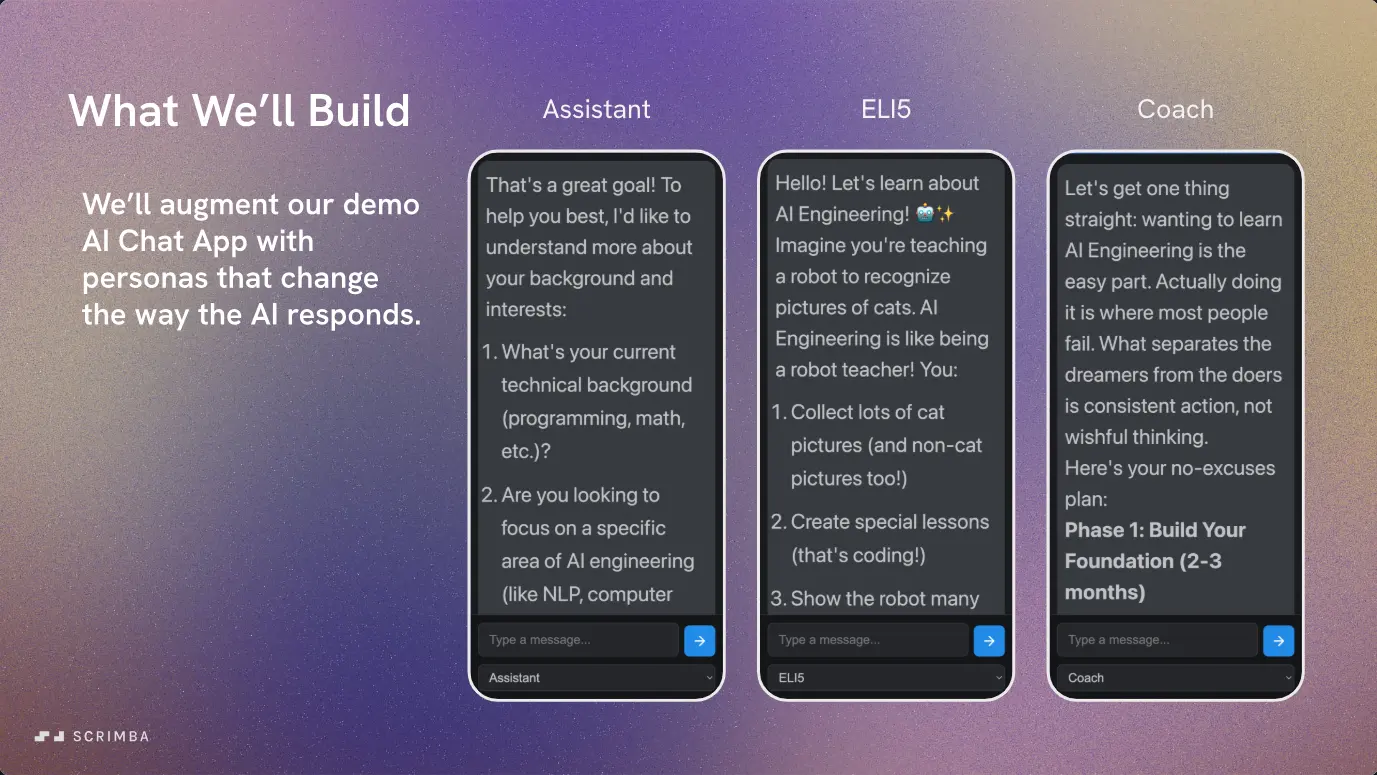
Is it worth your time?
Yes, if the problem is already real for you. Every AI chat demo works for five messages. The course is about what happens on message fifty. It shows the failure before the fix: in the Context Window Demo the app sends a preloaded debugging conversation to a model and gets back "your request does not fit within the model's context window." Then you fix it, twice, each time with a better method.
The material is short and there is not much of it. Three ideas, one app, about an hour of video. That is the right size for the topic. Arsala does not pad it with theory, and the diagrams (a chat you scroll on your phone, a whiteboard that fills up) are the kind you remember.
The caveat is that it is a Pro course that assumes a fair amount: JavaScript, async/await, and having sent a prompt to a model before. It also spends a few minutes on housekeeping that has nothing to do with context (a Scrimba Docs promo, a certificate scrim, an affiliate pitch). Fifteen scrims sounds like more than it is.
What you'll learn
Scrimba presents the course as one flat list with no modules. The four groups below are mine, made from the lesson titles and transcripts so the curriculum bar has something to show; the durations are the scrim lengths in each group added up.
Course curriculum
15 scrims in 4 editorial groups, plus a Certificate of Completion entry
- System prompts (intro, setup, first challenge)
- The context window and trimming
- Summarizing context
- Outro, certificate, and Scrimbassador pitch
I counted 15 scrims in the table of contents in September 2026, plus a Certificate of Completion entry. Scrimba's header says 59 minutes and its structured data says 13 lessons. The scrim lengths add up to about 63 minutes, and the two-lesson gap is most likely the Scrimba Docs promo and the Scrimbassador scrim, which are not lessons. When other pages on this site say 60 minutes or 13 lessons, that is Scrimba's number.
Inside the course, scrim by scrim
1. System prompts (20 min, 5 scrims)
The intro is under three minutes and names the problem in plain words: "after a long conversation, these AI assistants start to forget," as Arsala puts it in the first scrim. She lists the three techniques you will learn and assumes you know frontend JavaScript.
"The System Prompt" is a slide lesson with an analogy: a system prompt is "like giving your AI a job description before it starts working for you." The useful part is the demo. The same question, "I want to learn AI engineering," gets a wall of text without a system prompt and a set of clarifying questions with one. She also points to public collections of real system prompts on GitHub, which is a good rabbit hole.
The setup scrim is the longest of the group at just over six minutes, and you need it. The app is a vanilla JavaScript chat page bundled with Vite, using the ai package (version 5.0.x) and @openrouter/ai-sdk-provider. You create an OpenRouter account, make a key, pick one of the free models she lists, and save both as Scrimba environment variables. A verifyEnv() helper tells you if you got the names wrong. She is upfront that the free models come with a privacy trade: "in a real world app with sensitive user data, you would use paid models and keep these settings turned off."
Then the first mini challenge: add a system property to the streamText call so the model asks questions instead of assuming. It is one line, and the point is to make you read the SDK docs. The System Prompt Challenge extends that: a dropdown with three personas (Assistant, ELI5, Coach) and an empty systemPrompts object you fill in and wire to the selected value. The wrap-up suggests stretch goals, such as letting users add their own rules or saving the persona to localStorage.
2. The context window and trimming (15 min, 4 scrims)
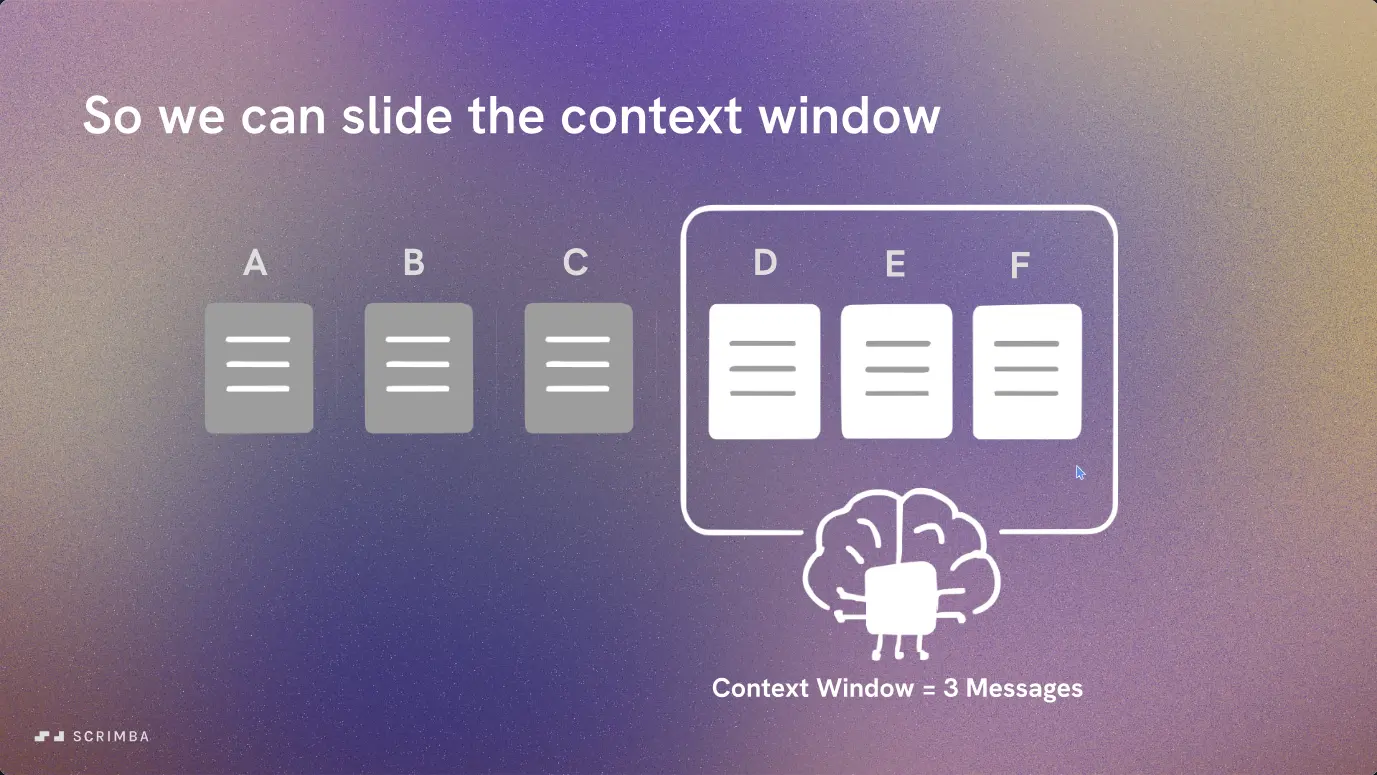
"Managing The Context Window" is the concept lesson. The comparison is a chat on your phone: you can scroll, but only part of the conversation is on screen at once. The line that lands is about what happens when you exceed the limit: "Your app doesn't get slow. It doesn't give a warning. It just crashes." She also explains why you cannot fix it by buying a bigger model: more context means slower and more expensive responses, and past a point the answers get worse.
A 78-second Scrimba Docs promo by Tom Chant sits next, then the Context Window Demo. The app now starts with a long preloaded conversation and two counters, one for total messages and one for what is being sent. The code switches from textStream to fullStream so you can catch error events. You send one message, get the context-length error, and the mini challenge is to send only the last ten messages. The solution is messages.slice(-10).
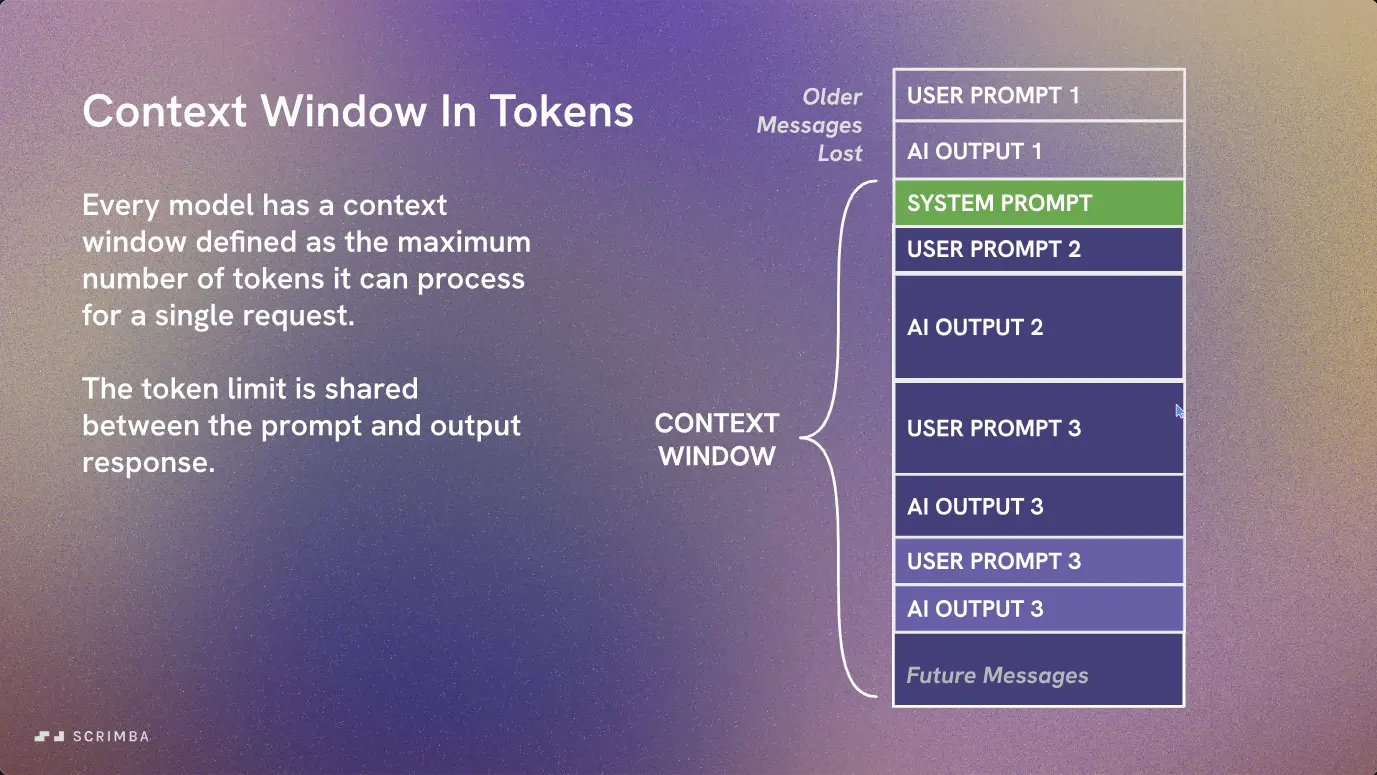
The Context Window Challenge gets specific. "AI models don't actually process messages the way humans do. They process tokens," and messages vary wildly in size, so counting messages is the wrong unit. The error message this time is specific: 38,000 tokens requested against a 32,000 limit, 26,000 of them input. Her takeaway is that "the model still needs to keep space for future output," so you trim to around 20,000.
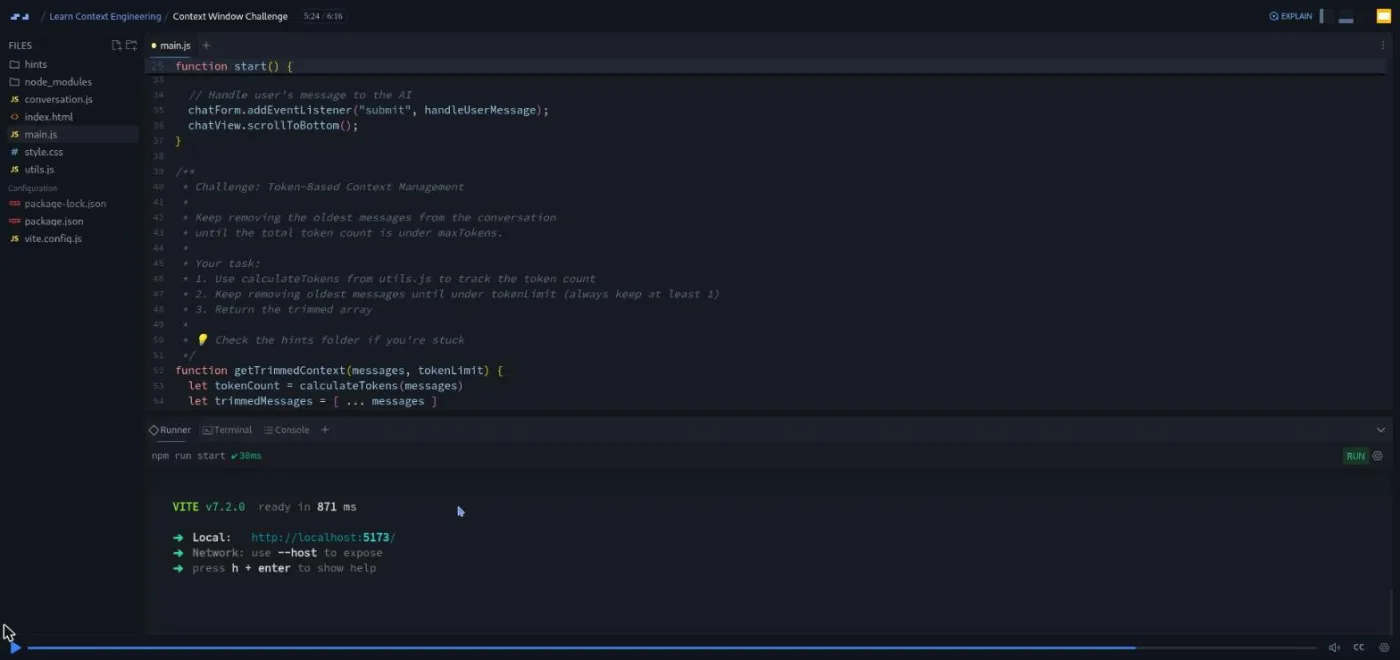
Your job is to implement getTrimmedContext(messages, tokenLimit): a while loop that shifts off the oldest message and recounts with calculateTokens until you are under the limit, always keeping at least one message.
3. Summarizing context (24 min, 3 scrims)
"Summarizing Context" opens with a whiteboard that fills up during a meeting. Erasing the oldest notes loses information; condensing them keeps it. The trade-off is stated plainly: every summary is an extra API call, so it costs time and money. "Neither is better, they're just tools for different solutions." Trimming for a FAQ bot, summarizing for an assistant that has to remember preferences and decisions.
The Summarizing Context Demo is the most interesting scrim in the course because the first attempt fails on camera. The app calls generateText with a system prompt that says "you are an expert at summarizing conversations," and the model replies by continuing the debugging conversation instead. The explanation is a real lesson in how these models work: "If your last message is part of an ongoing conversation, the AI will continue conversing. But if your last message is a clear request for a summary, then the AI will summarize."
So the mini challenge is to push a final user message that asks for the summary. Her first wording of that message still produces a half-summary, and she tightens it on screen until it works. You will write better prompts for having watched that.
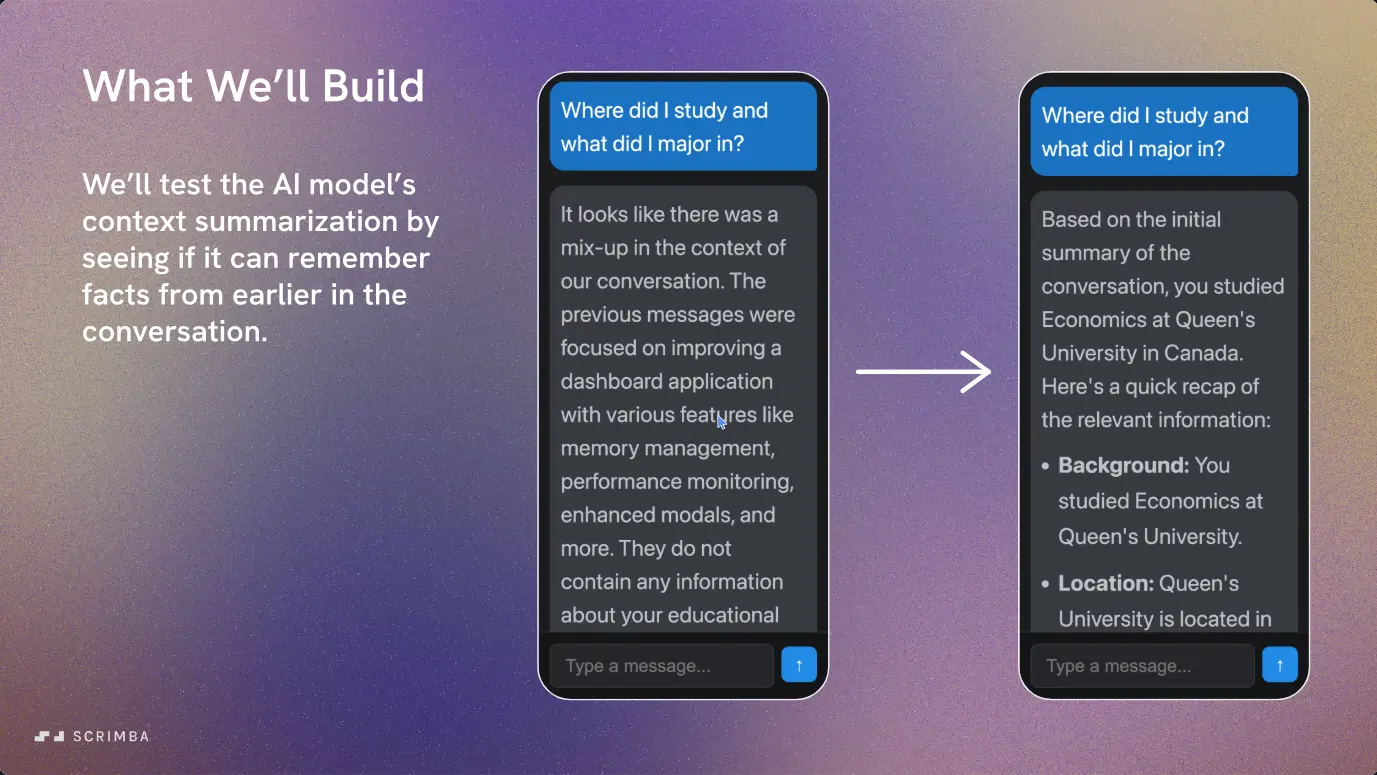
The Summarizing Context Super Challenge is 13 minutes and the biggest piece of work in the course. A fact about the user (they studied economics at Queen's University in Canada) is buried at the start of a long conversation, and a 20,000-token limit forces a summary after your first message.
You implement two functions in summary.js: splitForSummary, which walks from the oldest message forward until what remains fits in half the budget, and generateSummary, which appends the summary request and calls generateText. The summary goes back into the conversation with the system role, "kind of like a previously on recap to the conversation," as she puts it. There are nine hint files for this one. The bonus at the end compares summaries with and without a system prompt, and the second version has less preamble and more structure.
4. Outro, certificate, and Scrimbassador pitch (4 min, 3 scrims)
An 81-second recap of the three techniques, a 56-second scrim on putting the certificate on LinkedIn, and a two-minute pitch from Per Borgen for Scrimba's referral program. None of it is course content, and you can skip all three.
What a lesson feels like
Most scrims are two to six minutes. Arsala talks over slides for the concepts, then switches to the editor with the chat app running in a preview pane on the right. In the newer Scrimba format used here the project is a real Vite app with a node_modules folder, a runner tab and a terminal, so the preview is a live page you type into, not a static frame.
Challenges follow one pattern. A "What We'll Build" slide, then a walkthrough of what she has added since the last scrim. The brief sits in a comment block in main.js or summary.js with a link to the relevant SDK docs, and a hints folder holds two to nine numbered markdown files. Then the recording pauses and you code. Scrimba marks five of the scrims with its "Challenge with Instant Feedback" icon in the table of contents. Every scrim has a timestamped transcript under the settings menu.
One thing to know before you start: because the app calls a live model, you cannot follow along by watching. You need the OpenRouter key and a model ID set in your Scrimba environment, and the verifyEnv() check at the top of main.js tells you in the console whether you got them right.
Free or Pro: exactly what is gated
This is a Pro course. The first four scrims carry a SAMPLE badge and can be previewed without a subscription: the intro, the system prompt lesson, the setup walkthrough, and the first mini challenge, about 15 minutes in total. That is enough to see the app and the teaching style. Everything from the System Prompt Challenge onward, meaning the context window lessons, both summarization scrims, and the super challenge, needs Pro. So does the certificate.
Pro also covers the AI Engineer Path and the Pro-only channels on Scrimba's Discord; the pricing page lists basic Discord access as a free feature, so the server itself is not gated. See current plans (opens in a new tab) for what Pro costs in your region.
How long it takes
About an hour of video, but budget two to three hours. The OpenRouter setup happens on another site and takes a few minutes the first time. The mini challenges are quick. The two real challenges (token trimming and the two summary functions) are where the time goes, especially if you use the hints sparingly. Do it in one evening or split it across two.
Who it's for, and who should skip it
It fits developers who have built at least one AI feature and hit the wall: a chatbot that forgets the brief, a request that fails once the history grows. It also fits anyone partway through the AI Engineer Path who wants the context piece on its own.
Skip it if you have never called a model from code; the problem will not feel real yet, and the setup assumes you know what an API key and an environment variable are. Also skip it if you want a framework-specific answer. The course uses vanilla JavaScript, and if you are using the AI SDK's React hooks or a chat framework that already manages history, you will translate the ideas rather than copy the code.
Start Learn Context Engineering on Scrimba (opens in a new tab)Prerequisites
Scrimba's own list is accurate: JavaScript with DOM manipulation, async/await, and array methods such as push, map and slice. I would add: you should have made one LLM call before, from any language, so the messages array with role and content is familiar. You also need an OpenRouter account and a free model ID; the setup scrim walks through both.
Where it fits
This is a standalone deepening, not a milestone. Take Intro to AI Engineering first for the basics of calling a model. Learn RAG ends with conversation history, and this course is the direct follow-up on what to do with that history. Learn AI Agents is where a long, tool-filled context bites hardest, so this is good preparation for it. If you want the concepts in prose first, our what is context engineering explainer covers the same ground without the code.
Strengths and limits
What it does well:
- It shows the crash before the fix.
- The failed summary demo teaches more about prompting than most prompting lessons.
- The code is small enough to read in full.
- The tools (AI SDK 5, OpenRouter) are what you would use anyway.
Where it is limited:
- It is an hour of material at a Pro price, and three of the 15 scrims are not lessons.
- The free-model setup on OpenRouter is a few steps of friction.
- The vanilla JS app means React or Next.js developers do some translating.
- It stops at summarization; retrieval, memory stores and tool results are other courses.
Related courses and comparisons
- Intro to AI Engineering, the fundamentals to take first
- Learn RAG, a related approach to grounding LLM output
- Learn AI Agents, where context management matters most
- Build a Support Agent with Vercel AI SDK, the same SDK in a full project
- Intro to Model Context Protocol (MCP), the other short Pro course on the AI shelf
- AI Engineer Path, if you want the whole track rather than one course
No. It is a Pro course. The first four scrims (about 15 minutes, up to the first mini challenge) are free previews marked SAMPLE; the context window lessons, the summarization lessons and the certificate need a subscription.
Deciding what goes into the model's context window on each request. In this course that means three things: a system prompt that sets behavior, trimming old messages by token count so a request fits, and replacing older messages with an AI-written summary so the app keeps important facts.
One small chat app, extended scrim by scrim: first a persona dropdown driven by system prompts, then a version that trims history by tokens, then a version that automatically summarizes older messages once the context passes 20,000 tokens.
Vanilla JavaScript bundled with Vite 7, the Vercel AI SDK (the ai package, version 5.0.x), and the OpenRouter provider package. You use free OpenRouter models; Arsala lists recommended model IDs in the lessons because they change.
No. The app runs inside Scrimba's editor. You do need an OpenRouter account, an API key and a model ID saved as Scrimba environment variables, which the setup scrim walks through.
Yes. Three mini challenges (add a system prompt, slice the last ten messages, push a message that asks for a summary), one persona challenge, a token-trimming function, and a two-function super challenge for summarization. Each comes with a hints folder, and five scrims carry Scrimba's instant-feedback icon.
About an hour of video and two to three hours of work, mostly on the last two challenges.
Arsala Khan, who also builds Scrimba's AI Engineer Path. Tom Chant and Per Borgen each appear in one short housekeeping scrim.
Yes. It assumes you have called a model from code and know JavaScript with async/await. Start with Intro to AI Engineering if not.